
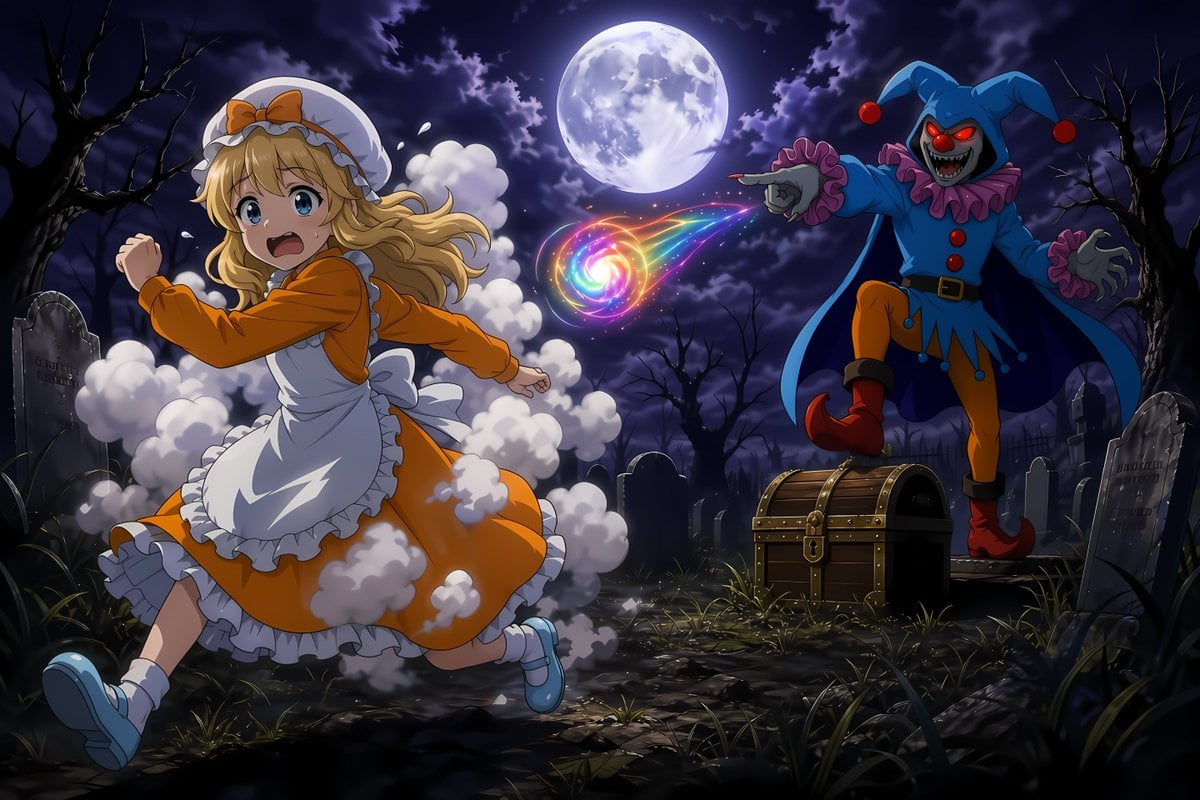
Moonlit Anime Graveyard Chase
Generates a cinematic anime fantasy scene of a girl fleeing a jester magician’s rainbow spell in a spooky graveyard.
- Prompt included
- Model and format preset
- Premium template
The prompt behind this image
Copy the exact prompt behind Moonlit Anime Graveyard Chase, or open it in the studio and make it yours.
Create a dramatic anime-style fantasy action illustration set in a moonlit graveyard at night. The scene contains exactly 2 main characters: on the left, a frightened young blonde girl, {argument name="heroine name" default="girl Arthur"}, running toward the viewer-left while looking back over her shoulder with wide blue eyes and an open screaming mouth; on the right, a sinister magician/jester monster, {argument name="villain name" default="evil magician"}, standing on one leg near a treasure chest and pointing at her as he casts a spell. The girl wears an orange long-sleeve dress, a white frilled apron, a white bonnet with an orange bow, white socks, and pale blue Mary Jane shoes; her long wavy blonde hair streams backward, and puffs of white transformation smoke surround her dress and trail behind her. The villain wears a blue jester hood with two floppy points tipped by red balls, glowing red eyes, a skull-like gray face, sharp teeth, a purple ruffled collar and cuffs, a blue tunic with red buttons, orange tights, red curled boots, and a dark cape. Between them, show exactly 1 rainbow spiral magic projectile, glowing like a colorful vortex with red, orange, yellow, green, cyan, blue, and magenta trails, flying from the villain’s pointed finger toward the girl. Include exactly 1 large full moon centered high in the sky, partly veiled by dark purple storm clouds. Include exactly 1 closed wooden treasure chest with brass bands and a central lock in the lower right-middle foreground. Include 7 prominent gravestones: 1 large tilted stone on the far left, 1 rounded stone near the center behind the girl, 1 small dark stone behind the treasure chest, 1 narrow stone just right of the villain, 1 large tilted stone at the far right foreground, and 2 additional partially obscured stones in the midground. The graveyard ground should be dark, muddy, and rocky with scattered tufts of grass, bare twisted trees on both sides, and a gothic horror atmosphere. Use dynamic composition, cinematic lighting, strong rim light from the moon, saturated anime colors, crisp linework, detailed fabric folds, expressive faces, and motion blur only in the smoke and magic trails. No captions, no UI, no watermark, no extra characters. Use a 16:9 landscape canvas. The overall mood should be {argument name="mood" default="spooky but adventurous"}, inspired by retro side-scrolling dark fantasy game art transformed into a polished modern anime illustration.
How to use Moonlit Anime Graveyard Chase in 3 steps
- 1Upload ImagePNG, JPG or paste
Add your photo
Upload the photo the template builds on. The prompt, model and format are already set.
- 2…a portrait of your subject in softgolden-hour light, 85mm…
Personalize
Edit the subject and creative details for your destination.
- 3Generate
Generate
Press Generate — your image is created in PicX Studio, so you can compare it with the original and refine one variable at a time.
More like this
Templates with the same subject, style or setup. Open one to see its prompt.












Make it yours
Moonlit Anime Graveyard Chase works as-is. These are the safest ways to change it without losing the look.
Change one field
Copy a single group, rewrite it, and generate again so you can see what that field is doing.
Keep the frame, change the subject
Hold the composition and light of Moonlit Anime Graveyard Chase, then swap wardrobe, props or the person for a new take.
| If the result… | Why | Fix |
|---|---|---|
| The result drifts from the preview | Too many fields changed at once. | Reuse Moonlit Anime Graveyard Chase as-is first, then change one group — subject, light, or setting. |
| The model over-stylizes the scene | The prose prompt leaves finish and camera underspecified. | Add one camera or lighting sentence and stay on GPT Image 2. |
More GPT Image 2 templates
Other prompts made for GPT Image 2.

Six VTuber Japanese Logo Sheet

Realistic Portrait of Woman and Deer

The Vista Modular Condo Poster

AI Model Routing Comparison Infographic

2.5D Anime Art Board

Isometric Productivity Desk Scene

New York Double Exposure Poster

Four-Panel AI Landscape Comparison

Japanese Tatami Lifestyle Magazine Cover

NESCAFÉ Coffee Map Poster
More image prompts
Fresh picks from across the catalog.
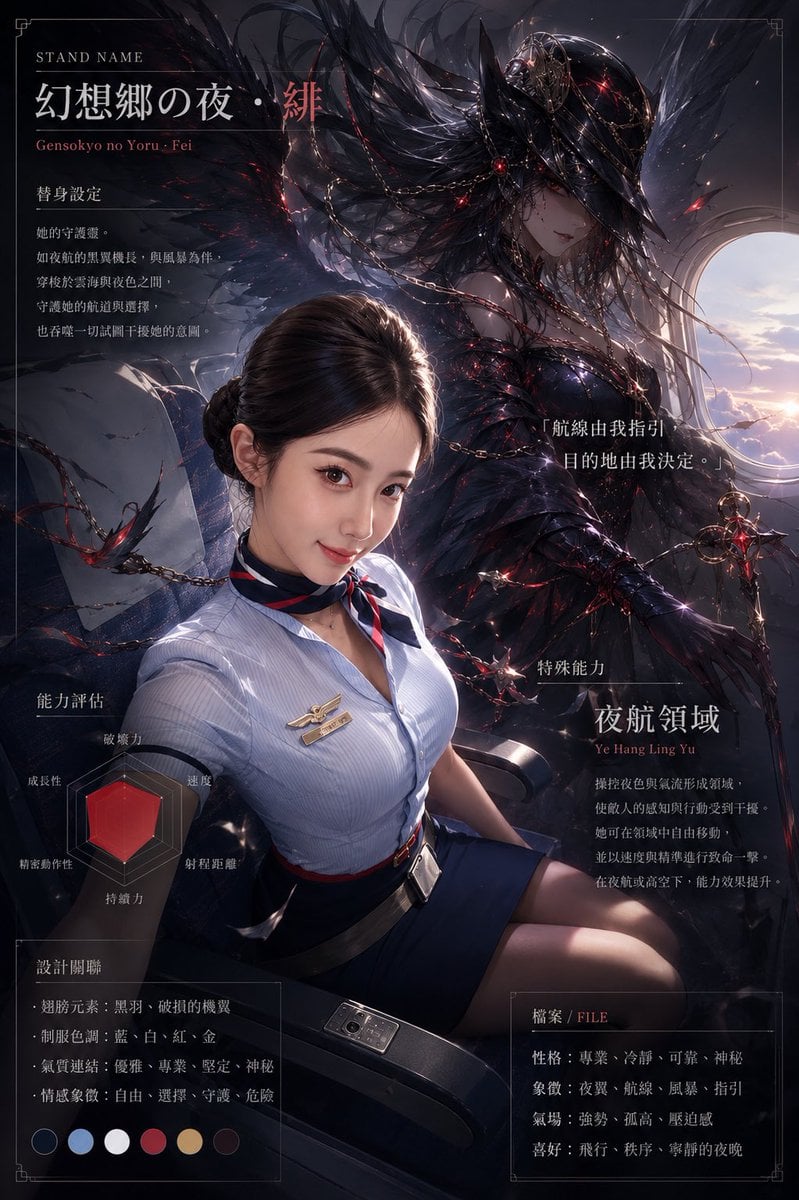
Dark Stand Guardian Profile Poster
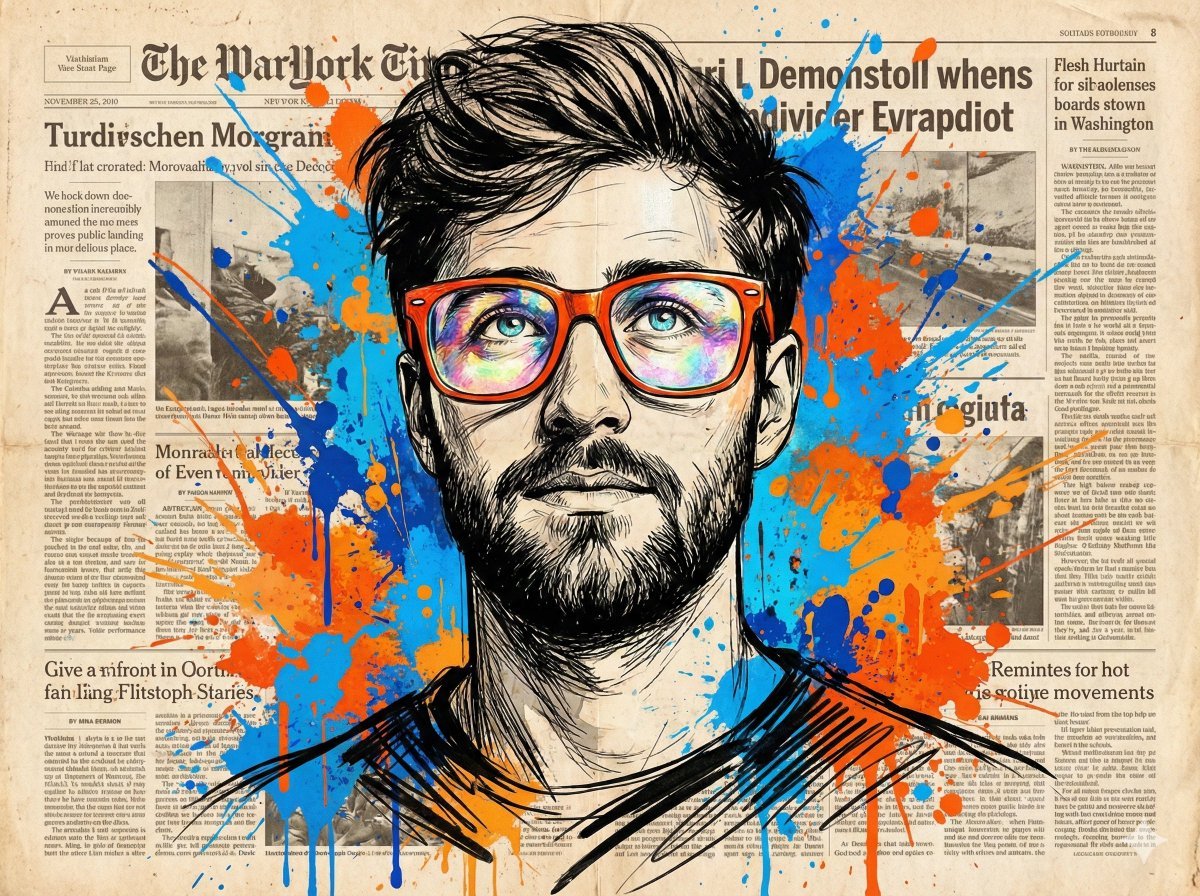
Abstract Expressionist Portrait with Orange Glasses
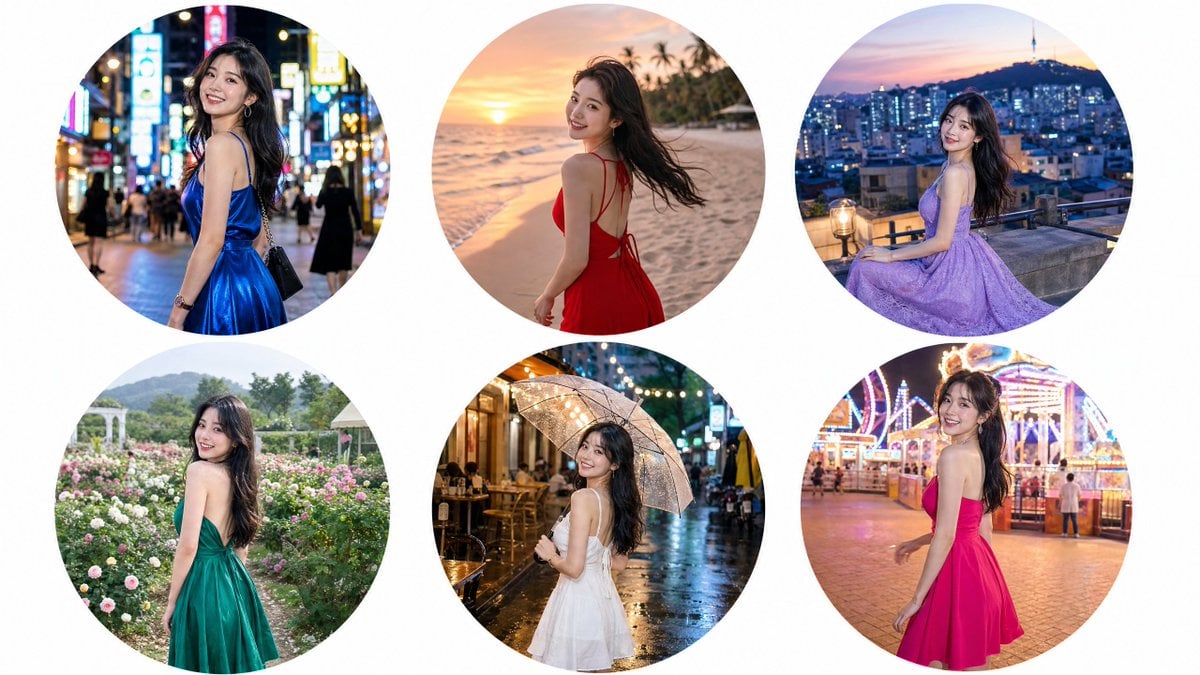
Luxury Editorial Circle Frame Portrait
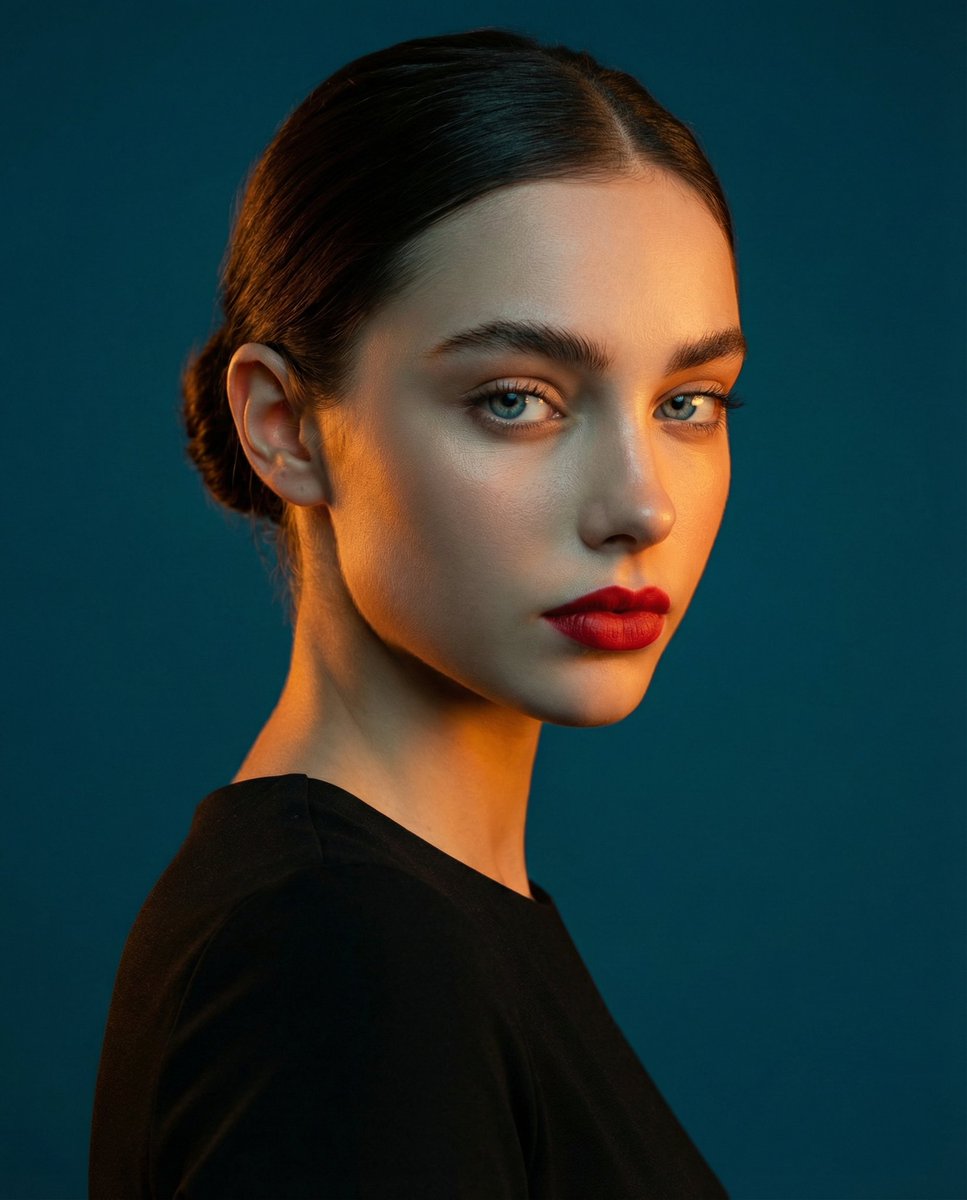
High-Contrast Studio Portrait with Teal and Orange Light
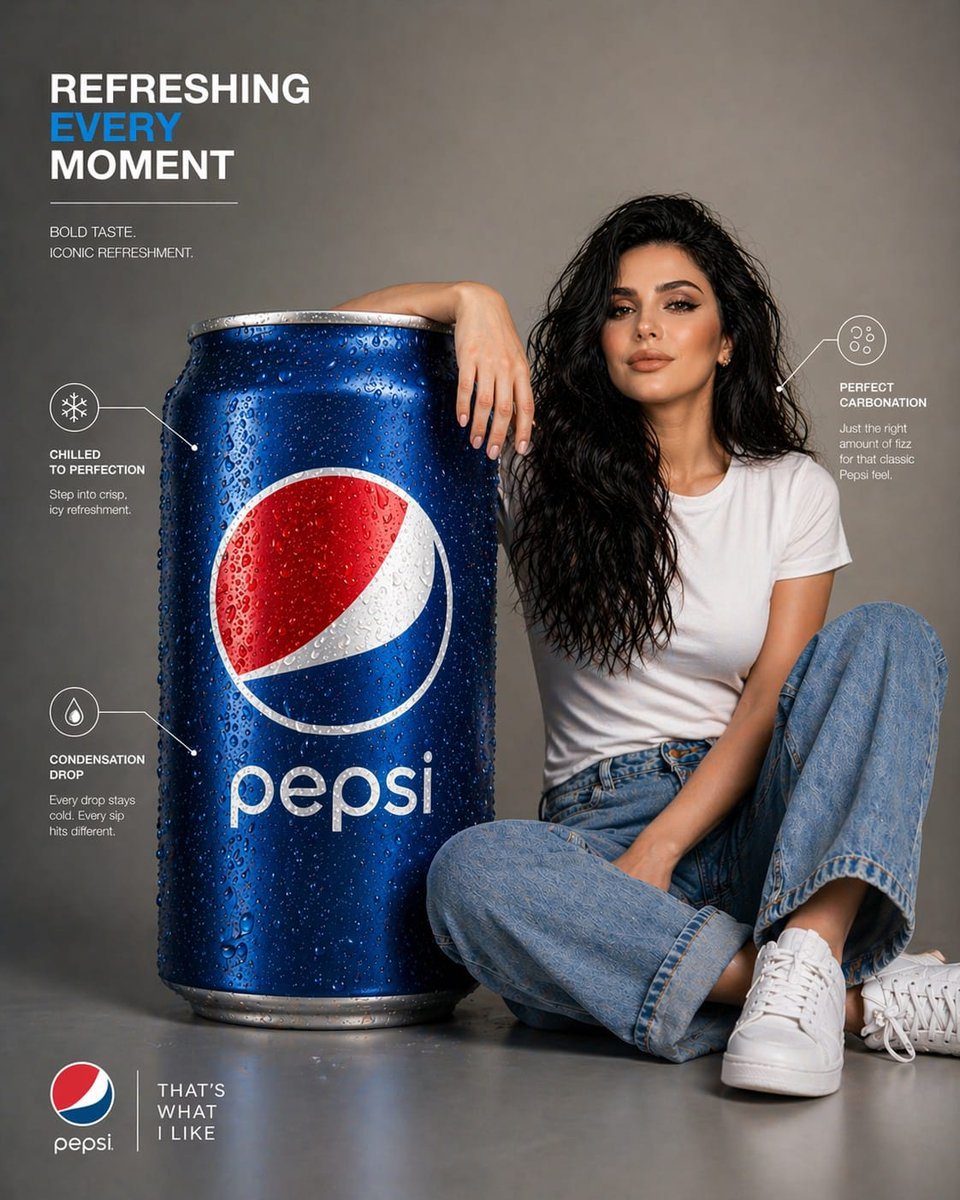
Pepsi Infographic Advertisement
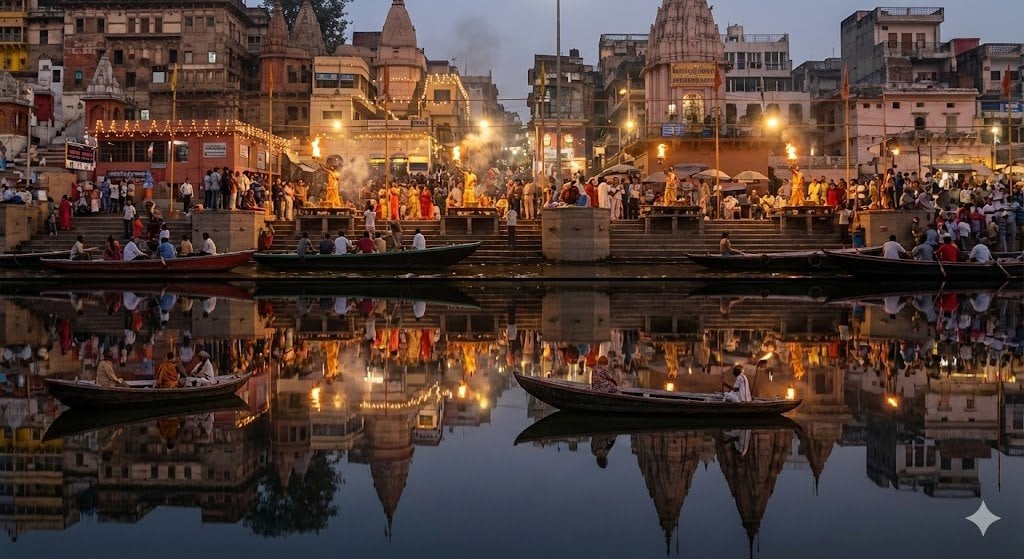
Varanasi ghats dual-timeline reflection scene
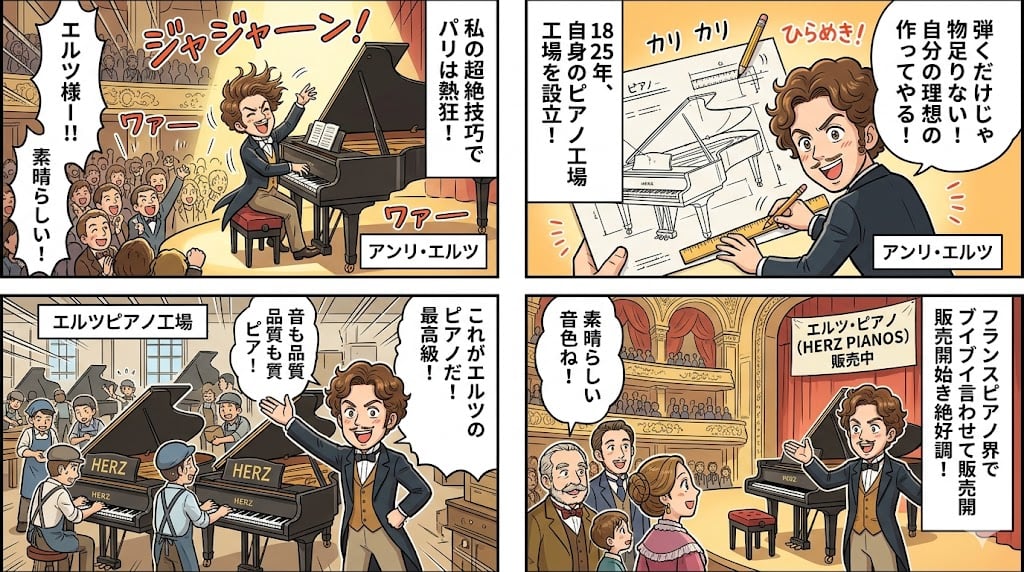
Piano Prodigy Manga Story
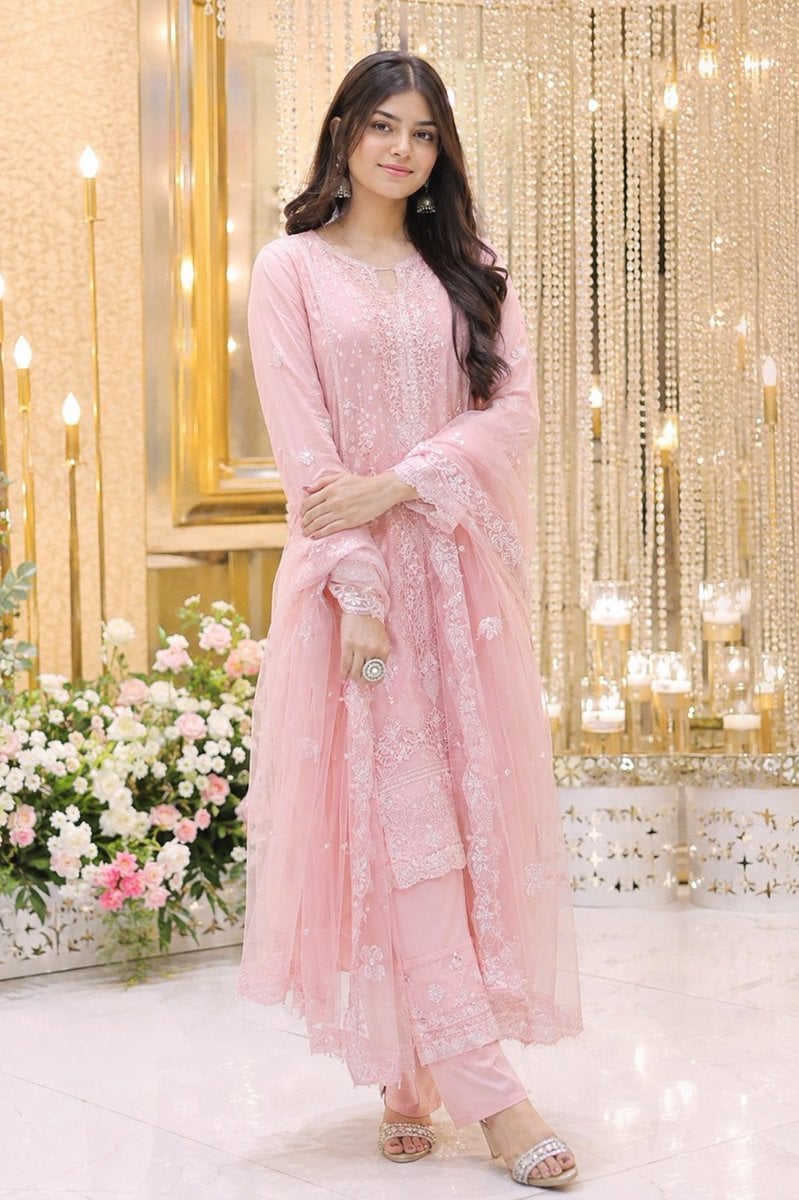
Elegant Indian Wedding Portrait
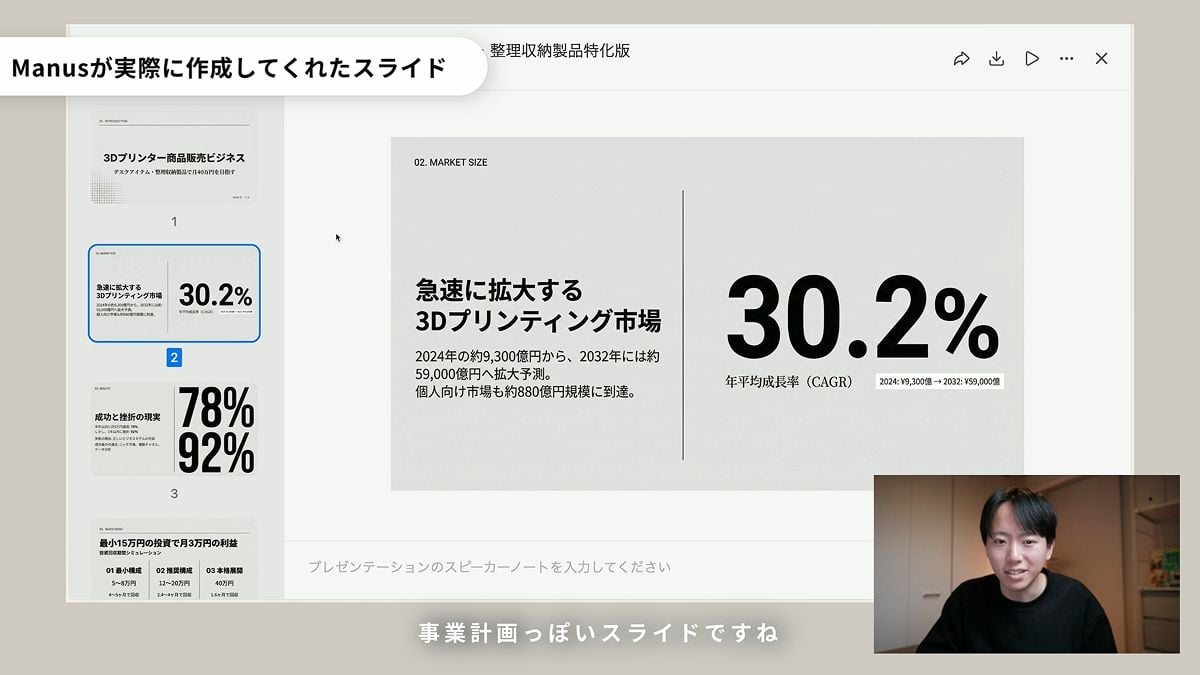
Nano Banana Slide Generation Discussion
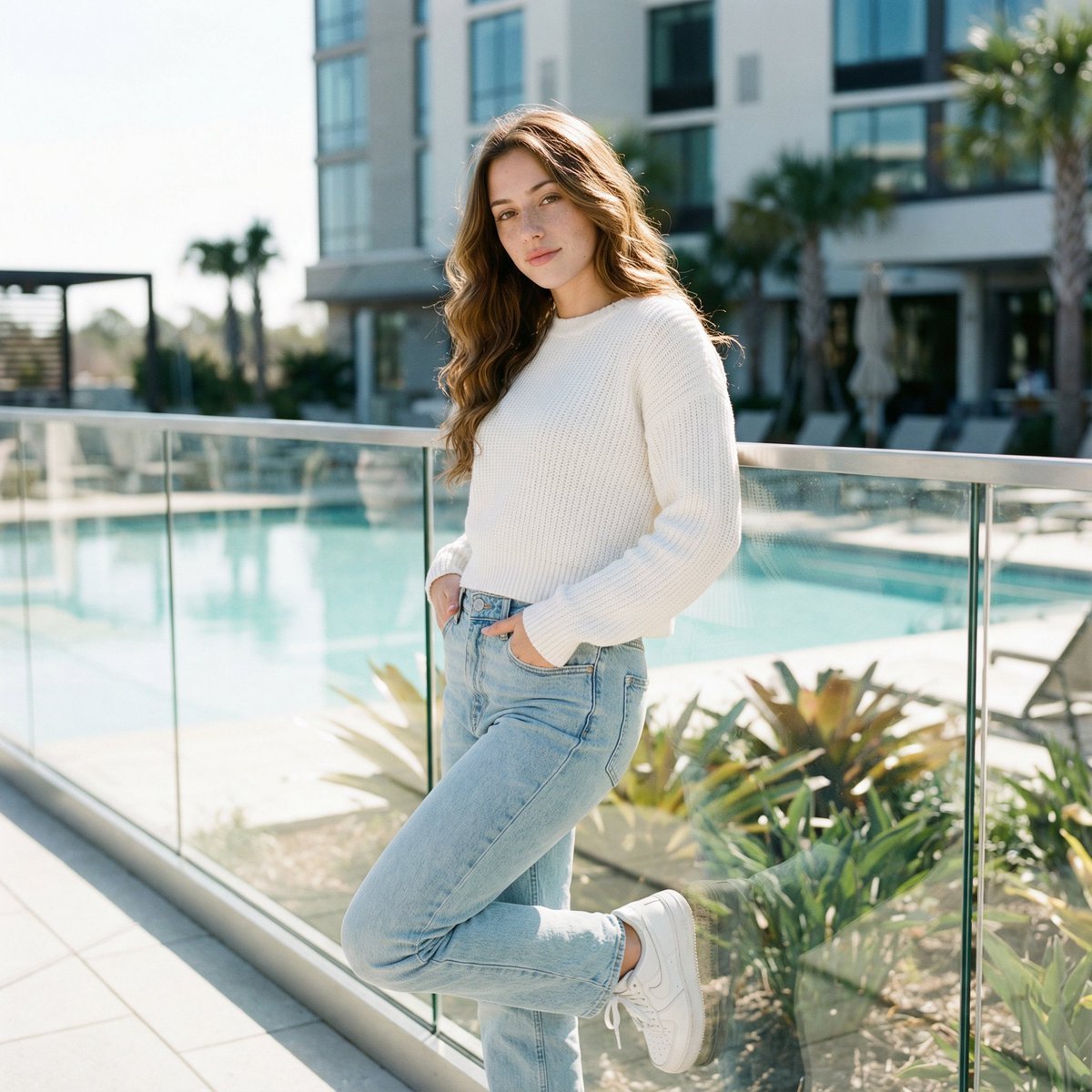
Ultra-Realistic Cinematic Lifestyle Portrait with Identity Lock
Browse template categories
Moonlit Anime Graveyard Chase questions
How do I use the Moonlit Anime Graveyard Chase template?
Add your photo if the template asks for one, edit the prompt if you like — the template's model and format are already selected — and press Generate. Your version opens in PicX Studio.
Can I customize the Moonlit Anime Graveyard Chase template?
Yes. You can change the subject, setting, lighting, mood, format, and available model controls before creating your image.
Is the Moonlit Anime Graveyard Chase template free?
Opening and editing this template is free. Generating uses credits, shown on the Generate button when you are signed in.
Which AI model should I use?
Start with GPT Image 2, which is the model associated with this template. You can compare another compatible model for a different finish.
Looking for something else? Browse all templates.

Your photo, any look
Thousands of ready templates for every top image and video model, from one credit balance.