
Hand Nail Photo and Watercolor Poster
Generates a cute vertical split image pairing a realistic glossy nail photo with a minimalist watercolor hand illustration poster.
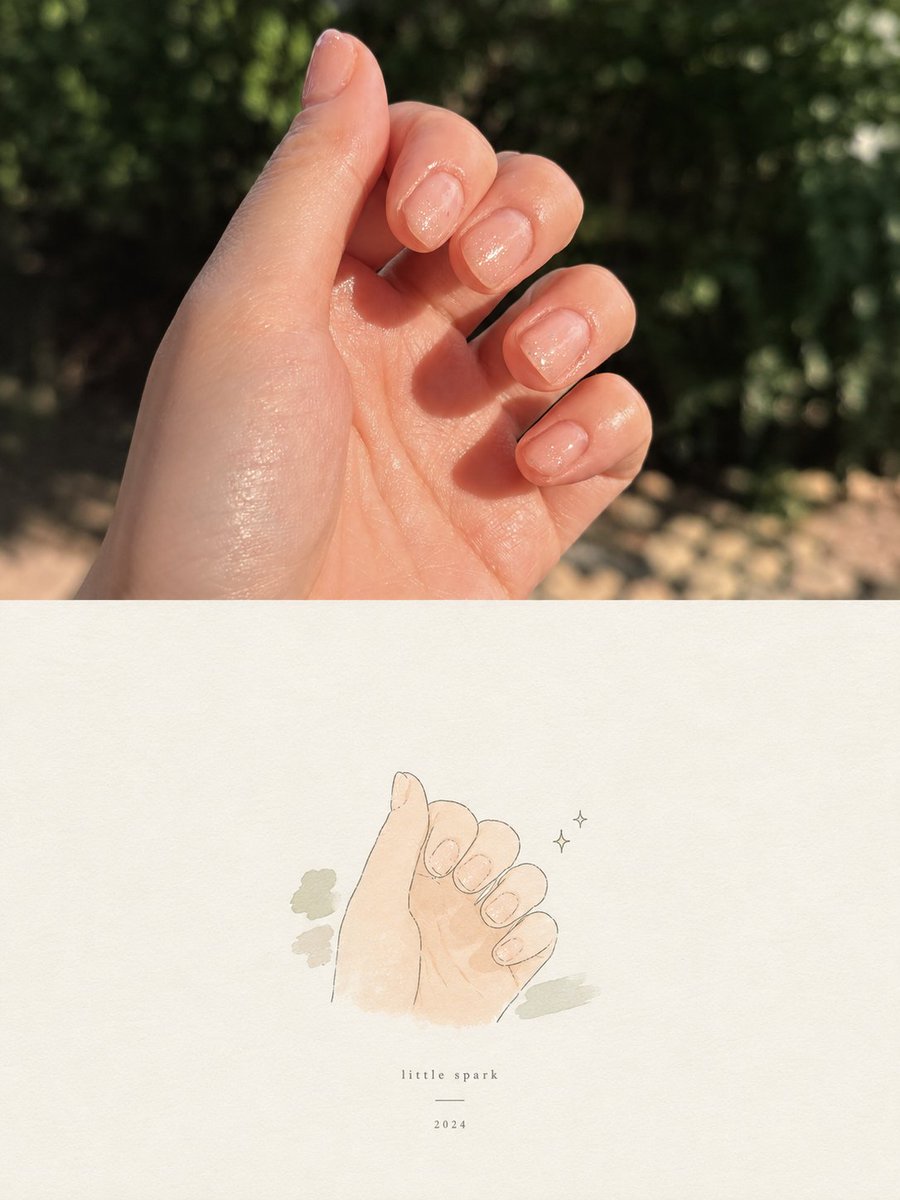
- Prompt included
- Model and format preset
- Free template
The prompt behind this image
Copy the exact prompt behind Hand Nail Photo and Watercolor Poster, or open it in the studio and make it yours.
Create a vertically stacked two-panel comparison image on a 3:4 canvas. The top panel is a realistic close-up photograph of a fair-skinned left hand held palm-facing inward in bright outdoor sunlight, fingers gently curled to show exactly 5 short natural fingernails: thumb at upper left, index, middle, ring, and pinky on the right. The nails are rounded-square, translucent pale pink, glossy, with subtle fine glitter sparkle. Skin has warm highlights and natural texture. Background is an out-of-focus garden with dark green foliage bokeh and a sandy beige ground strip, strong natural shadows, shallow depth of field. The bottom panel is a minimalist watercolor-and-ink illustration inspired by the same hand pose, centered on an off-white textured paper background with lots of empty space. Draw exactly 5 simplified fingernails matching the curled hand pose, using thin gray-brown line art, soft peach skin washes, and delicate pale pink nail shimmer. Add exactly 3 muted sage-green abstract brush patches around the hand: 2 small patches on the left and 1 patch on the lower right. Add exactly 2 tiny sparkle icons to the right of the illustrated hand. Below the illustration, centered, add small widely spaced serif text reading {argument name="caption text" default="little spark"}, a short thin horizontal divider line, and the year {argument name="year" default="2024"}. Overall mood is cute, soft, airy, handmade, and aesthetic; no extra objects, no watermark, no additional text. Use {argument name="nail color" default="sheer pale pink glitter"} for both the photo and illustration, {argument name="paper color" default="warm off-white"} for the lower panel, and {argument name="outdoor background" default="blurred green garden foliage in sunlight"} for the upper panel.
How to use Hand Nail Photo and Watercolor Poster in 3 steps
- 1Upload ImagePNG, JPG or paste
Add your photo
Upload the photo the template builds on. The prompt, model and format are already set.
- 2…a portrait of your subject in softgolden-hour light, 85mm…
Personalize
Edit the subject and creative details for your destination.
- 3Generate
Generate
Press Generate — your image is created in PicX Studio, so you can compare it with the original and refine one variable at a time.
More like this
Templates with the same subject, style or setup. Open one to see its prompt.

Gpt2 Youtube Thumbnail Wuxia Movie Character Posters

Gpt2 Youtube Thumbnail Anime Music Bootcamp Promo Poster

Handmade Torn Paper Poster Style

Hand-Drawn Doodle Grid Poster

Hand-drawn Breakfast Journal Aesthetic Poster
Acrylic Hand-Painted Style Poster Design

Japan Travel Brochure Poster

Minimal Hand-Drawn Sketch Watercolor Portrait
Alpine Watercolor Travel Poster
Watercolor Travel Poster Fusion
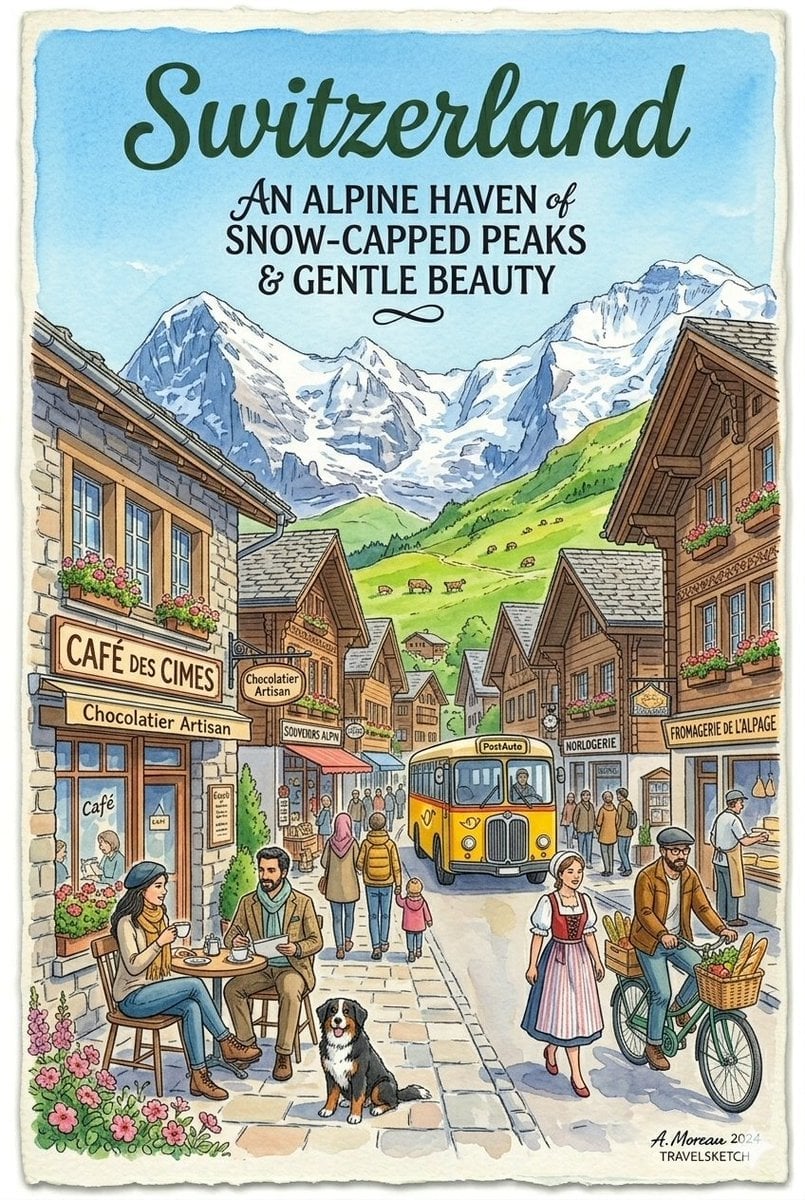
Vintage Watercolor Travel Posters

Watercolor Anim Finale Fireworks
Make it yours
Hand Nail Photo and Watercolor Poster works as-is. These are the safest ways to change it without losing the look.
Change one field
Copy a single group, rewrite it, and generate again so you can see what that field is doing.
Keep the frame, change the subject
Hold the composition and light of Hand Nail Photo and Watercolor Poster, then swap wardrobe, props or the person for a new take.
| If the result… | Why | Fix |
|---|---|---|
| The result drifts from the preview | Too many fields changed at once. | Reuse Hand Nail Photo and Watercolor Poster as-is first, then change one group — subject, light, or setting. |
| The model over-stylizes the scene | The prose prompt leaves finish and camera underspecified. | Add one camera or lighting sentence and stay on GPT Image 2. |
More GPT Image 2 templates
Other prompts made for GPT Image 2.

Six VTuber Japanese Logo Sheet

Realistic Portrait of Woman and Deer

The Vista Modular Condo Poster

AI Model Routing Comparison Infographic

2.5D Anime Art Board

Isometric Productivity Desk Scene

New York Double Exposure Poster

Four-Panel AI Landscape Comparison

Japanese Tatami Lifestyle Magazine Cover

NESCAFÉ Coffee Map Poster
More image prompts
Fresh picks from across the catalog.
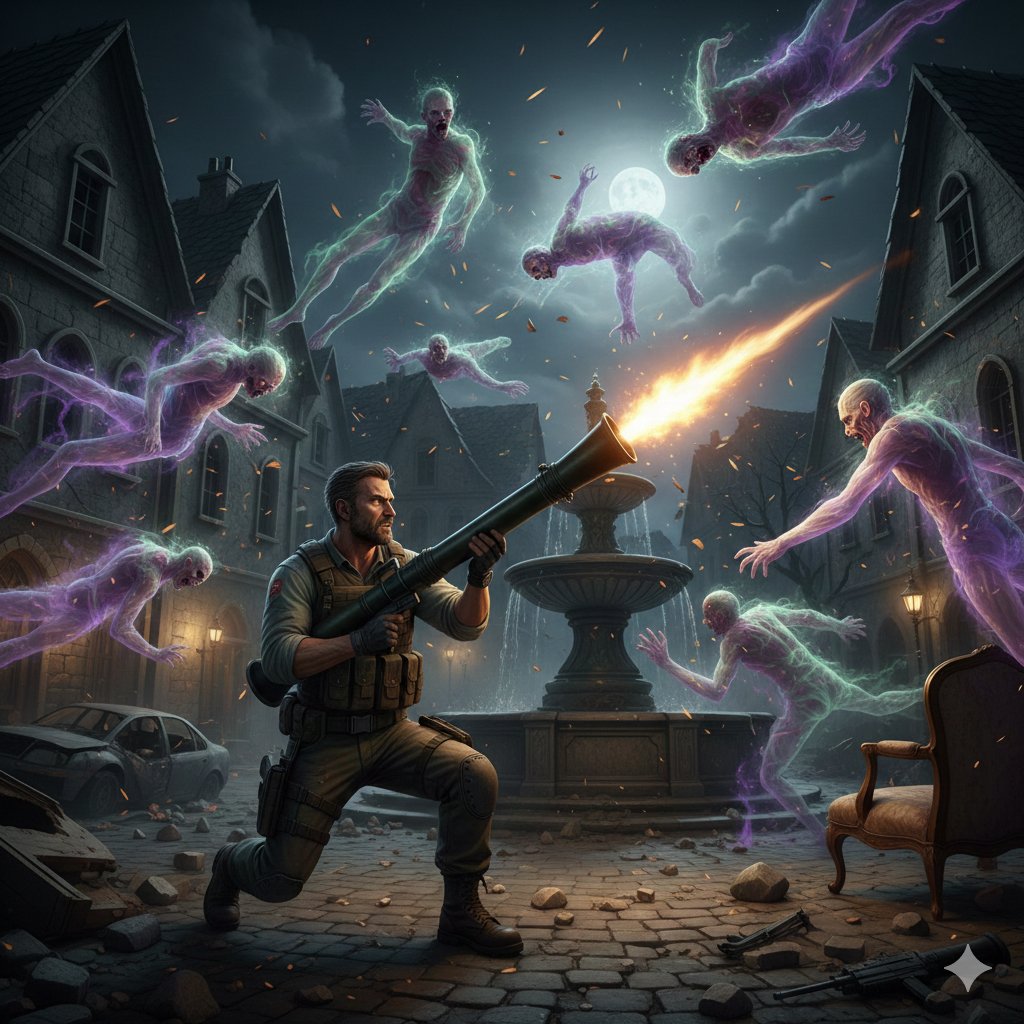
Resident Evil Rocket Launcher with Ethereal Mobs

Fashion Editorial Photography Prompt
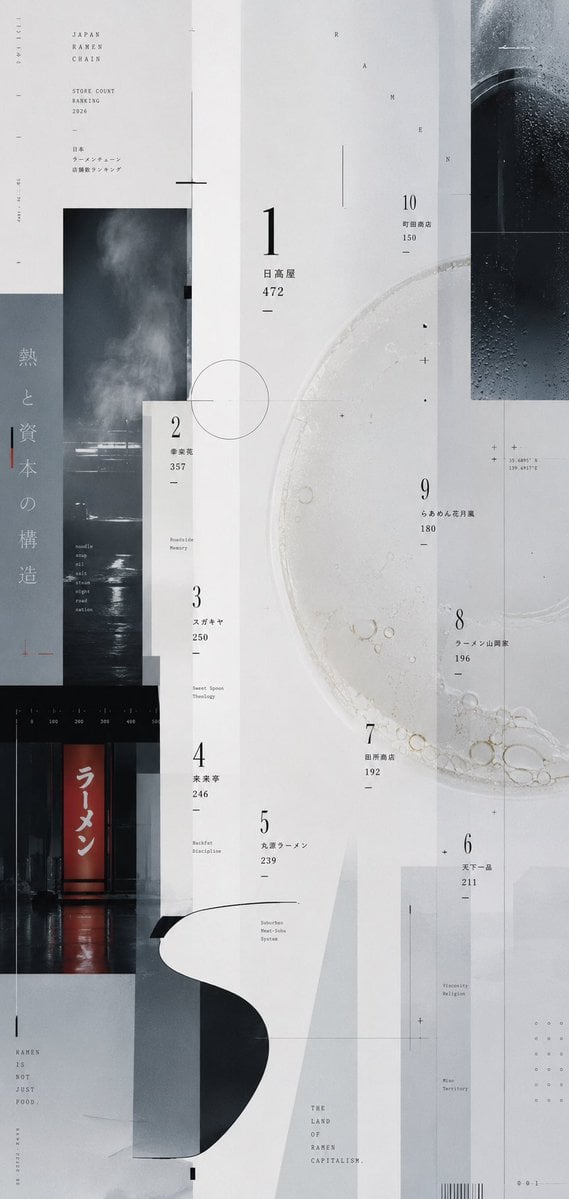
Experimental Ramen Ranking Poster
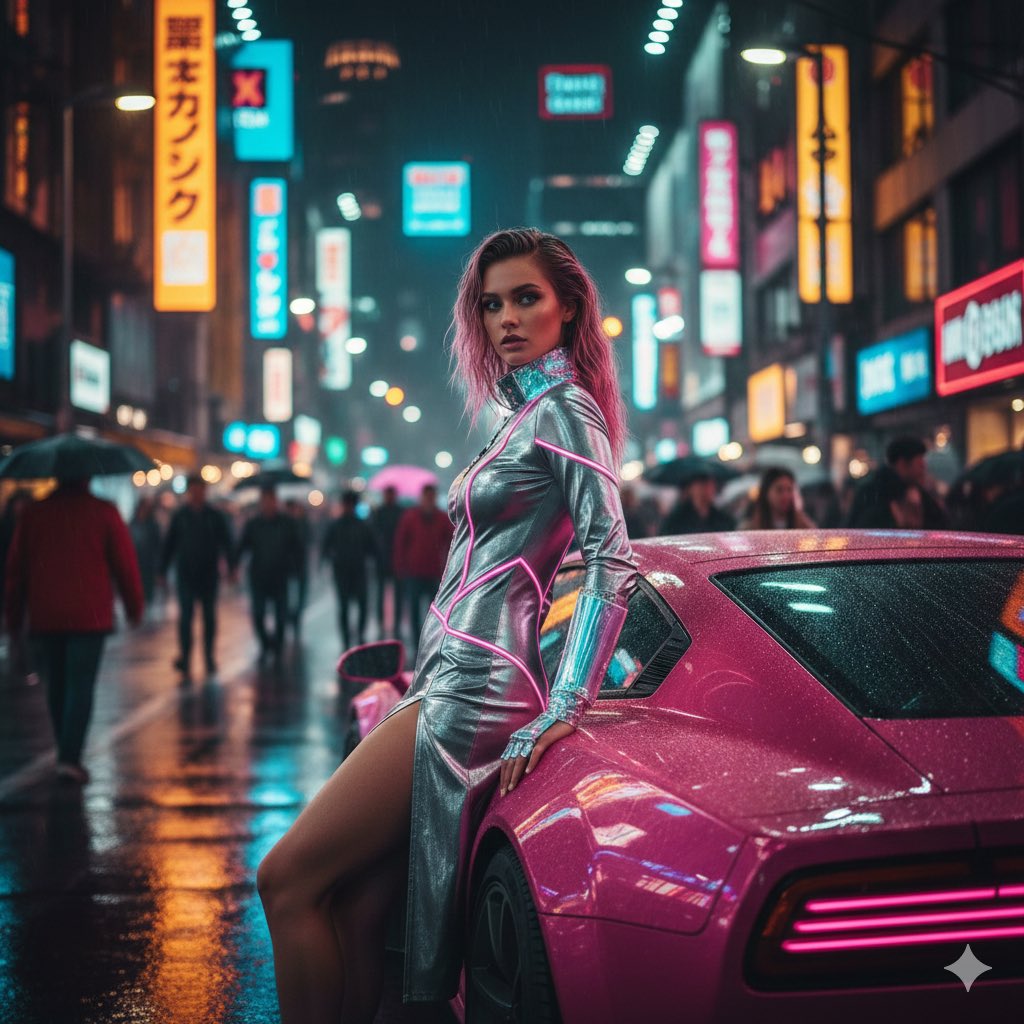
Cyberpunk Neon Fashion Editorial Prompt (9:16 Vertical)
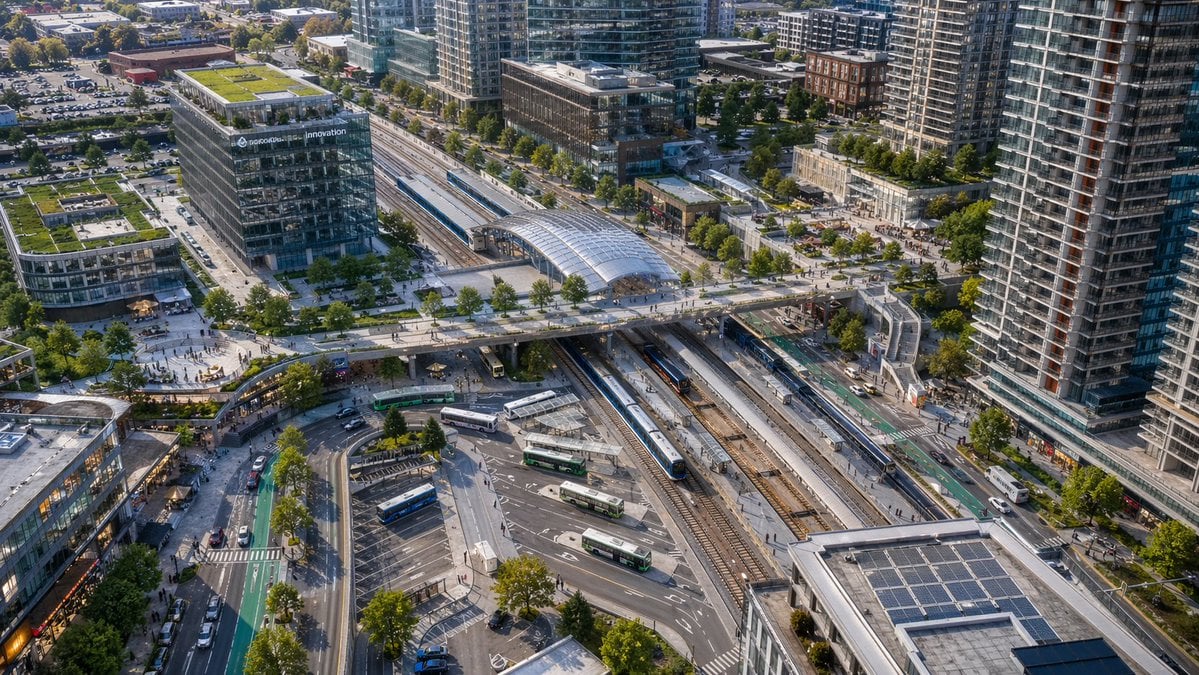
Aerial View of Modern Transit Hub
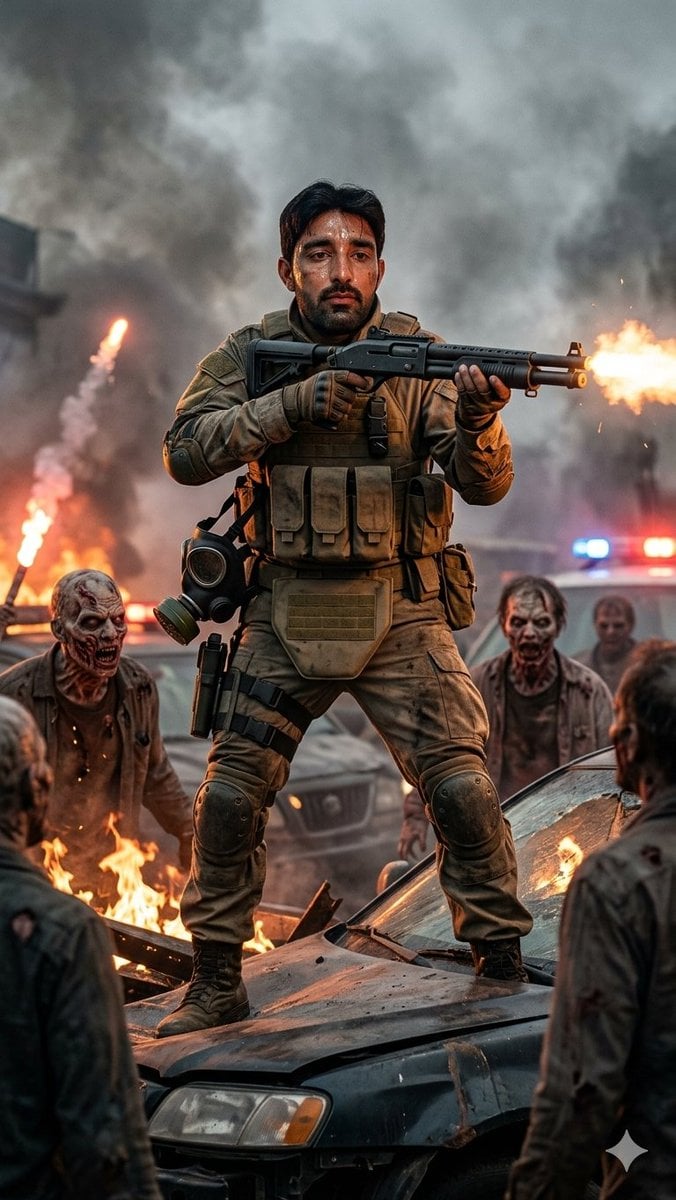
Cinematic Frontline Warrior Last Stand

Nostalgic 90s Disposable Camera Snapshot
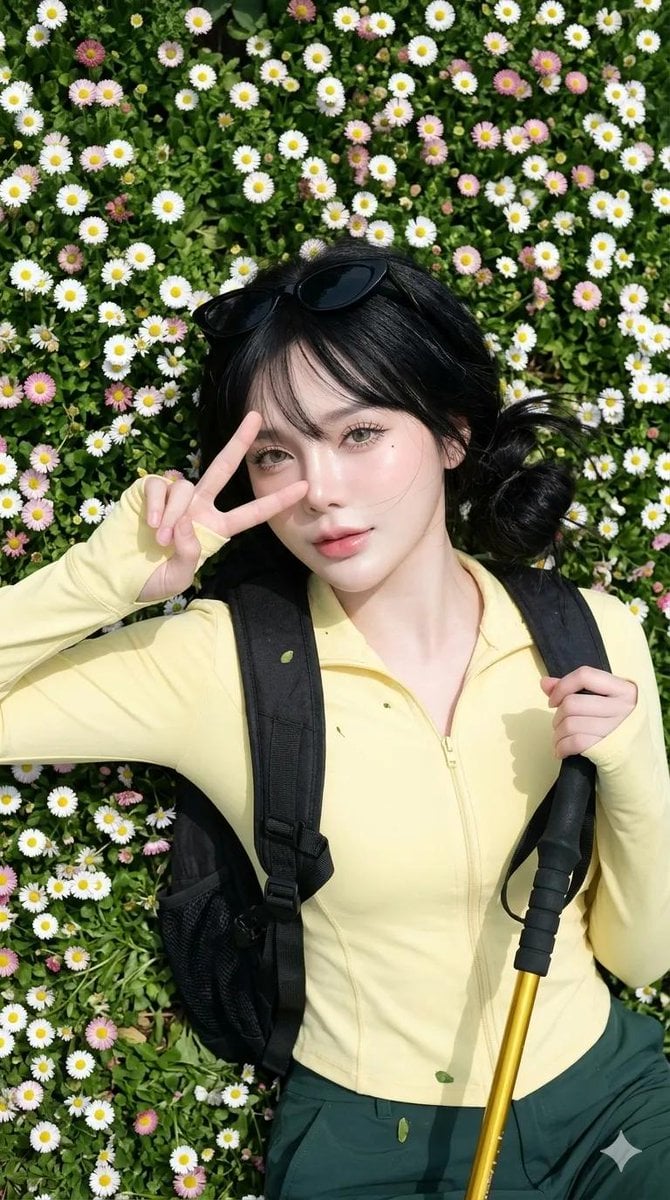
Spring Daisy Field Portrait
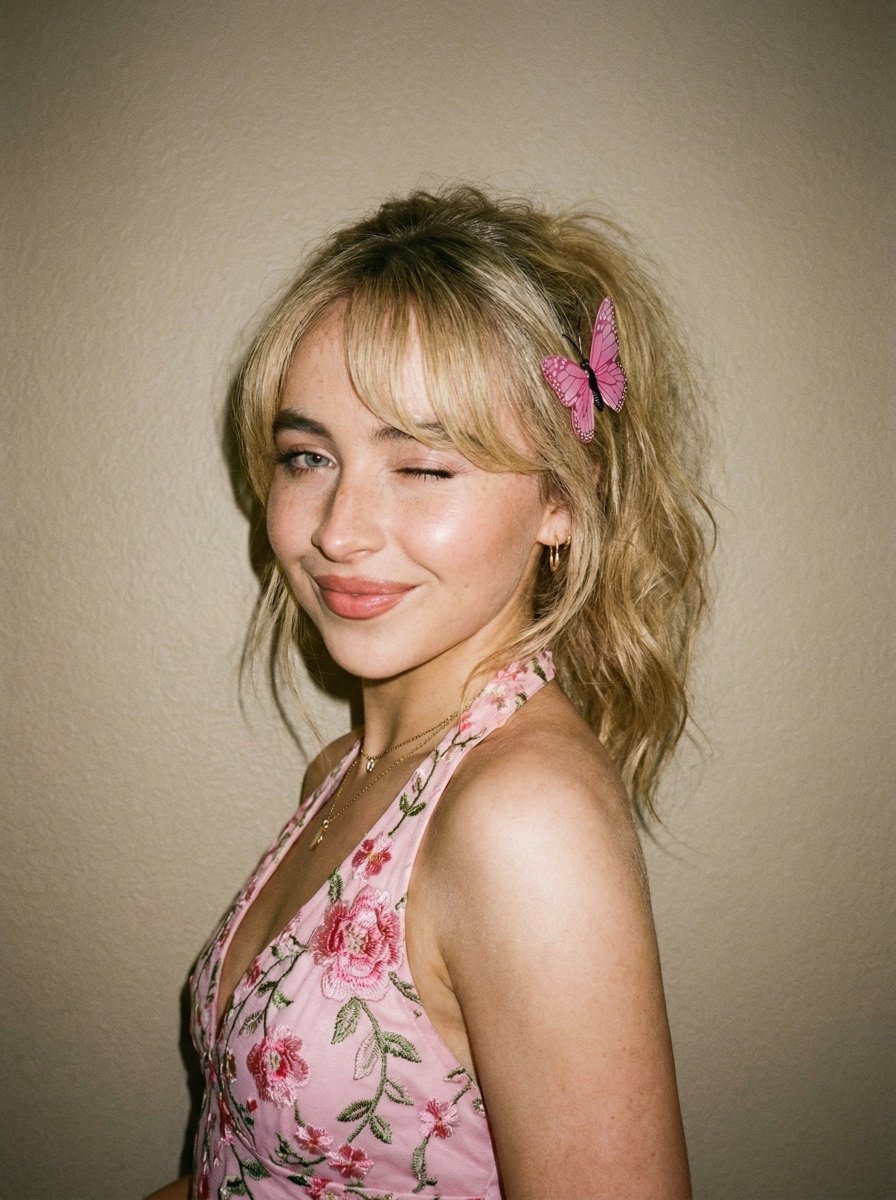
Soft Flash Portrait with Coquette Aesthetic

Cinematic Circular Chamber Spotlight
Browse template categories
Hand Nail Photo and Watercolor Poster questions
How do I use the Hand Nail Photo and Watercolor Poster template?
Add your photo if the template asks for one, edit the prompt if you like — the template's model and format are already selected — and press Generate. Your version opens in PicX Studio.
Can I customize the Hand Nail Photo and Watercolor Poster template?
Yes. You can change the subject, setting, lighting, mood, format, and available model controls before creating your image.
Is the Hand Nail Photo and Watercolor Poster template free?
Opening and editing this template is free. Generating uses credits, shown on the Generate button when you are signed in.
Which AI model should I use?
Start with GPT Image 2, which is the model associated with this template. You can compare another compatible model for a different finish.
Looking for something else? Browse all templates.

Your photo, any look
Thousands of ready templates for every top image and video model, from one credit balance.