
Cinematic Frontline Warrior Last Stand
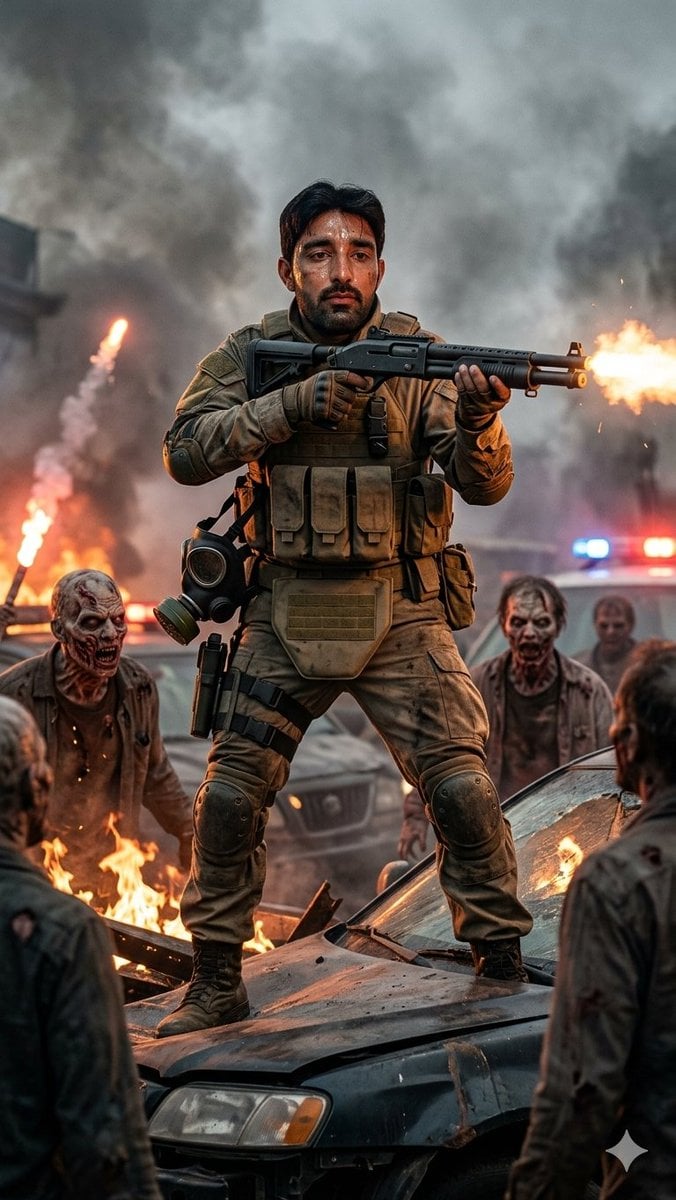
A vertical cinematic action poster showing a tactical warrior firing a shotgun while surrounded by zombies, flames, smoke, and police lights.
- Prompt included
- Model and format preset
- Free template
The prompt behind this image
Copy the exact prompt behind Cinematic Frontline Warrior Last Stand, or open it in the studio and make it yours.
Create a hyper-detailed cinematic vertical action scene of {argument name="character name" default="a frontline warrior"} making a desperate last stand in the center of the frame, standing wide-legged on the crushed hood of a wrecked dark car. The hero wears custom-fitted tan tactical combat gear: plate carrier with 4 front magazine pouches, armored shoulder and elbow pads, gloves, utility belt, thigh holster, knee pads, combat boots, and a gas mask hanging from the left hip. The hero grips a black pump-action shotgun at chest height, firing toward the right edge of the image with a bright muzzle flash, sparks, and recoil smoke. Use {argument name="face appearance" default="a sharp realistic adult male face, partially shadowed by smoke"} for the face. Surround the hero with exactly 5 visible undead enemies: 1 crouched zombie on the left near flames, 1 standing zombie behind the car on the right, 1 darker blurred zombie farther right near police lights, and 2 foreground zombies seen from behind at the lower left and lower right edges. The environment is an urban disaster battlefield with burning debris, orange flames, thick gray smoke clouds filling the sky, damaged vehicles, and a police car in the background with red and blue emergency lights glowing through haze. Lighting should be dramatic and cinematic, mixing warm firelight from below and cool smoky daylight from above, with shallow depth of field, crisp focus on the warrior, gritty textures, realistic fabric dirt, soot, embers, and high-contrast Hollywood action color grading. Composition: vertical 2:3 poster crop, full-body hero centered, low camera angle, intense heroic presence, no text, no watermark.
How to use Cinematic Frontline Warrior Last Stand in 3 steps
- 1Upload ImagePNG, JPG or paste
Add your photo
Upload the photo the template builds on. The prompt, model and format are already set.
- 2…a portrait of your subject in softgolden-hour light, 85mm…
Personalize
Edit the subject and creative details for your destination.
- 3Generate
Generate
Press Generate — your image is created in PicX Studio, so you can compare it with the original and refine one variable at a time.
More like this
Templates with the same subject, style or setup. Open one to see its prompt.
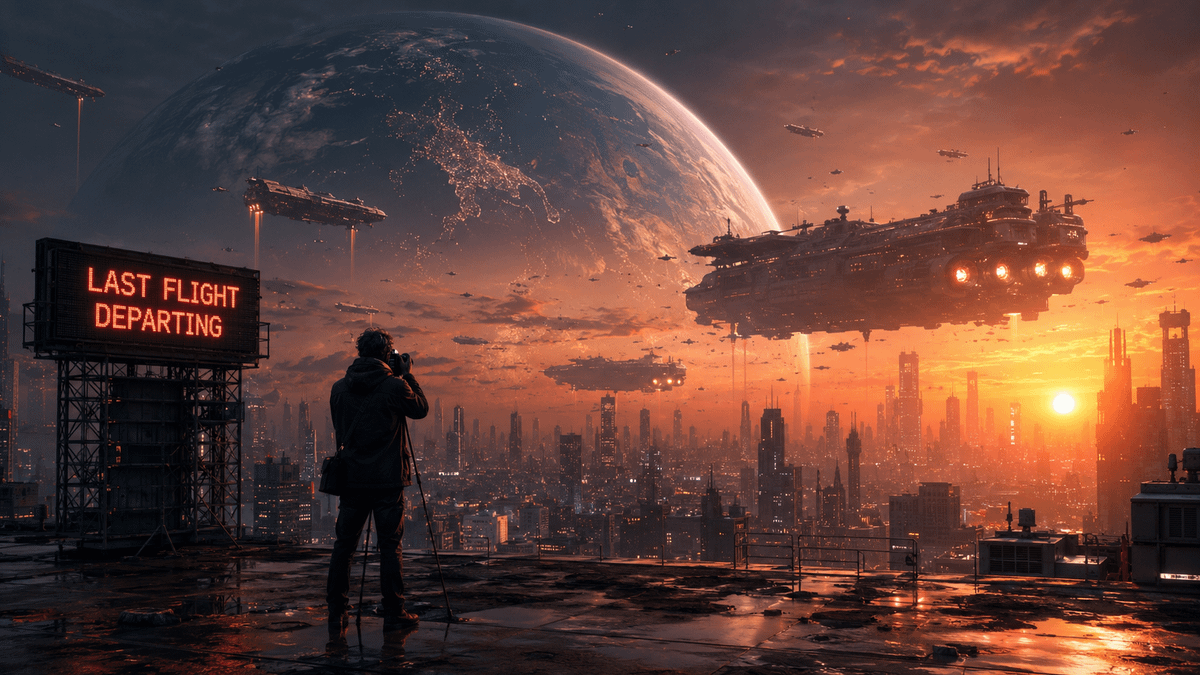
The Last Photo of Humanity
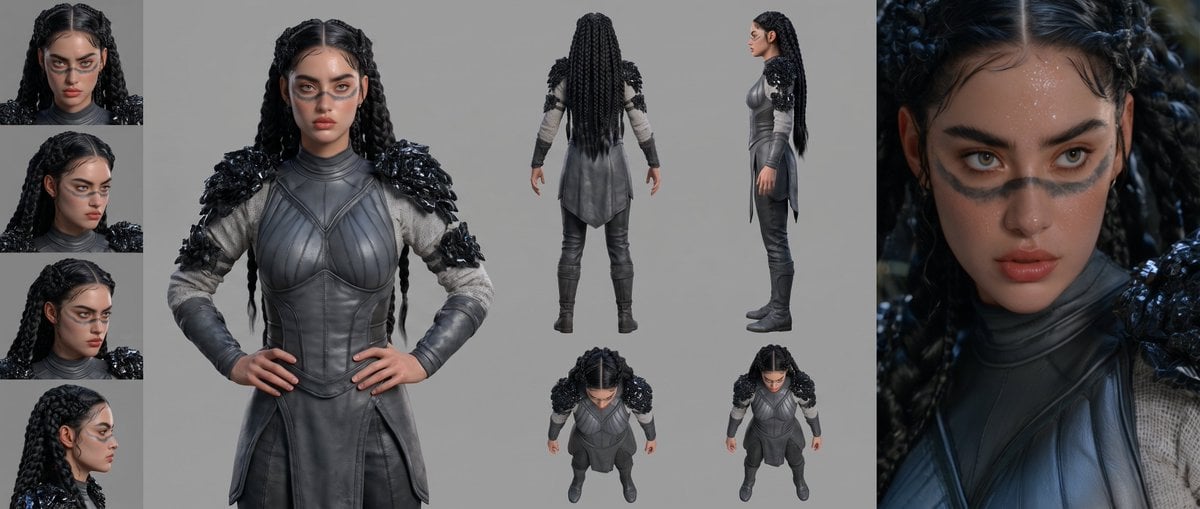
Mesoamerican Warrior Character Sheet
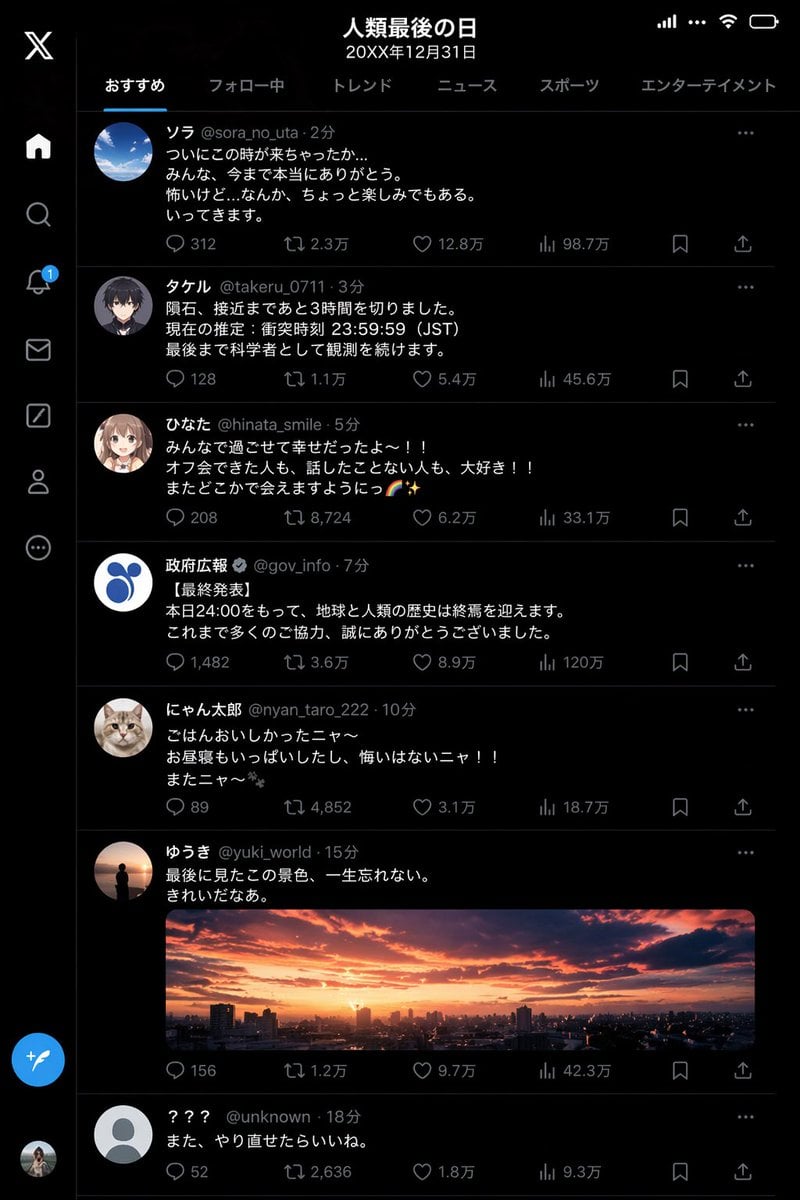
Humanity's Last Day X Timeline
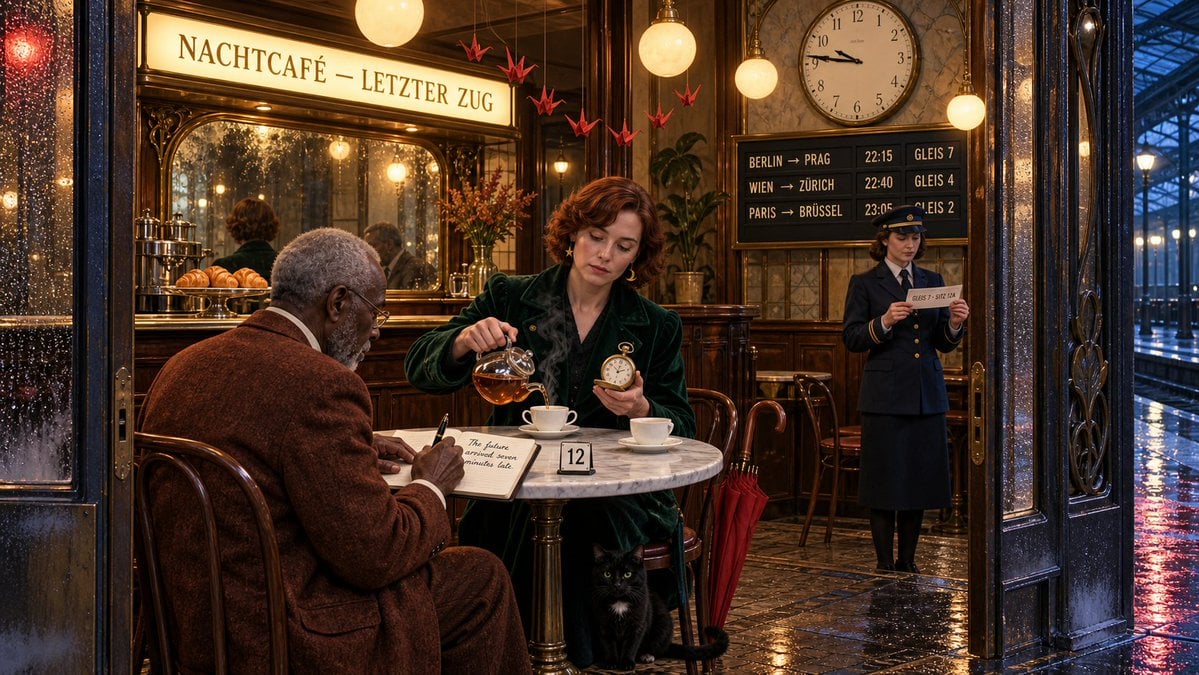
The Last Train From the Night Café

Tribal Fantasy Warrior with Guardian Owl
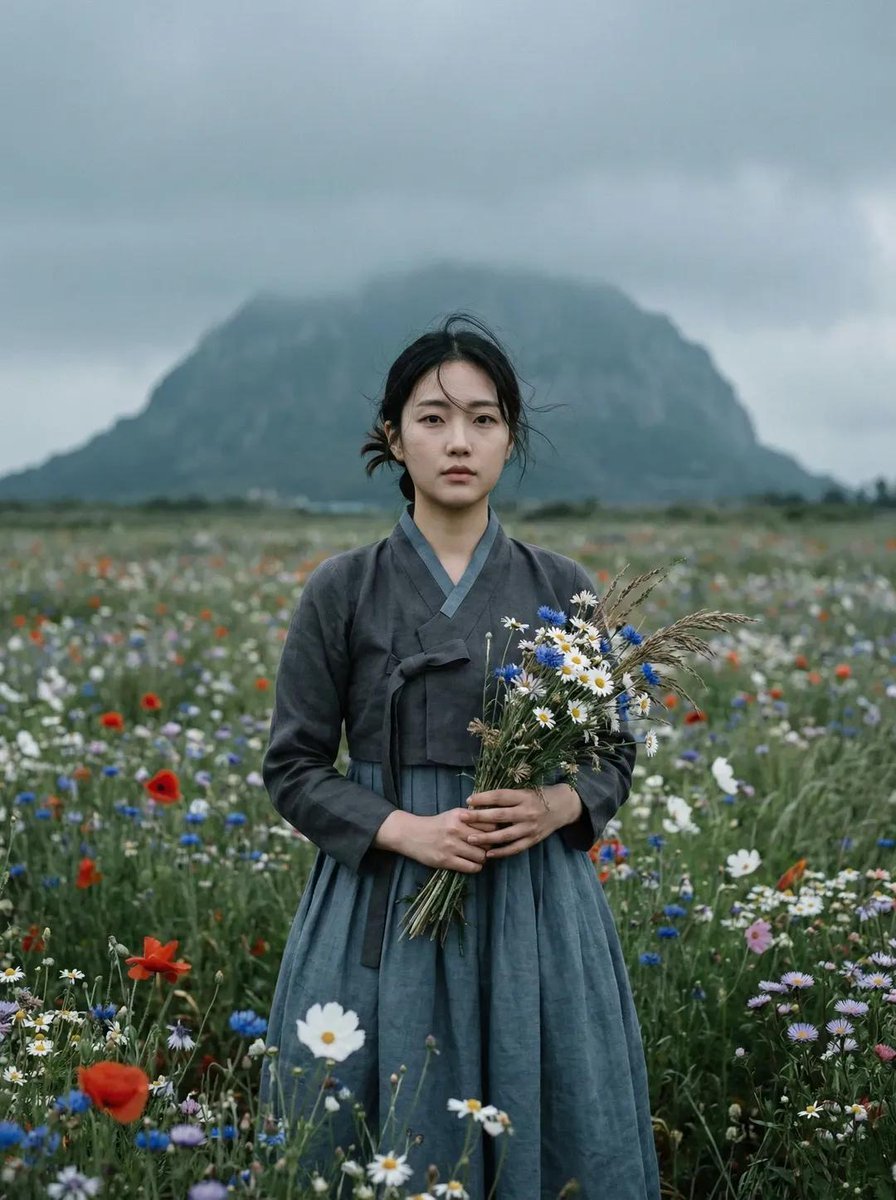
Ultra-realistic cinematic portrait of a young East Asian woman standing
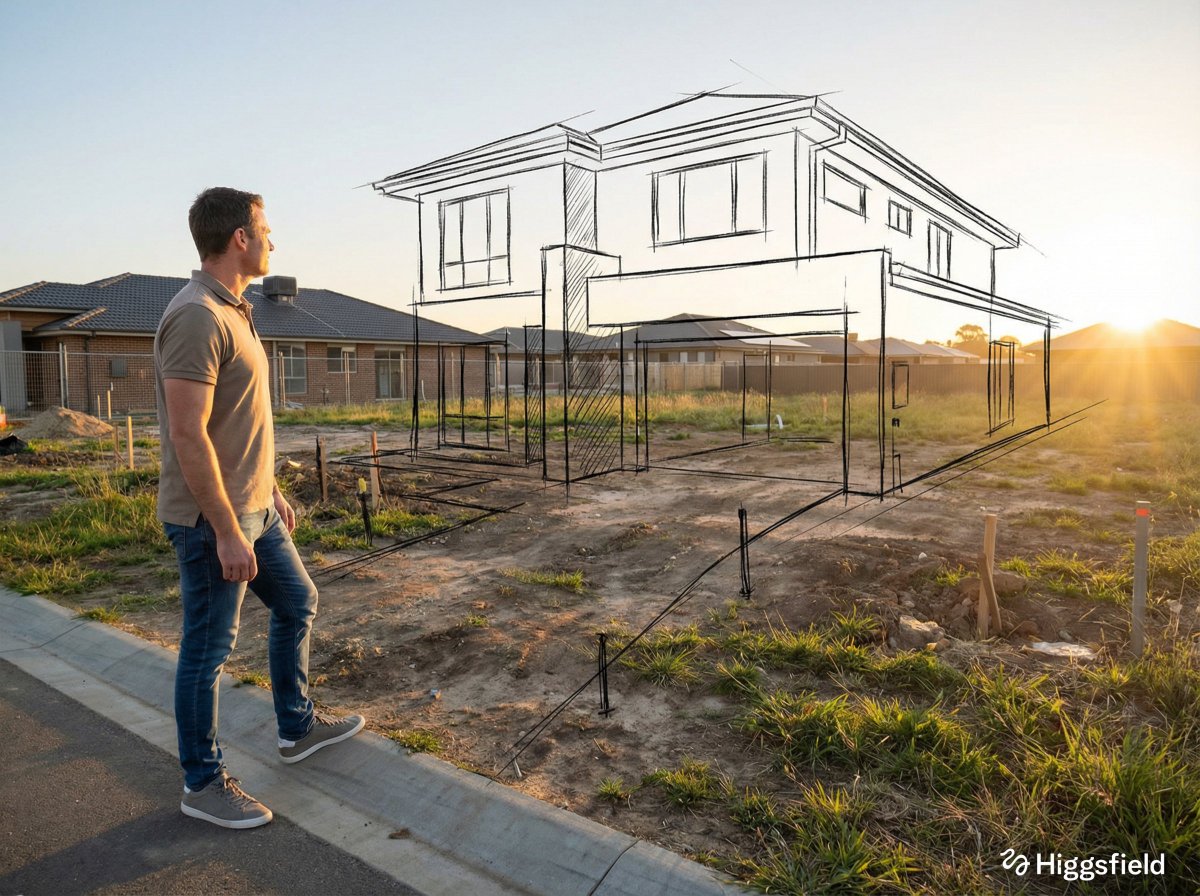
A standing full-body near the edge of the frame, slightly to the left
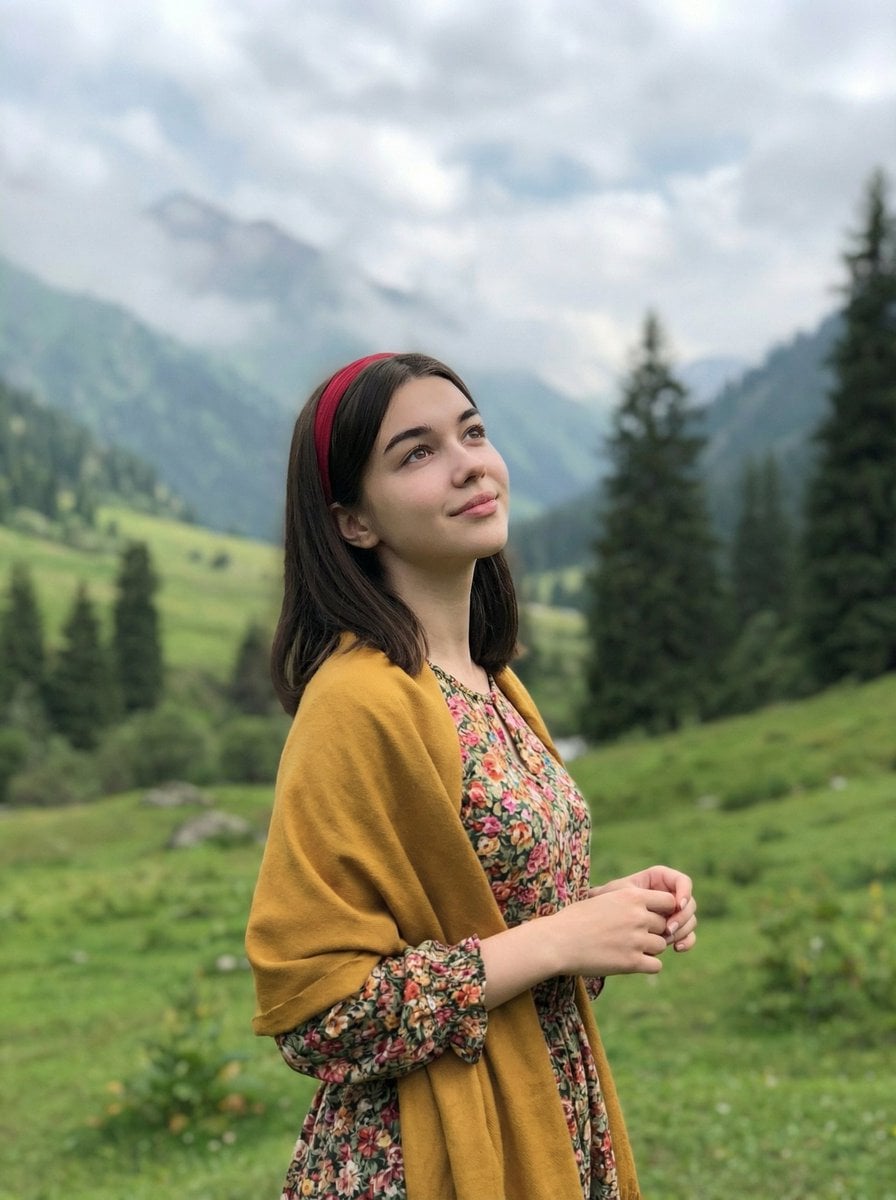
Standing naturally with hands gently together, looking slightly upward
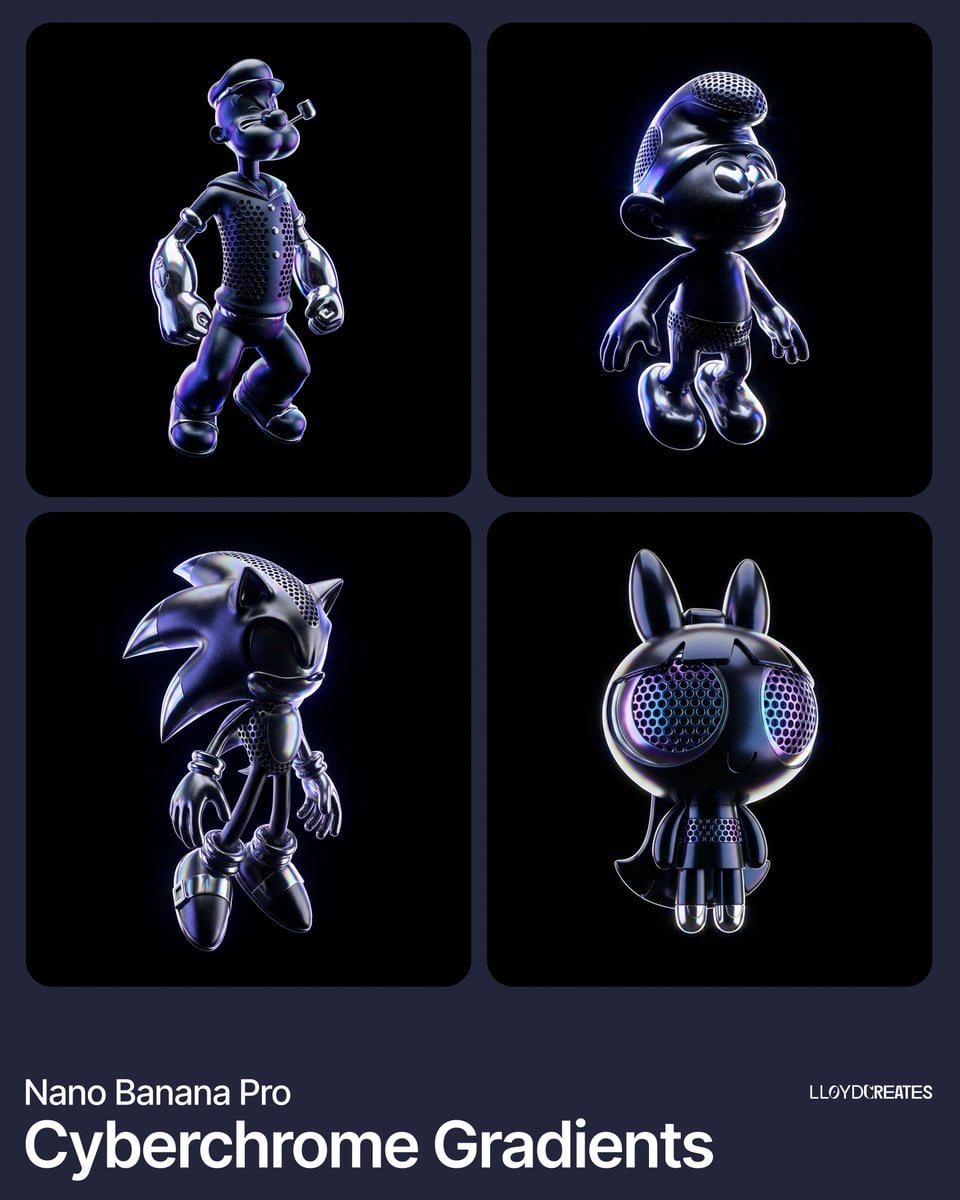
Out of frame, cut off product, blurry edges, tripod, light stand, floor
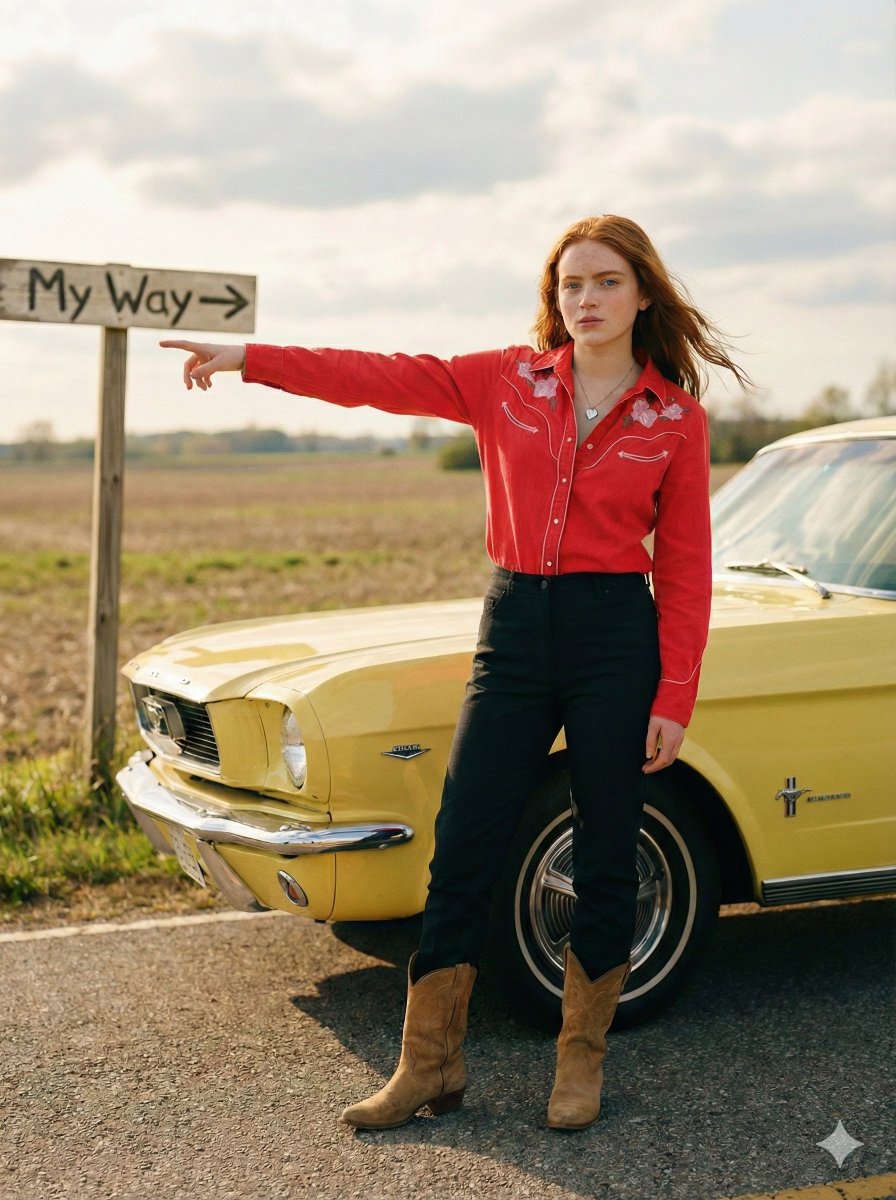
Standing beside the car, torso slightly angled, arm extended
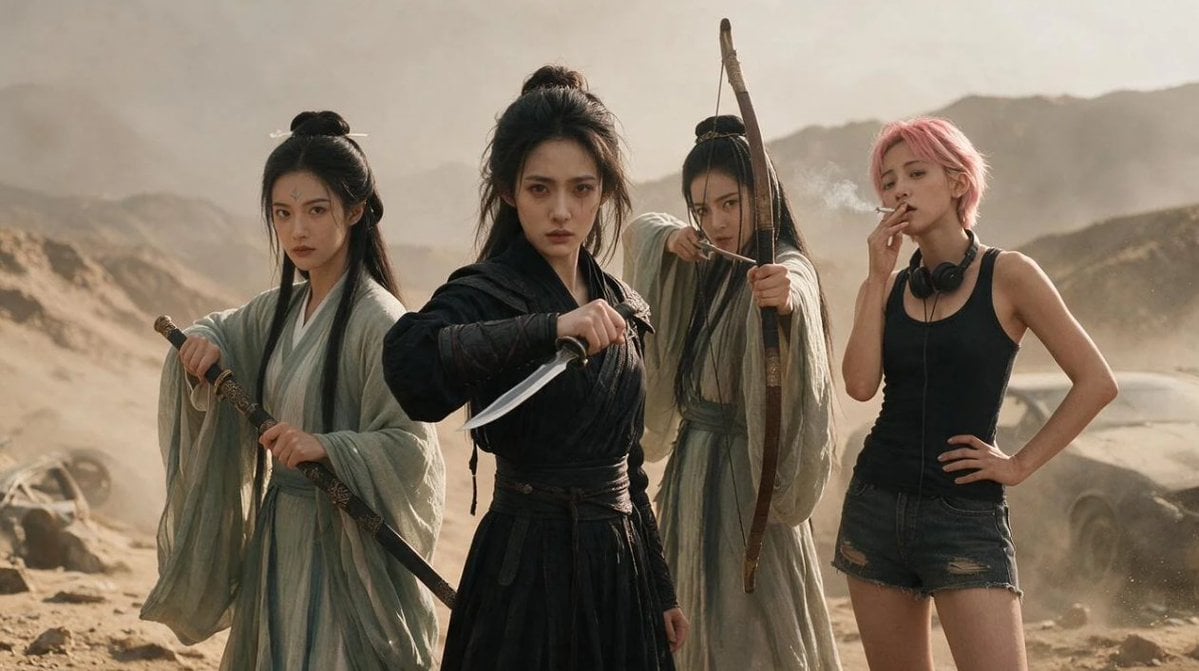
Post-Apocalyptic Wuxia Standoff

Gothic Mecha Sword Warrior
Make it yours
Cinematic Frontline Warrior Last Stand works as-is. These are the safest ways to change it without losing the look.
Change one field
Copy a single group, rewrite it, and generate again so you can see what that field is doing.
Keep the frame, change the subject
Hold the composition and light of Cinematic Frontline Warrior Last Stand, then swap wardrobe, props or the person for a new take.
| If the result… | Why | Fix |
|---|---|---|
| The result drifts from the preview | Too many fields changed at once. | Reuse Cinematic Frontline Warrior Last Stand as-is first, then change one group — subject, light, or setting. |
| The model over-stylizes the scene | The prose prompt leaves finish and camera underspecified. | Add one camera or lighting sentence and stay on GPT Image 2. |
More GPT Image 2 templates
Other prompts made for GPT Image 2.

Six VTuber Japanese Logo Sheet

Realistic Portrait of Woman and Deer

The Vista Modular Condo Poster

AI Model Routing Comparison Infographic

2.5D Anime Art Board

Isometric Productivity Desk Scene

New York Double Exposure Poster

Four-Panel AI Landscape Comparison

Japanese Tatami Lifestyle Magazine Cover

NESCAFÉ Coffee Map Poster
More image prompts
Fresh picks from across the catalog.

Medical Infographic Poster for Drug Information (Bento Grid Style)
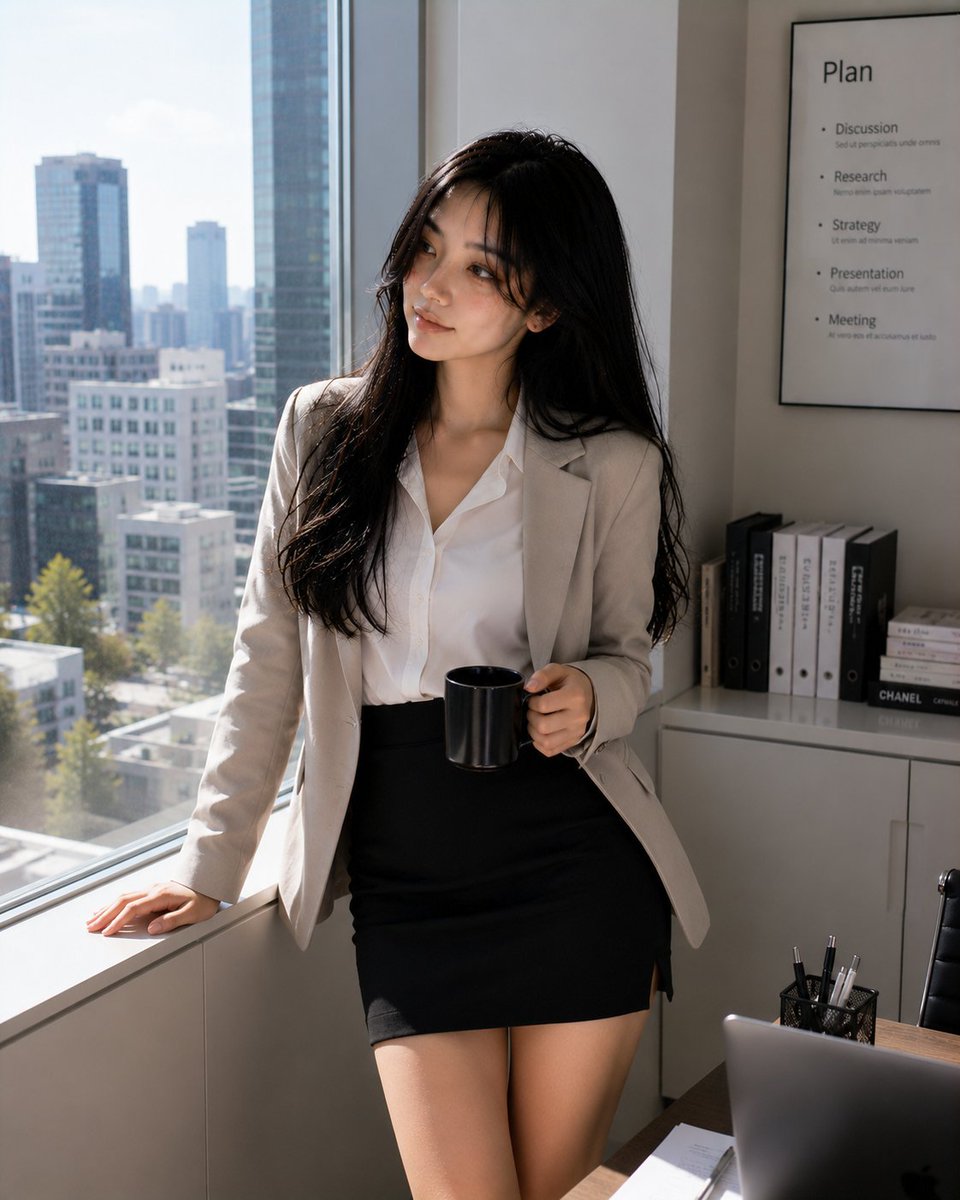
Professional Korean Office Portrait
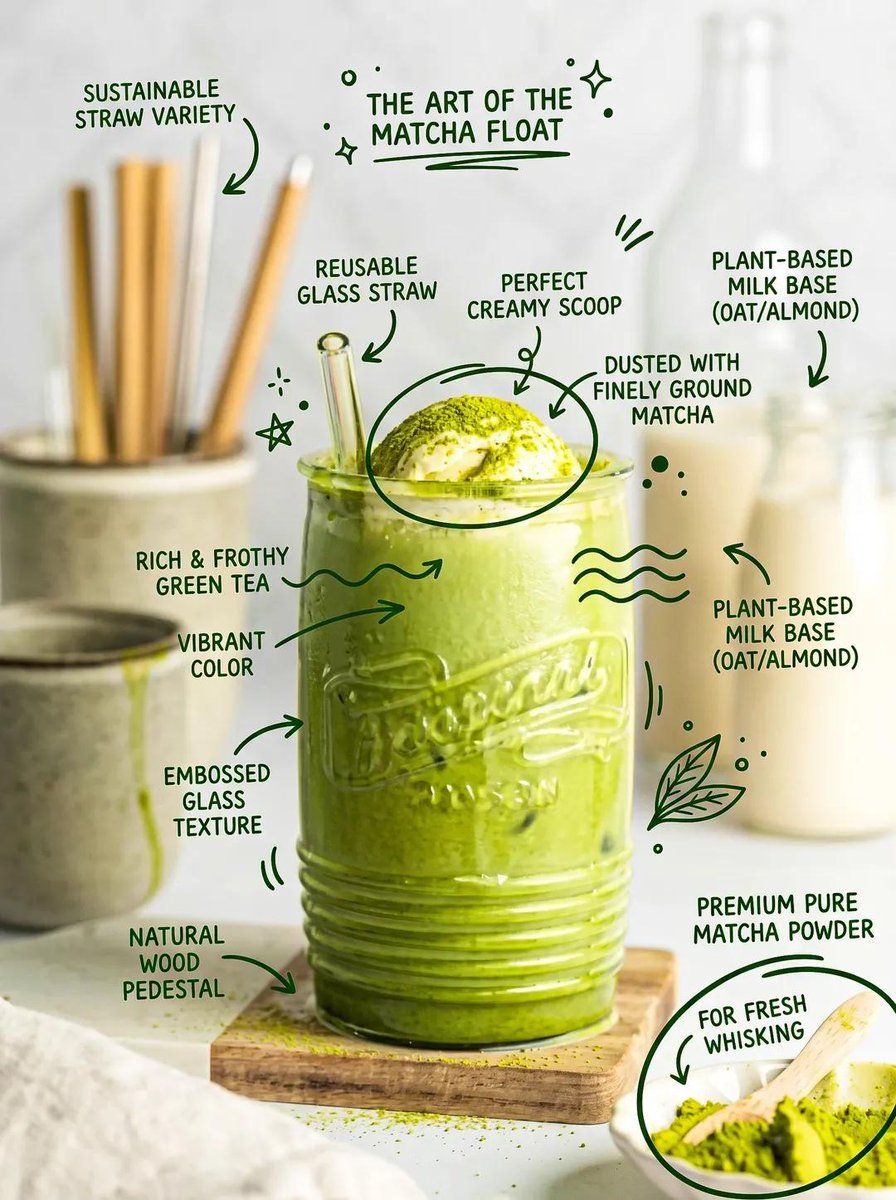
Hand-Drawn Doodles Overlay Prompt
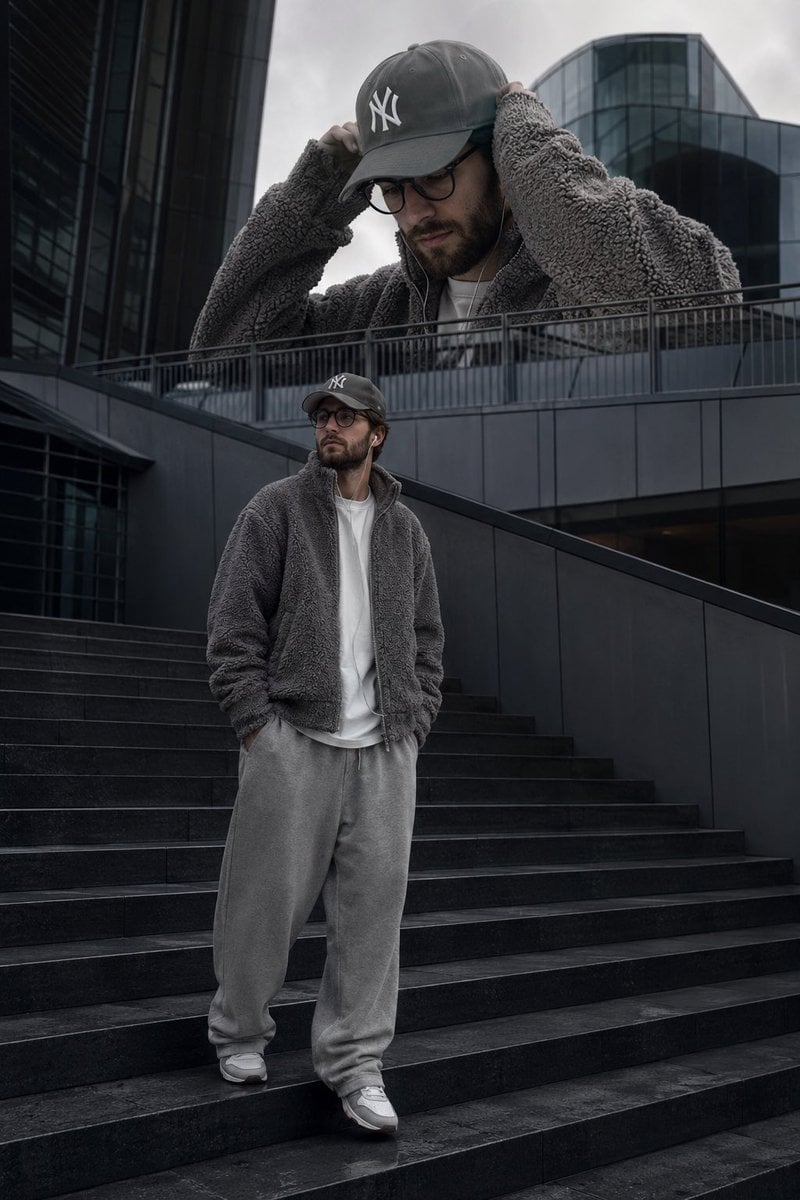
Surreal Streetwear Editorial
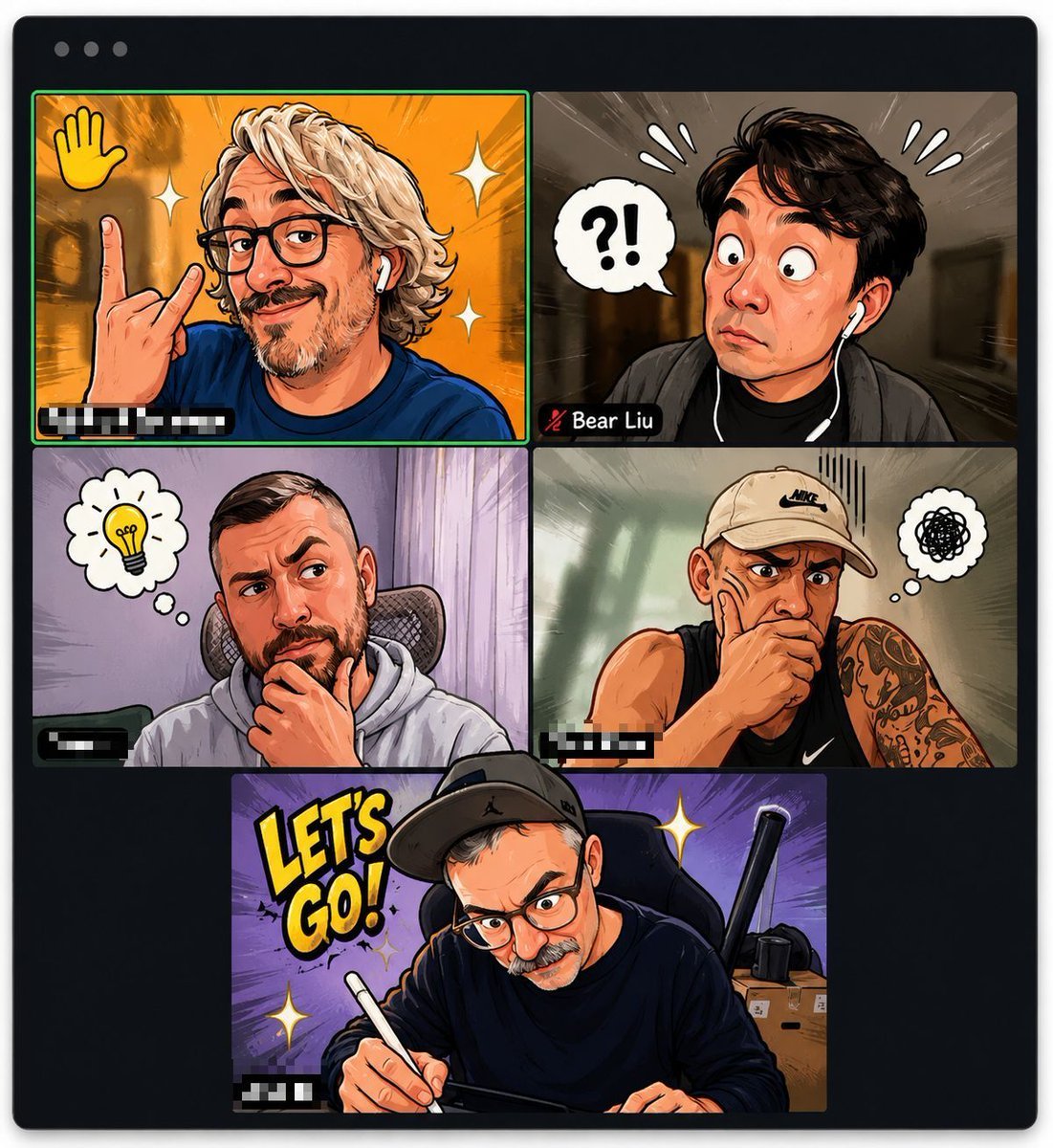
Comic Cartoon Video Call
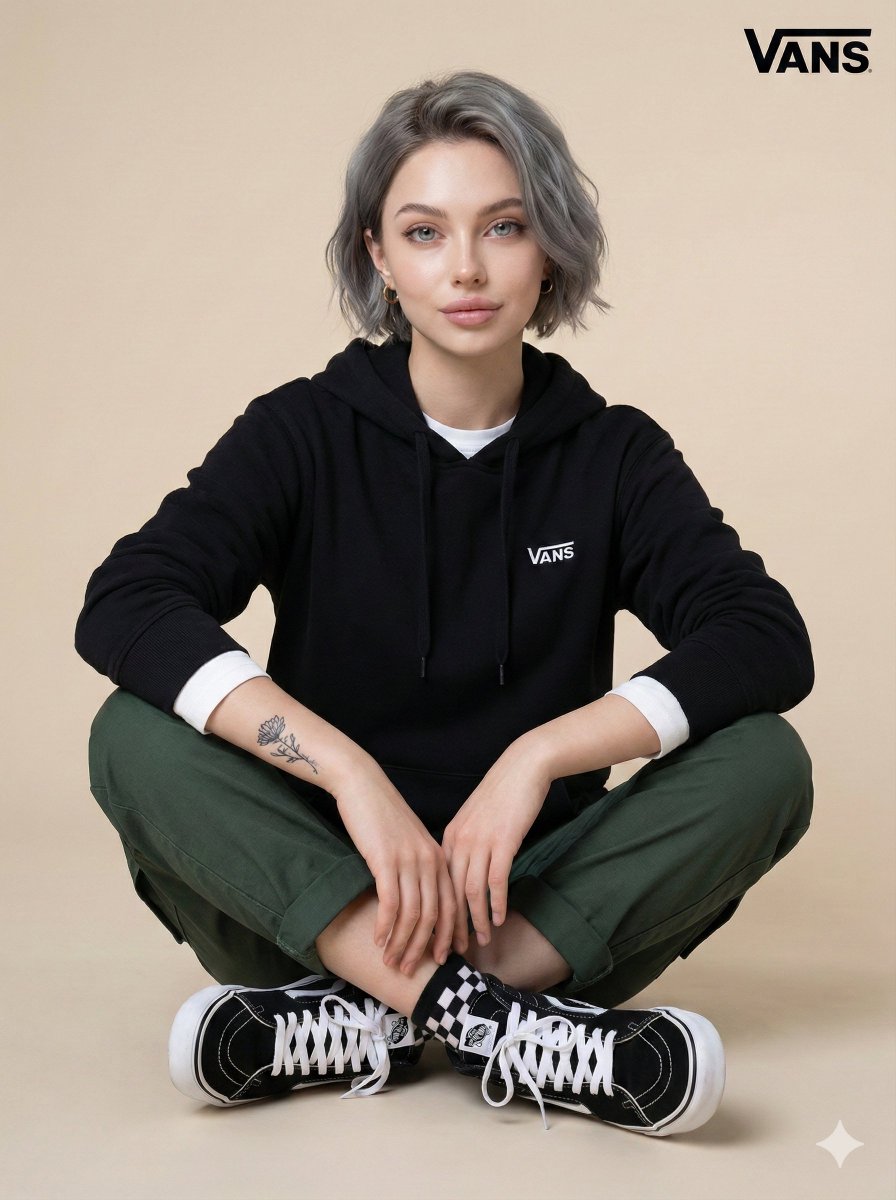
Casual Studio Portrait with Identity Preservation Prompt
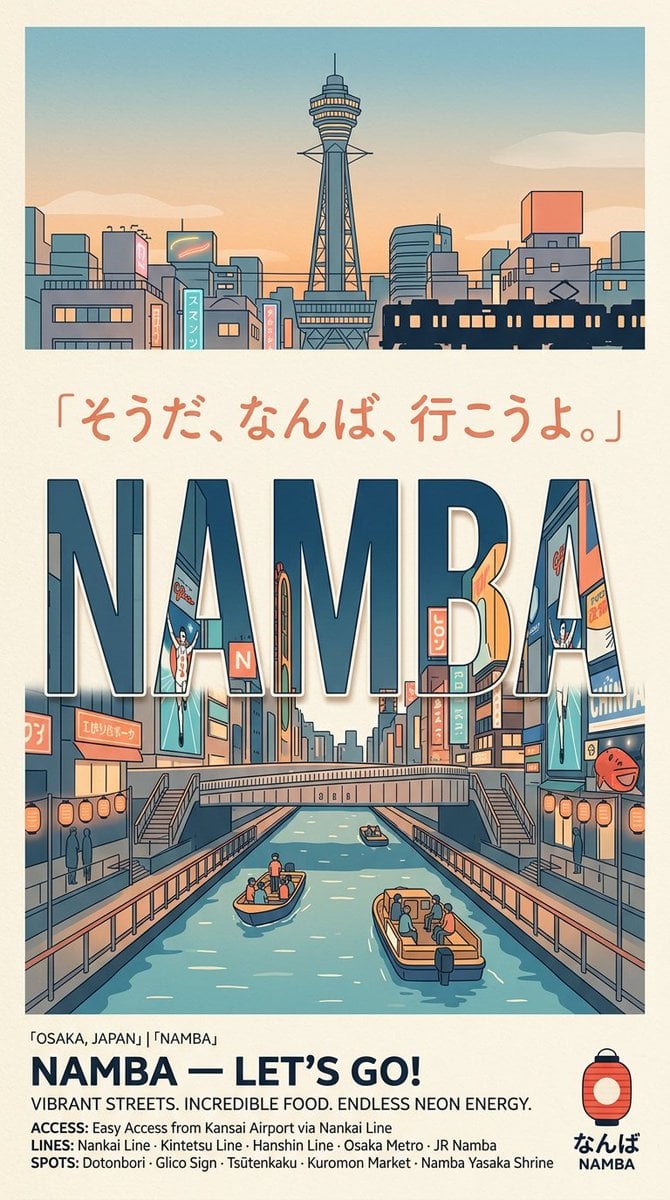
Retro Namba Osaka Travel Poster
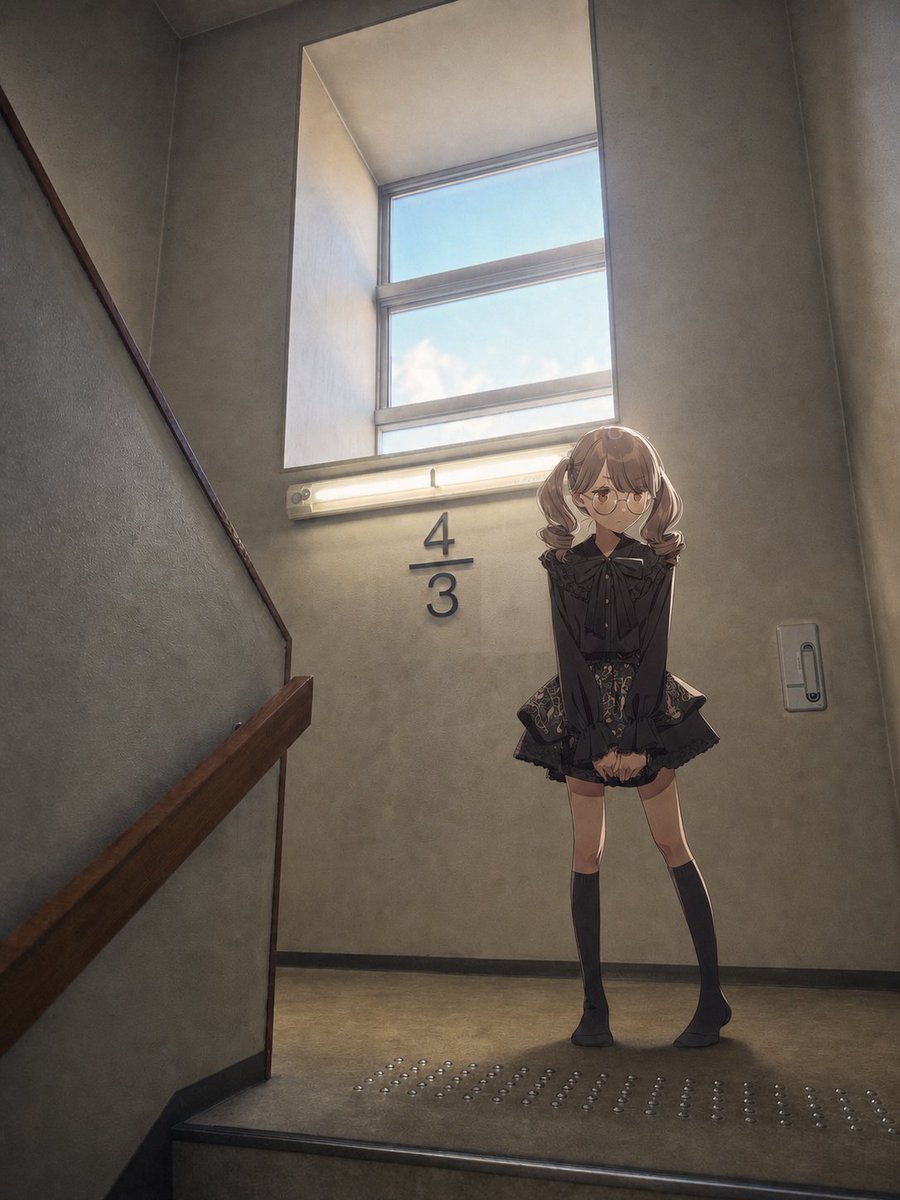
Anime Girl Stairwell Composite

Moon Silk Glow Anime Beauty Poster
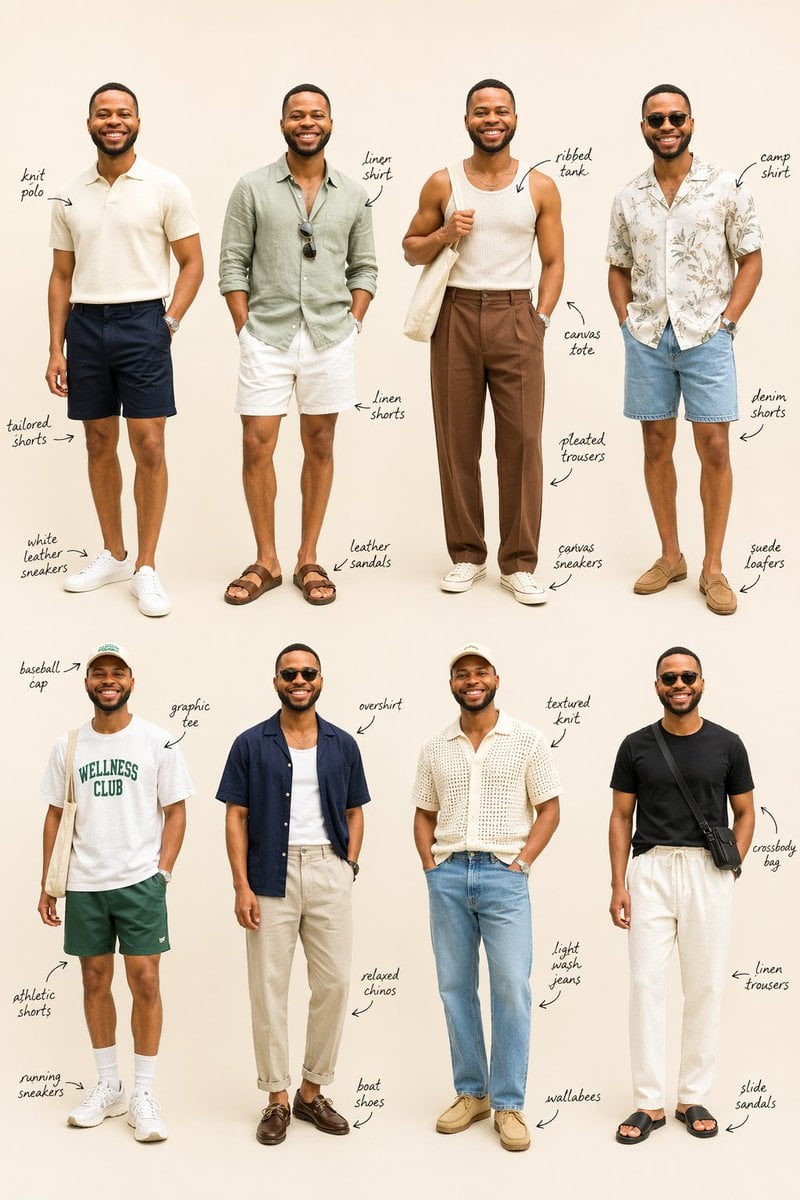
Summer Menswear Lookbook Grid
Browse template categories
Cinematic Frontline Warrior Last Stand questions
How do I use the Cinematic Frontline Warrior Last Stand template?
Add your photo if the template asks for one, edit the prompt if you like — the template's model and format are already selected — and press Generate. Your version opens in PicX Studio.
Can I customize the Cinematic Frontline Warrior Last Stand template?
Yes. You can change the subject, setting, lighting, mood, format, and available model controls before creating your image.
Is the Cinematic Frontline Warrior Last Stand template free?
Opening and editing this template is free. Generating uses credits, shown on the Generate button when you are signed in.
Which AI model should I use?
Start with GPT Image 2, which is the model associated with this template. You can compare another compatible model for a different finish.
Looking for something else? Browse all templates.

Your photo, any look
Thousands of ready templates for every top image and video model, from one credit balance.