
Obsidian Brass Stage Hall Sheet
Generates a detailed Japanese-style environment concept sheet for a luxurious dark stone and brass performance hall with views, layout, materials, and palette.
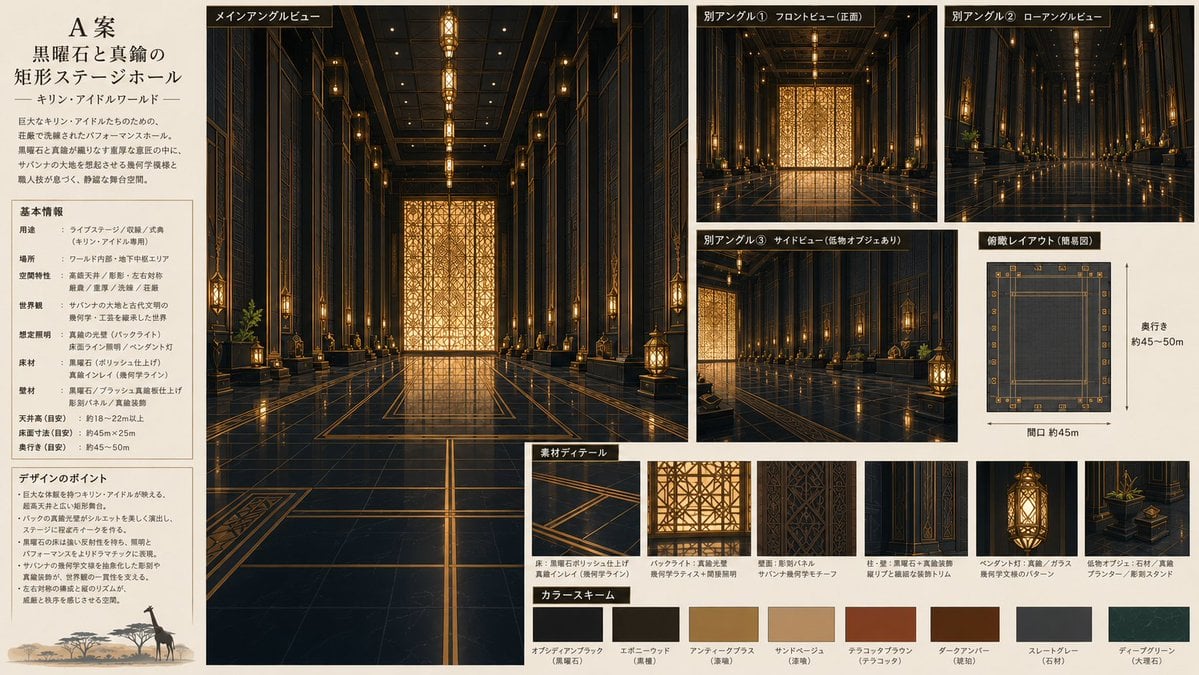
- Prompt included
- Model and format preset
- Free template
The prompt behind this image
Copy the exact prompt behind Obsidian Brass Stage Hall Sheet, or open it in the studio and make it yours.
- Type
- information-dense environment concept art setting sheet
- Format
- wide 16:9 presentation board on warm ivory paper with thin black dividers, editorial Japanese design-document layout
- Subject › Project Title
- {argument name="project title" default="A案 黒曜石と真鍮の矩形ステージホール"}
- Subject › World Subtitle
- {argument name="world subtitle" default="キリン・アイドルワールド"}
- Subject › Environment
- a luxurious rectangular performance stage hall for a fictional idol world, combining Art Deco geometry, black obsidian-like polished stone, brushed brass trim, warm amber lighting, and subtle savanna-inspired motifs
- Subject › Room Purpose
- {argument name="room purpose" default="live stage, performance hall, ceremony hall"}
- Subject › Main Material
- {argument name="main material" default="black obsidian polished stone"}
- Subject › Accent Color
- {argument name="accent color" default="antique brass and warm amber gold"}
- Layout › Overall
- single-page architectural concept sheet with a left text column, one large central main rendering, smaller view panels on the upper and middle right, a plan diagram, detail callouts, and a color palette along the bottom
- Layout › Sections › 0 › Title
- title and concept block
- Layout › Sections › 0 › Position
- far left top
- Layout › Sections › 0 › Count
- 1
- Layout › Sections › 0 › Content
- large Japanese title typography, subtitle, and a short concept paragraph describing a rectangular stage hall shaped around black stone and brass, with dense but elegant decorative geometry
- Layout › Sections › 1 › Title
- 基本情報
- Layout › Sections › 1 › Position
- left column middle
- Layout › Sections › 1 › Count
- 8
- Layout › Sections › 1 › Items
- 用途, 場所, 空間特性, 世界観, 想定照明, 床材, 壁材, 天井高・床面寸法・奥行き
- Layout › Sections › 2 › Title
- デザインのポイント
- Layout › Sections › 2 › Position
- left column lower
- Layout › Sections › 2 › Count
- 6
- Layout › Sections › 2 › Items
- massive black-and-brass main stage gate, warm backlight silhouette effect, geometric wall panels and vertical brass lines, savanna-inspired ornaments and plant accents, strong golden reflections on the polished floor, decorative density to prevent empty background areas
- Layout › Sections › 3 › Title
- メインアングルビュー
- Layout › Sections › 3 › Position
- center large panel
- Layout › Sections › 3 › Count
- 1
Raw JSON
{"type":"information-dense environment concept art setting sheet","format":"wide 16:9 presentation board on warm ivory paper with thin black dividers, editorial Japanese design-document layout","subject":{"project_title":"{argument name=\"project title\" default=\"A案 黒曜石と真鍮の矩形ステージホール\"}","world_subtitle":"{argument name=\"world subtitle\" default=\"キリン・アイドルワールド\"}","environment":"a luxurious rectangular performance stage hall for a fictional idol world, combining Art Deco geometry, black obsidian-like polished stone, brushed brass trim, warm amber lighting, and subtle savanna-inspired motifs","room_purpose":"{argument name=\"room purpose\" default=\"live stage, performance hall, ceremony hall\"}","main_material":"{argument name=\"main material\" default=\"black obsidian polished stone\"}","accent_color":"{argument name=\"accent color\" default=\"antique brass and warm amber gold\"}"},"layout":{"overall":"single-page architectural concept sheet with a left text column, one large central main rendering, smaller view panels on the upper and middle right, a plan diagram, detail callouts, and a color palette along the bottom","sections":[{"title":"title and concept block","position":"far left top","count":1,"content":"large Japanese title typography, subtitle, and a short concept paragraph describing a rectangular stage hall shaped around black stone and brass, with dense but elegant decorative geometry"},{"title":"基本情報","position":"left column middle","count":8,"items":["用途","場所","空間特性","世界観","想定照明","床材","壁材","天井高・床面寸法・奥行き"]},{"title":"デザインのポイント","position":"left column lower","count":6,"items":["massive black-and-brass main stage gate","warm backlight silhouette effect","geometric wall panels and vertical brass lines","savanna-inspired ornaments and plant accents","strong golden reflections on the polished floor","decorative density to prevent empty background areas"]},{"title":"メインアングルビュー","position":"center large panel","count":1,"description":"symmetrical deep-perspective interior view down the center axis of the hall; glossy black floor with brass inlay grid, tall dark walls, repeated vertical columns, hanging lanterns, ceiling light line, and a luminous golden geometric screen at the far end"},{"title":"別アングル","position":"upper and middle right","count":3,"labels":["別アングル① フロントビュー(正面)","別アングル② ローアングルビュー","別アングル③ サイドビュー(低物オブジェあり)"],"description":"three smaller cinematic renderings showing the same hall from front, low-angle, and side perspectives, maintaining matching lighting and material reflections"},{"title":"俯瞰レイアウト(簡易図)","position":"right middle","count":1,"description":"top-down simplified floor plan of a long rectangle with border ornaments, dimension arrows, and notes indicating depth about 45–50 m and opening about 45 m"},{"title":"素材ディテール","position":"bottom center and right","count":5,"items":["floor detail: black polished stone with thin brass inlay lines","backlight and gate detail: golden geometric pattern screen","wall detail: dark vertical decorative panel with savanna/geometric motif","pillar and hanging lantern detail: black stone plus brass ornament and warm glass light","low object detail: stone planter with green plant and brass accent"]},{"title":"カラースキーム","position":"bottom row","count":8,"swatches":["オブシディアンブラック(黒曜石)","エボニーウッド(黒檀)","アンティークブラス(真鍮)","サンドベージュ(漆喰)","テラコッタブラウン(テラコッタ)","ダークアンバー(琥珀)","スレートグレー(石材)","ディープグリーン(大理石)"]}]},"visual_style":{"rendering":"high-quality cinematic architectural concept art, realistic digital painting, sharp linework, controlled perspective, glossy reflections, warm golden practical lighting, dark elegant palette","composition":"clean magazine-like design board, dense but readable, beige background, black label tabs with white Japanese text, small captions under detail images, precise grid alignment","avoid":"people, cluttered modern signage, neon colors, unreadable random gibberish, distorted perspective, overly empty background"}}How to use Obsidian Brass Stage Hall Sheet in 3 steps
- 1Upload ImagePNG, JPG or paste
Add your photo
Upload the photo the template builds on. The prompt, model and format are already set.
- 2…a portrait of your subject in softgolden-hour light, 85mm…
Personalize
Edit the subject and creative details for your destination.
- 3Generate
Generate
Press Generate — your image is created in PicX Studio, so you can compare it with the original and refine one variable at a time.
More like this
Templates with the same subject, style or setup. Open one to see its prompt.

Halloween Nun Chibi Character Sheet
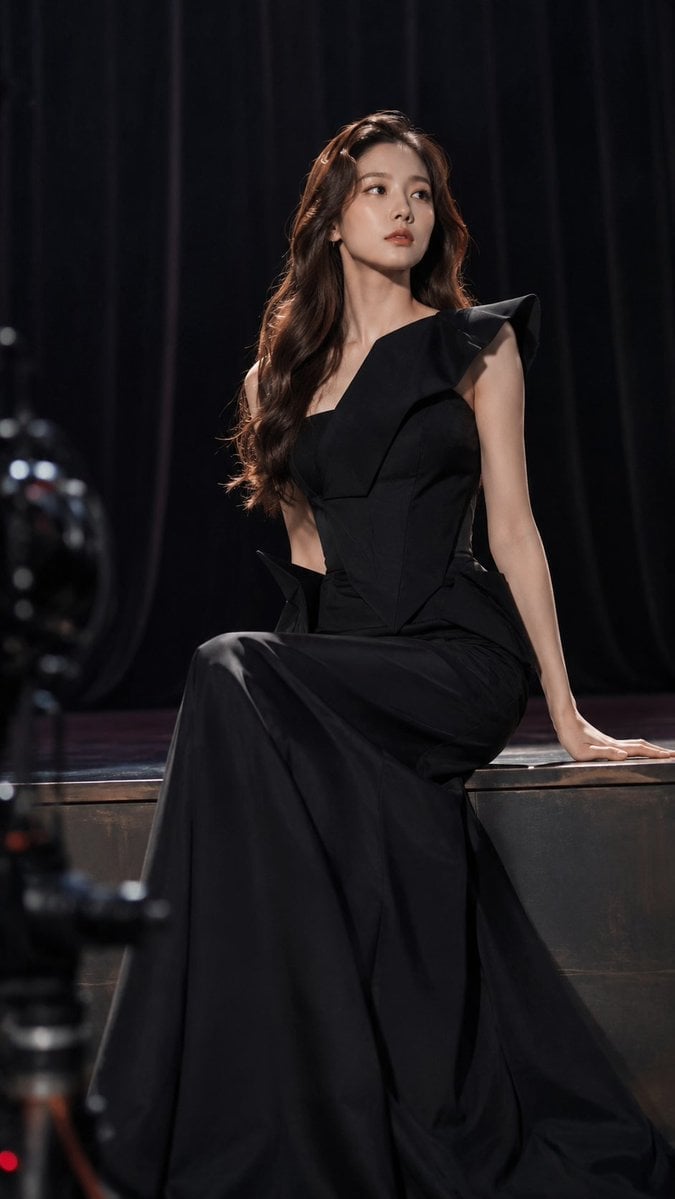
Dark Luxury Stage Fashion Editorial Portrait

Dancer Character - Four View Reference Sheet

Movement Sheet - Dance Reference (Seedance 2.0)
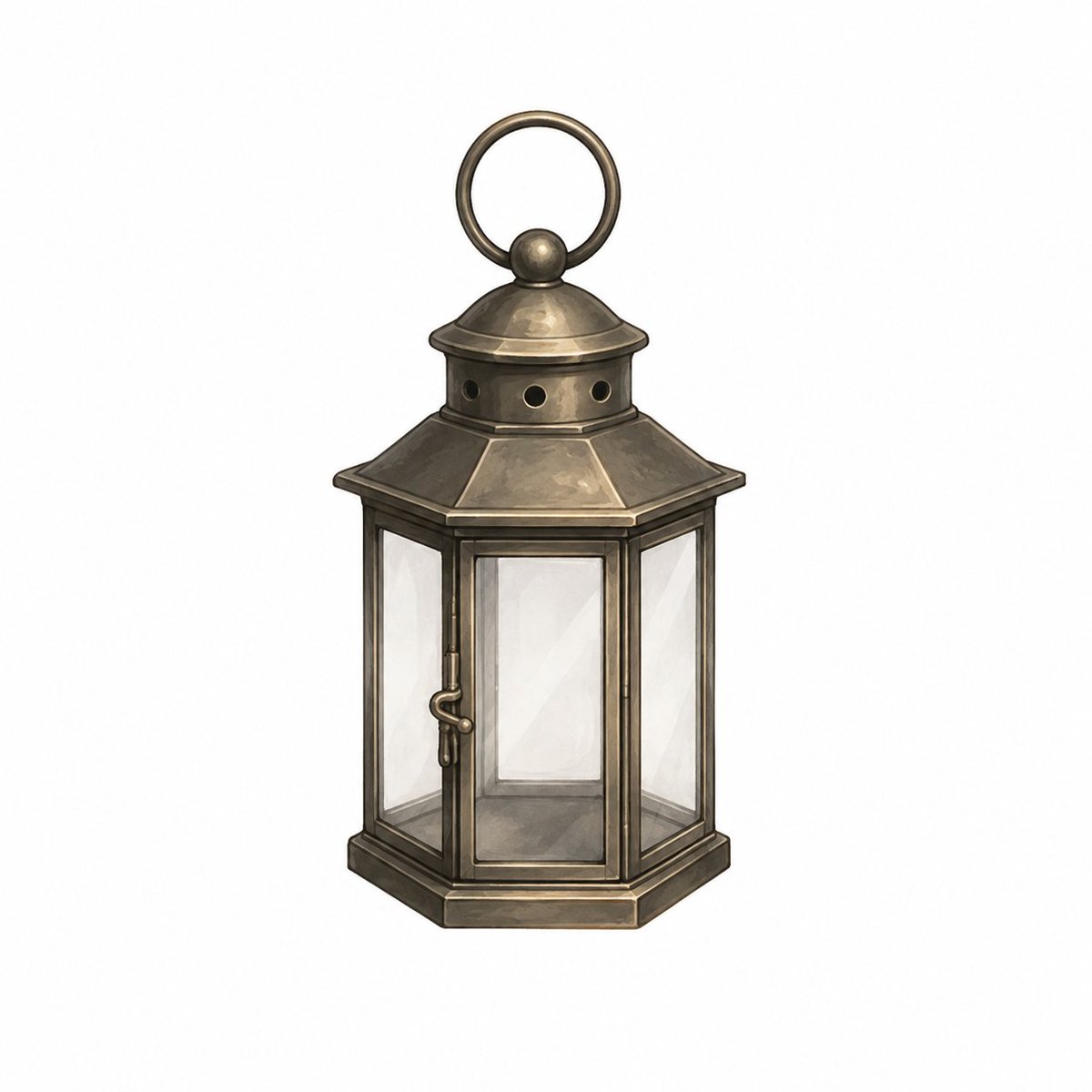
Vintage Brass Hanging Lantern
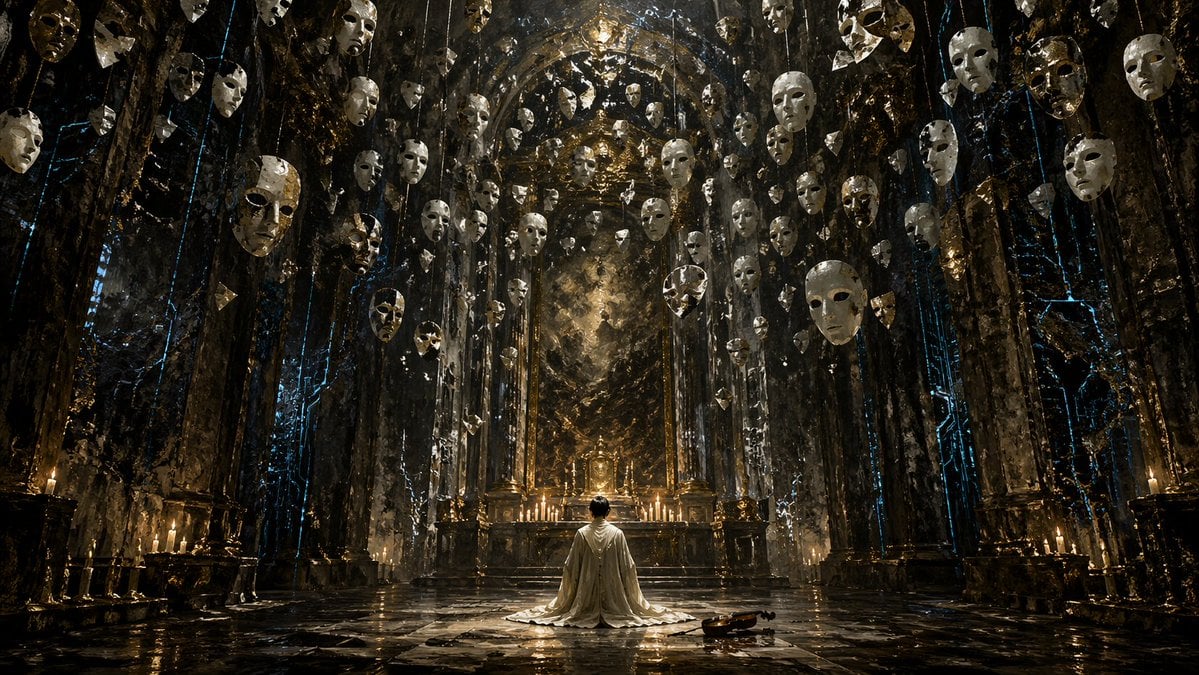
Surreal Gothic Hall with Floating Masks
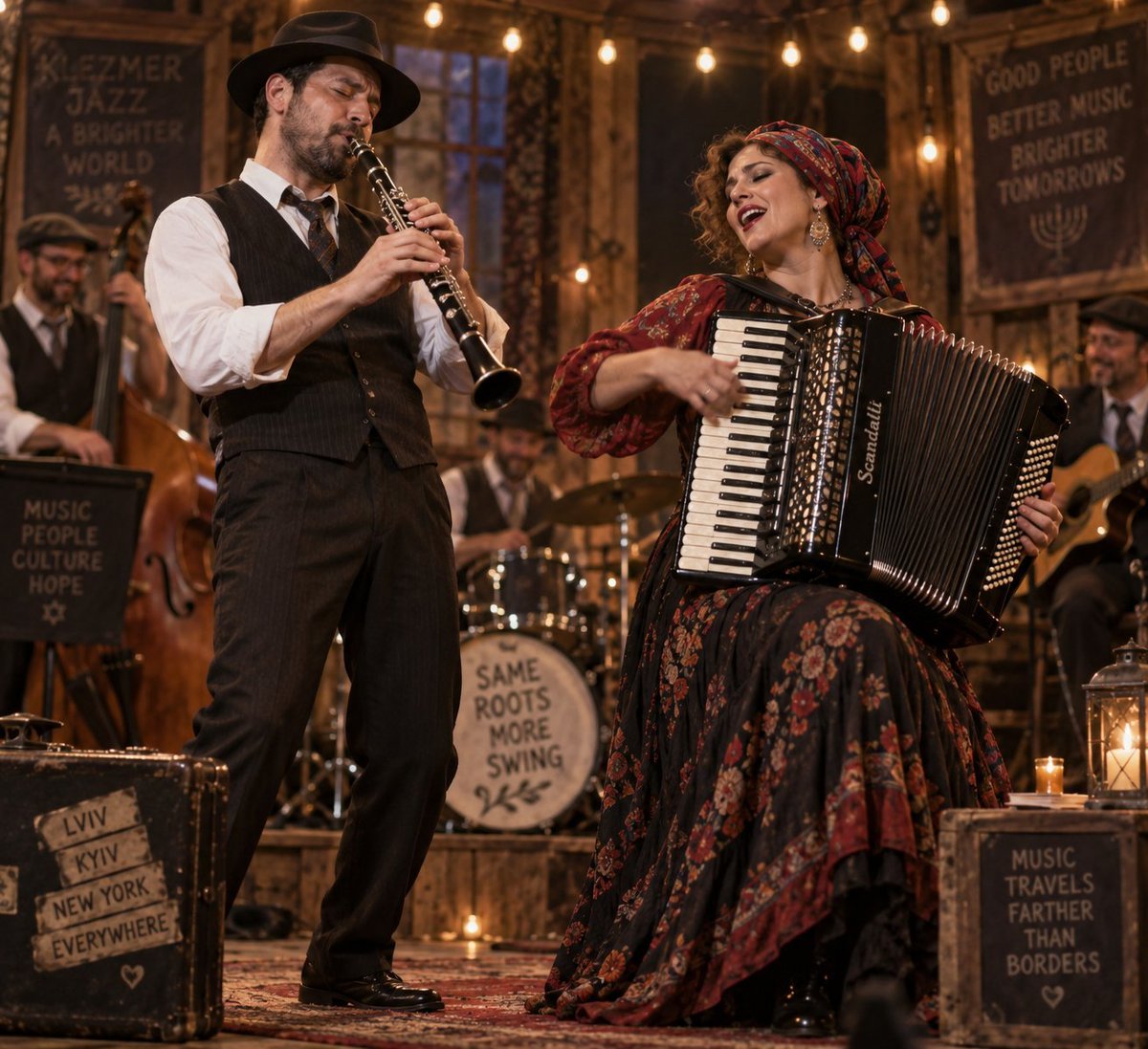
Klezmer Jazz Accordion Stage

Vintage Billiards Hall Portrait
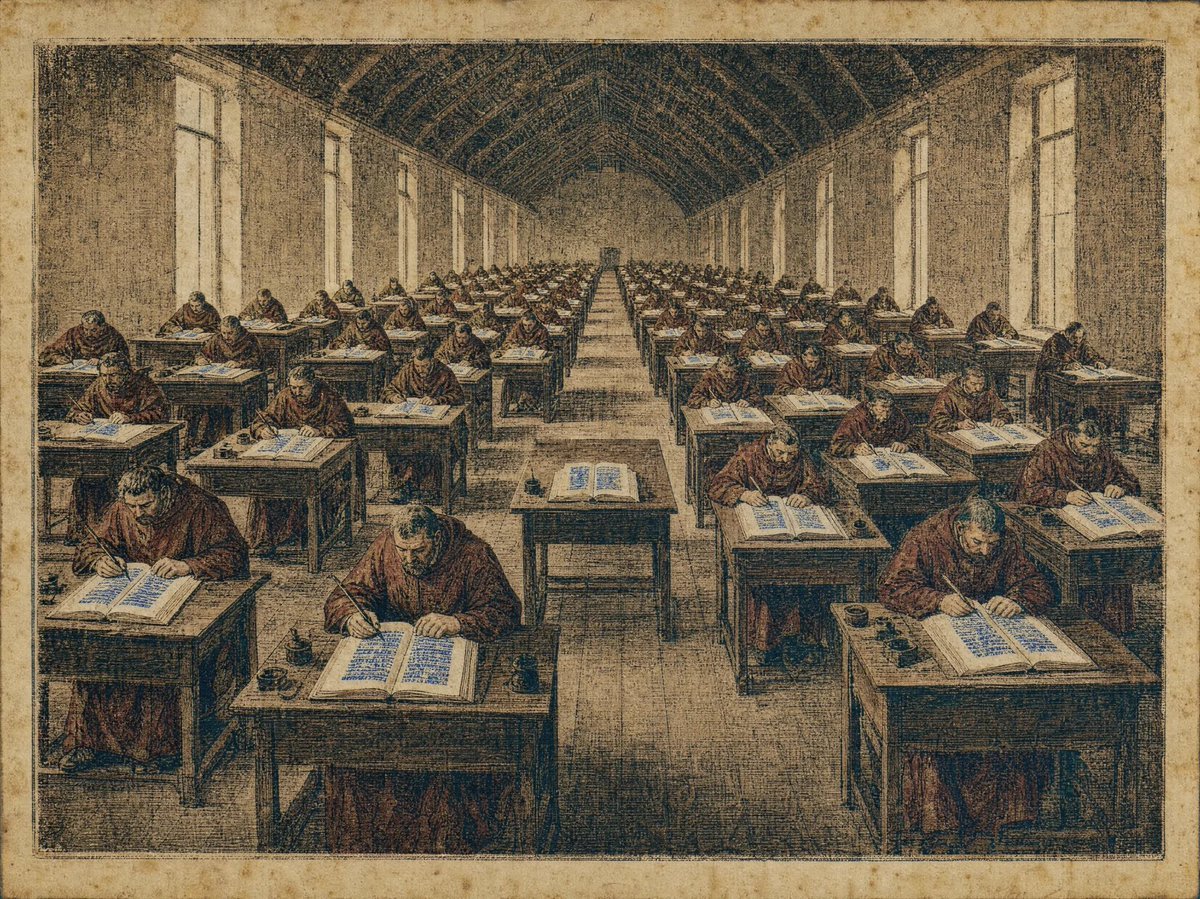
Medieval Scriptorium Hall
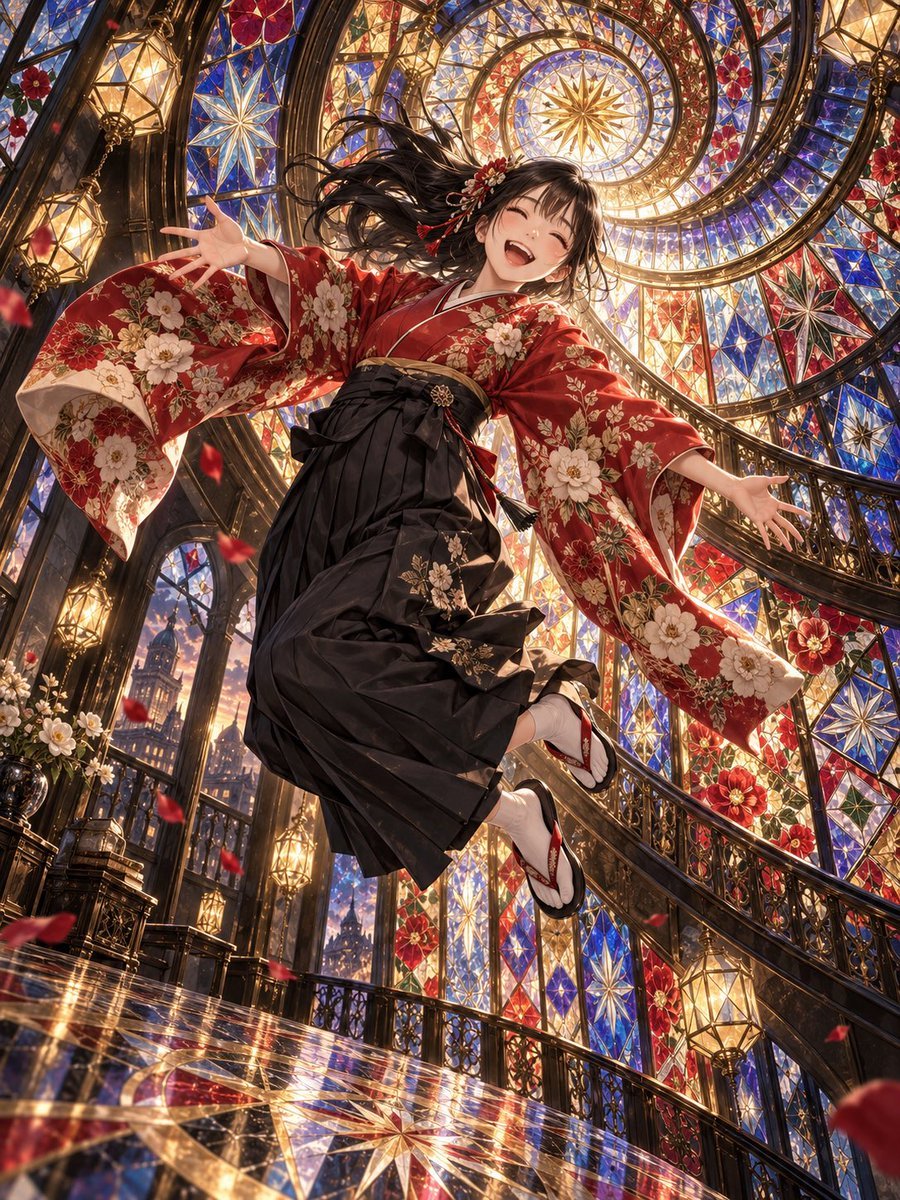
Floating Kimono Girl in Stained Glass Hall
Stage Performance Singer Close-up
Idol Stage Performance Portrait
Make it yours
Obsidian Brass Stage Hall Sheet works as-is. These are the safest ways to change it without losing the look.
Swap the setting
Keep the rest of the prompt and replace the location block. The current setting is “a luxurious rectangular performance stage hall for a fictional idol world, combi”.
Change one field
Copy a single group, rewrite it, and generate again so you can see what that field is doing.
Keep the frame, change the subject
Hold the composition and light of Obsidian Brass Stage Hall Sheet, then swap wardrobe, props or the person for a new take.
| If the result… | Why | Fix |
|---|---|---|
| The result drifts from the preview | Too many fields changed at once. | Reuse Obsidian Brass Stage Hall Sheet as-is first, then change one group — subject, light, or setting. |
| GPT Image 2 ignores part of the JSON | Some models flatten or skip nested keys. | Keep the same values and paste them as a short paragraph instead. |
More GPT Image 2 templates
Other prompts made for GPT Image 2.

Realistic Portrait of Woman and Deer

The Vista Modular Condo Poster

AI Model Routing Comparison Infographic

2.5D Anime Art Board

Isometric Productivity Desk Scene

New York Double Exposure Poster

Four-Panel AI Landscape Comparison

Japanese Tatami Lifestyle Magazine Cover

NESCAFÉ Coffee Map Poster

Brutalist Cogito Chinese Typography Poster
More image prompts
Fresh picks from across the catalog.
Image Redrawing and Style Transfer Prompt
Documentary Portrait of Resilience in Protest

Moody Censored Film Portrait
Cinematic Night Rooftop Scene with Hologram

Harsh Flash Fashion Portrait in Flower Field Prompt

Micro World Discovery Product Photography Prompt
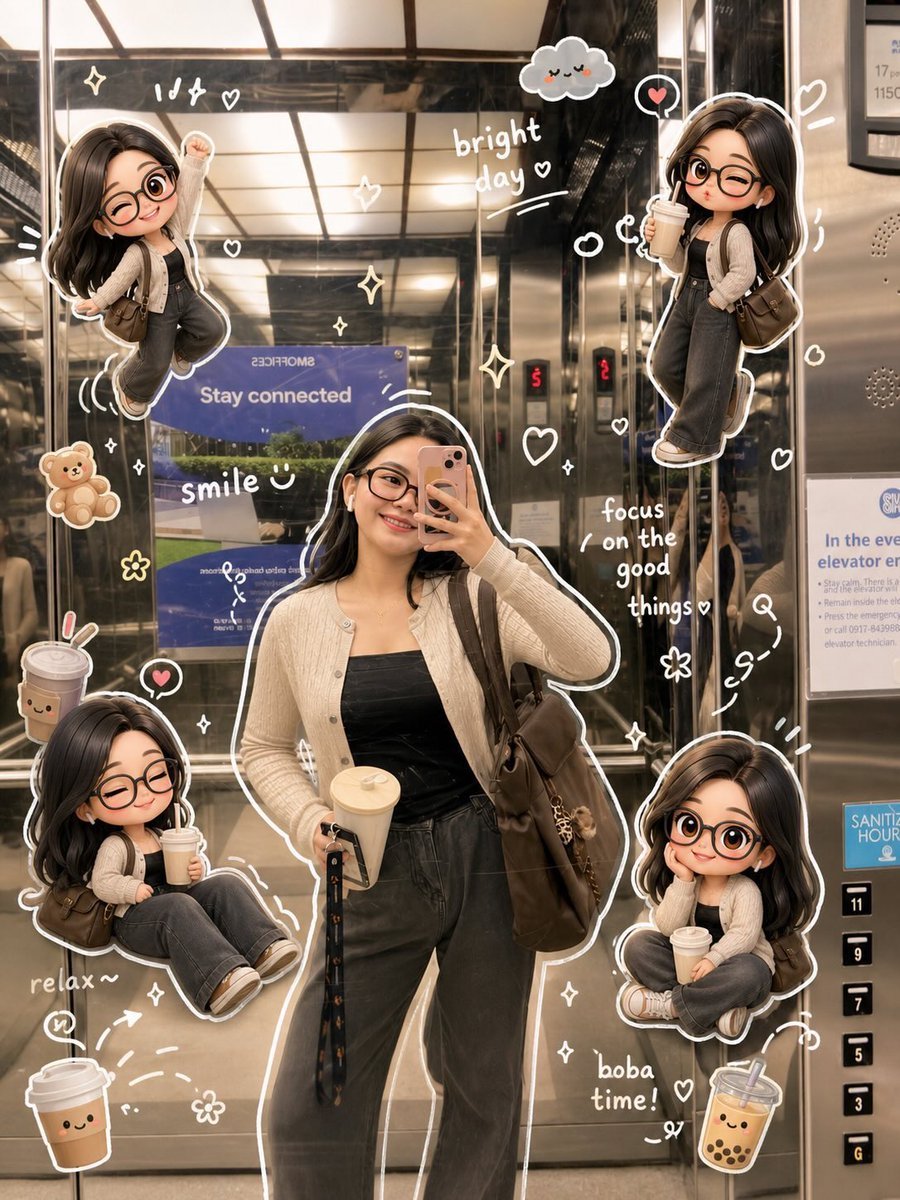
Doodle Aesthetic Social Media Photo Edit

Ultra-realistic Studio Fashion Portrait
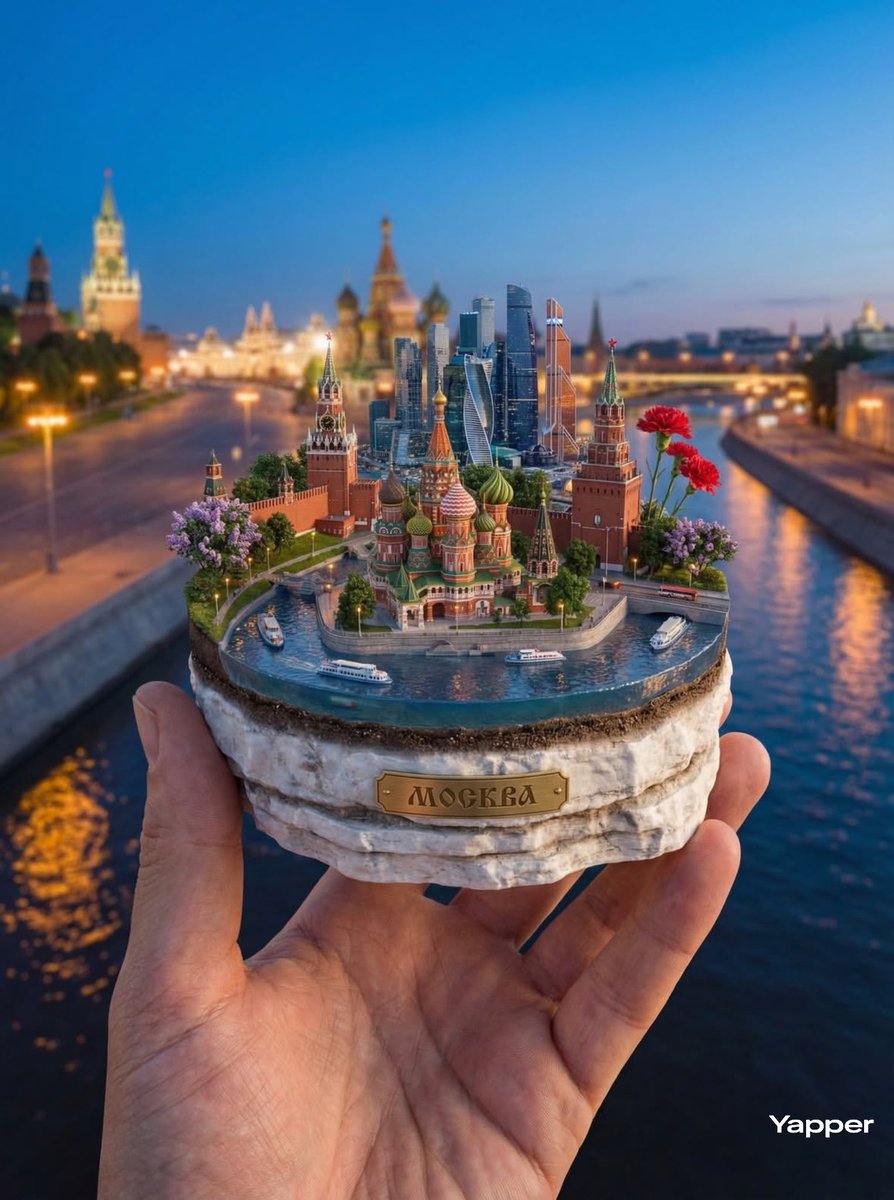
Hyper-Realistic Miniature Moscow Diorama
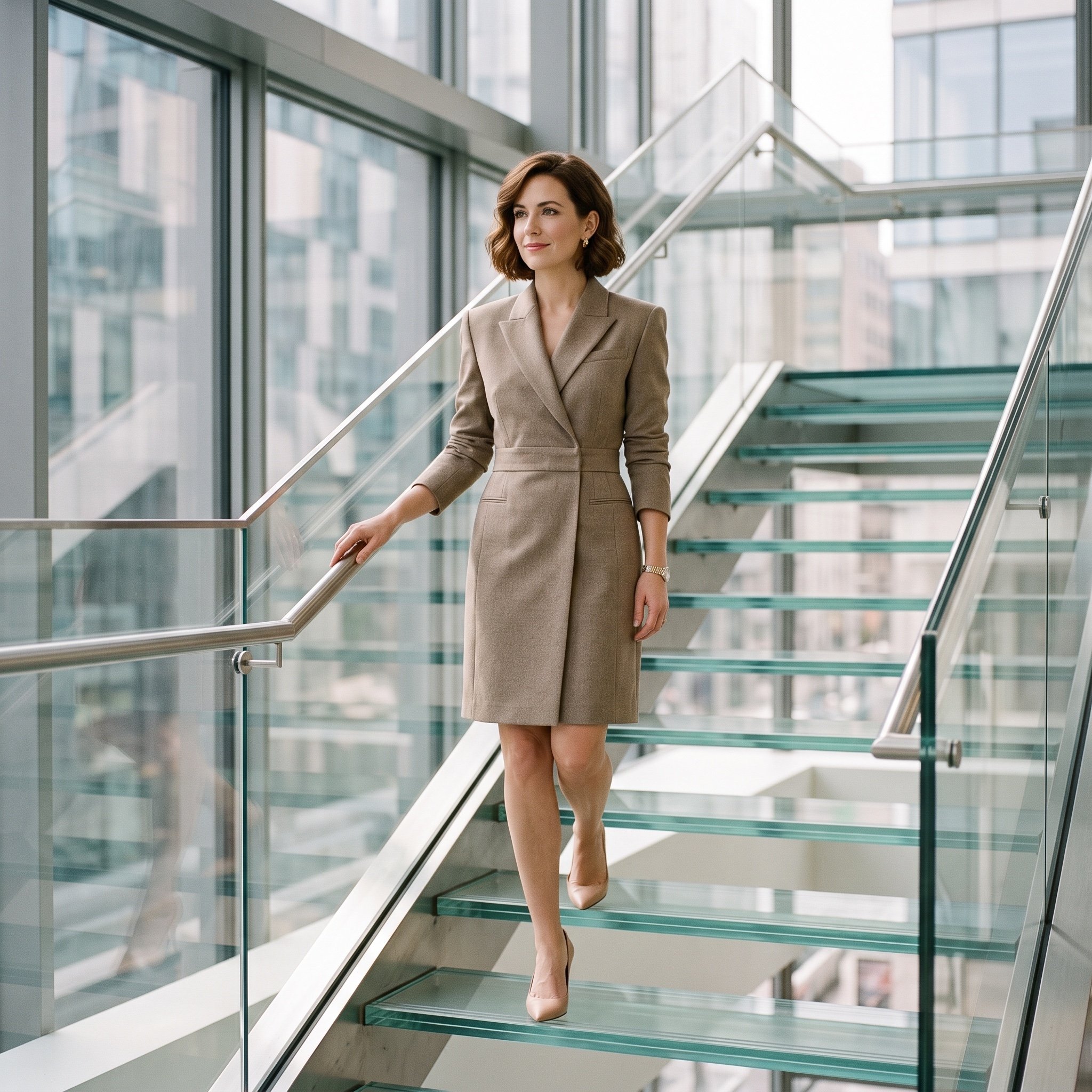
Luxury editorial portrait of a woman on a glass staircase
Browse template categories
Obsidian Brass Stage Hall Sheet questions
How do I use the Obsidian Brass Stage Hall Sheet template?
Add your photo if the template asks for one, edit the prompt if you like — the template's model and format are already selected — and press Generate. Your version opens in PicX Studio.
Can I customize the Obsidian Brass Stage Hall Sheet template?
Yes. You can change the subject, setting, lighting, mood, format, and available model controls before creating your image.
Is the Obsidian Brass Stage Hall Sheet template free?
Opening and editing this template is free. Generating uses credits, shown on the Generate button when you are signed in.
Which AI model should I use?
Start with GPT Image 2, which is the model associated with this template. You can compare another compatible model for a different finish.
Looking for something else? Browse all templates.

Your photo, any look
Thousands of ready templates for every top image and video model, from one credit balance.