
Brahms Leipzig 1859 Poster
A vintage collage poster recreating a dramatic music-history cover about Brahms, Leipzig 1859, and the three applauding attendees.
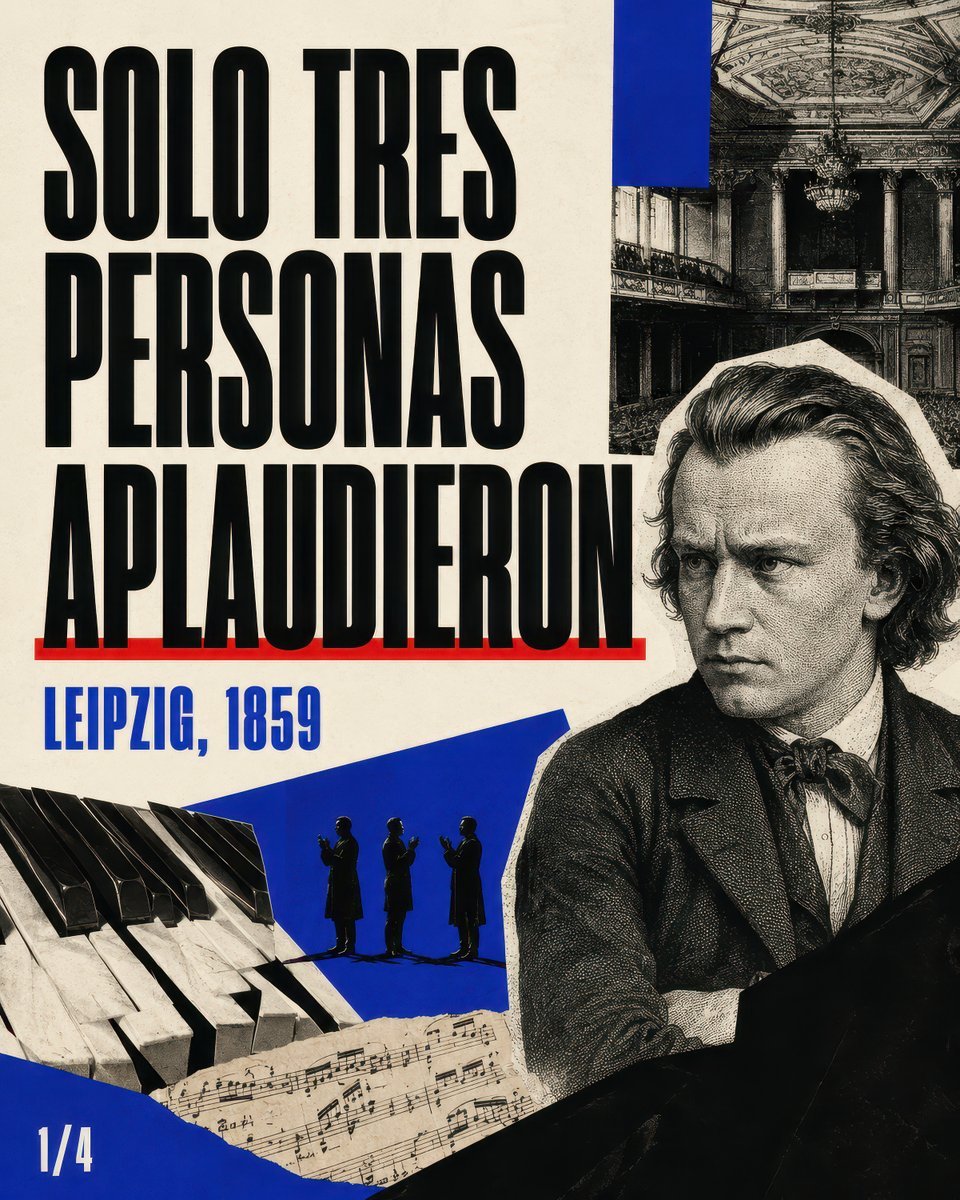
- Prompt included
- Model and format preset
- Free template
The prompt behind this image
Copy the exact prompt behind Brahms Leipzig 1859 Poster, or open it in the studio and make it yours.
Goal: Create a dramatic vintage editorial poster about the disastrous 1859 Leipzig premiere of a Brahms piano concerto, in a bold historical collage style. Canvas: Vertical 4:5 poster, aged cream paper background with slight stains and print texture, high contrast black, ivory, vivid cobalt blue, and a thin red accent line. Layout: Left side dominated by huge stacked Spanish headline text in ultra-condensed bold black sans-serif, reading {argument name="headline text" default="SOLO TRES PERSONAS APLAUDIERON"}. Place the headline in 3 lines: “SOLO TRES”, “PERSONAS”, “APLAUDIERON”. Add a thin red underline beneath the last headline line. Below it, add a smaller cobalt-blue location/date line reading {argument name="location date" default="LEIPZIG, 1859"}. Bottom-left corner shows a small white page marker reading {argument name="page marker" default="1/4"}. Main subject: On the right half, place a large engraved black-and-white portrait of {argument name="composer" default="Johannes Brahms"}, shown from the chest up, serious and brooding, facing slightly left, with wavy swept hair, Victorian jacket, white shirt, and bow tie. The portrait should look like an antique etching cut out from paper, with a pale irregular border around it. Collage elements: Include exactly 4 main visual collage elements besides the portrait: 1) a black-and-white antique concert hall interior photo in the upper right, cropped rectangular, showing ornate balconies, columns, ceiling decoration, and chandelier; 2) a close-up strip of piano keys in the lower left, angled diagonally; 3) torn sheet music across the lower center, tilted and partly overlapping the piano keys; 4) a cobalt-blue angular paper shape behind the lower center figures and sheet music. Include exactly 3 small black silhouetted people standing on the blue shape near the lower center, all clapping, spaced evenly, representing the only three applauding attendees. Typography and style: Use brutalist poster typography, tall condensed block letters, slightly imperfect ink edges, distressed offset printing, halftone dots, photocopied engraving texture, torn-paper collage edges, and a documentary music-history mood. The composition should feel like a magazine carousel cover or historical YouTube essay thumbnail, with strong visual hierarchy and no extra decorative text. Constraints: Preserve exactly the visible text elements and counts: 1 large headline, 1 red underline, 1 blue location/date label, 1 page marker, 1 composer portrait, 1 concert hall photo, 1 piano-key image, 1 sheet-music fragment, 1 blue angular shape, and exactly 3 applauding silhouettes. Do not add logos, watermarks, captions, or additional people.
How to use Brahms Leipzig 1859 Poster in 3 steps
- 1Upload ImagePNG, JPG or paste
Add your photo
Upload the photo the template builds on. The prompt, model and format are already set.
- 2…a portrait of your subject in softgolden-hour light, 85mm…
Personalize
Edit the subject and creative details for your destination.
- 3Generate
Generate
Press Generate — your image is created in PicX Studio, so you can compare it with the original and refine one variable at a time.
More like this
Templates with the same subject, style or setup. Open one to see its prompt.

Japan Travel Brochure Poster

Cartoon TV Show Poster Pack

Trendy Cafe Drink Promo Poster

Urban Fashion Editorial Collage Streetwear Poster

Premium Fashion Editorial Cover Layout System

Polo Ralph Lauren Luxury American Heritage Fashion Campaign

Monochrome Halftone Editorial Fashion Poster

Retro Mirror Luxury Fashion Campaign Poster

Luxury Fashion Campaign Typography Poster System

Premium Fashion Editorial Campaign Poster System

Ultra-Stylized High-Fashion Streetwear Poster

Urban Fashion Editorial Collage Poster
Make it yours
Brahms Leipzig 1859 Poster works as-is. These are the safest ways to change it without losing the look.
Change one field
Copy a single group, rewrite it, and generate again so you can see what that field is doing.
Keep the frame, change the subject
Hold the composition and light of Brahms Leipzig 1859 Poster, then swap wardrobe, props or the person for a new take.
| If the result… | Why | Fix |
|---|---|---|
| The result drifts from the preview | Too many fields changed at once. | Reuse Brahms Leipzig 1859 Poster as-is first, then change one group — subject, light, or setting. |
| The model over-stylizes the scene | The prose prompt leaves finish and camera underspecified. | Add one camera or lighting sentence and stay on GPT Image 2. |
More GPT Image 2 templates
Other prompts made for GPT Image 2.

Six VTuber Japanese Logo Sheet

Realistic Portrait of Woman and Deer

The Vista Modular Condo Poster

AI Model Routing Comparison Infographic

2.5D Anime Art Board

Isometric Productivity Desk Scene

New York Double Exposure Poster

Four-Panel AI Landscape Comparison

Japanese Tatami Lifestyle Magazine Cover

NESCAFÉ Coffee Map Poster
More image prompts
Fresh picks from across the catalog.
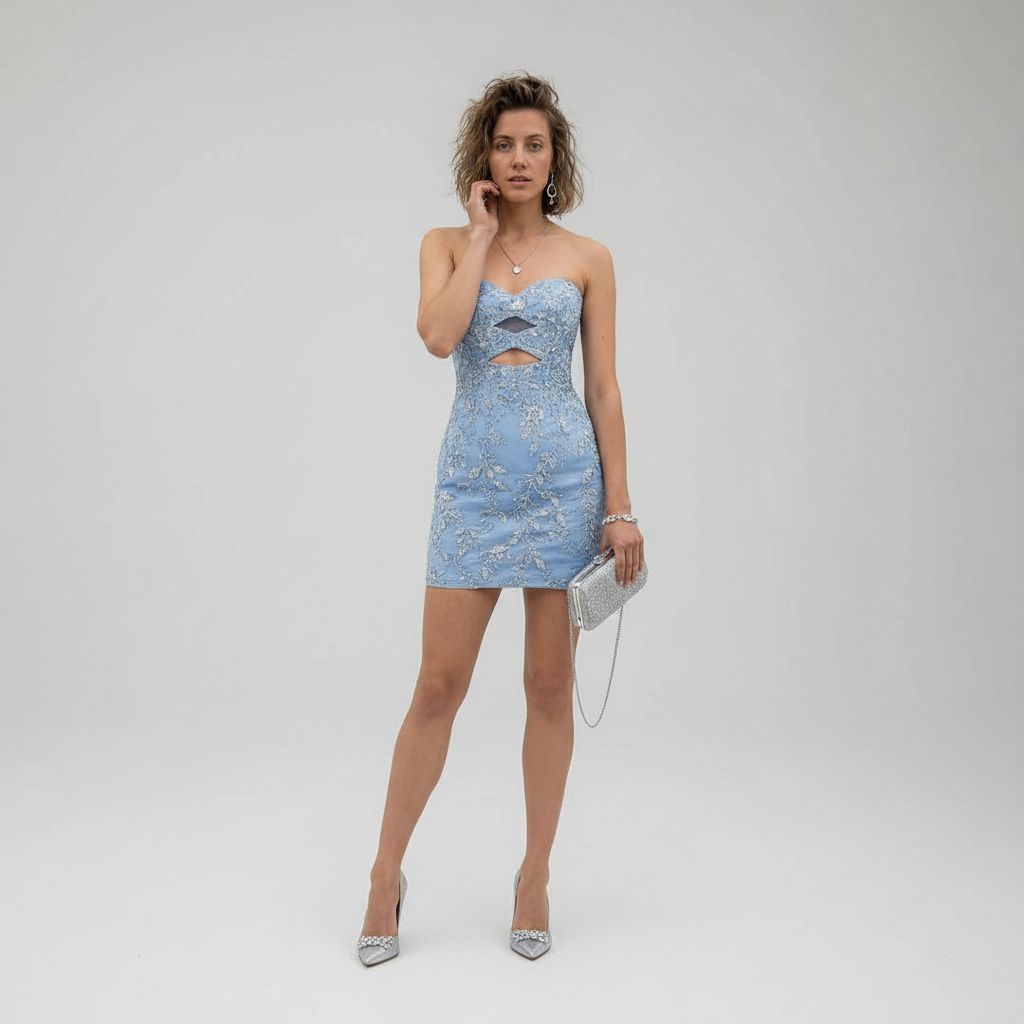
Luxury Studio Outfit Transformation

Shibuya Scramble Crossing New Year's Eve Scene

Kawaii Doll Magical Realism Character Portrait Prompt
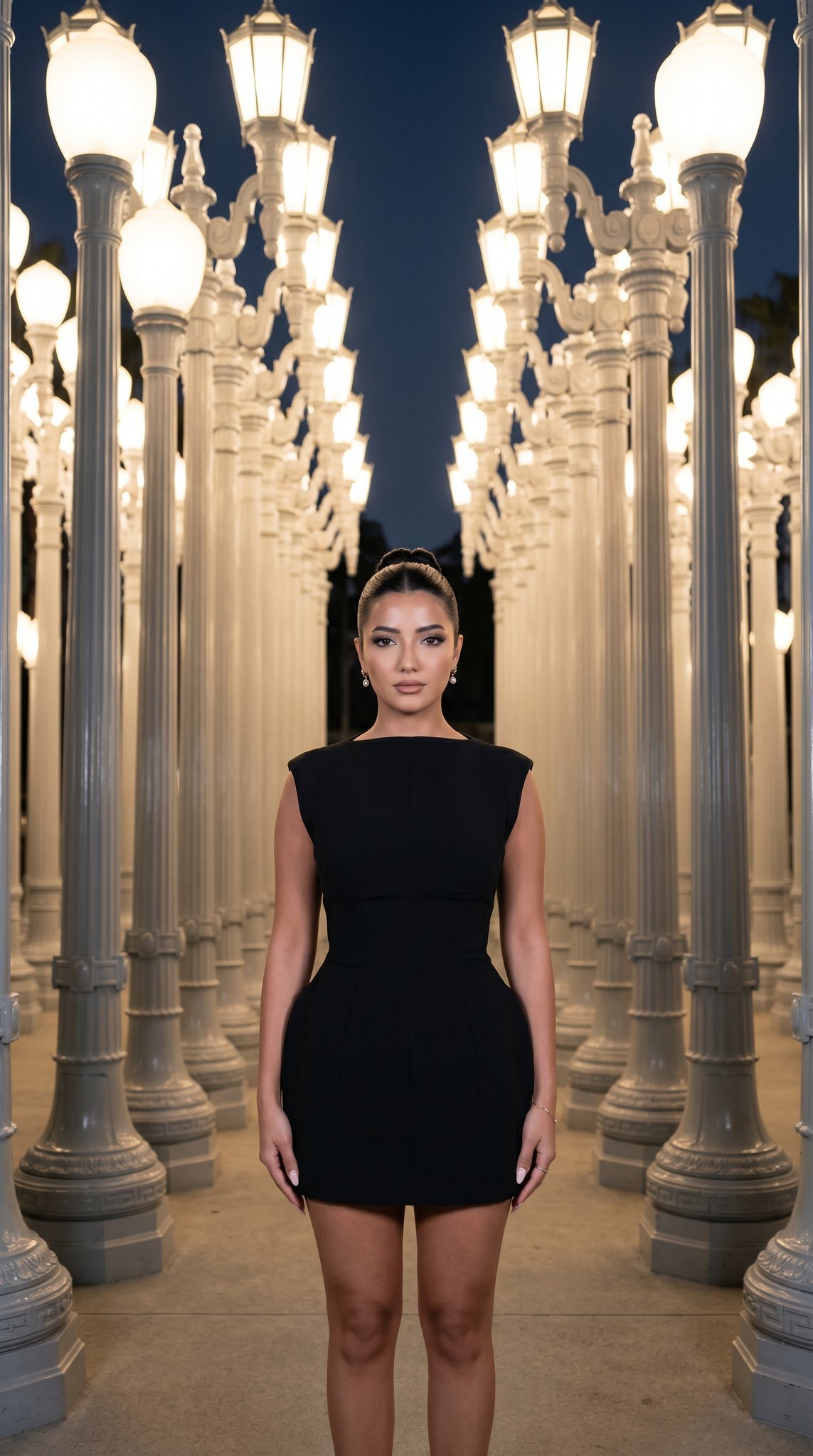
07 LACMA Urban Light — California Series
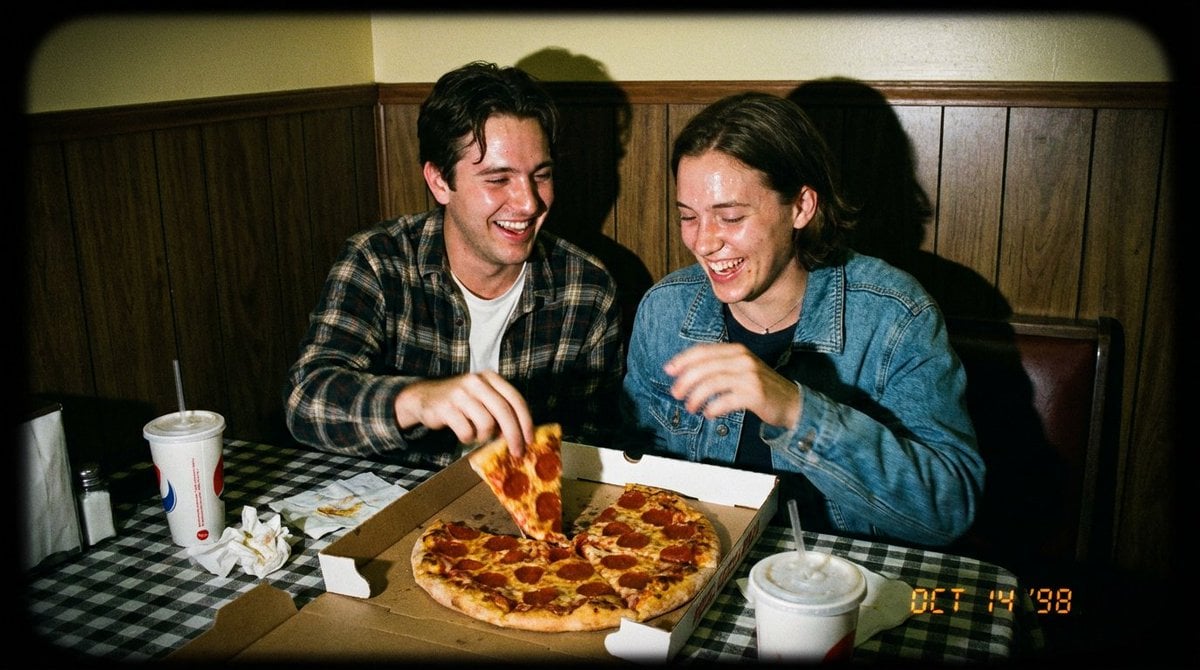
1998 Disposable Camera Photo of Friends in a Diner
Detailed Flash-Lit Bedroom Photo Prompt for Nano Banana 3.1 Pro

Generating Rich 4-Panel Manga with NanoBanana Pro
Minimalist Headphone Lifestyle Ad
Akatsuki Mirror Selfie Prompt

Floating Sneakers Fire Poster
Browse template categories
Brahms Leipzig 1859 Poster questions
How do I use the Brahms Leipzig 1859 Poster template?
Add your photo if the template asks for one, edit the prompt if you like — the template's model and format are already selected — and press Generate. Your version opens in PicX Studio.
Can I customize the Brahms Leipzig 1859 Poster template?
Yes. You can change the subject, setting, lighting, mood, format, and available model controls before creating your image.
Is the Brahms Leipzig 1859 Poster template free?
Opening and editing this template is free. Generating uses credits, shown on the Generate button when you are signed in.
Which AI model should I use?
Start with GPT Image 2, which is the model associated with this template. You can compare another compatible model for a different finish.
Looking for something else? Browse all templates.

Your photo, any look
Thousands of ready templates for every top image and video model, from one credit balance.