
Darwin and Brahms in 1859
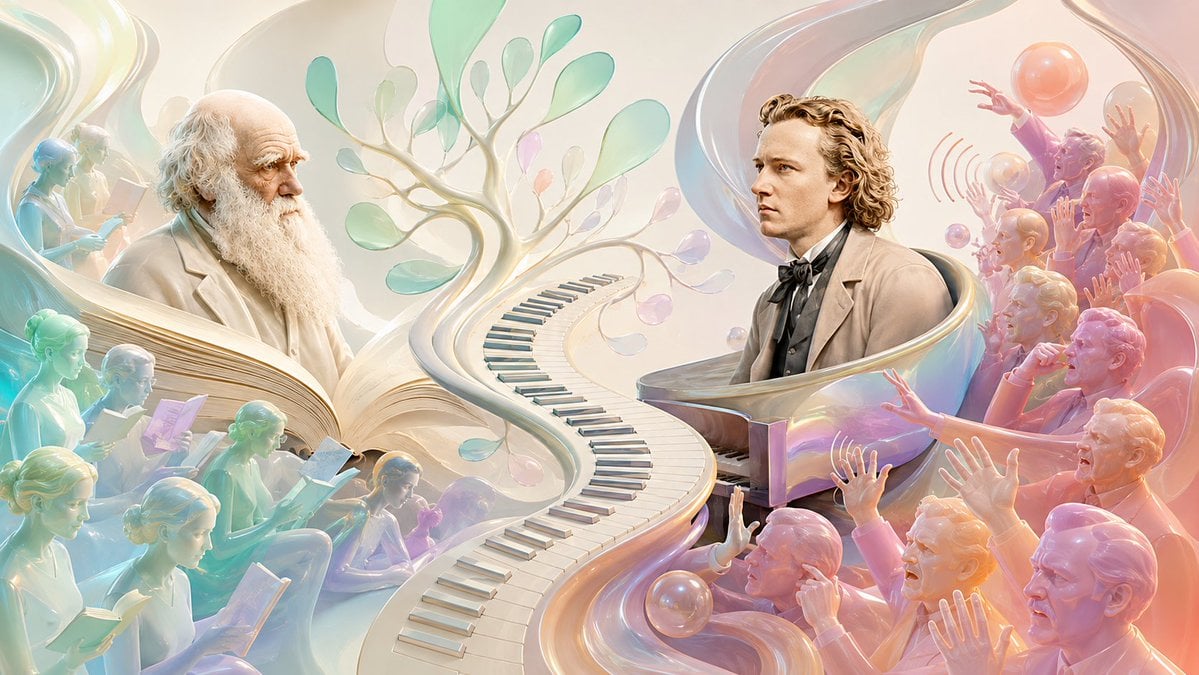
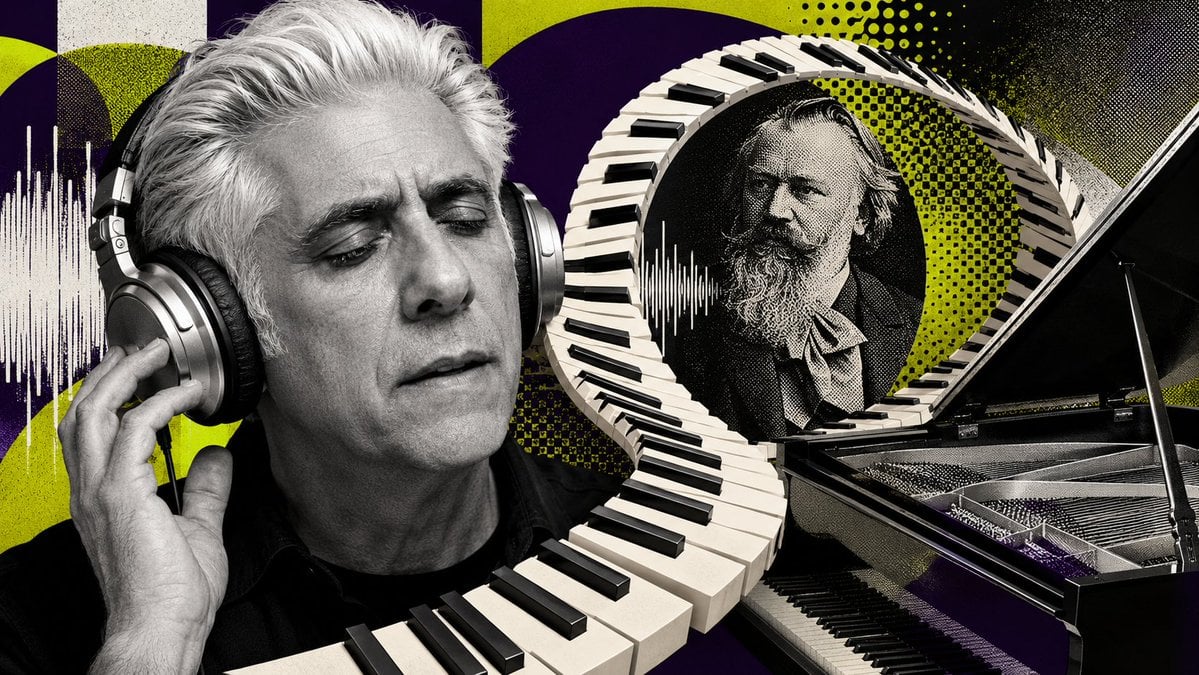
A surreal historical art prompt showing Darwin being read and Brahms being booed through a symbolic fusion of evolution, piano music, and pastel glasslike forms.
- Prompt included
- Model and format preset
- Free template
The prompt behind this image
Copy the exact prompt behind Darwin and Brahms in 1859, or open it in the studio and make it yours.
Create a wide cinematic surreal illustration comparing {argument name="scientist" default="Charles Darwin"} and {argument name="composer" default="Johannes Brahms"} in the year {argument name="year" default="1859"}. Use a luminous pastel, pearlescent 3D digital-painting style with translucent glass ribbons, soft ivory light, mint, aqua, peach, rose, and lavender gradients, highly detailed faces, and a dreamy museum-poster composition. The canvas is a 16:9 horizontal scene. Place exactly 2 main historical figures: on the left, an elderly Darwin with a bald head, thick white beard, thoughtful expression, and cream Victorian coat, surrounded by calm readers; on the right, a young Brahms with wavy blond-brown hair, formal 19th-century suit, bow tie, and serious profile, seated at a glossy grand piano. Between them, create a dramatic S-shaped pathway made from piano keys that begins in the foreground center and curves upward into a branching evolutionary tree with translucent leaf-like forms, visually merging music and biology. Include exactly 9 quiet reader figures on the left side, rendered like semi-transparent pastel sculptures, each holding or reading a book or paper; arrange them in layered rows around Darwin to imply that his ideas are being studied. Include exactly 12 audience figures on the right side, rendered in warm pink, orange, and violet glassy tones, reacting negatively to the music with raised hands, open mouths, pointing, and booing gestures; add subtle curved sound-wave marks near the upper-right crowd. Add floating iridescent spheres and flowing ribbon shapes around the scene, with a large translucent swirl framing Brahms and another sweeping ribbon behind Darwin. The mood should contrast contemplation and reception: left side calm, scholarly, cool-toned; right side theatrical, heated, chaotic. No written text, no captions, no logos, no watermark.
How to use Darwin and Brahms in 1859 in 3 steps
- 1Upload ImagePNG, JPG or paste
Add your photo
Upload the photo the template builds on. The prompt, model and format are already set.
- 2…a portrait of your subject in softgolden-hour light, 85mm…
Personalize
Edit the subject and creative details for your destination.
- 3Generate
Generate
Press Generate — your image is created in PicX Studio, so you can compare it with the original and refine one variable at a time.
More like this
Templates with the same subject, style or setup. Open one to see its prompt.
Make it yours
Darwin and Brahms in 1859 works as-is. These are the safest ways to change it without losing the look.
Change one field
Copy a single group, rewrite it, and generate again so you can see what that field is doing.
Keep the frame, change the subject
Hold the composition and light of Darwin and Brahms in 1859, then swap wardrobe, props or the person for a new take.
| If the result… | Why | Fix |
|---|---|---|
| The result drifts from the preview | Too many fields changed at once. | Reuse Darwin and Brahms in 1859 as-is first, then change one group — subject, light, or setting. |
| The model over-stylizes the scene | The prose prompt leaves finish and camera underspecified. | Add one camera or lighting sentence and stay on GPT Image 2. |
More GPT Image 2 templates
Other prompts made for GPT Image 2.

Six VTuber Japanese Logo Sheet

Realistic Portrait of Woman and Deer

The Vista Modular Condo Poster

AI Model Routing Comparison Infographic

2.5D Anime Art Board

Isometric Productivity Desk Scene

New York Double Exposure Poster

Four-Panel AI Landscape Comparison

Japanese Tatami Lifestyle Magazine Cover

NESCAFÉ Coffee Map Poster
More image prompts
Fresh picks from across the catalog.
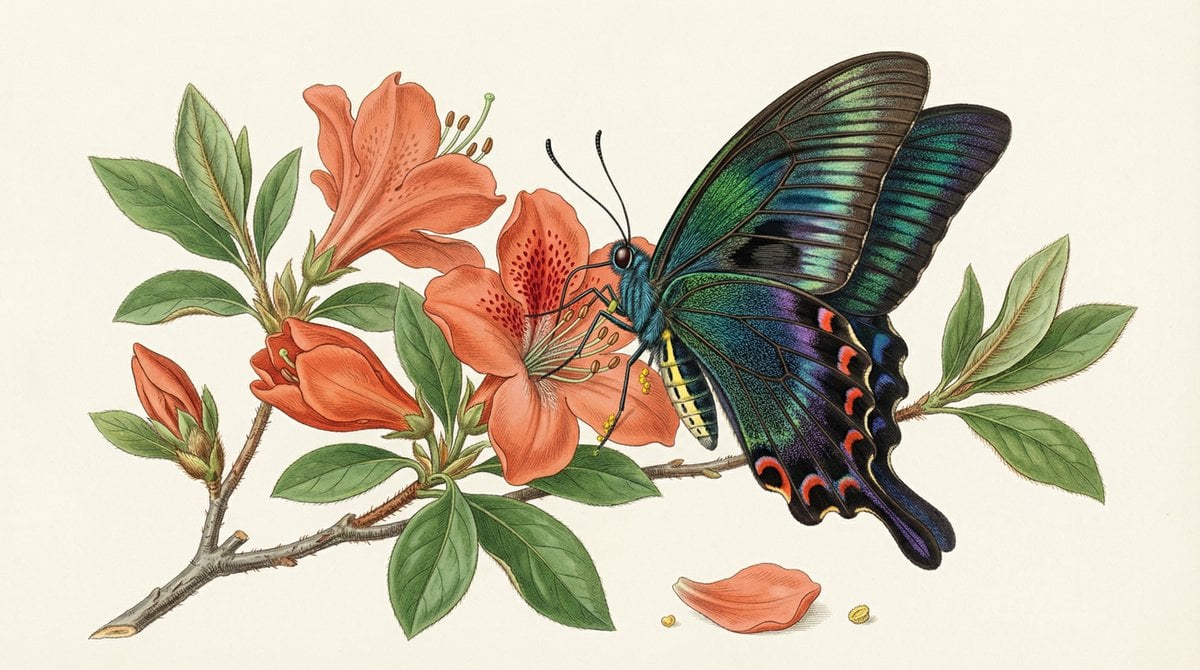
Precise Natural History Illustration Prompt: Chinese Peacock Butterfly
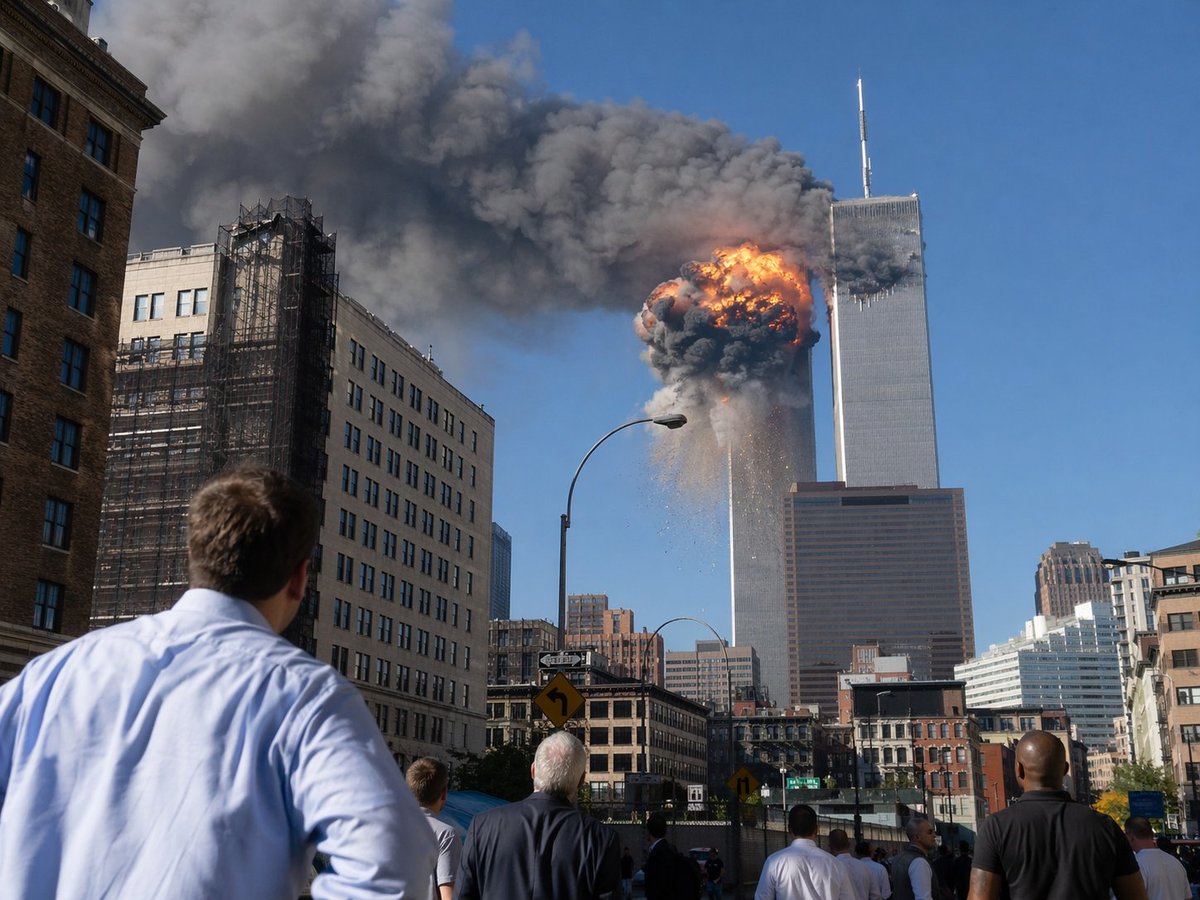
9/11 Twin Towers Street Photo
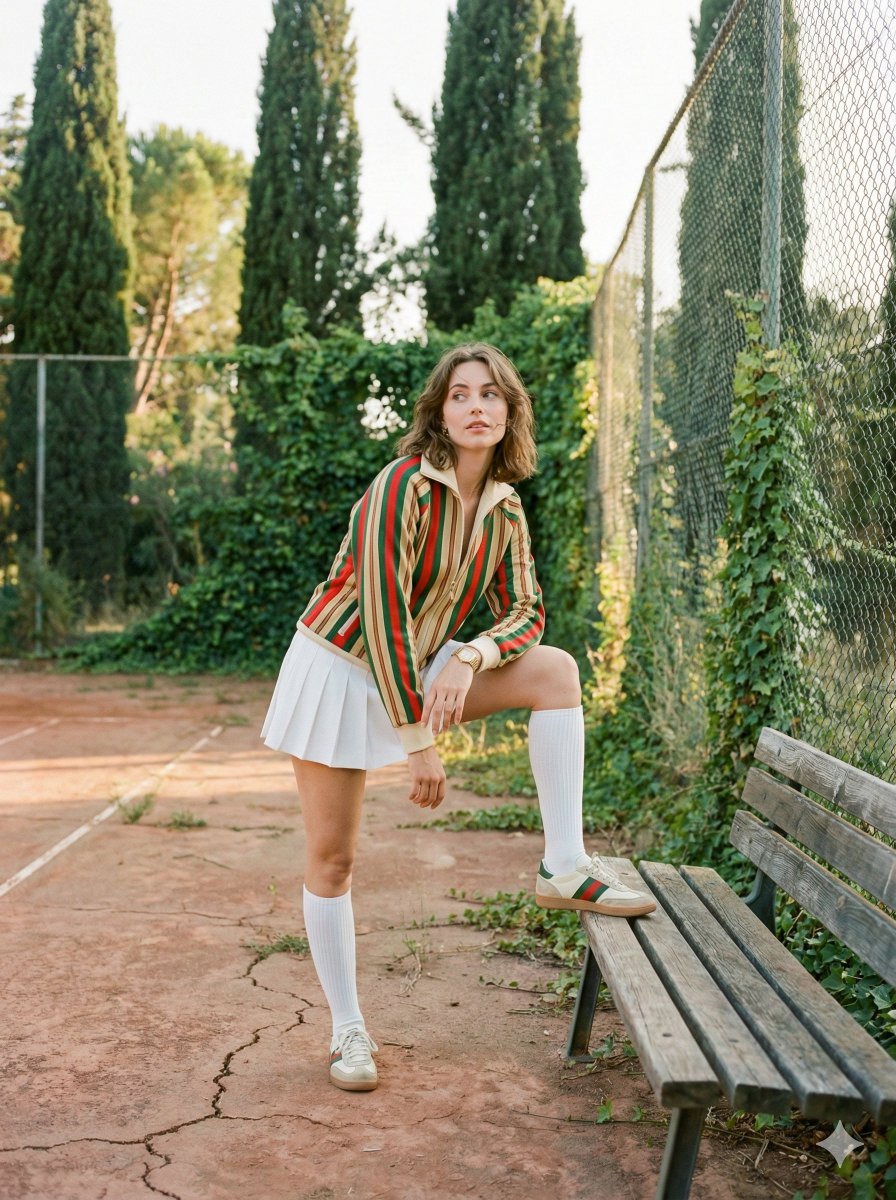
Vintage Tennis Editorial Shot Prompt
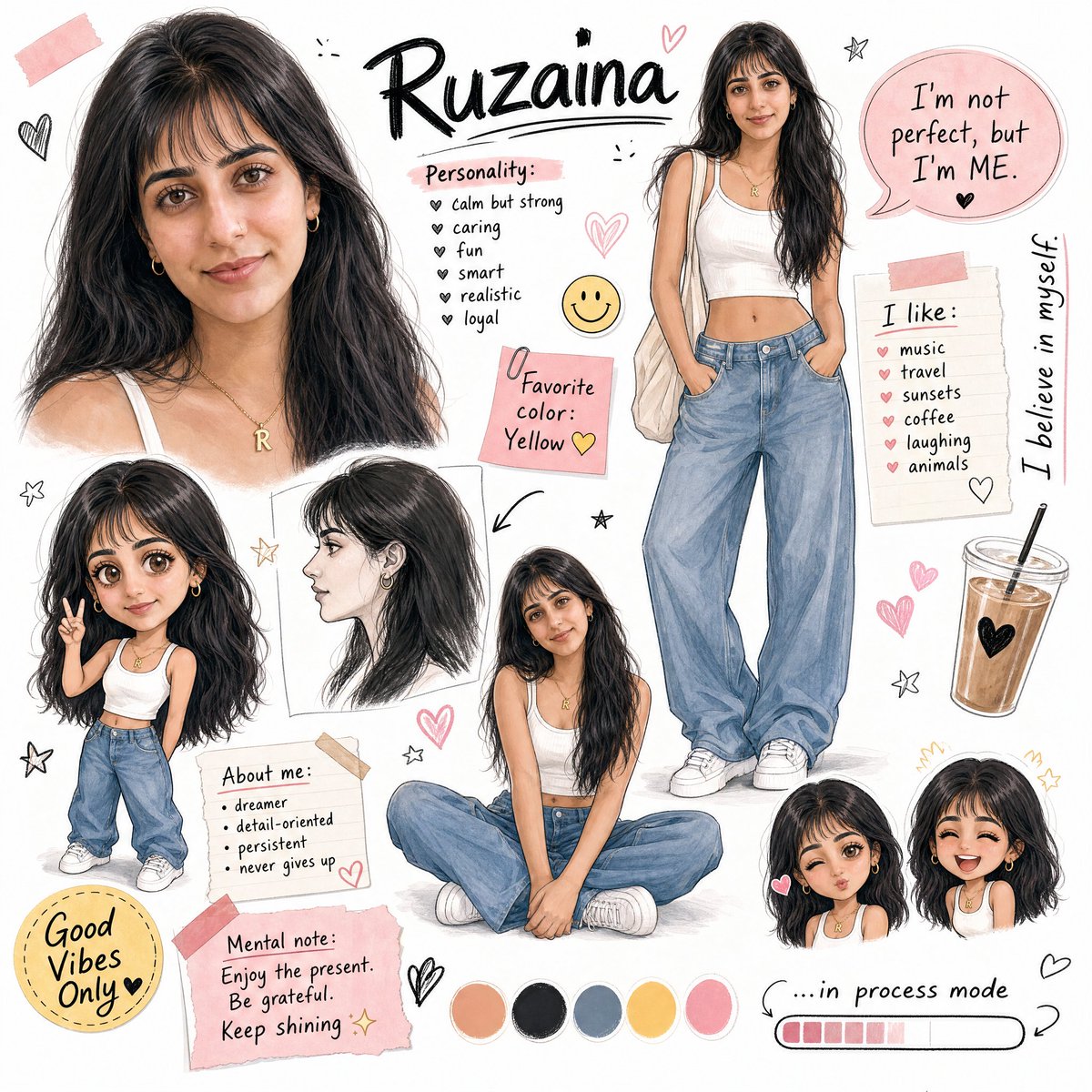
Ruzaina Character Design Sheet
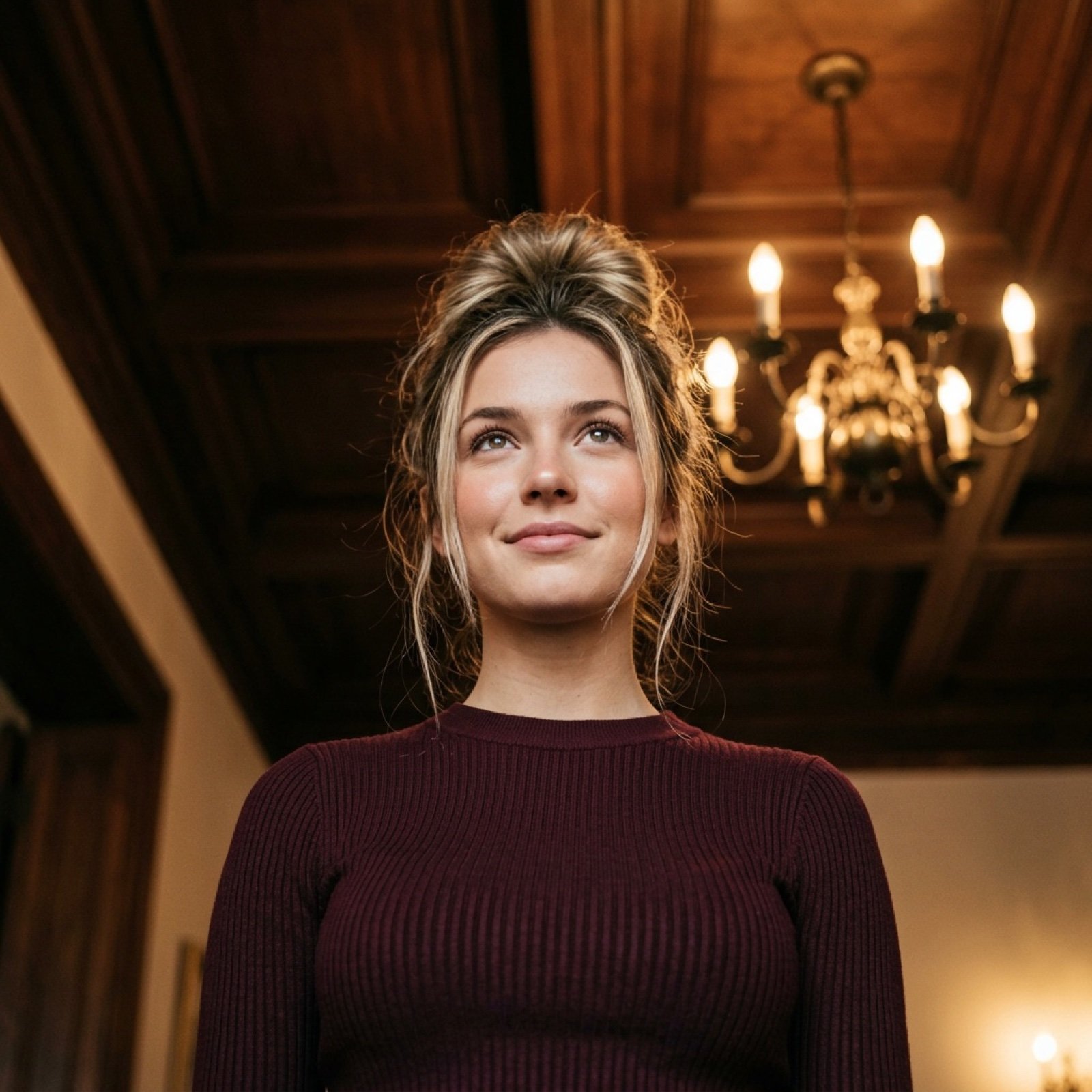
Worm's-Eye View Cinematic Portrait Prompt with Identity Lock
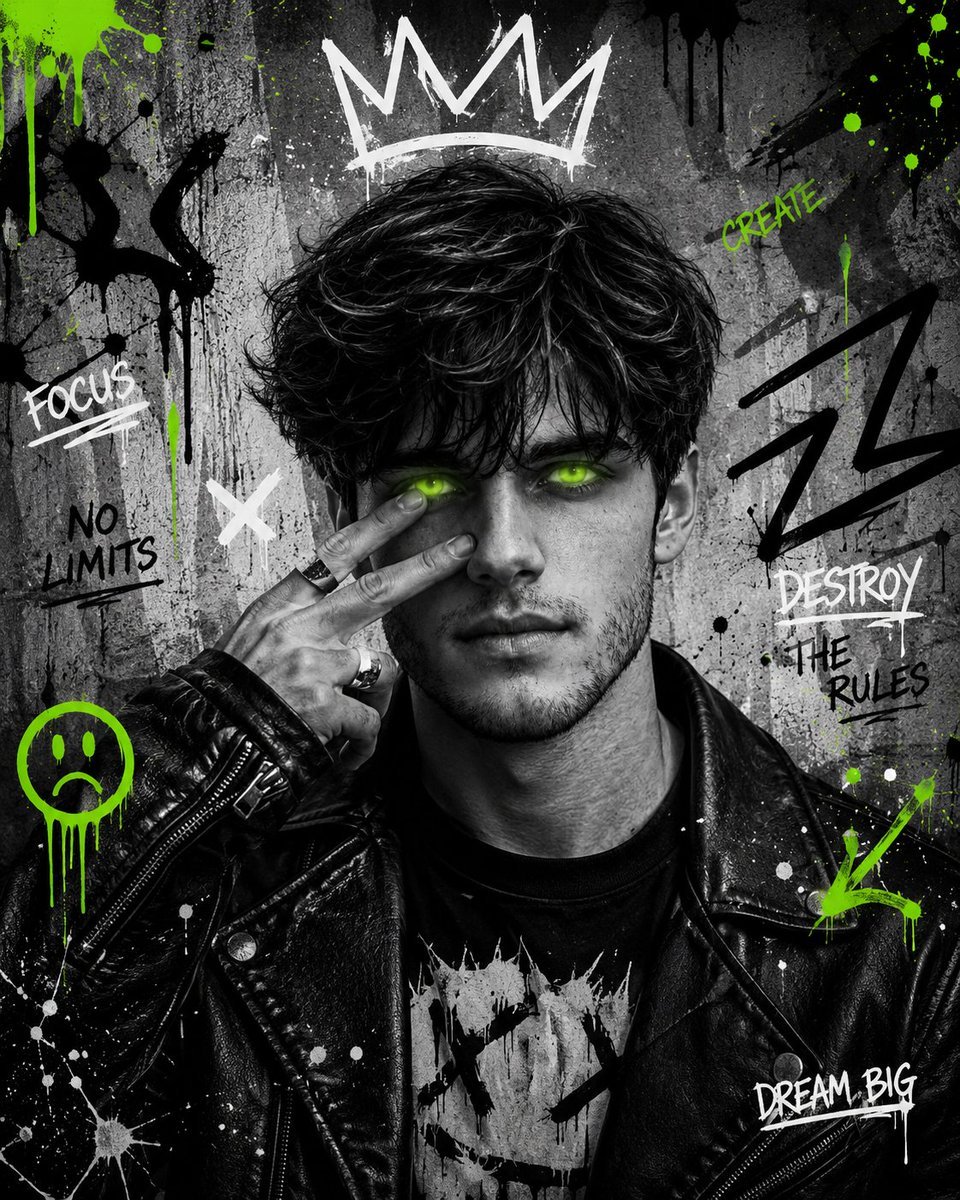
Urban Grunge Street Art Portrait
Female Hairstyle Collage for New Year Look
Moss Living Product Rendering Prompt
untitled
Ultra-Realistic Advertising Shot for Lay's Chips
Browse template categories
Darwin and Brahms in 1859 questions
How do I use the Darwin and Brahms in 1859 template?
Add your photo if the template asks for one, edit the prompt if you like — the template's model and format are already selected — and press Generate. Your version opens in PicX Studio.
Can I customize the Darwin and Brahms in 1859 template?
Yes. You can change the subject, setting, lighting, mood, format, and available model controls before creating your image.
Is the Darwin and Brahms in 1859 template free?
Opening and editing this template is free. Generating uses credits, shown on the Generate button when you are signed in.
Which AI model should I use?
Start with GPT Image 2, which is the model associated with this template. You can compare another compatible model for a different finish.
Looking for something else? Browse all templates.

Your photo, any look
Thousands of ready templates for every top image and video model, from one credit balance.