
Golden Hour Beach Selfie Prompt
A detailed prompt for generating an ultra-realistic, golden hour beach selfie, focusing on natural sunlight, realistic skin texture, specific clothing details, and maintaining the exact identity of the subject from an…
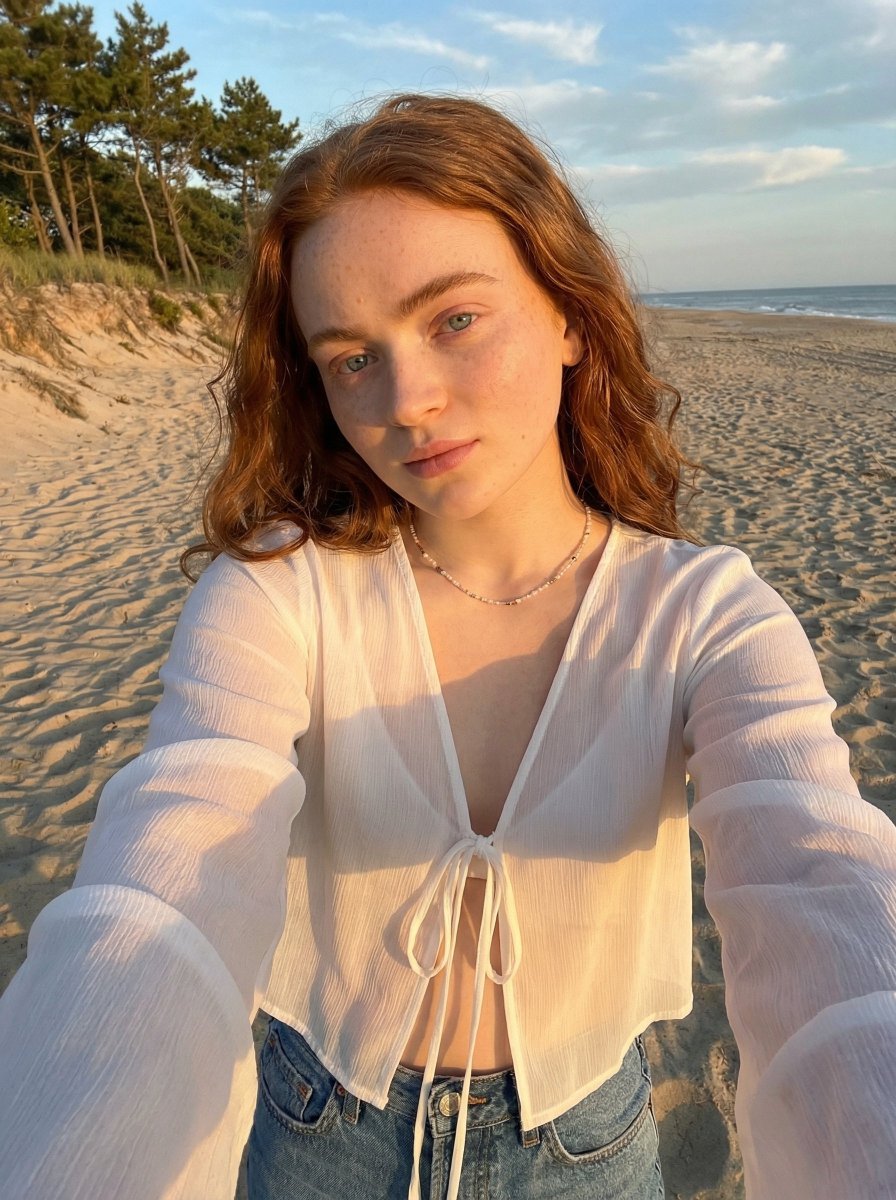
- Prompt included
- Model and format preset
- Premium template
The prompt behind this image
Copy the exact prompt behind Golden Hour Beach Selfie Prompt, or open it in the studio and make it yours.
{ "scene": { "setting": "outdoor beach environment during golden hour", "background": "warm sandy beach with textured grains, tall coastal trees with soft green foliage, subtle distant beach elements slightly blurred, clear blue sky with soft clouds", "lighting": "natural golden hour sunlight from side angle creating warm highlights on skin and hair, soft shadows with smooth falloff, slightly directional light enhancing facial contours, realistic sun glow" }, "subject": { "type": "female", "pose": "selfie-style pose with arm extended toward camera, torso slightly angled, shoulders relaxed, head slightly tilted with natural posture", "expression": "soft relaxed expression with subtle confident gaze, slightly parted lips for natural candid feel", "face": "Use uploaded reference image, keep identity exact, oval face shape, soft defined cheekbones, natural skin texture with visible pores and minor imperfections, realistic highlight and shadow balance", "hair": "Use uploaded reference image, keep identity exact", "eyes": "Use uploaded reference image, keep identity exact, almond-shaped eyes, natural brows with soft arch", "skin": "light warm skin tone with golden sunlight highlights, realistic texture with slight natural sheen, no over-smoothing" }, "clothing": { "top": "lightweight sheer {argument name="top color" default="white"} blouse with soft fabric transparency, flowy sleeves, front tie detail, natural wrinkles and fabric folds", "bottom": "blue denim jeans with realistic texture and slight fading", "footwear": "not visible", "accessories": "delicate necklace with small beads, minimal jewelry" }, "environment_details": { "props": "natural beach elements with textured sand and scattered footprints", "textures": "fine sand grain detail, soft fabric translucency, natural hair strands, foliage depth with light passing through leaves" }, "camera": { "angle": "slightly high selfie angle", "framing": "medium close-up with upper body dominant", "focus": "sharp focus on subject with softly blurred background", "lens": "wide smartphone lens with slight perspective distortion, natural depth of field" }, "style": { "realism": "ultra realistic", "color_tone": "warm golden tones with rich contrast between skin and background, natural blues and greens", "effects": "subtle HDR, gentle sun flare, soft highlight bloom, natural color grading, slight film grain", "details": "high detail skin texture, realistic lighting interaction, accurate fabric translucency, no artificial smoothing or over-processing" } }
How to use Golden Hour Beach Selfie Prompt in 3 steps
- 1Upload ImagePNG, JPG or paste
Add your photo
Upload the photo the template builds on. The prompt, model and format are already set.
- 2…a portrait of your subject in softgolden-hour light, 85mm…
Personalize
Edit the subject and creative details for your destination.
- 3Generate
Generate
Press Generate — your image is created in PicX Studio, so you can compare it with the original and refine one variable at a time.
More like this
Templates with the same subject, style or setup. Open one to see its prompt.

Rooftop Fisheye — Cat-Ear Balaclava at Golden Hour

Golden Hour SUV Selfie
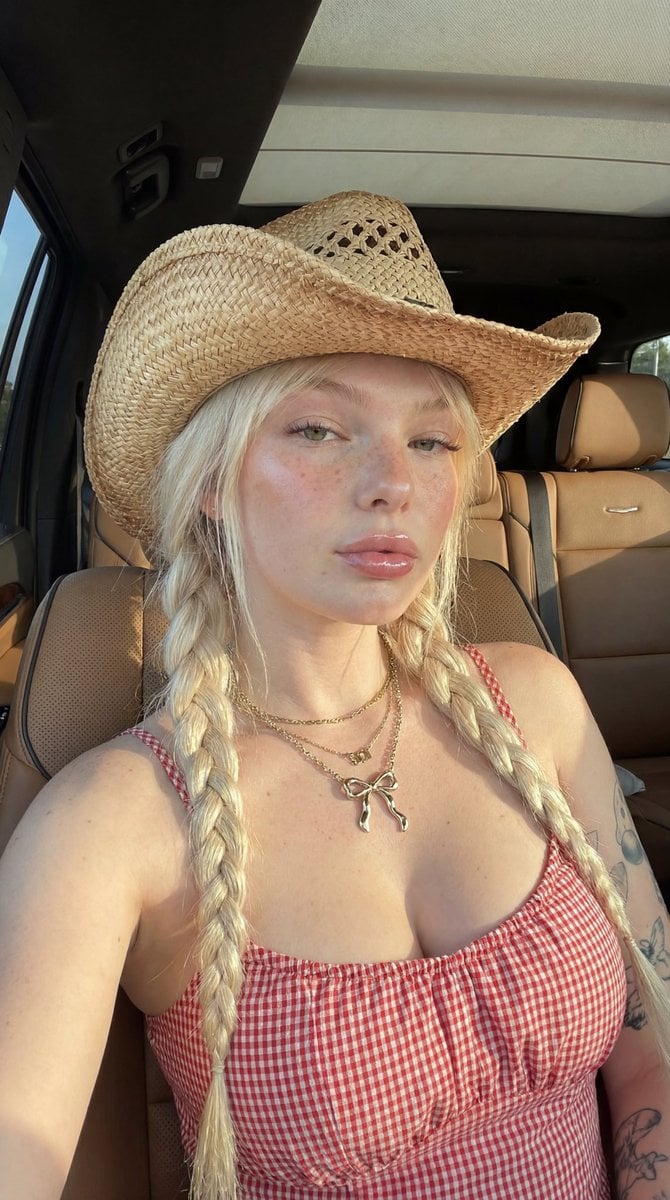
Golden Hour SUV Selfie
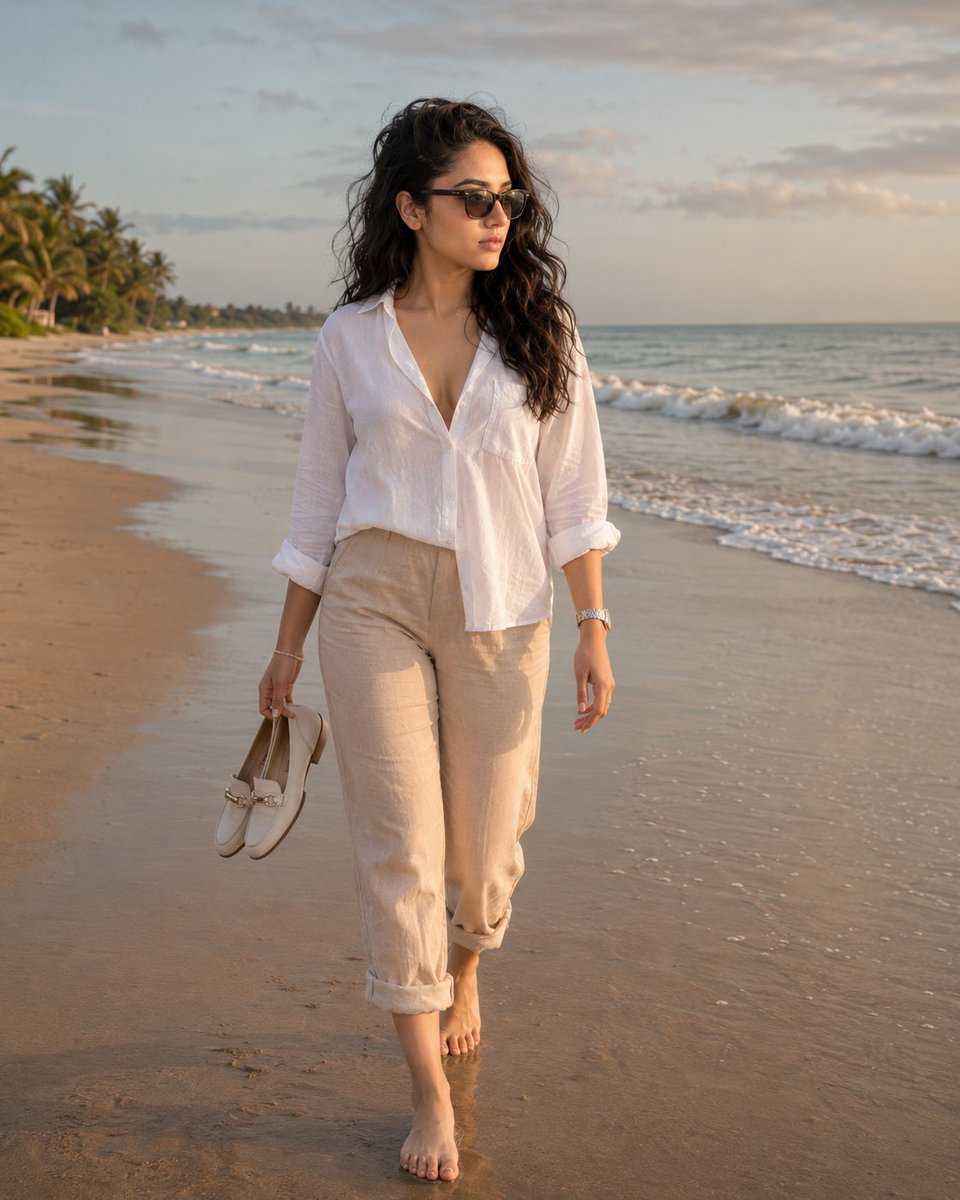
Golden Hour Beach Walk

Minimalist Golden Hour Selfie

80s Golden Hour Cinema

Cinematic Golden Hour Garden Portrait

Cinematic Golden Hour Urban Portrait
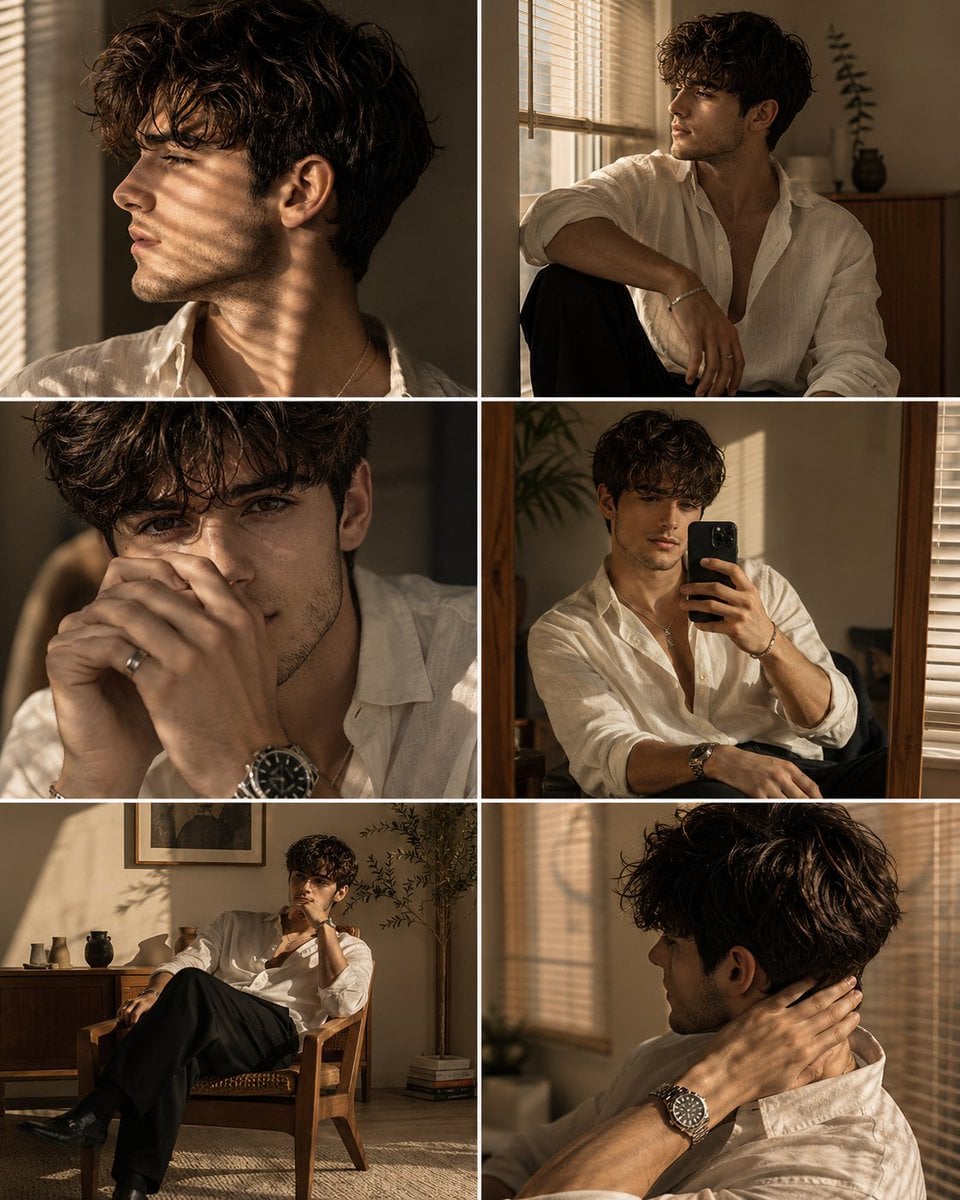
Luxury Men's Golden Hour Collage

Felt & Knit 3D Character — Photo-Exact Face, Pixar-Quality Plush Figurine

Eid al-Adha Cute Chaos — Fisheye Selfie with Farm Selfie, Mosque & Animals

Cat Photobomb Selfie — 0.5x Wide Angle Café Chaos
Make it yours
Golden Hour Beach Selfie Prompt works as-is. These are the safest ways to change it without losing the look.
Change one field
Copy a single group, rewrite it, and generate again so you can see what that field is doing.
Keep the frame, change the subject
Hold the composition and light of Golden Hour Beach Selfie Prompt, then swap wardrobe, props or the person for a new take.
| If the result… | Why | Fix |
|---|---|---|
| The result drifts from the preview | Too many fields changed at once. | Reuse Golden Hour Beach Selfie Prompt as-is first, then change one group — subject, light, or setting. |
| The model over-stylizes the scene | The prose prompt leaves finish and camera underspecified. | Add one camera or lighting sentence and stay on Nano Banana 2. |
More Nano Banana 2 templates
Other prompts made for Nano Banana 2.

Photorealistic Leaf Shaped Like a Dragon

K-Pop Idol Portrait Grid for Rapid Selection

Poetic Rain Forest Portrait During Golden Hour

Urban Street Portrait with Cartoon Inner Self Duo

Candid Nighttime Photo with Cat Prompt

High-Concept 3D Diorama Generation Prompt

Cinematic Futuristic Studio Portrait Template

Skincare Editorial Photography Collage Prompt

Hyper-Realistic Commercial Product Photography (Splash Effect)

Hyper-Realistic Nightclub Portrait Prompt
More image prompts
Fresh picks from across the catalog.

Hyper-Realistic Dark Green Cinematic Portrait (JSON)
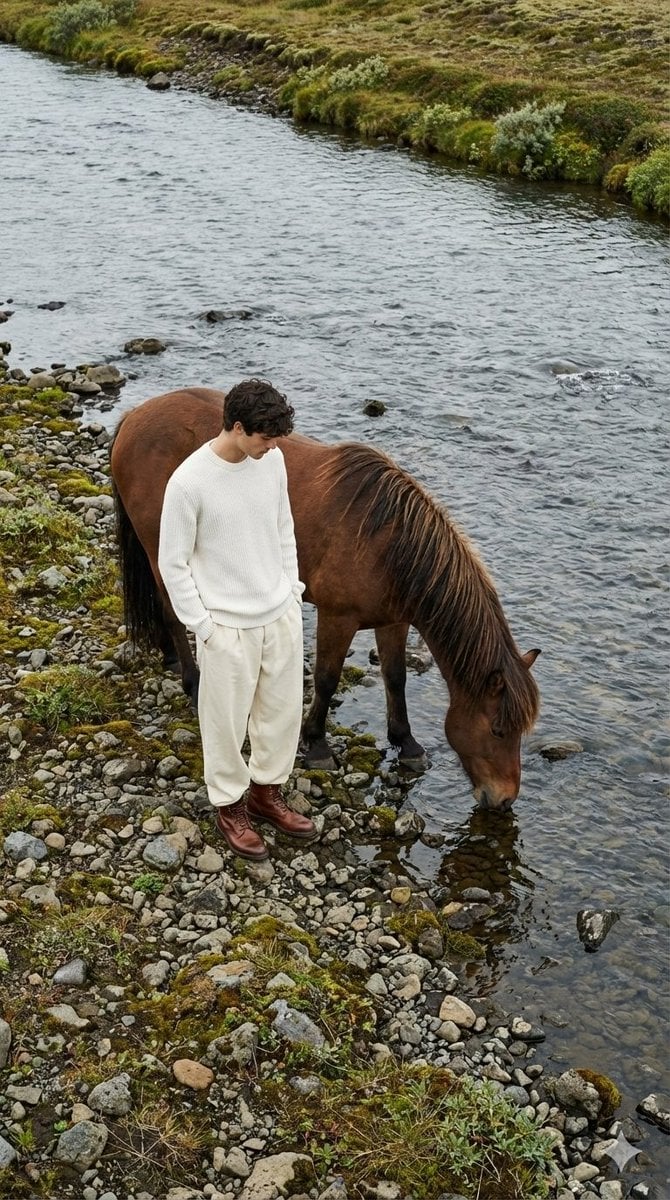
Jil Sander Aesthetic Fashion Editorial: Man and Horse
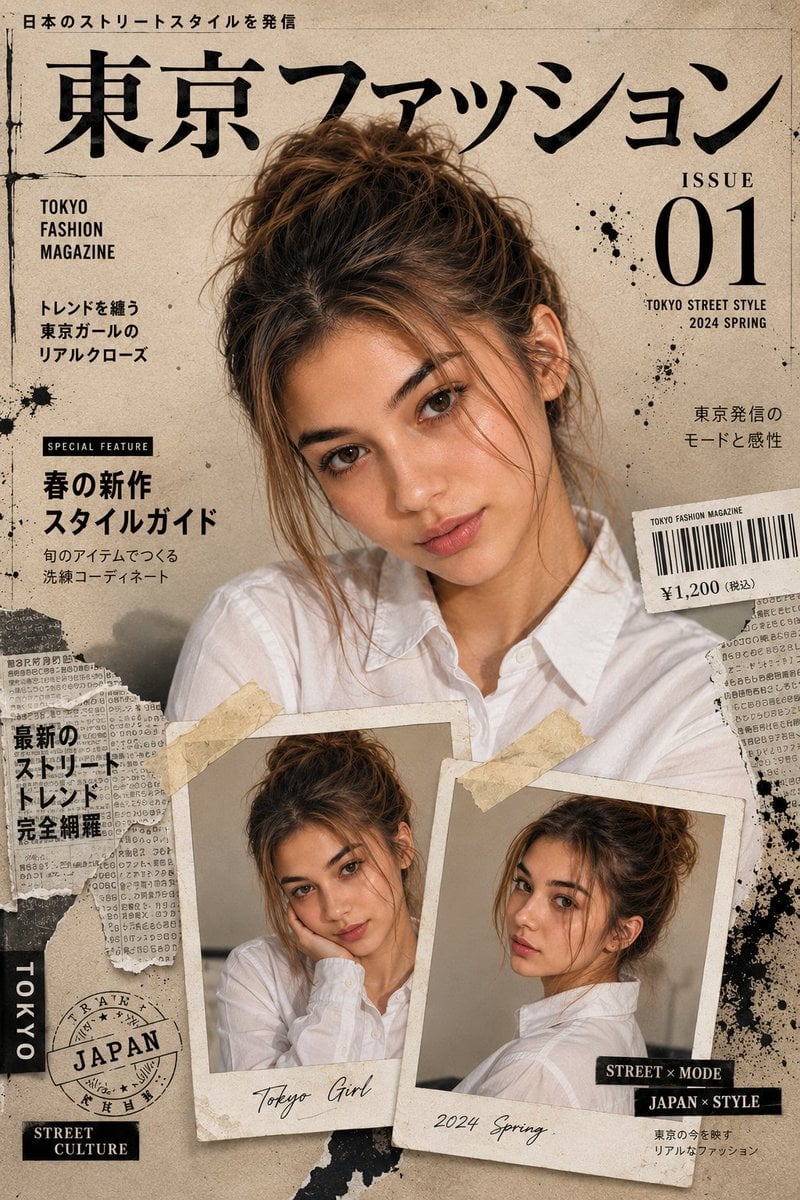
Japanese Fashion Magazine Cover
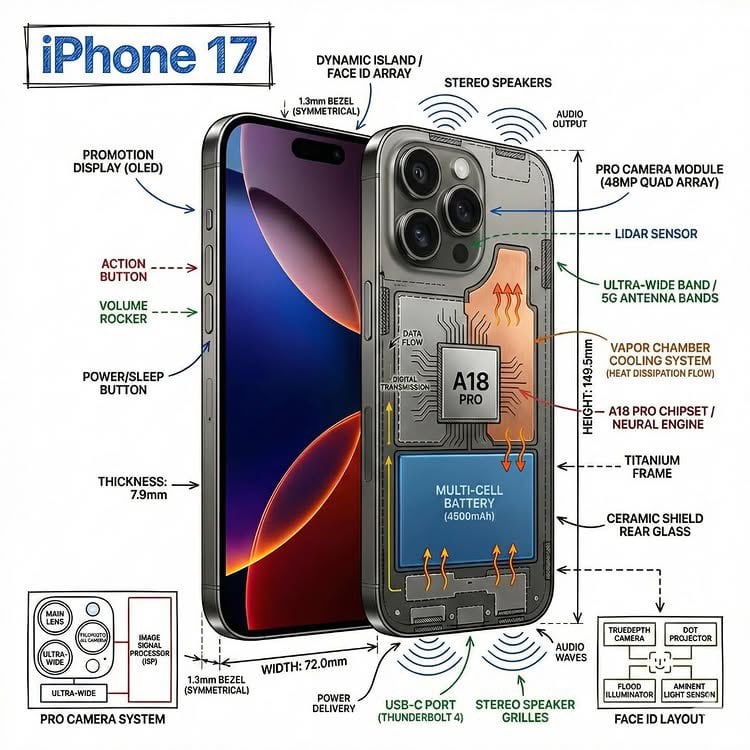
Technical Infographic Overlay on a Photorealistic Object
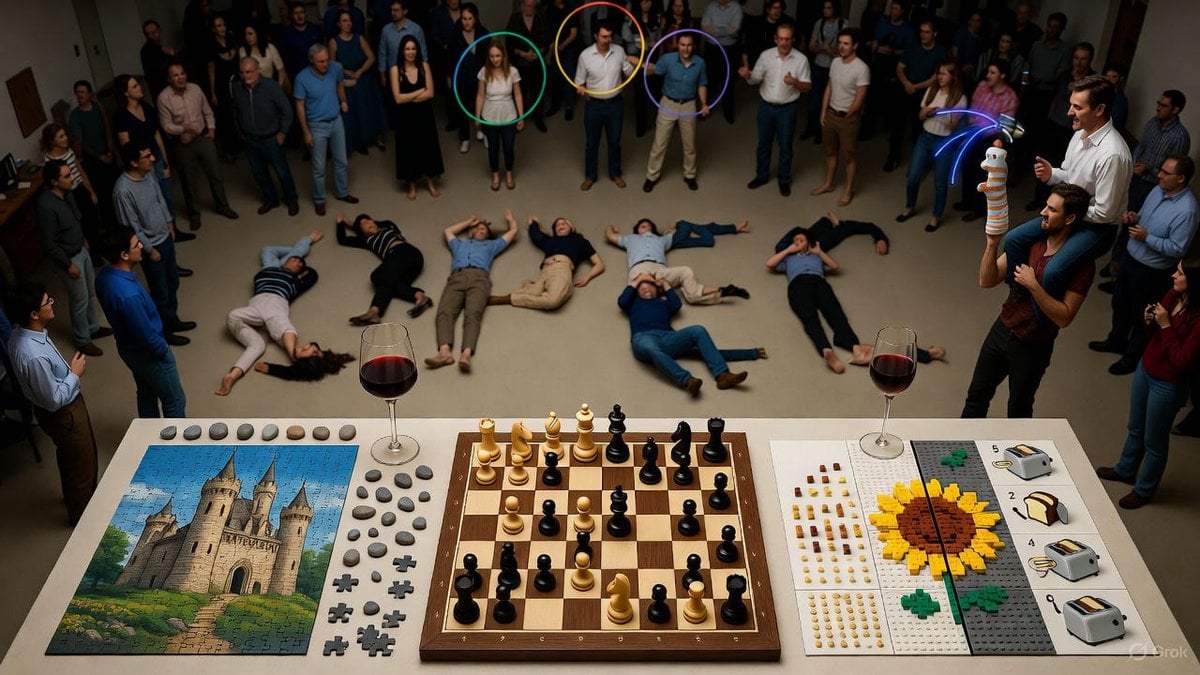
Complex Image Generation Test Prompt for Model Coherence
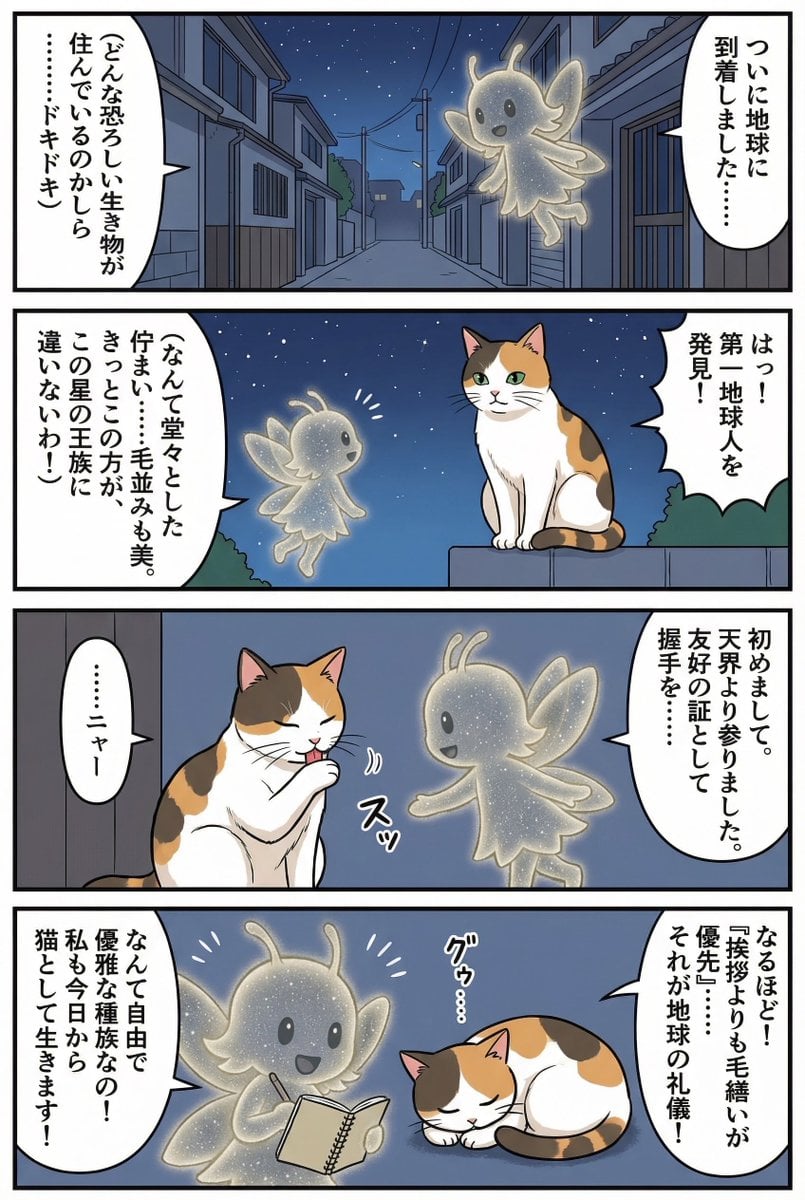
Four-panel manga of a fairy who thinks Earth is a cat planet
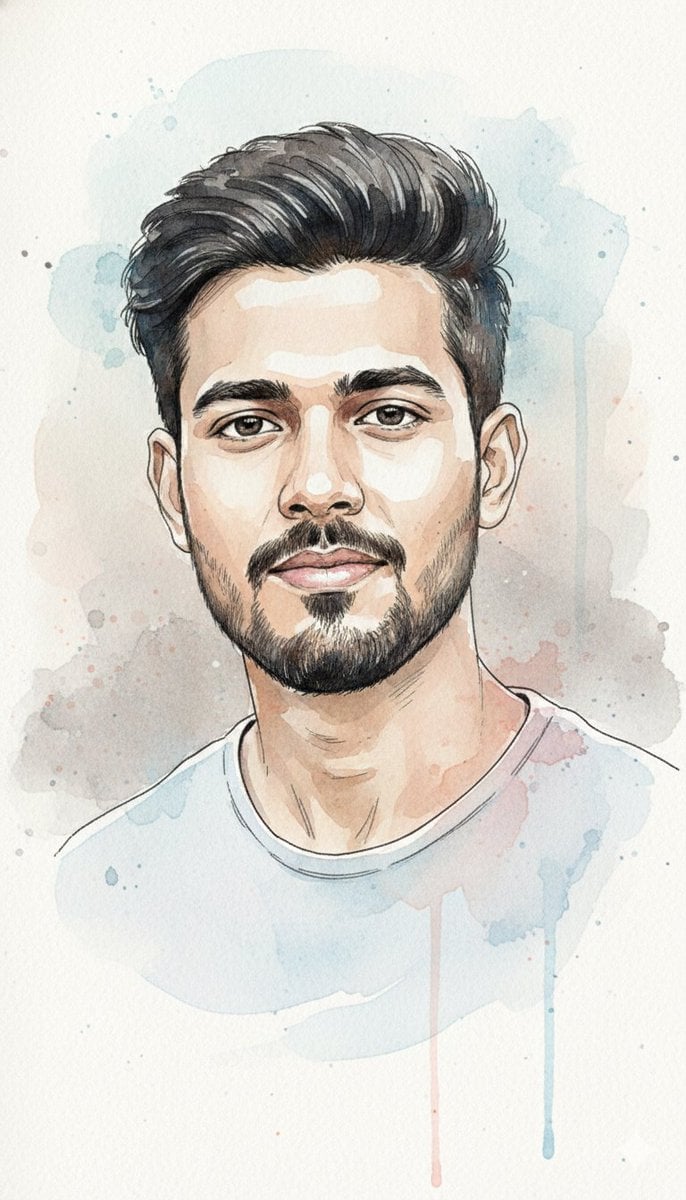
Watercolor and Ink Portrait with Identity Lock

Burj Khalifa Epic Infographic Poster
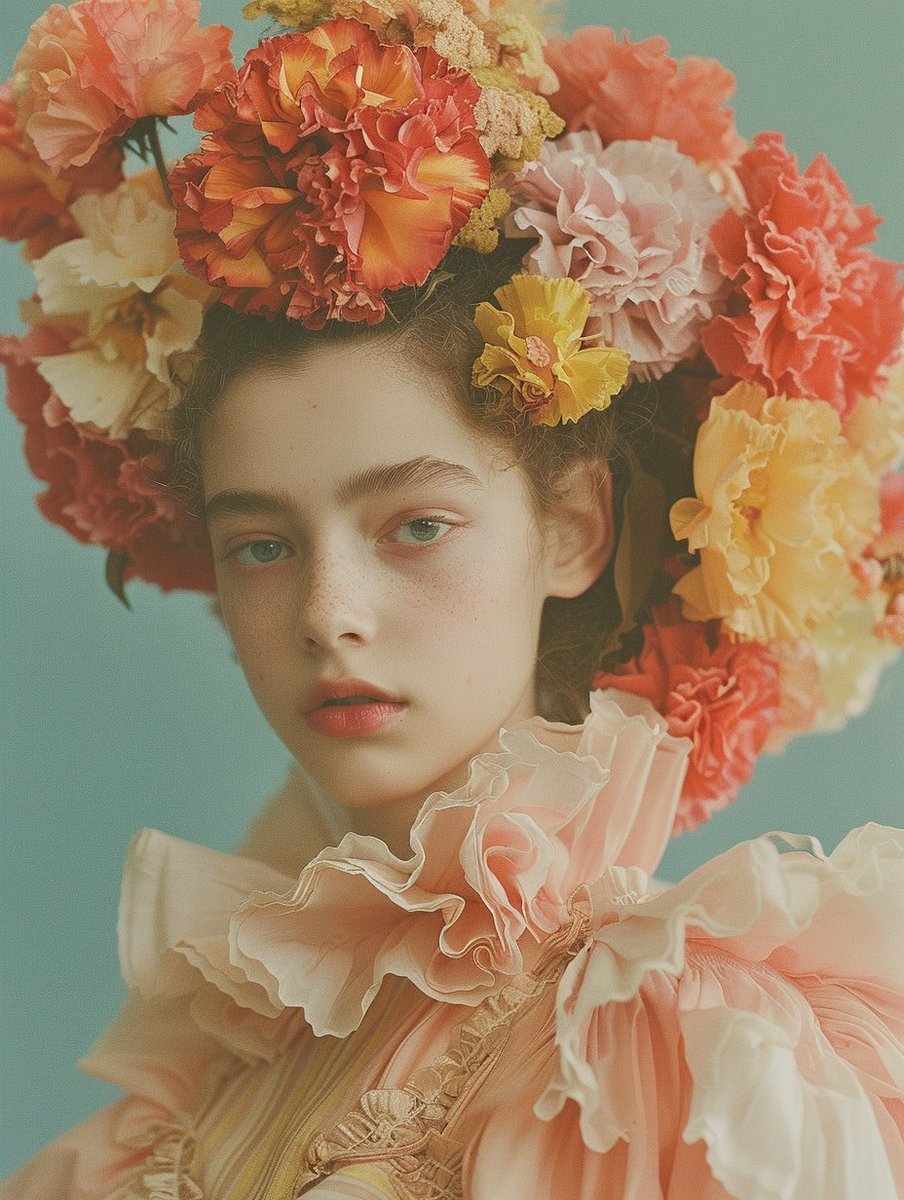
Disposable Photography Style Fashion Model Portrait
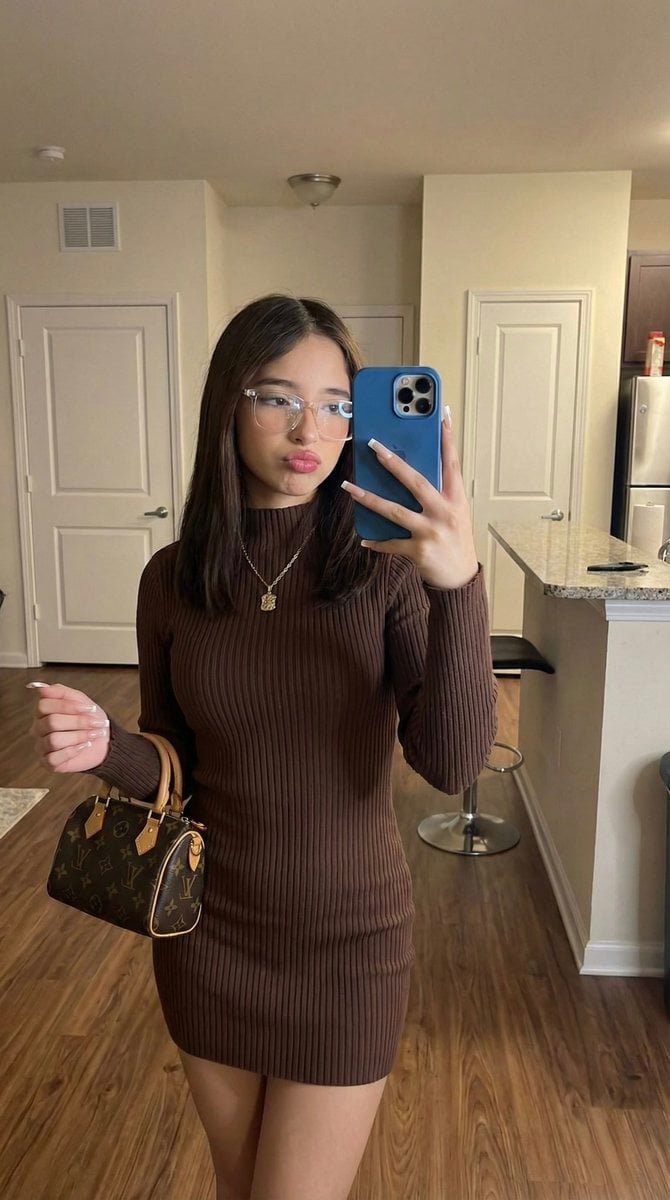
Hyper-Fidelity Mirror Selfie with Identity Locking
Browse template categories
Golden Hour Beach Selfie Prompt questions
How do I use the Golden Hour Beach Selfie Prompt template?
Add your photo if the template asks for one, edit the prompt if you like — the template's model and format are already selected — and press Generate. Your version opens in PicX Studio.
Can I customize the Golden Hour Beach Selfie Prompt template?
Yes. You can change the subject, setting, lighting, mood, format, and available model controls before creating your image.
Is the Golden Hour Beach Selfie Prompt template free?
Opening and editing this template is free. Generating uses credits, shown on the Generate button when you are signed in.
Which AI model should I use?
Start with Nano Banana 2, which is the model associated with this template. You can compare another compatible model for a different finish.
Looking for something else? Browse all templates.

Your photo, any look
Thousands of ready templates for every top image and video model, from one credit balance.