
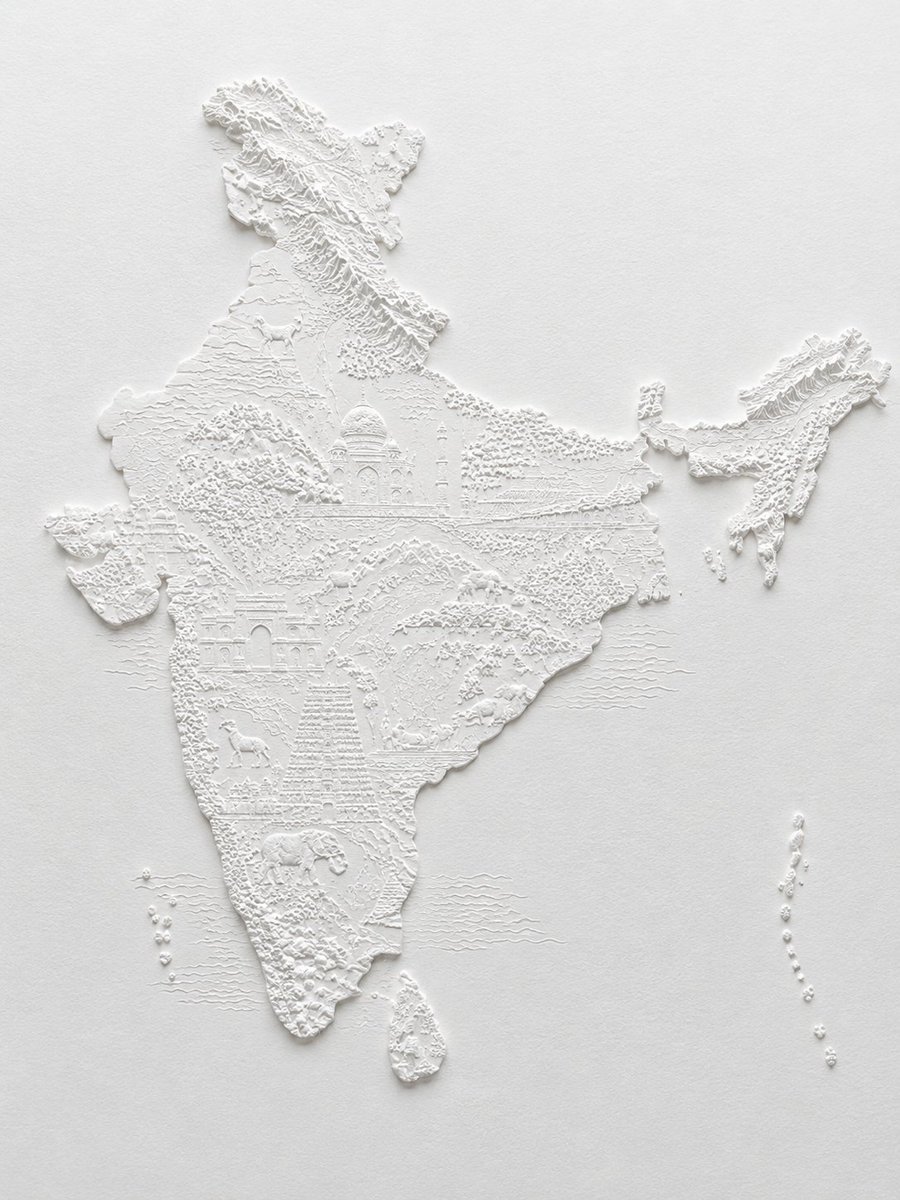
White Bas-Relief Map of India
A detailed prompt for creating an elegant monochrome sculptural relief map of India with miniature topographic and cultural landmarks.
- Prompt included
- Model and format preset
- Free template
The prompt behind this image
Copy the exact prompt behind White Bas-Relief Map of India, or open it in the studio and make it yours.
Create a high-detail monochrome white bas-relief paper sculpture map of {argument name="country or region" default="India"} on a warm off-white textured paper background. The landmass should be raised in crisp white plaster/paper relief with accurate recognizable geography: mainland India centered large, the northeastern states detached to the upper right, Sri Lanka below the southern tip, and two island chains shown as small raised dots to the lower left and lower right. Fill the map with intricate miniature topographic and cultural details carved into the same white material: raised Himalayan mountain ridges across the north, contour lines and terraced terrain, forests made of tiny dot clusters, river-like incised lines, coastal texture, and subtle horizontal ocean wave lines around the peninsula. Include exactly 5 major recognizable cultural/landmark motifs integrated into the terrain: the Taj Mahal near north-central India, a large arched palace/fort facade in western India, a tall stepped temple tower in south-central India, a camel in the northwest/desert area, and an elephant in the southern region. Use no color other than white and faint gray shadows; no labels, no borders, no legend, no text. Lighting should come softly from the upper left, casting delicate shadows to emphasize the relief depth and extremely fine detailing. Style: museum-quality paper embossing, sculptural cartography, minimal elegant composition, photorealistic macro product photography, centered on a plain background with generous negative space.
How to use White Bas-Relief Map of India in 3 steps
- 1Upload ImagePNG, JPG or paste
Add your photo
Upload the photo the template builds on. The prompt, model and format are already set.
- 2…a portrait of your subject in softgolden-hour light, 85mm…
Personalize
Edit the subject and creative details for your destination.
- 3Generate
Generate
Press Generate — your image is created in PicX Studio, so you can compare it with the original and refine one variable at a time.
More like this
Templates with the same subject, style or setup. Open one to see its prompt.










Make it yours
White Bas-Relief Map of India works as-is. These are the safest ways to change it without losing the look.
Change one field
Copy a single group, rewrite it, and generate again so you can see what that field is doing.
Keep the frame, change the subject
Hold the composition and light of White Bas-Relief Map of India, then swap wardrobe, props or the person for a new take.
| If the result… | Why | Fix |
|---|---|---|
| The result drifts from the preview | Too many fields changed at once. | Reuse White Bas-Relief Map of India as-is first, then change one group — subject, light, or setting. |
| The model over-stylizes the scene | The prose prompt leaves finish and camera underspecified. | Add one camera or lighting sentence and stay on GPT Image 2. |
More GPT Image 2 templates
Other prompts made for GPT Image 2.

Six VTuber Japanese Logo Sheet

Realistic Portrait of Woman and Deer

The Vista Modular Condo Poster

AI Model Routing Comparison Infographic

2.5D Anime Art Board

Isometric Productivity Desk Scene

New York Double Exposure Poster

Four-Panel AI Landscape Comparison

Japanese Tatami Lifestyle Magazine Cover

NESCAFÉ Coffee Map Poster
More image prompts
Fresh picks from across the catalog.
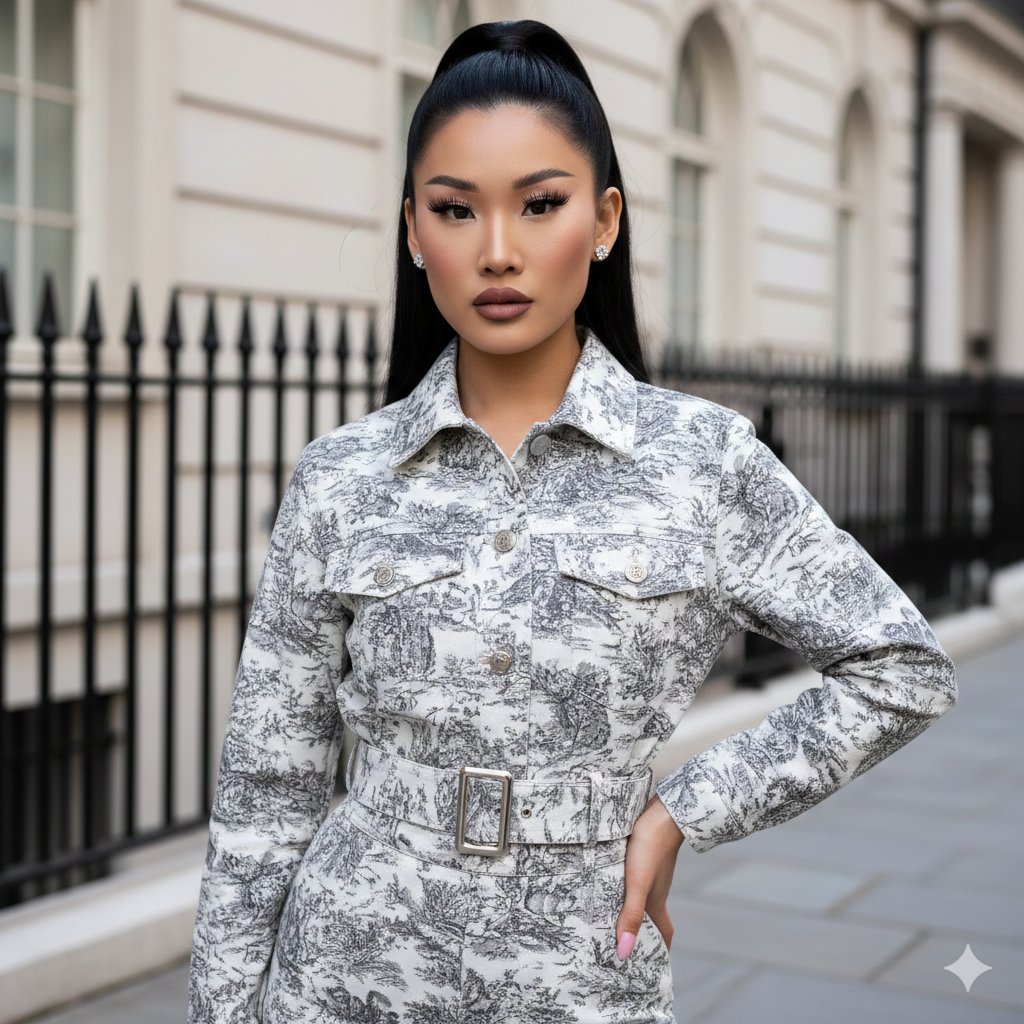
Toile de Jouy Street Style Fashion Editorial

Cozy Lifestyle Scene with Character and Cat
Steganographic Text Embedding Prompt
Handcrafted Embroidery Textile Portrait
Modern Elevator Mirror Selfie

Motivational Character Poster with Mini Clones

Nostalgic Photo Restoration
Serene Lakeside Pier Portrait Prompt
Conceptual Fashion Shadow Portrait
Futuristic Tactical Character Sheet
Browse template categories
White Bas-Relief Map of India questions
How do I use the White Bas-Relief Map of India template?
Add your photo if the template asks for one, edit the prompt if you like — the template's model and format are already selected — and press Generate. Your version opens in PicX Studio.
Can I customize the White Bas-Relief Map of India template?
Yes. You can change the subject, setting, lighting, mood, format, and available model controls before creating your image.
Is the White Bas-Relief Map of India template free?
Opening and editing this template is free. Generating uses credits, shown on the Generate button when you are signed in.
Which AI model should I use?
Start with GPT Image 2, which is the model associated with this template. You can compare another compatible model for a different finish.
Looking for something else? Browse all templates.

Your photo, any look
Thousands of ready templates for every top image and video model, from one credit balance.