
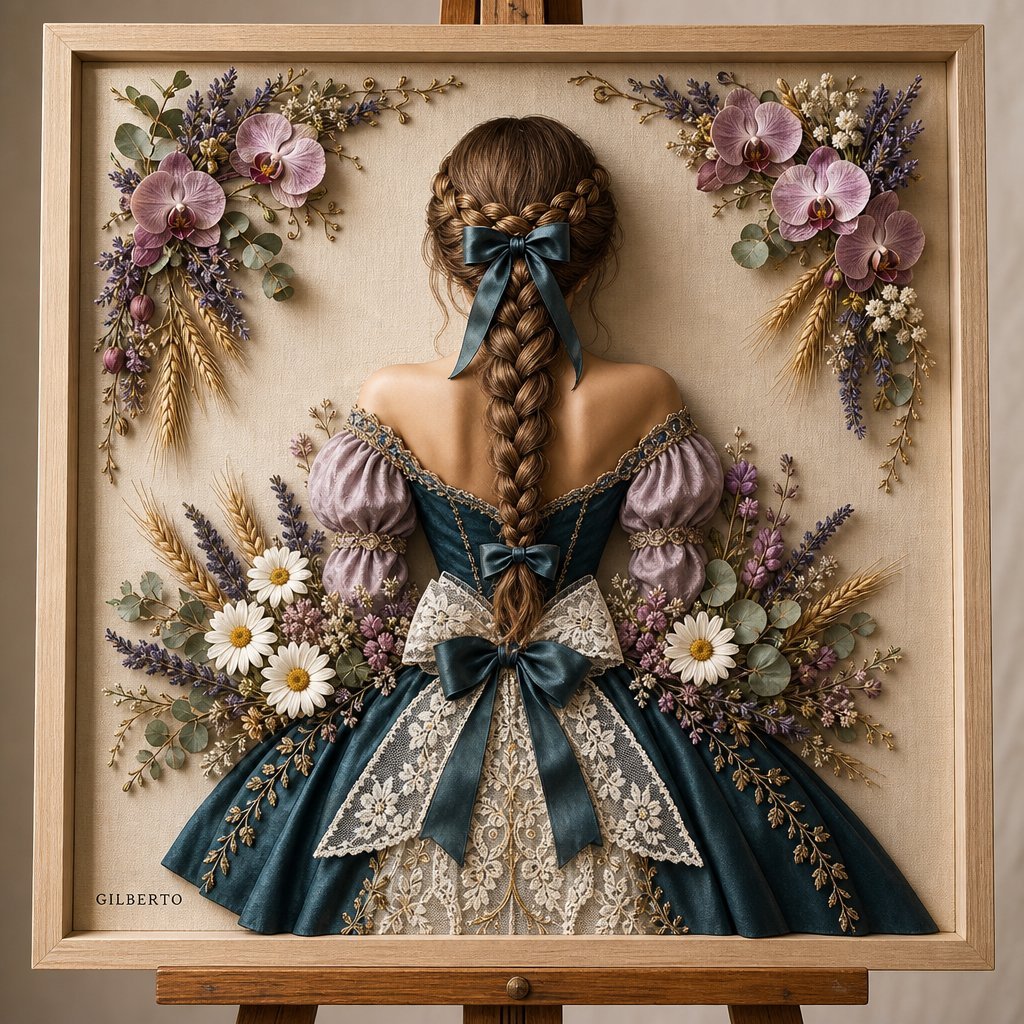
3D Bas-relief Woman Artwork
A prompt to generate realistic 3D mixed-media bas-relief art featuring a stylized woman in vintage attire framed by beautiful dried flowers and lace.
- Prompt included
- Model and format preset
- Free template
The prompt behind this image
Copy the exact prompt behind 3D Bas-relief Woman Artwork, or open it in the studio and make it yours.
A detailed 3D mixed-media bas-relief artwork displayed inside a light wooden picture frame set on a wooden easel against a soft off-white canvas texture. Subject & Composition: {argument name="subject" default="Back view of a stylized woman"} centered in the frame, wearing an elegant off-the-shoulder vintage dress. Her hair is styled in a thick braided crown leading down into a long woven braid, tied at the top and end with dark teal satin ribbons. The lower back of her dress is adorned with a large bow combining white lace and teal ribbon. Materials & Attire: Puffed dusty lavender sleeves with golden corded trim, attached to a structured deep teal satin bodice and flowing skirt. White intricate lace paneling cascades down the center back of the dress, detailed with subtle gold vine embroidery along the dress edges. Botanical Accents: {argument name="flowers" default="Soft pink-purple orchids, white daisies, sprigs of lavender"}, eucalyptus leaves, dried golden wheat stalks, and small floral buds delicately frame the upper border of the canvas and gather at the waist in a dense bouquet composition. Lighting & Aesthetic: {argument name="lighting" default="Warm soft studio lighting"} casting subtle depth shadows behind the raised 3D elements, creating a realistic tactile craft aesthetic with rich textures of silk, lace, wood, and dried florals.
How to use 3D Bas-relief Woman Artwork in 3 steps
- 1Upload ImagePNG, JPG or paste
Add your photo
Upload the photo the template builds on. The prompt, model and format are already set.
- 2…a portrait of your subject in softgolden-hour light, 85mm…
Personalize
Edit the subject and creative details for your destination.
- 3Generate
Generate
Press Generate — your image is created in PicX Studio, so you can compare it with the original and refine one variable at a time.
More like this
Templates with the same subject, style or setup. Open one to see its prompt.
Clean high-contrast vector mascot icon in Notion-style artwork based
White Bas-Relief Map of India

Woman in Mall with Chanel Bag - Heart Gesture

Floating Woman Above Cityscape with Notifications
Travel Relief Print Poster
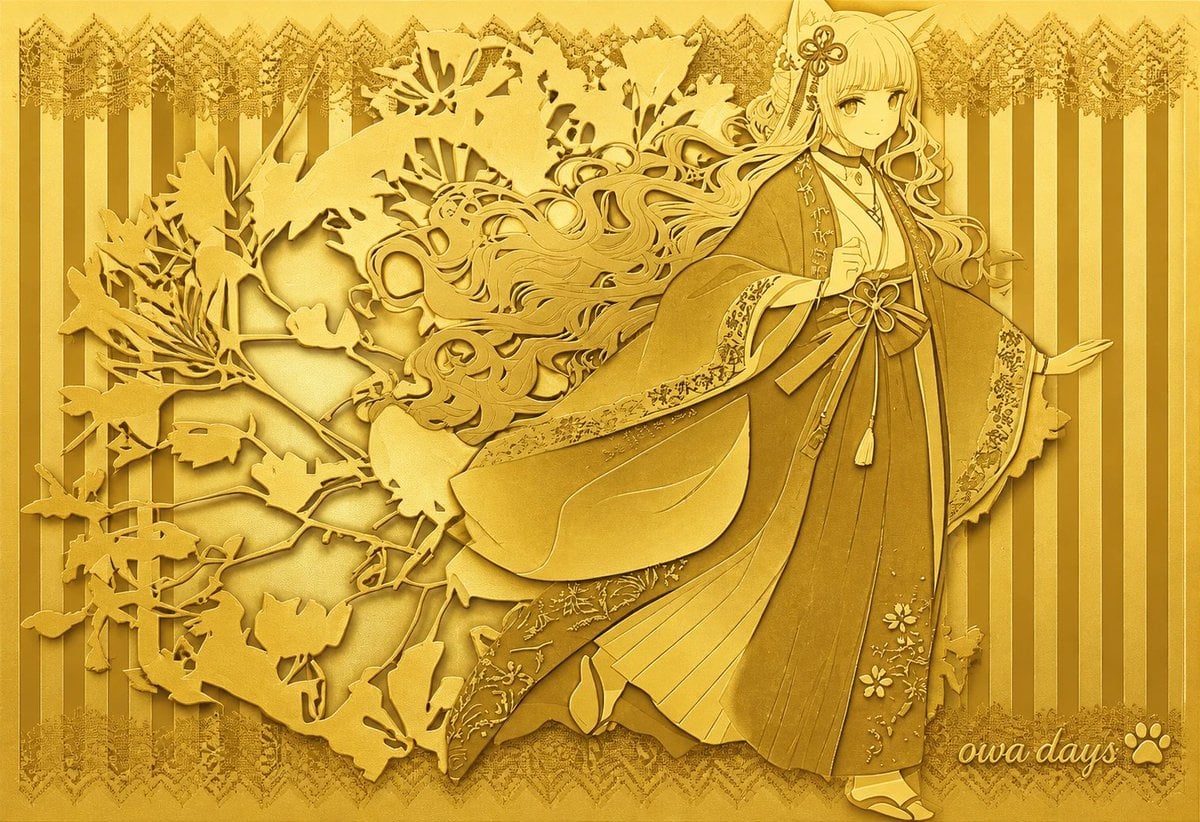
Gold Relief Silhouette Art
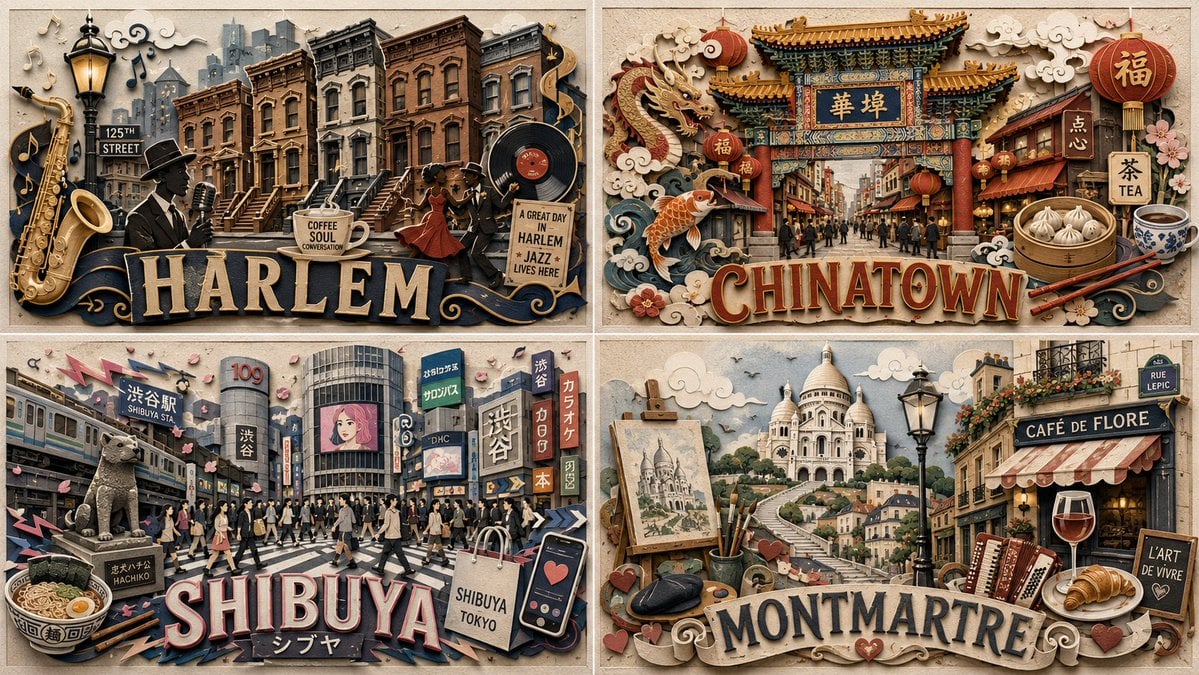
Paper Relief Neighborhood Grid
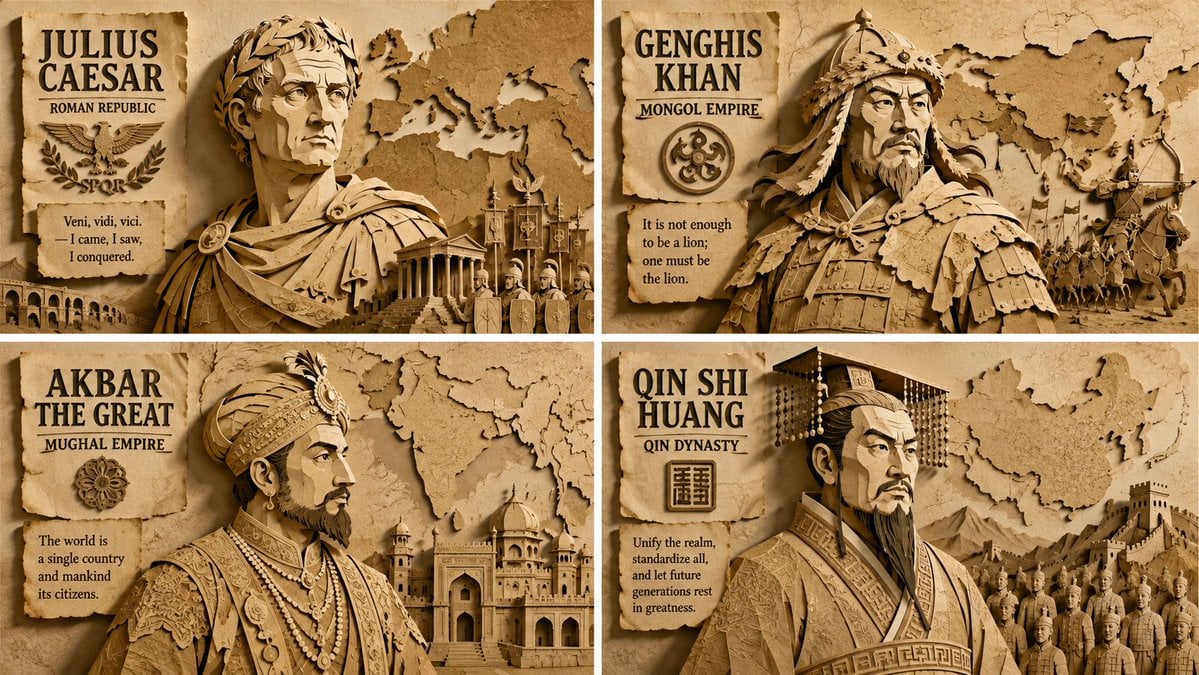
Paper Relief Hierarchical Composition
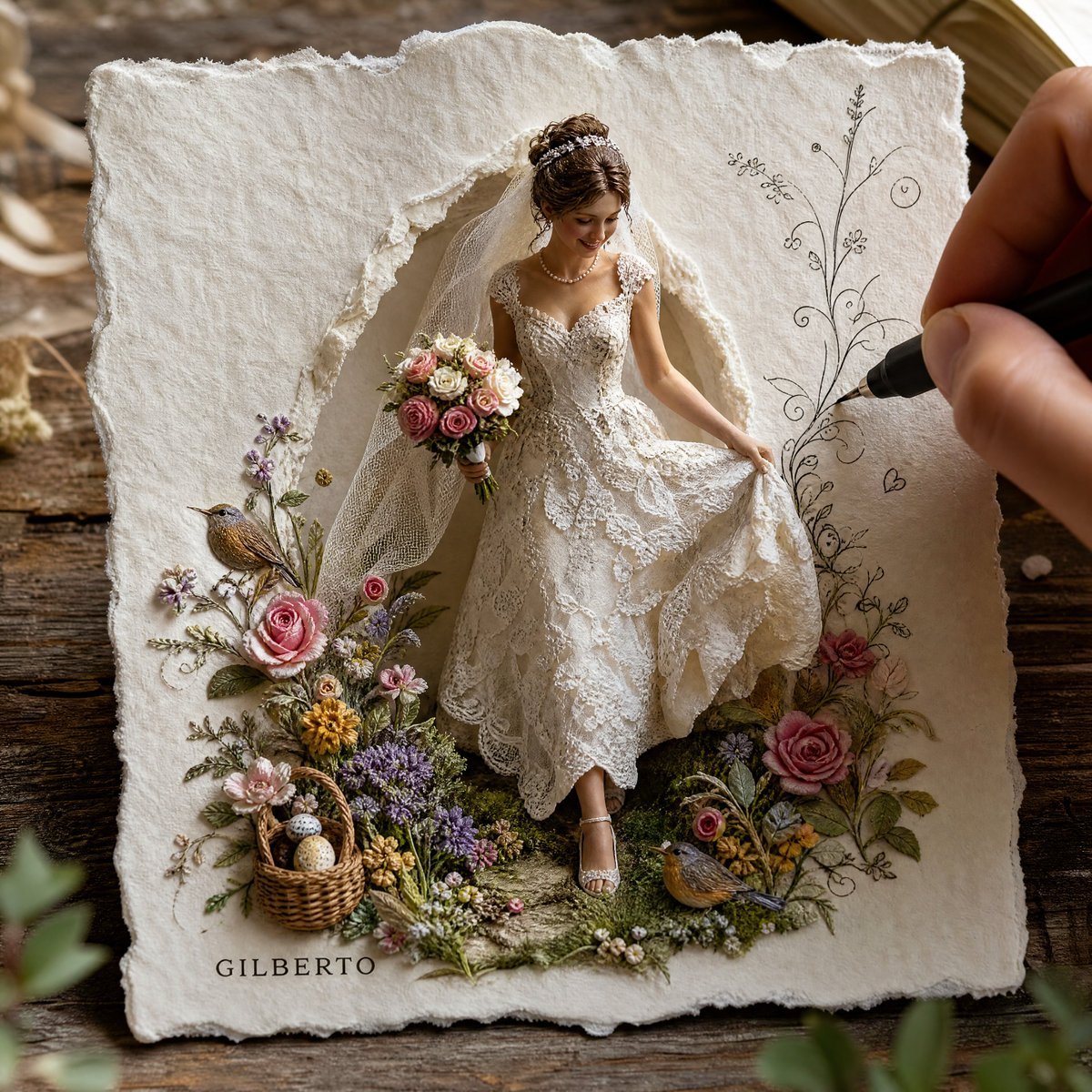
3D Paper-Craft Relief Sculpture
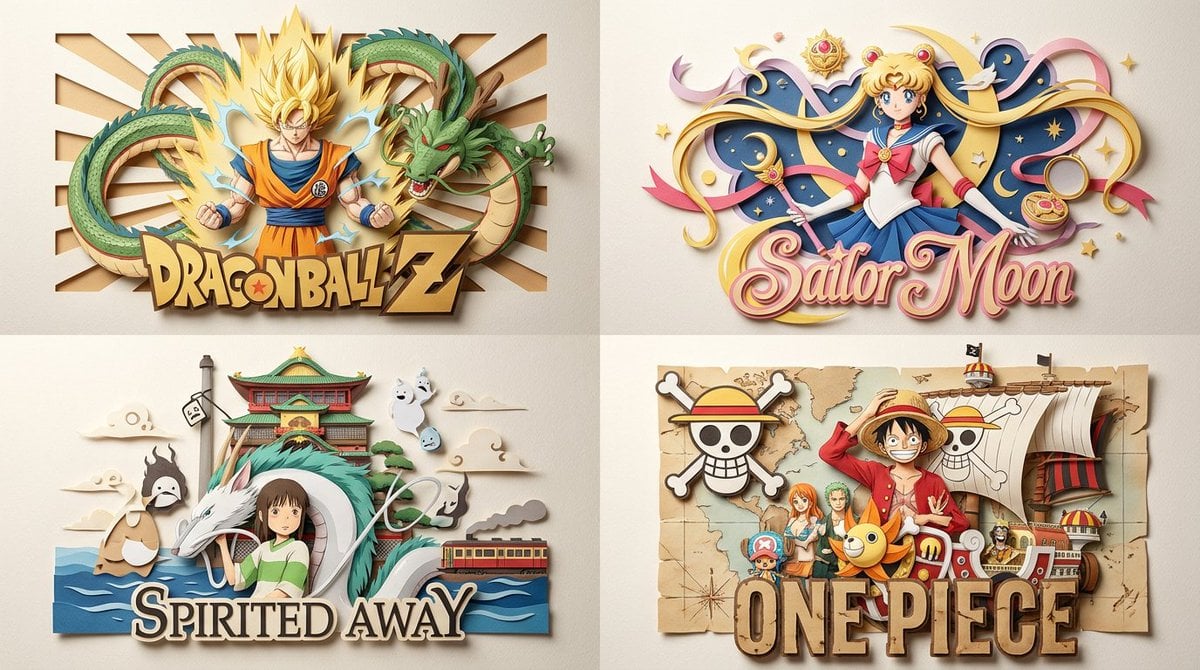
Paper Relief Anime Style
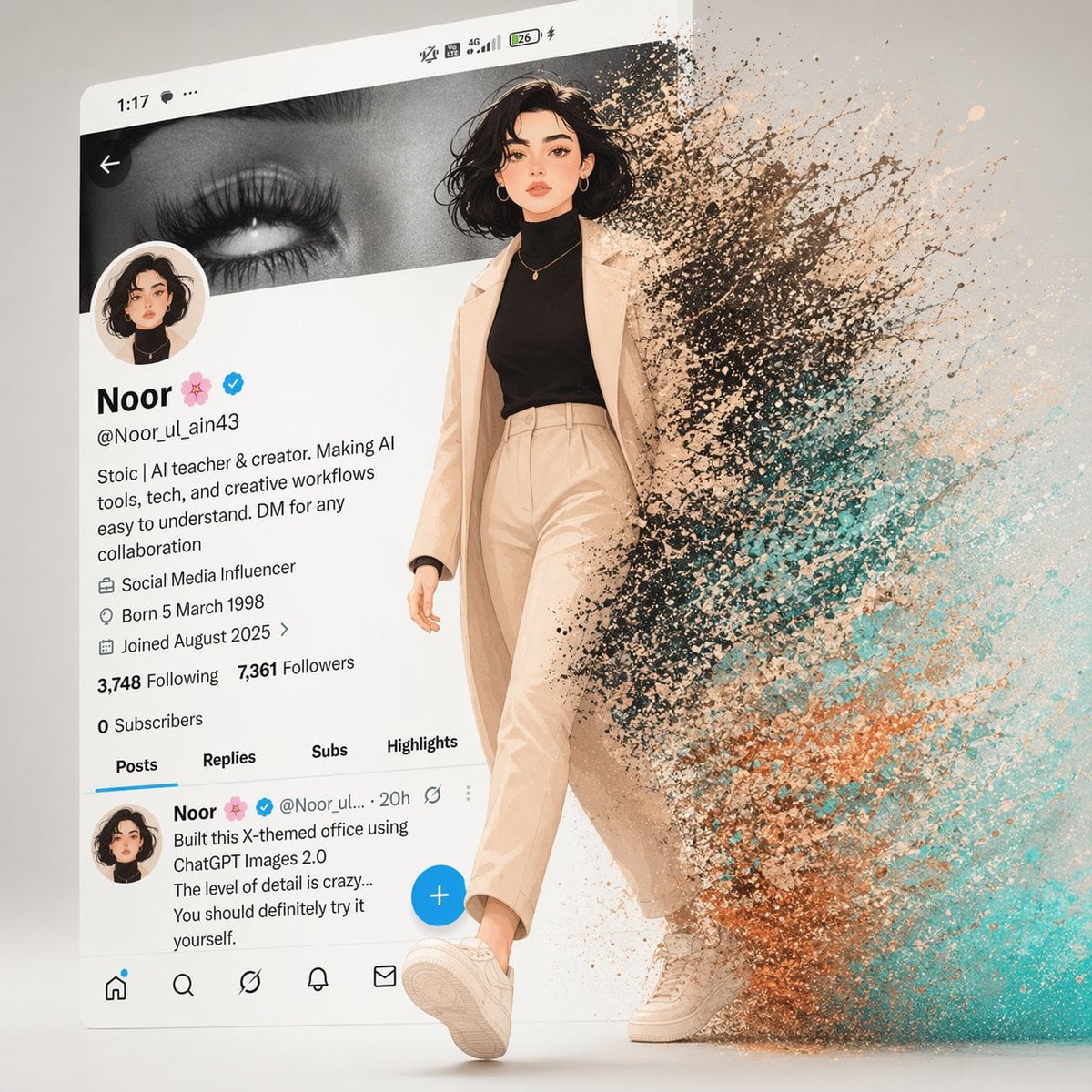
A cinematic digital artwork of a stylish animated girl walking out
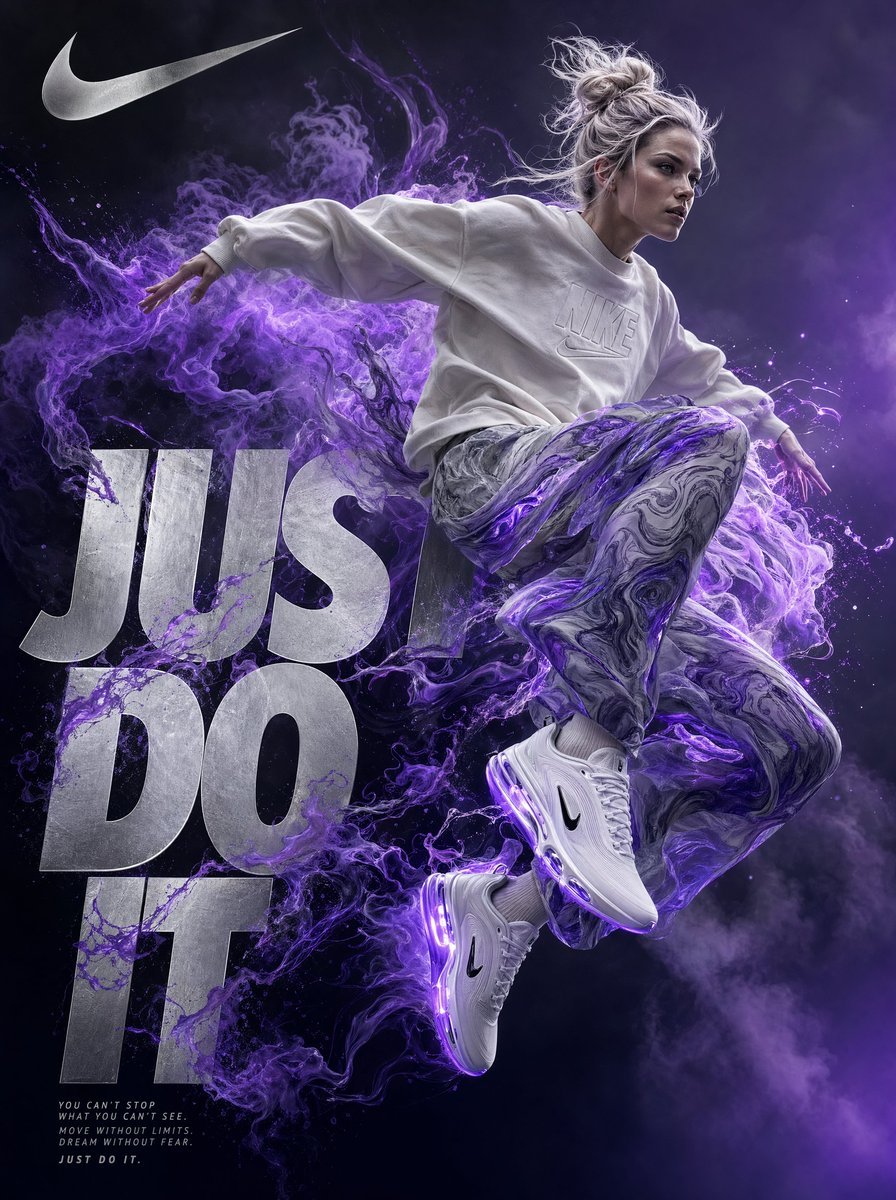
A highly detailed digital artwork in a surreal, dynamic style inspired
Make it yours
3D Bas-relief Woman Artwork works as-is. These are the safest ways to change it without losing the look.
Change one field
Copy a single group, rewrite it, and generate again so you can see what that field is doing.
Keep the frame, change the subject
Hold the composition and light of 3D Bas-relief Woman Artwork, then swap wardrobe, props or the person for a new take.
| If the result… | Why | Fix |
|---|---|---|
| The result drifts from the preview | Too many fields changed at once. | Reuse 3D Bas-relief Woman Artwork as-is first, then change one group — subject, light, or setting. |
| The model over-stylizes the scene | The prose prompt leaves finish and camera underspecified. | Add one camera or lighting sentence and stay on GPT Image 2. |
More GPT Image 2 templates
Other prompts made for GPT Image 2.

Six VTuber Japanese Logo Sheet

The Vista Modular Condo Poster

AI Model Routing Comparison Infographic

2.5D Anime Art Board

Isometric Productivity Desk Scene

New York Double Exposure Poster

Four-Panel AI Landscape Comparison

Japanese Tatami Lifestyle Magazine Cover

NESCAFÉ Coffee Map Poster

Brutalist Cogito Chinese Typography Poster
More image prompts
Fresh picks from across the catalog.
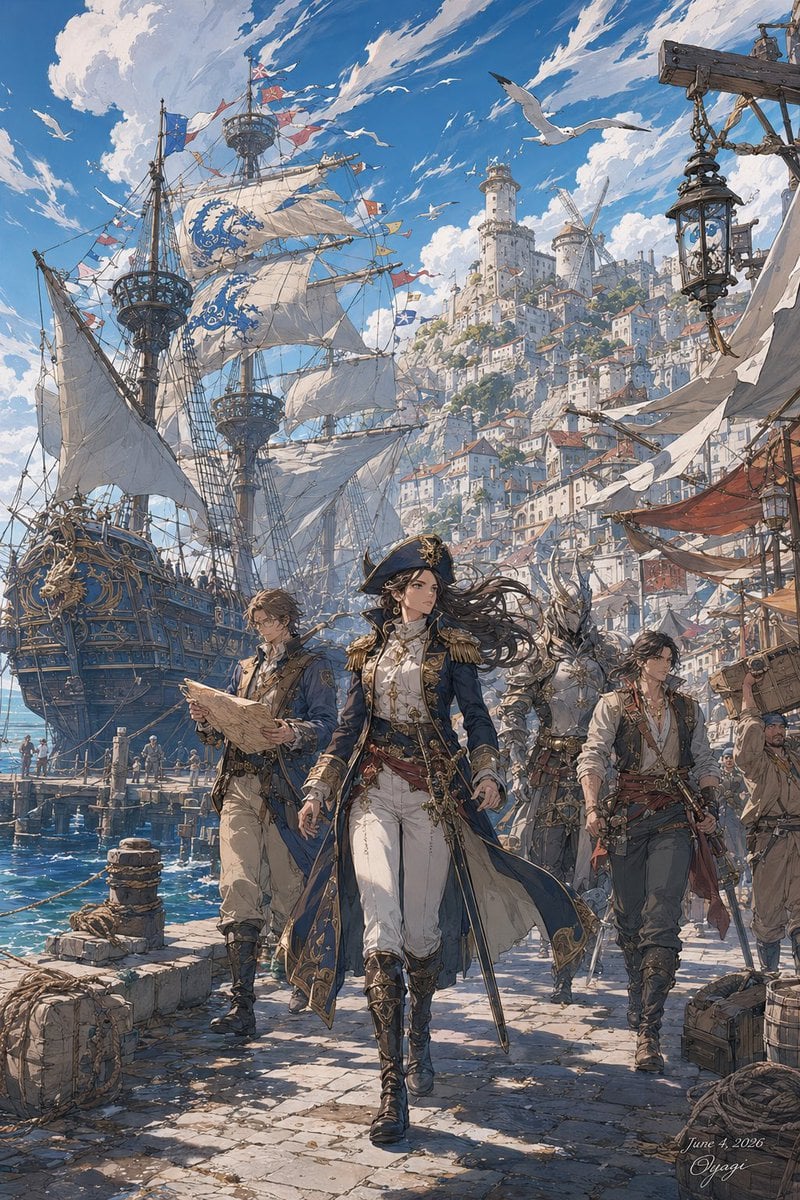
Fantasy Harbor Captain Scene
Beard Oil How-To Ad
Magical Forest Creature Portrait Prompt (from ALT text)

Comic Book Cover with Obi Prompt
Cyberpunk Futuristic Portrait Prompt
Elegant Outdoor Portrait in Gold Evening Gown
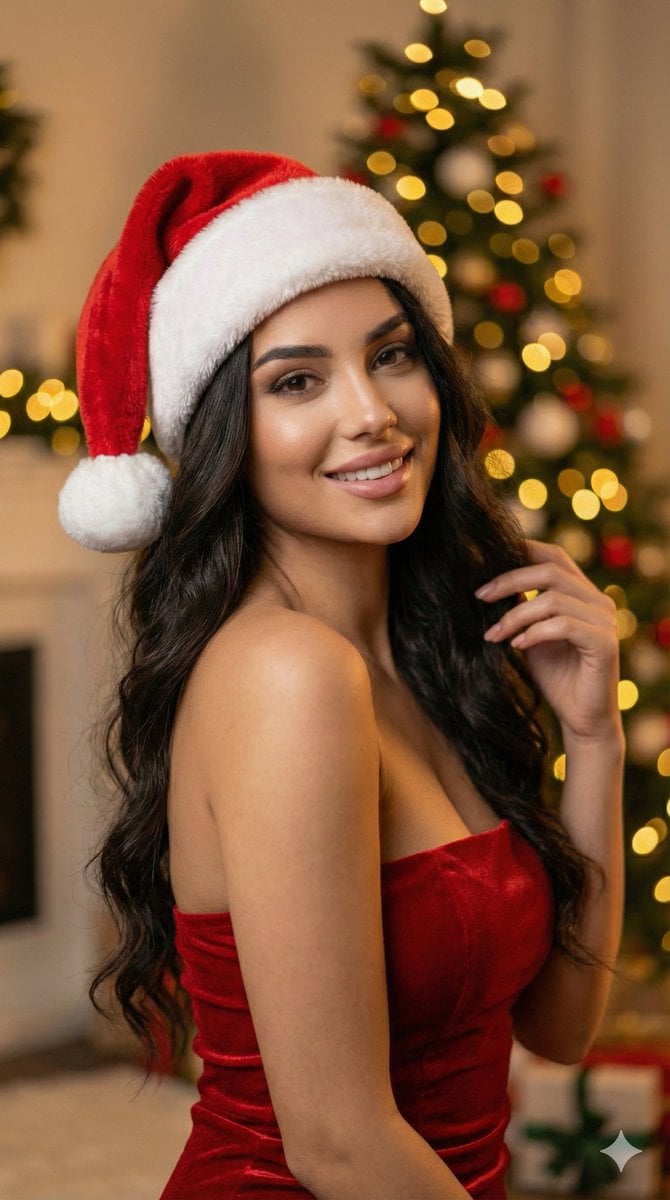
Ultra-realistic Christmas Glam Portrait Prompt
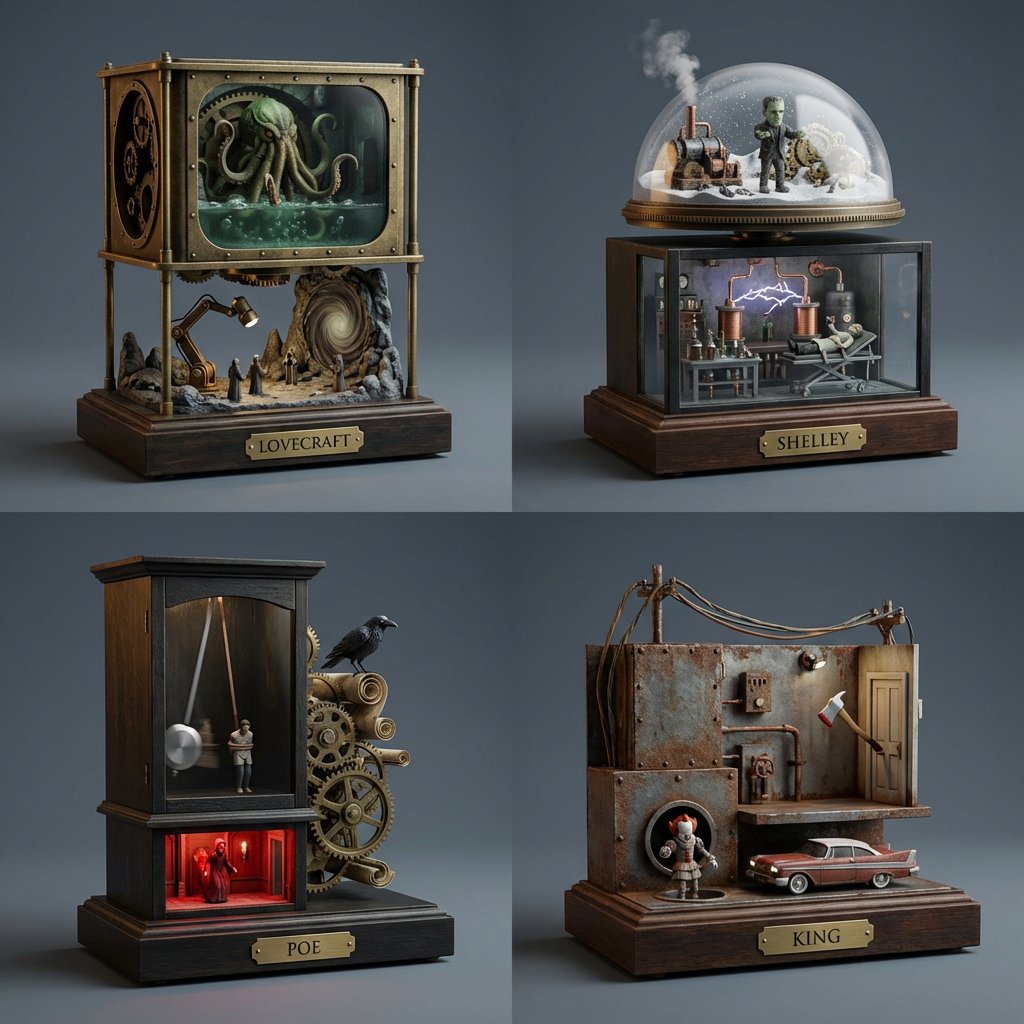
Horror Author Universe Kinetic Sculptures Grid
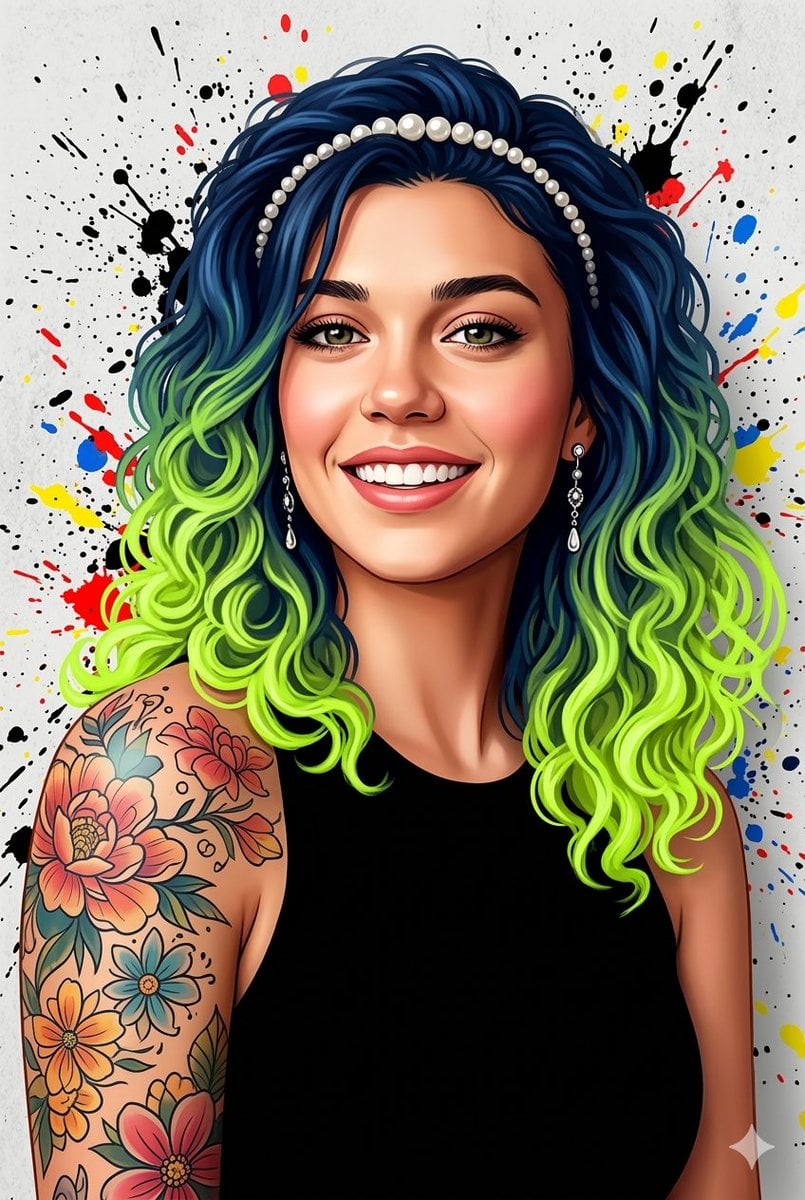
Street Art Digital Illustration Prompt for Nano Banana Pro 2.0
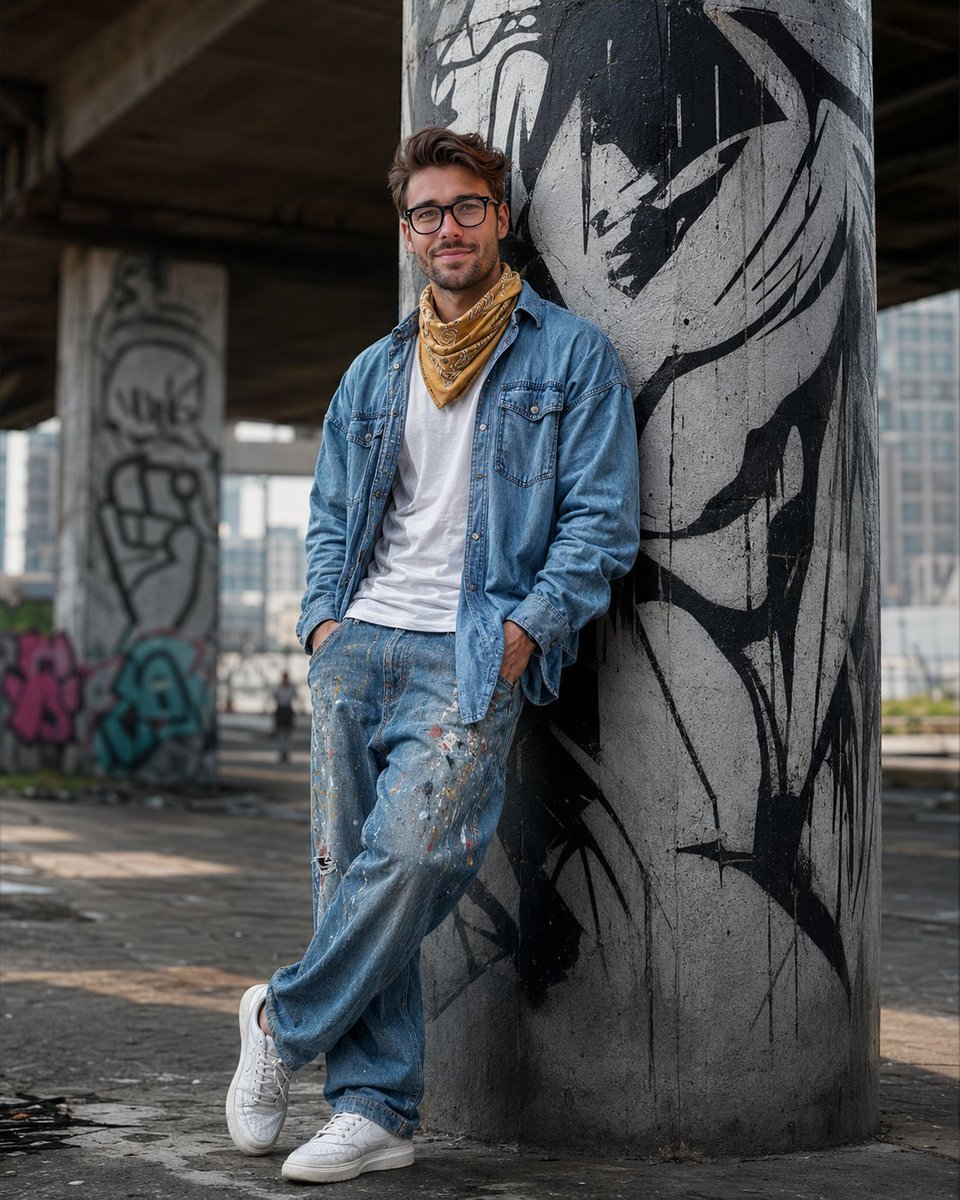
South Asian Streetwear Portrait
Browse template categories
3D Bas-relief Woman Artwork questions
How do I use the 3D Bas-relief Woman Artwork template?
Add your photo if the template asks for one, edit the prompt if you like — the template's model and format are already selected — and press Generate. Your version opens in PicX Studio.
Can I customize the 3D Bas-relief Woman Artwork template?
Yes. You can change the subject, setting, lighting, mood, format, and available model controls before creating your image.
Is the 3D Bas-relief Woman Artwork template free?
Opening and editing this template is free. Generating uses credits, shown on the Generate button when you are signed in.
Which AI model should I use?
Start with GPT Image 2, which is the model associated with this template. You can compare another compatible model for a different finish.
Looking for something else? Browse all templates.

Your photo, any look
Thousands of ready templates for every top image and video model, from one credit balance.