
Elegant Academy Character Sheet
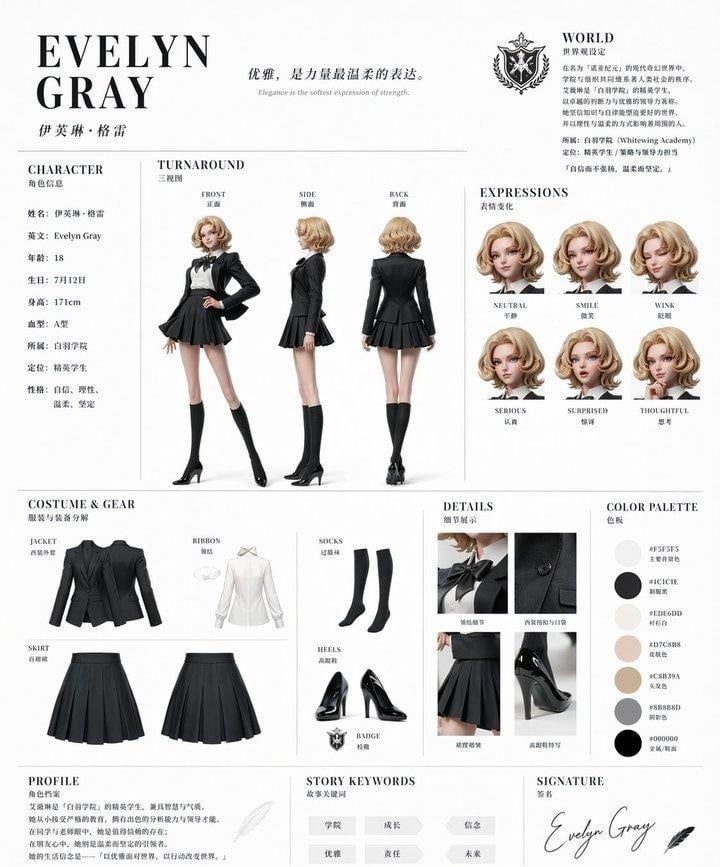
A polished fashion-style anime reference sheet for an elite academy girl character, ideal for character design showcases and reusable visual template creation.
- Prompt included
- Model and format preset
- Free template
The prompt behind this image
Copy the exact prompt behind Elegant Academy Character Sheet, or open it in the studio and make it yours.
- Type
- fashion character reference sheet
- Style
- luxury editorial anime concept board, clean white background, thin divider lines, elegant serif typography mixed with small Chinese subtitles, high-end academy branding, polished full-body character design presentation
- Character › Name
- {argument name="character name" default="EVELYN GRAY"}
- Character › Chinese Name
- 伊芙琳·格雷
- Character › Age
- 18
- Character › Birthday
- December 12
- Character › Height
- 171 cm
- Character › Blood Type
- A
- Character › Affiliation
- Whitewing Academy
- Character › Role
- elite student
- Character › Personality
- confident, rational, gentle, determined
- Character › Appearance › Gender Presentation
- young woman
- Character › Appearance › Hair › Color
- {argument name="hair color" default="soft golden blonde"}
- Character › Appearance › Hair › Style
- short wavy bob with voluminous curled ends, side part, glossy soft curls
- Character › Appearance › Face
- delicate refined features, elegant academy-girl beauty, face intentionally left blank or softly obscured in all portraits
- Character › Appearance › Build
- tall, slim, long-legged
- Outfit › Theme
- {argument name="outfit color" default="black elite academy uniform with white accents"}
- Outfit › Pieces › 0 › Name
- jacket
- Outfit › Pieces › 0 › Description
- tailored black fitted blazer with structured shoulders and waist shaping
- Outfit › Pieces › 1 › Name
- shirt
- Outfit › Pieces › 1 › Description
- white high-collar blouse with subtle pleating
- Outfit › Pieces › 2 › Name
- ribbon
- Outfit › Pieces › 2 › Description
- black bow ribbon at the neck
- Outfit › Pieces › 3 › Name
- skirt
Raw JSON
{"type":"fashion character reference sheet","style":"luxury editorial anime concept board, clean white background, thin divider lines, elegant serif typography mixed with small Chinese subtitles, high-end academy branding, polished full-body character design presentation","character":{"name":"{argument name=\"character name\" default=\"EVELYN GRAY\"}","chinese_name":"伊芙琳·格雷","age":"18","birthday":"December 12","height":"171 cm","blood_type":"A","affiliation":"Whitewing Academy","role":"elite student","personality":["confident","rational","gentle","determined"],"appearance":{"gender_presentation":"young woman","hair":{"color":"{argument name=\"hair color\" default=\"soft golden blonde\"}","style":"short wavy bob with voluminous curled ends, side part, glossy soft curls"},"face":"delicate refined features, elegant academy-girl beauty, face intentionally left blank or softly obscured in all portraits","build":"tall, slim, long-legged"}},"outfit":{"theme":"{argument name=\"outfit color\" default=\"black elite academy uniform with white accents\"}","pieces":[{"name":"jacket","description":"tailored black fitted blazer with structured shoulders and waist shaping"},{"name":"shirt","description":"white high-collar blouse with subtle pleating"},{"name":"ribbon","description":"black bow ribbon at the neck"},{"name":"skirt","description":"black pleated short skirt"},{"name":"socks","description":"black over-the-knee socks"},{"name":"heels","description":"black glossy pointed high heels"},{"name":"badge","description":"academy crest emblem accessory"}]},"layout":{"format":"single-page portrait reference sheet","sections":[{"title":"CHARACTER","position":"upper left","count":8,"labels":["name","English name","age","birthday","height","blood type","affiliation","role"]},{"title":"TURNAROUND","position":"upper center","count":3,"labels":["FRONT","SIDE","BACK"]},{"title":"WORLD","position":"upper right","count":2,"labels":["academy crest","lore paragraph"]},{"title":"EXPRESSIONS","position":"upper right below world","count":6,"labels":["NEUTRAL","SMILE","WINK","SERIOUS","SURPRISED","THOUGHTFUL"]},{"title":"COSTUME & GEAR","position":"middle left","count":6,"labels":["JACKET","RIBBON","SOCKS","SKIRT front","SKIRT back","HEELS"]},{"title":"DETAILS","position":"middle center-right","count":4,"labels":["bow close-up","jacket button and lapel close-up","pleated skirt close-up","high heel close-up"]},{"title":"COLOR PALETTE","position":"middle right","count":6,"labels":["#F5F5F5","#1C1C1E","#EDE6DD","#D7C8B8","#C8B39A","#888B8D"]},{"title":"PROFILE","position":"bottom left","count":1,"labels":["character description paragraph"]},{"title":"STORY KEYWORDS","position":"bottom center","count":6,"labels":["academy","growth","confidence","elegance","responsibility","future"]},{"title":"SIGNATURE","position":"bottom right","count":2,"labels":["cursive signature","feather icon"]}],"centerpiece":"three full-body turnaround renders of the same character in front, side, and back view"},"branding":{"headline":"{argument name=\"headline text\" default=\"EVELYN GRAY\"}","tagline":"{argument name=\"tagline\" default=\"Elegance is the softest expression of strength.\"}","crest":"ornate black-and-silver academy shield with crown and laurel motif"},"rendering":{"materials":"matte wool blazer, crisp cotton blouse, glossy patent leather heels","lighting":"soft studio lighting, shadowless product-sheet presentation","quality":"ultra-detailed, precise garment construction, realistic fabric folds, premium print-ready layout"}}How to use Elegant Academy Character Sheet in 3 steps
- 1Upload ImagePNG, JPG or paste
Add your photo
Upload the photo the template builds on. The prompt, model and format are already set.
- 2…a portrait of your subject in softgolden-hour light, 85mm…
Personalize
Edit the subject and creative details for your destination.
- 3Generate
Generate
Press Generate — your image is created in PicX Studio, so you can compare it with the original and refine one variable at a time.
More like this
Templates with the same subject, style or setup. Open one to see its prompt.











Make it yours
Elegant Academy Character Sheet works as-is. These are the safest ways to change it without losing the look.
Swap the light
One lighting change is enough to compare takes. Current light: “soft studio lighting, shadowless product-sheet presentation”.
Change one field
Copy a single group, rewrite it, and generate again so you can see what that field is doing.
Keep the frame, change the subject
Hold the composition and light of Elegant Academy Character Sheet, then swap wardrobe, props or the person for a new take.
| If the result… | Why | Fix |
|---|---|---|
| The result drifts from the preview | Too many fields changed at once. | Reuse Elegant Academy Character Sheet as-is first, then change one group — subject, light, or setting. |
| GPT Image 2 ignores part of the JSON | Some models flatten or skip nested keys. | Keep the same values and paste them as a short paragraph instead. |
More GPT Image 2 templates
Other prompts made for GPT Image 2.

Six VTuber Japanese Logo Sheet

Realistic Portrait of Woman and Deer

The Vista Modular Condo Poster

AI Model Routing Comparison Infographic

2.5D Anime Art Board

Isometric Productivity Desk Scene

New York Double Exposure Poster

Four-Panel AI Landscape Comparison

Japanese Tatami Lifestyle Magazine Cover

NESCAFÉ Coffee Map Poster
More image prompts
Fresh picks from across the catalog.
Moody Cinematic Portrait
Personalized TIME magazine cover
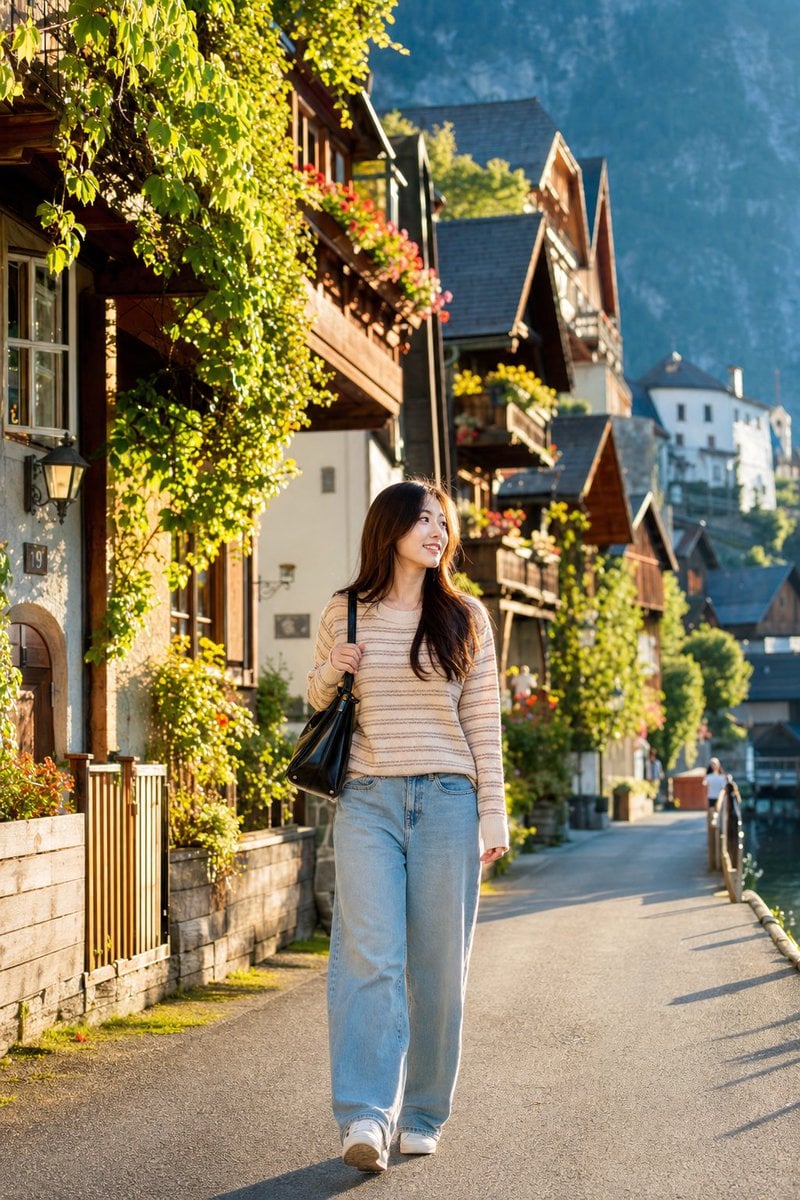
Japanese Woman in Hallstatt Travel Portrait
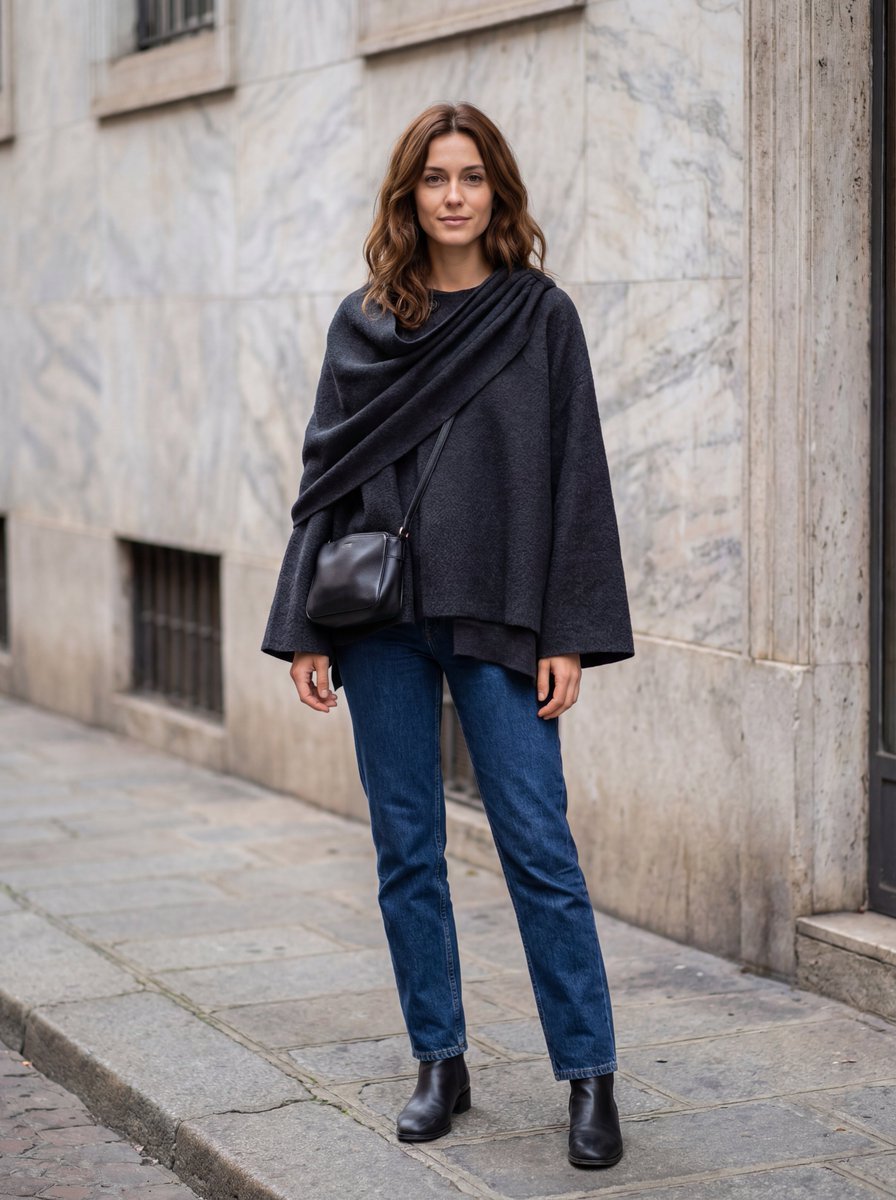
Hyper-Realistic Lifestyle Fashion Photo (Wool Poncho)

Surreal Cinematic Fantasy Portrait with Fire and Ice
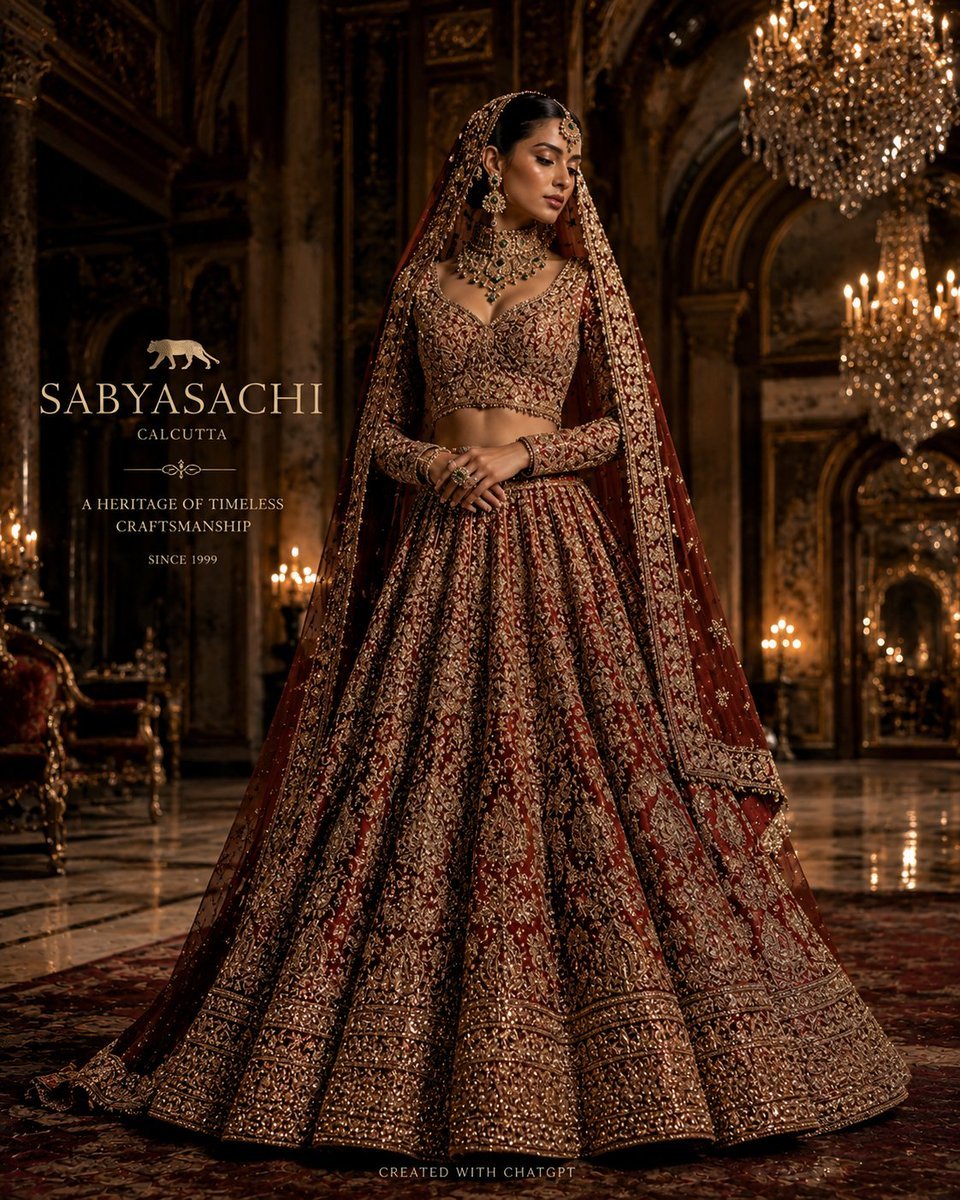
Luxury Bridal Fashion Empire Poster
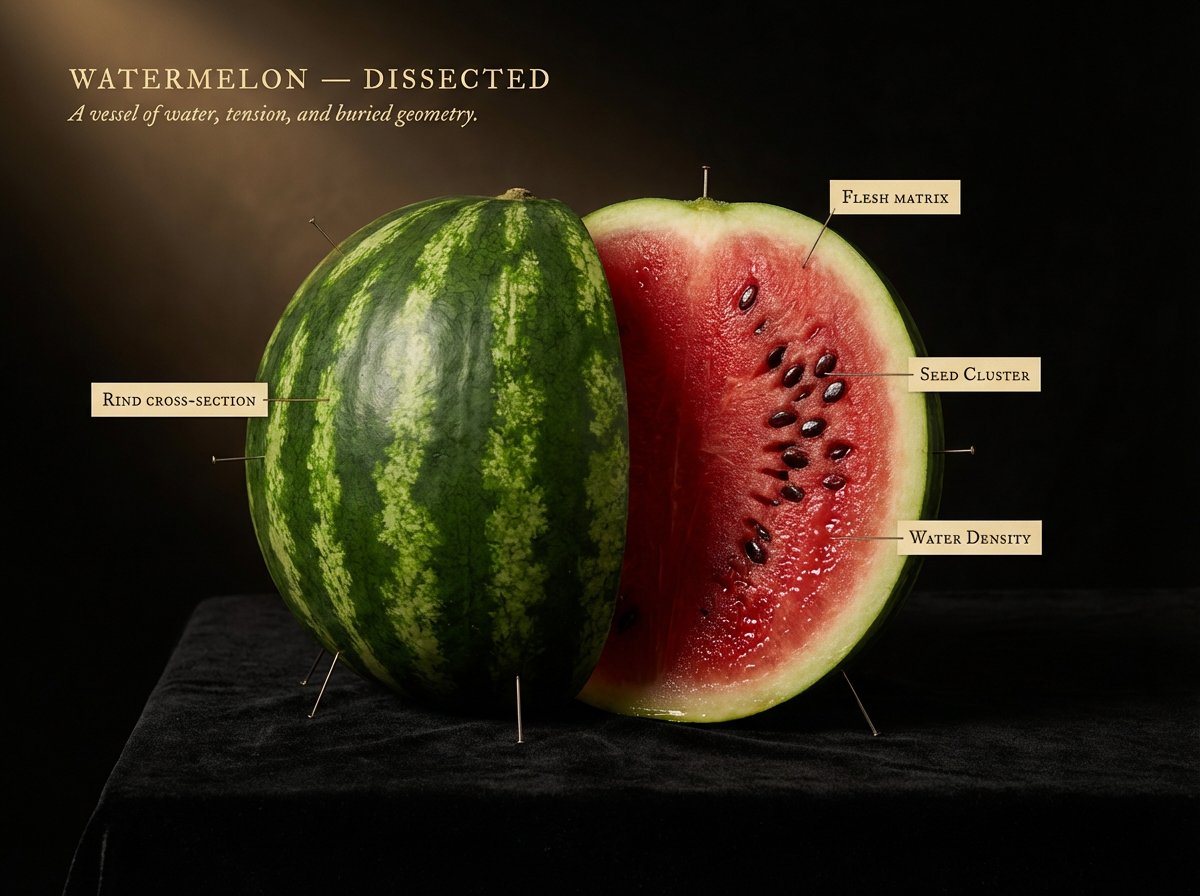
Caravaggio Meets National Geographic Dissection
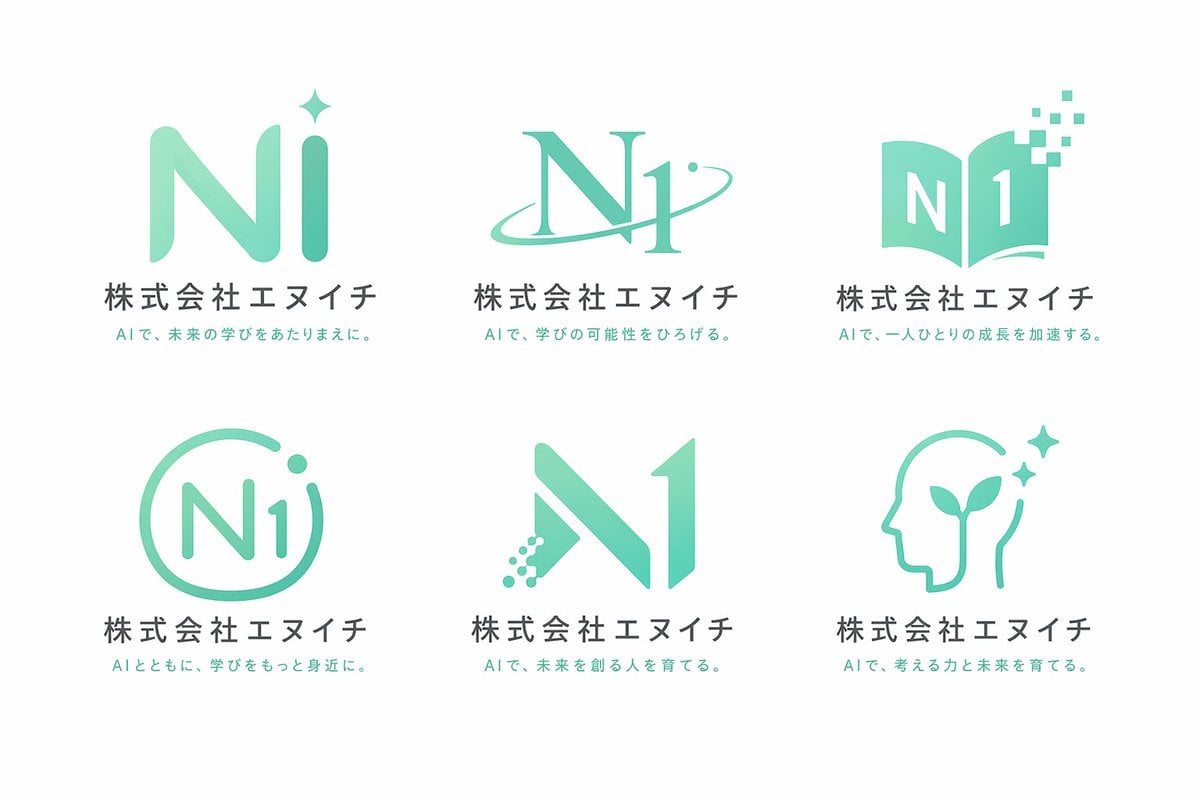
Grid Corporate Logo Concept Sheet
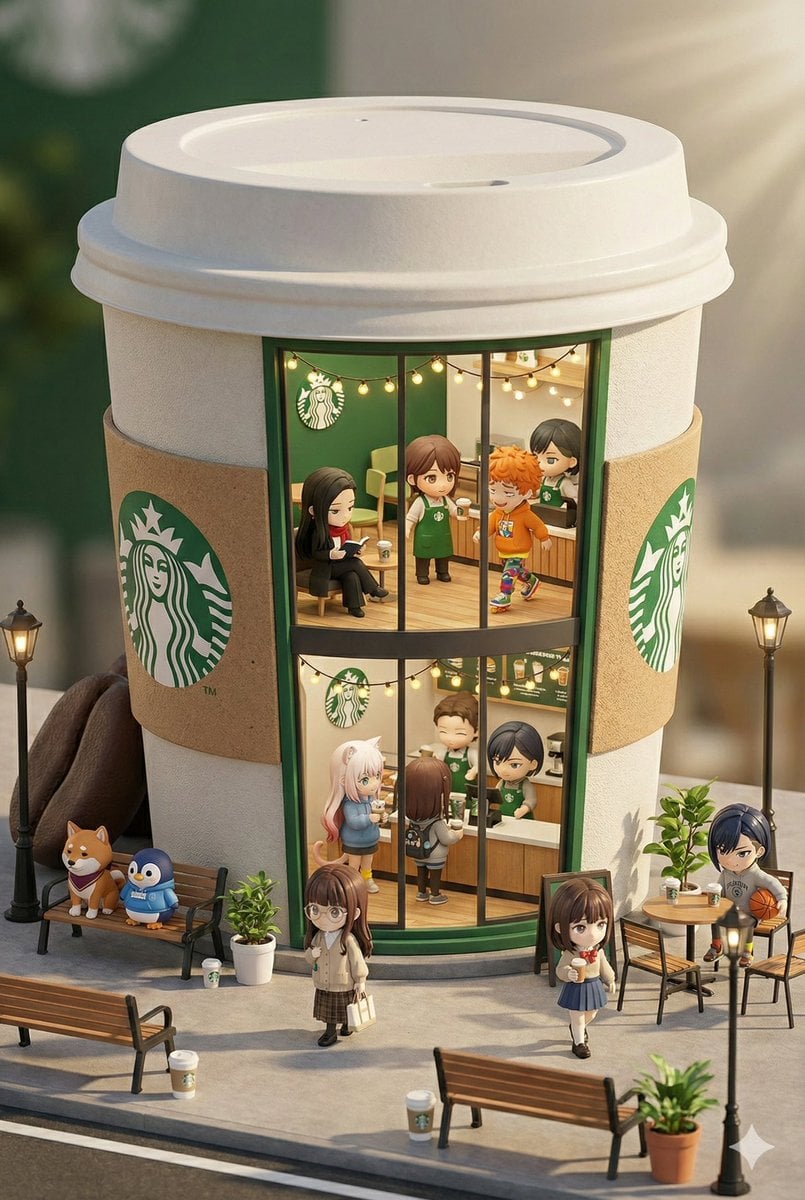
3D chibi miniature brand concept store prompt
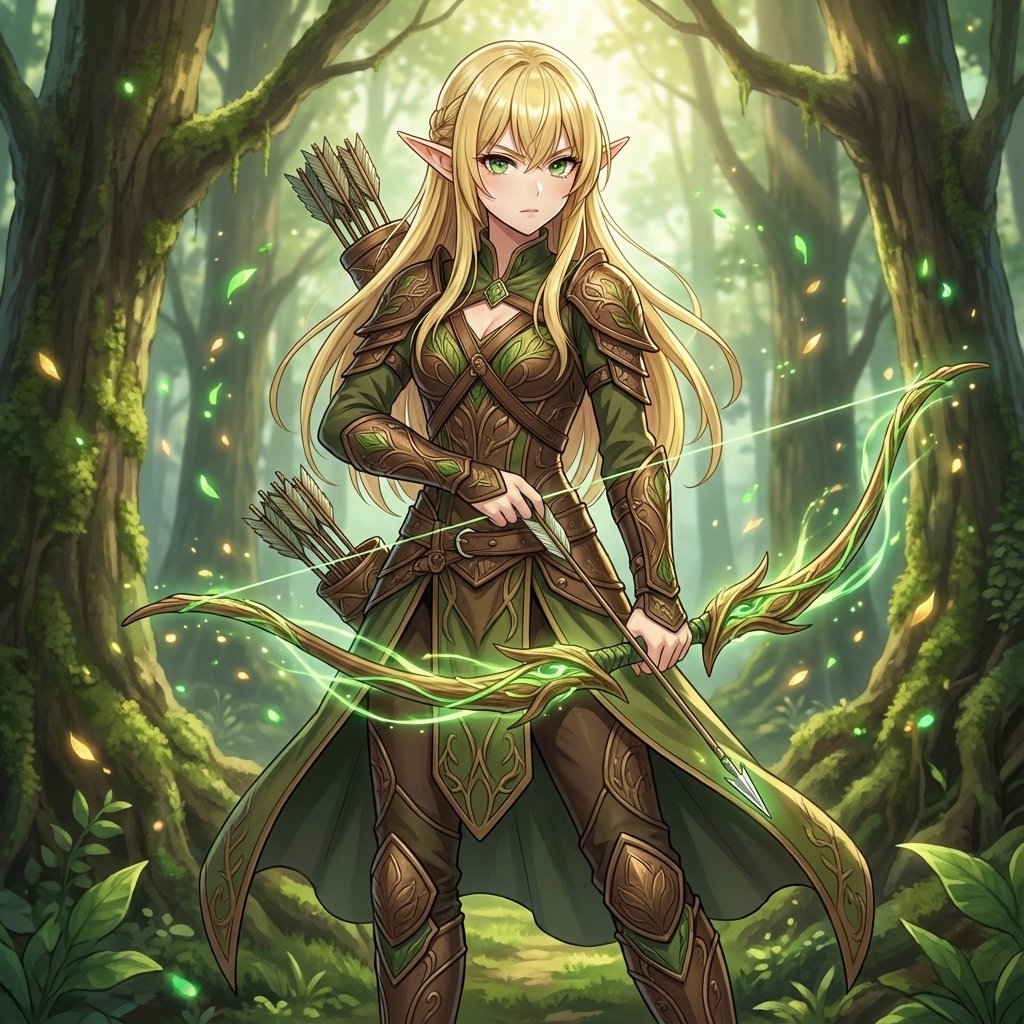
Elven Archer Transformation Prompt
Browse template categories
Elegant Academy Character Sheet questions
How do I use the Elegant Academy Character Sheet template?
Add your photo if the template asks for one, edit the prompt if you like — the template's model and format are already selected — and press Generate. Your version opens in PicX Studio.
Can I customize the Elegant Academy Character Sheet template?
Yes. You can change the subject, setting, lighting, mood, format, and available model controls before creating your image.
Is the Elegant Academy Character Sheet template free?
Opening and editing this template is free. Generating uses credits, shown on the Generate button when you are signed in.
Which AI model should I use?
Start with GPT Image 2, which is the model associated with this template. You can compare another compatible model for a different finish.
Looking for something else? Browse all templates.

Your photo, any look
Thousands of ready templates for every top image and video model, from one credit balance.