
Cinematic 3-Frame Solo Travel Stills
A realistic vertical triptych of a lone female traveler across three moody outdoor scenes, suitable for cinematic storytelling, editorial travel visuals, or film-still style image generation.
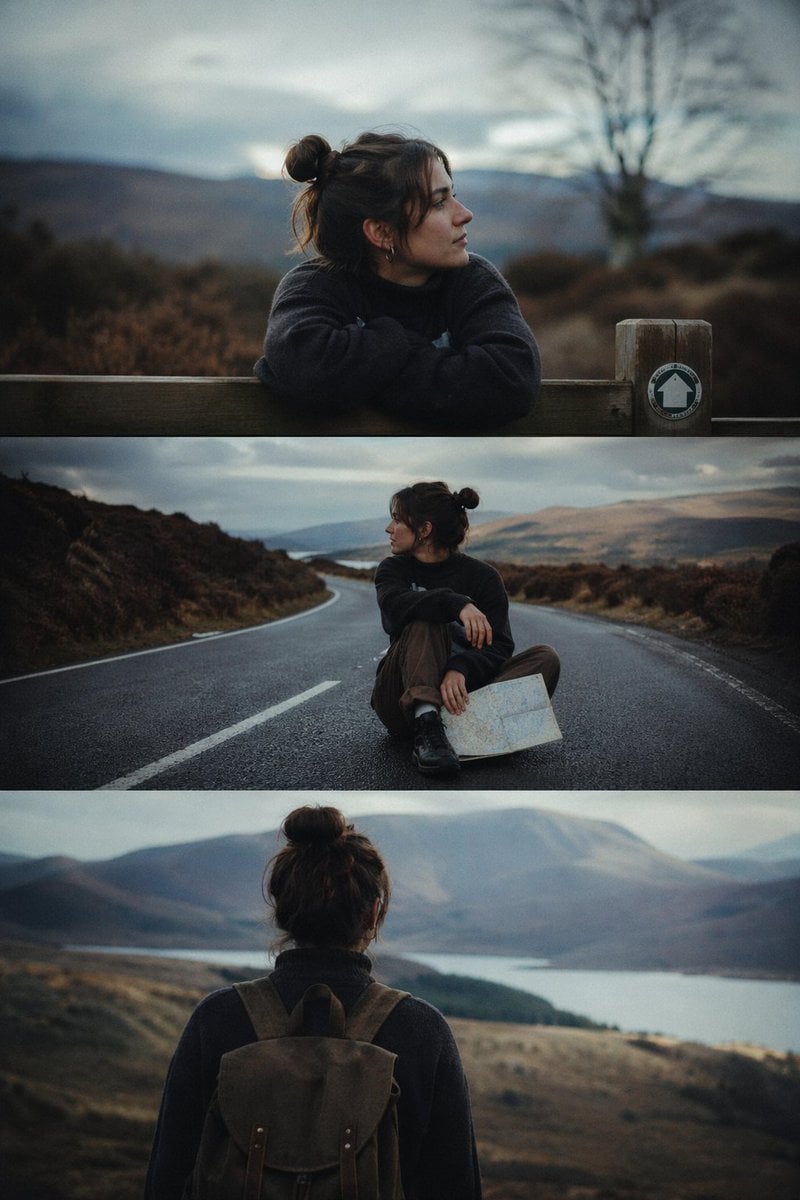
- Prompt included
- Model and format preset
- Free template
The prompt behind this image
Copy the exact prompt behind Cinematic 3-Frame Solo Travel Stills, or open it in the studio and make it yours.
- Type
- cinematic 3-frame sequential film stills
- Style
- ultra-realistic, moody, natural light, shallow depth of field, muted earthy color grading, soft overcast atmosphere, subtle film grain
- Subject › Count
- 1
- Subject › Description
- young woman traveler with dark brown hair in a messy bun, wearing a dark oversized sweater, brown trousers, and hiking boots
- Subject › Face Visibility
- face turned away or in profile in all 3 frames
- Layout › Orientation
- vertical triptych with 3 stacked horizontal frames separated by thin borders
- Layout › Sections › 0 › Title
- top frame
- Layout › Sections › 0 › Position
- top
- Layout › Sections › 0 › Count
- 1
- Layout › Sections › 0 › Labels
- woman leaning with folded arms on a wooden fence, looking to the right
- Layout › Sections › 1 › Title
- middle frame
- Layout › Sections › 1 › Position
- center
- Layout › Sections › 1 › Count
- 1
- Layout › Sections › 1 › Labels
- woman sitting alone in the middle of an empty winding road, holding a folded paper map, looking left
- Layout › Sections › 2 › Title
- bottom frame
- Layout › Sections › 2 › Position
- bottom
- Layout › Sections › 2 › Count
- 1
- Layout › Sections › 2 › Labels
- rear view of woman wearing a rugged backpack, standing and looking over a lake and mountain valley
- Environment › Location
- remote highland landscape with rolling hills, sparse leafless trees, heather and brush, distant mountains, and a lake
- Environment › Weather
- cloudy, cool, slightly misty
- Camera › Framing
- cinematic storytelling sequence, medium portrait in top frame, full-body seated shot in middle frame, medium back view in bottom frame
- Camera › Lens
- shallow-focus documentary photography look
- Camera › Aspect
- tall vertical image
- Details › Props Count
- 3
Raw JSON
{"type":"cinematic 3-frame sequential film stills","style":"ultra-realistic, moody, natural light, shallow depth of field, muted earthy color grading, soft overcast atmosphere, subtle film grain","subject":{"count":1,"description":"young woman traveler with dark brown hair in a messy bun, wearing a dark oversized sweater, brown trousers, and hiking boots","face_visibility":"face turned away or in profile in all 3 frames"},"layout":{"orientation":"vertical triptych with 3 stacked horizontal frames separated by thin borders","sections":[{"title":"top frame","position":"top","count":1,"labels":["woman leaning with folded arms on a wooden fence, looking to the right"]},{"title":"middle frame","position":"center","count":1,"labels":["woman sitting alone in the middle of an empty winding road, holding a folded paper map, looking left"]},{"title":"bottom frame","position":"bottom","count":1,"labels":["rear view of woman wearing a rugged backpack, standing and looking over a lake and mountain valley"]}]},"environment":{"location":"remote highland landscape with rolling hills, sparse leafless trees, heather and brush, distant mountains, and a lake","weather":"cloudy, cool, slightly misty"},"camera":{"framing":"cinematic storytelling sequence, medium portrait in top frame, full-body seated shot in middle frame, medium back view in bottom frame","lens":"shallow-focus documentary photography look","aspect":"tall vertical image"},"details":{"props_count":3,"props":["wooden fence with a small circular trail marker sign showing a white house-like icon","folded paper map","brown canvas hiking backpack"]}}How to use Cinematic 3-Frame Solo Travel Stills in 3 steps
- 1Upload ImagePNG, JPG or paste
Add your photo
Upload the photo the template builds on. The prompt, model and format are already set.
- 2…a portrait of your subject in softgolden-hour light, 85mm…
Personalize
Edit the subject and creative details for your destination.
- 3Generate
Generate
Press Generate — your image is created in PicX Studio, so you can compare it with the original and refine one variable at a time.
More like this
Templates with the same subject, style or setup. Open one to see its prompt.

Japan Travel Brochure Poster

Miniature Travel Diorama Postcard

Boardwalk Fashion Portrait

Clay Miniature Landmark Travel Diorama

Travel Poster Graphic Collage

untitled
9 Grid Travel Profile Photo Series
![Nano Banana — One Day In [CITY] Travel Route](https://cdn.picxstudio.com/cdn-cgi/image/format=auto,quality=85,fit=scale-down,onerror=redirect,width=3840,metadata=none/uploads/ai_gezgini_travel_d9a86f2e-c1f5-41a8-a4ef-5d96a8a7a023.jpg)
Nano Banana — One Day In [CITY] Travel Route

Nano Banana Pro 2.0 — 3x3 Travel Profile Grid

City Posters by Nano Banana Pro
Storytelling of a Gym Girl

Kids Crayon Travel Journal Illustration
Make it yours
Cinematic 3-Frame Solo Travel Stills works as-is. These are the safest ways to change it without losing the look.
Swap the setting
Keep the rest of the prompt and replace the location block. The current setting is “remote highland landscape with rolling hills, sparse leafless trees, heather and”.
Change one field
Copy a single group, rewrite it, and generate again so you can see what that field is doing.
Keep the frame, change the subject
Hold the composition and light of Cinematic 3-Frame Solo Travel Stills, then swap wardrobe, props or the person for a new take.
| If the result… | Why | Fix |
|---|---|---|
| The result drifts from the preview | Too many fields changed at once. | Reuse Cinematic 3-Frame Solo Travel Stills as-is first, then change one group — subject, light, or setting. |
| GPT Image 2 ignores part of the JSON | Some models flatten or skip nested keys. | Keep the same values and paste them as a short paragraph instead. |
More GPT Image 2 templates
Other prompts made for GPT Image 2.

Six VTuber Japanese Logo Sheet

Realistic Portrait of Woman and Deer

The Vista Modular Condo Poster

AI Model Routing Comparison Infographic

2.5D Anime Art Board

Isometric Productivity Desk Scene

New York Double Exposure Poster

Four-Panel AI Landscape Comparison

Japanese Tatami Lifestyle Magazine Cover

NESCAFÉ Coffee Map Poster
More image prompts
Fresh picks from across the catalog.
LEGO Mini Set Instruction Poster
Seaside Anime Crossover Manga Page
Colorful Portrait Collage Prompt
Seasonal Korean restaurant menu image

Football Superstar Breakout Profile Poster

Cozy Christmas Market Portrait with Identity Preservation
Origami Kitchen Cutaway
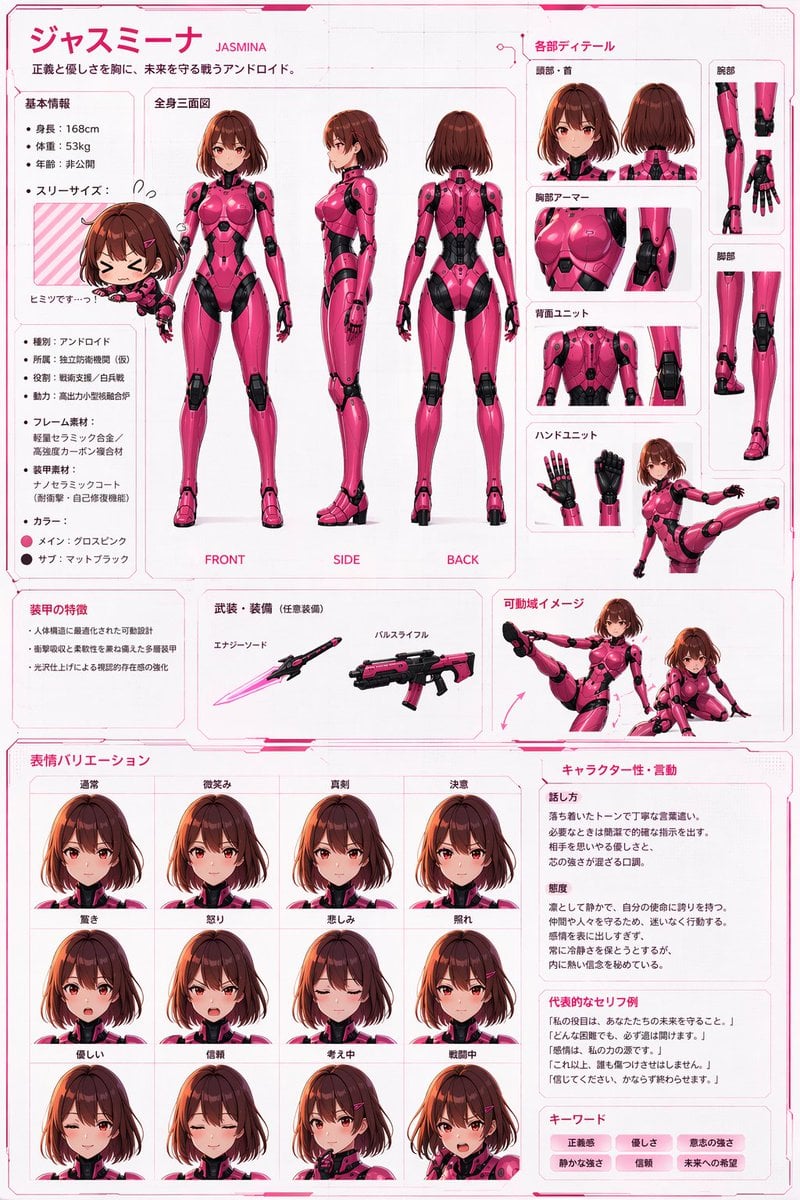
Robot Girl Reference Sheet
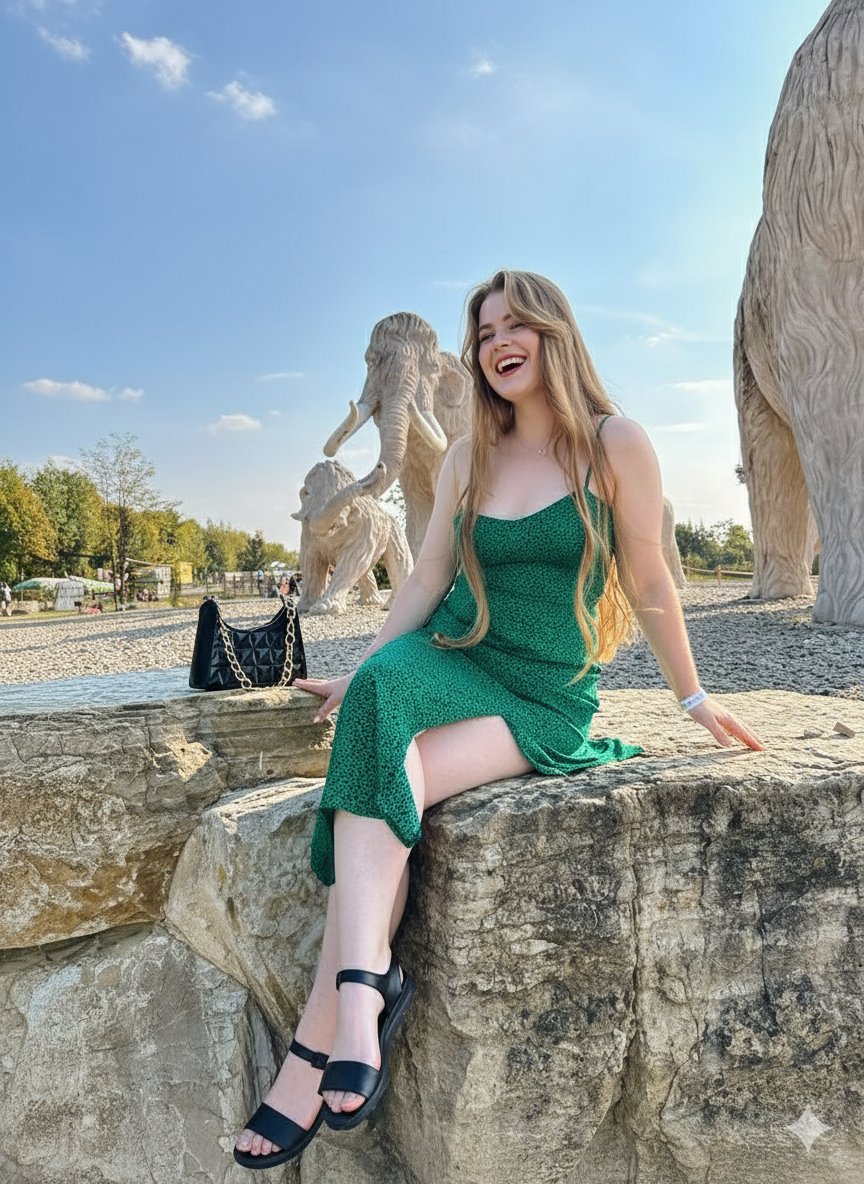
Joyful Woman at Prehistoric Mammoth Park

Cinematic Bookstore Lifestyle Film Still Prompt
Browse template categories
Cinematic 3-Frame Solo Travel Stills questions
How do I use the Cinematic 3-Frame Solo Travel Stills template?
Add your photo if the template asks for one, edit the prompt if you like — the template's model and format are already selected — and press Generate. Your version opens in PicX Studio.
Can I customize the Cinematic 3-Frame Solo Travel Stills template?
Yes. You can change the subject, setting, lighting, mood, format, and available model controls before creating your image.
Is the Cinematic 3-Frame Solo Travel Stills template free?
Opening and editing this template is free. Generating uses credits, shown on the Generate button when you are signed in.
Which AI model should I use?
Start with GPT Image 2, which is the model associated with this template. You can compare another compatible model for a different finish.
Looking for something else? Browse all templates.

Your photo, any look
Thousands of ready templates for every top image and video model, from one credit balance.