
Cyberpunk AI Coding Room
A photorealistic cinematic scene of an exhausted programmer debugging cables in a cramped neon-lit apartment workstation.
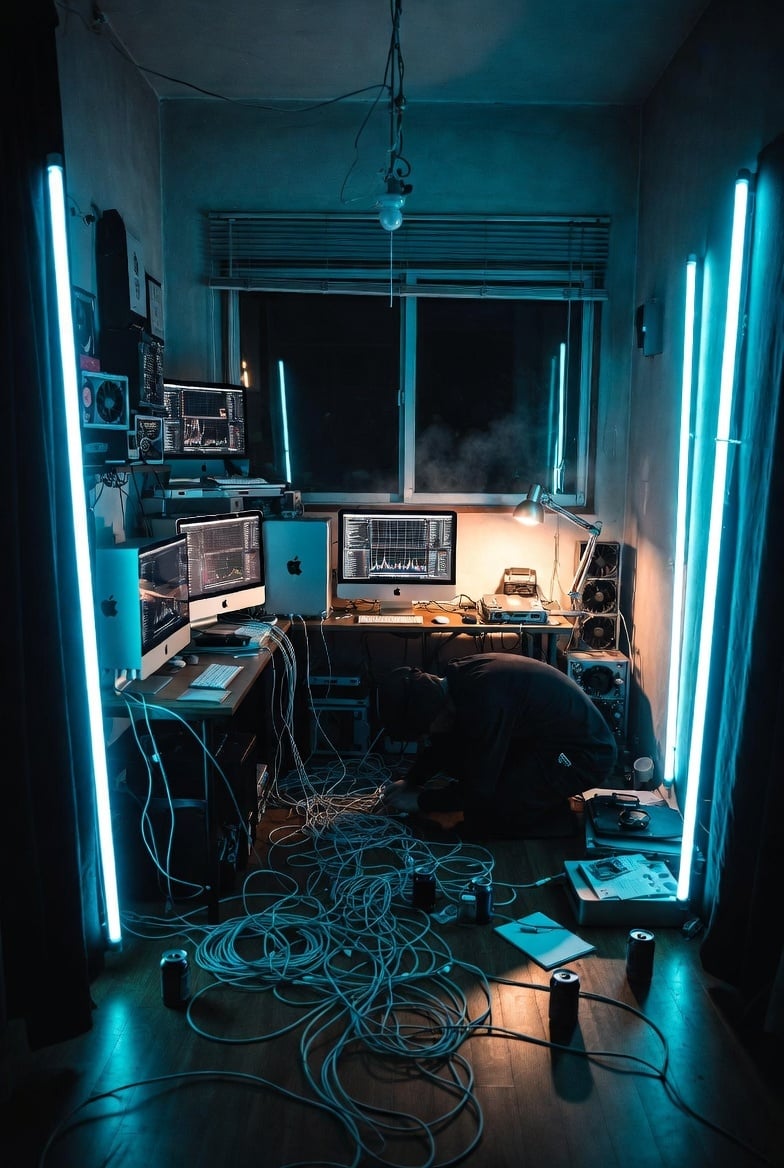
- Prompt included
- Model and format preset
- Free template
The prompt behind this image
Copy the exact prompt behind Cyberpunk AI Coding Room, or open it in the studio and make it yours.
Create a cinematic photorealistic vertical image of a cramped Japanese apartment room turned into an intense solo AI coding workstation at night. The room is narrow and messy, viewed from the doorway with a wide-angle lens, deep perspective, and moody teal-blue cyberpunk lighting. Place exactly 4 tall cyan fluorescent tube lights: one vertical tube near the left doorway, one vertical tube near the left side of the back window, one vertical tube near the right side of the back window, and one vertical tube near the right doorway. Show exactly 3 iMac-style desktop computers with glowing technical dashboards and code graphs: two on the left desk area and one centered on the back desk. Add a large window with horizontal blinds at the back, black night outside, visible humidity/steam or fog drifting near the window, a bare hanging ceiling bulb and exposed ceiling wires. The desks should be cluttered with keyboards, mice, small devices, cooling fans, stacked electronics, and cables. On the floor, create a chaotic nest of many long white and gray cables spreading from the desks toward the foreground. Include one exhausted programmer in a black hoodie crouching low near the floor on the right-center, head down, untangling or plugging cables, conveying burnout and late-night debugging. Add exactly 4 black drink cans on the floor, plus scattered papers, a notebook, a pen, and a small open equipment case on the right. Use glossy dark wooden flooring reflecting cyan light, concrete or gray walls, black curtains framing both sides, high contrast shadows, realistic lens distortion, gritty documentary detail, no readable text, no watermark. Atmosphere: overheated room, humid air, productivity chaos, one-person tech team energy. Style should be photorealistic, cinematic, ultra-detailed, teal and amber color contrast, 35mm wide-angle, vertical 2:3 composition. Optional customizations: make the workstation centered around {argument name="main task" default="AI coding and 3D model generation"}, set the dominant light color to {argument name="light color" default="cyan blue"}, set the room location to {argument name="room location" default="small Japanese apartment"}, set the person’s mood to {argument name="programmer mood" default="exhausted and overwhelmed"}, and set the time of day to {argument name="time of day" default="late night"}.
How to use Cyberpunk AI Coding Room in 3 steps
- 1Upload ImagePNG, JPG or paste
Add your photo
Upload the photo the template builds on. The prompt, model and format are already set.
- 2…a portrait of your subject in softgolden-hour light, 85mm…
Personalize
Edit the subject and creative details for your destination.
- 3Generate
Generate
Press Generate — your image is created in PicX Studio, so you can compare it with the original and refine one variable at a time.
More like this
Templates with the same subject, style or setup. Open one to see its prompt.

Rainy Night Android Cyberpunk Portrait

Korean Idol Partial Shadow Editorial Portrait

Cinematic Sci-Fi Interface Side Profile

Cyberpunk Neon Profile Fashion Portrait

Cinematic Neon Light Strip Studio Portrait

Futuristic Studio Neon Ring Minimalist Portrait

Neon Violet Streetwear Fashion Portrait

Neon Night Crosswalk Candid Portrait

Red Futuristic Sport Motorcycle POV
Rainy Night Android Cyberpunk Portrait
Cinematic Sci-Fi Commander Side Profile Portrait
Low-Angle Cyberpunk Neon Profile Portrait
Make it yours
Cyberpunk AI Coding Room works as-is. These are the safest ways to change it without losing the look.
Change one field
Copy a single group, rewrite it, and generate again so you can see what that field is doing.
Keep the frame, change the subject
Hold the composition and light of Cyberpunk AI Coding Room, then swap wardrobe, props or the person for a new take.
| If the result… | Why | Fix |
|---|---|---|
| The result drifts from the preview | Too many fields changed at once. | Reuse Cyberpunk AI Coding Room as-is first, then change one group — subject, light, or setting. |
| The model over-stylizes the scene | The prose prompt leaves finish and camera underspecified. | Add one camera or lighting sentence and stay on GPT Image 2. |
More GPT Image 2 templates
Other prompts made for GPT Image 2.

Six VTuber Japanese Logo Sheet

Realistic Portrait of Woman and Deer

The Vista Modular Condo Poster

AI Model Routing Comparison Infographic

2.5D Anime Art Board

Isometric Productivity Desk Scene

New York Double Exposure Poster

Four-Panel AI Landscape Comparison

Japanese Tatami Lifestyle Magazine Cover

NESCAFÉ Coffee Map Poster
More image prompts
Fresh picks from across the catalog.
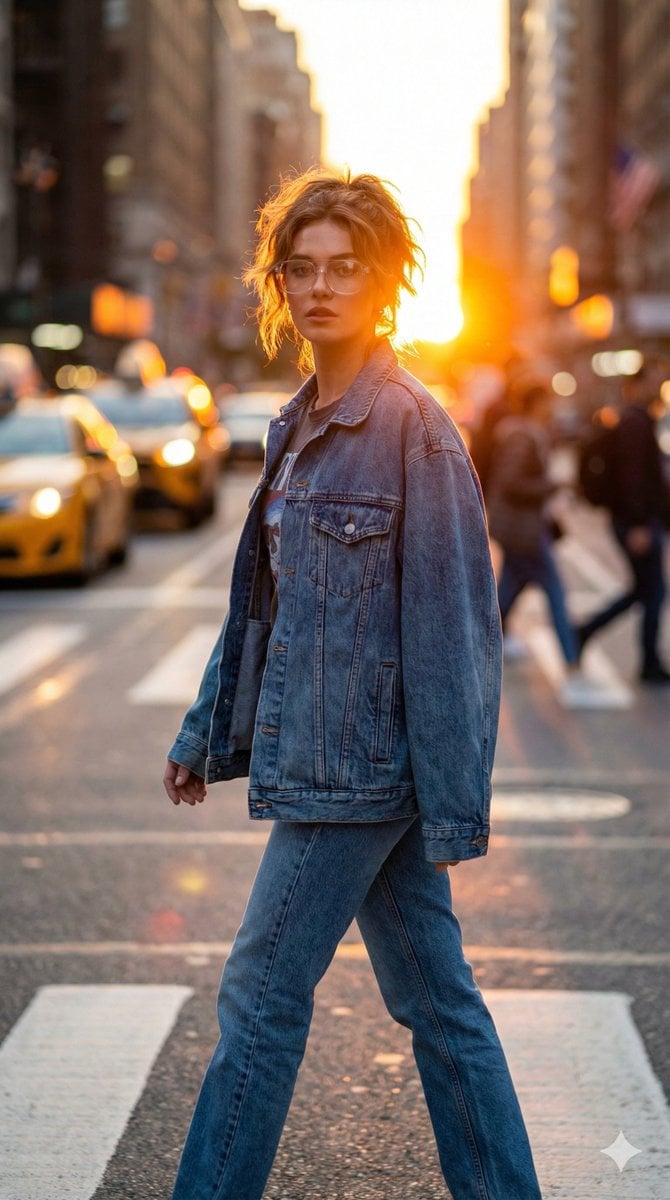
Golden Hour Urban Streetwear Portrait

Low-angle man with hood scarf and cat on head
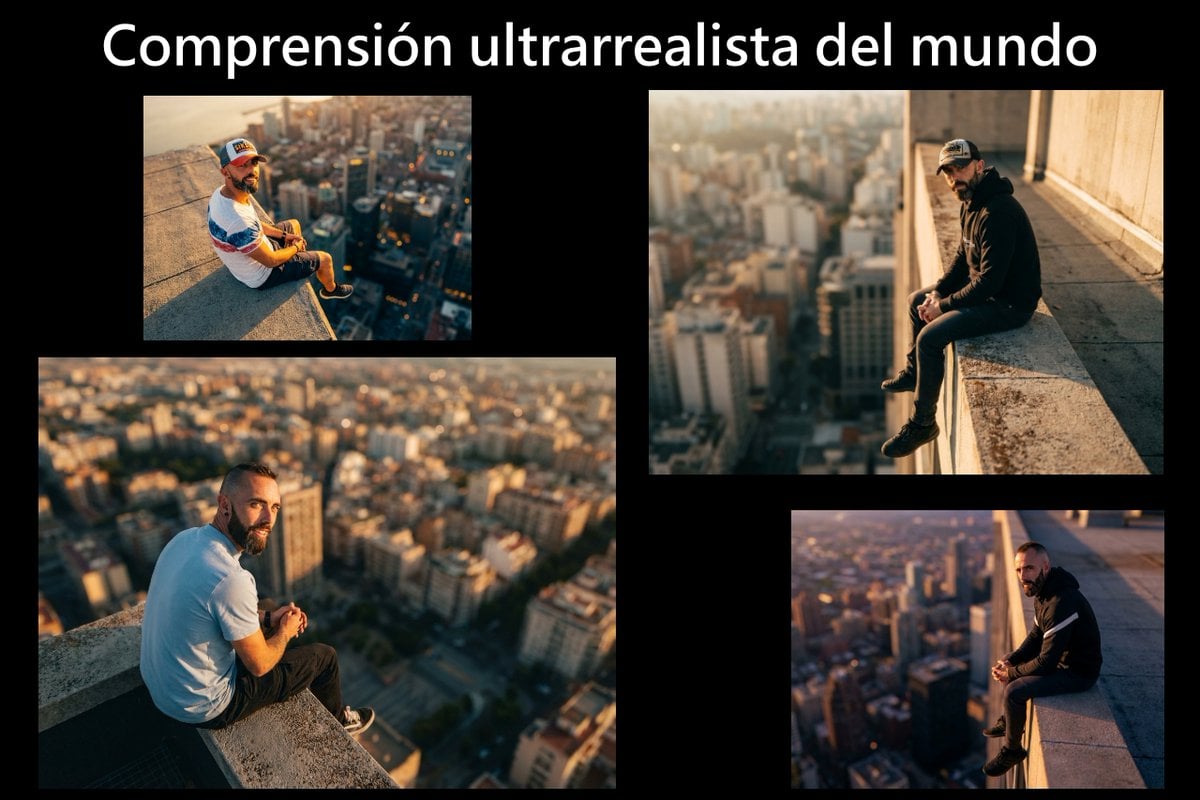
Cinematic rooftop portrait from reference photos
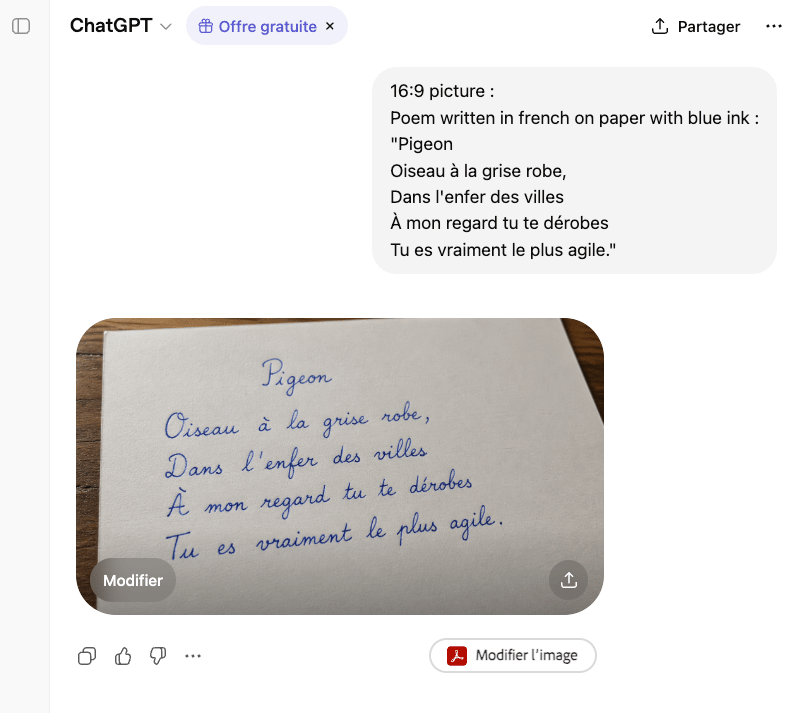
Handwritten French Poem on Paper

Cute Bird Emerald Mine Adventure
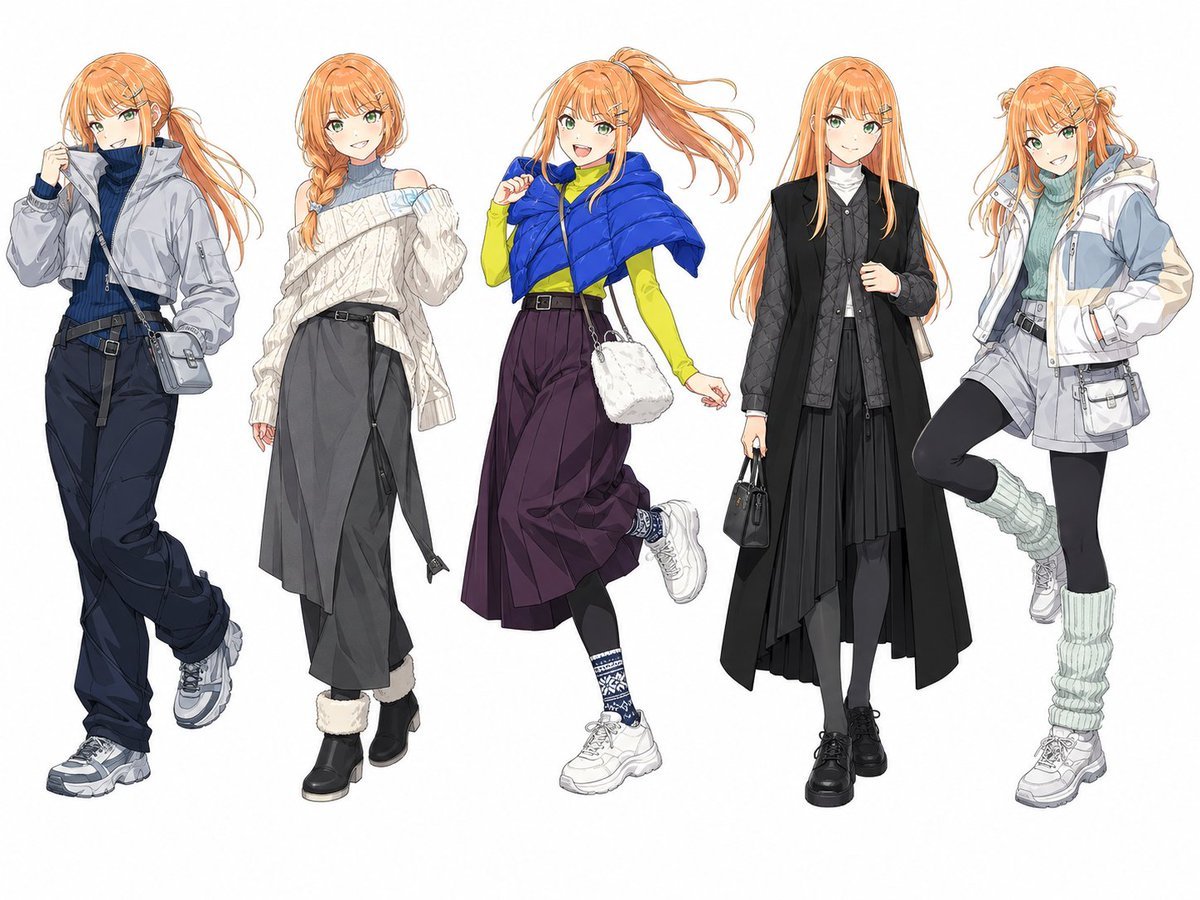
Anime Winter Fashion Lineup
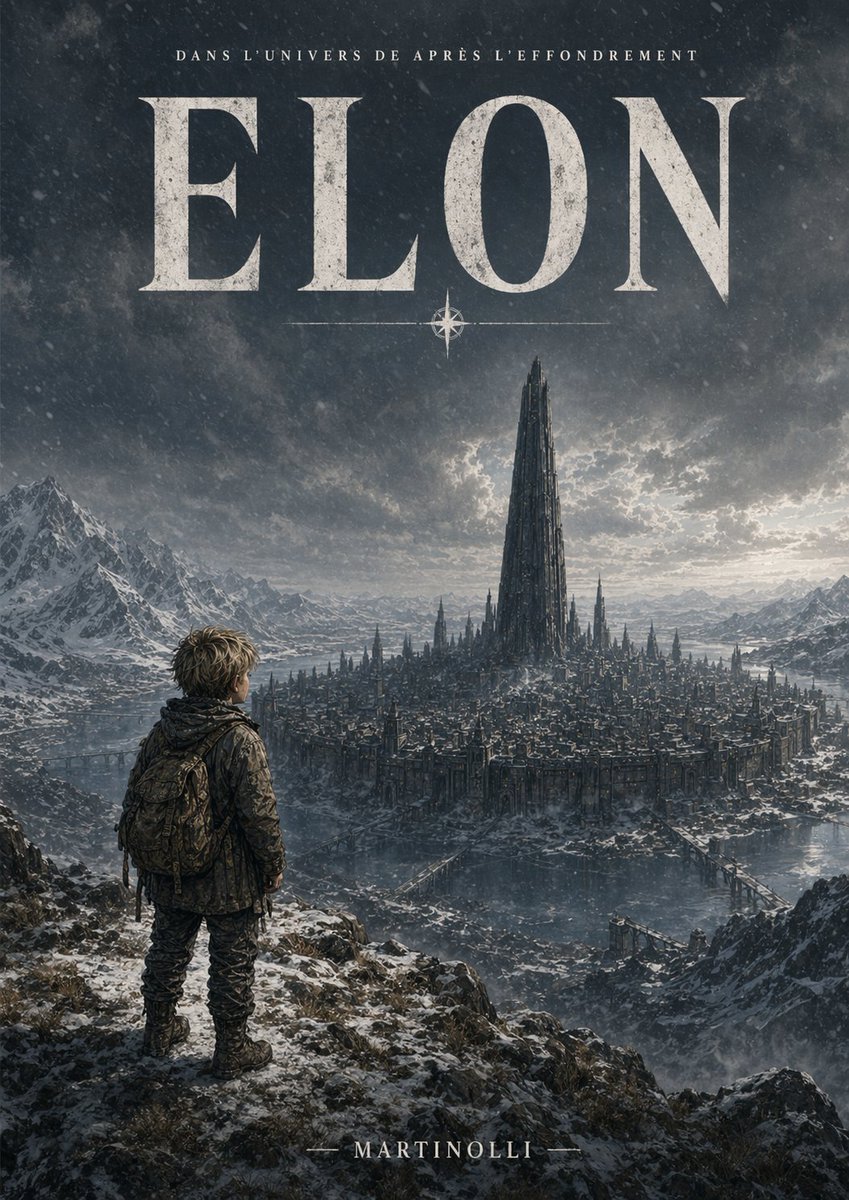
Epic French Dystopian Book Cover
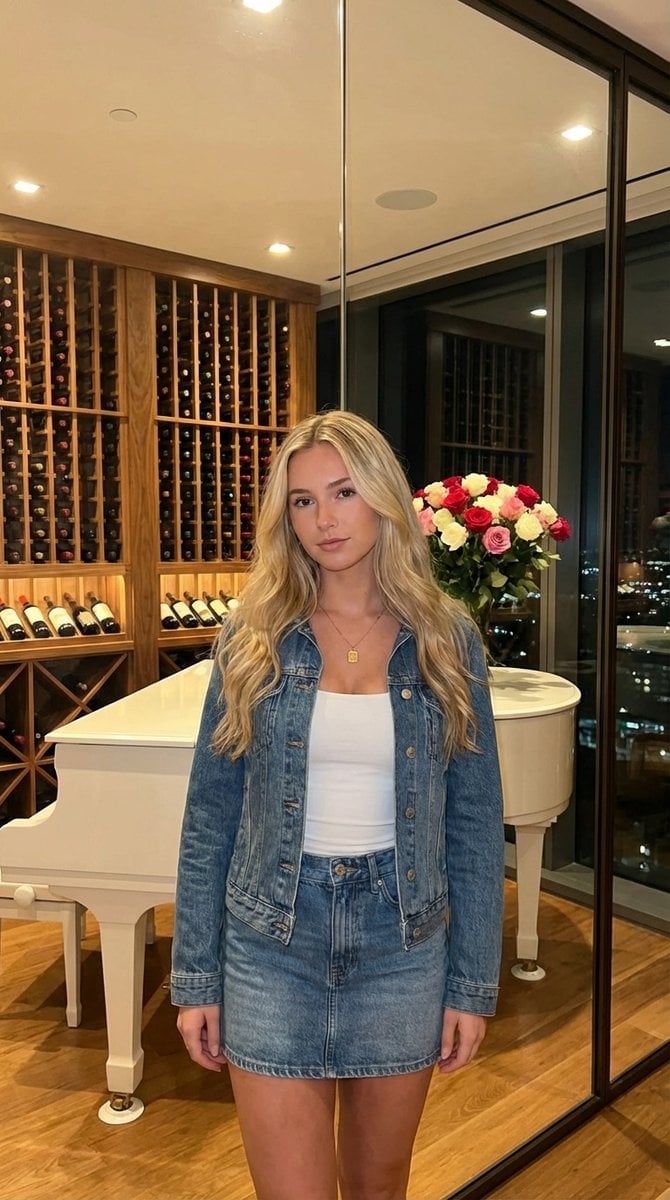
AI UGC Prompt for Upscale Lifestyle Portrait
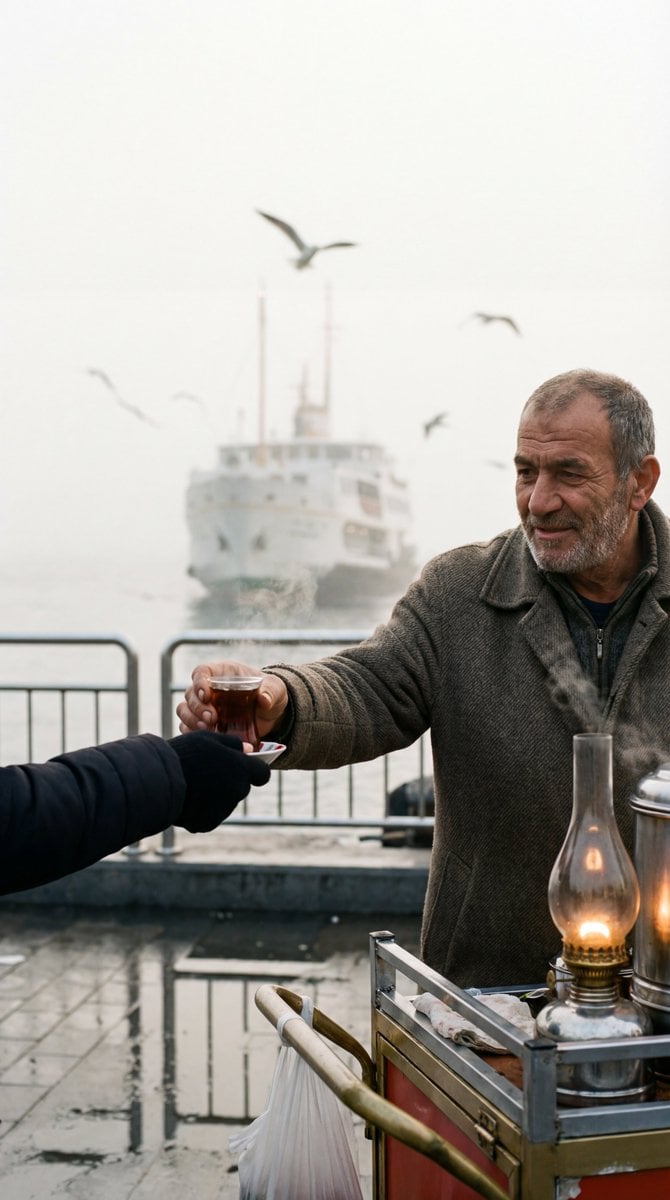
Cinematic Street Photography Film Still Prompt
Cozy Indoor Lifestyle Portrait
Browse template categories
Cyberpunk AI Coding Room questions
How do I use the Cyberpunk AI Coding Room template?
Add your photo if the template asks for one, edit the prompt if you like — the template's model and format are already selected — and press Generate. Your version opens in PicX Studio.
Can I customize the Cyberpunk AI Coding Room template?
Yes. You can change the subject, setting, lighting, mood, format, and available model controls before creating your image.
Is the Cyberpunk AI Coding Room template free?
Opening and editing this template is free. Generating uses credits, shown on the Generate button when you are signed in.
Which AI model should I use?
Start with GPT Image 2, which is the model associated with this template. You can compare another compatible model for a different finish.
Looking for something else? Browse all templates.

Your photo, any look
Thousands of ready templates for every top image and video model, from one credit balance.