
Alien Lake Spaceship Vista
Generates an epic photorealistic sci-fi world with a massive spacecraft, ringed planet, reflective lake, waterfalls, and glowing alien flora.
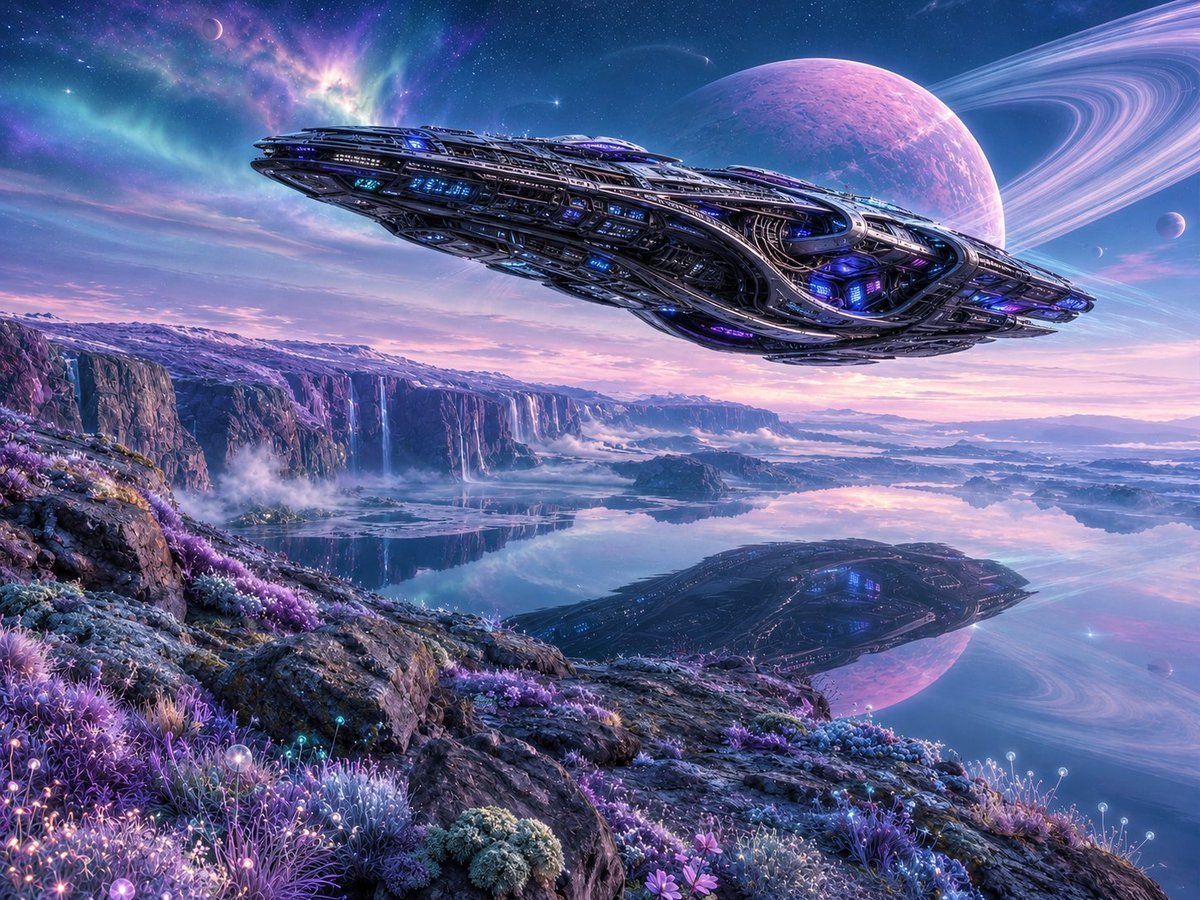
- Prompt included
- Model and format preset
- Free template
The prompt behind this image
Copy the exact prompt behind Alien Lake Spaceship Vista, or open it in the studio and make it yours.
A cinematic ultra-detailed science fiction alien landscape at twilight on a distant planet: a gigantic sleek futuristic spaceship floats low across the sky from left to right above a mirror-still lake, its elongated dark metallic hull covered in intricate layered armor plates, vents, windows, exposed mechanical ribs, glowing blue and violet lights, and luminous engine details. The lake below reflects the entire spacecraft, the pastel sky, and a huge pink-purple ringed planet dominating the upper right, with two small moons nearby and a star-filled nebula sky in teal, indigo, lavender, and magenta. The foreground is a rocky alien shoreline covered with dense bioluminescent extraterrestrial plants: purple grasses, blue moss, glowing spherical flower tips, tiny luminous blossoms, and crystalline shrubs. In the middle distance, high cliffs stretch across the horizon with multiple thin waterfalls dropping into misty basins, low fog drifting over the water, and layered mountains fading into the distance. Lighting is dreamy but photorealistic, with soft sunrise/sunset colors, crisp reflections, volumetric mist, high dynamic range, extreme environmental detail, wide-angle composition, epic scale, 16:9 aspect ratio, no text, no people. Customize the scene with a {argument name="spaceship color" default="dark gunmetal with blue and violet lights"}, {argument name="planet color" default="pink-purple"}, {argument name="alien plant color palette" default="purple, blue, lavender, and cyan bioluminescence"}, {argument name="time of day" default="twilight"}, and {argument name="overall style" default="cinematic photorealistic space opera concept art"}.
How to use Alien Lake Spaceship Vista in 3 steps
- 1Upload ImagePNG, JPG or paste
Add your photo
Upload the photo the template builds on. The prompt, model and format are already set.
- 2…a portrait of your subject in softgolden-hour light, 85mm…
Personalize
Edit the subject and creative details for your destination.
- 3Generate
Generate
Press Generate — your image is created in PicX Studio, so you can compare it with the original and refine one variable at a time.
More like this
Templates with the same subject, style or setup. Open one to see its prompt.

Teen Girl Alpine Lake Mountain View

Mountain Lake Sunset Landscape
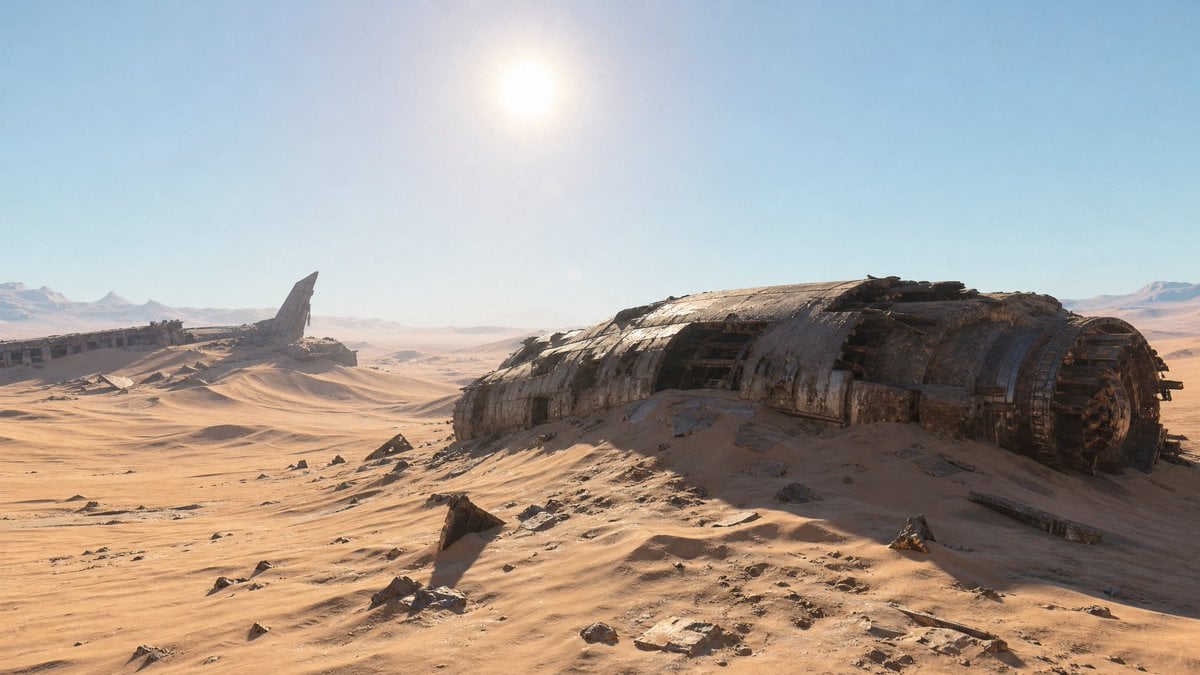
Crashed Spaceship Desert Wasteland
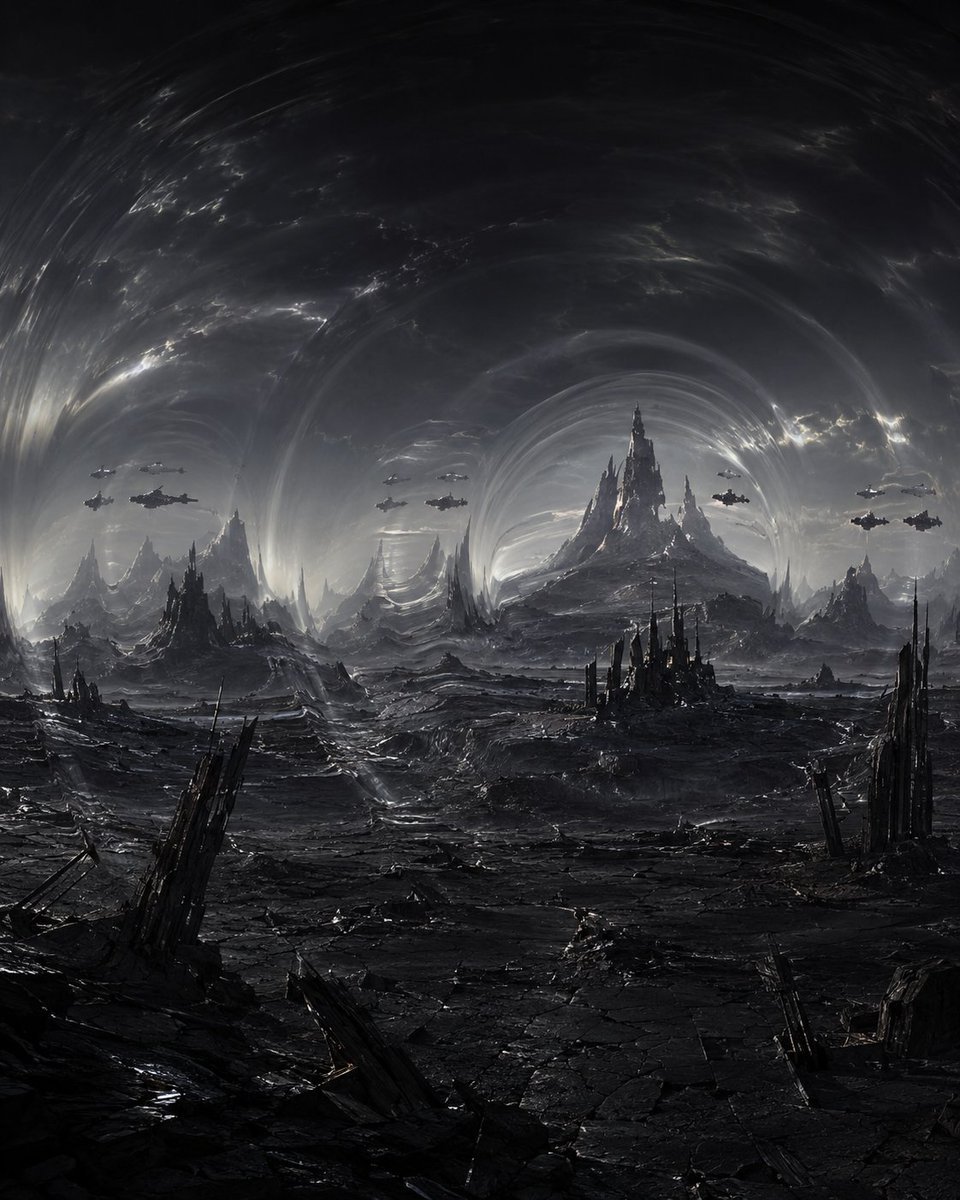
Dark Alien Vibration Wasteland
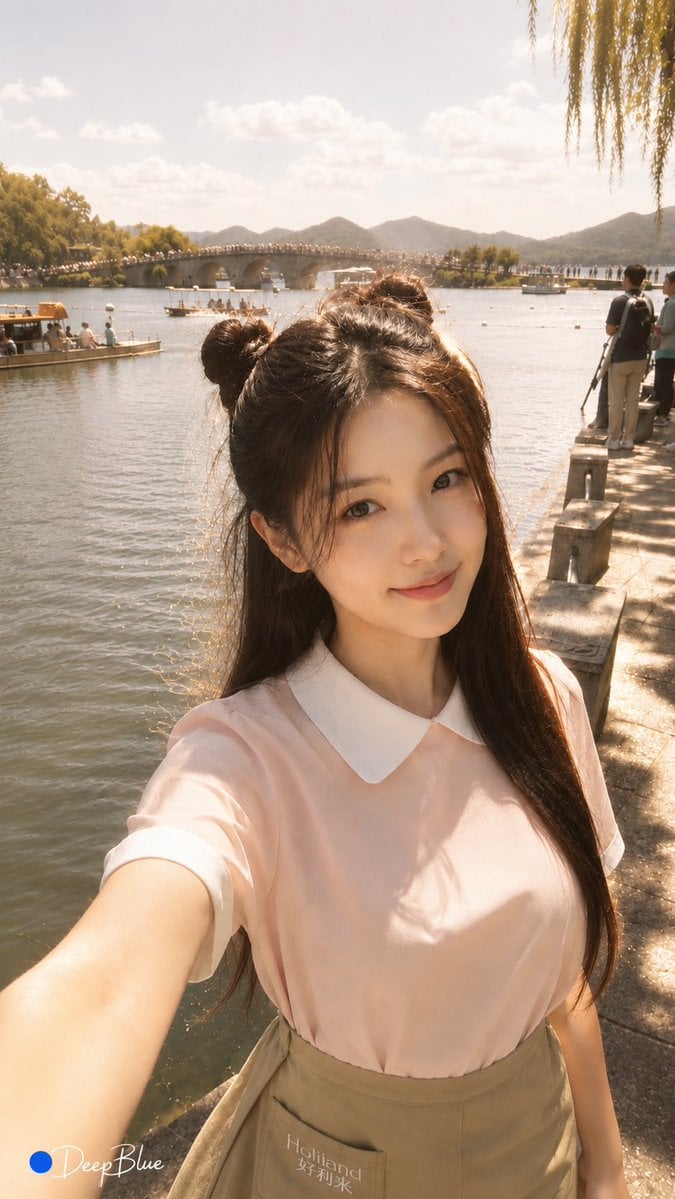
Warm Lakeside Travel Selfie
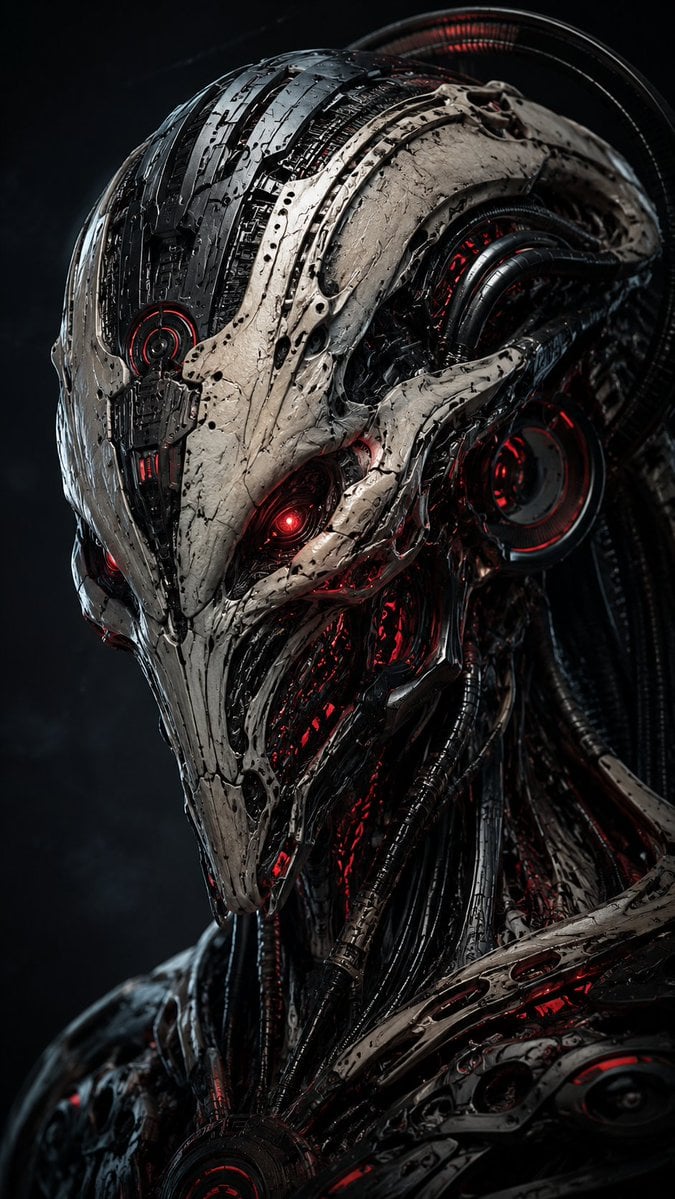
Mecha Alien at Gravity Edge
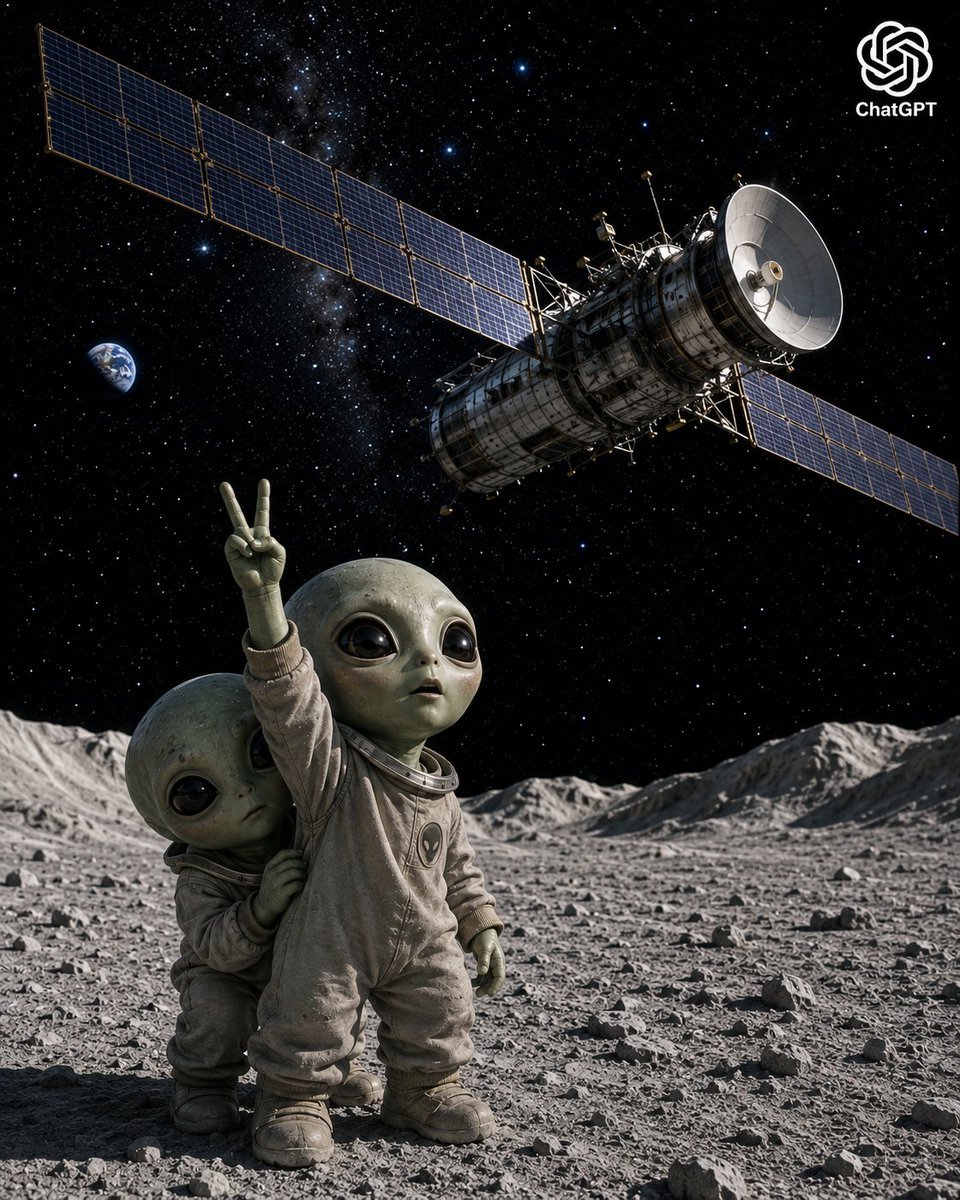
Lunar Alien Babies and Satellite
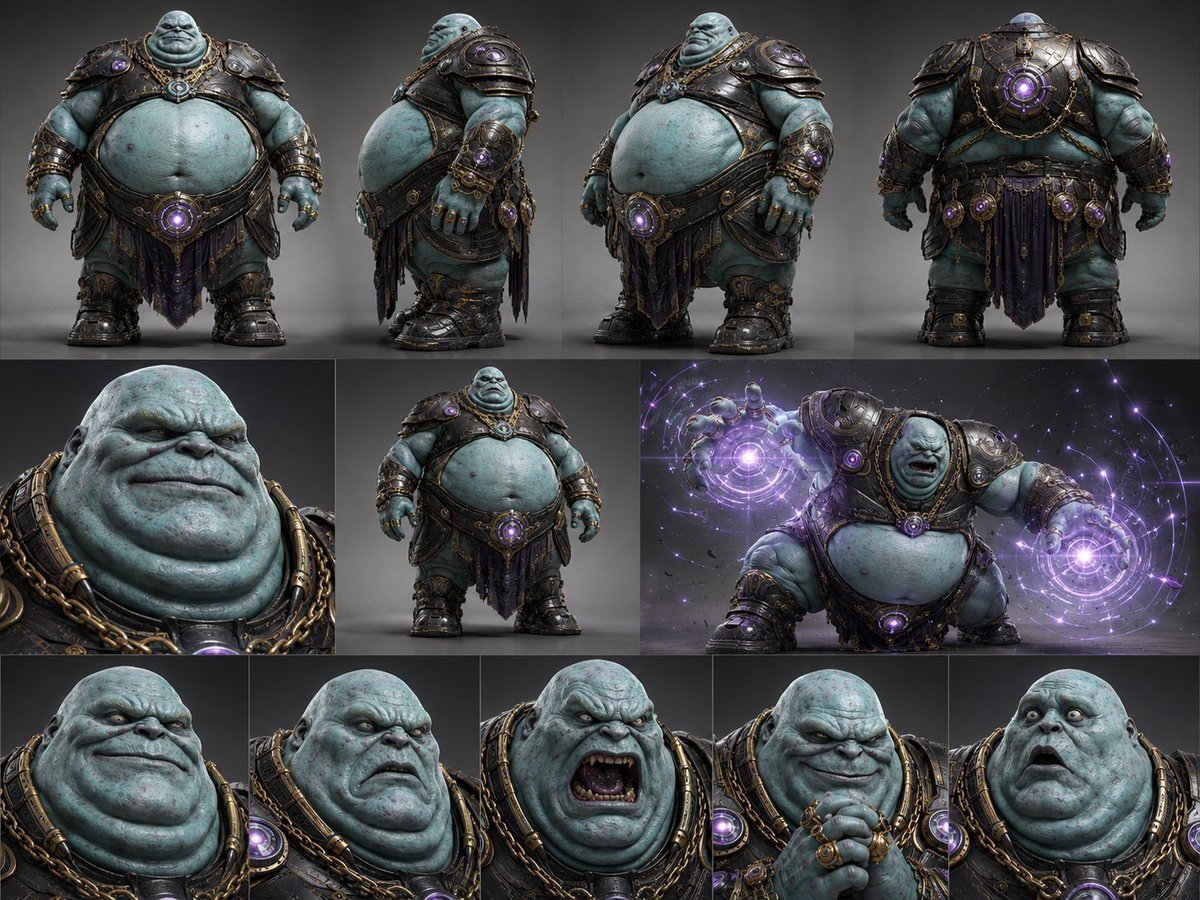
Alien Warlord Character Design Sheet
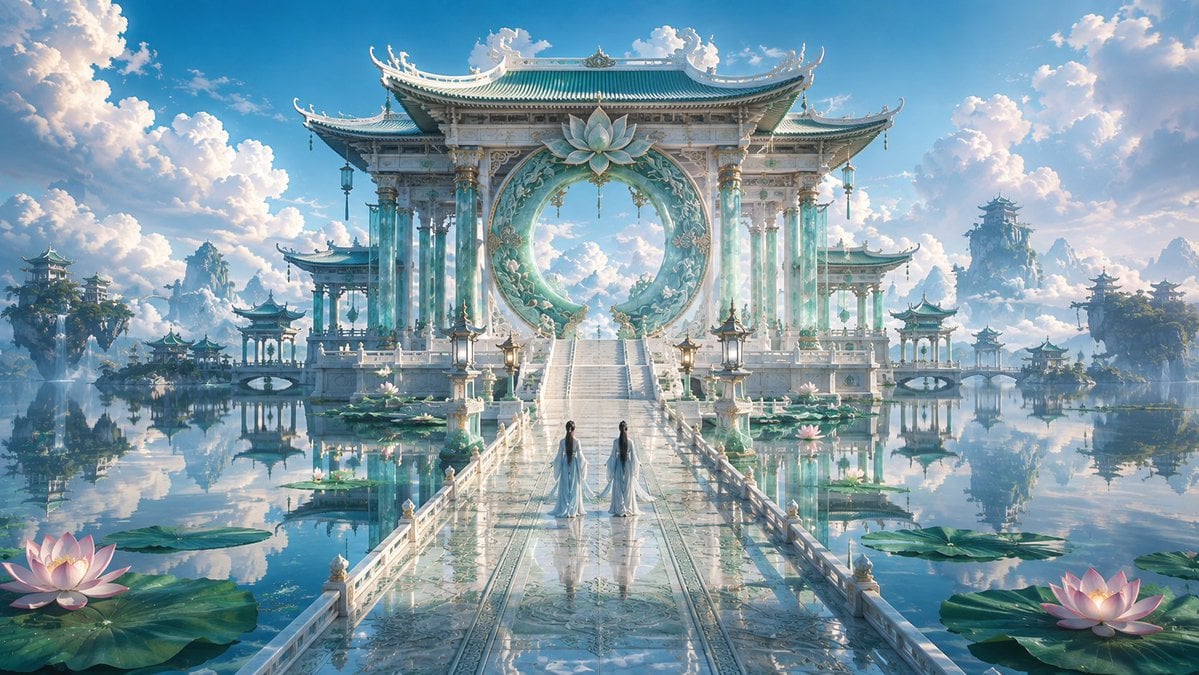
Celestial Jade Palace Lake
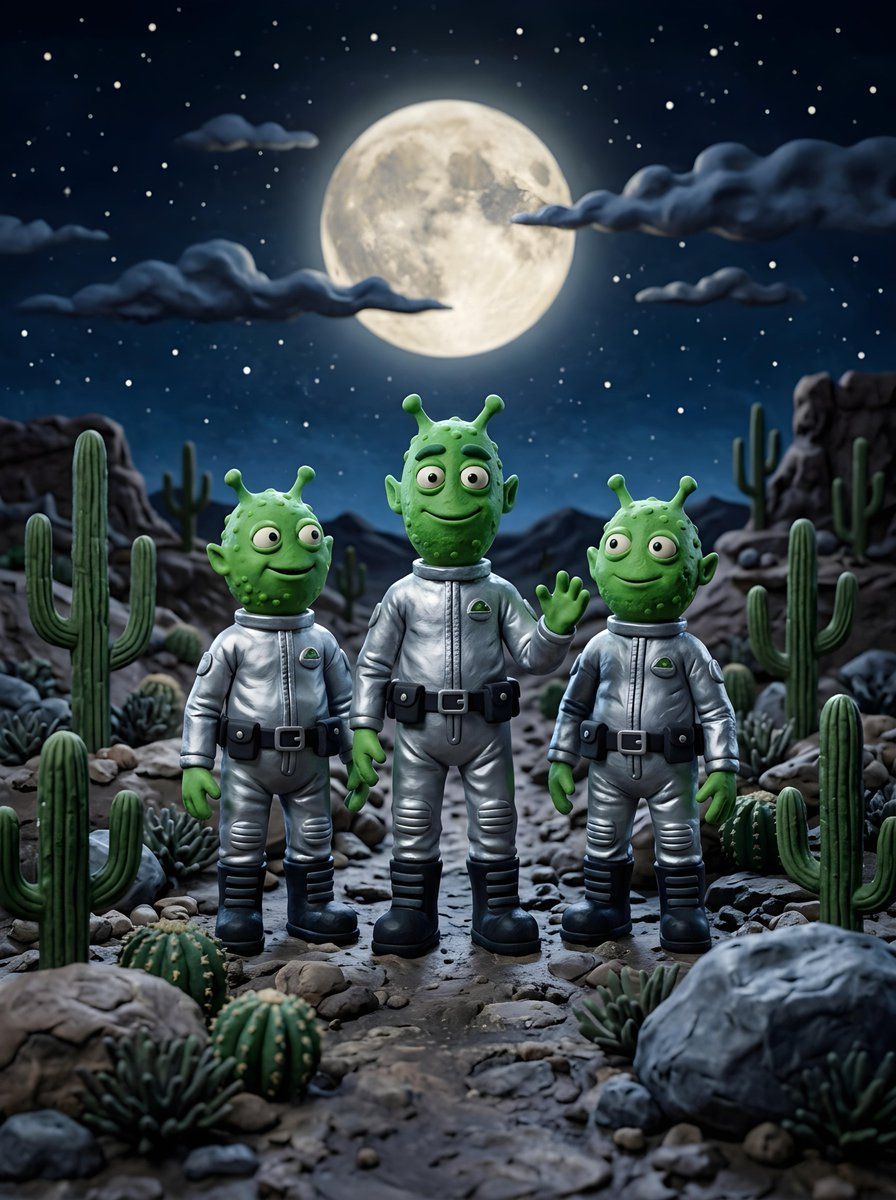
Claymation Aliens Desert Landscape

Alpine Lake Candid — Mountain Air Moment
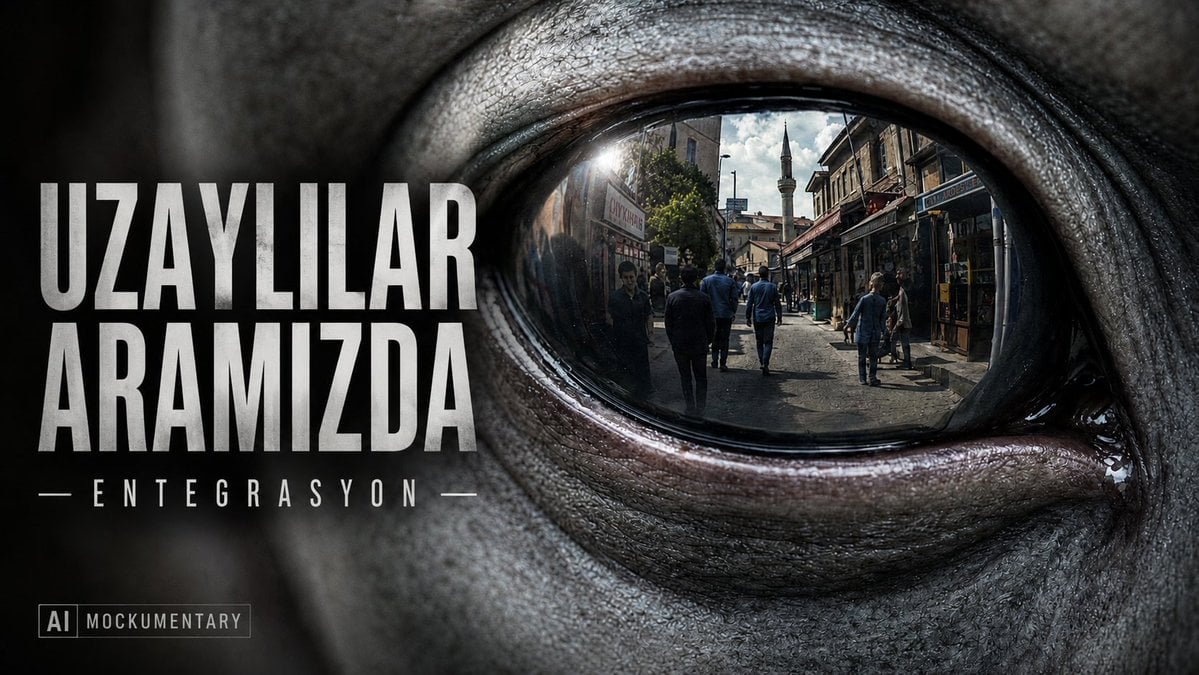
Alien Eye Mockumentary Poster
Make it yours
Alien Lake Spaceship Vista works as-is. These are the safest ways to change it without losing the look.
Change one field
Copy a single group, rewrite it, and generate again so you can see what that field is doing.
Keep the frame, change the subject
Hold the composition and light of Alien Lake Spaceship Vista, then swap wardrobe, props or the person for a new take.
| If the result… | Why | Fix |
|---|---|---|
| The result drifts from the preview | Too many fields changed at once. | Reuse Alien Lake Spaceship Vista as-is first, then change one group — subject, light, or setting. |
| The model over-stylizes the scene | The prose prompt leaves finish and camera underspecified. | Add one camera or lighting sentence and stay on GPT Image 2. |
More GPT Image 2 templates
Other prompts made for GPT Image 2.

Six VTuber Japanese Logo Sheet

Realistic Portrait of Woman and Deer

AI Model Routing Comparison Infographic

2.5D Anime Art Board

Isometric Productivity Desk Scene

New York Double Exposure Poster

Four-Panel AI Landscape Comparison

Japanese Tatami Lifestyle Magazine Cover

NESCAFÉ Coffee Map Poster

Brutalist Cogito Chinese Typography Poster
More image prompts
Fresh picks from across the catalog.

Explosive Dragon Fruit Juice Photography
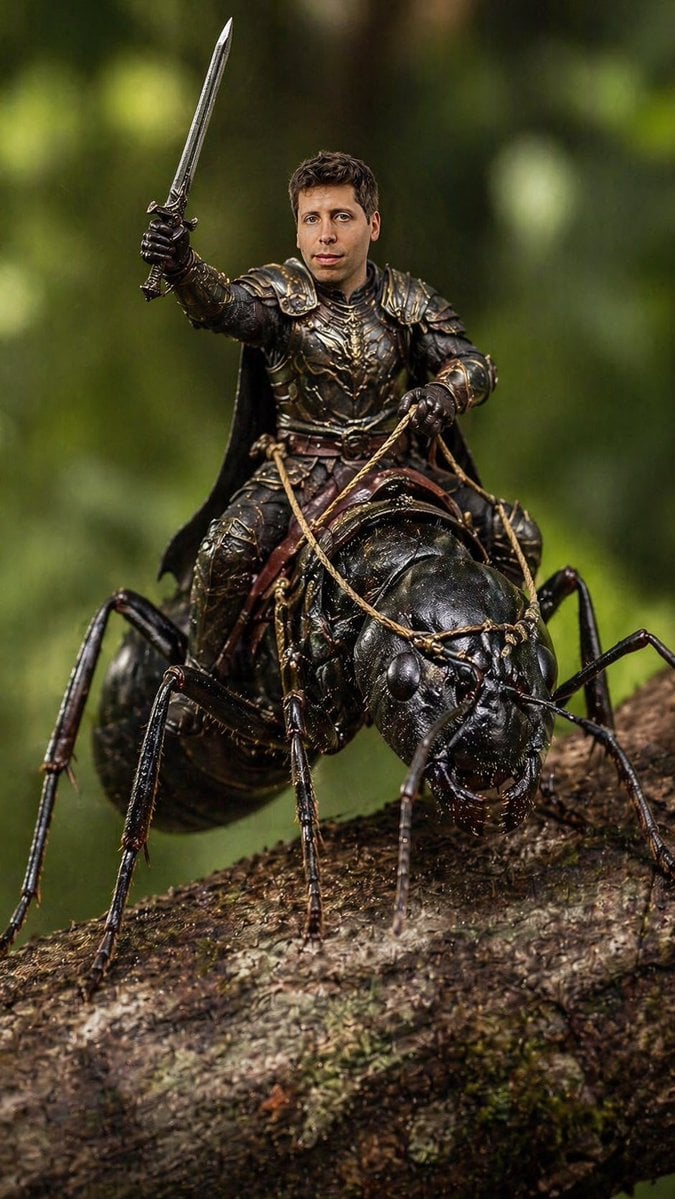
Ant Warrior Macro Photography
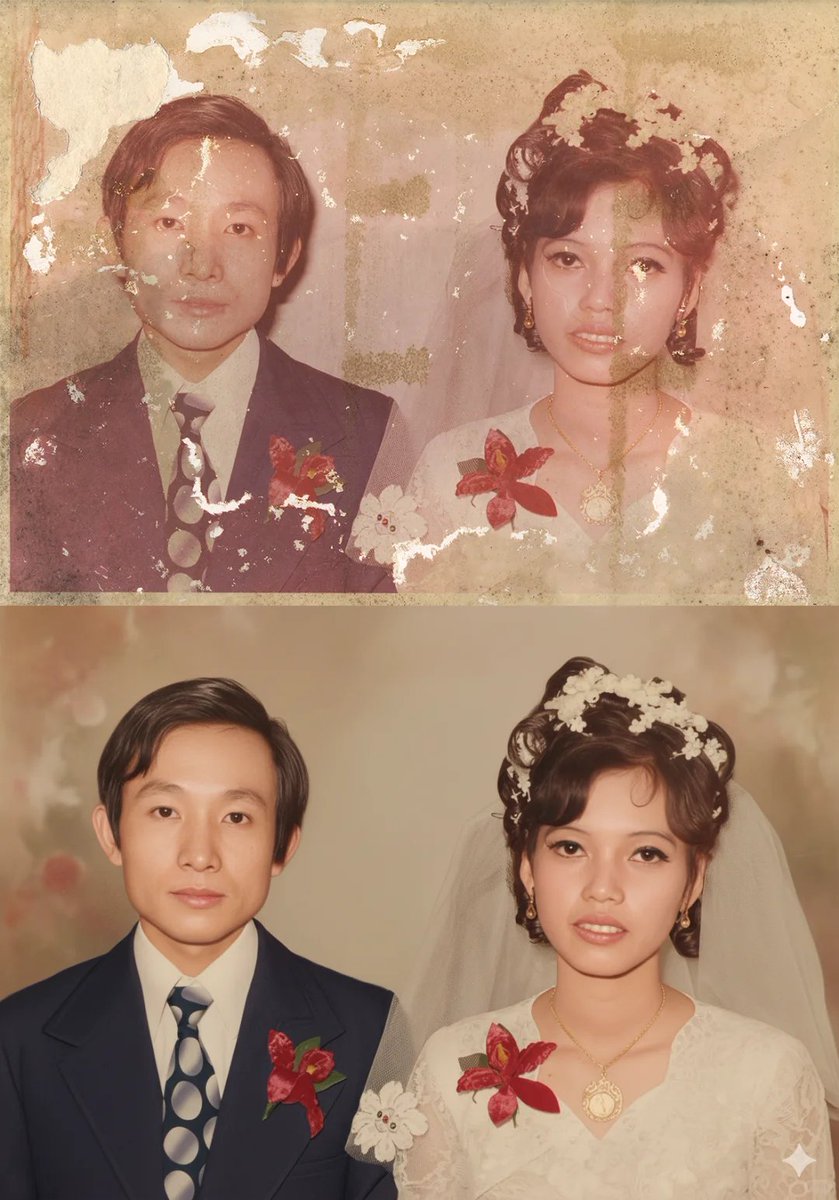
Old Photo Restoration Prompt for Nano Banana Pro
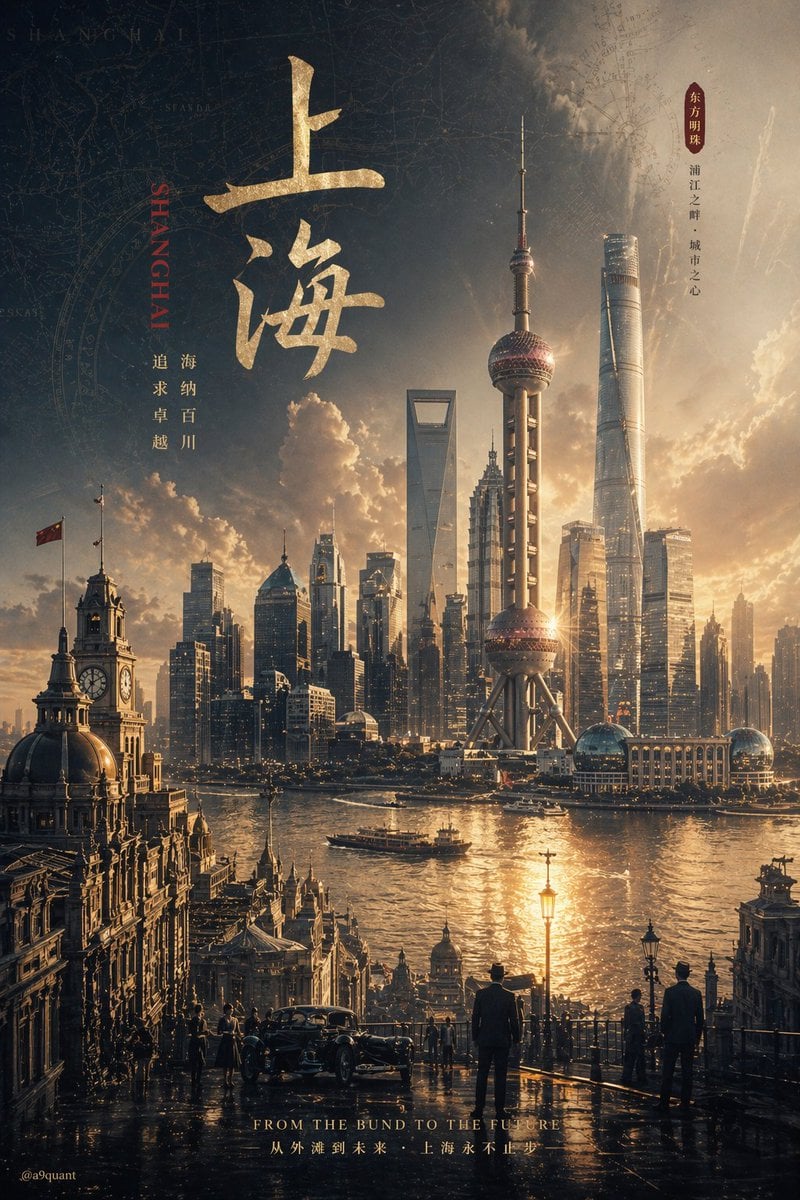
Epic Concept/Movie Poster Generator

Thumbnail Editing Prompt: Replacing a Person
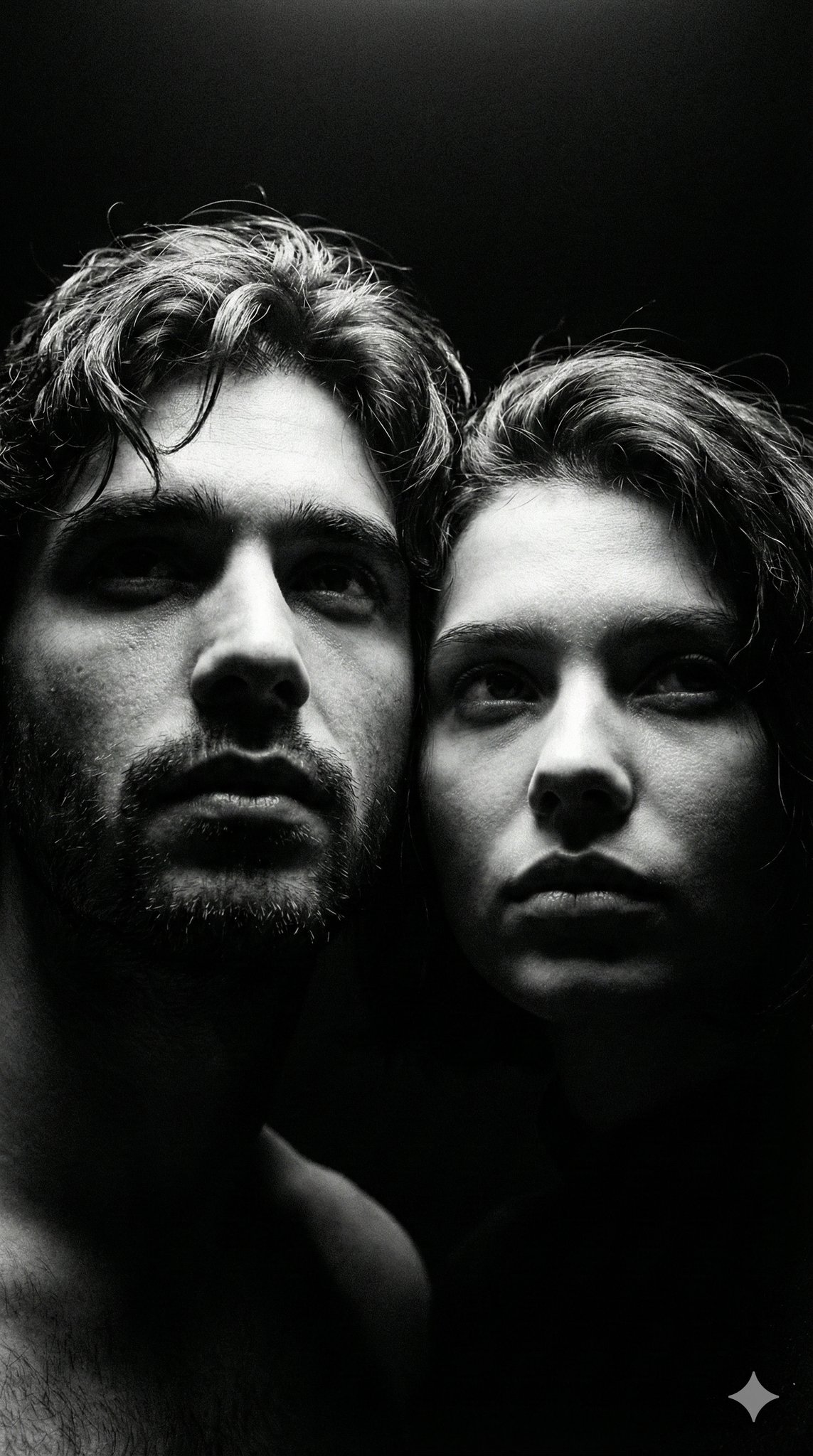
Ultra Realistic Couple Mirror Selfie
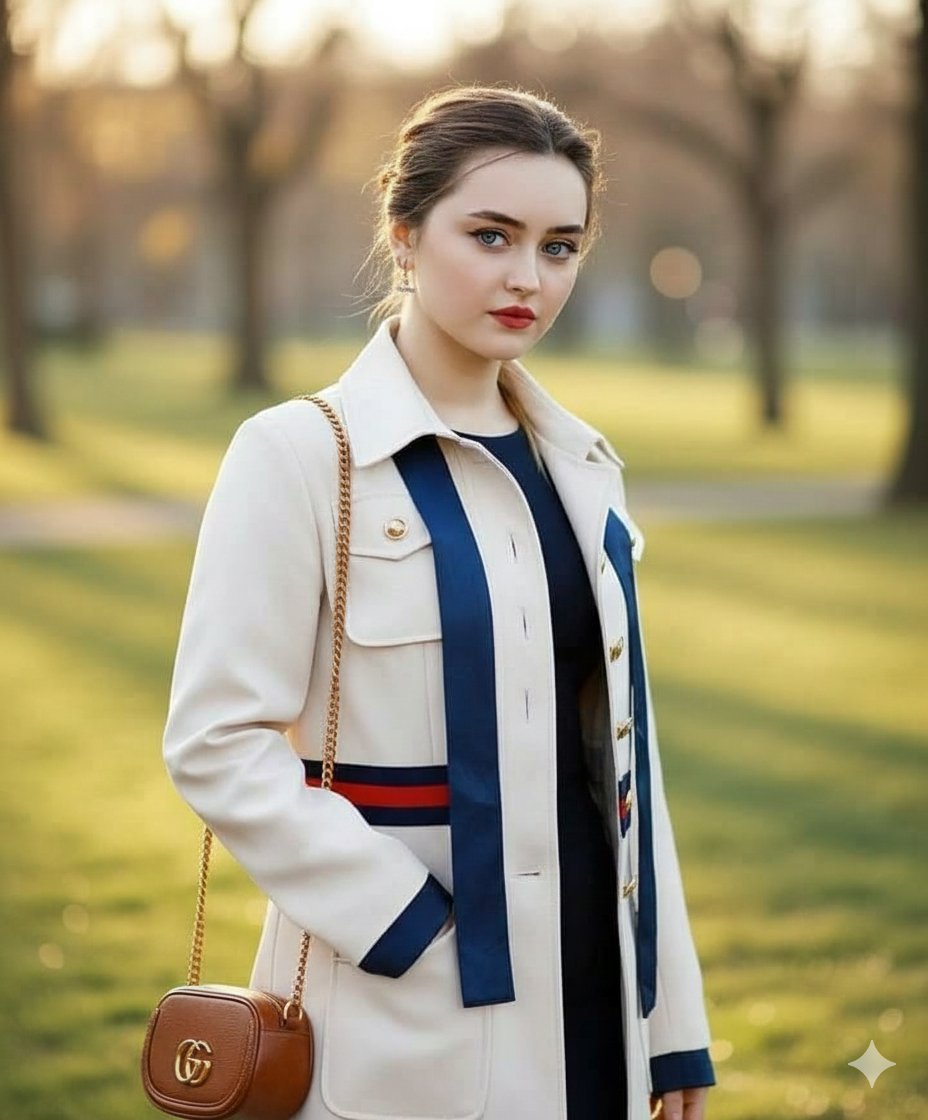
Vogue Style Luxury Trench Coat Fashion Portrait
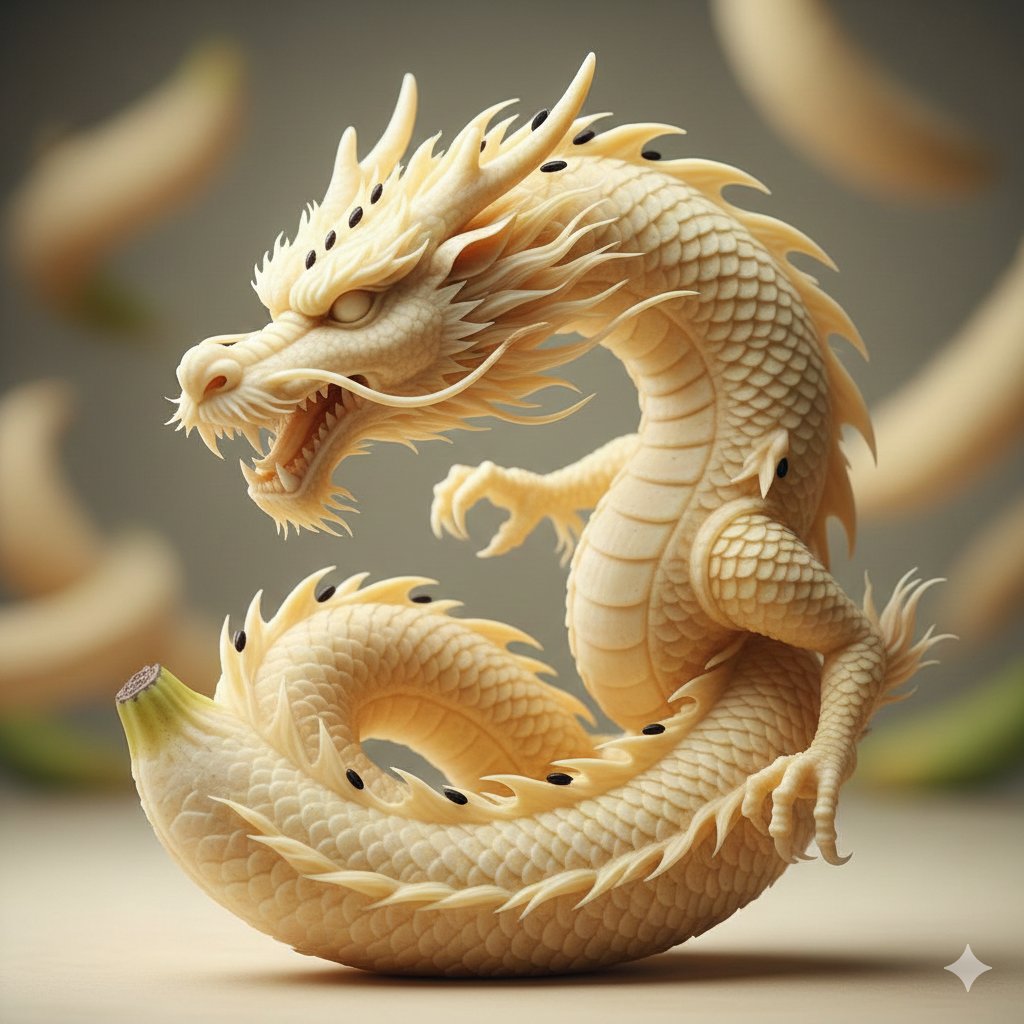
Hyper-Realistic Sculpture Carved from Banana Flesh

Simple grapes-in-a-basket image prompt
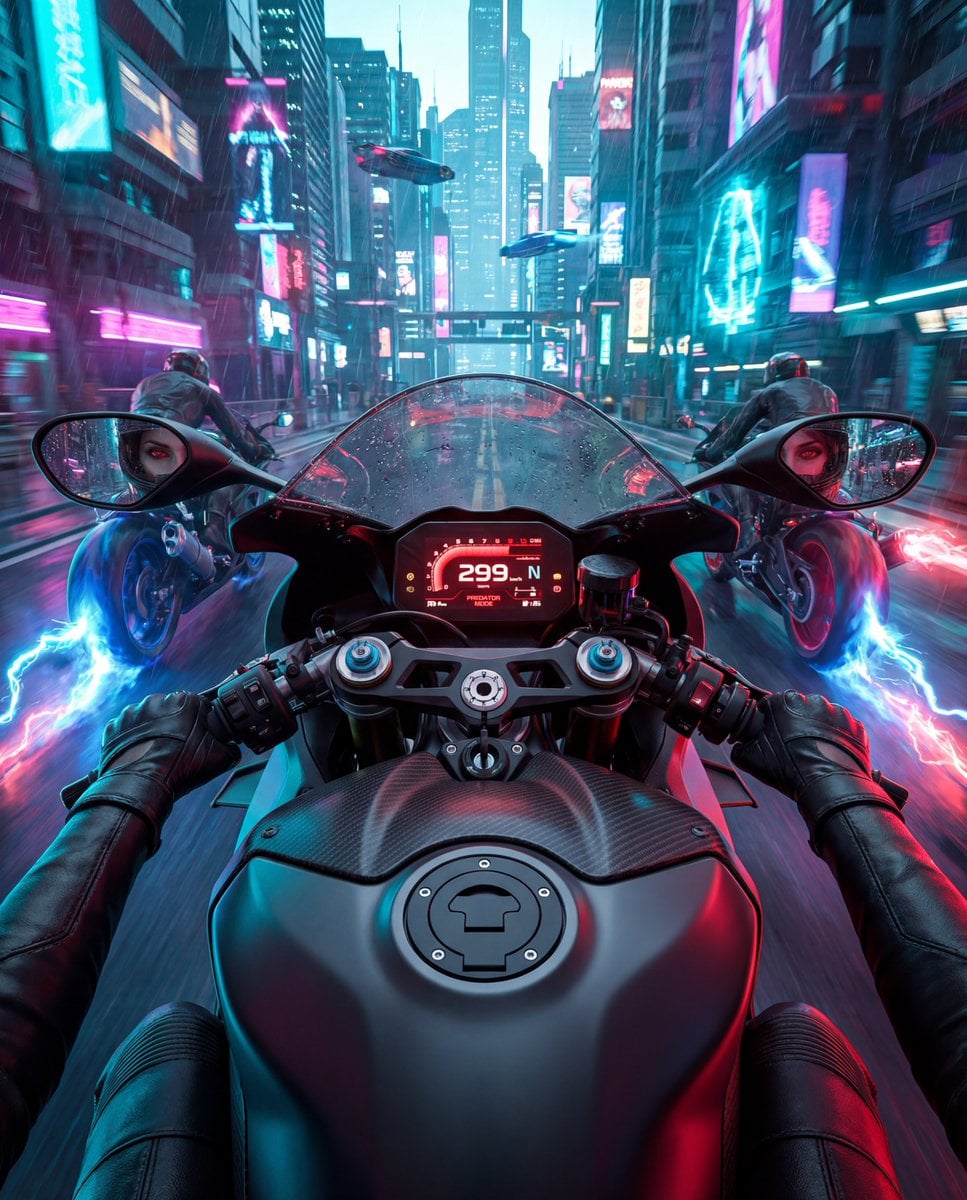
Cyberpunk POV Motorcycle Ride with Vampire Mafia Girl
Browse template categories
Alien Lake Spaceship Vista questions
How do I use the Alien Lake Spaceship Vista template?
Add your photo if the template asks for one, edit the prompt if you like — the template's model and format are already selected — and press Generate. Your version opens in PicX Studio.
Can I customize the Alien Lake Spaceship Vista template?
Yes. You can change the subject, setting, lighting, mood, format, and available model controls before creating your image.
Is the Alien Lake Spaceship Vista template free?
Opening and editing this template is free. Generating uses credits, shown on the Generate button when you are signed in.
Which AI model should I use?
Start with GPT Image 2, which is the model associated with this template. You can compare another compatible model for a different finish.
Looking for something else? Browse all templates.

Your photo, any look
Thousands of ready templates for every top image and video model, from one credit balance.