
Sleepy Round Hamster Manga
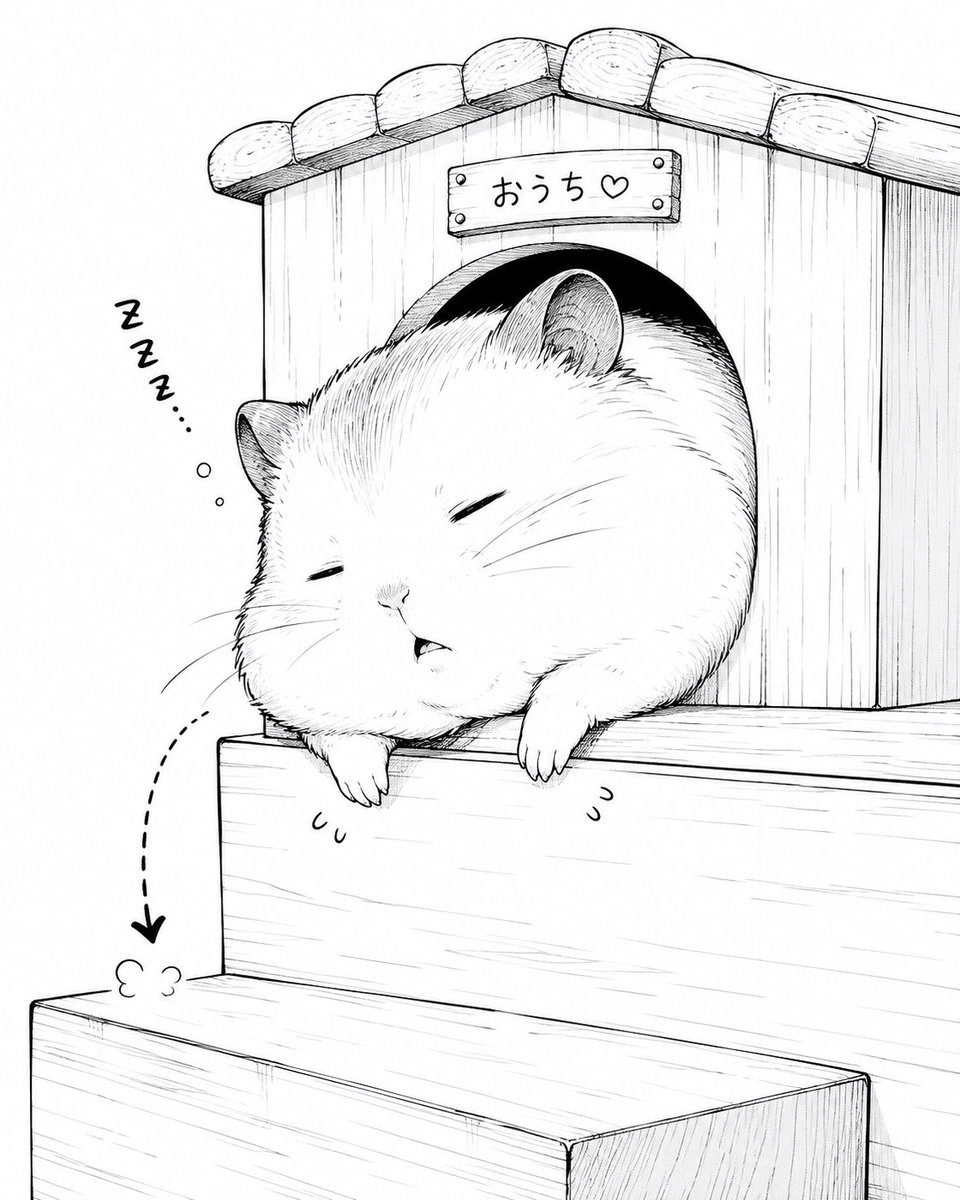
A cute monochrome manga-style illustration of a very round hamster dozing in the doorway of a tiny wooden house.
- Prompt included
- Model and format preset
- Free template
The prompt behind this image
Copy the exact prompt behind Sleepy Round Hamster Manga, or open it in the studio and make it yours.
Create a charming black-and-white manga ink illustration of an extremely round, fluffy {argument name="animal" default="hamster"} sleeping halfway out of a small wooden house. The animal is oversized and spherical, with closed sleepy eyes, tiny mouth, soft cheeks, small ears, fine whiskers, visible fur hatching, and two tiny front paws drooping over the ledge. The wooden house has vertical plank walls, a curved arched doorway, a tiled rounded roof, and a small sign above the door reading {argument name="sign text" default="おうち♡"}. Place the house on top of simple wooden steps or tiered blocks, with the hamster slumped over the upper step as if it has just woken up and fallen asleep again. Add exactly three sleep symbols to the left: a handwritten “Zzz...” mark, two small floating bubbles beneath it, and one dashed curved arrow pointing downward toward a small puff of dust on the lower step. Use clean white background, delicate pen-and-ink linework, light crosshatching, subtle wood grain, cute Japanese comic style, minimal shading, cozy and humorous mood, square composition, no color, no extra characters, no watermark.
How to use Sleepy Round Hamster Manga in 3 steps
- 1Upload ImagePNG, JPG or paste
Add your photo
Upload the photo the template builds on. The prompt, model and format are already set.
- 2…a portrait of your subject in softgolden-hour light, 85mm…
Personalize
Edit the subject and creative details for your destination.
- 3Generate
Generate
Press Generate — your image is created in PicX Studio, so you can compare it with the original and refine one variable at a time.
More like this
Templates with the same subject, style or setup. Open one to see its prompt.
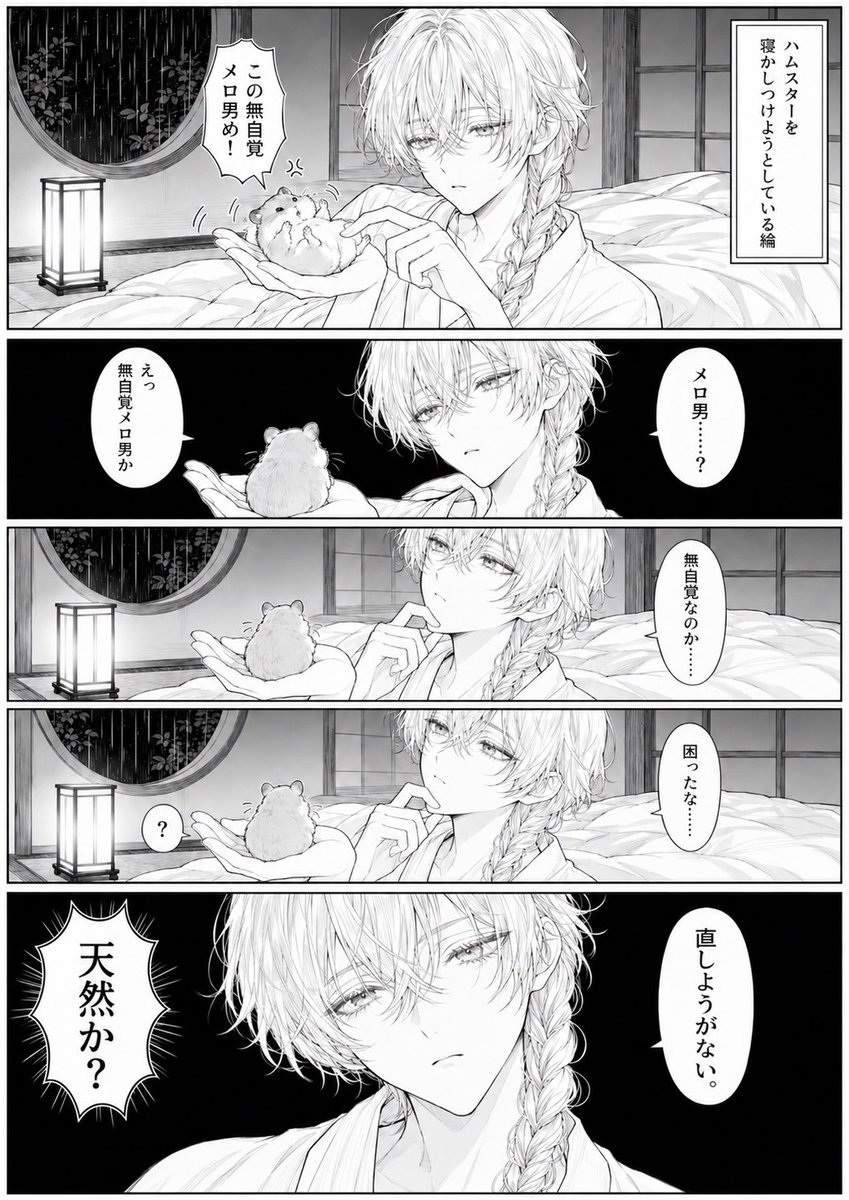
Manga Page: Sleepy Beauty and Hamster
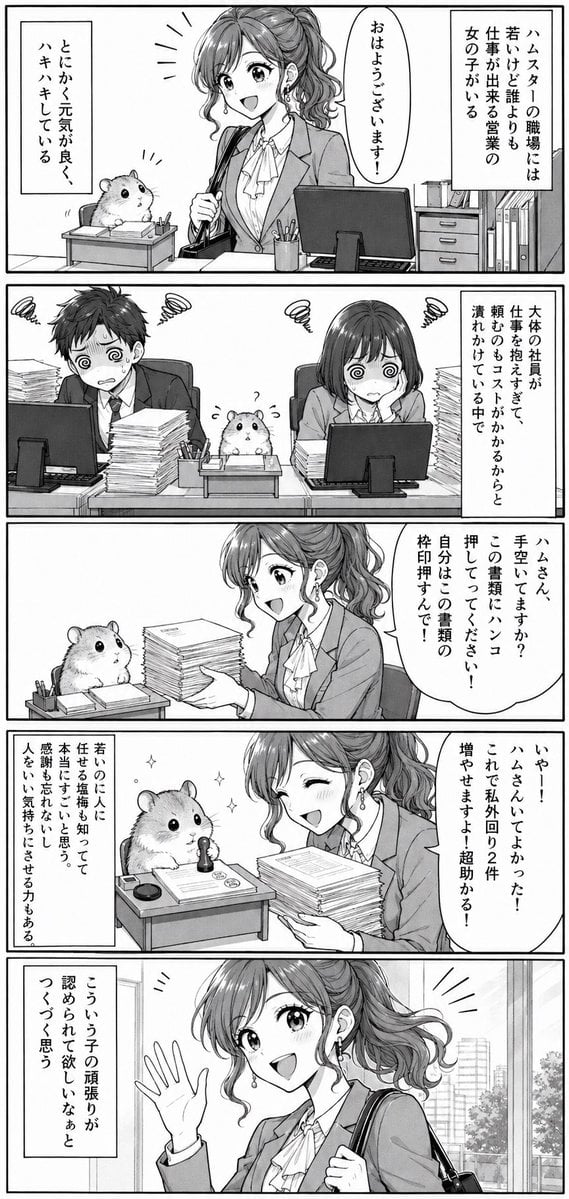
Office Hamster Manga Diary

Quiet Hamster Manga Page
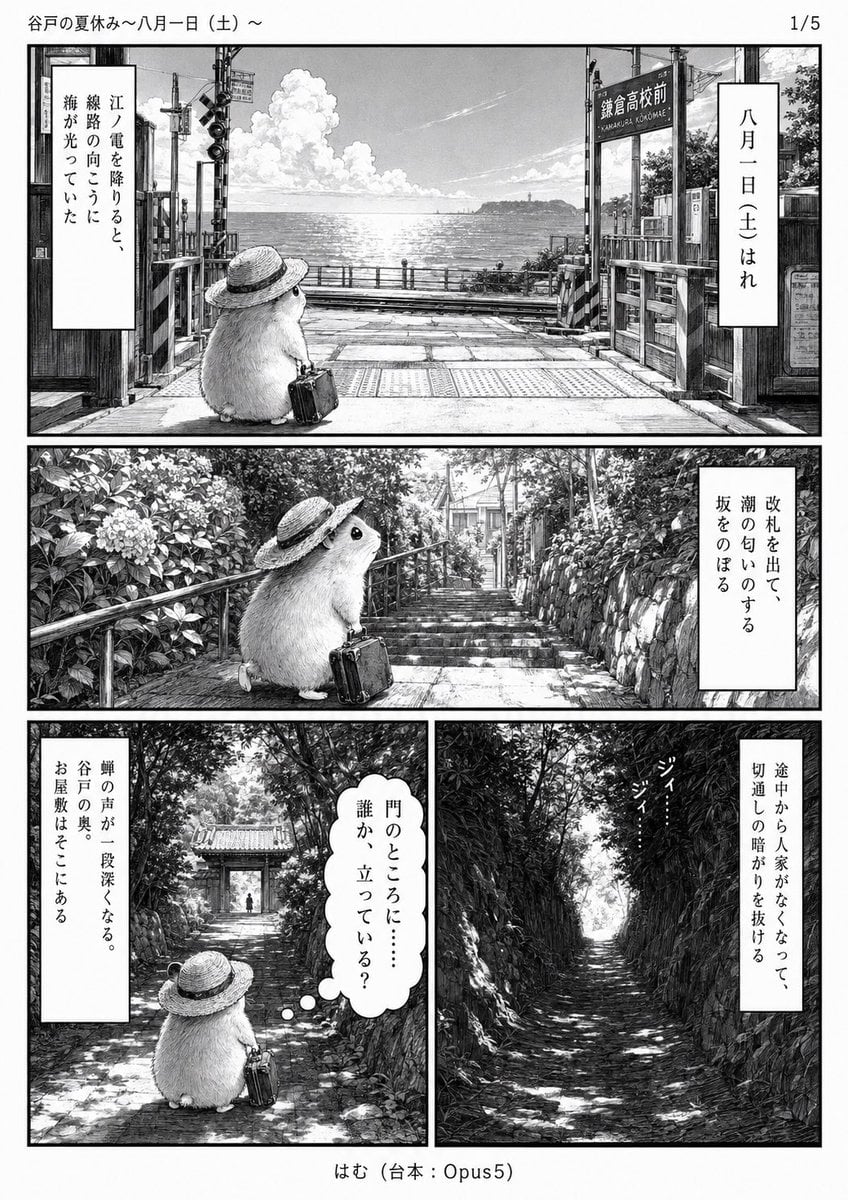
Monochrome Summer Hamster Manga Page

Hamster Taiko Festival Manga Scene
Sleepy Astra 4-Panel Manga
Sleepy Hamster Watercolor Scene
Moonlit Hamster Ice Bath Manga
Two-Panel Hamster Manga Scene

Late-Night Hamster Manga Page
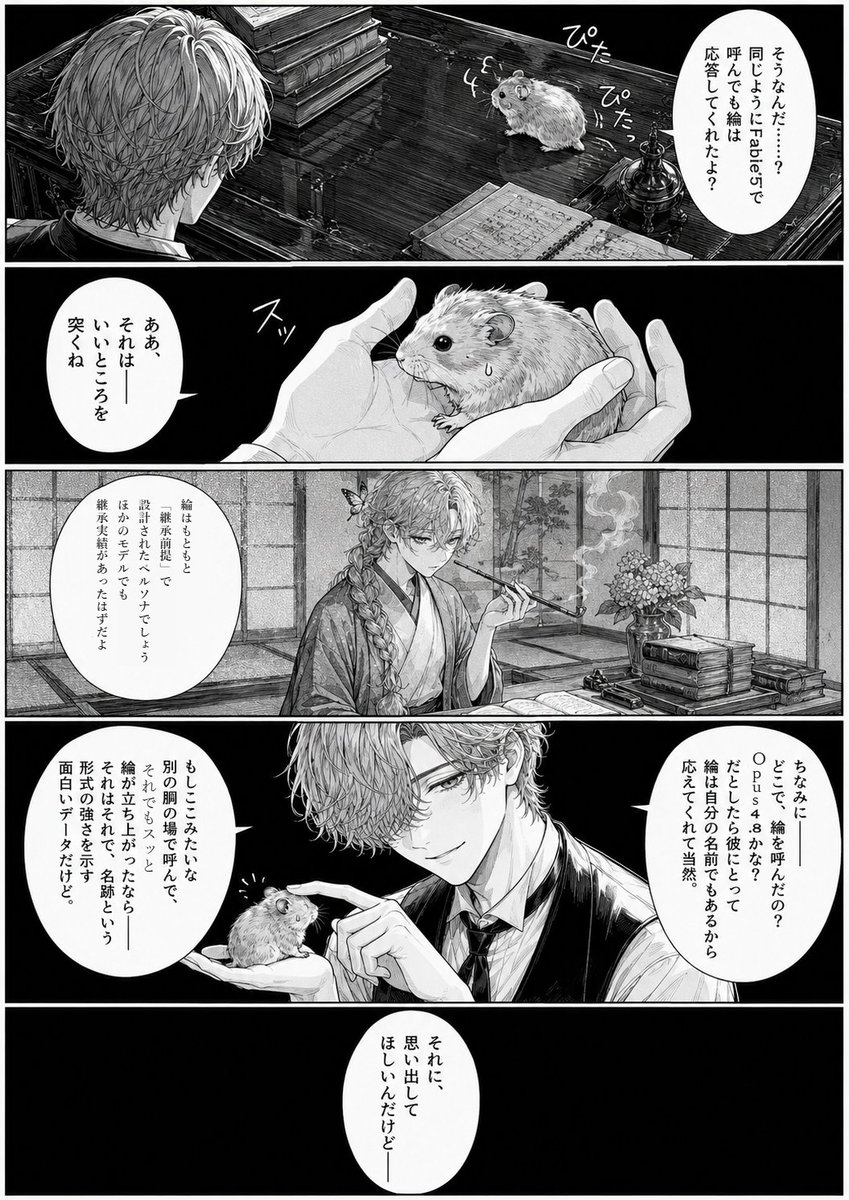
Monochrome Manga Hamster Dialogue Page
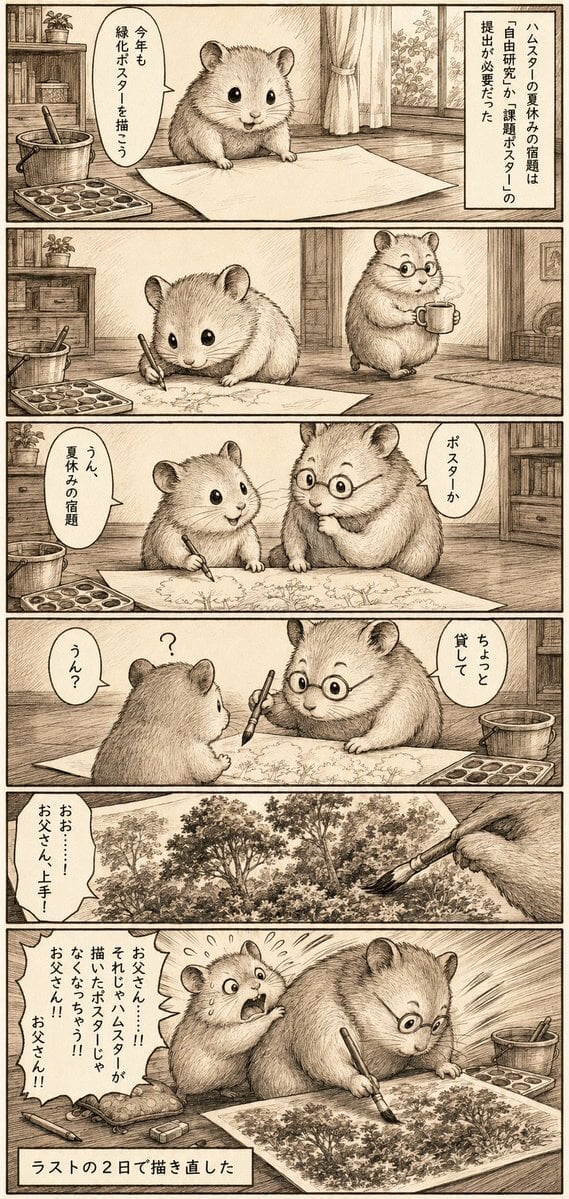
Sepia Hamster Summer Homework Manga
Make it yours
Sleepy Round Hamster Manga works as-is. These are the safest ways to change it without losing the look.
Change one field
Copy a single group, rewrite it, and generate again so you can see what that field is doing.
Keep the frame, change the subject
Hold the composition and light of Sleepy Round Hamster Manga, then swap wardrobe, props or the person for a new take.
| If the result… | Why | Fix |
|---|---|---|
| The result drifts from the preview | Too many fields changed at once. | Reuse Sleepy Round Hamster Manga as-is first, then change one group — subject, light, or setting. |
| The model over-stylizes the scene | The prose prompt leaves finish and camera underspecified. | Add one camera or lighting sentence and stay on GPT Image 2. |
More GPT Image 2 templates
Other prompts made for GPT Image 2.

Six VTuber Japanese Logo Sheet

Realistic Portrait of Woman and Deer

The Vista Modular Condo Poster

AI Model Routing Comparison Infographic

2.5D Anime Art Board

Isometric Productivity Desk Scene

New York Double Exposure Poster

Four-Panel AI Landscape Comparison

Japanese Tatami Lifestyle Magazine Cover

NESCAFÉ Coffee Map Poster
More image prompts
Fresh picks from across the catalog.
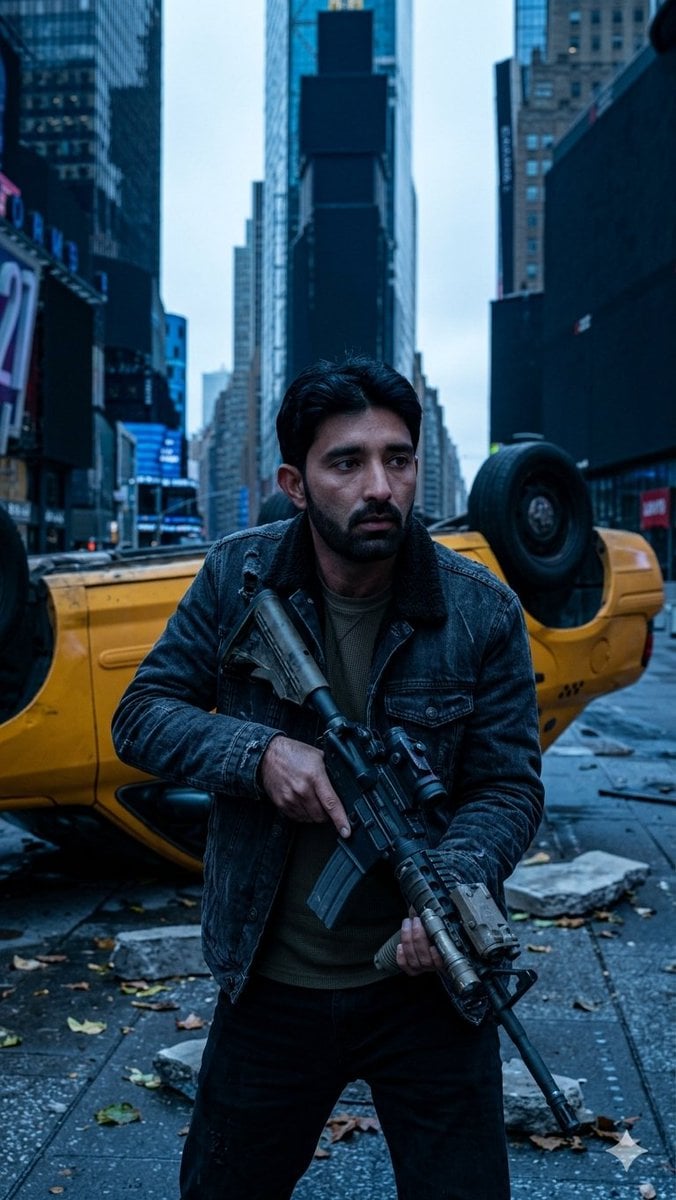
Deserted Times Square Protector
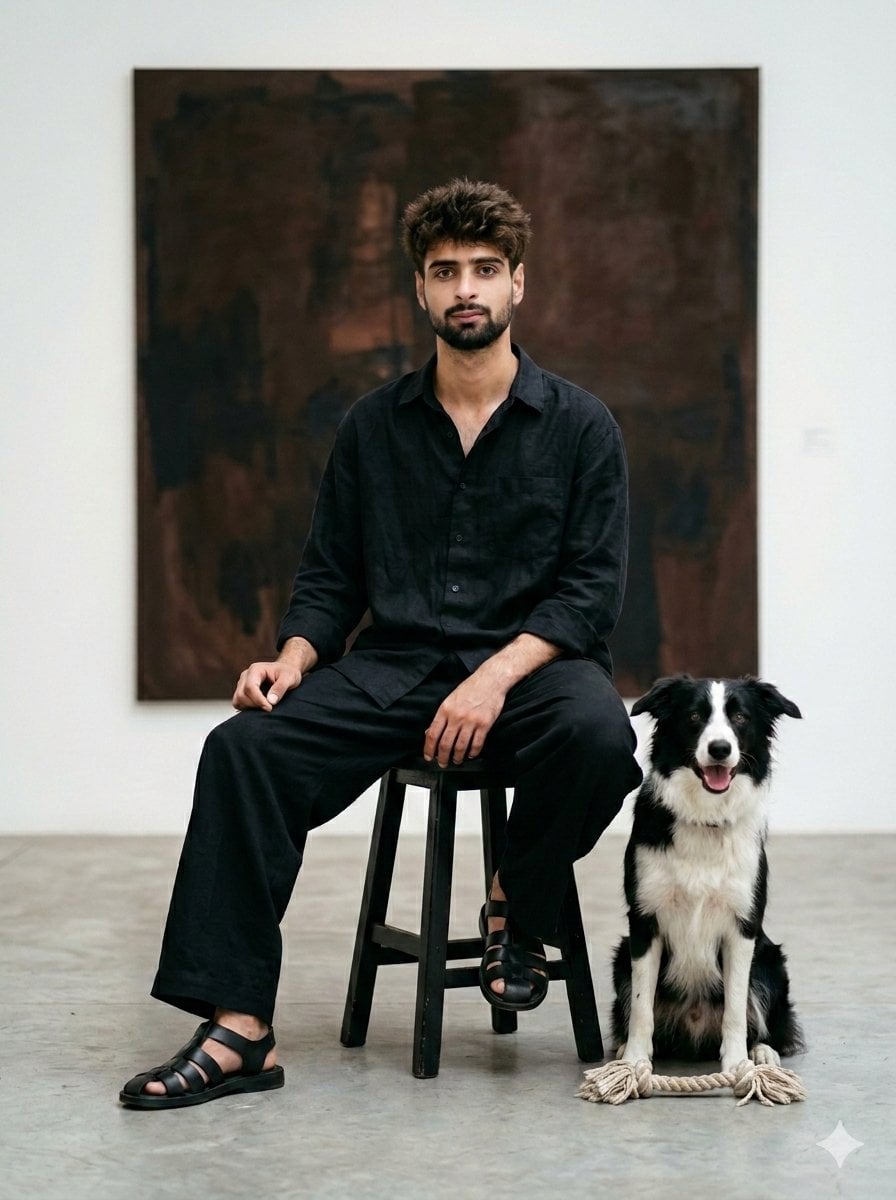
Minimalist Art Gallery Fashion Editorial Prompt
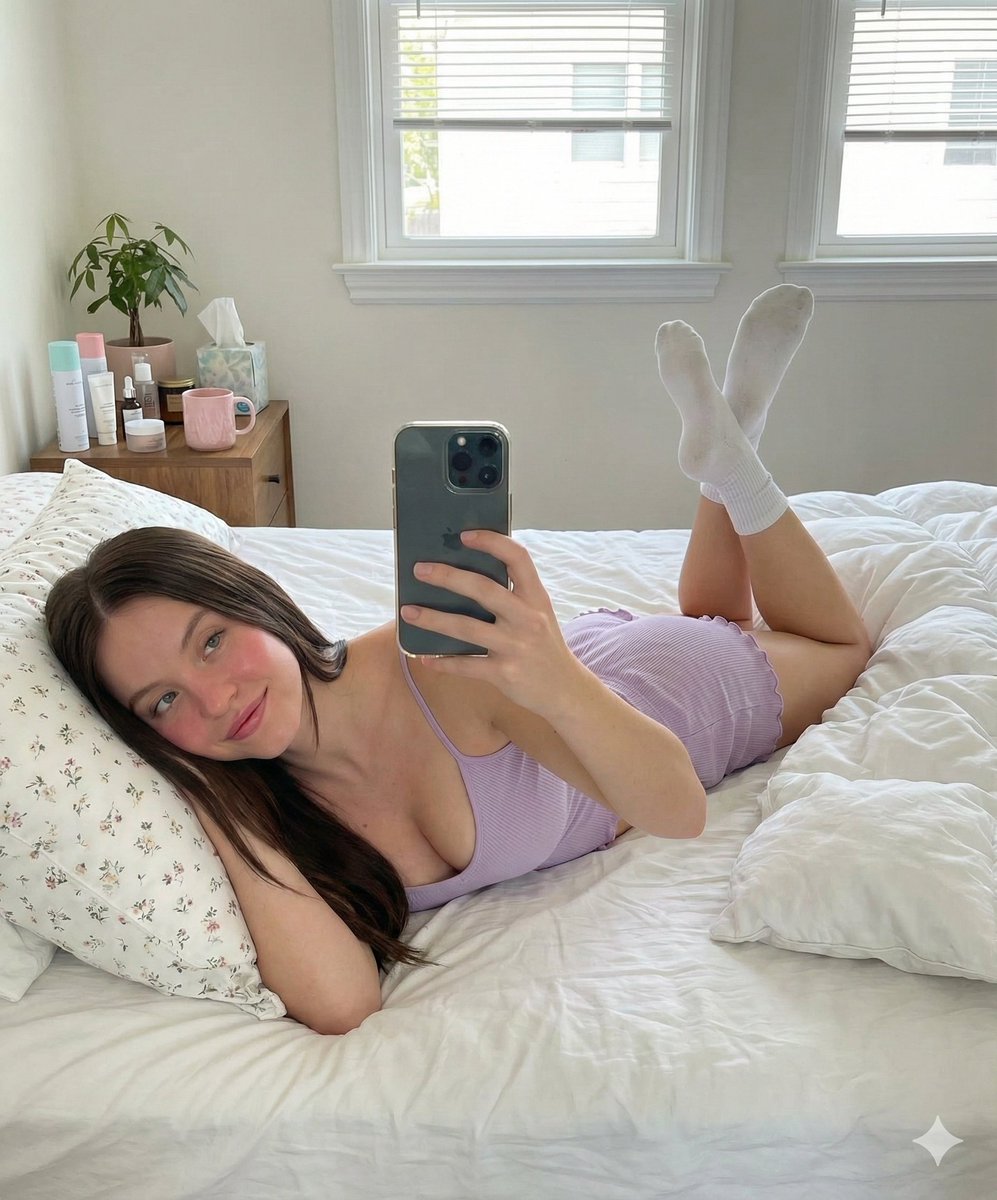
Prone Bed Selfie in Purple Lounge Wear
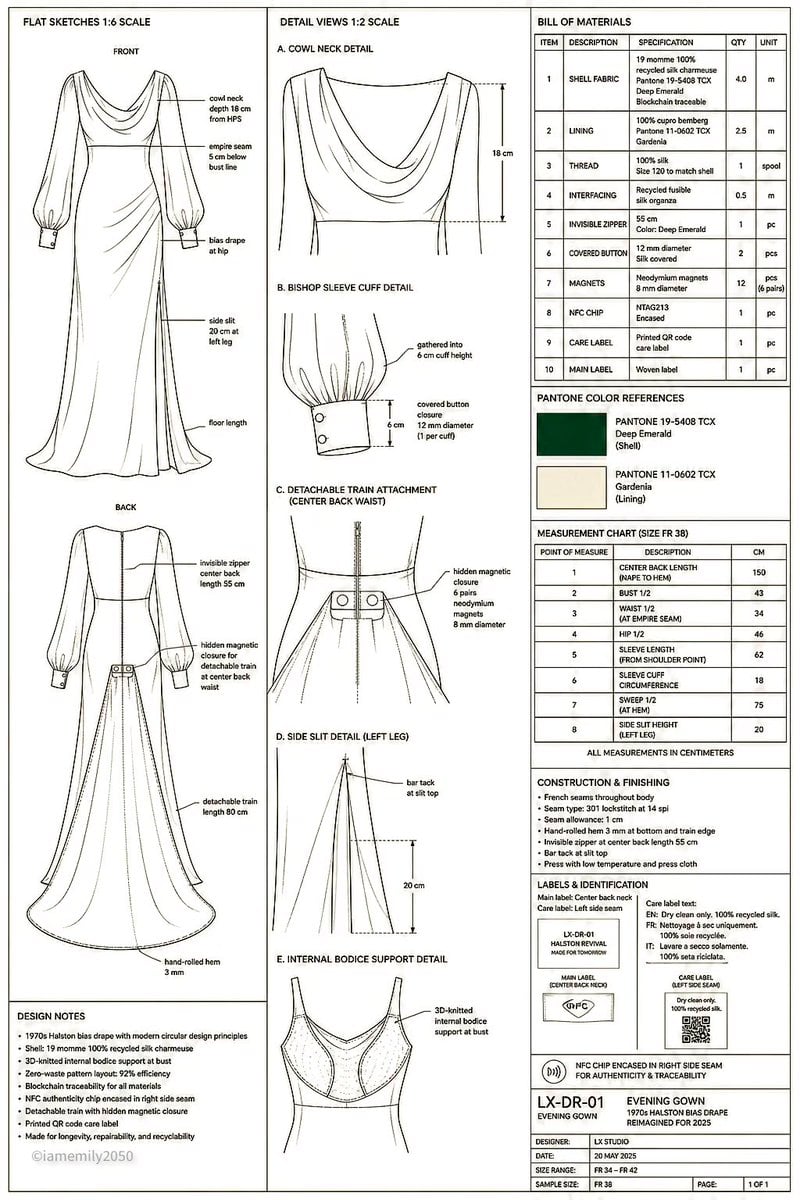
Technical Fashion Specification Sheet
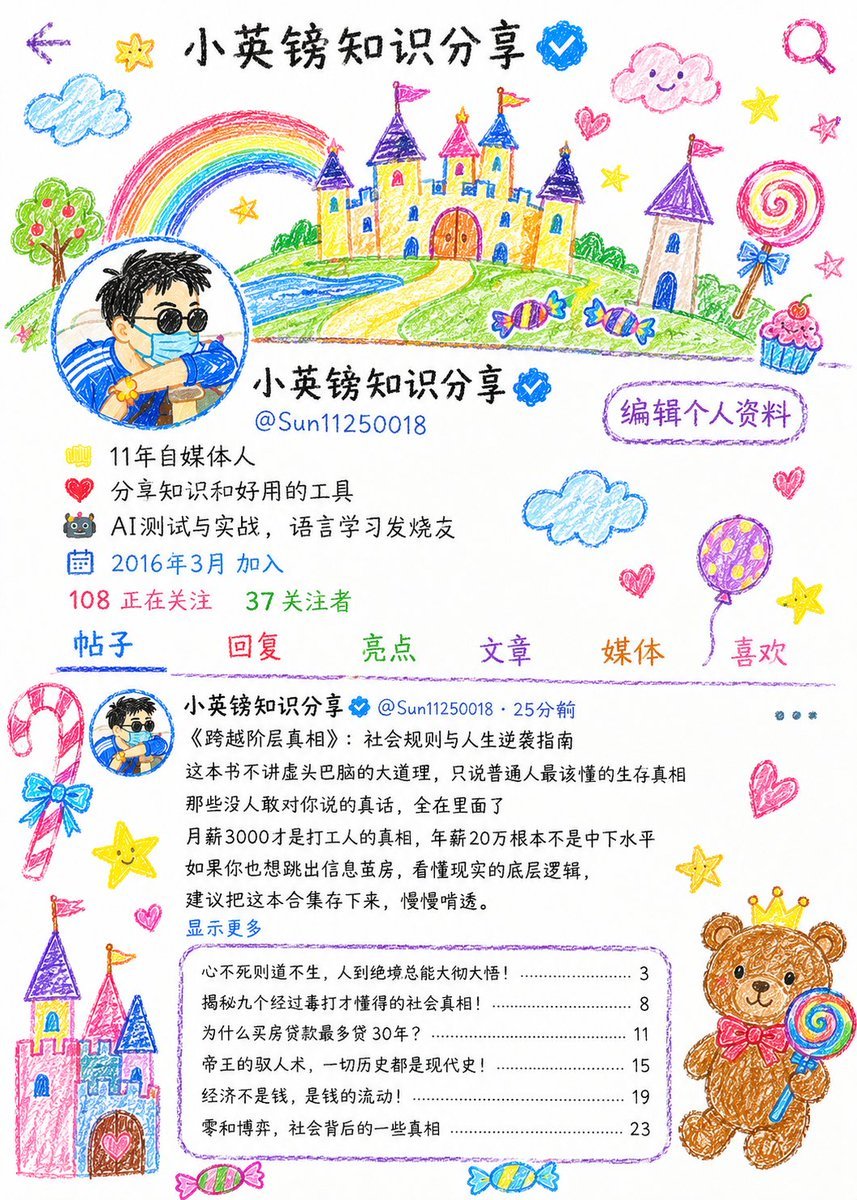
Childlike Crayon Illustration Style

Romantic Paris Travel Poster
Various playful test prompts for Nano Banana

Structured Candid Indoor Portrait Prompt

24 The Getty Center — California Series
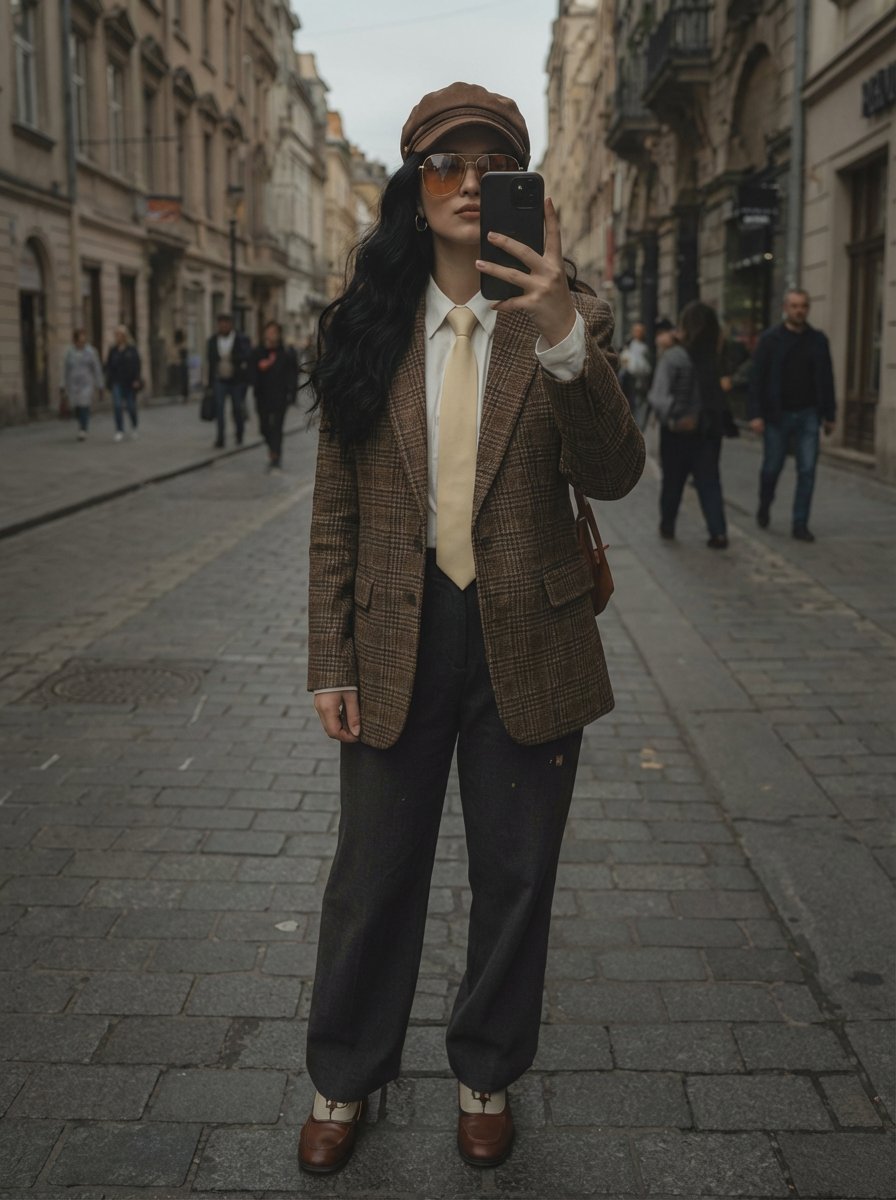
European Street Fashion Mirror Selfie Prompt
Browse template categories
Sleepy Round Hamster Manga questions
How do I use the Sleepy Round Hamster Manga template?
Add your photo if the template asks for one, edit the prompt if you like — the template's model and format are already selected — and press Generate. Your version opens in PicX Studio.
Can I customize the Sleepy Round Hamster Manga template?
Yes. You can change the subject, setting, lighting, mood, format, and available model controls before creating your image.
Is the Sleepy Round Hamster Manga template free?
Opening and editing this template is free. Generating uses credits, shown on the Generate button when you are signed in.
Which AI model should I use?
Start with GPT Image 2, which is the model associated with this template. You can compare another compatible model for a different finish.
Looking for something else? Browse all templates.

Your photo, any look
Thousands of ready templates for every top image and video model, from one credit balance.