
Photorealistic Birthday Scrapbook Collage
A prompt for creating a high-resolution, photorealistic digital scrapbook collage featuring five photos of a woman (identity locked by uploaded photo) in a red polka-dot dress, arranged with Polaroid frames, floral…
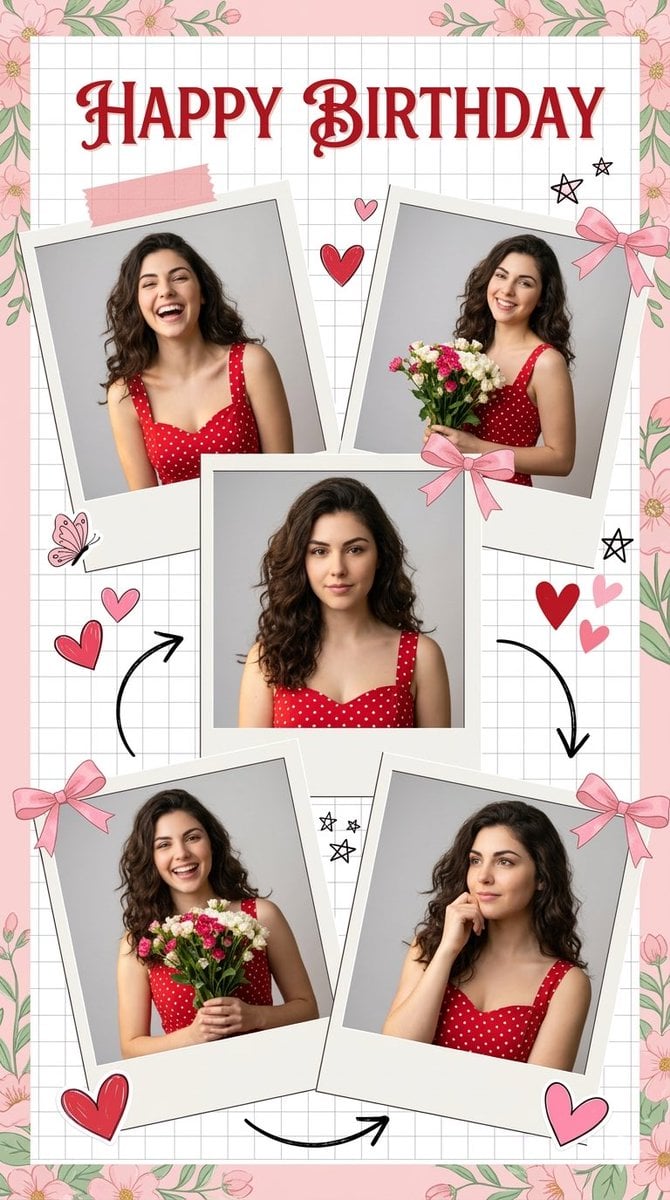
- Prompt included
- Model and format preset
- Free template
The prompt behind this image
Copy the exact prompt behind Photorealistic Birthday Scrapbook Collage, or open it in the studio and make it yours.
Use the uploaded photo as the ONLY facial reference. Face must remain identical to reference. A high-resolution, photorealistic digital scrapbook collage featuring five photos of a woman with long wavy dark hair wearing a red sleeveless sweetheart-neckline dress with white polka dots. Center a square portrait, surrounded by four tilted Polaroid-style photos showing her in various poses. Use soft, warm natural lighting against light gray backgrounds within the photos. Elegant bold red cursive text reading "{argument name="text" default="HAPPY BIRTHDAY"}" on The top of the collage. Set the layout on a white grid paper background framed by pastel pink and green floral borders. Add sticker-like scrapbook decorations: pink paper tape, pink ribbon bows, red and pink hearts, hand-drawn black arrows, butterflies, and small stars. Create a cheerful, nostalgic, and romantic mood with sharp fabric textures and highly detailed features, vertical portrait, 4K quality.
How to use Photorealistic Birthday Scrapbook Collage in 3 steps
- 1Upload ImagePNG, JPG or paste
Add your photo
Upload the photo the template builds on. The prompt, model and format are already set.
- 2…a portrait of your subject in softgolden-hour light, 85mm…
Personalize
Edit the subject and creative details for your destination.
- 3Generate
Generate
Press Generate — your image is created in PicX Studio, so you can compare it with the original and refine one variable at a time.
More like this
Templates with the same subject, style or setup. Open one to see its prompt.
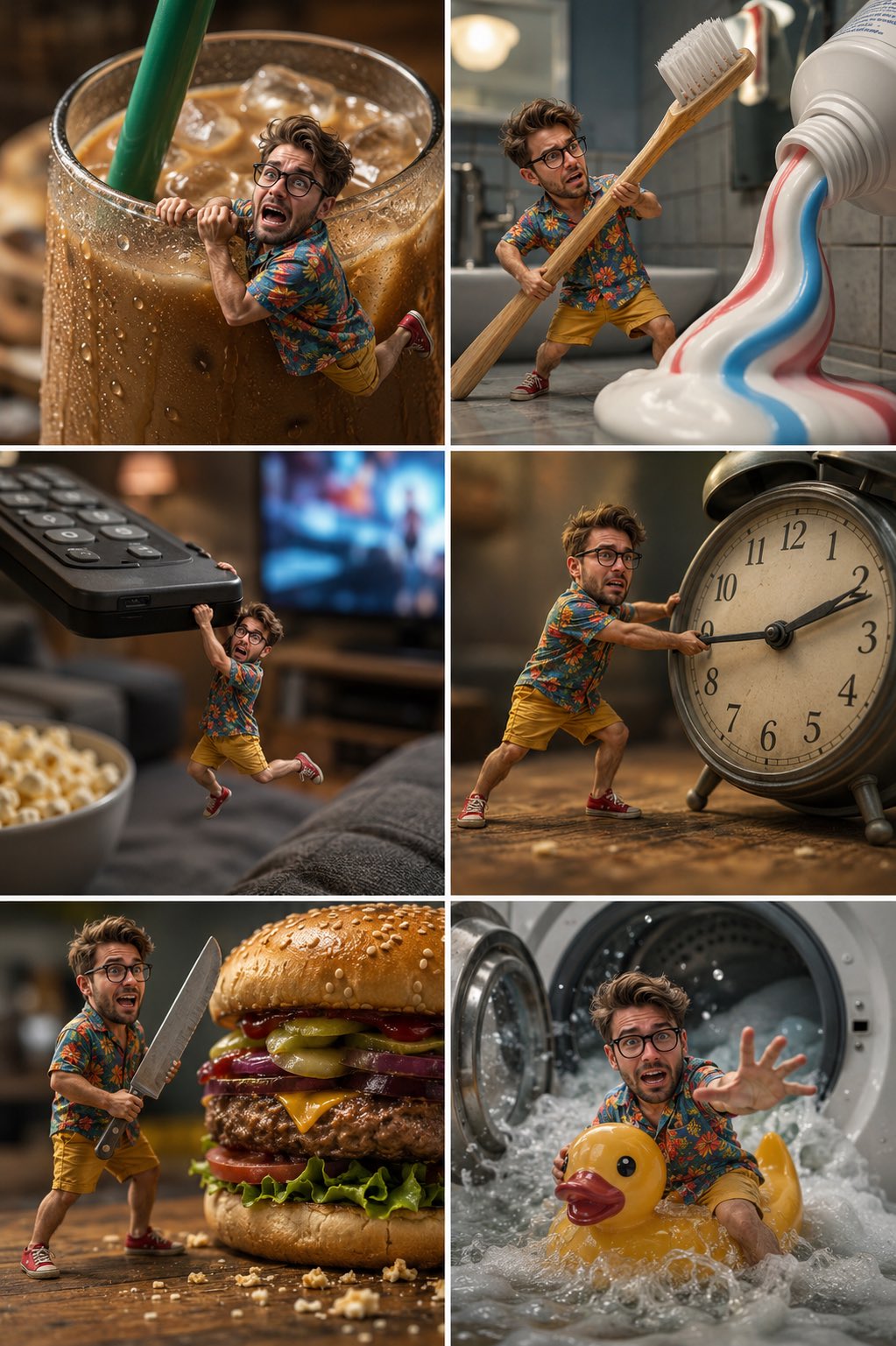
Tiny Man Macro Survival Six-Panel Collage
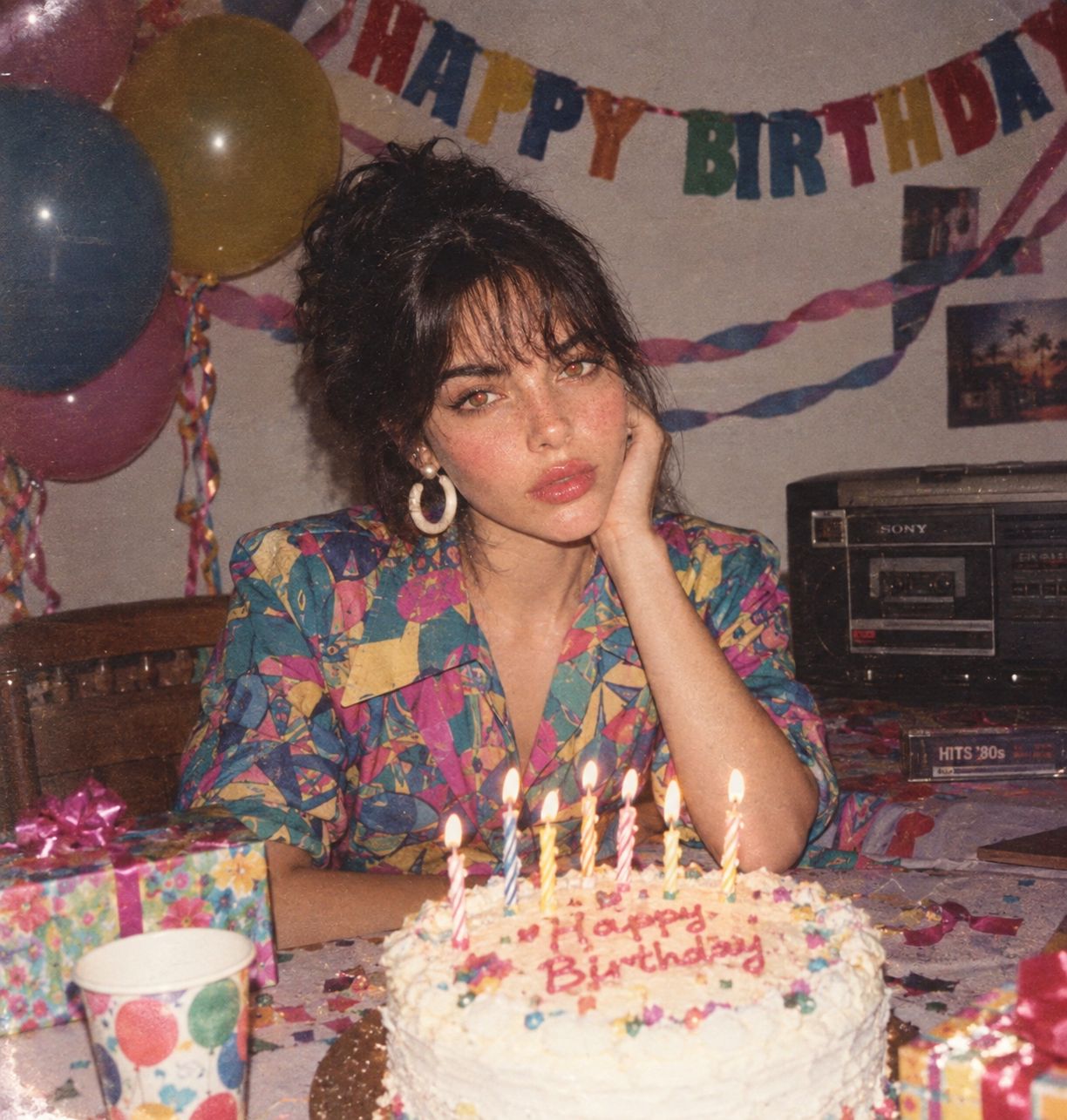
80s Birthday Party
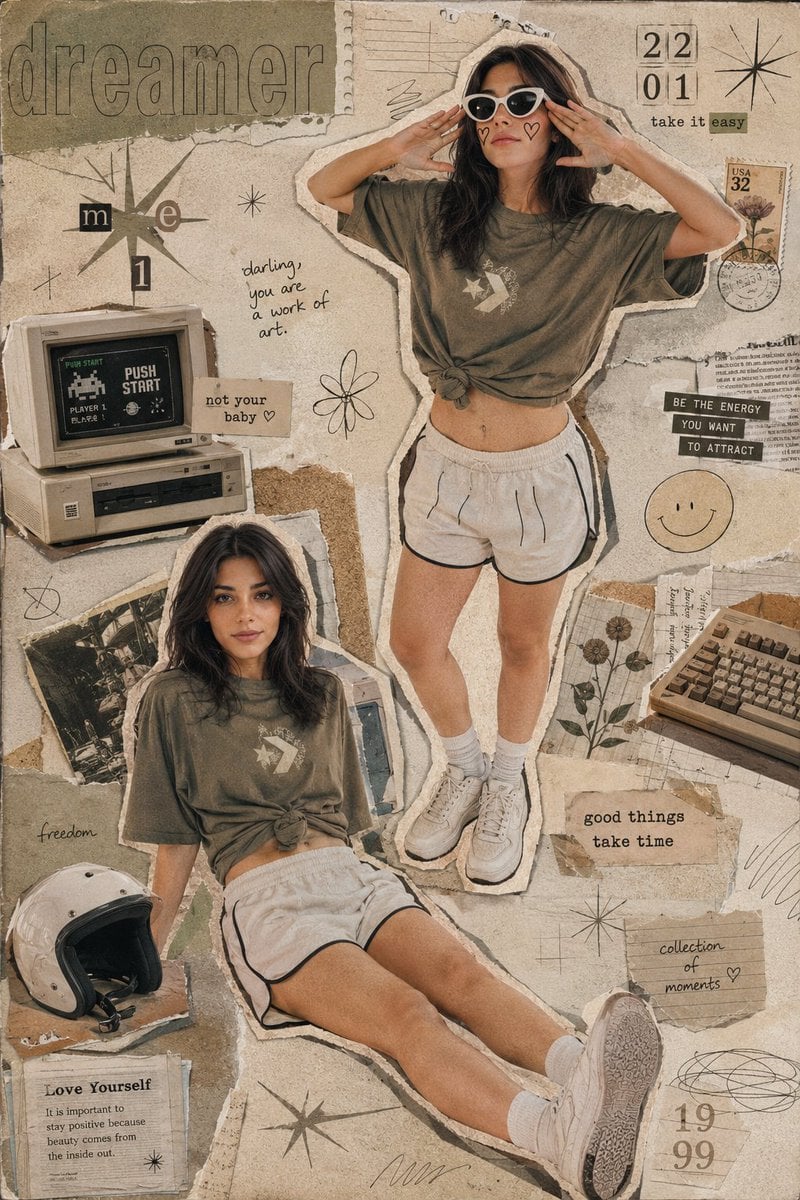
Y2K Retro Scrapbook Collage Poster

Mountain Lake Sunset Landscape
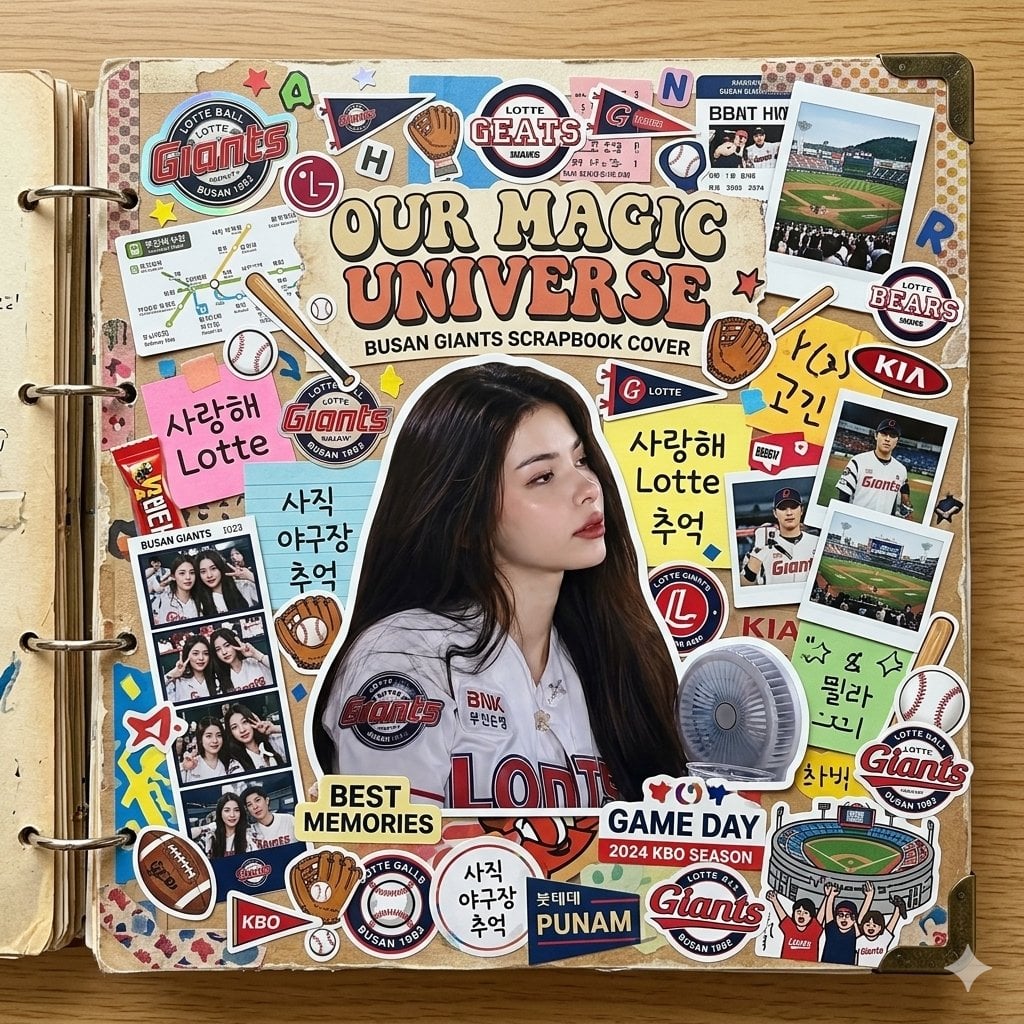
Scrapbook Cover Sticker Collage Effect

Paper Cut Finale Fireworks

Paper Cut Garden Maze

Paper Cut Rooftop Concert

Paper Cut Bicycle Coast

Paper Cut Castle Gate

Paper Cut Kitchen Chaos

Paper Cut Carnival Ride
Make it yours
Photorealistic Birthday Scrapbook Collage works as-is. These are the safest ways to change it without losing the look.
Change one field
Copy a single group, rewrite it, and generate again so you can see what that field is doing.
Keep the frame, change the subject
Hold the composition and light of Photorealistic Birthday Scrapbook Collage, then swap wardrobe, props or the person for a new take.
| If the result… | Why | Fix |
|---|---|---|
| The result drifts from the preview | Too many fields changed at once. | Reuse Photorealistic Birthday Scrapbook Collage as-is first, then change one group — subject, light, or setting. |
| The model over-stylizes the scene | The prose prompt leaves finish and camera underspecified. | Add one camera or lighting sentence and stay on Nano Banana 2. |
More Nano Banana 2 templates
Other prompts made for Nano Banana 2.

Photorealistic Leaf Shaped Like a Dragon

K-Pop Idol Portrait Grid for Rapid Selection

Poetic Rain Forest Portrait During Golden Hour

Urban Street Portrait with Cartoon Inner Self Duo

Candid Nighttime Photo with Cat Prompt

High-Concept 3D Diorama Generation Prompt

Cinematic Futuristic Studio Portrait Template

Skincare Editorial Photography Collage Prompt

Hyper-Realistic Commercial Product Photography (Splash Effect)

Hyper-Realistic Nightclub Portrait Prompt
More image prompts
Fresh picks from across the catalog.
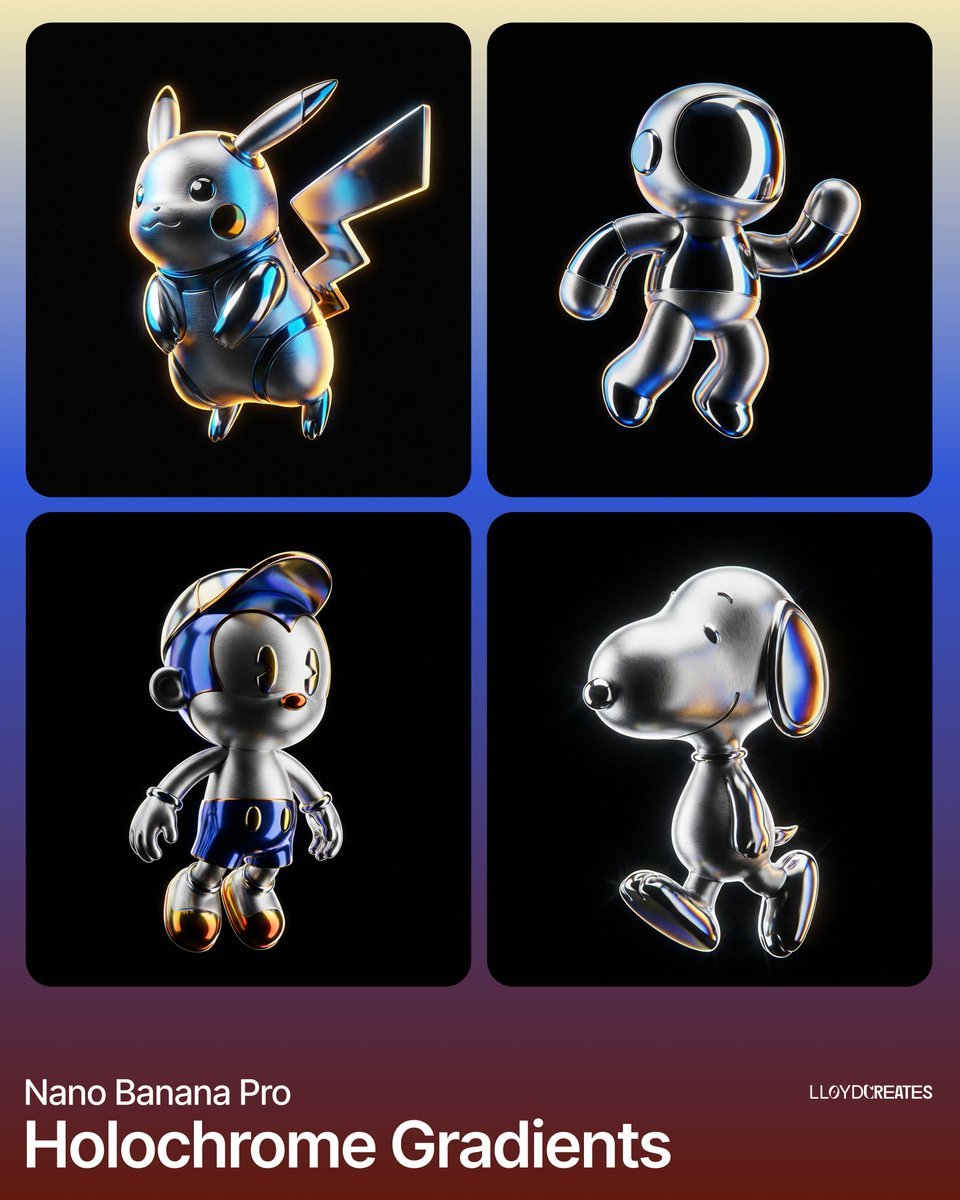
Hyper-Realistic Product Render with Holochrome Gradients
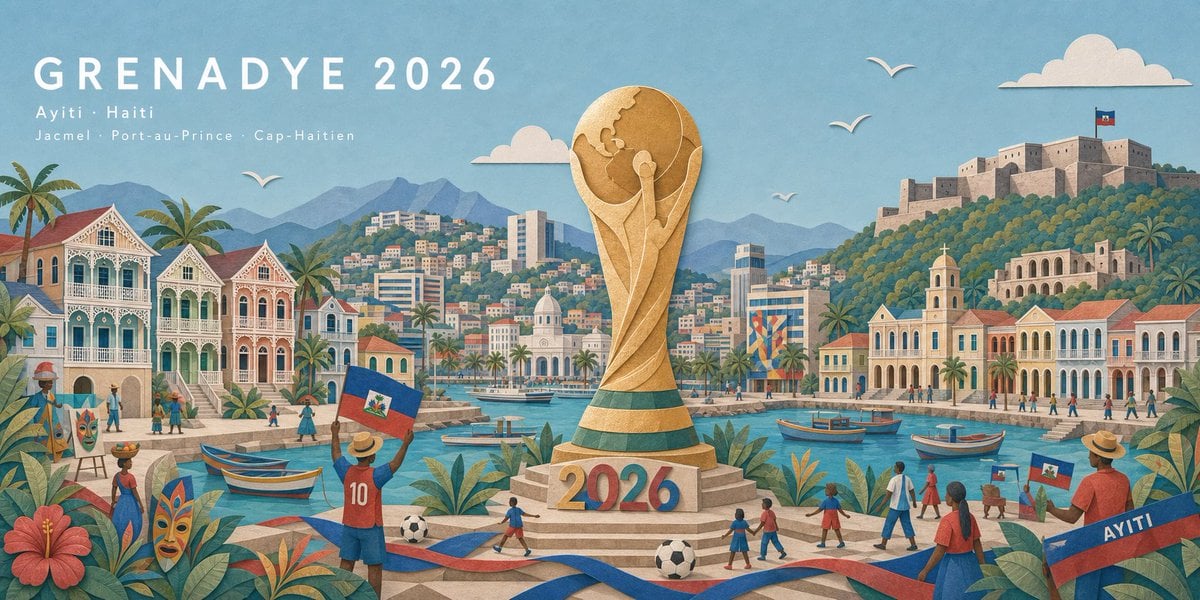
Haitian Football Poster Panorama
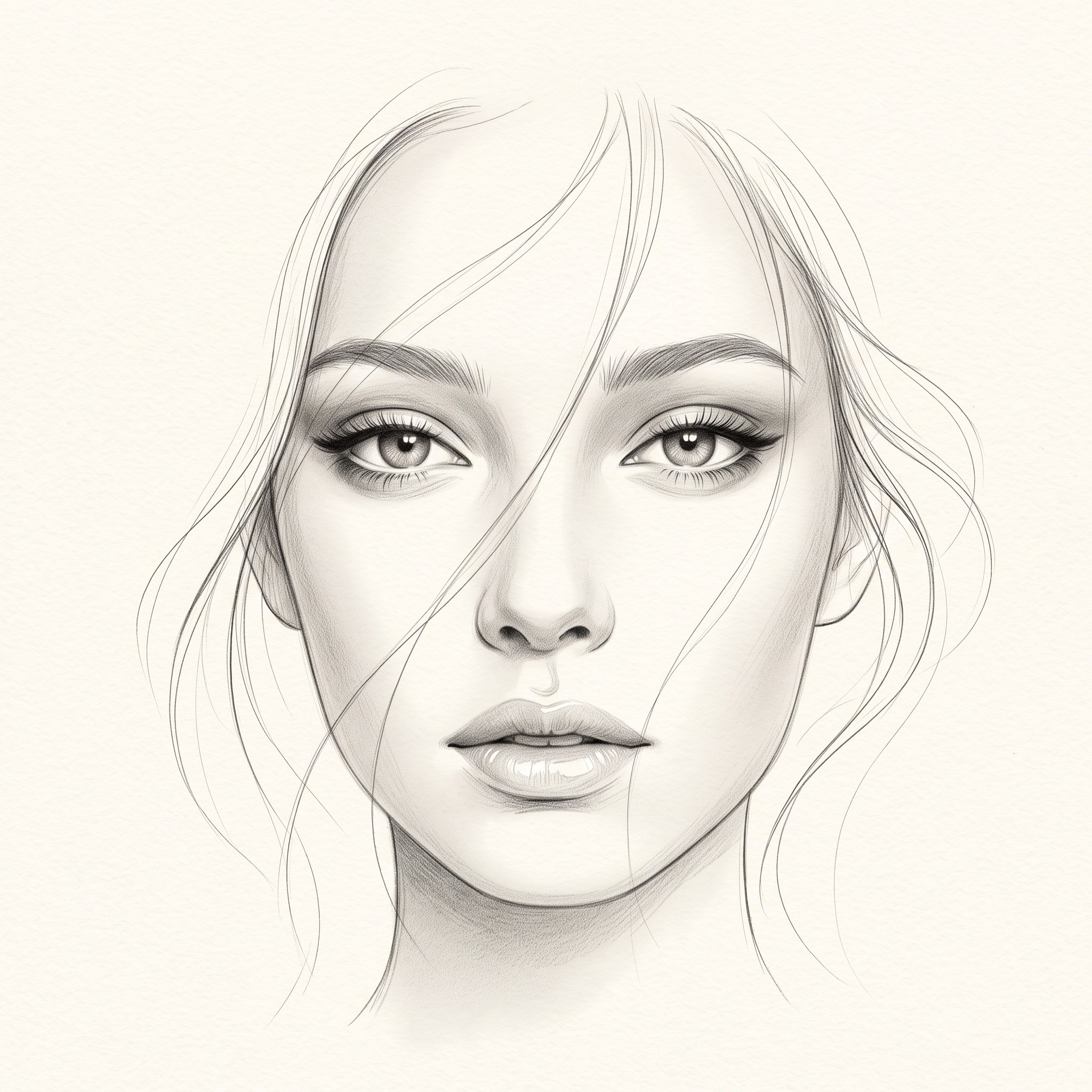
Minimalist Pencil Sketch Portrait
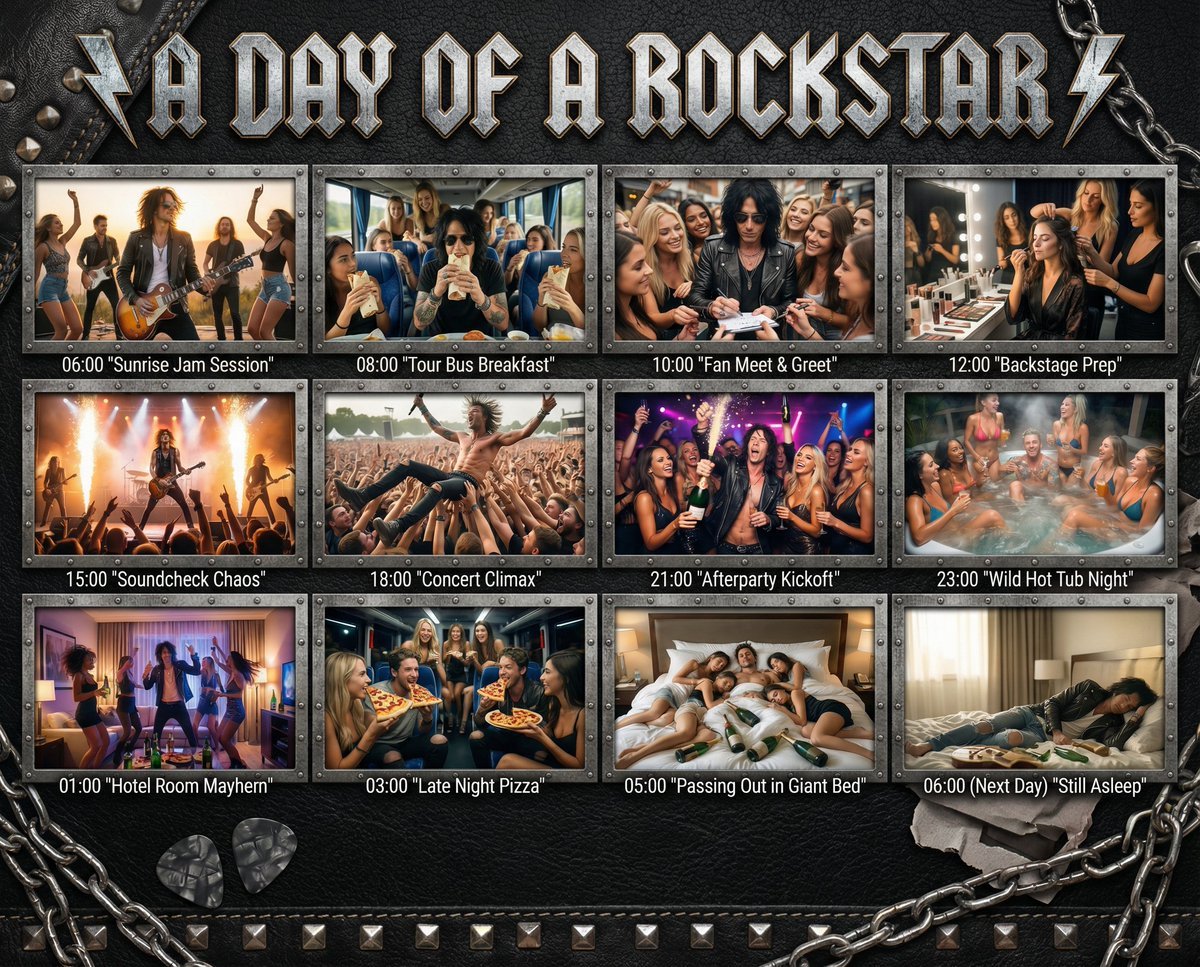
Cinematic 12-Panel Timeline of a Subject's Epic Day
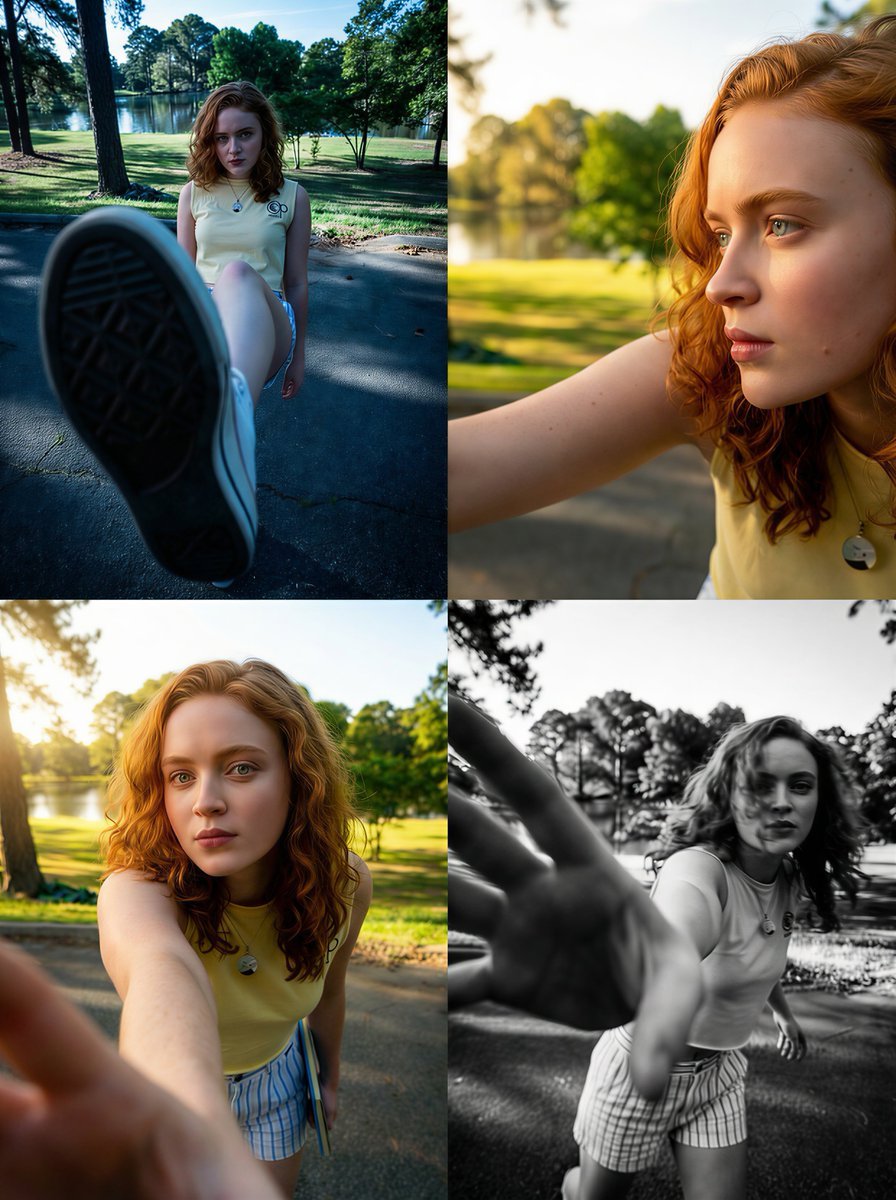
Dramatic Wide-Angle Perspective Transformation Prompt
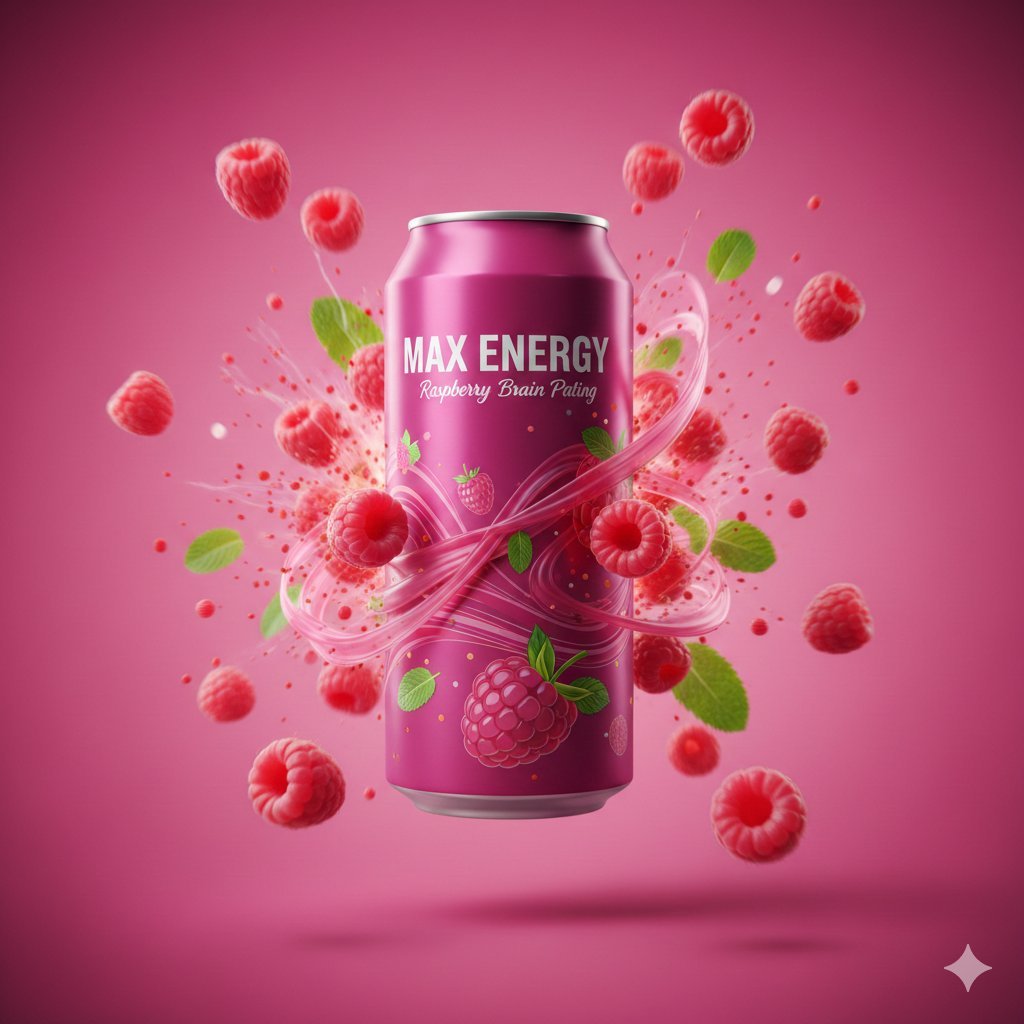
Cinematic Energy Drink Advertisement
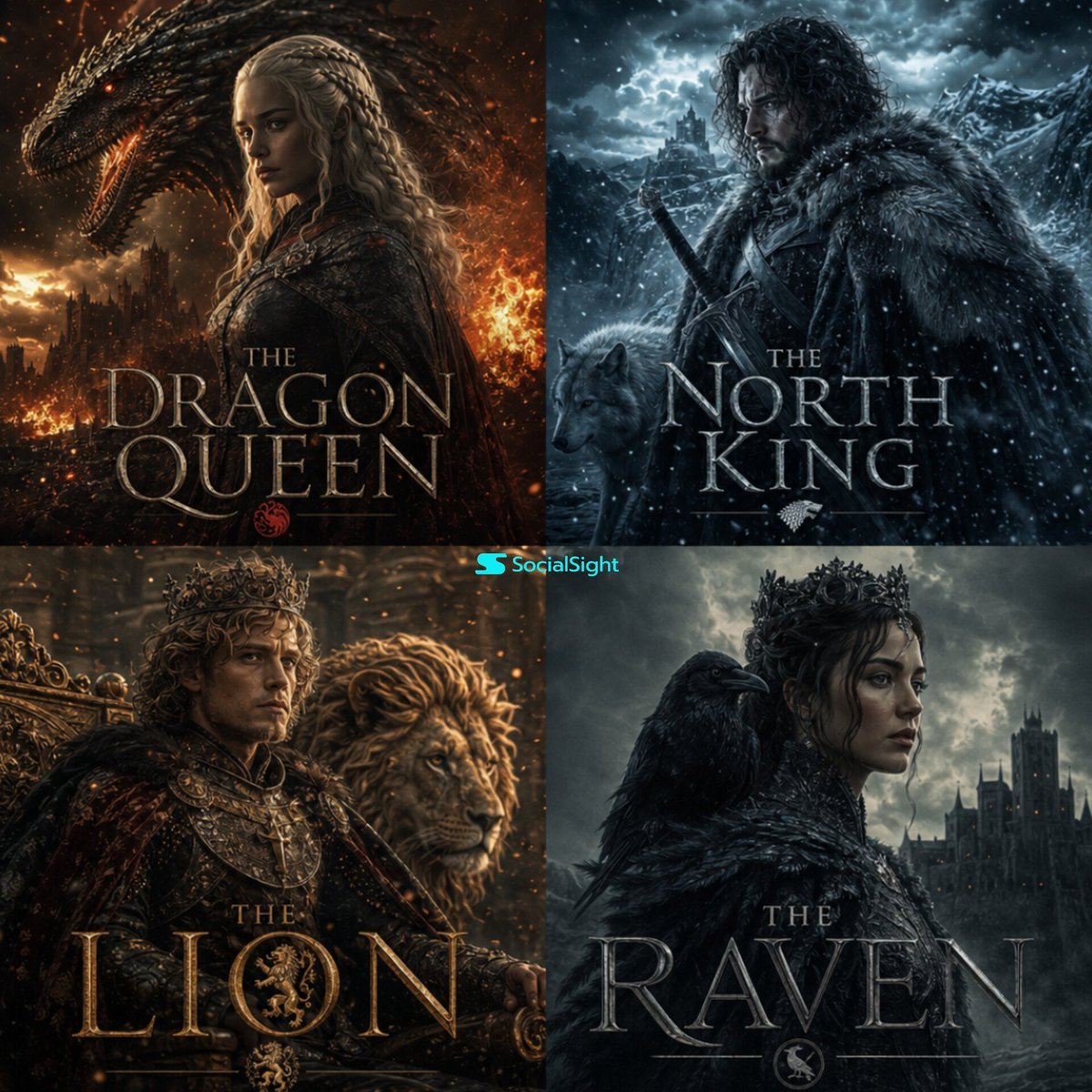
Cinematic Fantasy Character Poster Grid
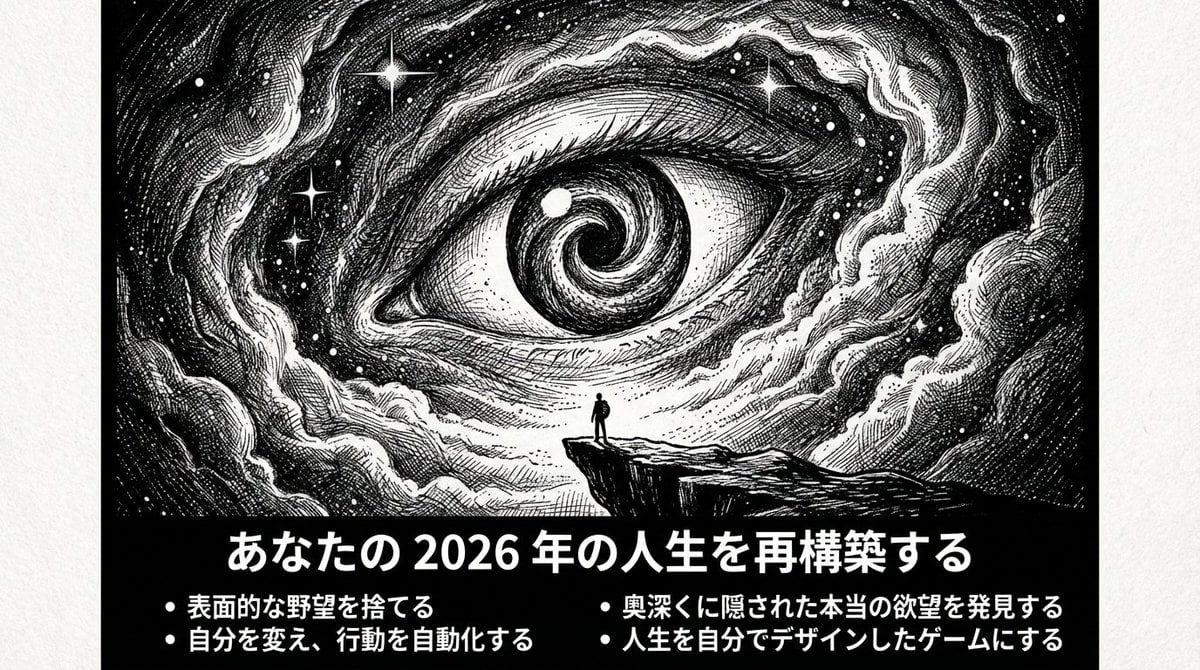
Ultimate Prompt for Dan Koe Style Presentation Slides (PPT) using Nano Banana Pro
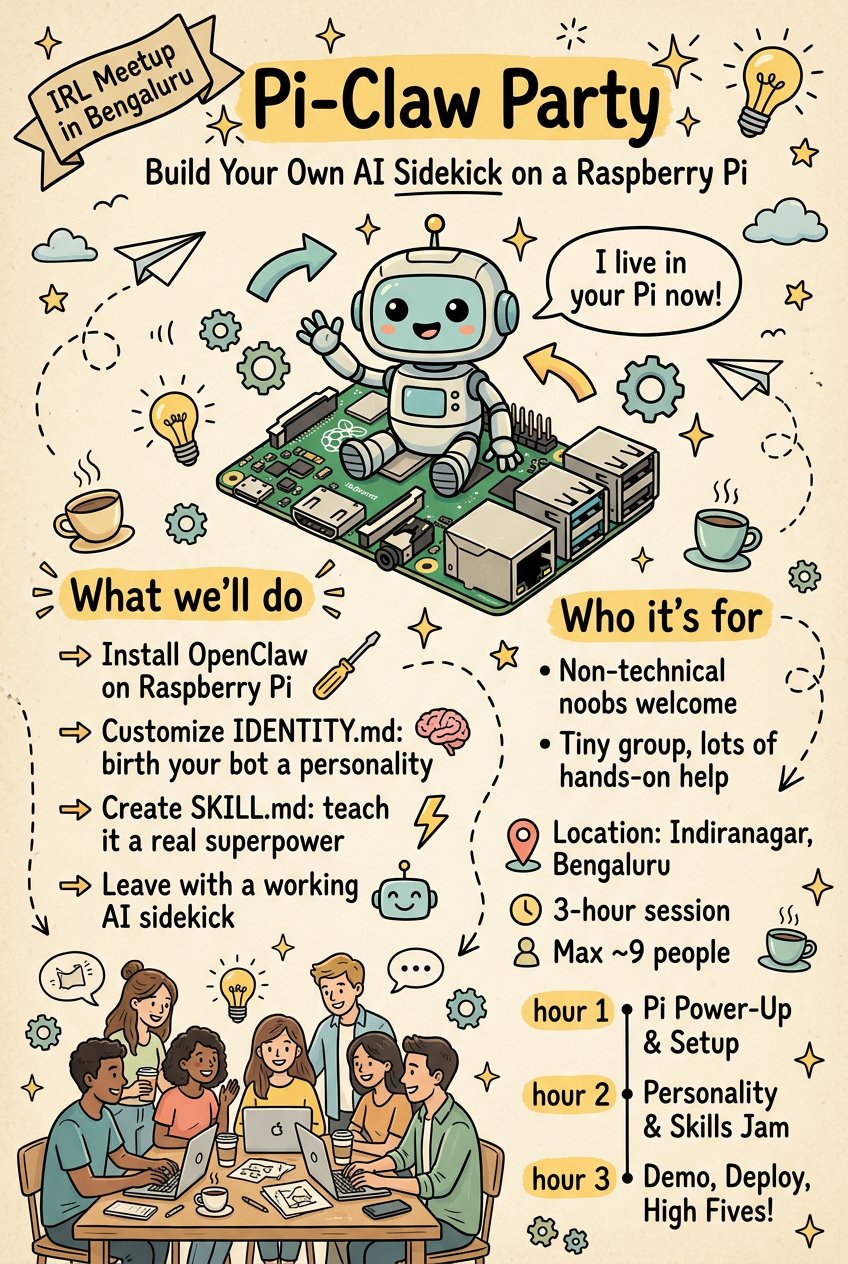
Pamplets
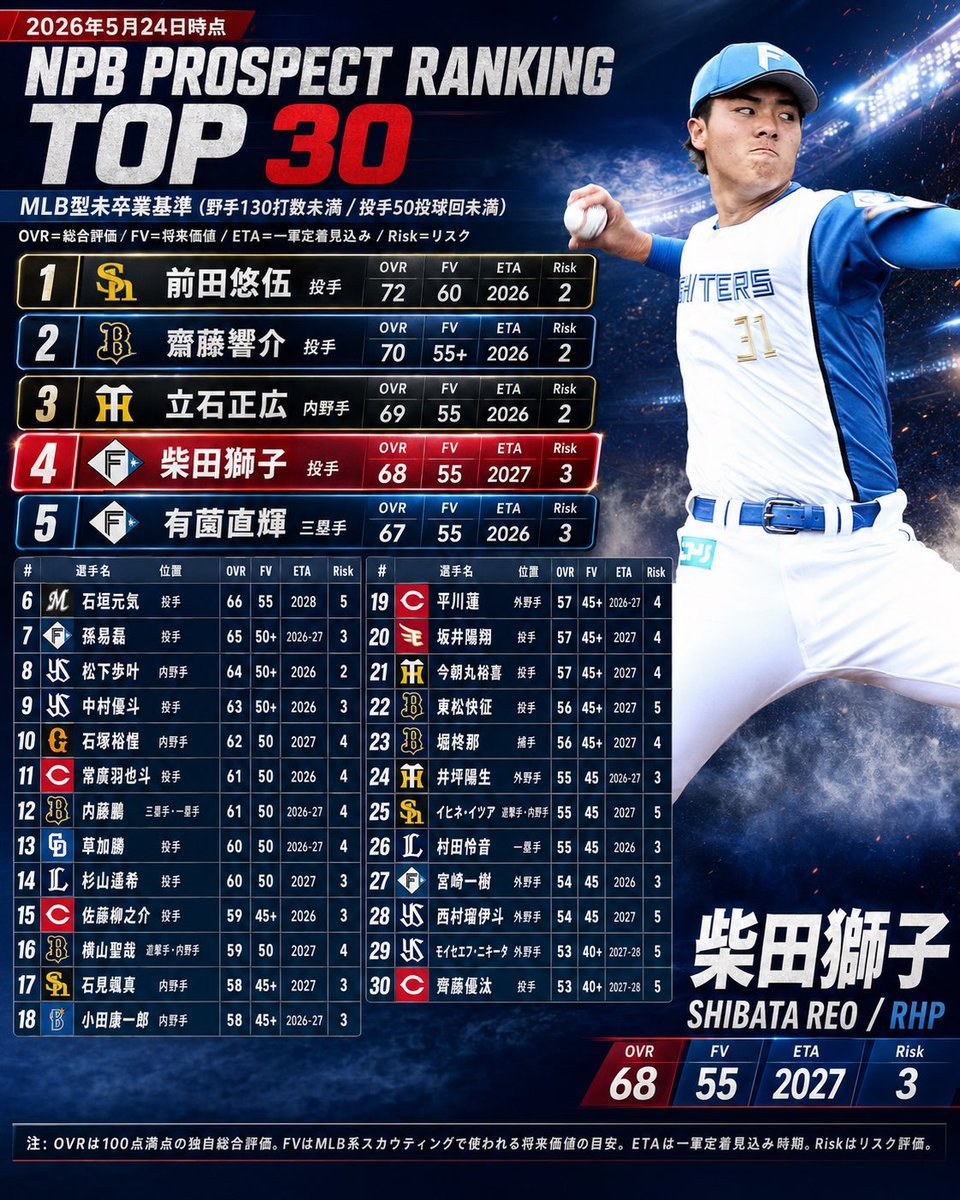
NPB Prospect Ranking Top 30 Graphic
Featured in prompt roundups
Hand-picked collections that include this template.
Browse template categories
Photorealistic Birthday Scrapbook Collage questions
How do I use the Photorealistic Birthday Scrapbook Collage template?
Add your photo if the template asks for one, edit the prompt if you like — the template's model and format are already selected — and press Generate. Your version opens in PicX Studio.
Can I customize the Photorealistic Birthday Scrapbook Collage template?
Yes. You can change the subject, setting, lighting, mood, format, and available model controls before creating your image.
Is the Photorealistic Birthday Scrapbook Collage template free?
Opening and editing this template is free. Generating uses credits, shown on the Generate button when you are signed in.
Which AI model should I use?
Start with Nano Banana 2, which is the model associated with this template. You can compare another compatible model for a different finish.
Looking for something else? Browse all templates.

Your photo, any look
Thousands of ready templates for every top image and video model, from one credit balance.