
Fallen Wolf in Snowy Forest
A cinematic photorealistic winter wilderness scene showing a lone gray wolf lying motionless in a blue-toned snowy pine forest.
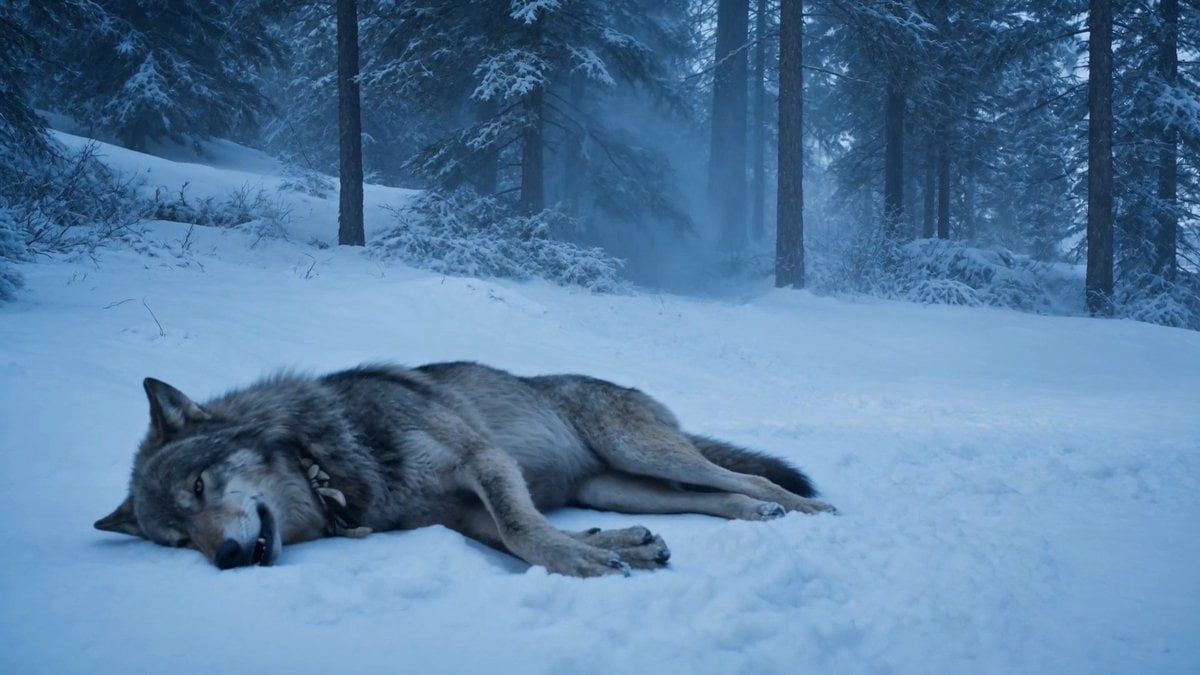
- Prompt included
- Model and format preset
- Free template
The prompt behind this image
Copy the exact prompt behind Fallen Wolf in Snowy Forest, or open it in the studio and make it yours.
Create a cinematic photorealistic widescreen scene in a cold blue winter forest at dusk: exactly 1 large {argument name="animal" default="gray wolf"} lies motionless on its side in the foreground, positioned low and slightly left of center, half-buried in soft snow. The wolf has thick gray, black, and tan fur, pointed ears, pale eyes barely open, its head resting on the snow with its mouth slightly open and a few teeth visible, front paws curled near its muzzle and hind legs stretched back to the right. The surrounding landscape is a quiet snow-covered conifer forest with tall dark pine trunks receding into the background, snow-laden branches, low bushes coated in frost, and a faint snowy trail or open clearing behind the animal. Use a moody {argument name="color grade" default="icy blue"} color palette, soft diffuse overcast light, misty atmospheric depth between the trees, shallow cinematic contrast, realistic fur texture, natural paw impressions in the snow, and a somber survival-drama tone. Frame as a 16:9 film still with the horizon high, the foreground snow occupying the lower half, no people, no buildings, no text, no watermark.
How to use Fallen Wolf in Snowy Forest in 3 steps
- 1Upload ImagePNG, JPG or paste
Add your photo
Upload the photo the template builds on. The prompt, model and format are already set.
- 2…a portrait of your subject in softgolden-hour light, 85mm…
Personalize
Edit the subject and creative details for your destination.
- 3Generate
Generate
Press Generate — your image is created in PicX Studio, so you can compare it with the original and refine one variable at a time.
More like this
Templates with the same subject, style or setup. Open one to see its prompt.

Layered Paper Cut Forest Diorama
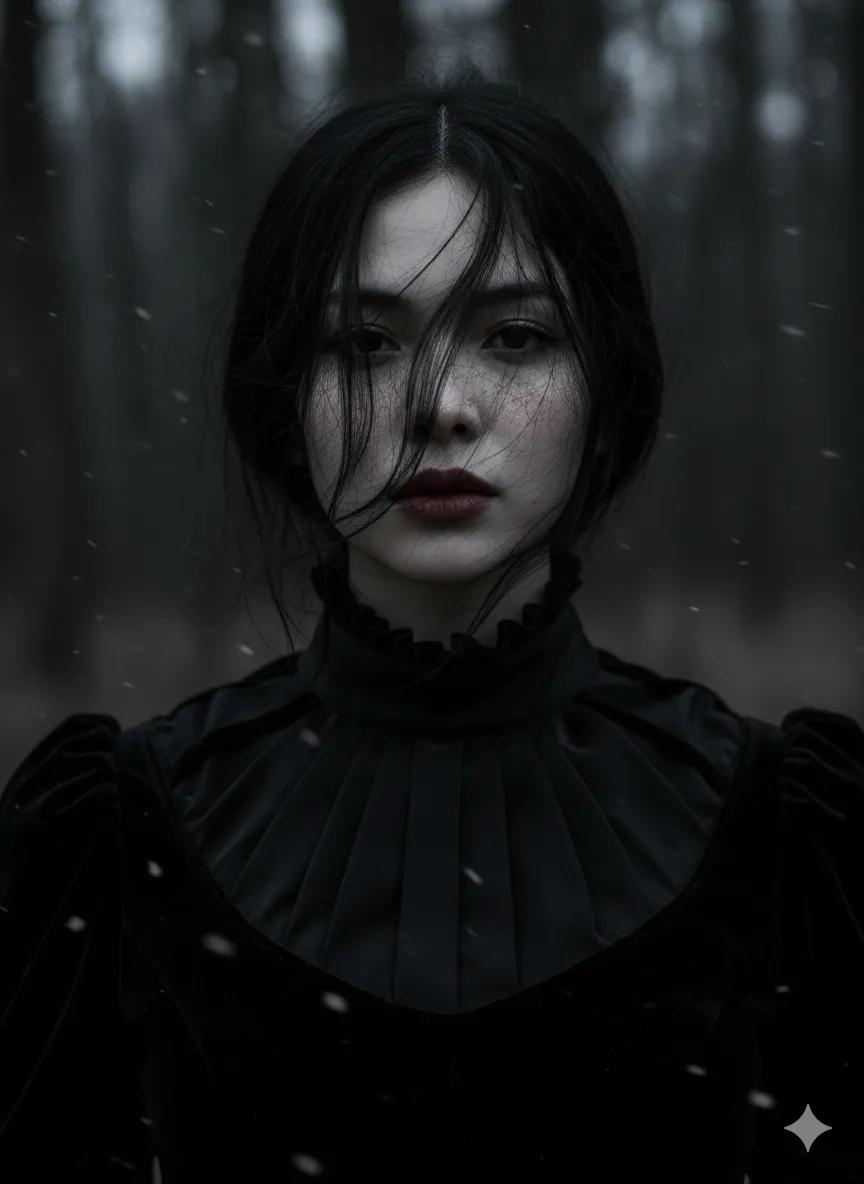
Gothic Ethereal Portrait in Snowy Forest
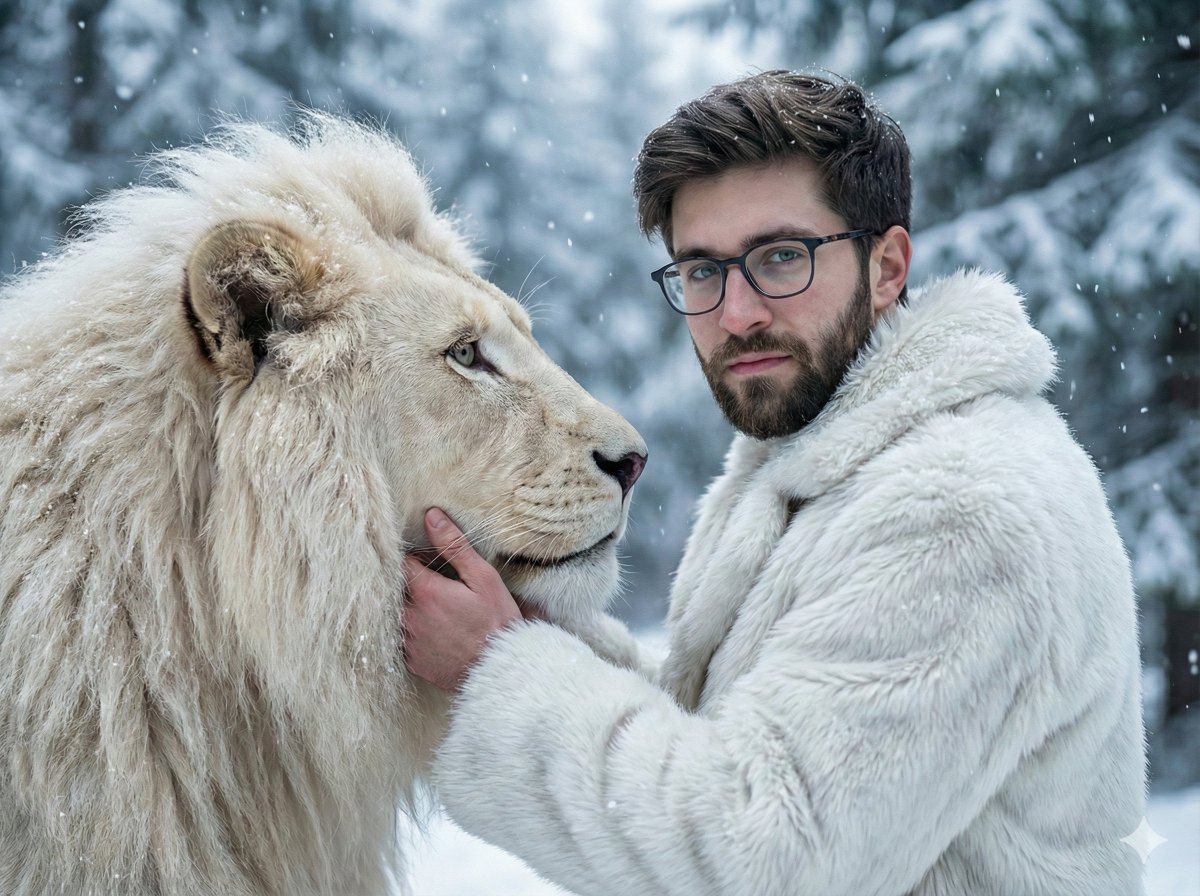
Cinematic Portrait of Man and White Lion in Snowy Forest
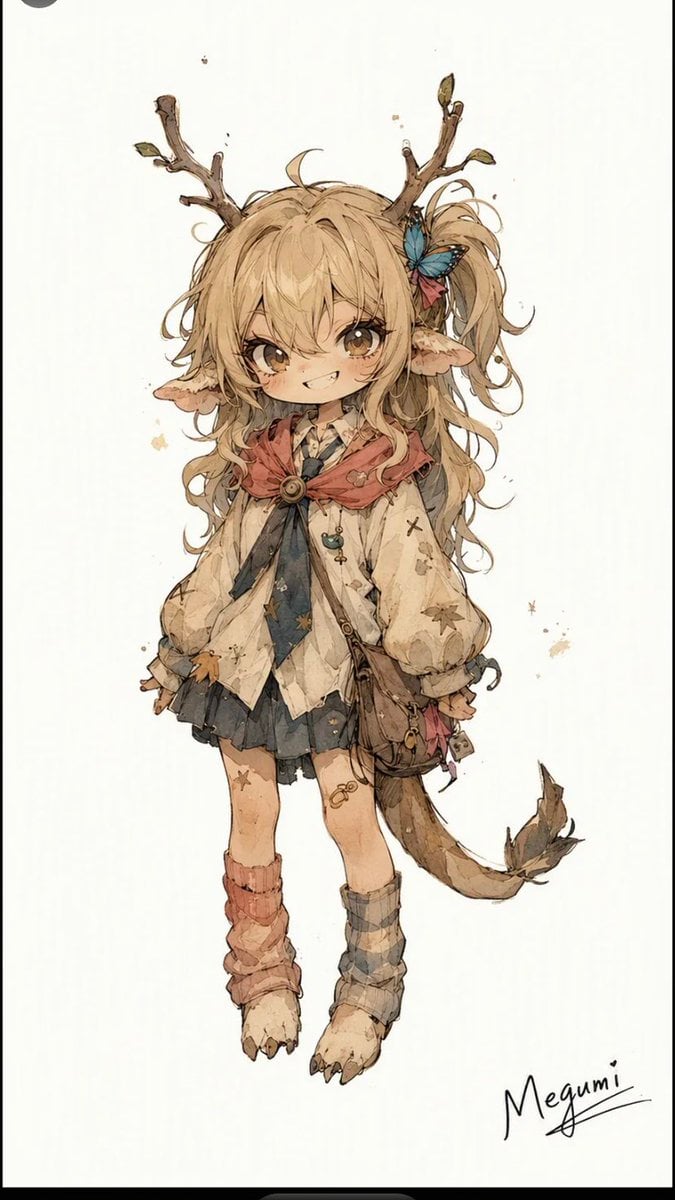
Mischievous Forest Faun Girl
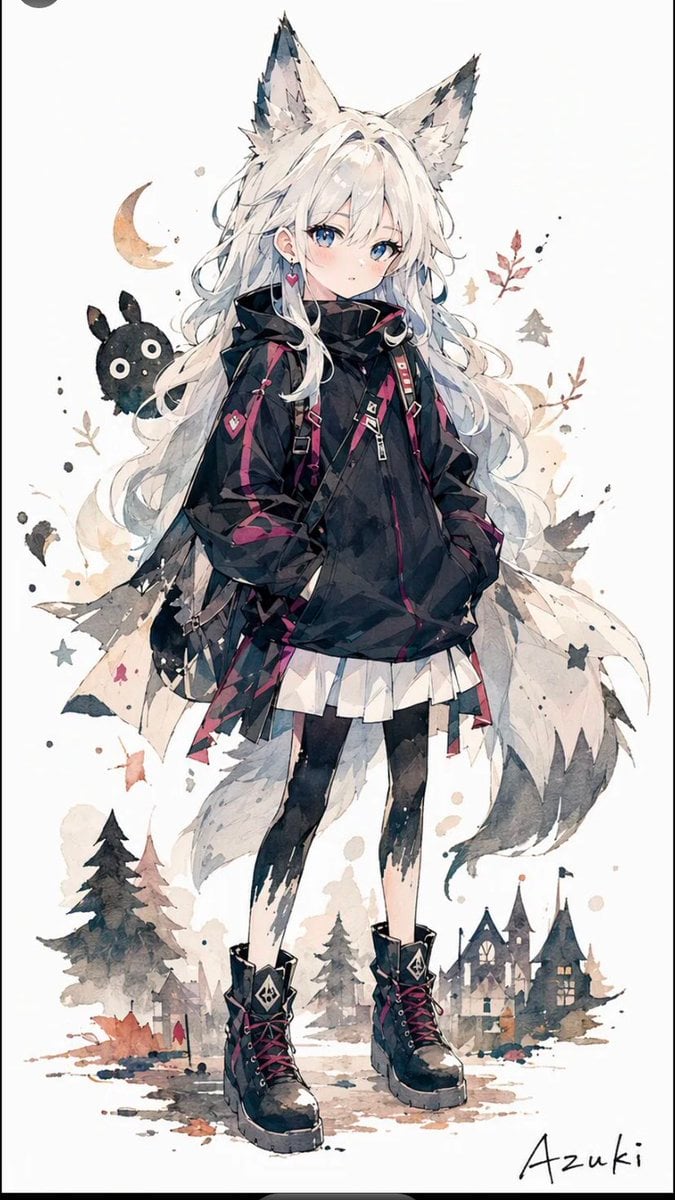
Solitary Wolf-Girl Fantasy Character
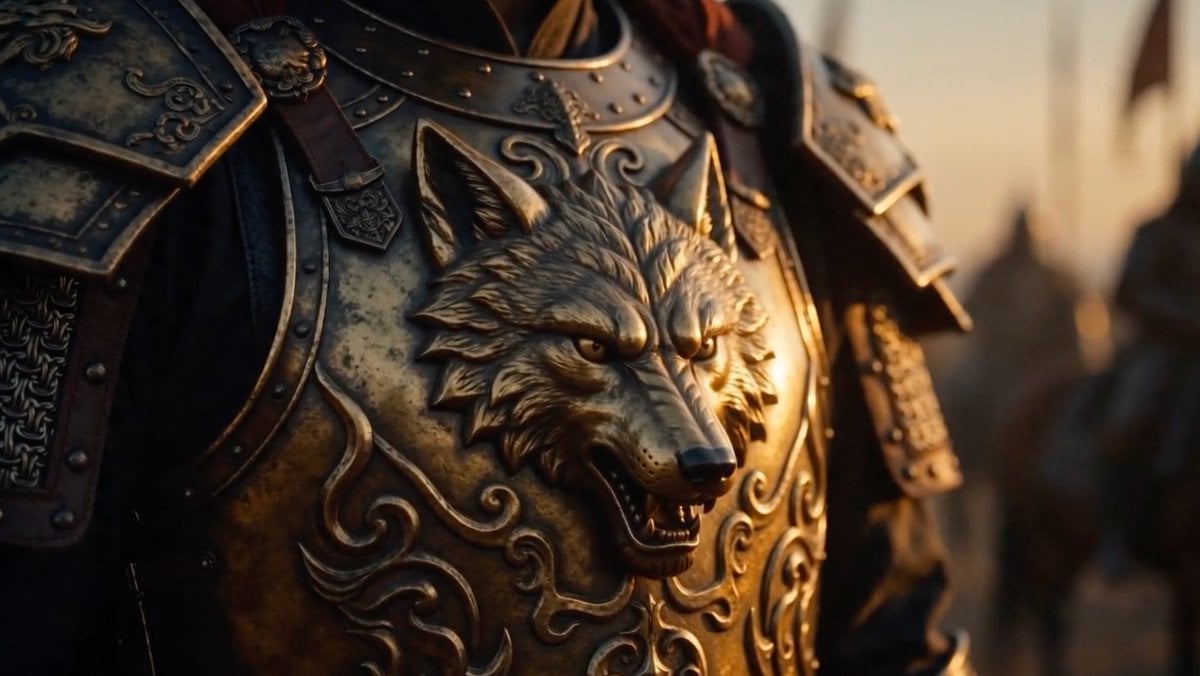
Cinematic Wolf Armor Close-Up
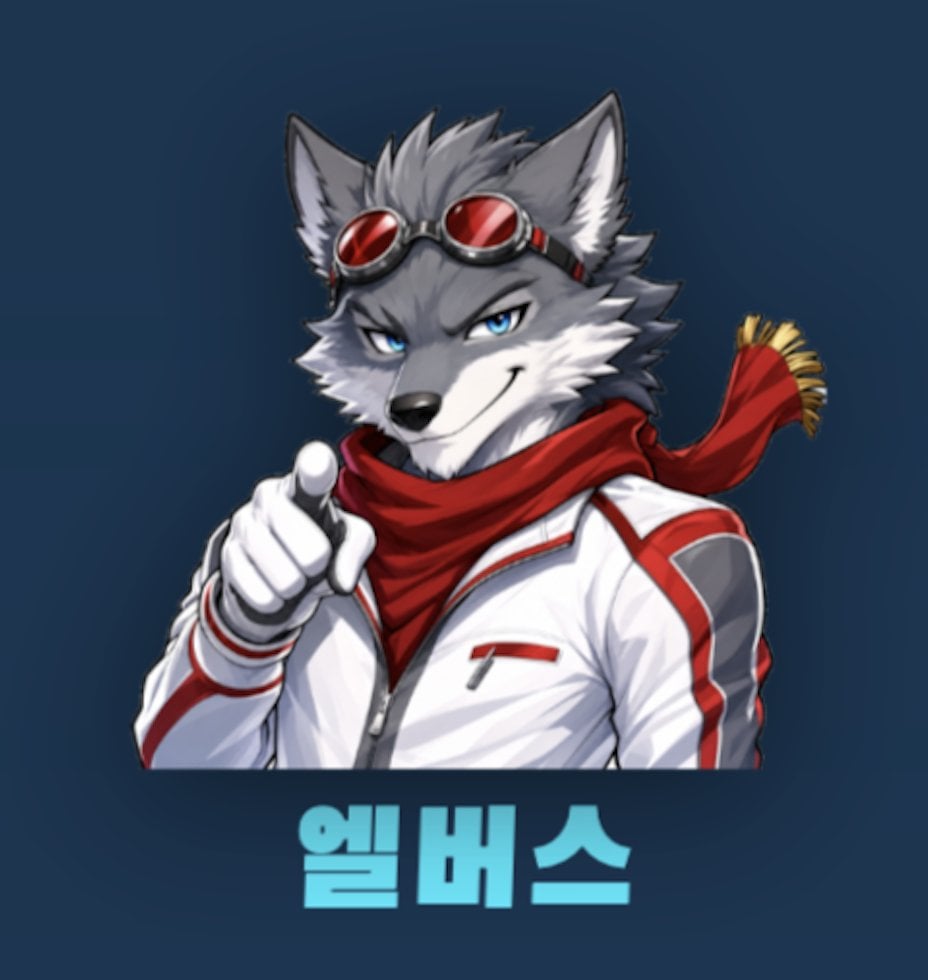
Anime Wolf Mascot with Korean Text
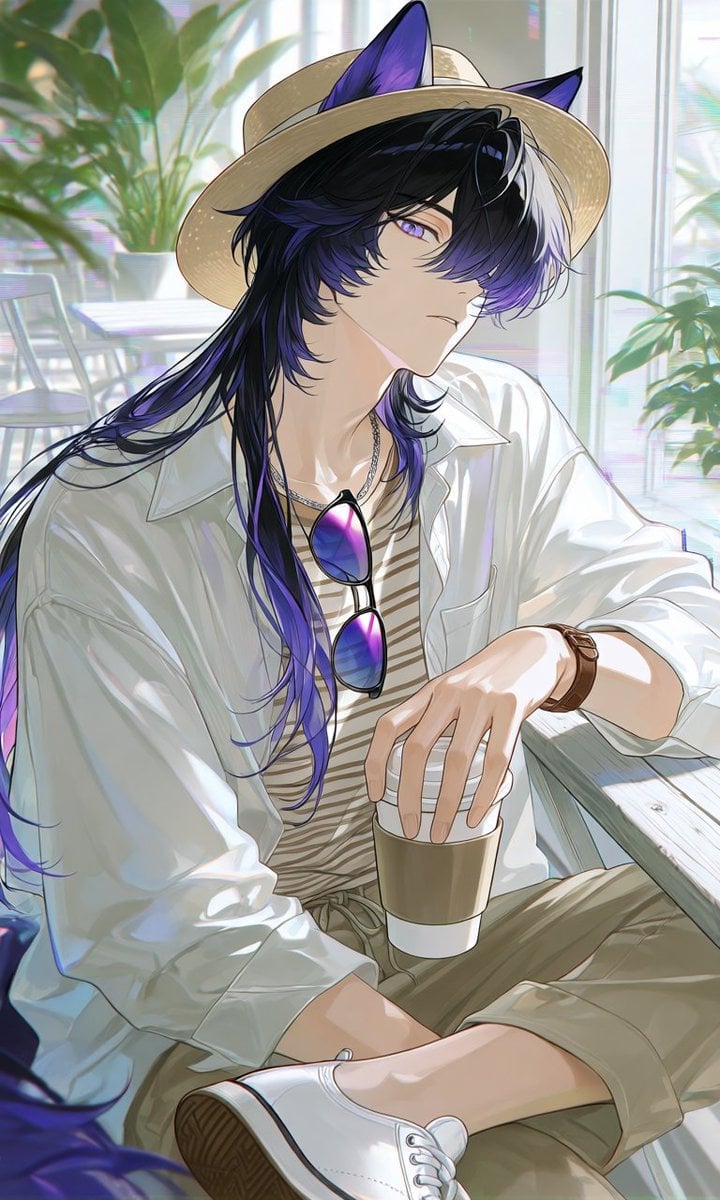
Summer Cafe Anime Wolf Boy

Faceless Wolf Cut Fashion Portrait

Pink Wolf Clinic Mascot Photo
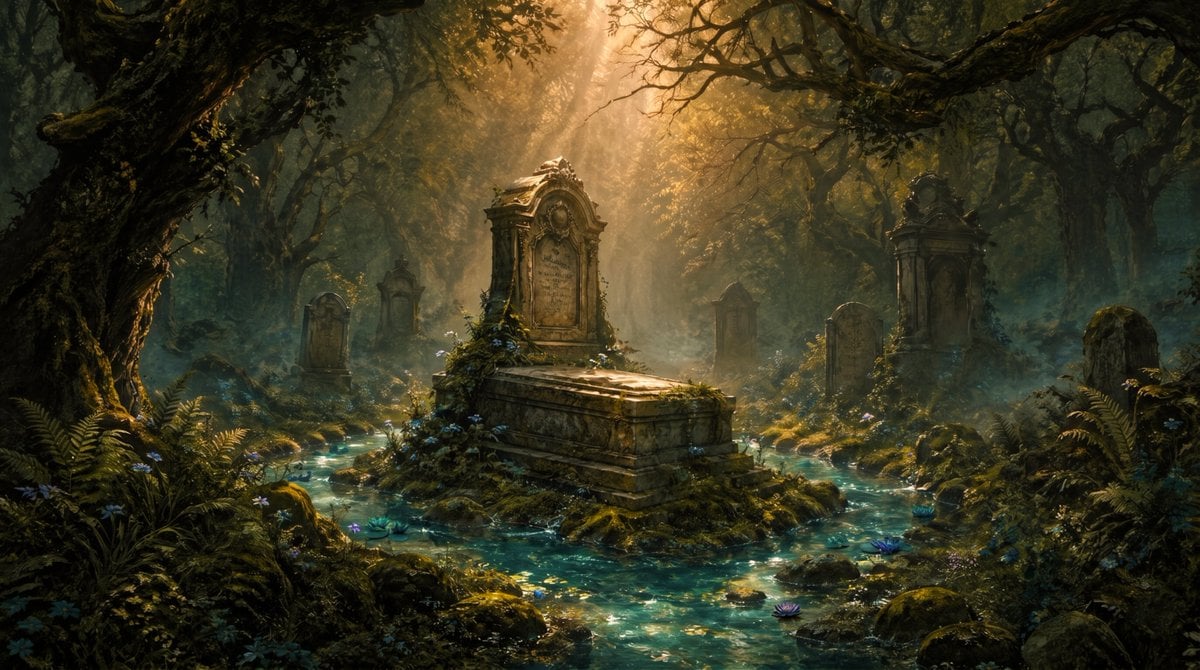
Enchanted Forest Grave Spring
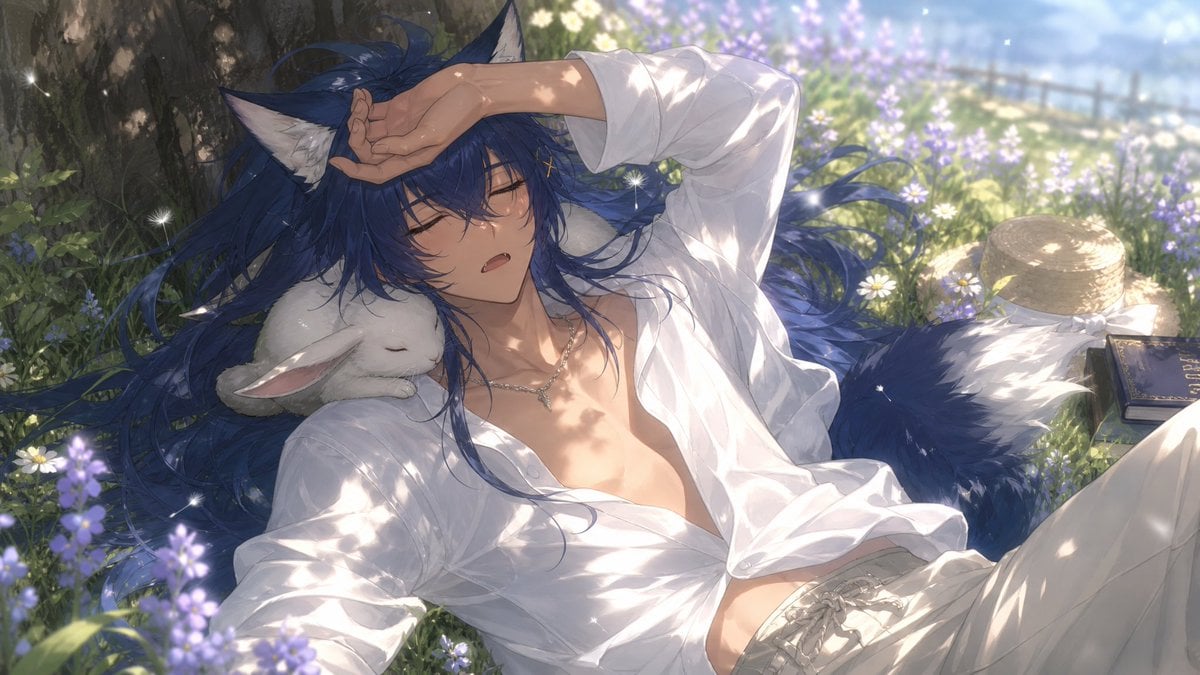
Wolf Boy Summer Meadow Nap
Make it yours
Fallen Wolf in Snowy Forest works as-is. These are the safest ways to change it without losing the look.
Change one field
Copy a single group, rewrite it, and generate again so you can see what that field is doing.
Keep the frame, change the subject
Hold the composition and light of Fallen Wolf in Snowy Forest, then swap wardrobe, props or the person for a new take.
| If the result… | Why | Fix |
|---|---|---|
| The result drifts from the preview | Too many fields changed at once. | Reuse Fallen Wolf in Snowy Forest as-is first, then change one group — subject, light, or setting. |
| The model over-stylizes the scene | The prose prompt leaves finish and camera underspecified. | Add one camera or lighting sentence and stay on GPT Image 2. |
More GPT Image 2 templates
Other prompts made for GPT Image 2.

Six VTuber Japanese Logo Sheet

Realistic Portrait of Woman and Deer

The Vista Modular Condo Poster

AI Model Routing Comparison Infographic

2.5D Anime Art Board

Isometric Productivity Desk Scene

New York Double Exposure Poster

Four-Panel AI Landscape Comparison

Japanese Tatami Lifestyle Magazine Cover

NESCAFÉ Coffee Map Poster
More image prompts
Fresh picks from across the catalog.
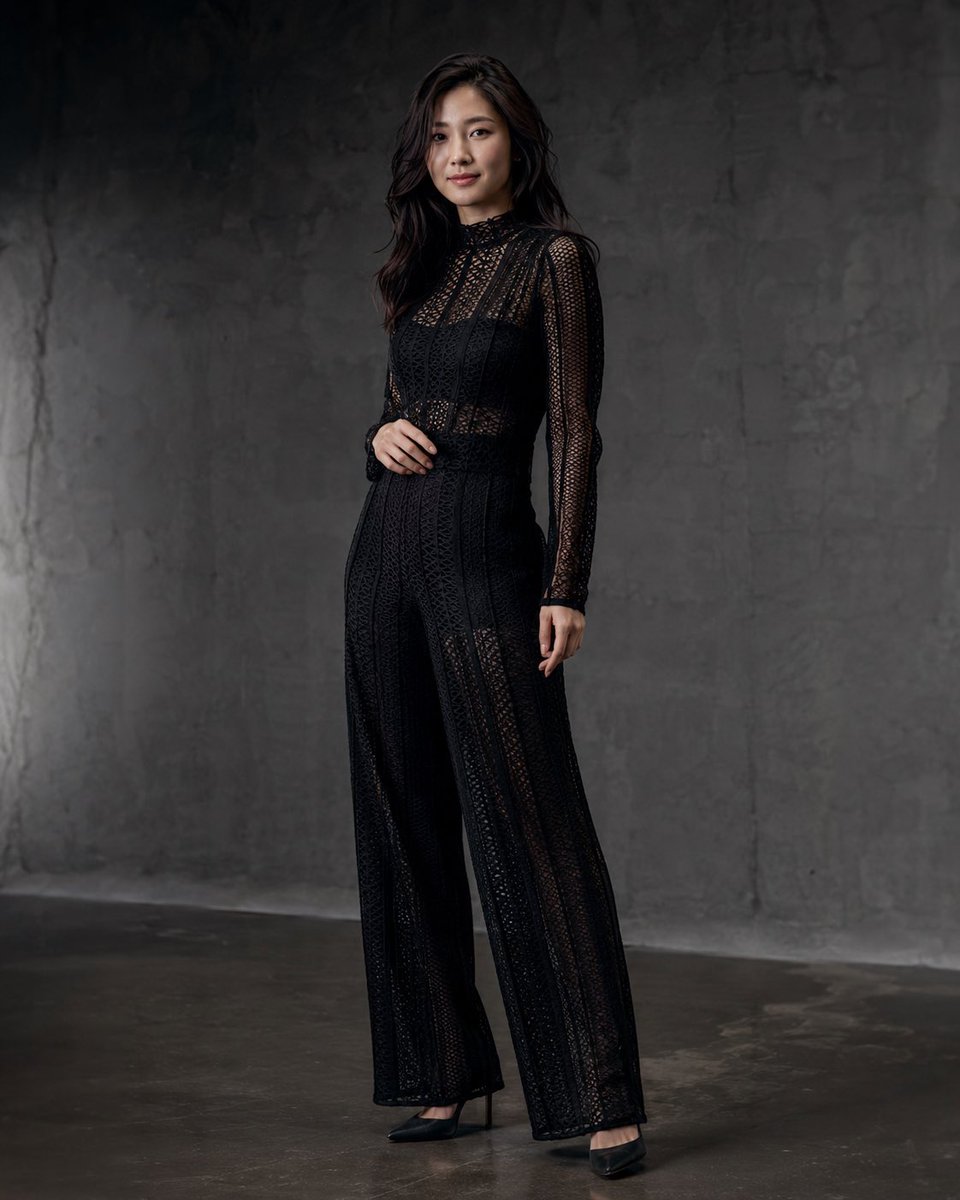
Anonymous Black Lace Fashion Portrait
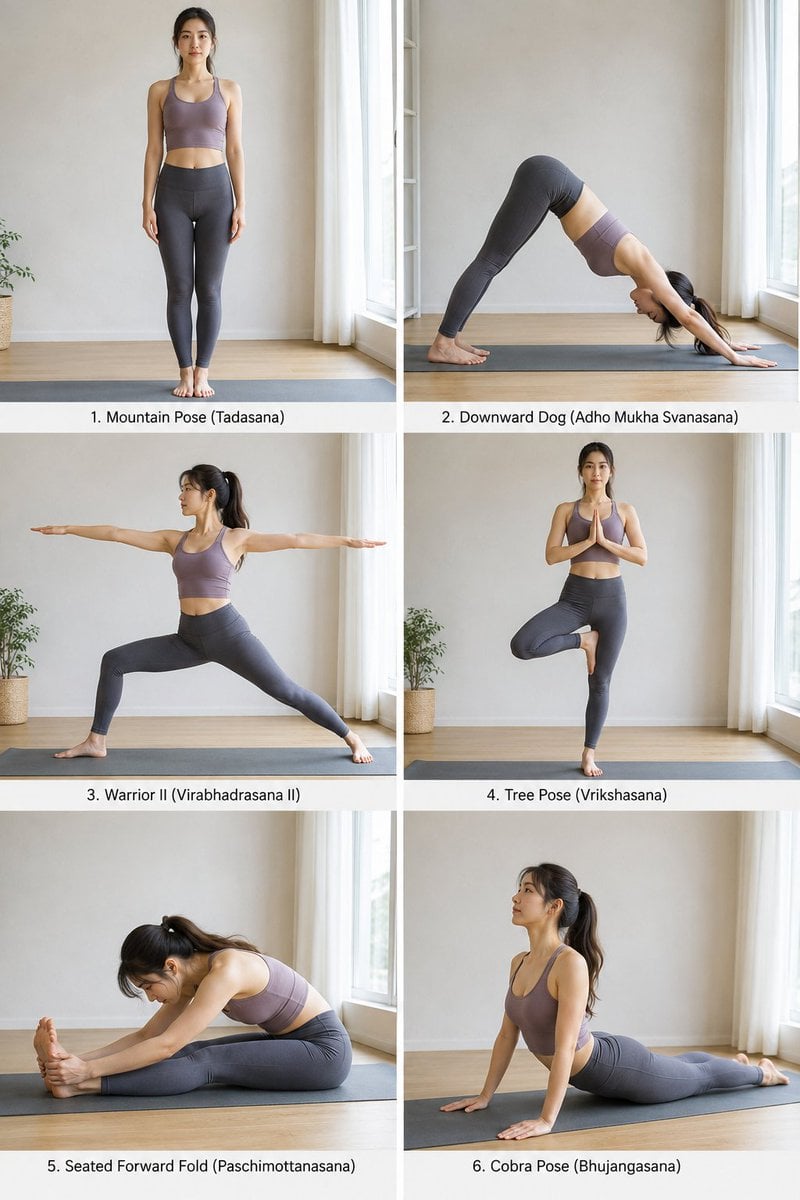
Yoga Pose Instructional Grid

Dark AI Harness Infographic Slide
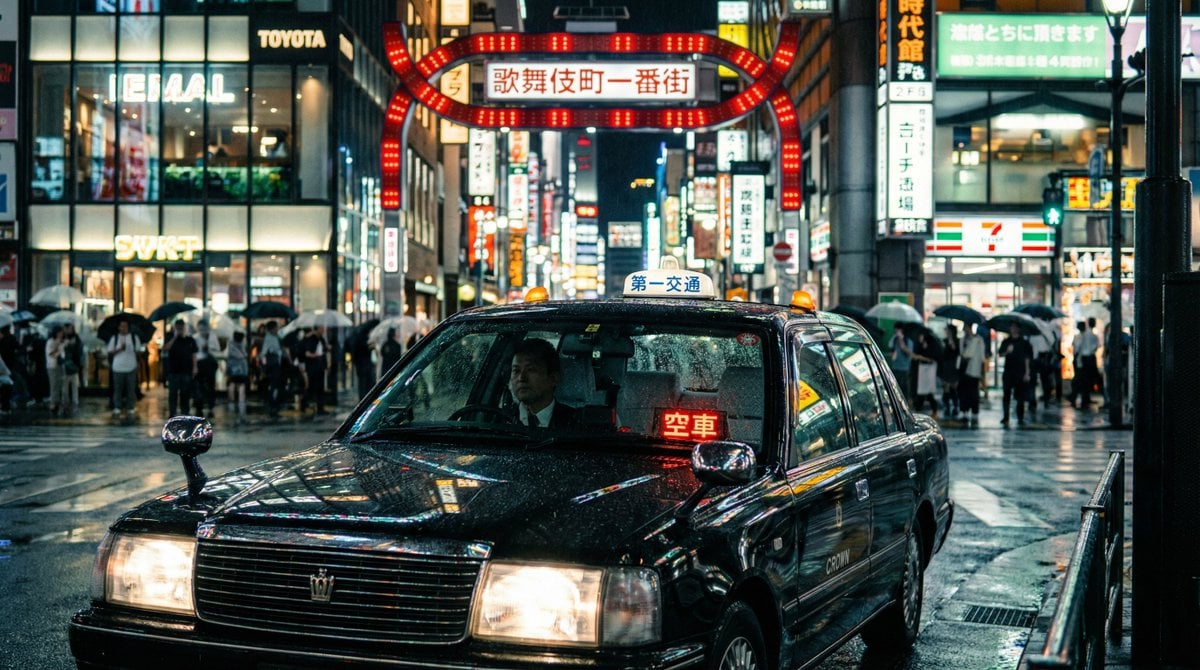
Cinematic taxi in rainy Kabukicho at night
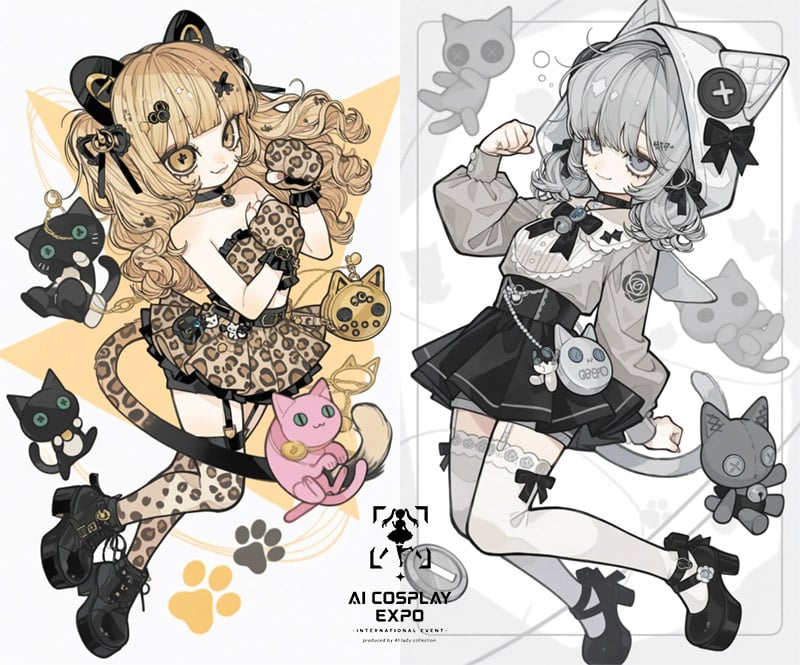
AI Cosplay Expo Cat Girls
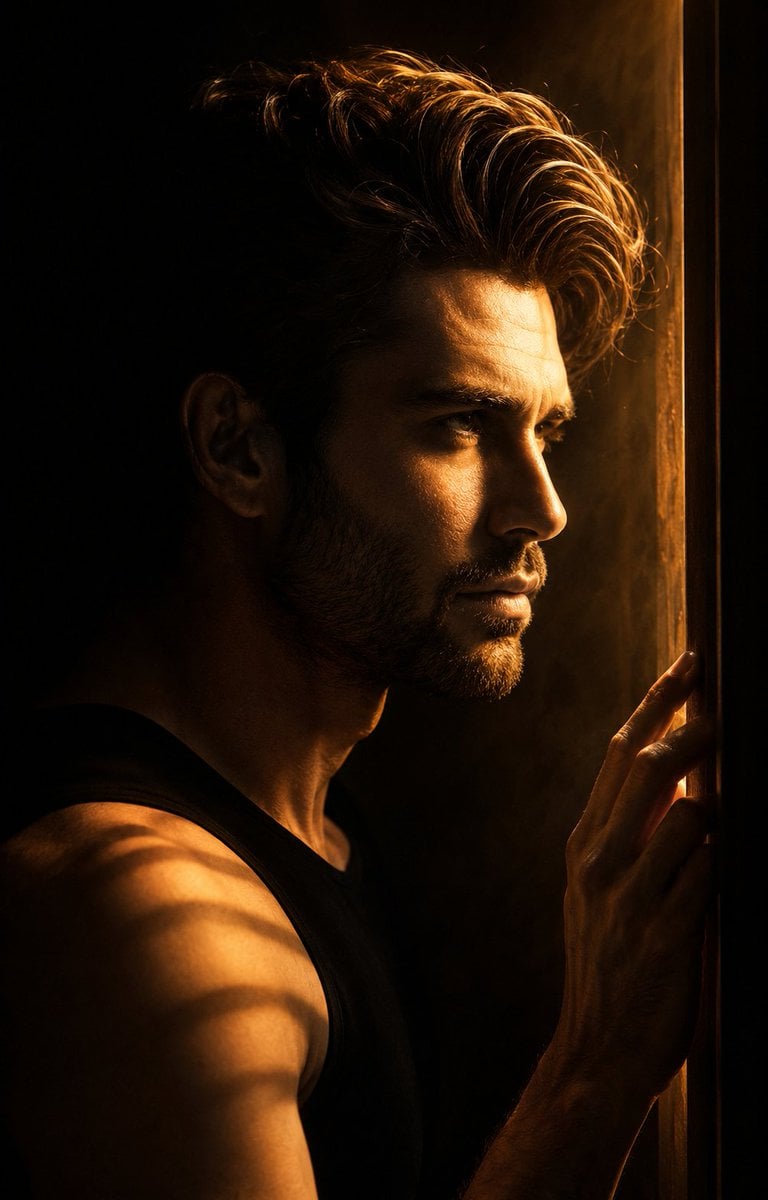
Low-Key Masculine Portrait
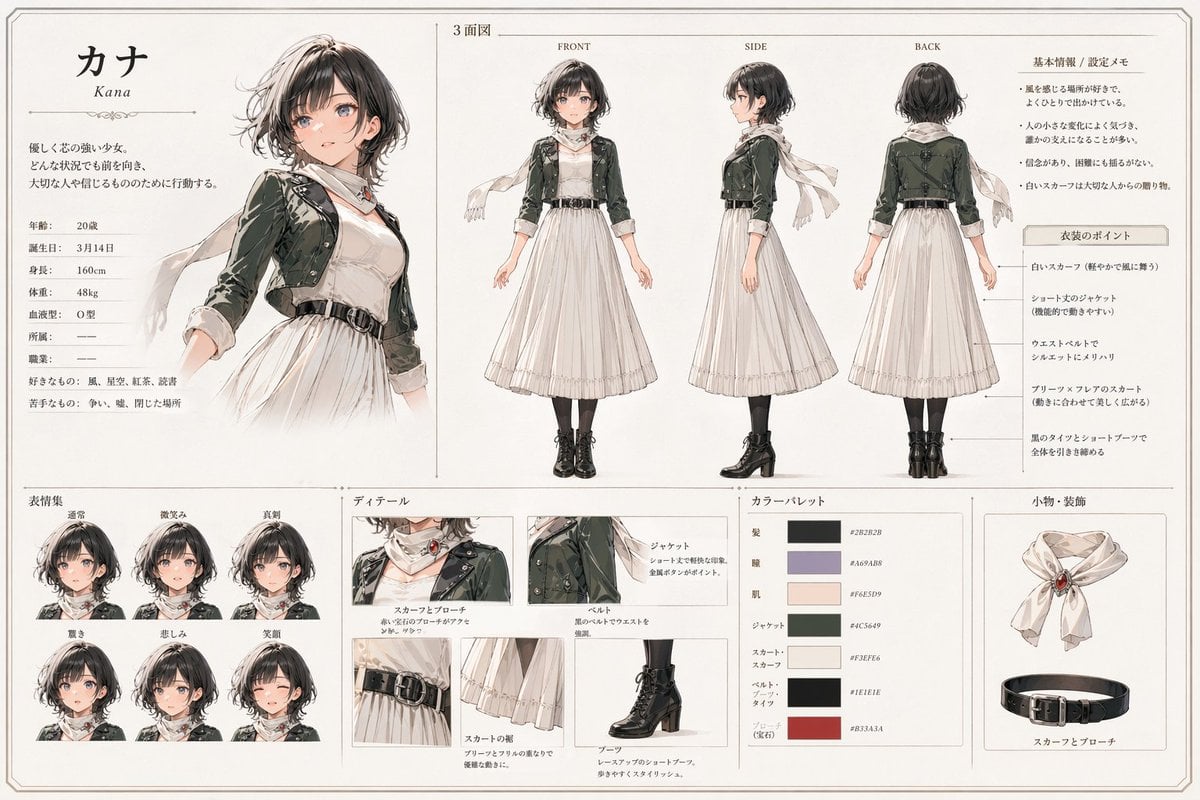
Kana Anime Character Reference Sheet
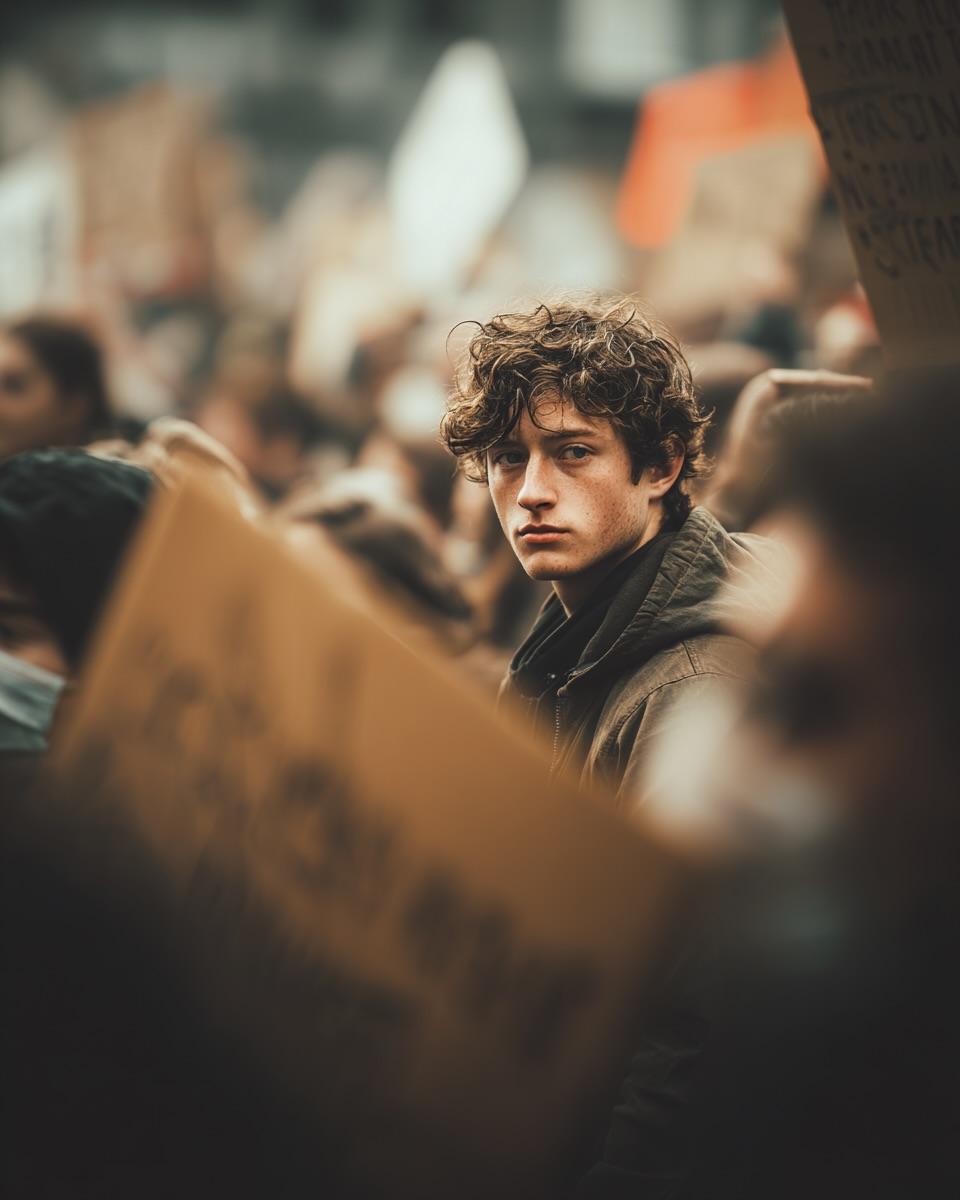
Ultra-Realistic Cinematic Street Photograph Prompt
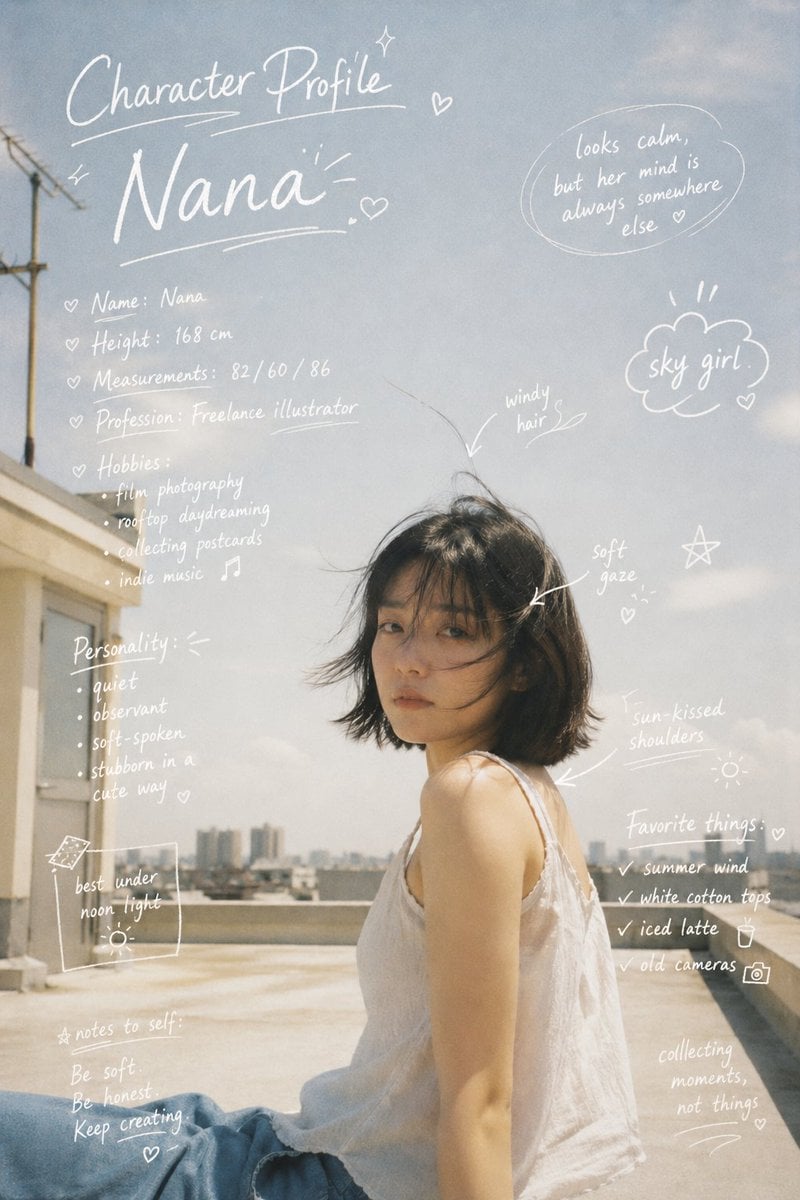
Character Profile Annotation Overlay
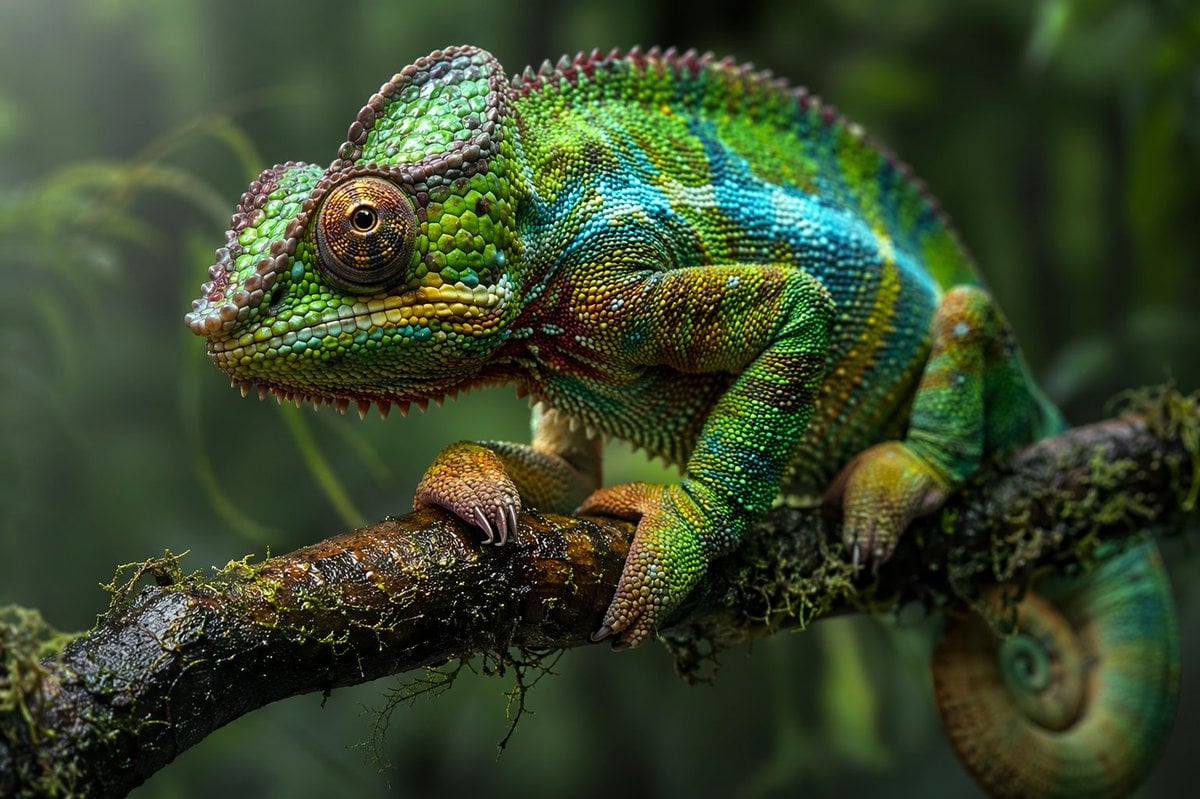
Macro Wildlife Photography
Browse template categories
Fallen Wolf in Snowy Forest questions
How do I use the Fallen Wolf in Snowy Forest template?
Add your photo if the template asks for one, edit the prompt if you like — the template's model and format are already selected — and press Generate. Your version opens in PicX Studio.
Can I customize the Fallen Wolf in Snowy Forest template?
Yes. You can change the subject, setting, lighting, mood, format, and available model controls before creating your image.
Is the Fallen Wolf in Snowy Forest template free?
Opening and editing this template is free. Generating uses credits, shown on the Generate button when you are signed in.
Which AI model should I use?
Start with GPT Image 2, which is the model associated with this template. You can compare another compatible model for a different finish.
Looking for something else? Browse all templates.

Your photo, any look
Thousands of ready templates for every top image and video model, from one credit balance.