
Pink Wolf Clinic Mascot Photo
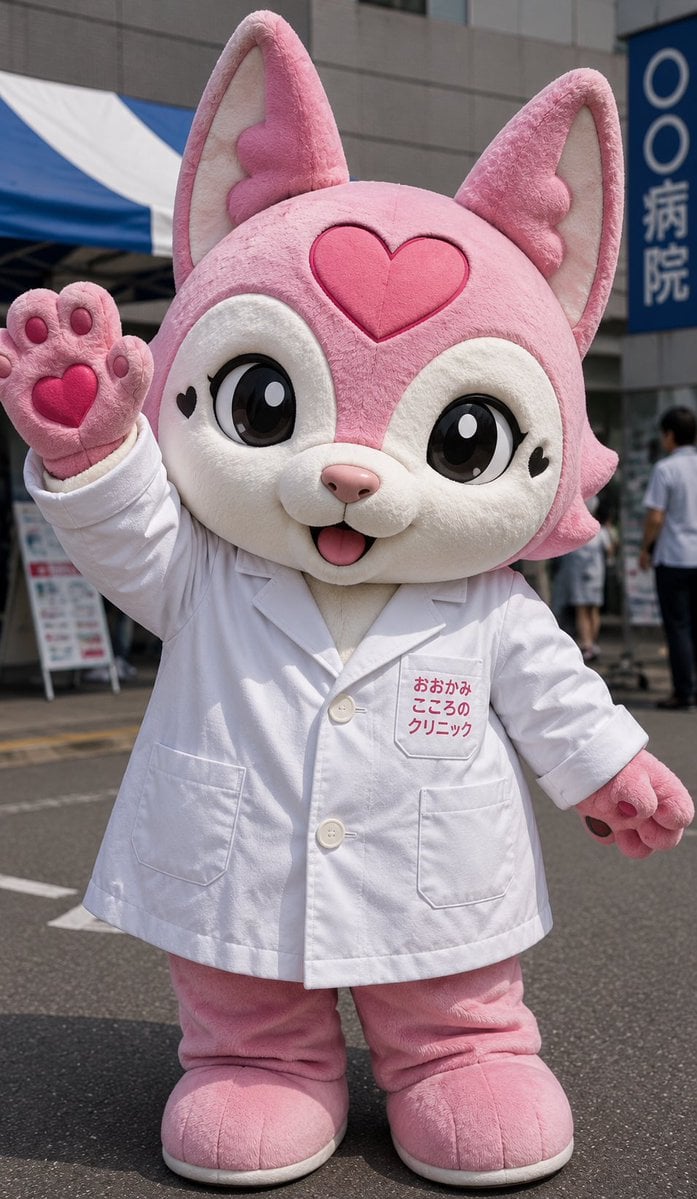
A realistic vertical event photo of a cute pink wolf mascot in a doctor coat waving outside a clinic.
- Prompt included
- Model and format preset
- Free template
The prompt behind this image
Copy the exact prompt behind Pink Wolf Clinic Mascot Photo, or open it in the studio and make it yours.
Create a realistic vertical street-event photograph of a full-body kawaii mascot character: a plush pink wolf/fox costume standing outdoors in front of a clinic building. The mascot has a large oversized head, fluffy pink fur, huge upright ears with pale cream inner ears, a cream-white face and muzzle, glossy oversized black anime eyes with white highlights, small black heart marks near both eyes, a pink heart emblem centered on the forehead, a tiny pink nose, and an open smiling mouth with a small tongue. The body proportions should be cute and short, about 2.5 heads tall, with thick plush legs and rounded feet. Dress the mascot in a white doctor’s lab coat with two visible front pockets, white buttons, and pink Japanese clinic text embroidered on the left chest reading {argument name="clinic text" default="おおかみ こころの クリニック"}. The mascot is waving with its left paw raised toward the camera; the raised paw shows exactly 5 visible pink paw-pad elements: 4 small toe pads and 1 large heart-shaped central pad. The other paw hangs to the side with dark pink pads visible. Place the character on an asphalt street in bright daylight, with a blue-and-white event tent on the left, a gray modern building behind, a vertical blue sign on the right with Japanese hospital text, and a few blurred pedestrians in the background. Use shallow depth of field, natural sunlight, realistic fabric seams, plush texture, soft shadows, and a candid promotional-event photo feeling. No extra characters in the foreground, no watermark, no cropped head or feet.
How to use Pink Wolf Clinic Mascot Photo in 3 steps
- 1Upload ImagePNG, JPG or paste
Add your photo
Upload the photo the template builds on. The prompt, model and format are already set.
- 2…a portrait of your subject in softgolden-hour light, 85mm…
Personalize
Edit the subject and creative details for your destination.
- 3Generate
Generate
Press Generate — your image is created in PicX Studio, so you can compare it with the original and refine one variable at a time.
More like this
Templates with the same subject, style or setup. Open one to see its prompt.
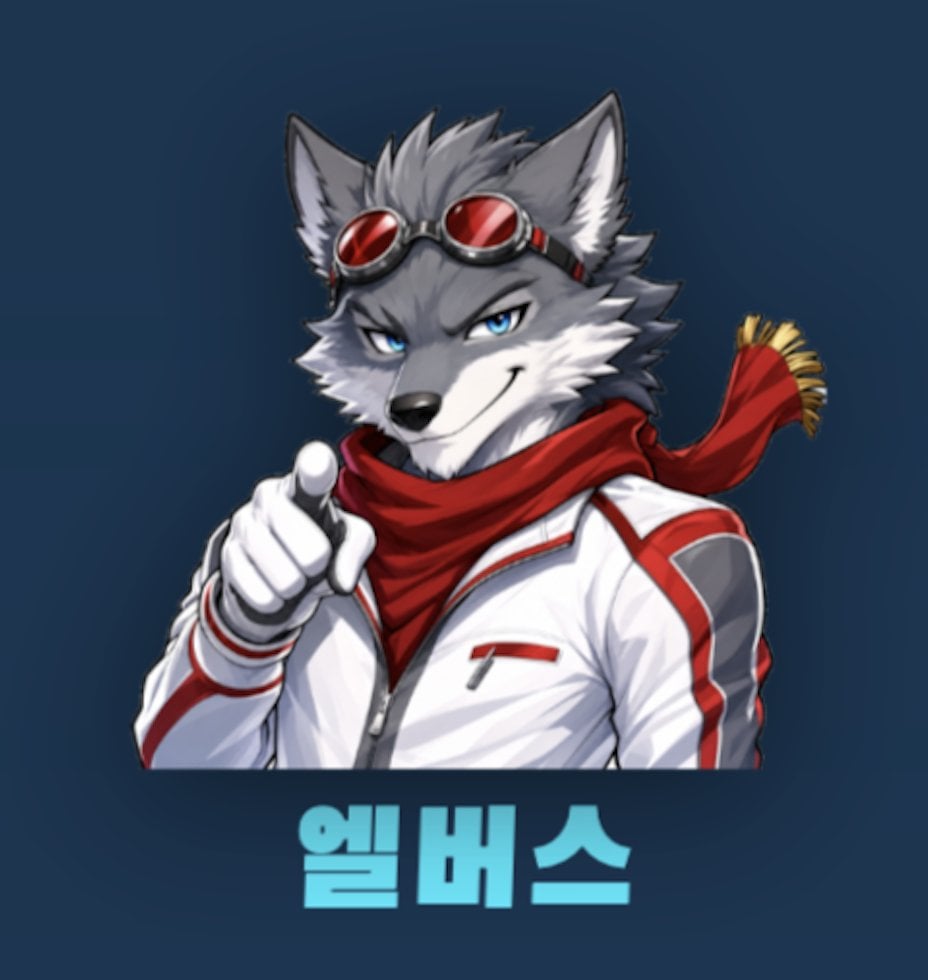
Anime Wolf Mascot with Korean Text

Anime Rain Poncho Parade

Anime Street Performer Magic

Anime Ferry Boat Arrival

Anime Hidden Mickey Hunt

Anime Popcorn Cart Hero

Anime Nighttime Projection

Anime Character Meet Tent

Anime Splash Mountain Drop

Anime Balloon Seller Lane

Anime Pirate Ship Stage

Anime Monorail Sunset
Make it yours
Pink Wolf Clinic Mascot Photo works as-is. These are the safest ways to change it without losing the look.
Change one field
Copy a single group, rewrite it, and generate again so you can see what that field is doing.
Keep the frame, change the subject
Hold the composition and light of Pink Wolf Clinic Mascot Photo, then swap wardrobe, props or the person for a new take.
| If the result… | Why | Fix |
|---|---|---|
| The result drifts from the preview | Too many fields changed at once. | Reuse Pink Wolf Clinic Mascot Photo as-is first, then change one group — subject, light, or setting. |
| The model over-stylizes the scene | The prose prompt leaves finish and camera underspecified. | Add one camera or lighting sentence and stay on GPT Image 2. |
More GPT Image 2 templates
Other prompts made for GPT Image 2.

Six VTuber Japanese Logo Sheet

Realistic Portrait of Woman and Deer

The Vista Modular Condo Poster

AI Model Routing Comparison Infographic

2.5D Anime Art Board

Isometric Productivity Desk Scene

New York Double Exposure Poster

Four-Panel AI Landscape Comparison

Japanese Tatami Lifestyle Magazine Cover

NESCAFÉ Coffee Map Poster
More image prompts
Fresh picks from across the catalog.
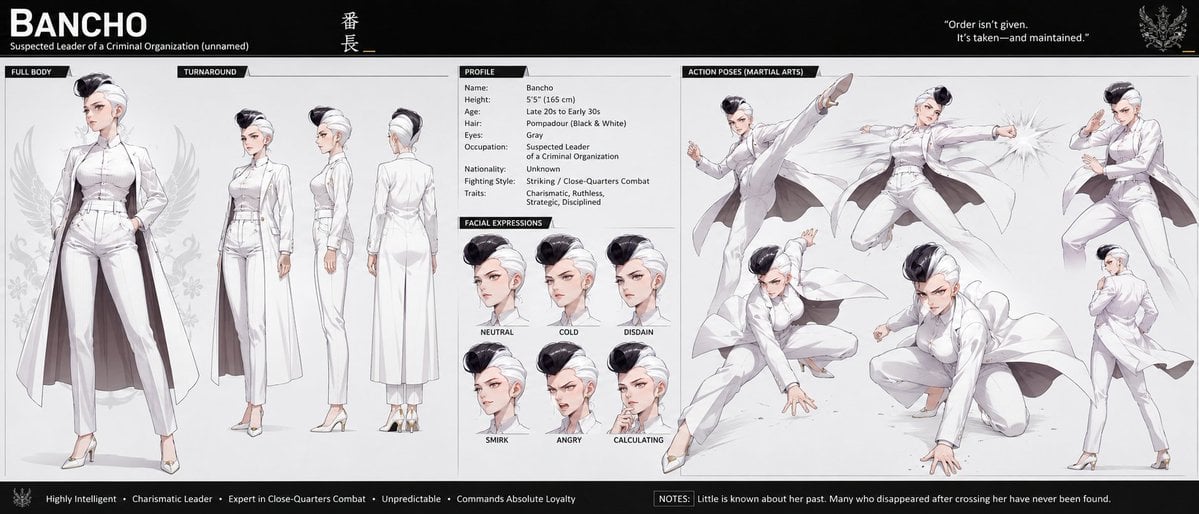
Bancho Anime Character Dossier
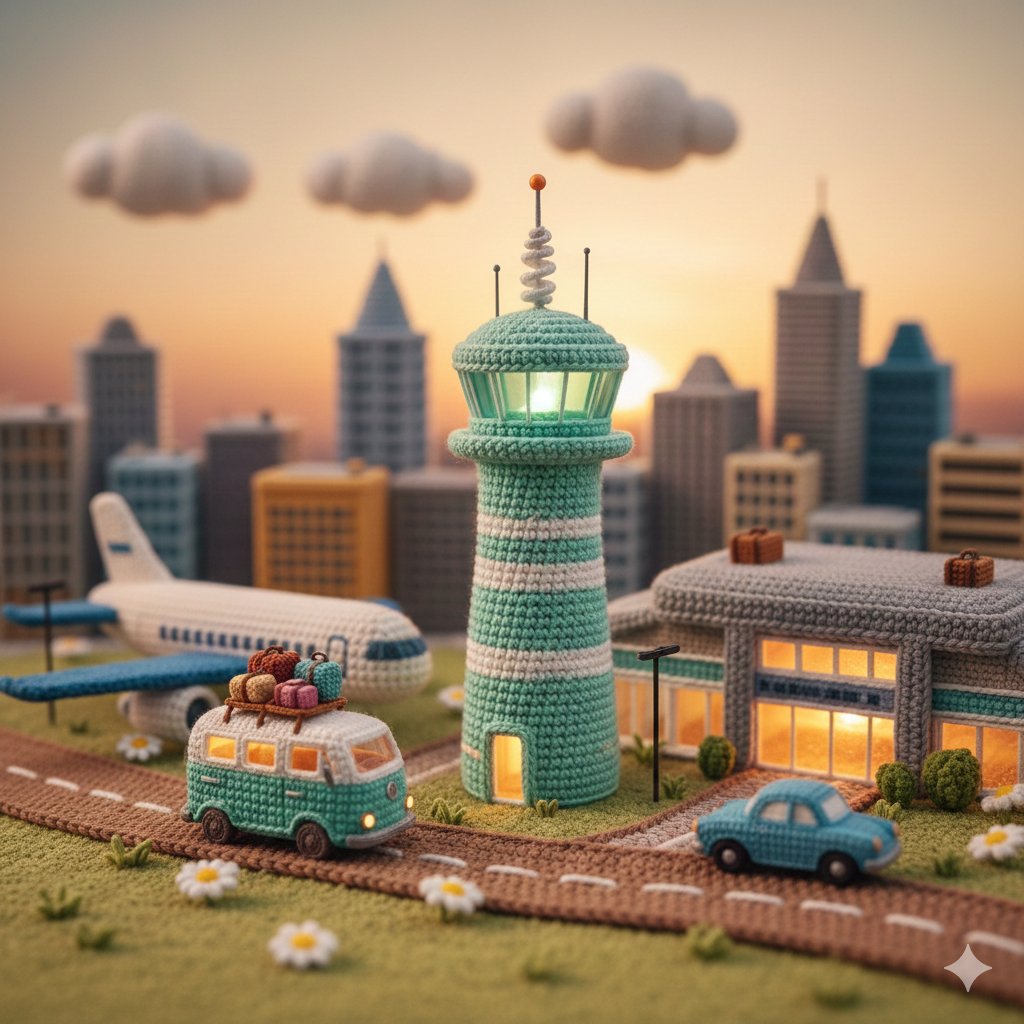
Crocheted Miniature Airport Diorama Prompt
Cinematic Studio Shot of a Soccer Commercial Set
Stylish Man on Balcony with Identity Lock
Conceptual Fashion Shadow Portrait
Master Prompt for Premium Minimalist Product Photography
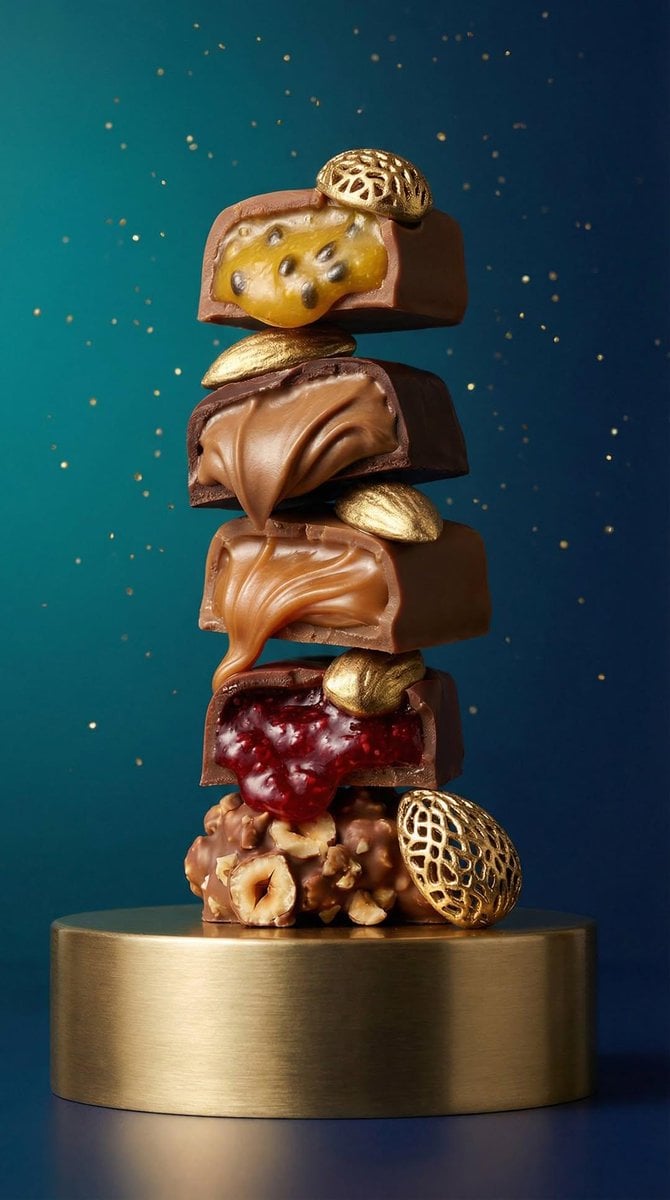
Artisan Chocolate Product Visuals (Multi-Image Prompt)
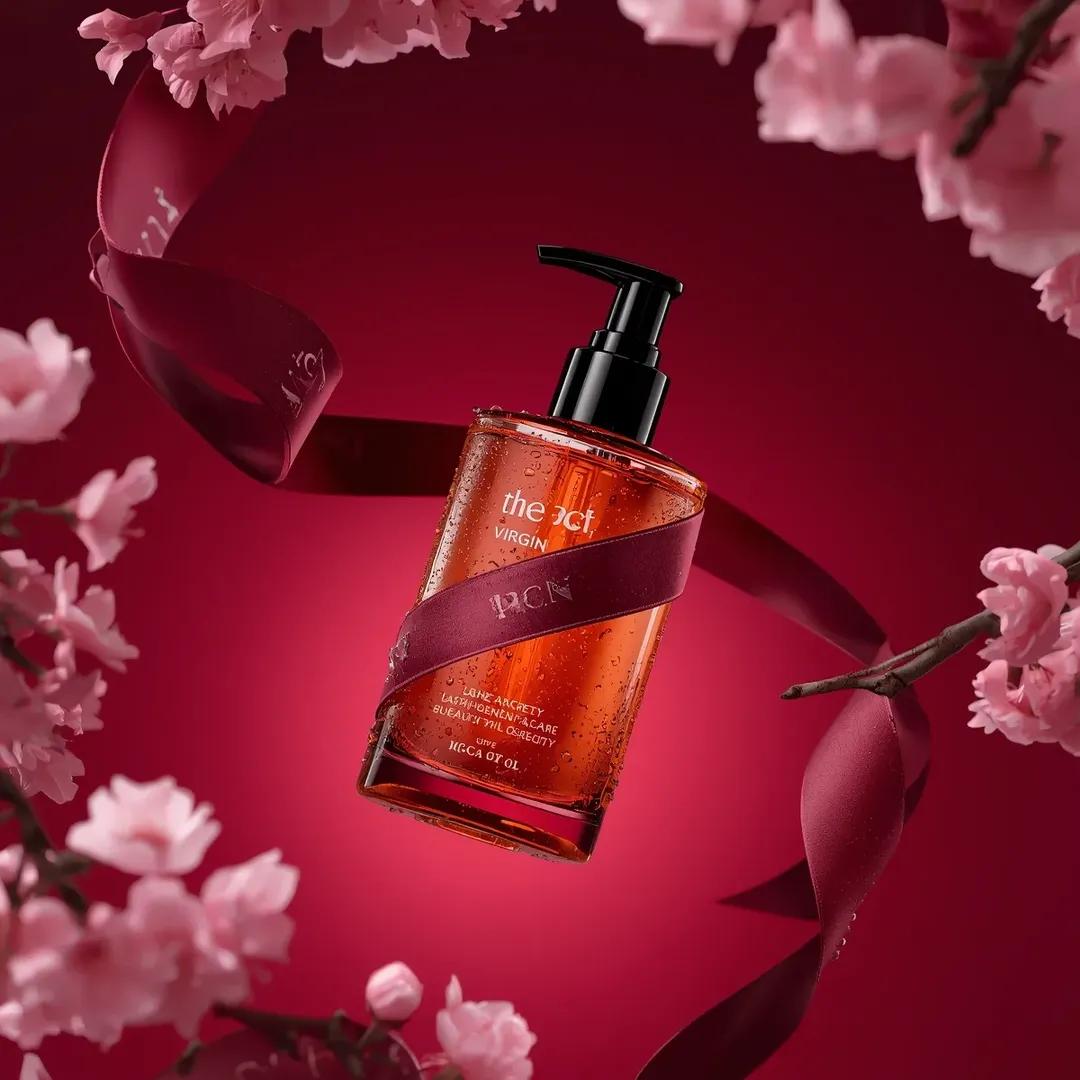
Ultra-Realistic Luxury Body Oil Product Photography
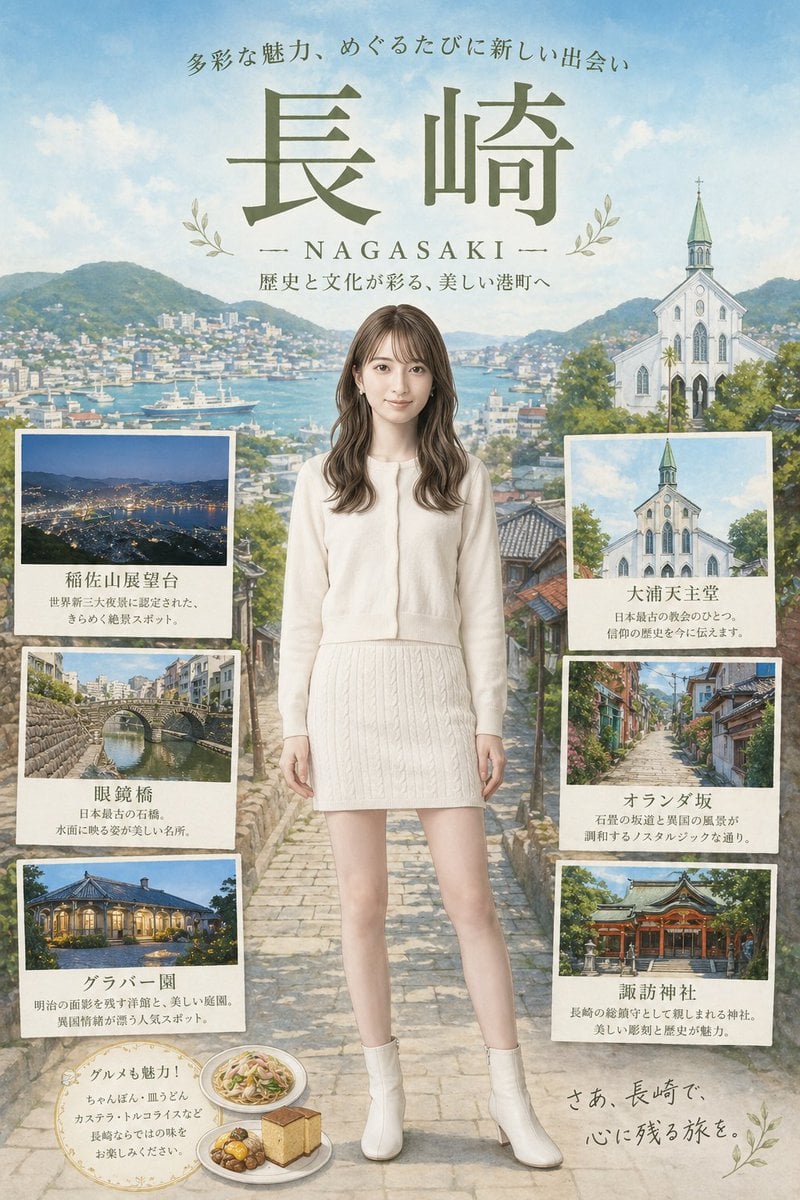
Nagasaki Travel Poster with Central Woman
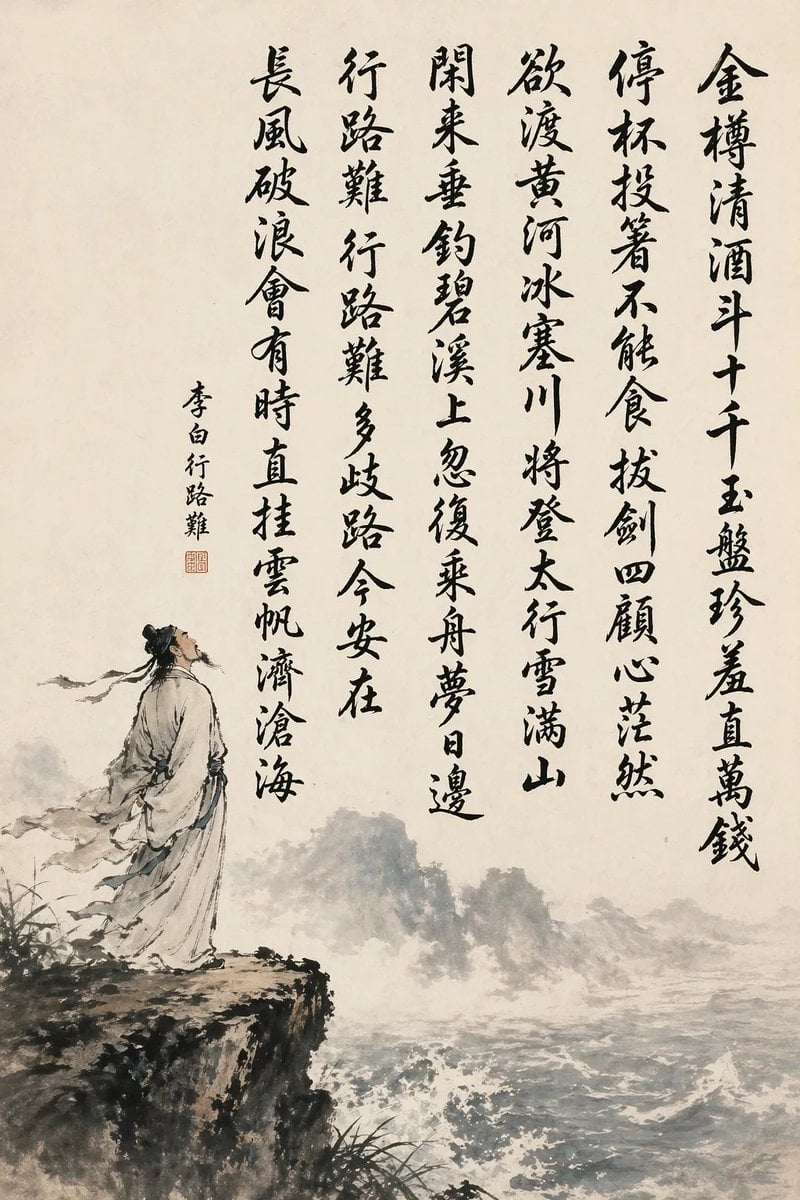
Chinese Calligraphy Poem Landscape
Browse template categories
Pink Wolf Clinic Mascot Photo questions
How do I use the Pink Wolf Clinic Mascot Photo template?
Add your photo if the template asks for one, edit the prompt if you like — the template's model and format are already selected — and press Generate. Your version opens in PicX Studio.
Can I customize the Pink Wolf Clinic Mascot Photo template?
Yes. You can change the subject, setting, lighting, mood, format, and available model controls before creating your image.
Is the Pink Wolf Clinic Mascot Photo template free?
Opening and editing this template is free. Generating uses credits, shown on the Generate button when you are signed in.
Which AI model should I use?
Start with GPT Image 2, which is the model associated with this template. You can compare another compatible model for a different finish.
Looking for something else? Browse all templates.

Your photo, any look
Thousands of ready templates for every top image and video model, from one credit balance.