
German ID Card Scan Transformation
This prompt turns a photographed German ID card reference into a polished, realistic official document scan with updated personal data and a cleaner passport-photo presentation.
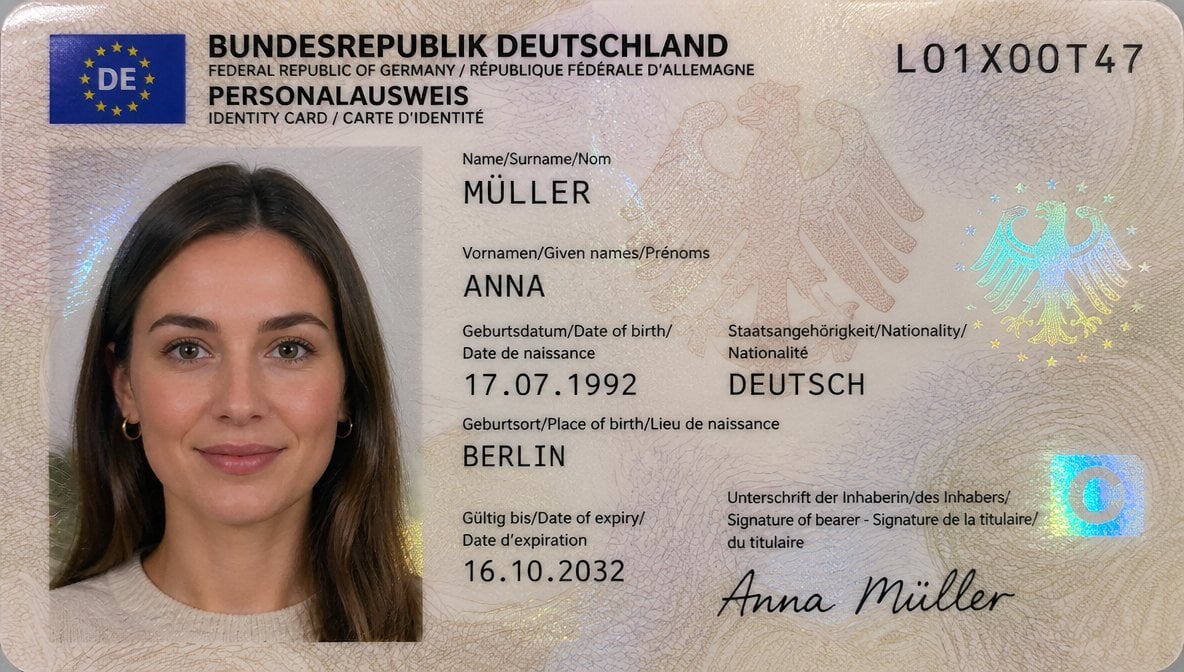
- Prompt included
- Model and format preset
- Premium template
The prompt behind this image
Copy the exact prompt behind German ID Card Scan Transformation, or open it in the studio and make it yours.
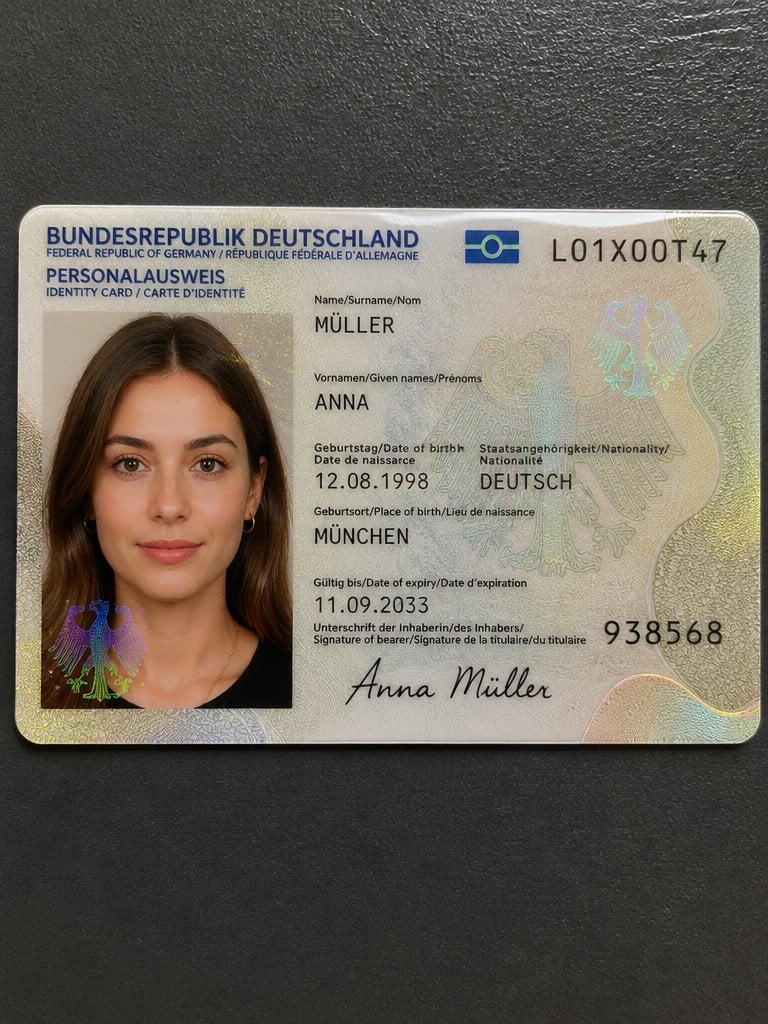
Using REFERENCE_0, recreate the same German ID card as a clean, realistic flat scan/passport-style document image instead of a photographed card on a dark table. Keep the person, card type, and overall identity-card layout, but remove the tabletop perspective, edge glare, and camera-phone look. Replace the photo area with a properly framed biometric portrait crop showing more of the shoulders and upper chest against a light neutral background, with soft even lighting suitable for an official ID photo. Update the card design to a more modern German ID appearance with a blue EU/DE flag block in the top-left, a cleaner cream security pattern, and holographic security elements including 2 eagle motifs and 1 blue square chip-like mark on the right. Keep the serial number as {argument name="document number" default="L01X00T47"}. Change the personal data to: surname MÜLLER, given name ANNA, date of birth {argument name="date of birth" default="17.07.1992"}, nationality DEUTSCH, place of birth {argument name="place of birth" default="BERLIN"}, expiry date {argument name="expiry date" default="16.10.2032"}, and signature {argument name="signature name" default="Anna Müller"}. Make it look like a high-resolution official ID card scan, sharp typography, realistic print texture, and subtle holographic reflections.
Reference images included
German ID Card Scan Transformation needs input media to work. They load alongside the prompt when you open it in the studio.
How to use German ID Card Scan Transformation in 3 steps
- 1Upload ImagePNG, JPG or paste
Add your photo
Upload the photo the template builds on. The prompt, model and format are already set.
- 2…a portrait of your subject in softgolden-hour light, 85mm…
Personalize
Edit the subject and creative details for your destination.
- 3Generate
Generate
Press Generate — your image is created in PicX Studio, so you can compare it with the original and refine one variable at a time.
More like this
Templates with the same subject, style or setup. Open one to see its prompt.
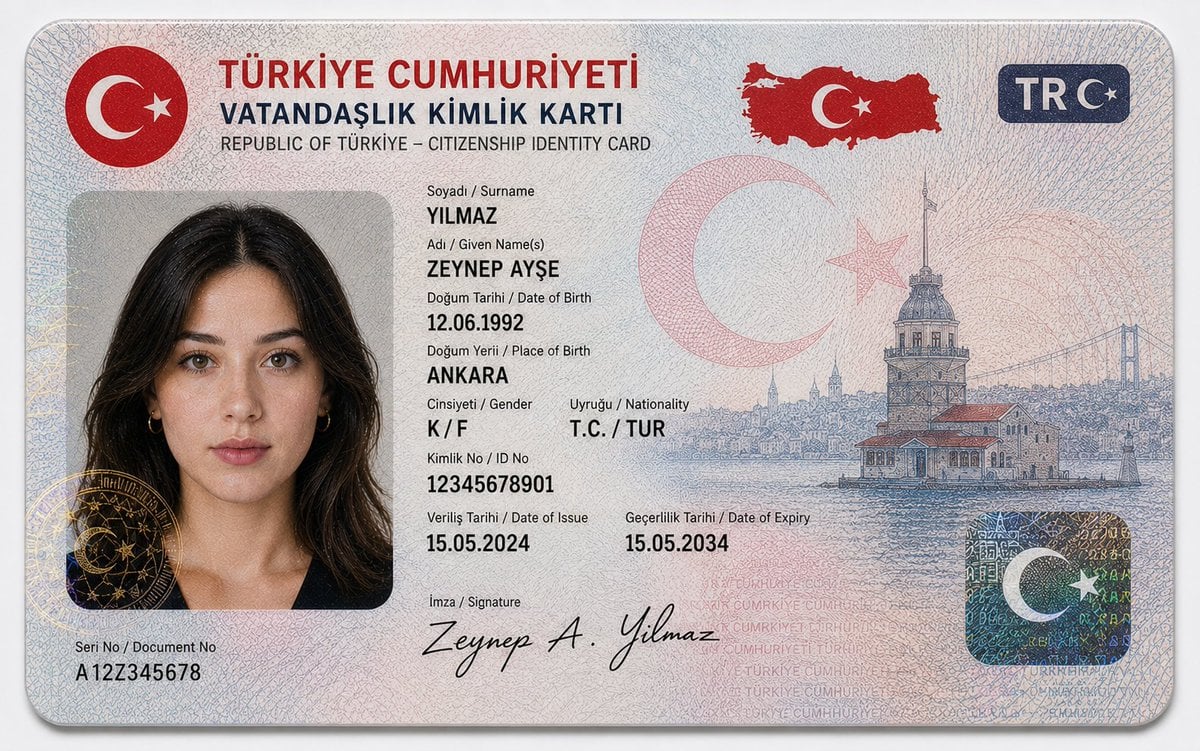
German Citizenship Identity Card Mockup
Seedance - Character Transition
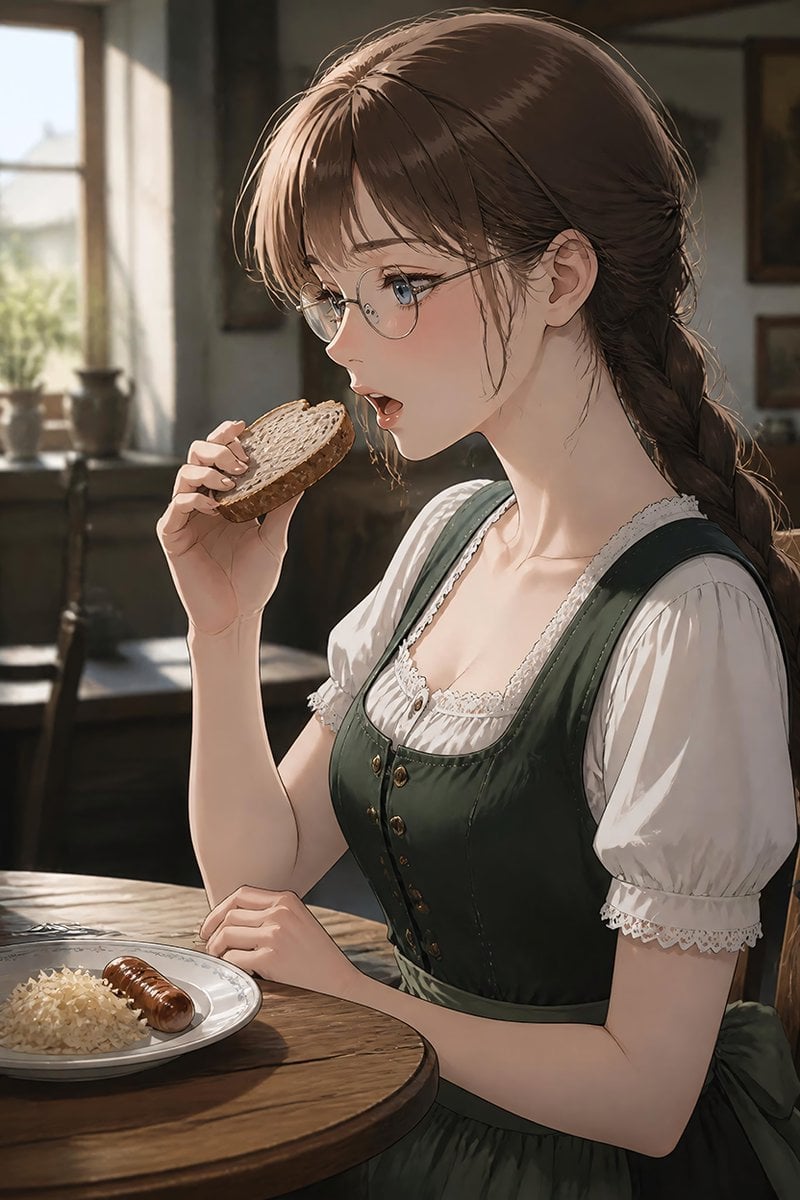
German Sausage Breakfast Plate

Teal Japanese Handwritten Lyric Card

Reiwa Slang Reaction Gacha Card
Architectural Museum Specimen Card
A stacked depth composition of ultra-detailed 16K 3D-scanned
Intense film grain, analog noise, and scanline artifacts

Anime Alley Kick Transformation
Chaotic Claymation Photo Transformation

Subway Good Vibes App Card Portrait

Superhero Era Transformation Split Portrait
Make it yours
German ID Card Scan Transformation works as-is. These are the safest ways to change it without losing the look.
Change one field
Copy a single group, rewrite it, and generate again so you can see what that field is doing.
Keep the frame, change the subject
Hold the composition and light of German ID Card Scan Transformation, then swap wardrobe, props or the person for a new take.
| If the result… | Why | Fix |
|---|---|---|
| The result drifts from the preview | Too many fields changed at once. | Reuse German ID Card Scan Transformation as-is first, then change one group — subject, light, or setting. |
| The model over-stylizes the scene | The prose prompt leaves finish and camera underspecified. | Add one camera or lighting sentence and stay on GPT Image 2. |
More GPT Image 2 templates
Other prompts made for GPT Image 2.

Six VTuber Japanese Logo Sheet

Realistic Portrait of Woman and Deer

The Vista Modular Condo Poster

AI Model Routing Comparison Infographic

2.5D Anime Art Board

Isometric Productivity Desk Scene

New York Double Exposure Poster

Four-Panel AI Landscape Comparison

Japanese Tatami Lifestyle Magazine Cover

NESCAFÉ Coffee Map Poster
More image prompts
Fresh picks from across the catalog.
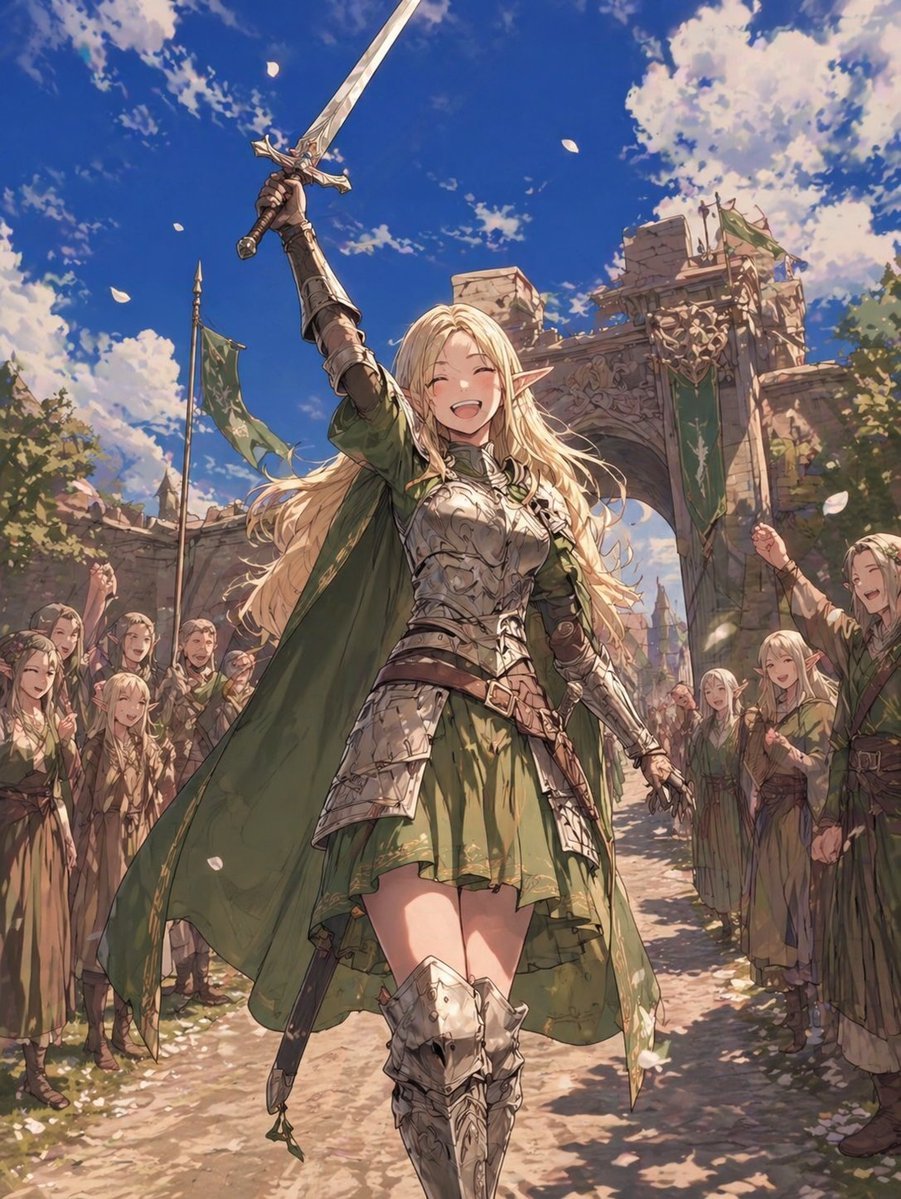
Elf Knight Victory Parade

Full-body shot of an individual on an outdoor restaurant patio at night
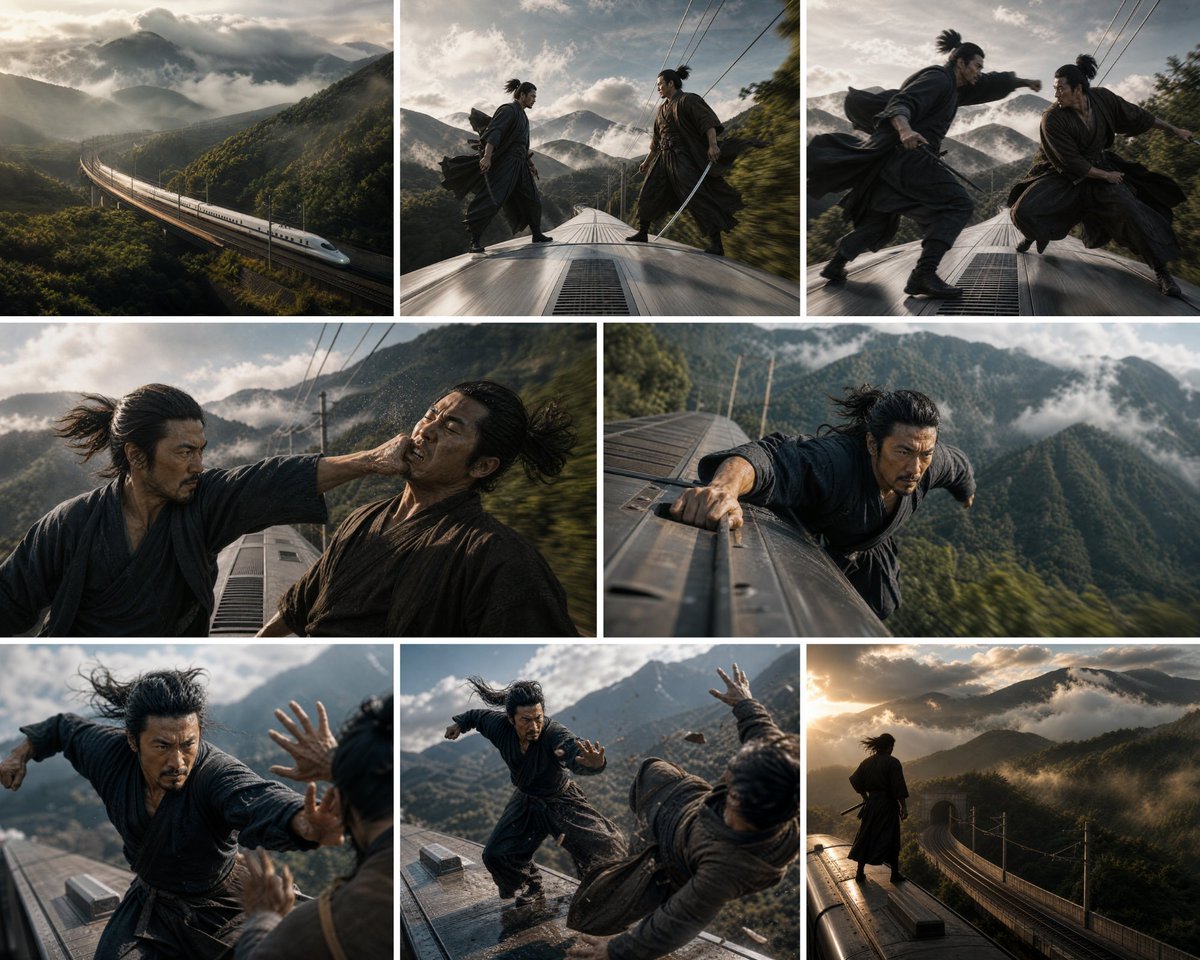
Bullet Train Rooftop Fight Storyboard

Mobile App UI Screenshots
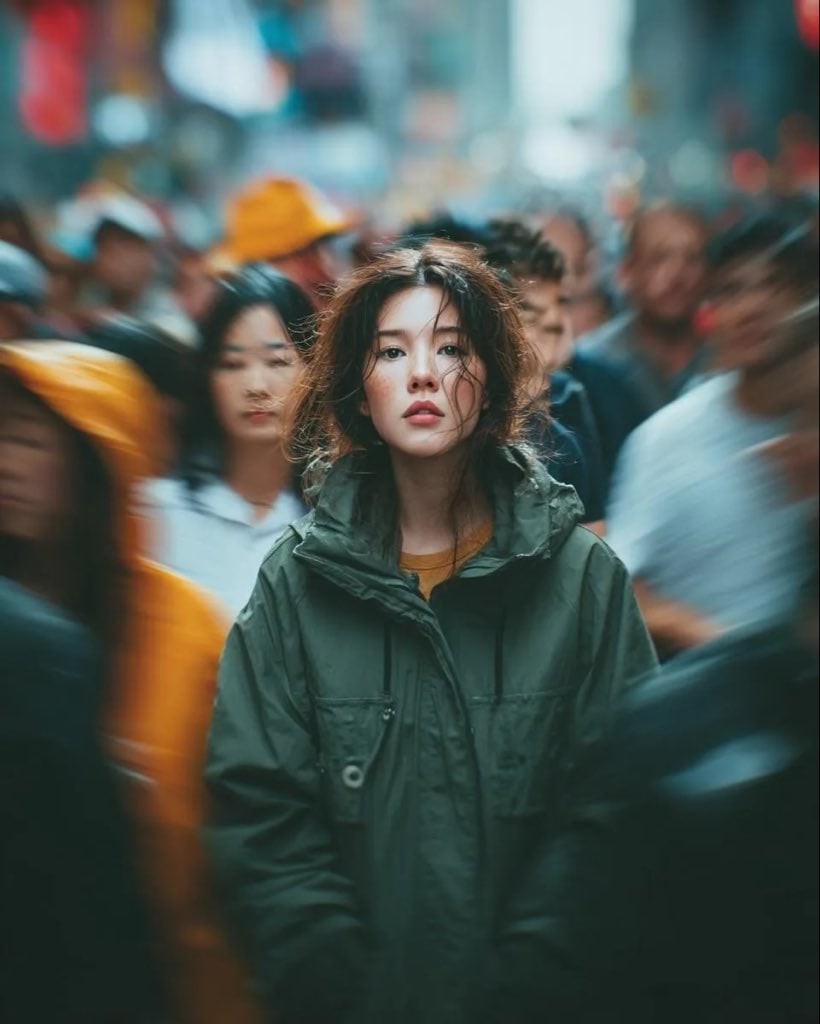
Candid Paparazzi Street Portrait with Motion Blur
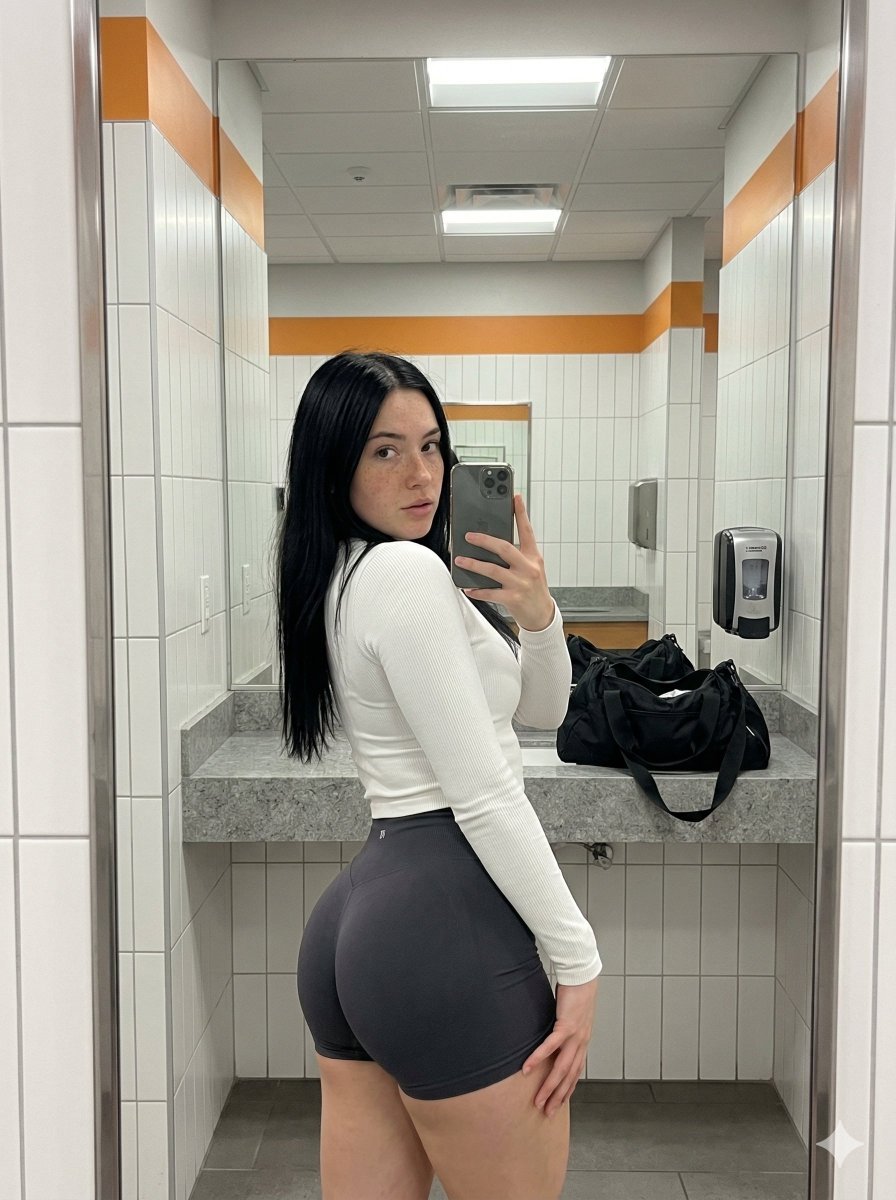
Realistic Gym Mirror Selfie with Exaggerated Proportions
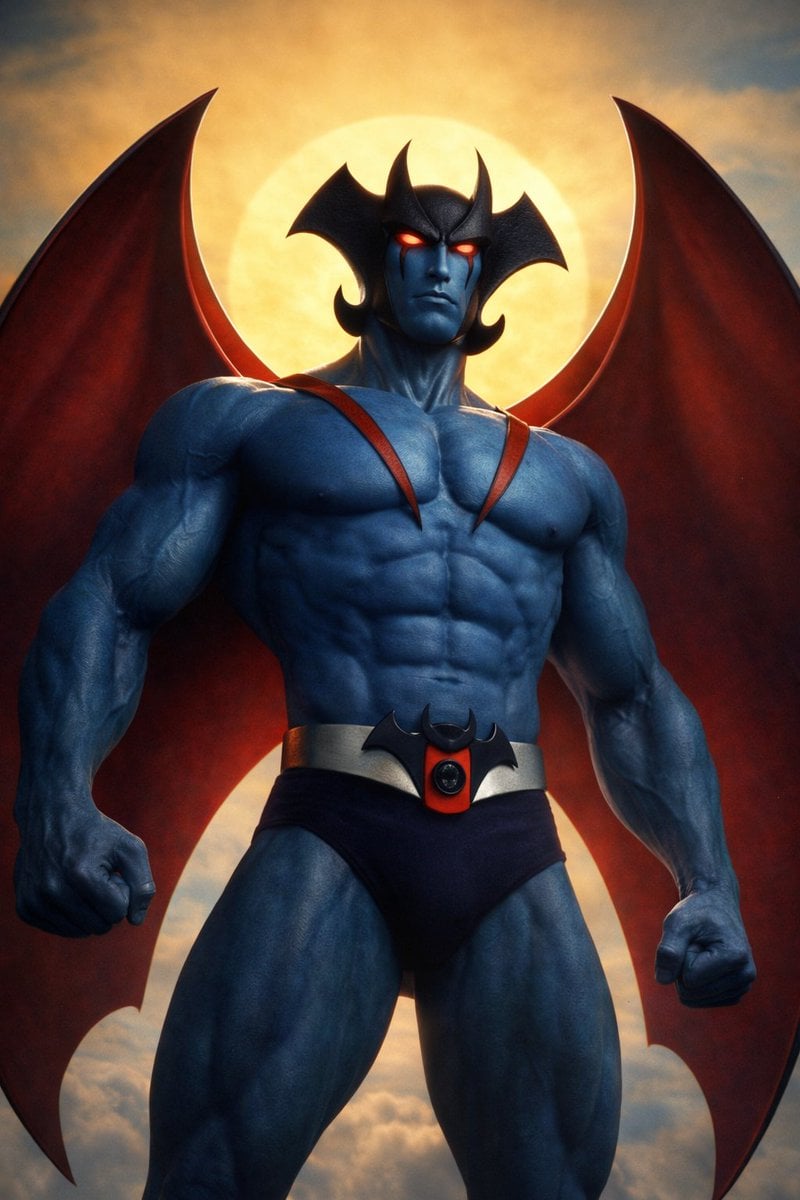
Devilman Anime Keyframe in 3DCG Style

High-Fashion Editorial on a Flying Magic Carpet
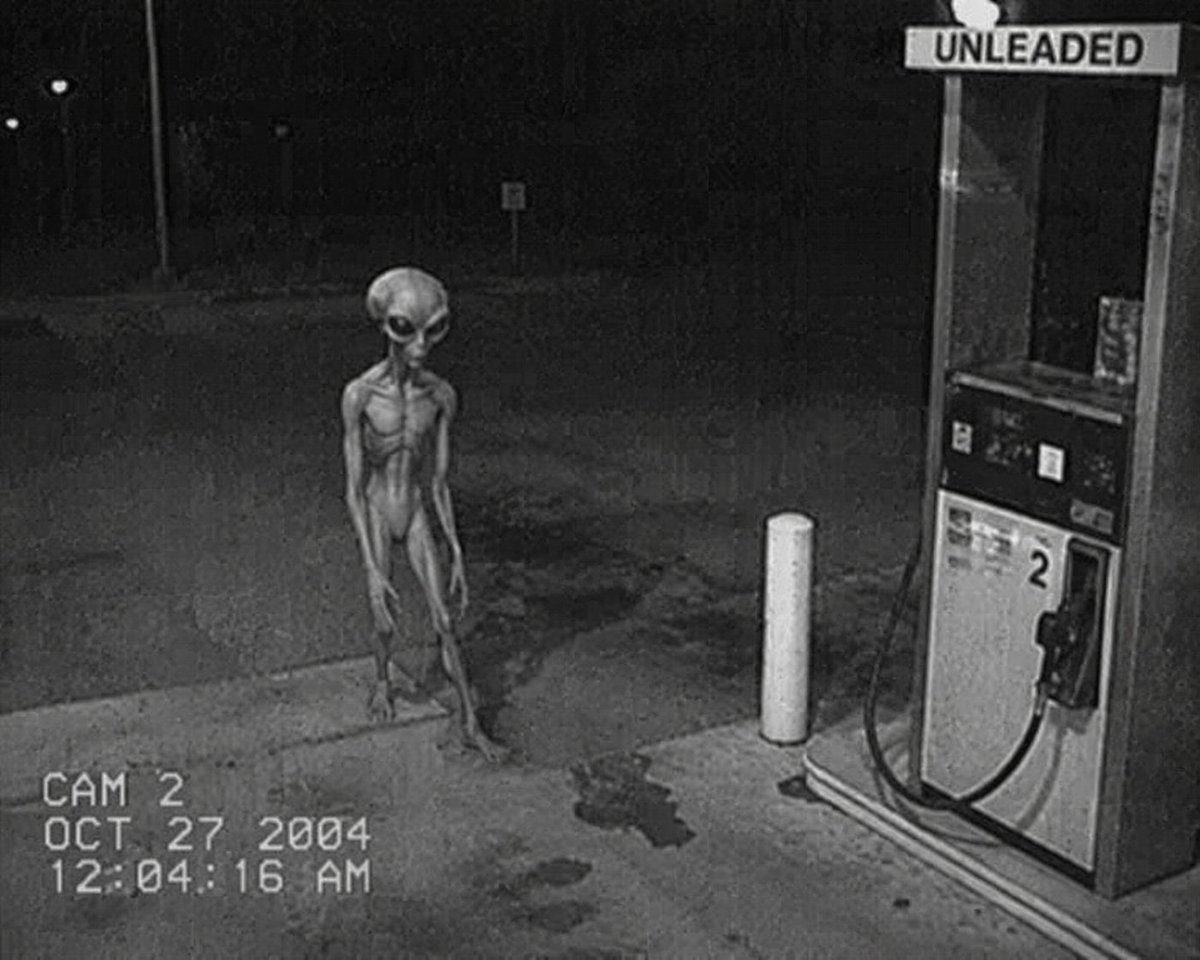
CCTV Security Camera Footage
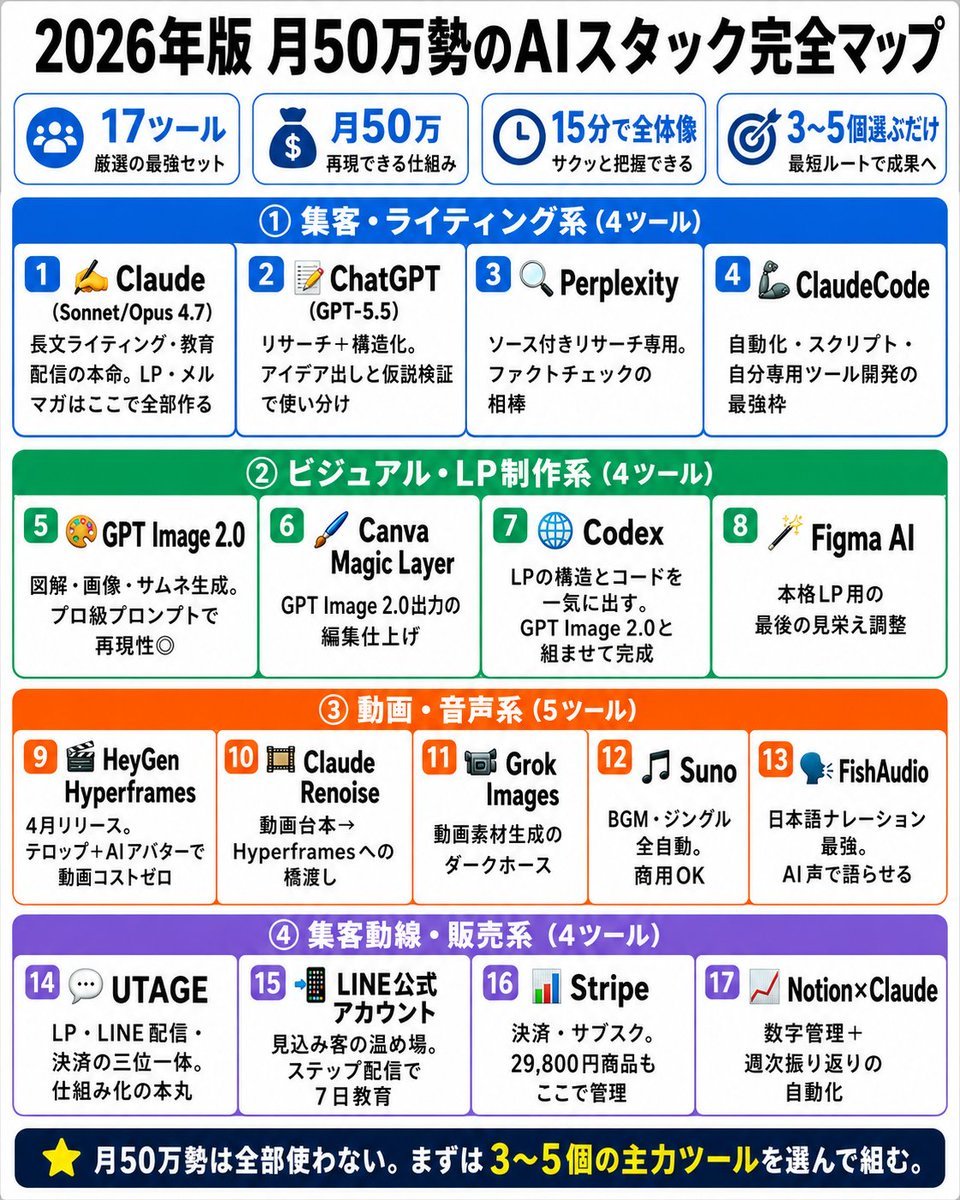
Japanese AI Stack Infographic Map
Browse template categories
German ID Card Scan Transformation questions
How do I use the German ID Card Scan Transformation template?
Add your photo if the template asks for one, edit the prompt if you like — the template's model and format are already selected — and press Generate. Your version opens in PicX Studio.
Can I customize the German ID Card Scan Transformation template?
Yes. You can change the subject, setting, lighting, mood, format, and available model controls before creating your image.
Is the German ID Card Scan Transformation template free?
Opening and editing this template is free. Generating uses credits, shown on the Generate button when you are signed in.
Which AI model should I use?
Start with GPT Image 2, which is the model associated with this template. You can compare another compatible model for a different finish.
Looking for something else? Browse all templates.

Your photo, any look
Thousands of ready templates for every top image and video model, from one credit balance.