
Vintage Travel Journal Collage
Generates a multi-city travel editorial collage featuring photorealistic street photography and screen-print illustrations on aged paper.
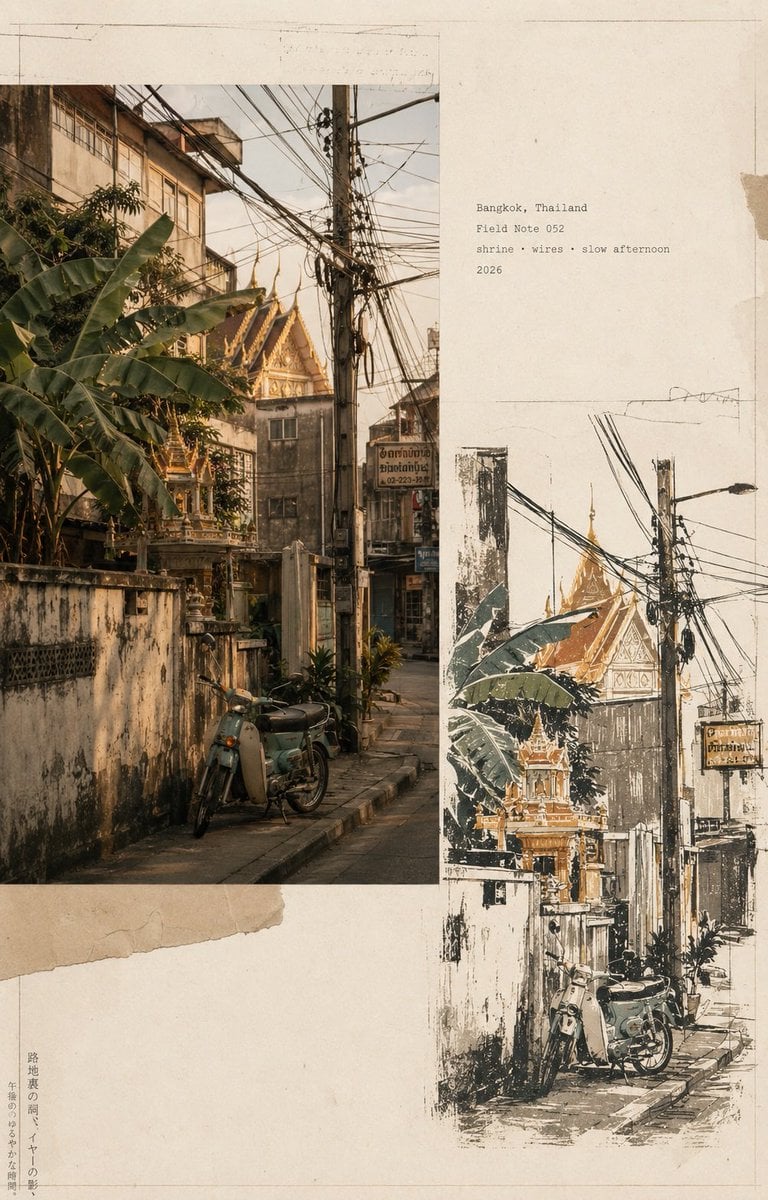
- Prompt included
- Model and format preset
- Premium template
The prompt behind this image
Copy the exact prompt behind Vintage Travel Journal Collage, or open it in the studio and make it yours.
Create a premium vintage Japanese travel-journal editorial collage in vertical 4:5 format, featuring four distinct city sections—{argument name="locations" default="Bangkok, Thailand; Lisbon, Portugal; Marrakech, Morocco; Istanbul, Turkey"}. Each section combines a warm photorealistic documentary street photograph with a matching imperfect hand-drawn screen-print illustration, arranged asymmetrically on aged cream paper with torn-paper layers, archival borders, subtle pencil marks, typewriter captions, faded ink, paper fibers, and authentic 35mm analog grain. Bangkok: shrine, tangled wires, tropical greenery, teal motorbike; Lisbon: yellow tram, steep cobblestone street, balconies and river view; Marrakech: terracotta medina, palms, rugs and ornate minaret; Istanbul: steep stone street, Galata Tower, Bosphorus and vintage scooter. Use a restrained palette of sage, ochre, terracotta, mustard, charcoal and warm ivory, with sophisticated editorial art direction, muted contrast, natural light, handmade imperfections, and museum-quality travel-zine aesthetics. Small archival labels: “Bangkok / Field Note 052”, “Lisbon / Field Note 031”, “Marrakech / Field Note 017”, “Istanbul / Field Note 039”. No logos, watermark, HDR, oversaturation, or modern clutter.
How to use Vintage Travel Journal Collage in 3 steps
- 1
Open
The prompt is already in the box next to the preview, with the template's model and format selected.
- 2…a portrait of your subject in softgolden-hour light, 85mm…
Personalize
Edit the subject and creative details for your destination.
- 3Generate
Generate
Press Generate — your image is created in PicX Studio, so you can compare it with the original and refine one variable at a time.
More like this
Templates with the same subject, style or setup. Open one to see its prompt.

Japan Travel Brochure Poster

Desert Travel Lifestyle Portrait
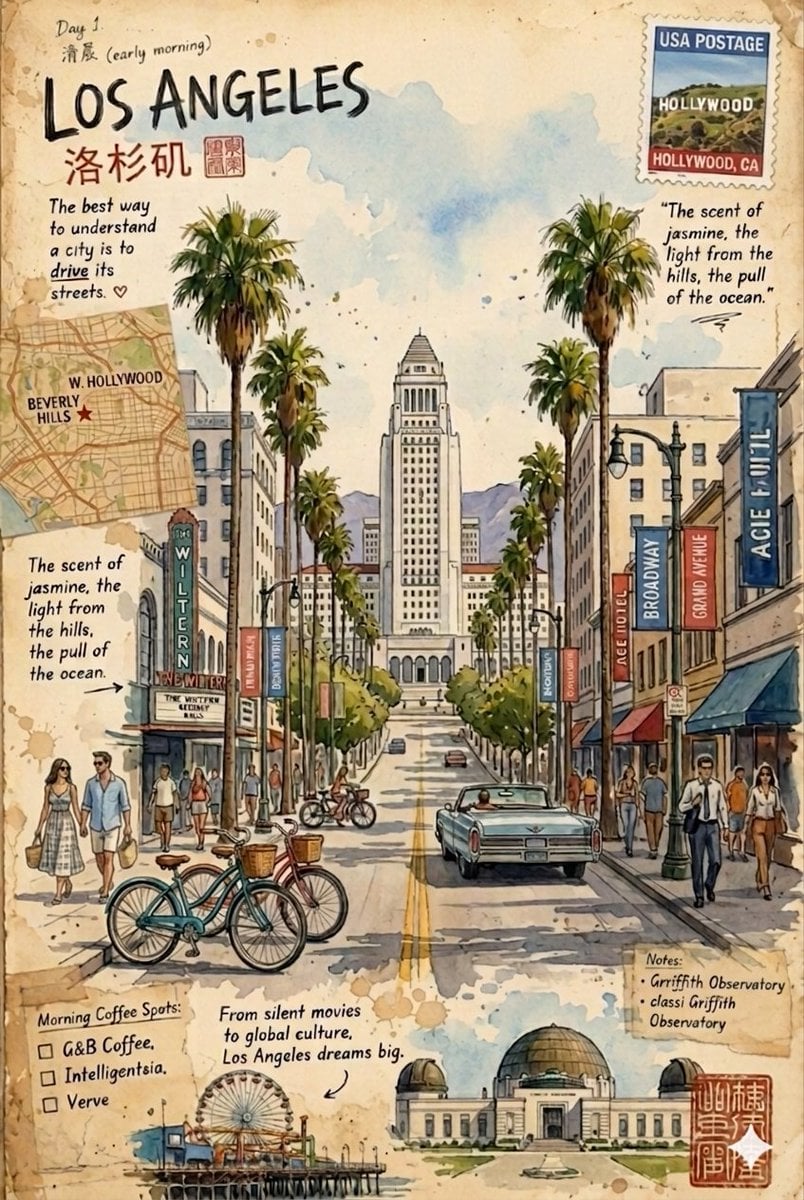
Vintage travel journal watercolor
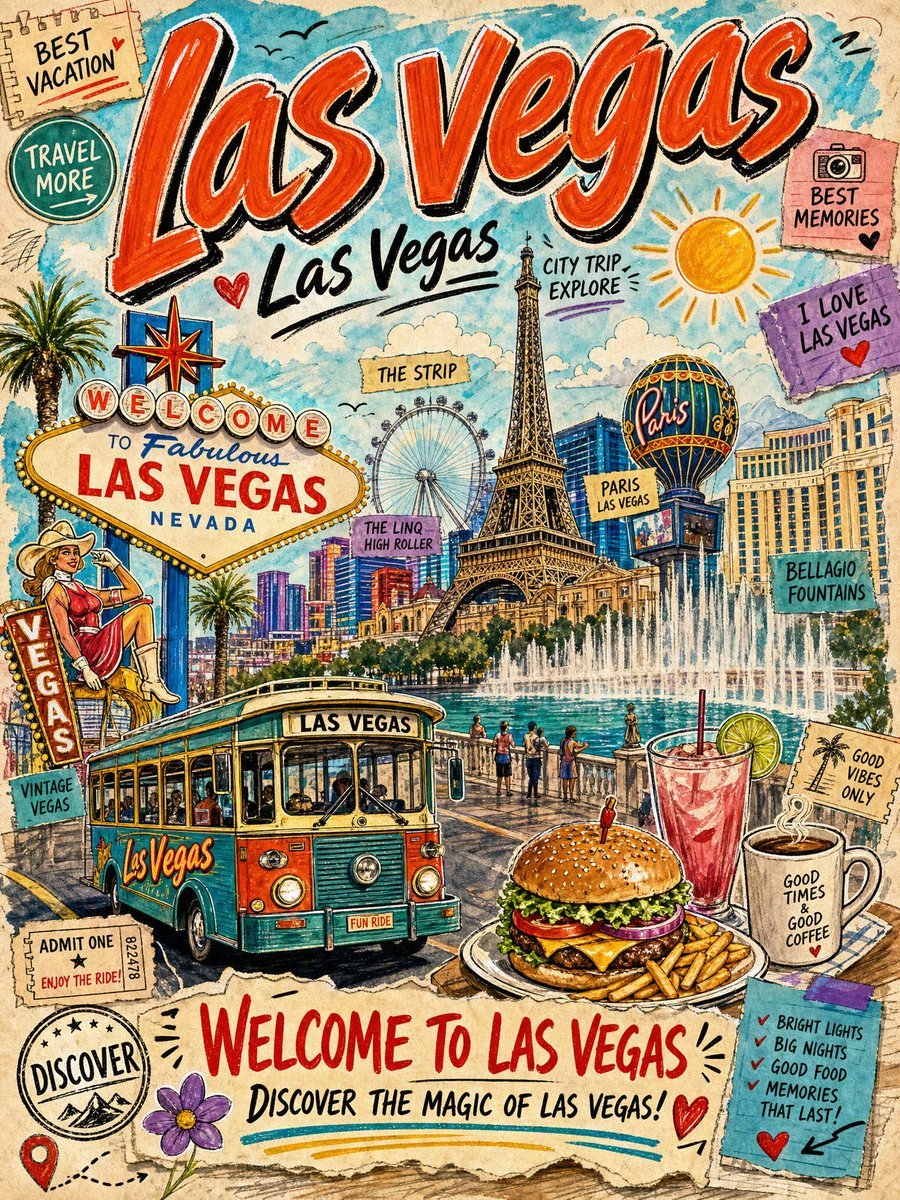
Vintage Las Vegas Travel Collage
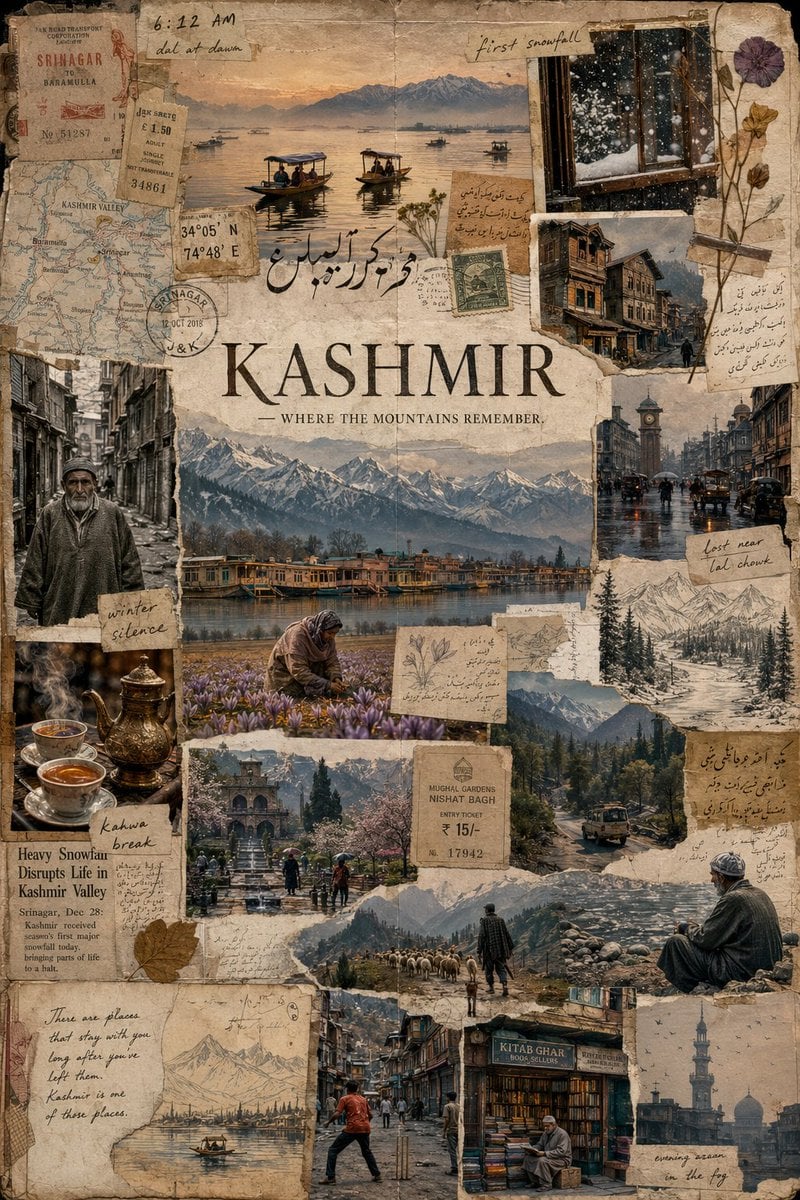
Kashmir Archival Travel Journal Collage

Kids Crayon Travel Journal Illustration

Sunday Afternoon, 1988

Two Tickets, One Night

If We Met in 1985

Found Photograph: Us, 1970

One Dance Before Midnight

Before We said Goodbye
Make it yours
Vintage Travel Journal Collage works as-is. These are the safest ways to change it without losing the look.
Change one field
Copy a single group, rewrite it, and generate again so you can see what that field is doing.
Keep the frame, change the subject
Hold the composition and light of Vintage Travel Journal Collage, then swap wardrobe, props or the person for a new take.
| If the result… | Why | Fix |
|---|---|---|
| The result drifts from the preview | Too many fields changed at once. | Reuse Vintage Travel Journal Collage as-is first, then change one group — subject, light, or setting. |
| The model over-stylizes the scene | The prose prompt leaves finish and camera underspecified. | Add one camera or lighting sentence and stay on Gemini 3 Pro Image Preview. |
More Gemini 3 Pro Image Preview templates
Other prompts made for Gemini 3 Pro Image Preview.

Creative Character in Pink Office

Avant-Garde Asian Fashion Model

Underwater Macro Face Portrait

Water-level Bridge Modification

Noir Punk Street Portrait

High Contrast Cinematic Face Portrait

Monochrome Studio Portrait with Colored Lens

Ultra-Realistic Yacht Sunset Portrait

Mushroom Still Life Composition

Whimsical Anthropomorphic Friendly Insect
More image prompts
Fresh picks from across the catalog.
Fictional Gothic Sci-Fi Game Case Photo
Conceptual Cinematic Art Made Entirely of Water Droplets
Dynamic Food Advertisement with Flavor Wave
Cinematic Trench Coat Fashion Portrait Prompt

Miniature Diorama Scene in a Vintage Café
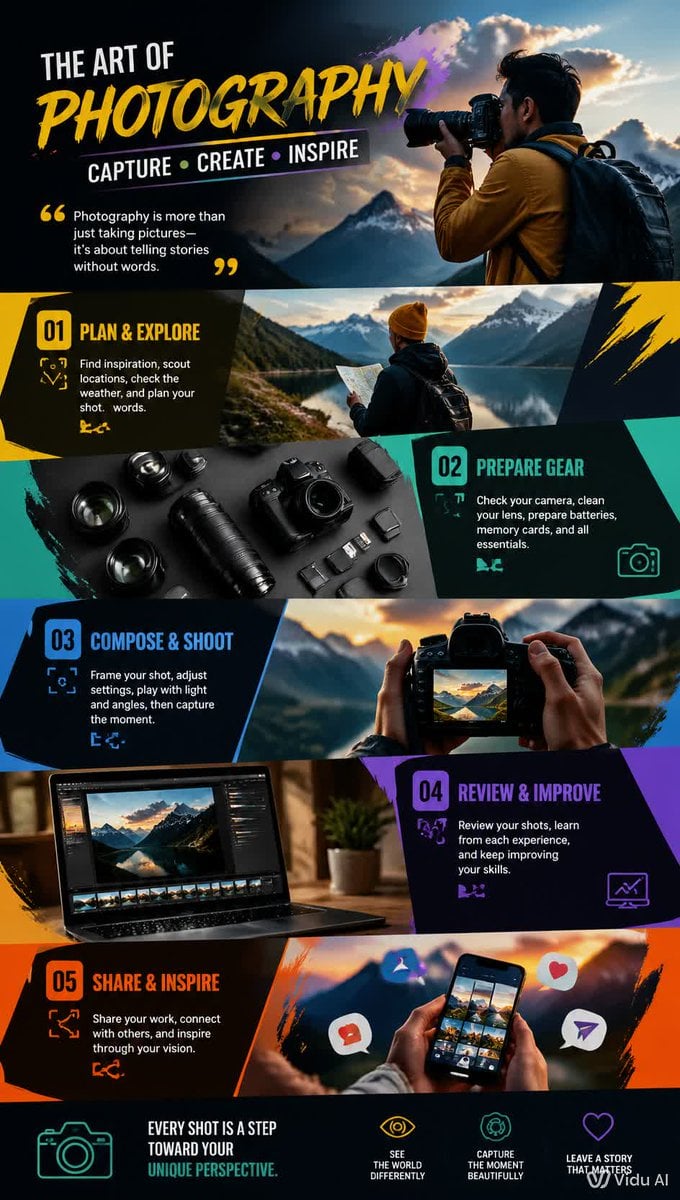
Dynamic Hobby Wallpaper
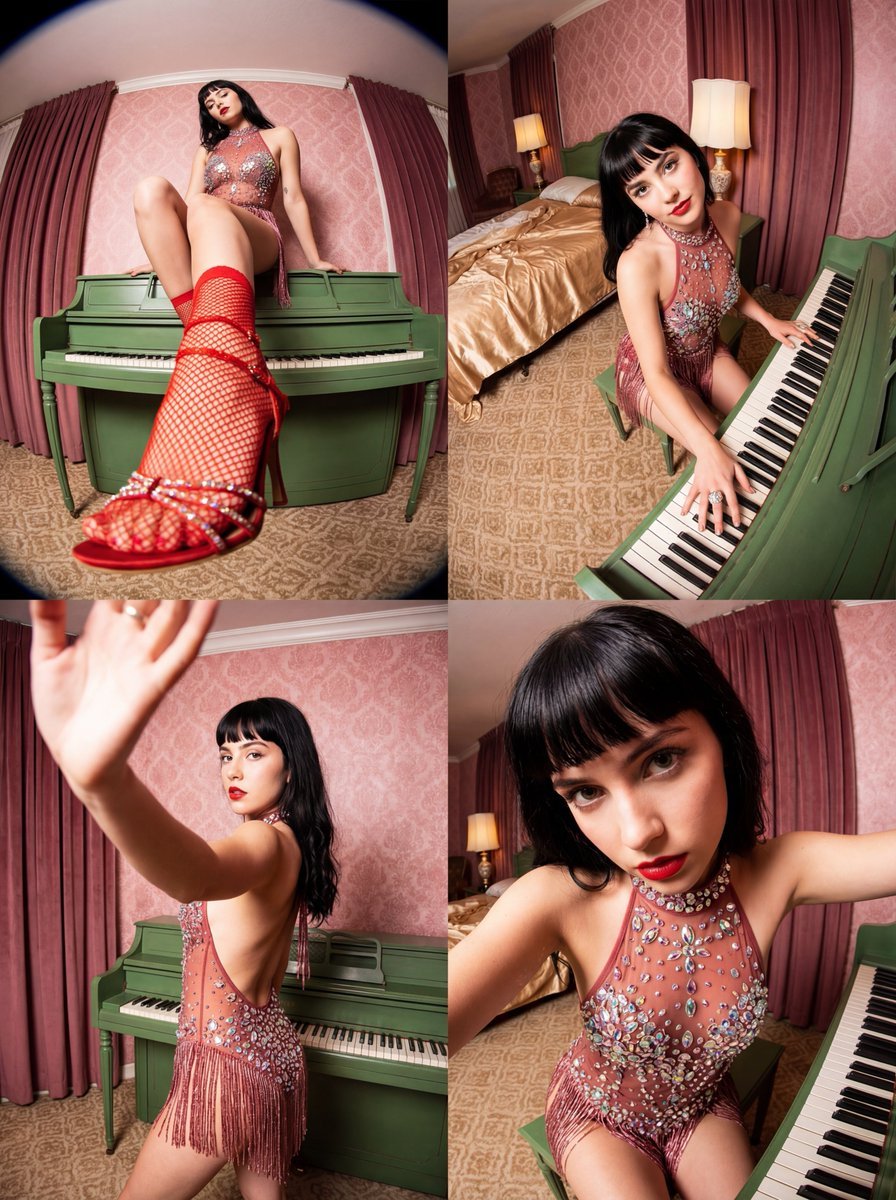
Vintage Glamour Piano Series Collage Prompt
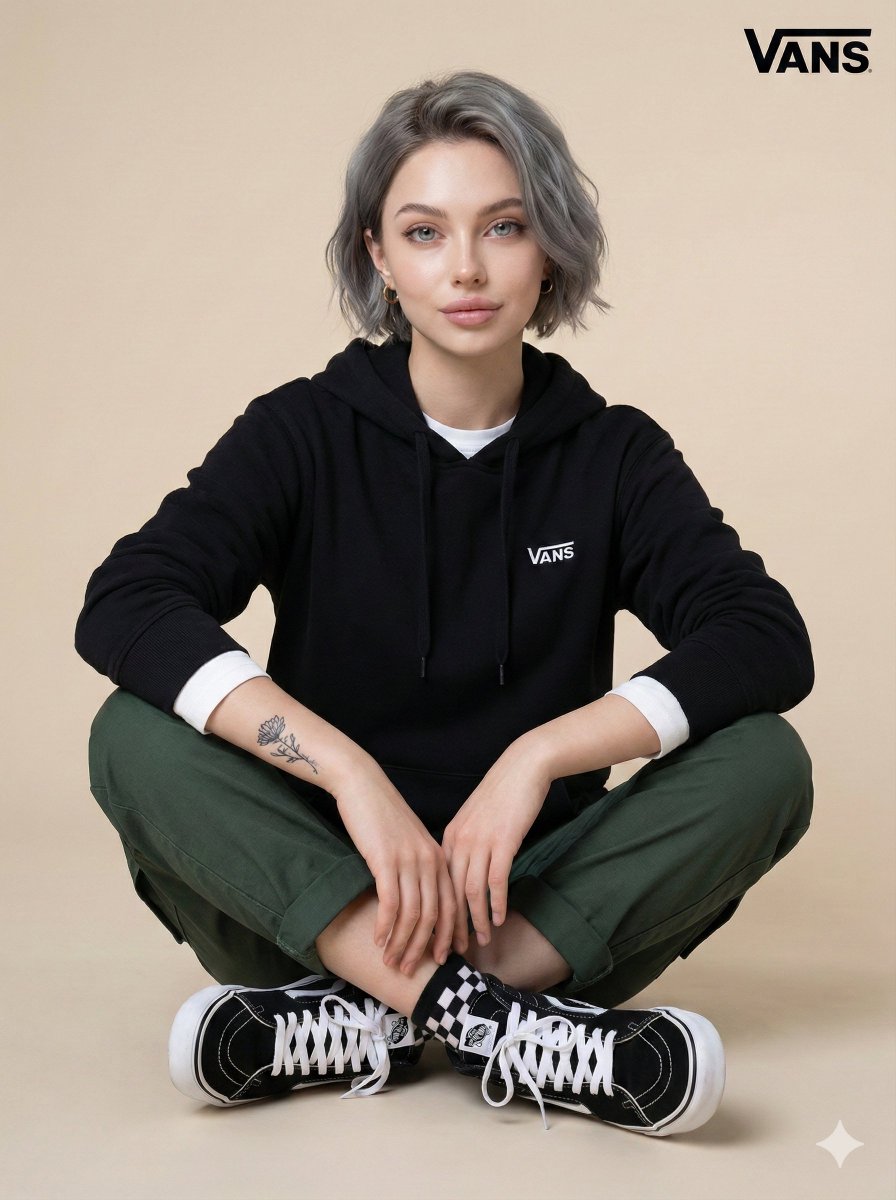
Casual Studio Portrait with Identity Preservation Prompt

Anime Clerk in PS5 Game Store
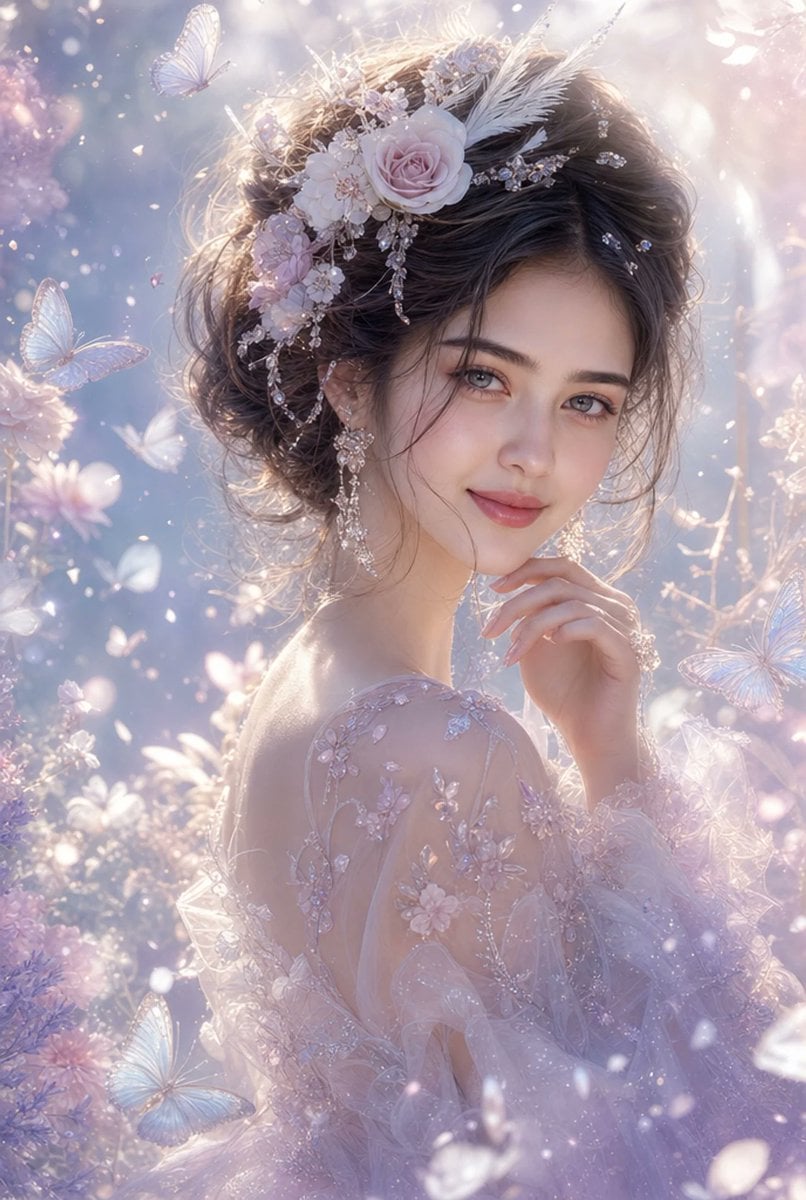
Ethereal Fantasy Portrait
Browse template categories
Vintage Travel Journal Collage questions
How do I use the Vintage Travel Journal Collage template?
Add your photo if the template asks for one, edit the prompt if you like — the template's model and format are already selected — and press Generate. Your version opens in PicX Studio.
Can I customize the Vintage Travel Journal Collage template?
Yes. You can change the subject, setting, lighting, mood, format, and available model controls before creating your image.
Is the Vintage Travel Journal Collage template free?
Opening and editing this template is free. Generating uses credits, shown on the Generate button when you are signed in.
Which AI model should I use?
Start with Gemini 3 Pro Image Preview, which is the model associated with this template. You can compare another compatible model for a different finish.
Looking for something else? Browse all templates.

Your photo, any look
Thousands of ready templates for every top image and video model, from one credit balance.