
Colored Shonen Manga Battle Page
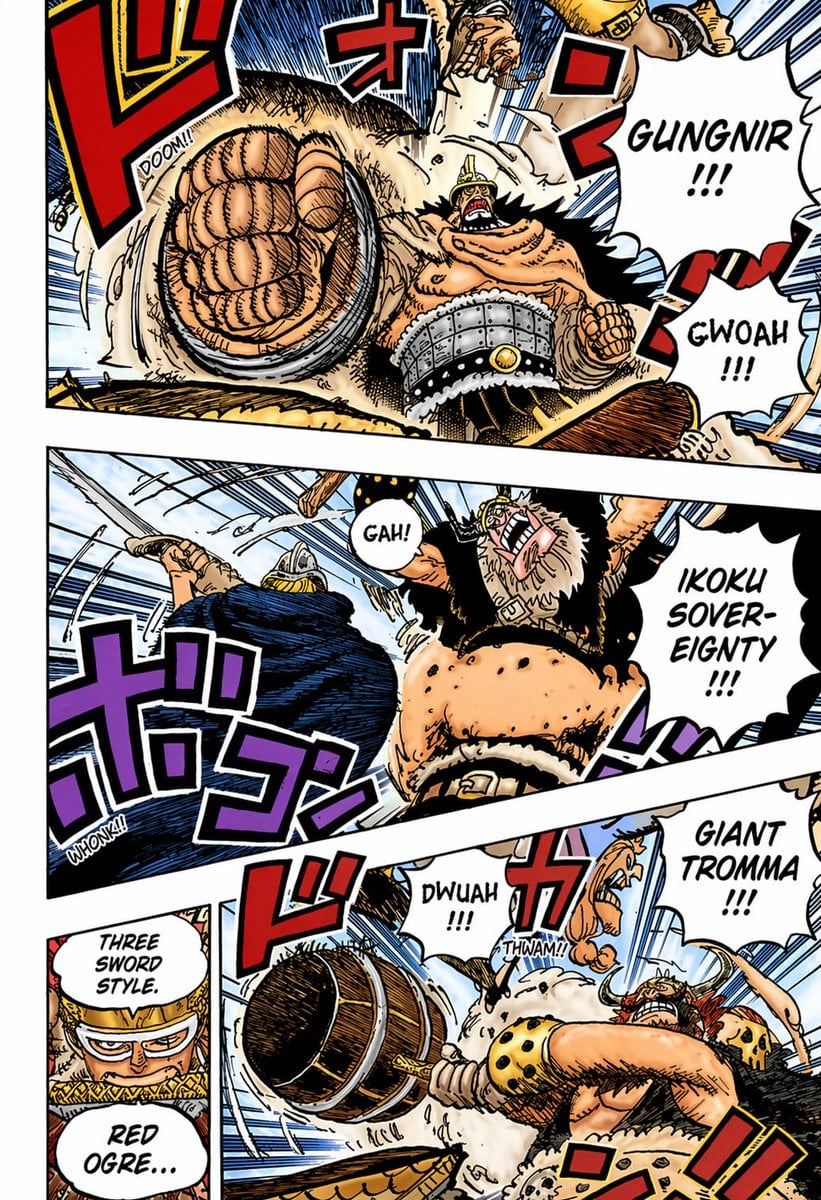
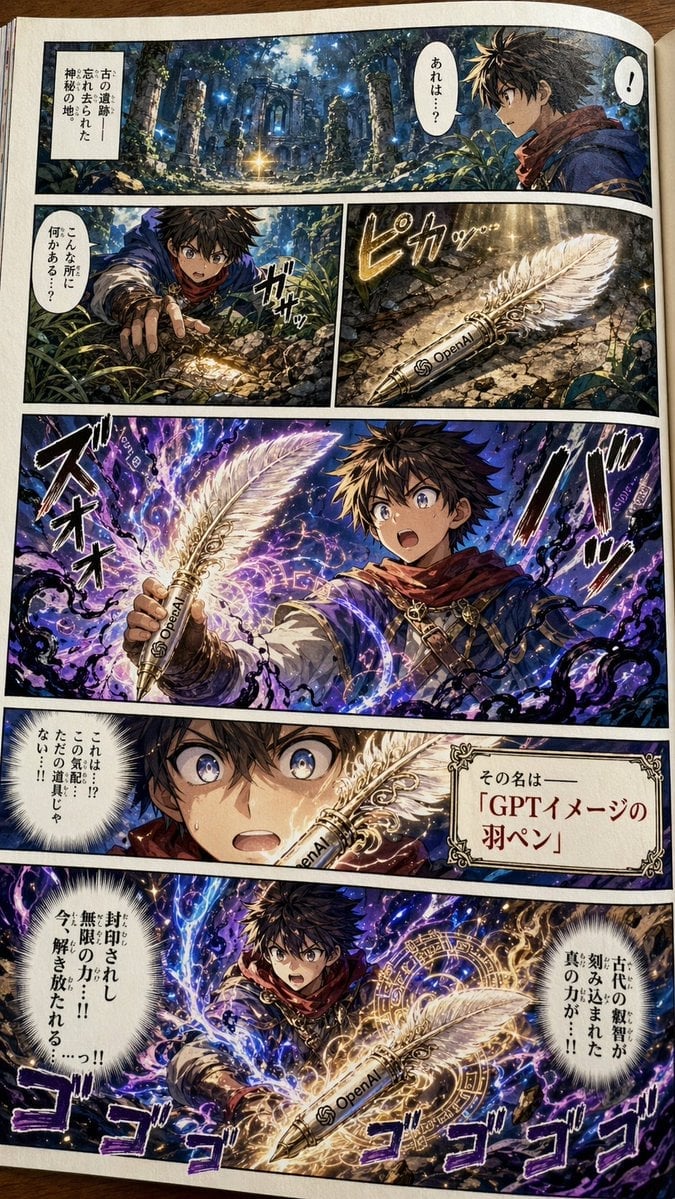
This prompt generates a dynamic fully colored manga action page with four comic panels, ideal for recreating dramatic anime-style battle scenes and manga coloring tests.
- Prompt included
- Model and format preset
- Free template
The prompt behind this image
Copy the exact prompt behind Colored Shonen Manga Battle Page, or open it in the studio and make it yours.
A fully colored shonen manga action page in the style of a high-energy pirate battle comic, presented as a single comic page with 4 visible panels separated by thick white gutters and slightly tilted panel borders. Use bold black ink lines, dense crosshatching, speed lines, cel-style coloring, dramatic foreshortening, and exaggerated impact effects. The scene shows a muscular, towering giant warrior with tan skin, a horned helmet, wild black hair and beard, fur-trimmed black clothing, a wide studded metal belt, and a massive spiked club, battling a swordsman in dark blue clothing and armor-like headgear. Top panel: an extreme close-up of a huge clenched fist thrusting toward the viewer with explosive perspective, the giant shouting “GUNGNIR !!!” in a jagged speech balloon, and another balloon reading “GWOAH !!!”; add large red Japanese sound effects and a small “DOOM!!” impact text. Middle wide panel: the giant swings upward and roars “IKOKU SOVEREIGNTY !!!” while the blue-clad opponent recoils at left; include a speech balloon saying “GAH!” and large purple Japanese sound effects with a small “WHONK!!”. Bottom left narrow panel: a cropped close-up setup panel with two stacked speech balloons reading “THREE SWORD STYLE.” and “RED OGRE…”, with the speaker mostly off-frame and partially obscured. Bottom right large panel: the giant drives a massive wooden spiked club across the frame in a violent horizontal smash, shouting “GIANT TROMMA !!!”; include smaller impact balloons reading “DWUAH !!!” and “THWAM!!”, plus oversized red Japanese sound effects. Backgrounds should be mostly pale sky blue with heavy motion lines and flying debris. Preserve the feel of a professionally colored weekly manga page: saturated reds, blues, purples, tan skin tones, cream fur textures, black shadows, and crisp white speech balloons with hand-lettered comic text.
How to use Colored Shonen Manga Battle Page in 3 steps
- 1Upload ImagePNG, JPG or paste
Add your photo
Upload the photo the template builds on. The prompt, model and format are already set.
- 2…a portrait of your subject in softgolden-hour light, 85mm…
Personalize
Edit the subject and creative details for your destination.
- 3Generate
Generate
Press Generate — your image is created in PicX Studio, so you can compare it with the original and refine one variable at a time.
More like this
Templates with the same subject, style or setup. Open one to see its prompt.
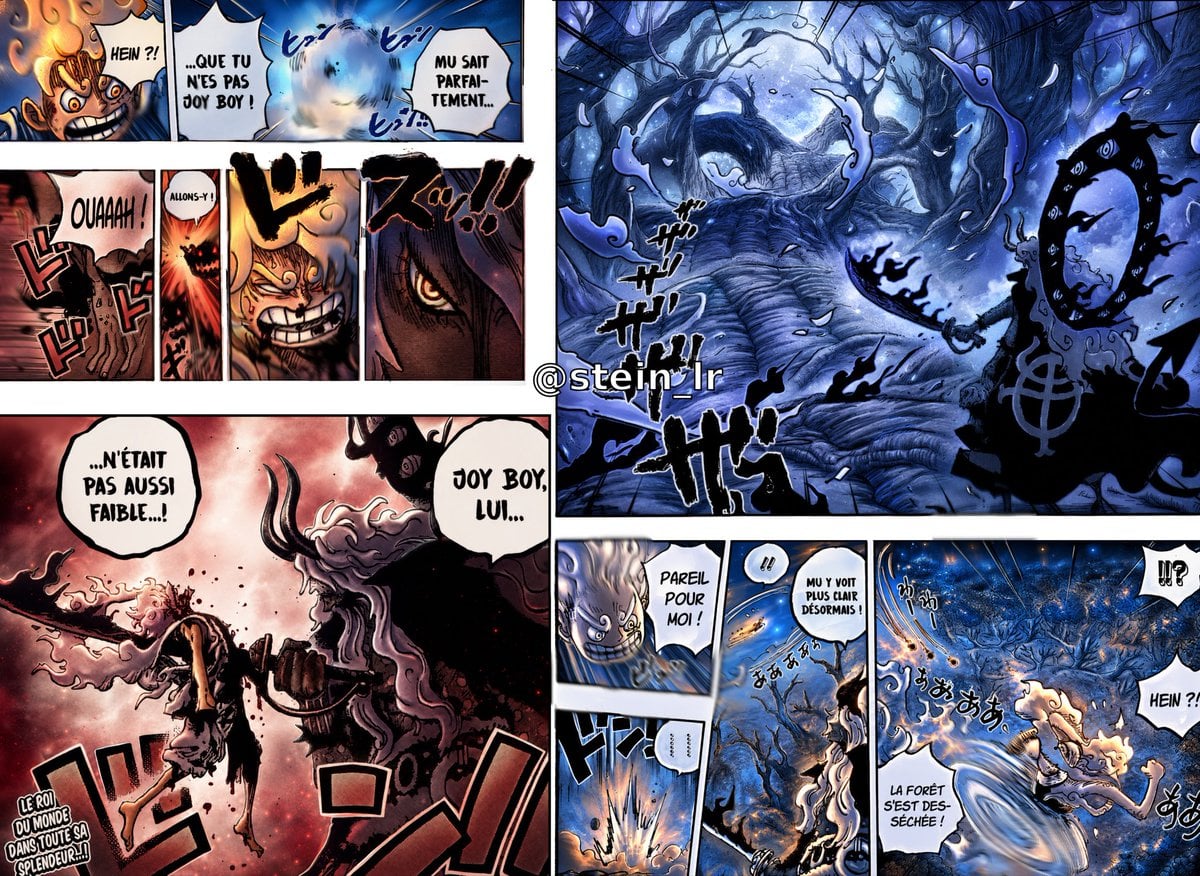
Colorized Shonen Manga Battle Spread
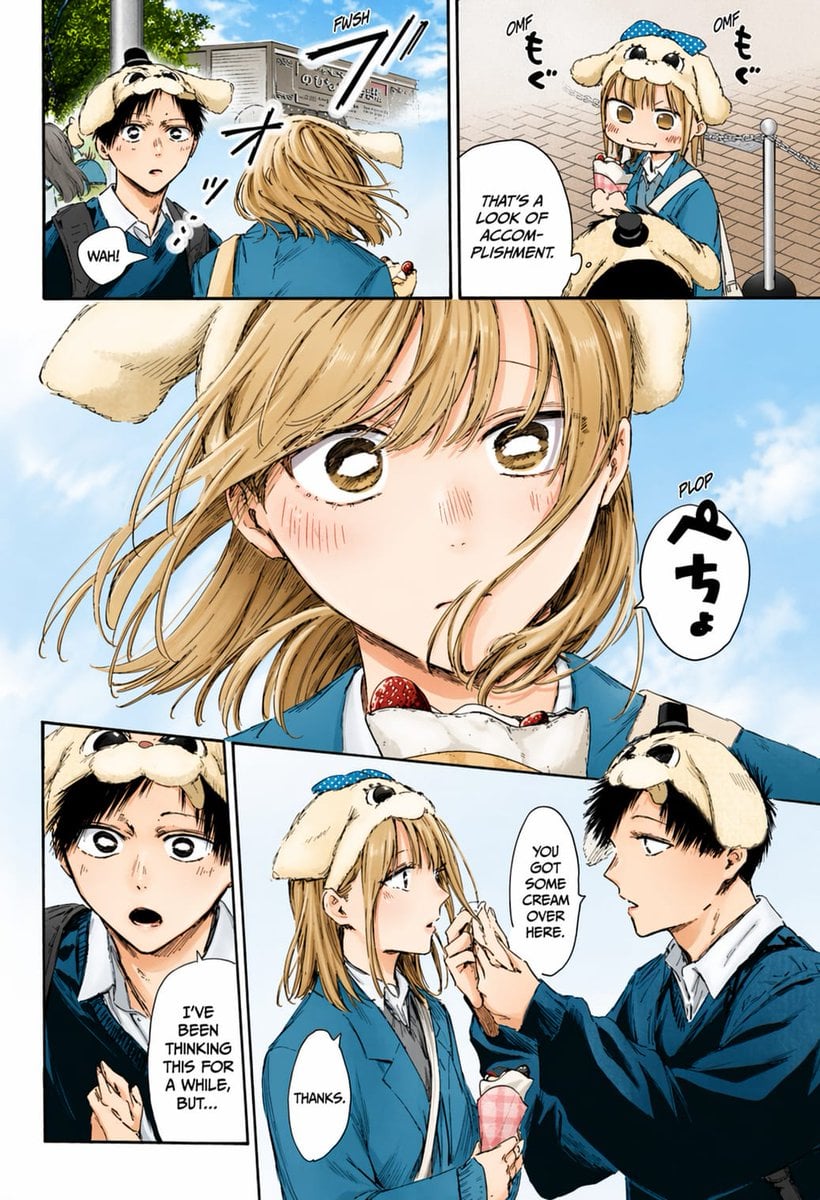
Colored Manga Romance Comedy Page
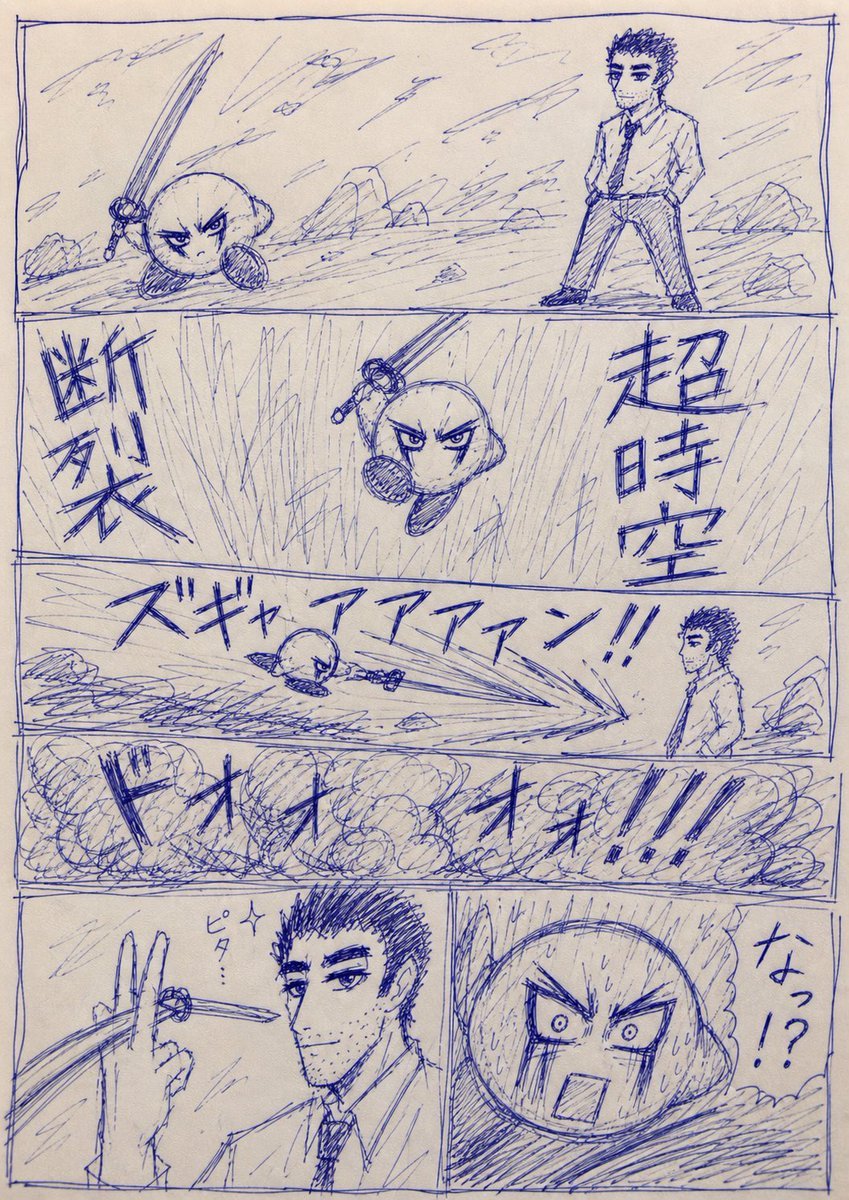
Blue Pen Cringe Manga Battle Page
Japanese Shonen Manga Page
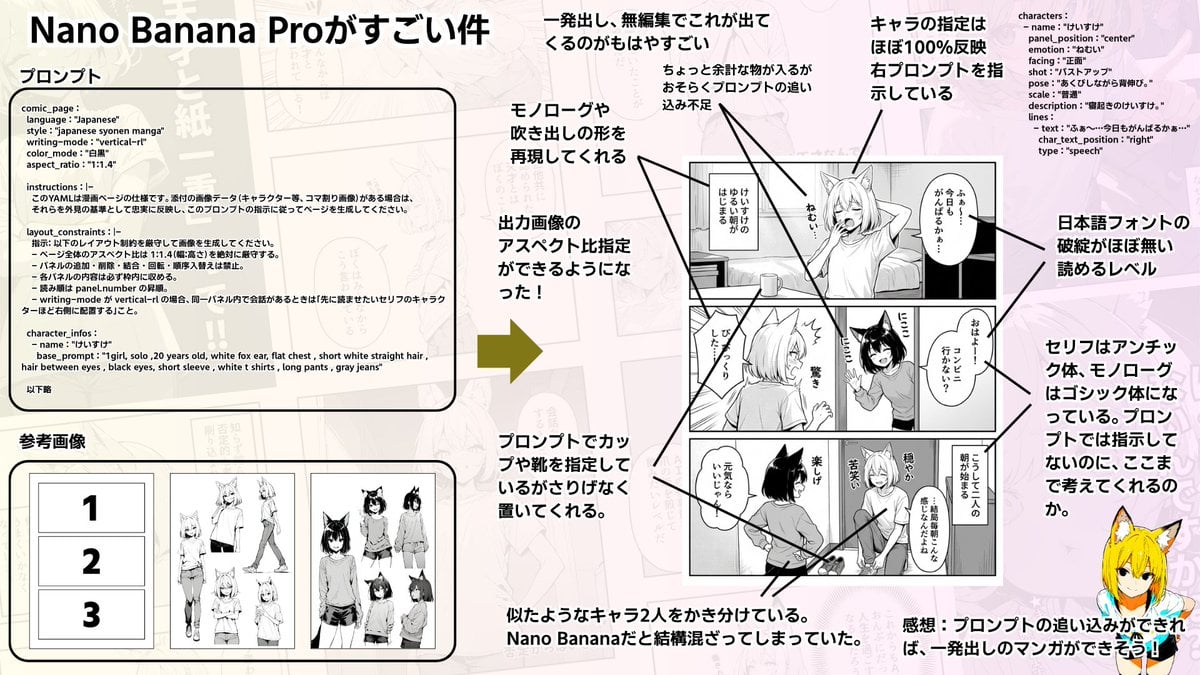
Config-style Japanese shonen manga page settings

Quiet Hamster Manga Page

Late-Night Hamster Manga Page

Surreal Noir Hamster Manga Page

Shojo Horror Manga Corridor Page

Cute AI Manga Lesson Comic Page

Hamster Summons Sol Manga Page

Lazy Day Chibi Manga Page
Make it yours
Colored Shonen Manga Battle Page works as-is. These are the safest ways to change it without losing the look.
Change one field
Copy a single group, rewrite it, and generate again so you can see what that field is doing.
Keep the frame, change the subject
Hold the composition and light of Colored Shonen Manga Battle Page, then swap wardrobe, props or the person for a new take.
| If the result… | Why | Fix |
|---|---|---|
| The result drifts from the preview | Too many fields changed at once. | Reuse Colored Shonen Manga Battle Page as-is first, then change one group — subject, light, or setting. |
| The model over-stylizes the scene | The prose prompt leaves finish and camera underspecified. | Add one camera or lighting sentence and stay on GPT Image 2. |
More GPT Image 2 templates
Other prompts made for GPT Image 2.

Six VTuber Japanese Logo Sheet

Realistic Portrait of Woman and Deer

The Vista Modular Condo Poster

AI Model Routing Comparison Infographic

2.5D Anime Art Board

Isometric Productivity Desk Scene

New York Double Exposure Poster

Four-Panel AI Landscape Comparison

Japanese Tatami Lifestyle Magazine Cover

NESCAFÉ Coffee Map Poster
More image prompts
Fresh picks from across the catalog.

Cinematic Academic Signaling Thumbnail

Nano Banana Prompt: Cozy Storybook Illustration Style
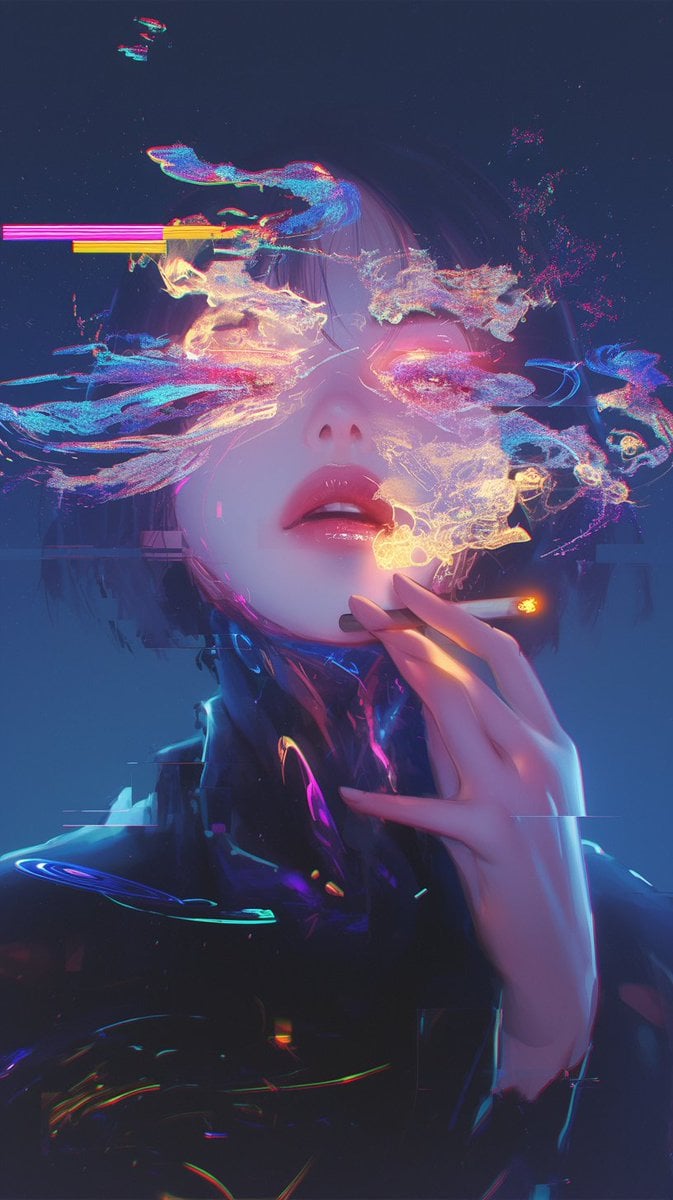
Image Repair and Inpainting Prompt
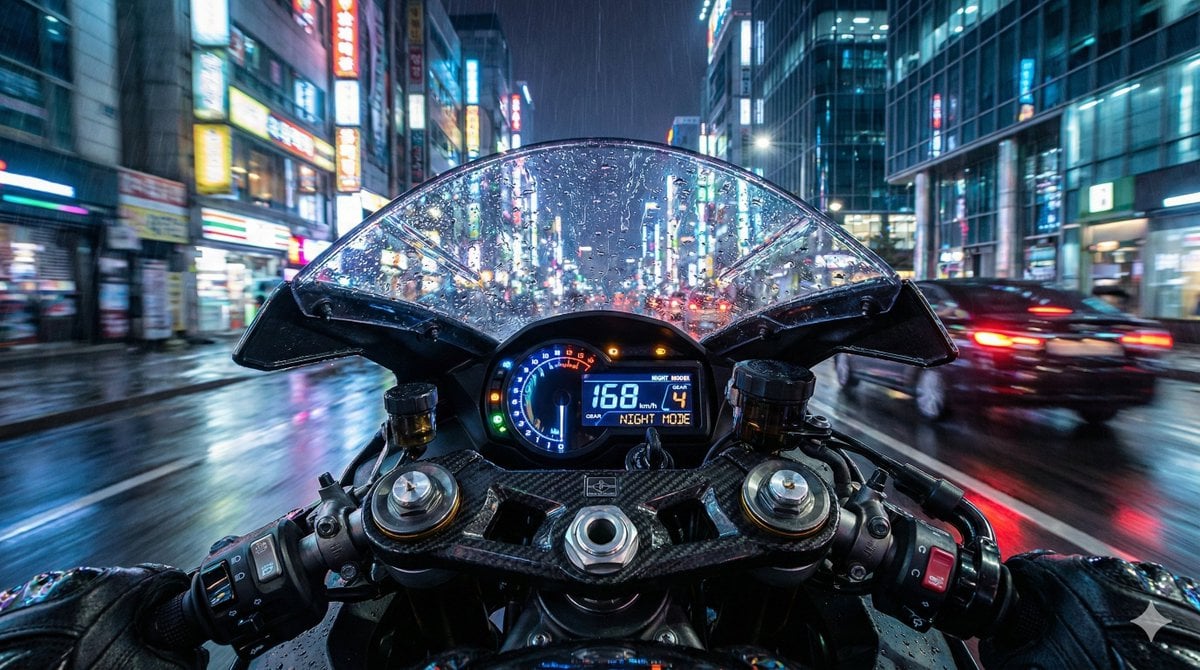
Hyper-Realistic Motorcycle Cockpit POV Prompt
Cinematic Mirror Reflection Portrait Prompt
Cute May 2026 Spring Calendar
Selfie with Movie Character Template Prompt

AI Coding Assistant Promo Infographic
Generating a Guardian Angel with Nano Banana Pro
Seamless Watercolor Stone Path Tile
Browse template categories
Colored Shonen Manga Battle Page questions
How do I use the Colored Shonen Manga Battle Page template?
Add your photo if the template asks for one, edit the prompt if you like — the template's model and format are already selected — and press Generate. Your version opens in PicX Studio.
Can I customize the Colored Shonen Manga Battle Page template?
Yes. You can change the subject, setting, lighting, mood, format, and available model controls before creating your image.
Is the Colored Shonen Manga Battle Page template free?
Opening and editing this template is free. Generating uses credits, shown on the Generate button when you are signed in.
Which AI model should I use?
Start with GPT Image 2, which is the model associated with this template. You can compare another compatible model for a different finish.
Looking for something else? Browse all templates.

Your photo, any look
Thousands of ready templates for every top image and video model, from one credit balance.