
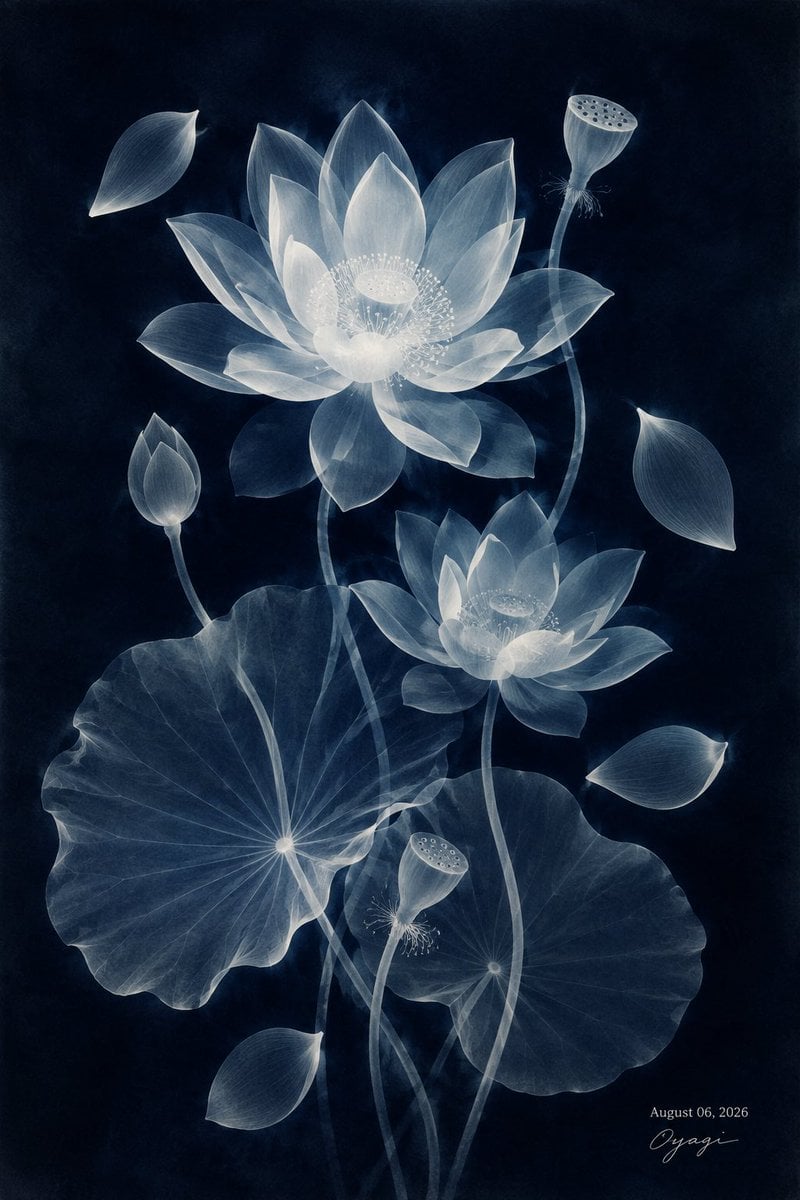
Translucent Lotus Cyanotype
A serene vertical botanical artwork of glowing translucent lotus flowers, leaves, buds, pods, and falling petals on a dark navy background.
- Prompt included
- Model and format preset
- Free template
The prompt behind this image
Copy the exact prompt behind Translucent Lotus Cyanotype, or open it in the studio and make it yours.
Create a vertical fine-art botanical illustration of translucent white-blue lotus flowers on a deep midnight navy background, like an ethereal cyanotype X-ray print. Show exactly 12 discrete botanical elements: 2 open lotus blossoms, with one large bloom in the upper center-left and one smaller bloom at middle-right; 2 round lotus leaves, one large scalloped leaf in the lower-left and one smaller scalloped leaf in the lower-right; 2 lotus seed pods on long curved stems, one at upper-right and one near lower-center; 2 closed lotus buds, one at lower-left on a stem and one near the lower edge; and 4 detached falling petals, placed at upper-left, right-center, lower-right, and lower-left. Use {argument name="flower color" default="translucent icy white and pale blue"} petals with visible fine veins, layered glass-like transparency, soft glowing edges, and delicate bright stamens around the centers. The stems should be long, thin, semi-transparent, and gracefully curved, overlapping through the composition. The leaves should be luminous and semi-transparent with radial veins converging to a bright central point, their edges softly rippled. Keep the background {argument name="background color" default="deep midnight navy"} with subtle smoky texture and no scenery. Add a small elegant handwritten artist signature and date in the bottom-right reading {argument name="date text" default="August 06, 2026"} with {argument name="signature text" default="Oyagi"}. Overall mood: quiet, serene, refined, Japanese seasonal AI art, luminous, minimal, high contrast, dreamy botanical poster. No frame, no extra text, no insects, no people.
How to use Translucent Lotus Cyanotype in 3 steps
- 1Upload ImagePNG, JPG or paste
Add your photo
Upload the photo the template builds on. The prompt, model and format are already set.
- 2…a portrait of your subject in softgolden-hour light, 85mm…
Personalize
Edit the subject and creative details for your destination.
- 3Generate
Generate
Press Generate — your image is created in PicX Studio, so you can compare it with the original and refine one variable at a time.
More like this
Templates with the same subject, style or setup. Open one to see its prompt.
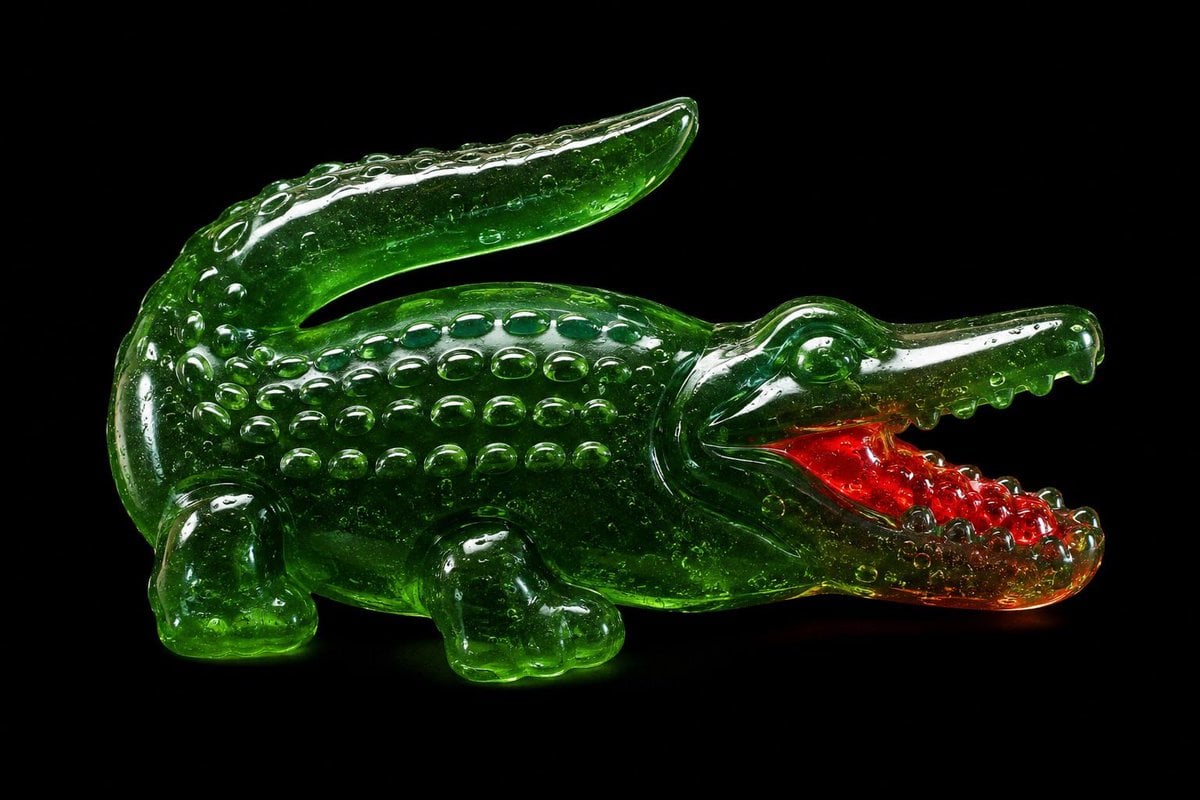
Translucent Gummy Crocodile Render
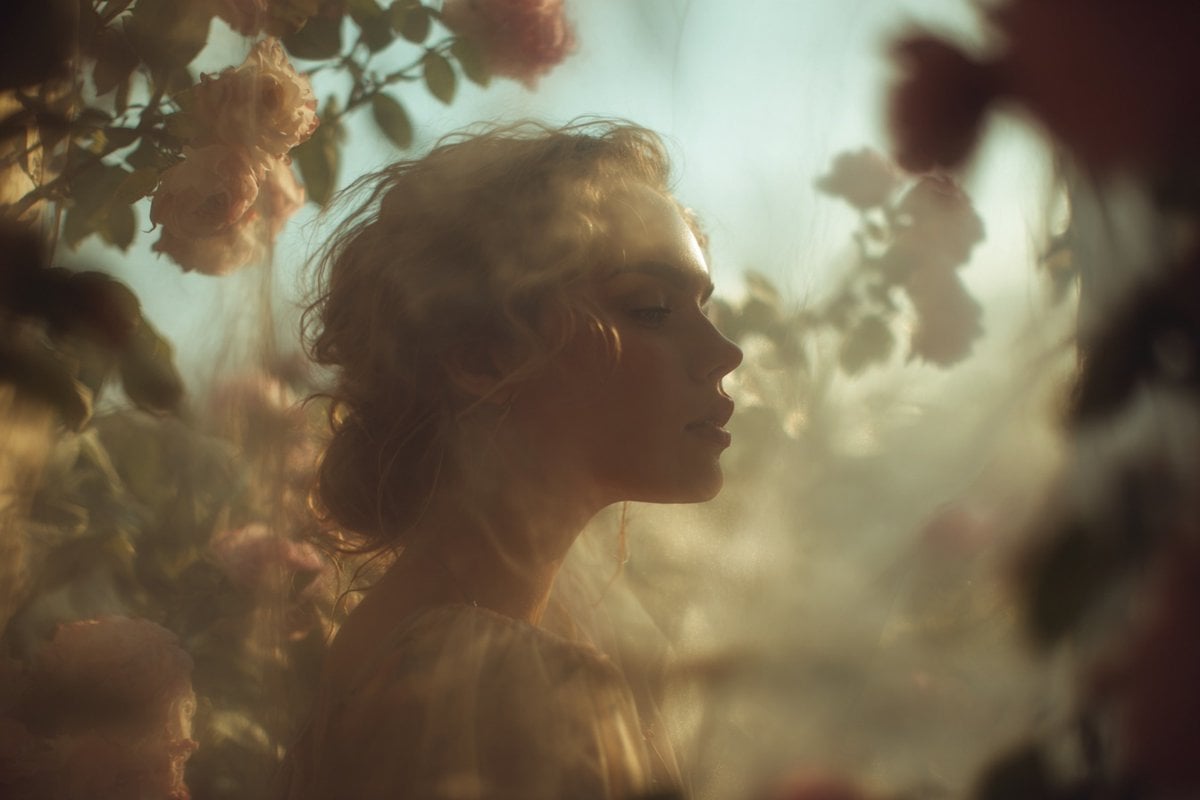
A soft-focus dream photograph of a in a, seen through translucent fabric
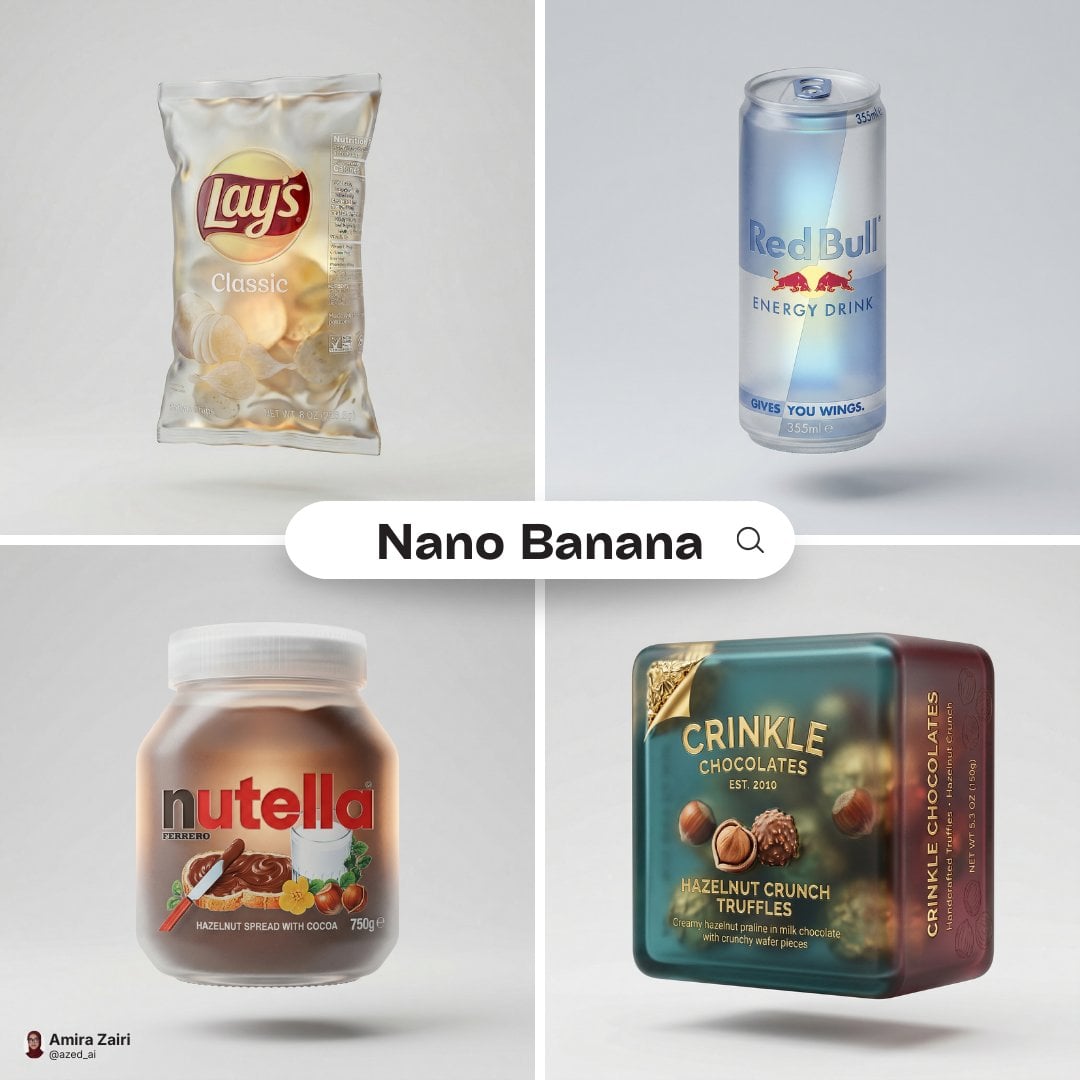
A hyper-detailed 3D frosted translucent glass version of the attached
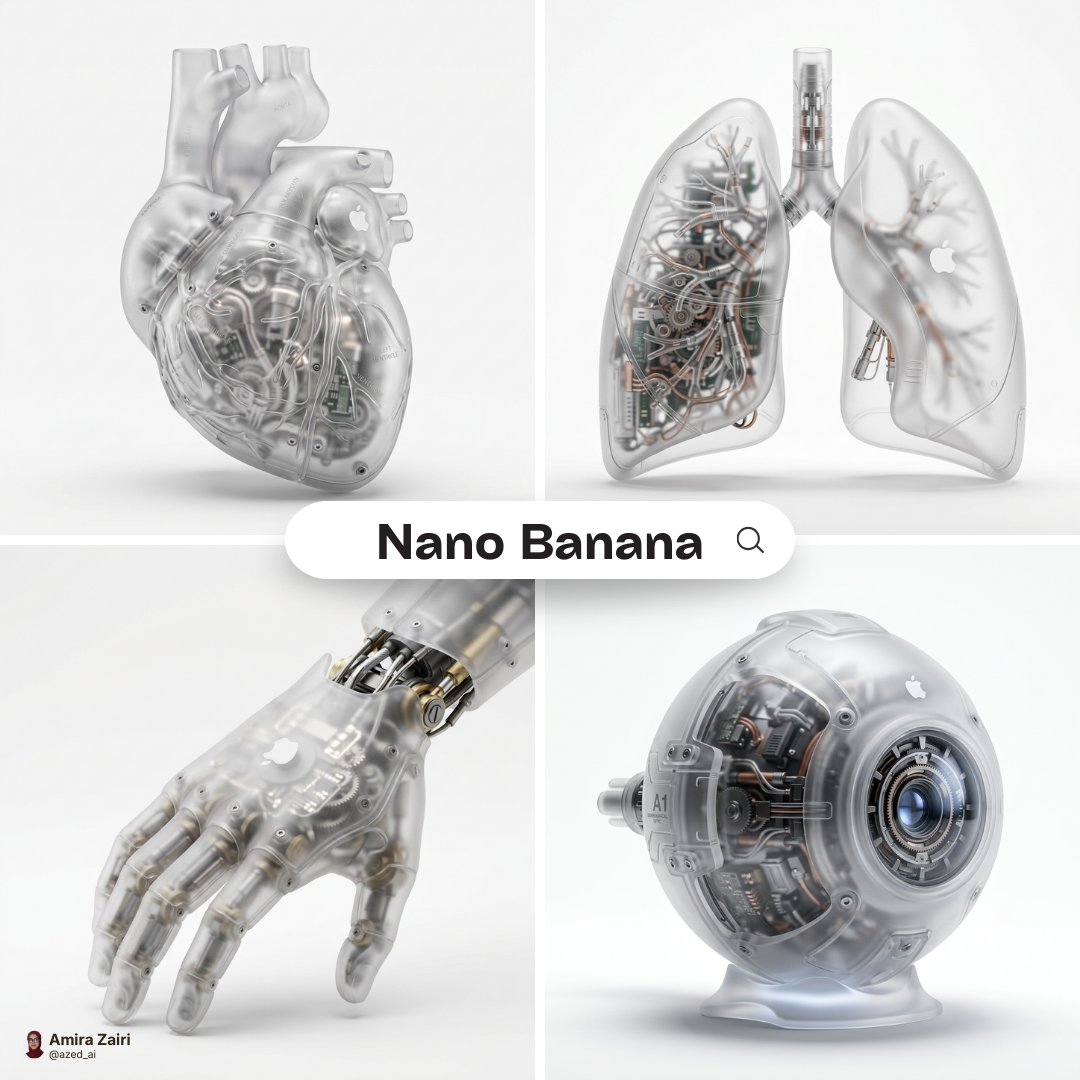
A hyper-realistic 3D anatomical human made from semi-translucent frosted
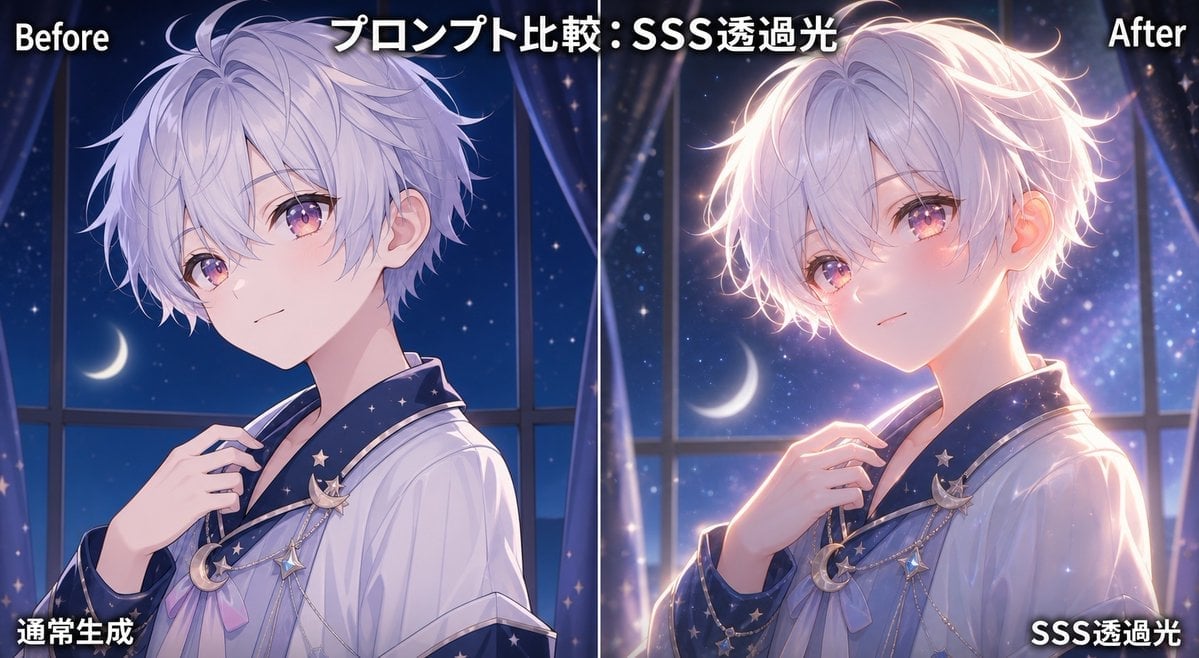
SSS Translucent Light Comparison
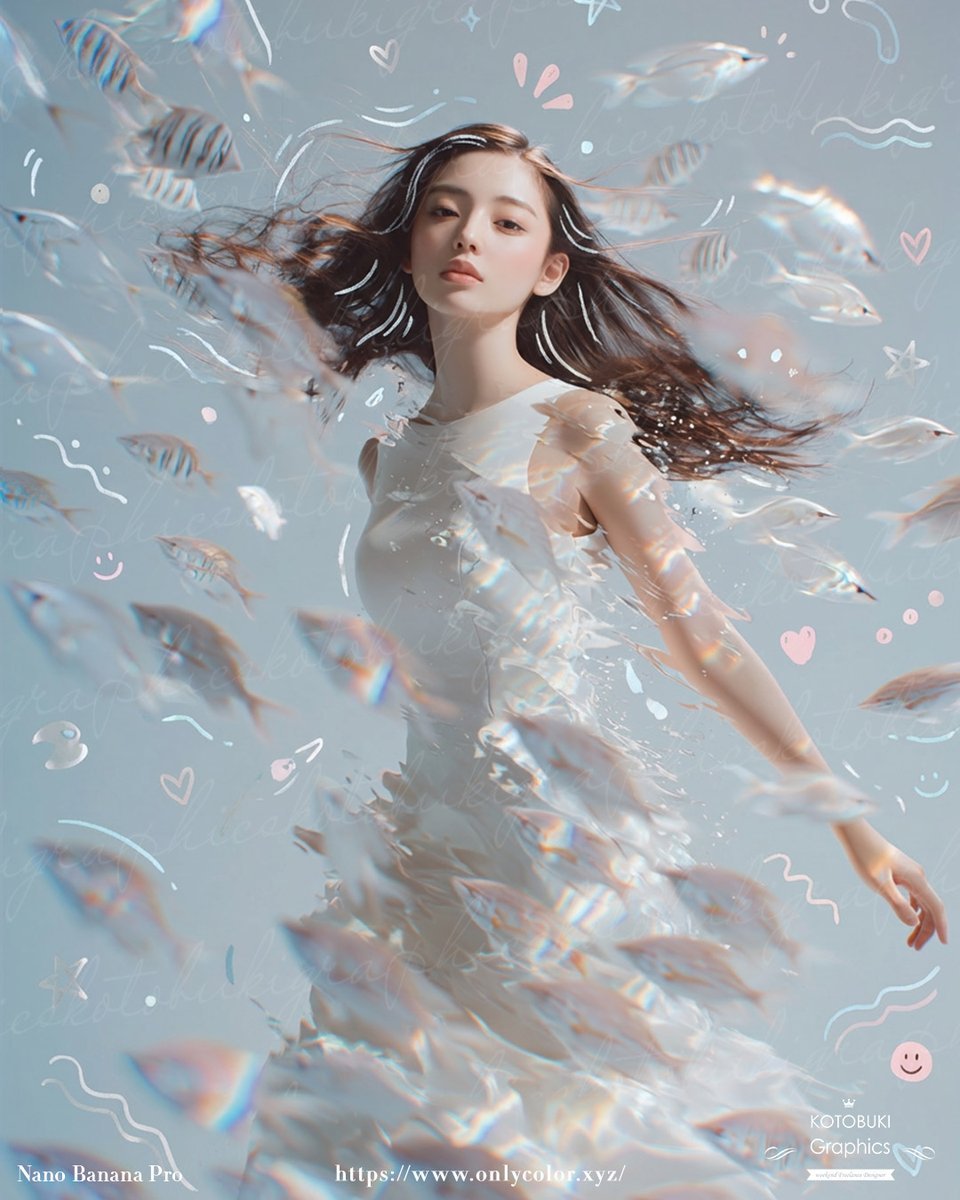
Dreamy Underwater Woman With Translucent Fish
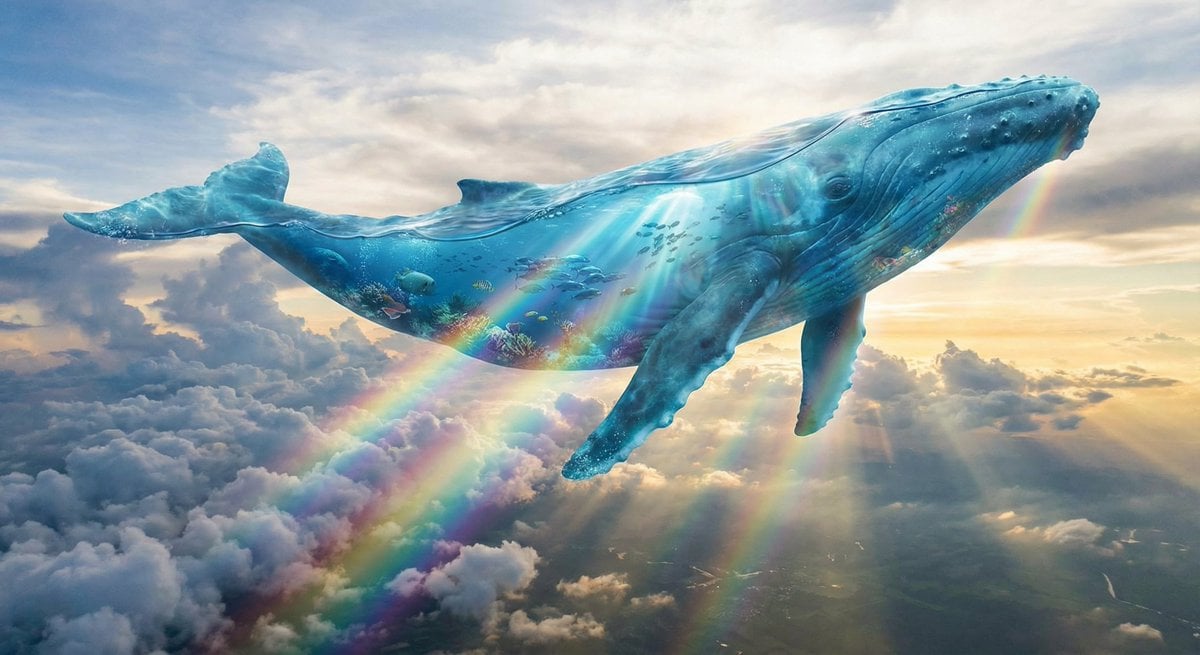
Surreal translucent blue whale in the clouds

Translucent seawater whale in the clouds
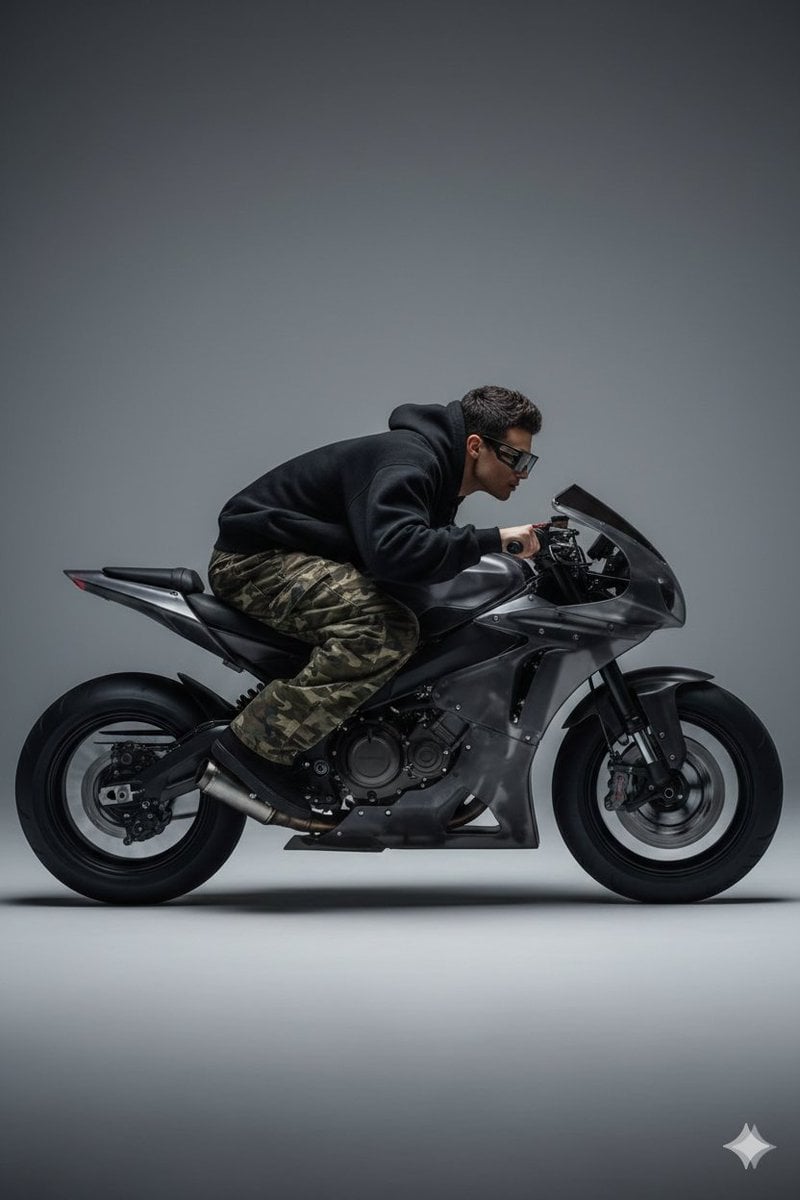
Y2K Style Translucent Motorbike Product Design
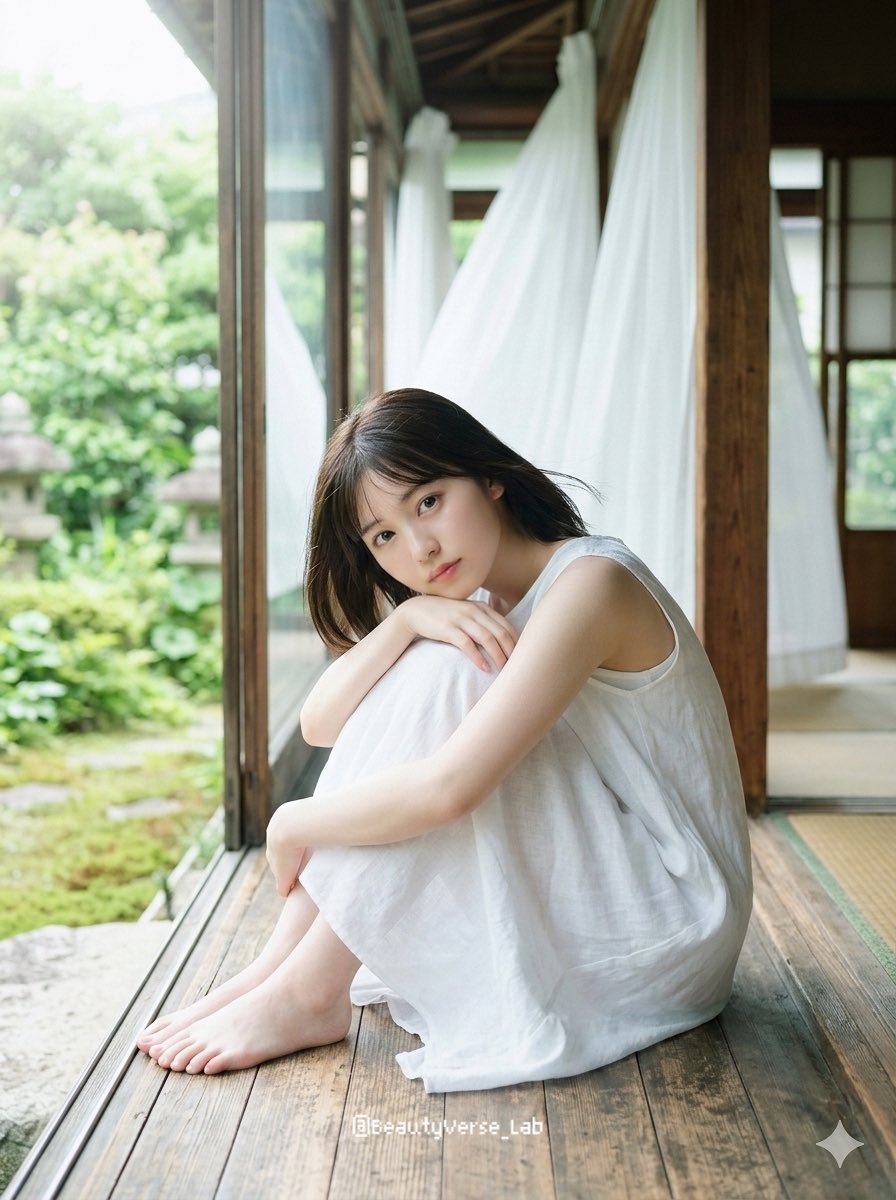
Translucent Airy Japanese Idol Photoshoot
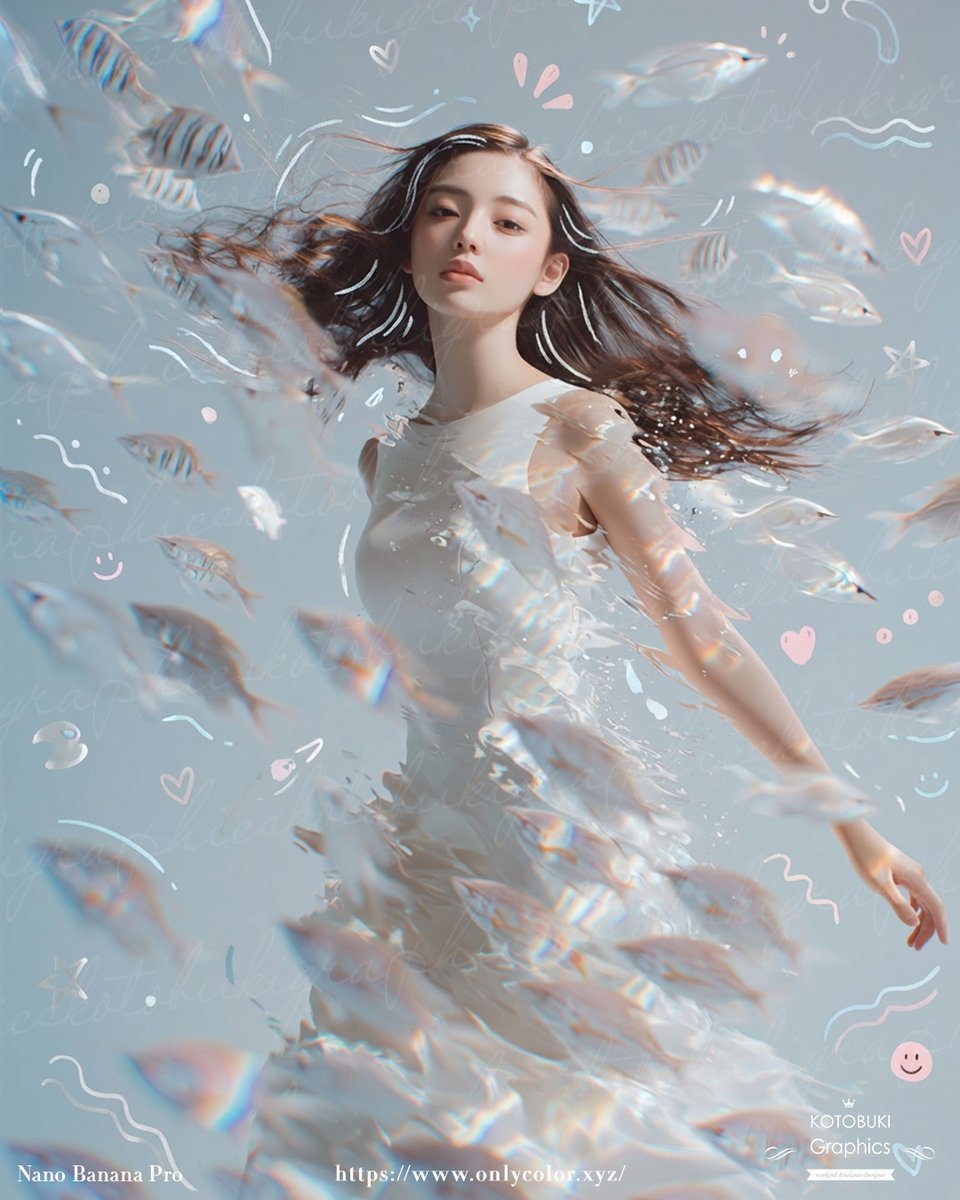
Gpt2 Profile Avatar Dreamy Underwater Woman with Translucent Fish

Moonlit Ghost Lotus Anime Portrait
Make it yours
Translucent Lotus Cyanotype works as-is. These are the safest ways to change it without losing the look.
Change one field
Copy a single group, rewrite it, and generate again so you can see what that field is doing.
Keep the frame, change the subject
Hold the composition and light of Translucent Lotus Cyanotype, then swap wardrobe, props or the person for a new take.
| If the result… | Why | Fix |
|---|---|---|
| The result drifts from the preview | Too many fields changed at once. | Reuse Translucent Lotus Cyanotype as-is first, then change one group — subject, light, or setting. |
| The model over-stylizes the scene | The prose prompt leaves finish and camera underspecified. | Add one camera or lighting sentence and stay on GPT Image 2. |
More GPT Image 2 templates
Other prompts made for GPT Image 2.

Six VTuber Japanese Logo Sheet

Realistic Portrait of Woman and Deer

The Vista Modular Condo Poster

AI Model Routing Comparison Infographic

2.5D Anime Art Board

Isometric Productivity Desk Scene

New York Double Exposure Poster

Four-Panel AI Landscape Comparison

Japanese Tatami Lifestyle Magazine Cover

NESCAFÉ Coffee Map Poster
More image prompts
Fresh picks from across the catalog.
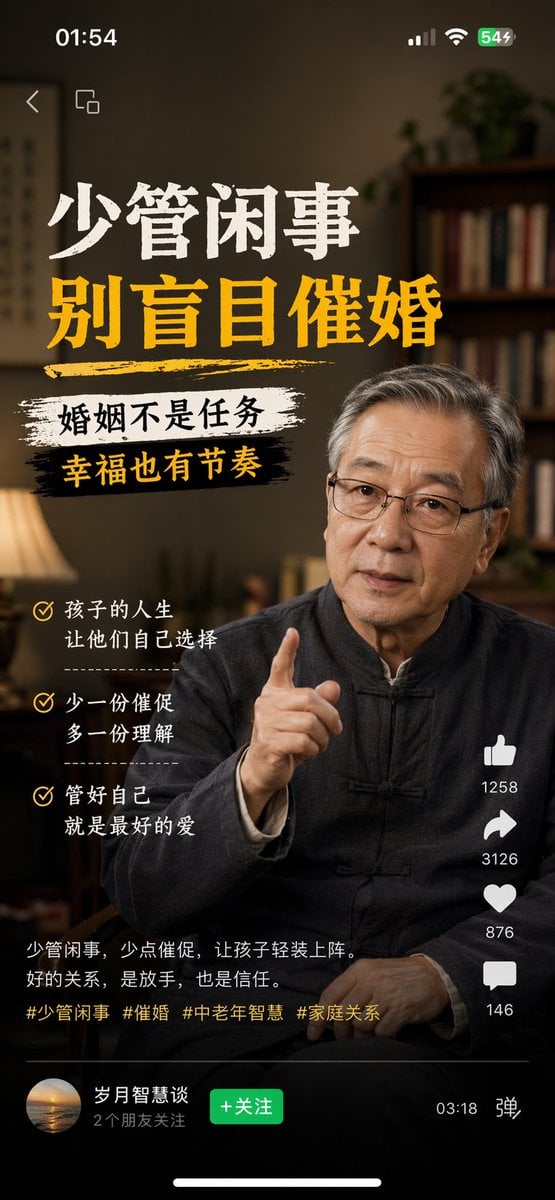
Mobile App UI Screenshots
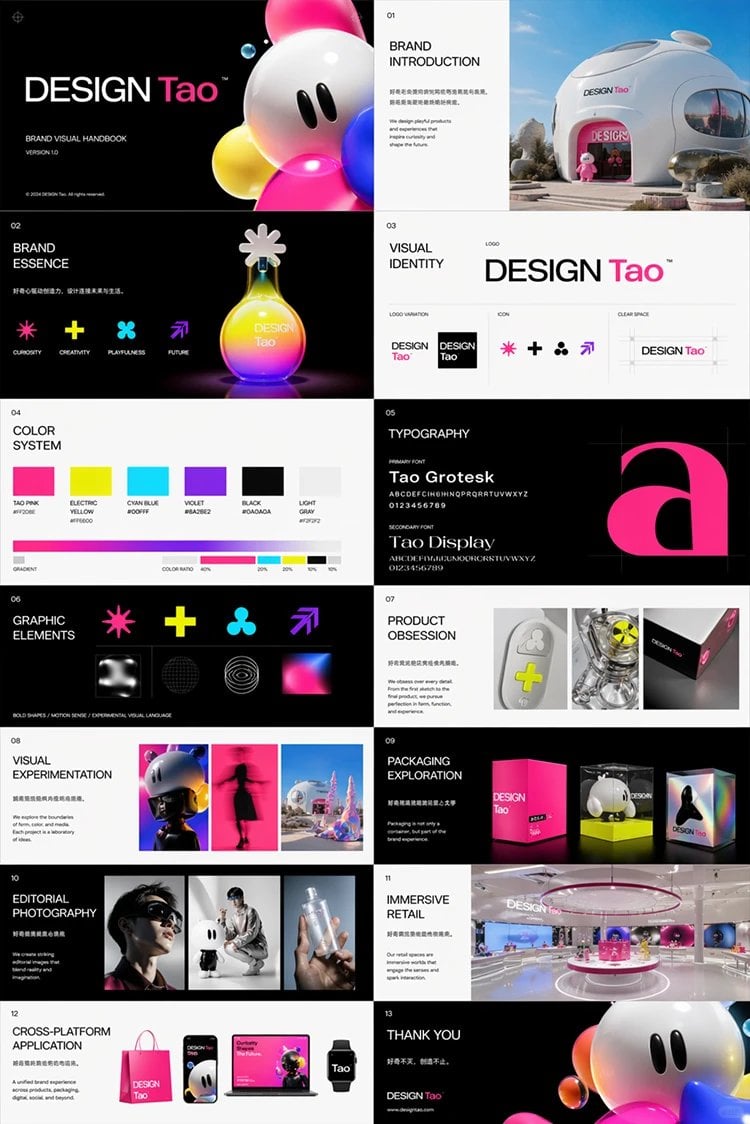
Futuristic Brand Visual Manual
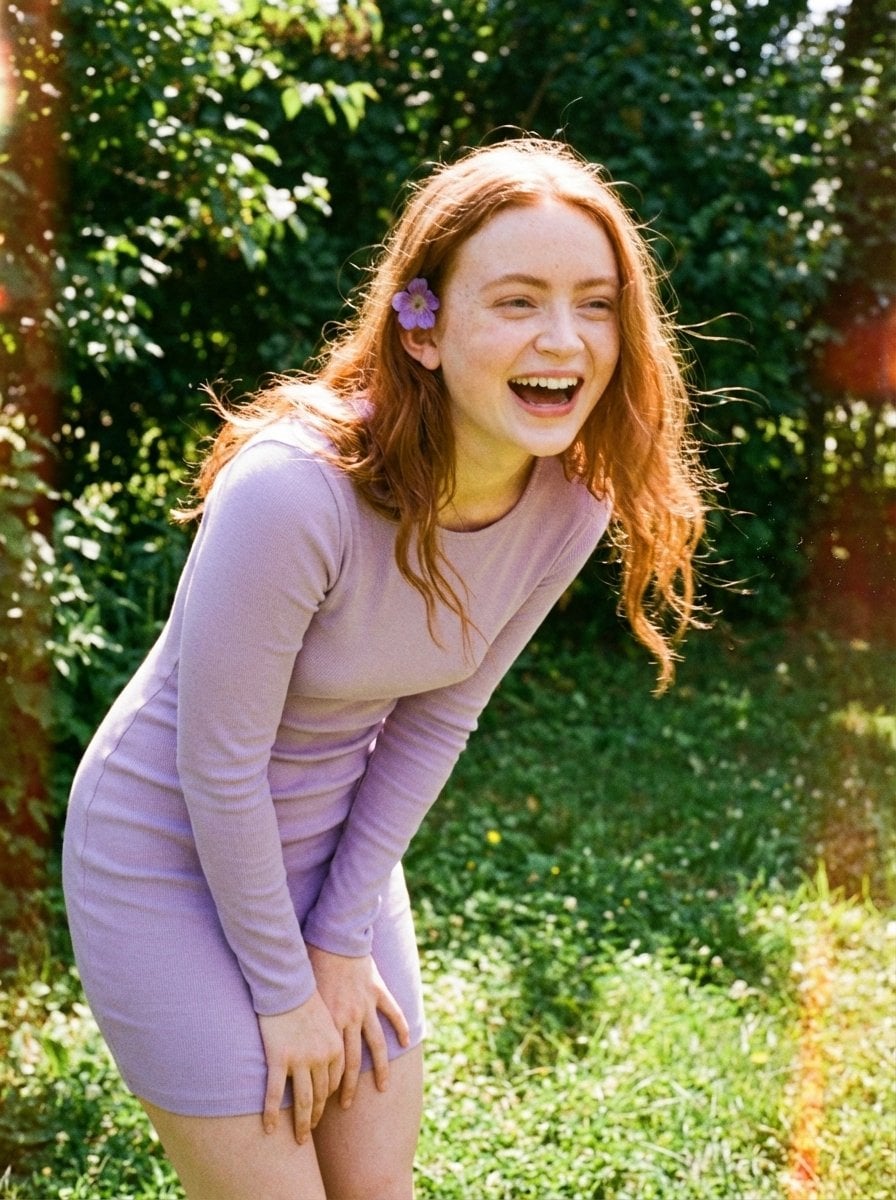
Candid Vintage Photo Aesthetic Prompt for Nano Banana Pro
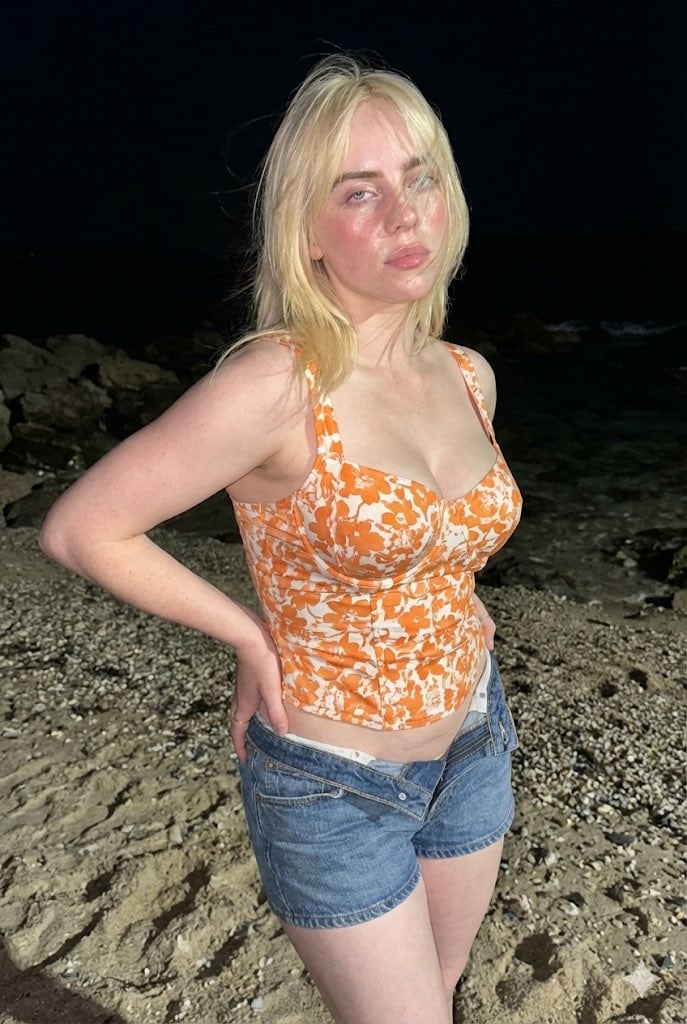
Raw High-Contrast Night Documentation Portrait
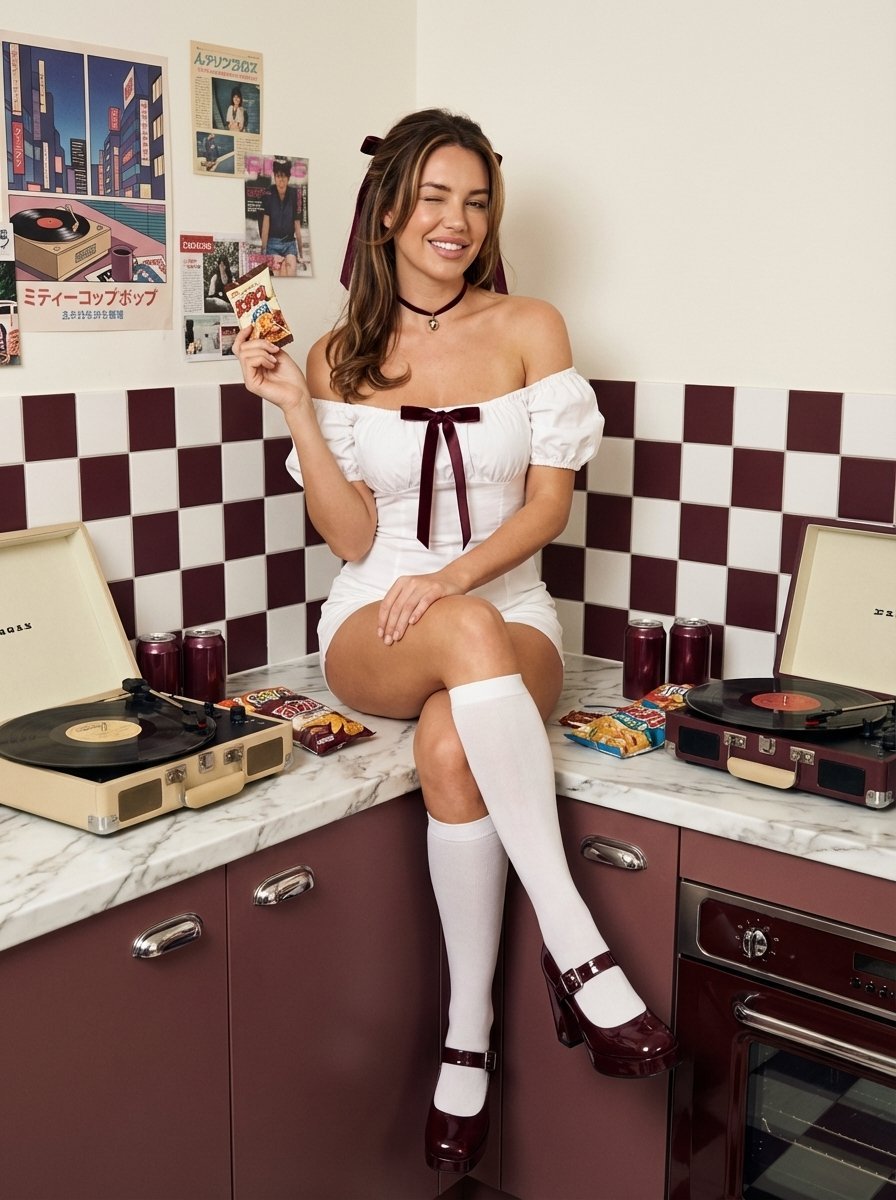
1970s Retro Kitchen Portrait with K-Pop Idol

Realistic Action Selfie with Shopping Cart
Anime Baseball Rivalry Poster
Flying Maid Knight Doodle
Gothic K-Drama Fusion Illustration with Identity Preservation

Arnold Schwarzenegger Silhouette with Volumetric Mountain Forest
Browse template categories
Translucent Lotus Cyanotype questions
How do I use the Translucent Lotus Cyanotype template?
Add your photo if the template asks for one, edit the prompt if you like — the template's model and format are already selected — and press Generate. Your version opens in PicX Studio.
Can I customize the Translucent Lotus Cyanotype template?
Yes. You can change the subject, setting, lighting, mood, format, and available model controls before creating your image.
Is the Translucent Lotus Cyanotype template free?
Opening and editing this template is free. Generating uses credits, shown on the Generate button when you are signed in.
Which AI model should I use?
Start with GPT Image 2, which is the model associated with this template. You can compare another compatible model for a different finish.
Looking for something else? Browse all templates.

Your photo, any look
Thousands of ready templates for every top image and video model, from one credit balance.