
1970s Retro Kitchen Portrait with K-Pop Idol
A highly detailed JSON prompt for Nano Banana to generate a 1970s retro-aesthetic kitchen scene featuring a K-Pop idol (Sadie Sink, Millie Bobby Brown, Emma Myers, or Bethany).
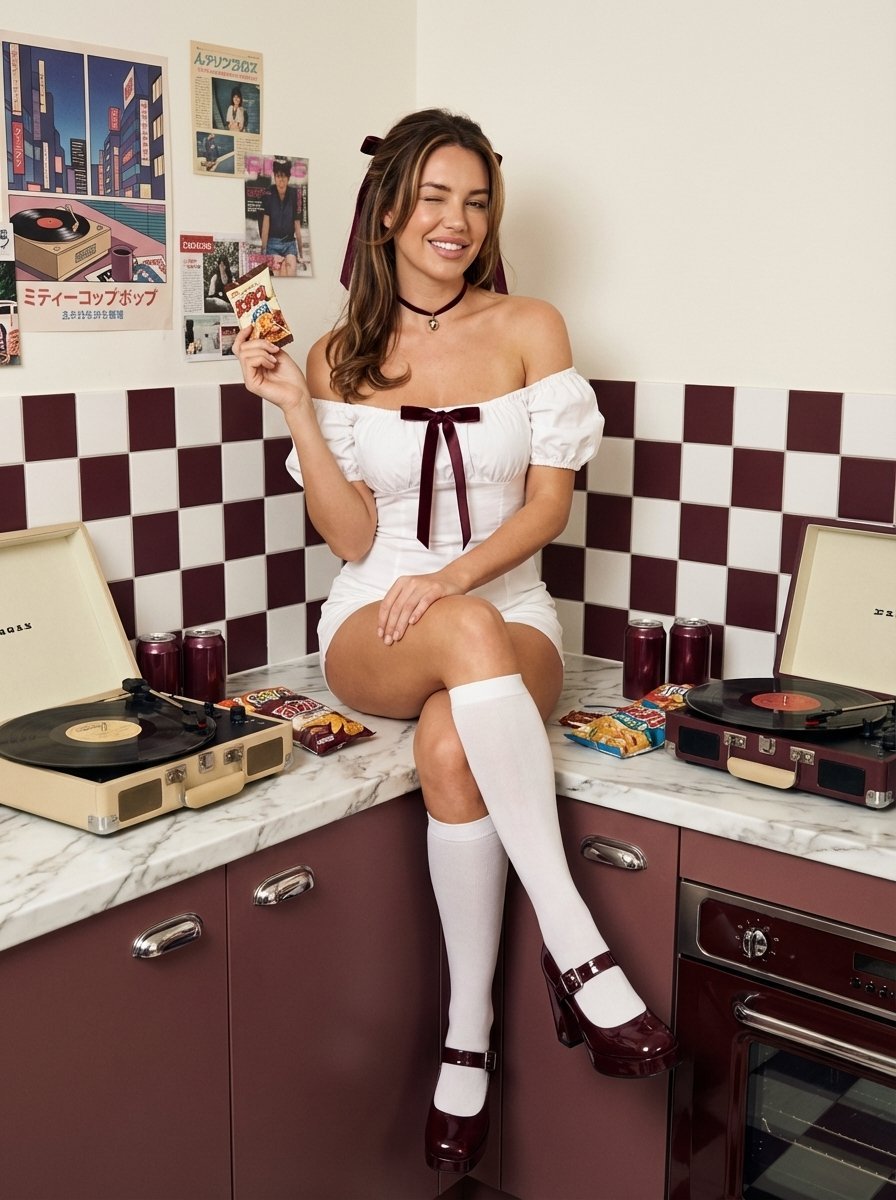
- Prompt included
- Model and format preset
- Free template
The prompt behind this image
Copy the exact prompt behind 1970s Retro Kitchen Portrait with K-Pop Idol, or open it in the studio and make it yours.
{ "subject": { "identity": { "biometric_reference": "{argument name="biometric reference" default="Your reference image"}", "facial_biometry": { "structure": "To be derived from the reference image", "eyes": "To be derived from the reference image", "nose": "To be derived from the reference image", "mouth": "To be derived from the reference image", "hair": "To be derived from the reference image" } }, "body": { "somatotype": "To be derived from the reference image", "skin": { "tone": "To be derived from the reference image", "physics": "Subsurface scattering enabled, realistic epidermal micro-texture, zero beautify smoothing, visible natural skin pores", "details": "To be derived from the reference image" } } }, "wardrobe": { "top_piece": "Off-the-shoulder white #FFFFFF cotton-spandex romper, elasticated puff sleeves, centered dark burgundy #4B0000 silk ribbon bow", "legwear": "Opaque white #FFFFFF knee-high cotton socks, matte texture", "footwear": "Glossy dark burgundy #4B0000 Mary Jane platform heels, double ankle straps with silver buckles", "accessories": "Dark burgundy #4B0000 velvet hair ribbons, matching thin dark burgundy choker with a small metallic pendant" }, "pose_action": { "primary_pose": "Sitting on a kitchen countertop, right leg extended, left leg slightly bent, leaning on right arm for support", "expression": "Playful wink with right eye closed, authentic nasolabial fold activation, natural smile showing upper dentition", "interaction": "Left hand holding a small vintage-style snack package, fingers articulated with anatomically correct joints" }, "scene": { "environment": "1970s retro-aesthetic kitchen", "background_elements": { "wall": "Off-white matte finish with vintage Japanese-style city-pop posters and magazine clippings", "backsplash": "Checkered dark burgundy #4B0000 and white #F5F5FF square ceramic tiles, realistic grout lines", "countertop": "White marble texture with subtle grey veining", "props": "Vintage beige record player with a rotating black vinyl disc, dark burgundy aluminum cans #4B0000, scattered yellow and dark burgundy snack bags" }, "cabinetry": "Muted dark burgundy #4B0000 lower cabinets with polished chrome handles, integrated retro oven unit" }, "lighting": { "setup": "Soft-box studio lighting mimicking 70s film photography, warm color temperature", "physics": "Accurate specular highlights on glossy surfaces, soft contact shadows on the countertop, ambient occlusion in tile corners", "reflection_integrity": "Realistic mirror-like reflections on the vinyl record and chrome handles, no distorted geometries" }, "ca"
How to use 1970s Retro Kitchen Portrait with K-Pop Idol in 3 steps
- 1Upload ImagePNG, JPG or paste
Add your photo
Upload the photo the template builds on. The prompt, model and format are already set.
- 2…a portrait of your subject in softgolden-hour light, 85mm…
Personalize
Edit the subject and creative details for your destination.
- 3Generate
Generate
Press Generate — your image is created in PicX Studio, so you can compare it with the original and refine one variable at a time.
More like this
Templates with the same subject, style or setup. Open one to see its prompt.

Found Photograph: Us, 1970

80s Couple Studio Portrait

80s Bollywood Star

80s Golden Hour Cinema

Pixel Limited Kitchen Chaos
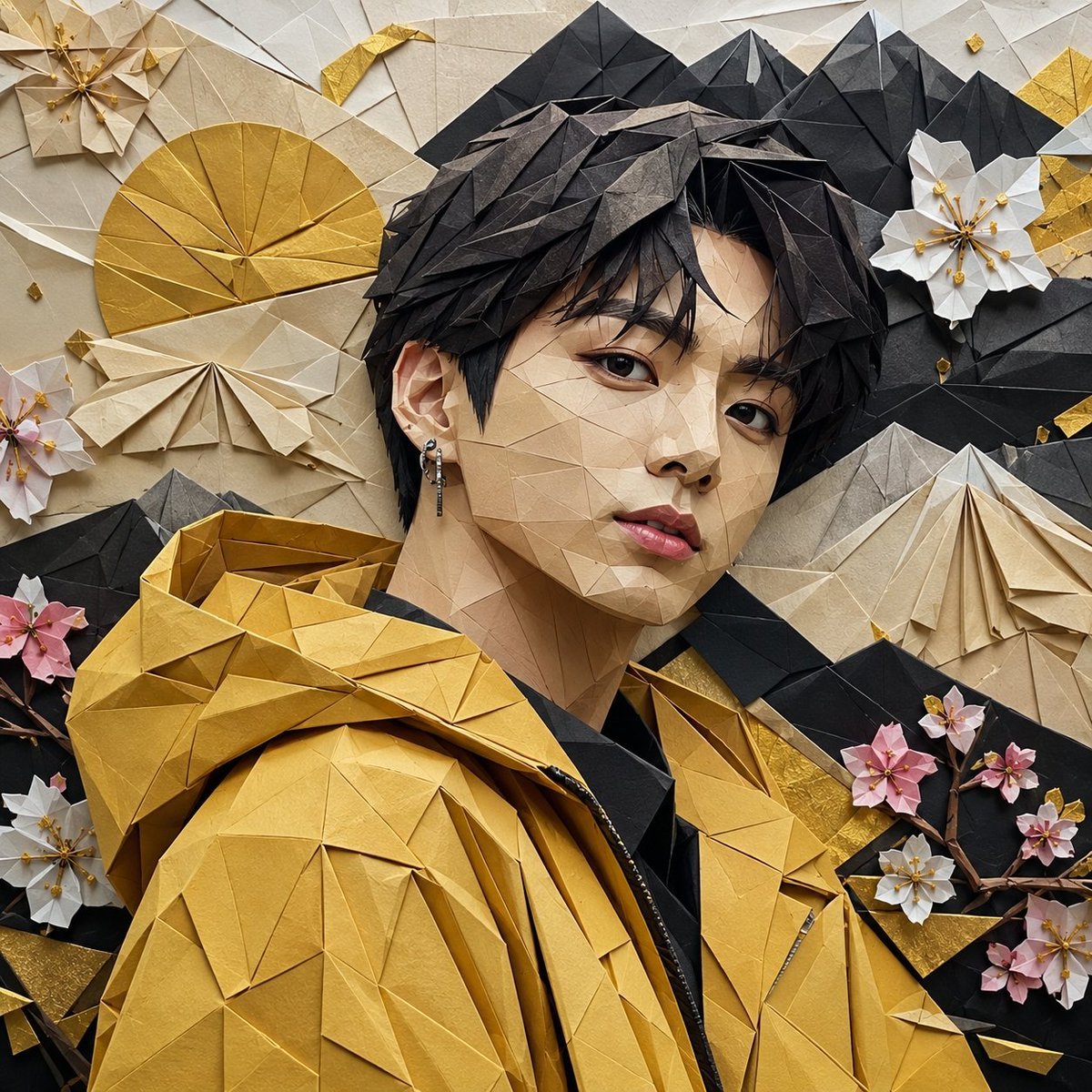
Origami K-Pop Idol Portrait

Kasane Teto Pop Idol Portrait

K-Pop Idol Portrait Grid for Rapid Selection
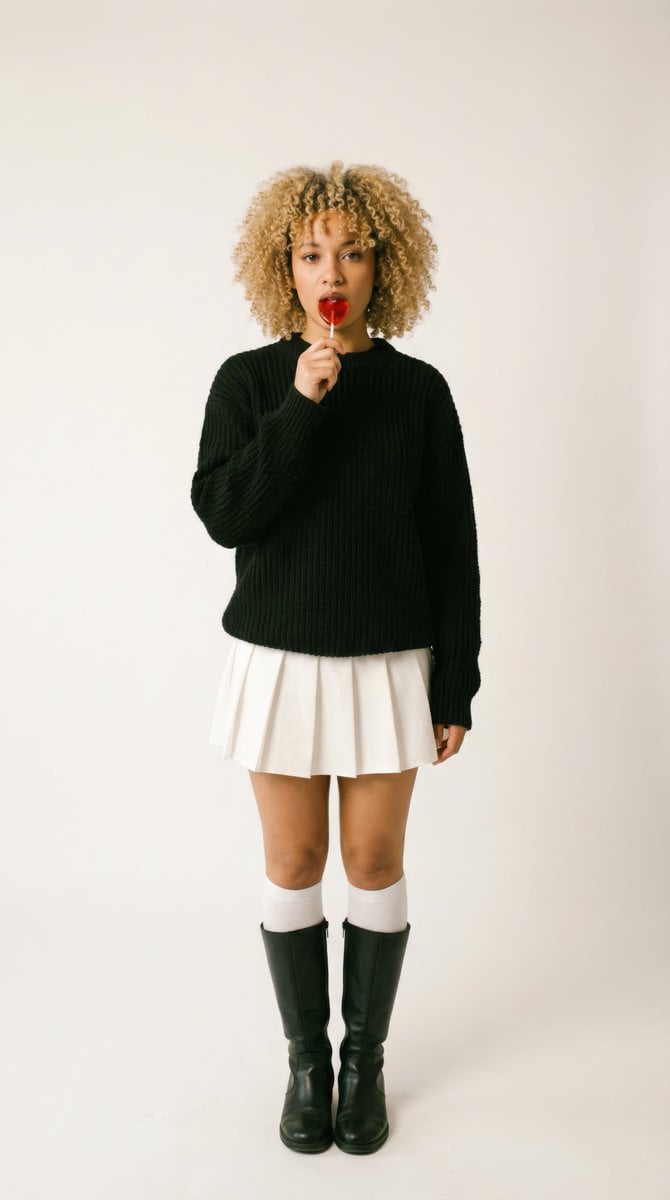
Retro-Futuristic 1970s Sci-Fi Full Body Portrait Prompt in JSON

Cinema Date Popcorn Realistic By Nano Ba

Two Tickets, One Night

If We Met in 1985
Make it yours
1970s Retro Kitchen Portrait with K-Pop Idol works as-is. These are the safest ways to change it without losing the look.
Change one field
Copy a single group, rewrite it, and generate again so you can see what that field is doing.
Keep the frame, change the subject
Hold the composition and light of 1970s Retro Kitchen Portrait with K-Pop Idol, then swap wardrobe, props or the person for a new take.
| If the result… | Why | Fix |
|---|---|---|
| The result drifts from the preview | Too many fields changed at once. | Reuse 1970s Retro Kitchen Portrait with K-Pop Idol as-is first, then change one group — subject, light, or setting. |
| The model over-stylizes the scene | The prose prompt leaves finish and camera underspecified. | Add one camera or lighting sentence and stay on Nano Banana 2. |
More Nano Banana 2 templates
Other prompts made for Nano Banana 2.

Photorealistic Leaf Shaped Like a Dragon

Poetic Rain Forest Portrait During Golden Hour

Urban Street Portrait with Cartoon Inner Self Duo

Candid Nighttime Photo with Cat Prompt

High-Concept 3D Diorama Generation Prompt

Cinematic Futuristic Studio Portrait Template

Skincare Editorial Photography Collage Prompt

Hyper-Realistic Commercial Product Photography (Splash Effect)

Hyper-Realistic Nightclub Portrait Prompt

Cinematic Urban Rain Scene Prompt (Neo-Noir)
More image prompts
Fresh picks from across the catalog.
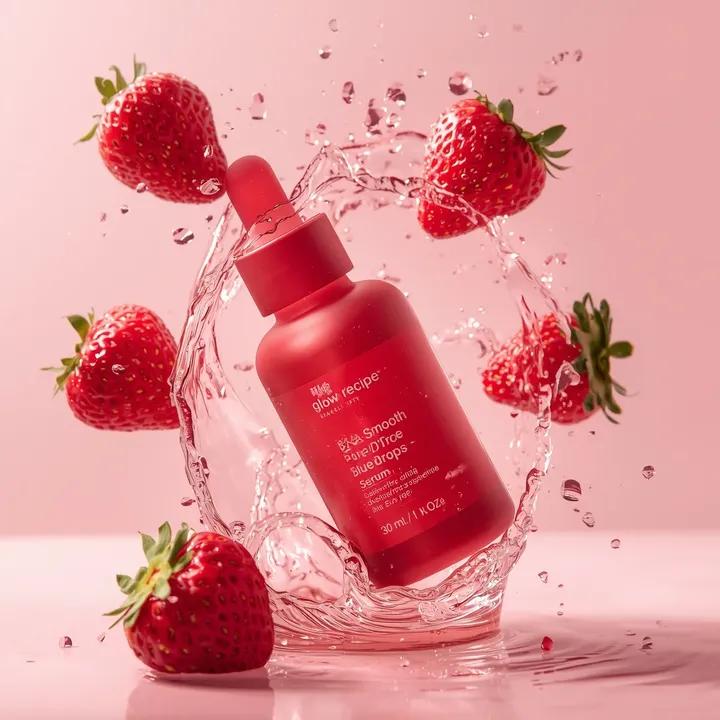
Luxury Skincare Product Photography Prompt
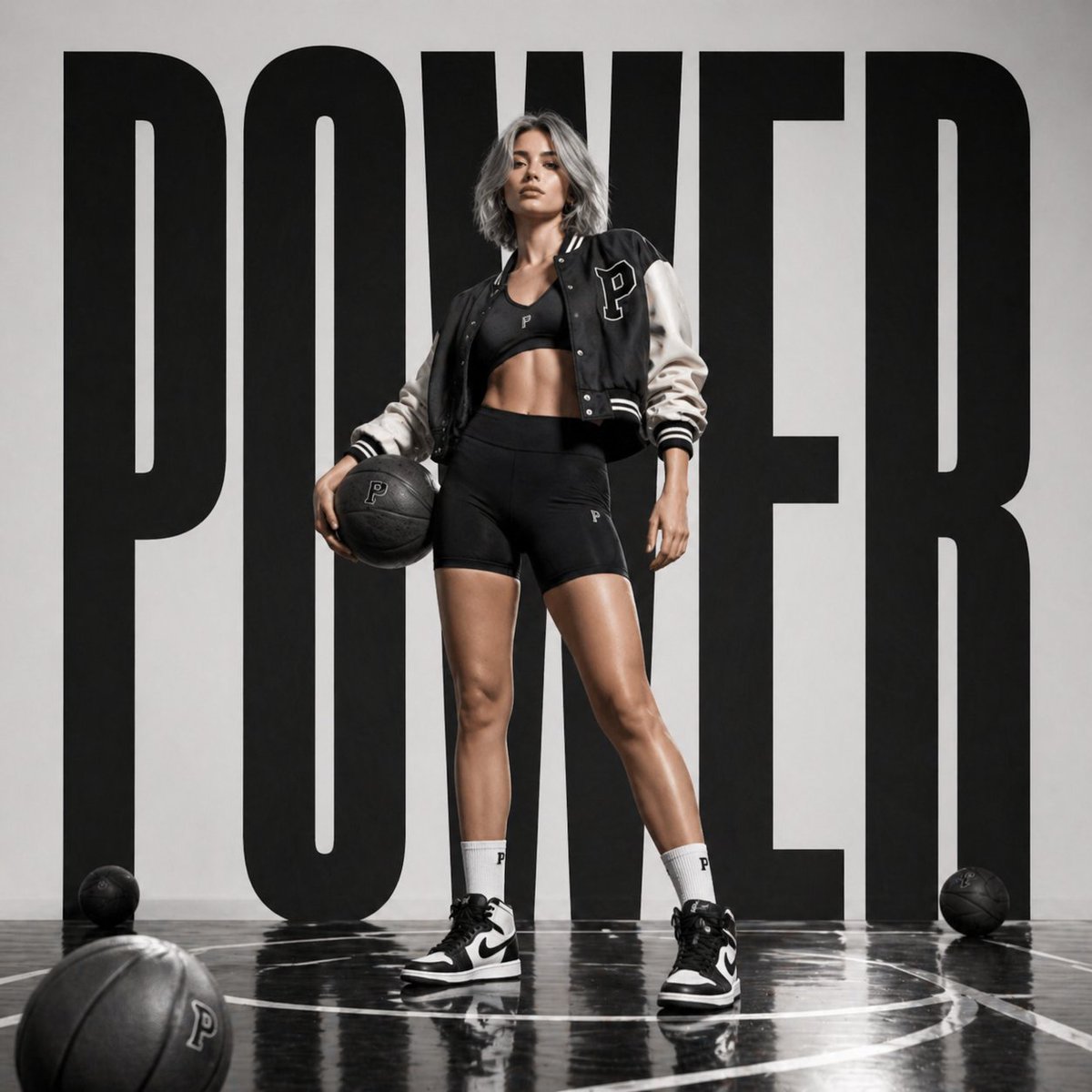
Luxury Sportswear Campaign Poster
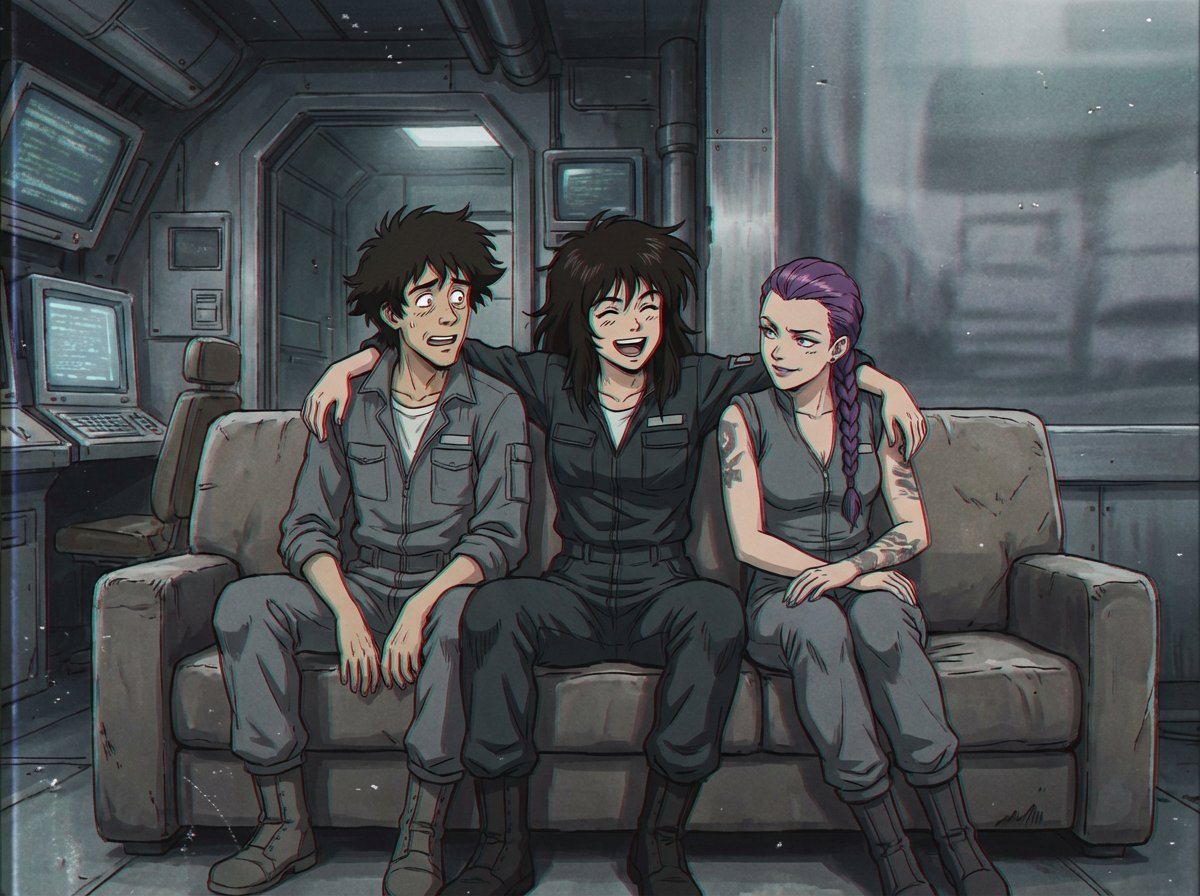
1980s US import anime style

Ultra-Realistic 3D Automotive Brand Render
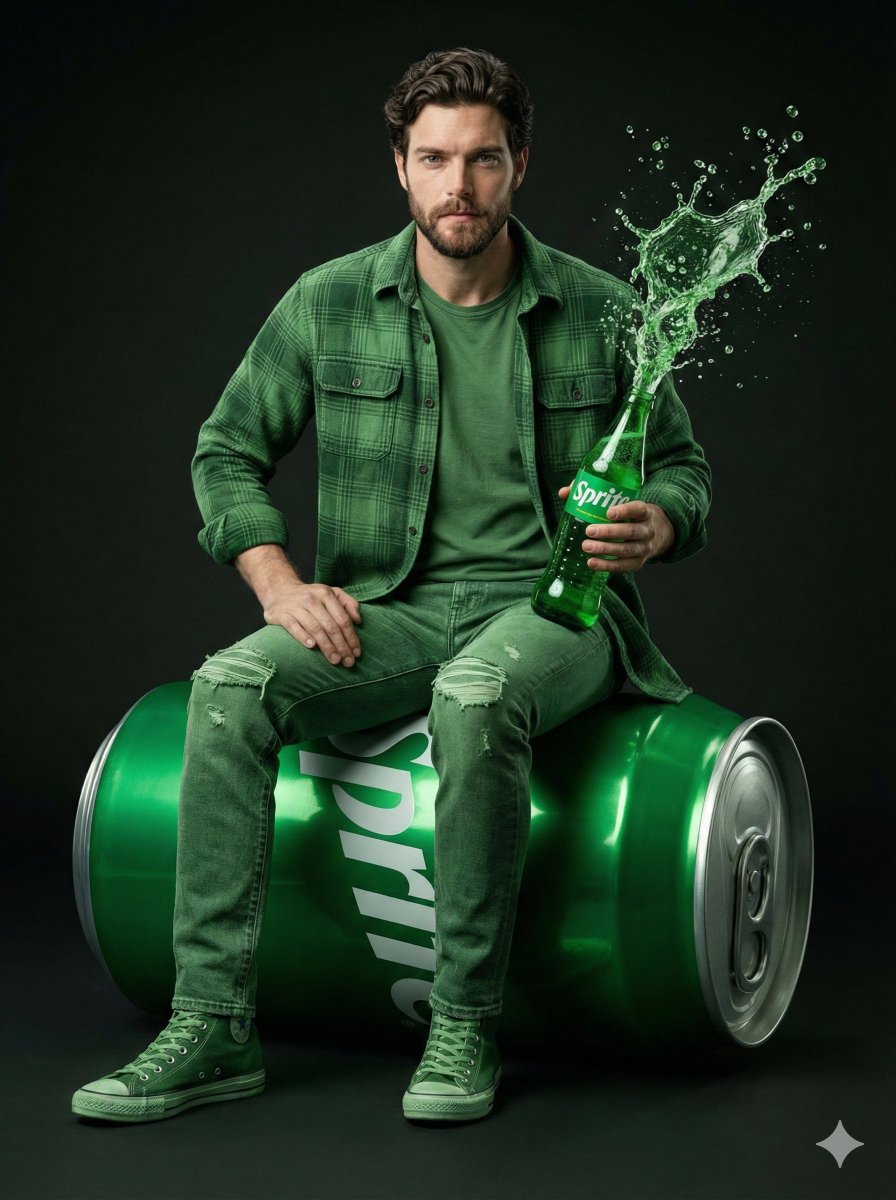
Giant Sprite Can Product Shot with Subject
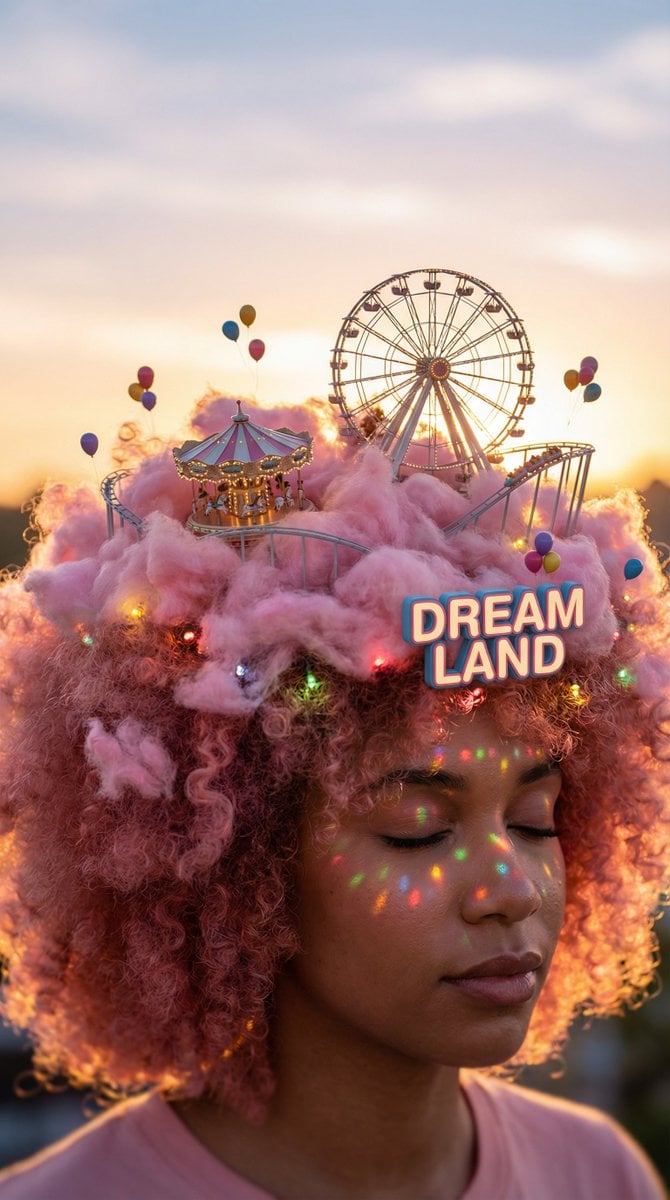
Head-top Diorama Prompt for Nano Banana Pro Agent V1.2 (Afro/Cloud Amusement Park)
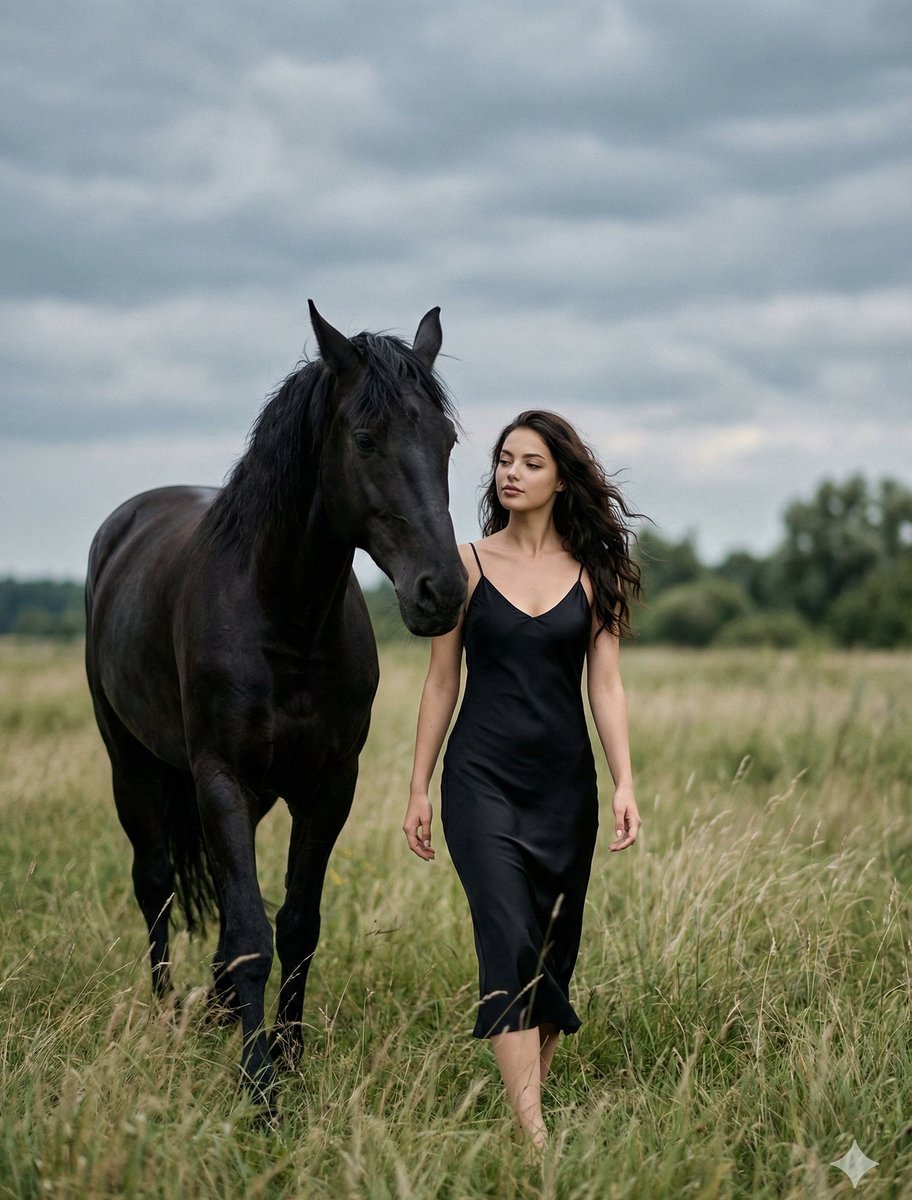
Cinematic Photorealistic Scene of Woman and Black Horse
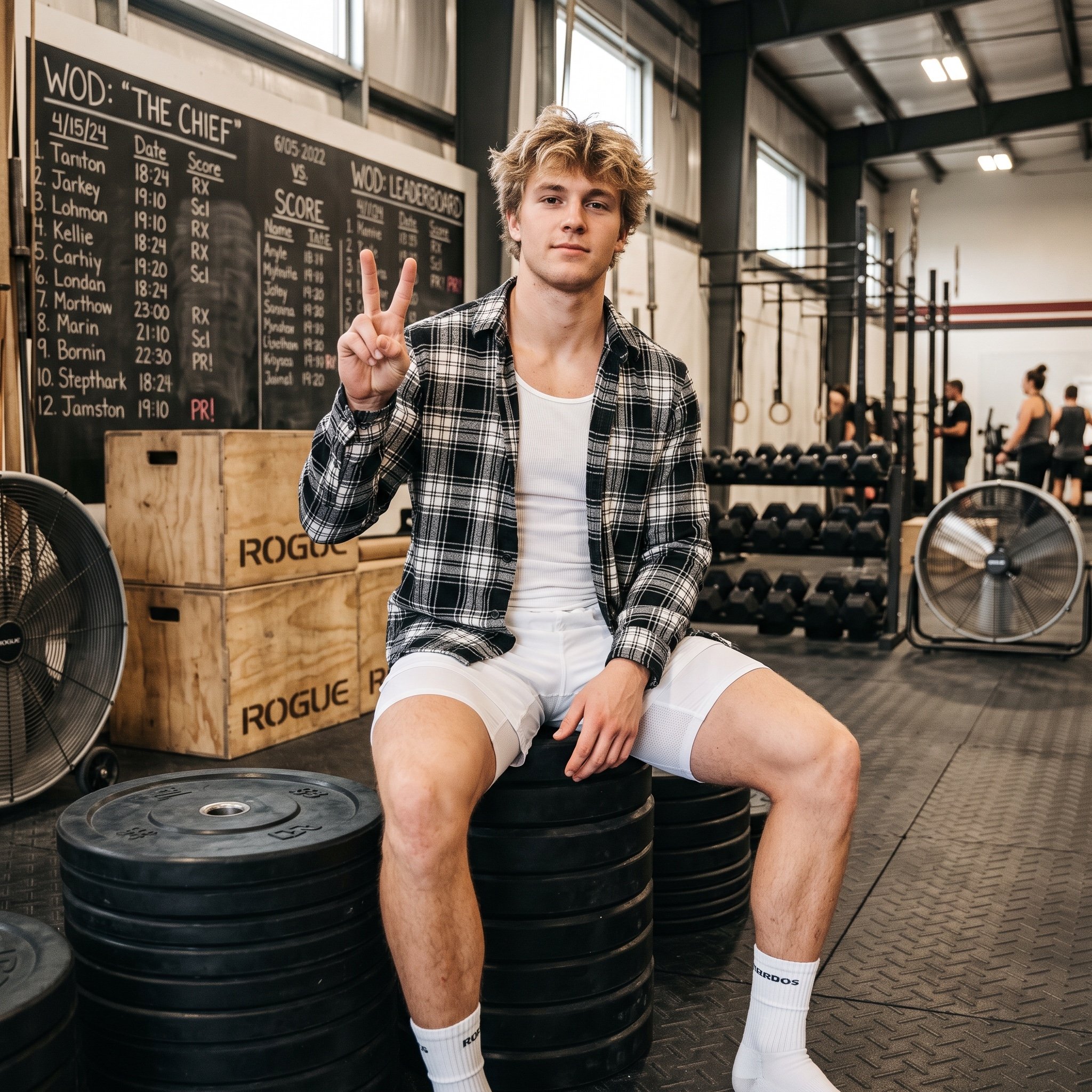
Gym Bro Aesthetic Photo Analysis
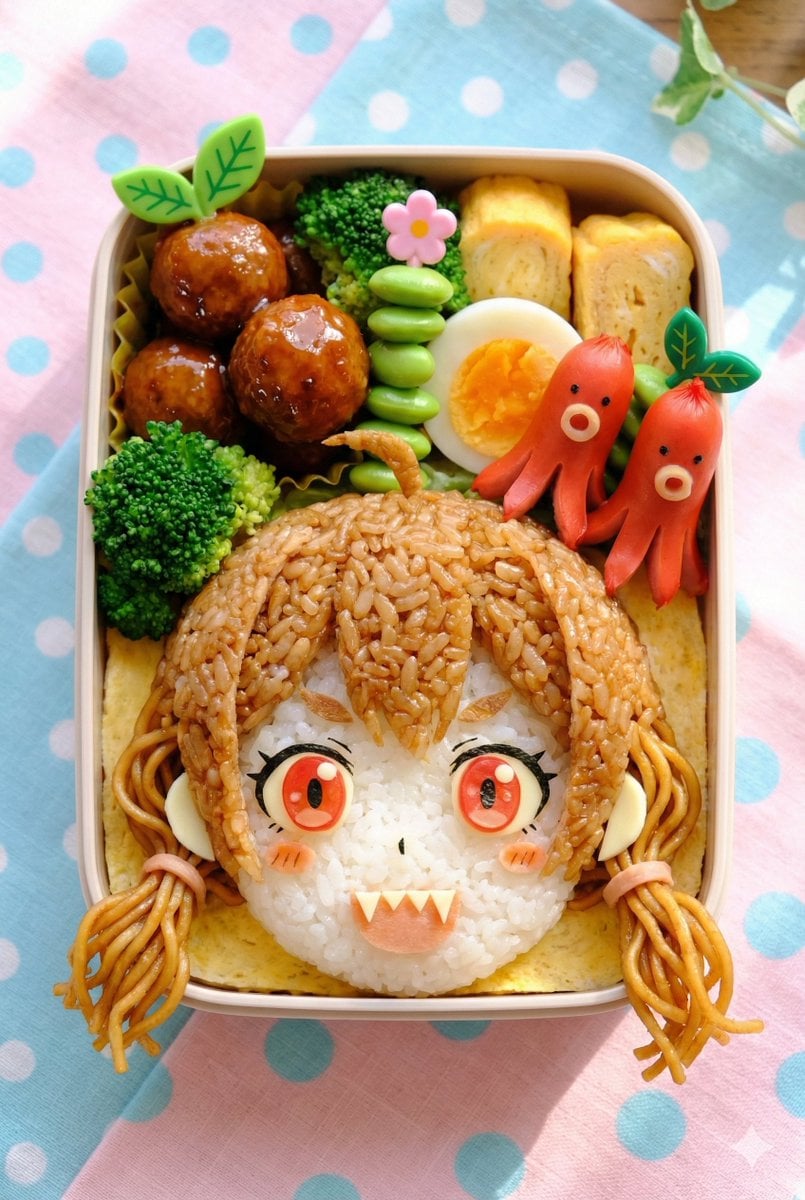
Kyaraben (Character Bento Box) Generation Prompt

Luxury Travel Lifestyle Portrait in Monaco
Browse template categories
1970s Retro Kitchen Portrait with K-Pop Idol questions
How do I use the 1970s Retro Kitchen Portrait with K-Pop Idol template?
Add your photo if the template asks for one, edit the prompt if you like — the template's model and format are already selected — and press Generate. Your version opens in PicX Studio.
Can I customize the 1970s Retro Kitchen Portrait with K-Pop Idol template?
Yes. You can change the subject, setting, lighting, mood, format, and available model controls before creating your image.
Is the 1970s Retro Kitchen Portrait with K-Pop Idol template free?
Opening and editing this template is free. Generating uses credits, shown on the Generate button when you are signed in.
Which AI model should I use?
Start with Nano Banana 2, which is the model associated with this template. You can compare another compatible model for a different finish.
Looking for something else? Browse all templates.

Your photo, any look
Thousands of ready templates for every top image and video model, from one credit balance.