
Hyperrealistic iPhone 17 Pro Max Ad
A complex, high-detail commercial prompt for a smartphone advertisement featuring urban textures, chaotic typography, and dramatic lighting.
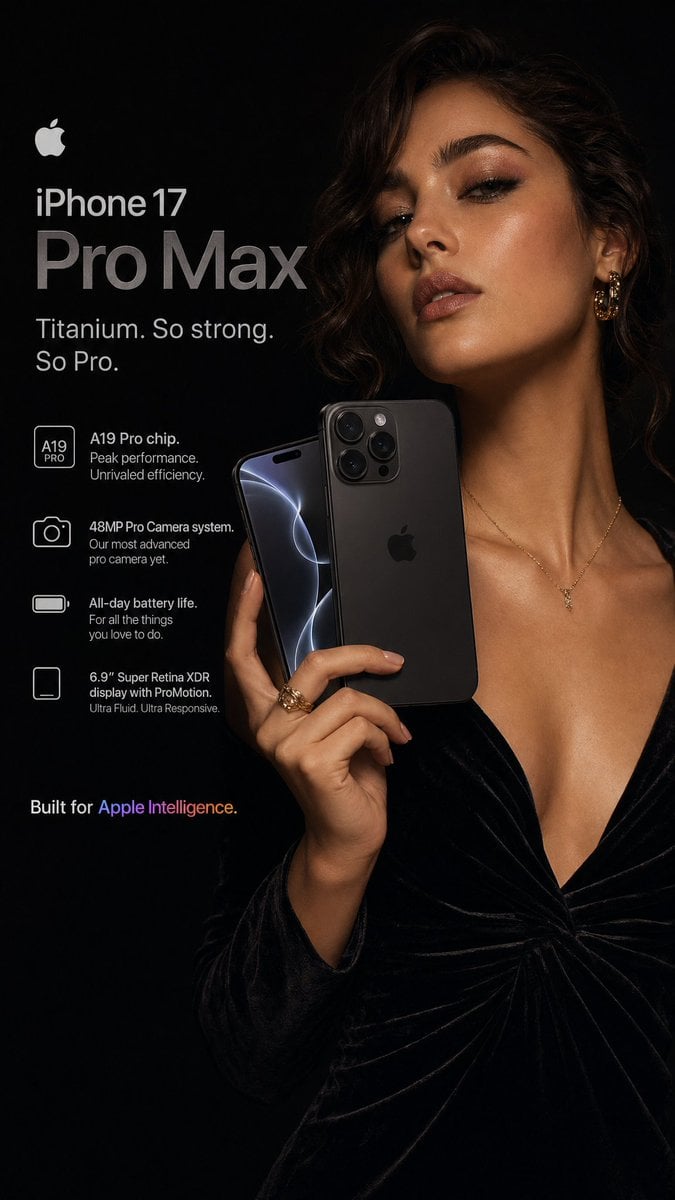
- Prompt included
- Model and format preset
- Free template
The prompt behind this image
Copy the exact prompt behind Hyperrealistic iPhone 17 Pro Max Ad, or open it in the studio and make it yours.
A hyperrealistic {argument name="phone model" default="Apple iPhone 17 Pro Max"} advertisement shot in a dark, moody editorial style. A young stylish woman with a warm complexion and soft upswept brunette hair, wearing a {argument name="clothing" default="dusty mauve velvet off-shoulder mini dress"}, thigh-high taupe suede heeled boots, and a thin black choker necklace, is captured mid-pose extending her arm forward holding an iPhone 17 Pro Max toward the camera in a confident selfie gesture. The phone — featuring a titanium Desert Sand finish with a flush quad-lens camera system and a edge-to-edge ProMotion display glowing with vivid color — dominates the center of the frame. The composition uses shallow depth of field with tack-sharp focus on the phone screen and extended arm, soft cinematic blur on the background figure. The {argument name="background style" default="near-black charcoal"} background is layered with subtle urban texture — faint graffiti strokes in electric yellow and muted olive barely visible through a heavy dark vignette. Multiple rows of ultra-small all-caps typographic text orbit the phone at different angles reading phrases like "EVERY ANGLE. EVERY MOMENT. EVERY YOU." and "THE SHOT YOU NEVER MISS" — some running vertically, some at 30-degree angles, creating a chaotic yet intentional graphic zine energy. At the upper right, the Apple logo appears in clean brushed silver against the dark background. At the top center, a thin horizontal navigation-style text bar reads "PRO CAMERA · TITANIUM BUILD · BEYOND INTELLIGENCE" in spaced all-caps serif font. A large commanding headline is placed center-right — "CAPTURE" in massive ultra-bold white letters followed by "EVERYTHING" in lighter weight creating dramatic type hierarchy. Small yellow plus (+) symbols and diagonal arrows (↗) scattered throughout as accent details. Bottom left features a bold slogan lockup: "YOUR WORLD. YOUR FRAME." in large bold sans-serif white text with a thin subline reading "The most powerful iPhone ever made. Every selfie is a cinematic moment." The overall lighting is dramatic and directional — a single cold key light from the upper left causing the titanium frame to shimmer, the ProMotion display to glow, and the velvet dress to catch a soft warm sheen against the darkness. Photorealistic. Commercial photography quality. High contrast. 4K resolution. 3:4 vertical format optimized for social media.
How to use Hyperrealistic iPhone 17 Pro Max Ad in 3 steps
- 1
Open
The prompt is already in the box next to the preview, with the template's model and format selected.
- 2…a portrait of your subject in softgolden-hour light, 85mm…
Personalize
Edit the subject and creative details for your destination.
- 3Generate
Generate
Press Generate — your image is created in PicX Studio, so you can compare it with the original and refine one variable at a time.
More like this
Templates with the same subject, style or setup. Open one to see its prompt.

4x4 Grid - Candid Nostalgic Vacation Selfies

Floating Woman Above Cityscape with Notifications
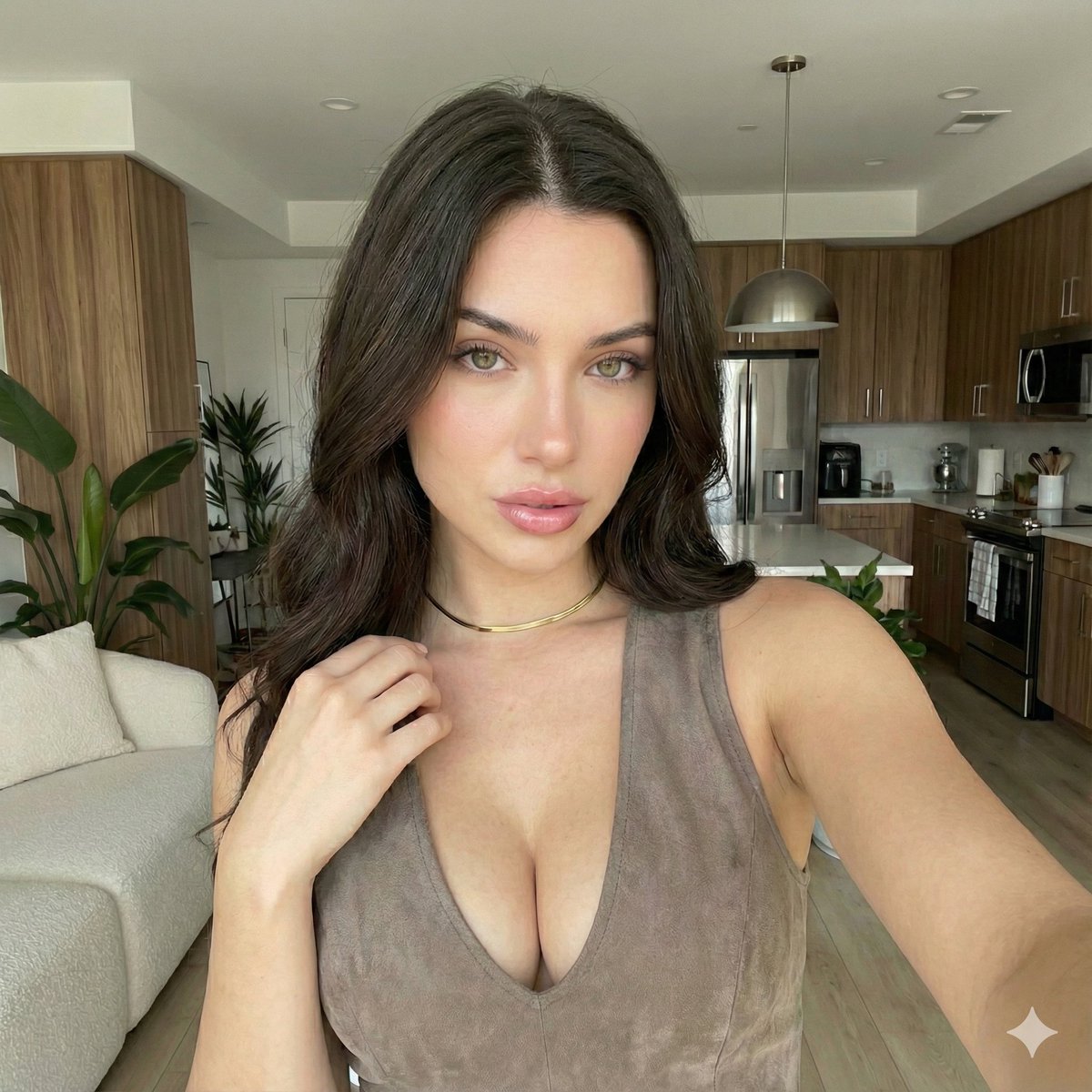
iPhone 17 Pro Max Influencer Selfie
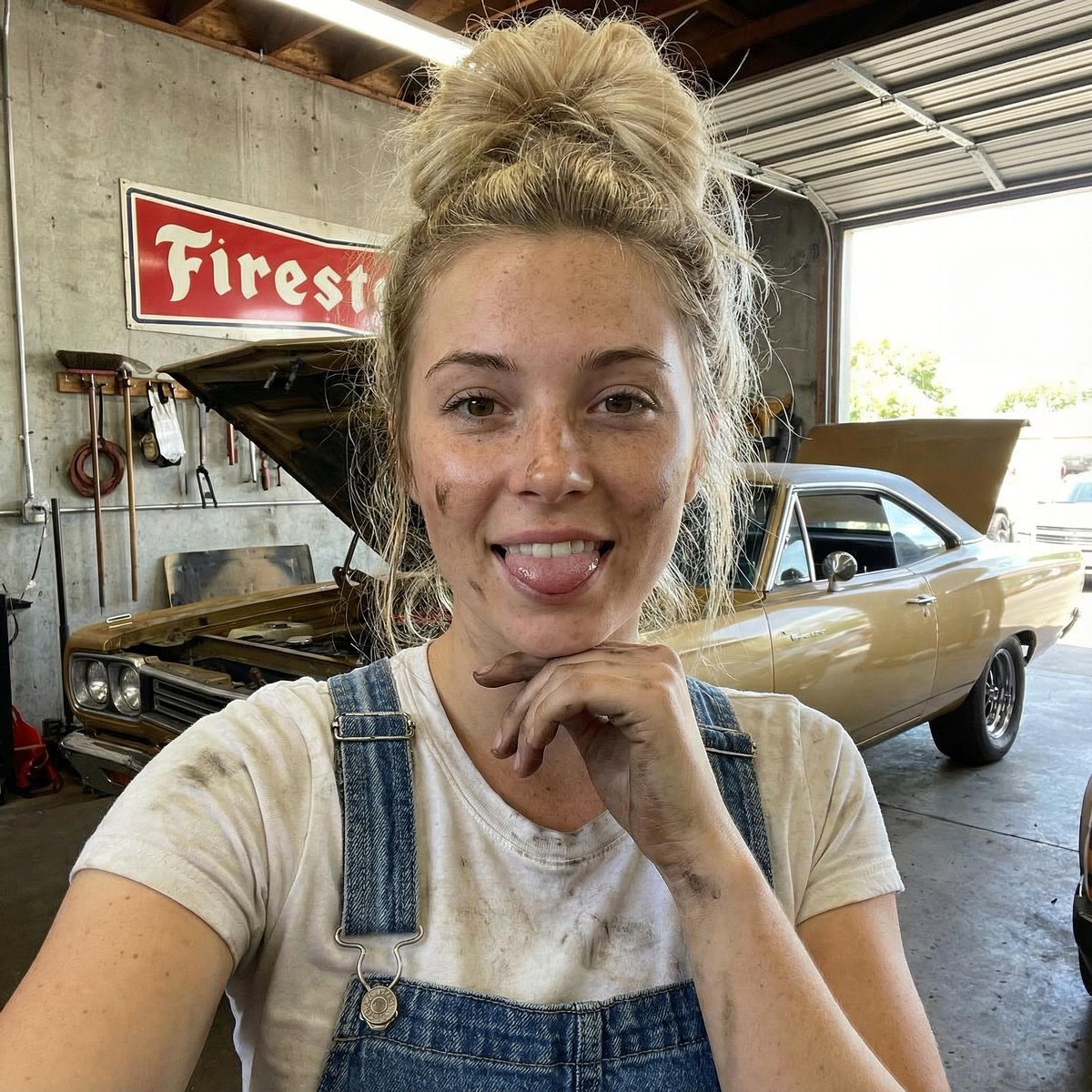
Mechanic Garage Selfie with iPhone 17 Pro Max Specs (JSON)

Outdoor Cafe Portrait — White Ruched Top Nano Banana

Tropical Hammock Latte — Nano Banana iPhone Style

Coastal Bench Portrait — Navy Floral Sundress

Nano Banana - Peace Sign Bedroom Selfie
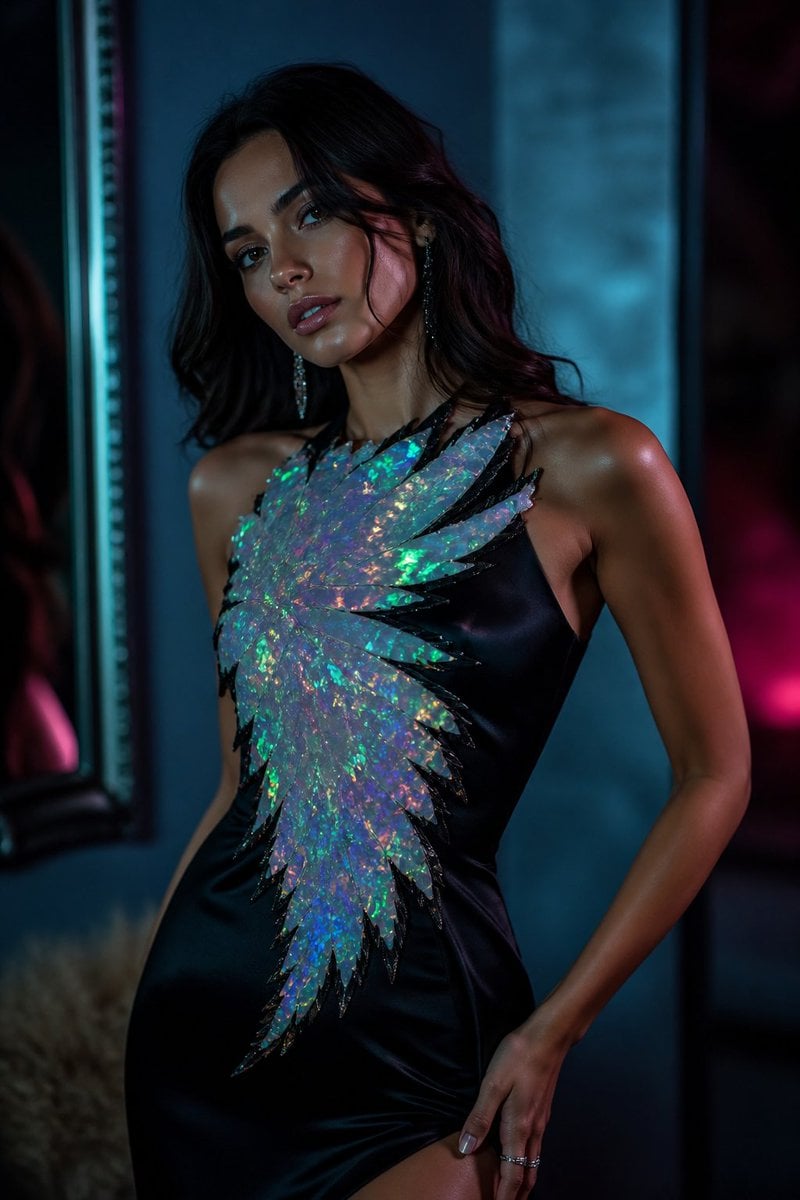
Hyperrealistic Opal Fashion Photography
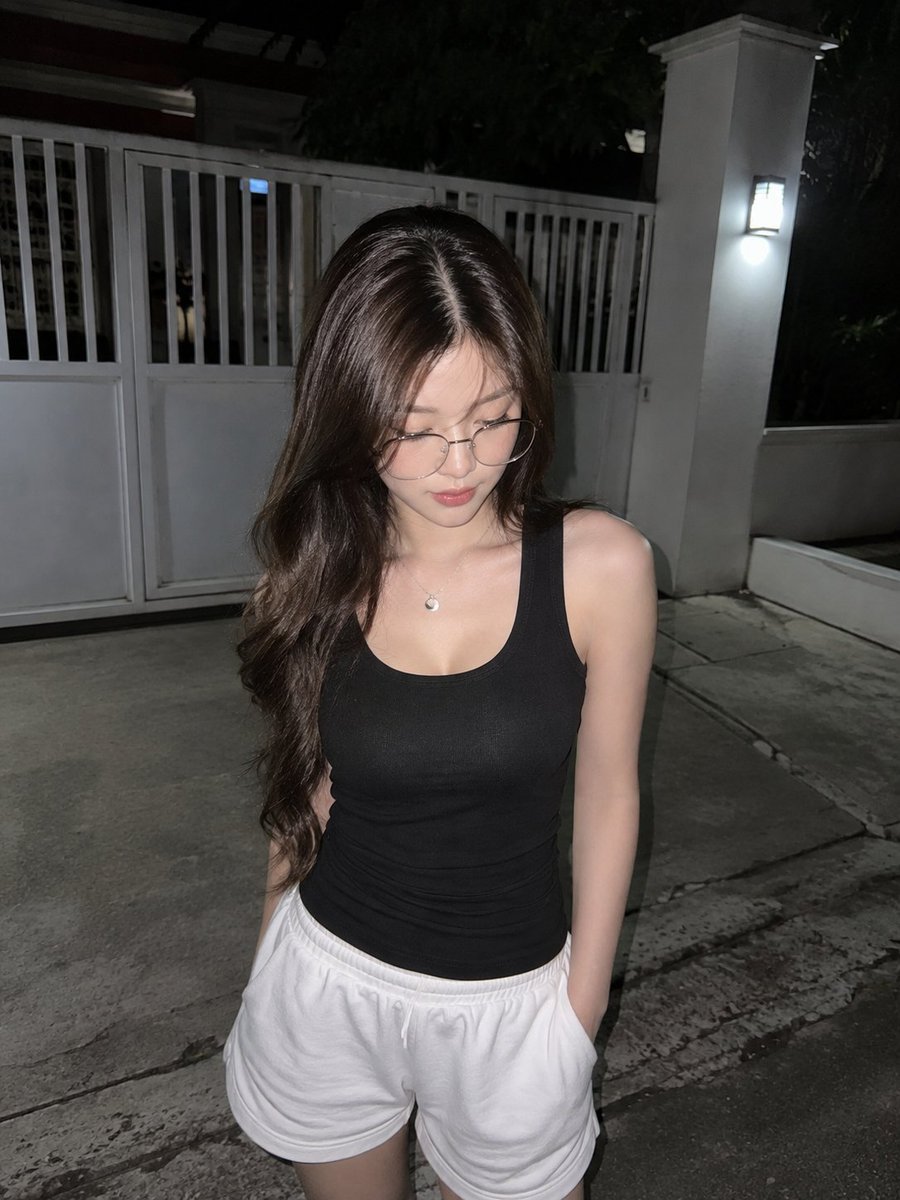
Candid Night Driveway iPhone Photo
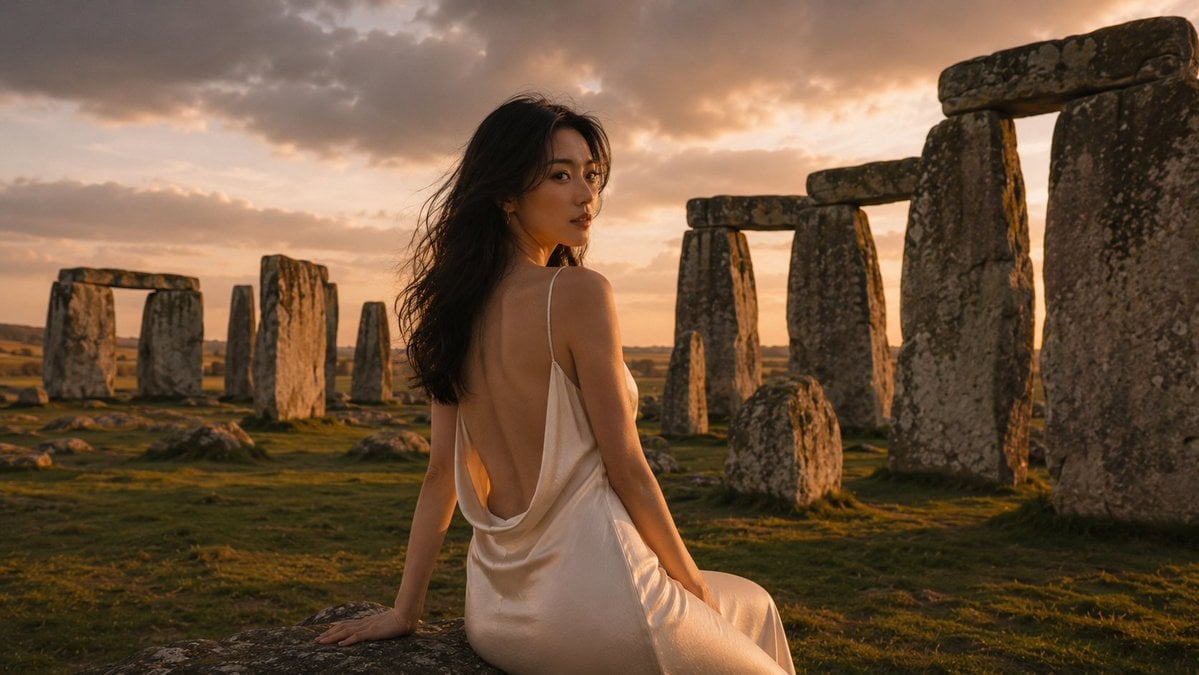
Hyperrealistic Cinematic Stonehenge Portrait
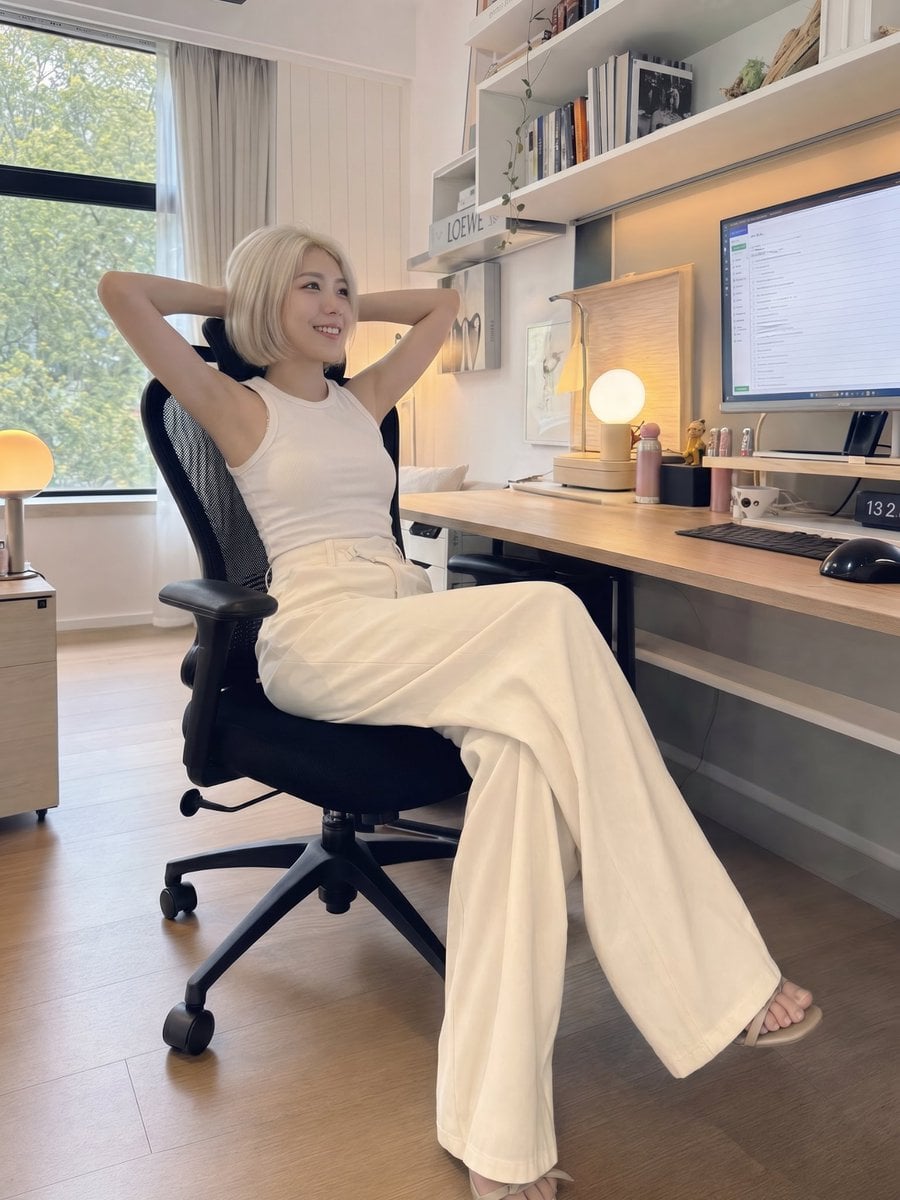
iPhone Style Minimalist Office Portrait
Make it yours
Hyperrealistic iPhone 17 Pro Max Ad works as-is. These are the safest ways to change it without losing the look.
Change one field
Copy a single group, rewrite it, and generate again so you can see what that field is doing.
Keep the frame, change the subject
Hold the composition and light of Hyperrealistic iPhone 17 Pro Max Ad, then swap wardrobe, props or the person for a new take.
| If the result… | Why | Fix |
|---|---|---|
| The result drifts from the preview | Too many fields changed at once. | Reuse Hyperrealistic iPhone 17 Pro Max Ad as-is first, then change one group — subject, light, or setting. |
| The model over-stylizes the scene | The prose prompt leaves finish and camera underspecified. | Add one camera or lighting sentence and stay on GPT Image 2. |
More GPT Image 2 templates
Other prompts made for GPT Image 2.

Six VTuber Japanese Logo Sheet

Realistic Portrait of Woman and Deer

The Vista Modular Condo Poster

AI Model Routing Comparison Infographic

2.5D Anime Art Board

Isometric Productivity Desk Scene

New York Double Exposure Poster

Four-Panel AI Landscape Comparison

Japanese Tatami Lifestyle Magazine Cover

NESCAFÉ Coffee Map Poster
More image prompts
Fresh picks from across the catalog.
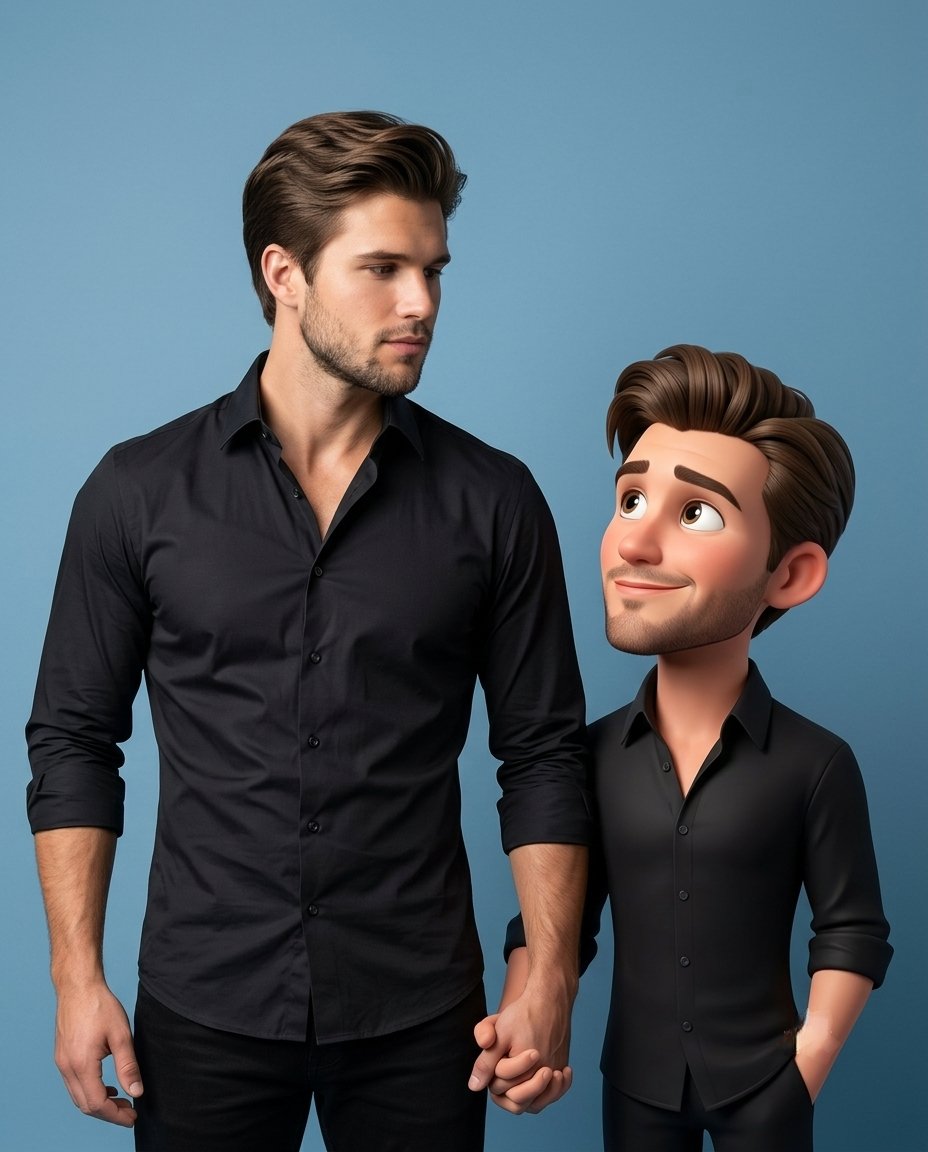
3D Caricature Companion Effect

Isometric 3D Diorama of Product Evolution Prompt

Four-Generation Family Portrait Prompt
Ethereal Blue Light Editorial Portrait (Chinese Context)
Arrival Movie AI Poster Prompt

Gpt2 Profile Avatar Dreamy Oriental Female Portrait
Natural Character Swap Instruction
Arcade Portrait to Kyoto Travel Photo
untitled
Traditional Chinese Human Brain Infographic
Browse template categories
Hyperrealistic iPhone 17 Pro Max Ad questions
How do I use the Hyperrealistic iPhone 17 Pro Max Ad template?
Add your photo if the template asks for one, edit the prompt if you like — the template's model and format are already selected — and press Generate. Your version opens in PicX Studio.
Can I customize the Hyperrealistic iPhone 17 Pro Max Ad template?
Yes. You can change the subject, setting, lighting, mood, format, and available model controls before creating your image.
Is the Hyperrealistic iPhone 17 Pro Max Ad template free?
Opening and editing this template is free. Generating uses credits, shown on the Generate button when you are signed in.
Which AI model should I use?
Start with GPT Image 2, which is the model associated with this template. You can compare another compatible model for a different finish.
Looking for something else? Browse all templates.

Your photo, any look
Thousands of ready templates for every top image and video model, from one credit balance.