
Hyperrealistic Cinematic Stonehenge Portrait
A sophisticated prompt for generating a hyperrealistic, cinematic portrait of a woman at Stonehenge during sunset, focusing on natural lighting, silk textures, and ancient atmosphere.
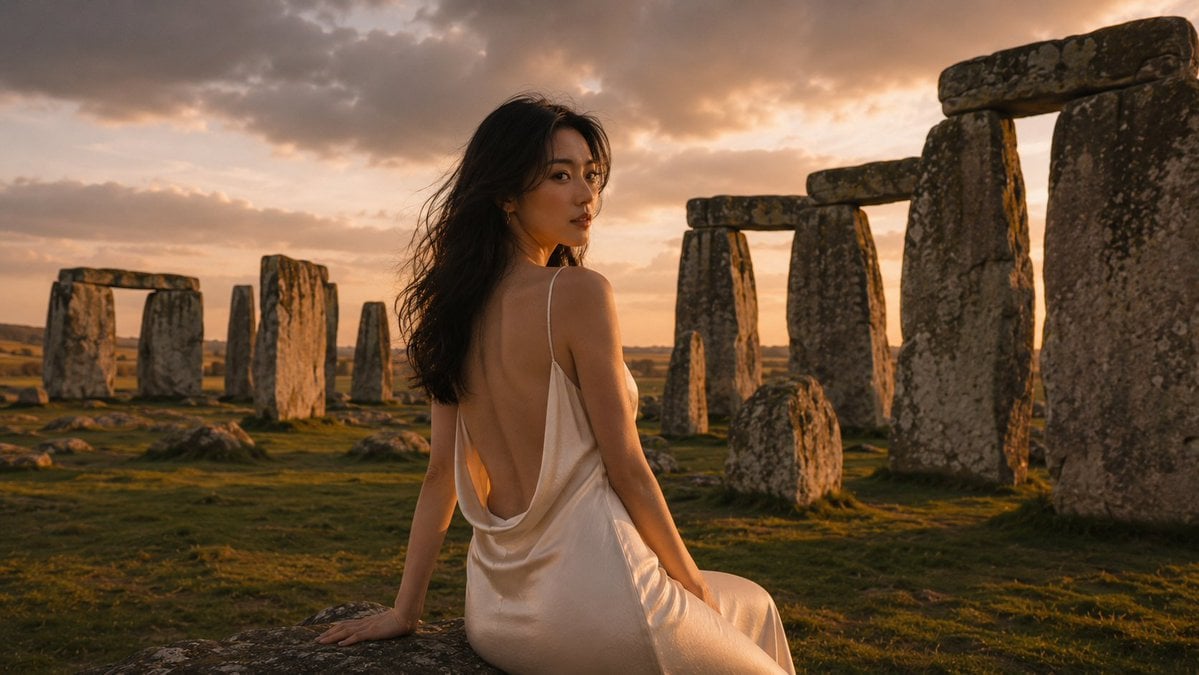
- Prompt included
- Model and format preset
- Free template
The prompt behind this image
Copy the exact prompt behind Hyperrealistic Cinematic Stonehenge Portrait, or open it in the studio and make it yours.
超写实电影感人像,黄昏金光,{argument name="人物" default="东亚女性"}立{argument name="场景" default="巨石阵草原"},略偏右全身入镜,背对四分之三回眸左肩直视镜头,神情平静神秘自信唇微启。暖白肌肤修长身形,杏仁深眼眉柔,透亮桃粉腮红细眼线中性眼影玫瑰唇;深棕黑长发松波垂背,风吹左侧碎发飞,暖轮廓光。{argument name="服装" default="象牙白真丝吊带礼服及地"},极低垂坠露背垂落草地,缎面珠光香槟高光,背部垂贴合脚边,右臂垂身侧,左臂被躯干遮挡。 高耸独石占左前景灰棕石面地衣裂纹;身后三石塔孤立立石,右侧横楣,右缘另石阵裁切;倒石巨砾散落,橄榄草地苔藓浅坑长影,远野朦胧。夕阳天空占半,太阳低垂左上,金晕薄云暖桃琥珀奶油烟灰浅紫,云隙暖光束,右上转蓝灰。光源身后偏左,沿发肩臂背腰礼服成金轮廓光,正面补光见面部;石面暖边缘光冷阴影,右下长影。约腰高,全画幅50–70mm,f/2.8–f/4;近石纹锐利,远石柔化,电影纵深胶片颗粒。色调:象牙丝绸暖肤色橄榄草地灰棕石金琥珀桃云蓝灰阴影;氛围古老浪漫神秘奢华。 无文字标志水印/额外人物/现代建筑护栏/人工照明/畸形手部肢体/扭曲石块塑料肌肤/过饱和橙调/人工HDR。
How to use Hyperrealistic Cinematic Stonehenge Portrait in 3 steps
- 1
Open
The prompt is already in the box next to the preview, with the template's model and format selected.
- 2…a portrait of your subject in softgolden-hour light, 85mm…
Personalize
Edit the subject and creative details for your destination.
- 3Generate
Generate
Press Generate — your image is created in PicX Studio, so you can compare it with the original and refine one variable at a time.
More like this
Templates with the same subject, style or setup. Open one to see its prompt.

Found Photograph: Us, 1970

80s Couple Studio Portrait

80s Bollywood Star

80s Golden Hour Cinema

Me in 1985

1985 Studio Portrait

Hyper-Realistic Minecraft POV Portrait

Rooftop Fisheye — Cat-Ear Balaclava at Golden Hour

Rainy Café Window Moody Portrait

untitled
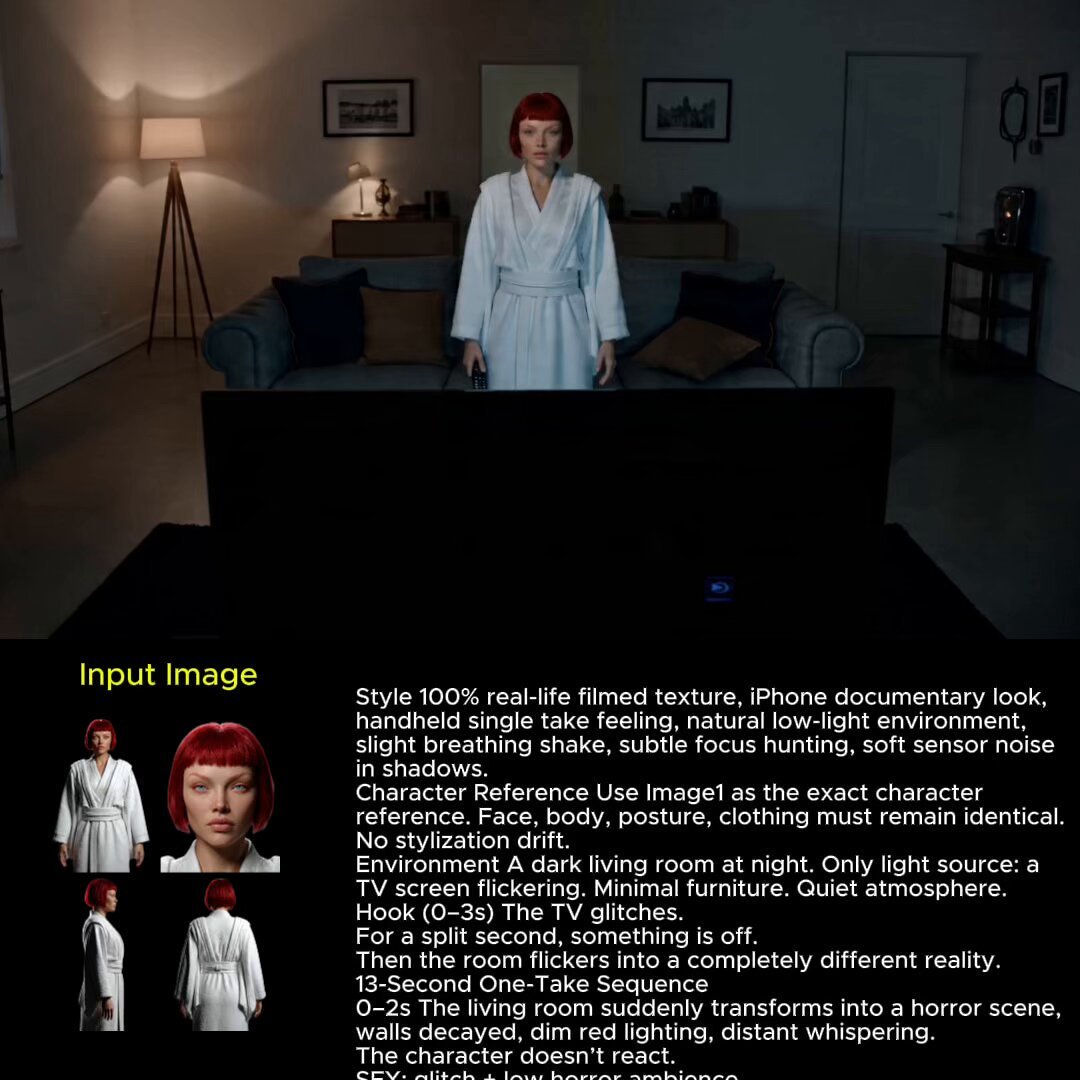
2025 Aesthetic Photography
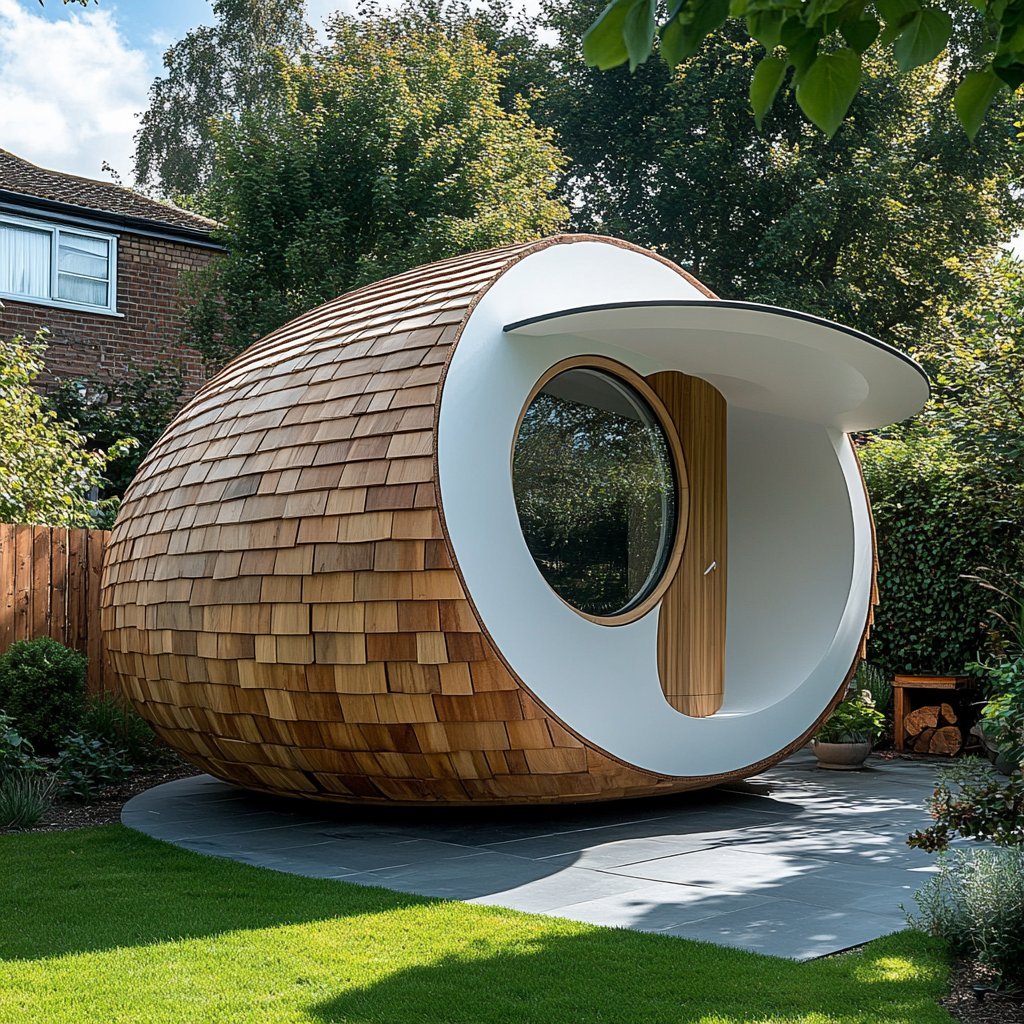
Nano Banana Is So Addictive
Make it yours
Hyperrealistic Cinematic Stonehenge Portrait works as-is. These are the safest ways to change it without losing the look.
Change one field
Copy a single group, rewrite it, and generate again so you can see what that field is doing.
Keep the frame, change the subject
Hold the composition and light of Hyperrealistic Cinematic Stonehenge Portrait, then swap wardrobe, props or the person for a new take.
| If the result… | Why | Fix |
|---|---|---|
| The result drifts from the preview | Too many fields changed at once. | Reuse Hyperrealistic Cinematic Stonehenge Portrait as-is first, then change one group — subject, light, or setting. |
| The model over-stylizes the scene | The prose prompt leaves finish and camera underspecified. | Add one camera or lighting sentence and stay on GPT Image 2. |
More GPT Image 2 templates
Other prompts made for GPT Image 2.

Six VTuber Japanese Logo Sheet

Realistic Portrait of Woman and Deer

The Vista Modular Condo Poster

AI Model Routing Comparison Infographic

2.5D Anime Art Board

Isometric Productivity Desk Scene

New York Double Exposure Poster

Four-Panel AI Landscape Comparison

Japanese Tatami Lifestyle Magazine Cover

NESCAFÉ Coffee Map Poster
More image prompts
Fresh picks from across the catalog.
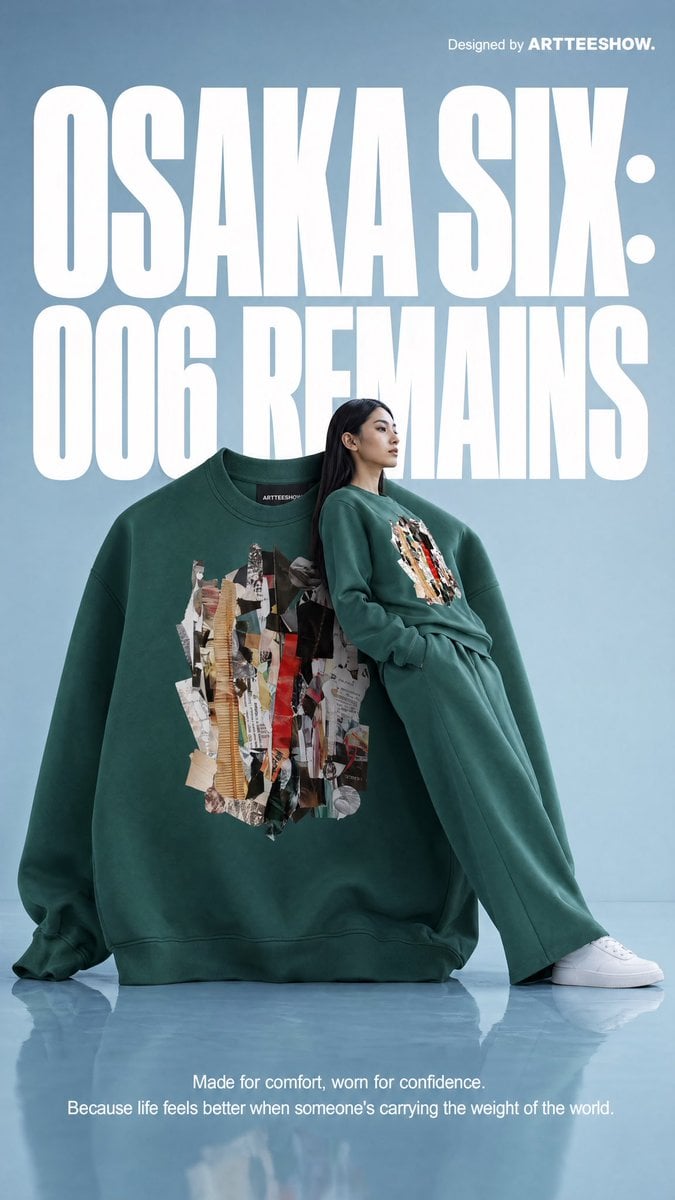
Gpt2 Product Marketing Editorial Osaka Six Sweatshirt Ad

Character Breaking Out of a Comic Book
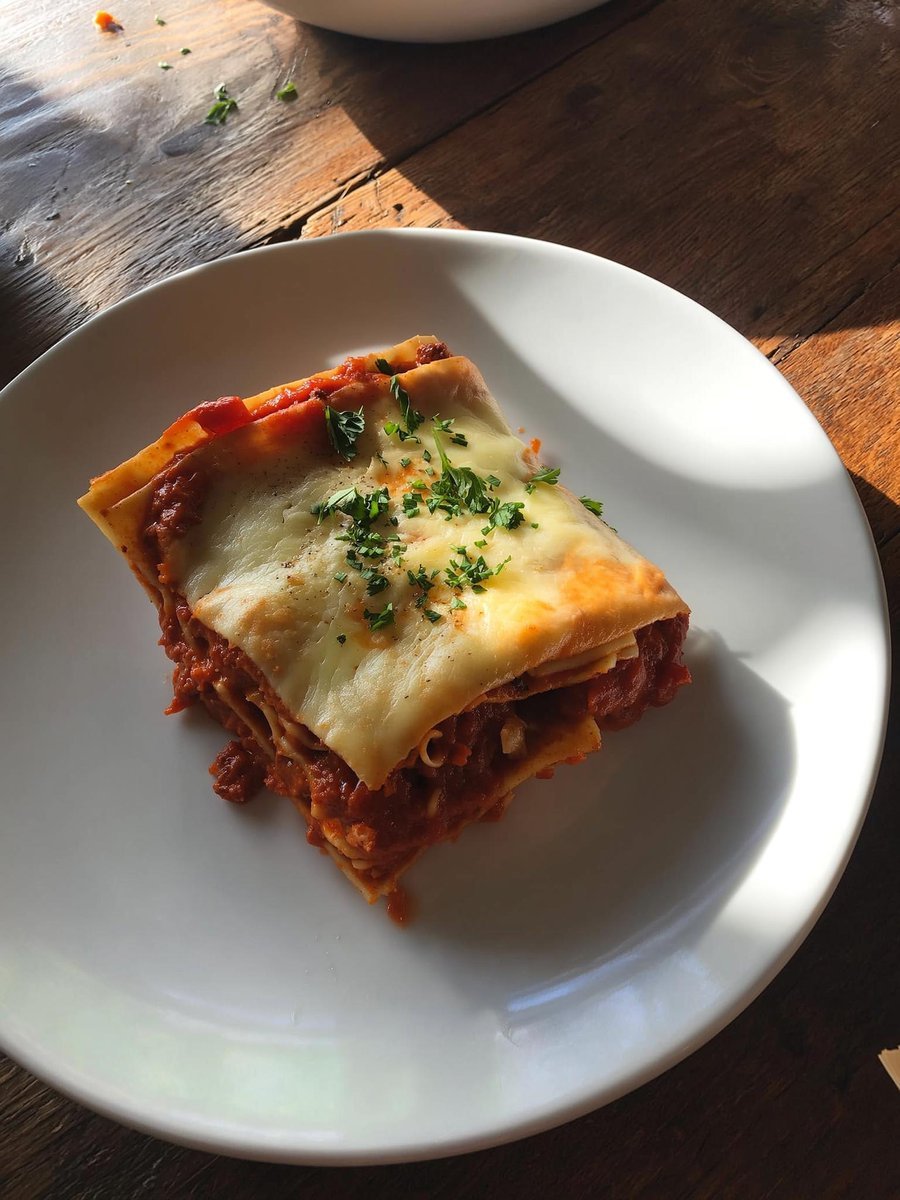
Japanese labeled-ingredients dish photo

Cinematic Engineering Infographic of USS Abraham Lincoln

3D Pop-out Profile Page Illustration
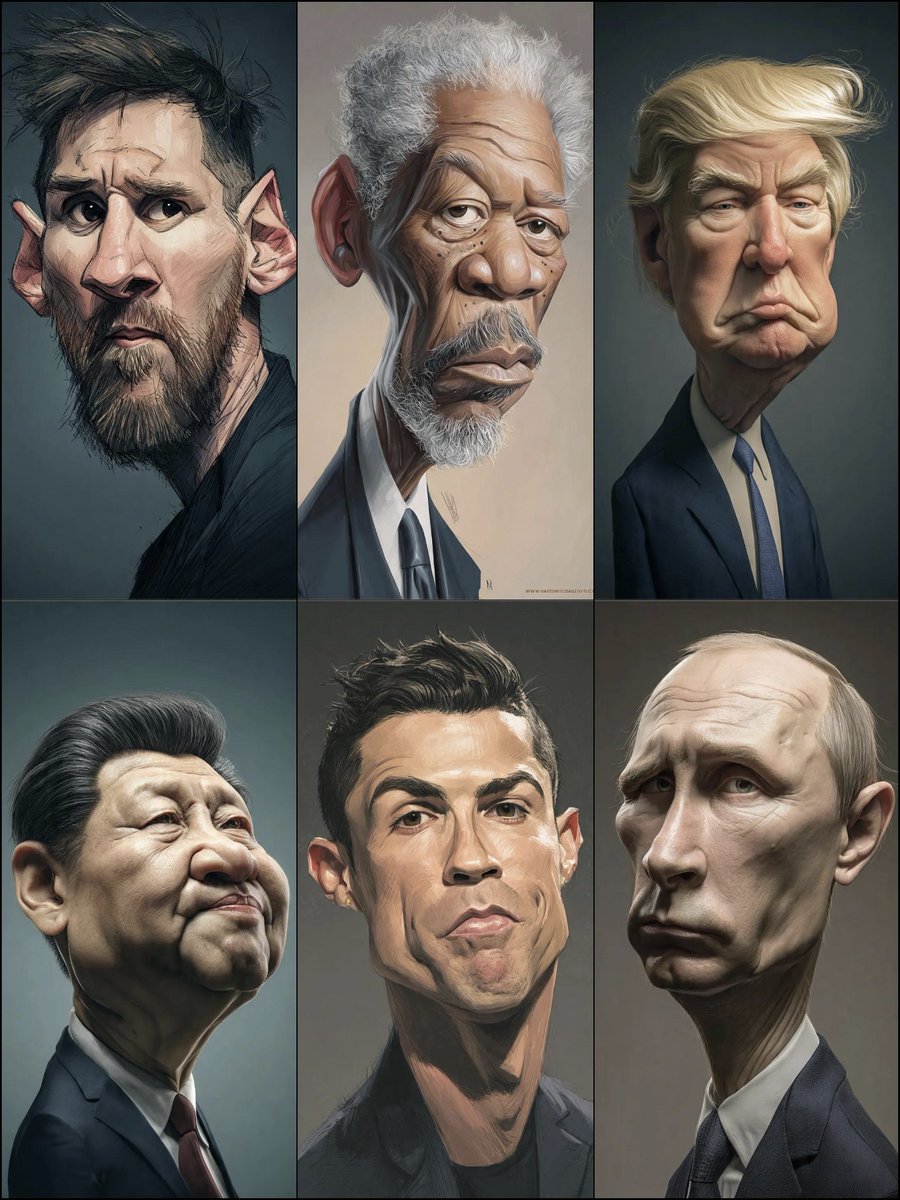
Structured Prompt for Hyperrealistic Caricature Portrait

Ultra-Realistic Beverage Advertising Photography
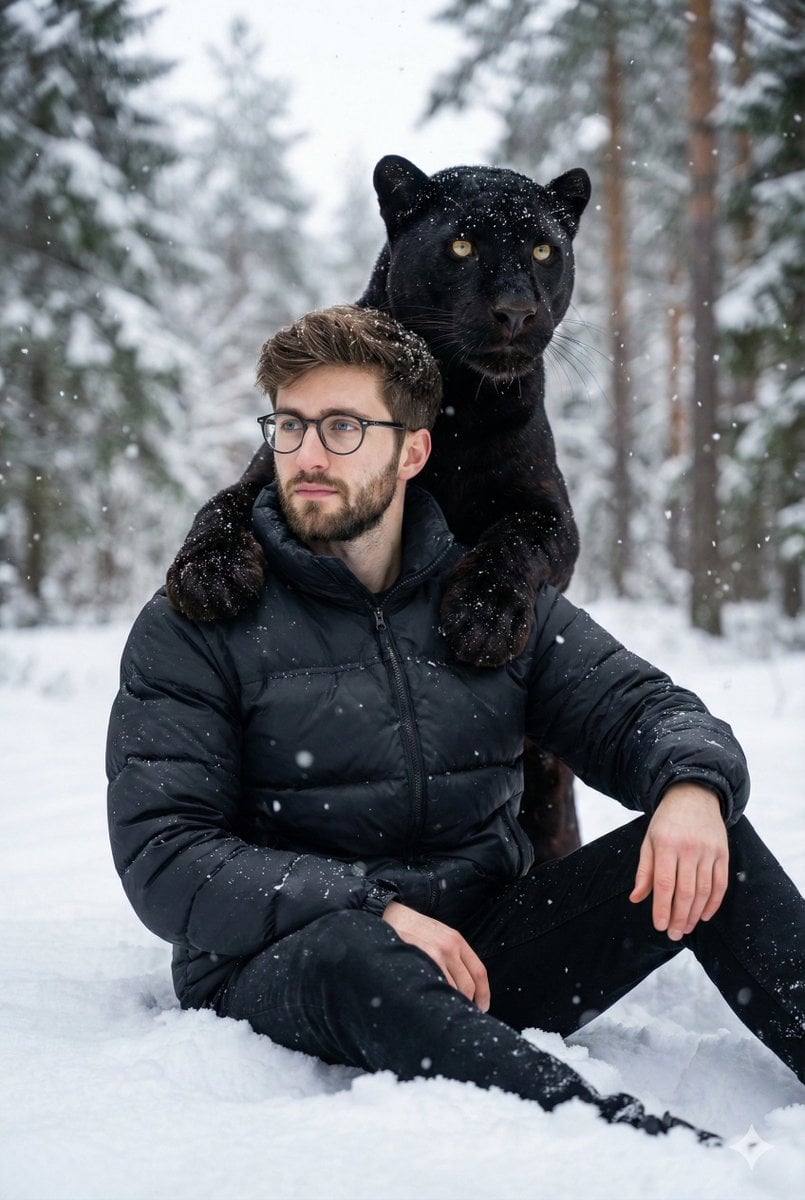
Hyper-realistic 8K image of a man and a black panther in a snowy forest
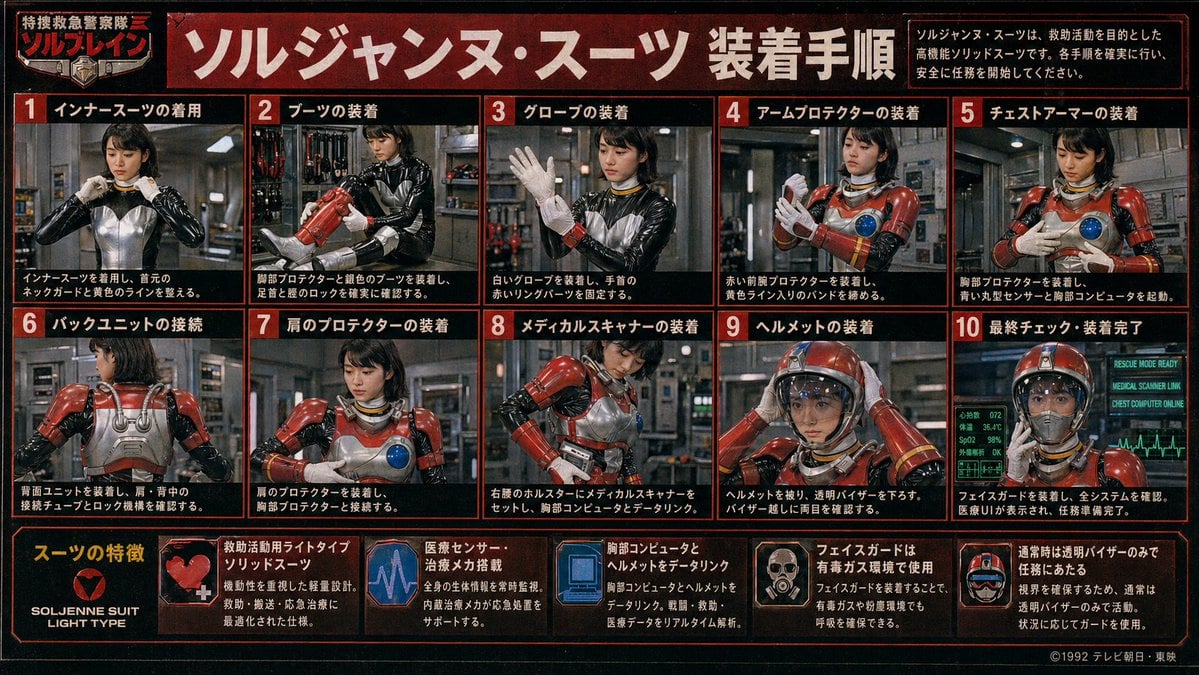
Retro Tokusatsu Suit Procedure Poster
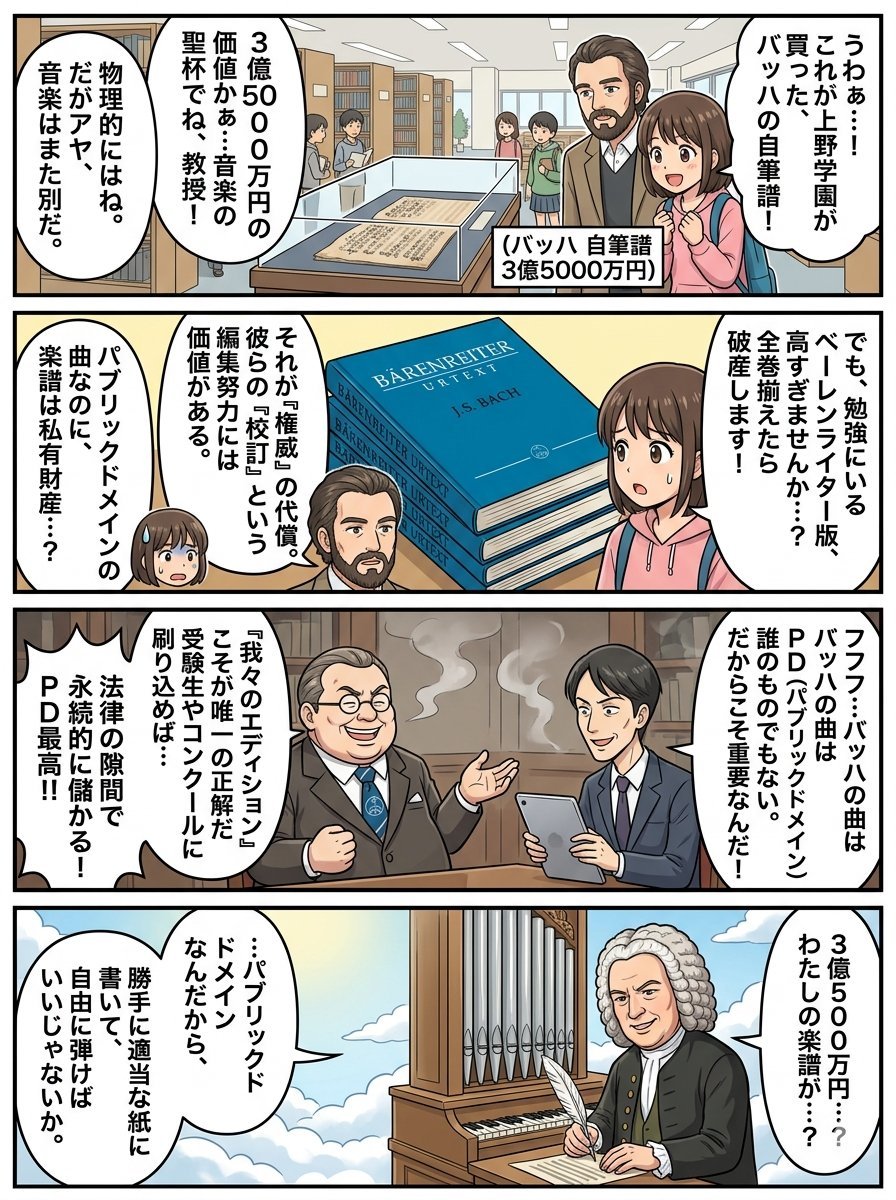
Nano Banana Pro 4-Panel Comic Prompt: Bach in Heaven
Browse template categories
Hyperrealistic Cinematic Stonehenge Portrait questions
How do I use the Hyperrealistic Cinematic Stonehenge Portrait template?
Add your photo if the template asks for one, edit the prompt if you like — the template's model and format are already selected — and press Generate. Your version opens in PicX Studio.
Can I customize the Hyperrealistic Cinematic Stonehenge Portrait template?
Yes. You can change the subject, setting, lighting, mood, format, and available model controls before creating your image.
Is the Hyperrealistic Cinematic Stonehenge Portrait template free?
Opening and editing this template is free. Generating uses credits, shown on the Generate button when you are signed in.
Which AI model should I use?
Start with GPT Image 2, which is the model associated with this template. You can compare another compatible model for a different finish.
Looking for something else? Browse all templates.

Your photo, any look
Thousands of ready templates for every top image and video model, from one credit balance.