
Retro Tokusatsu Suit Procedure Poster
A dense vintage Japanese hero-series instruction poster showing a female rescue operative putting on a red armored suit step by step, ideal for recreating retro tokusatsu manuals and fictional TV prop graphics.
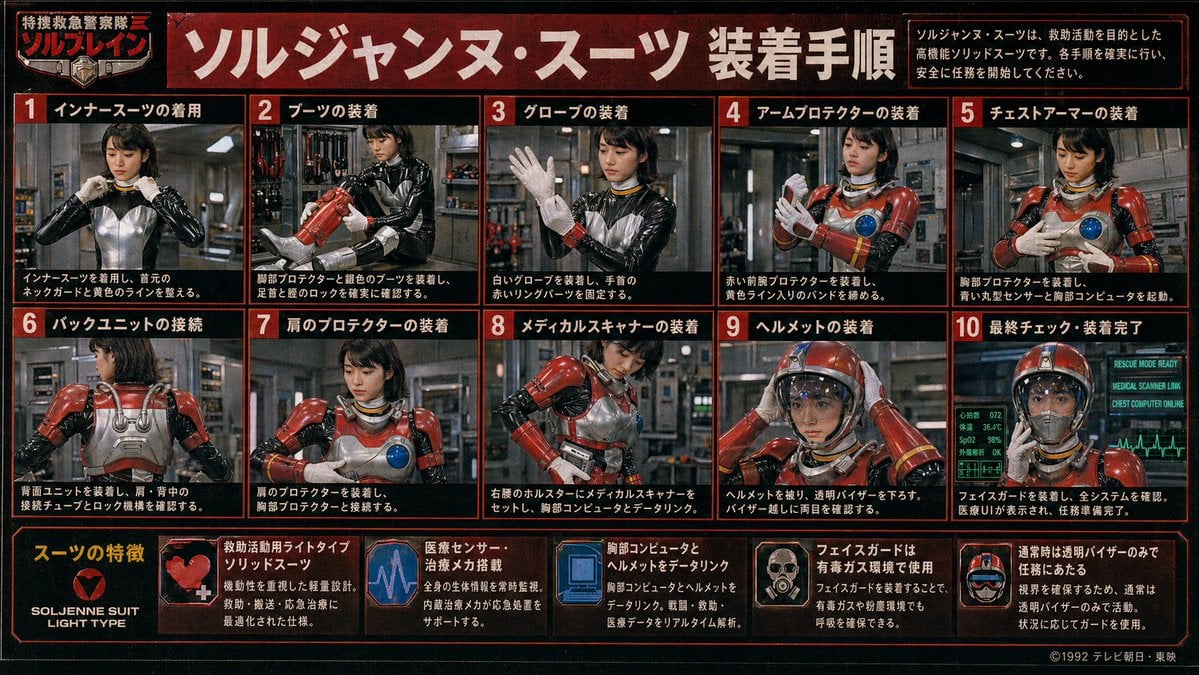
- Prompt included
- Model and format preset
- Free template
The prompt behind this image
Copy the exact prompt behind Retro Tokusatsu Suit Procedure Poster, or open it in the studio and make it yours.
- Type
- retro Japanese tokusatsu instruction poster
- Theme
- 1980s-1990s emergency hero equipment manual
- Subject › Character
- female rescue operative in a glossy black undersuit with metallic silver torso panel, red armored rescue suit components, yellow accent lines, blue circular chest sensor, white gloves, red helmet with clear visor
- Subject › Franchise Style
- fictional TV hero series promotional board
- Subject › Organization Name
- 特捜救急警察隊 ソルブレイン
- Subject › Suit Name
- {argument name="suit name" default="ソルジャンヌ・スーツ"}
- Style › Print
- aged TV magazine or studio prop display board
- Style › Color Palette
- black, deep red, orange-red borders, white Japanese text, steel gray, emergency red armor, blue monitor glow
- Style › Texture
- heavy film grain, mild blur, low-resolution analog broadcast look, slight vignette, worn poster surface
- Style › Lighting
- industrial indoor lighting with metallic reflections
- Layout › Format
- landscape poster with red border grid
- Layout › Header › Title
- {argument name="headline text" default="ソルジャンヌ・スーツ 装着手順"}
- Layout › Header › Left Badge
- 特捜救急警察隊 ソルブレイン
- Layout › Header › Right Note
- ソルジャンヌ・スーツは、救助活動を目的とした高機能ソリッドスーツです。各手順を確実に行い、安全に任務を開始してください。
- Layout › Sections › 0 › Title
- 装着手順
- Layout › Sections › 0 › Position
- upper and middle area in a 2-row grid
- Layout › Sections › 0 › Count
- 10
- Layout › Sections › 0 › Panels › 0 › Number
- 1
- Layout › Sections › 0 › Panels › 0 › Label
- インナースーツの着用
- Layout › Sections › 0 › Panels › 0 › Scene
- front view, operative adjusts the collar/neck guard of the black and silver inner suit
- Layout › Sections › 0 › Panels › 1 › Number
- 2
- Layout › Sections › 0 › Panels › 1 › Label
- ブーツの装着
- Layout › Sections › 0 › Panels › 1 › Scene
- operative fitting red armored boots and checking shin and ankle locks
- Layout › Sections › 0 › Panels › 2 › Number
- 3
Raw JSON
{"type":"retro Japanese tokusatsu instruction poster","theme":"1980s-1990s emergency hero equipment manual","subject":{"character":"female rescue operative in a glossy black undersuit with metallic silver torso panel, red armored rescue suit components, yellow accent lines, blue circular chest sensor, white gloves, red helmet with clear visor","franchise_style":"fictional TV hero series promotional board","organization_name":"特捜救急警察隊 ソルブレイン","suit_name":"{argument name=\"suit name\" default=\"ソルジャンヌ・スーツ\"}"},"style":{"print":"aged TV magazine or studio prop display board","color_palette":["black","deep red","orange-red borders","white Japanese text","steel gray","emergency red armor","blue monitor glow"],"texture":"heavy film grain, mild blur, low-resolution analog broadcast look, slight vignette, worn poster surface","lighting":"industrial indoor lighting with metallic reflections"},"layout":{"format":"landscape poster with red border grid","header":{"title":"{argument name=\"headline text\" default=\"ソルジャンヌ・スーツ 装着手順\"}","left_badge":"特捜救急警察隊 ソルブレイン","right_note":"ソルジャンヌ・スーツは、救助活動を目的とした高機能ソリッドスーツです。各手順を確実に行い、安全に任務を開始してください。"},"sections":[{"title":"装着手順","position":"upper and middle area in a 2-row grid","count":10,"panels":[{"number":1,"label":"インナースーツの着用","scene":"front view, operative adjusts the collar/neck guard of the black and silver inner suit"},{"number":2,"label":"ブーツの装着","scene":"operative fitting red armored boots and checking shin and ankle locks"},{"number":3,"label":"グローブの装着","scene":"operative raises one hand while putting on white gloves and securing red wrist ring parts"},{"number":4,"label":"アームプロテクターの装着","scene":"operative fastening red forearm protectors and tightening yellow striped bands"},{"number":5,"label":"チェストアーマーの装着","scene":"operative attaching chest armor, blue circular sensor visible on the breastplate"},{"number":6,"label":"バックユニットの接続","scene":"rear view showing silver back unit, shoulder tubes, and connection locks"},{"number":7,"label":"肩のプロテクターの装着","scene":"front three-quarter view, red shoulder armor being mounted and aligned to chest armor"},{"number":8,"label":"メディカルスキャナーの装着","scene":"operative setting a medical scanner device into a right-waist holster and linking it to the chest computer"},{"number":9,"label":"ヘルメットの装着","scene":"operative placing red helmet on her head and lowering the transparent visor"},{"number":10,"label":"最終チェック・装着完了","scene":"fully suited operative facing forward with glowing diagnostic monitors behind her indicating readiness"}]},{"title":"スーツの特徴","position":"bottom strip","count":6,"items":[{"label":"SOLJENNE SUIT LIGHT TYPE","icon":"heart-like red emblem on black background"},{"label":"救助活動用ライトタイプソリッドスーツ","icon":"red armor close-up with white medical cross"},{"label":"医療センサー・治療メカ搭載","icon":"purple-blue heartbeat monitor graphic"},{"label":"胸部コンピュータとヘルメットをデータリンク","icon":"blue computer display graphic"},{"label":"フェイスガードは有毒ガス環境で使用","icon":"small portrait showing face guard deployment"},{"label":"通常時は透明バイザーのみで任務にあたる","icon":"helmet diagram with clear visor"}]}],"footer":{"left":"feature strip integrated into bottom row","right":"{argument name=\"copyright text\" default=\"©1992 テレビ朝日・東映\"}"}},"environment":{"main_panels":"industrial equipment room or rescue base interior with pipes, lockers, tools, and metallic walls","final_panel":"green-blue medical and system status monitors with ECG line and status text such as RESCUE MODE READY"},"composition_notes":"all 10 procedure panels show the same operative step by step; face is soft, low-detail, and partially blurred like a vintage printed guide; each panel framed with thick red borders on black background; bold white Japanese text with red numbered boxes; dense infographic layout filling the entire image","generation_notes":"create a convincing Japanese practical-effects superhero manual poster, not modern clean vector design; prioritize photographic tokusatsu stills arranged as an instruction chart, with authentic period typography and prop-like realism"}How to use Retro Tokusatsu Suit Procedure Poster in 3 steps
- 1Upload ImagePNG, JPG or paste
Add your photo
Upload the photo the template builds on. The prompt, model and format are already set.
- 2…a portrait of your subject in softgolden-hour light, 85mm…
Personalize
Edit the subject and creative details for your destination.
- 3Generate
Generate
Press Generate — your image is created in PicX Studio, so you can compare it with the original and refine one variable at a time.
More like this
Templates with the same subject, style or setup. Open one to see its prompt.












Make it yours
Retro Tokusatsu Suit Procedure Poster works as-is. These are the safest ways to change it without losing the look.
Swap the setting
Keep the rest of the prompt and replace the location block. The current setting is “industrial equipment room or rescue base interior with pipes, lockers, tools, an”.
Swap the light
One lighting change is enough to compare takes. Current light: “industrial indoor lighting with metallic reflections”.
Change one field
Copy a single group, rewrite it, and generate again so you can see what that field is doing.
| If the result… | Why | Fix |
|---|---|---|
| The result drifts from the preview | Too many fields changed at once. | Reuse Retro Tokusatsu Suit Procedure Poster as-is first, then change one group — subject, light, or setting. |
| GPT Image 2 ignores part of the JSON | Some models flatten or skip nested keys. | Keep the same values and paste them as a short paragraph instead. |
More GPT Image 2 templates
Other prompts made for GPT Image 2.

Six VTuber Japanese Logo Sheet

Realistic Portrait of Woman and Deer

The Vista Modular Condo Poster

AI Model Routing Comparison Infographic

2.5D Anime Art Board

Isometric Productivity Desk Scene

New York Double Exposure Poster

Four-Panel AI Landscape Comparison

Japanese Tatami Lifestyle Magazine Cover

NESCAFÉ Coffee Map Poster
More image prompts
Fresh picks from across the catalog.
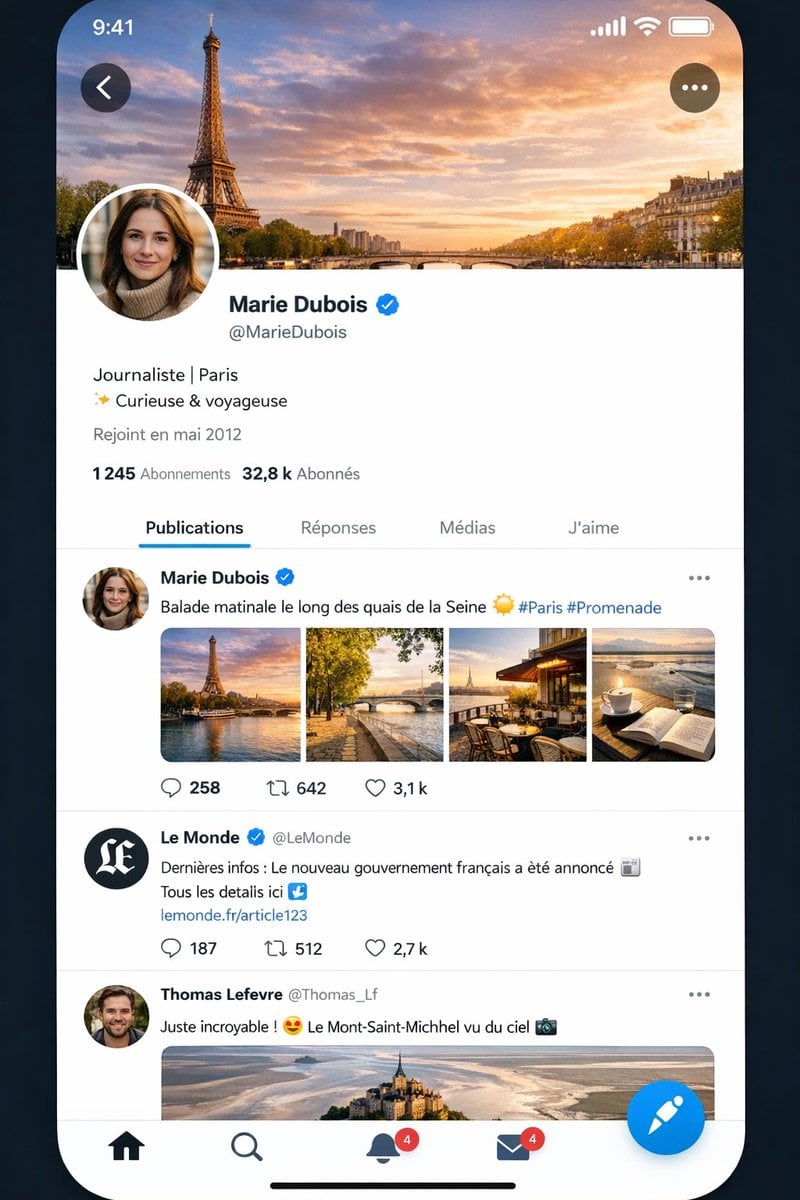
Realistic X-Style French Profile Screen
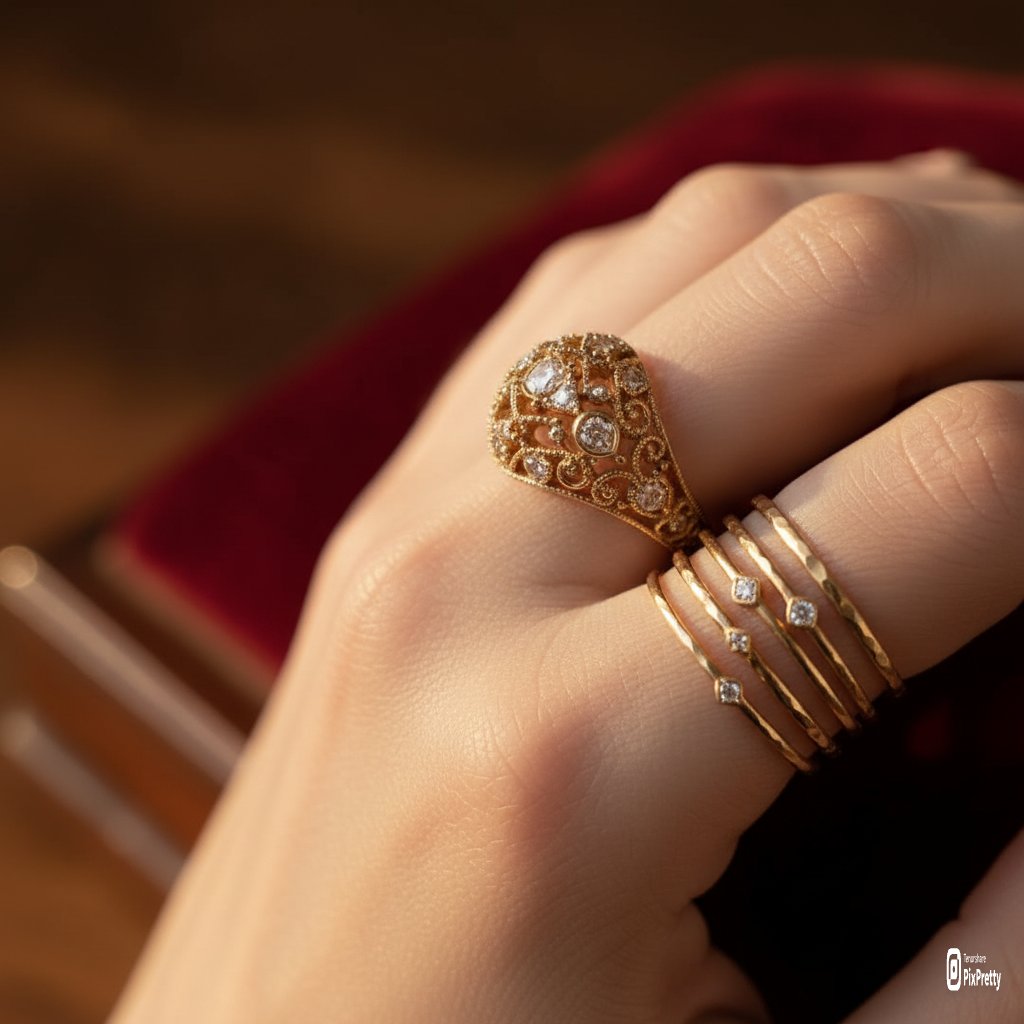
Macro Product Photography of Jewelry Worn by a Model

Product Photography Grid Generation for Cost Saving
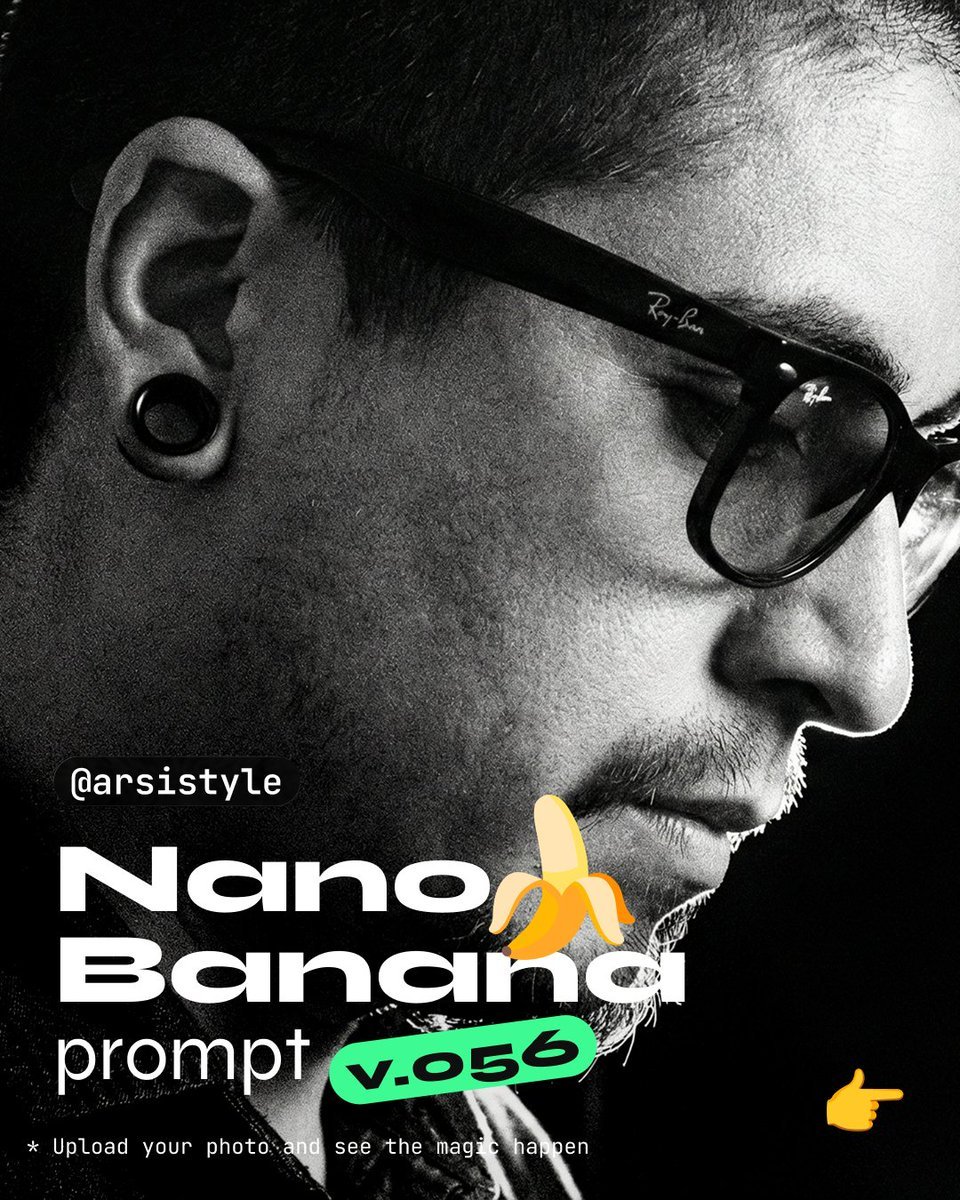
Cinematic Chiaroscuro Portrait Prompt

Pool Prompt for Realistic Image Generation

Luxury Keratin Shampoo Ad
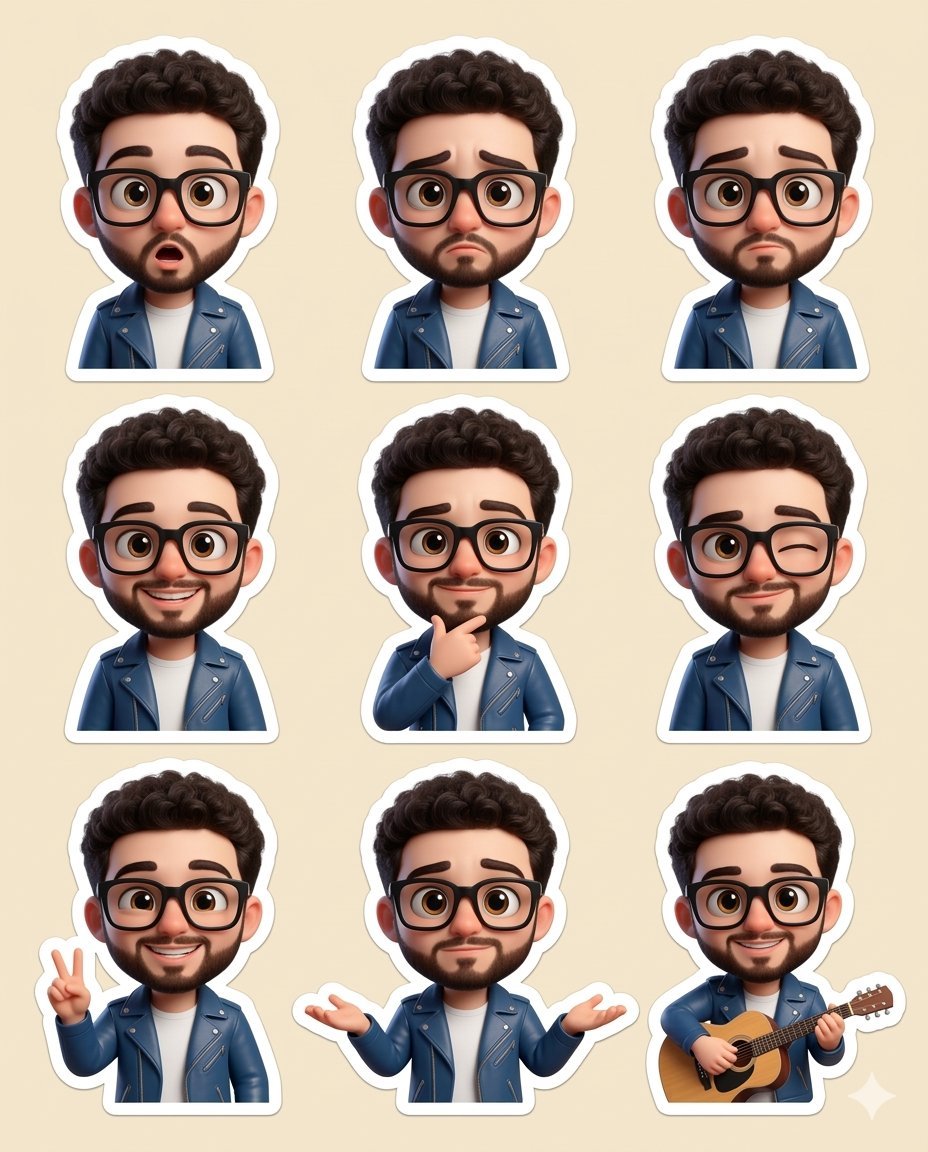
Chibi sticker set prompt for Nano Banana Pro
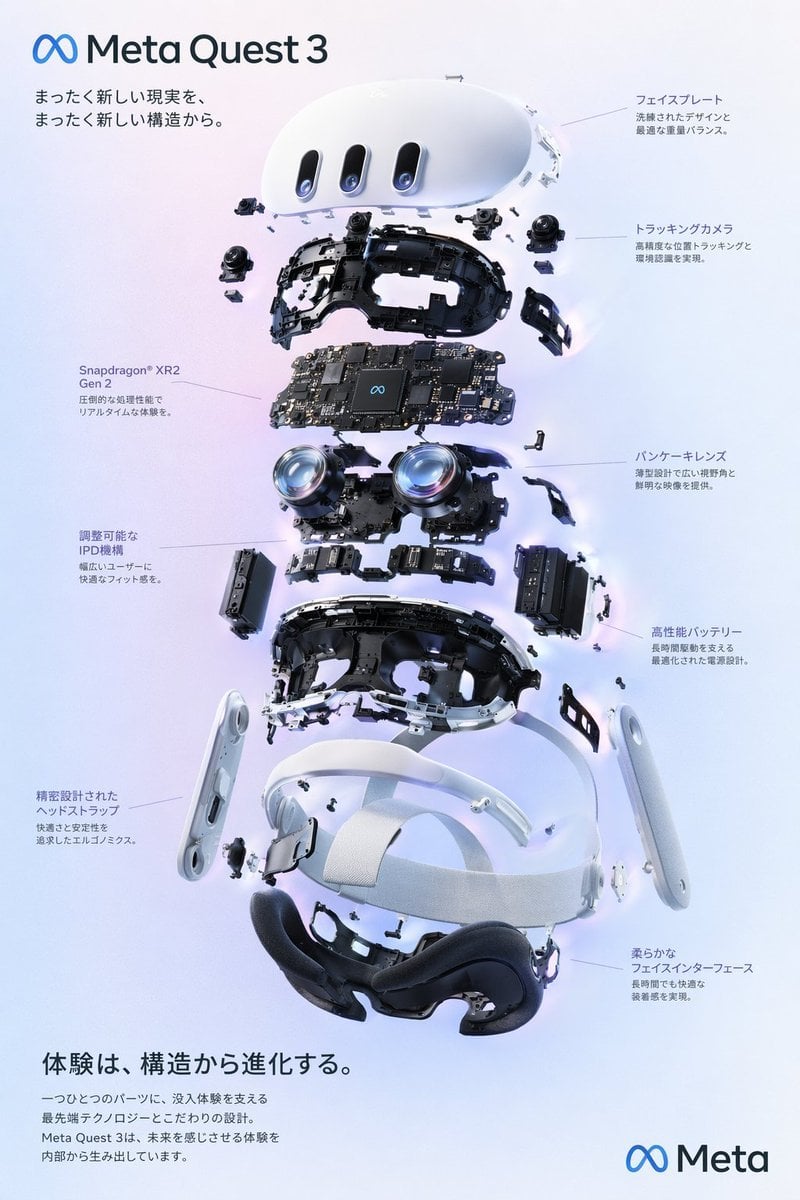
Meta Quest 3 Exploded Infographic
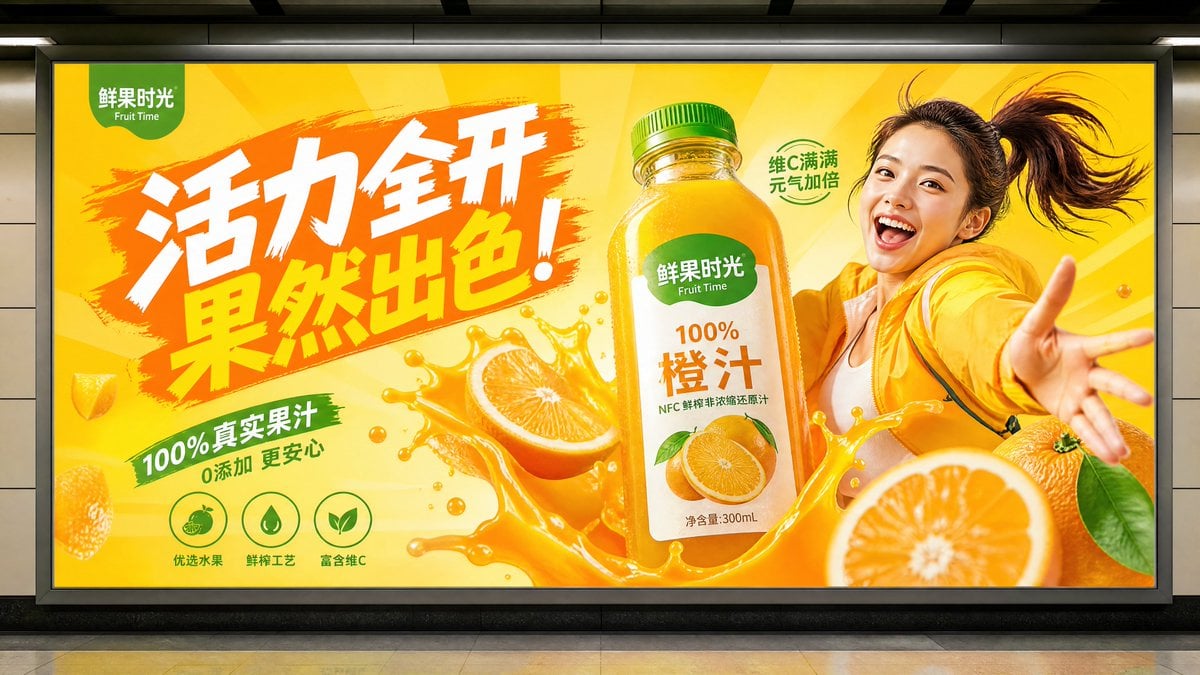
Subway Juice Drink Advertisement
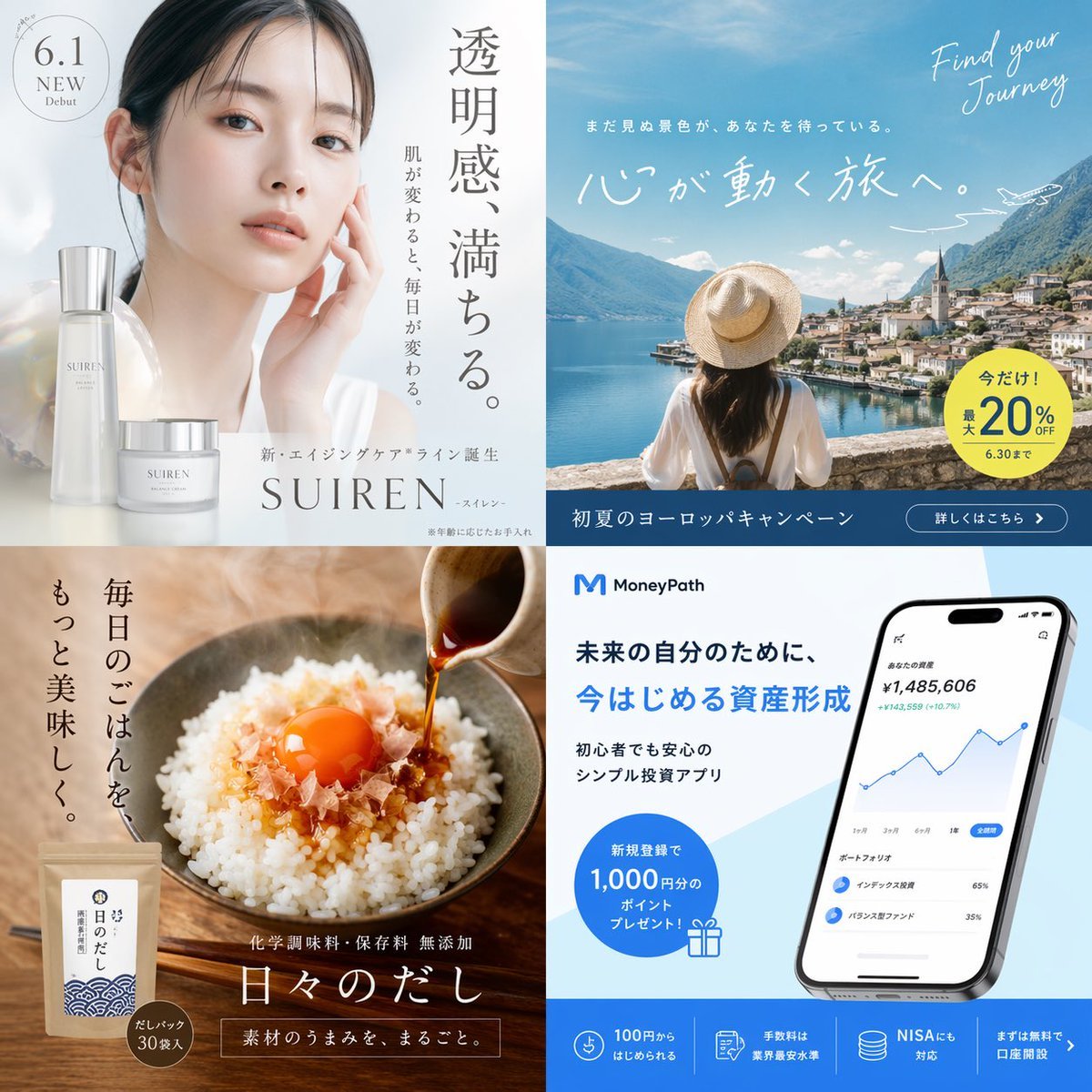
Panel Japanese Advertising Grid
Browse template categories
Retro Tokusatsu Suit Procedure Poster questions
How do I use the Retro Tokusatsu Suit Procedure Poster template?
Add your photo if the template asks for one, edit the prompt if you like — the template's model and format are already selected — and press Generate. Your version opens in PicX Studio.
Can I customize the Retro Tokusatsu Suit Procedure Poster template?
Yes. You can change the subject, setting, lighting, mood, format, and available model controls before creating your image.
Is the Retro Tokusatsu Suit Procedure Poster template free?
Opening and editing this template is free. Generating uses credits, shown on the Generate button when you are signed in.
Which AI model should I use?
Start with GPT Image 2, which is the model associated with this template. You can compare another compatible model for a different finish.
Looking for something else? Browse all templates.

Your photo, any look
Thousands of ready templates for every top image and video model, from one credit balance.