
Cinematic Gala Still Identity Preservation Prompt
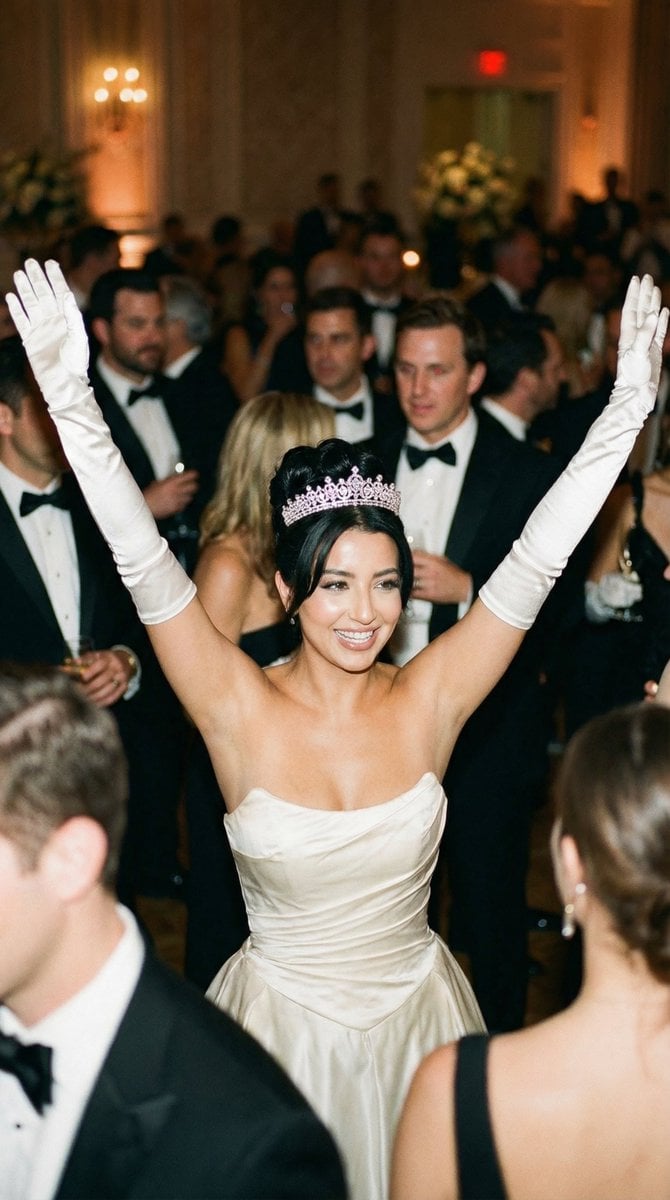
A highly detailed JSON prompt for generating a photorealistic cinematic film still of a glamorous ballroom gala moment.
- Prompt included
- Model and format preset
- Free template
The prompt behind this image
Copy the exact prompt behind Cinematic Gala Still Identity Preservation Prompt, or open it in the studio and make it yours.
{ "generation_request": { "meta_data": { "tool": "NanoBanana Pro", "task_type": "text_to_image_photoreal_cinematic_gala_still", "version": "v1.0", "priority": "high" }, "references": { "character_reference_image": "{argument name="character reference image" default="UPLOAD_YOUR_CHARACTER_REFERENCE (OPTIONAL IF YOU WANT SAME FACE)"}", "reference_rules": { "if_character_reference_provided_then_preserve_identity": true, "identity_lock_strength": 0.99, "do_not_copy_any_unprovided_identity": true } }, "output_settings": { "aspect_ratio": "4:5", "orientation": "portrait", "resolution": "ultra_high_res", "render_style": "photorealistic_cinematic_film_still", "sharpness": "high", "film_grain": "subtle_35mm" }, "creative_prompt": { "scene_summary": { "en": "A glamorous cinematic ballroom gala moment, photographed like a classic 90s/early-2000s film still. Center frame: an elegant young woman in a strapless ivory-white couture gown, wearing long white satin opera gloves and a sparkling tiara/crown. She is smiling brightly and triumphantly with BOTH arms raised high in a joyful V-shape. Warm golden tungsten ballroom lighting, soft flattering highlights on skin, realistic fabric texture. Background: a crowded formal event with men in black tuxedos and bowties and guests in eveningwear, softly blurred with shallow depth of field and gentle bokeh. The vibe is celebratory, luxurious, and candid. No text, no logos, no watermark." }, "subject": { "type": "adult_woman", "expression": "big confident smile, joyful celebration", "pose": "both arms raised high above head, open hands, elbows extended", "wardrobe": { "dress": "strapless ivory/white formal gown, fitted bodice, subtle sheen, couture finish", "gloves": "white satin opera gloves reaching above elbows", "headpiece": "sparkling tiara/crown with realistic gemstones" }, "beauty": { "makeup": "classic glamorous evening makeup, natural-to-warm tones, elegant red/pink lip (not exaggerated)", "hair": "sleek updo compatible with tiara, tidy and glossy" } }, "environment": { "location": "luxury ballroom / formal gala", "background": "dense crowd of well-dressed guests (tuxedos, evening gowns), softly out of focus, warm ambience", "color_palette": "golden warm highlights, deep blacks, creamy whites" }, "lighting_and_camera": { "lighting": "warm ballroom tungsten key light + soft fill, subtle rim highlights on tiara and gloves", "camera": "cinematic film-still look", "lens": "50mm (or 85mm for tighter portrait feel)", "aperture": "f/2.0", "iso": "400", "shutter": "1/125", "focus": "tack-sharp on the woman’s face and tiara; background pleasantly blurred" }, }
How to use Cinematic Gala Still Identity Preservation Prompt in 3 steps
- 1Upload ImagePNG, JPG or paste
Add your photo
Upload the photo the template builds on. The prompt, model and format are already set.
- 2…a portrait of your subject in softgolden-hour light, 85mm…
Personalize
Edit the subject and creative details for your destination.
- 3Generate
Generate
Press Generate — your image is created in PicX Studio, so you can compare it with the original and refine one variable at a time.
More like this
Templates with the same subject, style or setup. Open one to see its prompt.
Cyberpunk Identity Preservation Portrait
Natural Identity Preservation Prompt
Cozy Christmas Market Portrait with Identity Preservation
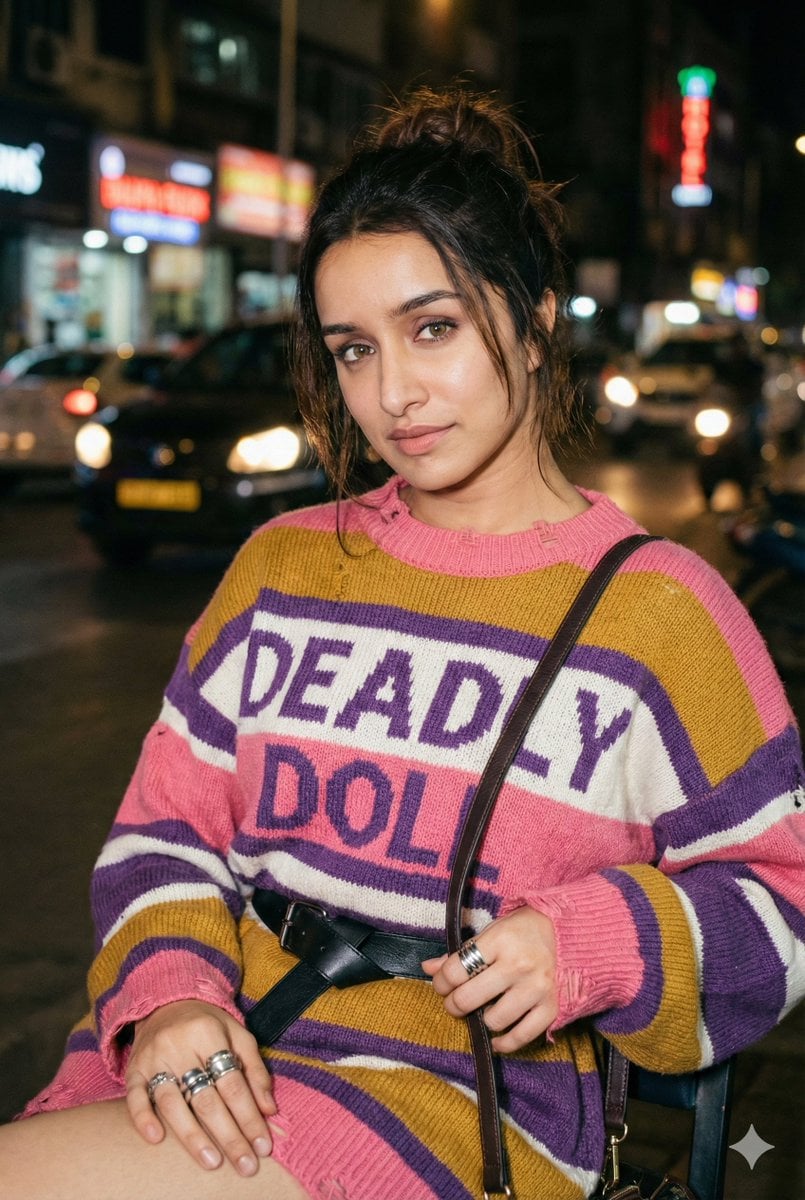
Editorial Nighttime Urban Portrait with Identity Preservation
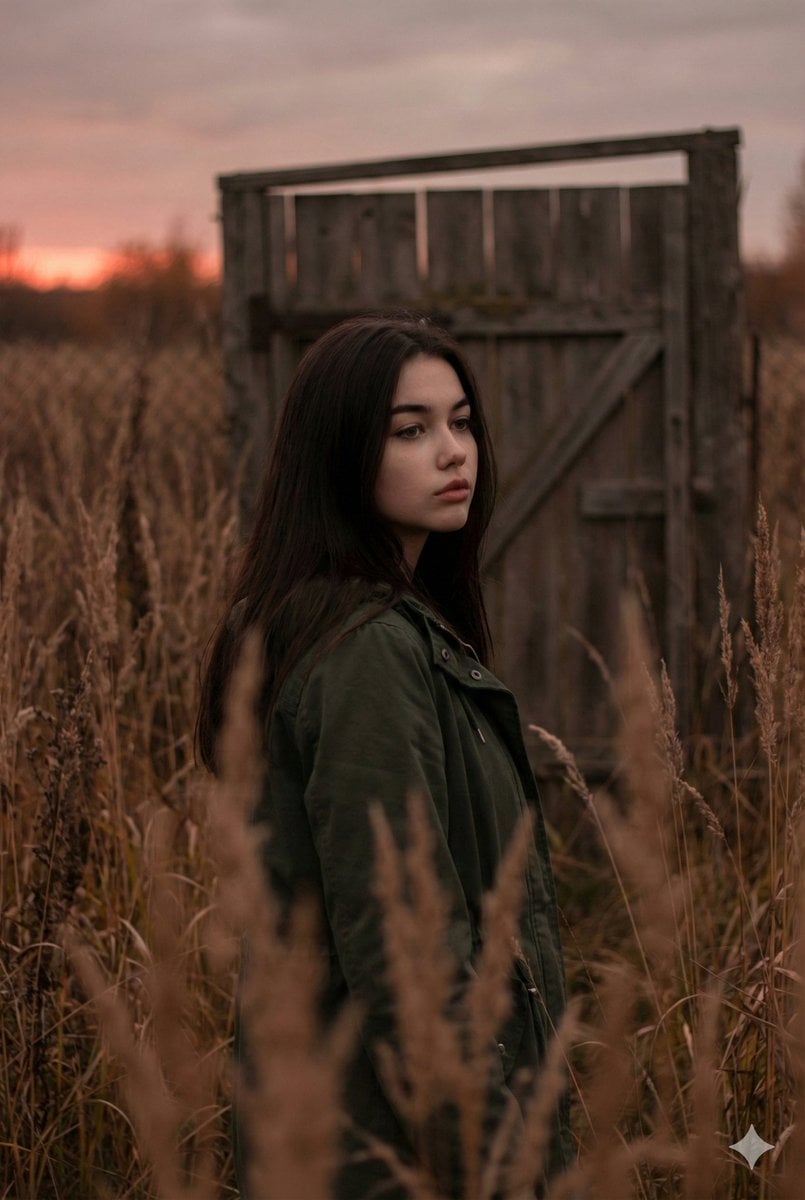
Atmospheric Sunset Portrait Edit Prompt with Identity Preservation
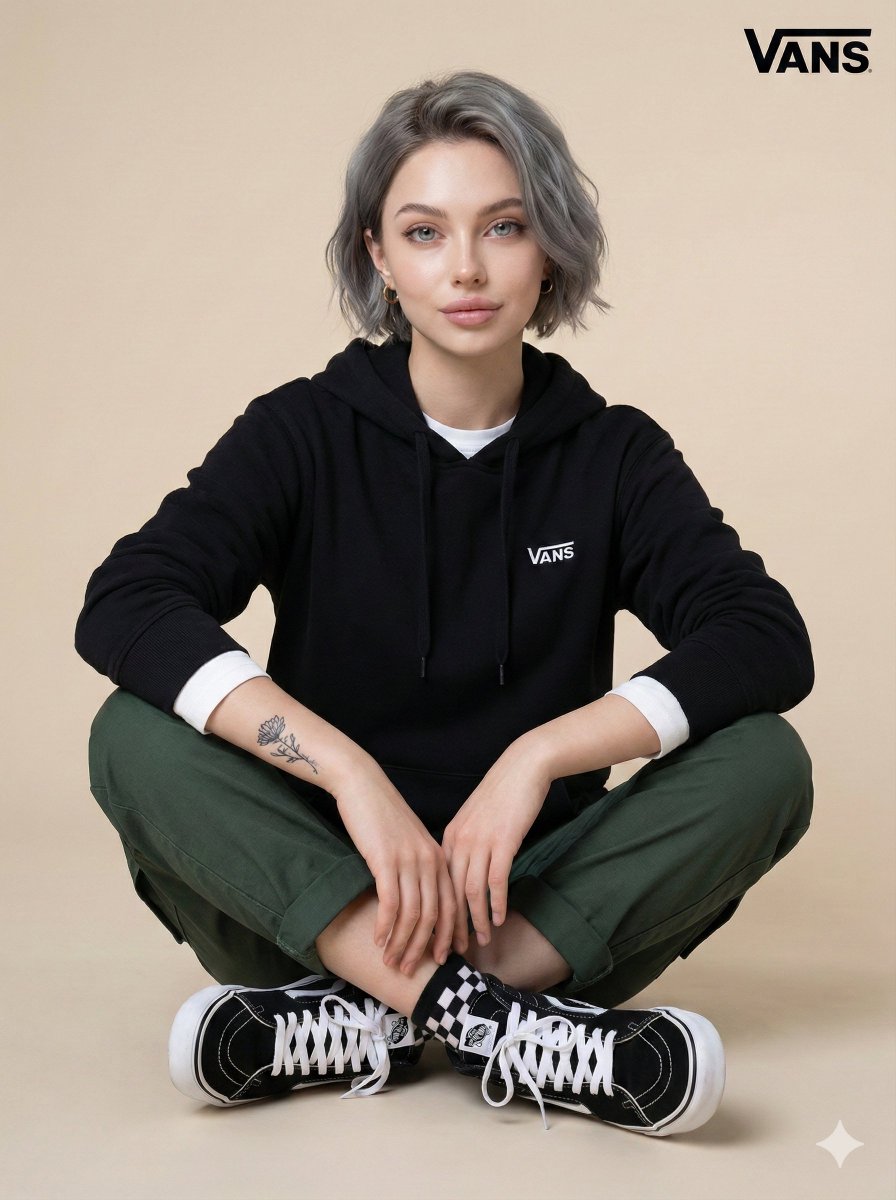
Casual Studio Portrait with Identity Preservation Prompt
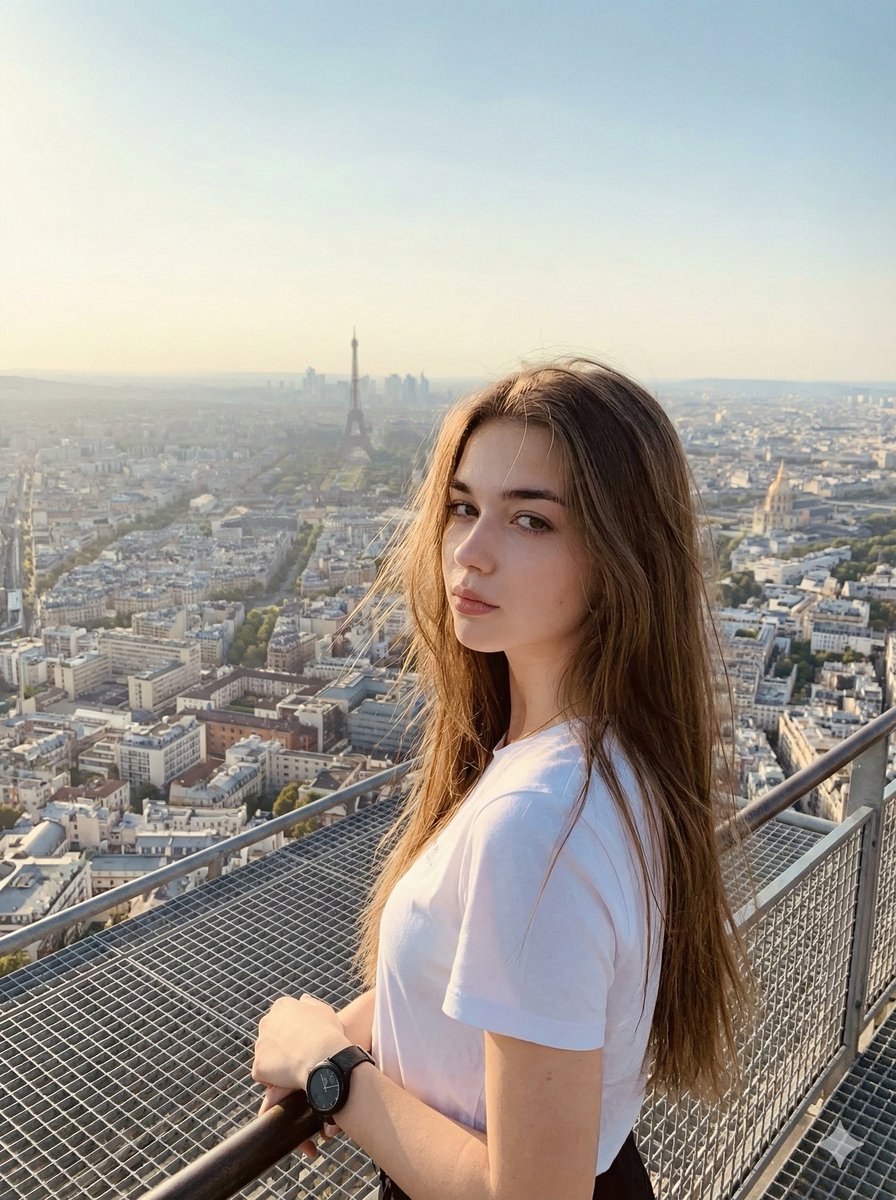
Cinematic Parisian Tower Portrait with Identity Preservation
Vintage Studio Portrait with Identity Preservation Prompt
Golden Hour Seaside Portrait with Identity Preservation
Cinematic Profile Portrait with Identity Preservation
Aurora Borealis Couple Portrait with Identity Preservation
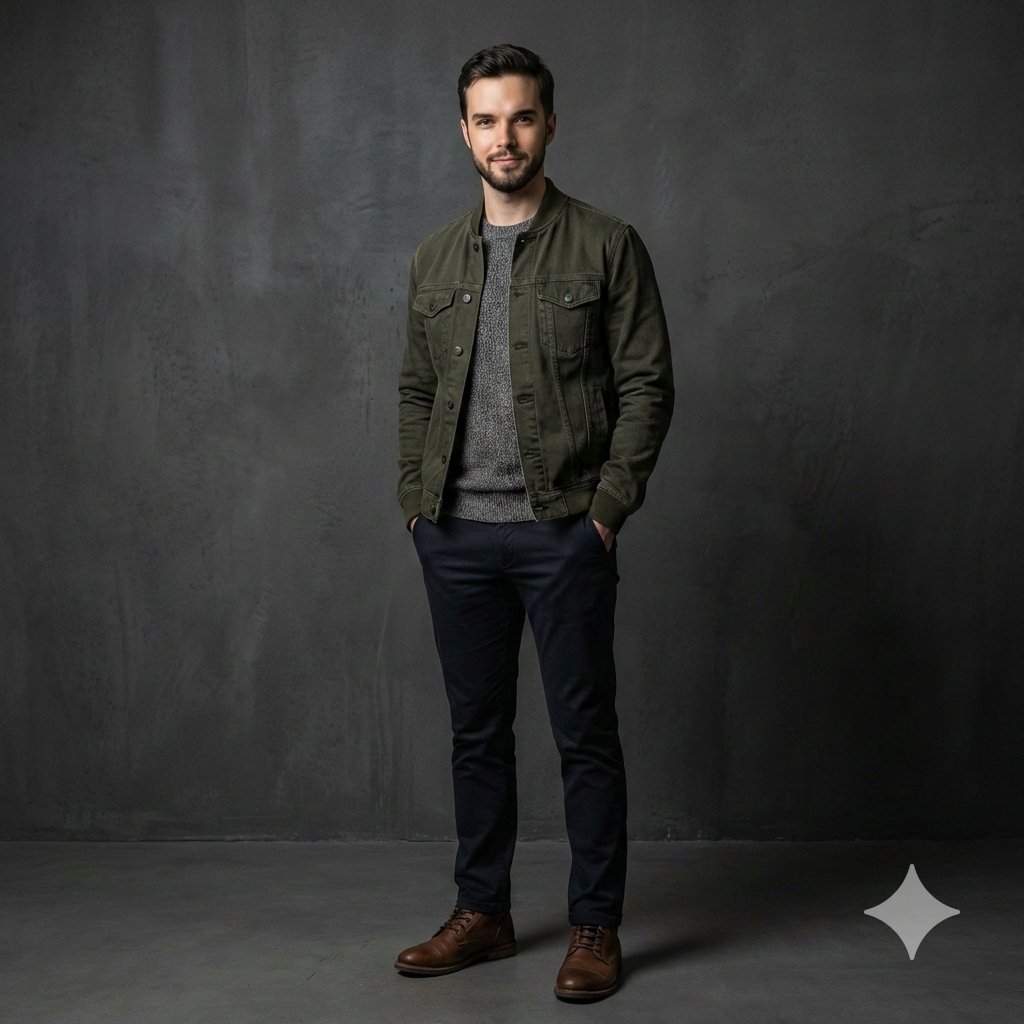
Photorealistic Studio Portrait with Identity Preservation
Make it yours
Cinematic Gala Still Identity Preservation Prompt works as-is. These are the safest ways to change it without losing the look.
Change one field
Copy a single group, rewrite it, and generate again so you can see what that field is doing.
Keep the frame, change the subject
Hold the composition and light of Cinematic Gala Still Identity Preservation Prompt, then swap wardrobe, props or the person for a new take.
| If the result… | Why | Fix |
|---|---|---|
| The result drifts from the preview | Too many fields changed at once. | Reuse Cinematic Gala Still Identity Preservation Prompt as-is first, then change one group — subject, light, or setting. |
| The model over-stylizes the scene | The prose prompt leaves finish and camera underspecified. | Add one camera or lighting sentence and stay on Nano Banana 2. |
More Nano Banana 2 templates
Other prompts made for Nano Banana 2.

Photorealistic Leaf Shaped Like a Dragon

K-Pop Idol Portrait Grid for Rapid Selection

Poetic Rain Forest Portrait During Golden Hour

Urban Street Portrait with Cartoon Inner Self Duo

Candid Nighttime Photo with Cat Prompt

High-Concept 3D Diorama Generation Prompt

Cinematic Futuristic Studio Portrait Template

Skincare Editorial Photography Collage Prompt

Hyper-Realistic Commercial Product Photography (Splash Effect)

Hyper-Realistic Nightclub Portrait Prompt
More image prompts
Fresh picks from across the catalog.
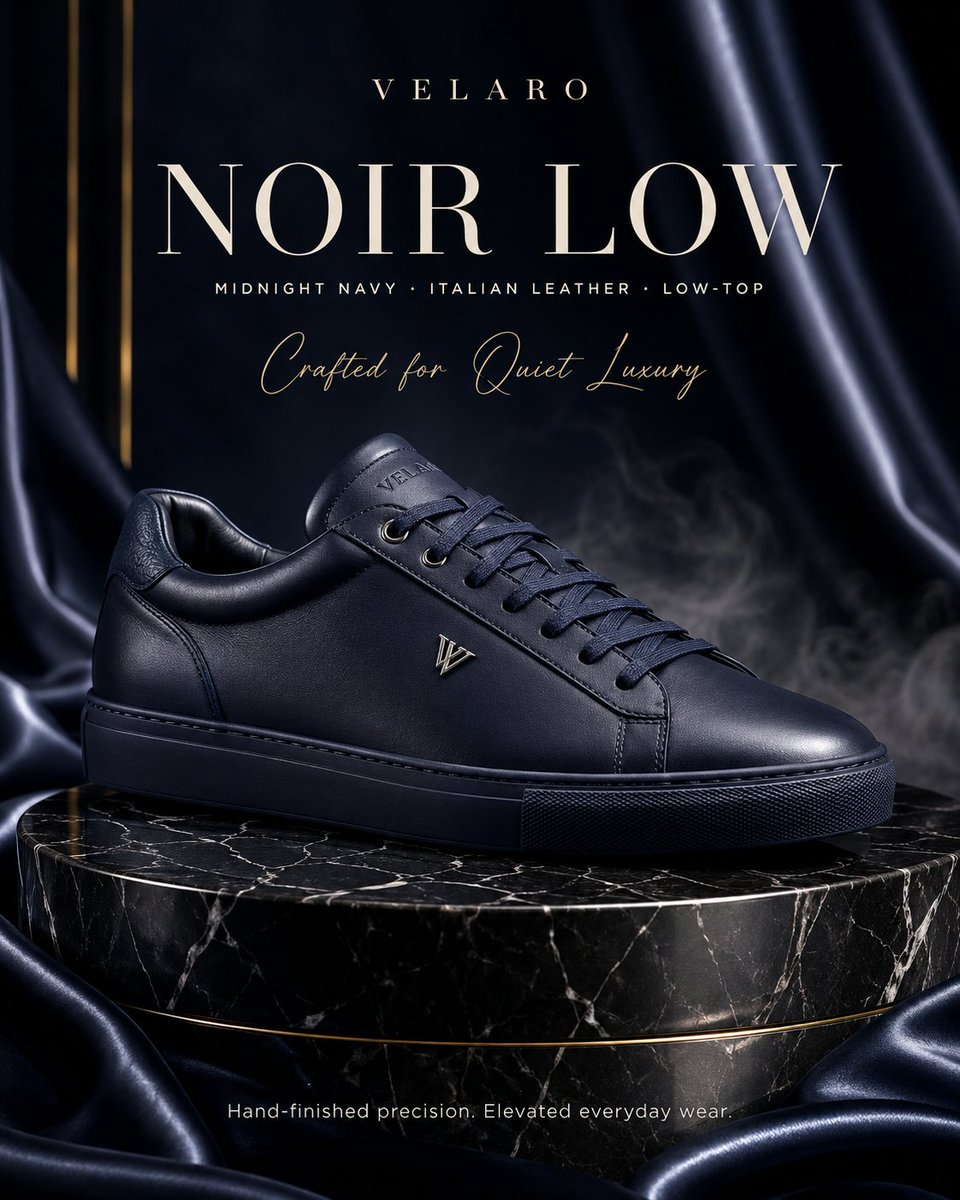
Luxury Sneaker Fashion Poster

Cat to Human Portrait Transformation
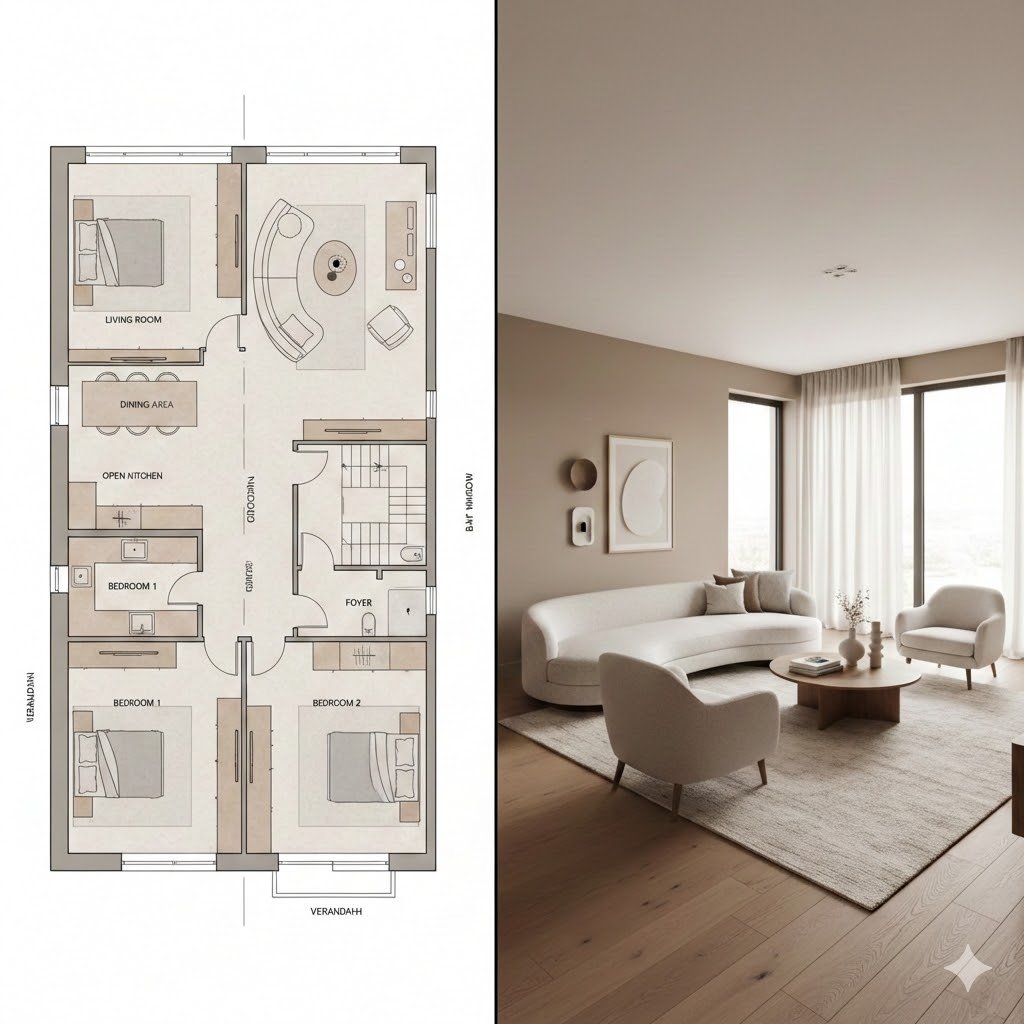
Prompt for Generating Architectural Floor Plan and Photorealistic Interior Comparison
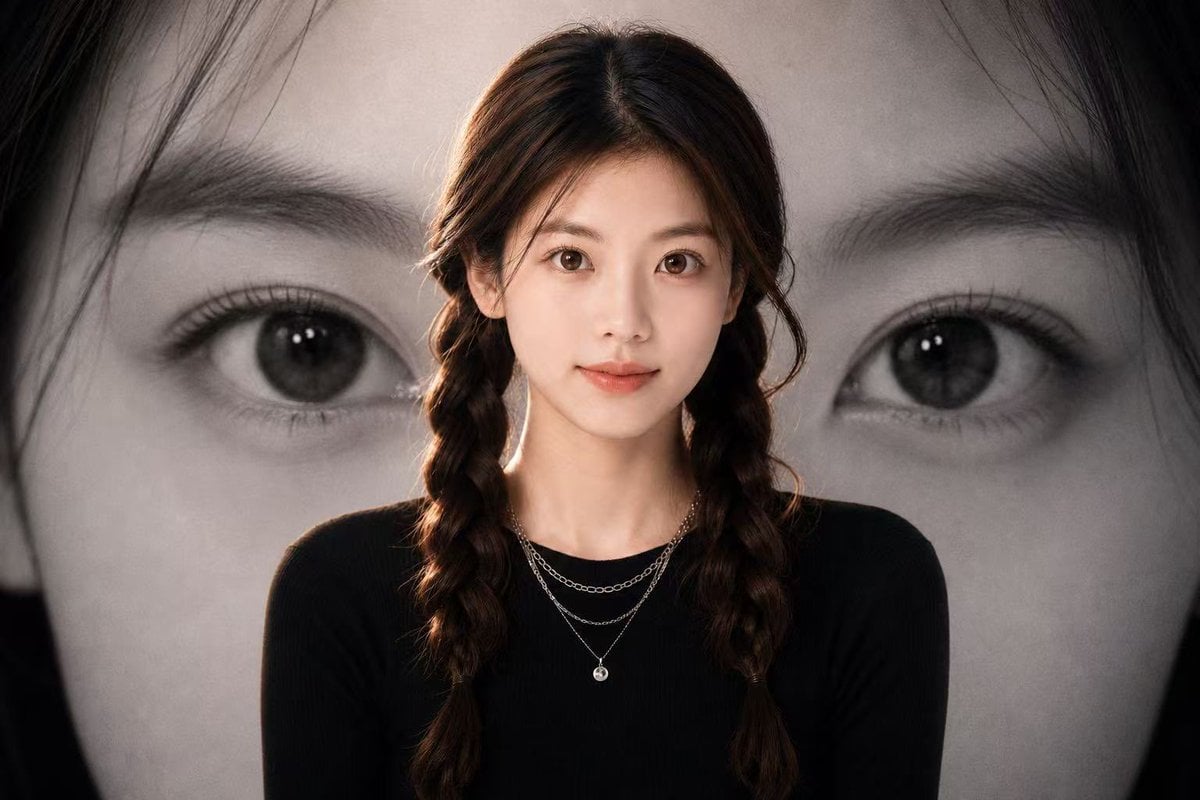
Black-and-White Eye Backdrop Portrait
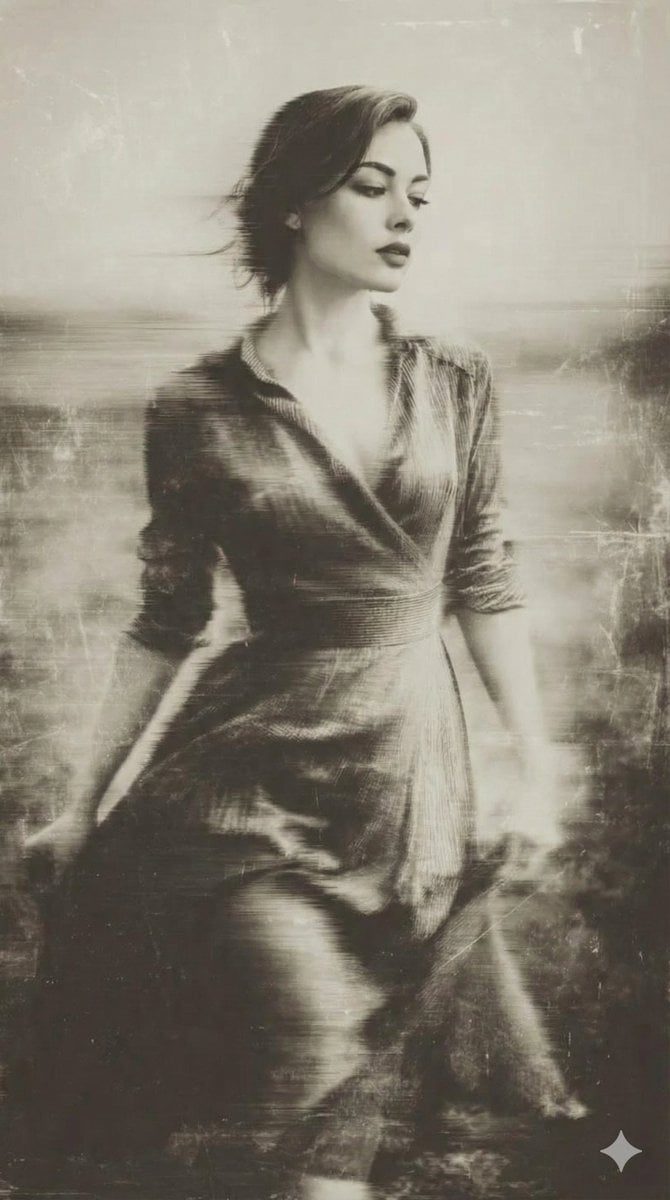
Vintage Wet-Plate Photograph Portrait
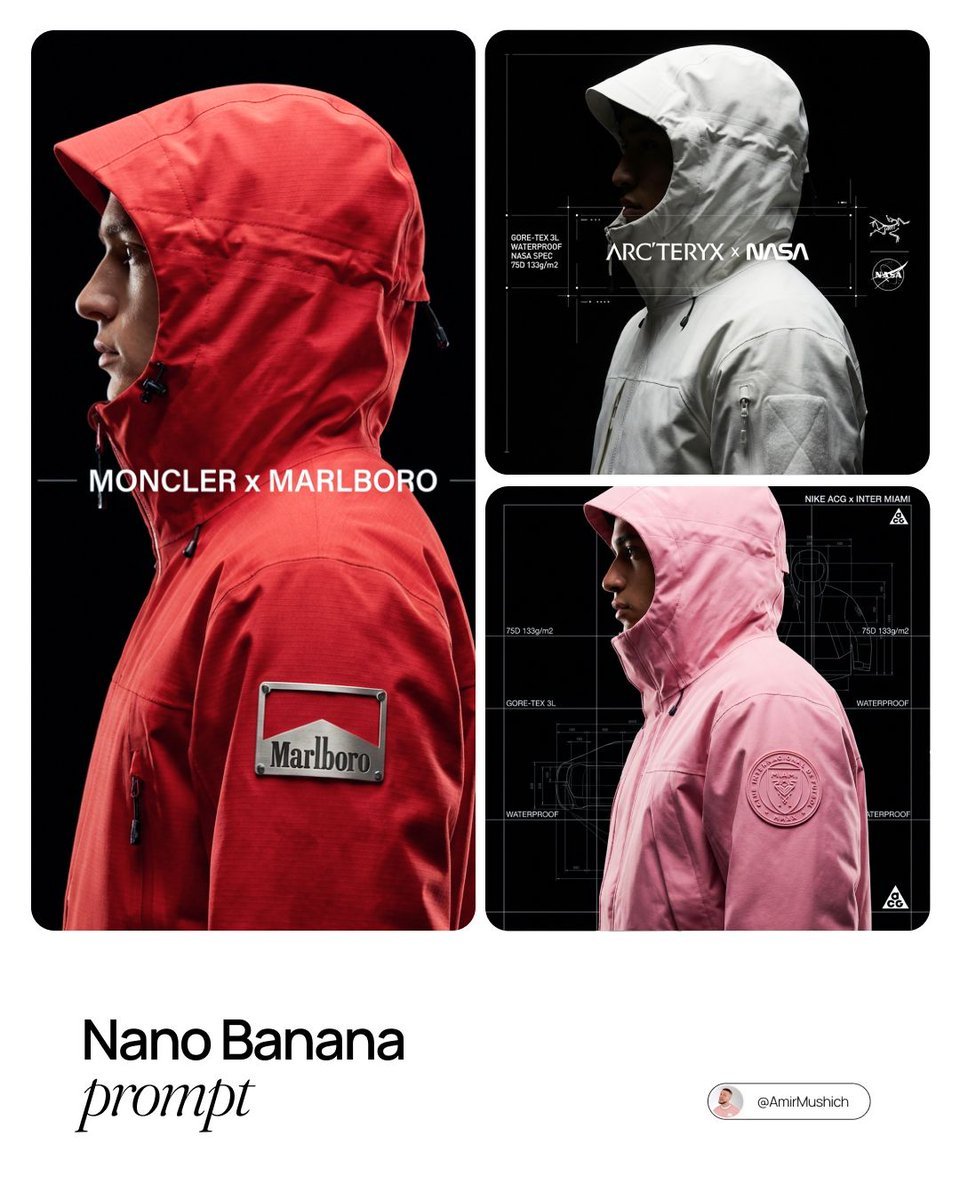
Technical Outerwear Campaign Poster Generation Prompt

Japanese AI Case Study Slide
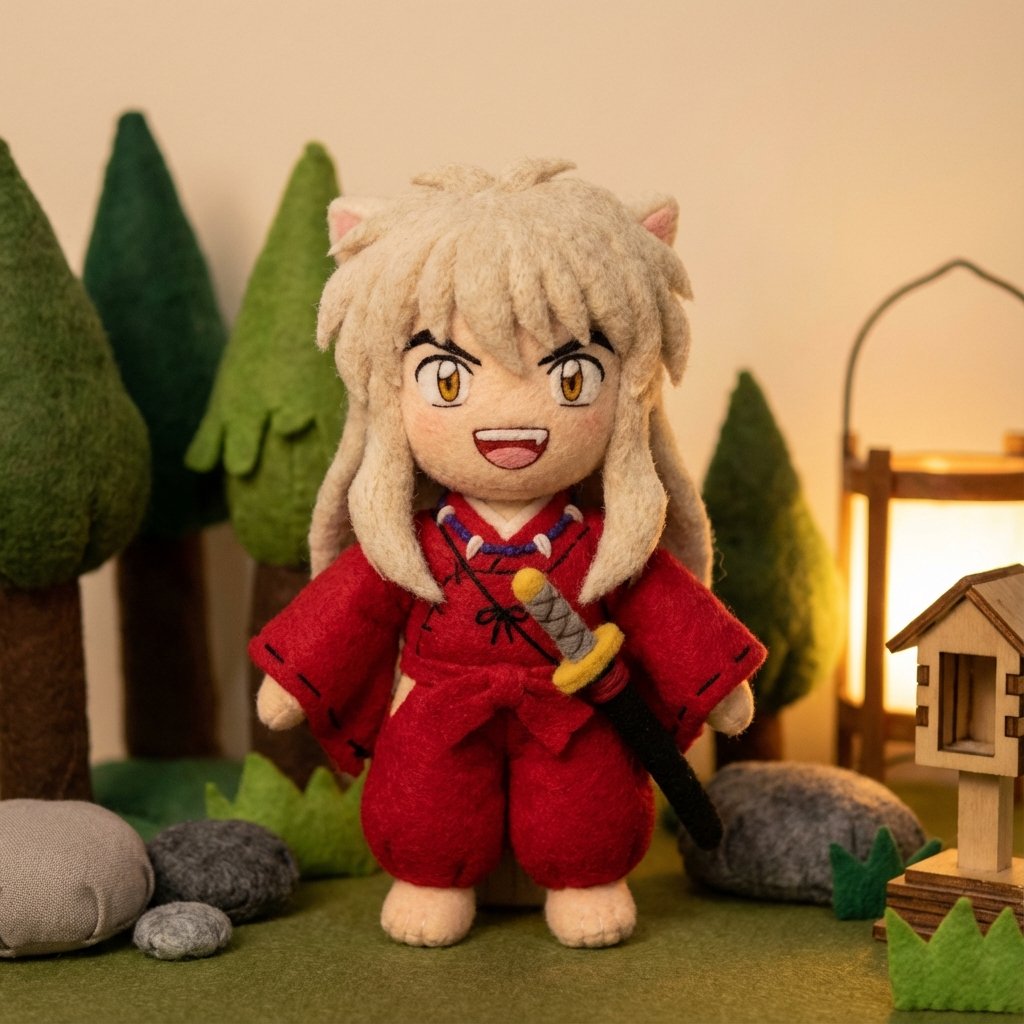
Inuyasha Plush Toy Generation Prompt
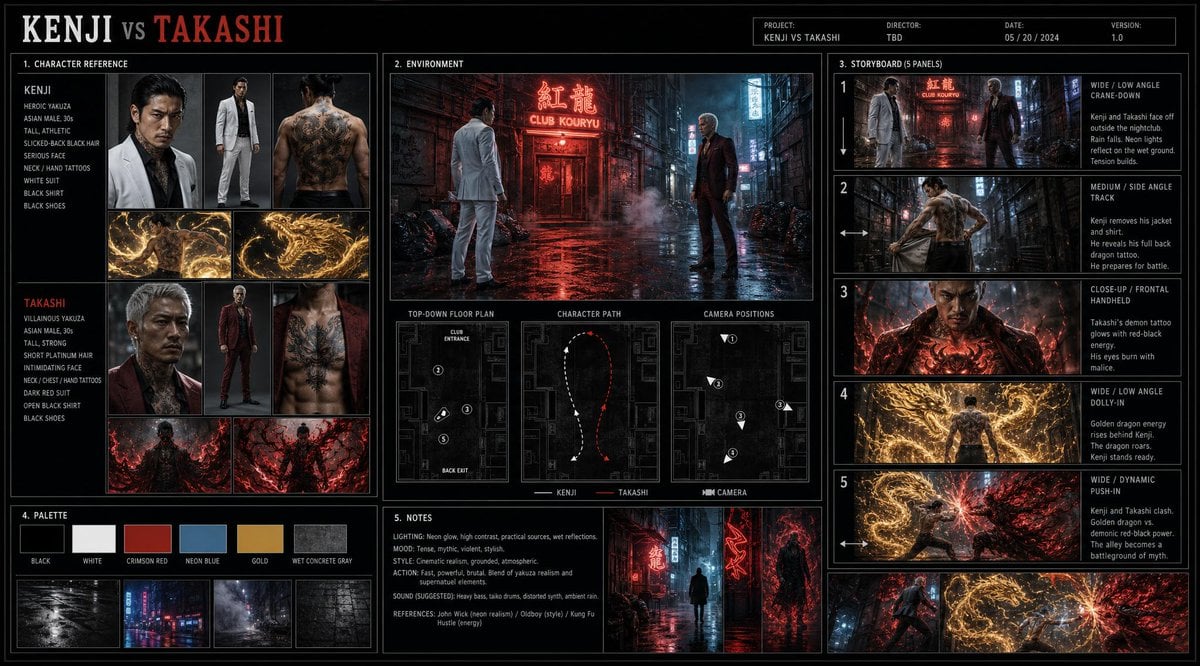
Cinematic Film Pre-Production Sheet
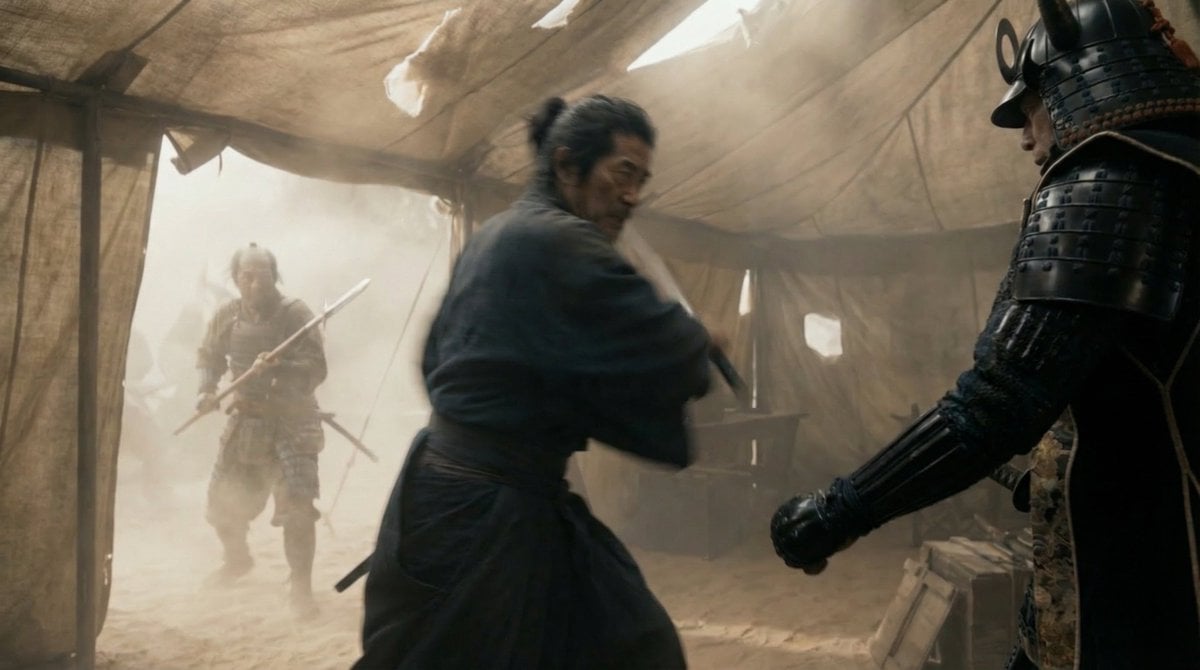
Samurai War Tent Cinematic Shot
Browse template categories
Cinematic Gala Still Identity Preservation Prompt questions
How do I use the Cinematic Gala Still Identity Preservation Prompt template?
Add your photo if the template asks for one, edit the prompt if you like — the template's model and format are already selected — and press Generate. Your version opens in PicX Studio.
Can I customize the Cinematic Gala Still Identity Preservation Prompt template?
Yes. You can change the subject, setting, lighting, mood, format, and available model controls before creating your image.
Is the Cinematic Gala Still Identity Preservation Prompt template free?
Opening and editing this template is free. Generating uses credits, shown on the Generate button when you are signed in.
Which AI model should I use?
Start with Nano Banana 2, which is the model associated with this template. You can compare another compatible model for a different finish.
Looking for something else? Browse all templates.

Your photo, any look
Thousands of ready templates for every top image and video model, from one credit balance.