
Beethoven Grief to Light Artwork
A cinematic mixed-media portrait of Beethoven where dark ink, manuscript fragments, and musical notes transform into radiant golden light.
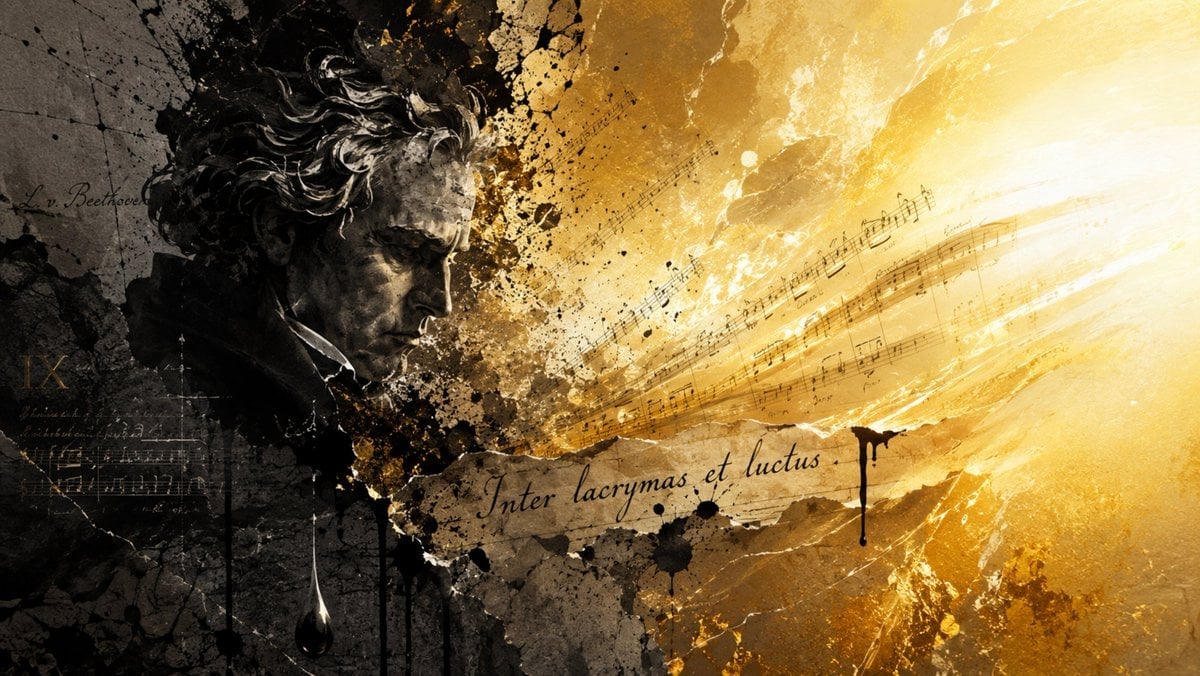
- Prompt included
- Model and format preset
- Free template
The prompt behind this image
Copy the exact prompt behind Beethoven Grief to Light Artwork, or open it in the studio and make it yours.
Create a dramatic cinematic mixed-media artwork about {argument name="composer" default="Ludwig van Beethoven"} and the paradox of grief transforming into radiant music. Use a wide 16:9 horizontal canvas. On the left third, show a dark, sculptural, grayscale portrait bust of Beethoven in profile facing right, with wild curly hair, heavy brow, and a solemn downward gaze; the face and hair should look like charcoal, stone, and oil paint combined, partly dissolving into black ink splatters and cracked parchment texture. Behind him, include faint handwritten manuscript marks and the readable signature-like text “L. v. Beethoven” in cursive. Across the center and sweeping toward the right, depict musical staff lines and notes bursting outward like a stream of sound, transitioning from smoky sepia darkness into intense golden-white light. Place a torn strip of aged manuscript paper across the lower center with elegant cursive inscription {argument name="inscription text" default="Inter lacrymas et luctus"}. The right half should be overwhelmingly luminous: glowing gold, amber, and white rays, scratches, dust, and abstract brush strokes, as if music is becoming light. Add black ink drips, stains, cracks, and splattered paint throughout, especially near the central transition and under the inscription. Color palette: left side nearly black, charcoal gray, and muted brown; right side radiant gold, ochre, cream, and white. Style: expressive classical-meets-contemporary collage, painterly texture, high contrast chiaroscuro, manuscript paper, ink wash, grunge splatter, emotionally intense and poetic. Avoid modern instruments, avoid extra people, avoid clean digital vector graphics, and keep all visible text limited to the composer signature and the central Latin inscription.
How to use Beethoven Grief to Light Artwork in 3 steps
- 1Upload ImagePNG, JPG or paste
Add your photo
Upload the photo the template builds on. The prompt, model and format are already set.
- 2…a portrait of your subject in softgolden-hour light, 85mm…
Personalize
Edit the subject and creative details for your destination.
- 3Generate
Generate
Press Generate — your image is created in PicX Studio, so you can compare it with the original and refine one variable at a time.
More like this
Templates with the same subject, style or setup. Open one to see its prompt.
Beethoven Sonata DSD 256 Collage
Dark Beethoven Forest Sonata Poster
Beethoven Tragic Sonata Collage
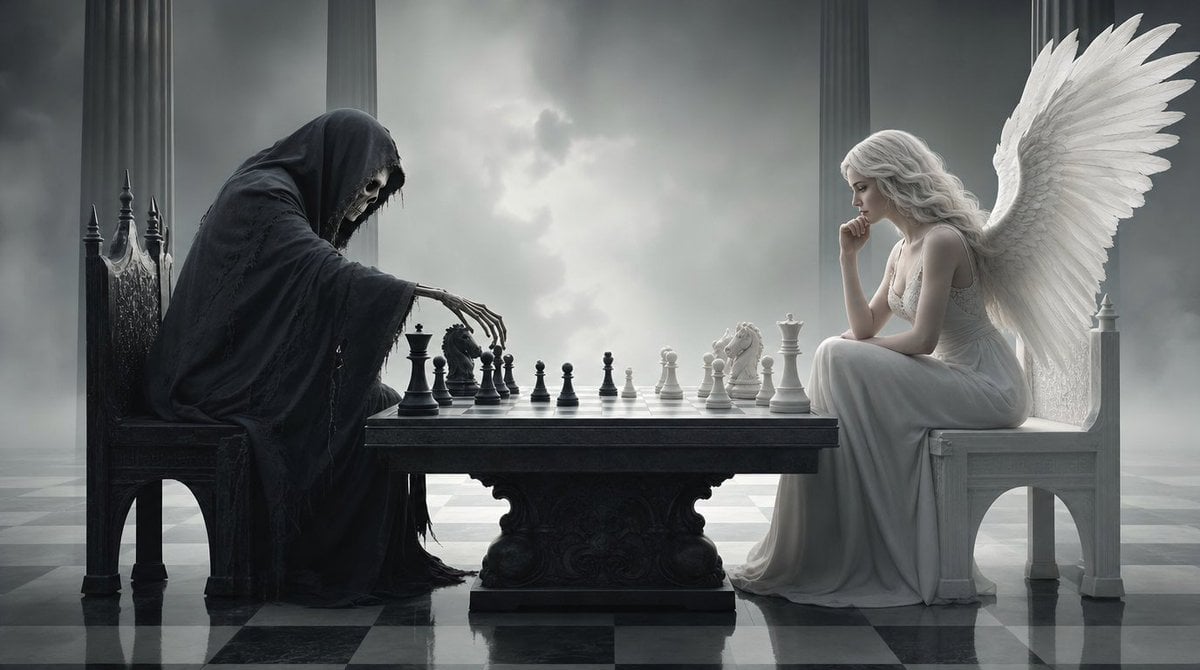
Surreal 3D Chess Match Artwork

Cinematic Studio Portrait Lighting Setup
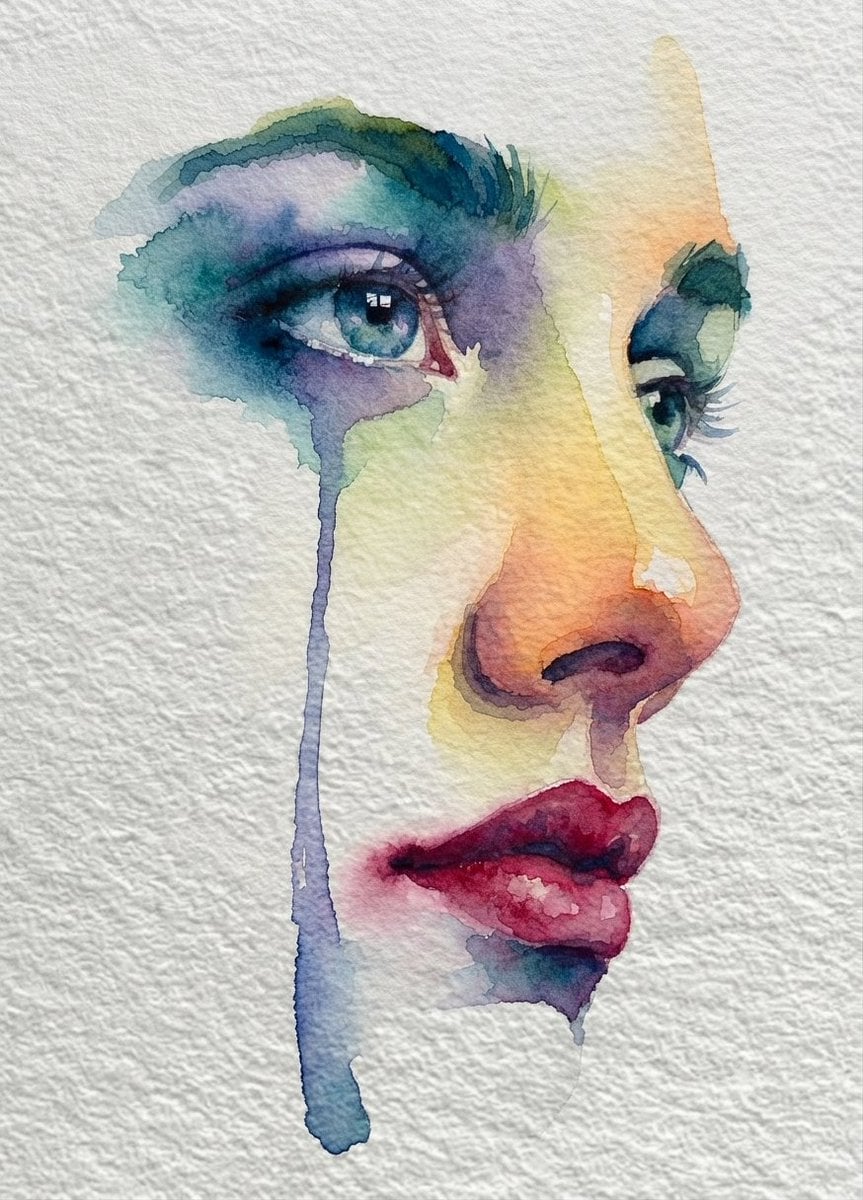
Emotional Watercolor Grief Art
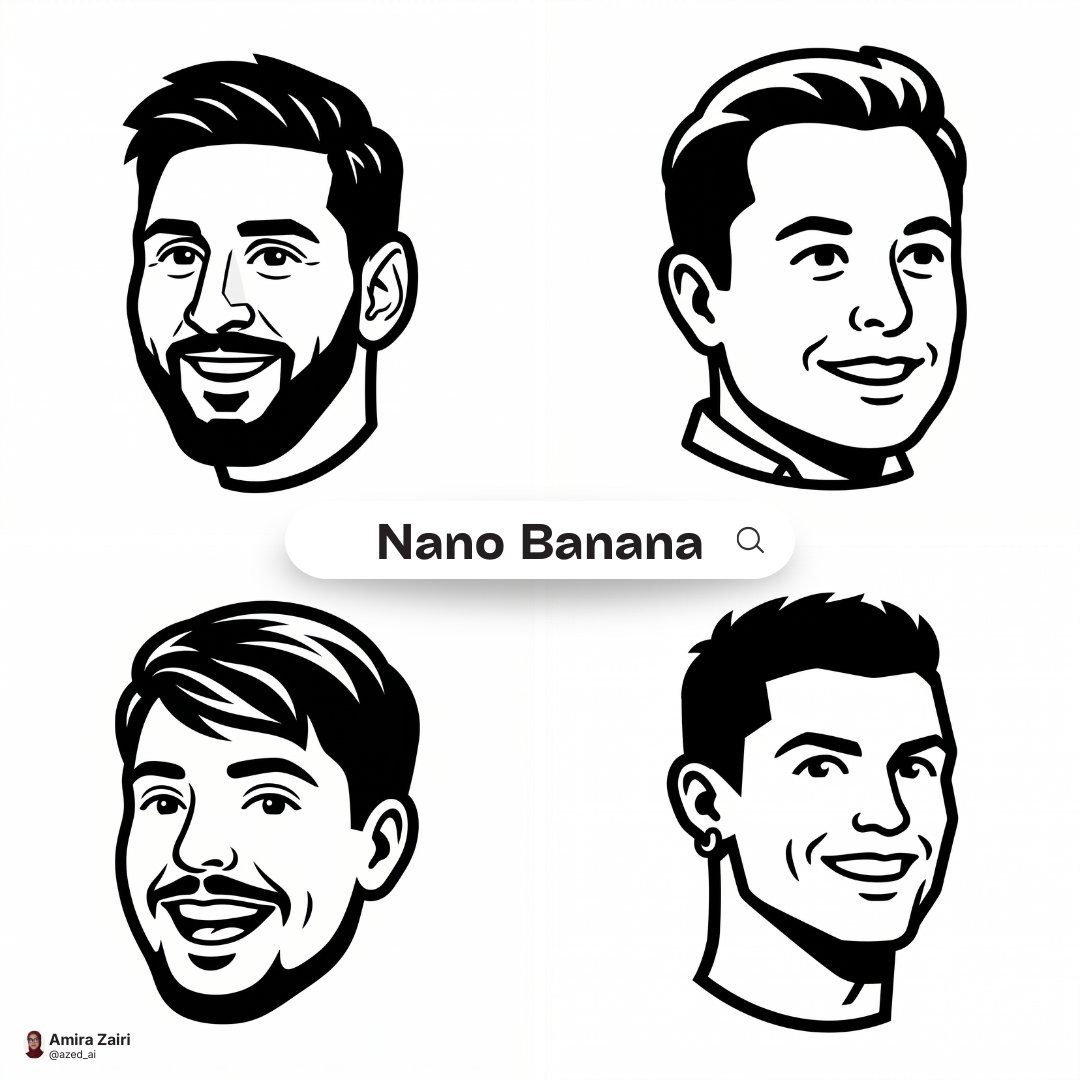
Clean high-contrast vector mascot icon in Notion-style artwork based

LIGHTING each element still lit by its original source, windows casting
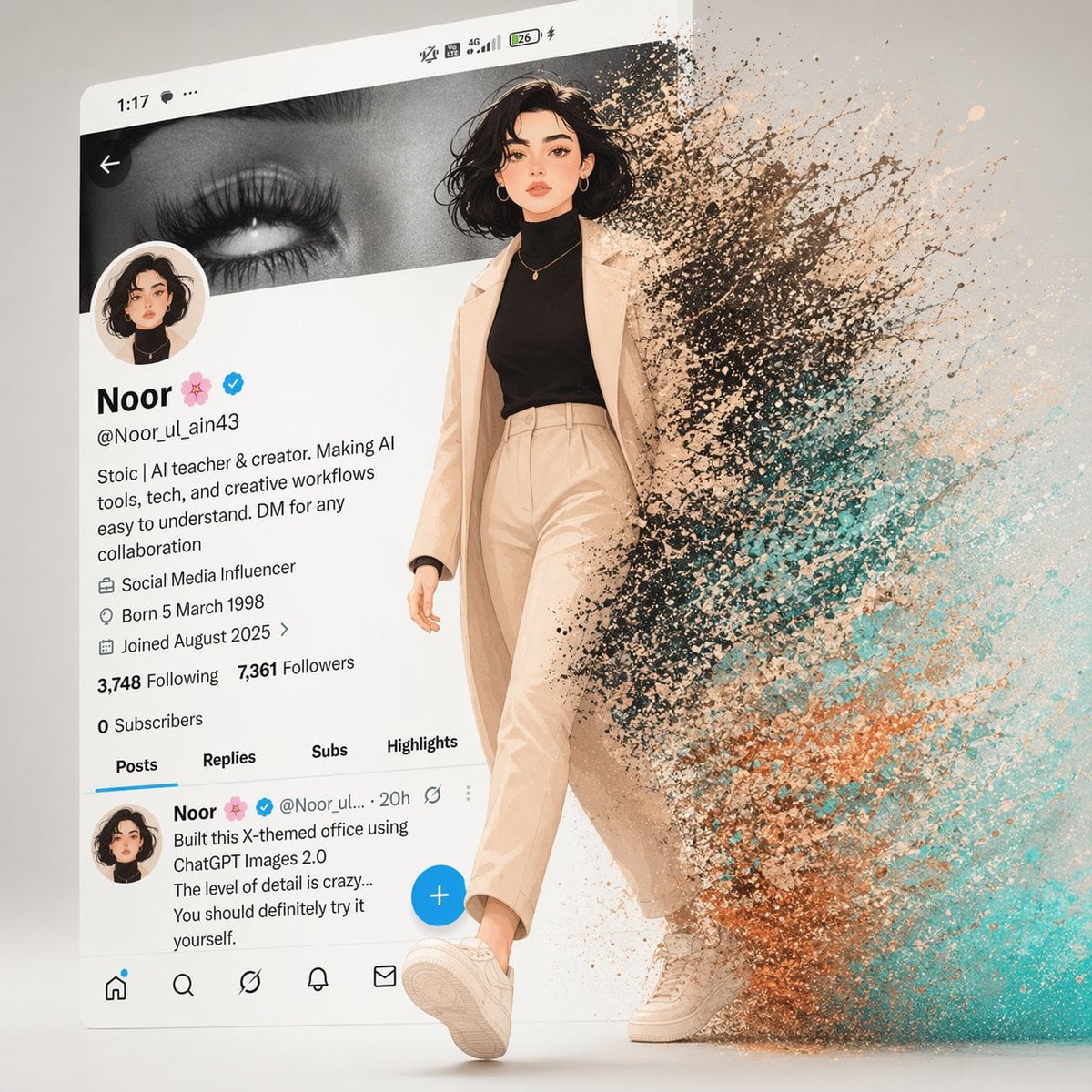
A cinematic digital artwork of a stylish animated girl walking out
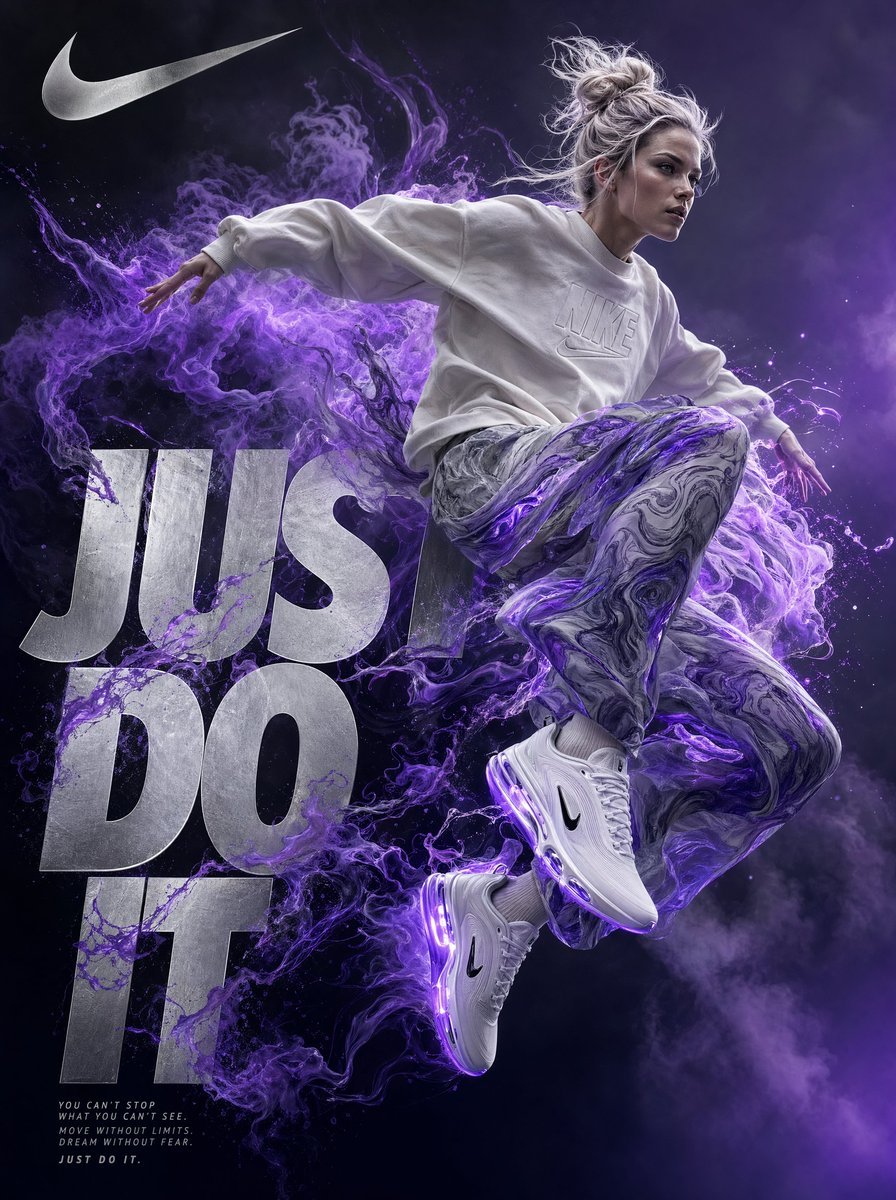
A highly detailed digital artwork in a surreal, dynamic style inspired
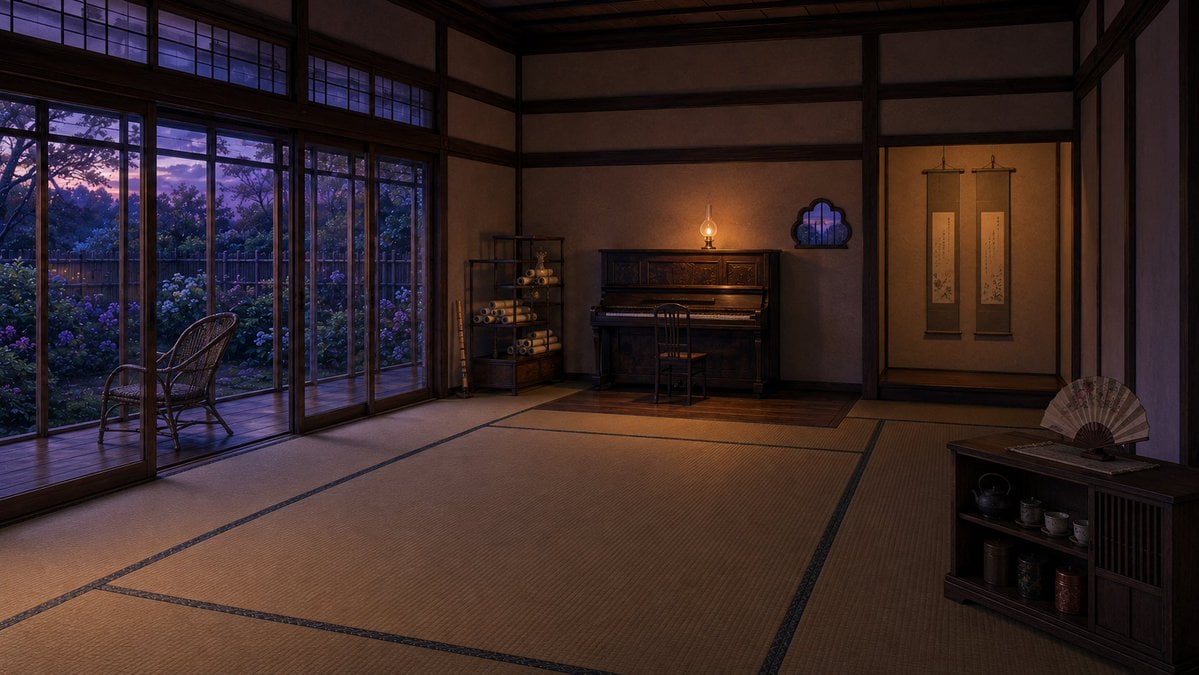
Twilight Japanese Ryokan Parlor

Cinematic Spotlight Studio Portrait
Make it yours
Beethoven Grief to Light Artwork works as-is. These are the safest ways to change it without losing the look.
Change one field
Copy a single group, rewrite it, and generate again so you can see what that field is doing.
Keep the frame, change the subject
Hold the composition and light of Beethoven Grief to Light Artwork, then swap wardrobe, props or the person for a new take.
| If the result… | Why | Fix |
|---|---|---|
| The result drifts from the preview | Too many fields changed at once. | Reuse Beethoven Grief to Light Artwork as-is first, then change one group — subject, light, or setting. |
| The model over-stylizes the scene | The prose prompt leaves finish and camera underspecified. | Add one camera or lighting sentence and stay on GPT Image 2. |
More GPT Image 2 templates
Other prompts made for GPT Image 2.

Six VTuber Japanese Logo Sheet

Realistic Portrait of Woman and Deer

The Vista Modular Condo Poster

AI Model Routing Comparison Infographic

2.5D Anime Art Board

Isometric Productivity Desk Scene

New York Double Exposure Poster

Four-Panel AI Landscape Comparison

Japanese Tatami Lifestyle Magazine Cover

NESCAFÉ Coffee Map Poster
More image prompts
Fresh picks from across the catalog.

Ultra-Realistic Flat Lay of Baby with Chocolate Brands

Smartphone Screen Mockup
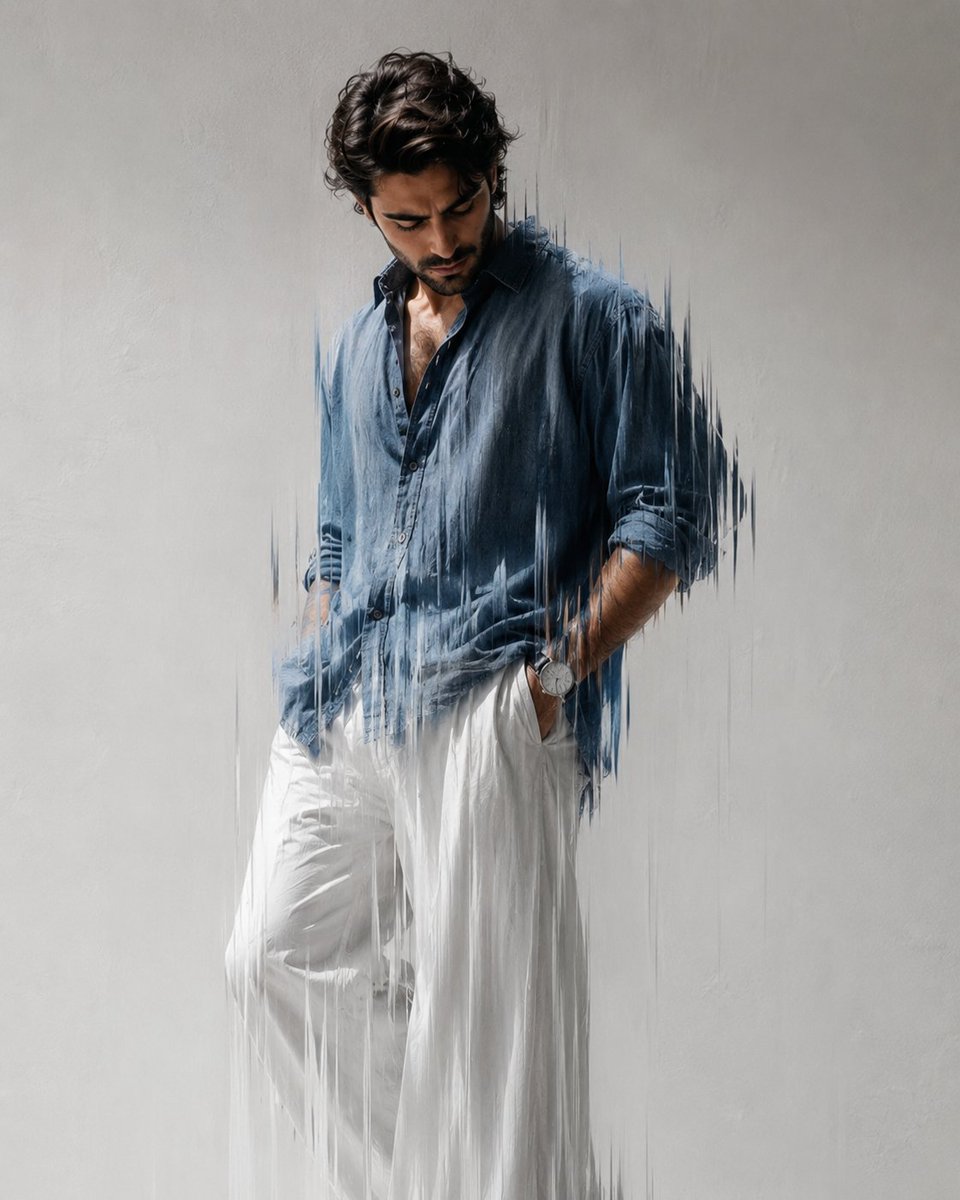
Dynamic minimal fashion portrait
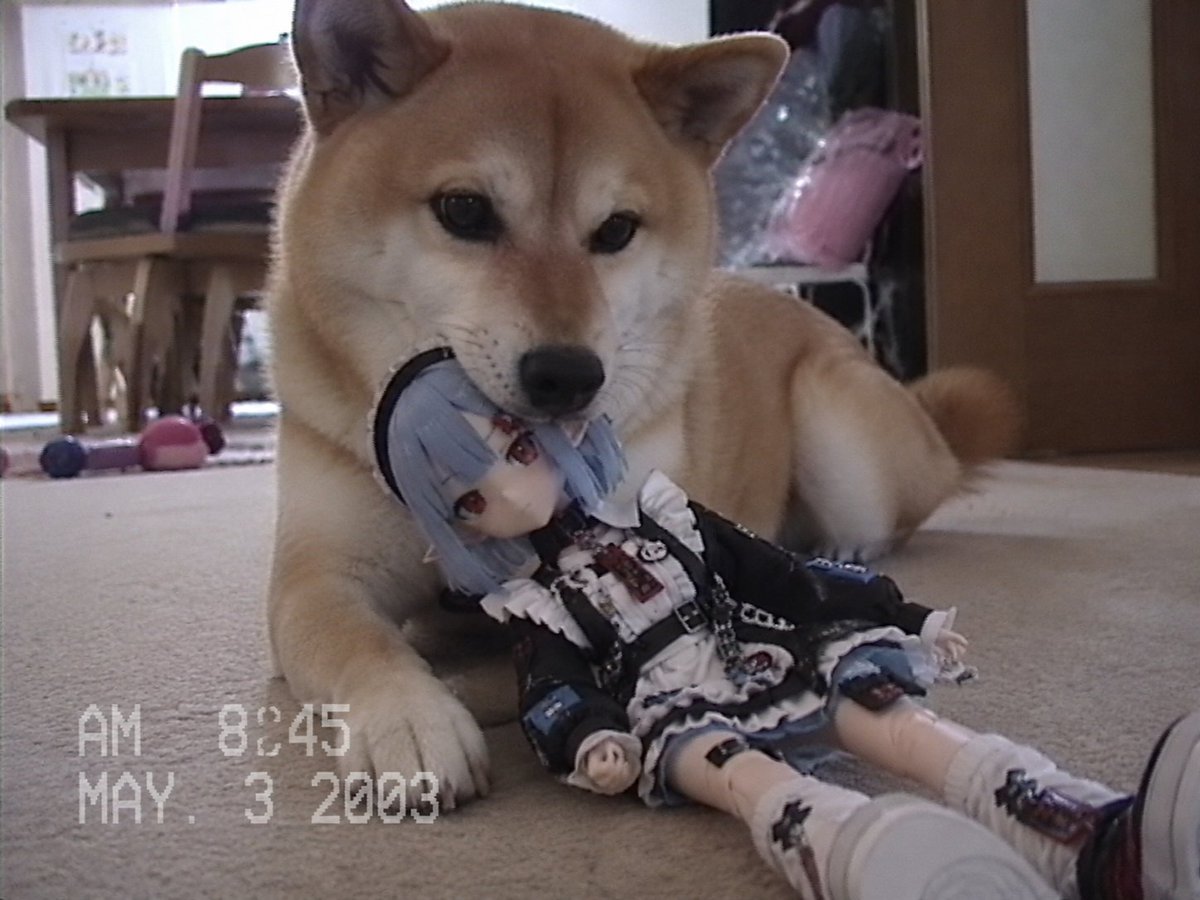
Nostalgic Home Video Doll Effect

One-Word Prompt for Instant Masterpiece
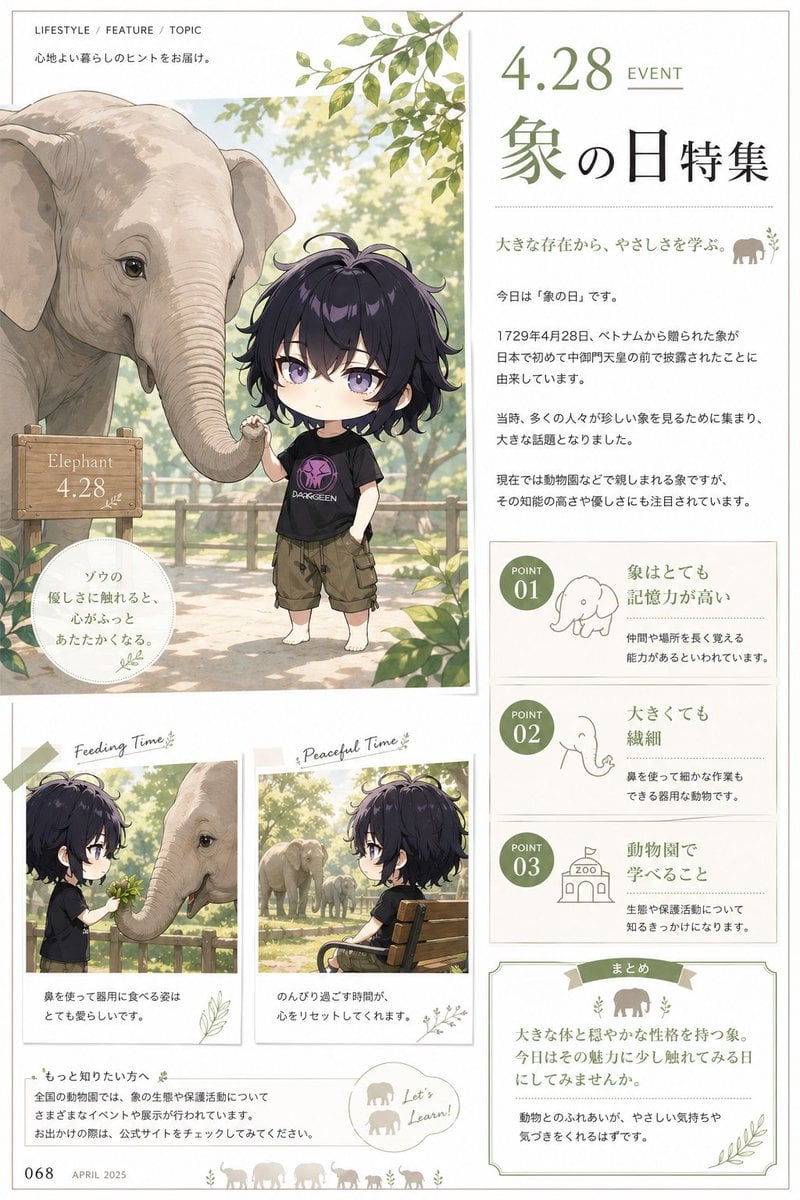
Elephant Day Magazine Feature
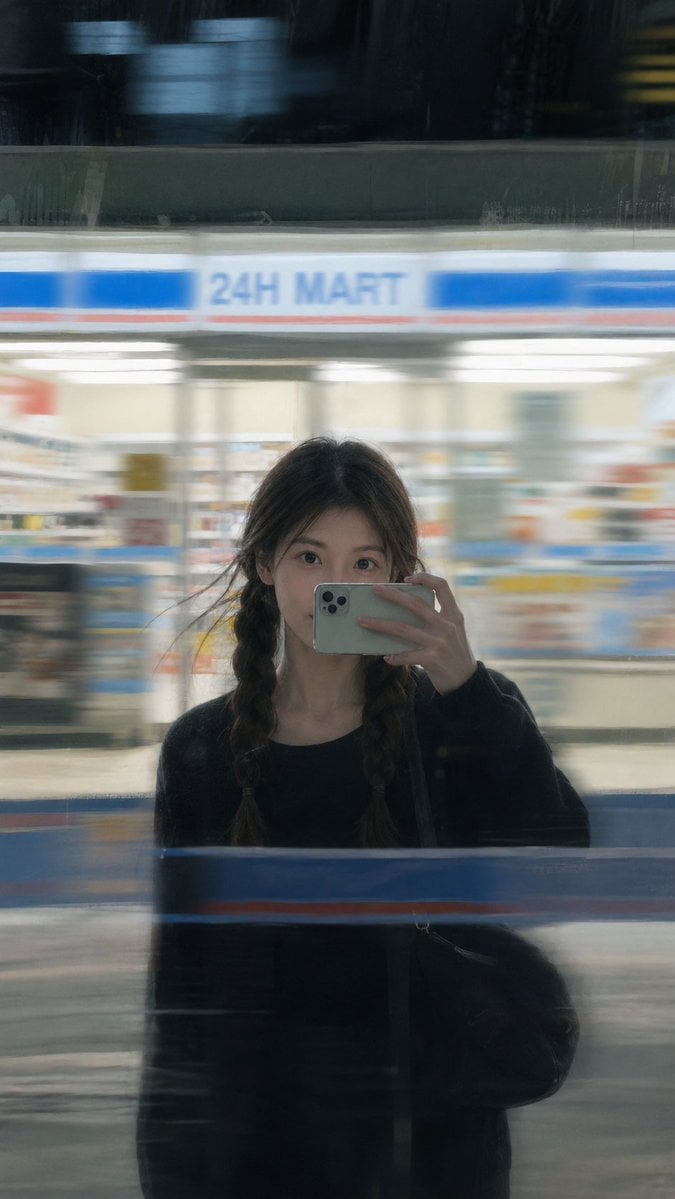
Moody Night Window Reflection Selfie
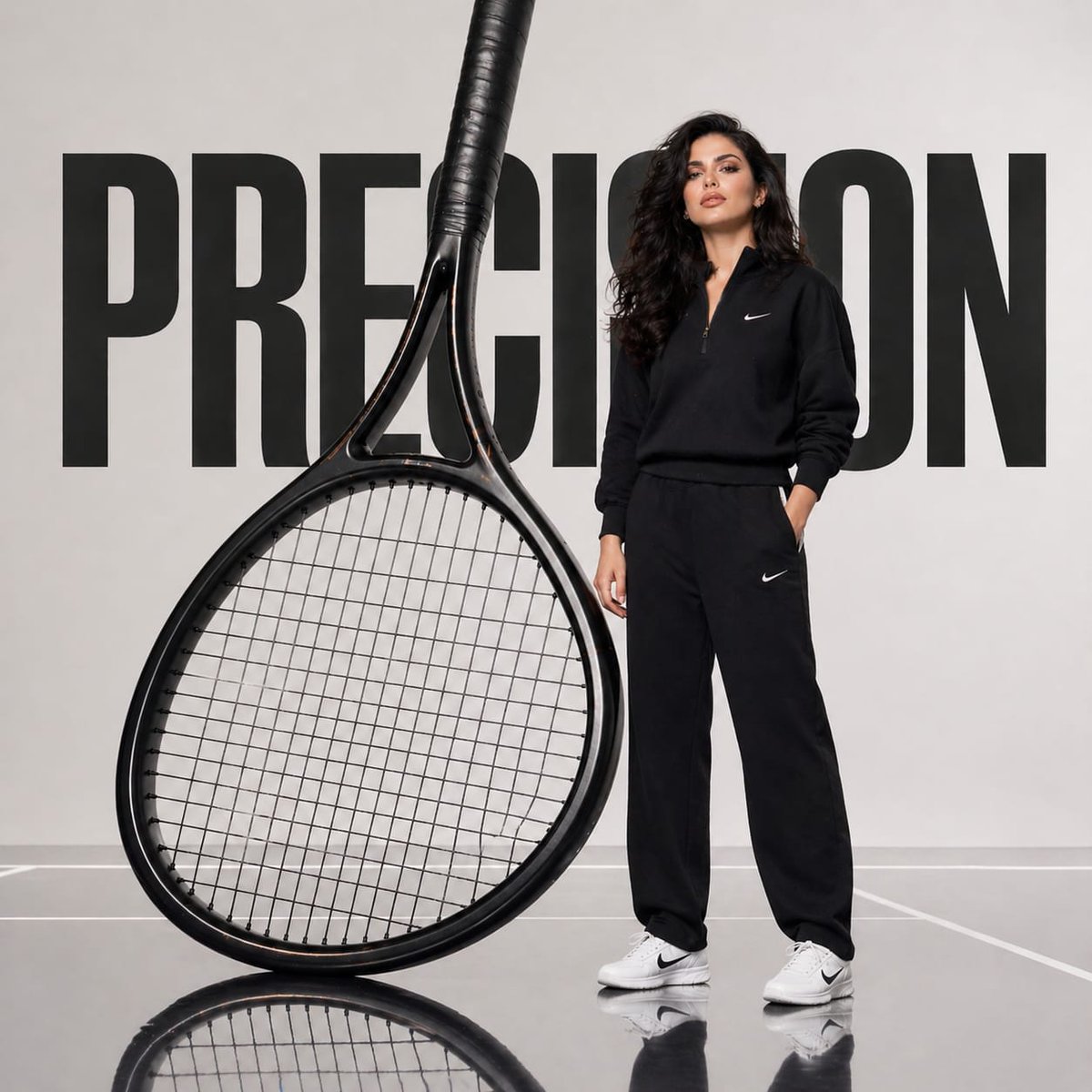
Avant-Garde Athletic Fashion Campaign

Portfolio image for a fictional web designer
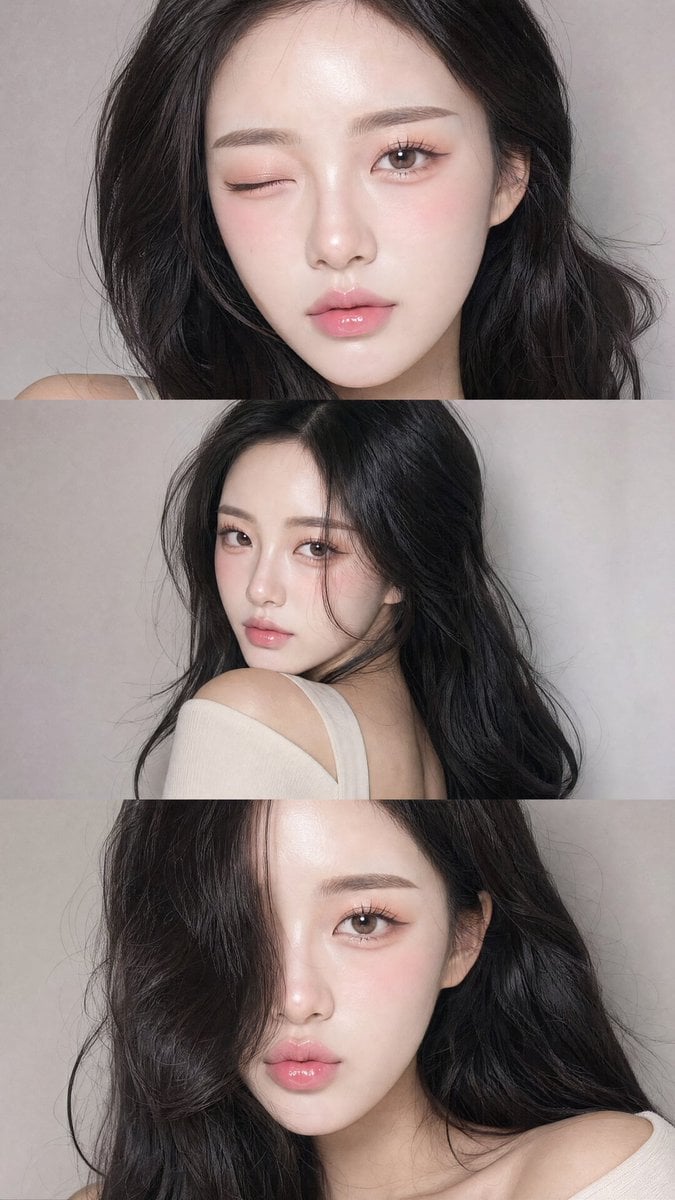
Face-Consistent Beauty Portrait Collage
Browse template categories
Beethoven Grief to Light Artwork questions
How do I use the Beethoven Grief to Light Artwork template?
Add your photo if the template asks for one, edit the prompt if you like — the template's model and format are already selected — and press Generate. Your version opens in PicX Studio.
Can I customize the Beethoven Grief to Light Artwork template?
Yes. You can change the subject, setting, lighting, mood, format, and available model controls before creating your image.
Is the Beethoven Grief to Light Artwork template free?
Opening and editing this template is free. Generating uses credits, shown on the Generate button when you are signed in.
Which AI model should I use?
Start with GPT Image 2, which is the model associated with this template. You can compare another compatible model for a different finish.
Looking for something else? Browse all templates.

Your photo, any look
Thousands of ready templates for every top image and video model, from one credit balance.