
Beethoven Sacred Desk Collage
A dramatic historical collage illustration of Beethoven composing amid war, silence, sheet music, and pastoral inspiration for editorial or social media storytelling.
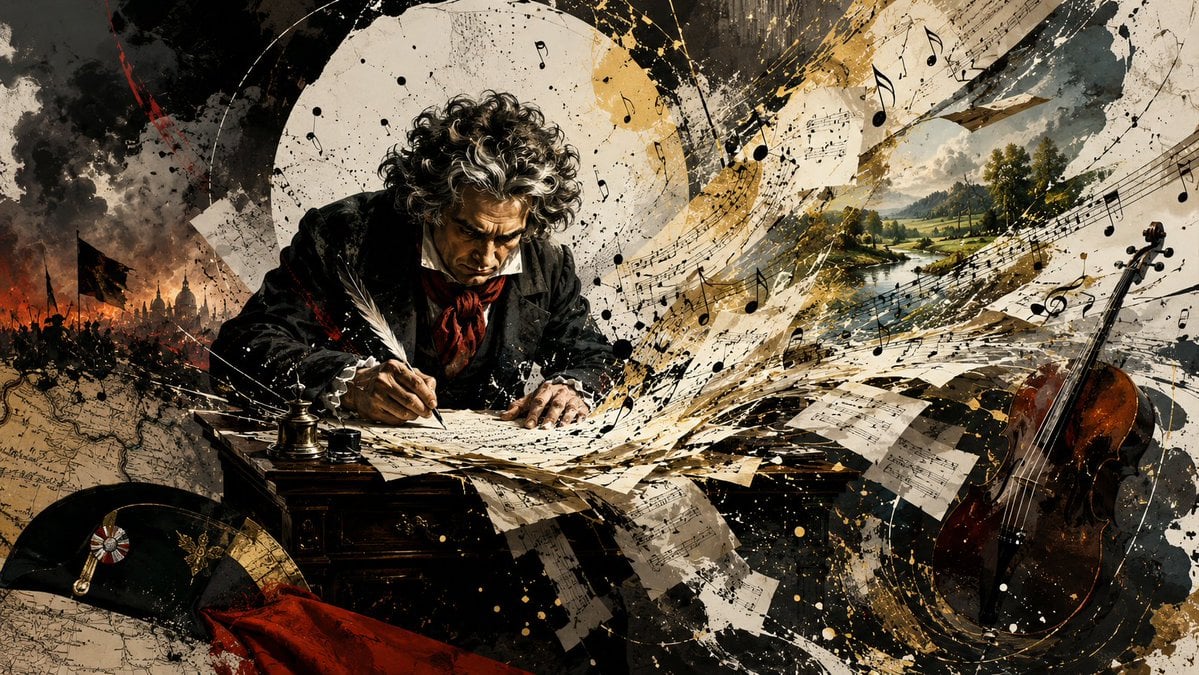
- Prompt included
- Model and format preset
- Free template
The prompt behind this image
Copy the exact prompt behind Beethoven Sacred Desk Collage, or open it in the studio and make it yours.
Create a wide cinematic mixed-media historical illustration of {argument name="composer name" default="Ludwig van Beethoven"} composing at a sacred writing desk while silence transforms into musical genius. Use a dramatic 16:9 horizontal canvas with dense collage energy, painterly realism mixed with ink splatter, torn paper, antique manuscript texture, and sweeping abstract motion. Center-left: a curly-haired early-19th-century composer in a black coat and red scarf bends over a dark wooden desk, writing intensely with one white quill on scattered sheet music; his face is obscured by a soft rectangular blur/shadow rather than detailed facial features. On the desk include exactly 3 visible writing objects: 1 white quill, 1 small black ink pot, and 1 taller brass inkwell. Surround him with exactly 3 historical-symbolic zones: left background shows a smoky Napoleonic battlefield with black flags, soldiers, fire, and a distant domed city under dark storm clouds; right background shows a peaceful pastoral river valley with green trees, hills, bright sky, and sunlight; foreground and midground show an explosive avalanche of musical manuscript pages. Include exactly 1 cello standing upright on the far right, warm brown varnish, partly covered by black and gold splatter. Include exactly 1 black bicorne hat in the lower-left foreground with exactly 2 decorations on it: a rosette cockade and a gold medal or insignia; place exactly 1 red cloth draped beside it. Fill the air with many black musical notes, staff lines, torn notation pages, circular cream-and-gold arcs, ink blots, scratches, and gold paint flecks, as if the music is erupting from the desk toward the pastoral landscape. Color palette: charcoal black, aged parchment cream, sepia brown, smoky gray, deep red accents, and metallic gold. Lighting should be high-contrast and theatrical, with the composer and desk dark and brooding, the right landscape luminous, and the whole image feeling like a baroque collage poster about {argument name="theme" default="deafness, war, and the creation of the Fifth and Sixth Symphonies"}. No readable modern text, no watermark, no clean digital UI, no extra people in the foreground.
How to use Beethoven Sacred Desk Collage in 3 steps
- 1Upload ImagePNG, JPG or paste
Add your photo
Upload the photo the template builds on. The prompt, model and format are already set.
- 2…a portrait of your subject in softgolden-hour light, 85mm…
Personalize
Edit the subject and creative details for your destination.
- 3Generate
Generate
Press Generate — your image is created in PicX Studio, so you can compare it with the original and refine one variable at a time.
More like this
Templates with the same subject, style or setup. Open one to see its prompt.












Make it yours
Beethoven Sacred Desk Collage works as-is. These are the safest ways to change it without losing the look.
Change one field
Copy a single group, rewrite it, and generate again so you can see what that field is doing.
Keep the frame, change the subject
Hold the composition and light of Beethoven Sacred Desk Collage, then swap wardrobe, props or the person for a new take.
| If the result… | Why | Fix |
|---|---|---|
| The result drifts from the preview | Too many fields changed at once. | Reuse Beethoven Sacred Desk Collage as-is first, then change one group — subject, light, or setting. |
| The model over-stylizes the scene | The prose prompt leaves finish and camera underspecified. | Add one camera or lighting sentence and stay on GPT Image 2. |
More GPT Image 2 templates
Other prompts made for GPT Image 2.

Six VTuber Japanese Logo Sheet

Realistic Portrait of Woman and Deer

The Vista Modular Condo Poster

AI Model Routing Comparison Infographic

2.5D Anime Art Board

Isometric Productivity Desk Scene

New York Double Exposure Poster

Four-Panel AI Landscape Comparison

Japanese Tatami Lifestyle Magazine Cover

NESCAFÉ Coffee Map Poster
More image prompts
Fresh picks from across the catalog.
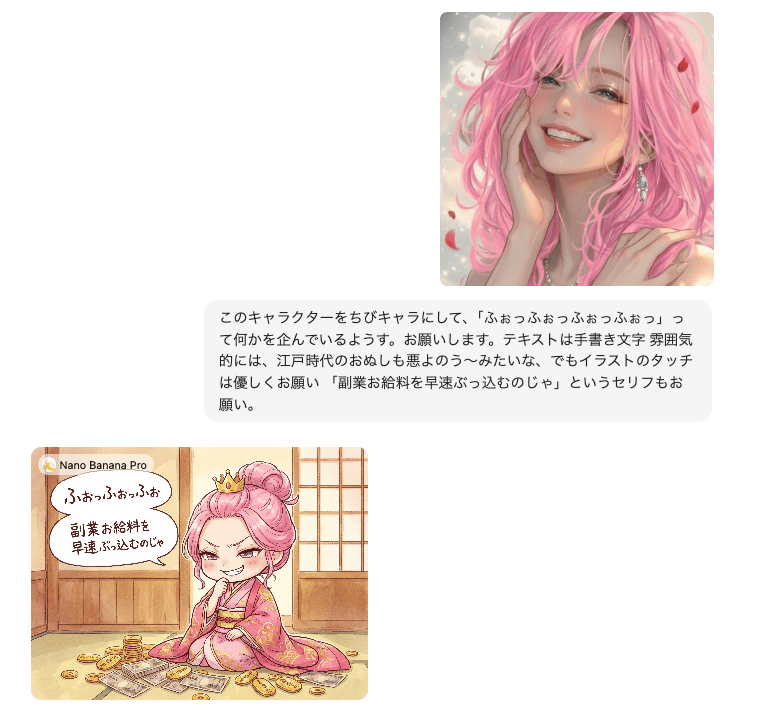
Instruction for Image Generation Based on Uploaded Material

Detailed Ancient Martial Arts Movie Poster Prompt

Calm Heron Sunrise Lake

Korean Girl Convenience Store Photography
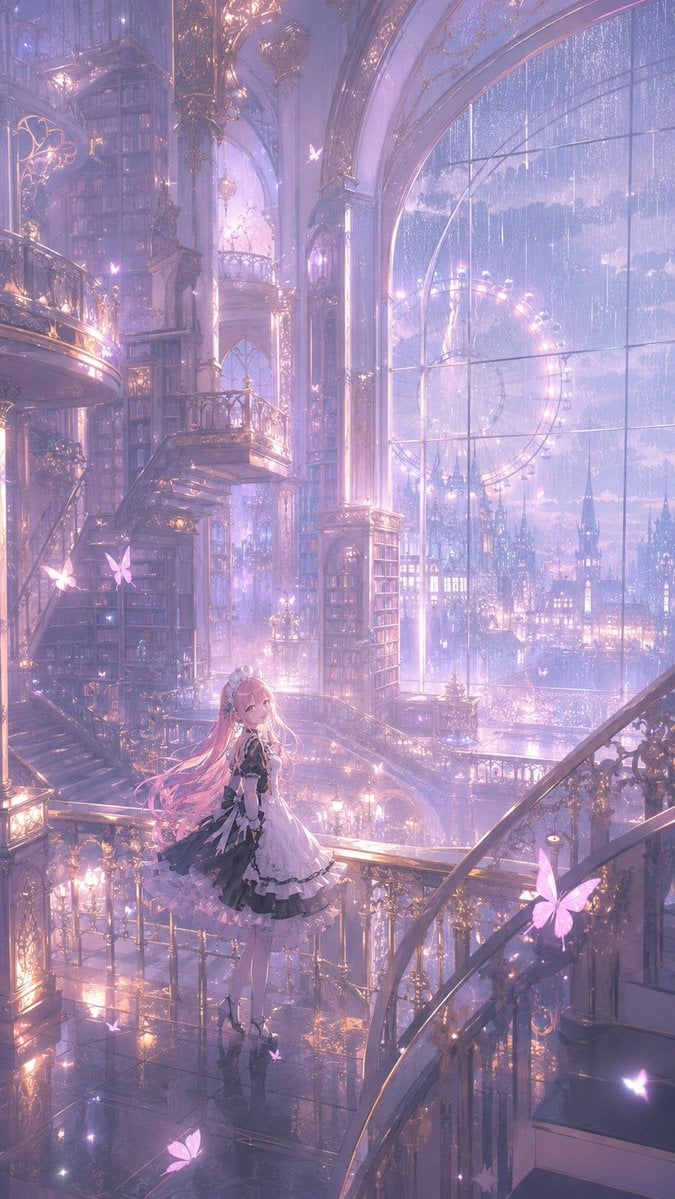
Magical Gothic Library Balcony

Photorealistic Couple Portrait with Harsh Midday Sun and Red Roses

Mount Fuji Train Wallpaper
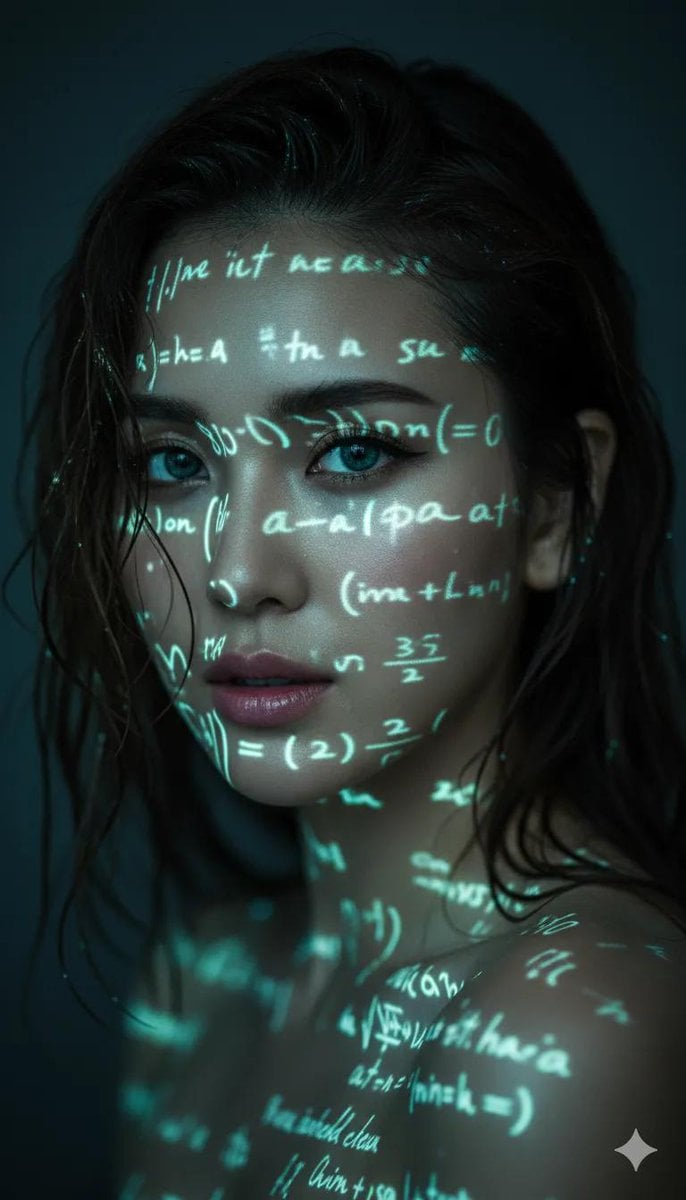
Cyber-Poetry Face Projection
Pixar-Style 3D Girl Illustration Prompts

World Baseball Classic Scene Generation
Browse template categories
Beethoven Sacred Desk Collage questions
How do I use the Beethoven Sacred Desk Collage template?
Add your photo if the template asks for one, edit the prompt if you like — the template's model and format are already selected — and press Generate. Your version opens in PicX Studio.
Can I customize the Beethoven Sacred Desk Collage template?
Yes. You can change the subject, setting, lighting, mood, format, and available model controls before creating your image.
Is the Beethoven Sacred Desk Collage template free?
Opening and editing this template is free. Generating uses credits, shown on the Generate button when you are signed in.
Which AI model should I use?
Start with GPT Image 2, which is the model associated with this template. You can compare another compatible model for a different finish.
Looking for something else? Browse all templates.

Your photo, any look
Thousands of ready templates for every top image and video model, from one credit balance.