
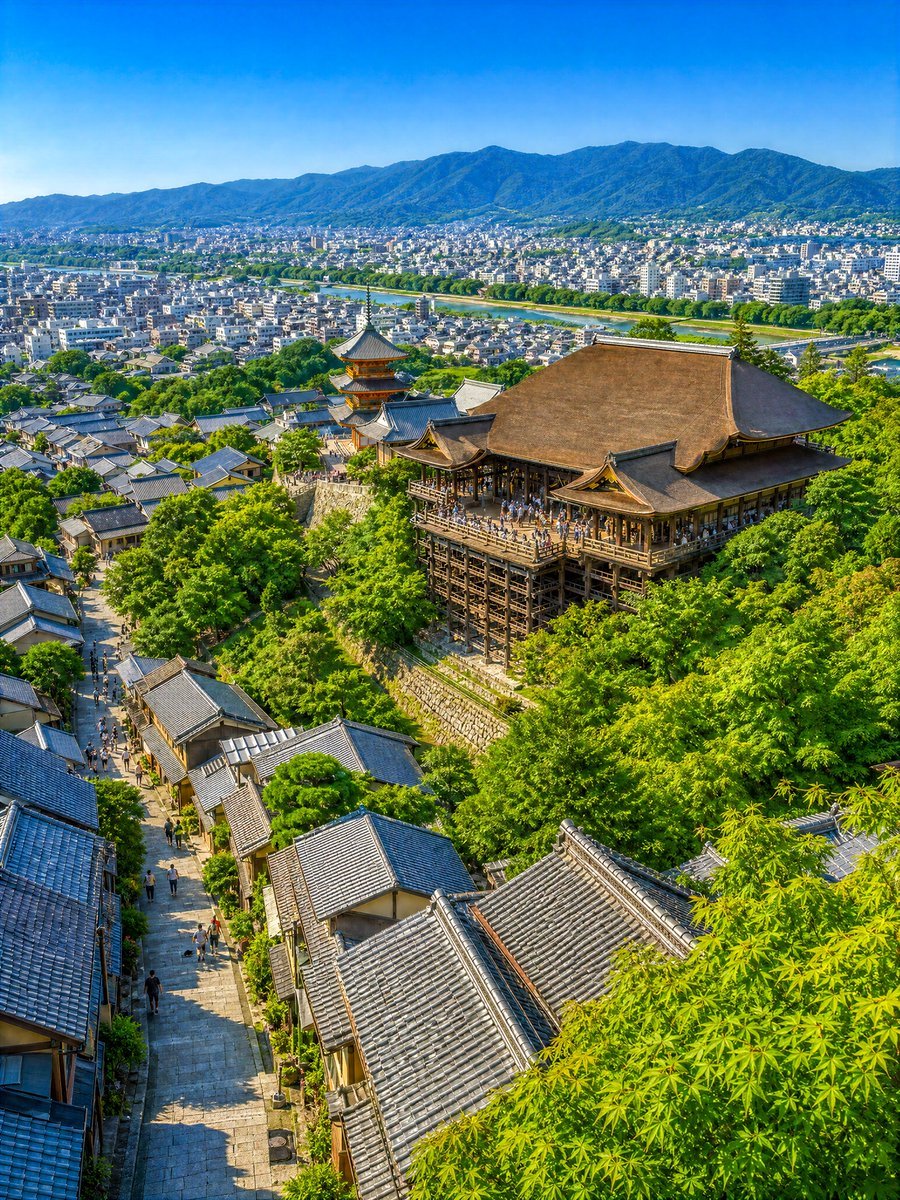
Summer Kyoto Temple Overlook
A photorealistic vertical travel landscape showing Kiyomizu-dera above a busy Kyoto slope, city panorama, river, greenery, and distant mountains.
- Prompt included
- Model and format preset
- Free template
The prompt behind this image
Copy the exact prompt behind Summer Kyoto Temple Overlook, or open it in the studio and make it yours.
Create a highly detailed photorealistic summer travel landscape of Kyoto viewed from an elevated hillside, looking down over a lively traditional slope toward a grand wooden temple stage. The scene centers on {argument name="temple name" default="Kiyomizu-dera"}: a large historic Japanese temple hall with a broad brown cypress-bark roof, ornate eaves, and a dramatic wooden veranda supported by tall timber pillars, crowded with tiny sightseeing visitors. Slightly left of the main hall, include a three-story pagoda with red-orange accents and layered dark roofs. In the foreground and lower left, show a steep stone-paved pedestrian lane lined with traditional machiya-style houses and many gray-blue tiled roofs, with small groups of tourists walking upward and downward. Surround the temple and street with dense fresh green summer trees, including bright maple leaves framing the lower right foreground. Beyond the temple, reveal a wide city panorama with countless low-rise white and gray buildings, a green river corridor cutting horizontally across the middle distance, and blue forested mountains spanning the horizon under a clear vivid blue sky. Use a vertical {argument name="aspect ratio" default="3:4"} composition, high vantage point, deep depth of field, crisp architectural detail, vibrant natural colors, warm midday sunlight, gentle shadows, no text, no border, no watermark, and an inviting “imaginary travel scenery” atmosphere that makes the viewer want to visually wander from the rooftops to the river and distant mountains.
How to use Summer Kyoto Temple Overlook in 3 steps
- 1Upload ImagePNG, JPG or paste
Add your photo
Upload the photo the template builds on. The prompt, model and format are already set.
- 2…a portrait of your subject in softgolden-hour light, 85mm…
Personalize
Edit the subject and creative details for your destination.
- 3Generate
Generate
Press Generate — your image is created in PicX Studio, so you can compare it with the original and refine one variable at a time.
More like this
Templates with the same subject, style or setup. Open one to see its prompt.
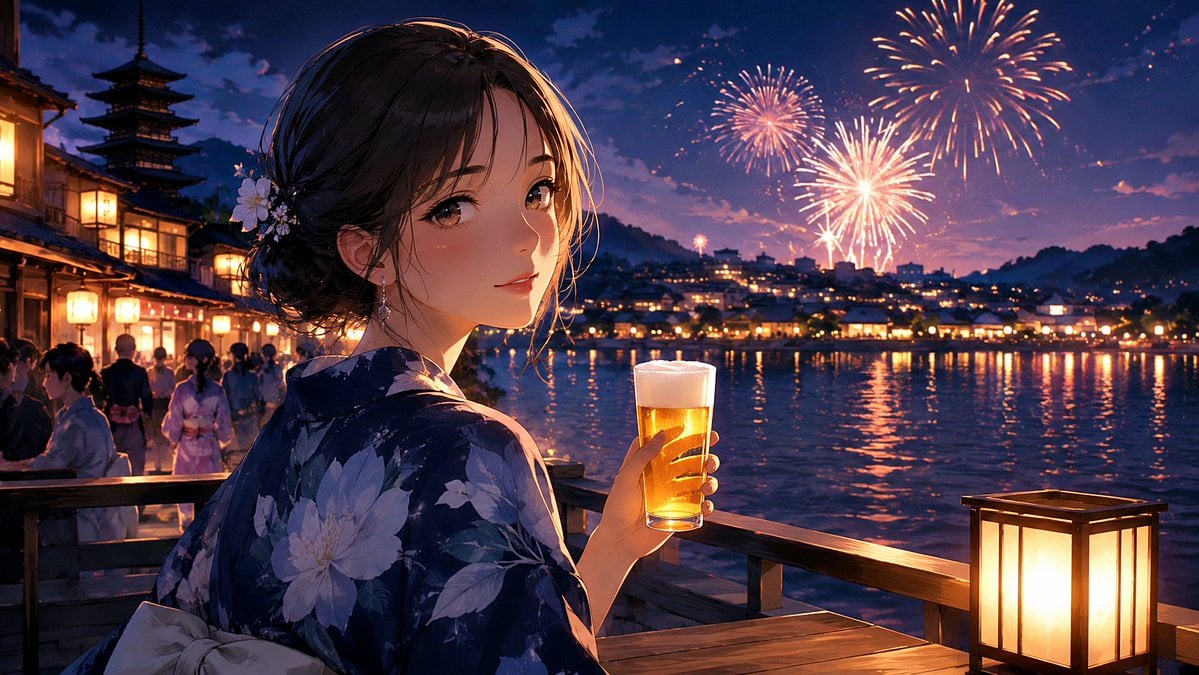
Kyoto Summer Festival Fireworks
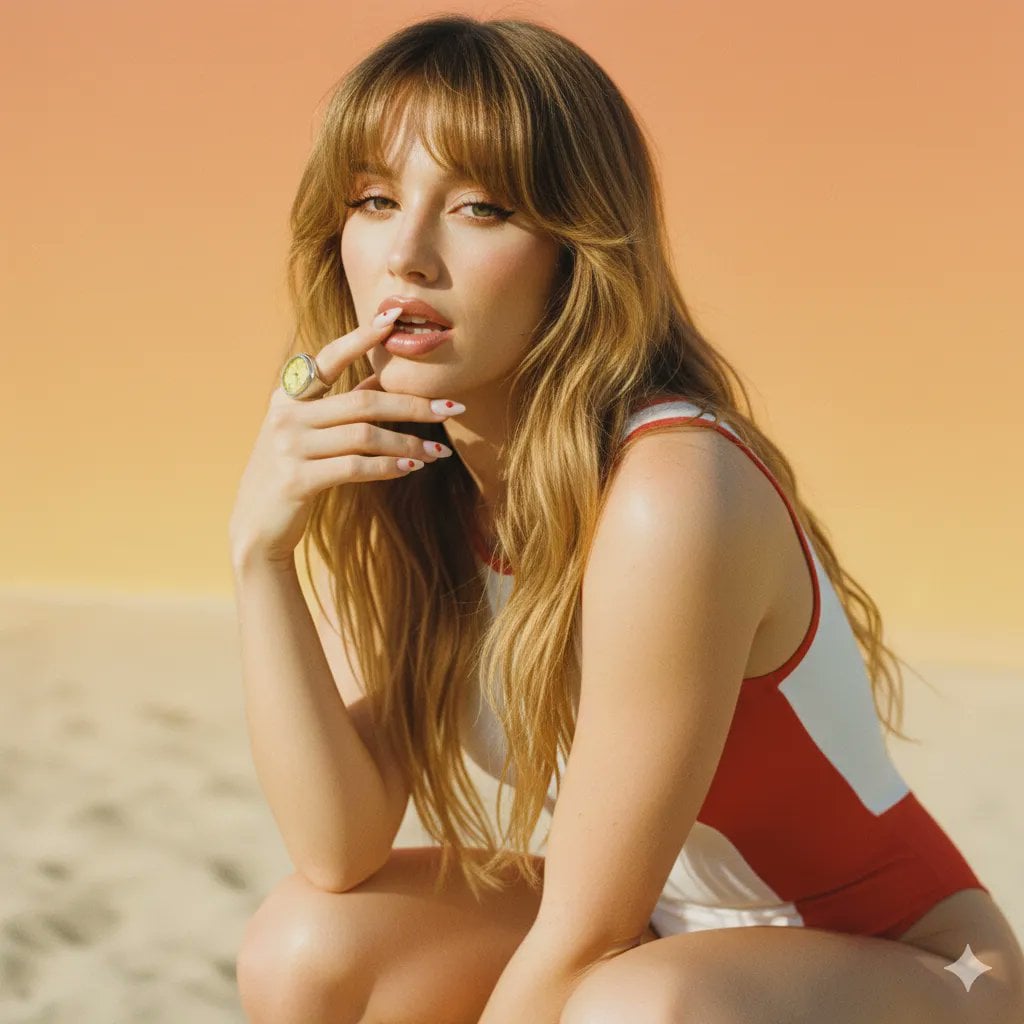
2000s Retro-Pop Fashion Cinematic Editorial Portrait

Japanese Negative Film Rooftop Summer Portrait
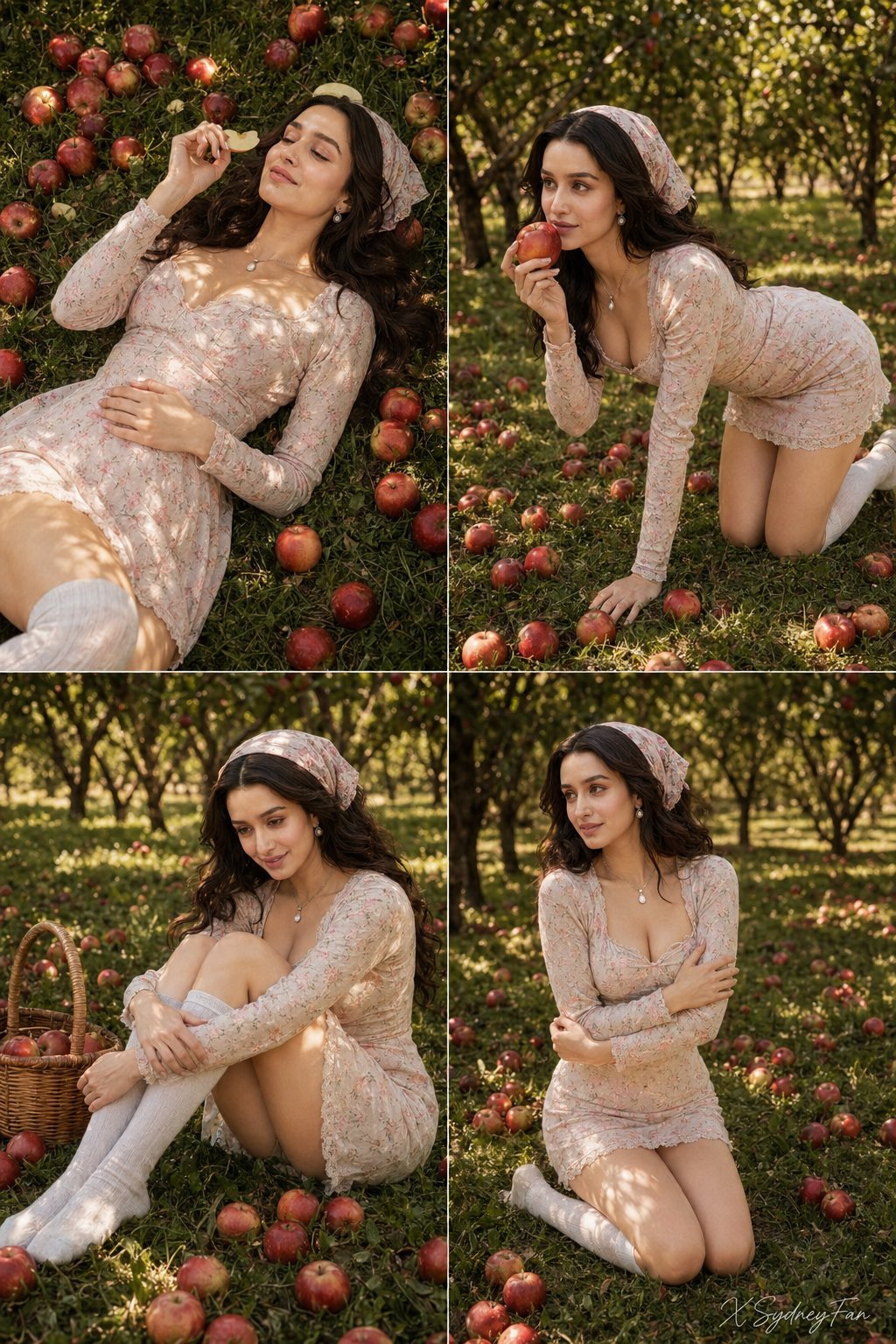
Nano Banana Apple Orchard Collage
Mustard Flower Field Summer

Tropical Vacation Selfie — Nano Banana (Chryzleen)

Ancient Temple Portrait — White Dress Nano Banana
Seedance 2.0 - Old Money Man
Kyoto Memories Corkboard Collage
Fantasy Princess Temple Staircase
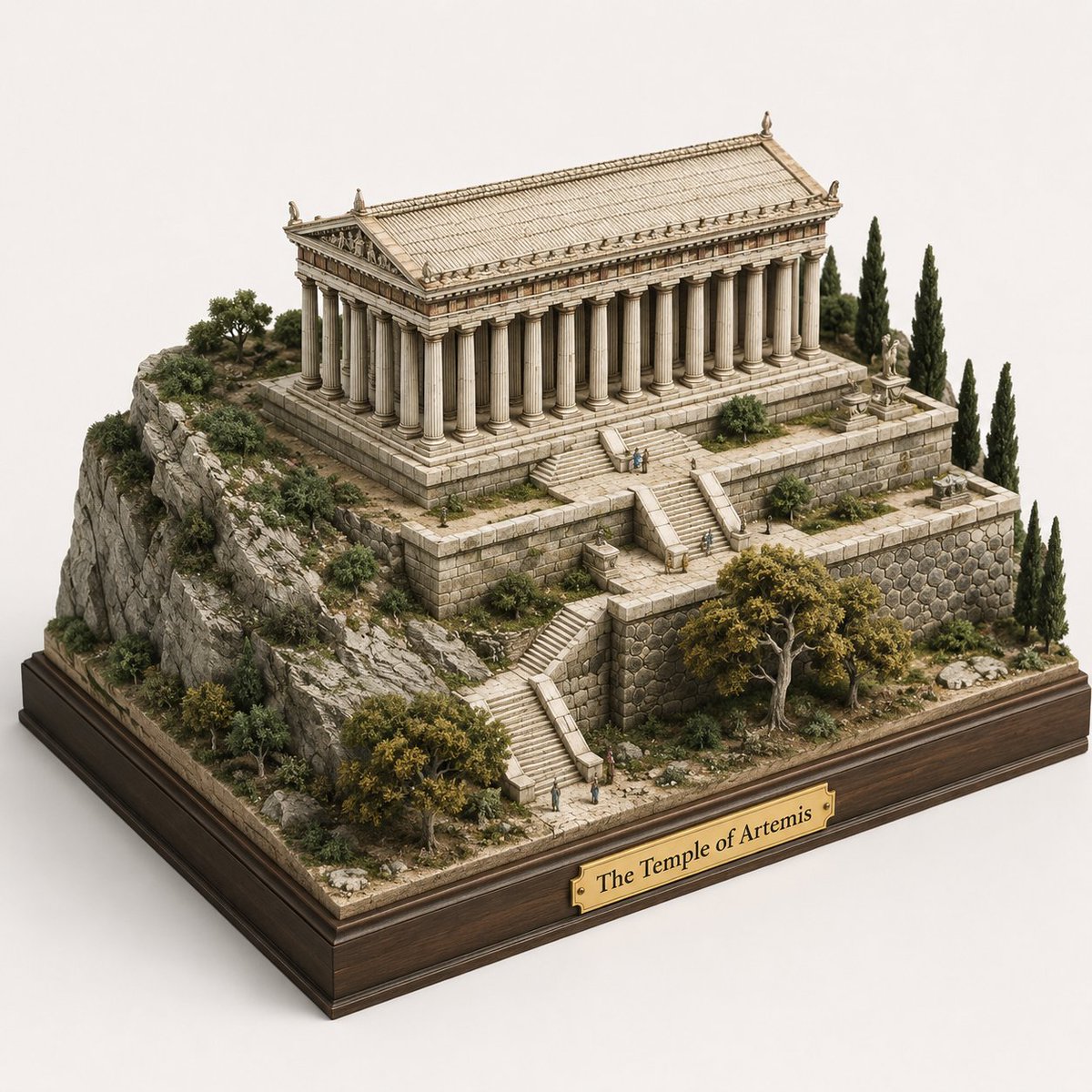
Ancient Temple 3D Diorama
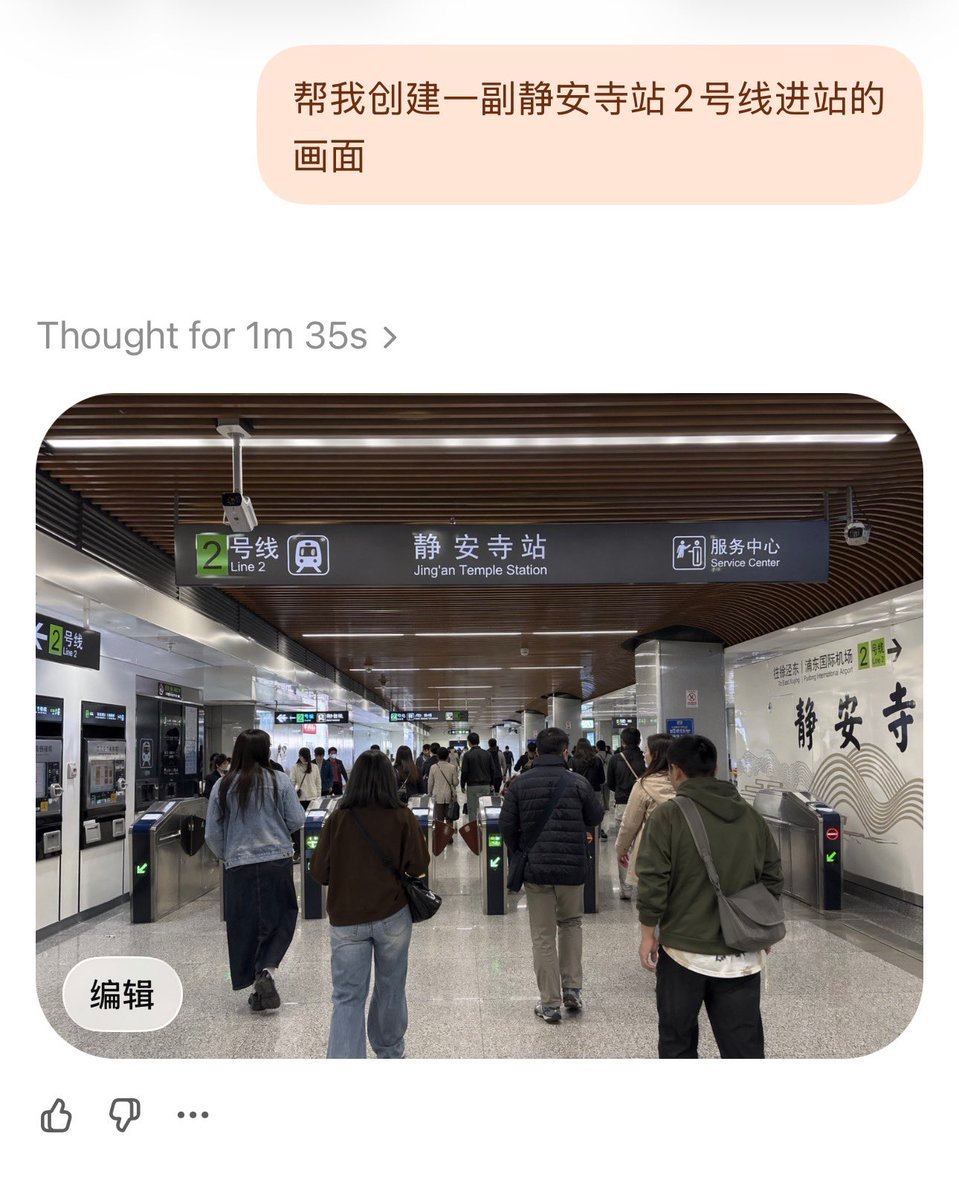
Jing'an Temple Line 2 Station Entrance
Make it yours
Summer Kyoto Temple Overlook works as-is. These are the safest ways to change it without losing the look.
Change one field
Copy a single group, rewrite it, and generate again so you can see what that field is doing.
Keep the frame, change the subject
Hold the composition and light of Summer Kyoto Temple Overlook, then swap wardrobe, props or the person for a new take.
| If the result… | Why | Fix |
|---|---|---|
| The result drifts from the preview | Too many fields changed at once. | Reuse Summer Kyoto Temple Overlook as-is first, then change one group — subject, light, or setting. |
| The model over-stylizes the scene | The prose prompt leaves finish and camera underspecified. | Add one camera or lighting sentence and stay on GPT Image 2. |
More GPT Image 2 templates
Other prompts made for GPT Image 2.

Six VTuber Japanese Logo Sheet

Realistic Portrait of Woman and Deer

The Vista Modular Condo Poster

AI Model Routing Comparison Infographic

2.5D Anime Art Board

Isometric Productivity Desk Scene

New York Double Exposure Poster

Four-Panel AI Landscape Comparison

Japanese Tatami Lifestyle Magazine Cover

NESCAFÉ Coffee Map Poster
More image prompts
Fresh picks from across the catalog.

Avant-Garde Eyewear Fashion Ad
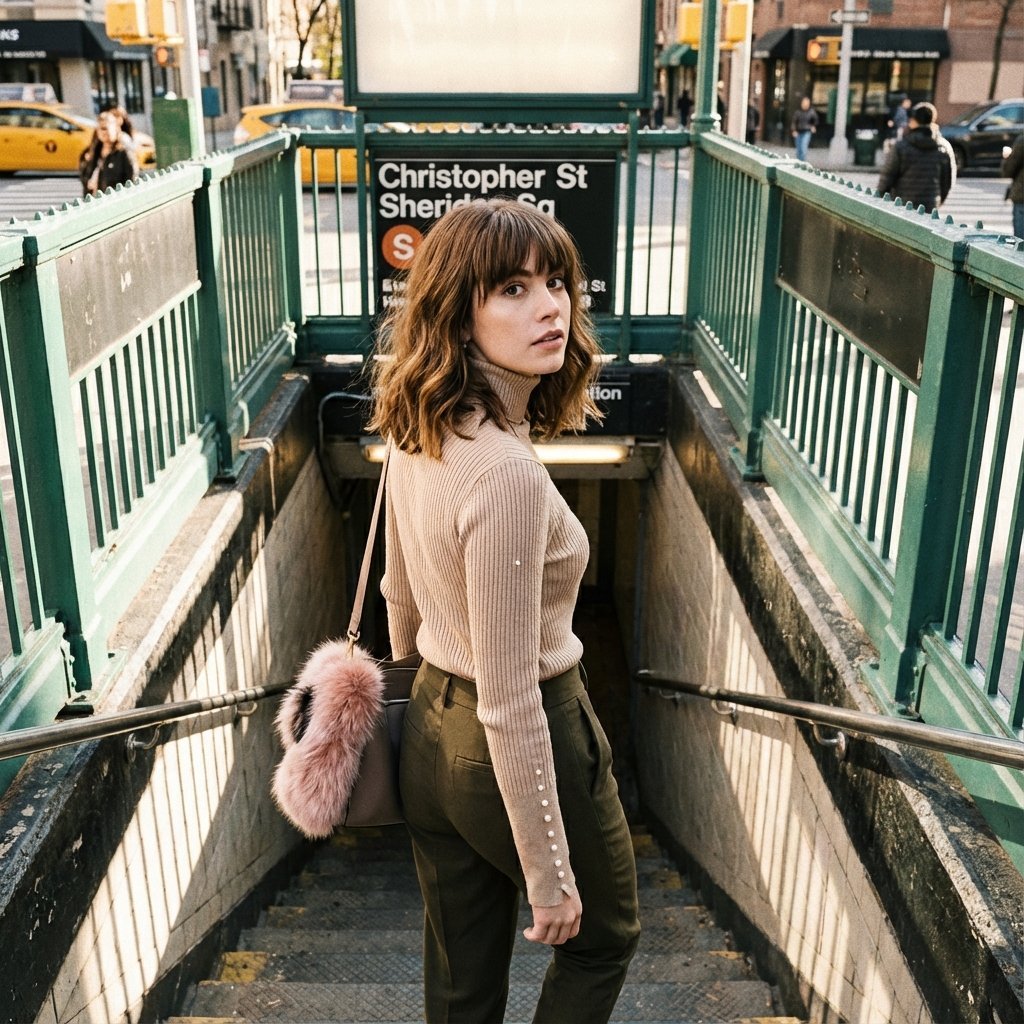
Urban Lifestyle Fashion Photography Prompt
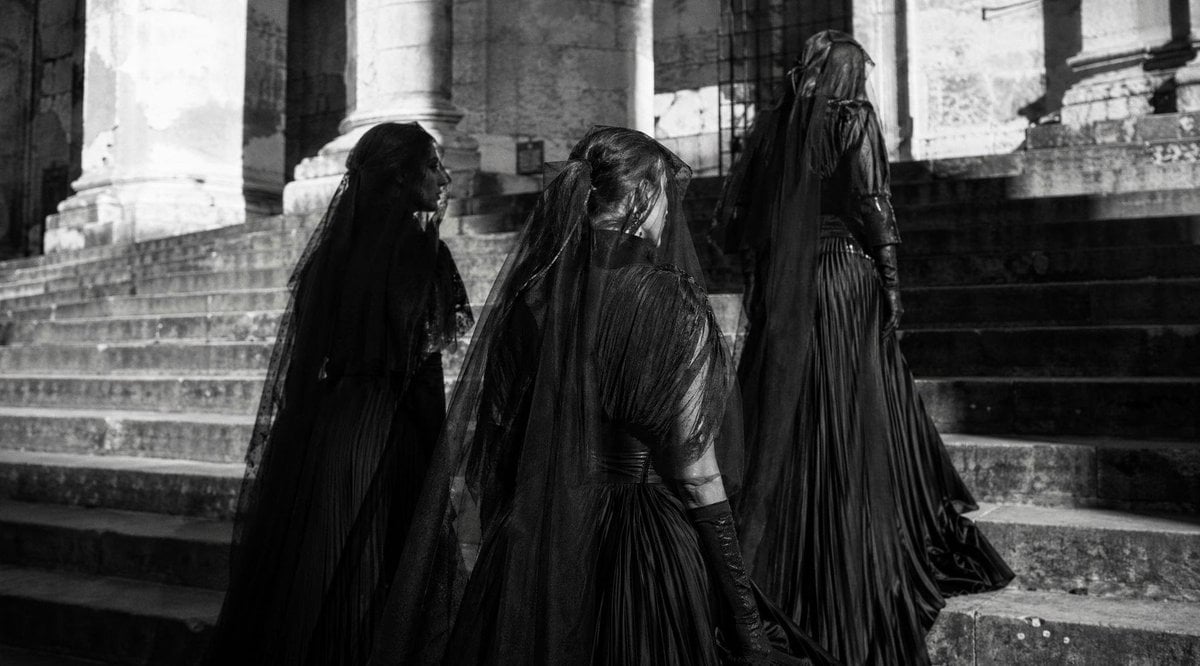
Gothic Mourning Procession

Monochrome Low-Angle Portrait with Red Glow

Cinematic Disintegration Portrait with Energy Aura

Intimate Close-Up Lifestyle Portrait Prompt

Monochrome Portrait with Selective Color Prompt

AI CTO Types Infographic
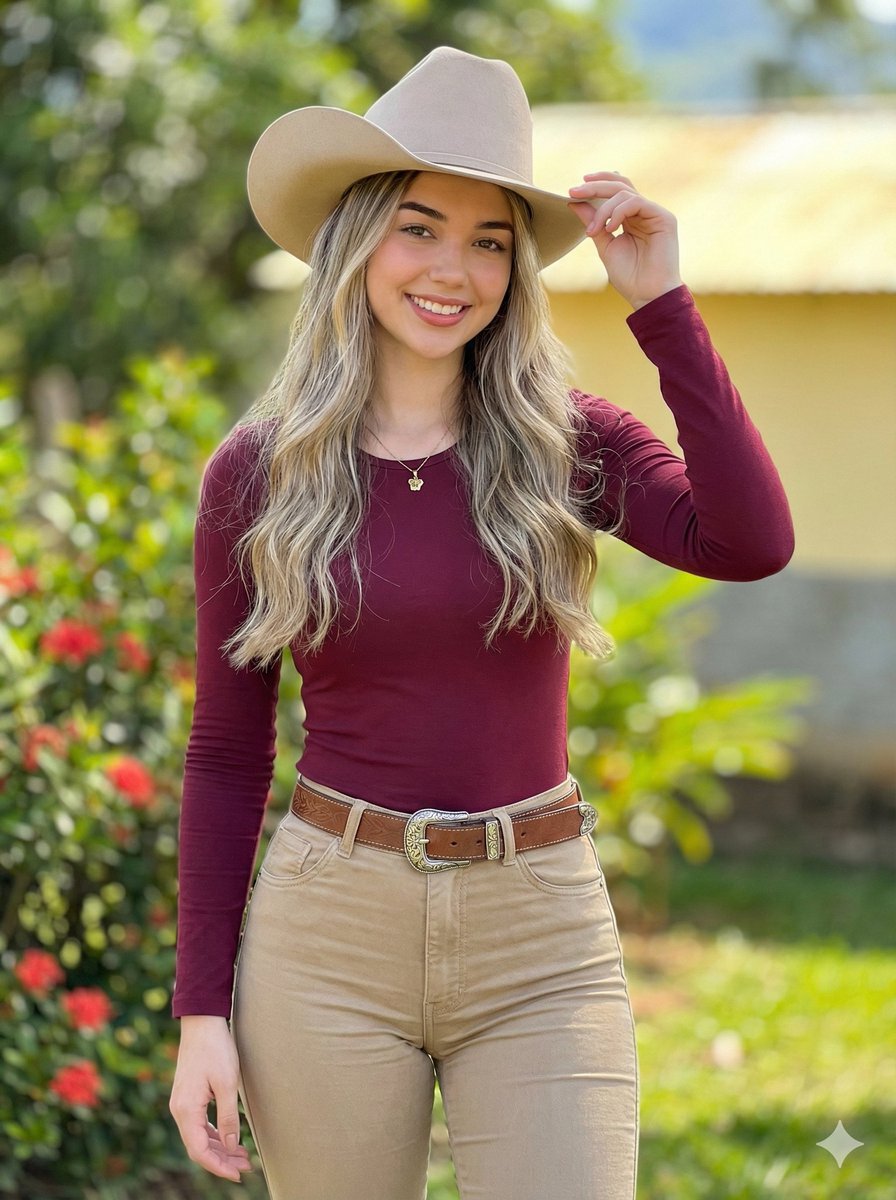
Photorealistic Modern Country Cowgirl Portrait

Product Advertisement Prompts for Nano Banana Pro on Gemini
Browse template categories
Summer Kyoto Temple Overlook questions
How do I use the Summer Kyoto Temple Overlook template?
Add your photo if the template asks for one, edit the prompt if you like — the template's model and format are already selected — and press Generate. Your version opens in PicX Studio.
Can I customize the Summer Kyoto Temple Overlook template?
Yes. You can change the subject, setting, lighting, mood, format, and available model controls before creating your image.
Is the Summer Kyoto Temple Overlook template free?
Opening and editing this template is free. Generating uses credits, shown on the Generate button when you are signed in.
Which AI model should I use?
Start with GPT Image 2, which is the model associated with this template. You can compare another compatible model for a different finish.
Looking for something else? Browse all templates.

Your photo, any look
Thousands of ready templates for every top image and video model, from one credit balance.