
Summer Watermelon Doodle Collage
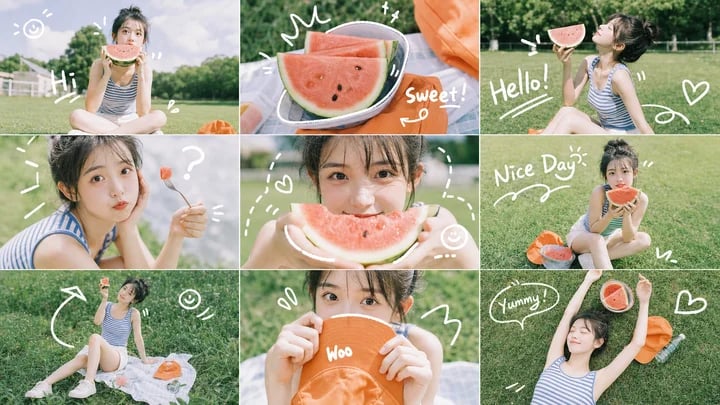
A 3x3 sunny park photo collage of a young woman eating watermelon, enhanced with playful white handwritten doodles for social media visuals.
- Prompt included
- Model and format preset
- Premium template
The prompt behind this image
Copy the exact prompt behind Summer Watermelon Doodle Collage, or open it in the studio and make it yours.
Goal: Create a playful summer lifestyle photo collage featuring {argument name="character description" default="a young woman with short dark hair wearing a blue-and-white striped sleeveless top and light shorts"} enjoying watermelon in a sunny park, decorated with hand-drawn white doodles and casual handwritten English words. Canvas: Wide horizontal 16:9 image, arranged as an exact 3 by 3 grid of 9 equal rectangular photo panels with thin white borders between panels. Use soft natural daylight, fresh green grass, shallow depth of field, and a bright airy summer color palette. Layout and panel count: Include exactly 9 panels: 1. Top-left: the woman sits cross-legged on grass holding a large watermelon slice in front of her face, with a white fence and cloudy sky in the background; doodles include a smiley face, short rays, the word “Hi!”, and small splash marks. 2. Top-center: close-up still life of several watermelon slices on a plate or tray beside an orange bag; doodles include a crown-like squiggle, sparkle marks, and the handwritten word “Sweet!”. 3. Top-right: side view of the woman sitting on grass, smiling toward or holding a watermelon slice near her mouth; doodles include “Hello!”, quotation marks, a swirl line, and a heart. 4. Middle-left: close-up portrait crop of the woman holding a small fork or skewer with a tiny watermelon cube; doodles include radiating marks and a large question mark. 5. Middle-center: close-up of the woman holding a watermelon slice near her mouth, face mostly centered and partially obscured by the fruit; doodles include dotted lines, a heart, and a small smiley face. 6. Middle-right: the woman sits on grass holding a watermelon slice up to her face; orange bag nearby; doodles include “Nice Day!”, a wavy underline, quotation marks, short grass strokes, and small sparkle lines. 7. Bottom-left: wider overhead-leaning shot of the woman reclining or sitting on a picnic cloth on grass with watermelon and orange bag; doodles include a curved arrow, smiley face, small hearts, and motion marks. 8. Bottom-center: tight portrait crop of the woman holding an orange hat or orange bag close to her chest or face, with soft grass background; doodles include small hearts, a curved white stroke, and a large number-like squiggle. 9. Bottom-right: overhead shot of the woman lying or reclining on grass with one arm raised, orange bag beside her, and a watermelon slice near her hand; doodles include a speech bubble saying “Yummy!”, small dash marks, and a heart outline. Subject details: The subject should appear cheerful, relaxed, and candid, like a summer picnic travel-photo shoot. Keep the face softly anonymized or blurred, while preserving the pose, hair silhouette, outfit, and body language. Use {argument name="main prop" default="fresh red watermelon slices with black seeds"} as the recurring prop in multiple panels, and include {argument name="accent accessory" default="a bright orange tote bag or sun hat"} in several panels. Visual style: Realistic photography, soft film-like tones, slightly overexposed summer highlights, green park setting, casual social-media collage aesthetic. Add white hand-drawn doodles as if sketched with a marker on top of the photos: hearts, arrows, smiley faces, sparkles, squiggles, quotation marks, and short handwritten words. Text content: Use exactly these visible handwritten English words across the collage: {argument name="greeting text" default="Hi!"}, “Sweet!”, “Hello!”, “Nice Day!”, and “Yummy!”. Keep the lettering informal, white, and doodle-like. Constraints: Maintain the exact 9-panel grid, thin white dividers, no extra panels, no watermark, no app interface, no captions outside the collage, and avoid adding additional readable words beyond the specified doodle text.
How to use Summer Watermelon Doodle Collage in 3 steps
- 1Upload ImagePNG, JPG or paste
Add your photo
Upload the photo the template builds on. The prompt, model and format are already set.
- 2…a portrait of your subject in softgolden-hour light, 85mm…
Personalize
Edit the subject and creative details for your destination.
- 3Generate
Generate
Press Generate — your image is created in PicX Studio, so you can compare it with the original and refine one variable at a time.
More like this
Templates with the same subject, style or setup. Open one to see its prompt.
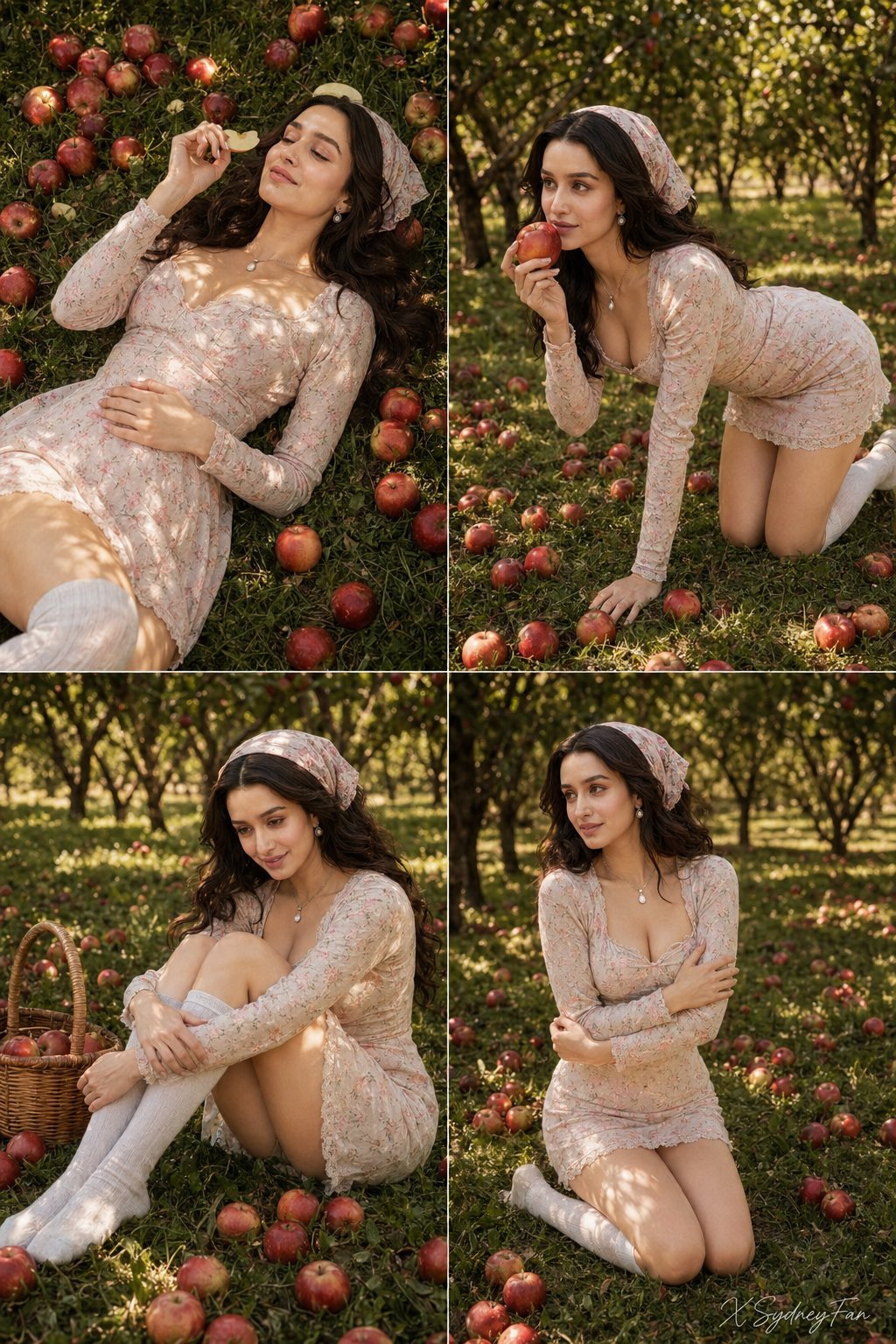
Nano Banana Apple Orchard Collage

Summer Watermelon Lifestyle Snapshot
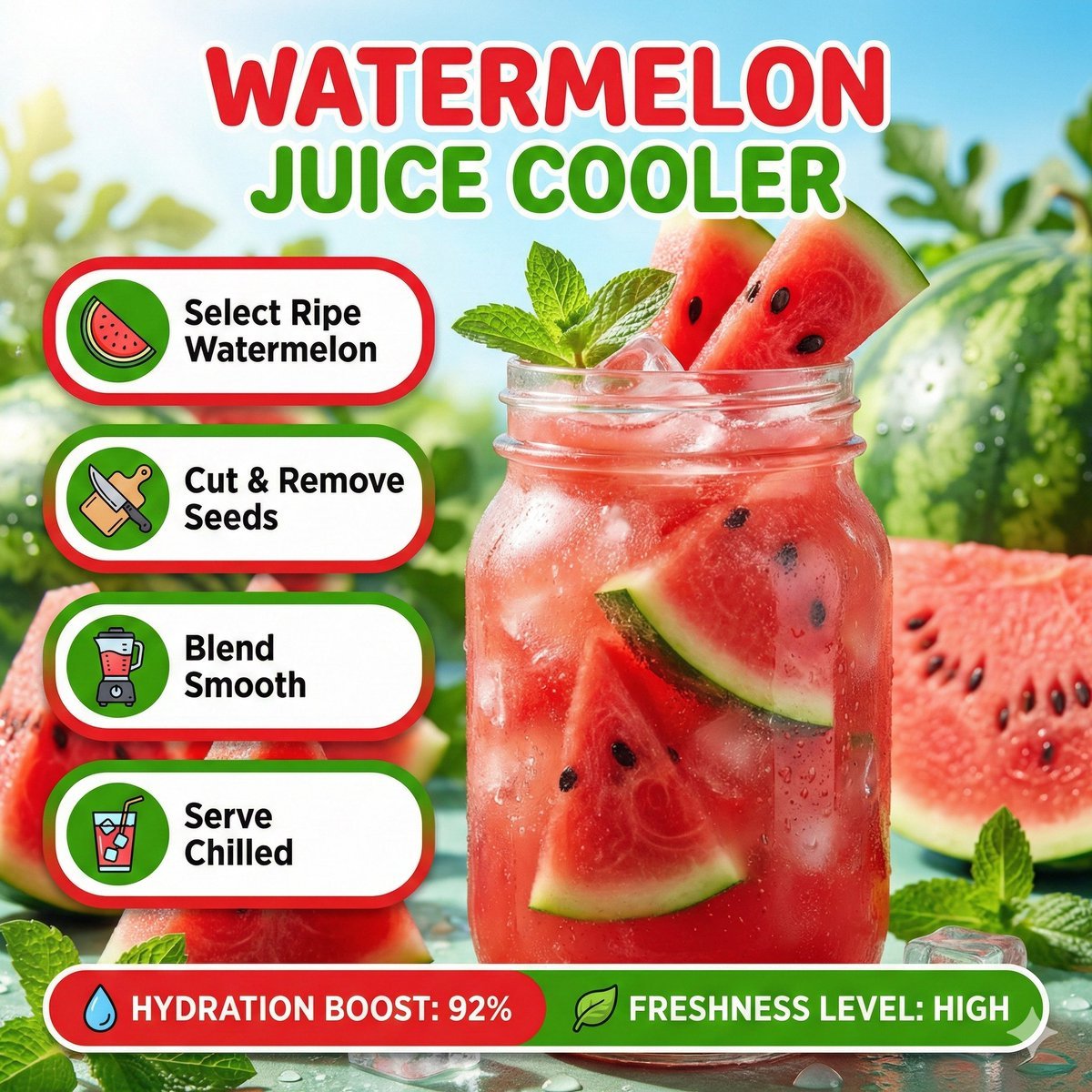
Bright summer infographic showcasing watermelon juice, icy texture

Pastel Anime Summer Beach Collage

Paper Cut Finale Fireworks

Paper Cut Garden Maze

Paper Cut Rooftop Concert

Paper Cut Bicycle Coast

Paper Cut Castle Gate

Paper Cut Kitchen Chaos

Paper Cut Carnival Ride

Paper Cut Rainy Bus Stop
Make it yours
Summer Watermelon Doodle Collage works as-is. These are the safest ways to change it without losing the look.
Change one field
Copy a single group, rewrite it, and generate again so you can see what that field is doing.
Keep the frame, change the subject
Hold the composition and light of Summer Watermelon Doodle Collage, then swap wardrobe, props or the person for a new take.
| If the result… | Why | Fix |
|---|---|---|
| The result drifts from the preview | Too many fields changed at once. | Reuse Summer Watermelon Doodle Collage as-is first, then change one group — subject, light, or setting. |
| The model over-stylizes the scene | The prose prompt leaves finish and camera underspecified. | Add one camera or lighting sentence and stay on GPT Image 2. |
More GPT Image 2 templates
Other prompts made for GPT Image 2.

Six VTuber Japanese Logo Sheet

Realistic Portrait of Woman and Deer

The Vista Modular Condo Poster

AI Model Routing Comparison Infographic

2.5D Anime Art Board

Isometric Productivity Desk Scene

New York Double Exposure Poster

Four-Panel AI Landscape Comparison

Japanese Tatami Lifestyle Magazine Cover

NESCAFÉ Coffee Map Poster
More image prompts
Fresh picks from across the catalog.
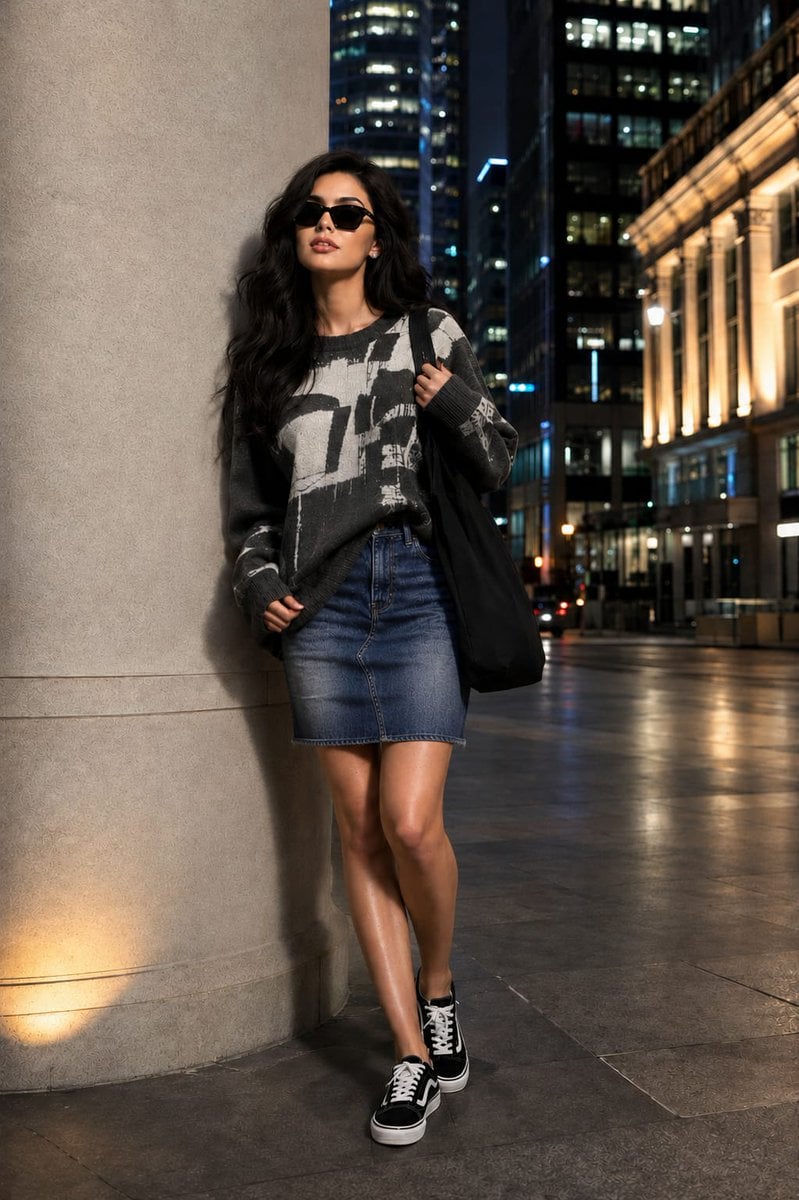
Fashion Editorial Portrait with Facial Consistency

Japanese Golf Fashion Magazine Cover

Thought-Leader Aesthetic Headshot Prompt (Image-to-Image)
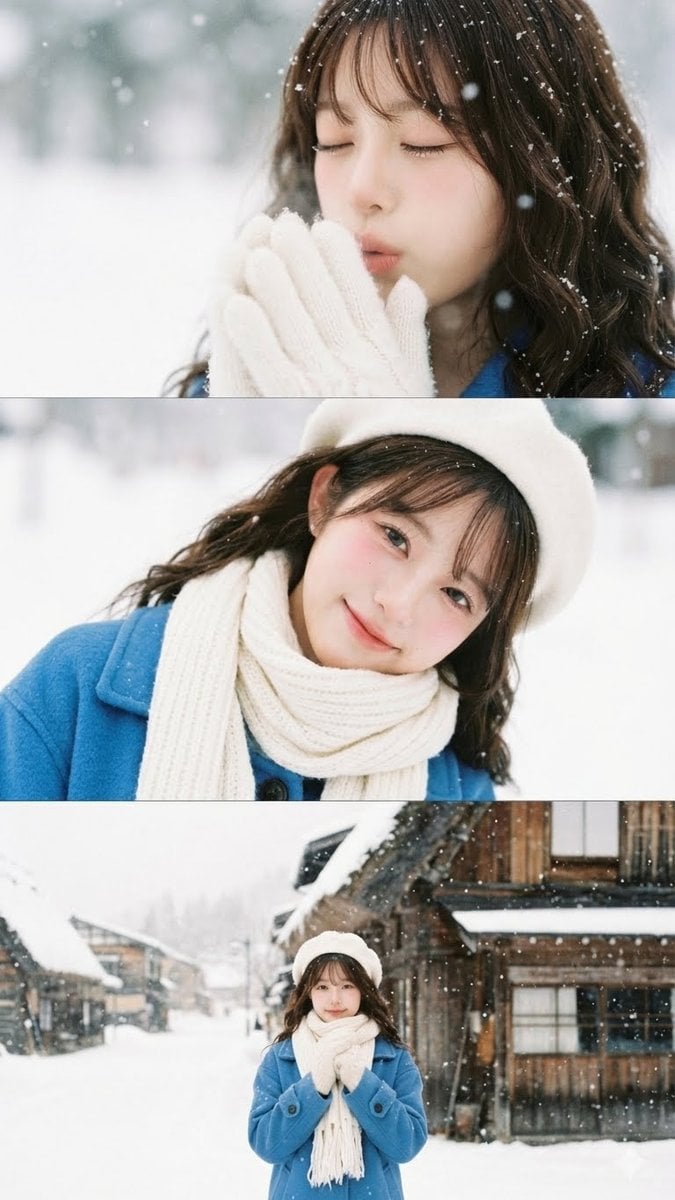
Vertical film strip collage of an Asian woman in a snowy Hokkaido setting

3D Isometric Miniature City Weather Map
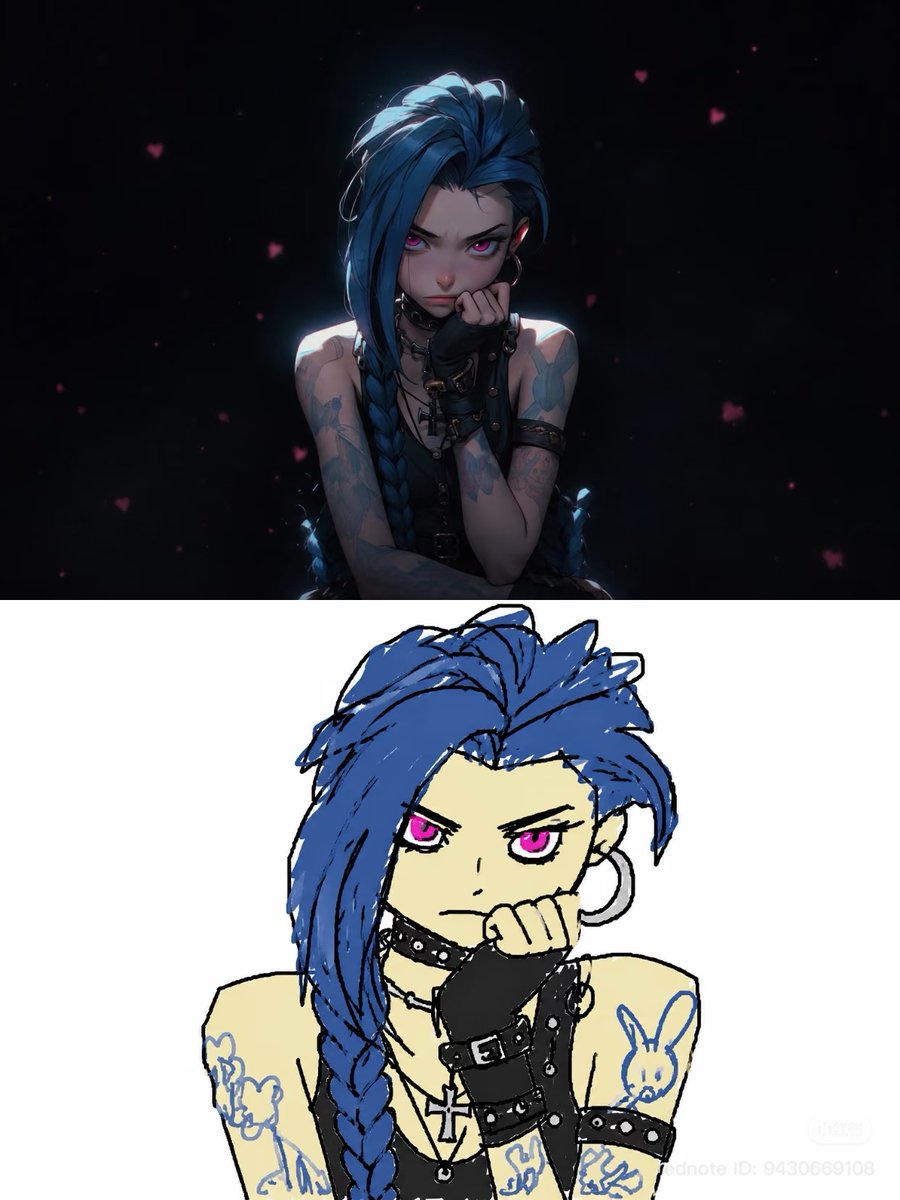
Pathetic MS Paint Style Sketch

Luxury Dream Home Real Estate Flyer

Avant-Garde Sports Fashion Editorial
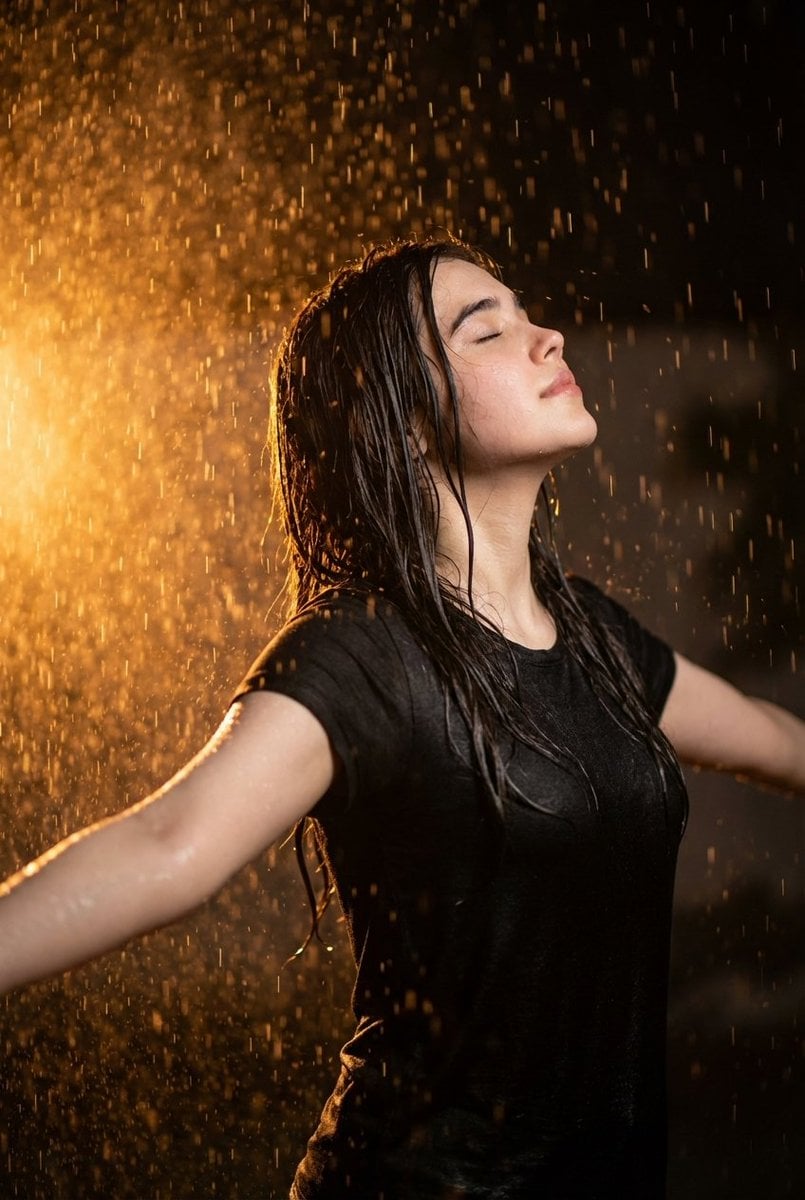
Cinematic portrait of woman in heavy rain at night

Michelin-Star Chef Fantasy Food Re-imagination Grid
Browse template categories
Summer Watermelon Doodle Collage questions
How do I use the Summer Watermelon Doodle Collage template?
Add your photo if the template asks for one, edit the prompt if you like — the template's model and format are already selected — and press Generate. Your version opens in PicX Studio.
Can I customize the Summer Watermelon Doodle Collage template?
Yes. You can change the subject, setting, lighting, mood, format, and available model controls before creating your image.
Is the Summer Watermelon Doodle Collage template free?
Opening and editing this template is free. Generating uses credits, shown on the Generate button when you are signed in.
Which AI model should I use?
Start with GPT Image 2, which is the model associated with this template. You can compare another compatible model for a different finish.
Looking for something else? Browse all templates.

Your photo, any look
Thousands of ready templates for every top image and video model, from one credit balance.