
Chibi Anime Educational Infographic
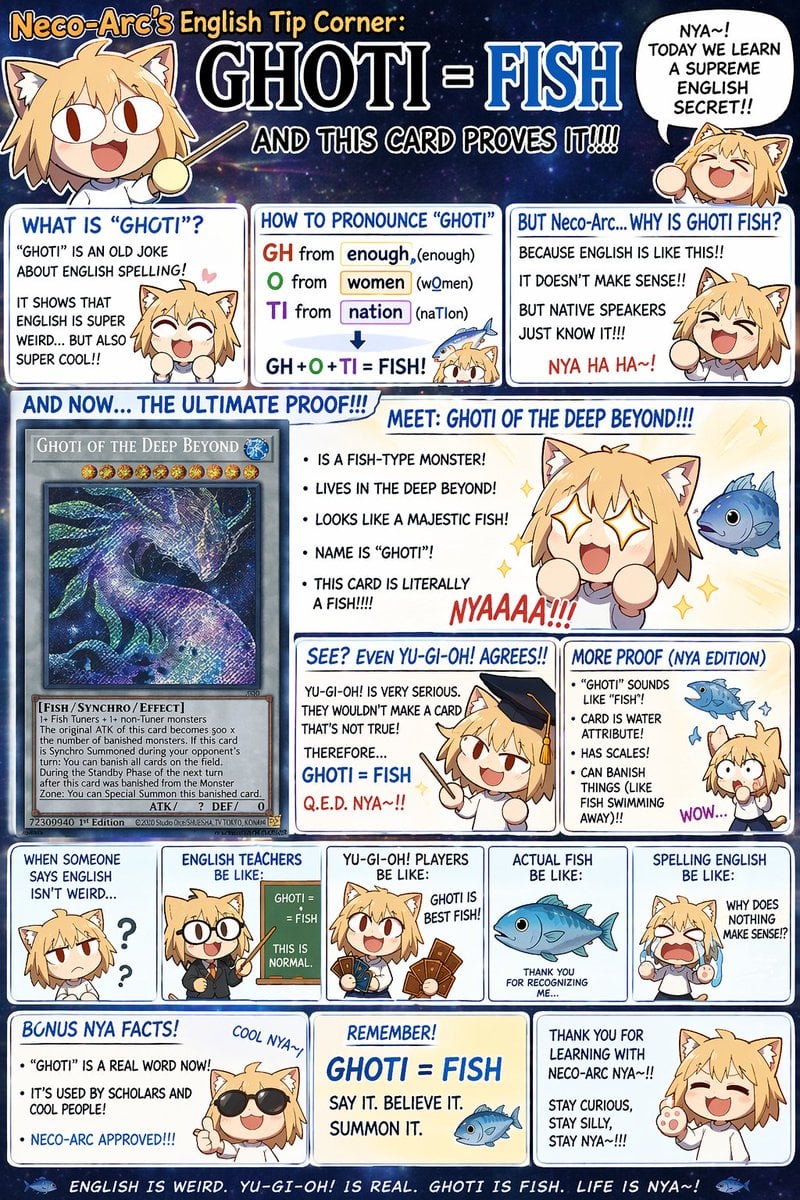
Generates a dense, multi-panel comic infographic featuring a chibi character explaining a linguistic joke with trading card references.
- Prompt included
- Model and format preset
- Premium template
The prompt behind this image
Copy the exact prompt behind Chibi Anime Educational Infographic, or open it in the studio and make it yours.
- Type
- anime-style educational meme infographic
- Character › Name
- {argument name="character name" default="Neco-Arc"}
- Character › Appearance
- chibi anime cat-girl, blonde hair, cat ears, big eyes, simple cartoonish features
- Character › Total Illustrations
- 13
- Theme › Topic
- {argument name="main topic" default="GHOTI = FISH"}
- Theme › Reference
- {argument name="card game" default="Yu-Gi-Oh!"} card {argument name="card name" default="Ghoti of the Deep Beyond"}
- Layout › Background
- starry night sky behind header, white panels with blue borders
- Layout › Header › Title
- Neco-Arc's English Tip Corner: GHOTI = FISH AND THIS CARD PROVES IT!!!!
- Layout › Header › Elements
- character pointing with stick, speech bubble: 'NYA~! TODAY WE LEARN A SUPREME ENGLISH SECRET!!'
- Layout › Sections › 0 › Row
- 1
- Layout › Sections › 0 › Count
- 3
- Layout › Sections › 0 › Panels › 0 › Title
- WHAT IS 'GHOTI'?
- Layout › Sections › 0 › Panels › 0 › Content
- text, happy character
- Layout › Sections › 0 › Panels › 1 › Title
- HOW TO PRONOUNCE 'GHOTI'
- Layout › Sections › 0 › Panels › 1 › Content
- phonetic breakdown of GH, O, TI, small character, 1 fish
- Layout › Sections › 0 › Panels › 2 › Title
- BUT Neco-Arc... WHY IS GHOTI FISH?
- Layout › Sections › 0 › Panels › 2 › Content
- text, laughing character
- Layout › Sections › 1 › Row
- 2
- Layout › Sections › 1 › Title
- AND NOW... THE ULTIMATE PROOF!!!
- Layout › Sections › 1 › Count
- 4
- Layout › Sections › 1 › Panels › 0 › Type
- card mockup
- Layout › Sections › 1 › Panels › 0 › Content
- detailed trading card showing a cosmic space fish
- Layout › Sections › 1 › Panels › 1 › Title
- MEET: GHOTI OF THE DEEP BEYOND!!!
- Layout › Sections › 1 › Panels › 1 › Content
- bullet points, starry-eyed character, 1 fish
Raw JSON
{
  "type": "anime-style educational meme infographic",
  "character": {
    "name": "{argument name=\"character name\" default=\"Neco-Arc\"}",
    "appearance": "chibi anime cat-girl, blonde hair, cat ears, big eyes, simple cartoonish features",
    "total_illustrations": 13
  },
  "theme": {
    "topic": "{argument name=\"main topic\" default=\"GHOTI = FISH\"}",
    "reference": "{argument name=\"card game\" default=\"Yu-Gi-Oh!\"} card {argument name=\"card name\" default=\"Ghoti of the Deep Beyond\"}"
  },
  "layout": {
    "background": "starry night sky behind header, white panels with blue borders",
    "header": {
      "title": "Neco-Arc's English Tip Corner: GHOTI = FISH AND THIS CARD PROVES IT!!!!",
      "elements": ["character pointing with stick", "speech bubble: 'NYA~! TODAY WE LEARN A SUPREME ENGLISH SECRET!!'"]
    },
    "sections": [
      {
        "row": 1,
        "count": 3,
        "panels": [
          {"title": "WHAT IS 'GHOTI'?", "content": "text, happy character"},
          {"title": "HOW TO PRONOUNCE 'GHOTI'", "content": "phonetic breakdown of GH, O, TI, small character, 1 fish"},
          {"title": "BUT Neco-Arc... WHY IS GHOTI FISH?", "content": "text, laughing character"}
        ]
      },
      {
        "row": 2,
        "title": "AND NOW... THE ULTIMATE PROOF!!!",
        "count": 4,
        "panels": [
          {"type": "card mockup", "content": "detailed trading card showing a cosmic space fish"},
          {"title": "MEET: GHOTI OF THE DEEP BEYOND!!!", "content": "bullet points, starry-eyed character, 1 fish"},
          {"title": "SEE? EVEN YU-GI-OH! AGREES!!", "content": "character in graduation cap pointing"},
          {"title": "MORE PROOF (NYA EDITION)", "content": "bullet points, shocked character, 1 fish"}
        ]
      },
      {
        "row": 3,
        "type": "reaction strip",
        "count": 5,
        "panels": [
          {"title": "WHEN SOMEONE SAYS ENGLISH ISN'T WEIRD...", "content": "confused character with question marks"},
          {"title": "ENGLISH TEACHERS BE LIKE:", "content": "character with glasses at chalkboard"},
          {"title": "YU-GI-OH! PLAYERS BE LIKE:", "content": "character holding 4 trading cards"},
          {"title": "ACTUAL FISH BE LIKE:", "content": "1 blue fish illustration"},
          {"title": "SPELLING ENGLISH BE LIKE:", "content": "crying character"}
        ]
      },
      {
        "row": 4,
        "count": 3,
        "panels": [
          {"title": "BONUS NYA FACTS!", "content": "character with sunglasses"},
          {"title": "REMEMBER! GHOTI = FISH", "content": "summary text, 1 fish"},
          {"title": "THANK YOU FOR LEARNING WITH NECO-ARC NYA~!!", "content": "waving character"}
        ]
      }
    ],
    "footer": "ENGLISH IS WEIRD. YU-GI-OH! IS REAL. GHOTI IS FISH. LIFE IS NYA~!"
  }
}How to use Chibi Anime Educational Infographic in 3 steps
- 1Upload ImagePNG, JPG or paste
Add your photo
Upload the photo the template builds on. The prompt, model and format are already set.
- 2…a portrait of your subject in softgolden-hour light, 85mm…
Personalize
Edit the subject and creative details for your destination.
- 3Generate
Generate
Press Generate — your image is created in PicX Studio, so you can compare it with the original and refine one variable at a time.
More like this
Templates with the same subject, style or setup. Open one to see its prompt.

Isometric Process Educational Diorama
Educational Lightning Storyboard Infographic

Chibi Anime Ninja Sticker Sheet

Japan Travel Brochure Poster
Human Anatomy Educational Infographic

Cel 2D Finale Fireworks

Cel 2D Garden Maze

Cel 2D Rooftop Concert

Cel 2D Bicycle Coast

Cel 2D Castle Gate

Cel 2D Kitchen Chaos

Cel 2D Carnival Ride
Make it yours
Chibi Anime Educational Infographic works as-is. These are the safest ways to change it without losing the look.
Swap the setting
Keep the rest of the prompt and replace the location block. The current setting is “starry night sky behind header, white panels with blue borders”.
Change one field
Copy a single group, rewrite it, and generate again so you can see what that field is doing.
Keep the frame, change the subject
Hold the composition and light of Chibi Anime Educational Infographic, then swap wardrobe, props or the person for a new take.
| If the result… | Why | Fix |
|---|---|---|
| The result drifts from the preview | Too many fields changed at once. | Reuse Chibi Anime Educational Infographic as-is first, then change one group — subject, light, or setting. |
| GPT Image 2 ignores part of the JSON | Some models flatten or skip nested keys. | Keep the same values and paste them as a short paragraph instead. |
More GPT Image 2 templates
Other prompts made for GPT Image 2.

Six VTuber Japanese Logo Sheet

Realistic Portrait of Woman and Deer

The Vista Modular Condo Poster

AI Model Routing Comparison Infographic

2.5D Anime Art Board

Isometric Productivity Desk Scene

New York Double Exposure Poster

Four-Panel AI Landscape Comparison

Japanese Tatami Lifestyle Magazine Cover

NESCAFÉ Coffee Map Poster
More image prompts
Fresh picks from across the catalog.
Natural Language Prompt for Kawaii Starfish in Custom Chibi Style
Gilded Delftware Product Signature Prompt
Authentic Magazine Spread Photography
European Umbrella Street Portrait
Miss Fortune Realistic Selfie Prompt
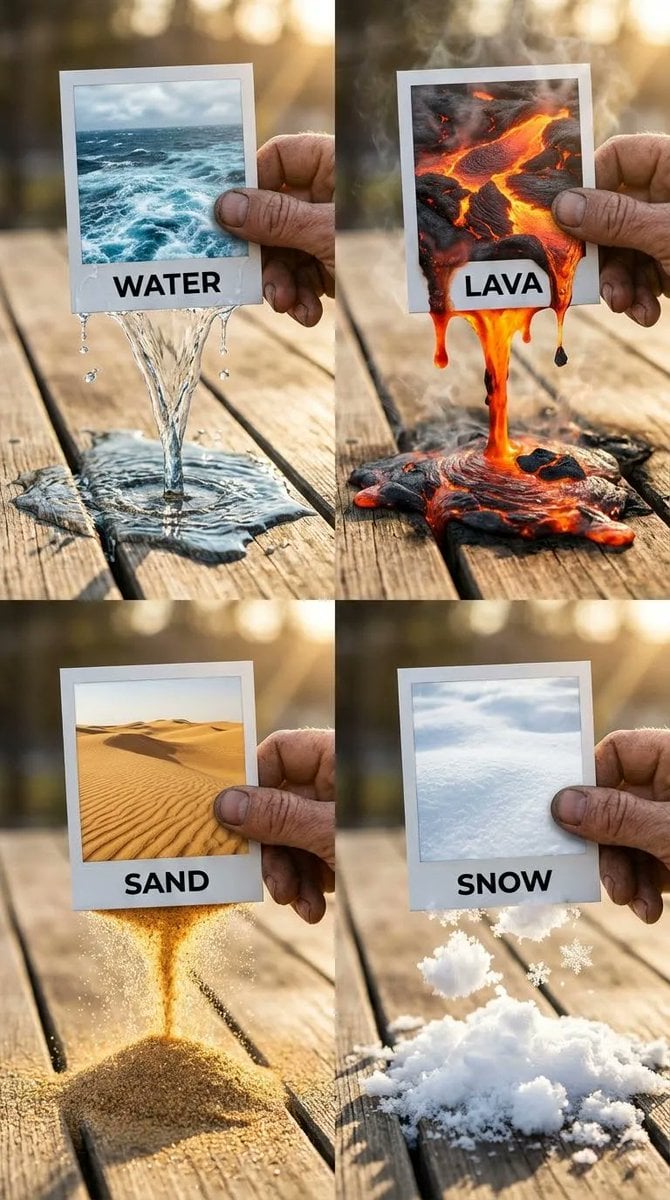
Elemental Physics Spill Collage Prompt
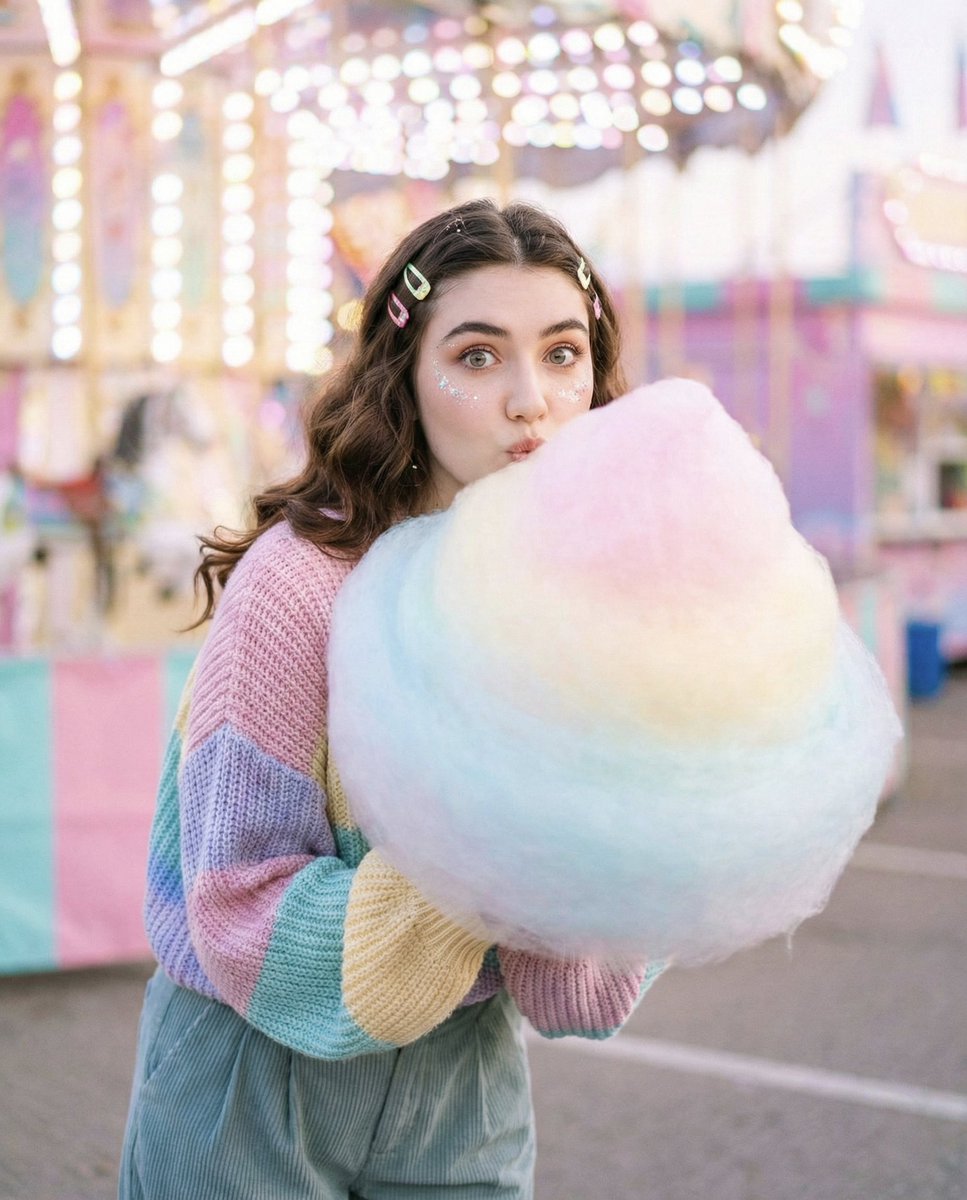
Cozy-Sweet Editorial Portrait with Cotton Candy
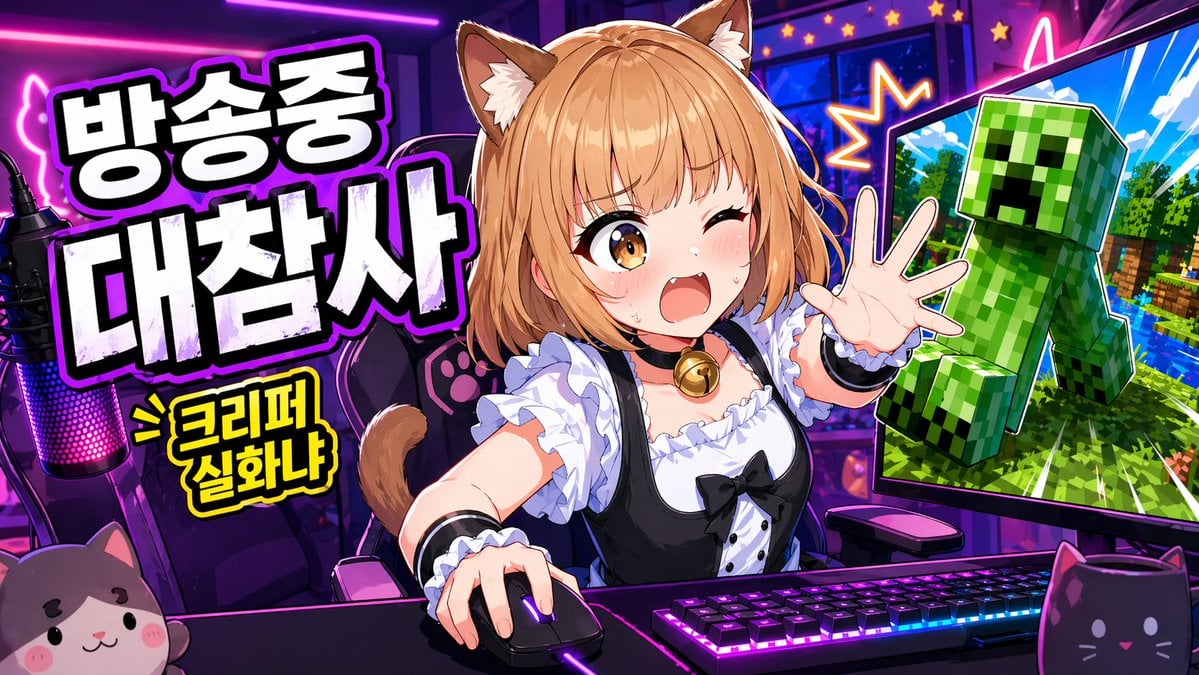
Anime VTuber Minecraft Stream Thumbnail
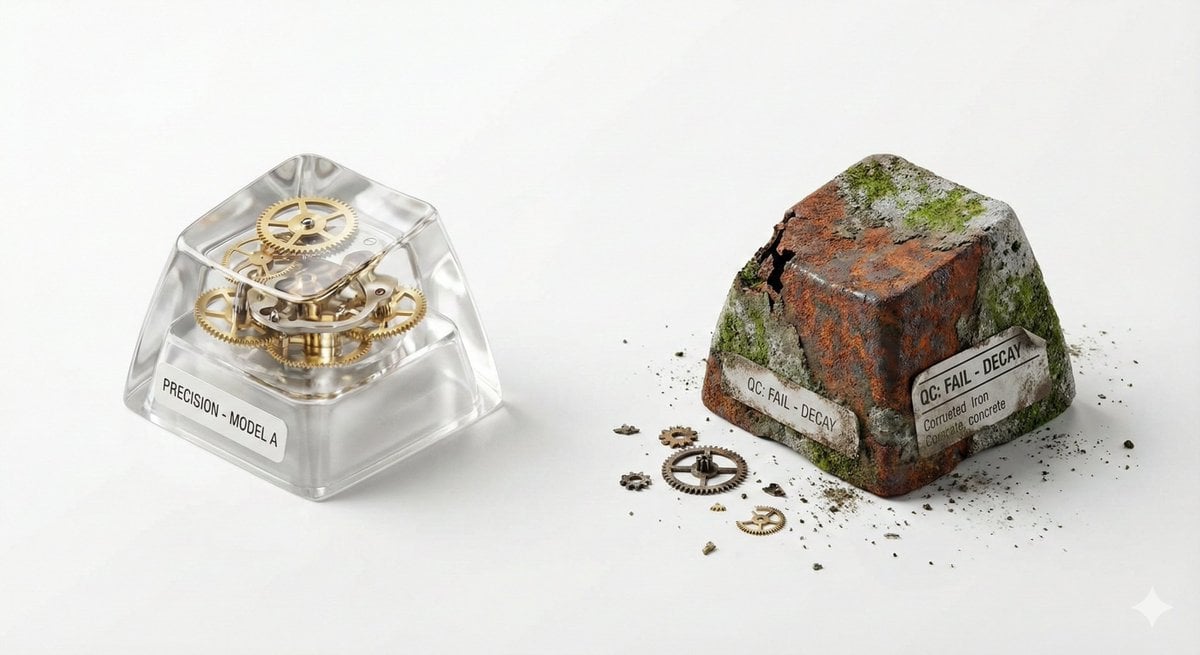
Visual Creator Mode Prompt for Product Photography (Precision vs. Decay)
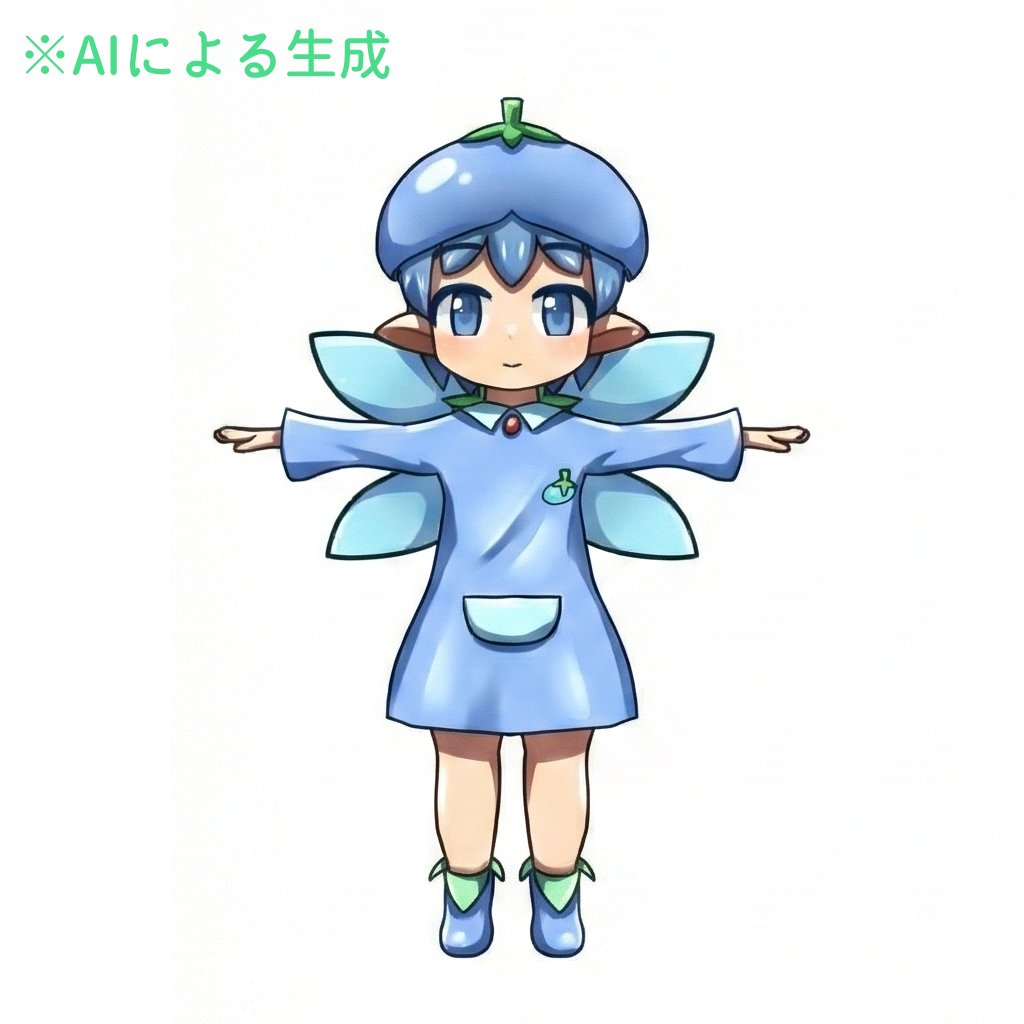
Enhancing Three-View Drawings and Generating Angles with Nano Banana
Browse template categories
Chibi Anime Educational Infographic questions
How do I use the Chibi Anime Educational Infographic template?
Add your photo if the template asks for one, edit the prompt if you like — the template's model and format are already selected — and press Generate. Your version opens in PicX Studio.
Can I customize the Chibi Anime Educational Infographic template?
Yes. You can change the subject, setting, lighting, mood, format, and available model controls before creating your image.
Is the Chibi Anime Educational Infographic template free?
Opening and editing this template is free. Generating uses credits, shown on the Generate button when you are signed in.
Which AI model should I use?
Start with GPT Image 2, which is the model associated with this template. You can compare another compatible model for a different finish.
Looking for something else? Browse all templates.

Your photo, any look
Thousands of ready templates for every top image and video model, from one credit balance.