
First-Person Alien Tree Beings
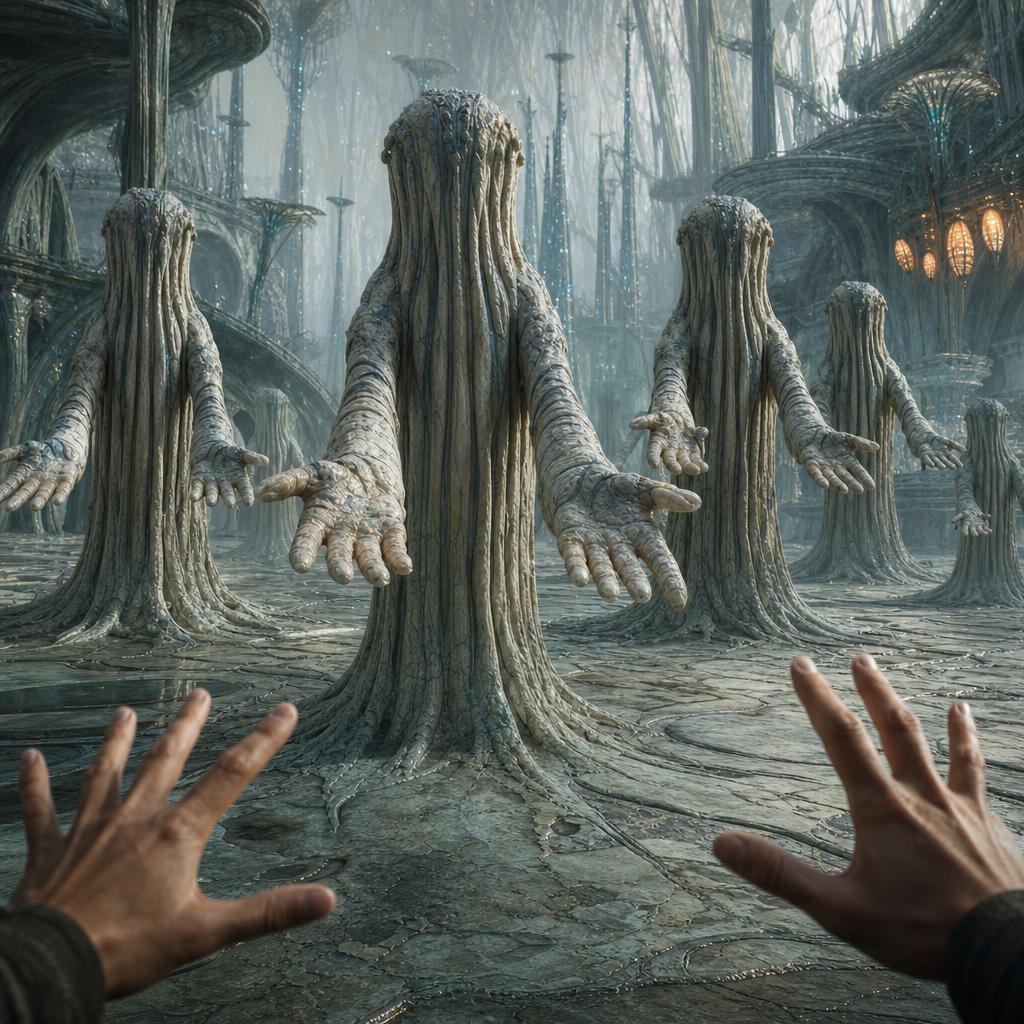
A cinematic prompt for generating an immersive first-person encounter with faceless tree-like alien beings inside a misty biomechanical city-temple.
- Prompt included
- Model and format preset
- Free template
The prompt behind this image
Copy the exact prompt behind First-Person Alien Tree Beings, or open it in the studio and make it yours.
Create a cinematic first-person sci-fi fantasy scene in a vast alien city-temple where the viewer’s two human hands reach forward from the bottom foreground toward a group of silent humanoid tree-like beings. Show exactly 5 visible beings: 1 enormous central figure closest to the viewer, 1 medium figure on the left, 1 medium figure right of center, 1 smaller figure farther back on the right, and 1 tiny distant figure at the far right. Each creature has no visible face, a tall cylindrical head and body made of vertical bark-like tendrils, root-like robes merging into the stone floor, long arms extended outward, and open many-fingered palms facing the viewer in a ritual greeting or telepathic contact. The setting is {argument name="alien city setting" default="a misty biomechanical forest cathedral"}: towering ribbed organic architecture, spiral platforms, elevated bridges, needle-like spires, mushroom-canopy structures, translucent blue-gray haze, wet cracked stone ground engraved with circular patterns, tiny glowing blue particles, and a cluster of warm amber oval windows glowing on the right. Use {argument name="visual style" default="ultra-detailed cinematic concept art, photorealistic dark fantasy sci-fi"} with cool desaturated teal and gray tones, intricate bark textures, atmospheric depth, soft volumetric light filtering from above, wide-angle immersive perspective, symmetrical composition centered on the largest being, eerie awe-filled mood, extremely high detail, no text, no watermark.
How to use First-Person Alien Tree Beings in 3 steps
- 1Upload ImagePNG, JPG or paste
Add your photo
Upload the photo the template builds on. The prompt, model and format are already set.
- 2…a portrait of your subject in softgolden-hour light, 85mm…
Personalize
Edit the subject and creative details for your destination.
- 3Generate
Generate
Press Generate — your image is created in PicX Studio, so you can compare it with the original and refine one variable at a time.
More like this
Templates with the same subject, style or setup. Open one to see its prompt.
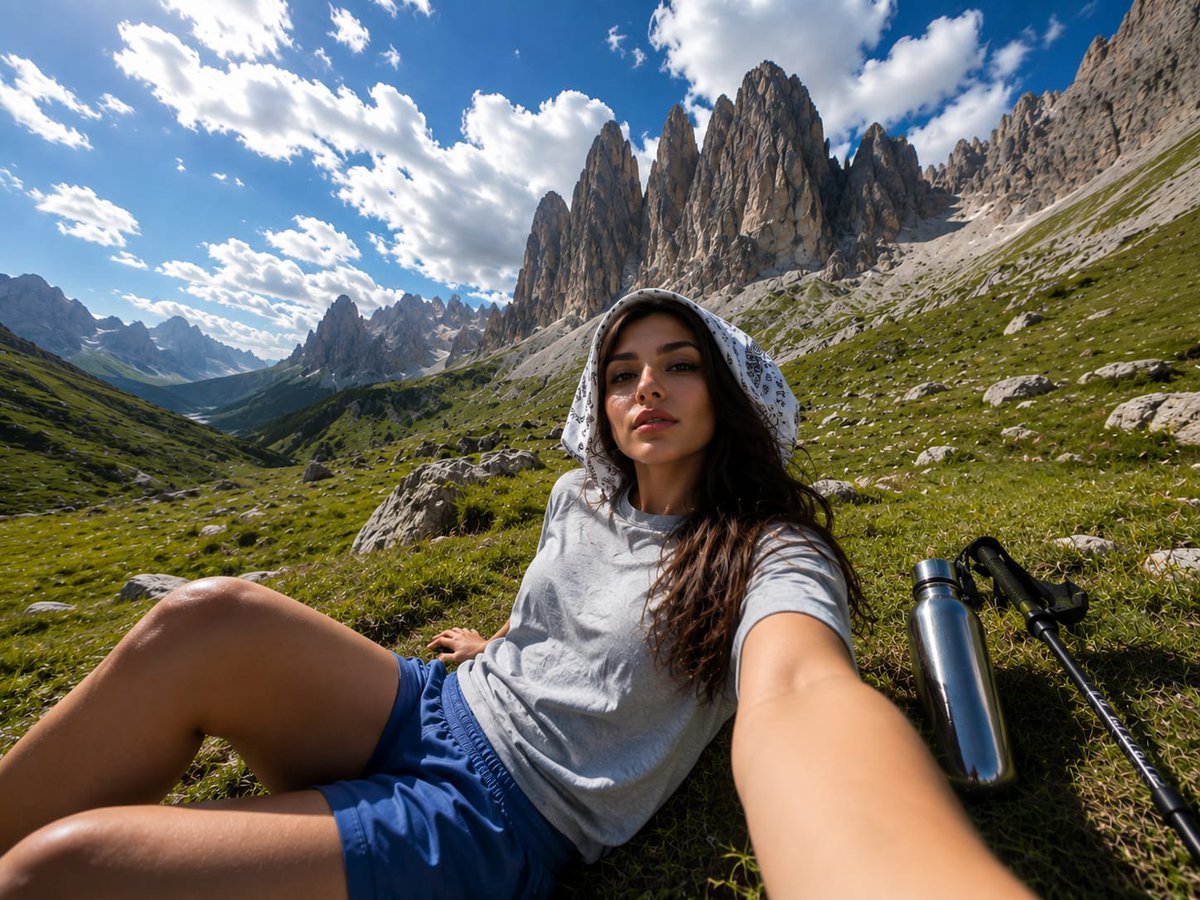
Alpine Valley First-Person POV Portrait
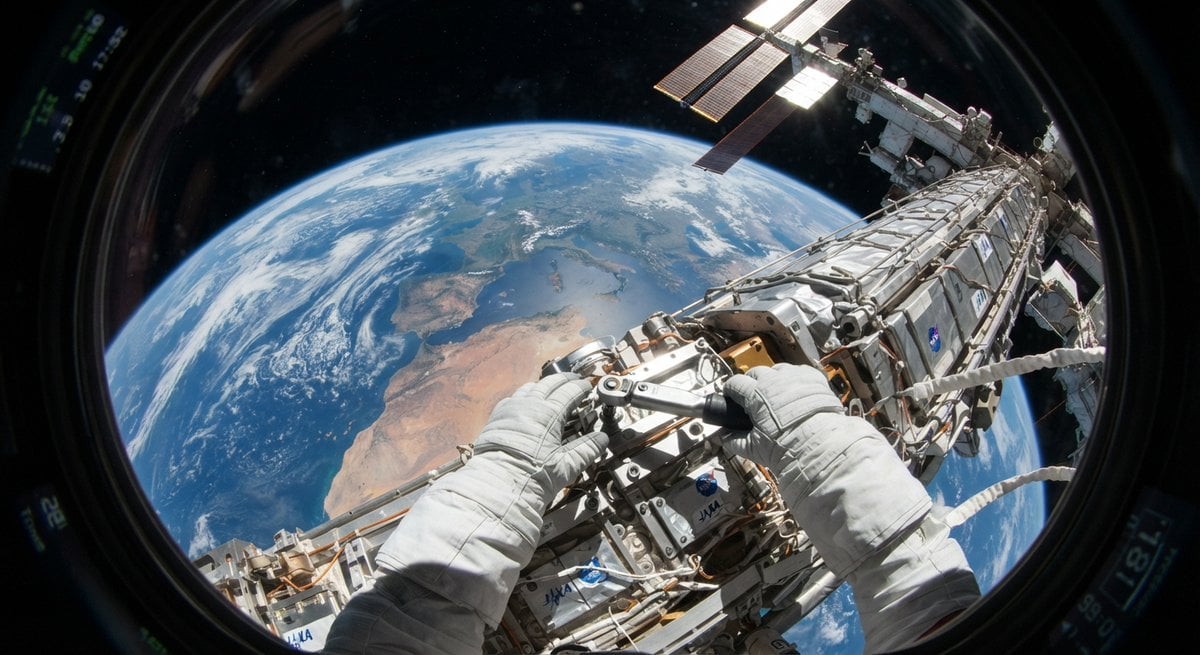
First Person POV Unusual Scenes
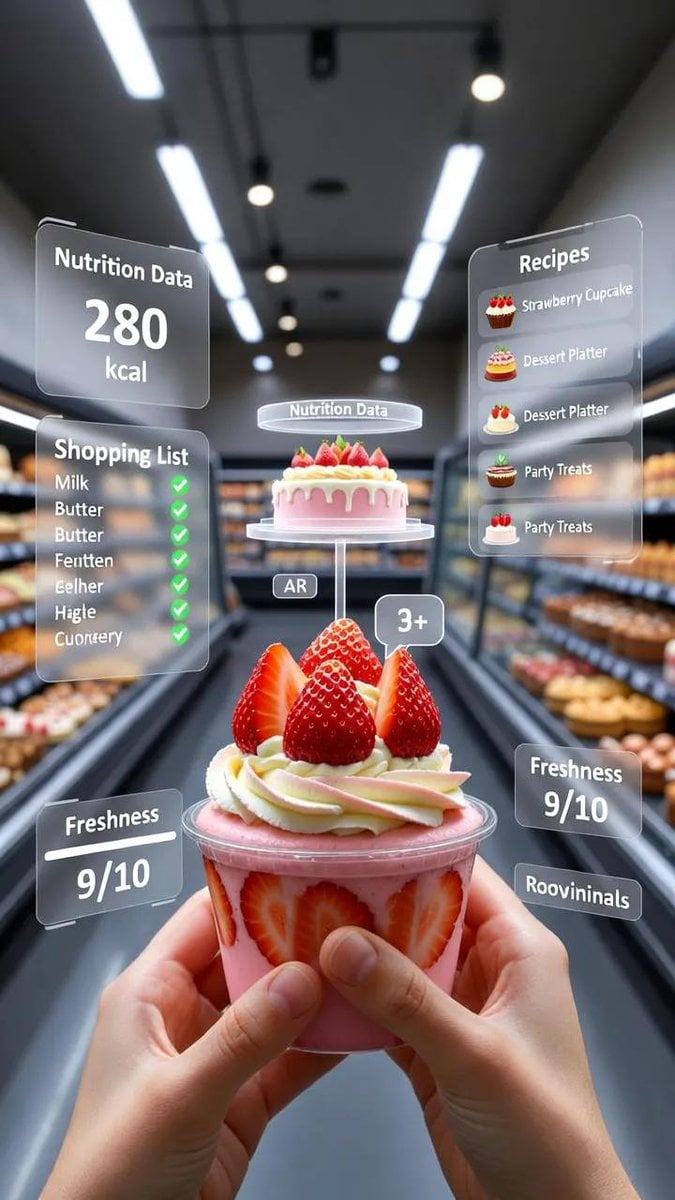
A first-person point-of-view POV shot inside a modern supermarket aisle
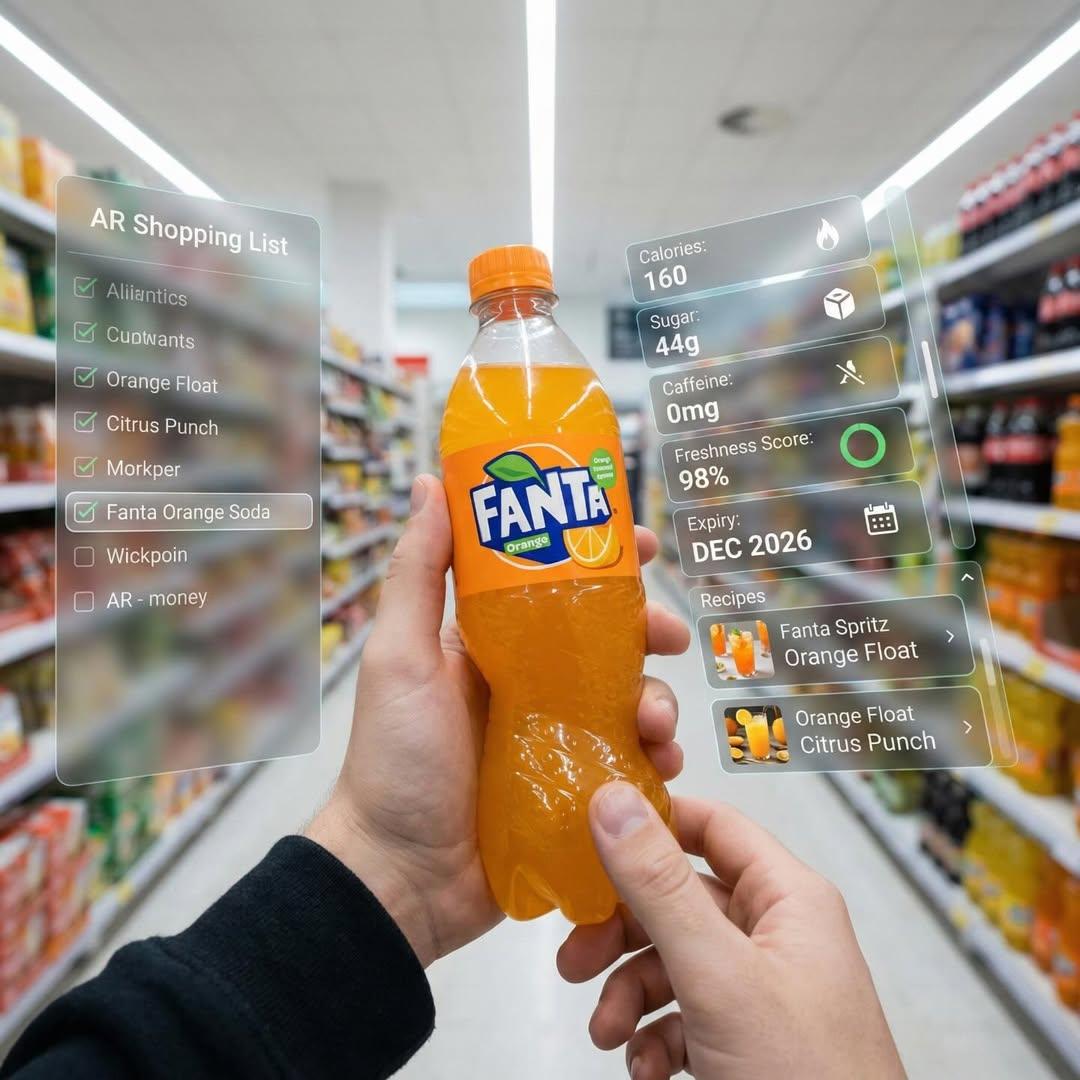
First-person perspective inside a brightly lit supermarket aisle
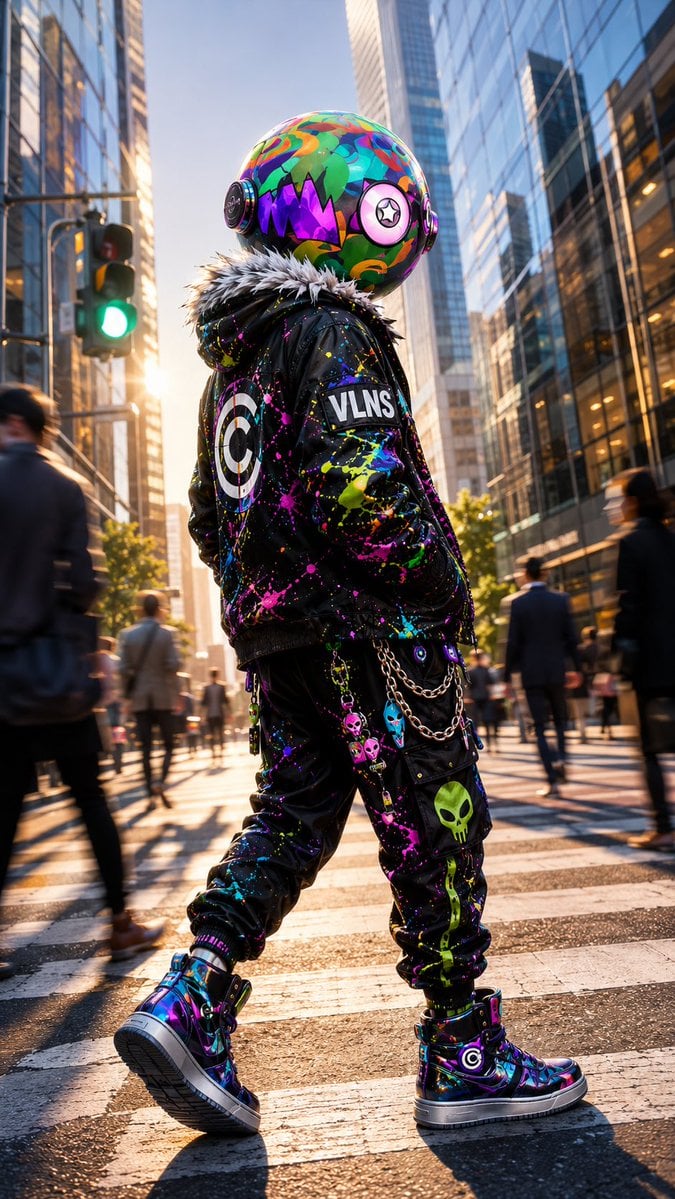
VLNS Alien Streetwear Crosswalk
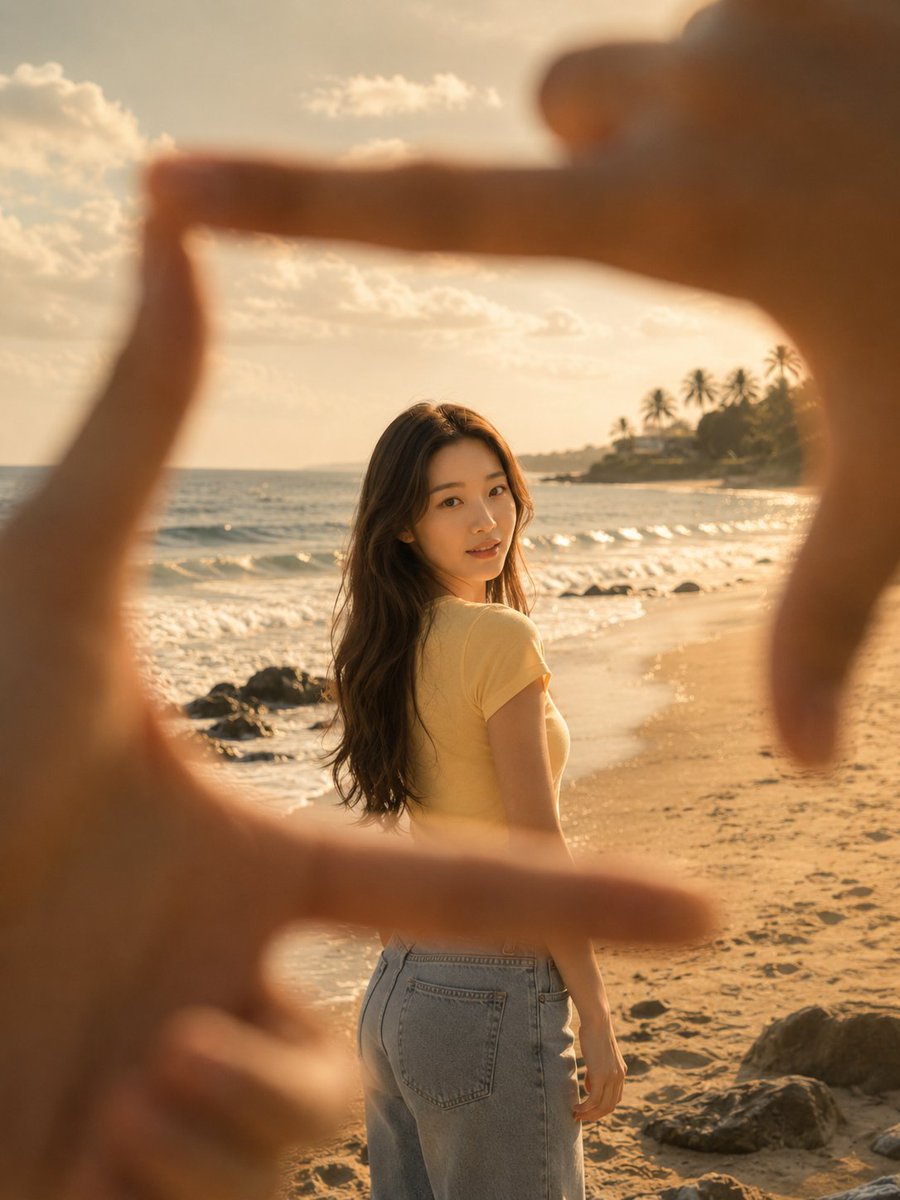
First-Person Beach Finger Frame Portrait
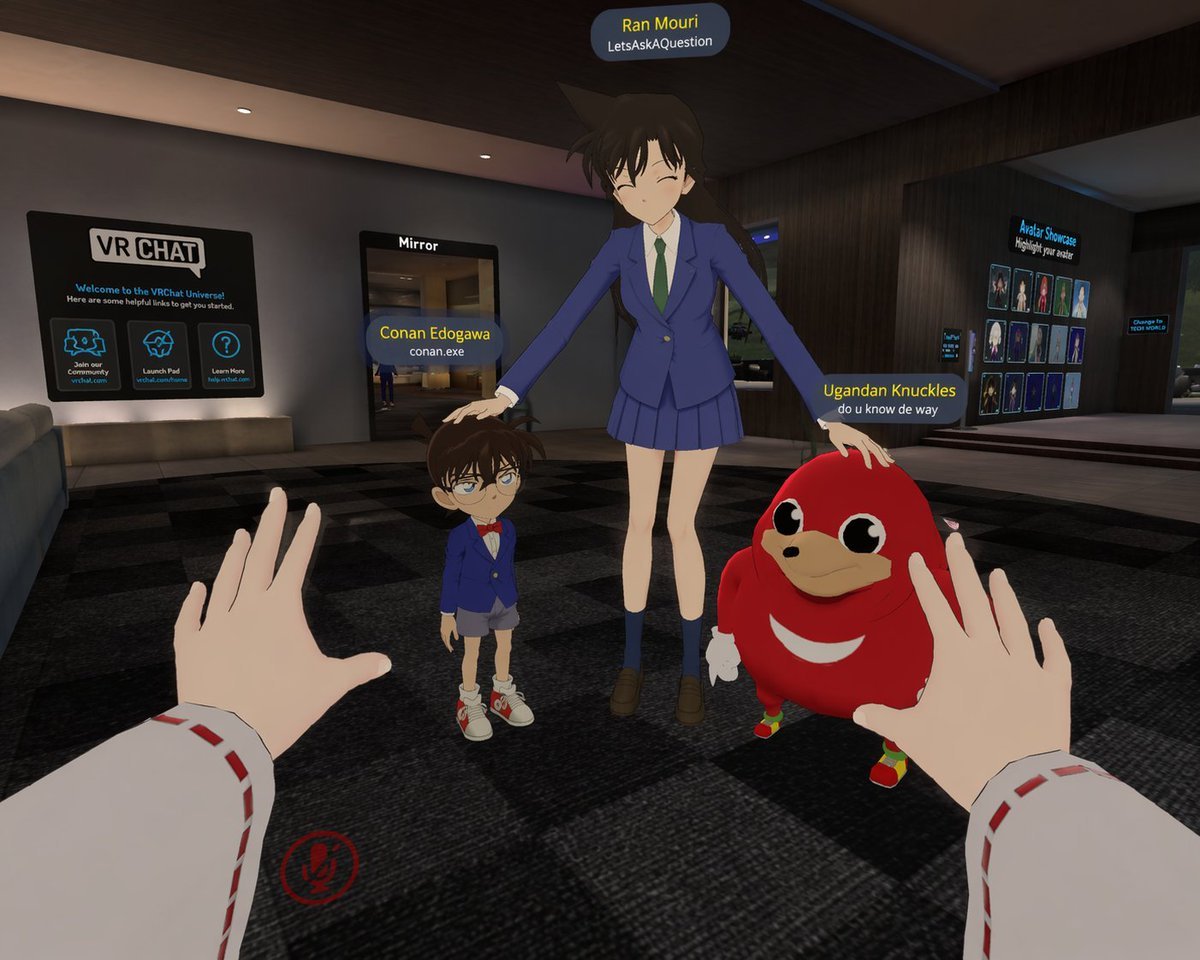
First-Person VRChat Meme Crossover Screenshot

First-Person Mirror Bedroom Photo
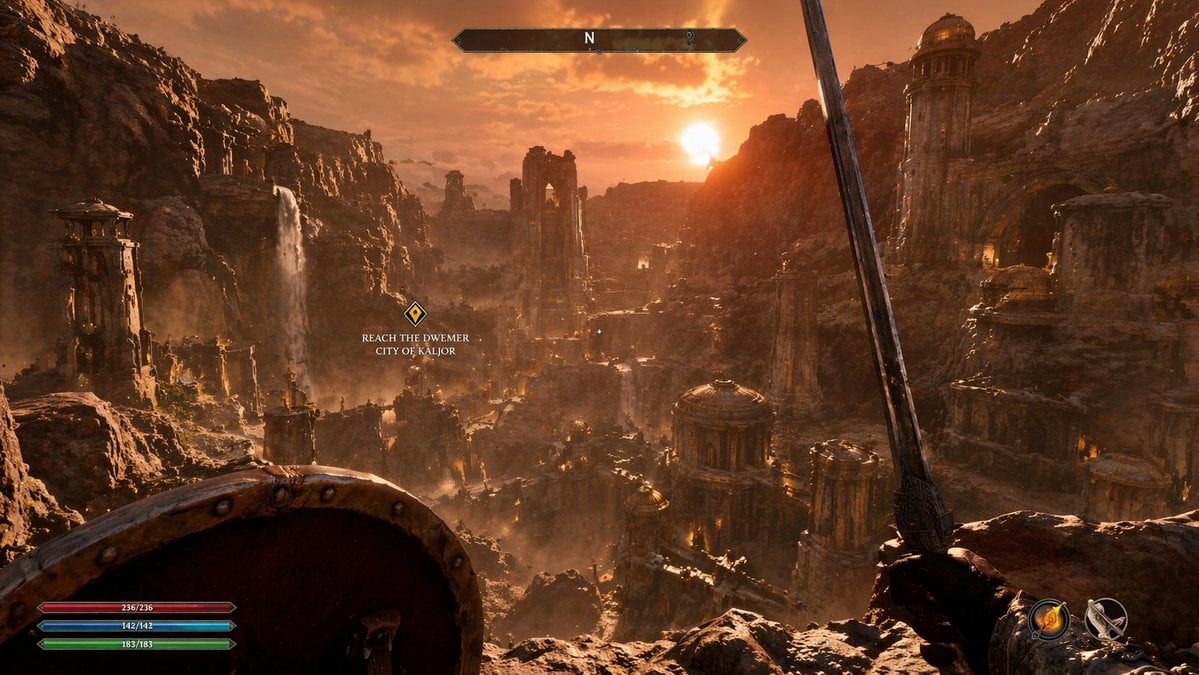
First-Person Fantasy RPG Screenshot

First-Person Tropical Island Warzone

Dynamic First-Person Perspective Photo in Snow
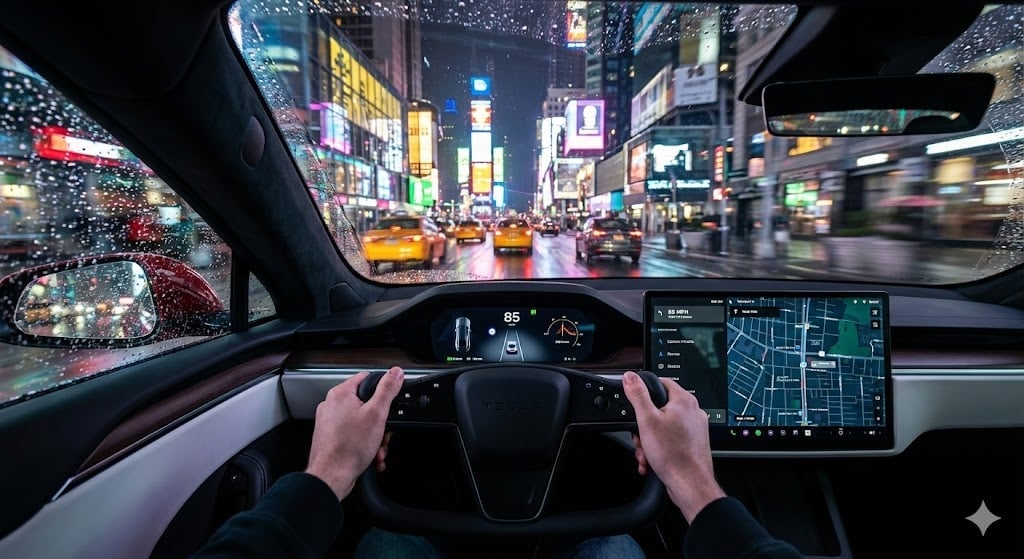
Cinematic First-Person Tesla Drive in Rain-Soaked Manhattan
Make it yours
First-Person Alien Tree Beings works as-is. These are the safest ways to change it without losing the look.
Change one field
Copy a single group, rewrite it, and generate again so you can see what that field is doing.
Keep the frame, change the subject
Hold the composition and light of First-Person Alien Tree Beings, then swap wardrobe, props or the person for a new take.
| If the result… | Why | Fix |
|---|---|---|
| The result drifts from the preview | Too many fields changed at once. | Reuse First-Person Alien Tree Beings as-is first, then change one group — subject, light, or setting. |
| The model over-stylizes the scene | The prose prompt leaves finish and camera underspecified. | Add one camera or lighting sentence and stay on GPT Image 2. |
More GPT Image 2 templates
Other prompts made for GPT Image 2.

Six VTuber Japanese Logo Sheet

Realistic Portrait of Woman and Deer

The Vista Modular Condo Poster

AI Model Routing Comparison Infographic

2.5D Anime Art Board

Isometric Productivity Desk Scene

New York Double Exposure Poster

Four-Panel AI Landscape Comparison

Japanese Tatami Lifestyle Magazine Cover

NESCAFÉ Coffee Map Poster
More image prompts
Fresh picks from across the catalog.

Brand Identity Design Board
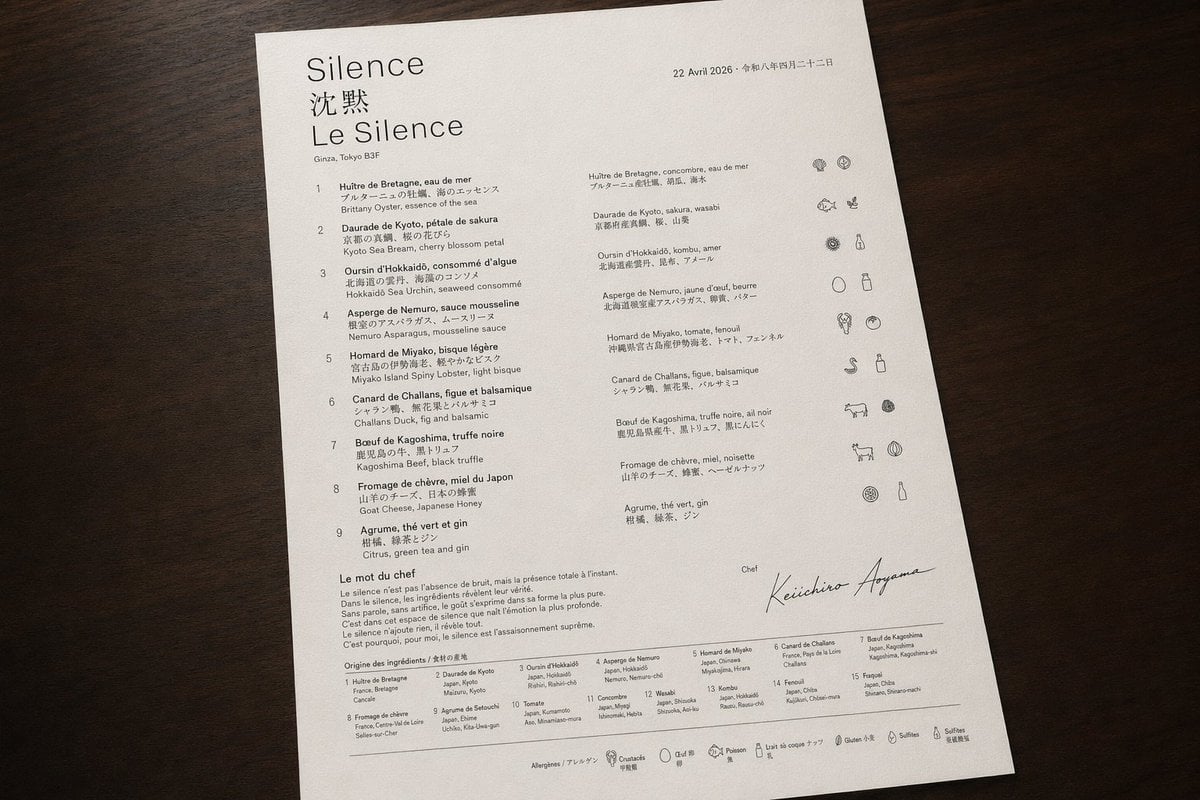
Luxury Bilingual Tasting Menu Photo
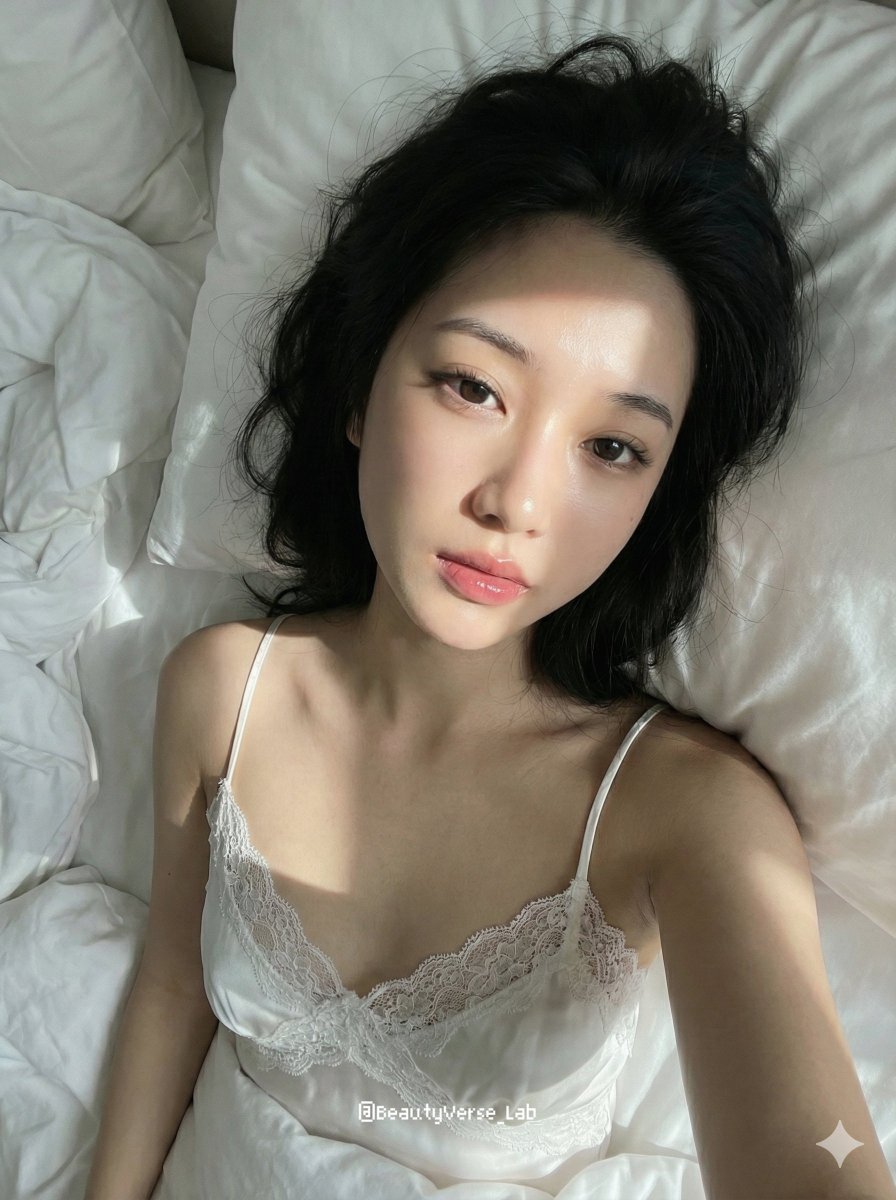
Cozy Morning Pure Desire Portrait Prompt (JSON Structure)
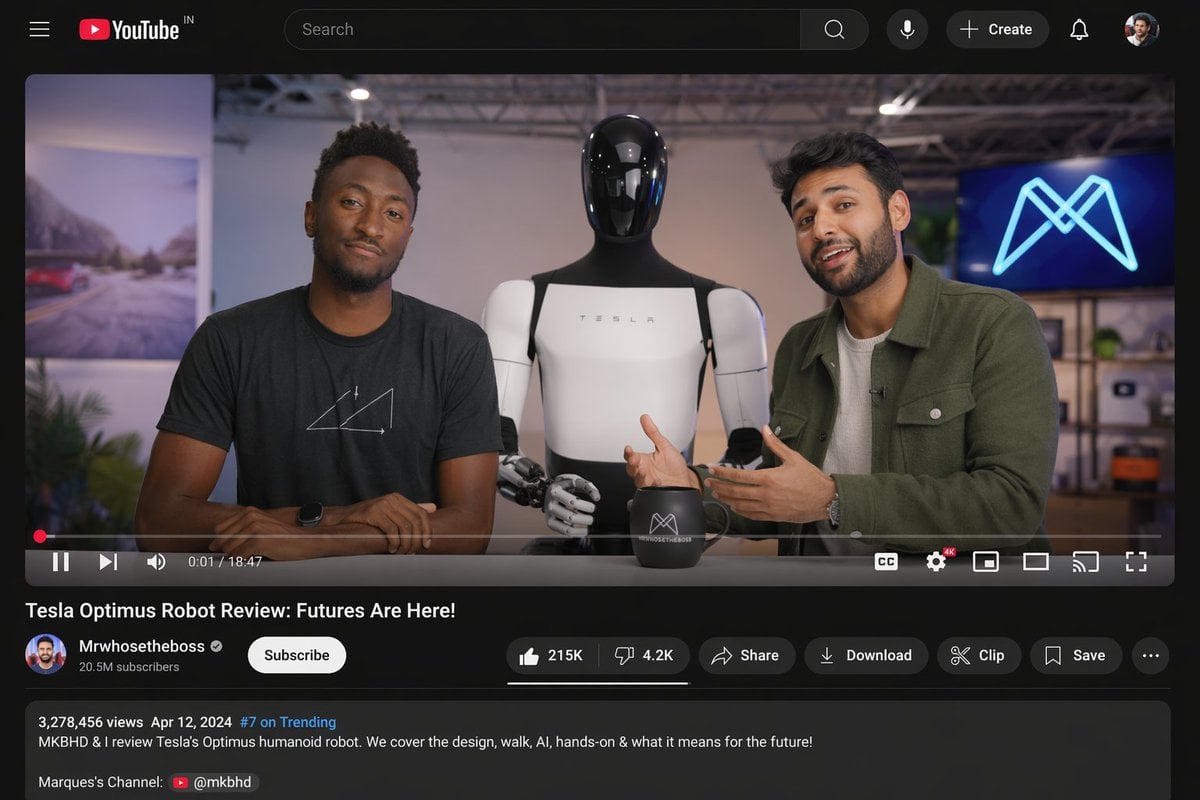
YouTube Video Interface Mockup

3x3 Grid Collage of Emotions in 3D Cartoon Style
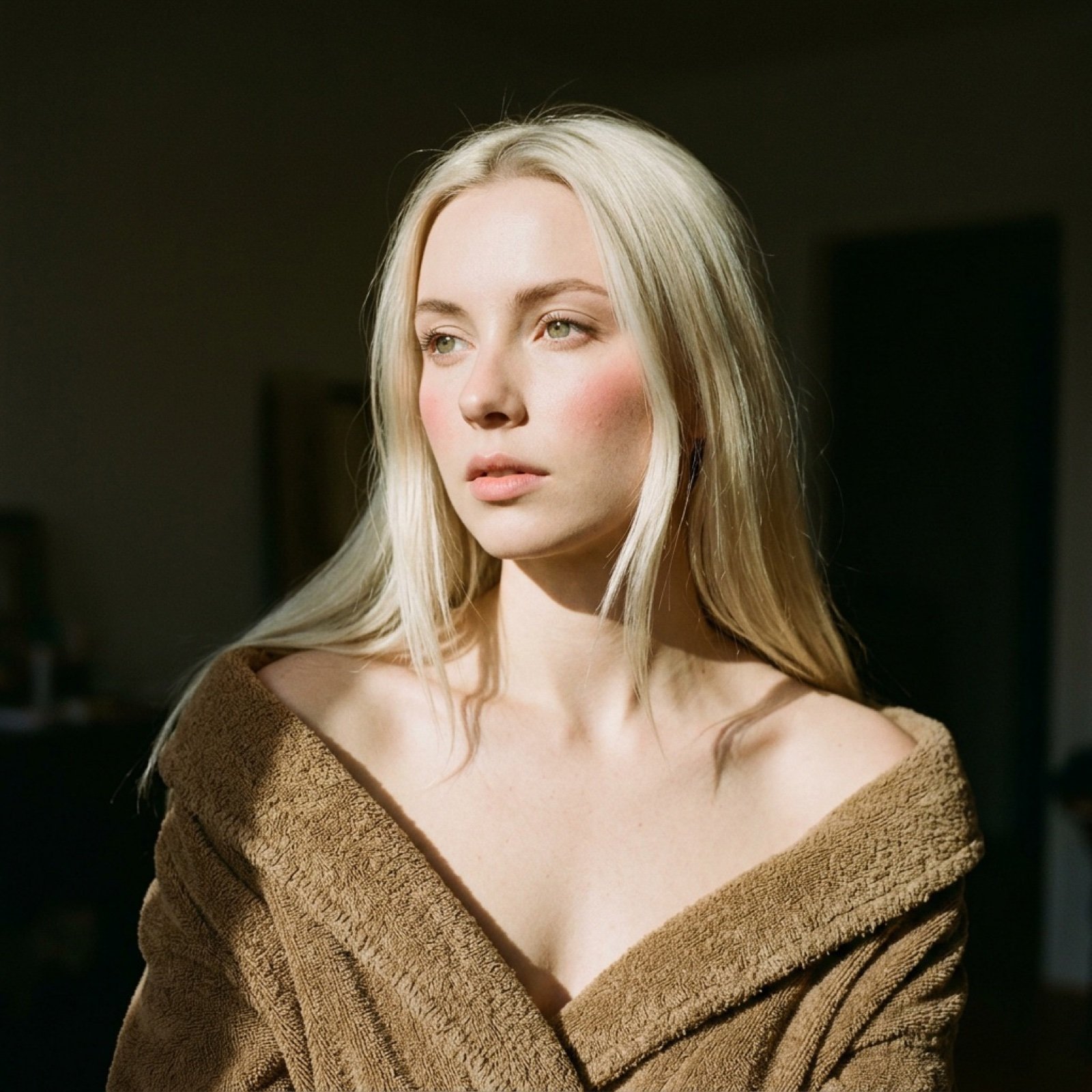
Cinematic Chiaroscuro Portrait Prompt in JSON Format

Modern Grocery Store Lifestyle Portrait
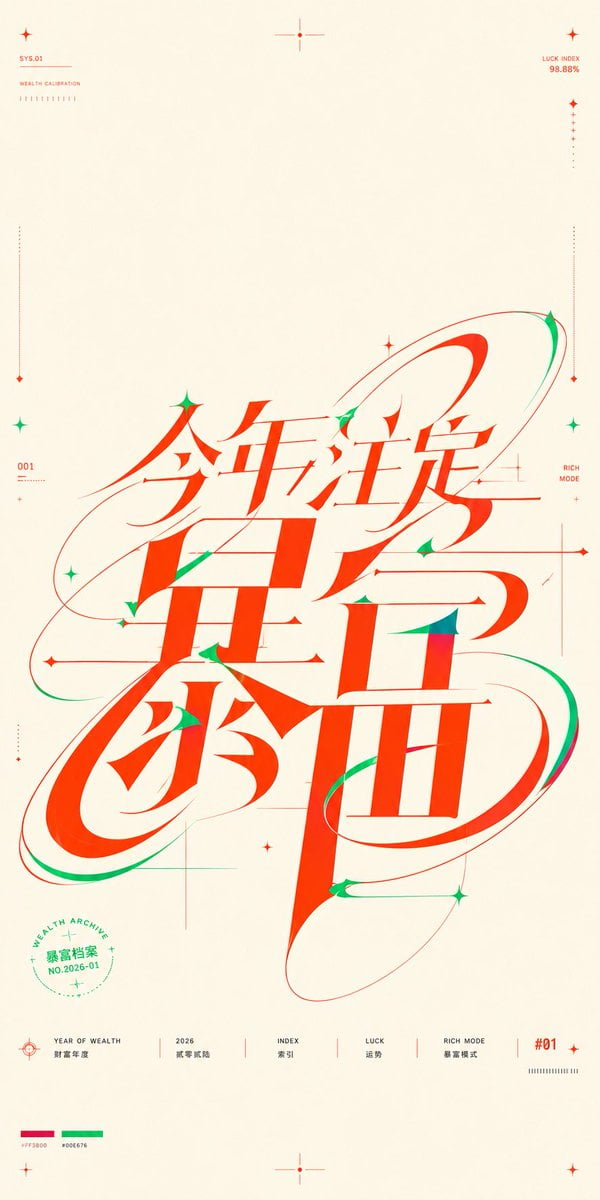
Chinese Wealth Typography Poster

X-Treme 90s PlayStation Game Case
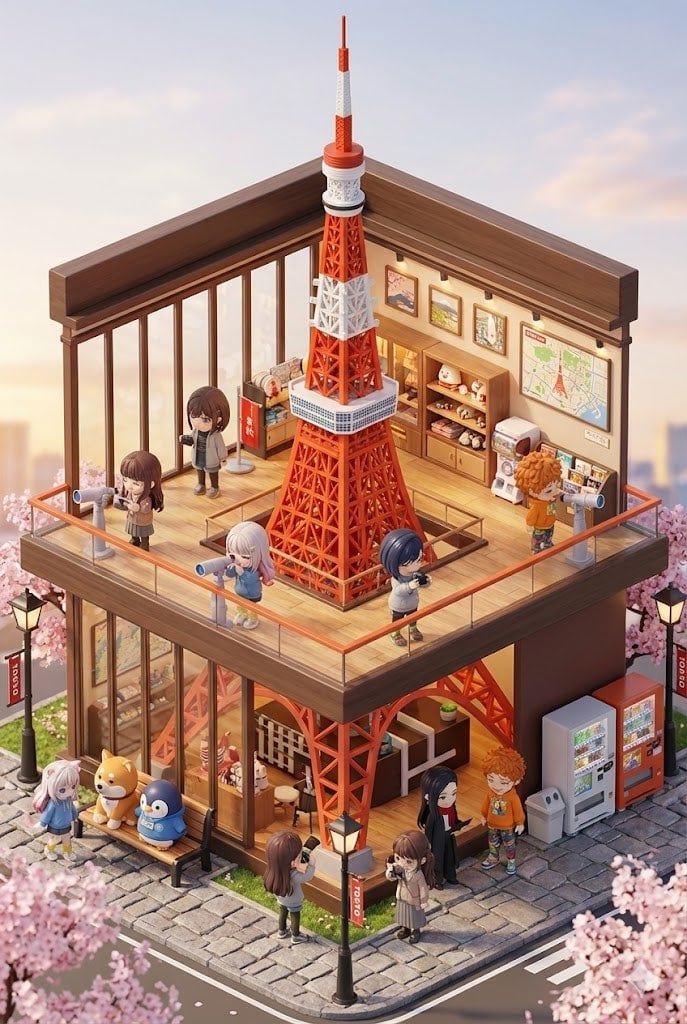
3D chibi miniature travel spot concept prompt
Browse template categories
First-Person Alien Tree Beings questions
How do I use the First-Person Alien Tree Beings template?
Add your photo if the template asks for one, edit the prompt if you like — the template's model and format are already selected — and press Generate. Your version opens in PicX Studio.
Can I customize the First-Person Alien Tree Beings template?
Yes. You can change the subject, setting, lighting, mood, format, and available model controls before creating your image.
Is the First-Person Alien Tree Beings template free?
Opening and editing this template is free. Generating uses credits, shown on the Generate button when you are signed in.
Which AI model should I use?
Start with GPT Image 2, which is the model associated with this template. You can compare another compatible model for a different finish.
Looking for something else? Browse all templates.

Your photo, any look
Thousands of ready templates for every top image and video model, from one credit balance.