
Hyper-Realistic Academy Portrait Layout
A sophisticated prompt for generating realistic character designs with detailed skin textures, specific uniform styles, and a multi-view layout for character sheets.
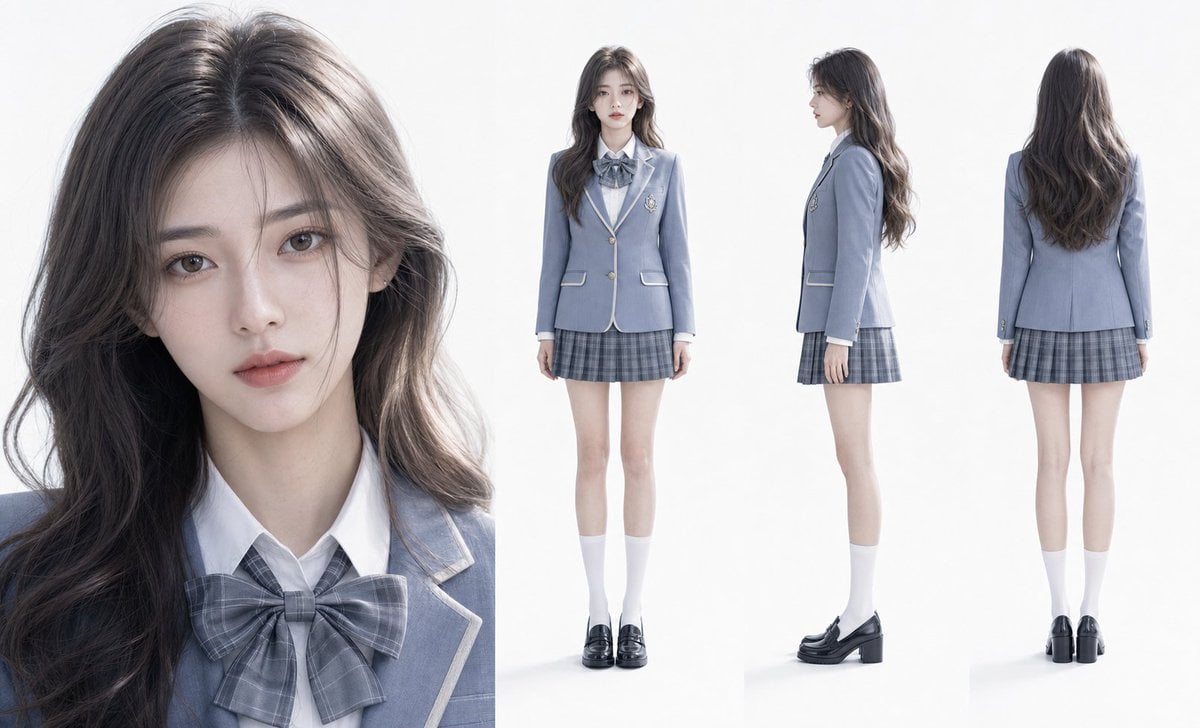
- Prompt included
- Model and format preset
- Free template
The prompt behind this image
Copy the exact prompt behind Hyper-Realistic Academy Portrait Layout, or open it in the studio and make it yours.
清冷学姐,氛围感高级颜值,标准鹅蛋脸,{argument name="服装" default="雾霾蓝学院风制服套装"},气质清冷疏离却不失灵动,瓷白通透有血色肌肤,细腻到可见原生纹理,{argument name="发型" default="灰棕渐变微卷长发"},发丝根根分明、柔滑有光泽,身形高挑匀称,比例优越。柔和均匀柔光打光,无明显阴影,画面干净通透,8K 超清分辨率,超写实 3D 仿真画风,真人感拉满。画面布局:左侧特写正面脸部细节(眉眼、肤质、发丝细节清晰),右侧排列三视图(正面全身、侧面全身、背面全身),{argument name="背景" default="纯白色干净背景"},整体简约高级,突出人物颜值与穿搭质感。
How to use Hyper-Realistic Academy Portrait Layout in 3 steps
- 1
Open
The prompt is already in the box next to the preview, with the template's model and format selected.
- 2…a portrait of your subject in softgolden-hour light, 85mm…
Personalize
Edit the subject and creative details for your destination.
- 3Generate
Generate
Press Generate — your image is created in PicX Studio, so you can compare it with the original and refine one variable at a time.
More like this
Templates with the same subject, style or setup. Open one to see its prompt.

Found Photograph: Us, 1970

80s Couple Studio Portrait

80s Bollywood Star

80s Golden Hour Cinema

Me in 1985

1985 Studio Portrait

Hyper-Realistic Minecraft POV Portrait

Rooftop Fisheye — Cat-Ear Balaclava at Golden Hour

Rainy Café Window Moody Portrait

untitled

2025 Aesthetic Photography

Nano Banana Is So Addictive
Make it yours
Hyper-Realistic Academy Portrait Layout works as-is. These are the safest ways to change it without losing the look.
Change one field
Copy a single group, rewrite it, and generate again so you can see what that field is doing.
Keep the frame, change the subject
Hold the composition and light of Hyper-Realistic Academy Portrait Layout, then swap wardrobe, props or the person for a new take.
| If the result… | Why | Fix |
|---|---|---|
| The result drifts from the preview | Too many fields changed at once. | Reuse Hyper-Realistic Academy Portrait Layout as-is first, then change one group — subject, light, or setting. |
| The model over-stylizes the scene | The prose prompt leaves finish and camera underspecified. | Add one camera or lighting sentence and stay on GPT Image 2. |
More GPT Image 2 templates
Other prompts made for GPT Image 2.

Six VTuber Japanese Logo Sheet

Realistic Portrait of Woman and Deer

The Vista Modular Condo Poster

AI Model Routing Comparison Infographic

2.5D Anime Art Board

Isometric Productivity Desk Scene

New York Double Exposure Poster

Four-Panel AI Landscape Comparison

Japanese Tatami Lifestyle Magazine Cover

NESCAFÉ Coffee Map Poster
More image prompts
Fresh picks from across the catalog.
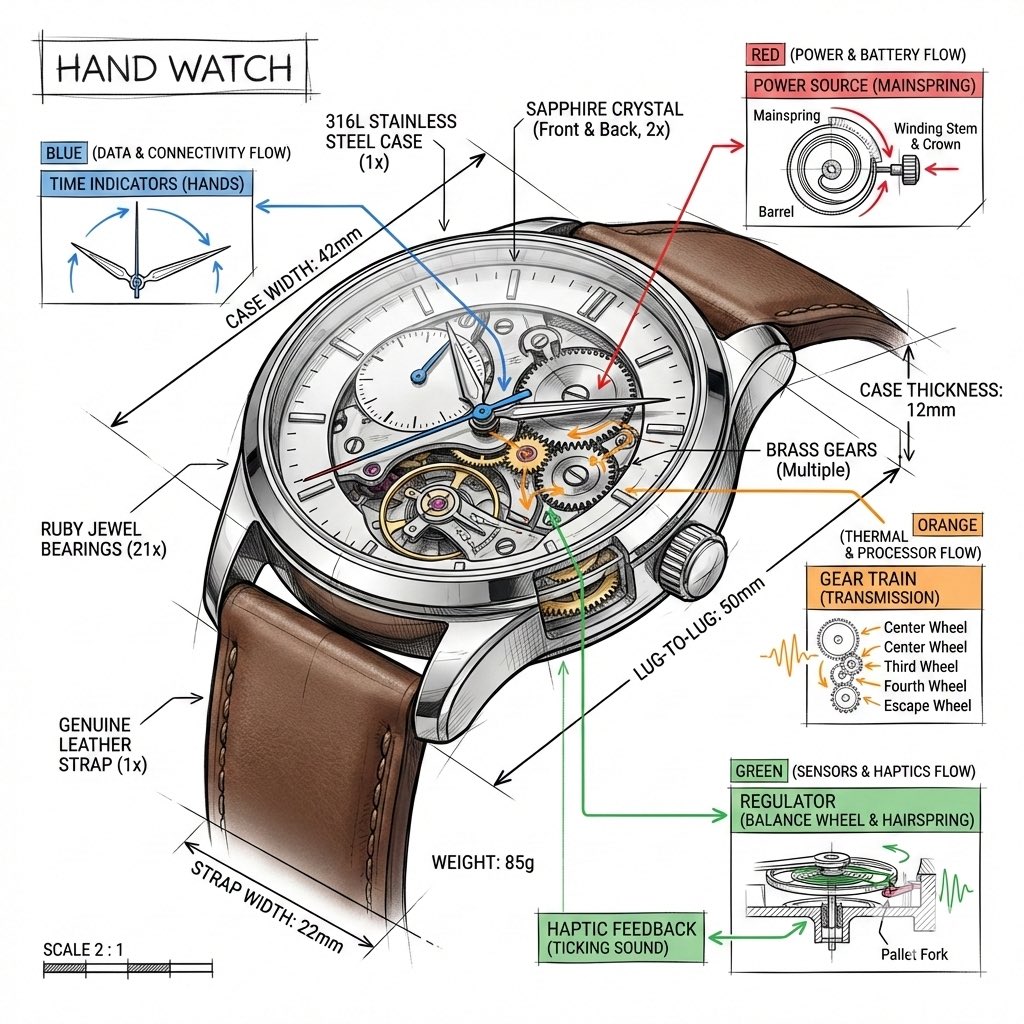
Technical Infographic Template for Objects
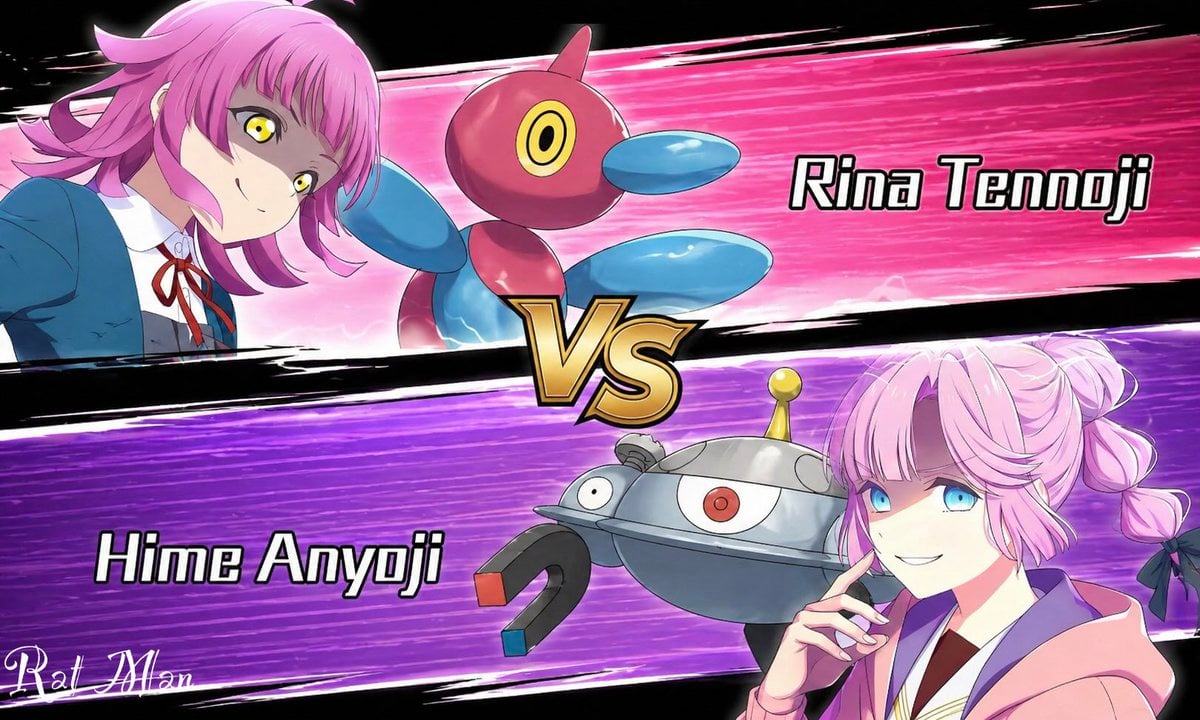
Anime Pokémon-Style Versus Screen
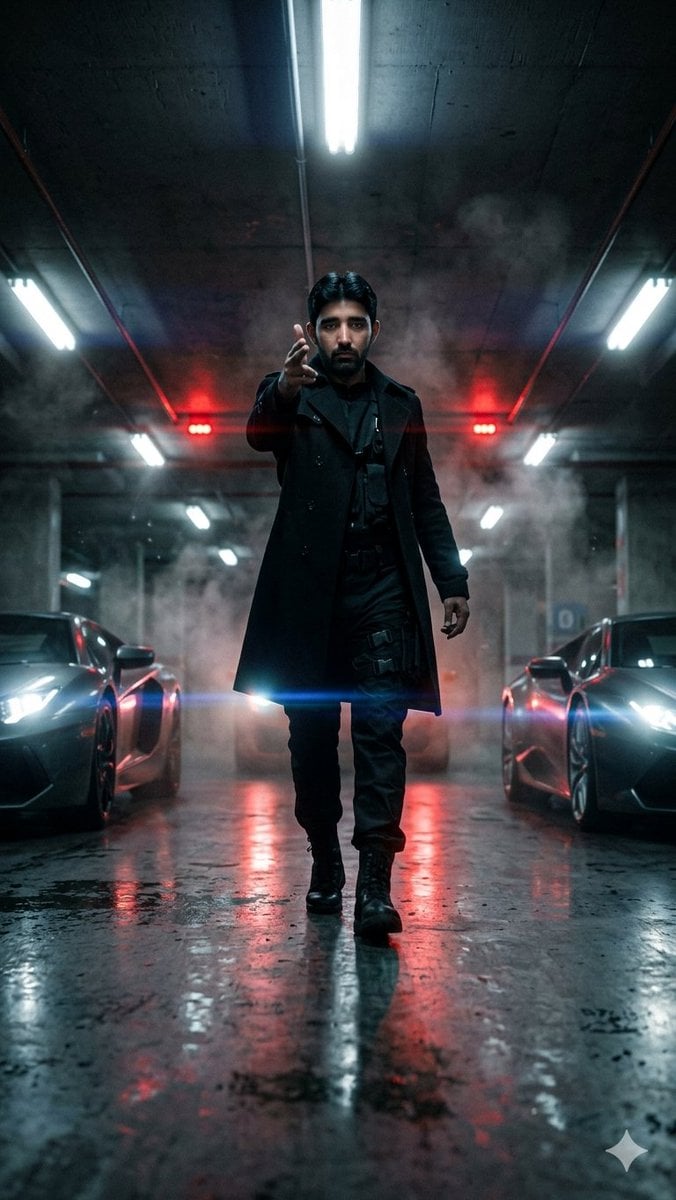
Cinematic Parking Garage Walk
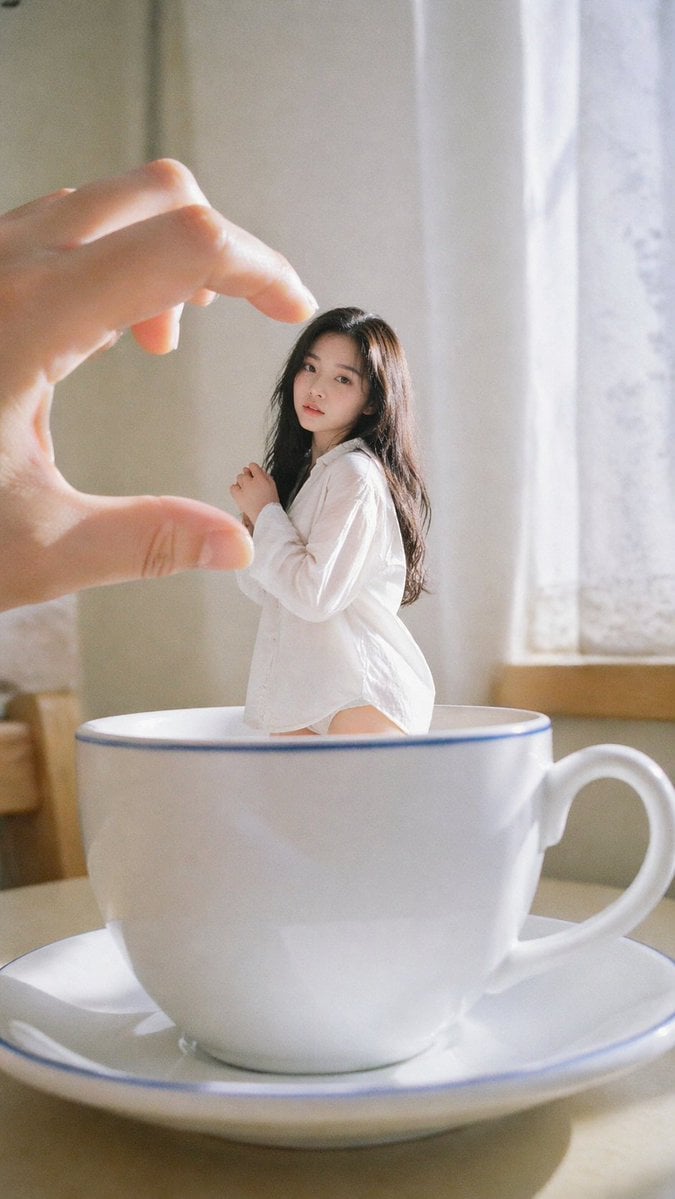
Forced Perspective Idol Portrait
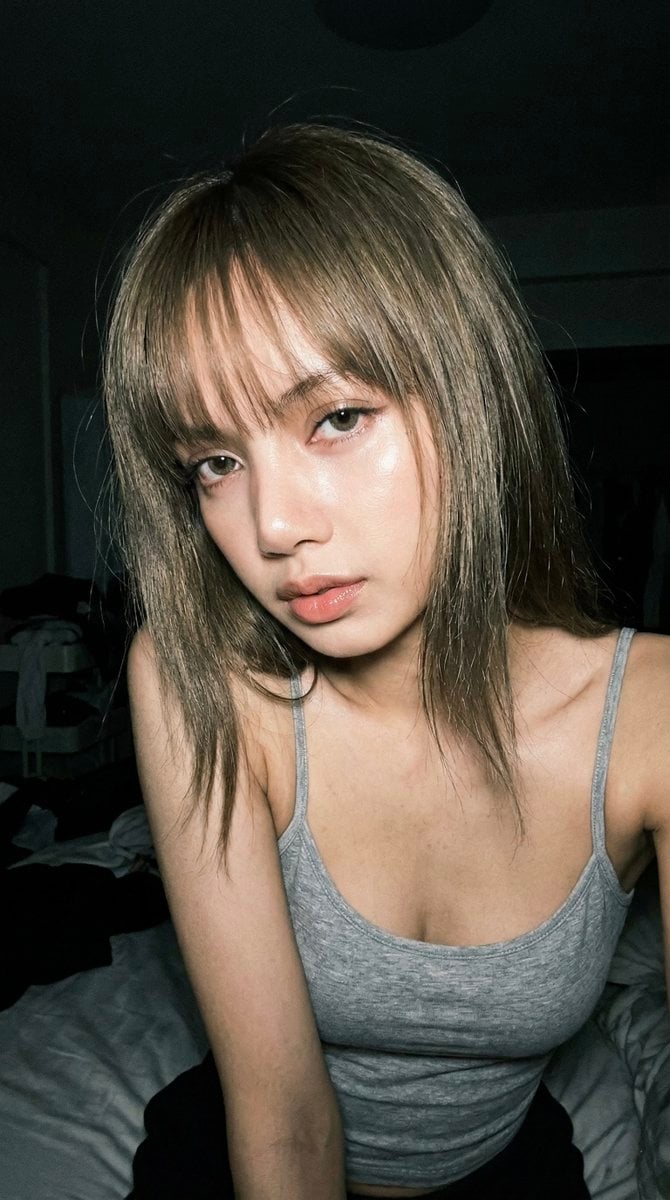
Late Night Raw iPhone Flash Selfie
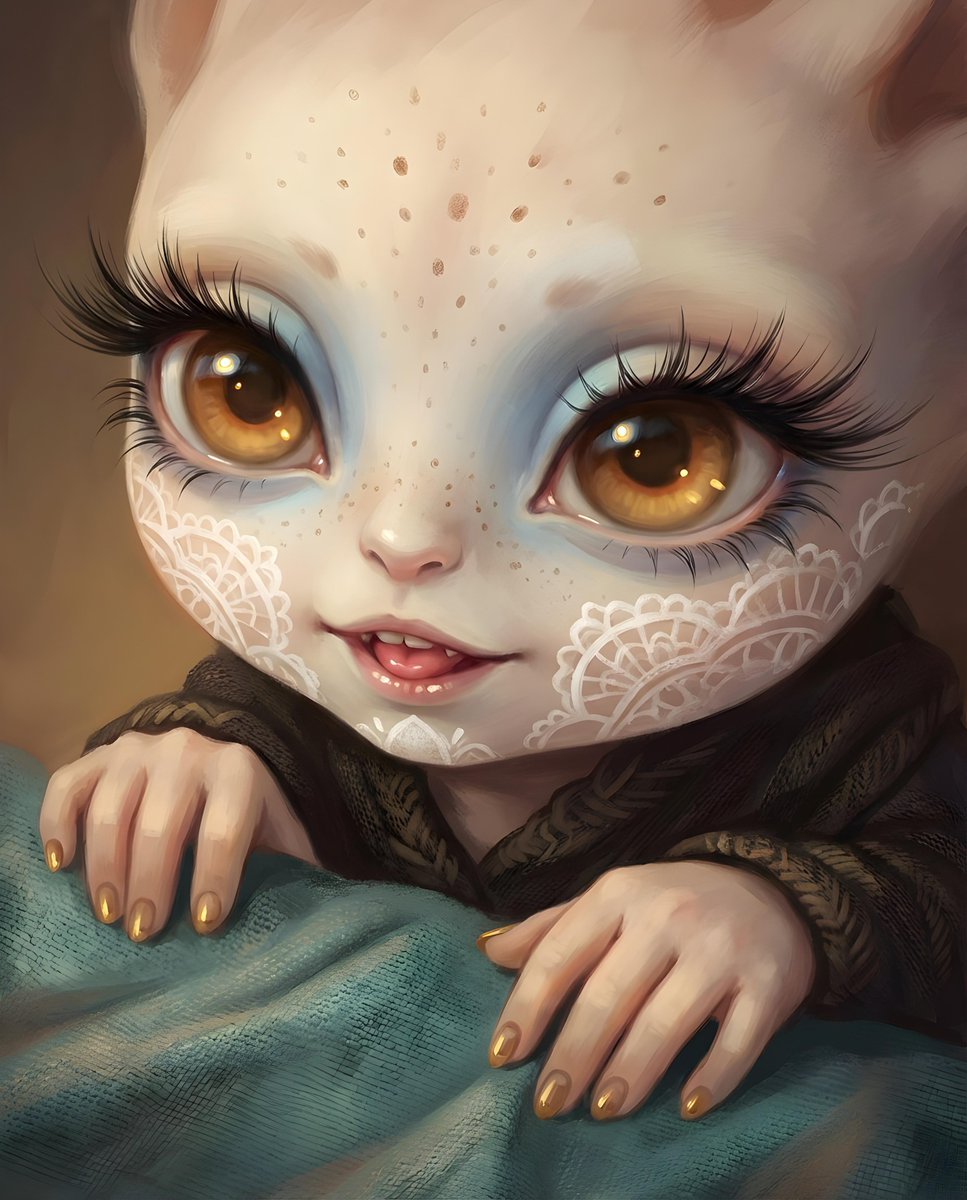
Image generation prompt for a futuristic nano-banana-pro concept
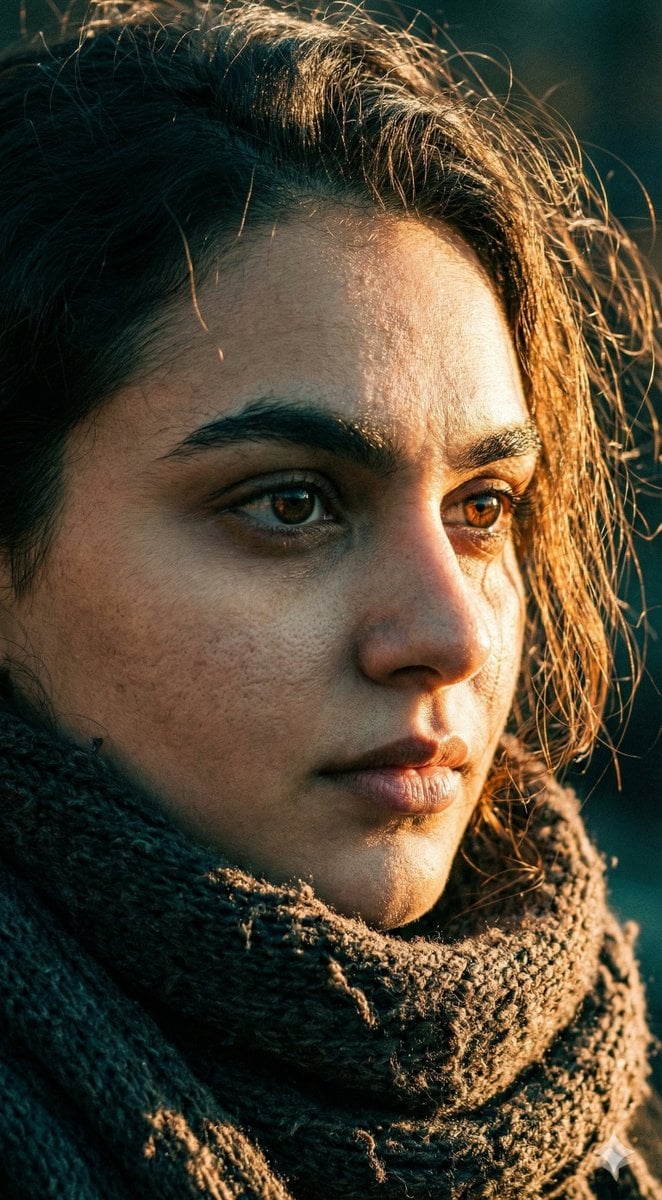
Cinematic Close-up Portrait with Dramatic Lighting
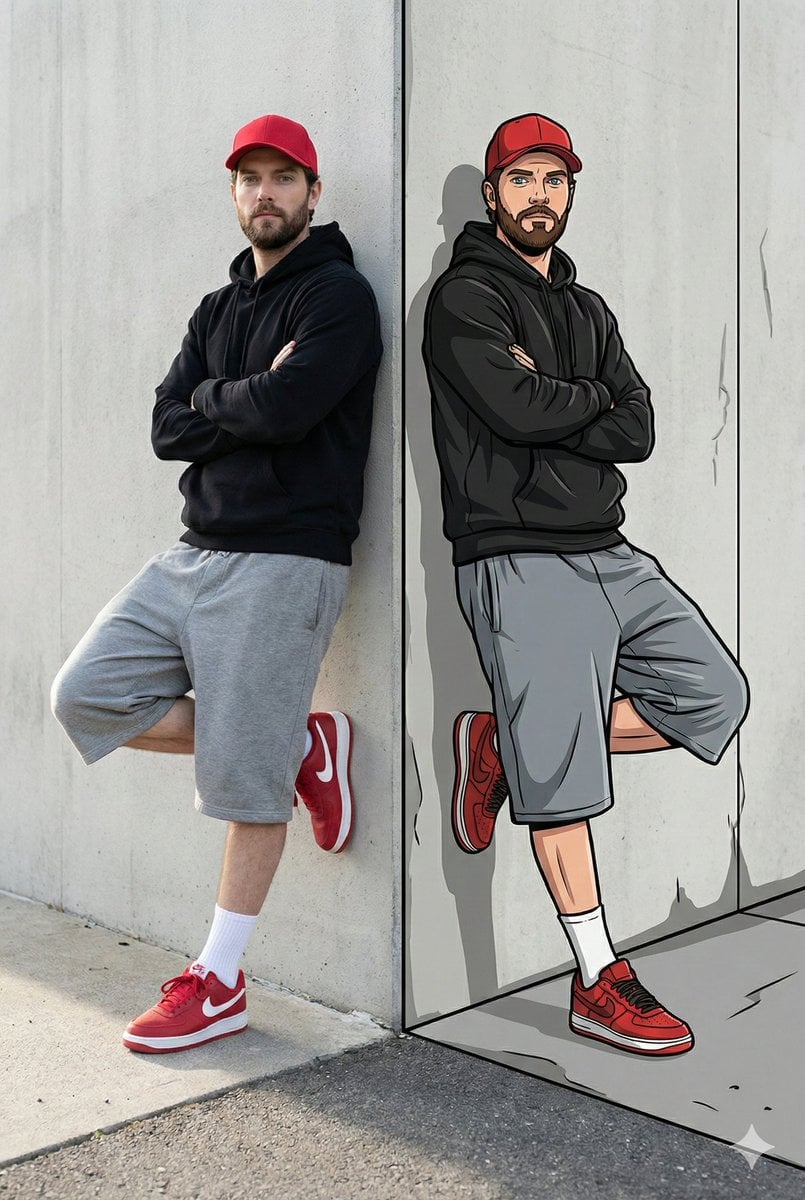
Split-Reality Street Art Portrait with Identity Lock
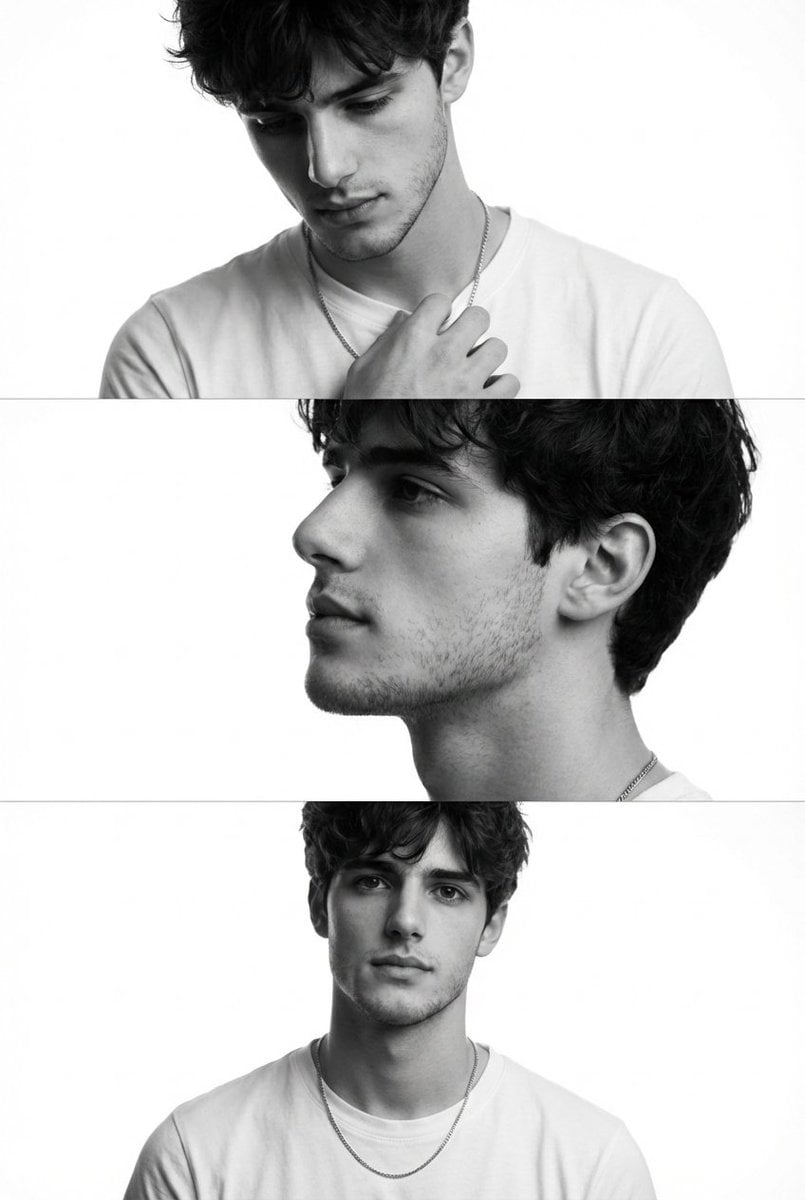
Black and White Fashion Editorial Triptych
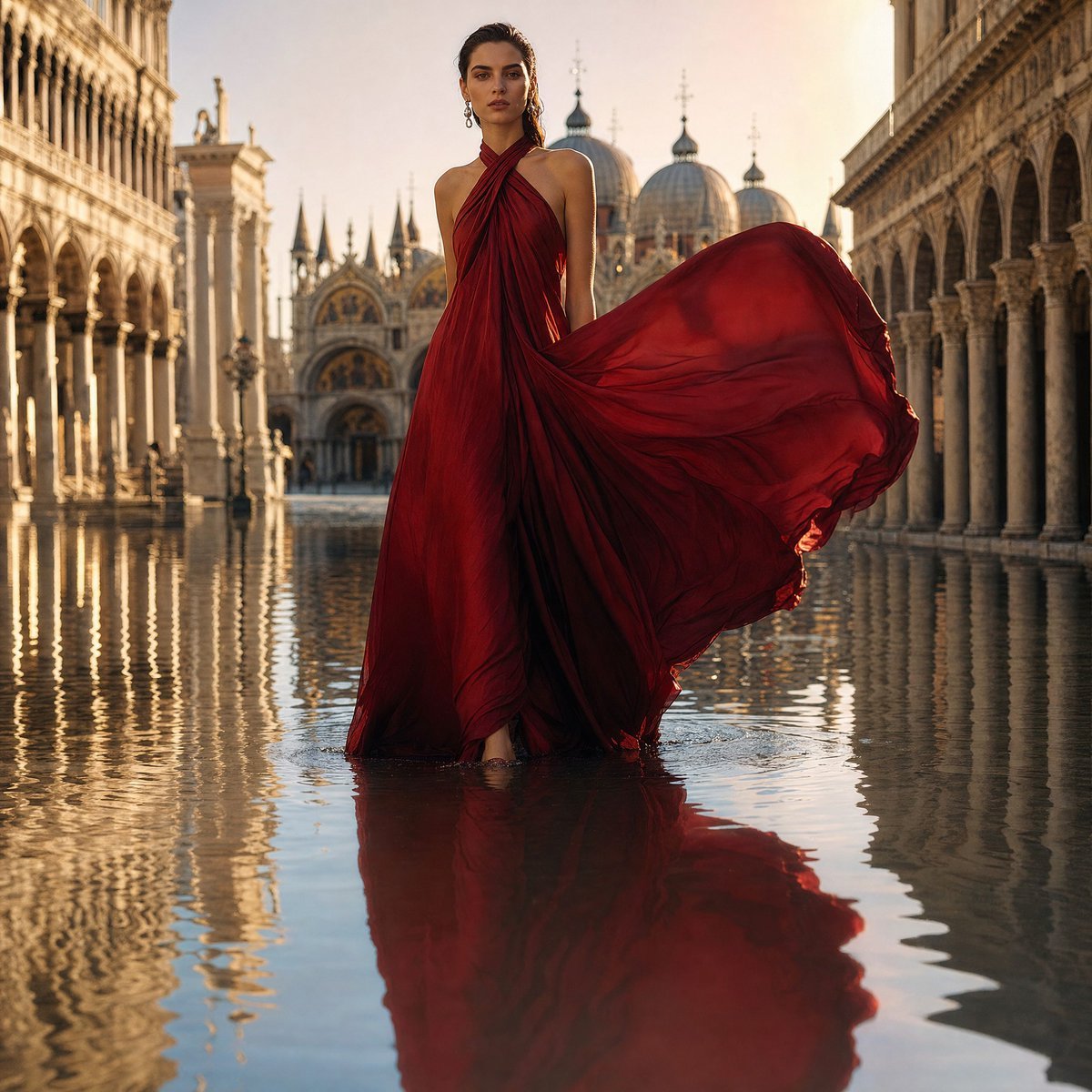
Crimson Gown in Flooded Venice
Browse template categories
Hyper-Realistic Academy Portrait Layout questions
How do I use the Hyper-Realistic Academy Portrait Layout template?
Add your photo if the template asks for one, edit the prompt if you like — the template's model and format are already selected — and press Generate. Your version opens in PicX Studio.
Can I customize the Hyper-Realistic Academy Portrait Layout template?
Yes. You can change the subject, setting, lighting, mood, format, and available model controls before creating your image.
Is the Hyper-Realistic Academy Portrait Layout template free?
Opening and editing this template is free. Generating uses credits, shown on the Generate button when you are signed in.
Which AI model should I use?
Start with GPT Image 2, which is the model associated with this template. You can compare another compatible model for a different finish.
Looking for something else? Browse all templates.

Your photo, any look
Thousands of ready templates for every top image and video model, from one credit balance.