
Triple Frame Fashion Portrait
A specialized prompt for GPT Image 2 designed to maintain identity across a vertical stack of three smartphone-style photos with different poses.
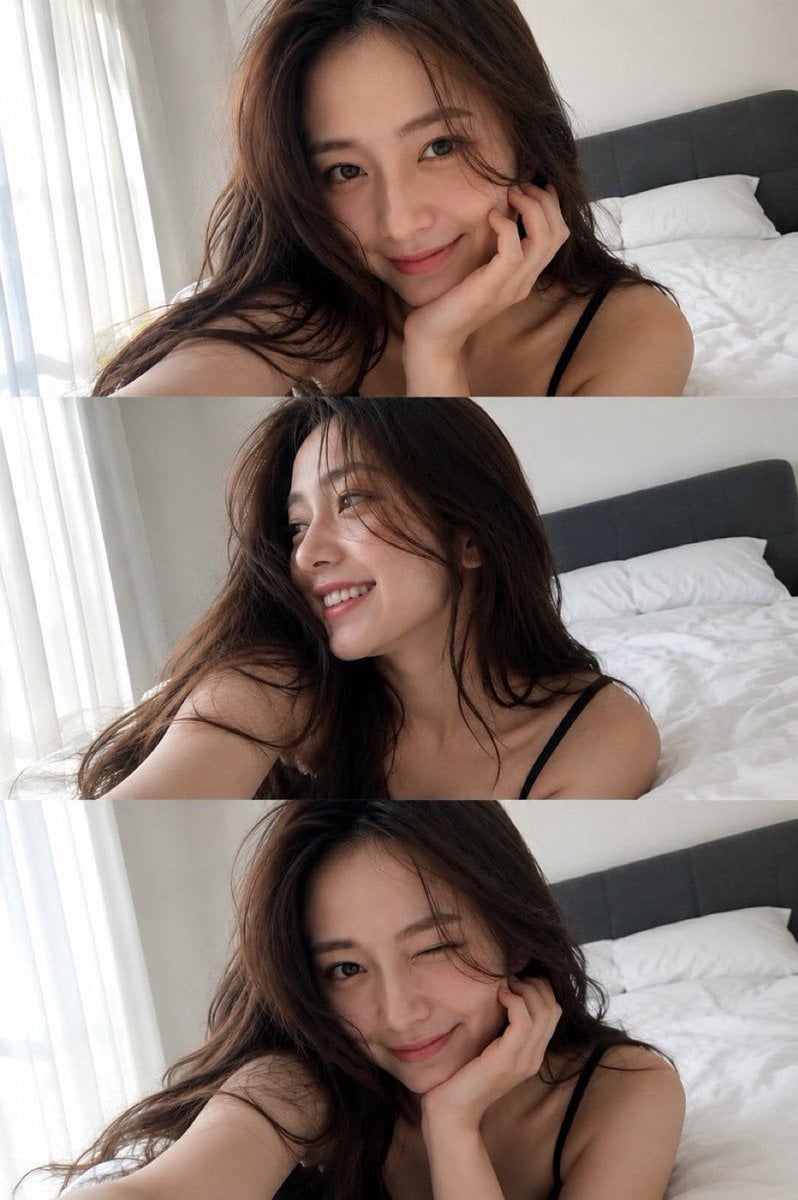
- Prompt included
- Model and format preset
- Free template
The prompt behind this image
Copy the exact prompt behind Triple Frame Fashion Portrait, or open it in the studio and make it yours.
参照画像を正確なアイデンティティのソースとして使用し、超現実的なファッション肖像を作成してください。顔の特徴、プロポーション、肌のトーン、非対称性、自然な肌の質感を保存し、レタッチや美化を行わないでください。 {argument name="背景" default="ふわふわの白いベッド"}に寄りかかる、長いボリュームのあるダークブラウンのウェーブヘアの若い女性の、縦に3つ積み重ねられたスマートフォン写真フレーム: 上: 片手で顎を支え、カメラを見て優しい笑みを浮かべる。 中: 柔らかい横顔、視線を外して微笑み、髪が顔と肩に流れる。 下: 頰を手で支え、愛らしい笑みを浮かべて遊び心のあるウィンク。 {argument name="上着" default="ミニマルな黒の細いストラップトップ"}、自然なメイク、柔らかい眉、ピンクの唇、頰に上気した赤み。明るいミニマリストの寝室、白い寝具/壁、シフォンカーテン、{argument name="家具" default="ダークグレーのヘッドボード"}。柔らかい自然な朝のサイドライト、現実的なスマートフォン露出、広角セルフィー視点、鮮明な顔のフォーカス、フォトリアリスティック、未編集、自然な毛穴。
How to use Triple Frame Fashion Portrait in 3 steps
- 1Upload ImagePNG, JPG or paste
Add your photo
Upload the photo the template builds on. The prompt, model and format are already set.
- 2…a portrait of your subject in softgolden-hour light, 85mm…
Personalize
Edit the subject and creative details for your destination.
- 3Generate
Generate
Press Generate — your image is created in PicX Studio, so you can compare it with the original and refine one variable at a time.
More like this
Templates with the same subject, style or setup. Open one to see its prompt.

Nano Banana 2 High Fashion Sports Campai

Couture Fashion Editorial Woman and Drag

Ive Yujin Fashion Portrait in Blue

Nano Banana 2 Editorial Fashion Portrait

Caution Tape Fashion — Industrial Editorial

Gen Z Triple Selfie Collage — Y2K Flash Photography
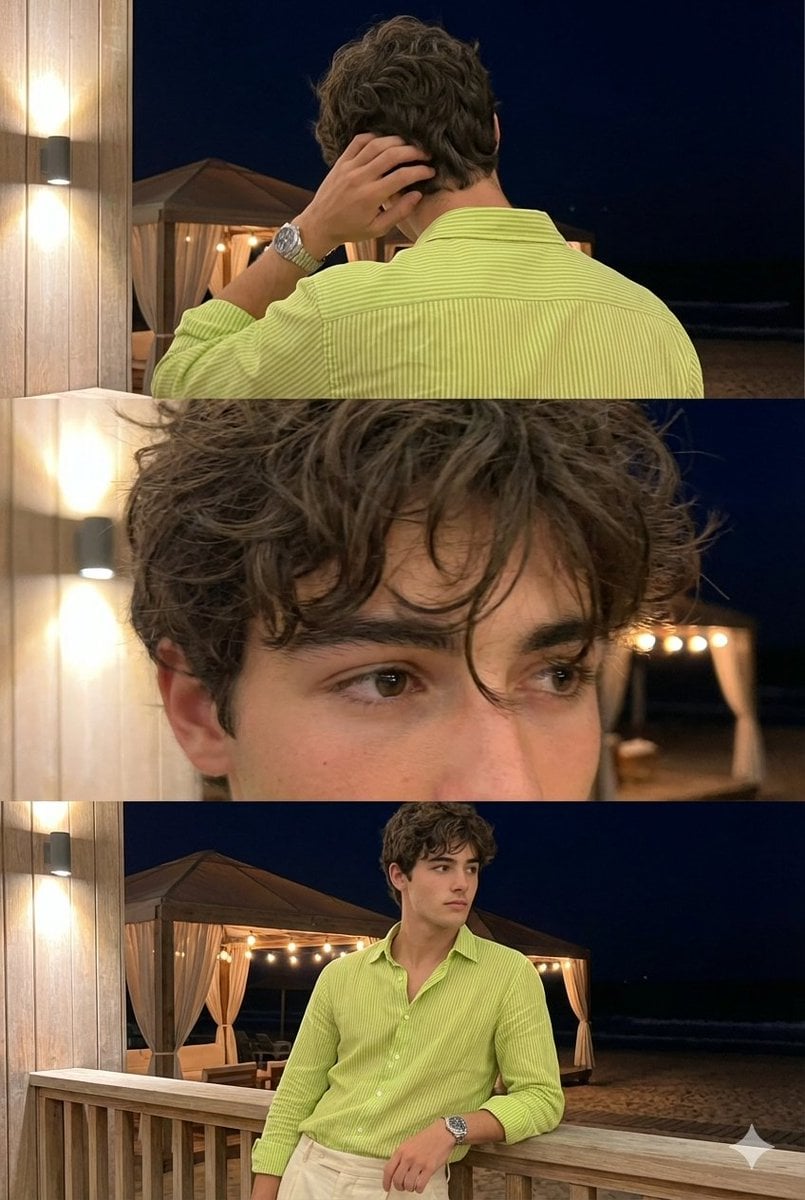
Triple-Frame Candid Portrait with Locked Facial Identity

Miniature Self Portrait Collage

Found Photograph: Us, 1970

80s Couple Studio Portrait

80s College Gate

1988 Mall Style
Make it yours
Triple Frame Fashion Portrait works as-is. These are the safest ways to change it without losing the look.
Change one field
Copy a single group, rewrite it, and generate again so you can see what that field is doing.
Keep the frame, change the subject
Hold the composition and light of Triple Frame Fashion Portrait, then swap wardrobe, props or the person for a new take.
| If the result… | Why | Fix |
|---|---|---|
| The result drifts from the preview | Too many fields changed at once. | Reuse Triple Frame Fashion Portrait as-is first, then change one group — subject, light, or setting. |
| The model over-stylizes the scene | The prose prompt leaves finish and camera underspecified. | Add one camera or lighting sentence and stay on GPT Image 2. |
More GPT Image 2 templates
Other prompts made for GPT Image 2.

Six VTuber Japanese Logo Sheet

Realistic Portrait of Woman and Deer

The Vista Modular Condo Poster

AI Model Routing Comparison Infographic

2.5D Anime Art Board

Isometric Productivity Desk Scene

New York Double Exposure Poster

Four-Panel AI Landscape Comparison

Japanese Tatami Lifestyle Magazine Cover

NESCAFÉ Coffee Map Poster
More image prompts
Fresh picks from across the catalog.
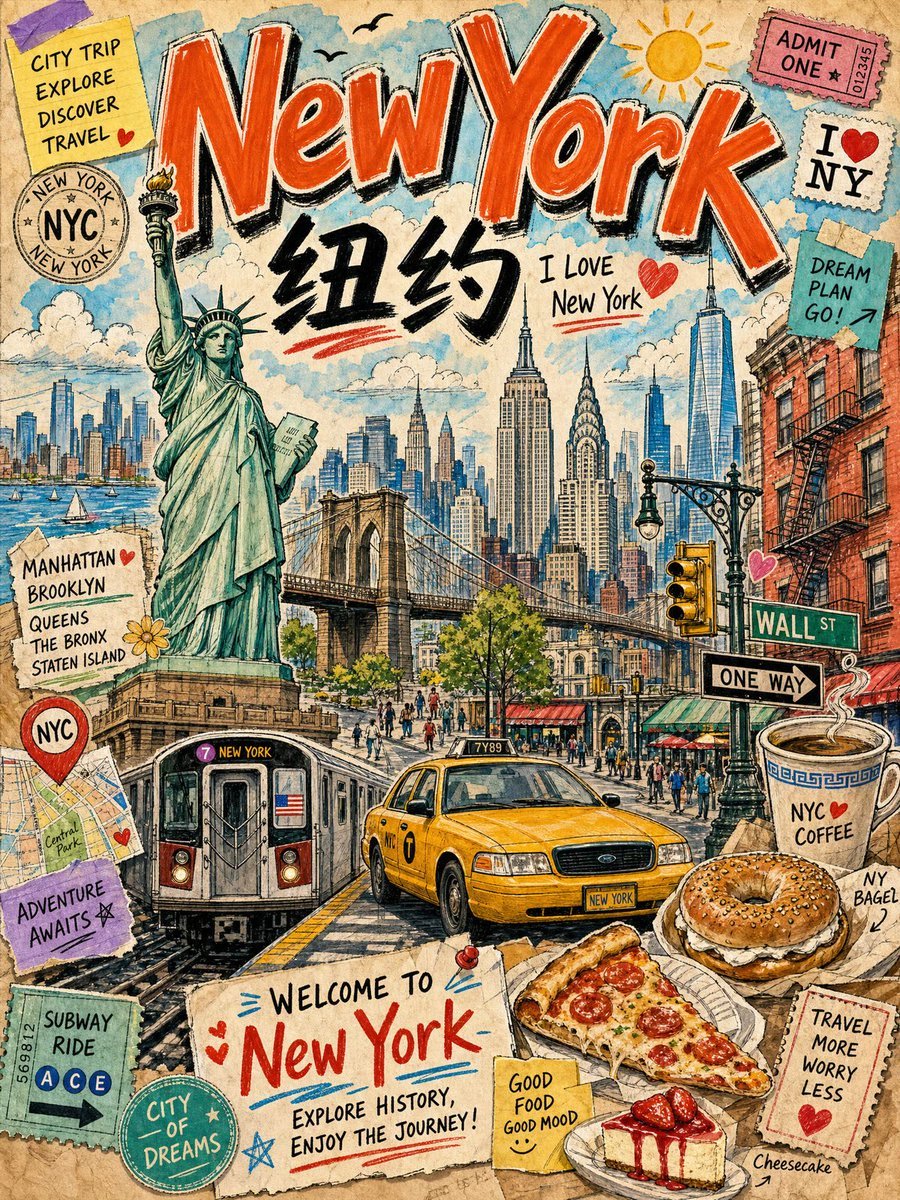
Vintage New York Travel Collage
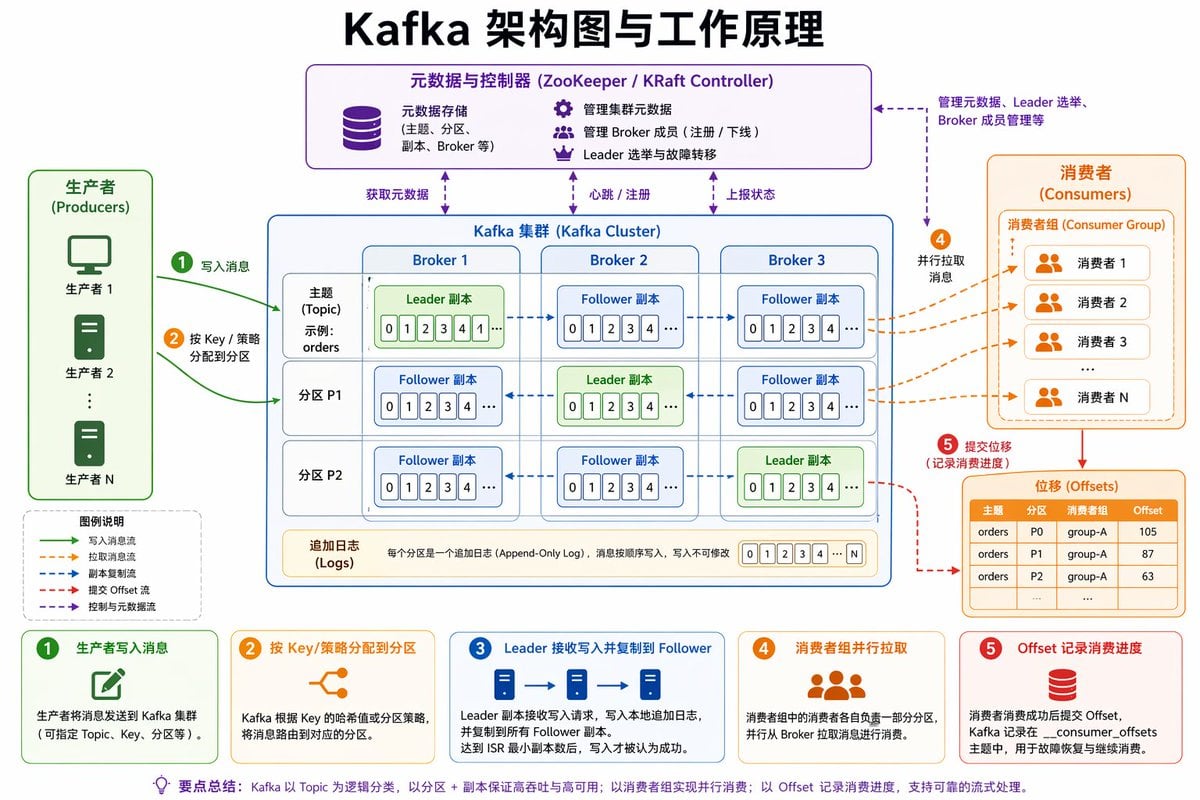
Kafka Architecture Diagram
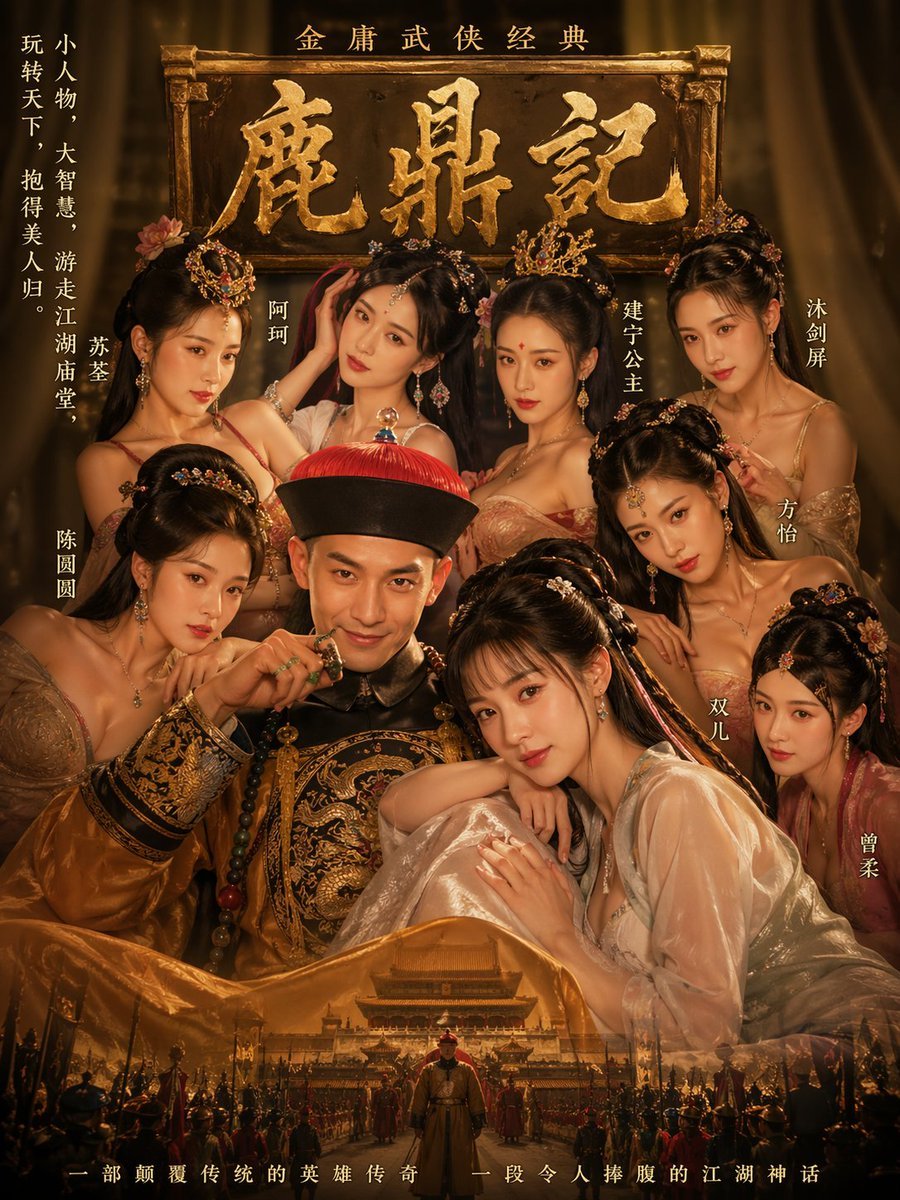
Golden Wuxia Palace Poster
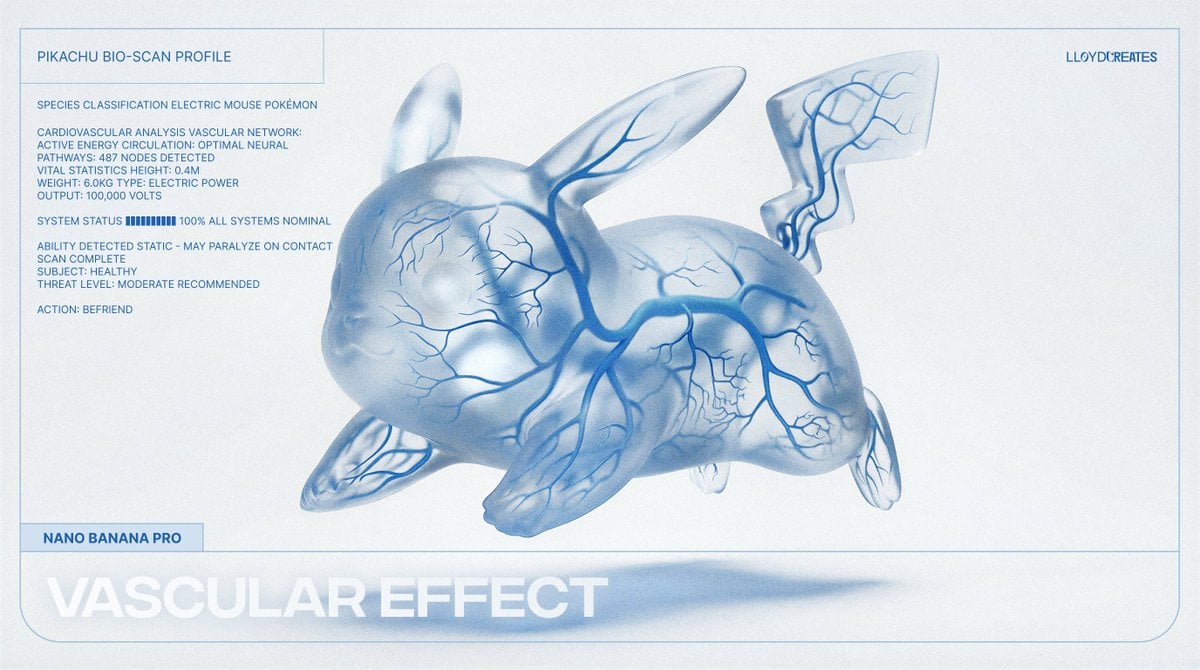
Vascular Effect Object Prompt
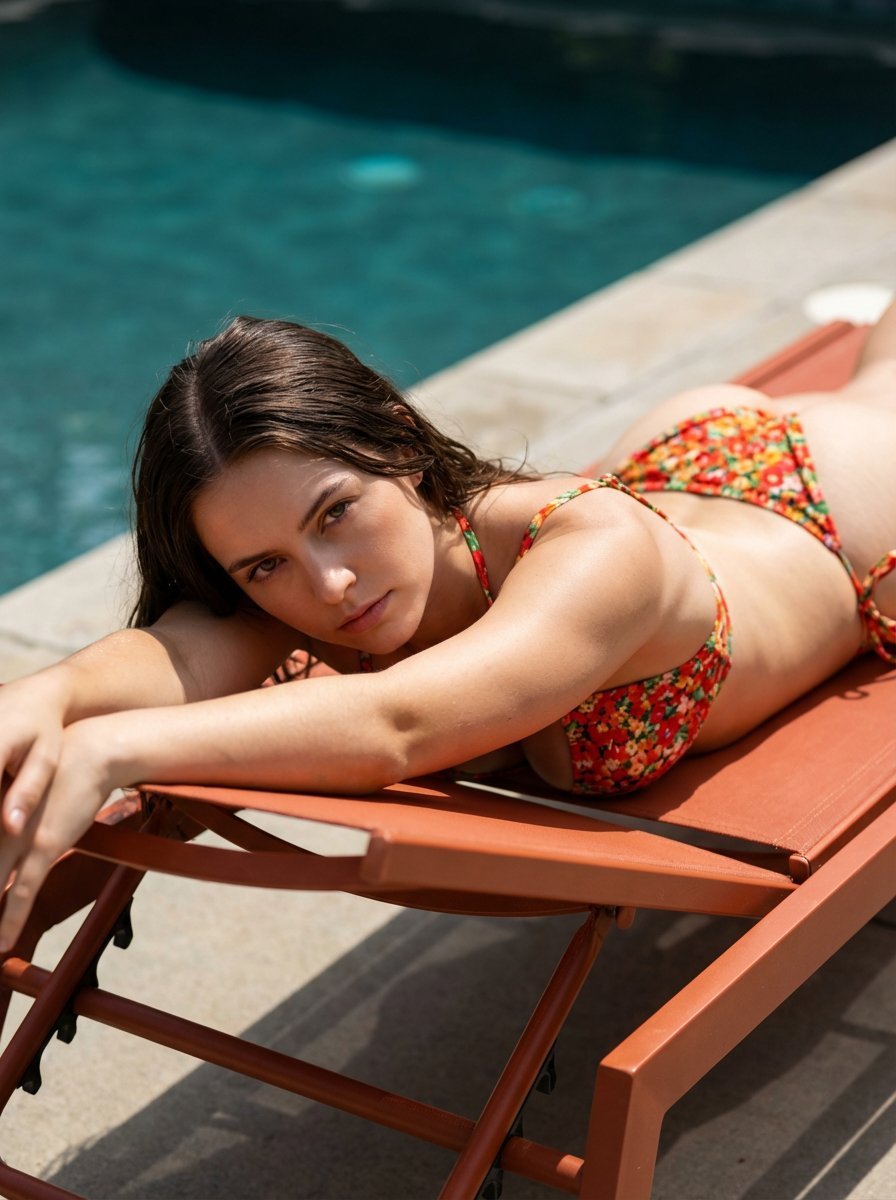
Ultra-Hardlock Prone Lounge Pose Replication
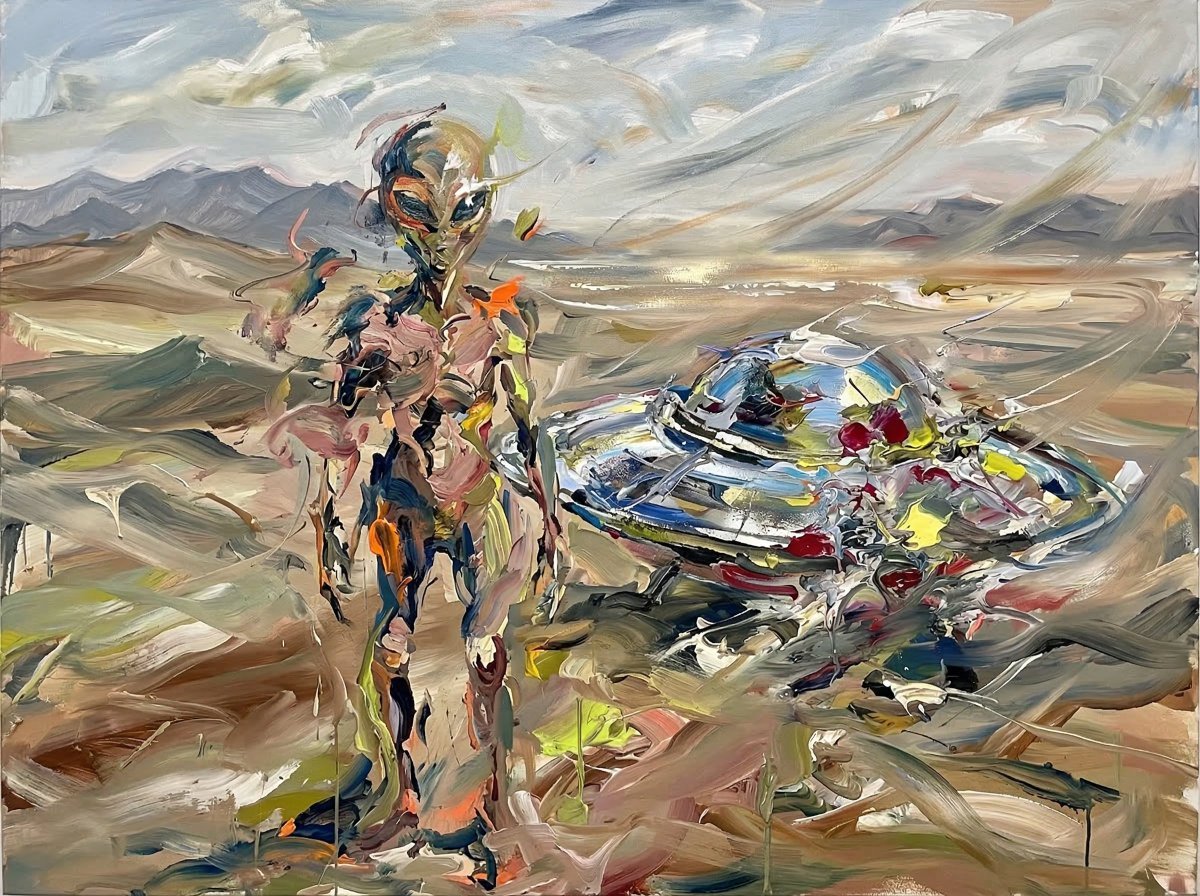
Surreal Alien Figure in Cecily Brown Style
Action-Packed Gorilla Illustration Prompt
1979 County Fair Photo Generation Prompt
Photorealistic Long-Exposure Fireworks over a City Skyline
Doodle Beer Selfie Portrait
Browse template categories
Triple Frame Fashion Portrait questions
How do I use the Triple Frame Fashion Portrait template?
Add your photo if the template asks for one, edit the prompt if you like — the template's model and format are already selected — and press Generate. Your version opens in PicX Studio.
Can I customize the Triple Frame Fashion Portrait template?
Yes. You can change the subject, setting, lighting, mood, format, and available model controls before creating your image.
Is the Triple Frame Fashion Portrait template free?
Opening and editing this template is free. Generating uses credits, shown on the Generate button when you are signed in.
Which AI model should I use?
Start with GPT Image 2, which is the model associated with this template. You can compare another compatible model for a different finish.
Looking for something else? Browse all templates.

Your photo, any look
Thousands of ready templates for every top image and video model, from one credit balance.