
Dieselpunk Mecha Rabbit Companion
A detailed prompt for a fashion-forward dieselpunk mecha rabbit companion in a studio setting, featuring industrial textures and cinematic lighting.
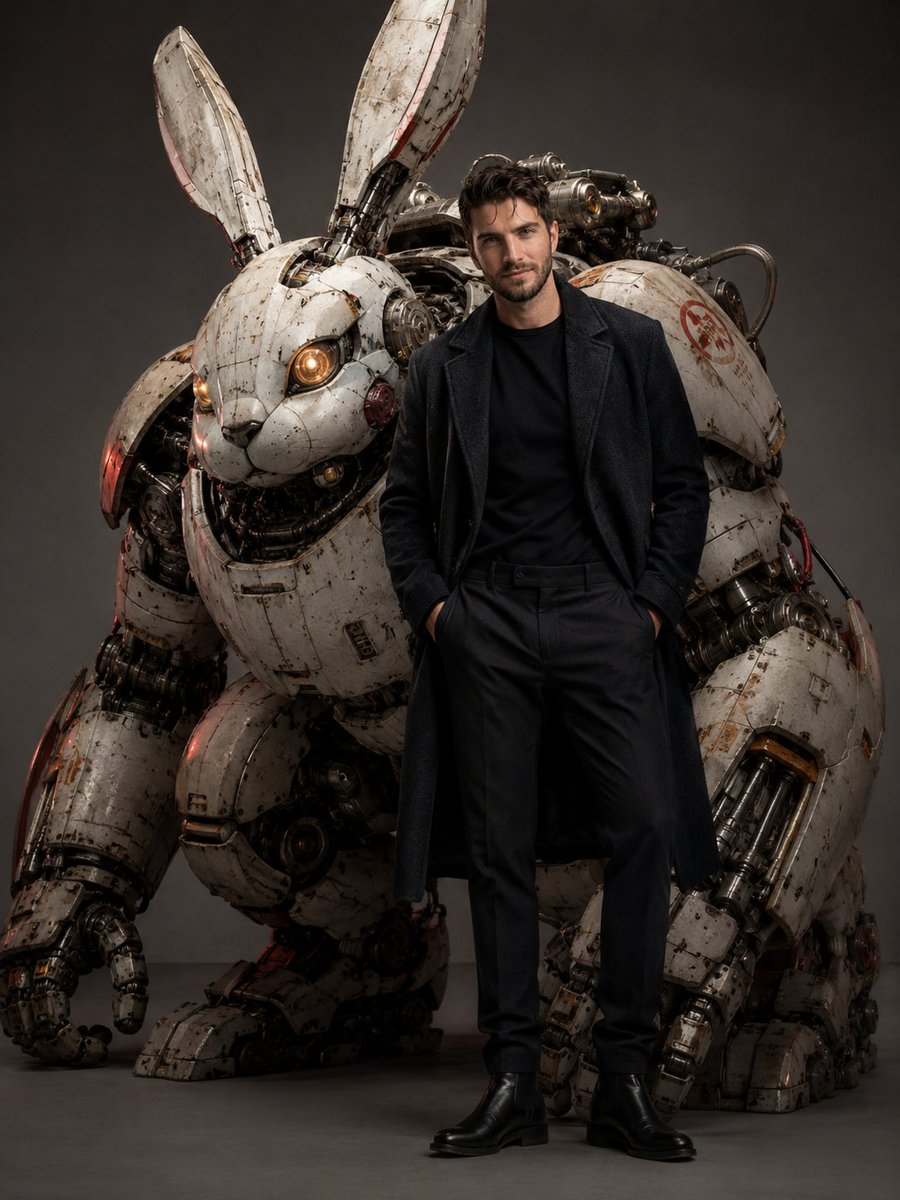
- Prompt included
- Model and format preset
- Free template
The prompt behind this image
Copy the exact prompt behind Dieselpunk Mecha Rabbit Companion, or open it in the studio and make it yours.
The robot companion is a large weathered white rabbit-shaped dieselpunk mecha, towering slightly behind him, with long armored mechanical ears, glowing warm amber eyes, exposed hydraulic pistons, scratched ceramic-metal armor, red industrial markings, visible cables, gears, servo joints, worn paint, dust, oil stains, engraved warning labels, and collectible designer-toy proportions mixed with realistic military engineering.The robot should feel protective and loyal, positioned close behind the subject like a futuristic guardian.\n\nComposition: vertical full-body studio editorial, subject centered slightly to the right, robot occupying the left background and partially wrapping around the composition, strong hero-poster presence, clean negative space, premium fashion campaign framing. Camera at slightly low angle, 35mm lens, sharp focus on face and outfit, shallow depth of field on mechanical https://t.co/KvpuP6lKKK: soft neutral gray studio background, cinematic diffused key light from front-left, subtle red rim light reflecting on metal edges, soft shadow under the feet, realistic ambient occlusion, controlled highlights on fabric and armor. Color palette: ivory white, bone beige, scratched metal gray, muted crimson red, ash-blue hair accent, warm amber robot eye glow.Mood: masculine kawaii cyberpunk meets dieselpunk fashion editorial, futuristic streetwear, luxury concept design, high-end sci-fi magazine cover, cinematic collectible mecha aesthetic, visually powerful but clean and elegant.\n\nUltra-realistic cinematic image with hyper-detailed textures, 8K quality, professional color grading, realistic lighting, detailed fabric fibers, realistic skin pores, sharp mechanical detailing, natural anatomy, premium studio photography, masterpiece quality.Negative prompt: female body, feminine outfit, anime cartoon style, childish face, plastic skin, doll face, distorted anatomy, bad hands, extra fingers, missing fingers, deformed face, wrong facial identity, blurry face, low resolution, soft focus, overexposed, oversaturated, messy background, text, logo, watermark, random tattoos, full-arm tattoo, duplicated robot, broken limbs, unrealistic proportions, cheap CGI, toy-like human skin, flat lighting, bad fabric texture.
How to use Dieselpunk Mecha Rabbit Companion in 3 steps
- 1
Open
The prompt is already in the box next to the preview, with the template's model and format selected.
- 2…a portrait of your subject in softgolden-hour light, 85mm…
Personalize
Edit the subject and creative details for your destination.
- 3Generate
Generate
Press Generate — your image is created in PicX Studio, so you can compare it with the original and refine one variable at a time.
More like this
Templates with the same subject, style or setup. Open one to see its prompt.
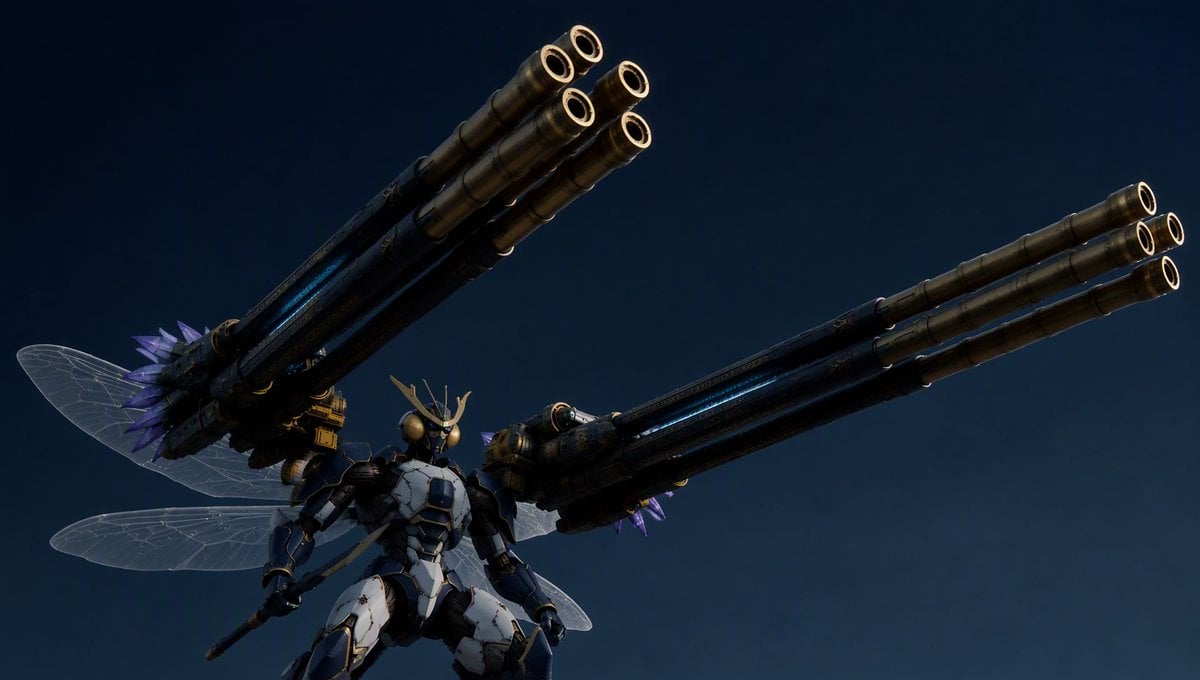
Insect Mecha Cannon Attack
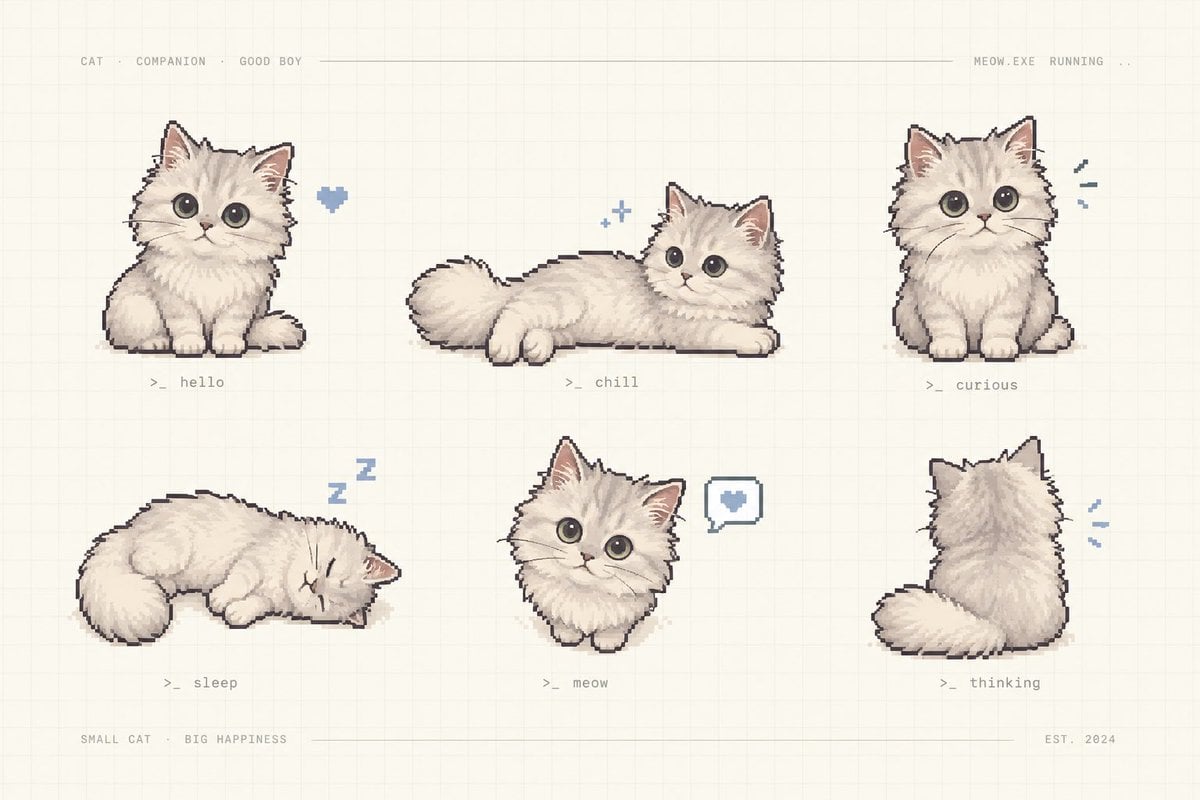
Pixel Art Kitten Companion Sheet
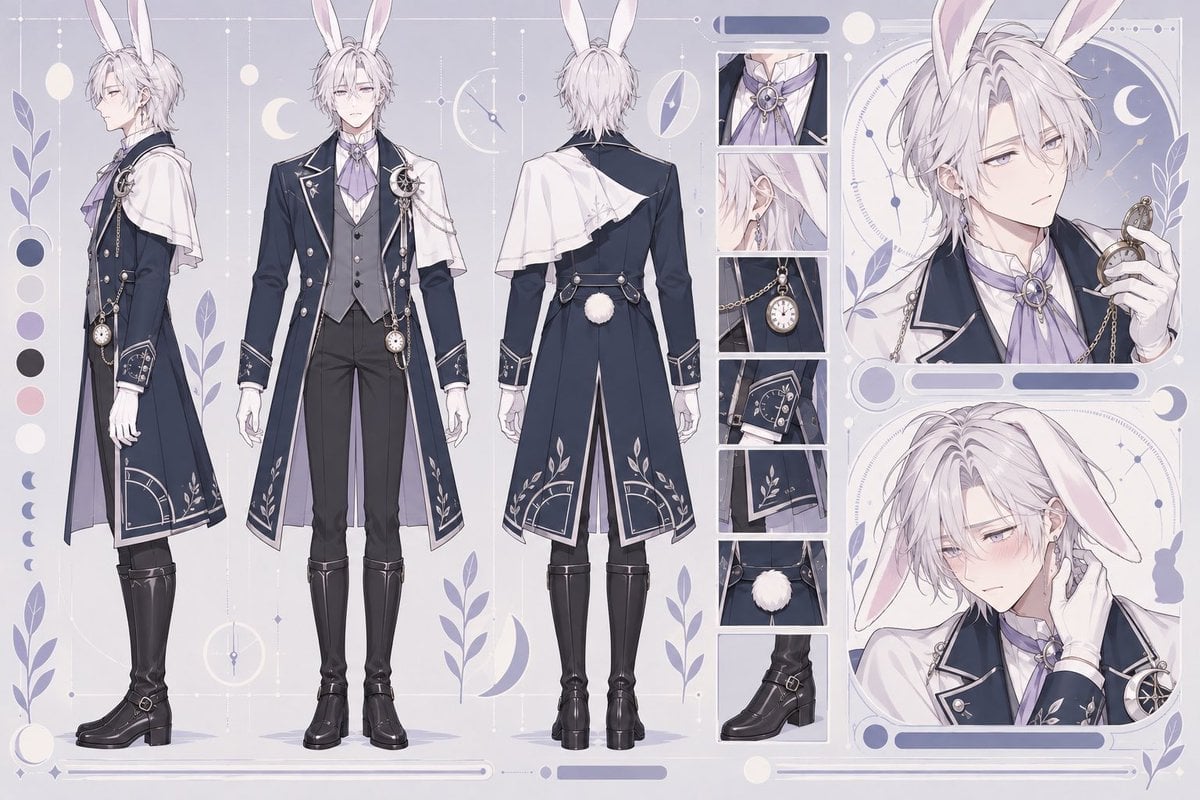
Rabbit Gentleman Character Sheet
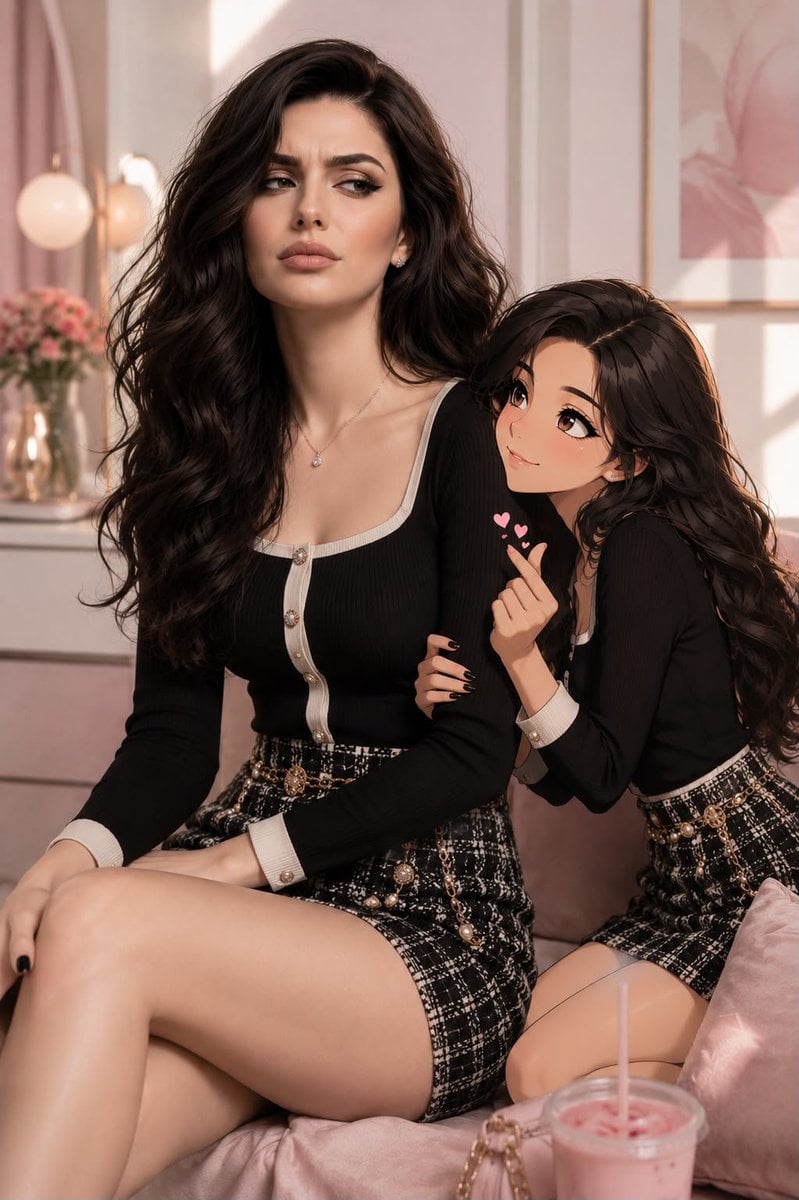
Anime Companion Portrait
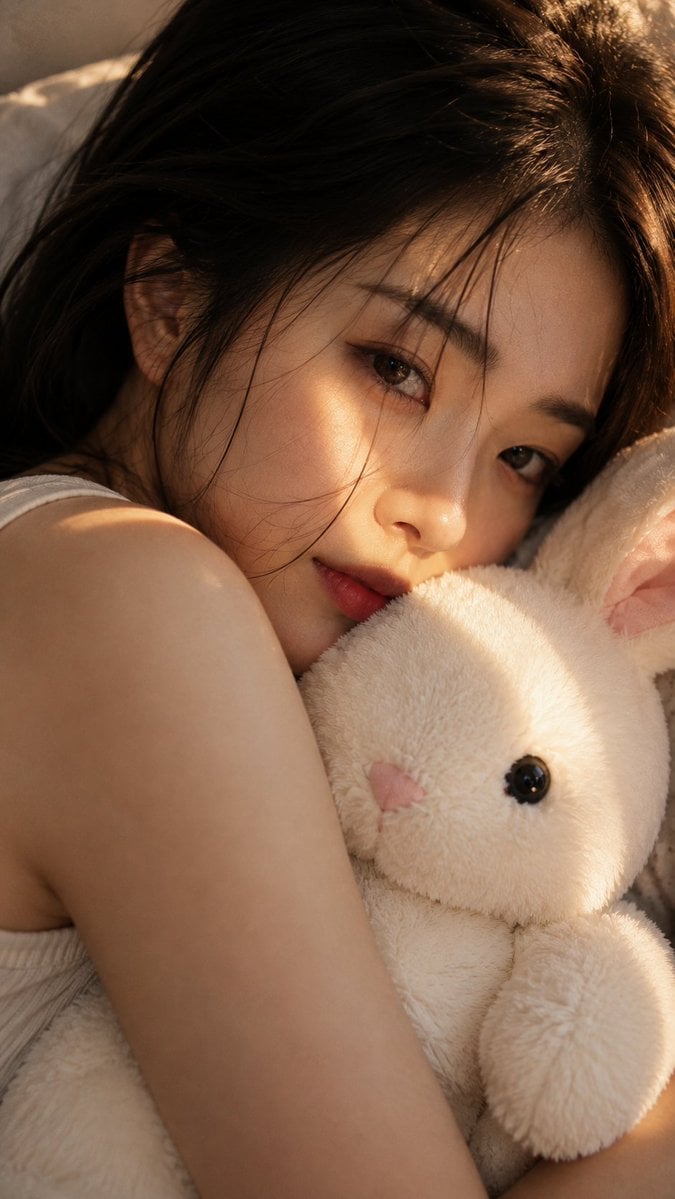
Woman with Plush Rabbit Close-up
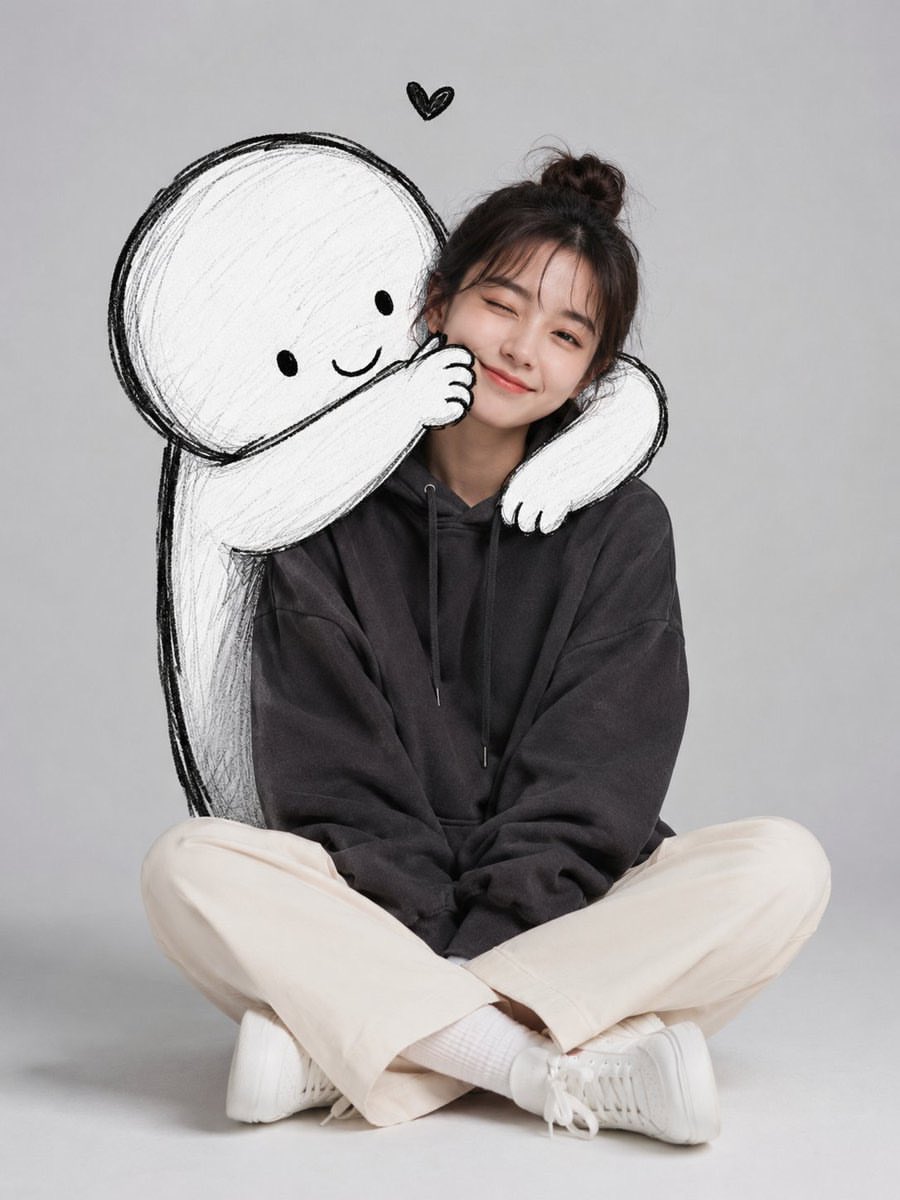
Minimalist Portrait with Doodle Companion
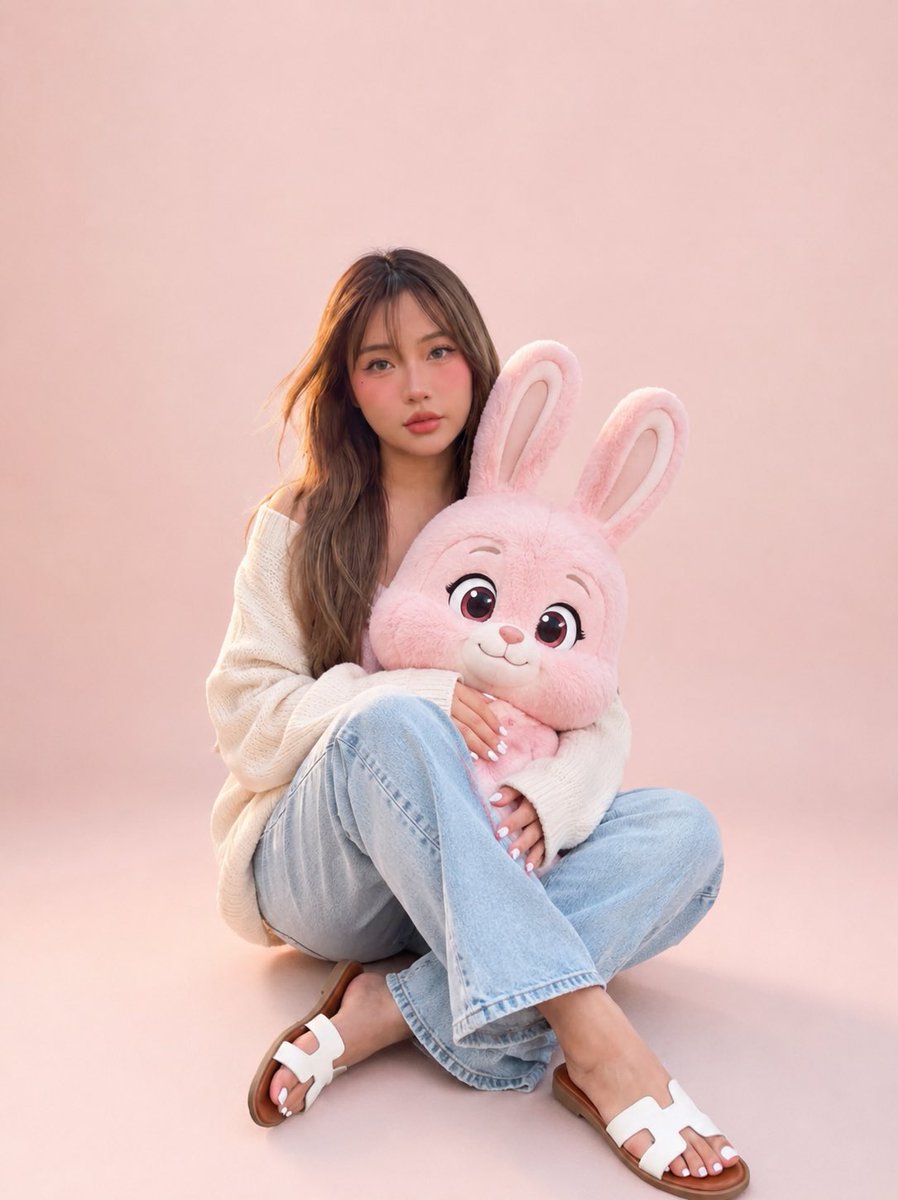
Portrait with Cartoon Pink Rabbit
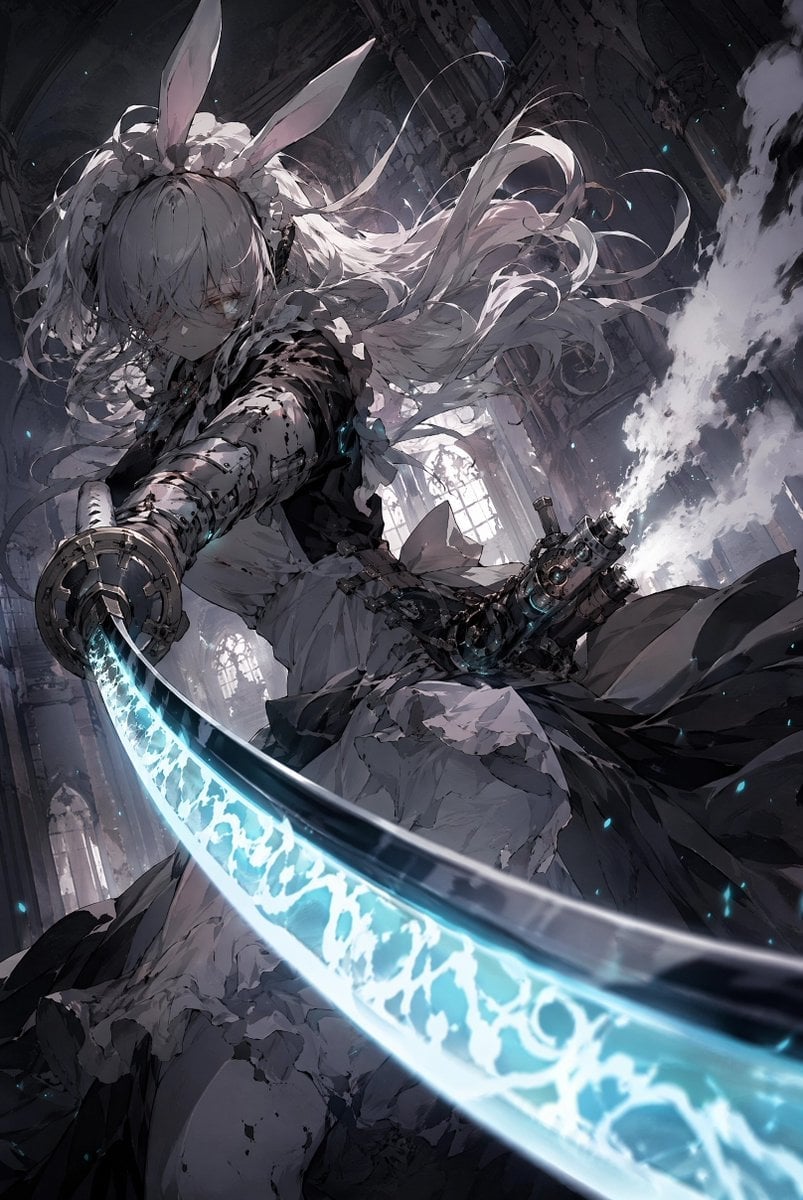
Rabbit-Eared Swordswoman in Ruined Cathedral
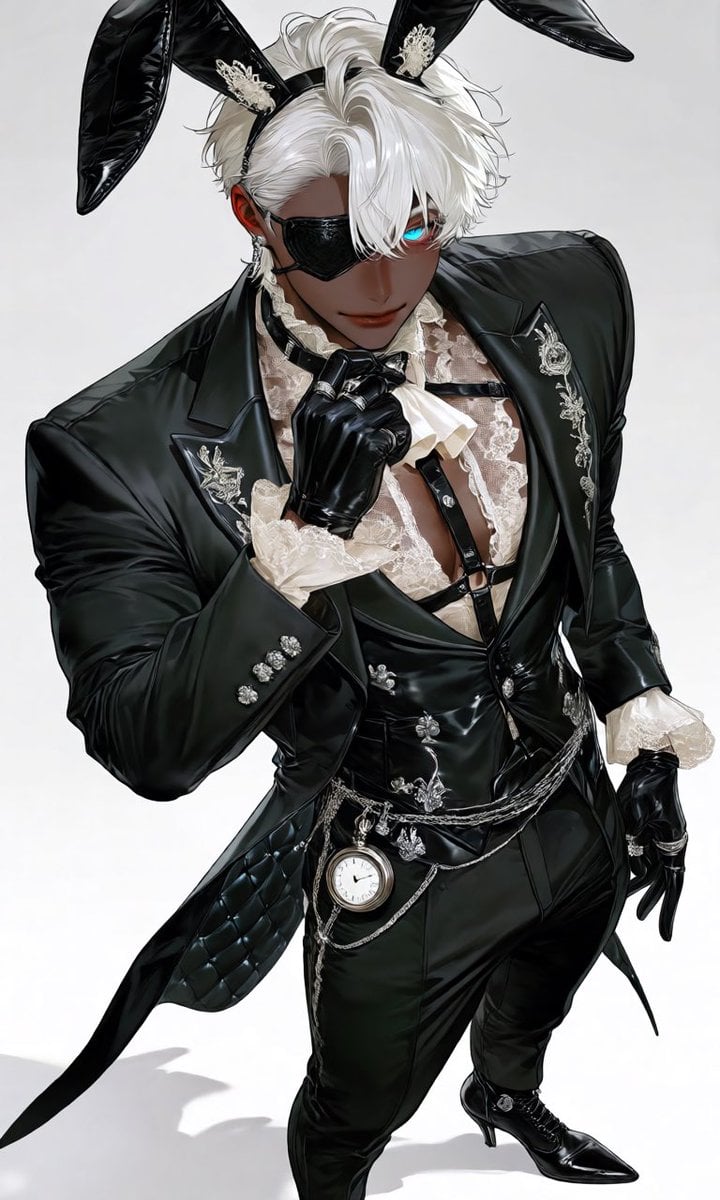
Luxury Rabbit Suit Fashion
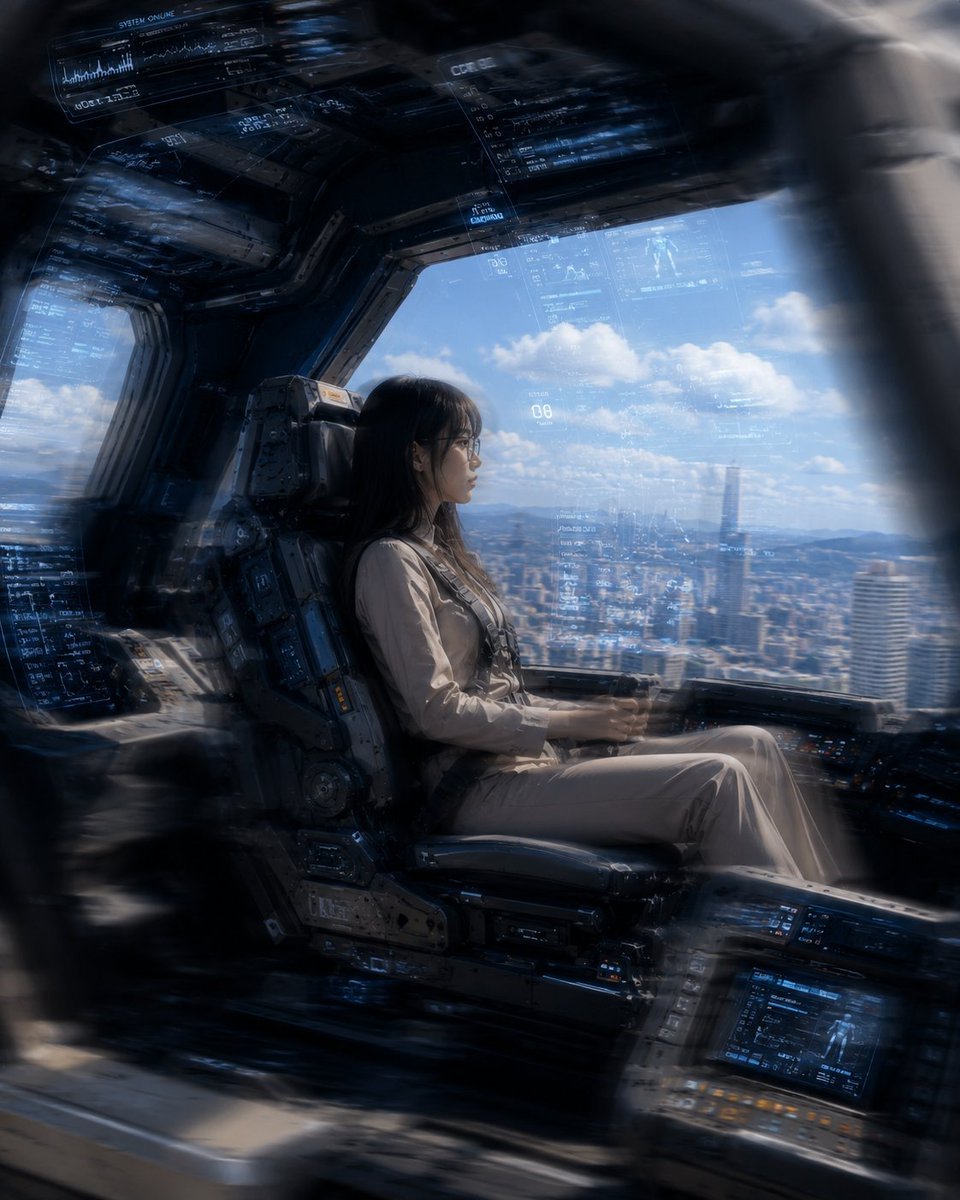
Mecha Cockpit Pilot Scene

Gothic Mecha Sword Warrior
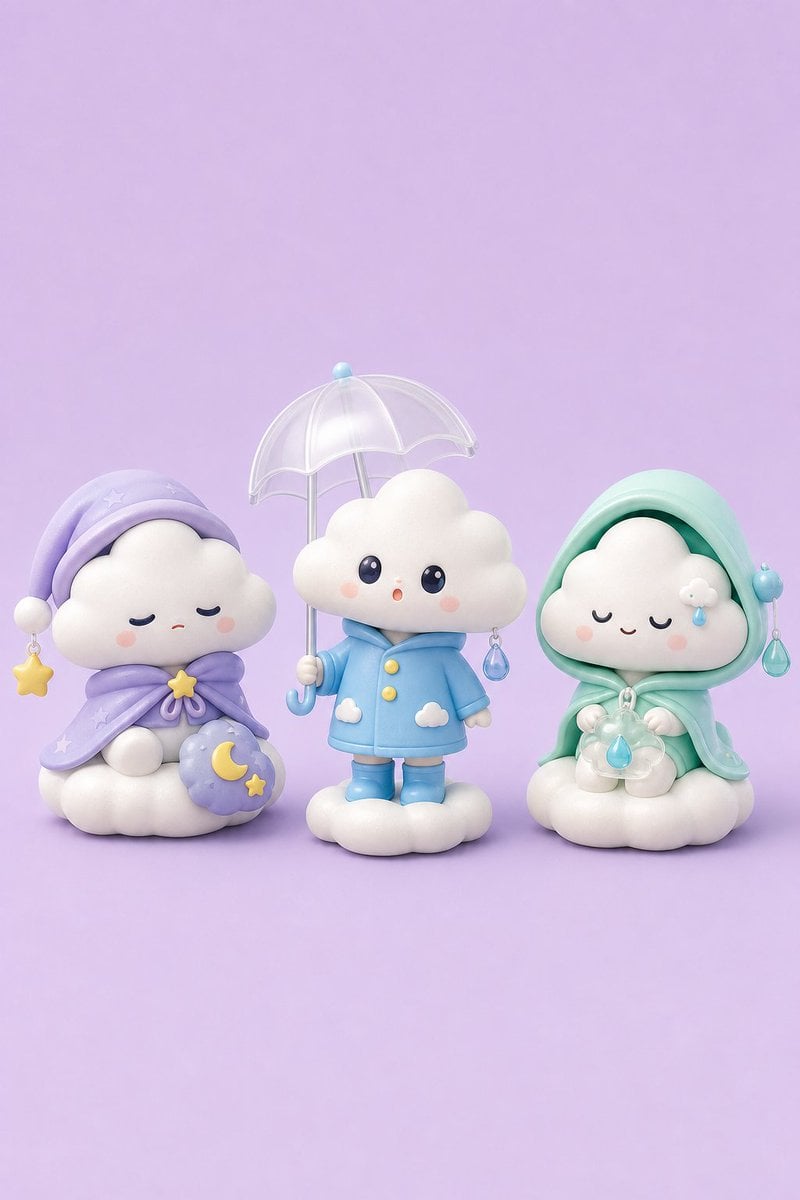
Tiny Weather Companion Figurines
Make it yours
Dieselpunk Mecha Rabbit Companion works as-is. These are the safest ways to change it without losing the look.
Change one field
Copy a single group, rewrite it, and generate again so you can see what that field is doing.
Keep the frame, change the subject
Hold the composition and light of Dieselpunk Mecha Rabbit Companion, then swap wardrobe, props or the person for a new take.
| If the result… | Why | Fix |
|---|---|---|
| The result drifts from the preview | Too many fields changed at once. | Reuse Dieselpunk Mecha Rabbit Companion as-is first, then change one group — subject, light, or setting. |
| The model over-stylizes the scene | The prose prompt leaves finish and camera underspecified. | Add one camera or lighting sentence and stay on GPT Image 2. |
More GPT Image 2 templates
Other prompts made for GPT Image 2.

Six VTuber Japanese Logo Sheet

Realistic Portrait of Woman and Deer

The Vista Modular Condo Poster

AI Model Routing Comparison Infographic

2.5D Anime Art Board

Isometric Productivity Desk Scene

New York Double Exposure Poster

Four-Panel AI Landscape Comparison

Japanese Tatami Lifestyle Magazine Cover

NESCAFÉ Coffee Map Poster
More image prompts
Fresh picks from across the catalog.
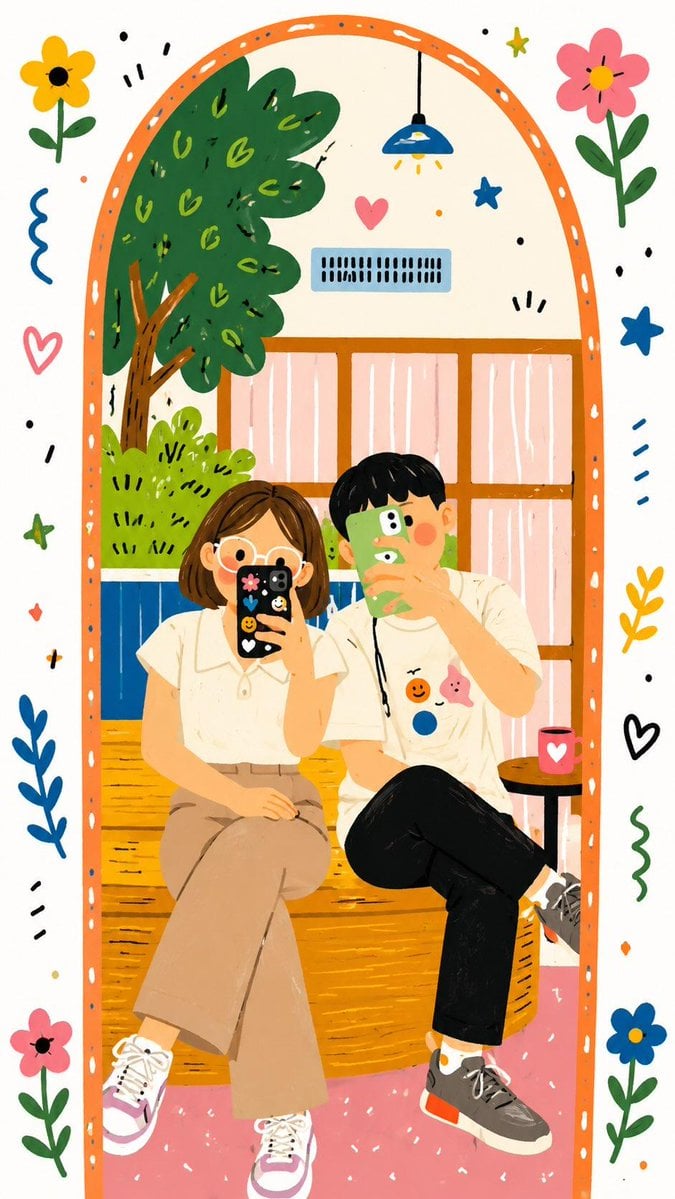
Decorative Folk Doodle Transformation
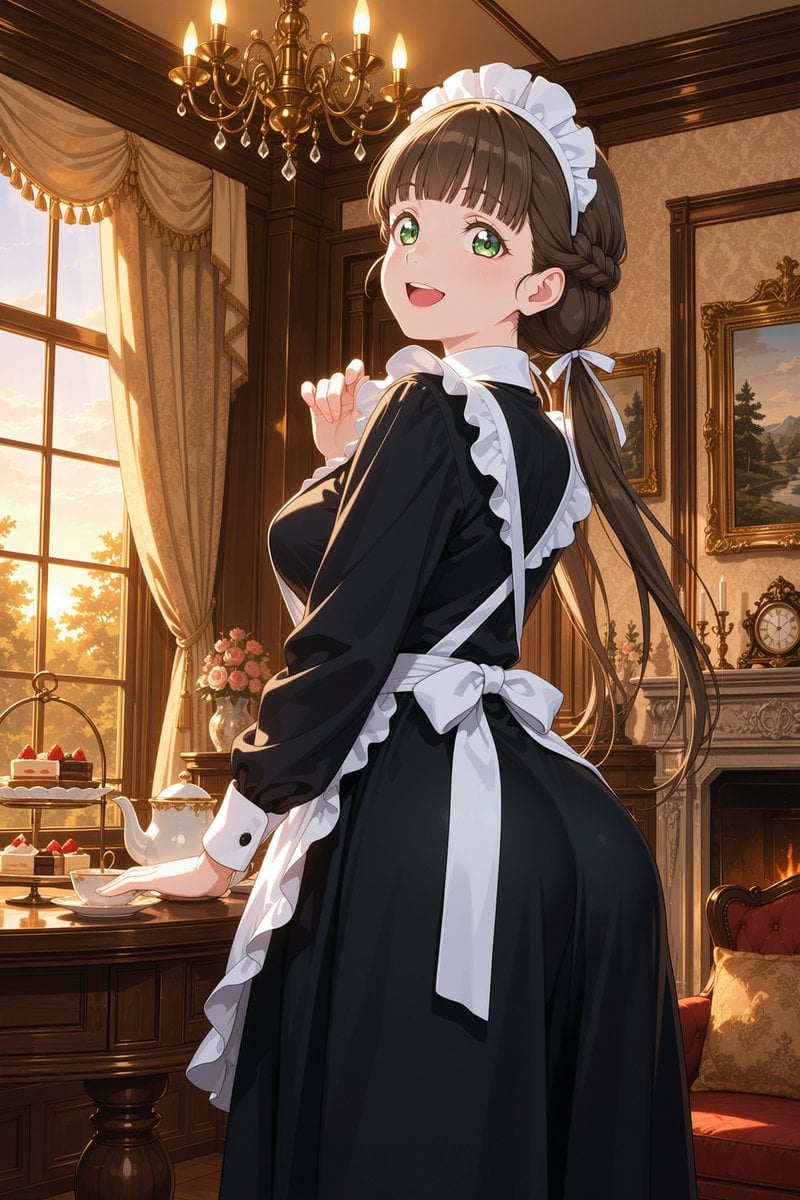
Victorian Maid Tea Room Anime

Neo-Noir Character Design Board
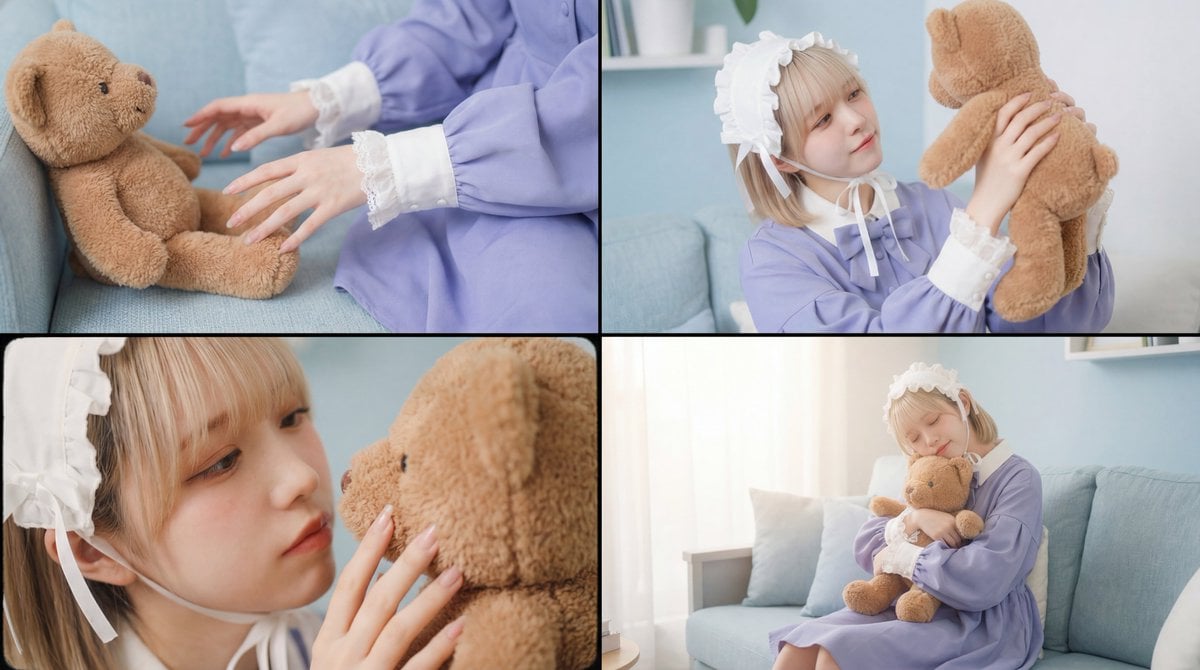
Warm, Nostalgic Cinematic Video of a Woman with a Teddy Bear
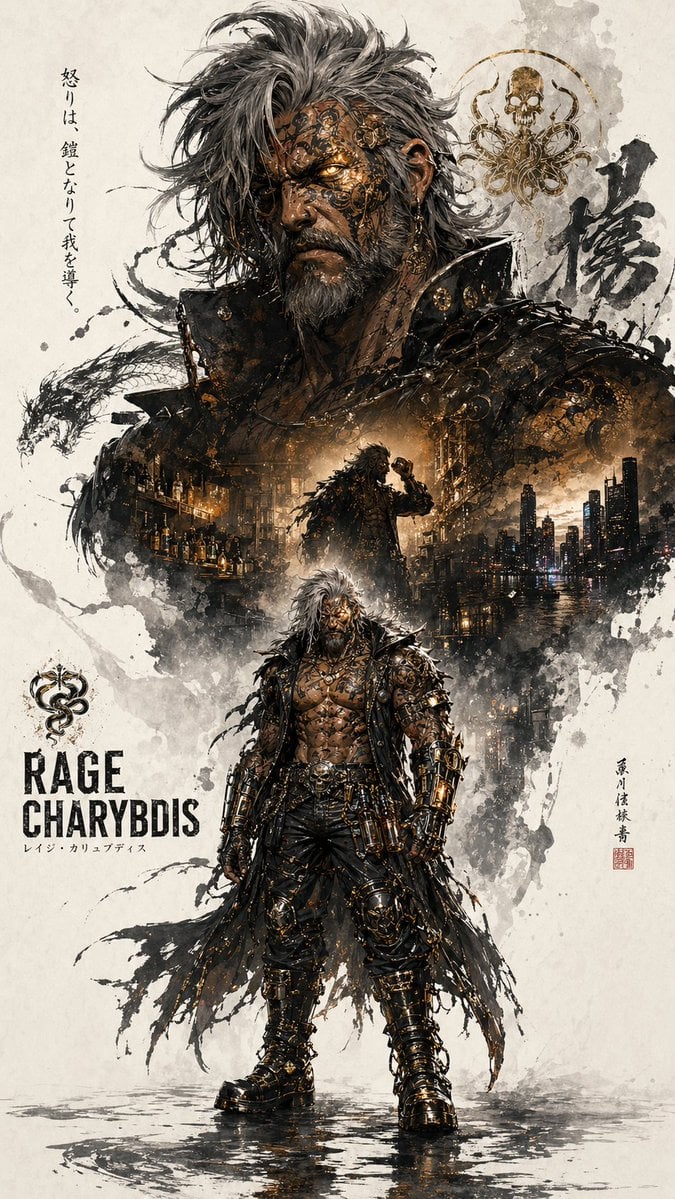
Character Promotion Poster Framework
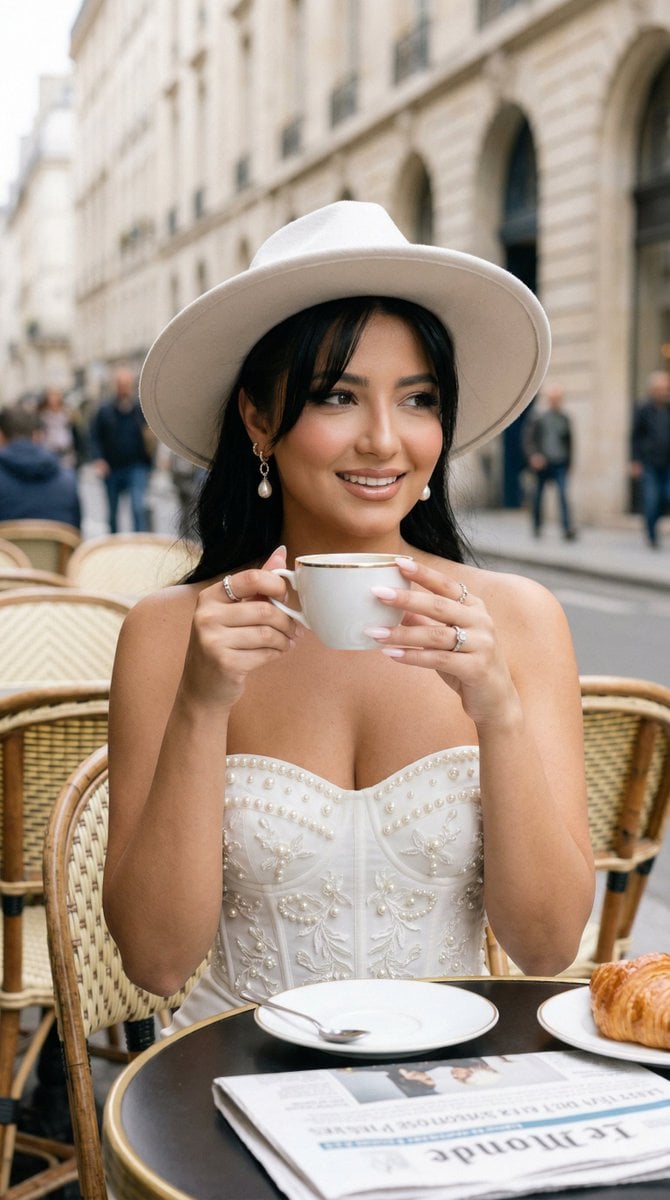
Nano Banana - Window Wine Red Dress
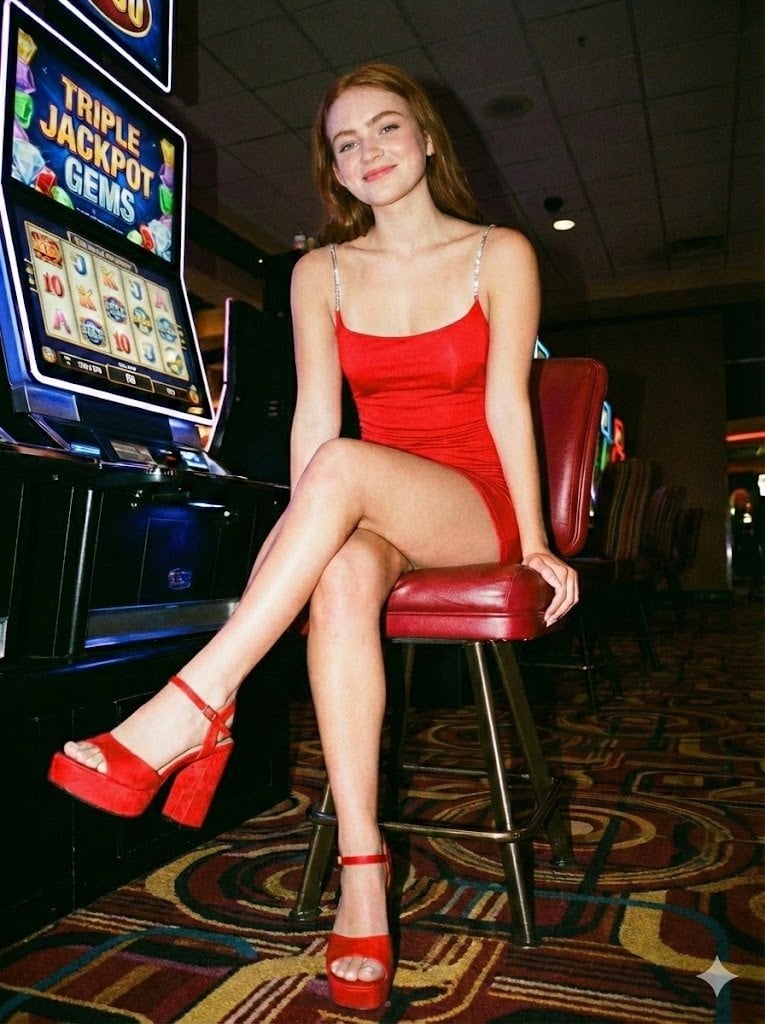
Casino Paparazzi Candid Portrait
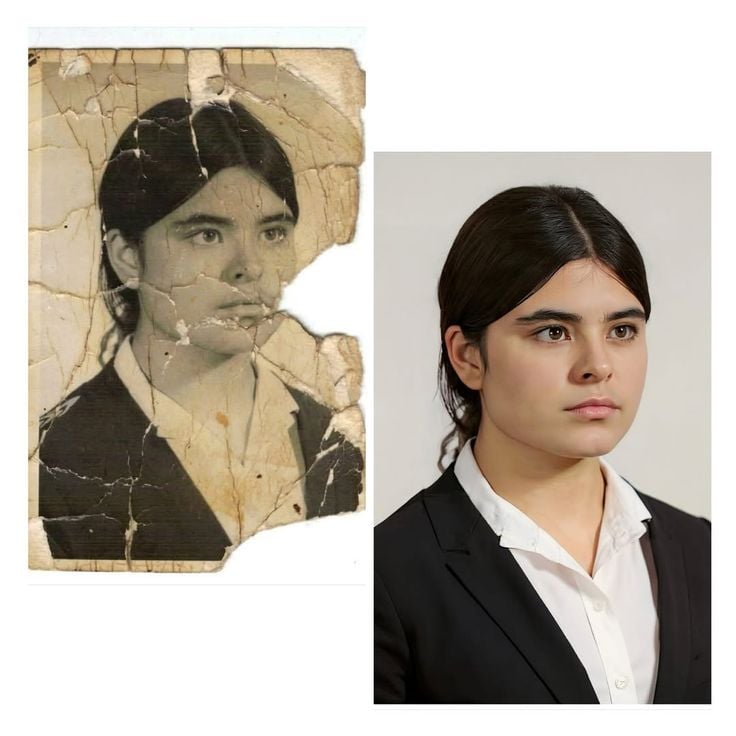
Advanced Image Restoration and Upscale Prompt
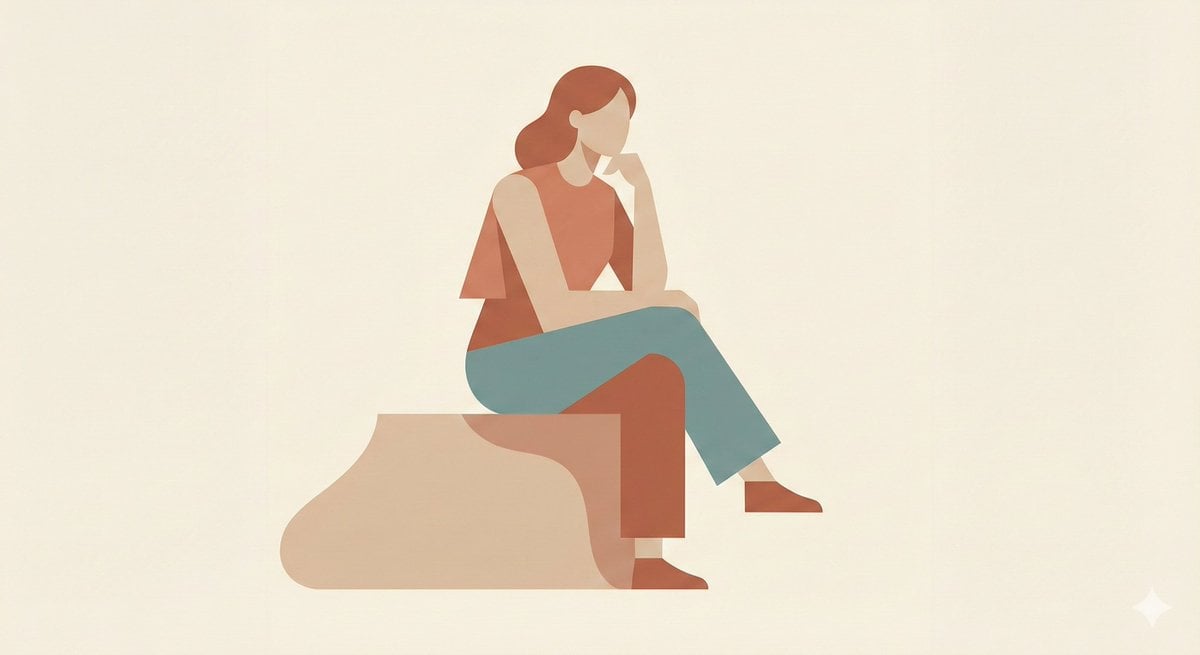
Minimalist Single-Pose Character Illustration Prompt
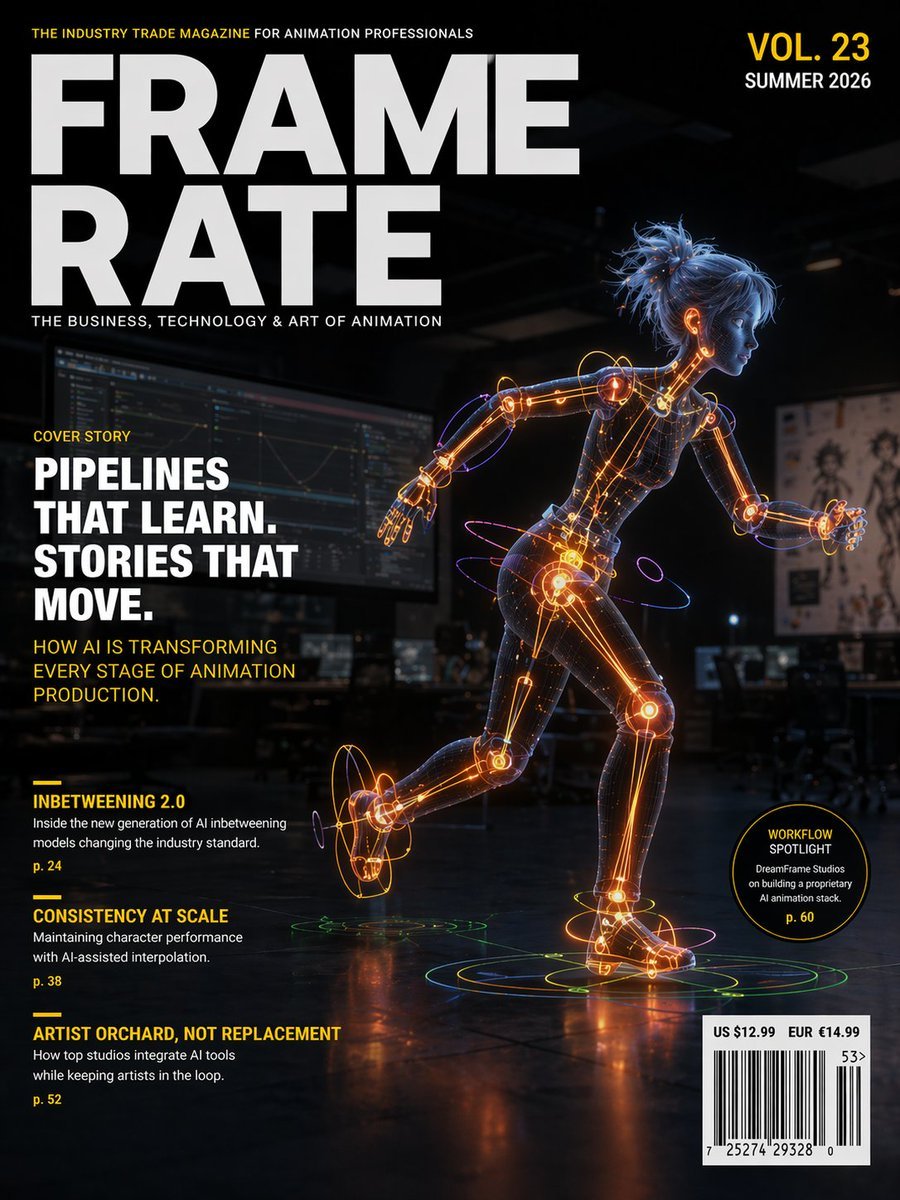
Futuristic Animation Trade Magazine Cover
Browse template categories
Dieselpunk Mecha Rabbit Companion questions
How do I use the Dieselpunk Mecha Rabbit Companion template?
Add your photo if the template asks for one, edit the prompt if you like — the template's model and format are already selected — and press Generate. Your version opens in PicX Studio.
Can I customize the Dieselpunk Mecha Rabbit Companion template?
Yes. You can change the subject, setting, lighting, mood, format, and available model controls before creating your image.
Is the Dieselpunk Mecha Rabbit Companion template free?
Opening and editing this template is free. Generating uses credits, shown on the Generate button when you are signed in.
Which AI model should I use?
Start with GPT Image 2, which is the model associated with this template. You can compare another compatible model for a different finish.
Looking for something else? Browse all templates.

Your photo, any look
Thousands of ready templates for every top image and video model, from one credit balance.