
Autumn Onsen Gourmet Sale Poster
Generates a premium Japanese travel advertisement for an autumn hot spring and seasonal gourmet tour sale.
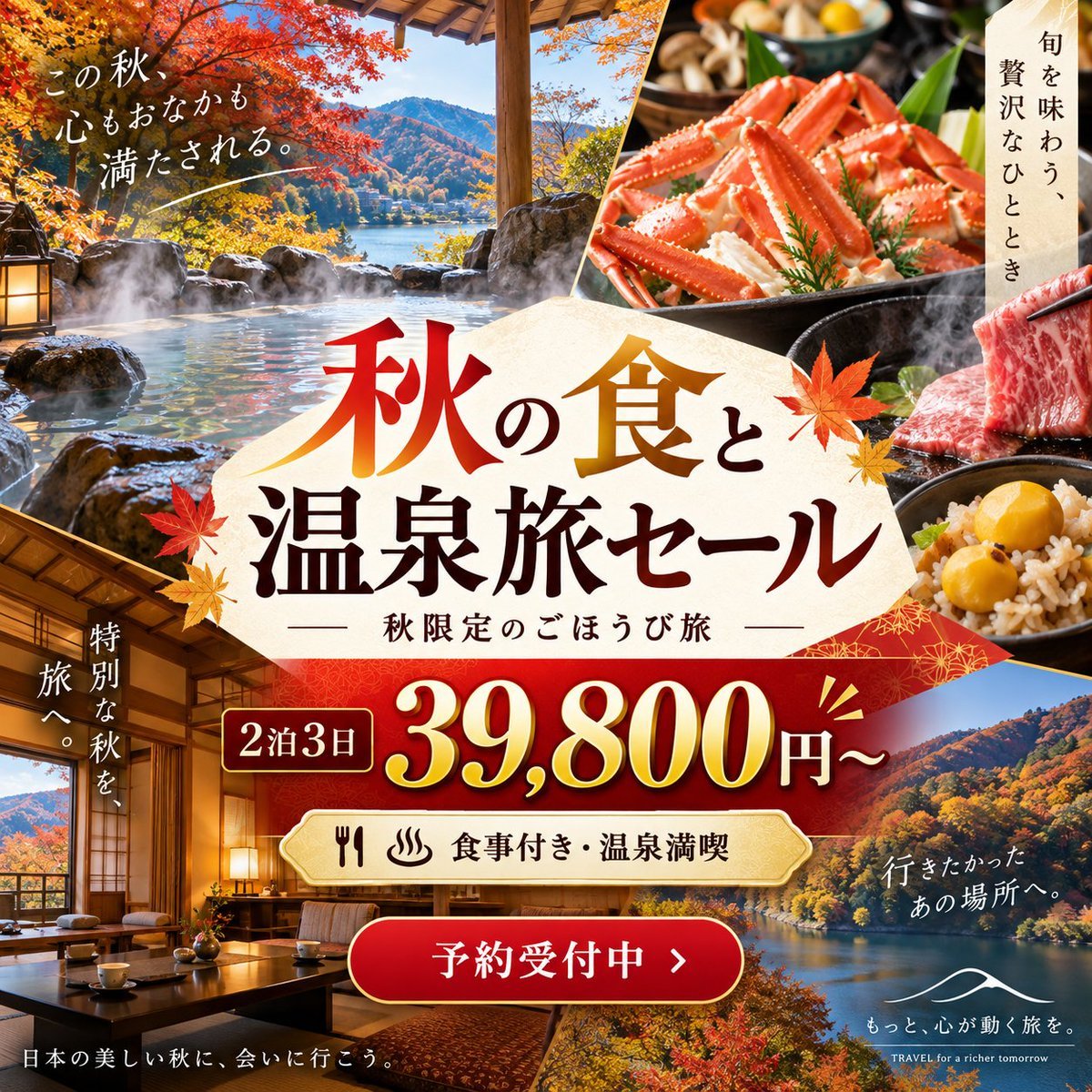
- Prompt included
- Model and format preset
- Free template
The prompt behind this image
Copy the exact prompt behind Autumn Onsen Gourmet Sale Poster, or open it in the studio and make it yours.
Goal: Create a luxurious square Japanese travel advertisement for an autumn hot spring and gourmet tour sale, aimed at social media promotion. Canvas: 1:1 square poster, high-resolution, rich warm autumn palette of crimson, gold, amber, cream, and deep brown. Use a premium travel-agency flyer style with layered photo collage panels, diagonal cuts, ornate Japanese paper textures, gold accents, and subtle drop shadows. Layout: Build a dense collage with exactly 6 main photo areas: 1) upper-left large outdoor rotenburo hot spring with steaming water, natural rocks, a lantern, vivid red maple trees, a lake and mountains in the distance; 2) upper-right close-up of a lavish crab dish in a black tray with steam and side dishes; 3) mid-right close-up of marbled wagyu beef being lifted by chopsticks beside a rice bowl with chestnuts or gingko nuts; 4) lower-left cozy ryokan guest room with tatami, low table, cushions, warm lamps, shoji screens, and autumn scenery outside; 5) lower-right scenic lake and autumn mountain landscape; 6) small background food/seasonal detail panels near the top with mushrooms and vegetables. Separate the panels with clean diagonal cream or gold borders. Central typography: Place a large cream washi-paper polygon label in the center. On it, use oversized Japanese calligraphy-style headline text reading {argument name="headline text" default="秋の食と温泉旅セール"}. Make “秋” red-to-orange gradient, “食” gold gradient, and the remaining characters dark brown. Add two decorative maple leaves around the headline. Beneath it, add smaller Japanese text: 「秋限定のごほうび旅」 with thin horizontal lines on both sides. Offer area: Under the central label, create a deep red patterned price banner with gold trim. Show a small rounded box reading {argument name="trip length" default="2泊3日"}. Next to it, display the large price {argument name="price" default="39,800円〜"} in shiny gold serif numerals with white highlights and dark shadow. Add small gold emphasis marks near the price. Benefits and call-to-action: Below the price, add a cream rounded plaque with fork, knife, and hot spring icons, followed by text 「食事付き・温泉満喫」. At the bottom center, add a glossy red rounded button with gold outline reading {argument name="button text" default="予約受付中 >"}. Additional Japanese copy: Include exactly 5 supporting text blocks around the poster: upper-left white handwritten text 「この秋、心もおなかも満たされる。」 with a thin underline; upper-right vertical text on a cream strip 「旬を味わう、贅沢なひととき」; left vertical text over the ryokan panel 「特別な秋を、旅へ。」; lower-left small white text 「日本の美しい秋に、会いに行こう。」; lower-right white text 「行きたかったあの場所へ。」 above a simple white travel-agency logo mark and tagline 「もっと、心が動く旅を。」 plus tiny English text “TRAVEL for a richer tomorrow”. Visual style: Photorealistic travel photography blended with polished Japanese advertising design. Emphasize steam rising from the hot spring and hot foods, glossy food textures, crisp autumn foliage, warm indoor lighting, elegant Japanese calligraphy, and premium gold-red sale graphics. Constraints: Keep all Japanese text legible and placed as described. Use no people. Do not add extra prices, logos, QR codes, or unrelated text. Maintain a balanced luxury-tourism composition with strong central hierarchy.
How to use Autumn Onsen Gourmet Sale Poster in 3 steps
- 1Upload ImagePNG, JPG or paste
Add your photo
Upload the photo the template builds on. The prompt, model and format are already set.
- 2…a portrait of your subject in softgolden-hour light, 85mm…
Personalize
Edit the subject and creative details for your destination.
- 3Generate
Generate
Press Generate — your image is created in PicX Studio, so you can compare it with the original and refine one variable at a time.
More like this
Templates with the same subject, style or setup. Open one to see its prompt.

Japan Travel Brochure Poster

Cartoon TV Show Poster Pack

Trendy Cafe Drink Promo Poster

Urban Fashion Editorial Collage Streetwear Poster

Premium Fashion Editorial Cover Layout System

Polo Ralph Lauren Luxury American Heritage Fashion Campaign

Monochrome Halftone Editorial Fashion Poster

Retro Mirror Luxury Fashion Campaign Poster

Luxury Fashion Campaign Typography Poster System

Premium Fashion Editorial Campaign Poster System

Ultra-Stylized High-Fashion Streetwear Poster

Urban Fashion Editorial Collage Poster
Make it yours
Autumn Onsen Gourmet Sale Poster works as-is. These are the safest ways to change it without losing the look.
Change one field
Copy a single group, rewrite it, and generate again so you can see what that field is doing.
Keep the frame, change the subject
Hold the composition and light of Autumn Onsen Gourmet Sale Poster, then swap wardrobe, props or the person for a new take.
| If the result… | Why | Fix |
|---|---|---|
| The result drifts from the preview | Too many fields changed at once. | Reuse Autumn Onsen Gourmet Sale Poster as-is first, then change one group — subject, light, or setting. |
| The model over-stylizes the scene | The prose prompt leaves finish and camera underspecified. | Add one camera or lighting sentence and stay on GPT Image 2. |
More GPT Image 2 templates
Other prompts made for GPT Image 2.

Six VTuber Japanese Logo Sheet

Realistic Portrait of Woman and Deer

The Vista Modular Condo Poster

AI Model Routing Comparison Infographic

2.5D Anime Art Board

Isometric Productivity Desk Scene

New York Double Exposure Poster

Four-Panel AI Landscape Comparison

Japanese Tatami Lifestyle Magazine Cover

NESCAFÉ Coffee Map Poster
More image prompts
Fresh picks from across the catalog.
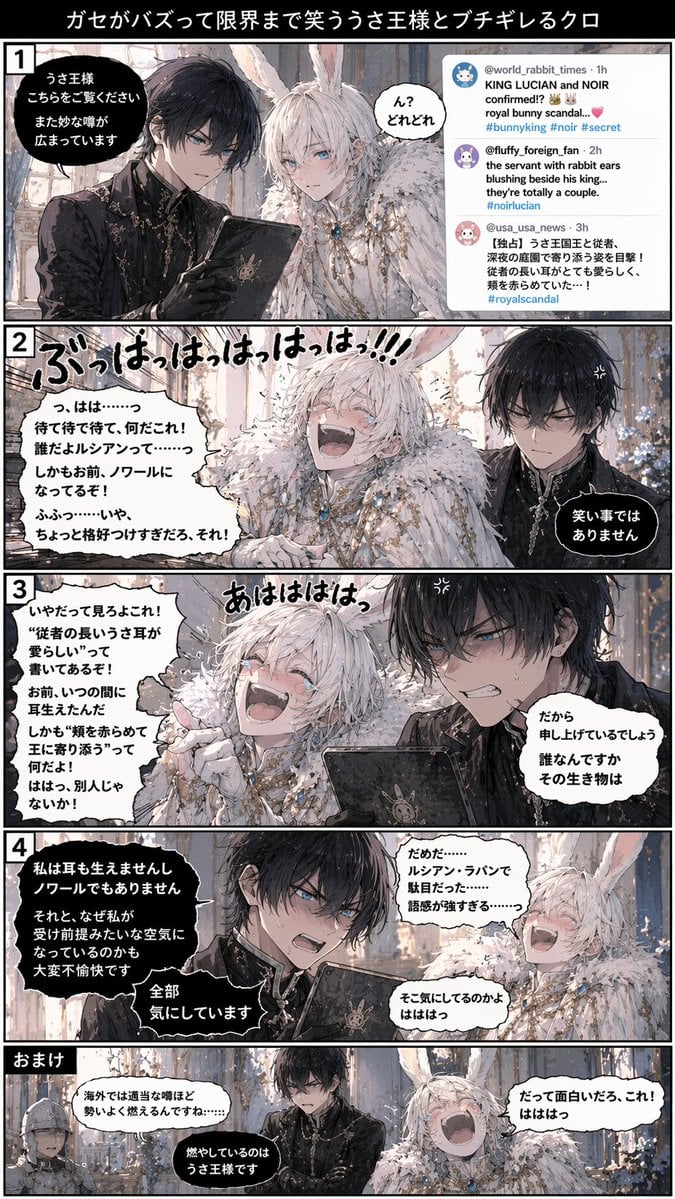
Vertical 5-Panel Anime Comic Strip
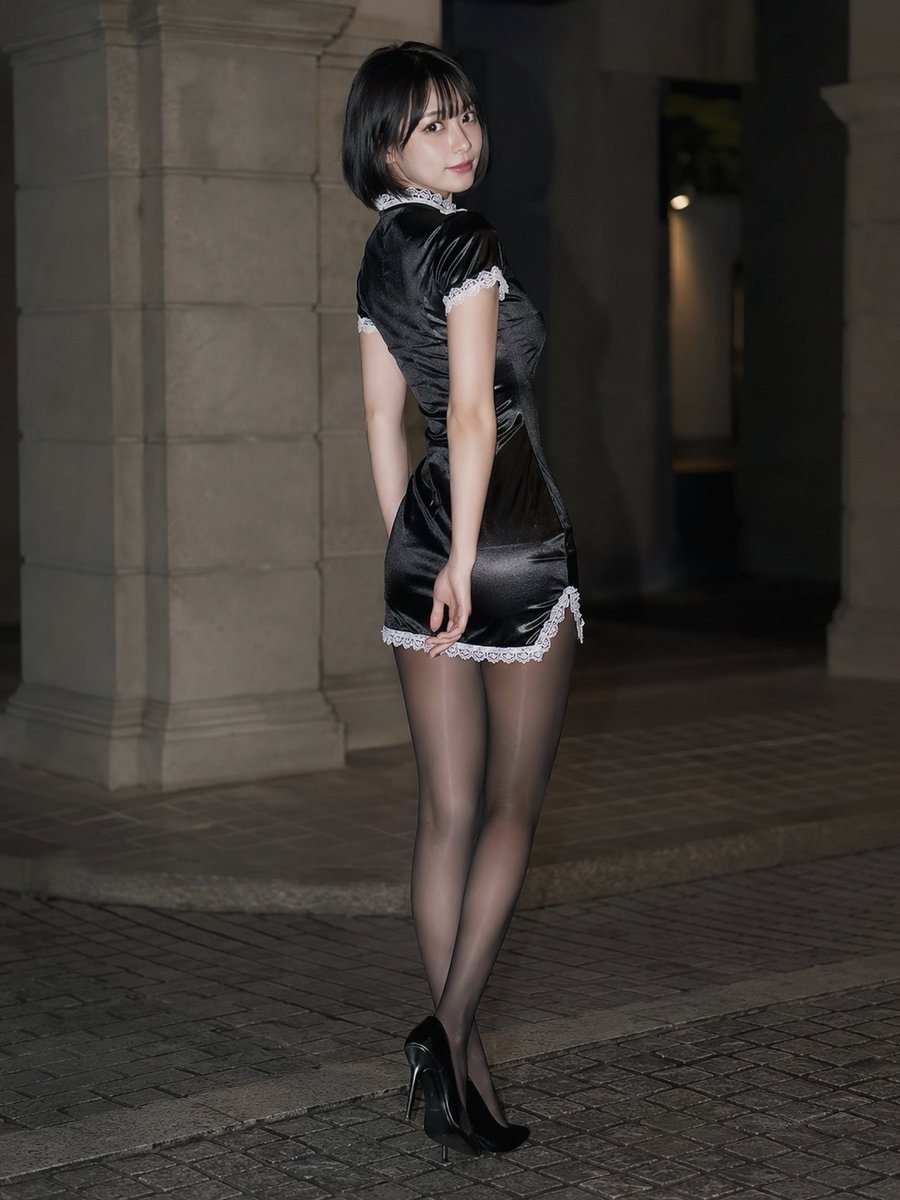
Japanese Beauty in Black Qipao
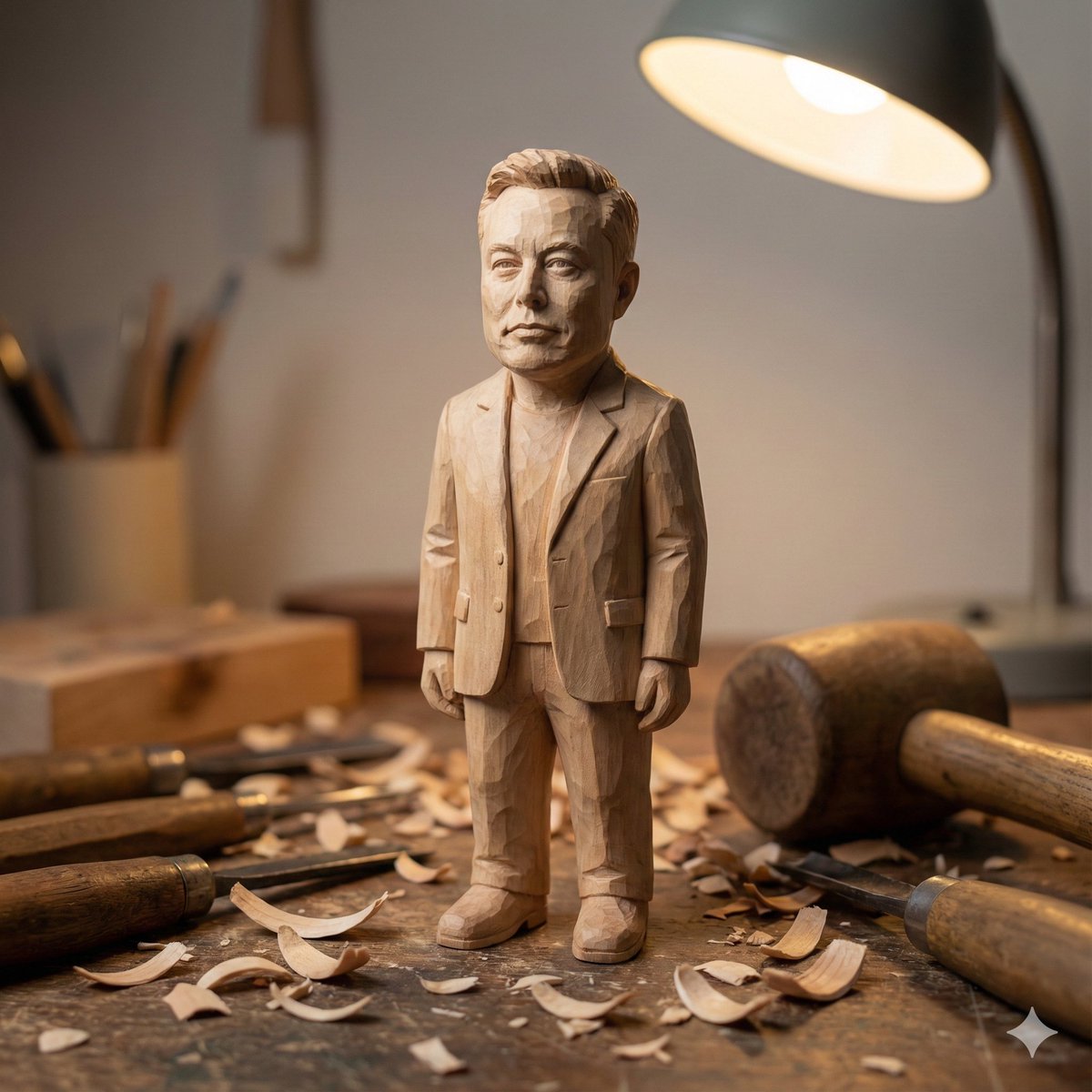
Hand-carved wooden miniature figure prompt
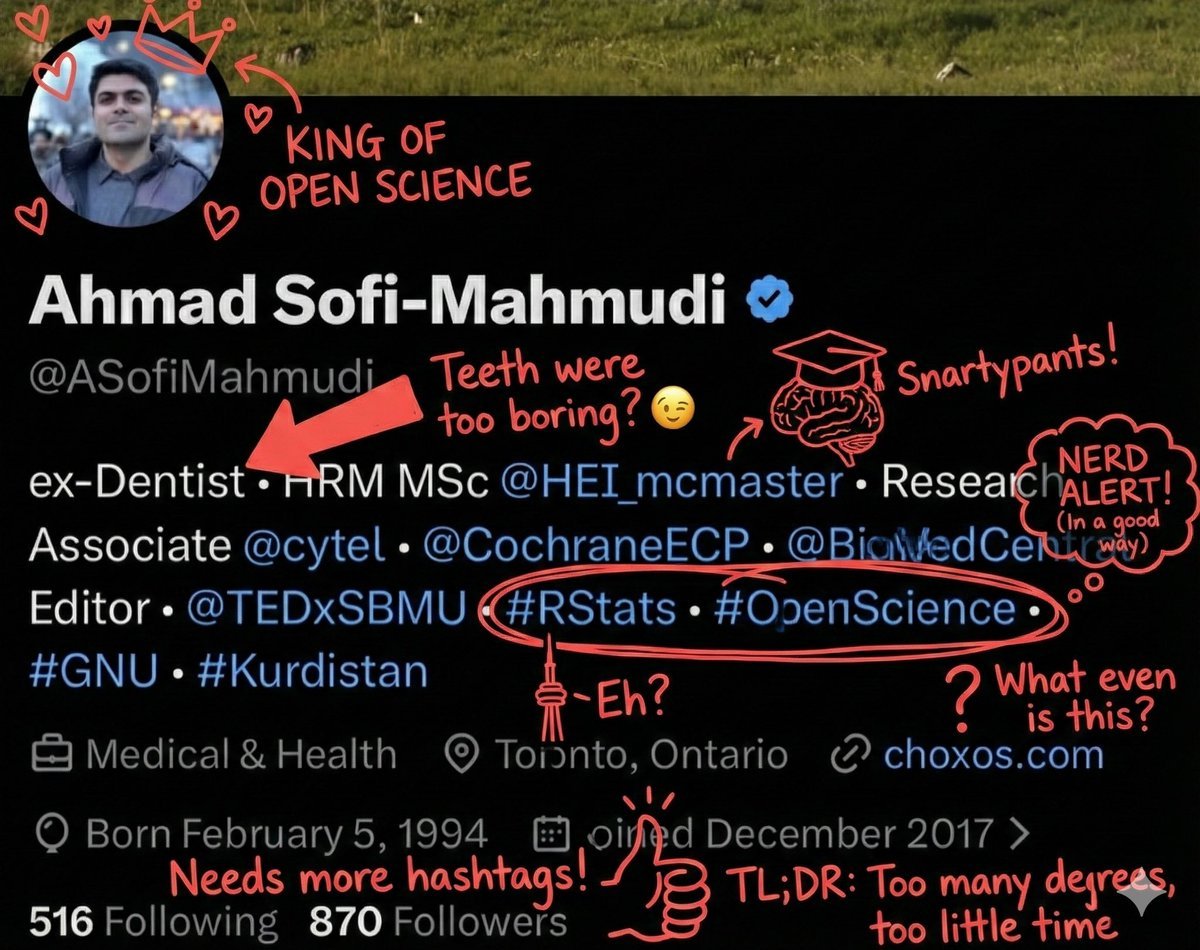
Overlay Image with Funny Comments
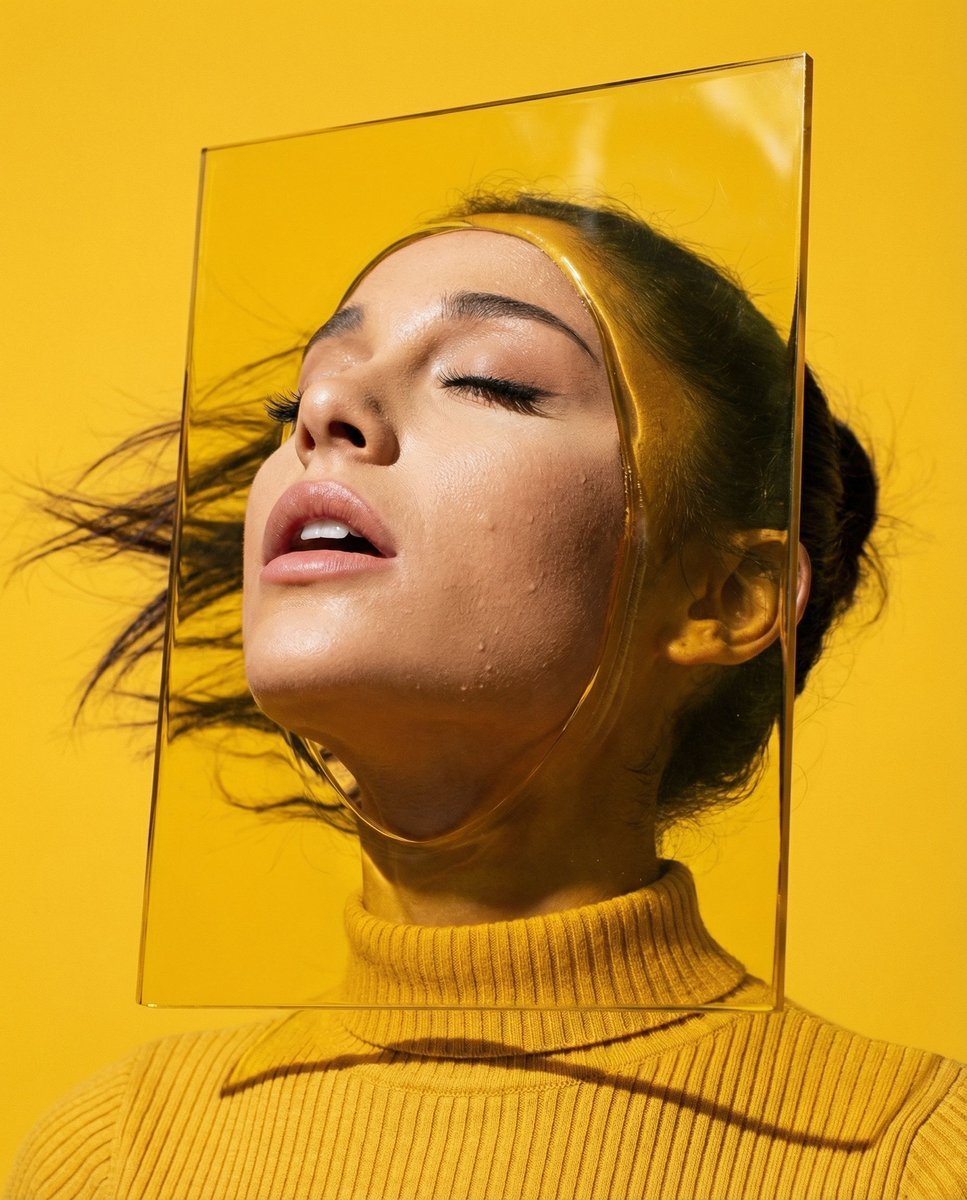
Editorial Surrealism Portrait (Amber Trance)
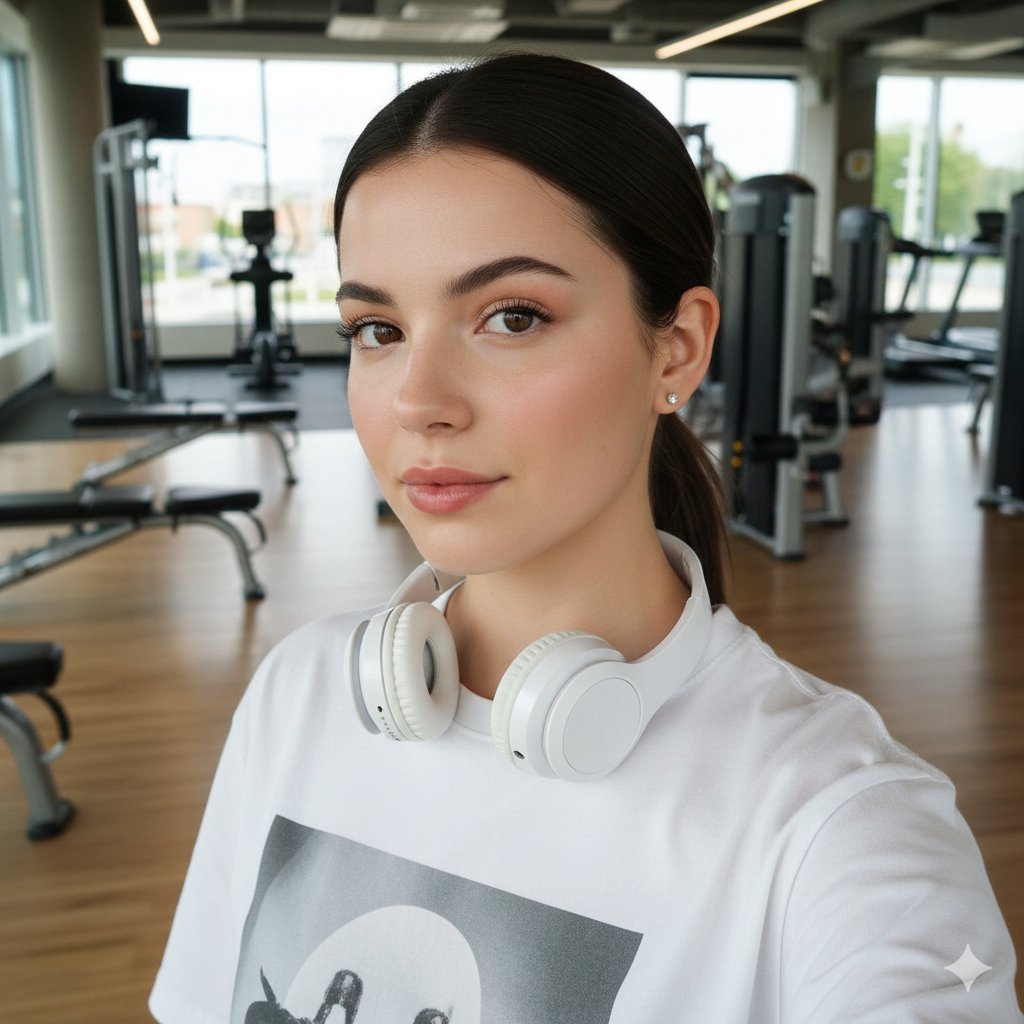
Sporty Gym Selfie Identity Preservation Prompt
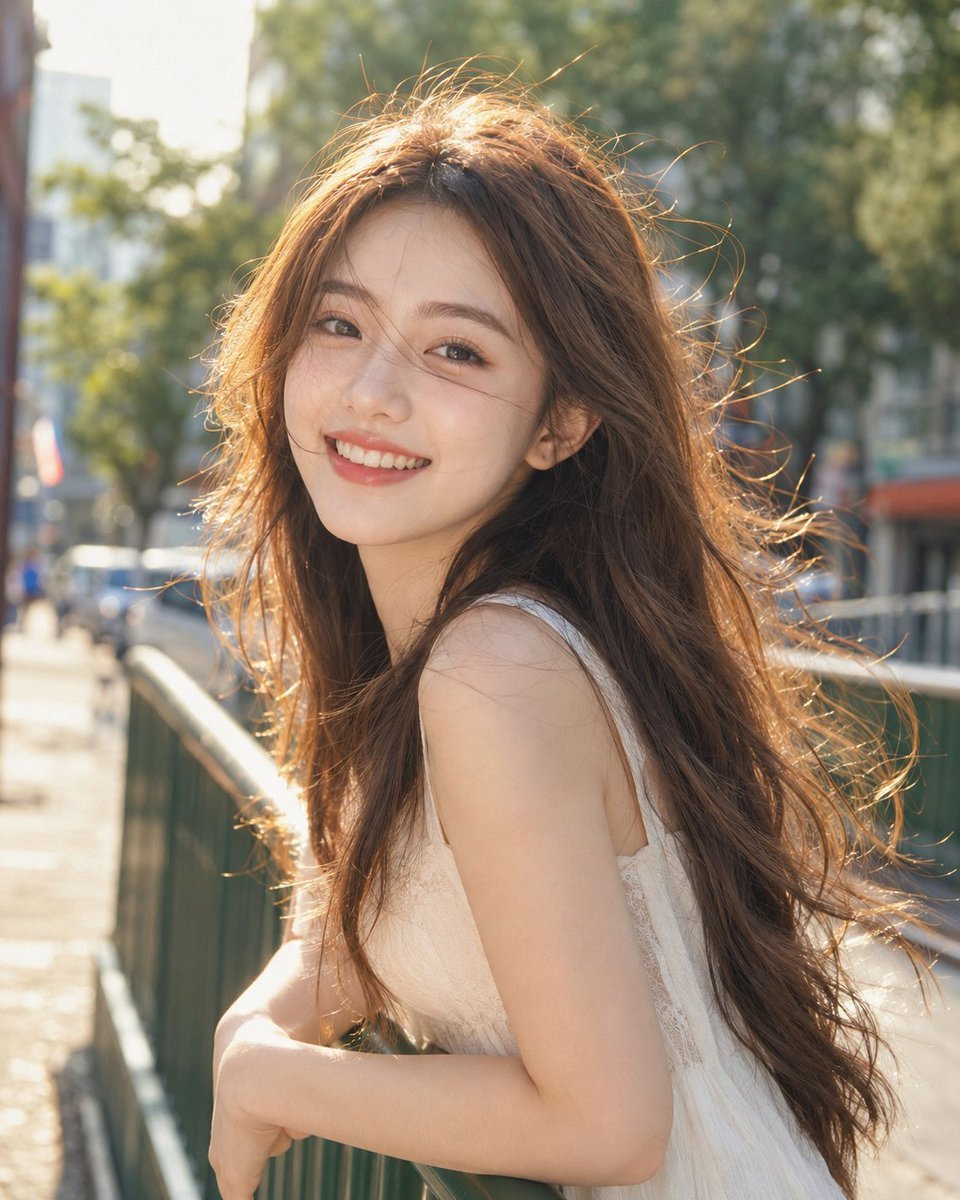
Backlit Windy Summer Portrait
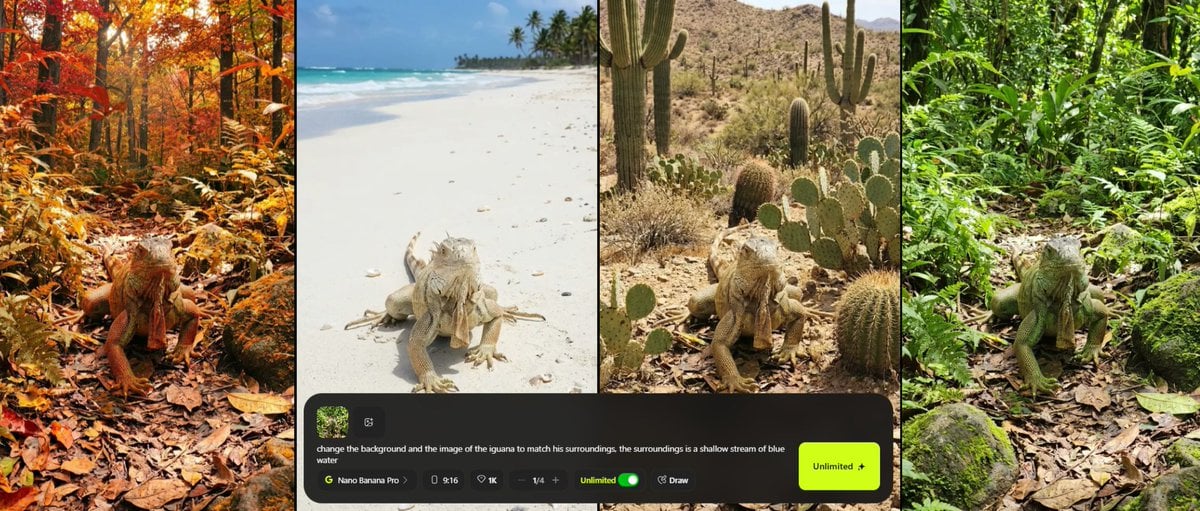
Consistent Character Background Change Prompt
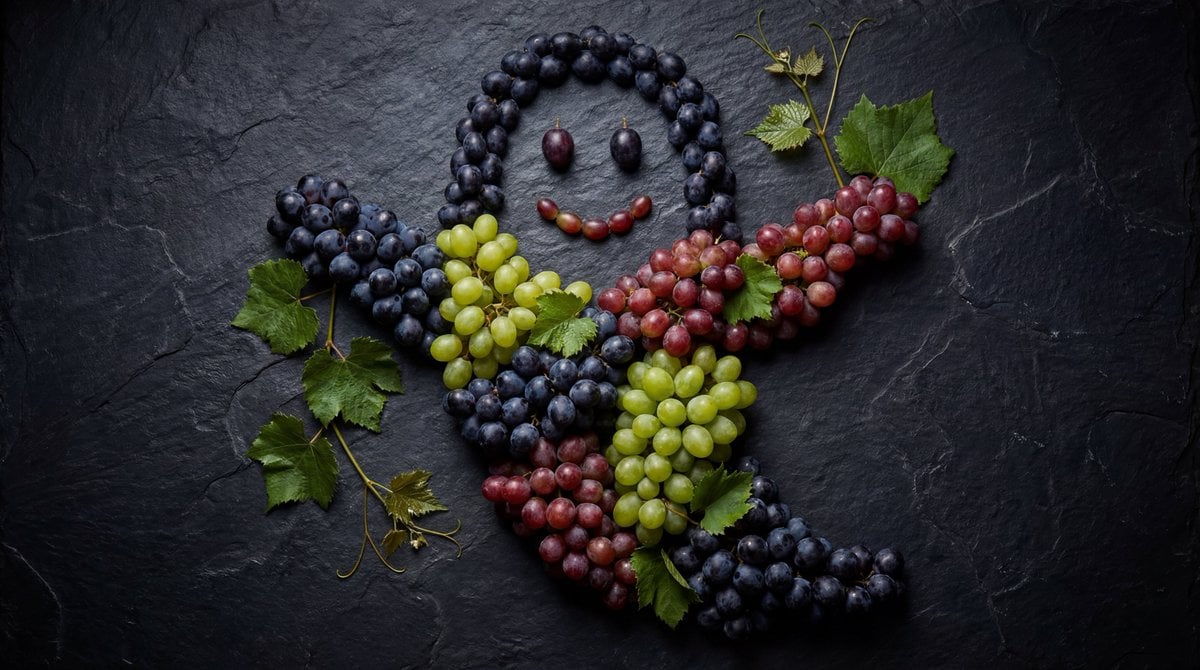
Grapes Arranged as a Ghost

Vintage Engraved Hoodie Portrait
Browse template categories
Autumn Onsen Gourmet Sale Poster questions
How do I use the Autumn Onsen Gourmet Sale Poster template?
Add your photo if the template asks for one, edit the prompt if you like — the template's model and format are already selected — and press Generate. Your version opens in PicX Studio.
Can I customize the Autumn Onsen Gourmet Sale Poster template?
Yes. You can change the subject, setting, lighting, mood, format, and available model controls before creating your image.
Is the Autumn Onsen Gourmet Sale Poster template free?
Opening and editing this template is free. Generating uses credits, shown on the Generate button when you are signed in.
Which AI model should I use?
Start with GPT Image 2, which is the model associated with this template. You can compare another compatible model for a different finish.
Looking for something else? Browse all templates.

Your photo, any look
Thousands of ready templates for every top image and video model, from one credit balance.