
Zen Guanyin Good Morning Greeting
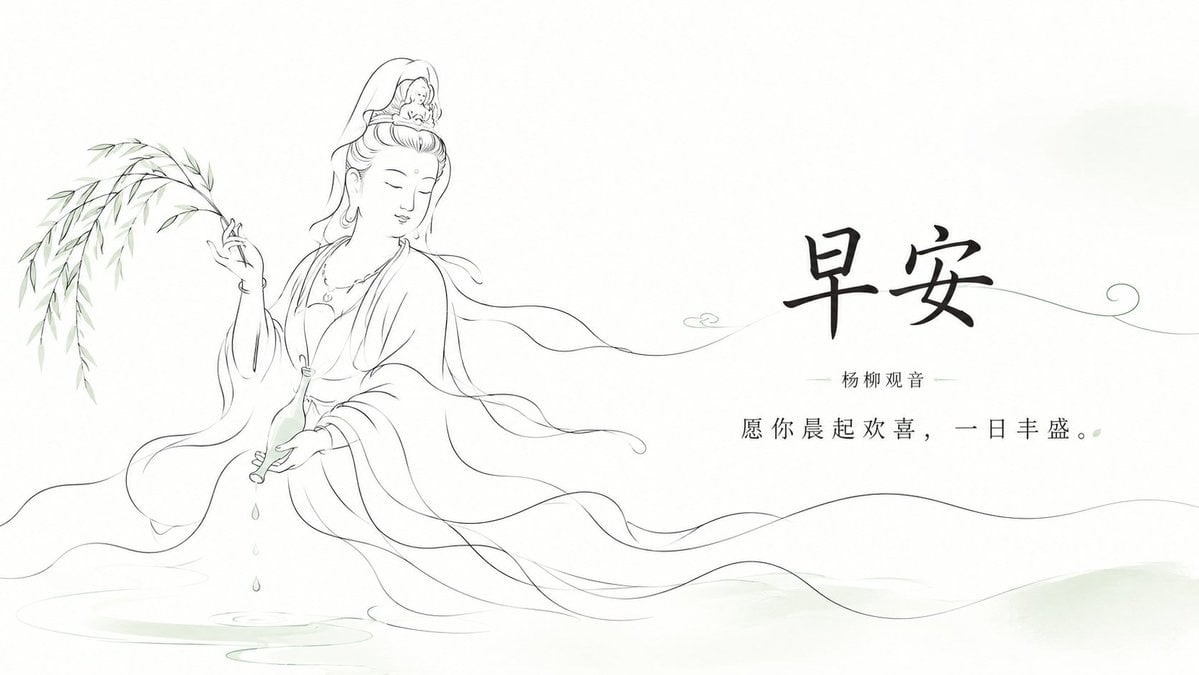
A minimalist Chinese line-art Yangliu Guanyin morning blessing card for serene social media greetings.
- Prompt included
- Model and format preset
- Free template
The prompt behind this image
Copy the exact prompt behind Zen Guanyin Good Morning Greeting, or open it in the studio and make it yours.
Create a serene horizontal Chinese Buddhist good-morning greeting illustration in elegant hand-drawn line art. Use a wide 16:9 white canvas with lots of negative space and very pale green ink-wash accents. On the left third, draw exactly 1 graceful Yangliu Guanyin figure seated or floating above faint water ripples, shown in thin black flowing contour lines with soft, drifting robes and ribbons. She has closed eyes, a peaceful face, an ornate high hair bun and veil, and holds exactly 1 slender willow branch in her raised left hand and exactly 1 small pale-green vase tilted downward in her other hand, with exactly 3 visible water drops falling into the water below. Add delicate bamboo-like willow leaves sweeping in from the far left and long wave-like robe lines extending across the lower half of the image toward the right. On the right half, place exactly 3 centered text elements: a large bold brush-calligraphy headline reading {argument name="headline text" default="早安"}, a small subtitle beneath it reading {argument name="subtitle text" default="杨柳观音"} with thin horizontal divider lines on both sides, and a refined smaller blessing line reading {argument name="blessing text" default="愿 你 晨 起 欢 喜, 一 日 丰 盛。"}. Add a single fine decorative green line curling behind the headline and ending in a small spiral at the far right, plus a tiny simple cloud mark near the center. Overall style: minimalist Zen aesthetics, airy composition, flowing hand-drawn lines, muted ink gray and pale jade green, no borders, no watermark, no extra text.
How to use Zen Guanyin Good Morning Greeting in 3 steps
- 1Upload ImagePNG, JPG or paste
Add your photo
Upload the photo the template builds on. The prompt, model and format are already set.
- 2…a portrait of your subject in softgolden-hour light, 85mm…
Personalize
Edit the subject and creative details for your destination.
- 3Generate
Generate
Press Generate — your image is created in PicX Studio, so you can compare it with the original and refine one variable at a time.
More like this
Templates with the same subject, style or setup. Open one to see its prompt.
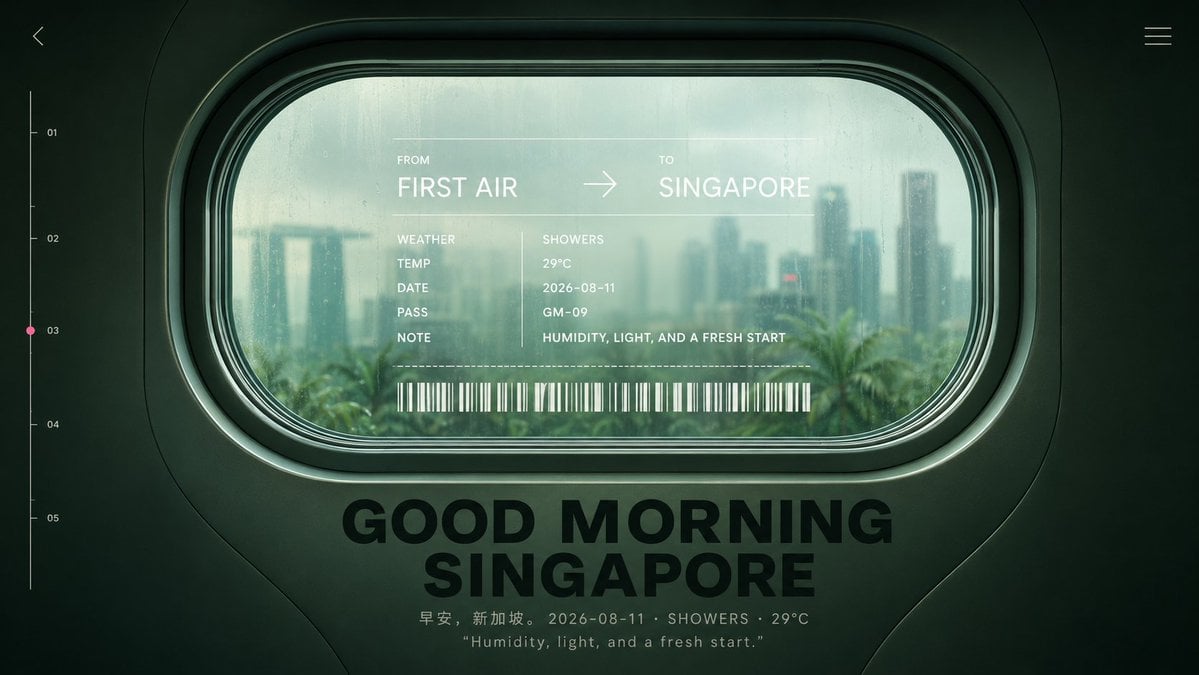
Good Morning Singapore Window Poster
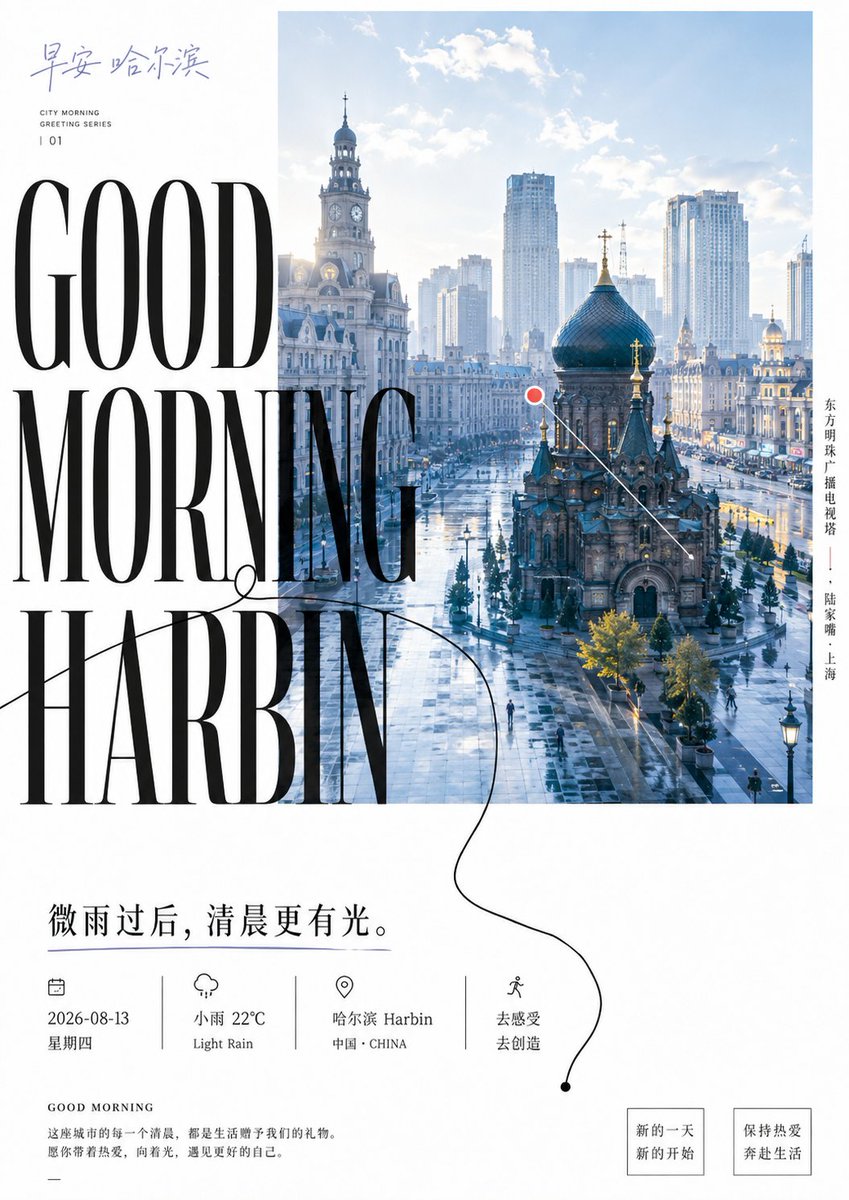
Good Morning Harbin Magazine Poster
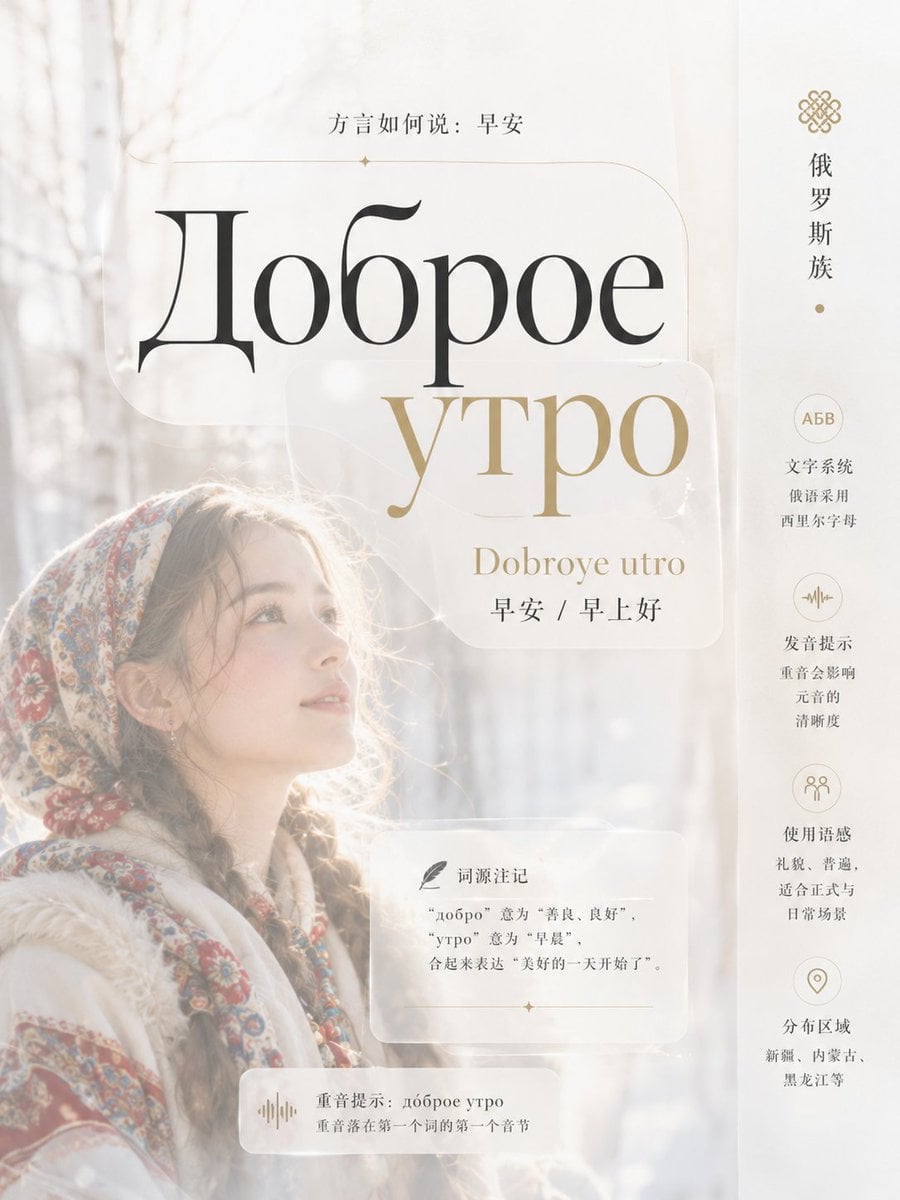
Multi-Cultural Morning Greeting Infographic Slide
Chibi Morning Greeting Sticker
Chibi Anime Morning Greeting Sticker
Shanghai Morning Greeting Poster
Good Morning Changsha Food Poster
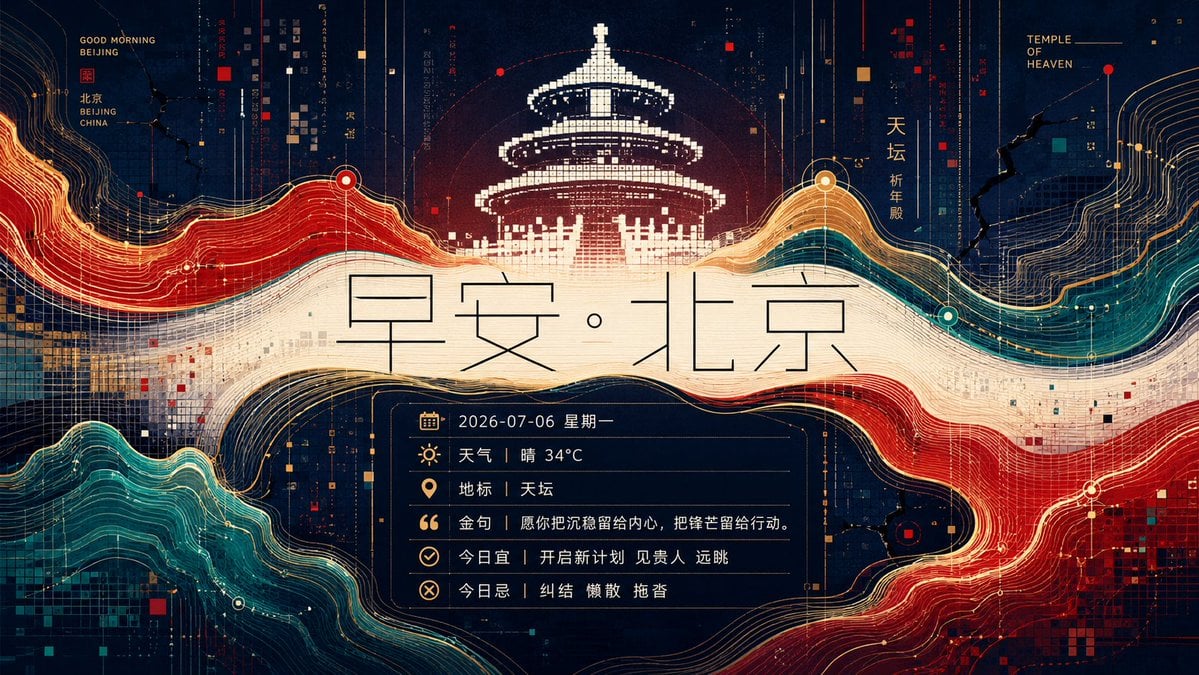
Futuristic Good Morning Beijing Poster
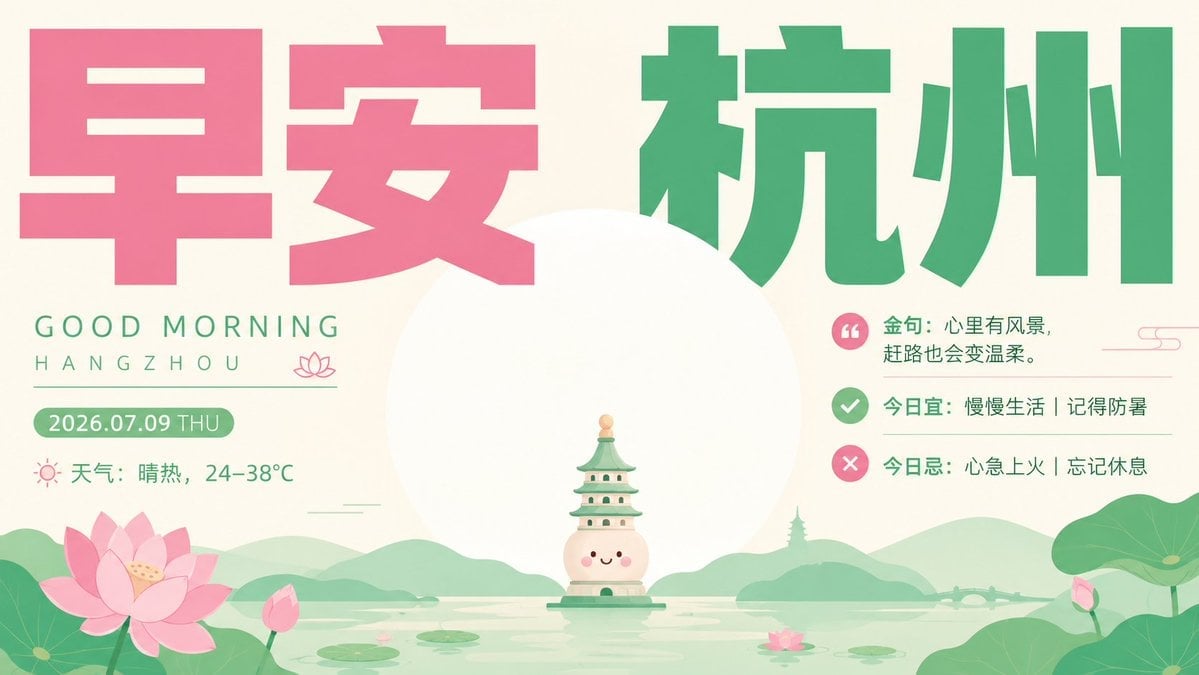
Healing Good Morning Hangzhou Poster
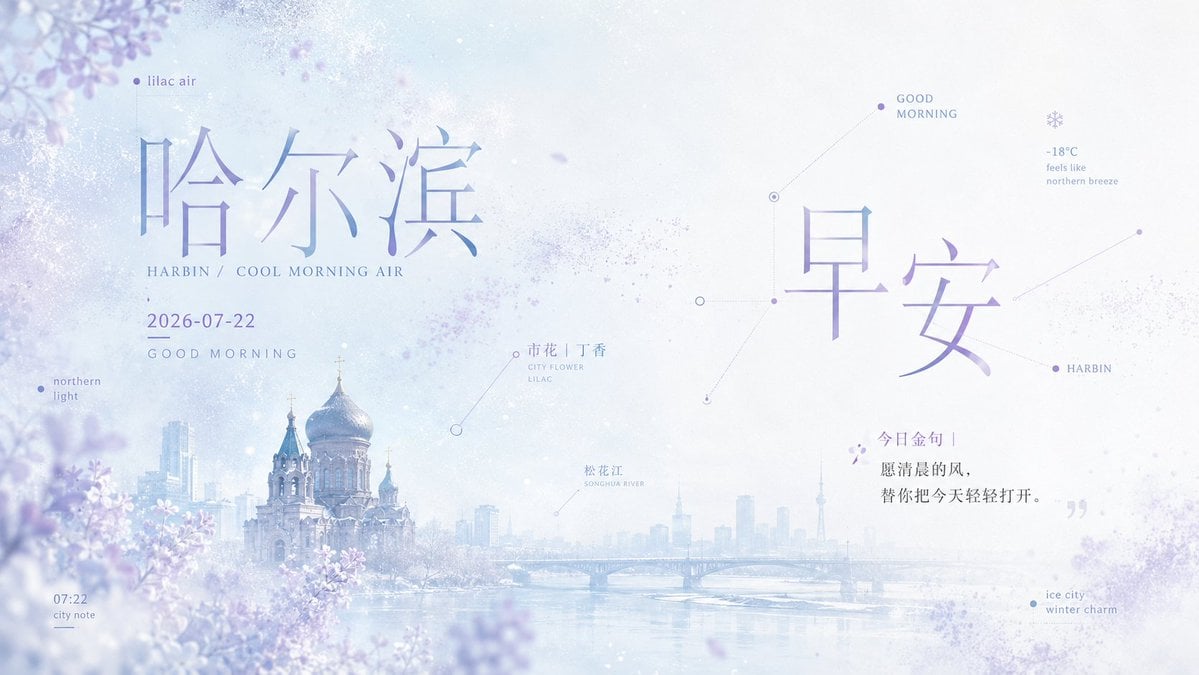
Lilac Harbin Good Morning Poster
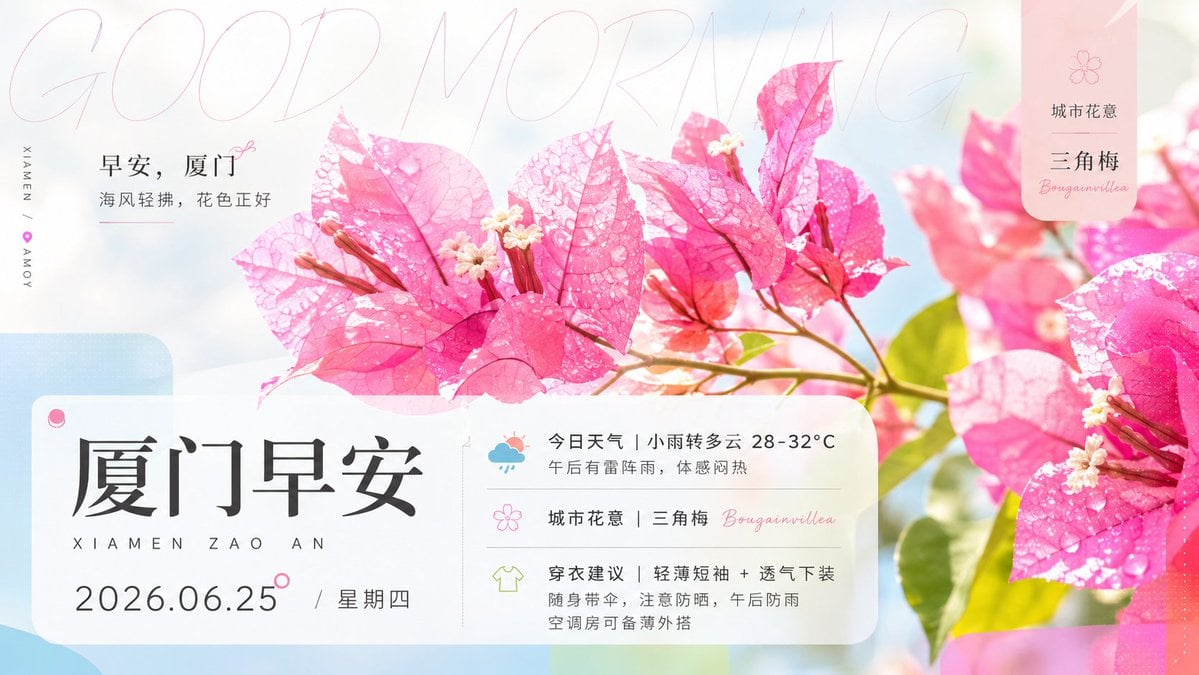
Xiamen Bougainvillea Morning Greeting Poster

Pixar-Style Chibi Café Morning Scene
Make it yours
Zen Guanyin Good Morning Greeting works as-is. These are the safest ways to change it without losing the look.
Change one field
Copy a single group, rewrite it, and generate again so you can see what that field is doing.
Keep the frame, change the subject
Hold the composition and light of Zen Guanyin Good Morning Greeting, then swap wardrobe, props or the person for a new take.
| If the result… | Why | Fix |
|---|---|---|
| The result drifts from the preview | Too many fields changed at once. | Reuse Zen Guanyin Good Morning Greeting as-is first, then change one group — subject, light, or setting. |
| The model over-stylizes the scene | The prose prompt leaves finish and camera underspecified. | Add one camera or lighting sentence and stay on GPT Image 2. |
More GPT Image 2 templates
Other prompts made for GPT Image 2.

Six VTuber Japanese Logo Sheet

Realistic Portrait of Woman and Deer

The Vista Modular Condo Poster

AI Model Routing Comparison Infographic

2.5D Anime Art Board

Isometric Productivity Desk Scene

New York Double Exposure Poster

Four-Panel AI Landscape Comparison

Japanese Tatami Lifestyle Magazine Cover

NESCAFÉ Coffee Map Poster
More image prompts
Fresh picks from across the catalog.
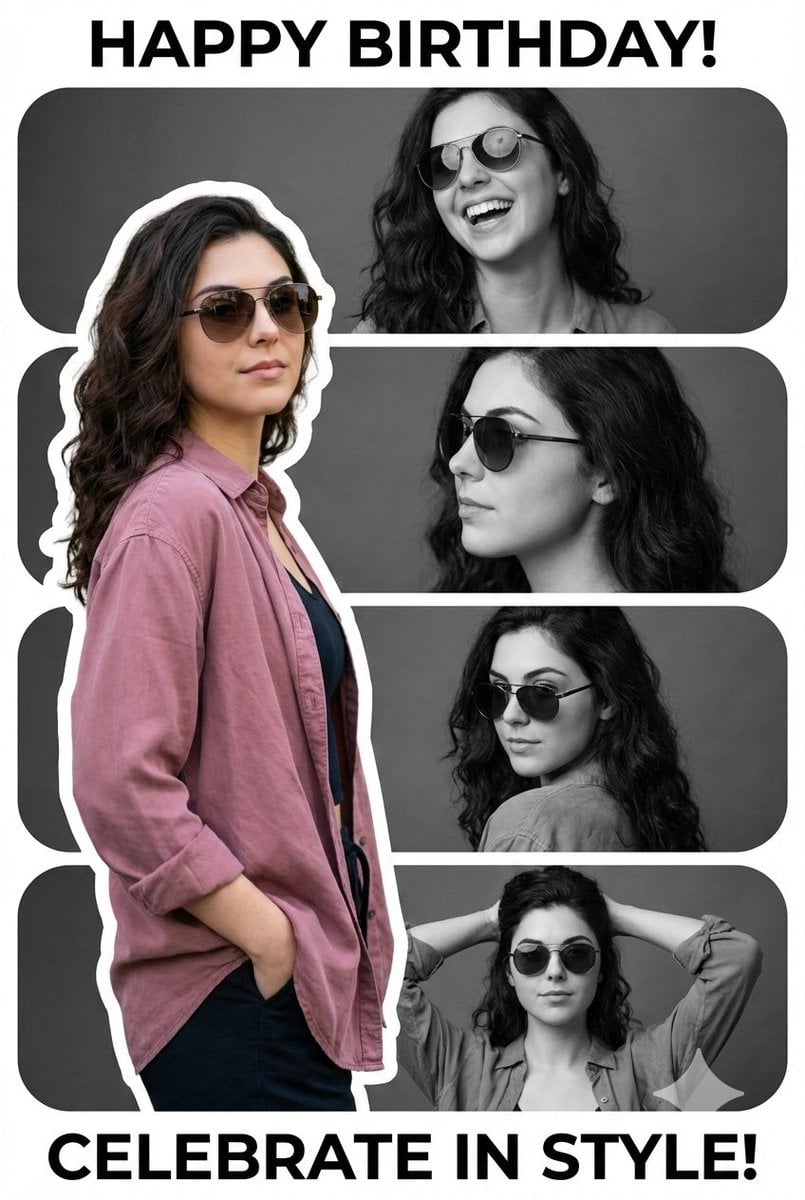
Vertical Birthday Poster Collage with Cinematic Monochrome Photos

Minimalist Luxury Automotive Poster
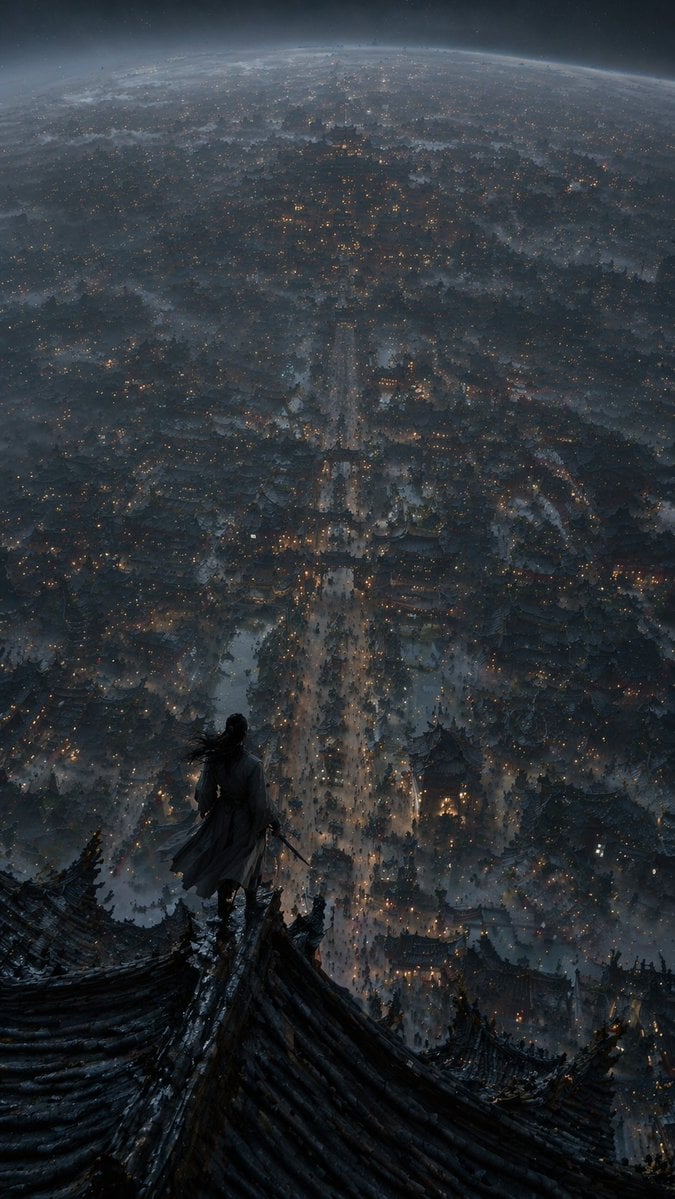
Xianxia Cityscape from God's-Eye View
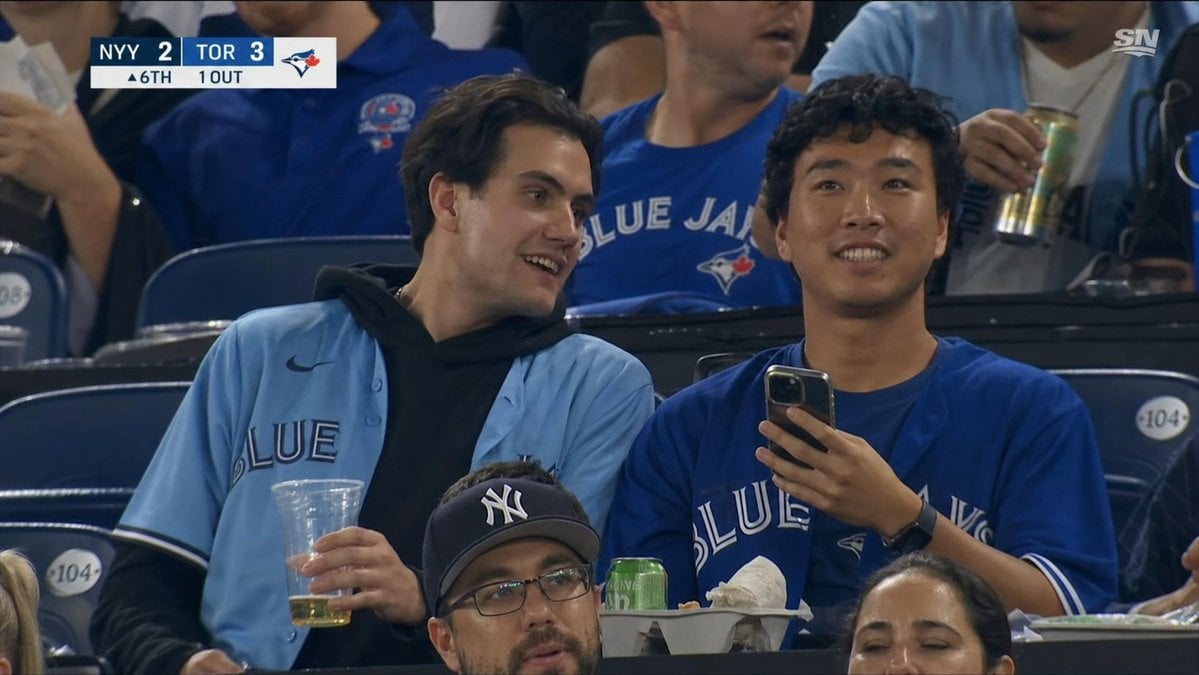
Blue Jays Broadcast Crowd Screenshot
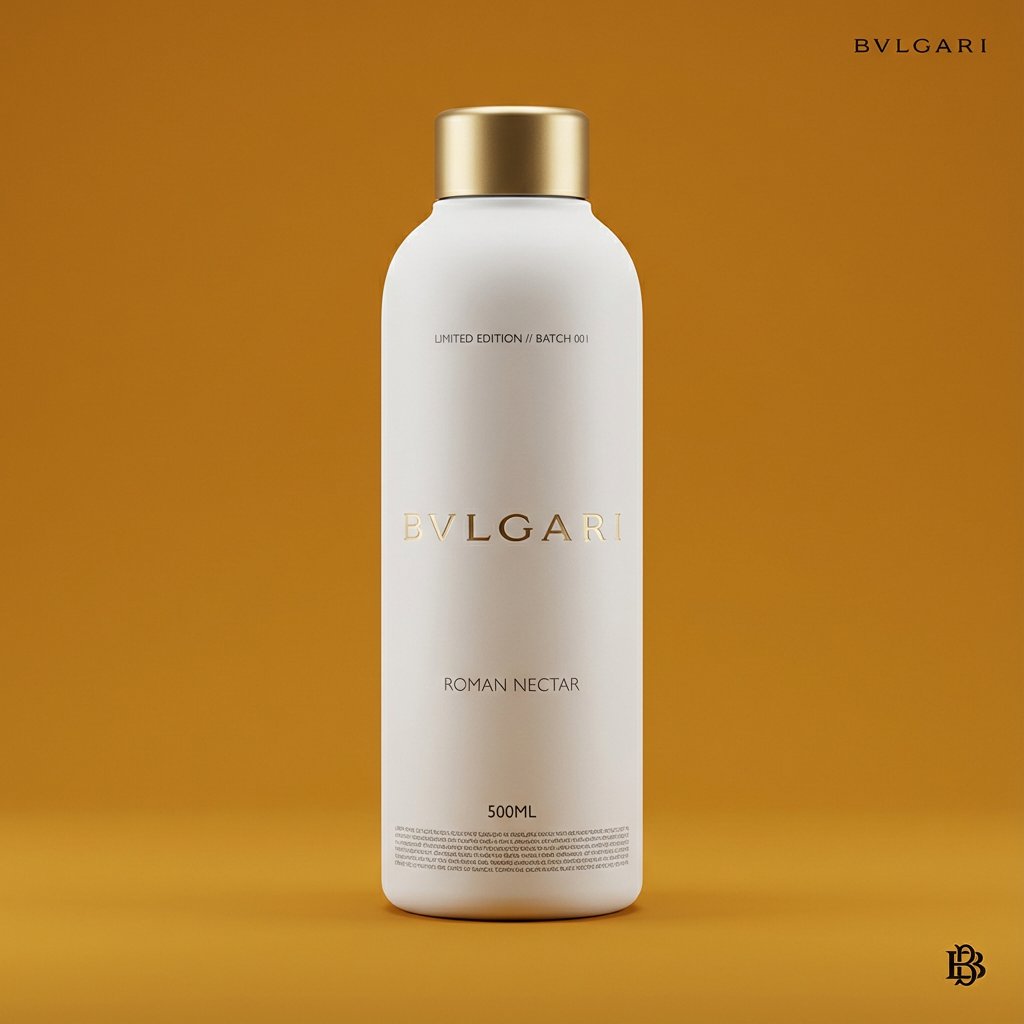
Premium Beverage Package Design Prompt
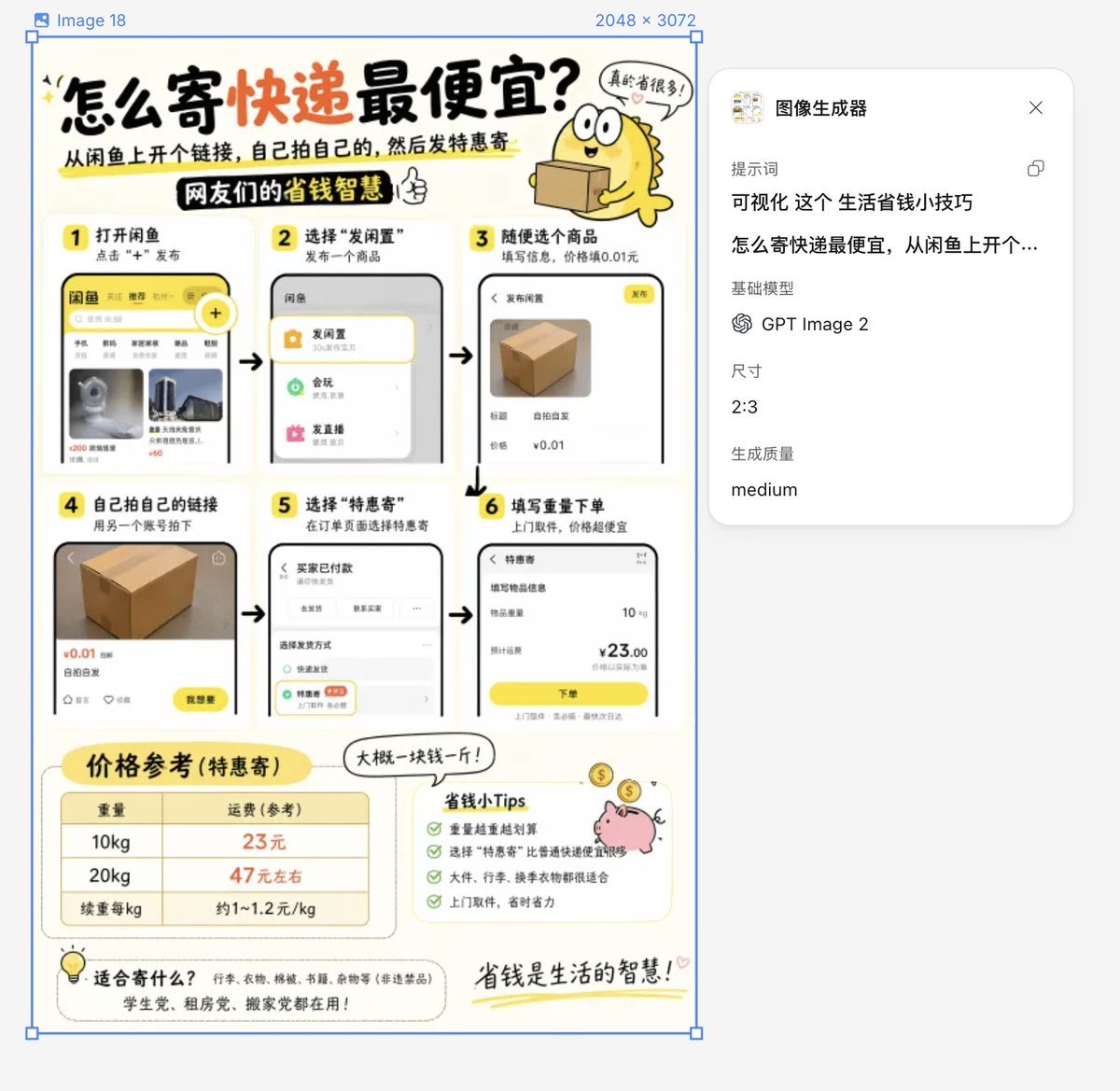
Life Hack Visualization
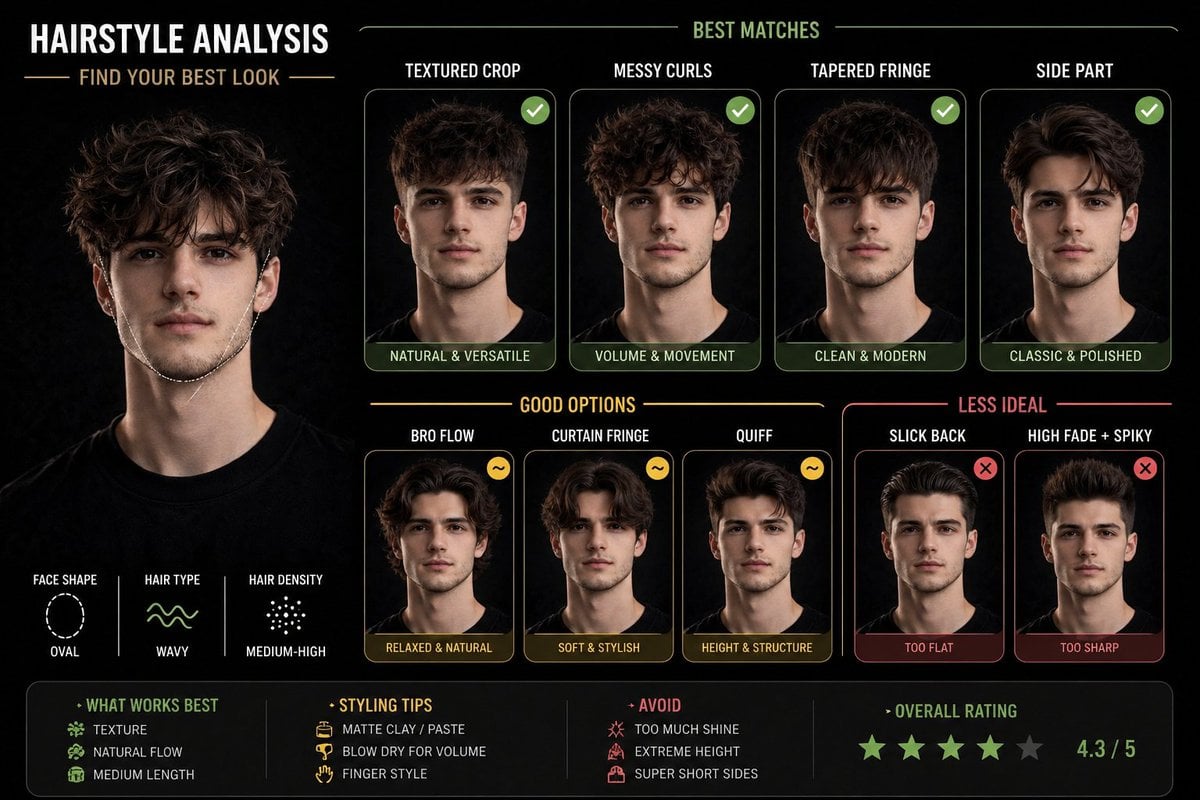
Hairstyle Suitability Analysis Chart
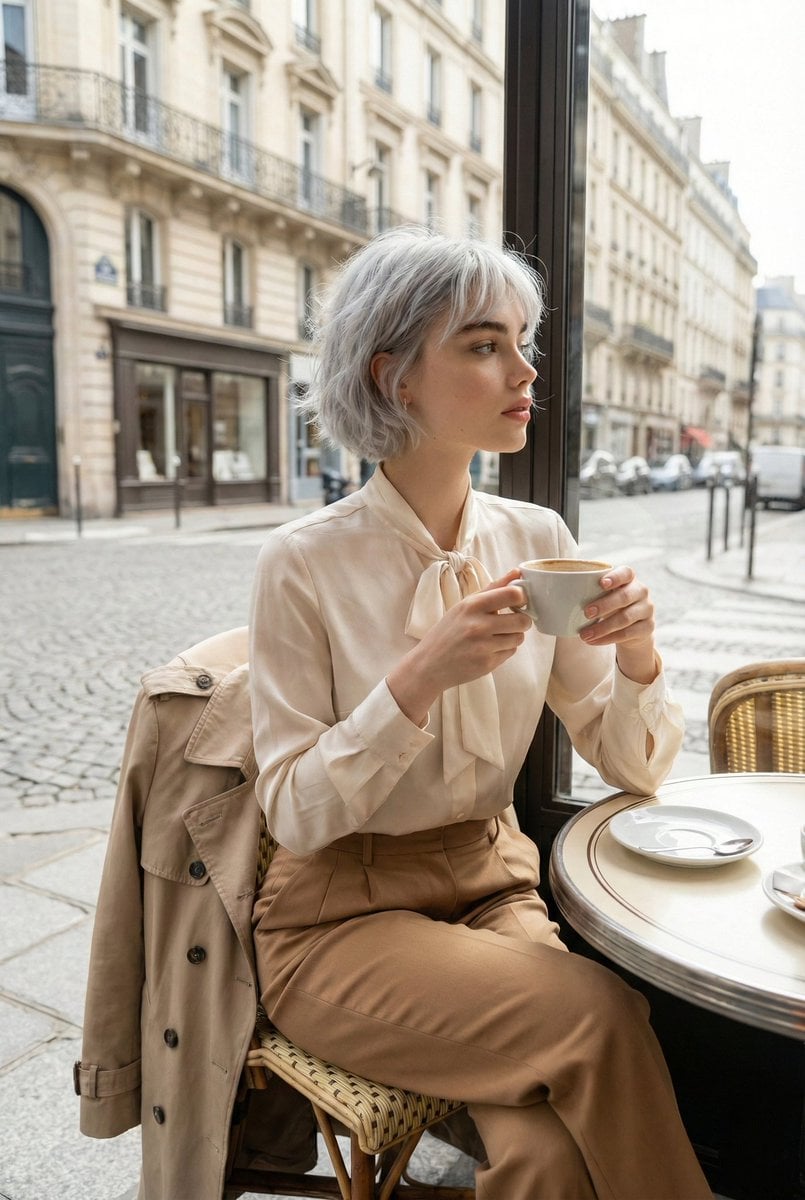
Candid Parisian Café Portrait with Silver Hair
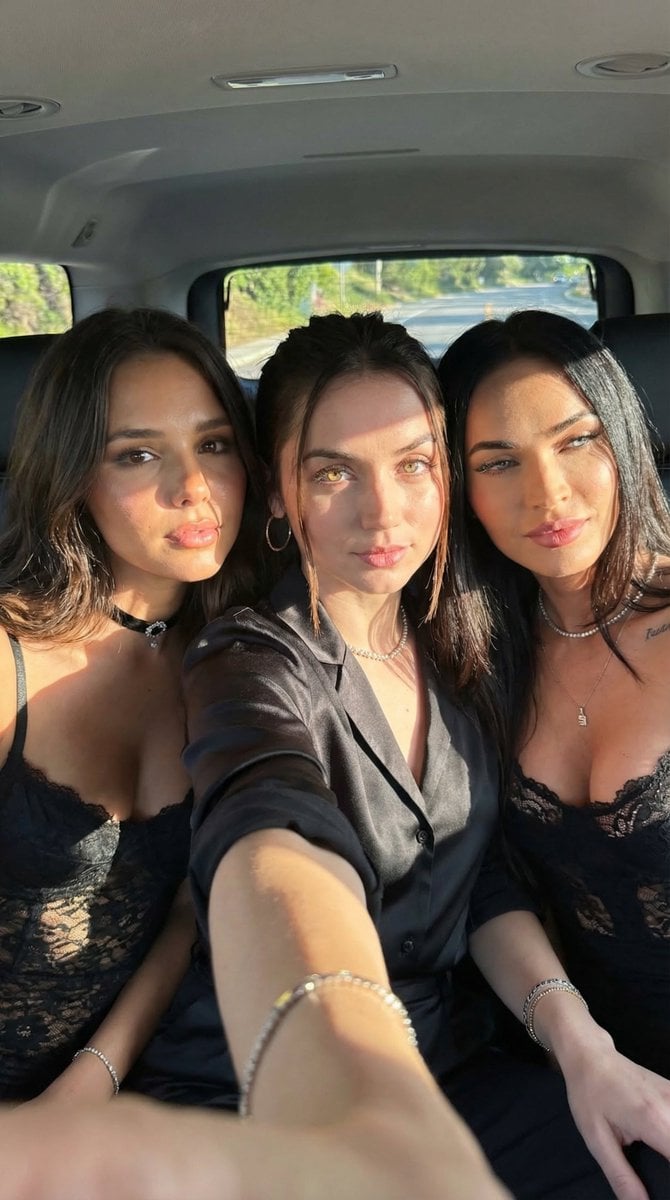
Car Selfie with Three Subjects and Identity Lock
Caravaggio-style Moral Painting of Cheating at Mahjong
Browse template categories
Zen Guanyin Good Morning Greeting questions
How do I use the Zen Guanyin Good Morning Greeting template?
Add your photo if the template asks for one, edit the prompt if you like — the template's model and format are already selected — and press Generate. Your version opens in PicX Studio.
Can I customize the Zen Guanyin Good Morning Greeting template?
Yes. You can change the subject, setting, lighting, mood, format, and available model controls before creating your image.
Is the Zen Guanyin Good Morning Greeting template free?
Opening and editing this template is free. Generating uses credits, shown on the Generate button when you are signed in.
Which AI model should I use?
Start with GPT Image 2, which is the model associated with this template. You can compare another compatible model for a different finish.
Looking for something else? Browse all templates.

Your photo, any look
Thousands of ready templates for every top image and video model, from one credit balance.