
Good Morning Singapore Window Poster
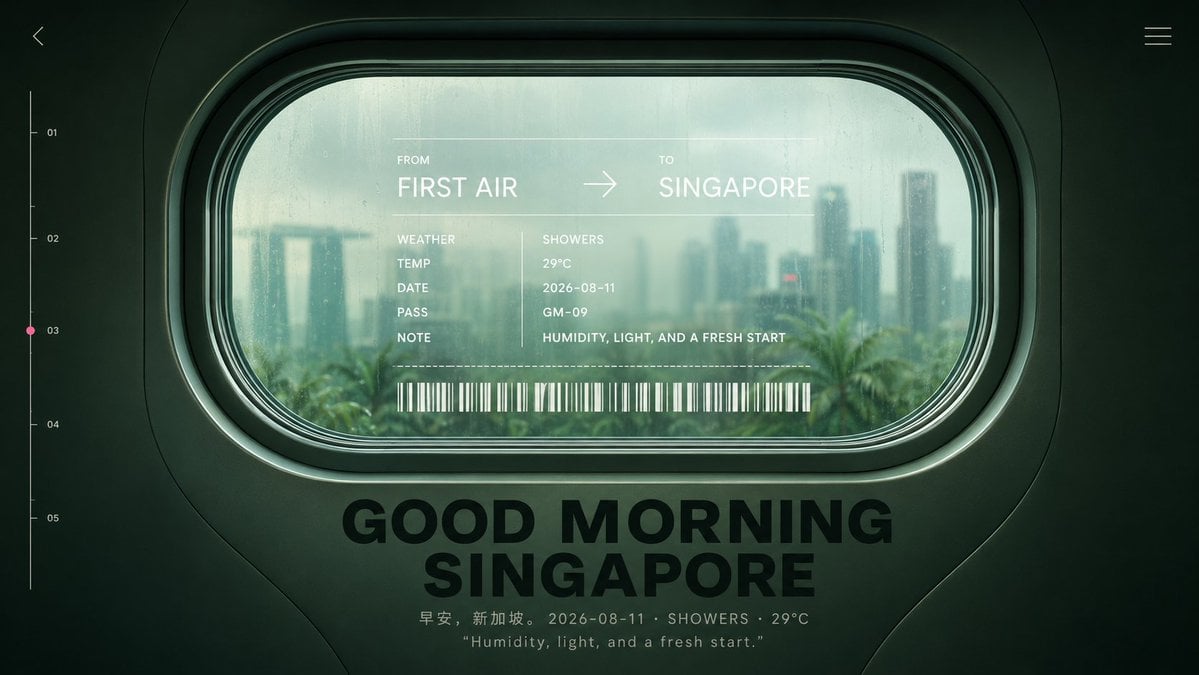
Generates a cinematic travel-aesthetic poster seen through a rain-speckled cabin window with boarding-pass typography and Singapore morning atmosphere.
- Prompt included
- Model and format preset
- Free template
The prompt behind this image
Copy the exact prompt behind Good Morning Singapore Window Poster, or open it in the studio and make it yours.
Create a cinematic futuristic travel poster viewed from inside an airplane or train cabin, centered on a large rounded-rectangle passenger window with thick dark green molded plastic framing and layered rubber seals. Through the slightly fogged, rain-speckled glass, show a soft-focus morning skyline of {argument name="destination city" default="Singapore"} with the Marina Bay Sands silhouette, high-rise towers, palm trees, humid haze, and muted teal daylight after rain. The overall color grade is dark forest green, seafoam, and pale cyan, with moody low contrast, glossy reflections, subtle film grain, and premium editorial design aesthetics. Overlay a translucent boarding-pass style HUD directly on the window glass. Text must read: FROM {argument name="origin" default="FIRST AIR"} → TO {argument name="destination" default="SINGAPORE"}. Below it, create exactly 5 labeled data rows: WEATHER / SHOWERS, TEMP / 29°C, DATE / 2026-08-11, PASS / GM-09, NOTE / HUMIDITY, LIGHT, AND A FRESH START. Add a thin dotted divider line and a long white barcode beneath the data rows. Below the window, place a large bold black uppercase headline centered on the cabin wall: {argument name="headline text" default="GOOD MORNING SINGAPORE"}. Under the headline, add a small caption line: 早安,新加坡。 2026-08-11 · SHOWERS · 29°C, and a second smaller quoted line: “Humidity, light, and a fresh start.” Add minimalist UI navigation details around the frame: a tiny back chevron in the upper left, a three-line hamburger icon in the upper right, and a vertical progress scale on the left edge with exactly 5 numbered tick labels: 01, 02, 03, 04, 05, with a small pink dot highlighting 03. Keep the composition symmetrical, widescreen 16:9, no people, no extra logos, no watermark, crisp typography, realistic cabin materials, and softly blurred city outside.
How to use Good Morning Singapore Window Poster in 3 steps
- 1Upload ImagePNG, JPG or paste
Add your photo
Upload the photo the template builds on. The prompt, model and format are already set.
- 2…a portrait of your subject in softgolden-hour light, 85mm…
Personalize
Edit the subject and creative details for your destination.
- 3Generate
Generate
Press Generate — your image is created in PicX Studio, so you can compare it with the original and refine one variable at a time.
More like this
Templates with the same subject, style or setup. Open one to see its prompt.
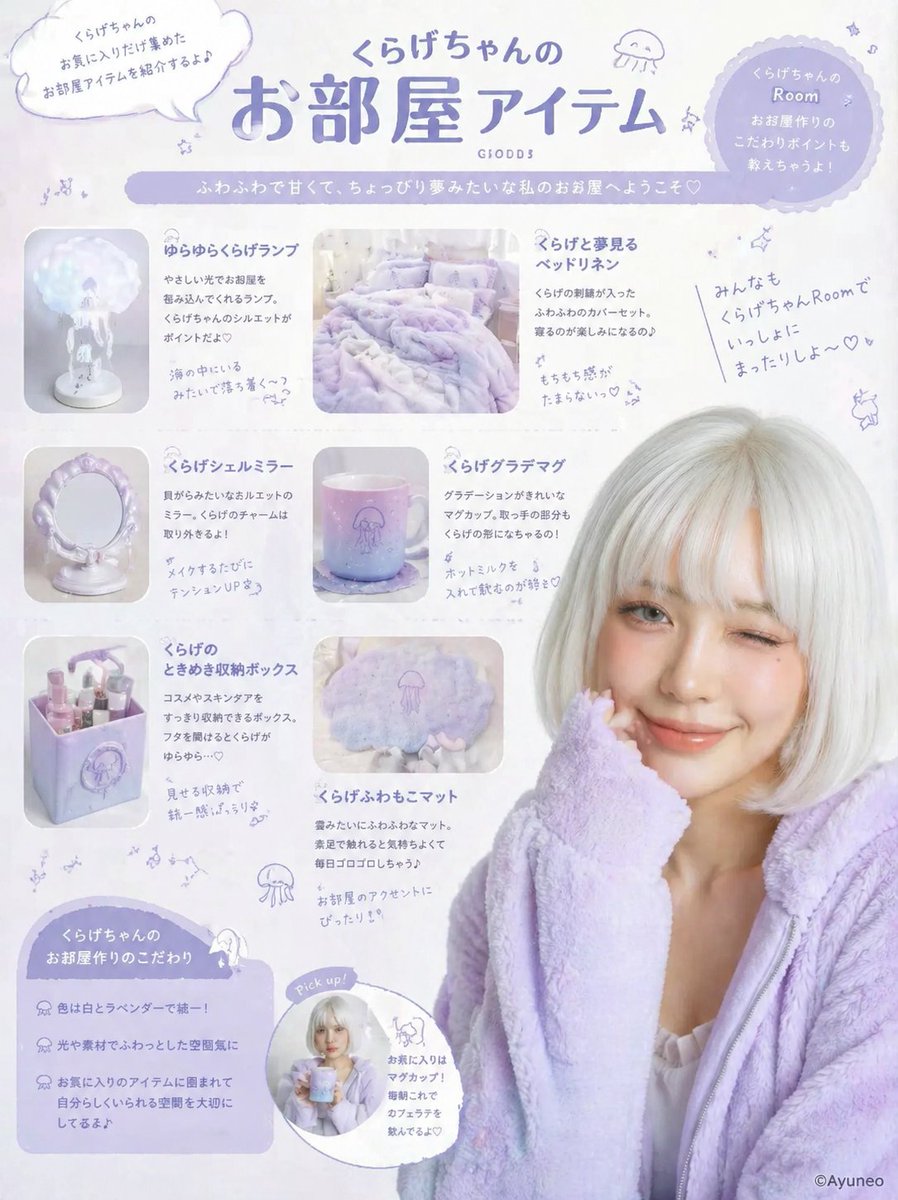
Gpt2 Product Marketing Pastel Jellyfish Room Goods Poster

Gpt2 Infographic Edu Visual Good Bath Day Editorial Poster
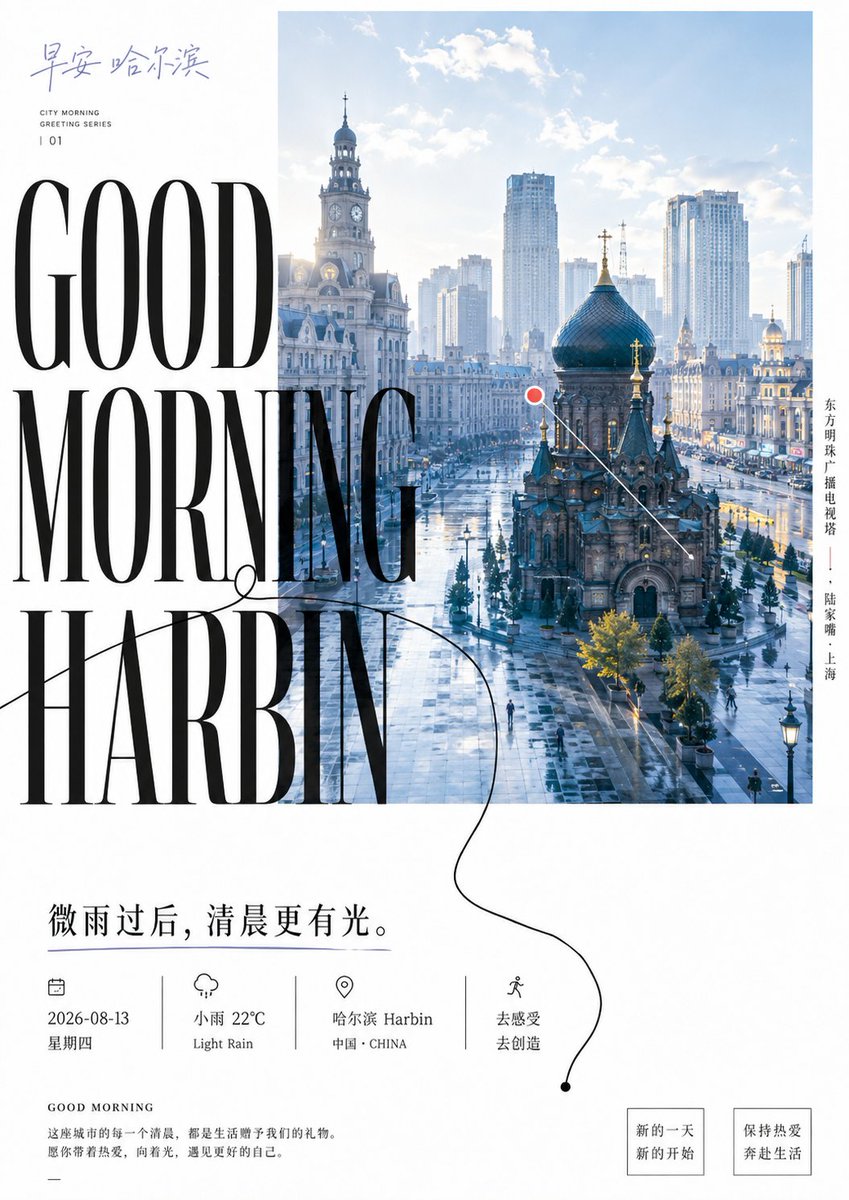
Good Morning Harbin Magazine Poster

Good Morning Changsha Food Poster

Futuristic Good Morning Beijing Poster

Healing Good Morning Hangzhou Poster

Lilac Harbin Good Morning Poster

Japan Travel Brochure Poster

Zen Guanyin Good Morning Greeting

Cartoon TV Show Poster Pack

Trendy Cafe Drink Promo Poster

Urban Fashion Editorial Collage Streetwear Poster
Make it yours
Good Morning Singapore Window Poster works as-is. These are the safest ways to change it without losing the look.
Change one field
Copy a single group, rewrite it, and generate again so you can see what that field is doing.
Keep the frame, change the subject
Hold the composition and light of Good Morning Singapore Window Poster, then swap wardrobe, props or the person for a new take.
| If the result… | Why | Fix |
|---|---|---|
| The result drifts from the preview | Too many fields changed at once. | Reuse Good Morning Singapore Window Poster as-is first, then change one group — subject, light, or setting. |
| The model over-stylizes the scene | The prose prompt leaves finish and camera underspecified. | Add one camera or lighting sentence and stay on GPT Image 2. |
More GPT Image 2 templates
Other prompts made for GPT Image 2.

Six VTuber Japanese Logo Sheet

Realistic Portrait of Woman and Deer

The Vista Modular Condo Poster

AI Model Routing Comparison Infographic

2.5D Anime Art Board

Isometric Productivity Desk Scene

New York Double Exposure Poster

Four-Panel AI Landscape Comparison

Japanese Tatami Lifestyle Magazine Cover

NESCAFÉ Coffee Map Poster
More image prompts
Fresh picks from across the catalog.
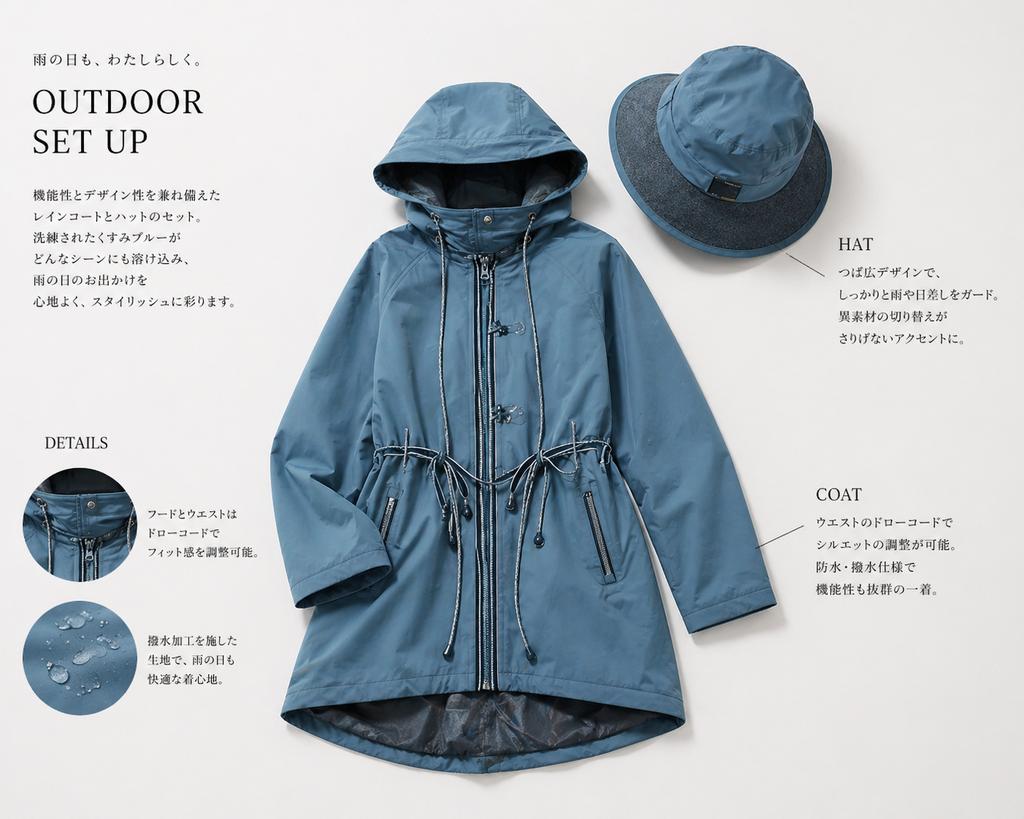
Japanese Rainwear Catalog Layout

Latin American Tech Festival Poster
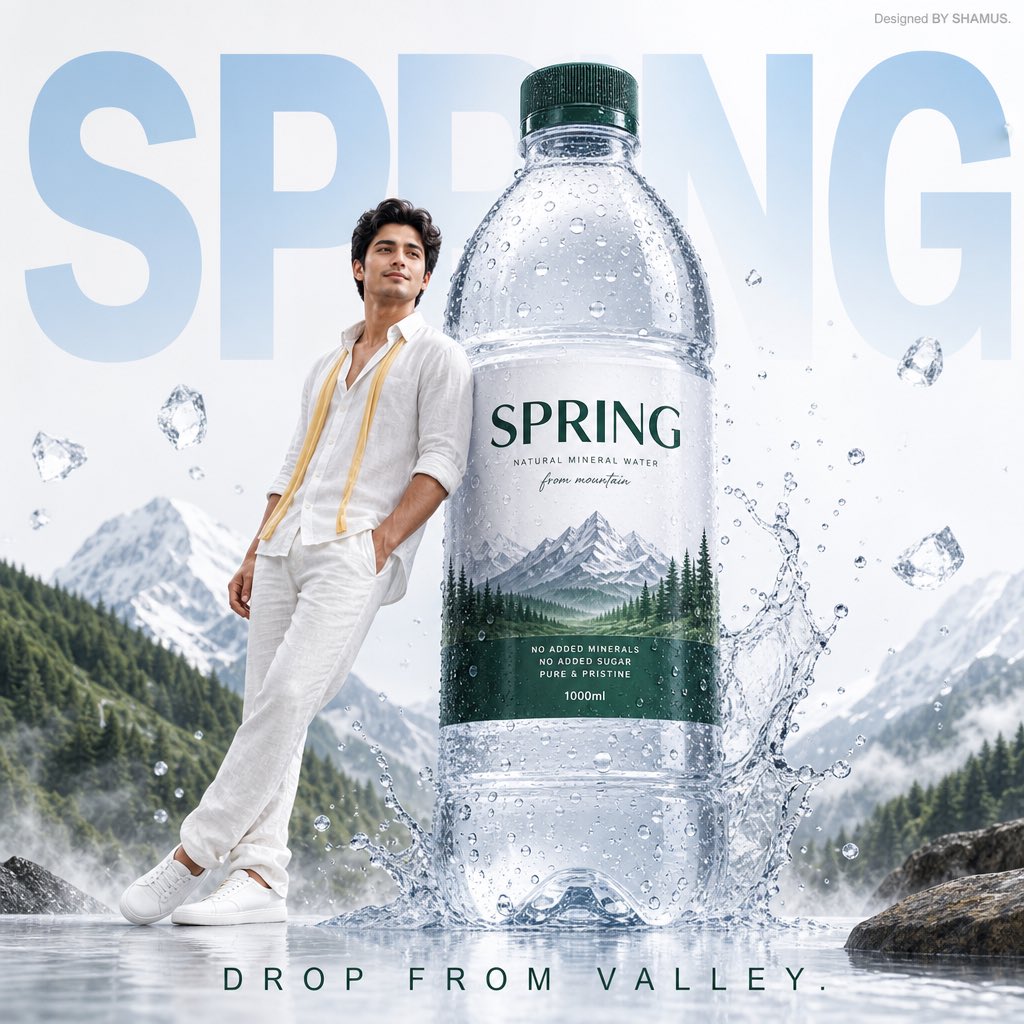
Premium Mineral Water Advertisement
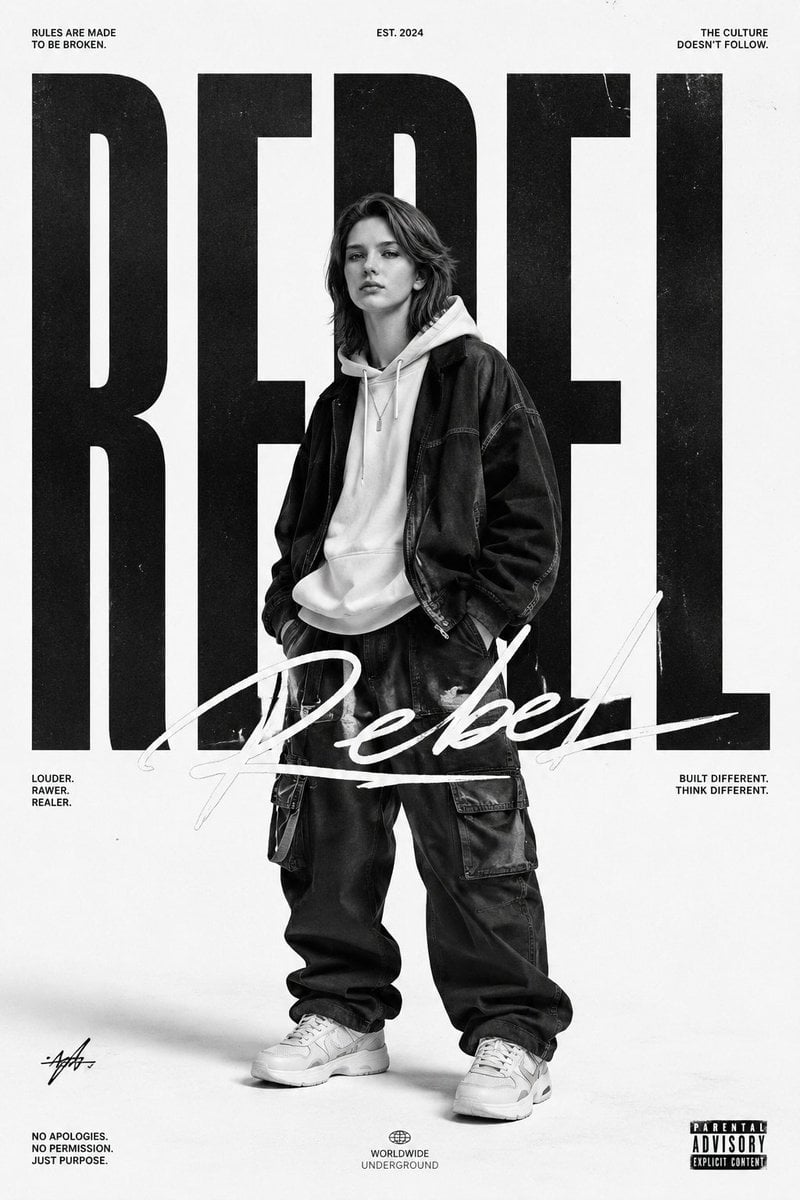
Monochrome Streetwear Editorial Poster

Y2K Style K-Fashion Poster

Blue Rain Mage Character Design

Japanese Graffiti Street Fashion Poster
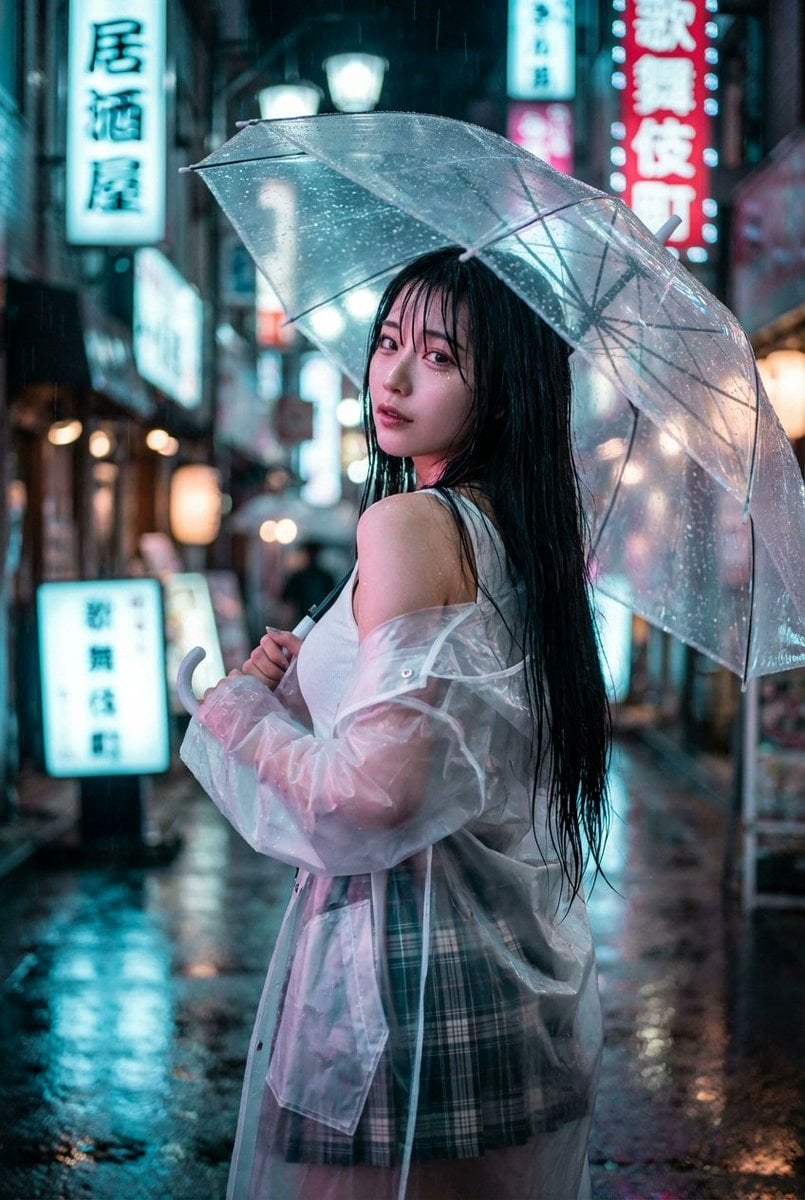
Cyberpunk J-Pop Neon-Noir Street Portrait

Chibi Sparrow Four-Pose Sheet

Fashion Magazine Consistency Prompt
Browse template categories
Good Morning Singapore Window Poster questions
How do I use the Good Morning Singapore Window Poster template?
Add your photo if the template asks for one, edit the prompt if you like — the template's model and format are already selected — and press Generate. Your version opens in PicX Studio.
Can I customize the Good Morning Singapore Window Poster template?
Yes. You can change the subject, setting, lighting, mood, format, and available model controls before creating your image.
Is the Good Morning Singapore Window Poster template free?
Opening and editing this template is free. Generating uses credits, shown on the Generate button when you are signed in.
Which AI model should I use?
Start with GPT Image 2, which is the model associated with this template. You can compare another compatible model for a different finish.
Looking for something else? Browse all templates.

Your photo, any look
Thousands of ready templates for every top image and video model, from one credit balance.