
Good Morning Harbin Magazine Poster
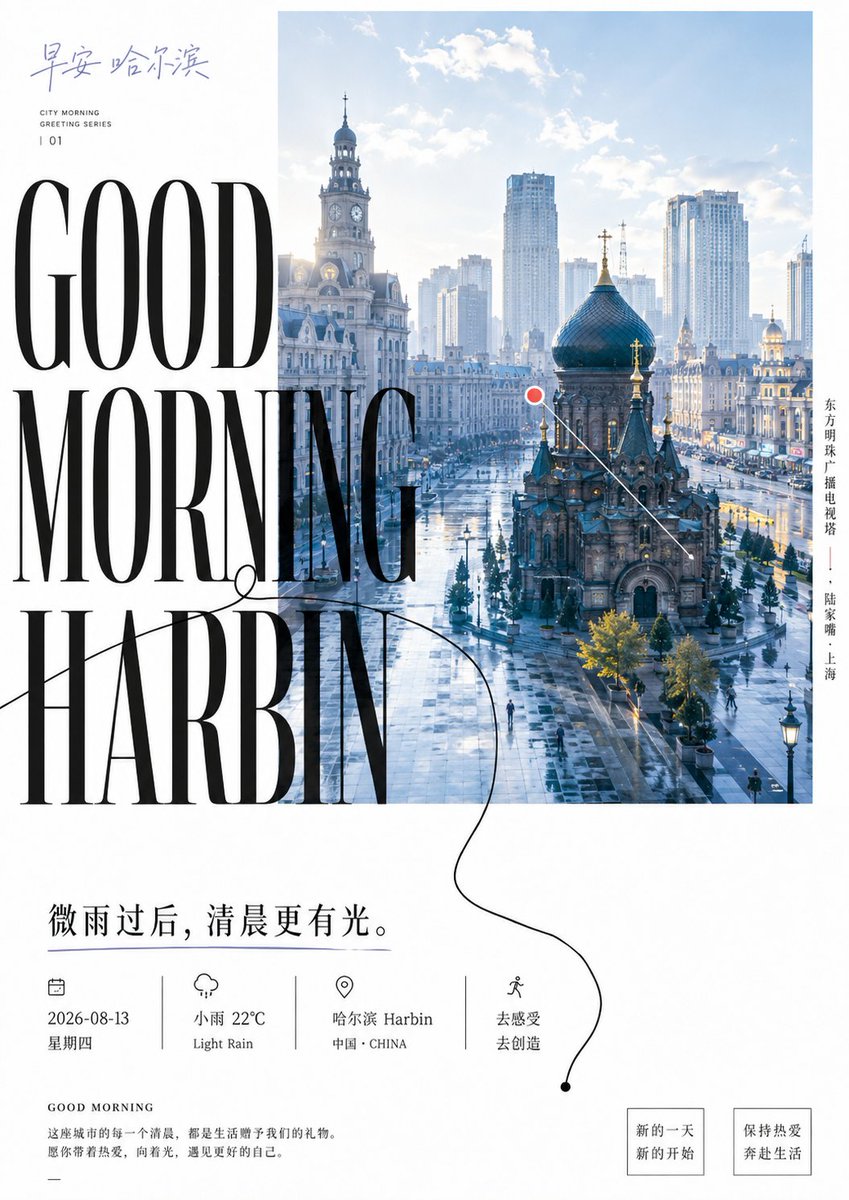
A vertical editorial city-morning poster combining a Harbin skyline photo, oversized luxury typography, Chinese captions, weather details, and minimalist magazine layout elements.
- Prompt included
- Model and format preset
- Free template
The prompt behind this image
Copy the exact prompt behind Good Morning Harbin Magazine Poster, or open it in the studio and make it yours.
Goal: Create a refined vertical city-morning magazine poster for {argument name="city name" default="Harbin"}, blending editorial typography with a bright urban travel photograph. Canvas: Portrait poster, approximately 3:4 ratio, white background, minimalist luxury magazine aesthetic, generous margins, cool blue morning color palette with black typography. Layout: Place a large rectangular city photograph in the upper-right and center area, occupying about two-thirds of the poster width and starting near the top edge. The photo shows a sunlit post-rain urban square in Harbin: wet reflective pavement, historic European-style buildings, a church with a dark onion dome in the foreground, clock-tower architecture on the left, modern high-rise buildings in the misty background, soft clouds and pale blue sky. Overlay the left side of the image and white margin with enormous condensed high-fashion serif text reading “GOOD MORNING HARBIN” stacked across three lines, black, very tall Didot/Bodoni-like letters, partially overlapping the city photo. Top-left text: Add handwritten-style Chinese calligraphy reading “早安 哈尔滨” in muted blue-gray. Beneath it, add small uppercase English text in two lines: “CITY MORNING” and “GREETING SERIES”, then a spaced issue number “| 01”. Right-side vertical text: Add one vertical Chinese location caption along the right side of the photo: “东方明珠广播电视塔 —— 陆家嘴 · 上海”, set in small black type, even though the main poster title says Harbin. Graphic annotation: Add one small red circular dot with a thin white outline near the center-right of the city photo, connected to one thin white diagonal line pointing down toward the church. Add one elegant thin black looping line flourish starting around the large word “MORNING”, curving across the word “HARBIN”, continuing down into the lower white area, ending in a small black dot near the bottom-right. Main lower quote: Below the photo and headline, place a large Chinese sentence in black: {argument name="main quote" default="微雨过后,清晨更有光。"} Information row: Under the quote, create exactly 4 evenly spaced info blocks separated by 3 thin vertical divider lines. Block 1 has a small calendar icon and text “2026-08-13” and “星期四”. Block 2 has a small rain-cloud icon and text “小雨 22°C” and “Light Rain”. Block 3 has a small map-pin icon and text “哈尔滨 Harbin” and “中国 · CHINA”. Block 4 has a small walking-person icon and text “去感受” and “去创造”. Bottom-left paragraph: Add a small heading “GOOD MORNING”, then a short Chinese paragraph: “这座城市的每一个清晨,都是生活赠予我们的礼物。愿你带着热爱,向着光,遇见更好的自己。” Add a short horizontal dash beneath. Bottom-right buttons: Add exactly 2 outlined square callout boxes with thin black borders. First box text: “新的一天 / 新的开始”. Second box text: “保持热爱 / 奔赴生活”. Visual style: Editorial magazine cover, clean Swiss spacing mixed with luxury serif typography, crisp photographic realism, soft morning haze, cool blue-white tones, high contrast black text, delicate line art icons, no clutter. Constraints: Use exactly one main city photograph, one giant English headline, one red map marker, one looping black flourish line, four info blocks, three divider lines, and two bottom callout boxes. Keep all text sharp and readable, avoid extra logos, watermarks, people close-ups, or additional decorative elements.
How to use Good Morning Harbin Magazine Poster in 3 steps
- 1Upload ImagePNG, JPG or paste
Add your photo
Upload the photo the template builds on. The prompt, model and format are already set.
- 2…a portrait of your subject in softgolden-hour light, 85mm…
Personalize
Edit the subject and creative details for your destination.
- 3Generate
Generate
Press Generate — your image is created in PicX Studio, so you can compare it with the original and refine one variable at a time.
More like this
Templates with the same subject, style or setup. Open one to see its prompt.

Monochrome Halftone Editorial Fashion Poster
Lilac Harbin Good Morning Poster
Gpt2 Product Marketing Pastel Jellyfish Room Goods Poster
Gpt2 Infographic Edu Visual Good Bath Day Editorial Poster
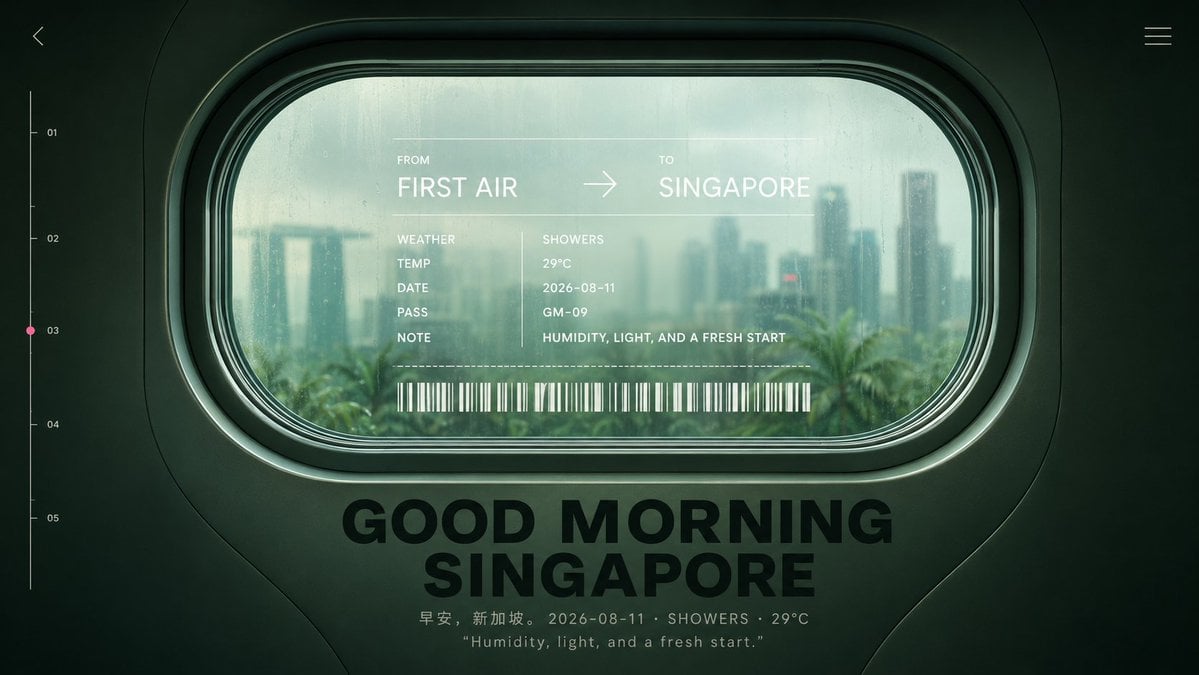
Good Morning Singapore Window Poster
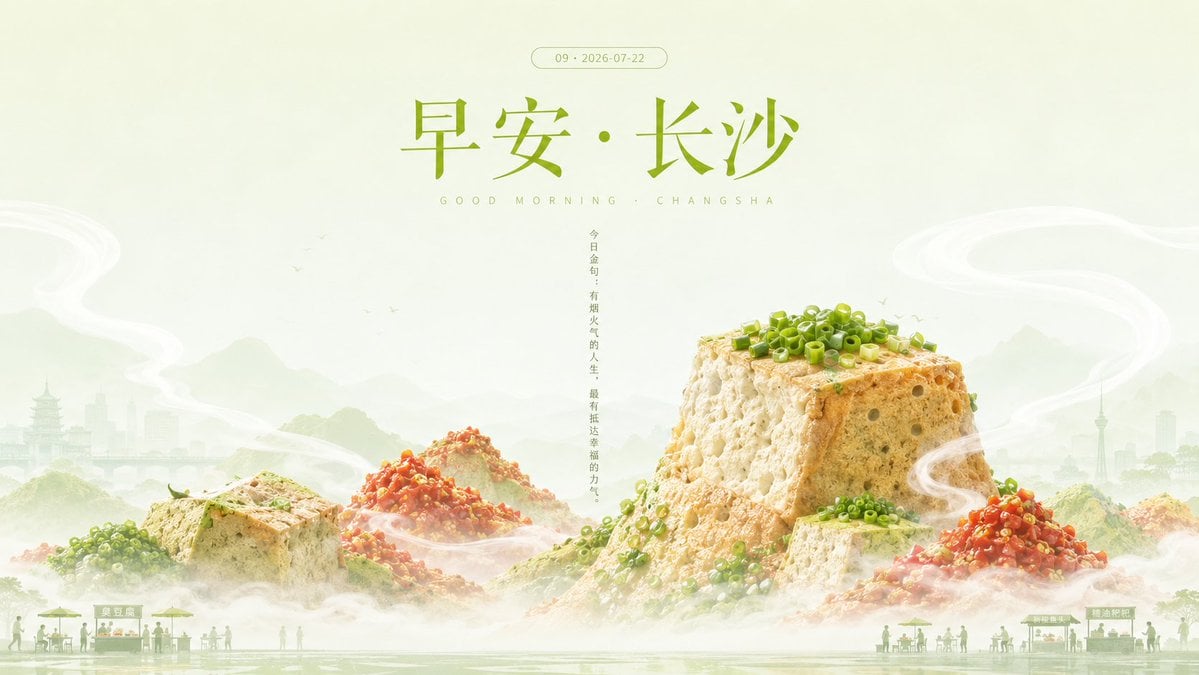
Good Morning Changsha Food Poster
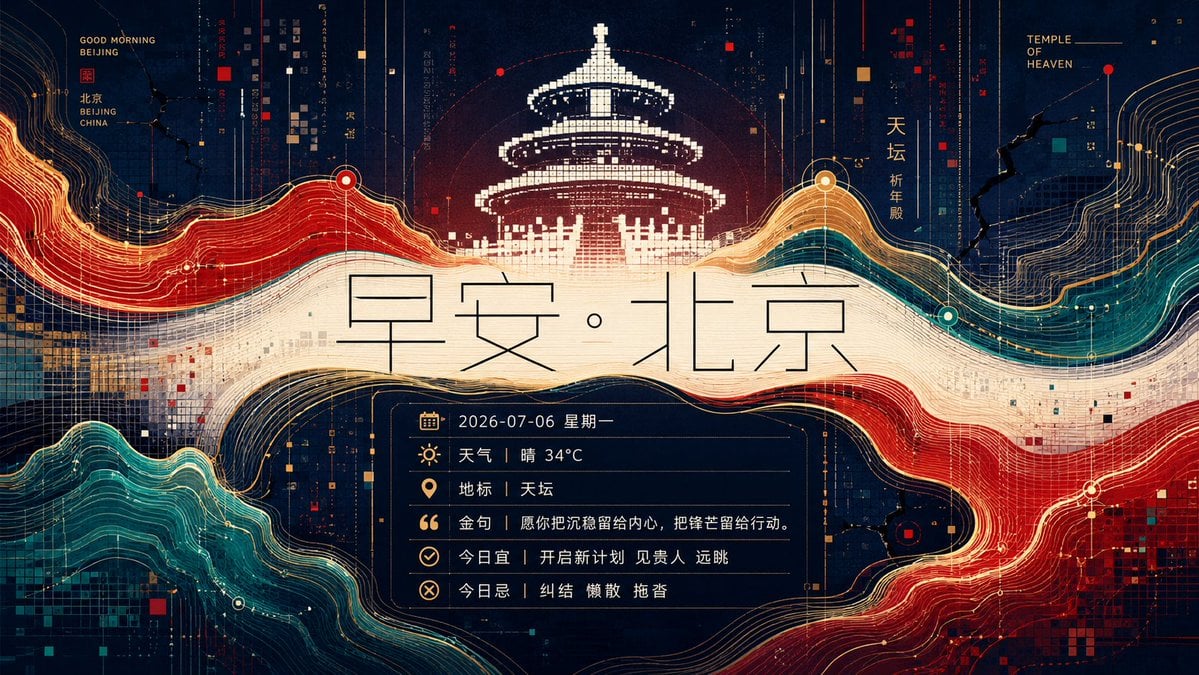
Futuristic Good Morning Beijing Poster
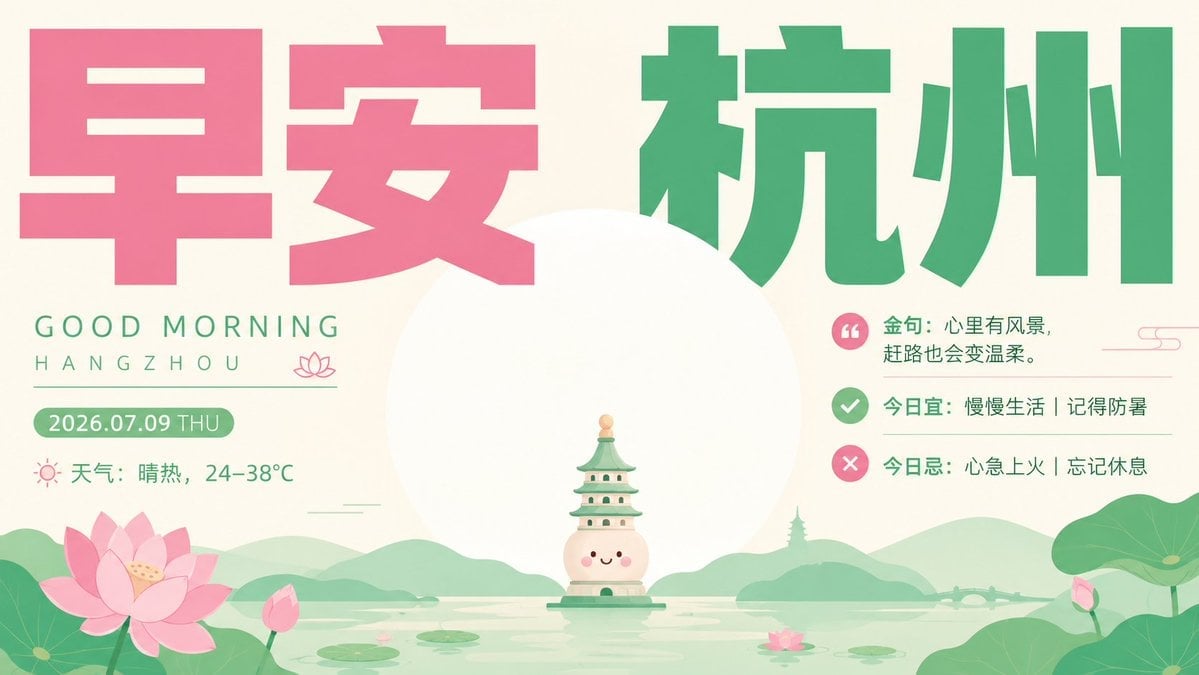
Healing Good Morning Hangzhou Poster

Japan Travel Brochure Poster
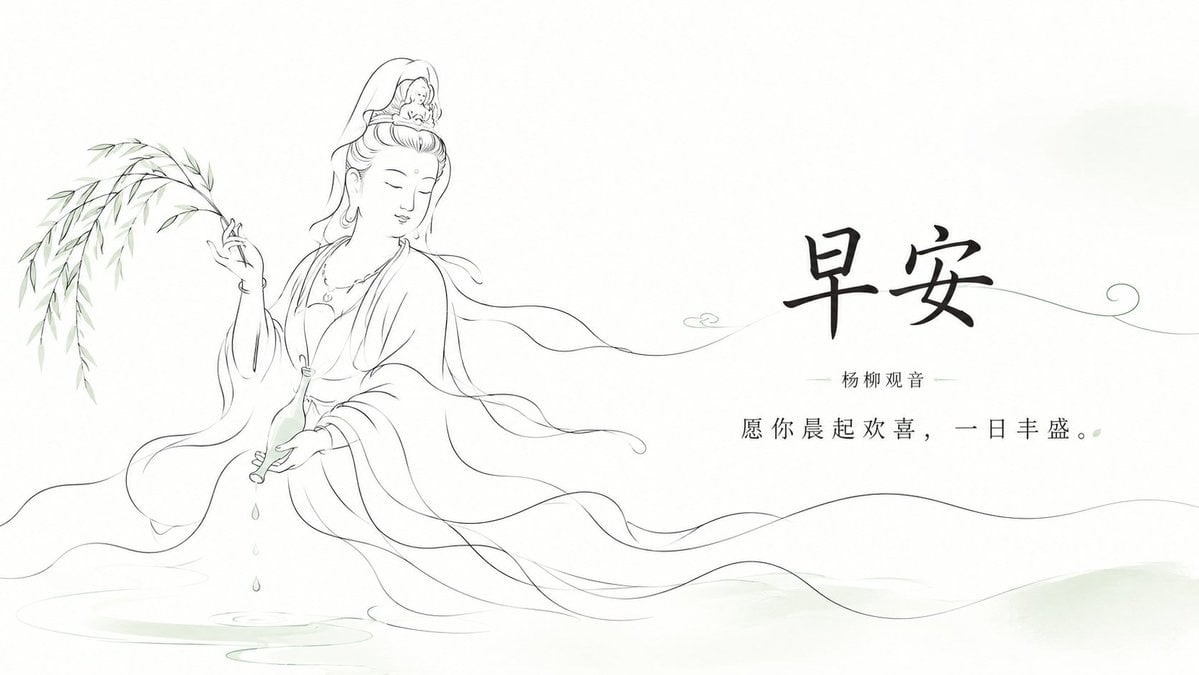
Zen Guanyin Good Morning Greeting

Cartoon TV Show Poster Pack

Trendy Cafe Drink Promo Poster
Make it yours
Good Morning Harbin Magazine Poster works as-is. These are the safest ways to change it without losing the look.
Change one field
Copy a single group, rewrite it, and generate again so you can see what that field is doing.
Keep the frame, change the subject
Hold the composition and light of Good Morning Harbin Magazine Poster, then swap wardrobe, props or the person for a new take.
| If the result… | Why | Fix |
|---|---|---|
| The result drifts from the preview | Too many fields changed at once. | Reuse Good Morning Harbin Magazine Poster as-is first, then change one group — subject, light, or setting. |
| The model over-stylizes the scene | The prose prompt leaves finish and camera underspecified. | Add one camera or lighting sentence and stay on GPT Image 2. |
More GPT Image 2 templates
Other prompts made for GPT Image 2.

Six VTuber Japanese Logo Sheet

Realistic Portrait of Woman and Deer

The Vista Modular Condo Poster

AI Model Routing Comparison Infographic

2.5D Anime Art Board

Isometric Productivity Desk Scene

New York Double Exposure Poster

Four-Panel AI Landscape Comparison

Japanese Tatami Lifestyle Magazine Cover

NESCAFÉ Coffee Map Poster
More image prompts
Fresh picks from across the catalog.
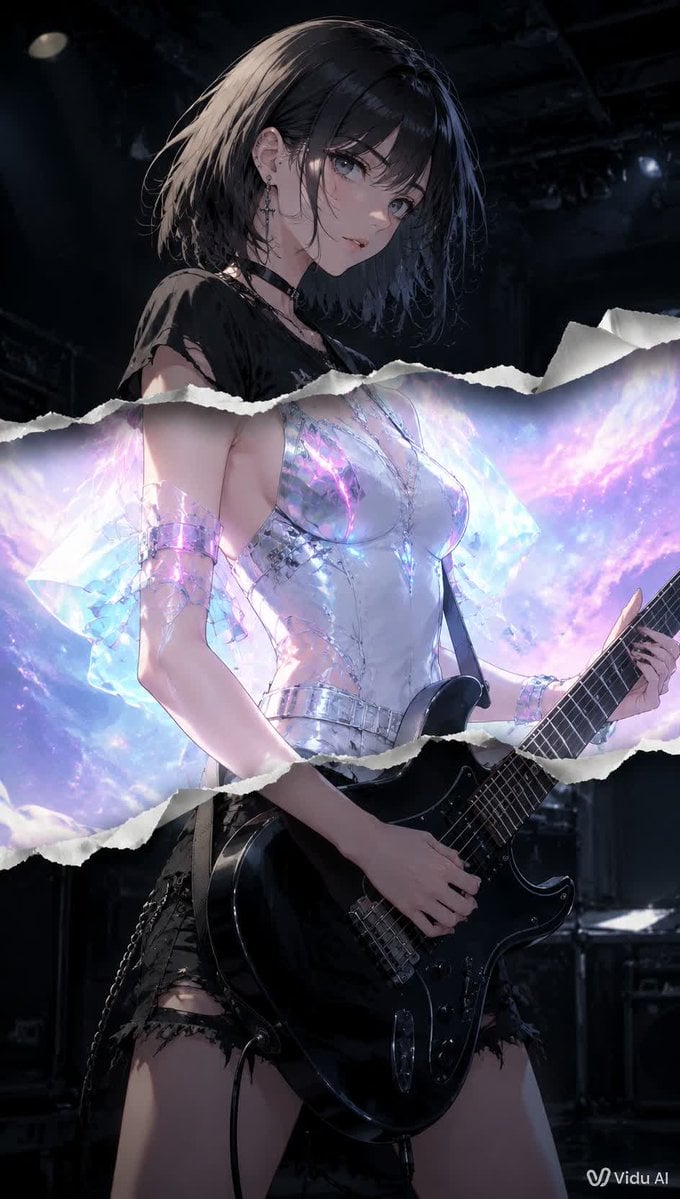
Torn Paper Anime Guitarist
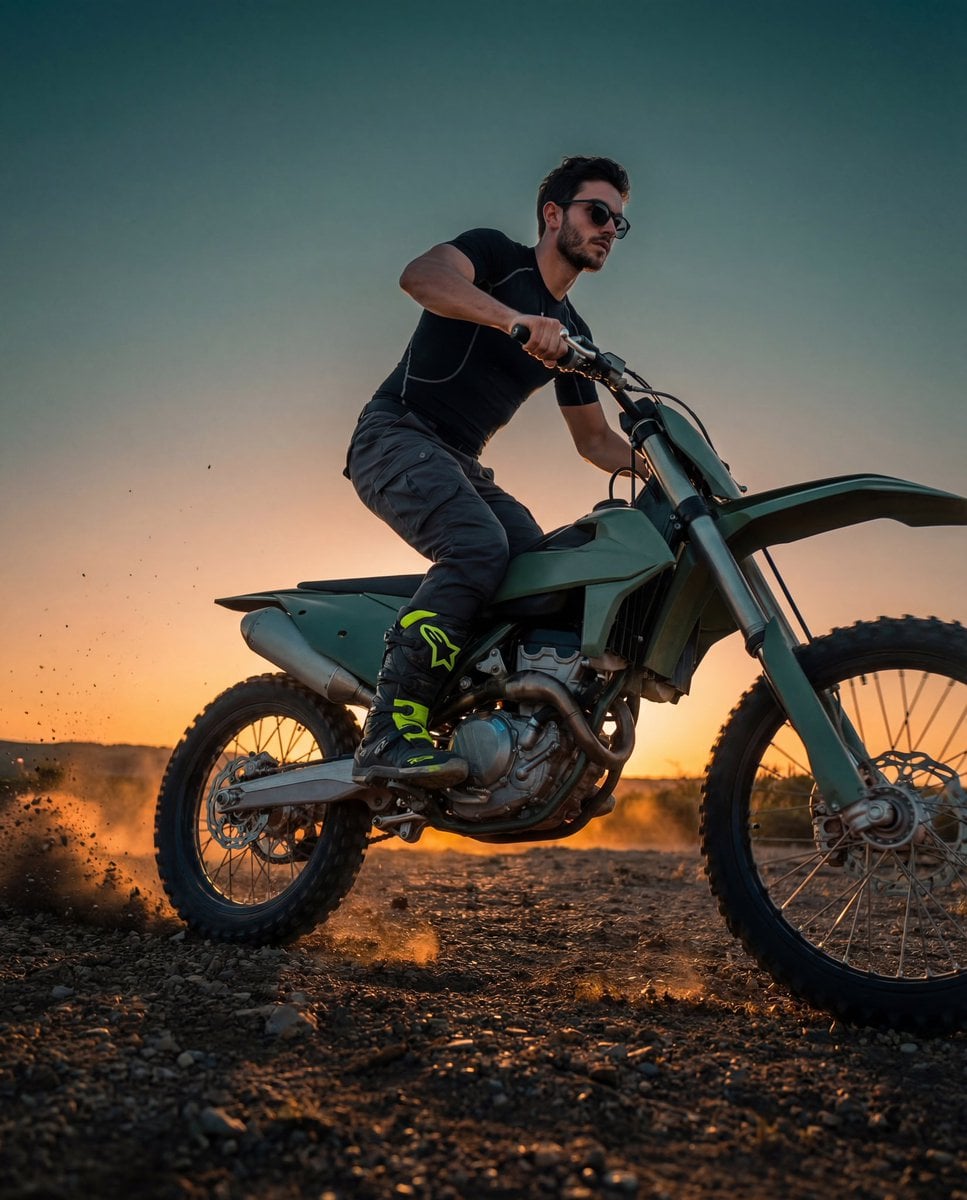
Cinematic Fashion-Action Portrait of a Rider
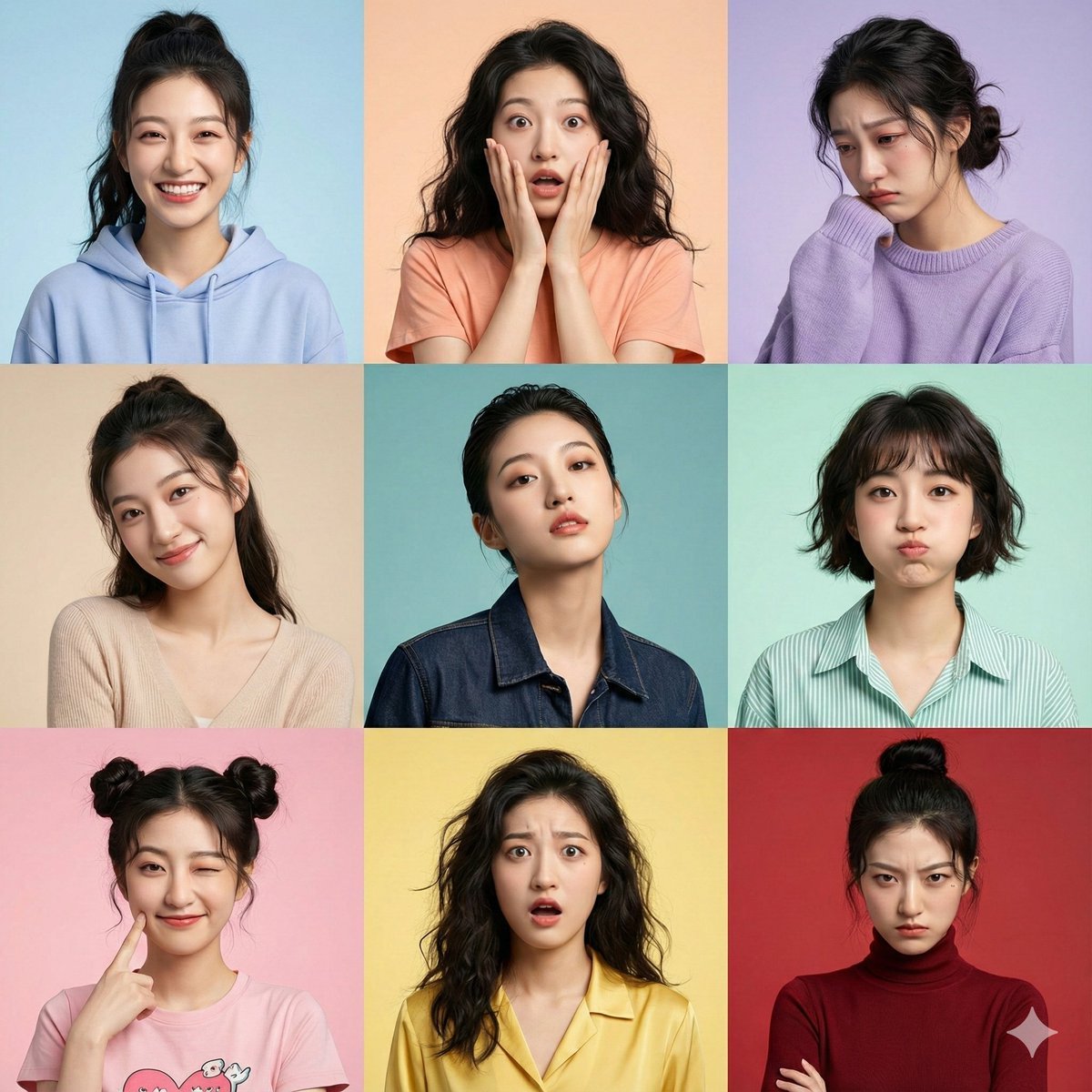
Hyper-Realistic 3x3 Grid Portrait with Fixed Identity
Spicy Snack Bag Product Ad
Flash Photography Portrait with Brick Wall
Rainbow Hair Censored Portrait

Prompt for Converting Subject into an Archangel
Urban Urban Fashion Cinematic Portrait
Blonde Teacher Classroom Scene
QR Code Business Card Designer
Browse template categories
Good Morning Harbin Magazine Poster questions
How do I use the Good Morning Harbin Magazine Poster template?
Add your photo if the template asks for one, edit the prompt if you like — the template's model and format are already selected — and press Generate. Your version opens in PicX Studio.
Can I customize the Good Morning Harbin Magazine Poster template?
Yes. You can change the subject, setting, lighting, mood, format, and available model controls before creating your image.
Is the Good Morning Harbin Magazine Poster template free?
Opening and editing this template is free. Generating uses credits, shown on the Generate button when you are signed in.
Which AI model should I use?
Start with GPT Image 2, which is the model associated with this template. You can compare another compatible model for a different finish.
Looking for something else? Browse all templates.

Your photo, any look
Thousands of ready templates for every top image and video model, from one credit balance.