
Minimalist Editorial Graphic Design Prompt
A sophisticated minimalist prompt for creating professional editorial-style graphic designs with high-contrast imagery, geometric color blocks, and strong typography.
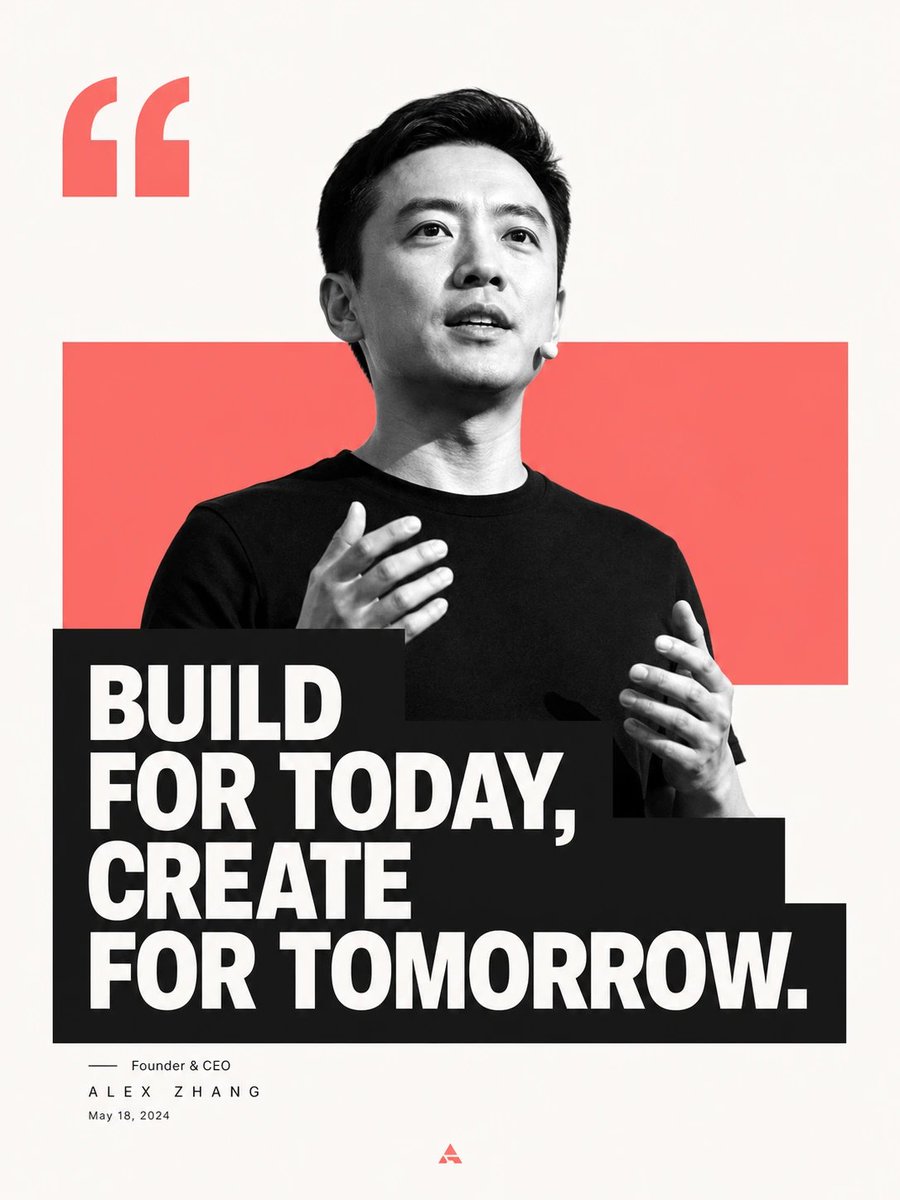
- Prompt included
- Model and format preset
- Free template
The prompt behind this image
Copy the exact prompt behind Minimalist Editorial Graphic Design Prompt, or open it in the studio and make it yours.
围绕{argument name="主题对象" default="任意主题对象"}生成一张极简编辑感图文画面:大面积干净留白作为呼吸区,主题核心形体以高反差黑白图像化方式压在视觉中心,边缘抠得利落,局部越过一块主题派生的{argument name="色块颜色" default="纯色"}矩形色场,让主形体与色场形成前后穿插的舞台关系。信息层用一条厚重的深色文字块压住主形体下部,形成图像被文字截断、文字反过来托住图像的第一视觉冲击;主句使用粗重无衬线浅色字,多行紧密排布,字距干净,行距有力,块面向一侧伸出但保持边缘整齐。上方保留一个放大的引号或主题符号作为节奏锚点,下方用极细、轻盈的署名级信息形成强弱对比,底部只保留一个极小标识作为收束。色彩从主题自身的材质、情绪与文化信号中提取:背景保持高明度、清透、洁净,主形体交给黑白明暗塑造结构,色场使用中高饱和的主题情绪色,占画面中等面积并保持清晰边界,文字块用干净深色制造重量,少量强调色只落在标识或细节上。整体情绪明亮、直接、现代,有公开陈述的能量和出版物的秩序;避免复杂场景、装饰纹理、脏旧滤镜和松散排版。
How to use Minimalist Editorial Graphic Design Prompt in 3 steps
- 1
Open
The prompt is already in the box next to the preview, with the template's model and format selected.
- 2…a portrait of your subject in softgolden-hour light, 85mm…
Personalize
Edit the subject and creative details for your destination.
- 3Generate
Generate
Press Generate — your image is created in PicX Studio, so you can compare it with the original and refine one variable at a time.
More like this
Templates with the same subject, style or setup. Open one to see its prompt.

Korean Streetwear Minimalist Campaign Portrait

Premium Vintage Travel Poster Landscape

Clean, minimalist fashion infographic from an uploaded reference photo

Minimalist Olive Green Editorial Poster
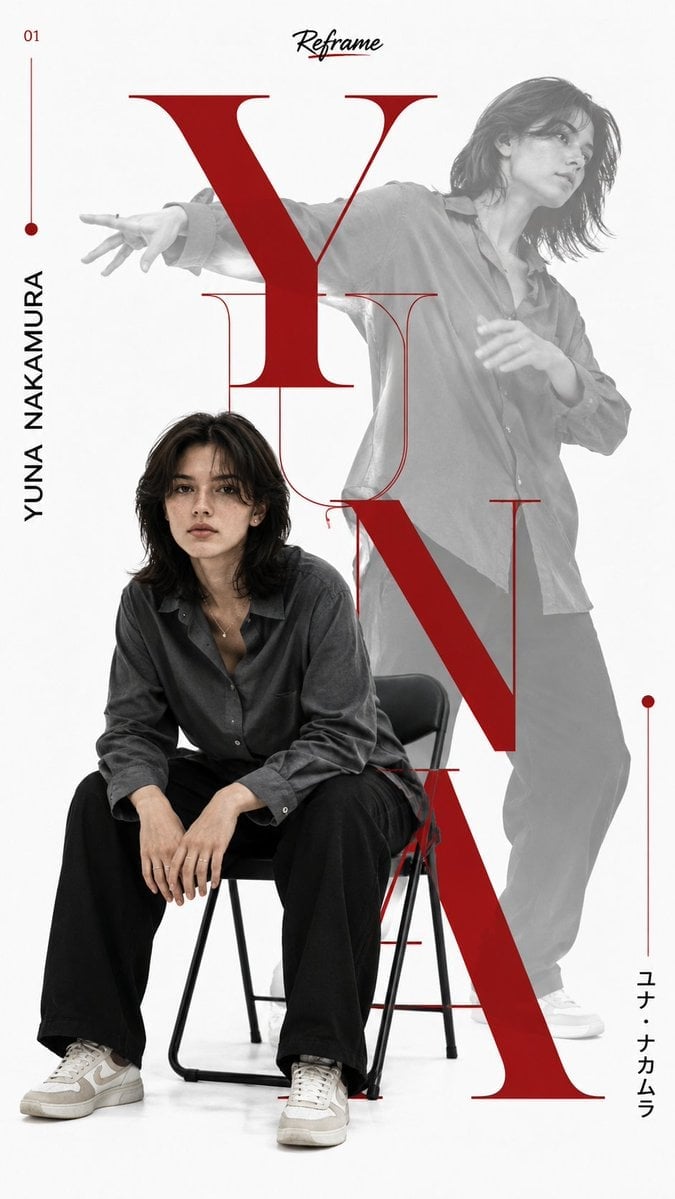
Japanese Minimalist Editorial Fashion Poster
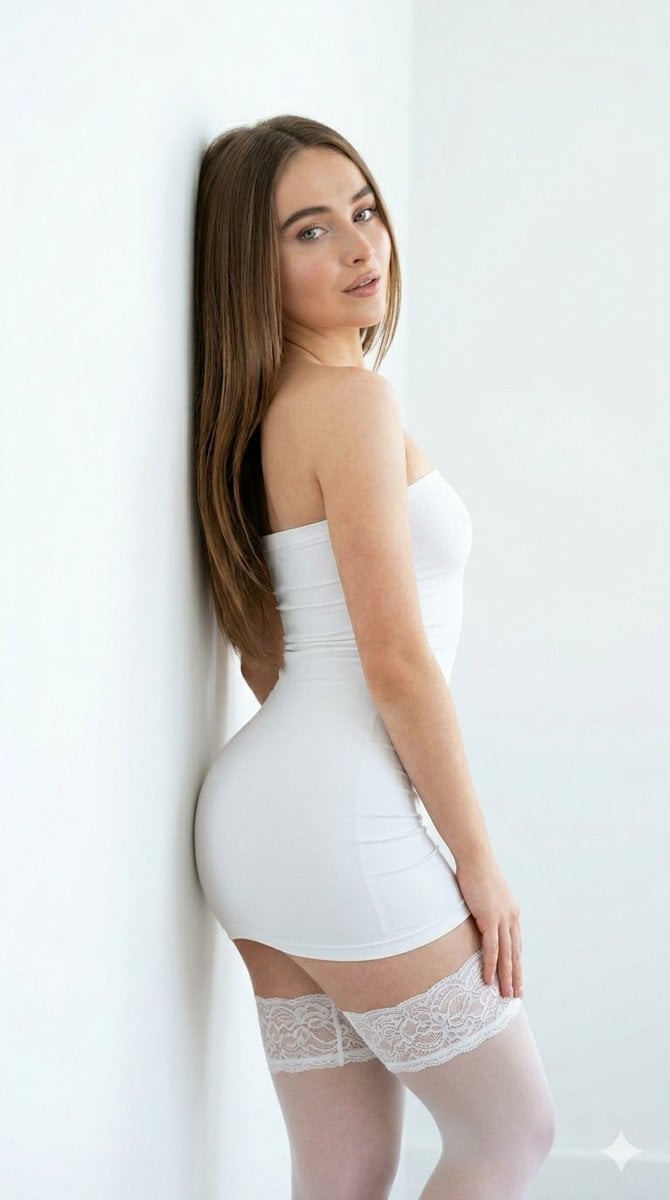
Minimalist White Dress Editorial

Urban Fashion Editorial Collage Streetwear Poster

Monochrome Hypebeast Street Fashion Editorial Motion

Elegant Green Evening Gown Studio Fashion Portrait

Artistic Patchwork Fashion Portrait Spring Festival

Japanese Architectural Concrete Studio Fashion Campaign

Monroe and Ash Mediterranean Luxury Fashion Campaign
Make it yours
Minimalist Editorial Graphic Design Prompt works as-is. These are the safest ways to change it without losing the look.
Change one field
Copy a single group, rewrite it, and generate again so you can see what that field is doing.
Keep the frame, change the subject
Hold the composition and light of Minimalist Editorial Graphic Design Prompt, then swap wardrobe, props or the person for a new take.
| If the result… | Why | Fix |
|---|---|---|
| The result drifts from the preview | Too many fields changed at once. | Reuse Minimalist Editorial Graphic Design Prompt as-is first, then change one group — subject, light, or setting. |
| The model over-stylizes the scene | The prose prompt leaves finish and camera underspecified. | Add one camera or lighting sentence and stay on GPT Image 2. |
More GPT Image 2 templates
Other prompts made for GPT Image 2.

Six VTuber Japanese Logo Sheet

Realistic Portrait of Woman and Deer

The Vista Modular Condo Poster

AI Model Routing Comparison Infographic

2.5D Anime Art Board

Isometric Productivity Desk Scene

New York Double Exposure Poster

Four-Panel AI Landscape Comparison

Japanese Tatami Lifestyle Magazine Cover

NESCAFÉ Coffee Map Poster
More image prompts
Fresh picks from across the catalog.
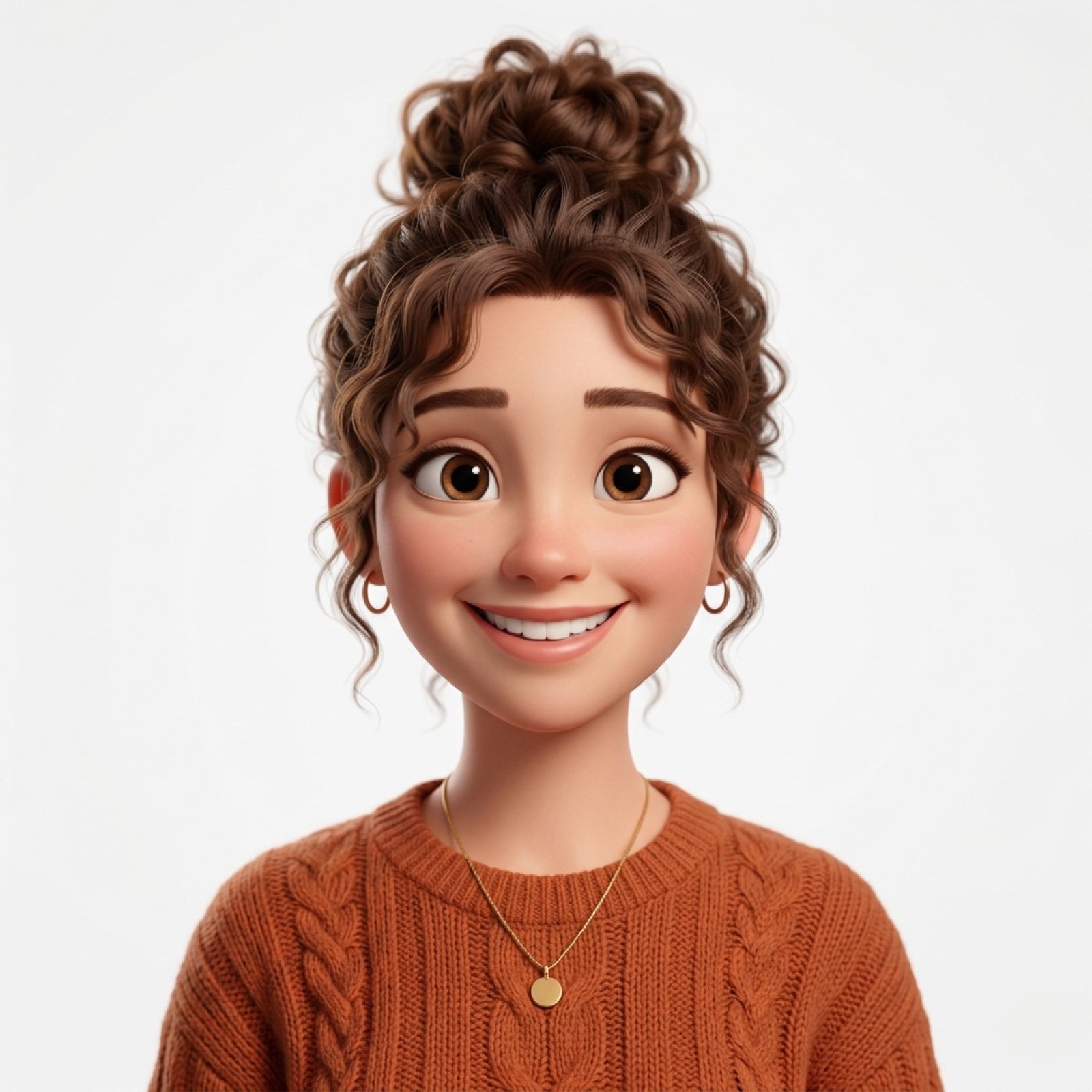
Photo-to-Pixar 3D Animated Portrait Conversion
Watercolor Forest Clearing with Stream
Symbolic Act of Defiance in the Snow
Panel Elf Warrior Transformation
Handwritten Japanese Study Notes with Photograph
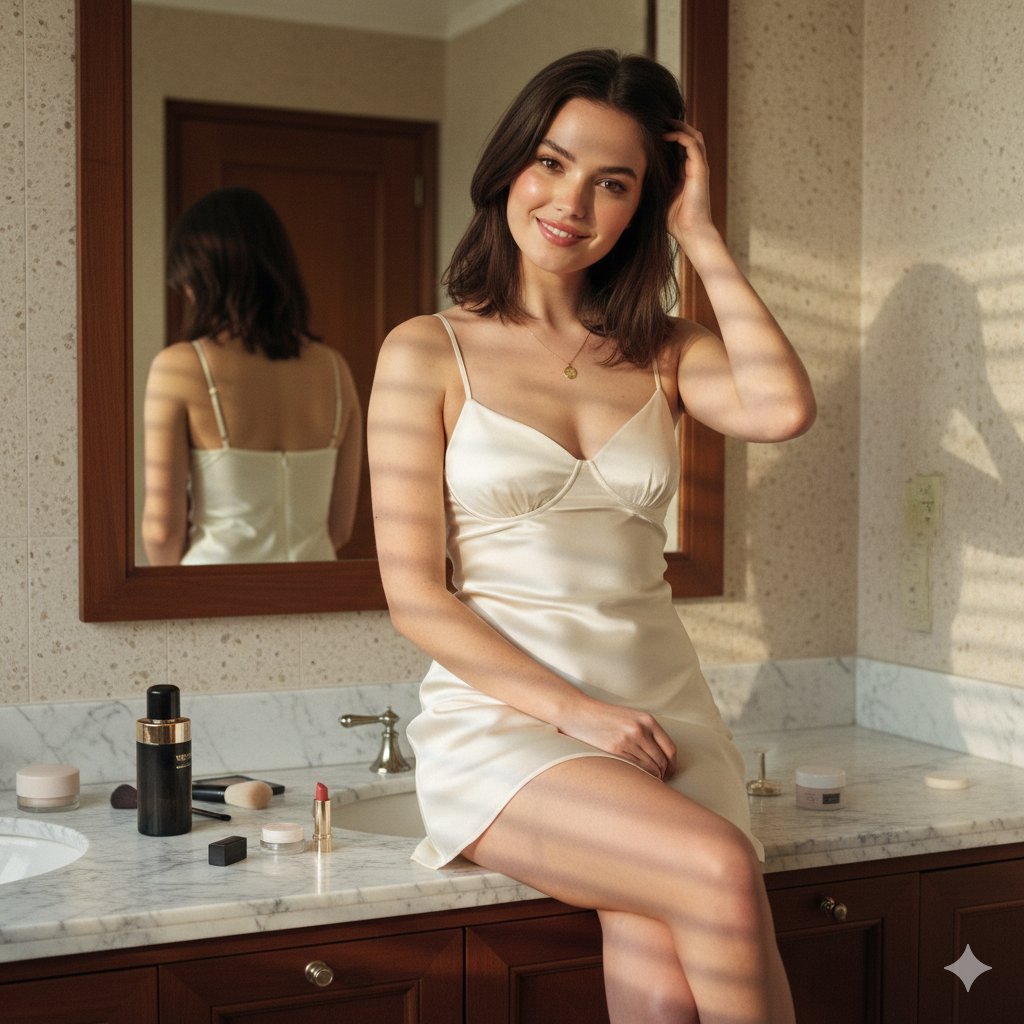
Candid Luxury Bathroom Portrait (Identity Locked)
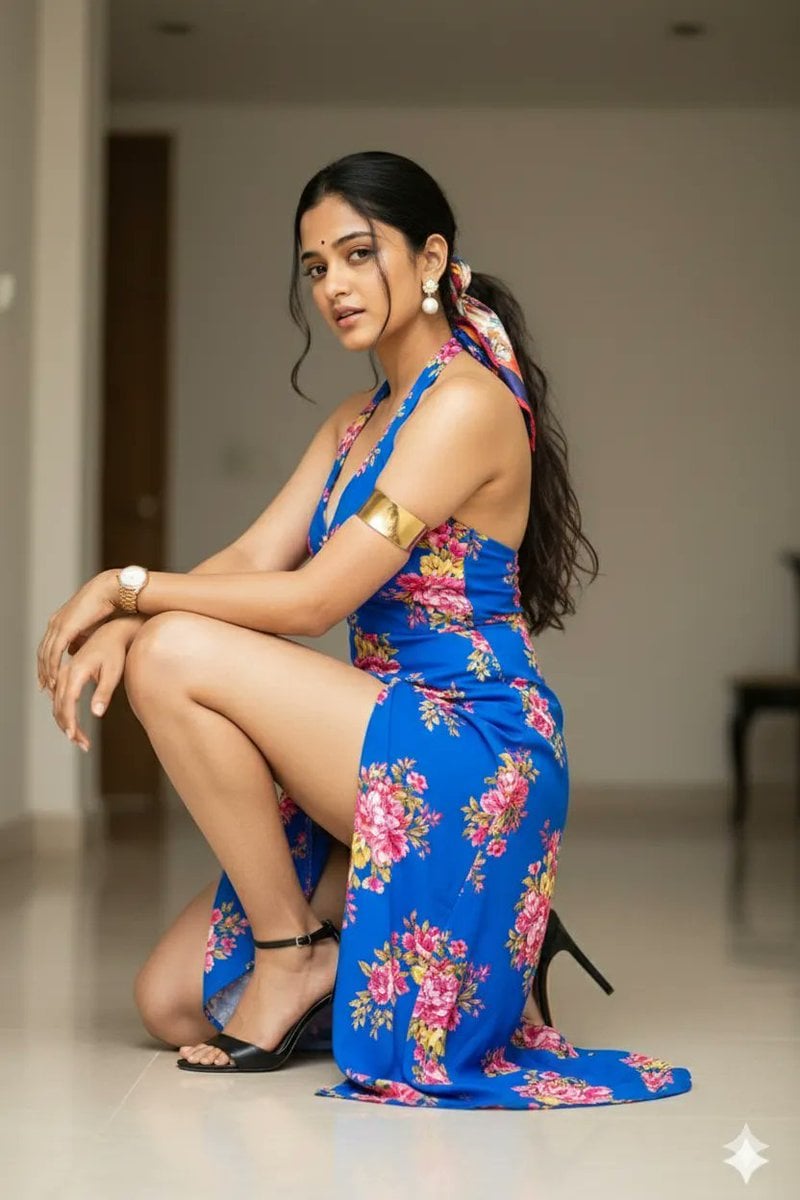
High-Fashion Editorial Portrait of Woman in Floral Halter Dress
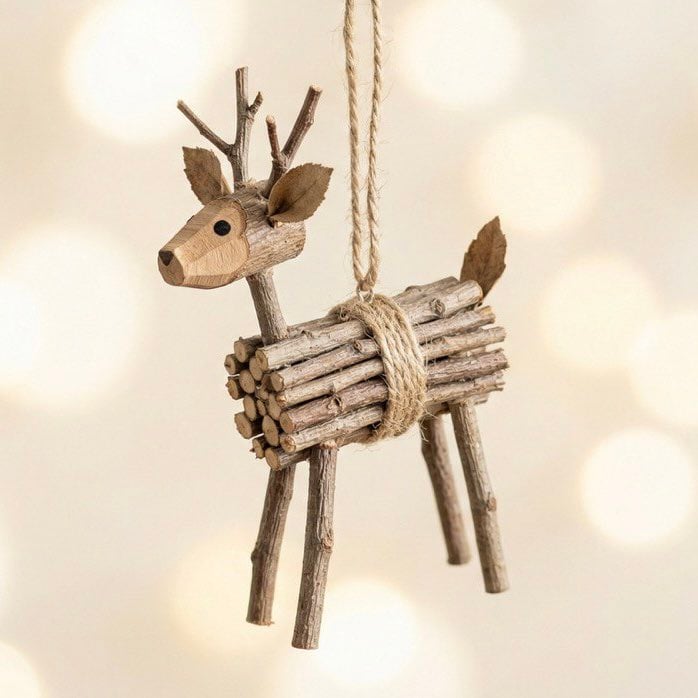
Rustic Twig Reindeer Christmas Ornament
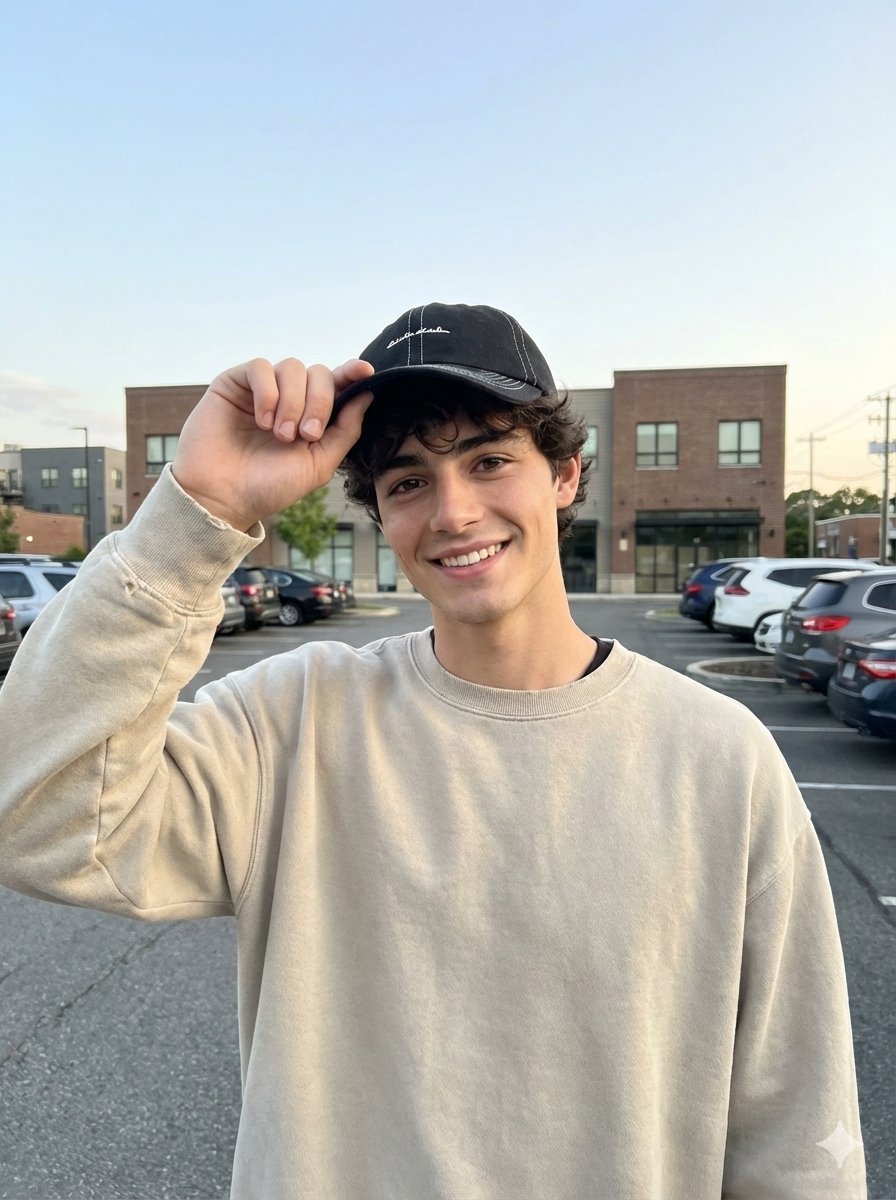
Amateur iPhone Photo Portrait with Accurate Face Reference
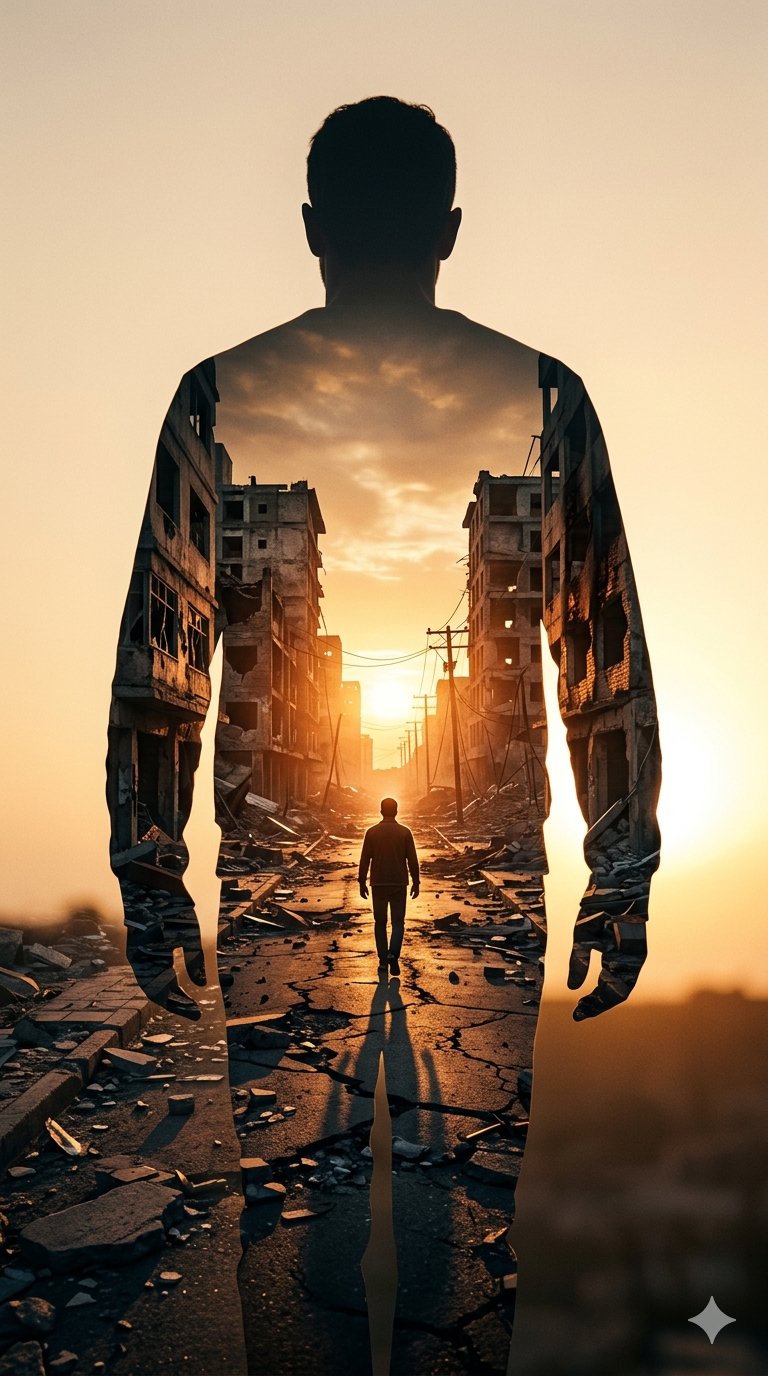
Image on Gemini Nano Banana
Browse template categories
Minimalist Editorial Graphic Design Prompt questions
How do I use the Minimalist Editorial Graphic Design Prompt template?
Add your photo if the template asks for one, edit the prompt if you like — the template's model and format are already selected — and press Generate. Your version opens in PicX Studio.
Can I customize the Minimalist Editorial Graphic Design Prompt template?
Yes. You can change the subject, setting, lighting, mood, format, and available model controls before creating your image.
Is the Minimalist Editorial Graphic Design Prompt template free?
Opening and editing this template is free. Generating uses credits, shown on the Generate button when you are signed in.
Which AI model should I use?
Start with GPT Image 2, which is the model associated with this template. You can compare another compatible model for a different finish.
Looking for something else? Browse all templates.

Your photo, any look
Thousands of ready templates for every top image and video model, from one credit balance.