
Obsidian Blade Dark Angel
An avant-garde haute couture prompt for a dark angel holding a ceremonial obsidian blade, featuring a feather couture gown.
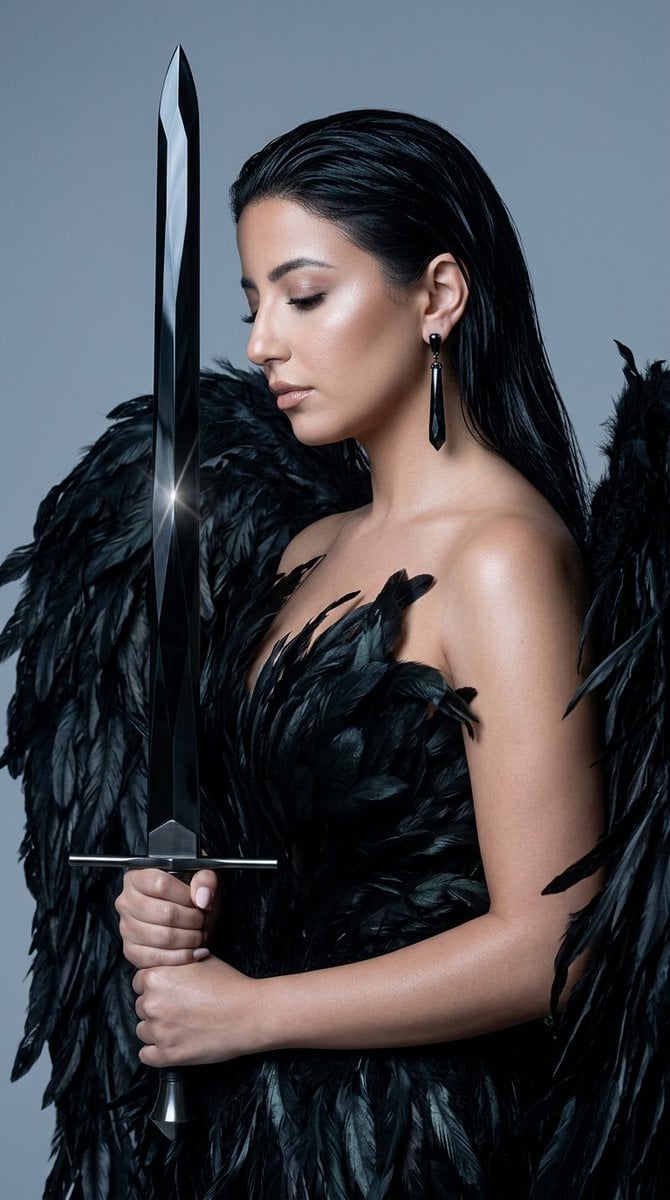
- Prompt included
- Model and format preset
- Premium template
The prompt behind this image
Copy the exact prompt behind Obsidian Blade Dark Angel, or open it in the studio and make it yours.
{ "concept": "obsidian_blade_dark_angel_portrait", "format": "single_frame_editorial_portrait", "aspect_ratio": "9:16", "subject": { "type": "female_model", "identity_preservation": "high preserve facial structure, skin texture, natural features from reference", "pose": "dramatic editorial pose, head tilted and turned in three-quarter profile, eyes softly closed or downcast, one arm raised elegantly overhead, the other hand gripping a sword vertically before her", "expression": "serene, powerful, otherworldly calm", "gaze": "downcast, contemplative", "hair": "long sleek jet-black hair, wet-look strands framing the face, flowing over the shoulders" }, "wardrobe": { "style": "avant-garde haute couture, dramatic dark-angel aesthetic", "garment": "voluminous black feather couture gown cascading layers of glossy black feathers and fringe forming sweeping wing-like volumes around the body", "fabric": "glossy black feathers, ostrich plume, subtle iridescent shimmer catching the light", "color": "deep black with faint cool sheen", "coverage": "fully covered, dramatic and modest feathers envelop the form" }, "prop": { "item": "{argument name="weapon" default="a long ceremonial sword"} held vertically, blade pointing up", "material": "blade carved from {argument name="material" default="black diamond / obsidian"} faceted, crystalline, with sharp internal reflections and a faint glassy sparkle, like cut black gemstone", "hilt": "matte gunmetal or blackened-gold hilt, minimal and elegant", "how_held": "gripped firmly in one hand, blade aligned vertically along the body, catching a thin edge of light", "feel": "regal, ceremonial, mythi not violent; a symbol of power and protection" }, "jewelry": { "earring": "long sparkling black crystal drop earring", "ring": "single sculptural silver ring on the raised hand" }, "lighting": { "key": "soft directional studio light, cool and cinematic, camera-right", "fill": "low, preserving deep blacks in the feathers", "accent": "thin rim light tracing the black diamond blade's facets, making them glint; subtle highlight on cheekbone and collarbone", "mood": "high-fashion chiaroscuro, dramatic and divine" }, "color_palette": { "dominant": "near-black, charcoal feathers", "accent": "cool glassy black-diamond sparkle, faint silver", "skin": "luminous, porcelain, softly lit", "background": "seamless cool grey gradient (#9A9A9E), studio backdrop" }, "composition": { "framing": "portrait, head to mid-torso, with feather volumes filling the frame and the vertical blade as a strong central line", "depth_of_field": "shallow, f/2.2 sharp on face, hand, and blade facets, soft feathers", "negative_space": "soft grey upper-right breathing room" }, "aesthetic": { "direction": "spectral surrealism meets dark-angel couture editorial, mythic and cinematic", "references": ["Vogue dark editorial", "sculptural feat
How to use Obsidian Blade Dark Angel in 3 steps
- 1
Open
The prompt is already in the box next to the preview, with the template's model and format selected.
- 2…a portrait of your subject in softgolden-hour light, 85mm…
Personalize
Edit the subject and creative details for your destination.
- 3Generate
Generate
Press Generate — your image is created in PicX Studio, so you can compare it with the original and refine one variable at a time.
More like this
Templates with the same subject, style or setup. Open one to see its prompt.
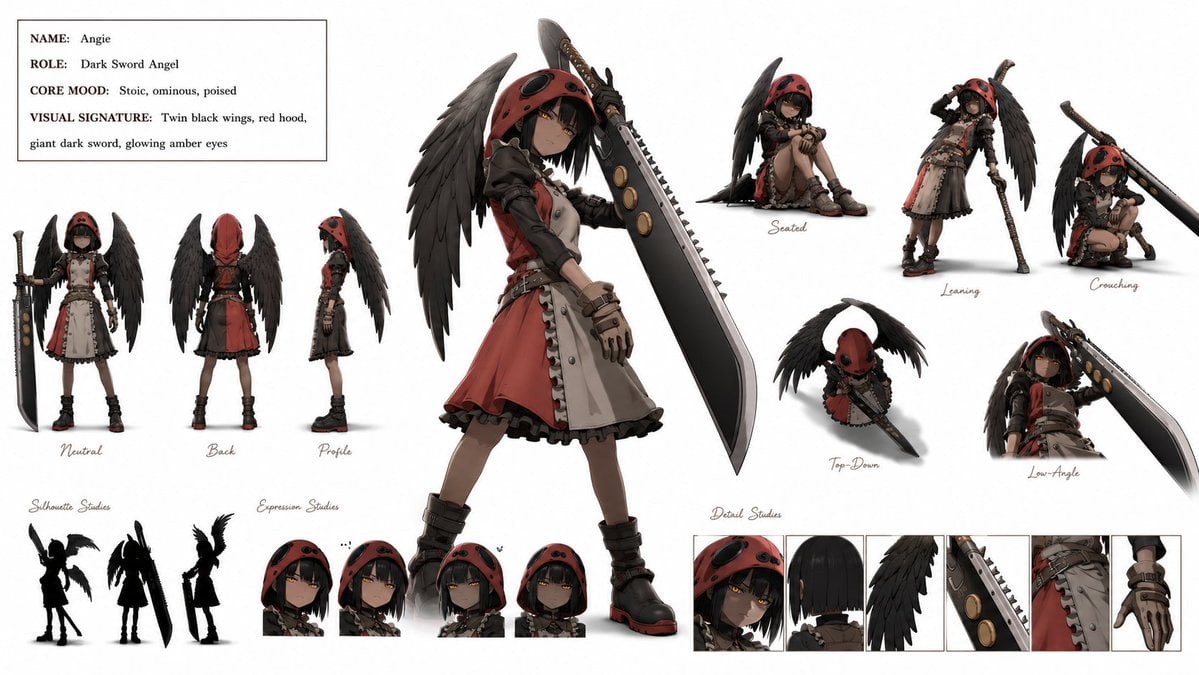
Dark Sword Angel Character Sheet
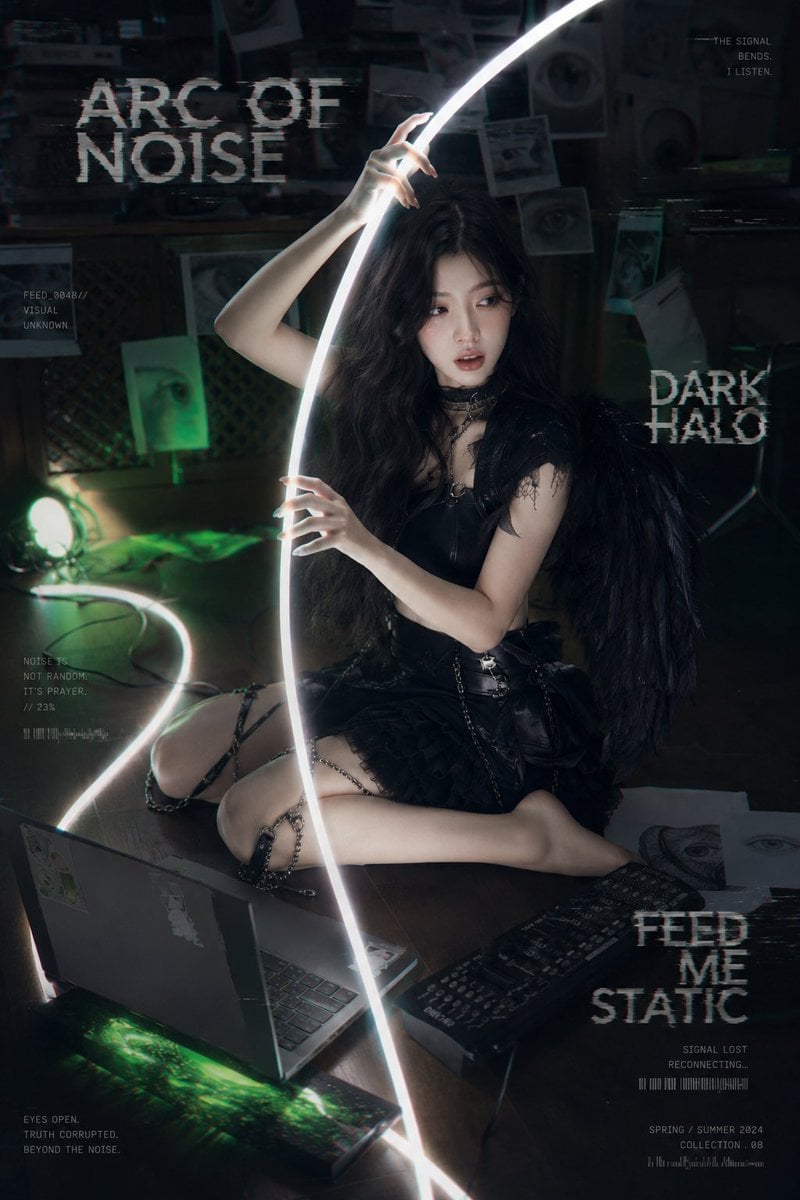
Dark Cyber-Goth Angel Poster

Selective Color Monochrome Football Poster
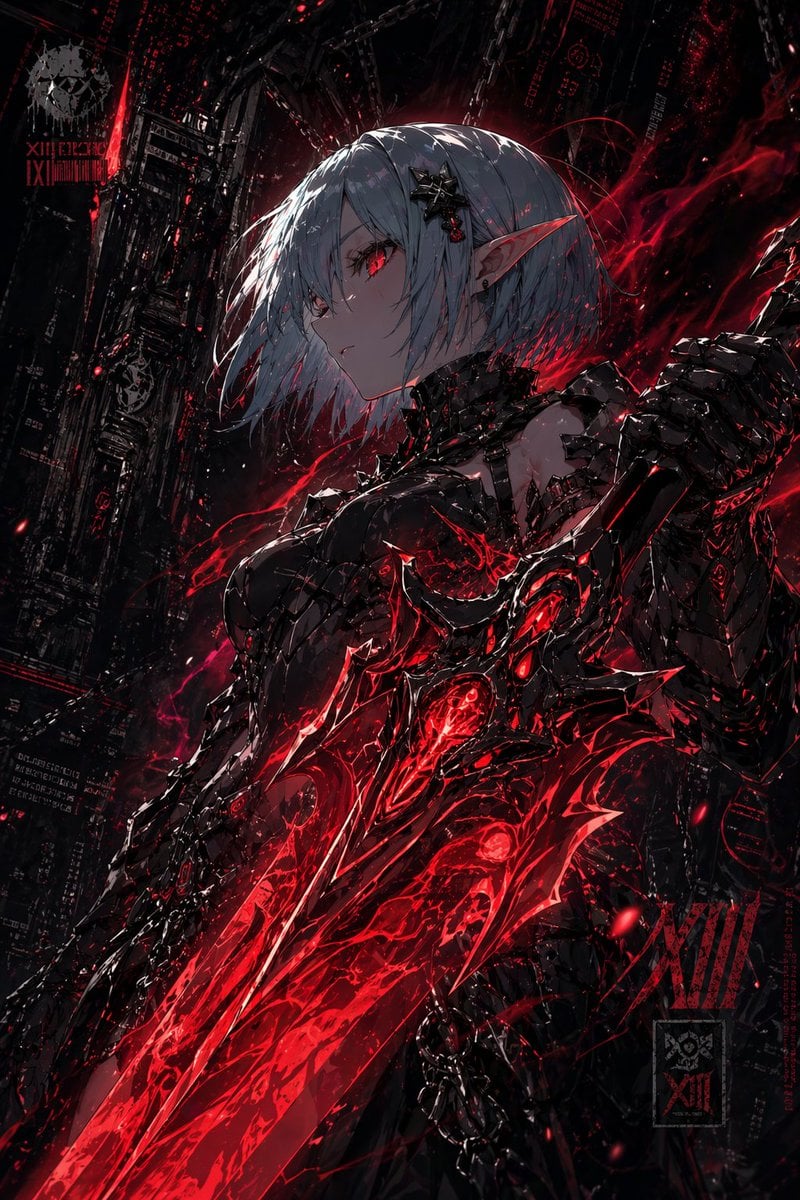
Dark Cyber Elf With Crimson Blade

Night Sports Car Portrait — Cinematic Moody

Cinematic Eye Light Portraits — 3 Nano Banana Prompts

Horror Cinematic Portrait
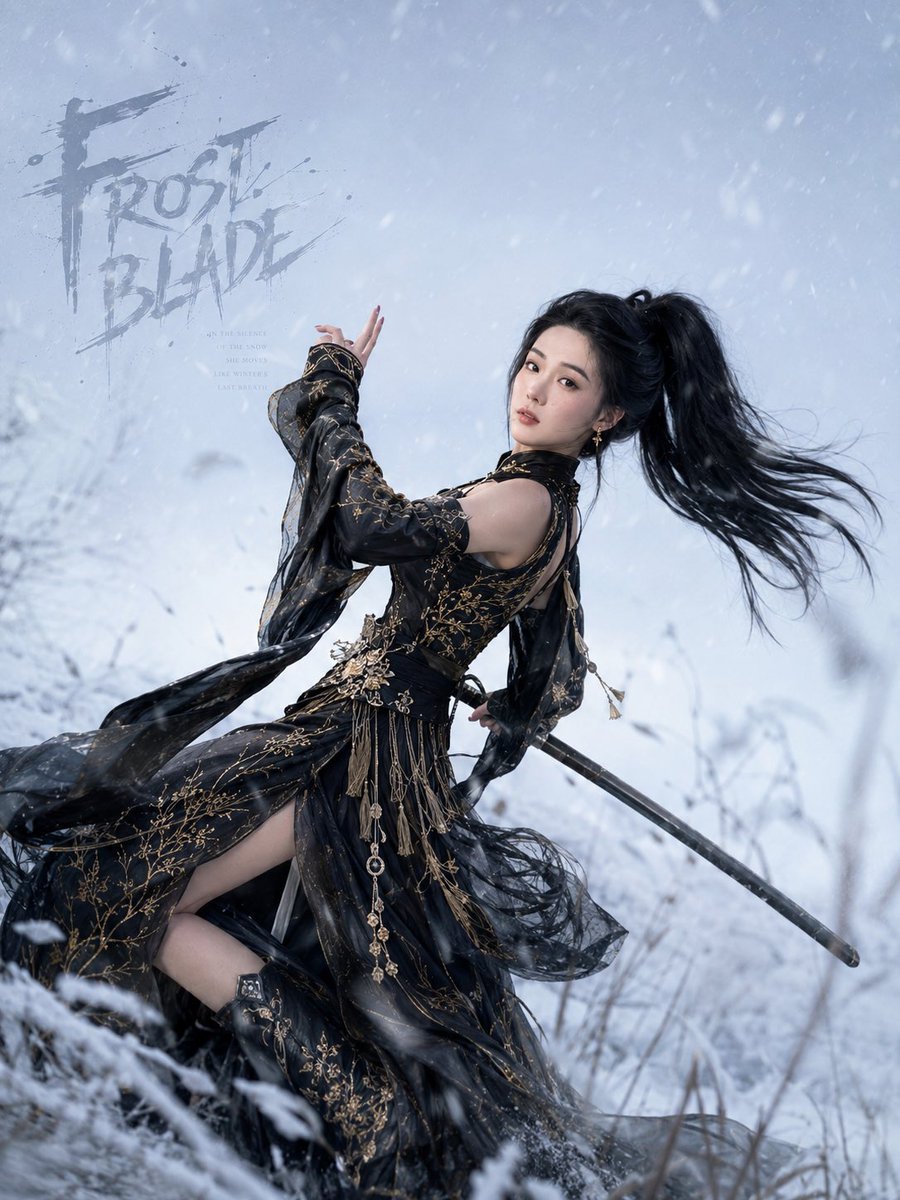
Frost Blade Wuxia Snow Portrait
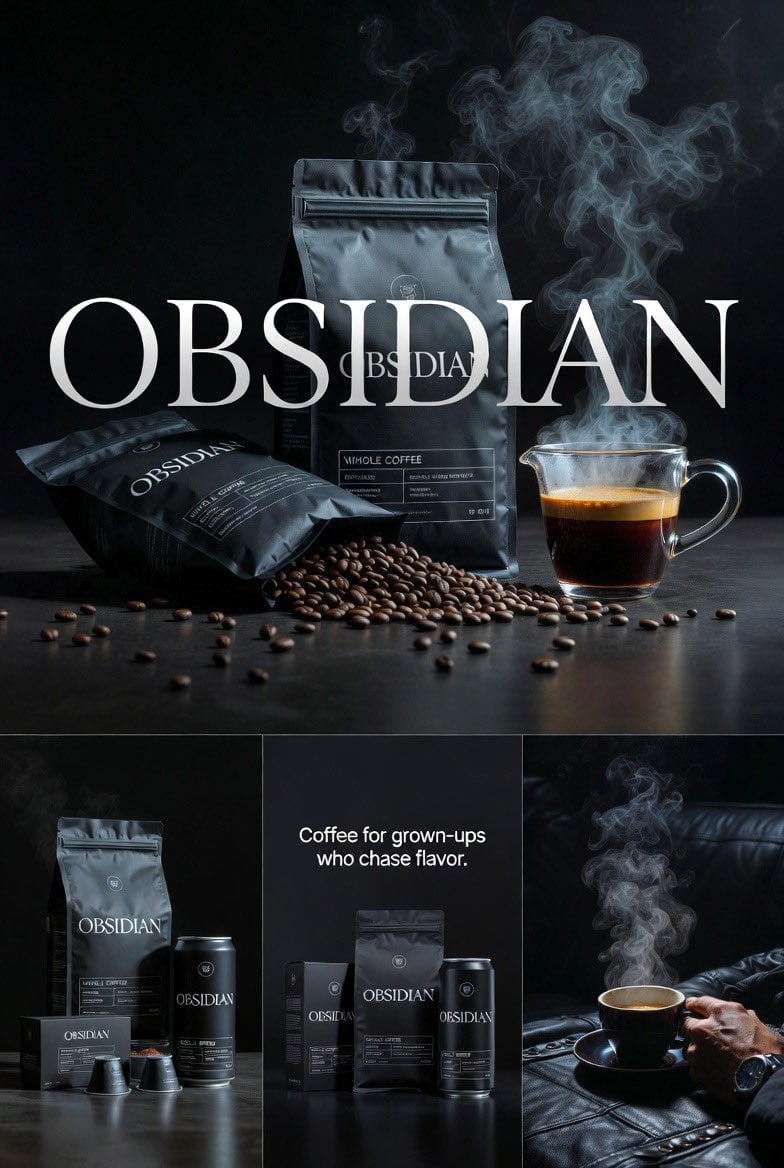
Four connected premium realistic editorial images for OBSIDIAN coffee

Multiple dark purple berries erupting from inside the can
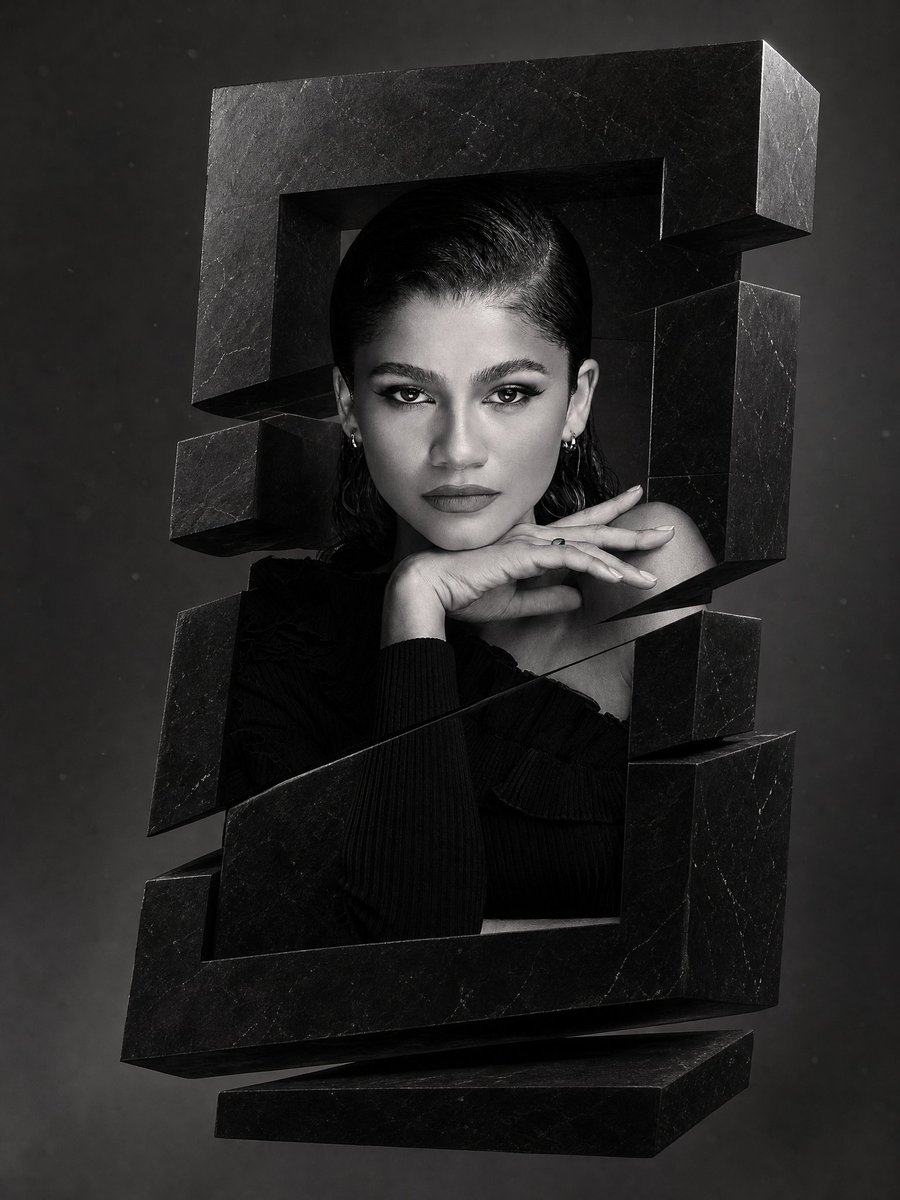
Monochrome Surreal Obsidian Monolith
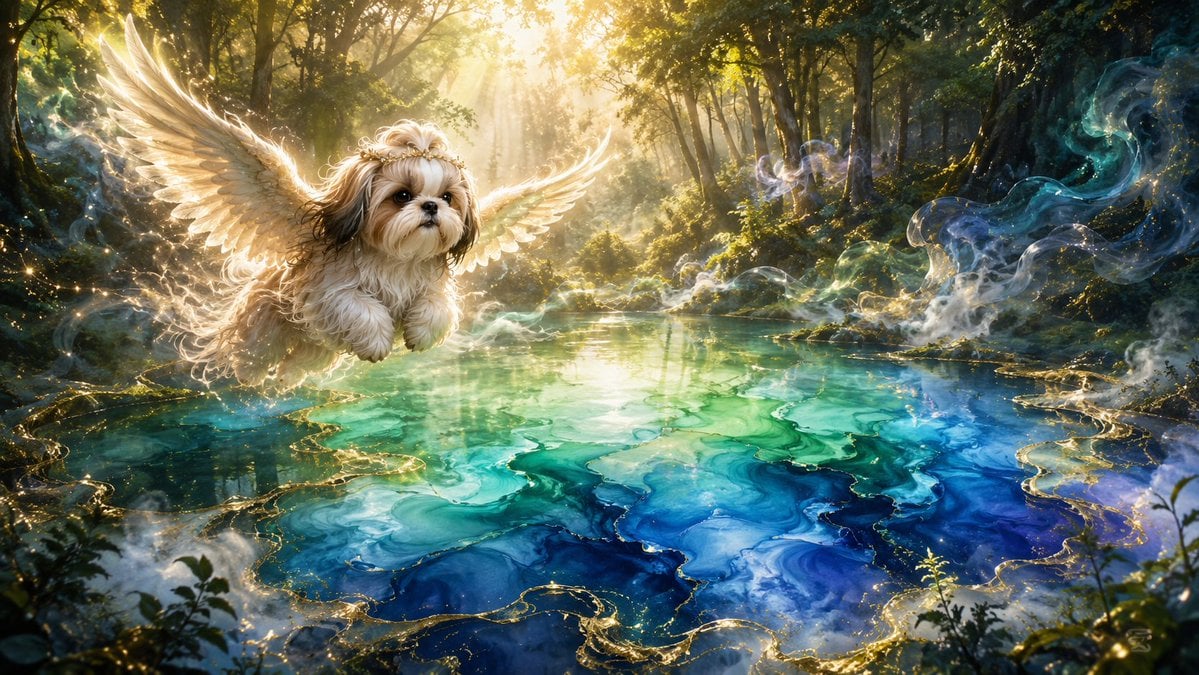
Angel Shih Tzu Over Ink Pond
Make it yours
Obsidian Blade Dark Angel works as-is. These are the safest ways to change it without losing the look.
Change one field
Copy a single group, rewrite it, and generate again so you can see what that field is doing.
Keep the frame, change the subject
Hold the composition and light of Obsidian Blade Dark Angel, then swap wardrobe, props or the person for a new take.
| If the result… | Why | Fix |
|---|---|---|
| The result drifts from the preview | Too many fields changed at once. | Reuse Obsidian Blade Dark Angel as-is first, then change one group — subject, light, or setting. |
| The model over-stylizes the scene | The prose prompt leaves finish and camera underspecified. | Add one camera or lighting sentence and stay on Nano Banana 2. |
More Nano Banana 2 templates
Other prompts made for Nano Banana 2.

Photorealistic Leaf Shaped Like a Dragon

K-Pop Idol Portrait Grid for Rapid Selection

Poetic Rain Forest Portrait During Golden Hour

Urban Street Portrait with Cartoon Inner Self Duo

Candid Nighttime Photo with Cat Prompt

High-Concept 3D Diorama Generation Prompt

Cinematic Futuristic Studio Portrait Template

Skincare Editorial Photography Collage Prompt

Hyper-Realistic Commercial Product Photography (Splash Effect)

Hyper-Realistic Nightclub Portrait Prompt
More image prompts
Fresh picks from across the catalog.
Minimalist Melancholic Cosmic Anime
Gothic Stand Guardian Poster
Golden Fairy Night Portrait
Retro Anime Endless Summer Street

Aries Spicy Coffee Runner Poster
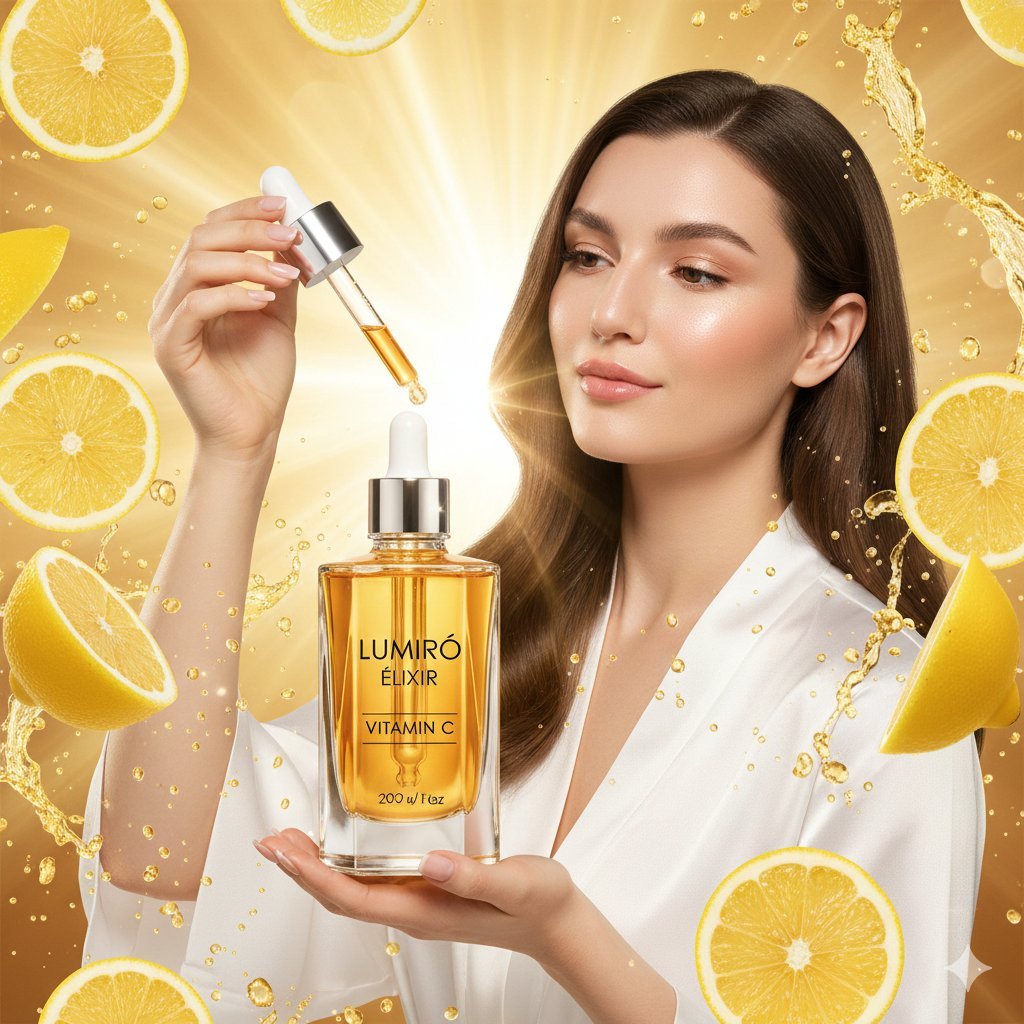
Hyper-realistic Luxury Skincare Product Photography
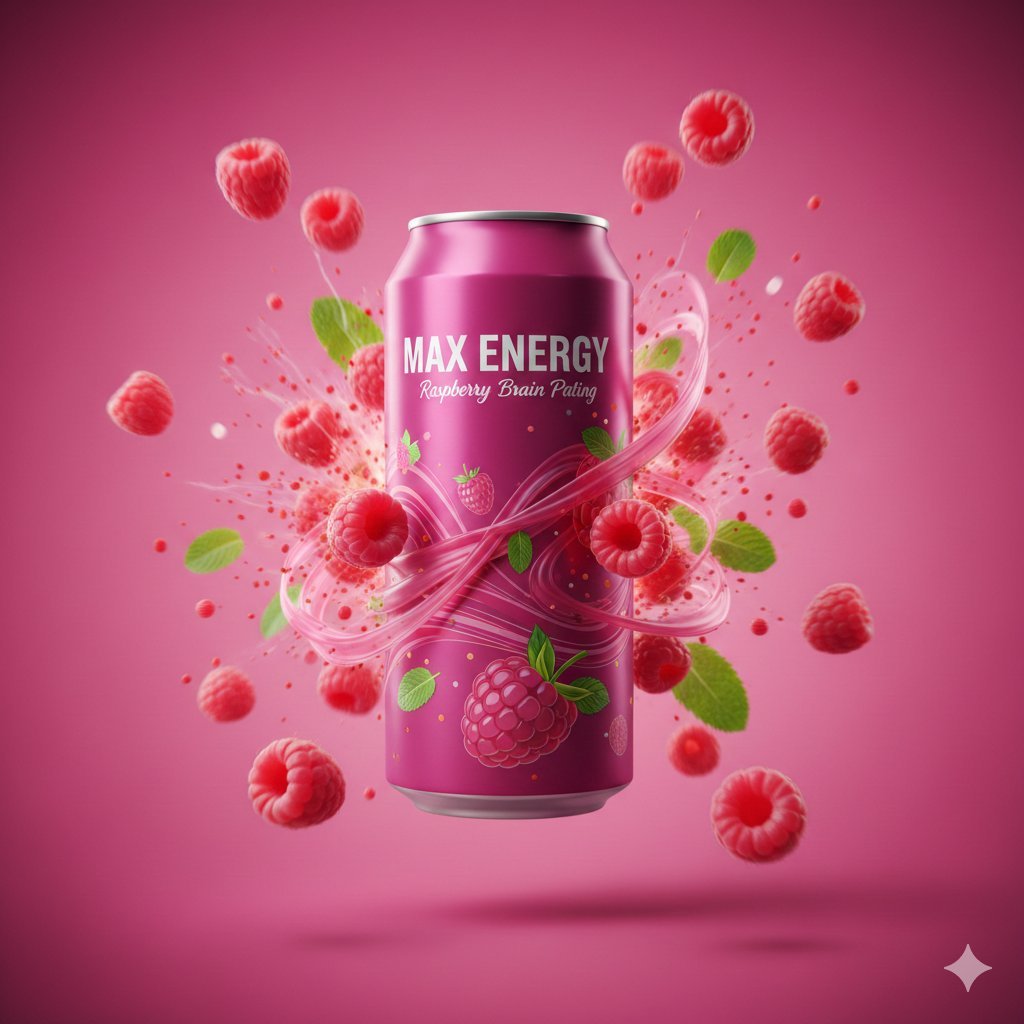
Cinematic Energy Drink Advertisement

Four Japanese Ad Visuals Collage
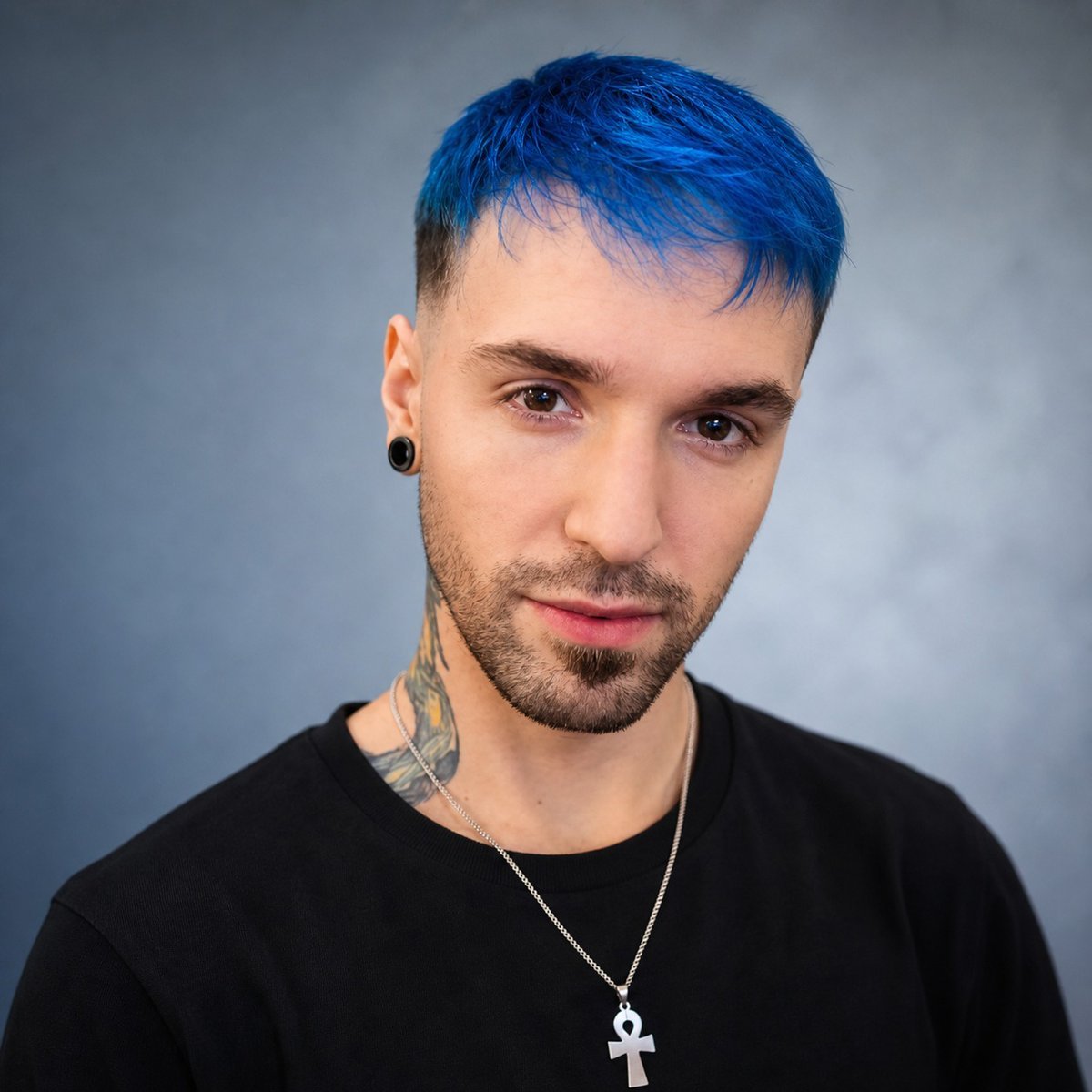
Studio Headshot from Reference
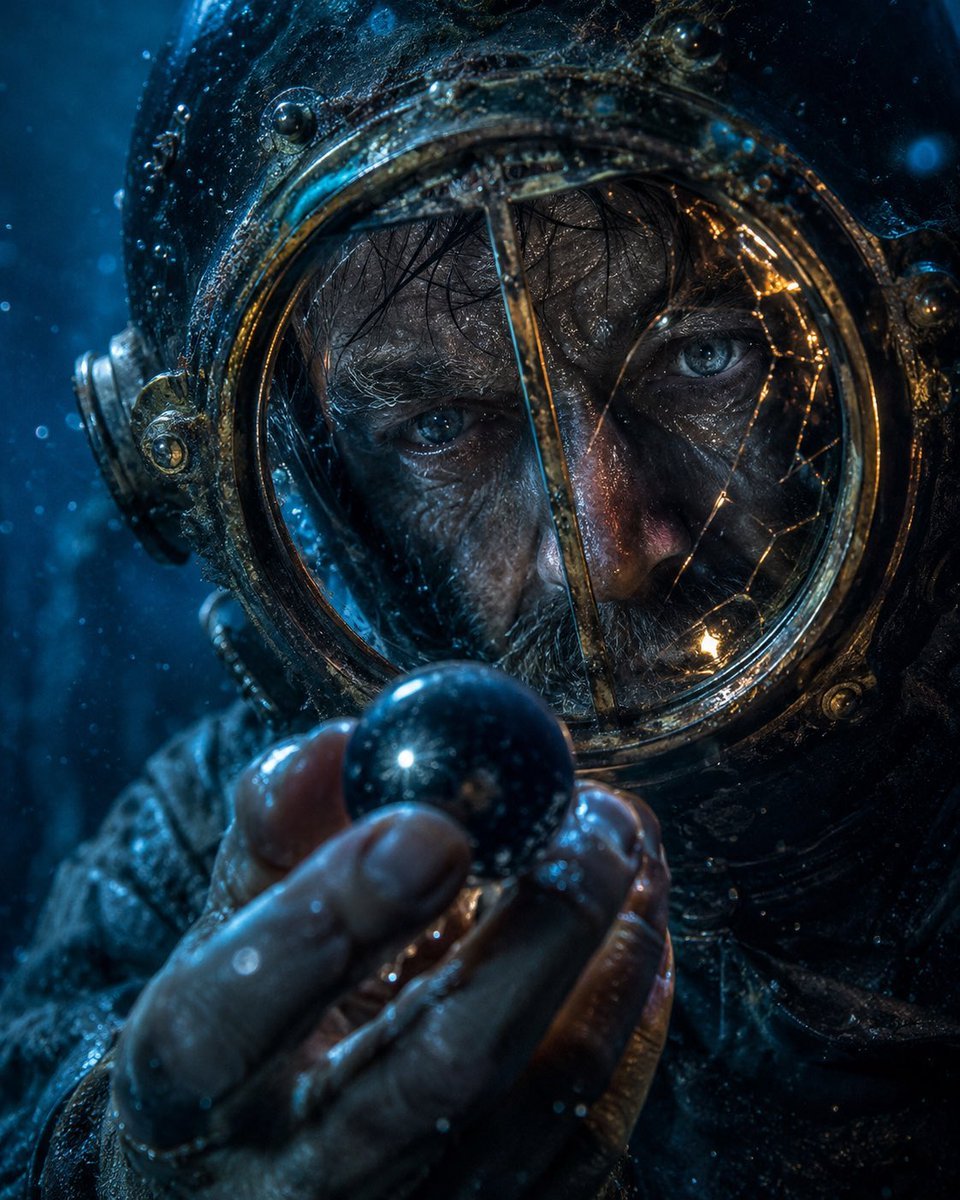
Deep-Sea Diver Artifact Close-Up
Browse template categories
Obsidian Blade Dark Angel questions
How do I use the Obsidian Blade Dark Angel template?
Add your photo if the template asks for one, edit the prompt if you like — the template's model and format are already selected — and press Generate. Your version opens in PicX Studio.
Can I customize the Obsidian Blade Dark Angel template?
Yes. You can change the subject, setting, lighting, mood, format, and available model controls before creating your image.
Is the Obsidian Blade Dark Angel template free?
Opening and editing this template is free. Generating uses credits, shown on the Generate button when you are signed in.
Which AI model should I use?
Start with Nano Banana 2, which is the model associated with this template. You can compare another compatible model for a different finish.
Looking for something else? Browse all templates.

Your photo, any look
Thousands of ready templates for every top image and video model, from one credit balance.