
Japanese Watercolor Collage Still Life
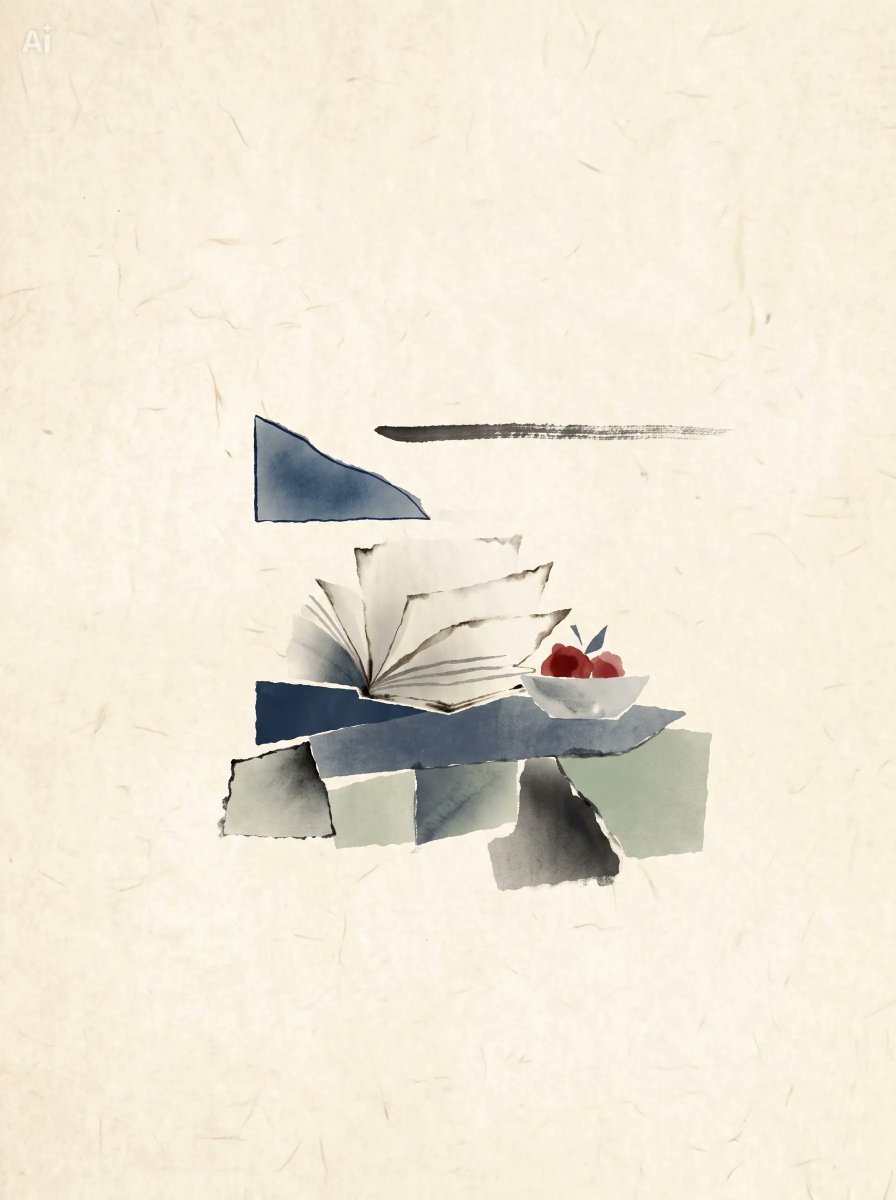
A text prompt for generating a minimalist wabi-sabi watercolor collage still life with abstract paper shapes, an open book, and a fruit bowl.
- Prompt included
- Model and format preset
- Free template
The prompt behind this image
Copy the exact prompt behind Japanese Watercolor Collage Still Life, or open it in the studio and make it yours.
Create a minimalist Japanese-inspired watercolor and ink collage still life on a vertical {argument name="canvas ratio" default="3:4"} canvas. Use a warm cream handmade washi-paper background with subtle fibers, stains, and light aging marks. Center the composition low-middle with lots of empty space. Depict exactly 14 discrete visible objects: 1 dark blue irregular trapezoid floating above the still life on the left, 1 horizontal black dry-brush ink stroke floating to its right, 1 open cream-paper book with rough torn page edges and fine gray page lines, 1 dark navy rectangular block behind the book, 1 long slate-gray horizontal slab beneath the book, 1 small white shallow bowl on the right, 3 rounded red fruits inside the bowl, 2 small dark blue leaf shapes behind the fruits, and 5 torn rectangular paper scraps along the bottom edge: an off-white torn scrap at far left, a pale mint square, a blue-gray vertical rectangle, a dark gray shadow-like rectangle, and a pale green rectangle at far right. Render everything in soft {argument name="art style" default="Japanese watercolor ink wash collage"}, with muted navy, slate gray, pale green, ivory, and deep red accents, gentle shadows, rough deckled edges, visible brush texture, and asymmetrical wabi-sabi balance. Keep the image quiet, airy, abstract, and handmade; no readable text, no frame, no photorealism, no extra objects.
How to use Japanese Watercolor Collage Still Life in 3 steps
- 1Upload ImagePNG, JPG or paste
Add your photo
Upload the photo the template builds on. The prompt, model and format are already set.
- 2…a portrait of your subject in softgolden-hour light, 85mm…
Personalize
Edit the subject and creative details for your destination.
- 3Generate
Generate
Press Generate — your image is created in PicX Studio, so you can compare it with the original and refine one variable at a time.
More like this
Templates with the same subject, style or setup. Open one to see its prompt.

Delicate Japanese Café Lifestyle Illustration

Japanese Café Sketch Duo Illustration
Japanese Café Sketch Duo Illustration

Mushroom Still Life Composition

Minecraft Japanese Research Lab Exploration

Japanese Tatami Lifestyle Magazine Cover
Japanese Lifestyle Sketch Illustration

Six-Panel Retro Japanese Poster Collage
Japanese Absurd Lifestyle Ad Grid
Algae Candies Still Life

Paper Cut Finale Fireworks

Paper Cut Garden Maze
Make it yours
Japanese Watercolor Collage Still Life works as-is. These are the safest ways to change it without losing the look.
Change one field
Copy a single group, rewrite it, and generate again so you can see what that field is doing.
Keep the frame, change the subject
Hold the composition and light of Japanese Watercolor Collage Still Life, then swap wardrobe, props or the person for a new take.
| If the result… | Why | Fix |
|---|---|---|
| The result drifts from the preview | Too many fields changed at once. | Reuse Japanese Watercolor Collage Still Life as-is first, then change one group — subject, light, or setting. |
| The model over-stylizes the scene | The prose prompt leaves finish and camera underspecified. | Add one camera or lighting sentence and stay on GPT Image 2. |
More GPT Image 2 templates
Other prompts made for GPT Image 2.

Six VTuber Japanese Logo Sheet

Realistic Portrait of Woman and Deer

The Vista Modular Condo Poster

AI Model Routing Comparison Infographic

2.5D Anime Art Board

Isometric Productivity Desk Scene

New York Double Exposure Poster

Four-Panel AI Landscape Comparison

NESCAFÉ Coffee Map Poster

Brutalist Cogito Chinese Typography Poster
More image prompts
Fresh picks from across the catalog.
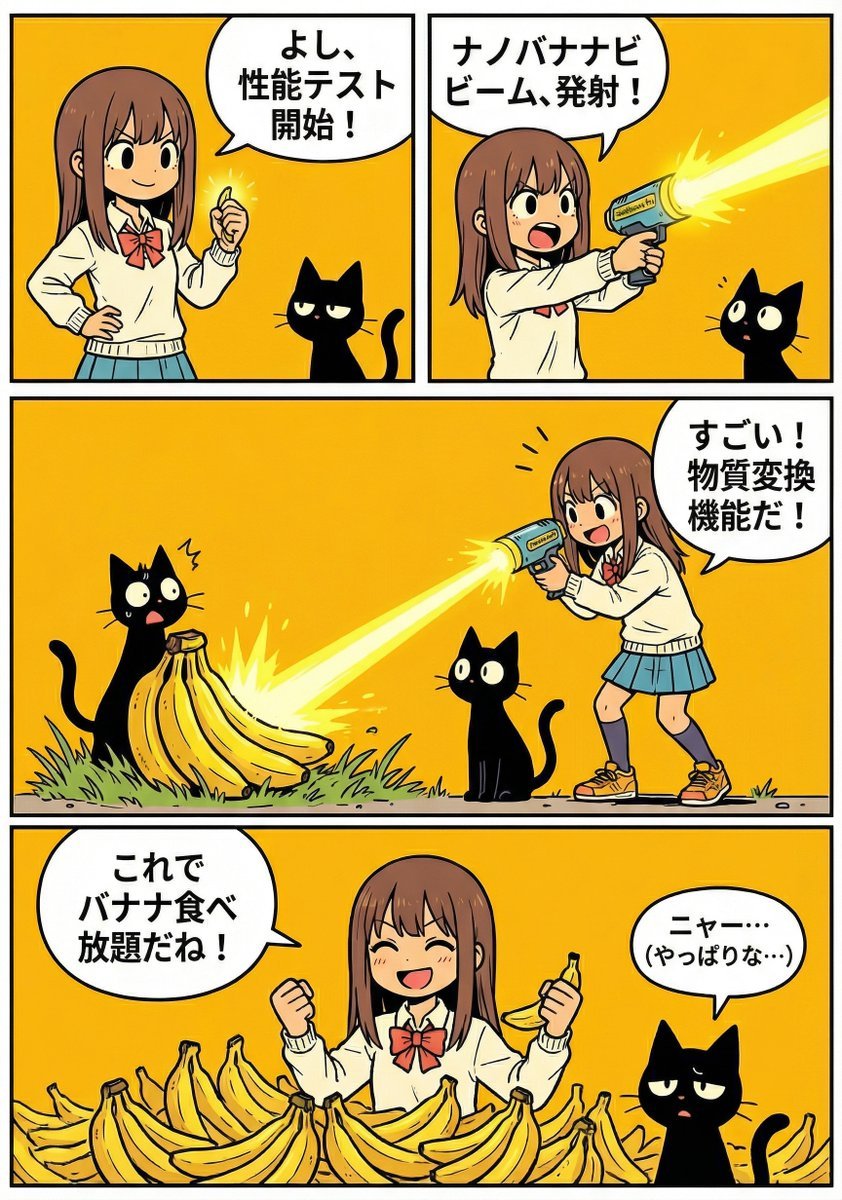
A4 manga about how amazing Nano Banana Pro is

Retro Digital Camera Screen Mockup
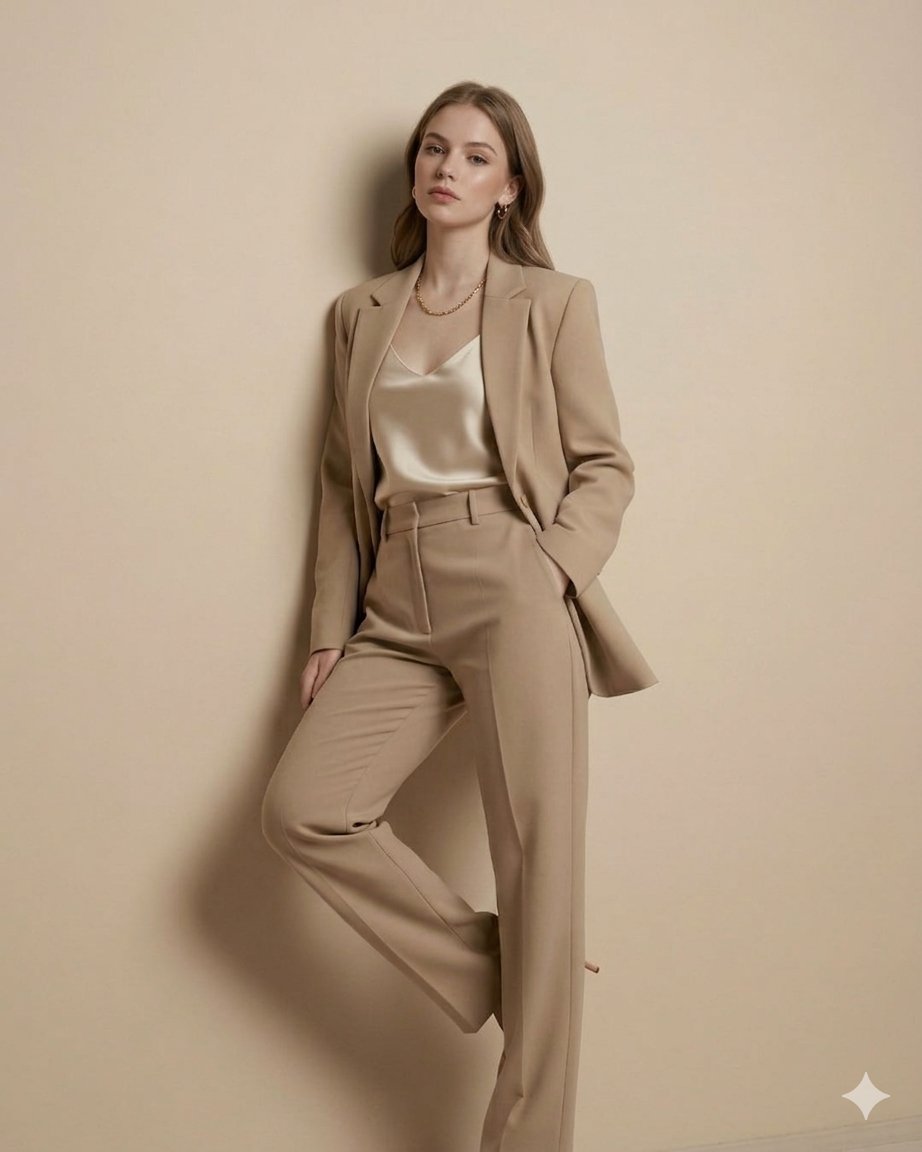
untitled
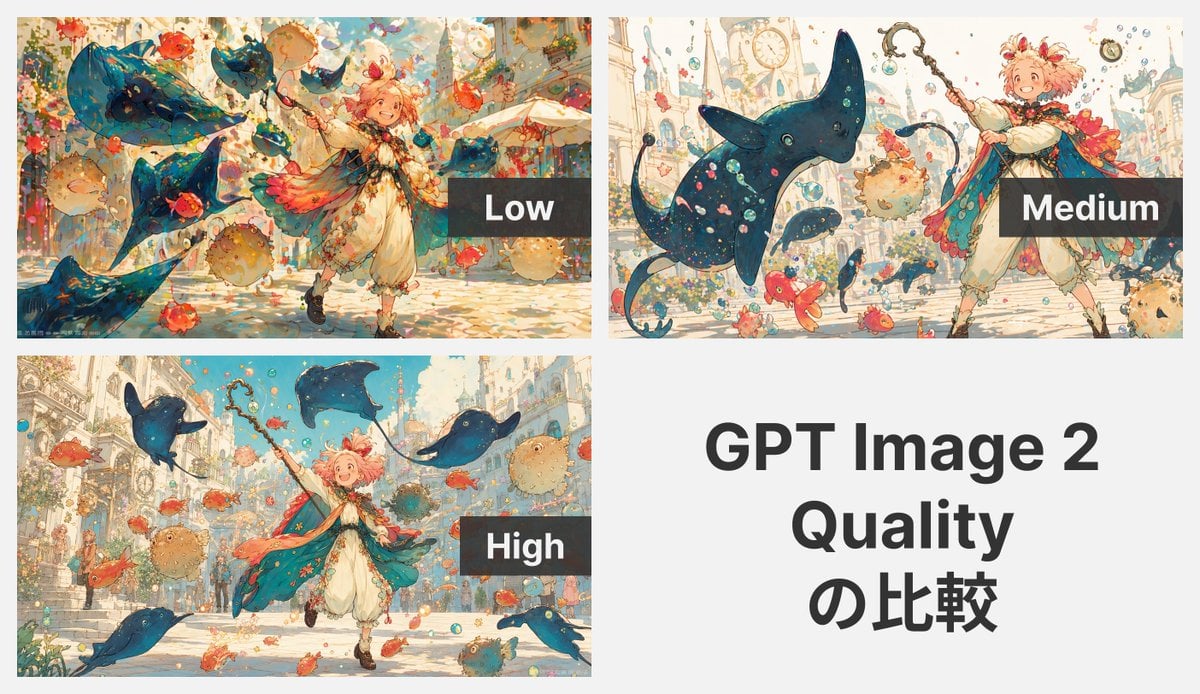
GPT Image 2 Quality Comparison Grid

8K Cinematic Winter Adventure Photo on a Vintage Train

Glossy Sequined Portrait with Hand Pose
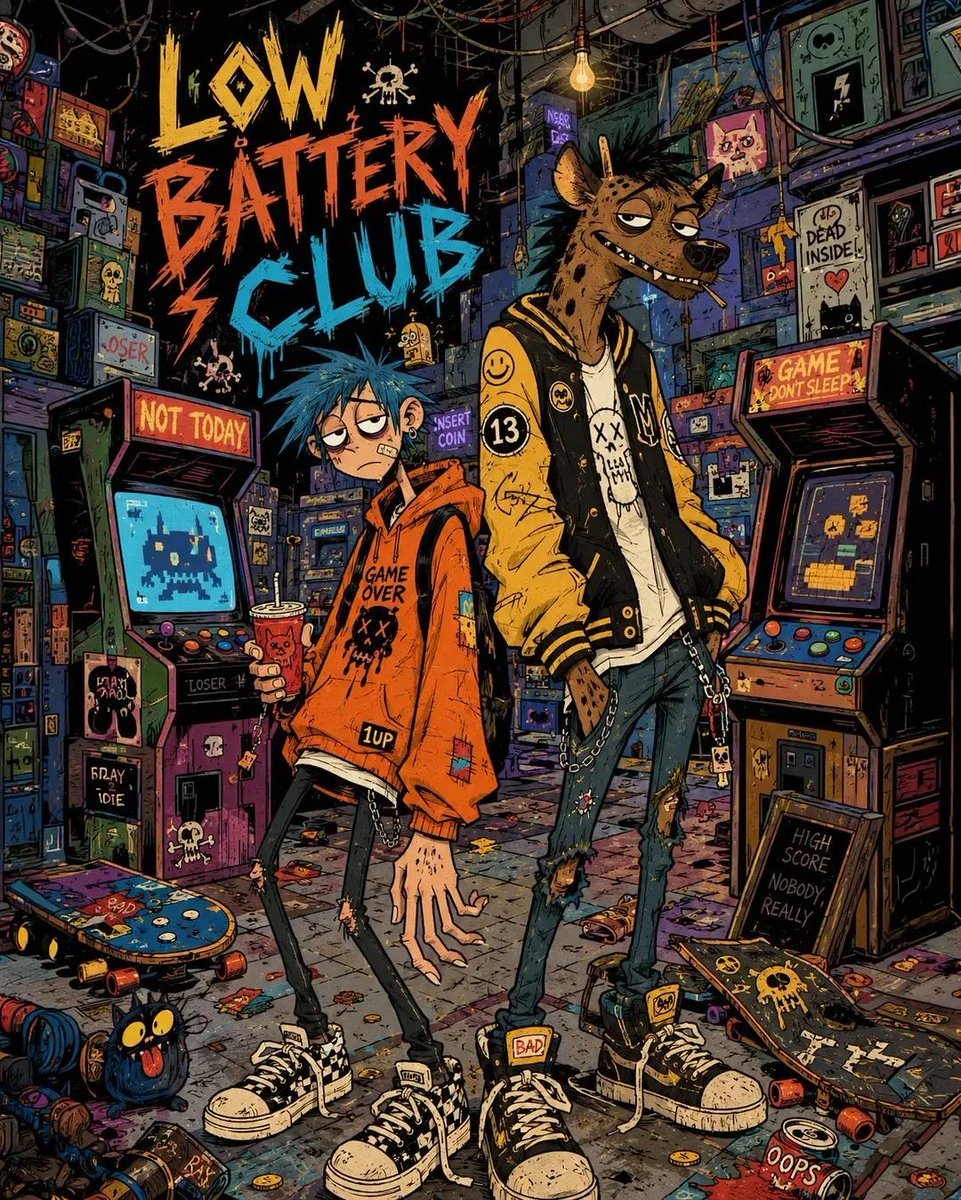
2000s Indie Cartoon Illustration

Golden Hour Organic Outdoor Selfie

NYC Nightlife Streetwear Influencer Photo Prompt
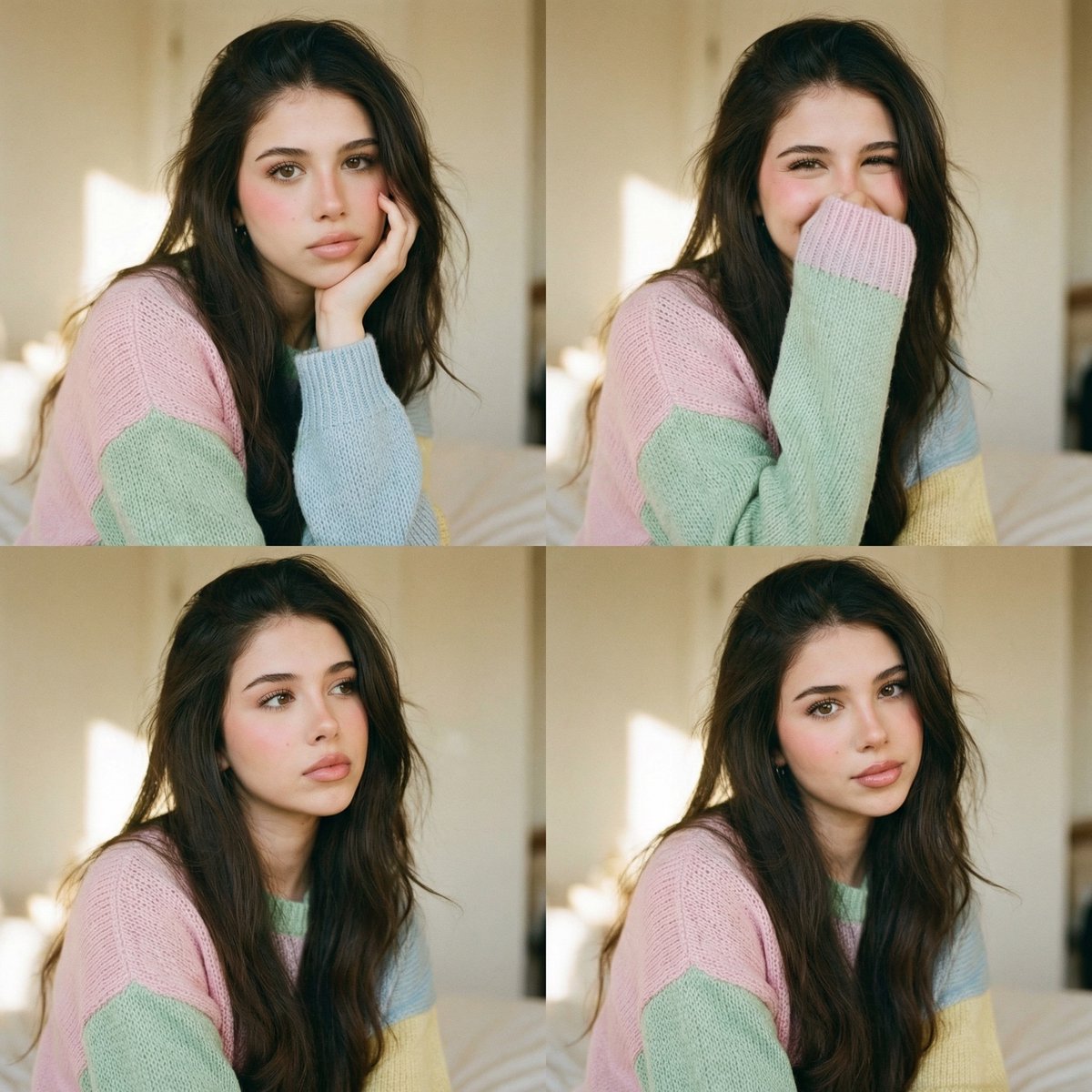
Analog Editorial Portrait Grid in Cozy Bedroom
Browse template categories
Japanese Watercolor Collage Still Life questions
How do I use the Japanese Watercolor Collage Still Life template?
Add your photo if the template asks for one, edit the prompt if you like — the template's model and format are already selected — and press Generate. Your version opens in PicX Studio.
Can I customize the Japanese Watercolor Collage Still Life template?
Yes. You can change the subject, setting, lighting, mood, format, and available model controls before creating your image.
Is the Japanese Watercolor Collage Still Life template free?
Opening and editing this template is free. Generating uses credits, shown on the Generate button when you are signed in.
Which AI model should I use?
Start with GPT Image 2, which is the model associated with this template. You can compare another compatible model for a different finish.
Looking for something else? Browse all templates.

Your photo, any look
Thousands of ready templates for every top image and video model, from one credit balance.