
Floating Stone Cube Challenge
Generates a vertical anime-style social media image of a massive cracked stone cube floating above ruins with dramatic Japanese challenge text.
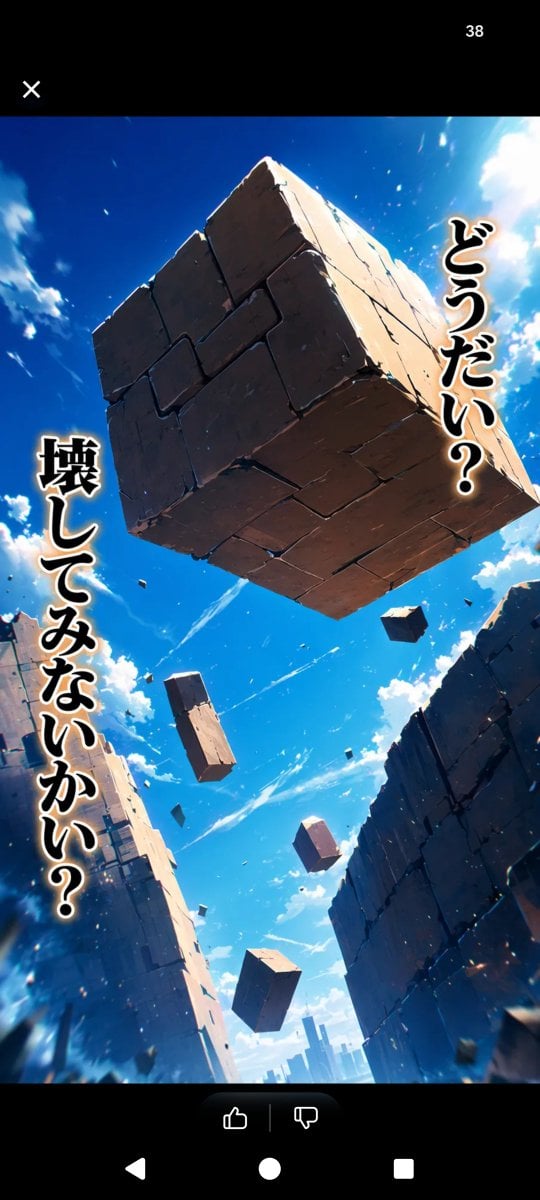
- Prompt included
- Model and format preset
- Free template
The prompt behind this image
Copy the exact prompt behind Floating Stone Cube Challenge, or open it in the studio and make it yours.
Create a vertical smartphone screenshot-style anime fantasy scene with black app UI bars at the top and bottom. In the main image, show a dramatic low-angle view looking up through a ruined canyon of towering cracked stone walls under a vivid deep blue sky with bright white clouds and sunlight flaring from the upper right. A massive cubical stone block floats in the center near the top, made of many cracked rectangular slabs, with sharp rim lighting, chipped edges, and small debris fragments breaking off. Count 6 floating stone objects total: 1 enormous central cube, 1 medium rectangular block below-left of center, 1 small cuboid at upper right, 1 small cuboid near lower center, 1 small cube near bottom center, and 1 tiny distant block among the debris. Add dynamic dust, sparks, and motion streaks to make the block feel suspended or falling. Place bold vertical Japanese manga text with thick black fill, white outline, and warm glow: on the right side, {argument name="right vertical text" default="どうだい?"}; on the left side, {argument name="left vertical text" default="壊してみないかい?"}. The art style should be cinematic high-detail anime, saturated colors, extreme perspective, dramatic lighting, crisp stone texture, and a sense of awe and challenge. Include a minimal social-media viewer overlay: black top bar with a white X icon at top left and the number {argument name="top counter" default="38"} at top right, plus a black bottom bar with small like and dislike icons in a rounded dark pill and Android navigation symbols.
How to use Floating Stone Cube Challenge in 3 steps
- 1Upload ImagePNG, JPG or paste
Add your photo
Upload the photo the template builds on. The prompt, model and format are already set.
- 2…a portrait of your subject in softgolden-hour light, 85mm…
Personalize
Edit the subject and creative details for your destination.
- 3Generate
Generate
Press Generate — your image is created in PicX Studio, so you can compare it with the original and refine one variable at a time.
More like this
Templates with the same subject, style or setup. Open one to see its prompt.

Minimalist Skincare Product Water Stone Still

Botanical Skincare Minimal Product Advertising
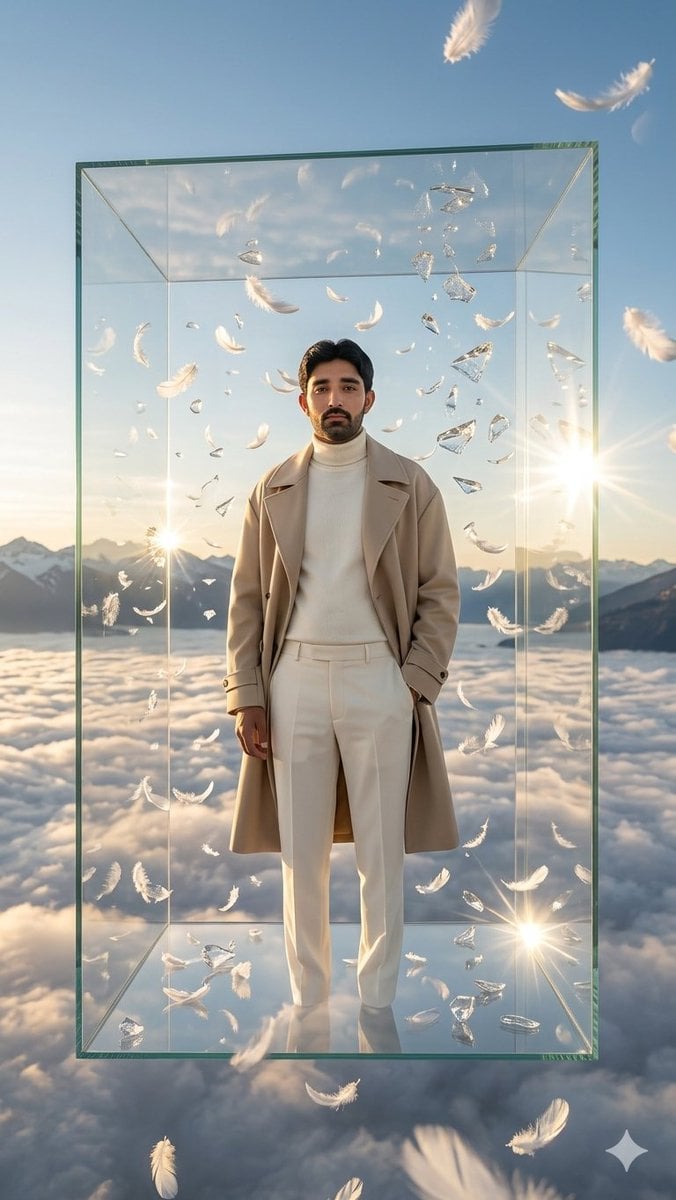
Man in Floating Glass Cube

Floating Woman Above Cityscape with Notifications
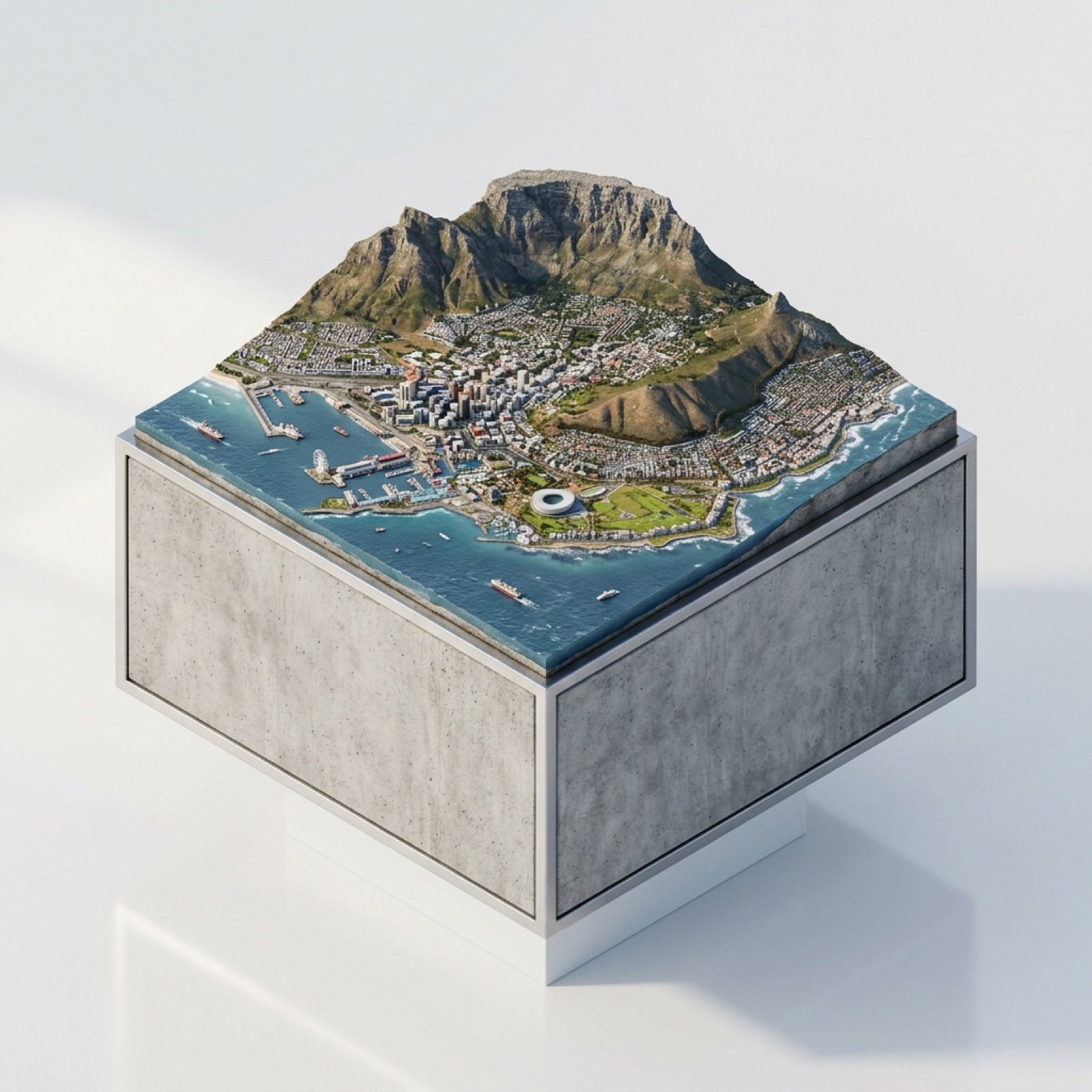
3D Miniature Cape Town Diorama on Floating Cube
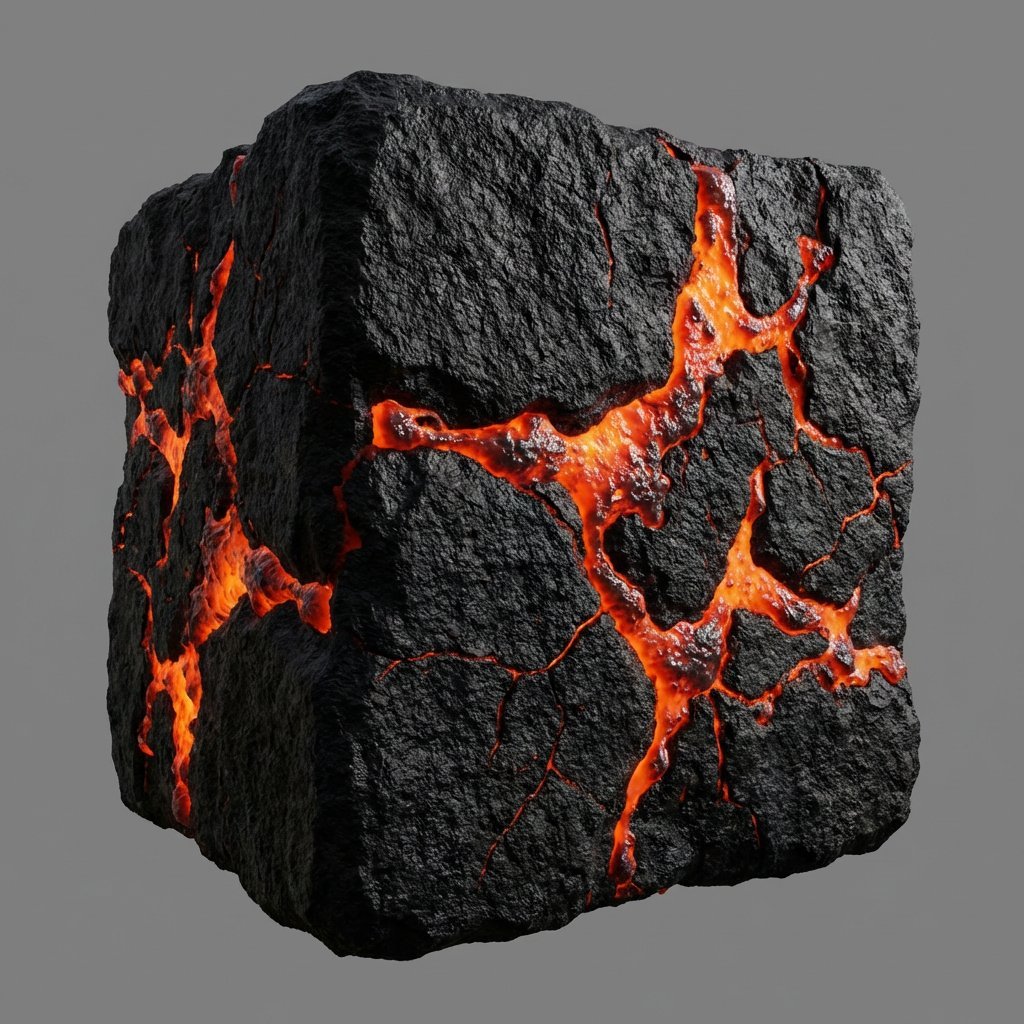
Lava Stone Texture Cube
Jade Stone Cube Texture
Woman Encased in Amber Glass Cube
Summer Touring Challenge Poster
Resort Fashion Stone Steps Portrait
Floating Schoolgirl in Dark
Product in Ice Cube Minimalist
Make it yours
Floating Stone Cube Challenge works as-is. These are the safest ways to change it without losing the look.
Change one field
Copy a single group, rewrite it, and generate again so you can see what that field is doing.
Keep the frame, change the subject
Hold the composition and light of Floating Stone Cube Challenge, then swap wardrobe, props or the person for a new take.
| If the result… | Why | Fix |
|---|---|---|
| The result drifts from the preview | Too many fields changed at once. | Reuse Floating Stone Cube Challenge as-is first, then change one group — subject, light, or setting. |
| The model over-stylizes the scene | The prose prompt leaves finish and camera underspecified. | Add one camera or lighting sentence and stay on GPT Image 2. |
More GPT Image 2 templates
Other prompts made for GPT Image 2.

Six VTuber Japanese Logo Sheet

Realistic Portrait of Woman and Deer

The Vista Modular Condo Poster

AI Model Routing Comparison Infographic

2.5D Anime Art Board

Isometric Productivity Desk Scene

New York Double Exposure Poster

Four-Panel AI Landscape Comparison

Japanese Tatami Lifestyle Magazine Cover

NESCAFÉ Coffee Map Poster
More image prompts
Fresh picks from across the catalog.
Single-slide illustration of a Yahoo News article
Cinematic Industrial Portrait with Macro Perspective
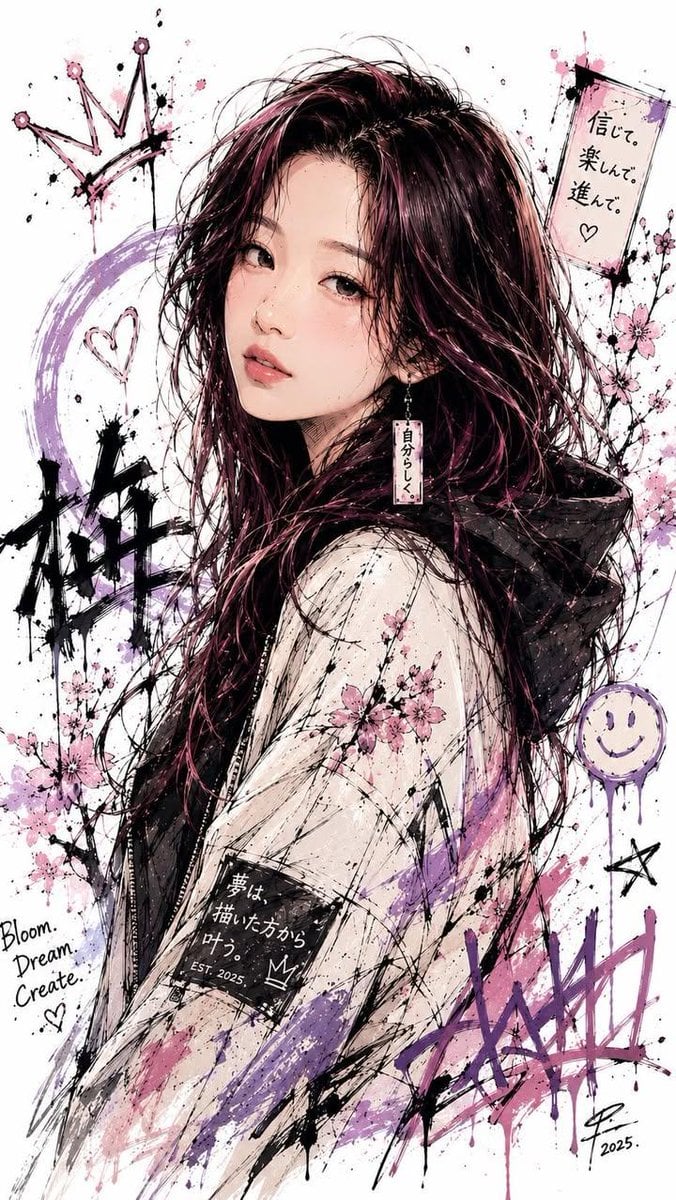
Japanese Ink Splatter Comic Illustration
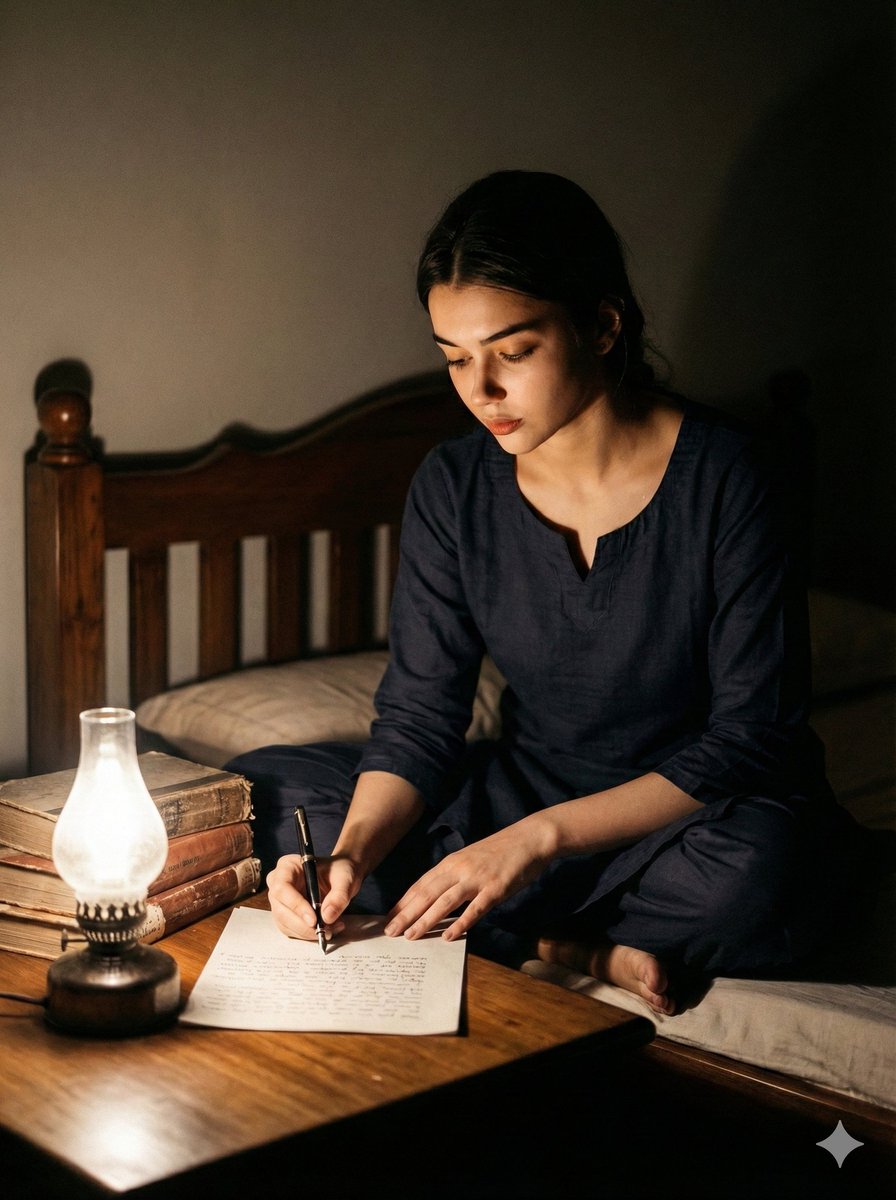
Cinematic Black and White Portrait of a Writer
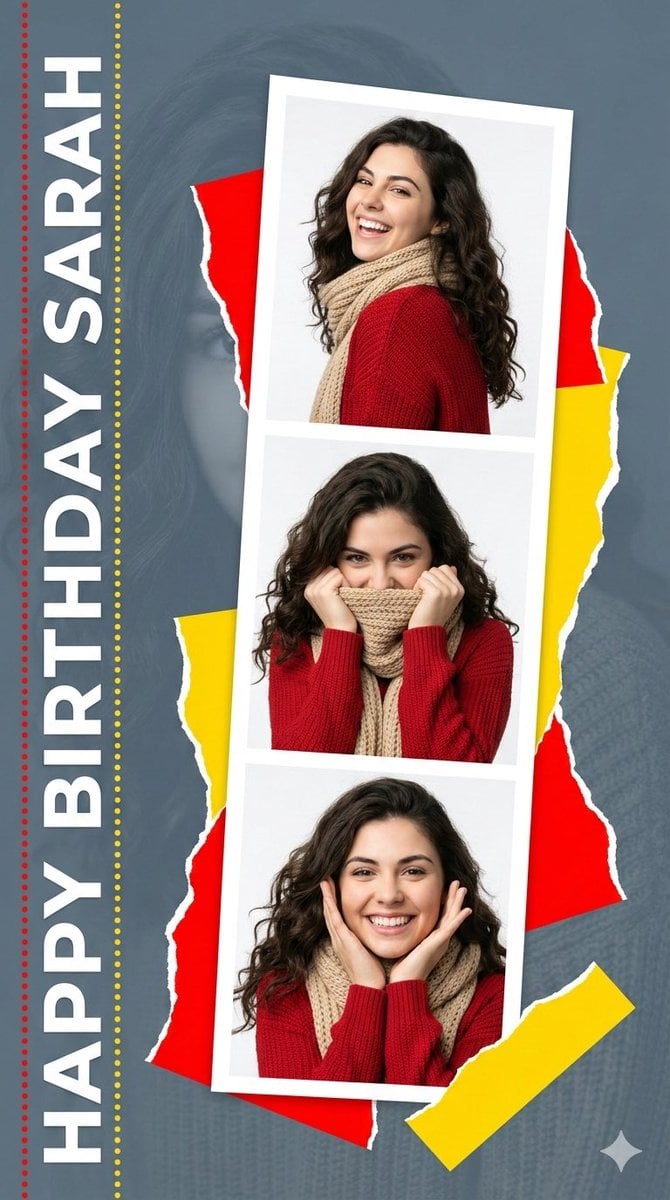
Elegant Graphic Design Birthday Collage
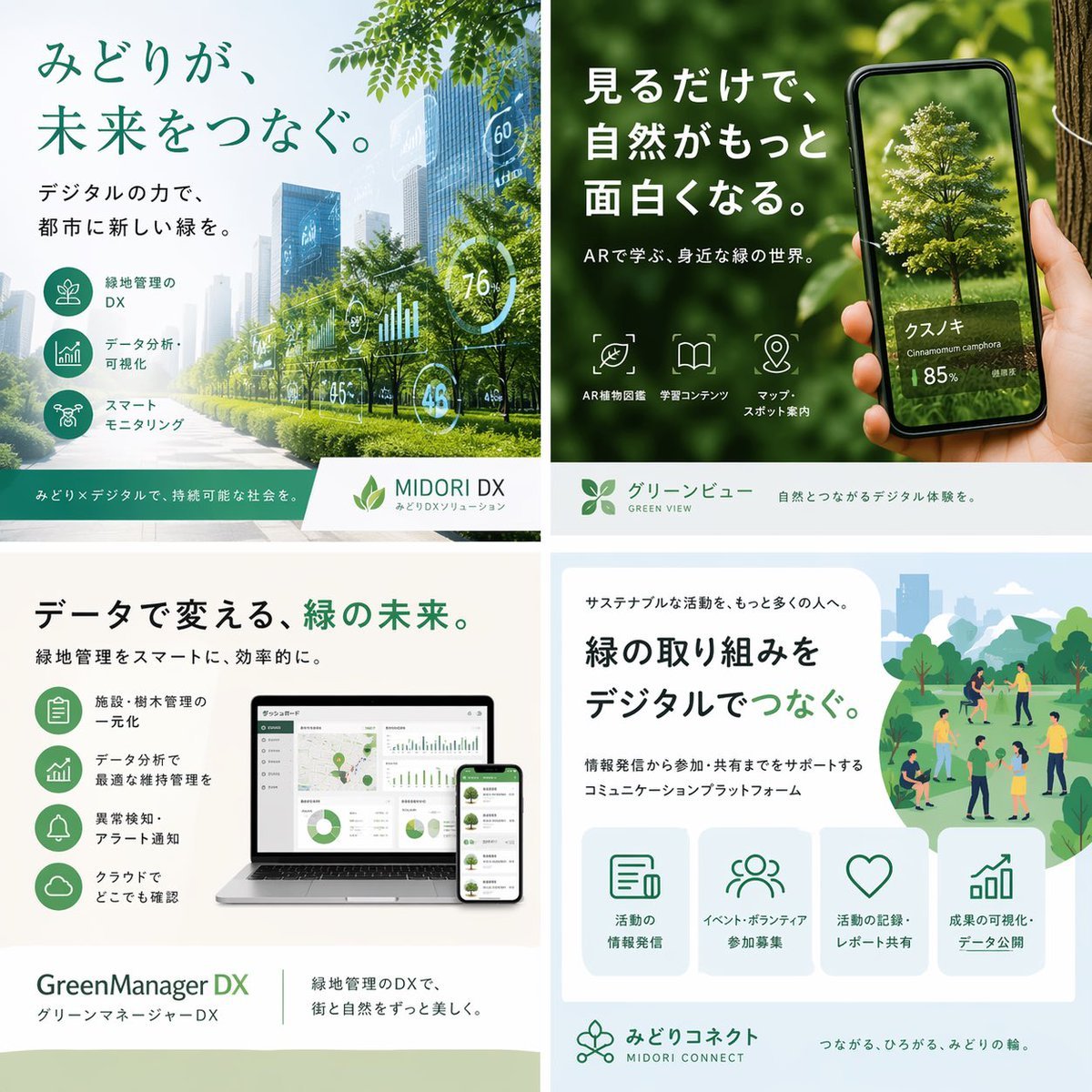
Japanese Green-Tech Promo Collage
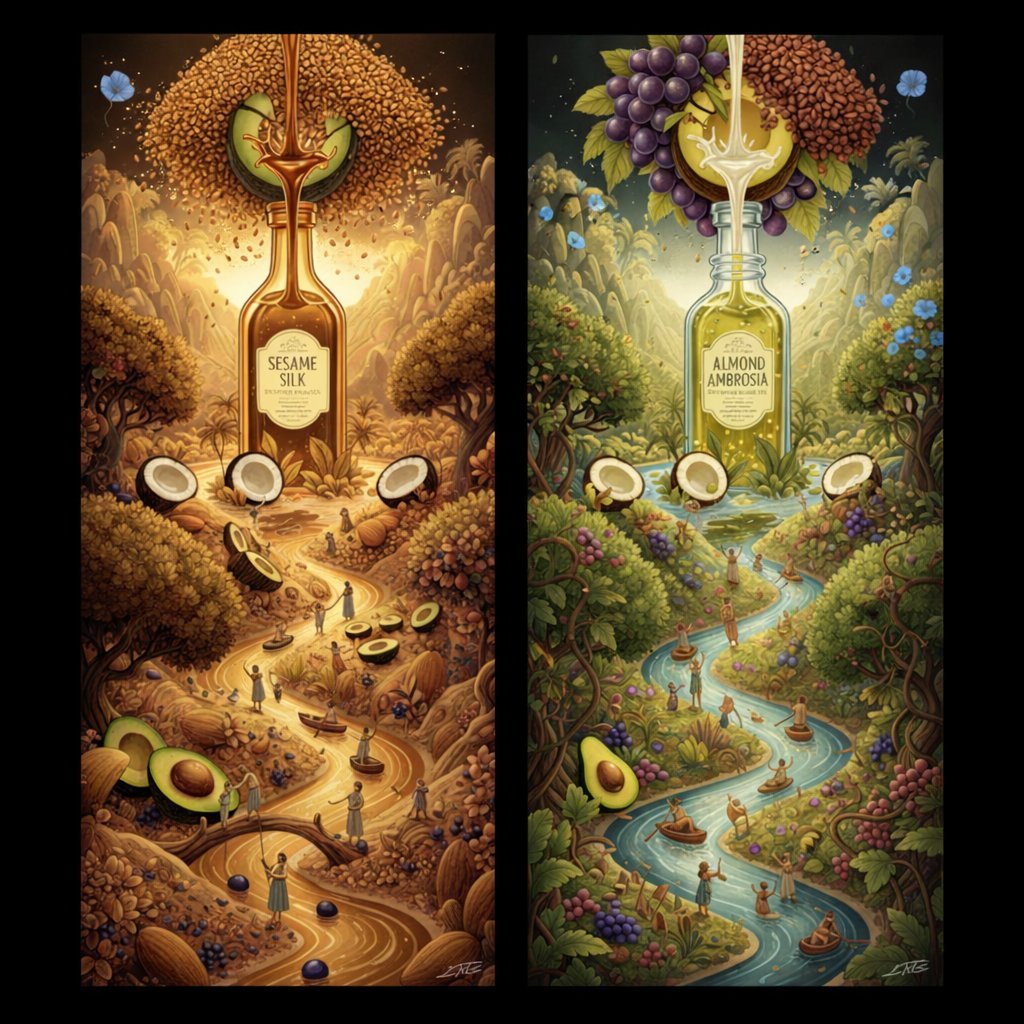
Surrealist Diptych of Sesame and Almond Oil Landscapes
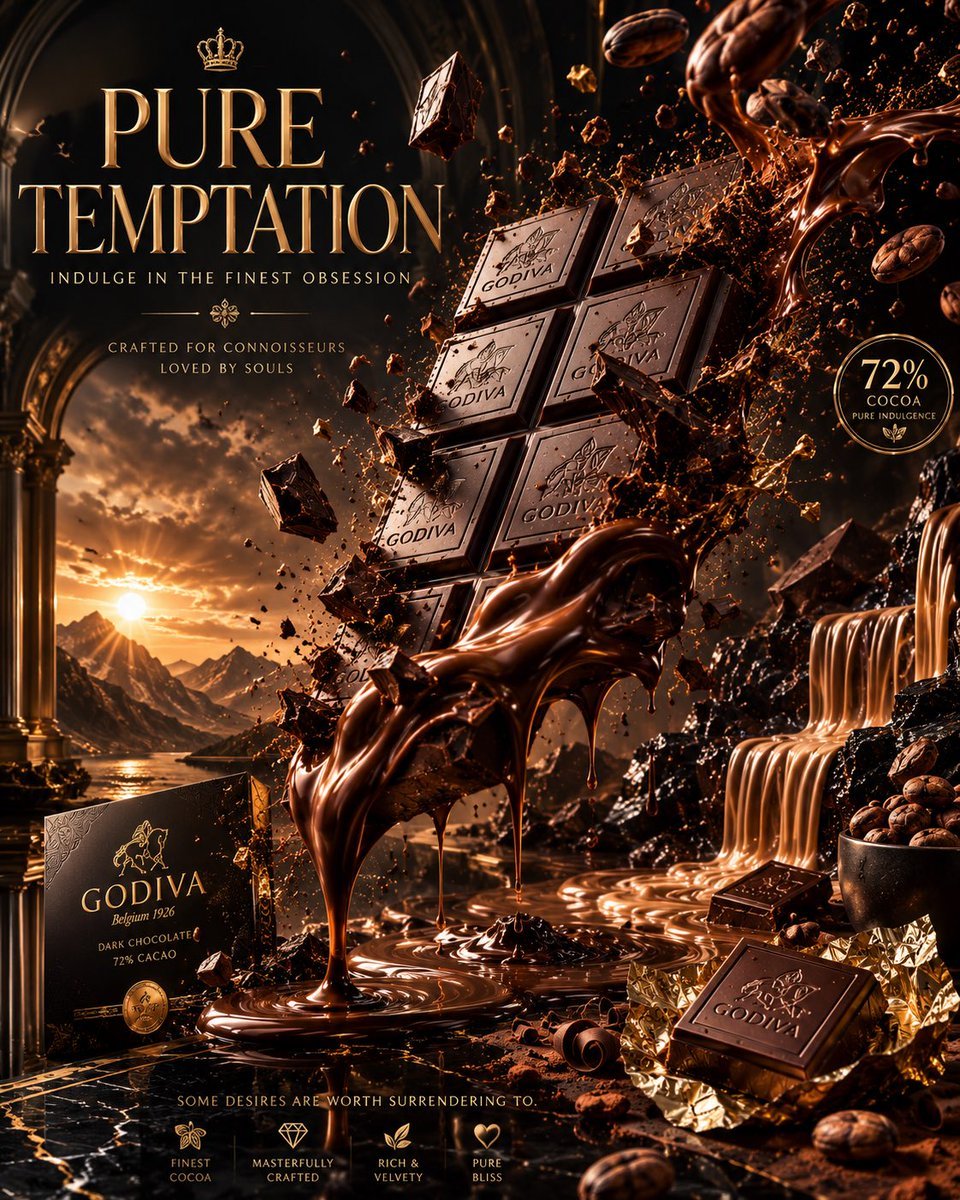
Luxury Chocolate Advertising Masterpiece
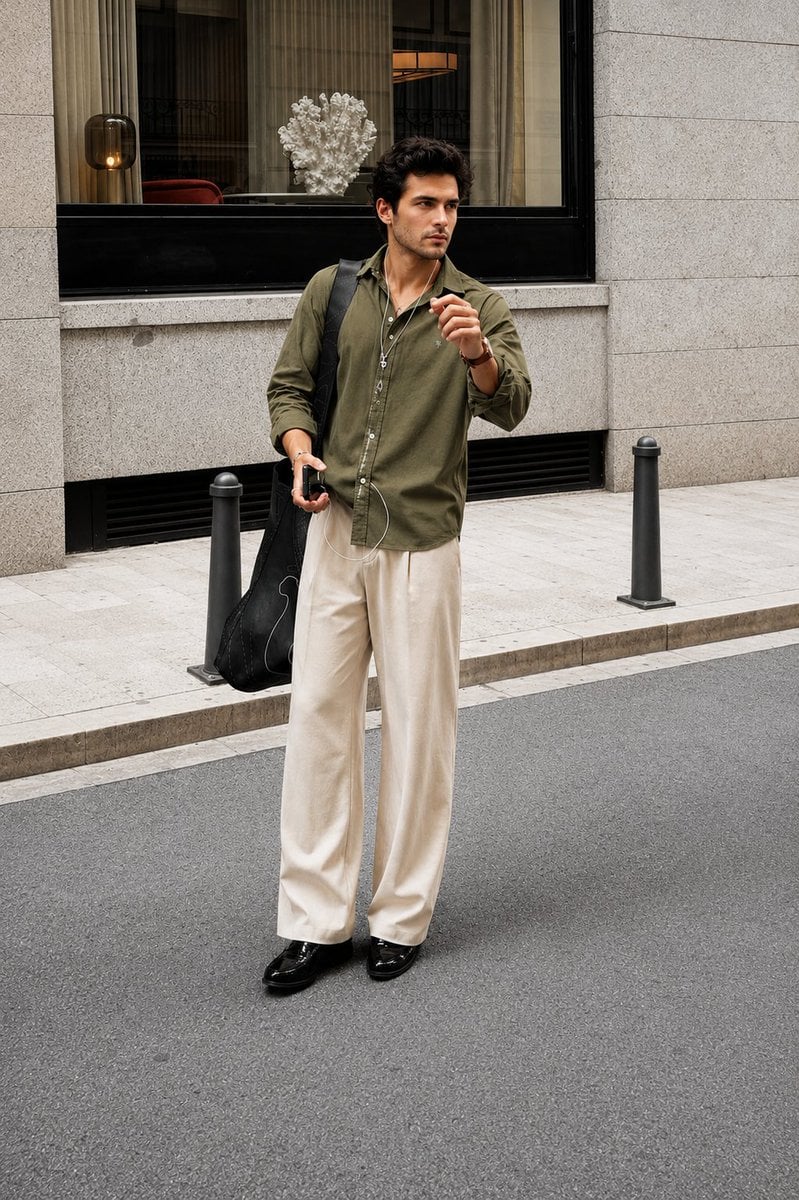
Ultra Realistic Luxury Street Fashion Portrait
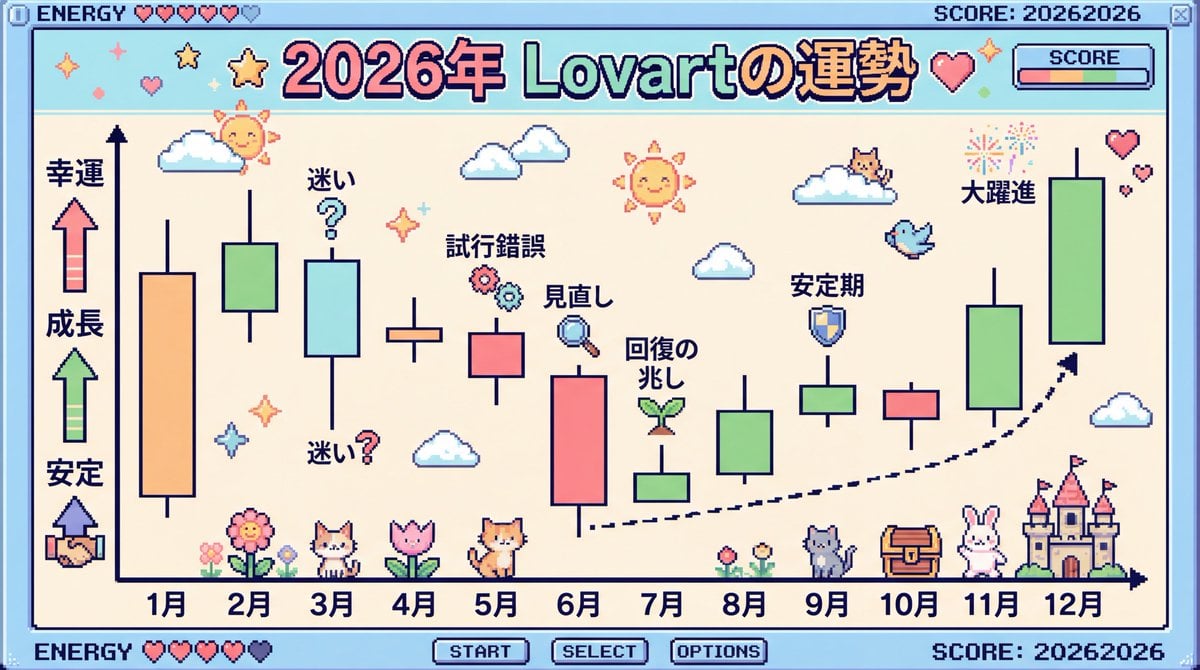
2026 Fortune Telling Prompt (Super Famicom Style)
Browse template categories
Floating Stone Cube Challenge questions
How do I use the Floating Stone Cube Challenge template?
Add your photo if the template asks for one, edit the prompt if you like — the template's model and format are already selected — and press Generate. Your version opens in PicX Studio.
Can I customize the Floating Stone Cube Challenge template?
Yes. You can change the subject, setting, lighting, mood, format, and available model controls before creating your image.
Is the Floating Stone Cube Challenge template free?
Opening and editing this template is free. Generating uses credits, shown on the Generate button when you are signed in.
Which AI model should I use?
Start with GPT Image 2, which is the model associated with this template. You can compare another compatible model for a different finish.
Looking for something else? Browse all templates.

Your photo, any look
Thousands of ready templates for every top image and video model, from one credit balance.