
Summer Touring Challenge Poster
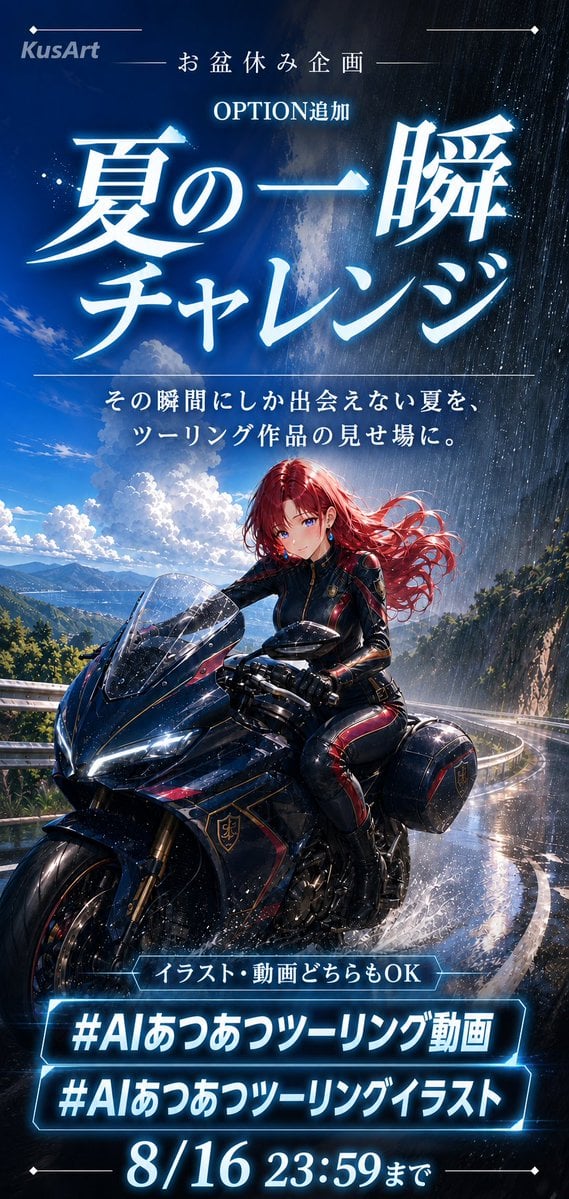
Generates a cinematic Japanese anime event poster for a summer motorcycle touring challenge with glowing typography and rain-swept road drama.
- Prompt included
- Model and format preset
- Free template
The prompt behind this image
Copy the exact prompt behind Summer Touring Challenge Poster, or open it in the studio and make it yours.
Goal: Create a dramatic vertical Japanese promotional poster for a summer motorcycle touring challenge, blending anime key visual art with event announcement typography. Canvas: Tall smartphone poster, 9:16 aspect ratio, dark cinematic blue color grading, high contrast, glowing cyan-white typography, rain and water-splash effects. Layout: At the very top, place a small KusArt logo on the left with thin decorative horizontal lines and diamond endpoints. Center the small header text 「お盆休み企画」, then below it 「OPTION追加」. The dominant title fills the upper third in huge luminous Japanese calligraphy: {argument name="main title" default="夏の一瞬チャレンジ"}. Under the title, add a thin divider line and a two-line subtitle: 「その瞬間にしか出会えない夏を、」 and 「ツーリング作品の見せ場に。」 Main visual: A beautiful anime-style female motorcycle rider with {argument name="hair color" default="long flowing crimson red hair"} and vivid blue eyes rides a glossy black sport touring motorcycle with subtle red and gold trim. She wears a tight black leather racing suit with red accent panels, black gloves, and a confident gentle expression. The motorcycle is angled toward the viewer on a wet mountain road curve, front wheel large in the lower foreground, windshield sparkling with raindrops, tires kicking up water spray. Environment: Split the sky into a “summer moment” contrast: the left side is bright blue sky with towering white cumulonimbus clouds, distant mountains, and a lake or coastline below; the right side is a sudden dark evening rain shower with dense vertical rain streaks. The road is glossy and reflective, bordered by guardrails and lush green mountain foliage, with sunlight breaking through the rain to create a magical fleeting-summer atmosphere. Bottom information area: Add exactly 3 glowing cyan outlined text blocks near the bottom. Block 1 is a small pill-shaped label reading 「イラスト・動画どちらもOK」. Block 2 is a large hashtag bar reading {argument name="first hashtag" default="#AIあつあつツーリング動画"}. Block 3 is a second large hashtag bar reading {argument name="second hashtag" default="#AIあつあつツーリングイラスト"}. At the very bottom, display the deadline in large bright numerals and Japanese text: {argument name="deadline text" default="8/16 23:59まで"}, with thin decorative lines and diamond endpoints. Visual style: Premium anime illustration, highly detailed motorcycle rendering, glossy wet surfaces, cinematic lighting, electric blue glow, crisp Japanese typography, rain particles, water droplets, dramatic poster composition, polished social media campaign design. Constraints: Keep all text legible and in the specified Japanese wording. Use exactly one rider, one motorcycle, three bottom text blocks, and one deadline line. Do not add extra logos, extra hashtags, QR codes, or watermarks beyond the small KusArt logo.
How to use Summer Touring Challenge Poster in 3 steps
- 1Upload ImagePNG, JPG or paste
Add your photo
Upload the photo the template builds on. The prompt, model and format are already set.
- 2…a portrait of your subject in softgolden-hour light, 85mm…
Personalize
Edit the subject and creative details for your destination.
- 3Generate
Generate
Press Generate — your image is created in PicX Studio, so you can compare it with the original and refine one variable at a time.
More like this
Templates with the same subject, style or setup. Open one to see its prompt.

Japan Travel Brochure Poster

Cartoon TV Show Poster Pack

Trendy Cafe Drink Promo Poster

Urban Fashion Editorial Collage Streetwear Poster

Premium Fashion Editorial Cover Layout System

Polo Ralph Lauren Luxury American Heritage Fashion Campaign

Monochrome Halftone Editorial Fashion Poster

Retro Mirror Luxury Fashion Campaign Poster

Luxury Fashion Campaign Typography Poster System

Premium Fashion Editorial Campaign Poster System

Ultra-Stylized High-Fashion Streetwear Poster

Urban Fashion Editorial Collage Poster
Make it yours
Summer Touring Challenge Poster works as-is. These are the safest ways to change it without losing the look.
Change one field
Copy a single group, rewrite it, and generate again so you can see what that field is doing.
Keep the frame, change the subject
Hold the composition and light of Summer Touring Challenge Poster, then swap wardrobe, props or the person for a new take.
| If the result… | Why | Fix |
|---|---|---|
| The result drifts from the preview | Too many fields changed at once. | Reuse Summer Touring Challenge Poster as-is first, then change one group — subject, light, or setting. |
| The model over-stylizes the scene | The prose prompt leaves finish and camera underspecified. | Add one camera or lighting sentence and stay on GPT Image 2. |
More GPT Image 2 templates
Other prompts made for GPT Image 2.

Six VTuber Japanese Logo Sheet

Realistic Portrait of Woman and Deer

The Vista Modular Condo Poster

AI Model Routing Comparison Infographic

2.5D Anime Art Board

Isometric Productivity Desk Scene

New York Double Exposure Poster

Four-Panel AI Landscape Comparison

Japanese Tatami Lifestyle Magazine Cover

NESCAFÉ Coffee Map Poster
More image prompts
Fresh picks from across the catalog.
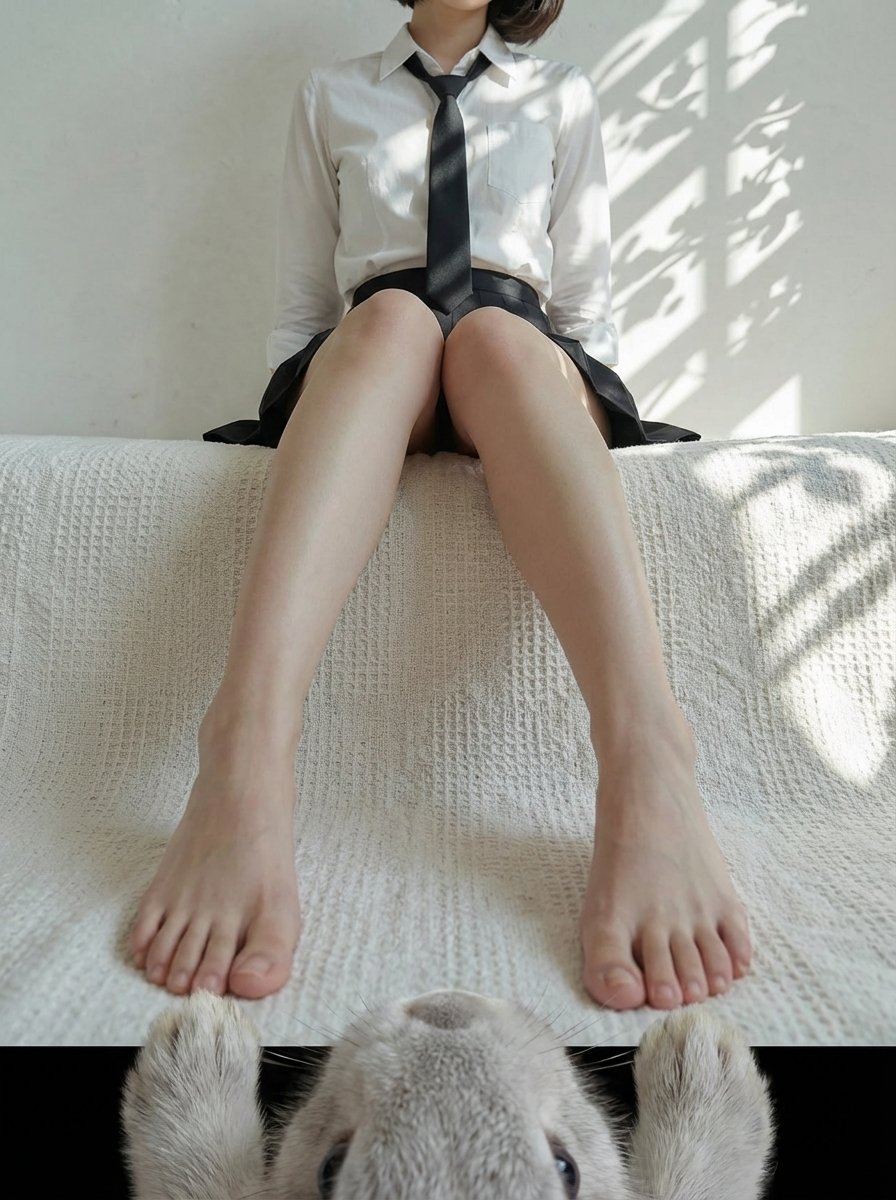
POV from a light gray rabbit
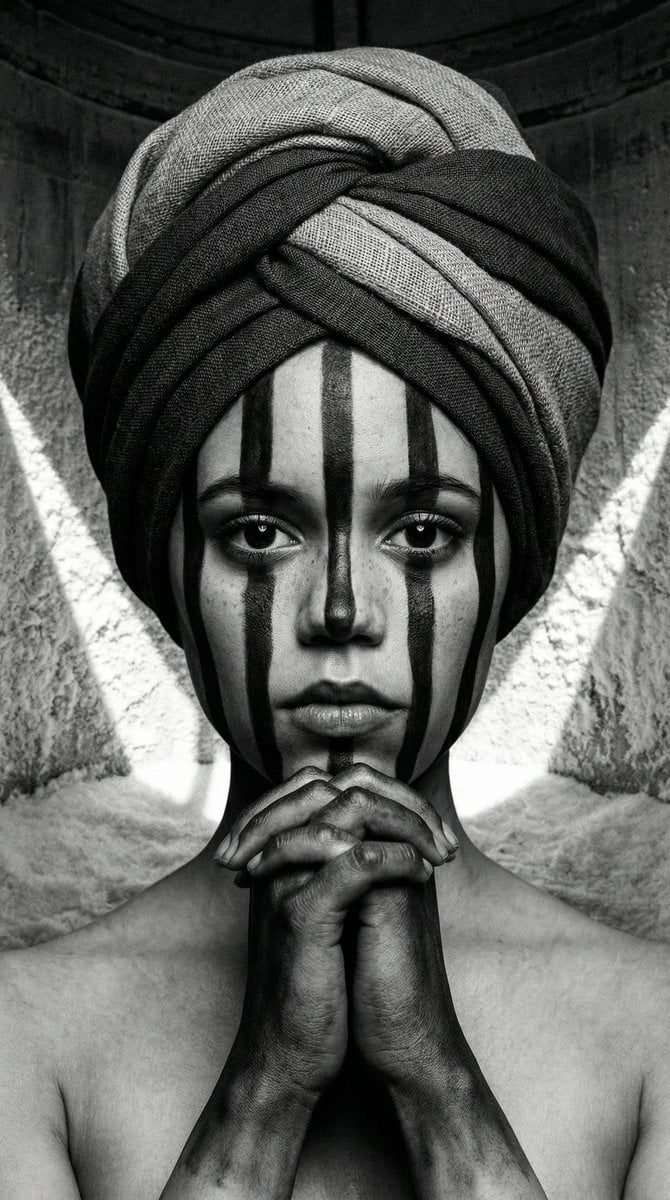
Monochrome Avant-Garde Portrait: Obsidian Ritual
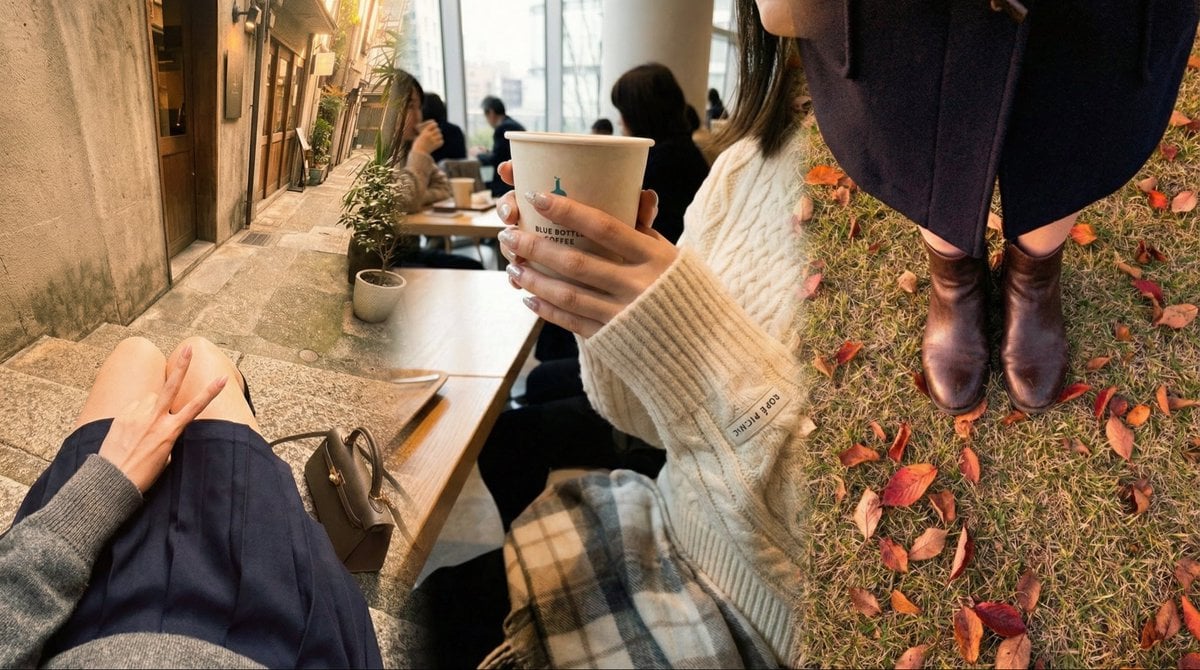
Faceless Emo Selfies with Atmosphere
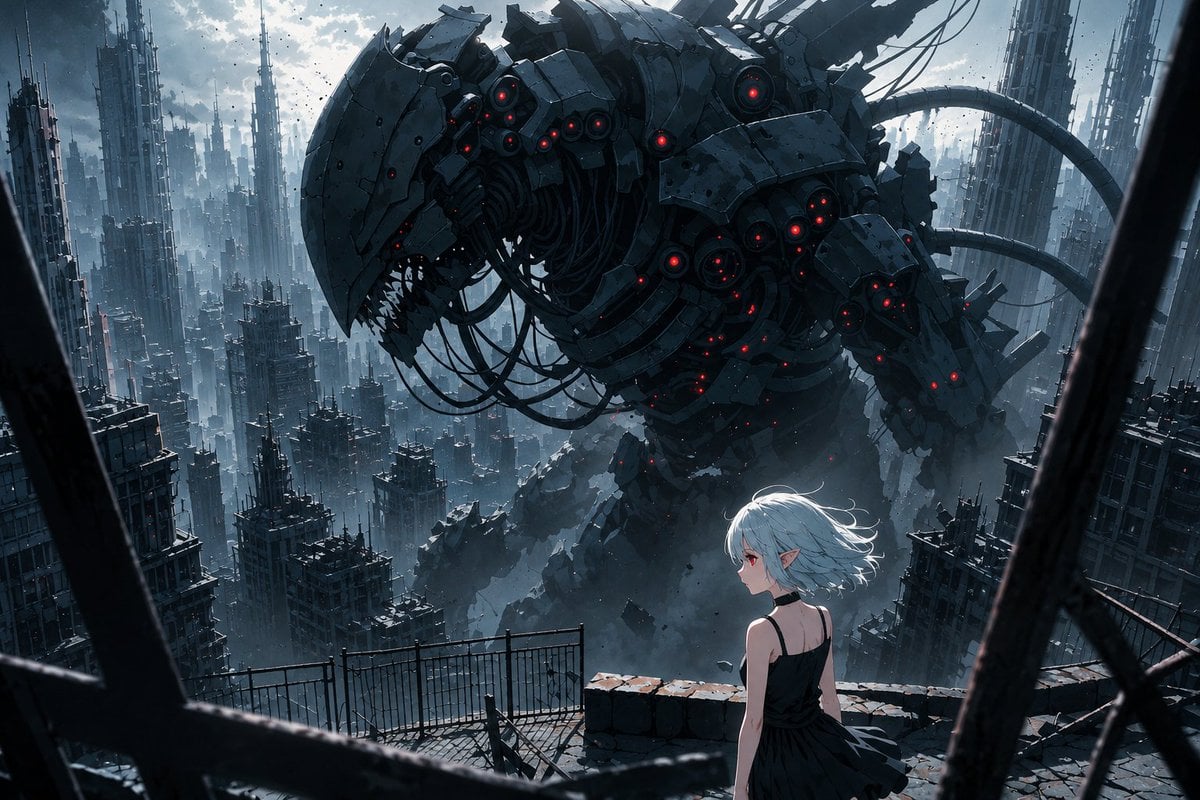
AI Illustration Quality Upscaler
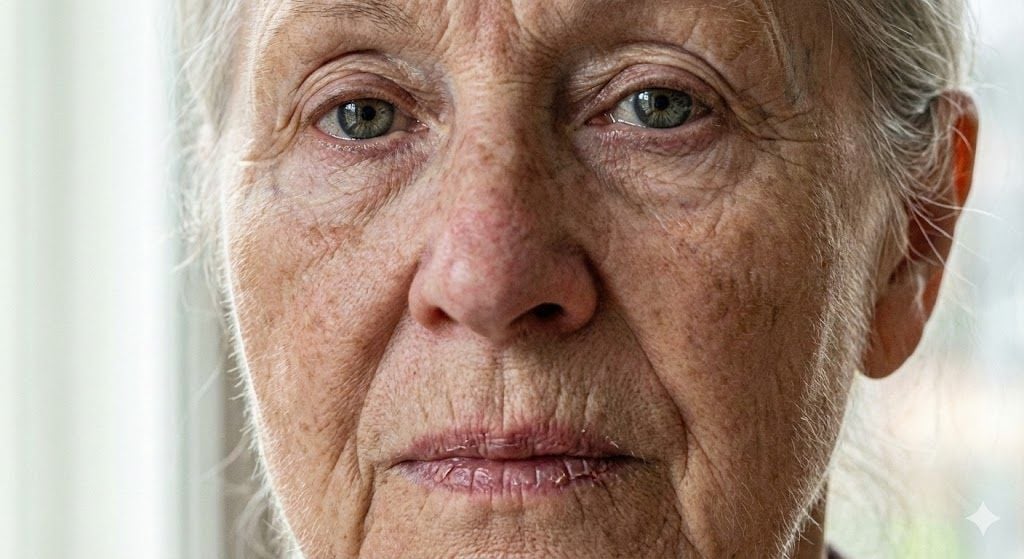
Anti-Plastic/Hyper-Realism Protocol for Human Skin Texture
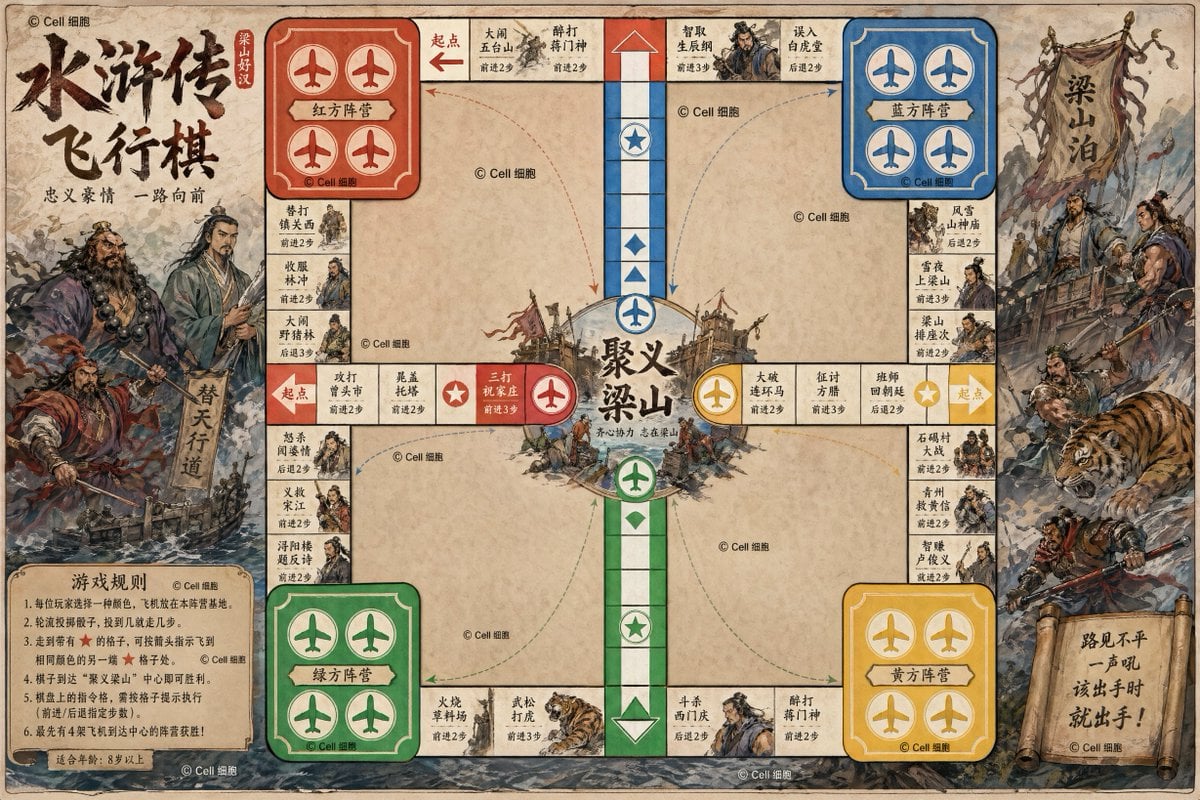
Water Margin Themed Flying Chess Board
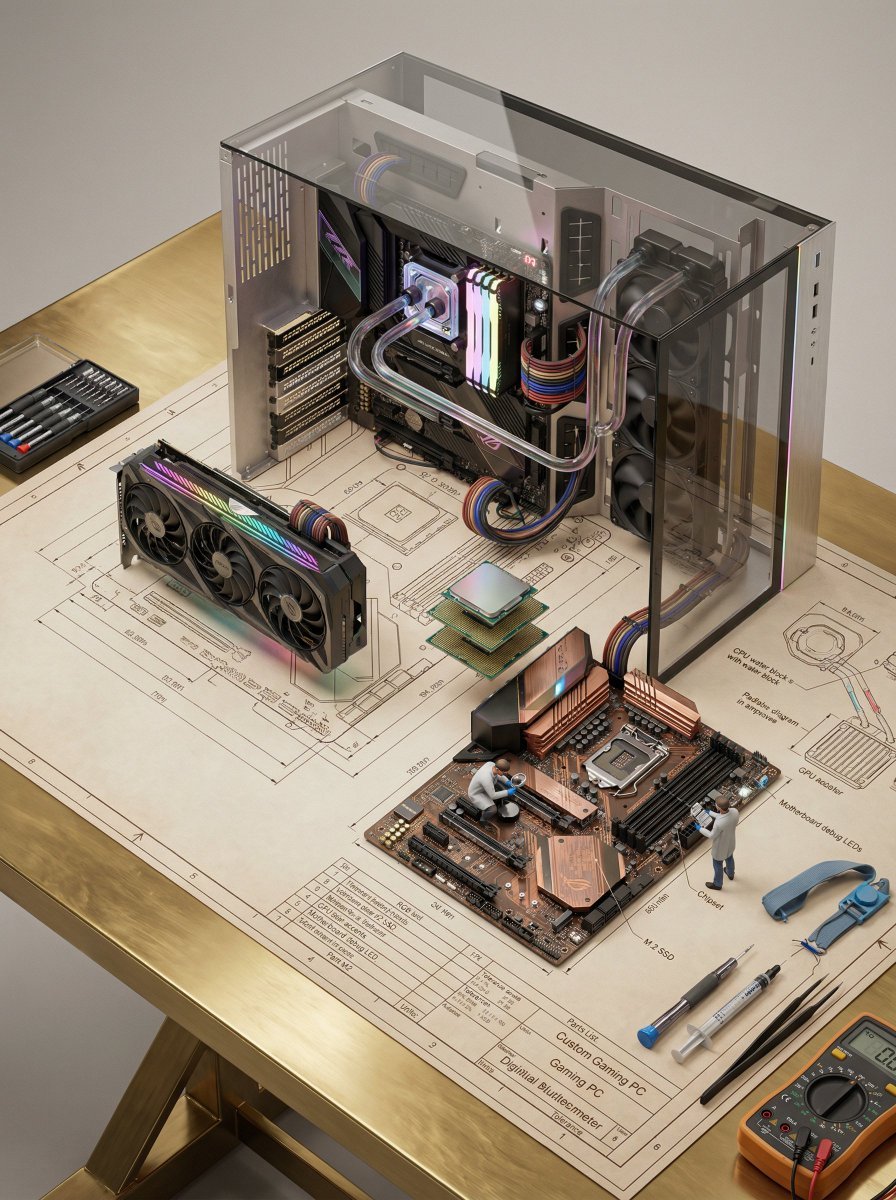
Technical Blueprint of an AI GPU Cluster
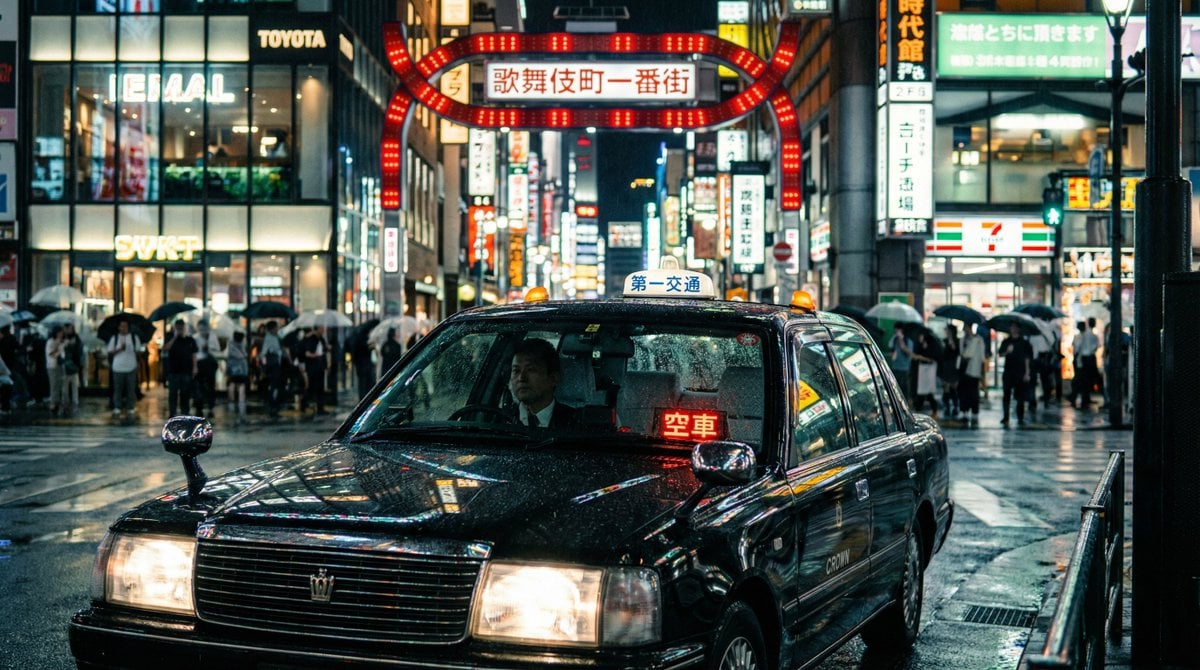
Cinematic taxi in rainy Kabukicho at night
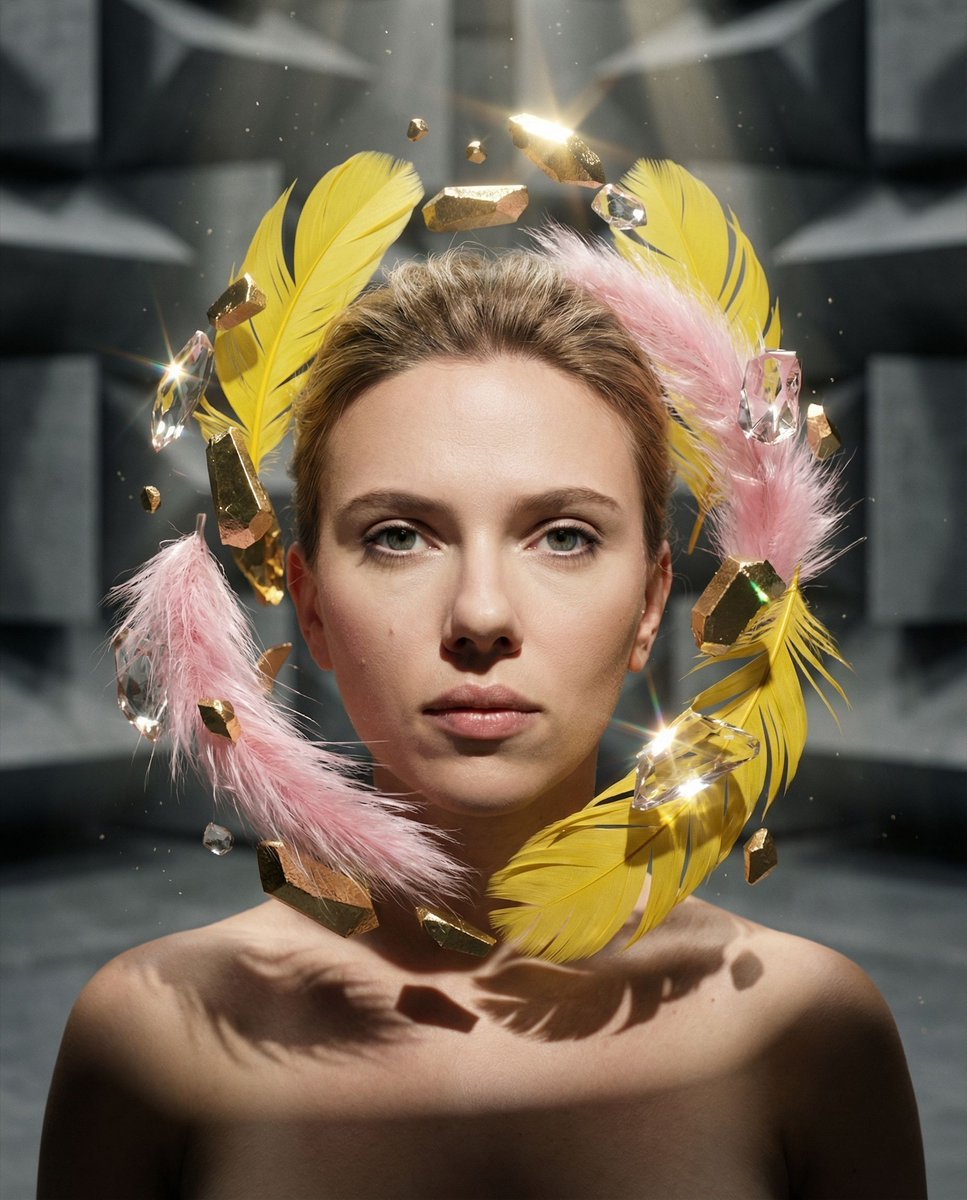
Surreal Portrait with Floating Elements
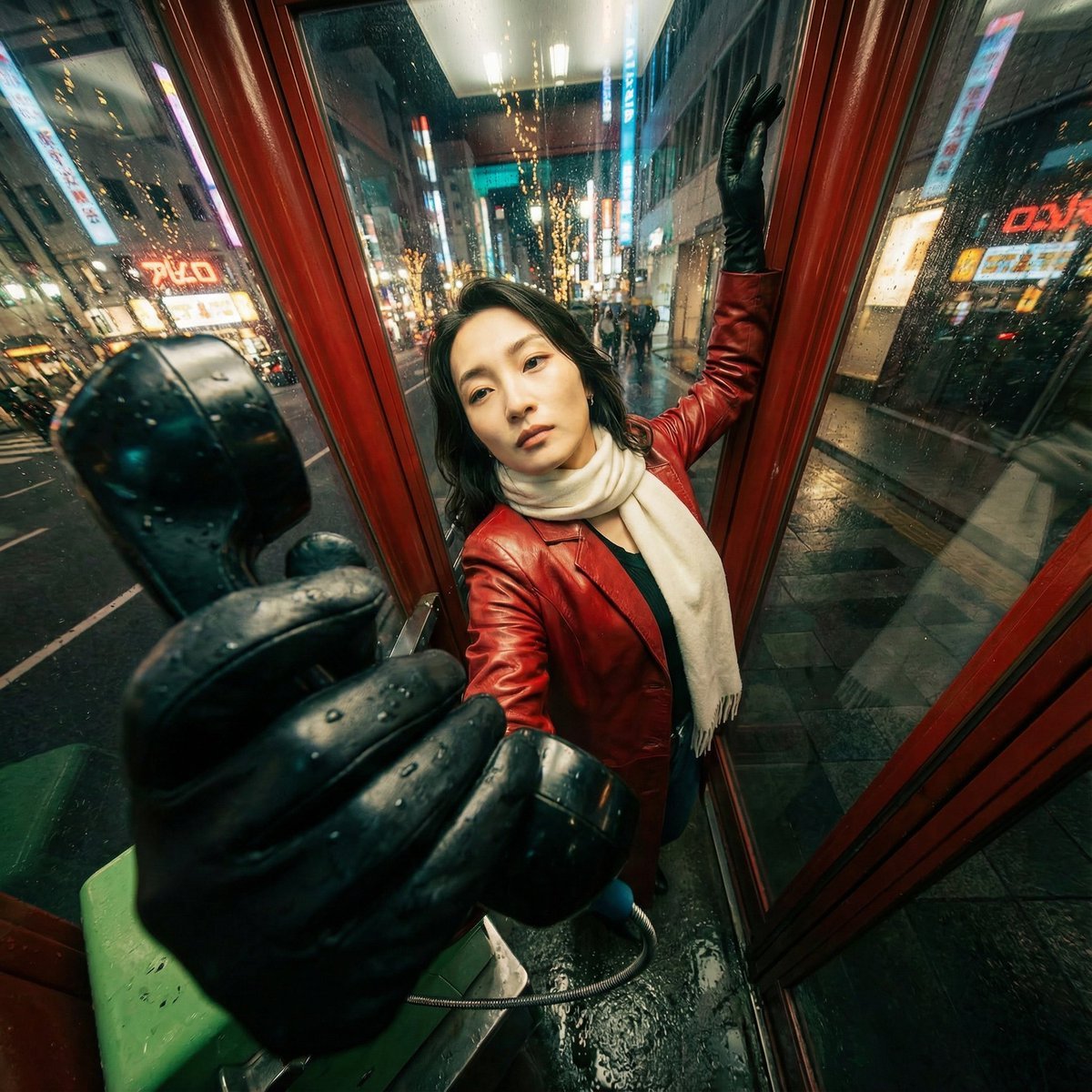
Extreme Wide-Angle Perspective Transformation
Browse template categories
Summer Touring Challenge Poster questions
How do I use the Summer Touring Challenge Poster template?
Add your photo if the template asks for one, edit the prompt if you like — the template's model and format are already selected — and press Generate. Your version opens in PicX Studio.
Can I customize the Summer Touring Challenge Poster template?
Yes. You can change the subject, setting, lighting, mood, format, and available model controls before creating your image.
Is the Summer Touring Challenge Poster template free?
Opening and editing this template is free. Generating uses credits, shown on the Generate button when you are signed in.
Which AI model should I use?
Start with GPT Image 2, which is the model associated with this template. You can compare another compatible model for a different finish.
Looking for something else? Browse all templates.

Your photo, any look
Thousands of ready templates for every top image and video model, from one credit balance.