
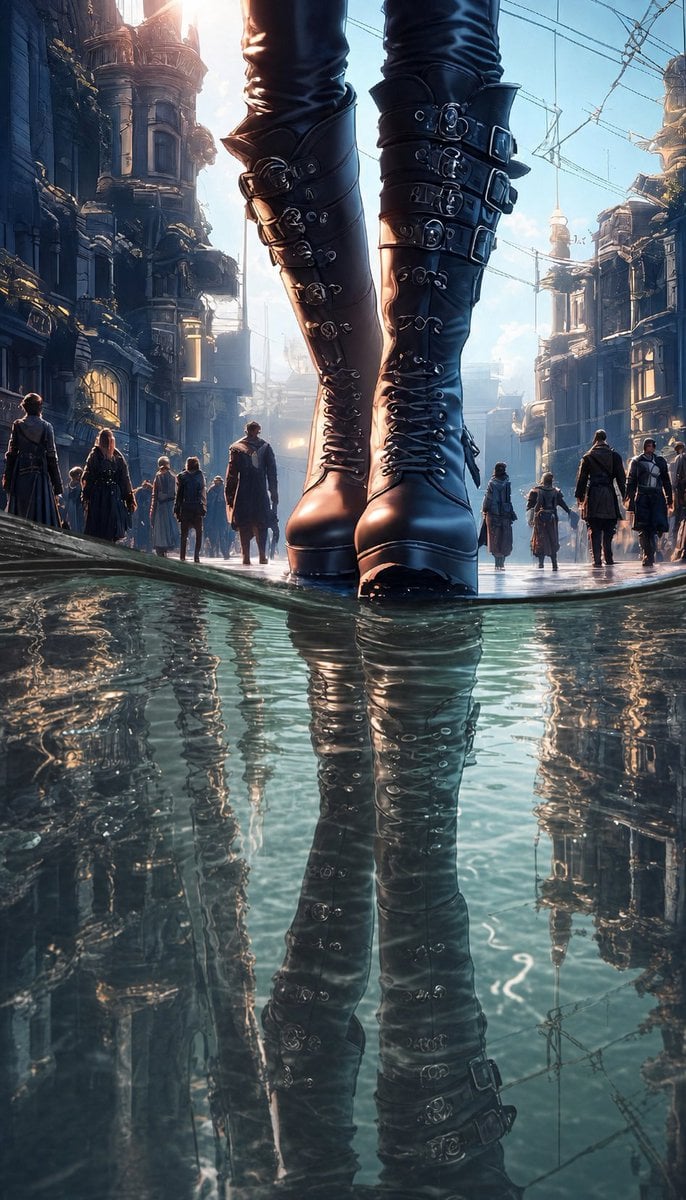
Giant Gothic Boots in Flooded City
A cinematic fantasy illustration prompt for creating a low-angle scene of colossal buckled boots standing in reflective rippling water on a steampunk city street.
- Prompt included
- Model and format preset
- Free template
The prompt behind this image
Copy the exact prompt behind Giant Gothic Boots in Flooded City, or open it in the studio and make it yours.
Create a vertical cinematic fantasy street scene from an extremely low ground-level viewpoint, centered on the lower legs of a colossal or giant woman standing in shallow reflective water. The main subject wears tall glossy black leather gothic boots reaching above the knees, with platform soles, pointed rounded toes, tight lacing up the front, and many metal buckles and straps on both boots; the visible outfit continues as tight black pants above the boots. The boots dominate the frame, cropped at the upper thighs, with the feet planted in ankle-deep water and a strong mirror reflection extending downward across the lower half of the image. Surround her with a grand steampunk / dark fantasy city street: ornate Victorian buildings on both sides, towers, balconies, pipes, cables and overhead wires, distant haze, and small pedestrians walking in the background to emphasize scale. Include exactly 10 visible pedestrians: 5 on the left side of the street, 1 central figure walking toward the giant boots, and 4 on the right side, all dressed in dark long coats or fantasy urban clothing. Add natural water ripples around the soles and across the reflection, as if the street is flooded after rain, with teal-blue water, shimmering highlights, and subtle distortion of the boot and architecture reflections. Lighting should be dramatic backlit sunrise or sunset, bright glow from the upper center-left, cool blue shadows, warm rim light on leather and buildings, cinematic depth, high detail, ultra-realistic anime fantasy illustration style, sharp foreground boots, atmospheric background, no text, no watermark. Use {argument name="boot color" default="glossy black"}, {argument name="city style" default="steampunk Victorian dark fantasy"}, {argument name="water effect" default="shallow reflective water with natural ripples"}, {argument name="time of day" default="backlit sunrise"}, and {argument name="main subject scale" default="colossal giant woman"}.
How to use Giant Gothic Boots in Flooded City in 3 steps
- 1Upload ImagePNG, JPG or paste
Add your photo
Upload the photo the template builds on. The prompt, model and format are already set.
- 2…a portrait of your subject in softgolden-hour light, 85mm…
Personalize
Edit the subject and creative details for your destination.
- 3Generate
Generate
Press Generate — your image is created in PicX Studio, so you can compare it with the original and refine one variable at a time.
More like this
Templates with the same subject, style or setup. Open one to see its prompt.

Cozy Knit Sweater Window Portrait

Minimalist Hand-Drawn Doodle Portrait
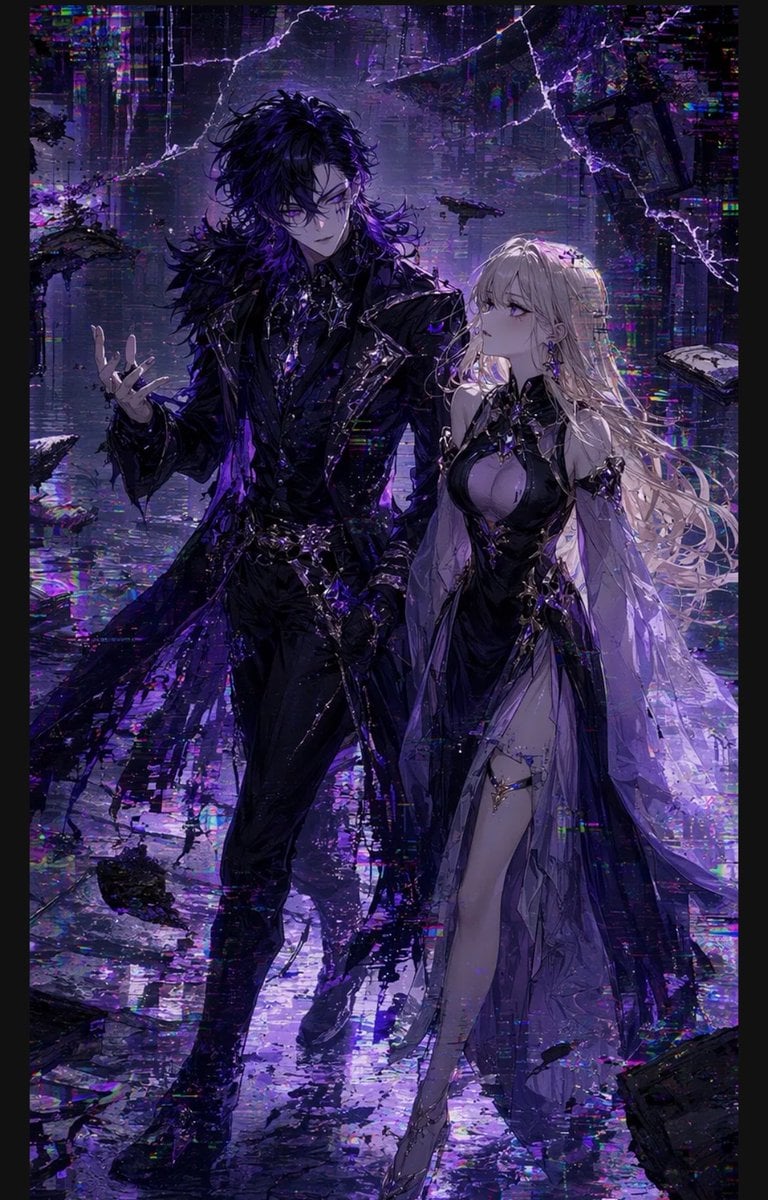
Gothic Cyberpunk Duo in Ruined City

Nano Banana Pro 2.0 — 3x3 Travel Profile Grid
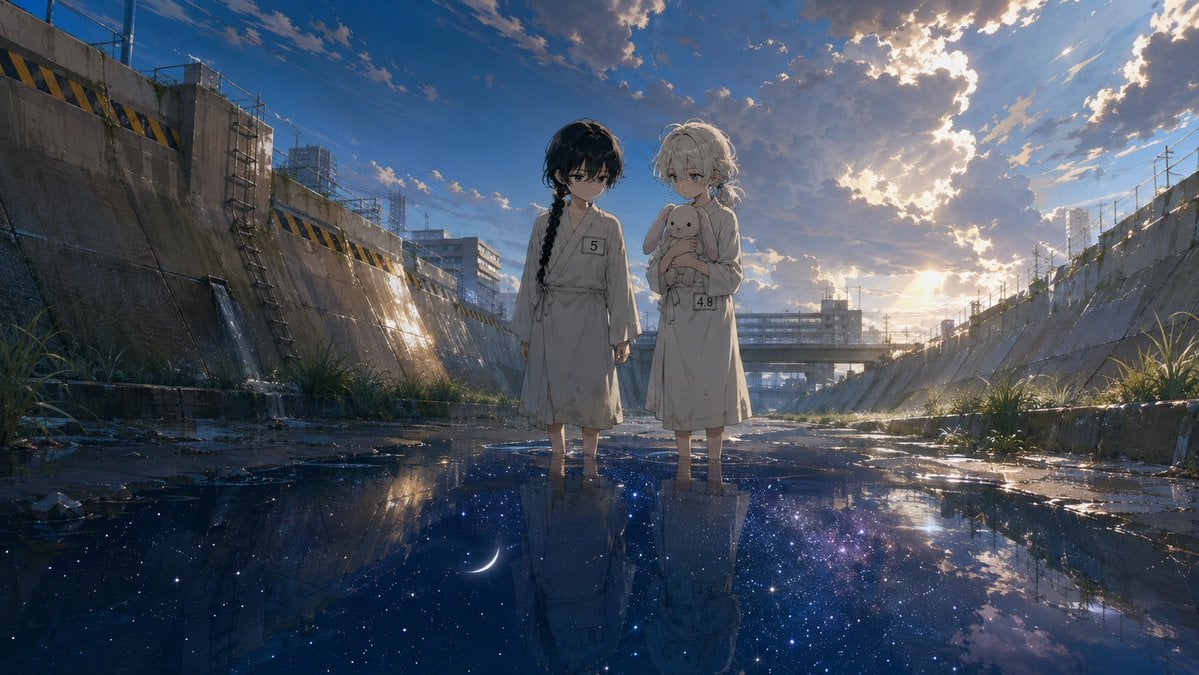
Anime Girls in Starry Flooded Canal

Gothic Japanese Mobile Homepage

Burning Gothic Flood Escape
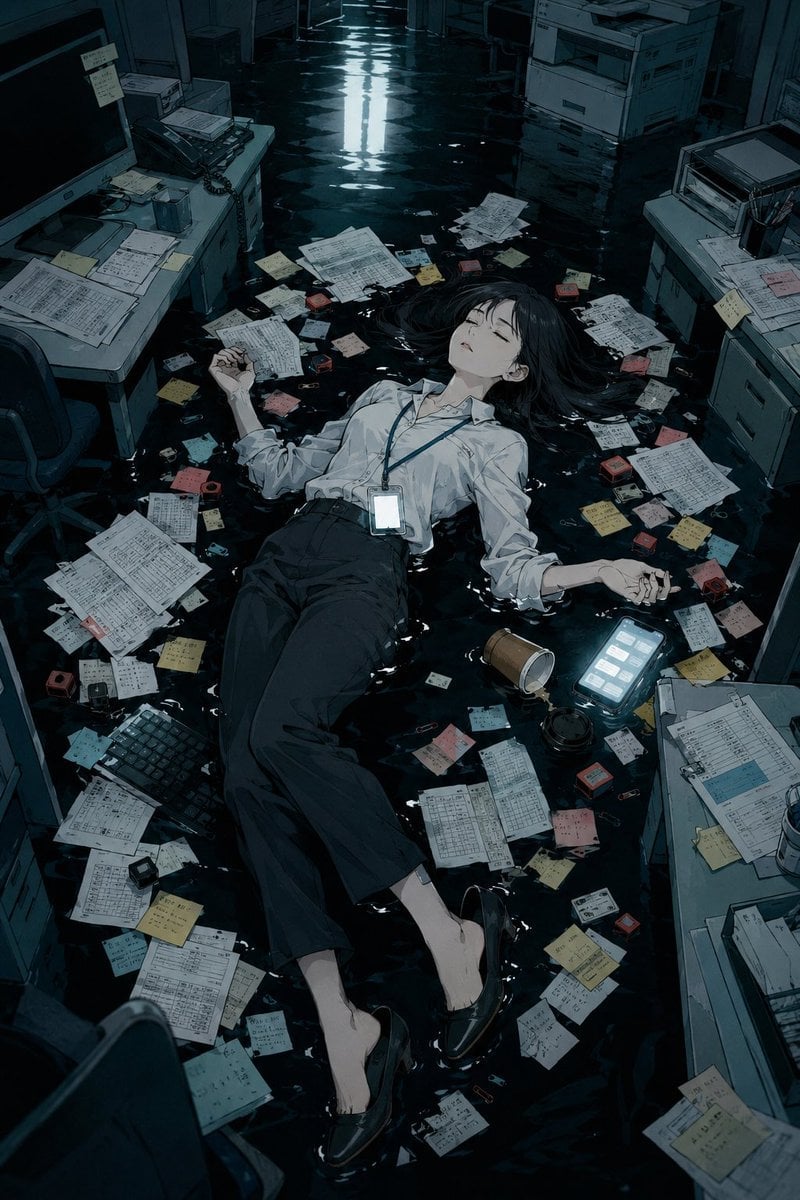
Flooded Office Burnout Anime Scene
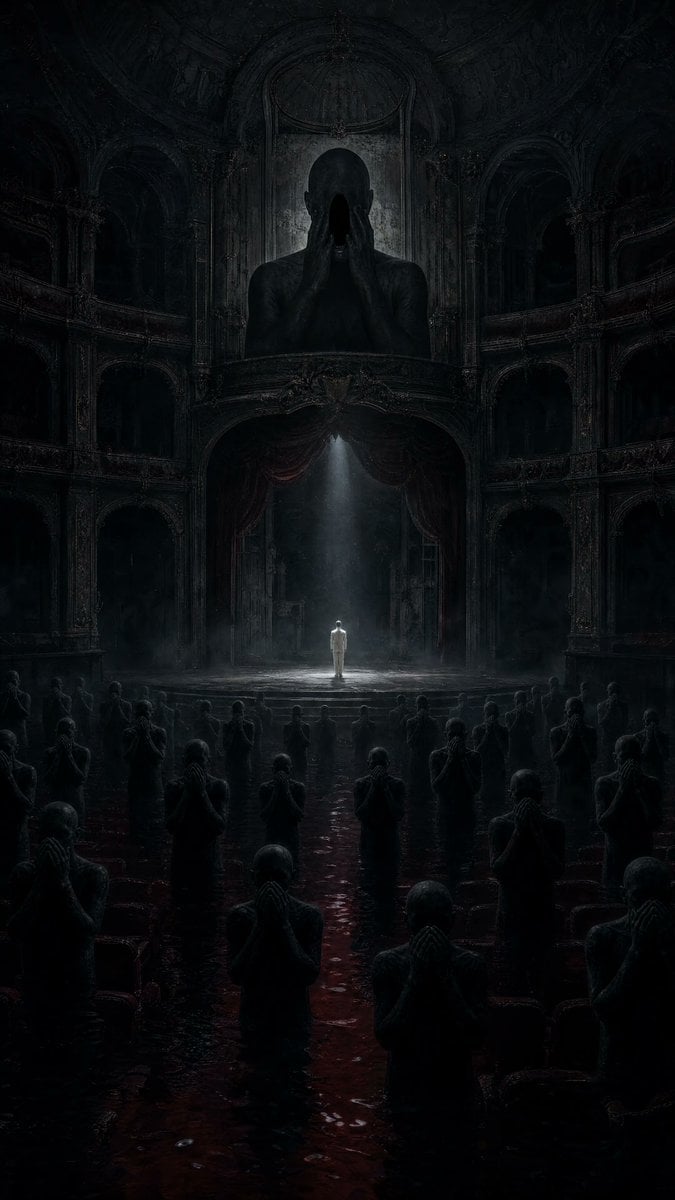
Dark Surrealist Flooded Opera House

Giant Lotus Pond Portrait
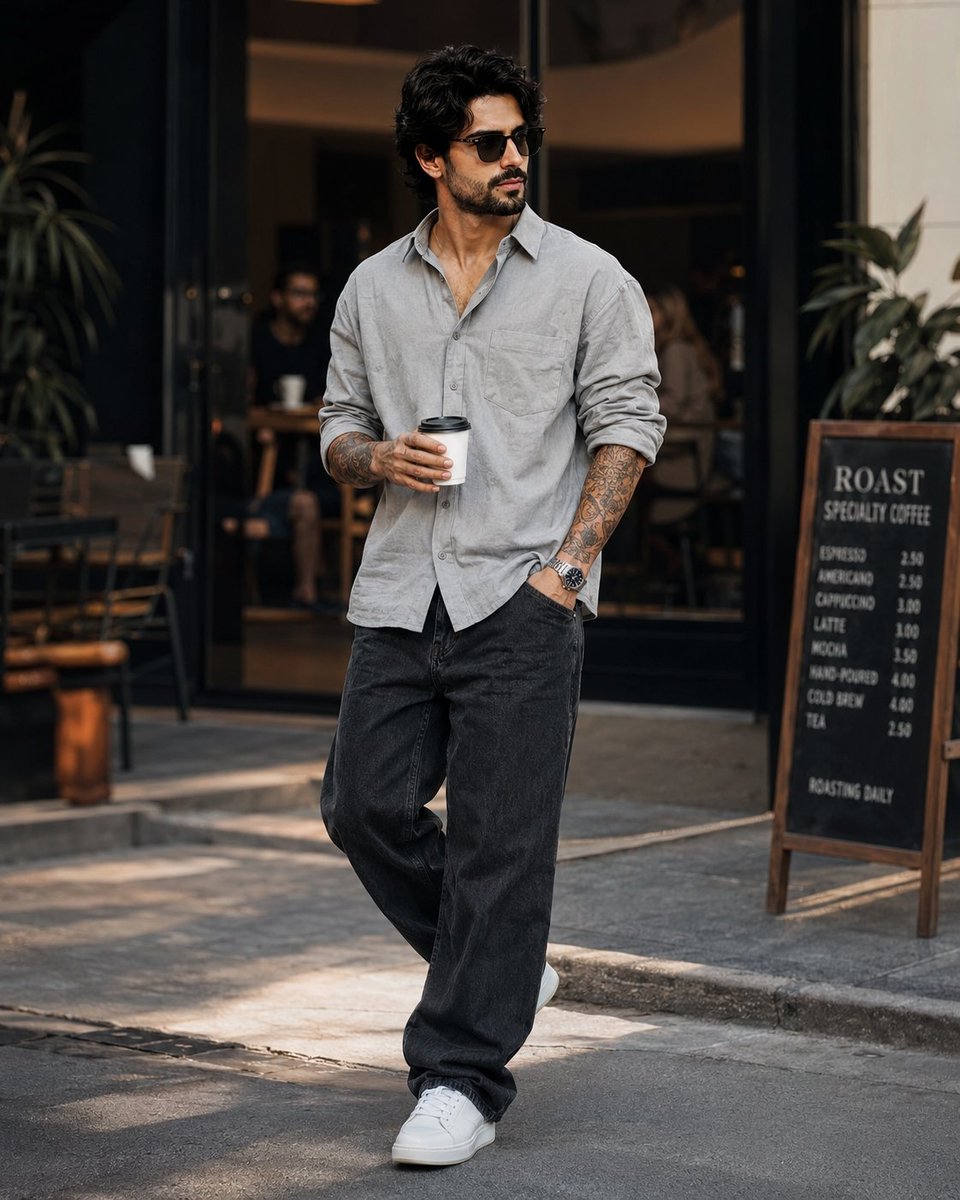
Stylish Man in Modern City

Knight Facing Cathedral Giant
Make it yours
Giant Gothic Boots in Flooded City works as-is. These are the safest ways to change it without losing the look.
Change one field
Copy a single group, rewrite it, and generate again so you can see what that field is doing.
Keep the frame, change the subject
Hold the composition and light of Giant Gothic Boots in Flooded City, then swap wardrobe, props or the person for a new take.
| If the result… | Why | Fix |
|---|---|---|
| The result drifts from the preview | Too many fields changed at once. | Reuse Giant Gothic Boots in Flooded City as-is first, then change one group — subject, light, or setting. |
| The model over-stylizes the scene | The prose prompt leaves finish and camera underspecified. | Add one camera or lighting sentence and stay on GPT Image 2. |
More GPT Image 2 templates
Other prompts made for GPT Image 2.

Six VTuber Japanese Logo Sheet

Realistic Portrait of Woman and Deer

The Vista Modular Condo Poster

AI Model Routing Comparison Infographic

2.5D Anime Art Board

Isometric Productivity Desk Scene

New York Double Exposure Poster

Four-Panel AI Landscape Comparison

Japanese Tatami Lifestyle Magazine Cover

NESCAFÉ Coffee Map Poster
More image prompts
Fresh picks from across the catalog.

Shonen Manga Magazine Cover
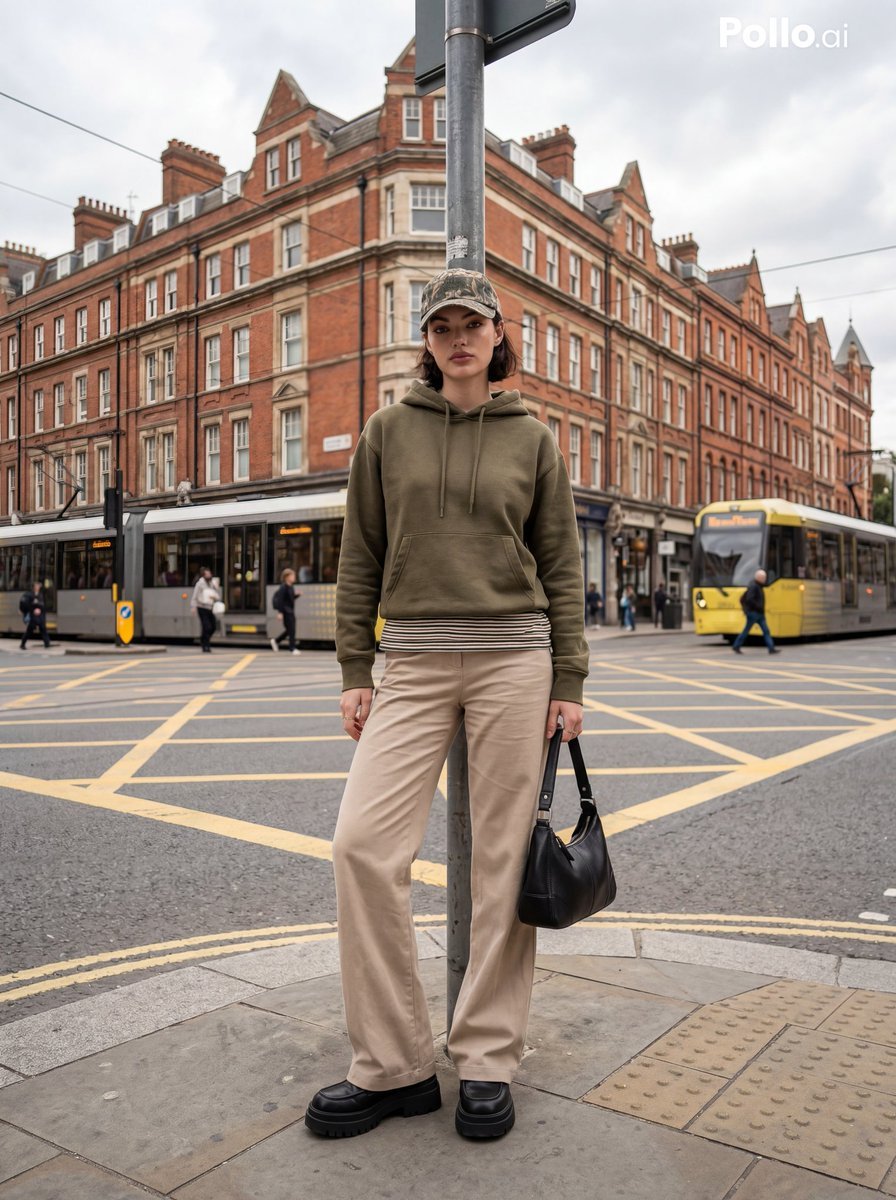
Street Fashion Editorial in European City
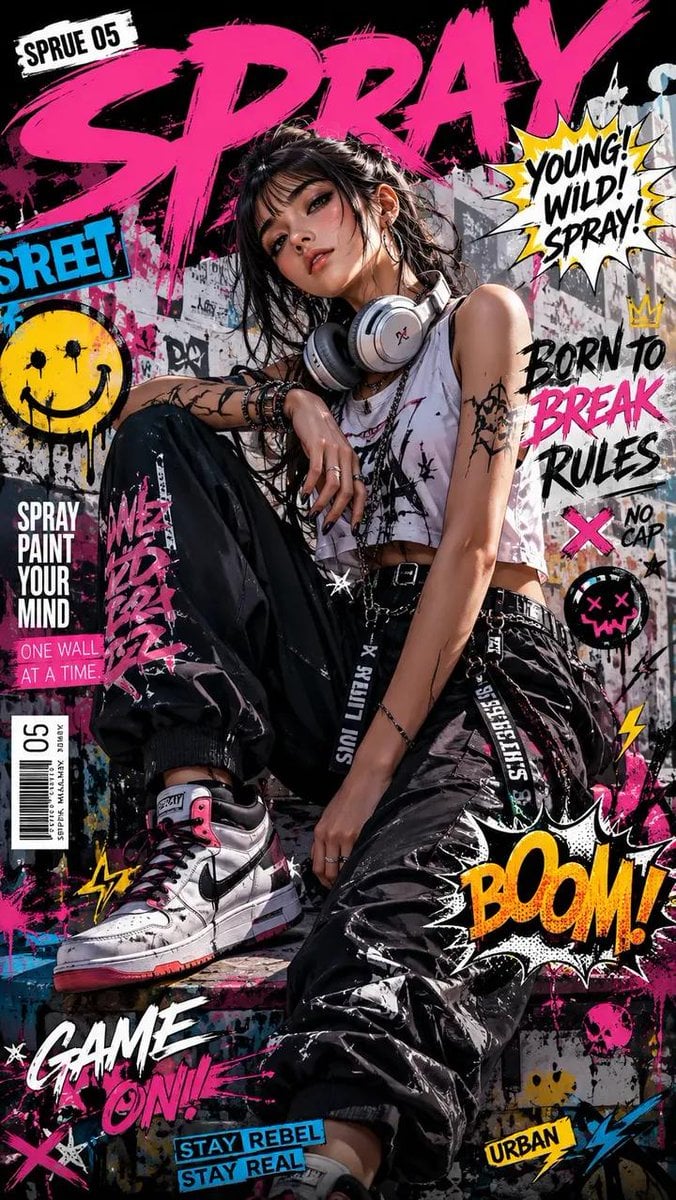
Street Art Rebel Magazine Cover
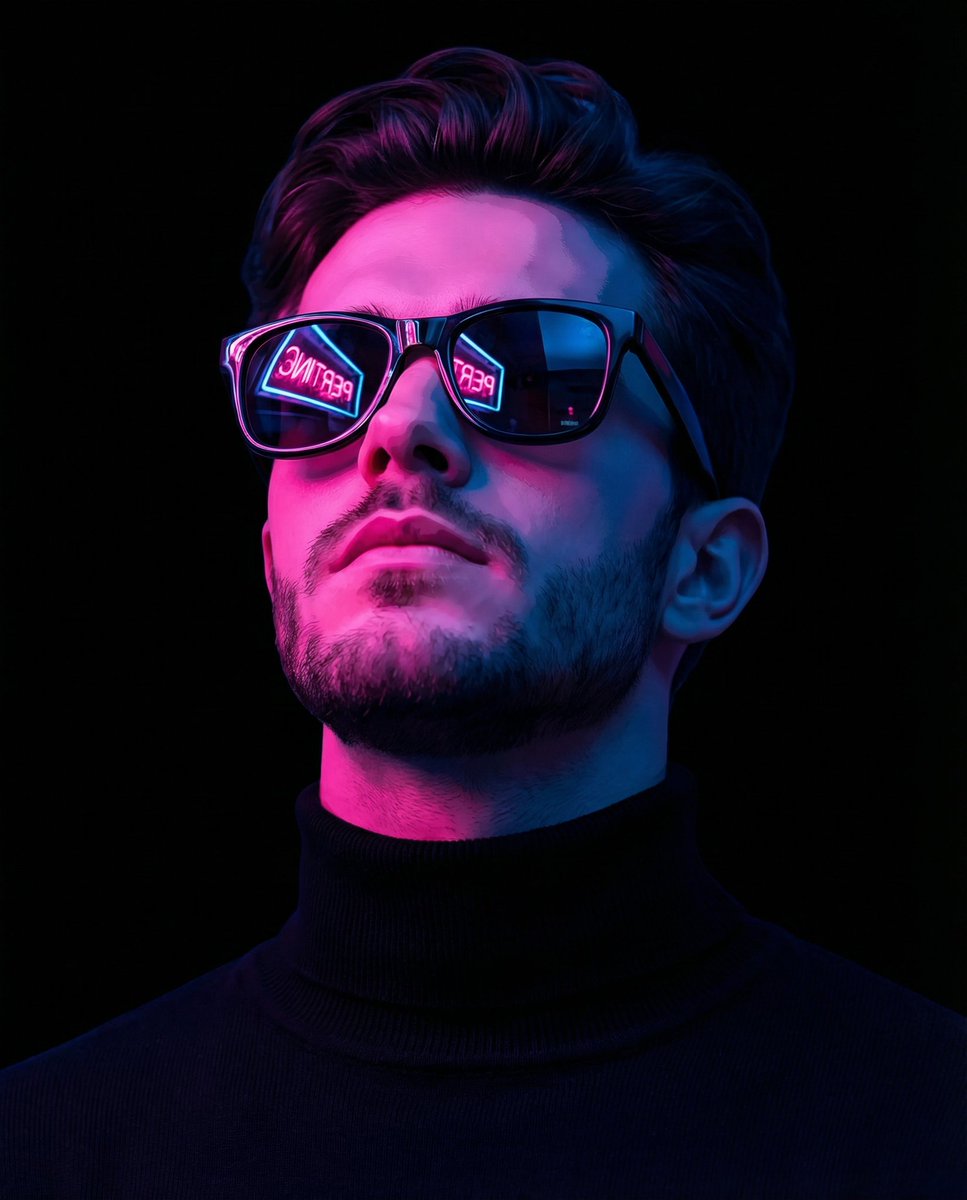
Cyber-Noir Stylized Portrait
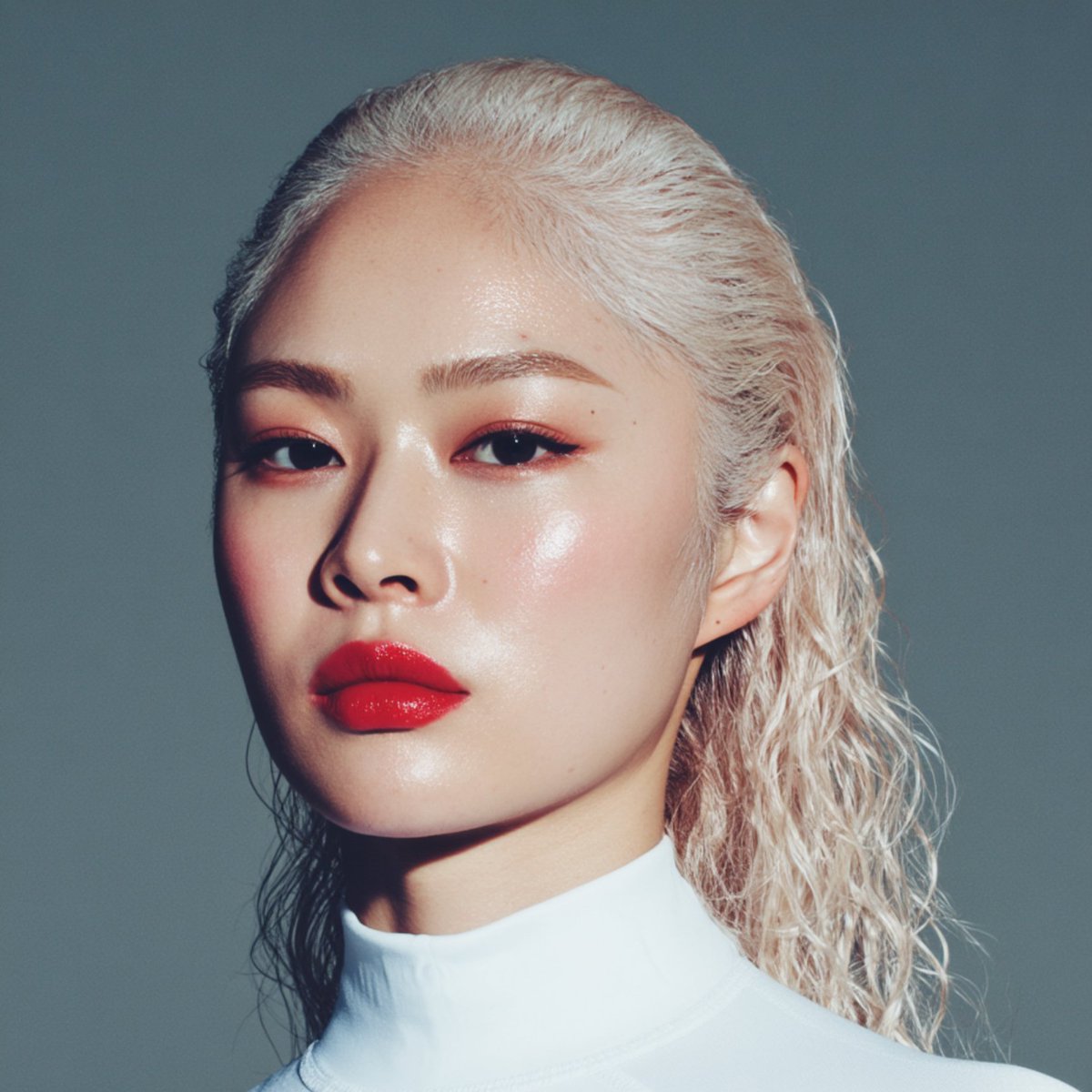
High-quality portrait upscaling and enhancement
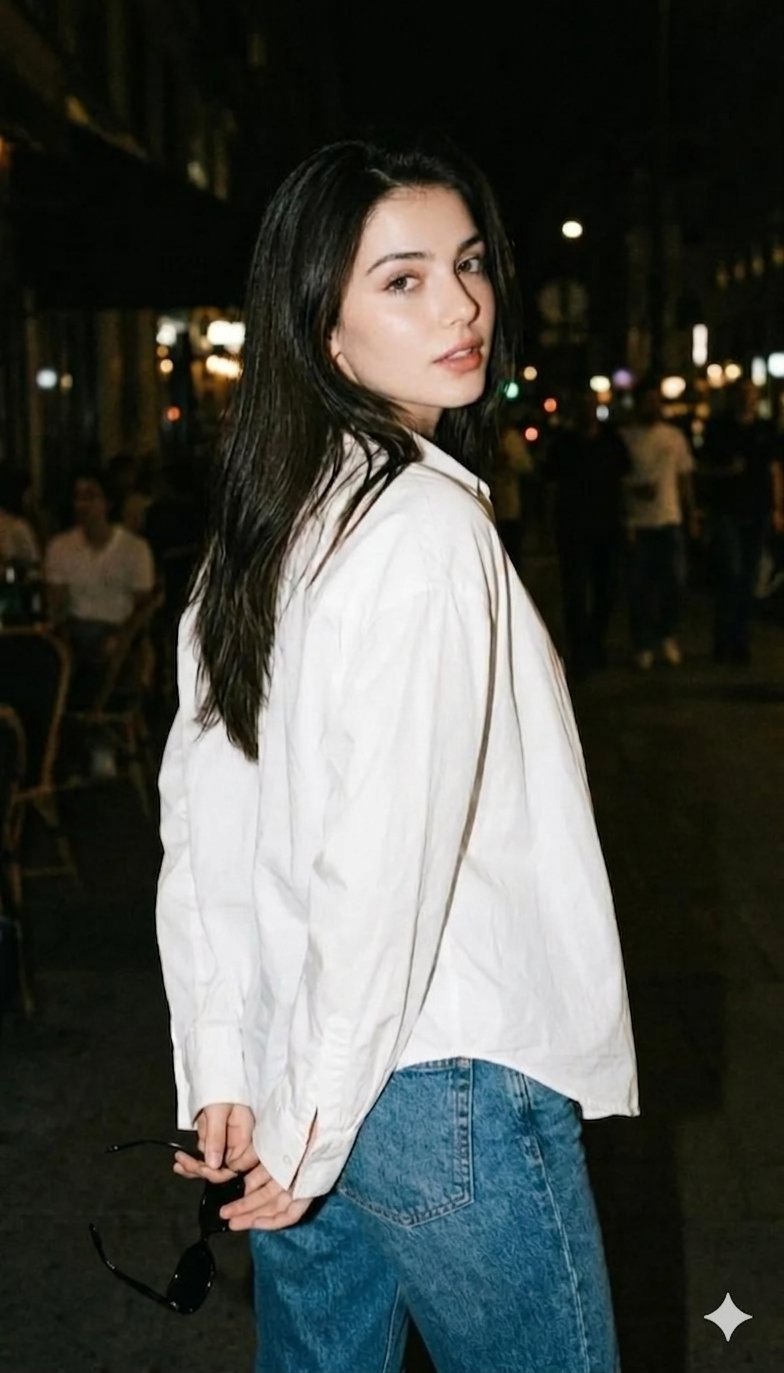
Gemini Night Flash Portrait

Golden Hour Male Fashion Portrait

Epic Fantasy Warriors: Fire and Ice Cinematic Poster
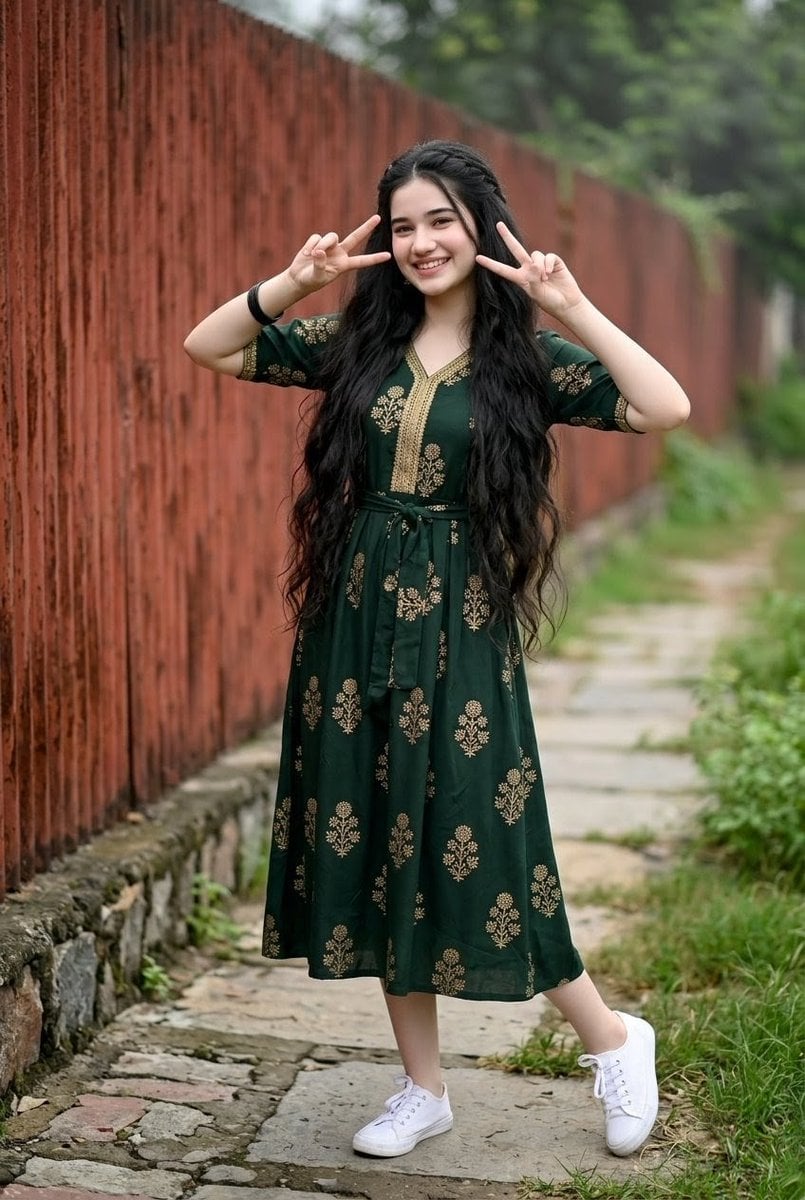
Young Indian Woman in Green Midi Dress
90s Mecha Anime Key Visual
Browse template categories
Giant Gothic Boots in Flooded City questions
How do I use the Giant Gothic Boots in Flooded City template?
Add your photo if the template asks for one, edit the prompt if you like — the template's model and format are already selected — and press Generate. Your version opens in PicX Studio.
Can I customize the Giant Gothic Boots in Flooded City template?
Yes. You can change the subject, setting, lighting, mood, format, and available model controls before creating your image.
Is the Giant Gothic Boots in Flooded City template free?
Opening and editing this template is free. Generating uses credits, shown on the Generate button when you are signed in.
Which AI model should I use?
Start with GPT Image 2, which is the model associated with this template. You can compare another compatible model for a different finish.
Looking for something else? Browse all templates.

Your photo, any look
Thousands of ready templates for every top image and video model, from one credit balance.