
Cyberpunk Fallen Angel Samurai
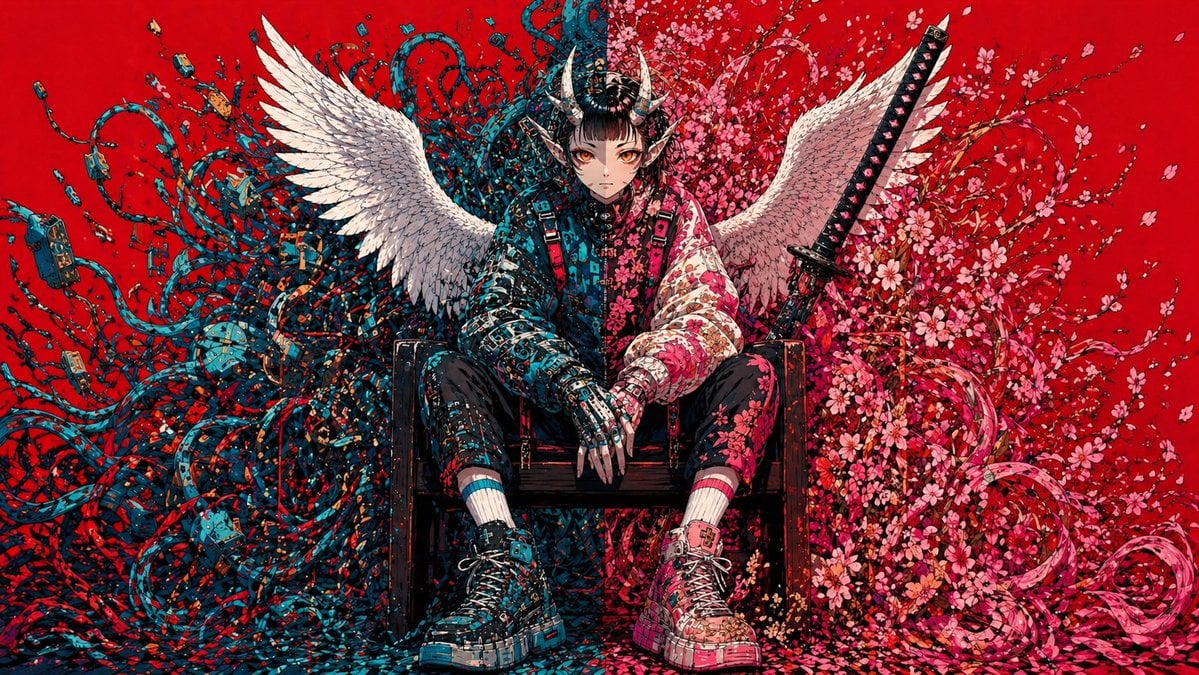
This prompt generates a dramatic single-character poster illustration for album art, key visuals, or striking social media concept art.
- Prompt included
- Model and format preset
- Free template
The prompt behind this image
Copy the exact prompt behind Cyberpunk Fallen Angel Samurai, or open it in the studio and make it yours.
A hyper-detailed symmetrically composed anime-inspired cyberpunk illustration on a flat, saturated {argument name="background color" default="crimson red"} background. Centered in the frame, a solitary androgynous warrior sits slouched on a dark wooden chair, legs apart, hands relaxed between the knees, projecting calm menace and fallen-divinity energy. The face is intentionally obscured and unreadable, framed by an elaborate black samurai-style horned helmet with 2 curved horns and dense mechanical ornamentation. The figure has 2 large white feathered wings spread outward from the back. Behind and around the seated body, the composition splits into two contrasting organic-tech masses: on the left side, a chaotic storm of 1 dense tangle of teal and dark blue cables, wires, plugs, circuit fragments, and techno-organic tendrils; on the right side, 1 explosive bloom of pink cherry blossoms, petals, curling branches, and ribbon-like floral swirls. Place 1 upright katana behind the figure on the right side, angled slightly inward, with a black handle and visible guard. Dress the character in a mixed streetwear and armored outfit: a split-tone jacket with the left half in dark cyan-black circuitry patterns and the right half in pale pink floral patterns, black fitted pants with asymmetrical detailing, mismatched striped socks in cyan and pink, and chunky high-top sneakers with oversized soles, one predominantly cyan-black and the other predominantly pink-white, both covered in graphic paneling and straps. The hands should look partly mechanical or armored, with long sharp fingers. Flood the image with tiny decorative fragments, petals, paint-like flecks, and micro-details so the entire scene feels intricately hand-inked. Use a high-contrast palette dominated by {argument name="accent color 1" default="teal blue"}, {argument name="accent color 2" default="pink"}, black, and white against the red field. Render in an ultra-detailed manga-meets-graffiti style with crisp linework, dense textures, poster-like frontal framing, and a balanced fusion of angelic, demonic, floral, and cybernetic motifs.
How to use Cyberpunk Fallen Angel Samurai in 3 steps
- 1Upload ImagePNG, JPG or paste
Add your photo
Upload the photo the template builds on. The prompt, model and format are already set.
- 2…a portrait of your subject in softgolden-hour light, 85mm…
Personalize
Edit the subject and creative details for your destination.
- 3Generate
Generate
Press Generate — your image is created in PicX Studio, so you can compare it with the original and refine one variable at a time.
More like this
Templates with the same subject, style or setup. Open one to see its prompt.
Cyberpunk Samurai Character Sheet

Rainy Night Android Cyberpunk Portrait

Korean Idol Partial Shadow Editorial Portrait

Cinematic Sci-Fi Interface Side Profile

Cyberpunk Neon Profile Fashion Portrait

Cinematic Neon Light Strip Studio Portrait

Futuristic Studio Neon Ring Minimalist Portrait

Neon Violet Streetwear Fashion Portrait

Neon Night Crosswalk Candid Portrait

Red Futuristic Sport Motorcycle POV
Rainy Night Android Cyberpunk Portrait
Cinematic Sci-Fi Commander Side Profile Portrait
Make it yours
Cyberpunk Fallen Angel Samurai works as-is. These are the safest ways to change it without losing the look.
Change one field
Copy a single group, rewrite it, and generate again so you can see what that field is doing.
Keep the frame, change the subject
Hold the composition and light of Cyberpunk Fallen Angel Samurai, then swap wardrobe, props or the person for a new take.
| If the result… | Why | Fix |
|---|---|---|
| The result drifts from the preview | Too many fields changed at once. | Reuse Cyberpunk Fallen Angel Samurai as-is first, then change one group — subject, light, or setting. |
| The model over-stylizes the scene | The prose prompt leaves finish and camera underspecified. | Add one camera or lighting sentence and stay on GPT Image 2. |
More GPT Image 2 templates
Other prompts made for GPT Image 2.

Six VTuber Japanese Logo Sheet

Realistic Portrait of Woman and Deer

The Vista Modular Condo Poster

AI Model Routing Comparison Infographic

2.5D Anime Art Board

Isometric Productivity Desk Scene

New York Double Exposure Poster

Four-Panel AI Landscape Comparison

Japanese Tatami Lifestyle Magazine Cover

NESCAFÉ Coffee Map Poster
More image prompts
Fresh picks from across the catalog.
Cinematic Pink Blossom Couture Portrait
Isometric 3D Miniature Room with Chibi Character
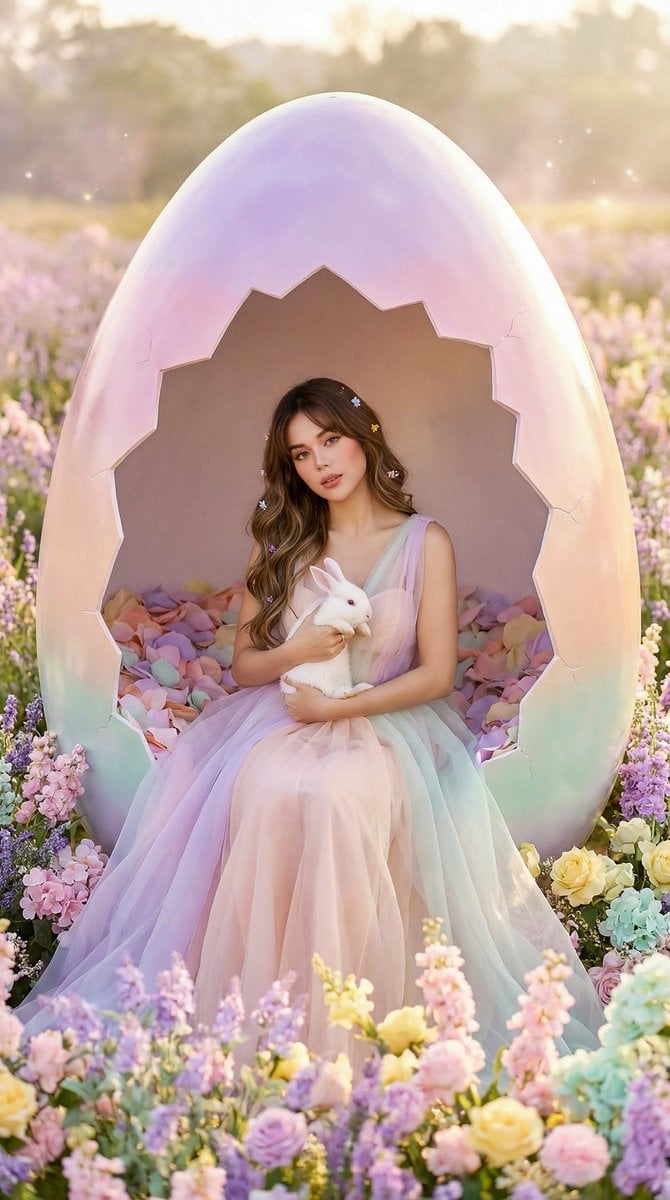
Easter Egg Edition: Monumental Egg with Seated Subject

Cinematic Fantasy Portrait with Sunset Orb
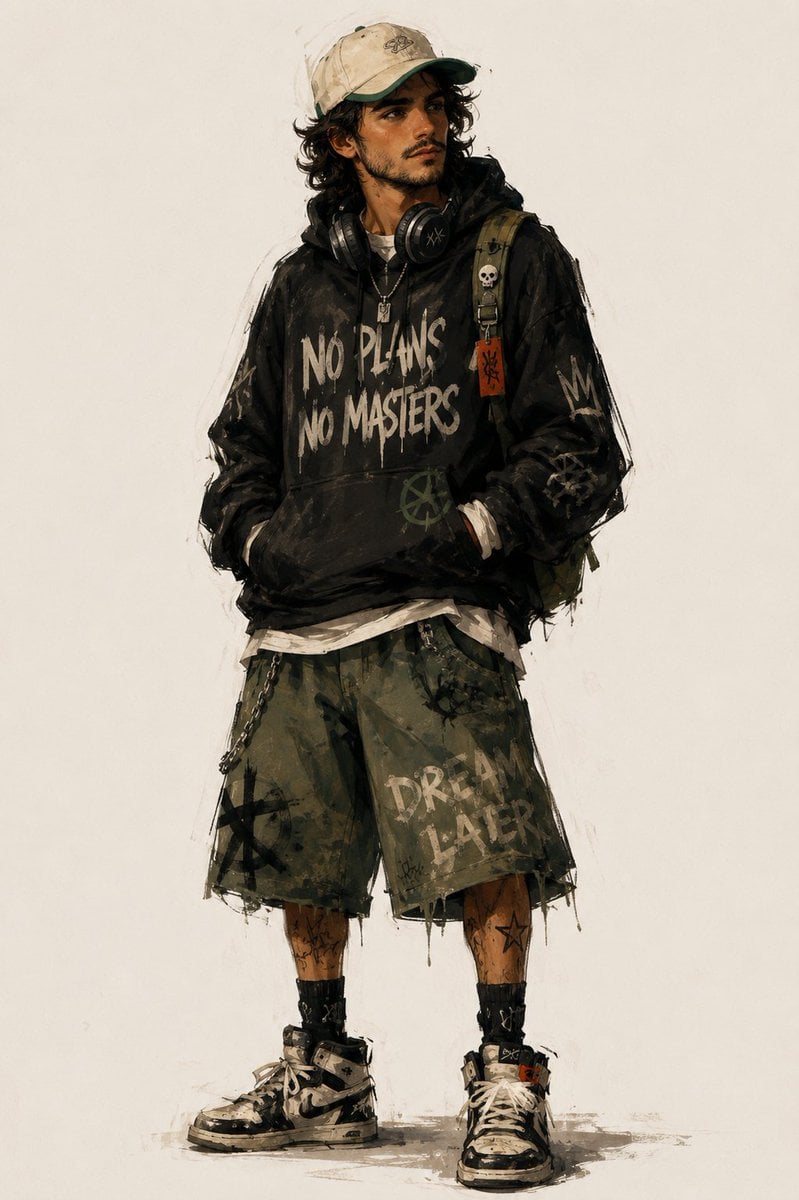
Urban Fashion Character Concept Art
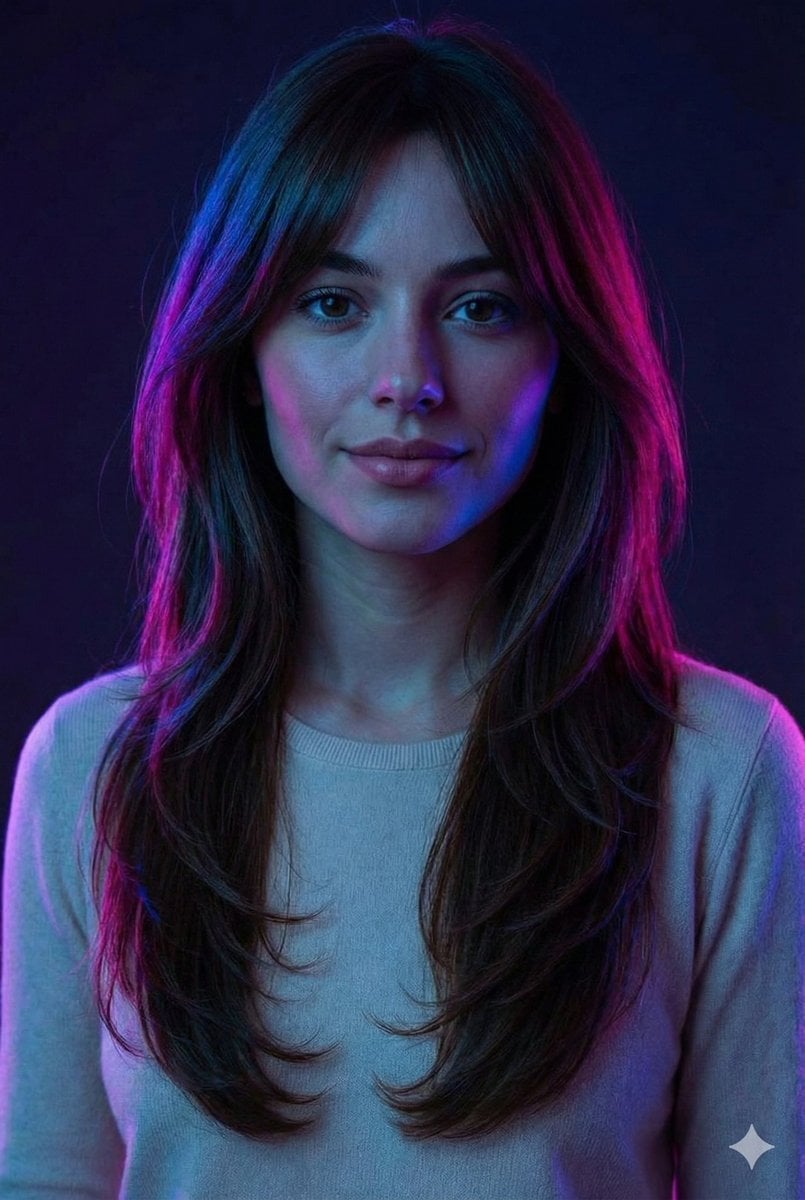
Neon Accent Lighting Portrait Prompt (Image Reference)
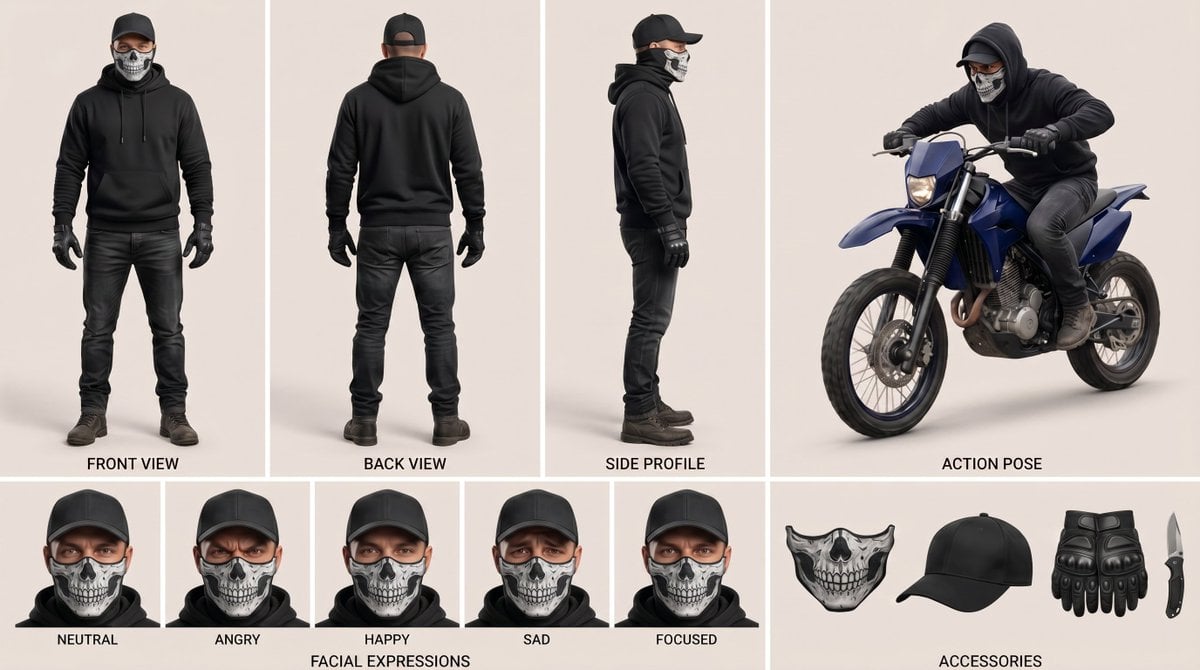
Nano Banana Pro Character Sheet Template
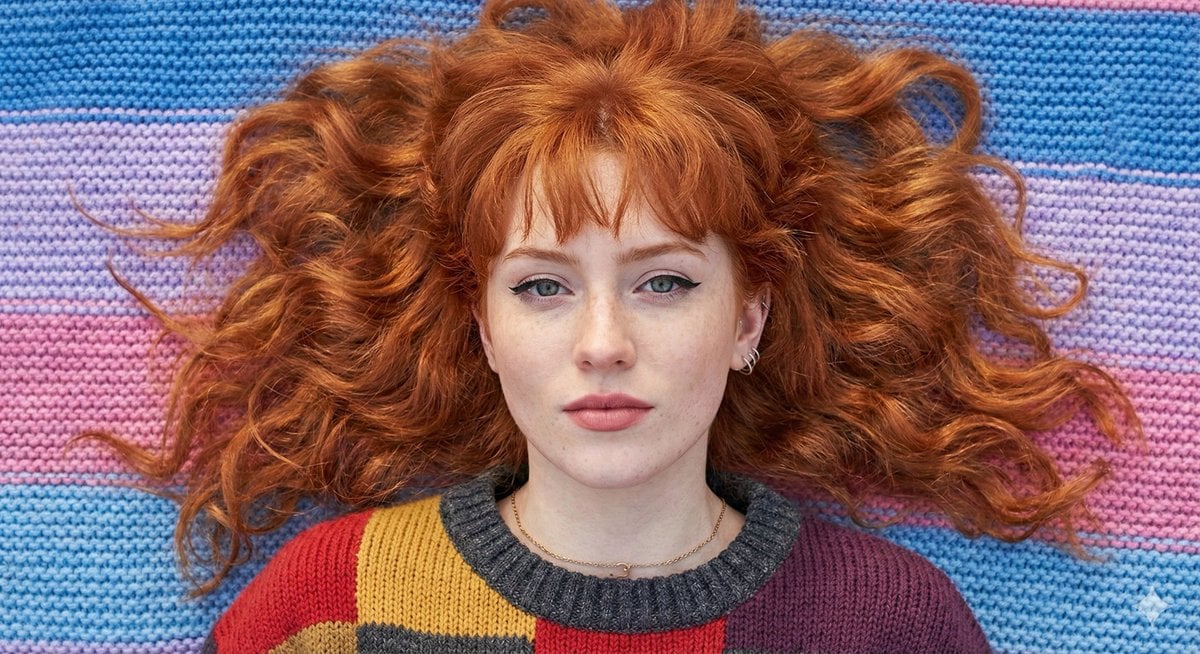
Flat Lay Portrait of a Ginger Woman on a Rainbow Blanket
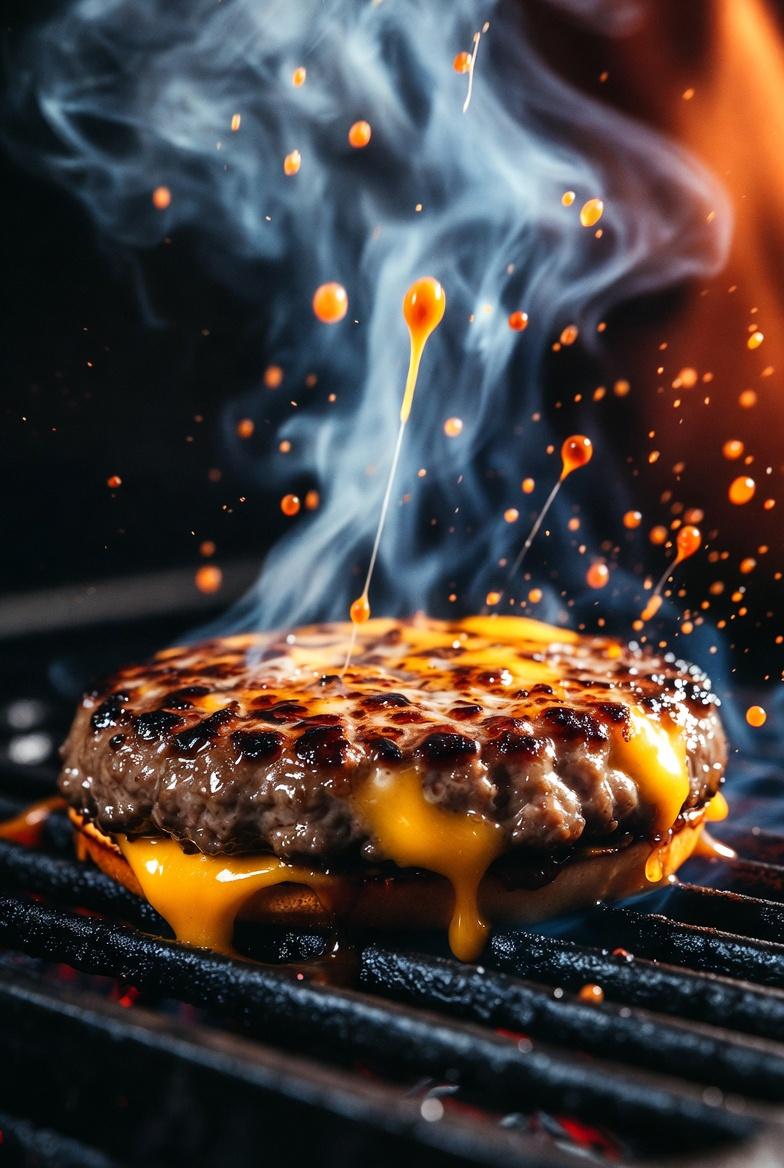
Cinematic Macro Shot of Sizzling Cheeseburger

Luxury Botanical Skincare Forest Ad
Browse template categories
Cyberpunk Fallen Angel Samurai questions
How do I use the Cyberpunk Fallen Angel Samurai template?
Add your photo if the template asks for one, edit the prompt if you like — the template's model and format are already selected — and press Generate. Your version opens in PicX Studio.
Can I customize the Cyberpunk Fallen Angel Samurai template?
Yes. You can change the subject, setting, lighting, mood, format, and available model controls before creating your image.
Is the Cyberpunk Fallen Angel Samurai template free?
Opening and editing this template is free. Generating uses credits, shown on the Generate button when you are signed in.
Which AI model should I use?
Start with GPT Image 2, which is the model associated with this template. You can compare another compatible model for a different finish.
Looking for something else? Browse all templates.

Your photo, any look
Thousands of ready templates for every top image and video model, from one credit balance.