
Anime Phoenix Girl Ruins Scene
Generates a cinematic anime fantasy character with a flaming phoenix wing in ruined sunset scenery, useful as a stable concept frame for video generation.
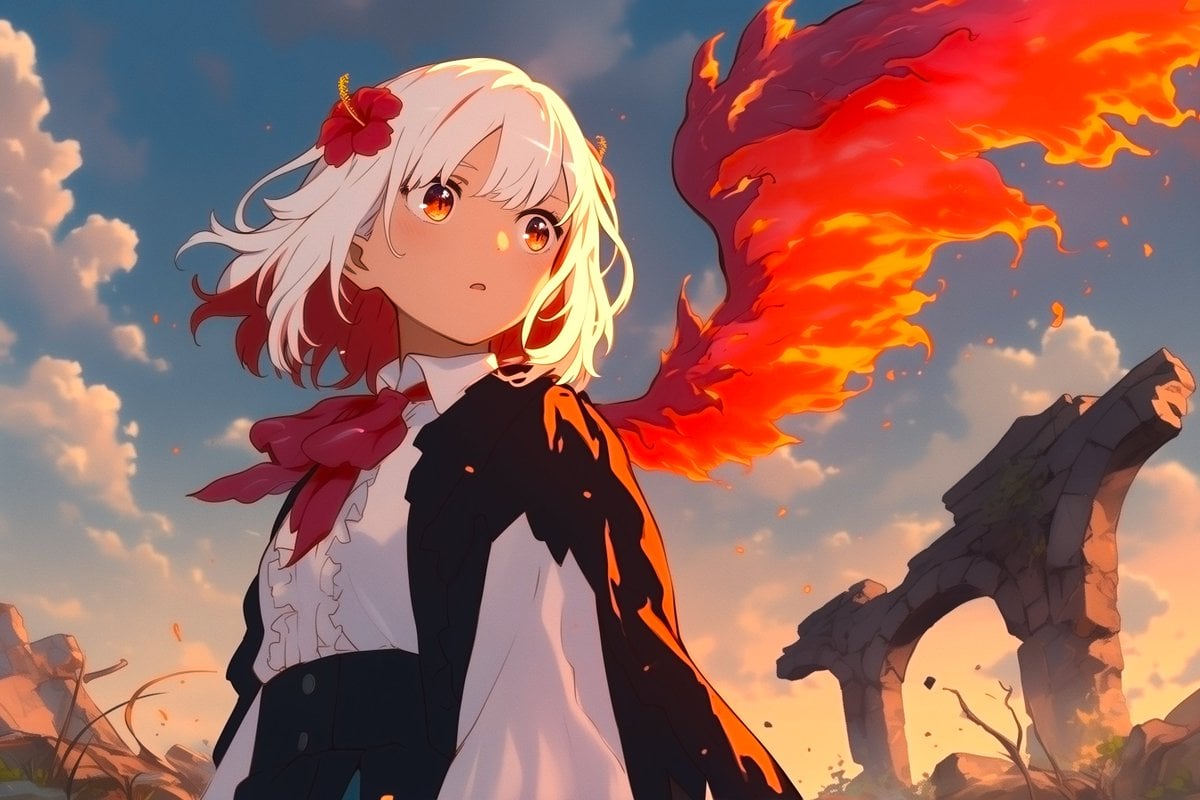
- Prompt included
- Model and format preset
- Free template
The prompt behind this image
Copy the exact prompt behind Anime Phoenix Girl Ruins Scene, or open it in the studio and make it yours.
Create a cinematic anime-style fantasy illustration in a 16:9 landscape frame. A young female character, {argument name="character name" default="unnamed white-haired phoenix girl"}, stands in the foreground turned slightly left in a heroic half-body pose, with shoulder-length wavy {argument name="hair color" default="white hair"} tipped with deep red ends, a red hibiscus flower hair ornament, and a flowing red scarf. She wears a dark black jacket or cape over a white ruffled blouse and high-waisted black skirt or trousers, with warm sunset rim lighting on her clothing. Her face is intentionally obscured by a large centered square skin-toned censor block, and there is also a small semi-transparent vertical rectangular blur block near the upper left edge of the sky. Behind her, one enormous fiery phoenix wing made of red, orange, and yellow flame sweeps dramatically from her back toward the upper right, with glowing embers floating around it. The background shows a ruined stone arch and broken rocky landscape under a blue sky with soft clouds at golden hour, combining epic fantasy atmosphere, dynamic fire effects, polished digital painting, high-detail anime rendering, strong orange-blue color contrast, dramatic lighting, and a stable video-generation-friendly composition.
How to use Anime Phoenix Girl Ruins Scene in 3 steps
- 1Upload ImagePNG, JPG or paste
Add your photo
Upload the photo the template builds on. The prompt, model and format are already set.
- 2…a portrait of your subject in softgolden-hour light, 85mm…
Personalize
Edit the subject and creative details for your destination.
- 3Generate
Generate
Press Generate — your image is created in PicX Studio, so you can compare it with the original and refine one variable at a time.
More like this
Templates with the same subject, style or setup. Open one to see its prompt.











Make it yours
Anime Phoenix Girl Ruins Scene works as-is. These are the safest ways to change it without losing the look.
Change one field
Copy a single group, rewrite it, and generate again so you can see what that field is doing.
Keep the frame, change the subject
Hold the composition and light of Anime Phoenix Girl Ruins Scene, then swap wardrobe, props or the person for a new take.
| If the result… | Why | Fix |
|---|---|---|
| The result drifts from the preview | Too many fields changed at once. | Reuse Anime Phoenix Girl Ruins Scene as-is first, then change one group — subject, light, or setting. |
| The model over-stylizes the scene | The prose prompt leaves finish and camera underspecified. | Add one camera or lighting sentence and stay on GPT Image 2. |
More GPT Image 2 templates
Other prompts made for GPT Image 2.

Six VTuber Japanese Logo Sheet

Realistic Portrait of Woman and Deer

The Vista Modular Condo Poster

AI Model Routing Comparison Infographic

2.5D Anime Art Board

Isometric Productivity Desk Scene

New York Double Exposure Poster

Four-Panel AI Landscape Comparison

Japanese Tatami Lifestyle Magazine Cover

NESCAFÉ Coffee Map Poster
More image prompts
Fresh picks from across the catalog.
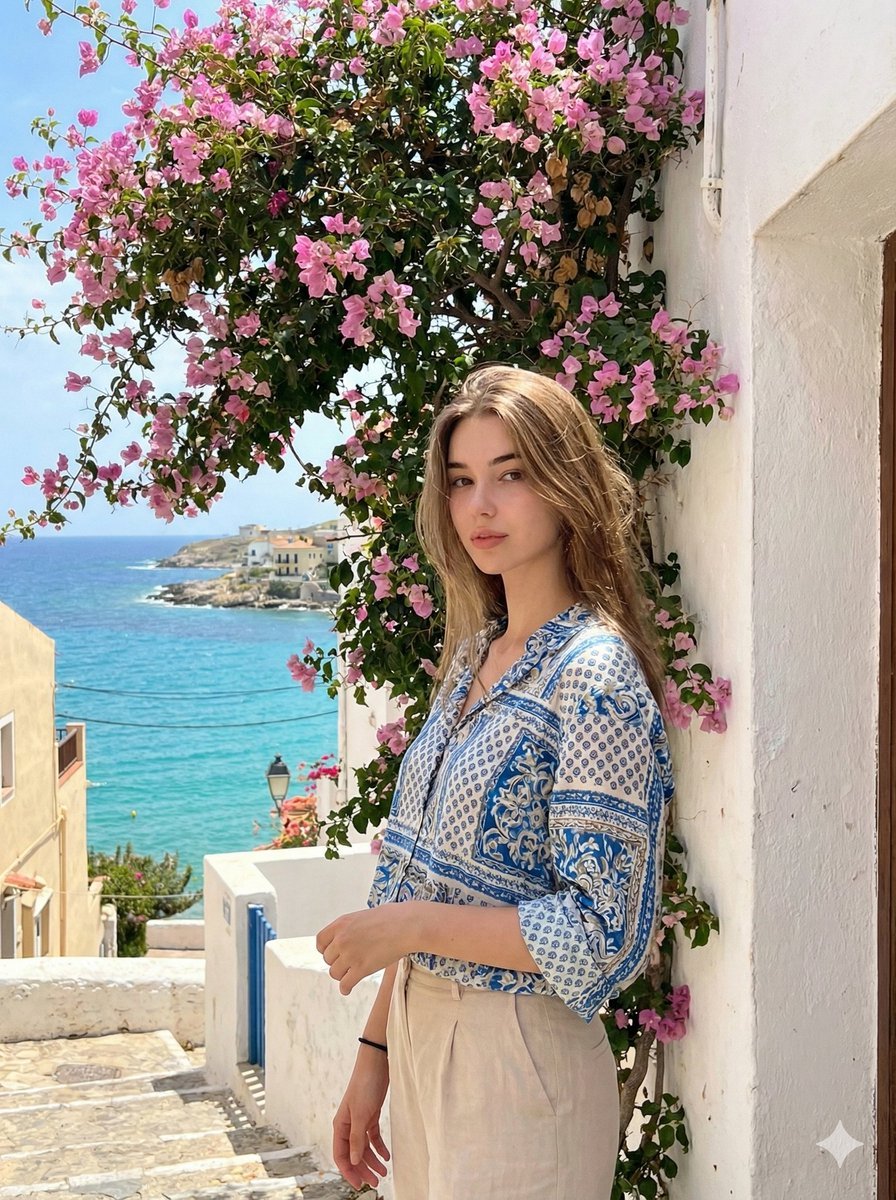
Mediterranean Identity Preservation Prompt
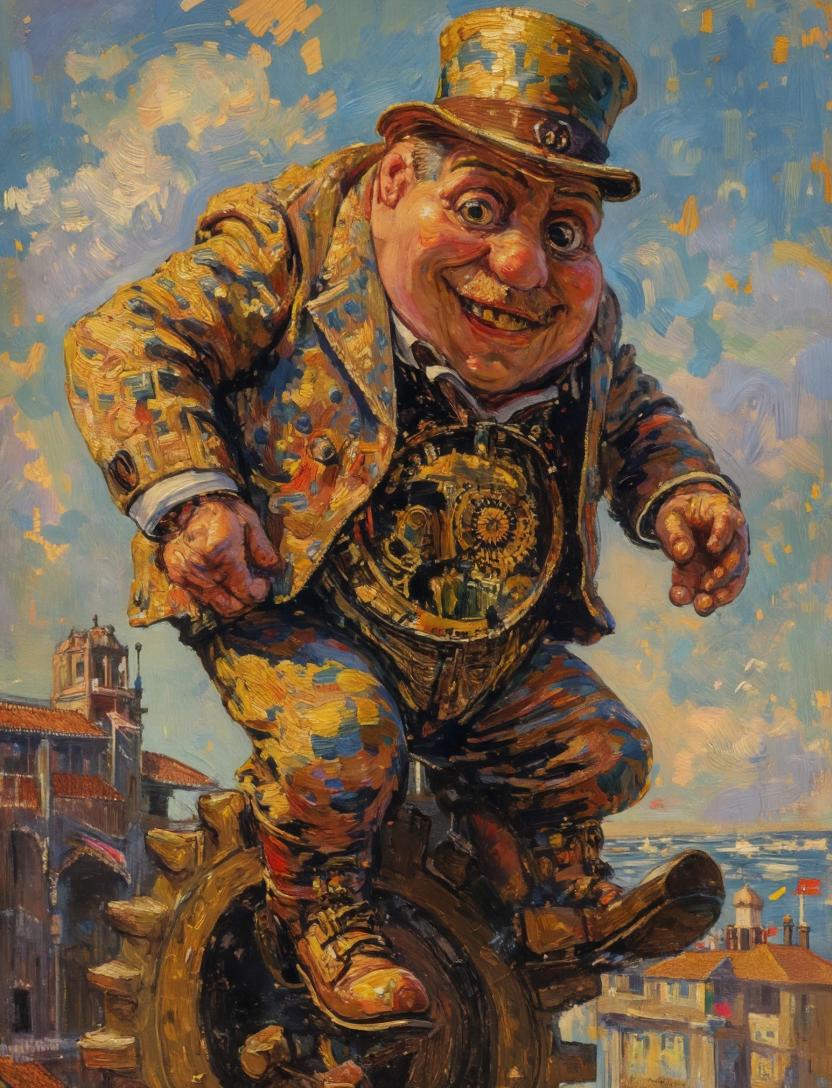
Surreal Clockwork Gentleman on a Gear
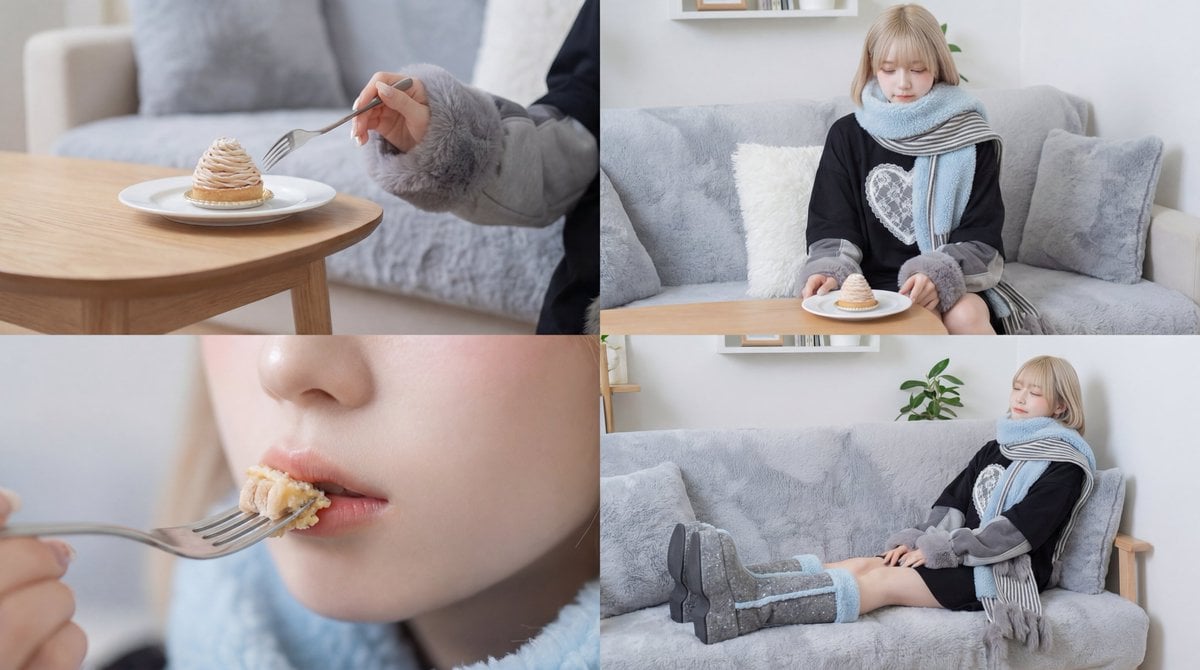
Cinematic Video of a Woman Enjoying Sweets

Gpt2 Infographic Edu Visual Japanese Sci Fi Suit Up Process Board
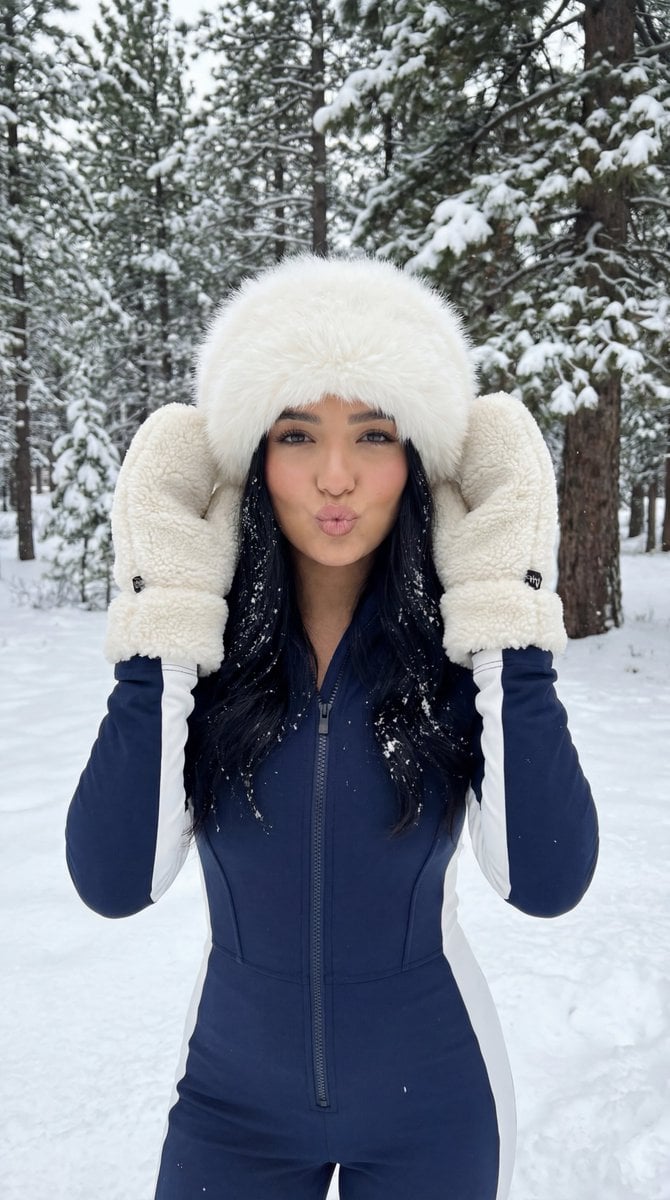
Winter Sport Lifestyle Portrait with Fur Hat and Pout
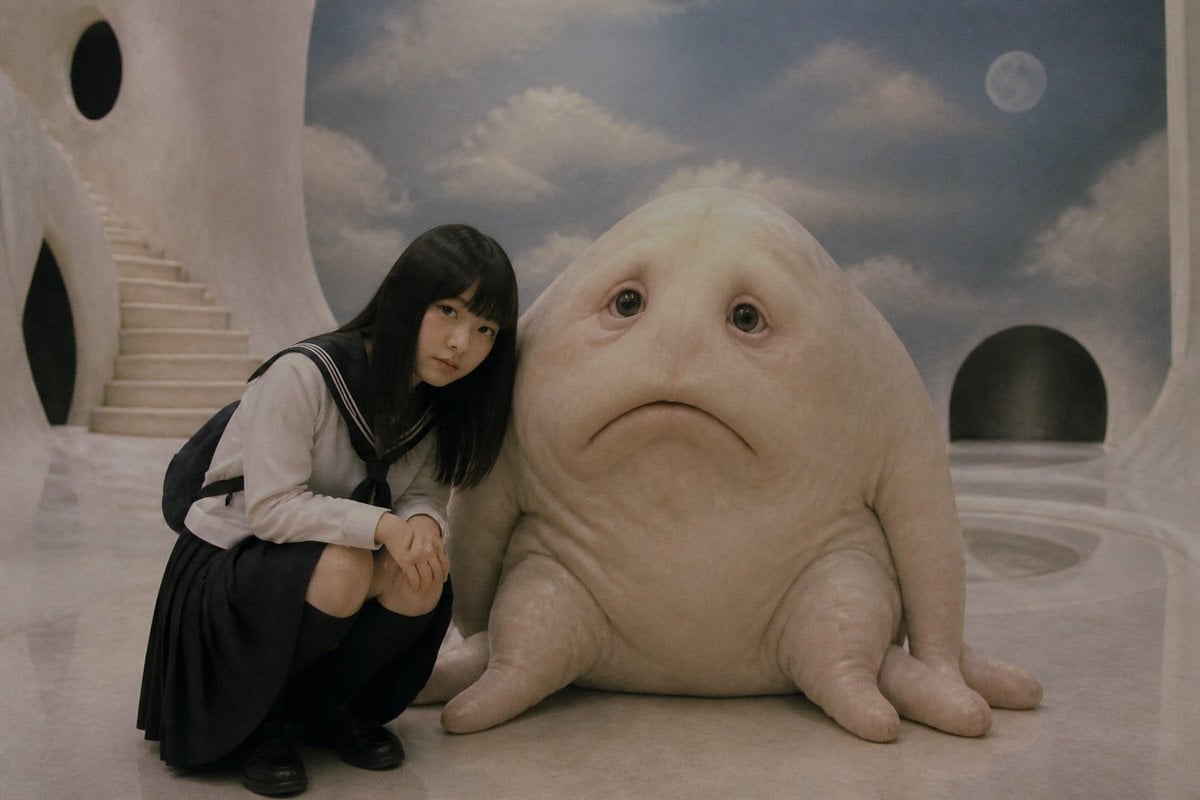
Surreal Schoolgirl and Blob Creature
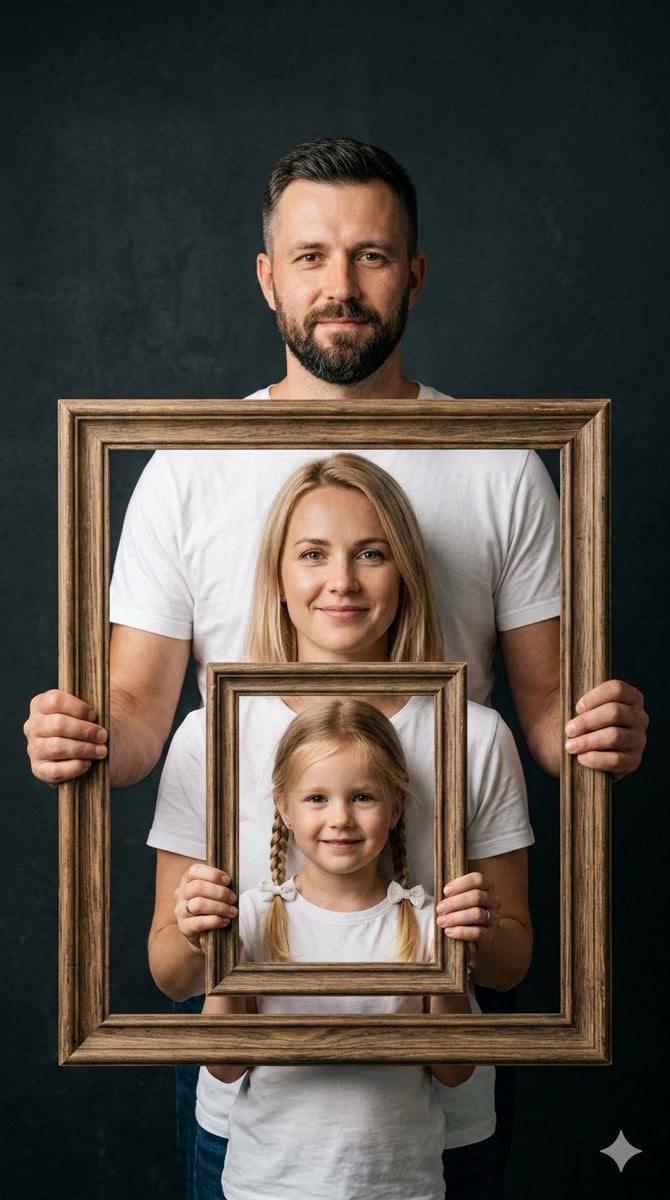
Creative Family Studio Photograph Prompt
Surreal Black and White Forest Scene with Color Reflection

Retro Digital Camera Screen Mockup
Classical Suzhou Garden Interior Portrait
Browse template categories
Anime Phoenix Girl Ruins Scene questions
How do I use the Anime Phoenix Girl Ruins Scene template?
Add your photo if the template asks for one, edit the prompt if you like — the template's model and format are already selected — and press Generate. Your version opens in PicX Studio.
Can I customize the Anime Phoenix Girl Ruins Scene template?
Yes. You can change the subject, setting, lighting, mood, format, and available model controls before creating your image.
Is the Anime Phoenix Girl Ruins Scene template free?
Opening and editing this template is free. Generating uses credits, shown on the Generate button when you are signed in.
Which AI model should I use?
Start with GPT Image 2, which is the model associated with this template. You can compare another compatible model for a different finish.
Looking for something else? Browse all templates.

Your photo, any look
Thousands of ready templates for every top image and video model, from one credit balance.