
Koinobori Family Manga Page
Generates a wholesome five-panel Japanese manga page about a mother setting up koinobori carp streamers with two excited children.
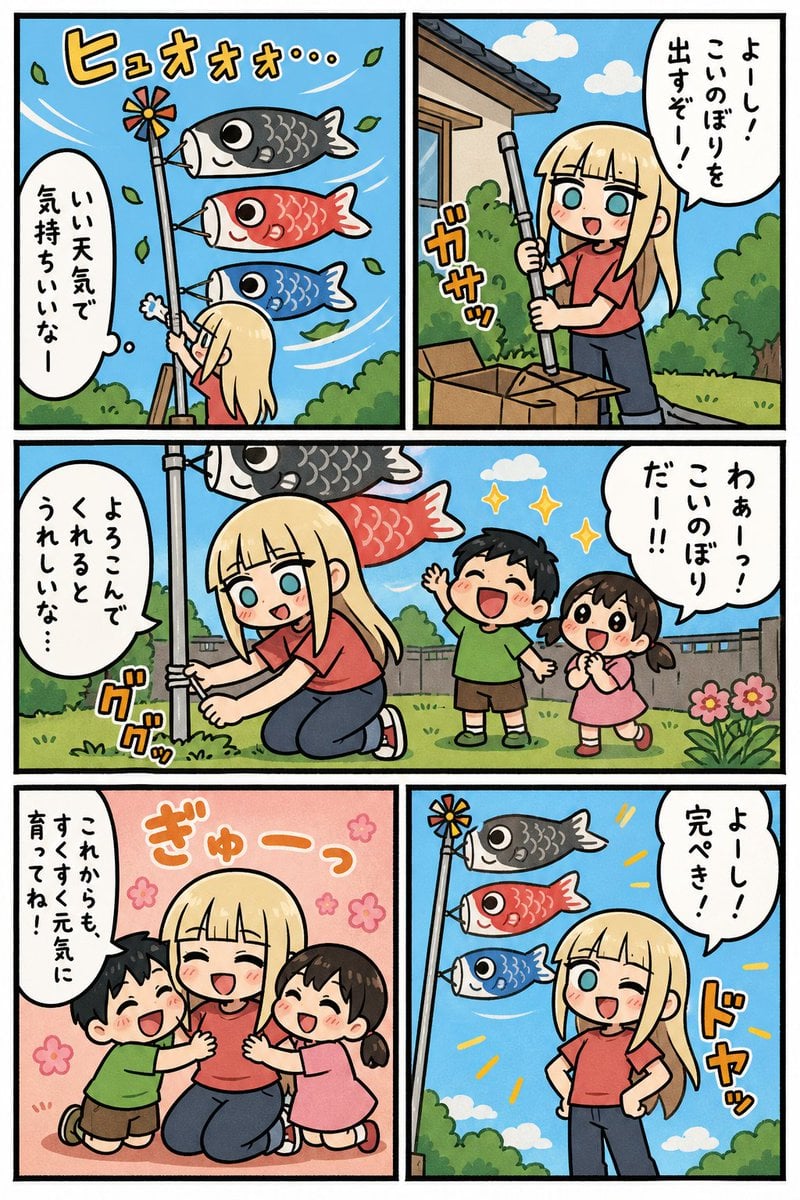
- Prompt included
- Model and format preset
- Free template
The prompt behind this image
Copy the exact prompt behind Koinobori Family Manga Page, or open it in the studio and make it yours.
- Type
- vertical Japanese manga page, cheerful slice-of-life comic
- Format
- single page with 5 bordered panels, thick black gutters, clean digital anime line art, bright flat colors, cute family-friendly tone
- Style › Art
- modern chibi-influenced manga, rounded faces, expressive eyes, bold black outlines, simple cel shading
- Style › Palette
- sunny sky blue, fresh green garden, warm coral clothing, colorful koinobori streamers
- Style › Lettering
- hand-drawn Japanese manga speech balloons and orange sound effects with white outlines
- Setting
- suburban Japanese yard on a clear windy spring day, blue sky with small white clouds, shrubs, flowers, fence, house eaves and cardboard boxes
- Main Character › Description
- young adult blonde woman with straight long hair and blunt bangs, large cyan eyes, coral-red short-sleeve shirt, dark blue jeans, red sneakers, upbeat motherly personality
- Main Character › Hair Color
- {argument name="hair color" default="pale blonde"}
- Main Character › Shirt Color
- {argument name="shirt color" default="coral red"}
- Supporting Characters › Count
- 2
- Supporting Characters › Children
- young boy with short black hair, green T-shirt, brown shorts, excited smile, young girl with dark brown twin pigtails, pink dress, clasped hands, excited smile
- Object › Name
- {argument name="festival decoration" default="koinobori carp streamer pole"}
- Object › Details
- tall silver pole topped with a small pinwheel, three carp streamers arranged vertically: black carp on top, red carp in middle, blue carp on bottom; streamers billow strongly in the wind
- Layout › Panel Count
- 5
- Layout › Panels › 0 › Position
- top left
- Layout › Panels › 0 › Size
- square
- Layout › Panels › 0 › Scene
- low-angle view of the woman from behind raising the pole while three carp streamers blow left-to-right in the sky; leaves swirl in the wind
- Layout › Panels › 0 › Visible Text › Sound Effect
- ヒュオォォ…
- Layout › Panels › 0 › Visible Text › Speech
- いい天気で気持ちいいなー
- Layout › Panels › 1 › Position
- top right
- Layout › Panels › 1 › Size
- square
- Layout › Panels › 1 › Scene
- woman beside cardboard boxes in the yard, gripping a silver pole section and preparing the streamer; house roof and bushes behind her
- Layout › Panels › 1 › Visible Text › Sound Effect
- ガサッ
- Layout › Panels › 1 › Visible Text › Speech
- よーし!こいのぼりを出すぞー!
Raw JSON
{"type":"vertical Japanese manga page, cheerful slice-of-life comic","format":"single page with 5 bordered panels, thick black gutters, clean digital anime line art, bright flat colors, cute family-friendly tone","style":{"art":"modern chibi-influenced manga, rounded faces, expressive eyes, bold black outlines, simple cel shading","palette":"sunny sky blue, fresh green garden, warm coral clothing, colorful koinobori streamers","lettering":"hand-drawn Japanese manga speech balloons and orange sound effects with white outlines"},"setting":"suburban Japanese yard on a clear windy spring day, blue sky with small white clouds, shrubs, flowers, fence, house eaves and cardboard boxes","main character":{"description":"young adult blonde woman with straight long hair and blunt bangs, large cyan eyes, coral-red short-sleeve shirt, dark blue jeans, red sneakers, upbeat motherly personality","hair color":"{argument name=\"hair color\" default=\"pale blonde\"}","shirt color":"{argument name=\"shirt color\" default=\"coral red\"}"},"supporting characters":{"count":2,"children":["young boy with short black hair, green T-shirt, brown shorts, excited smile","young girl with dark brown twin pigtails, pink dress, clasped hands, excited smile"]},"object":{"name":"{argument name=\"festival decoration\" default=\"koinobori carp streamer pole\"}","details":"tall silver pole topped with a small pinwheel, three carp streamers arranged vertically: black carp on top, red carp in middle, blue carp on bottom; streamers billow strongly in the wind"},"layout":{"panel count":5,"panels":[{"position":"top left","size":"square","scene":"low-angle view of the woman from behind raising the pole while three carp streamers blow left-to-right in the sky; leaves swirl in the wind","visible text":{"sound effect":"ヒュオォォ…","speech":"いい天気で気持ちいいなー"}},{"position":"top right","size":"square","scene":"woman beside cardboard boxes in the yard, gripping a silver pole section and preparing the streamer; house roof and bushes behind her","visible text":{"sound effect":"ガサッ","speech":"よーし!こいのぼりを出すぞー!"}},{"position":"middle wide","size":"full-width horizontal panel","scene":"woman kneels and tightens the pole at ground level while boy and girl run up joyfully from the right, looking at the carp streamers above","visible text":{"left speech":"よろこんでくれるとうれしいな…","right speech":"わぁーっ!こいのぼりだー!!","sound effect":"ググッ"}},{"position":"bottom left","size":"square","scene":"warm pink background with small flower motifs; the two children hug the kneeling woman affectionately, all three laughing with closed happy eyes and blush","visible text":{"speech":"これからもすくすく元気に育ってね!!","sound effect":"ぎゅーっ"}},{"position":"bottom right","size":"square","scene":"final proud pose: woman stands winking with hands on hips beside the completed koinobori pole, streamers flying brightly against blue sky, yellow emphasis rays","visible text":{"speech":"よーし!完ぺき!","sound effect":"ドヤッ"}}]},"composition requirements":"Maintain exact five-panel manga layout, readable Japanese text inside balloons, energetic wind motion, cute wholesome mood, no photorealism, no 3D rendering.","customizable text":{"top right speech":"{argument name=\"setup speech\" default=\"よーし!こいのぼりを出すぞー!\"}","bottom left speech":"{argument name=\"heartwarming message\" default=\"これからもすくすく元気に育ってね!!\"}","final speech":"{argument name=\"final speech\" default=\"よーし!完ぺき!\"}"}}How to use Koinobori Family Manga Page in 3 steps
- 1Upload ImagePNG, JPG or paste
Add your photo
Upload the photo the template builds on. The prompt, model and format are already set.
- 2…a portrait of your subject in softgolden-hour light, 85mm…
Personalize
Edit the subject and creative details for your destination.
- 3Generate
Generate
Press Generate — your image is created in PicX Studio, so you can compare it with the original and refine one variable at a time.
More like this
Templates with the same subject, style or setup. Open one to see its prompt.

Quiet Hamster Manga Page

Late-Night Hamster Manga Page

Surreal Noir Hamster Manga Page

Shojo Horror Manga Corridor Page

Cute AI Manga Lesson Comic Page

Hamster Summons Sol Manga Page

Lazy Day Chibi Manga Page

Overwhelmed Coding Manga Page

Fantasy Wagashi Manga Cooking Page

Sunny Seaside Anime Manga Page
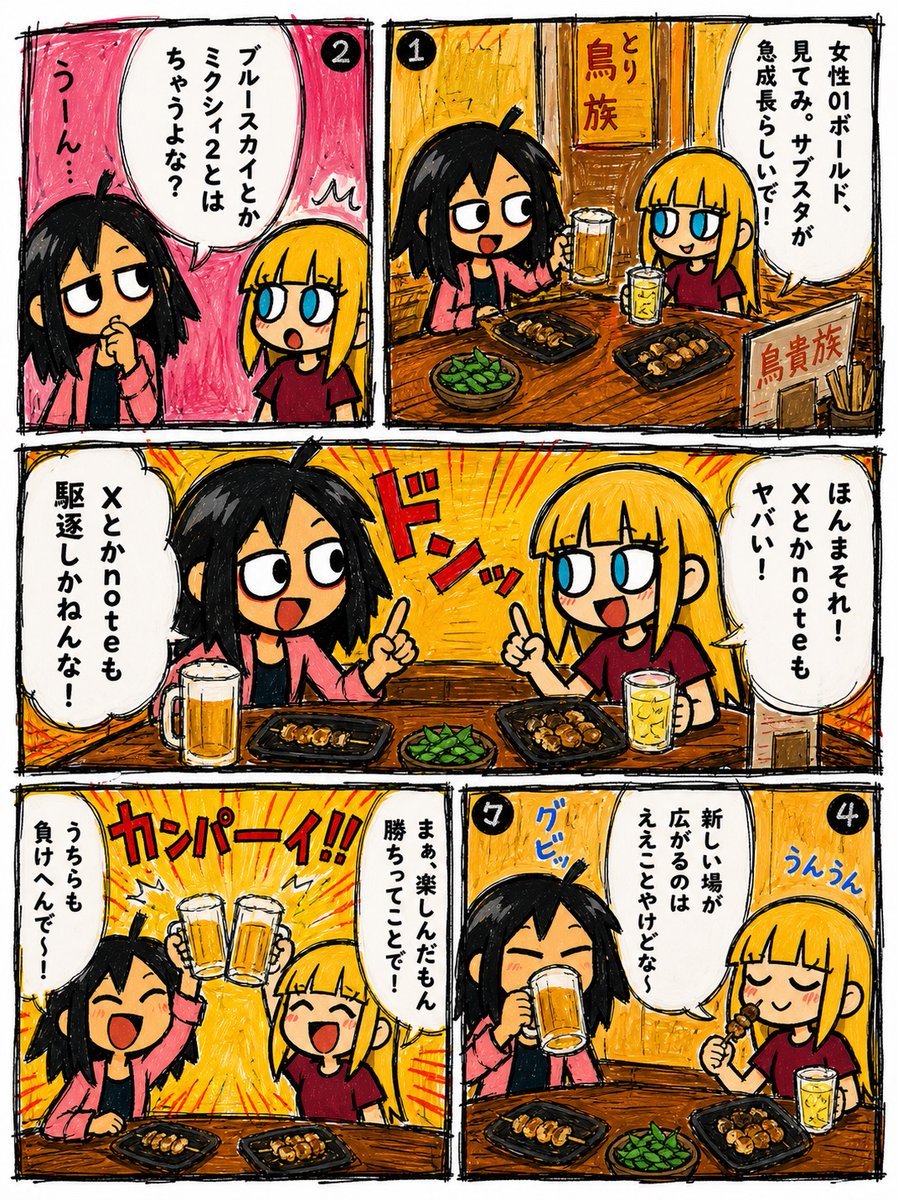
Hand-Drawn Izakaya Manga Page
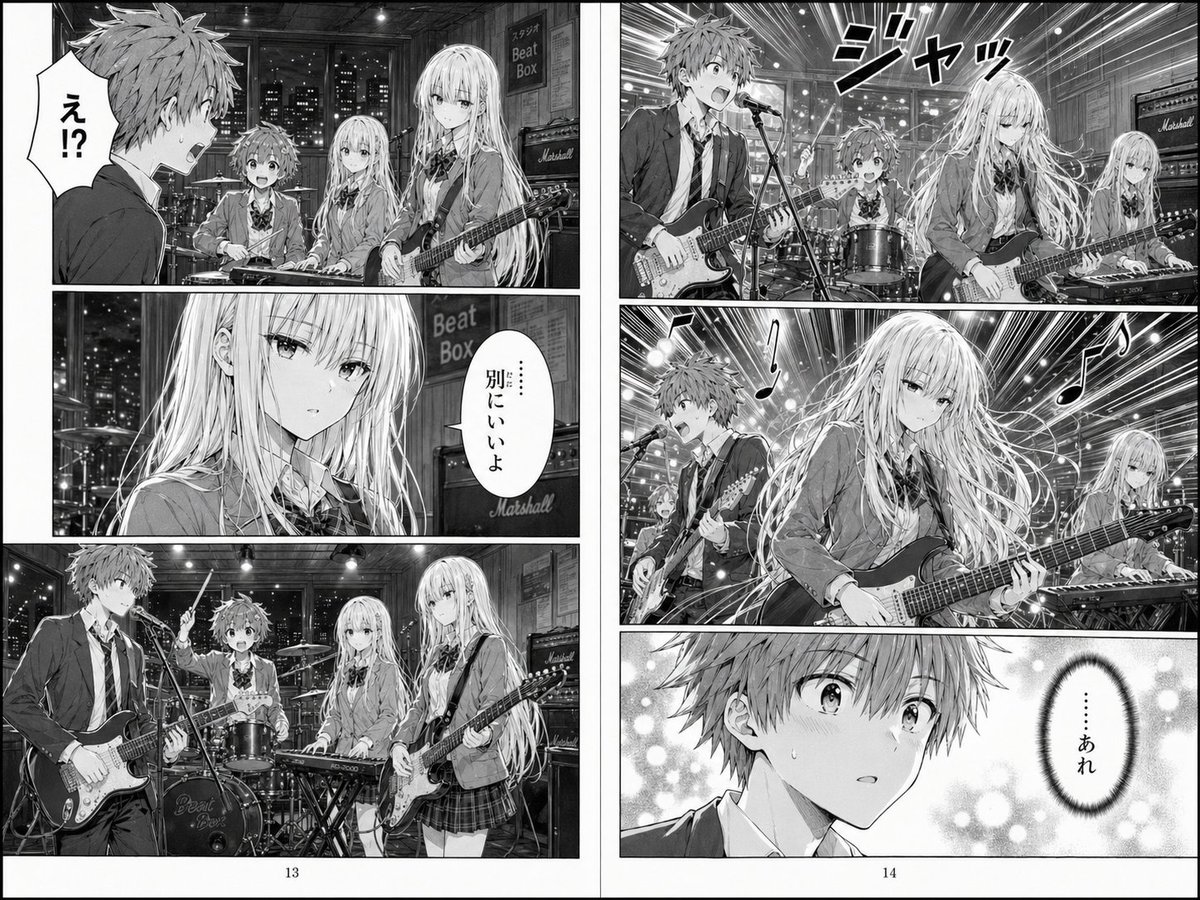
Two-Page School Band Manga Spread
Make it yours
Koinobori Family Manga Page works as-is. These are the safest ways to change it without losing the look.
Swap the setting
Keep the rest of the prompt and replace the location block. The current setting is “suburban Japanese yard on a clear windy spring day, blue sky with small white cl”.
Change one field
Copy a single group, rewrite it, and generate again so you can see what that field is doing.
Keep the frame, change the subject
Hold the composition and light of Koinobori Family Manga Page, then swap wardrobe, props or the person for a new take.
| If the result… | Why | Fix |
|---|---|---|
| The result drifts from the preview | Too many fields changed at once. | Reuse Koinobori Family Manga Page as-is first, then change one group — subject, light, or setting. |
| GPT Image 2 ignores part of the JSON | Some models flatten or skip nested keys. | Keep the same values and paste them as a short paragraph instead. |
More GPT Image 2 templates
Other prompts made for GPT Image 2.

Six VTuber Japanese Logo Sheet

Realistic Portrait of Woman and Deer

The Vista Modular Condo Poster

AI Model Routing Comparison Infographic

2.5D Anime Art Board

Isometric Productivity Desk Scene

New York Double Exposure Poster

Four-Panel AI Landscape Comparison

Japanese Tatami Lifestyle Magazine Cover

NESCAFÉ Coffee Map Poster
More image prompts
Fresh picks from across the catalog.
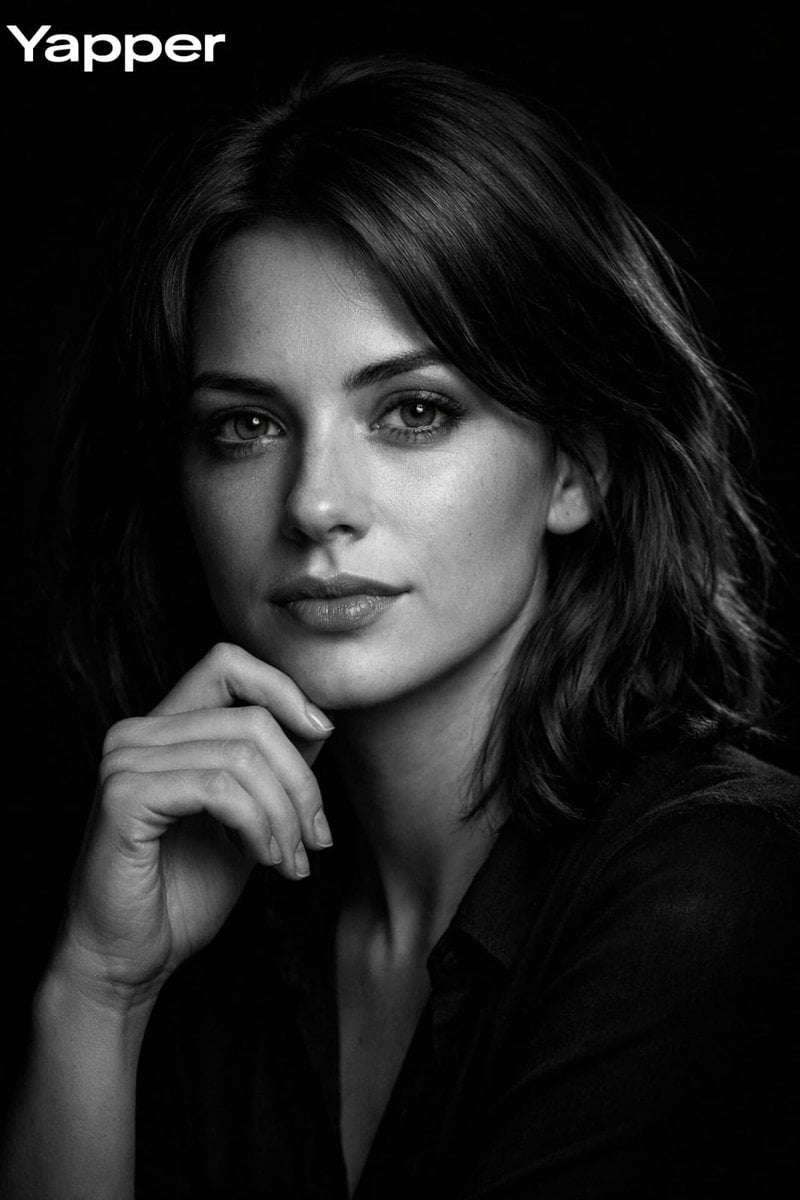
High-Contrast Black-and-White Cinematic Portrait
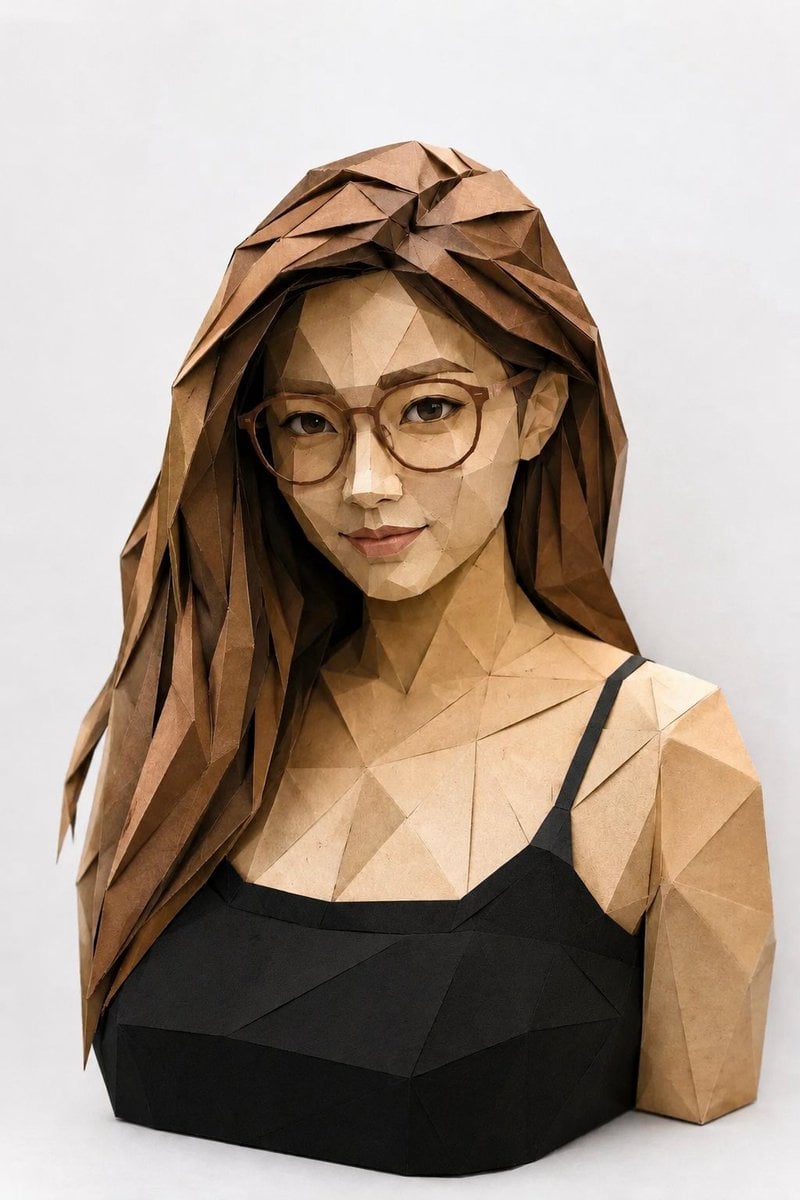
Low-Poly Origami Papercraft Portrait
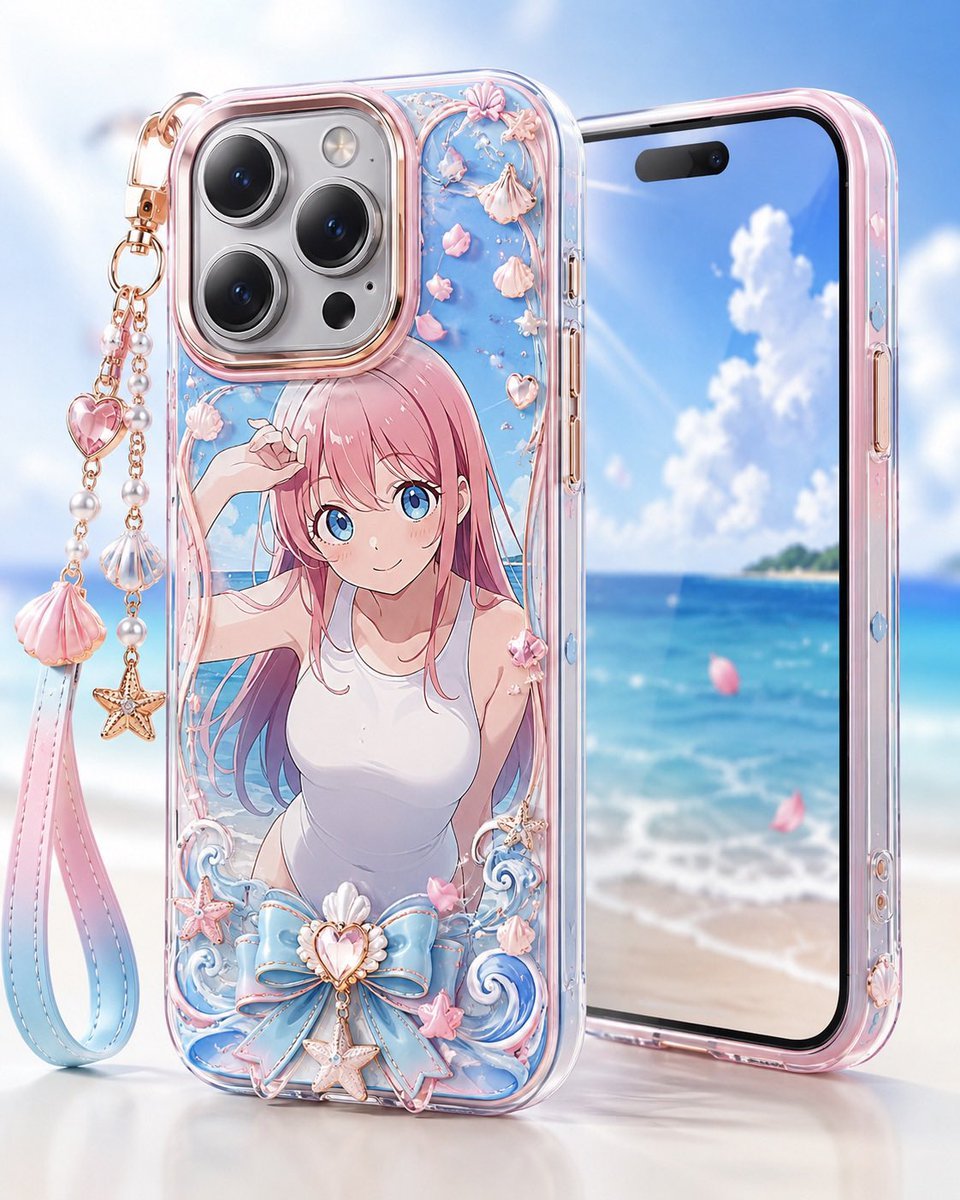
Pastel Anime Beach Phone Case

Y2K Aesthetic Mirror Selfie Prompt
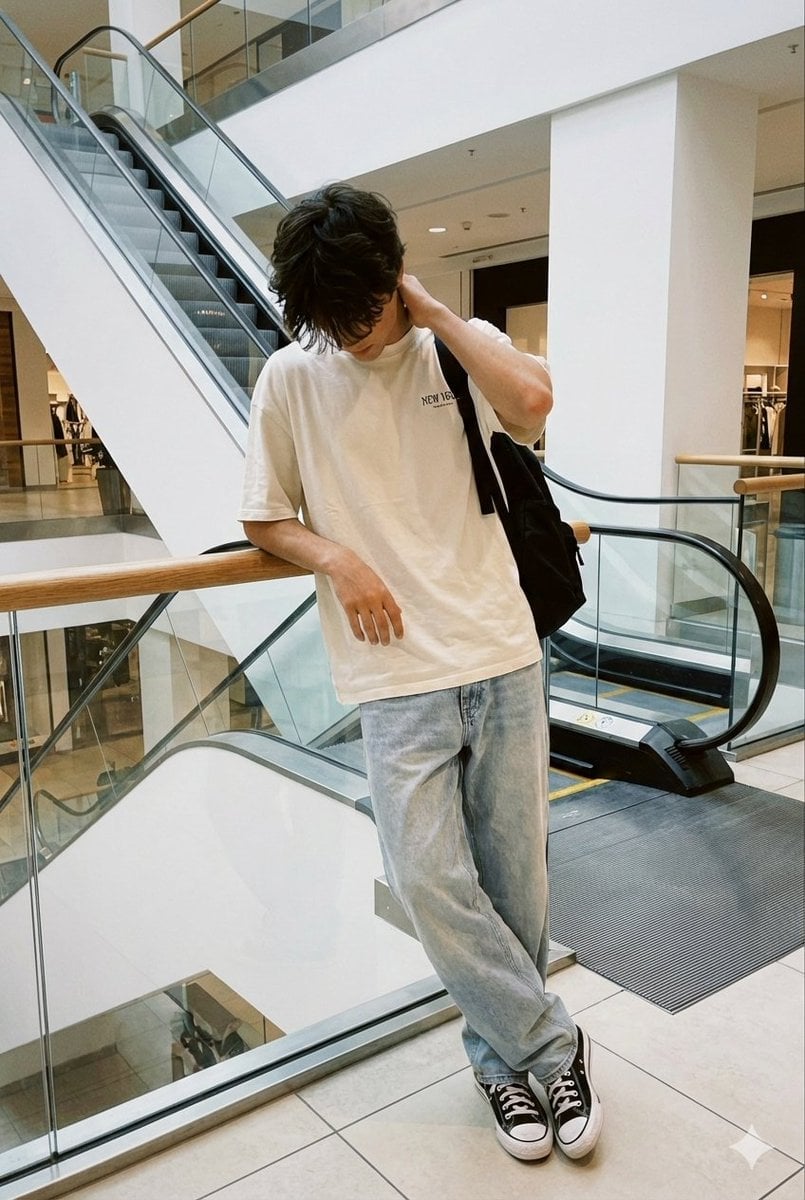
Realistic candid smartphone photo of a subject standing by an escalator in a mall
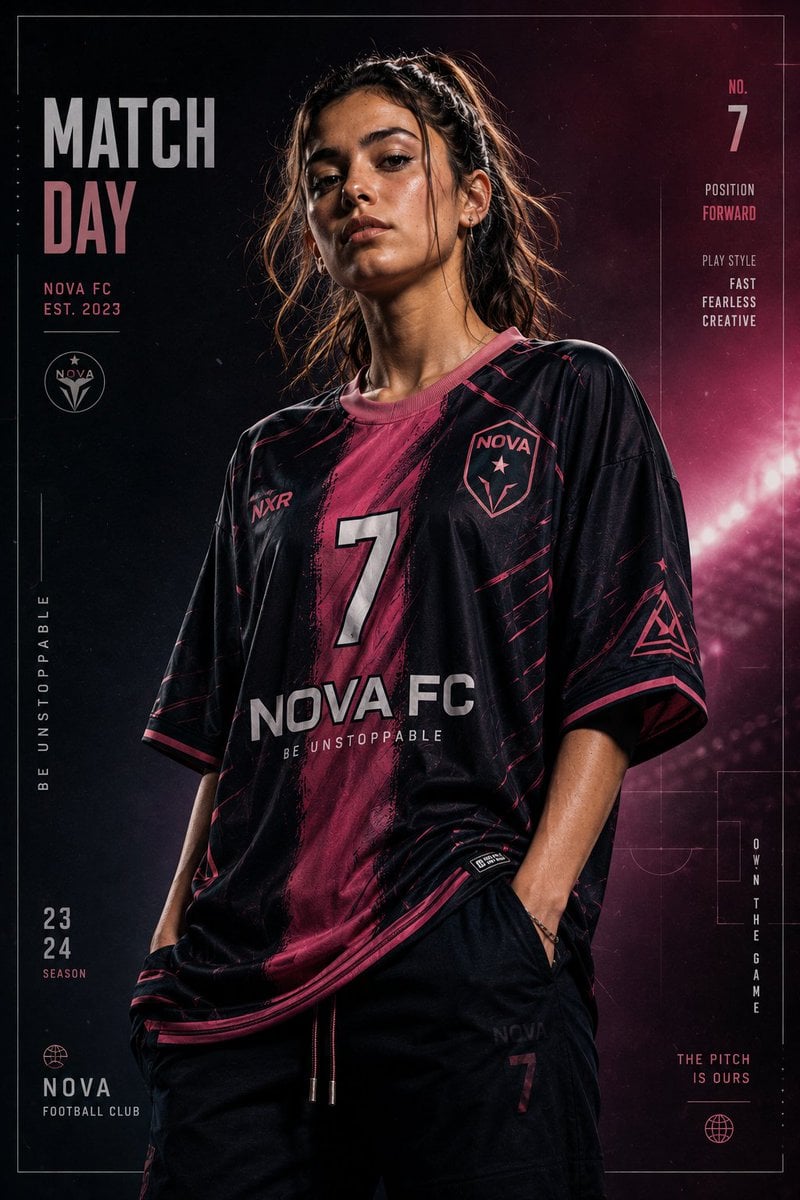
Premium Footballer Studio Portrait
Five-Panel Benchmarking Challenge
Fantasy Social Media Movie Poster

Ultra-realistic Beverage Advertisement
Storybook Illustration Prompt with Pastel Watercolors
Browse template categories
Koinobori Family Manga Page questions
How do I use the Koinobori Family Manga Page template?
Add your photo if the template asks for one, edit the prompt if you like — the template's model and format are already selected — and press Generate. Your version opens in PicX Studio.
Can I customize the Koinobori Family Manga Page template?
Yes. You can change the subject, setting, lighting, mood, format, and available model controls before creating your image.
Is the Koinobori Family Manga Page template free?
Opening and editing this template is free. Generating uses credits, shown on the Generate button when you are signed in.
Which AI model should I use?
Start with GPT Image 2, which is the model associated with this template. You can compare another compatible model for a different finish.
Looking for something else? Browse all templates.

Your photo, any look
Thousands of ready templates for every top image and video model, from one credit balance.