
Candid Identity Reference Portrait
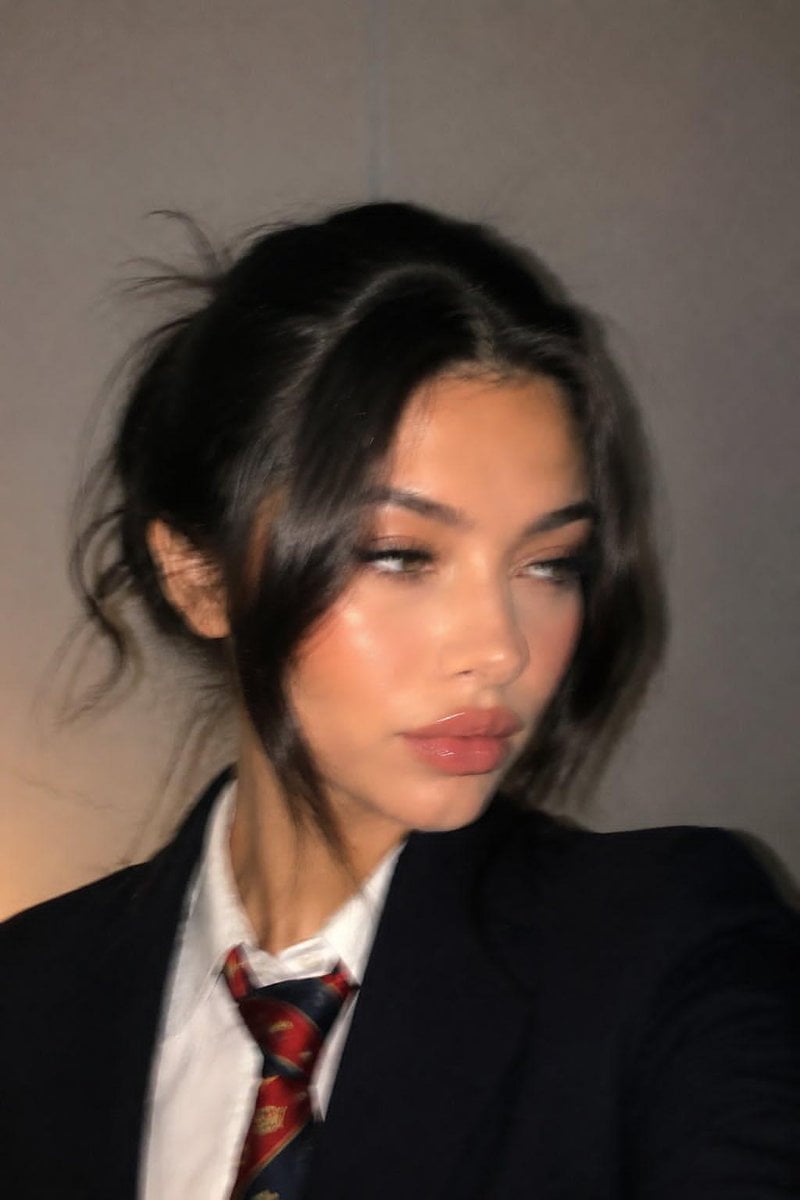
A realistic, casual smartphone-style portrait that preserves the specific identity of a reference image with natural skin textures and imperfect styling.
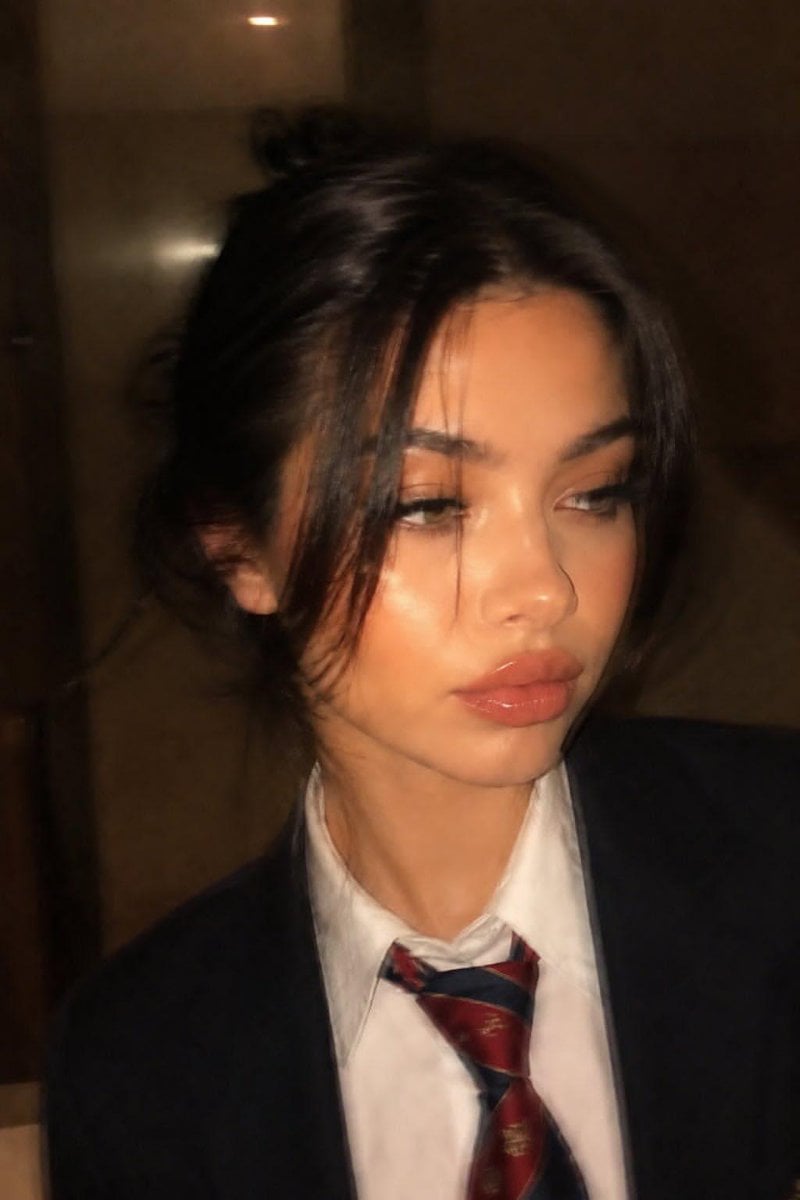
- Prompt included
- Model and format preset
- Free template
The prompt behind this image
Copy the exact prompt behind Candid Identity Reference Portrait, or open it in the studio and make it yours.
Ultra-realistic, almost indistinguishable-from-real close-up portrait in a casual phone photo style. Use the uploaded image as the identity reference, fully preserving the natural appearance and atmosphere of the same woman. The face and overall appearance must remain 100% identical to the reference image, without altering any facial proportions or features. Do not change: Lip shape or lip size Eyes Nose Face shape Overall facial harmony and identity Full photorealism. No AI-generated feeling — it should look like a random candid photo taken on a mobile phone. Not a polished glossy beauty shoot, but a natural, slightly imperfect phone snapshot. Close-up portrait framed to shoulder level. Soft and elegant pose. Face slightly turned to the side. No direct eye contact with the camera — natural sideways gaze. Expression calm, natural, almost neutral. The image should feel like a spontaneously captured moment rather than a posed photoshoot. Hair styled in a natural slightly messy updo. Face-framing bangs and loose strands around the face. A few flyaway hairs and subtle disheveled texture. Effortless beauty aesthetic with imperfectly styled hair. Ultra-natural skin texture with realistic pores and subtle imperfections. Soft mobile-phone lighting, realistic shadows, natural tonal range, authentic candid atmosphere. The overall result should resemble a genuine smartphone portrait captured casually in real life, with cinematic realism and natural feminine elegance.
Reference images included
Candid Identity Reference Portrait needs input media to work. They load alongside the prompt when you open it in the studio.
How to use Candid Identity Reference Portrait in 3 steps
- 1Upload ImagePNG, JPG or paste
Add your photo
Upload the photo the template builds on. The prompt, model and format are already set.
- 2…a portrait of your subject in softgolden-hour light, 85mm…
Personalize
Edit the subject and creative details for your destination.
- 3Generate
Generate
Press Generate — your image is created in PicX Studio, so you can compare it with the original and refine one variable at a time.
More like this
Templates with the same subject, style or setup. Open one to see its prompt.

Sunday Afternoon, 1988

Found Photograph: Us, 1970

Our Song was on a Cassette

The Date After College

80s Couple Studio Portrait

80s College Gate

80s Bollywood Star

80s Golden Hour Cinema

Me in 1985

1985 Studio Portrait

Hyper-Realistic Minecraft POV Portrait

Nano Banana Pro Identity Lock — Composition + Face Reference
Make it yours
Candid Identity Reference Portrait works as-is. These are the safest ways to change it without losing the look.
Change one field
Copy a single group, rewrite it, and generate again so you can see what that field is doing.
Keep the frame, change the subject
Hold the composition and light of Candid Identity Reference Portrait, then swap wardrobe, props or the person for a new take.
| If the result… | Why | Fix |
|---|---|---|
| The result drifts from the preview | Too many fields changed at once. | Reuse Candid Identity Reference Portrait as-is first, then change one group — subject, light, or setting. |
| The model over-stylizes the scene | The prose prompt leaves finish and camera underspecified. | Add one camera or lighting sentence and stay on GPT Image 2. |
More GPT Image 2 templates
Other prompts made for GPT Image 2.

Six VTuber Japanese Logo Sheet

Realistic Portrait of Woman and Deer

The Vista Modular Condo Poster

AI Model Routing Comparison Infographic

2.5D Anime Art Board

Isometric Productivity Desk Scene

New York Double Exposure Poster

Four-Panel AI Landscape Comparison

Japanese Tatami Lifestyle Magazine Cover

NESCAFÉ Coffee Map Poster
More image prompts
Fresh picks from across the catalog.
X Ayzalnooor24521 a Cinematic High Resolution Portrait of
Moonlit Biomorphic Future City
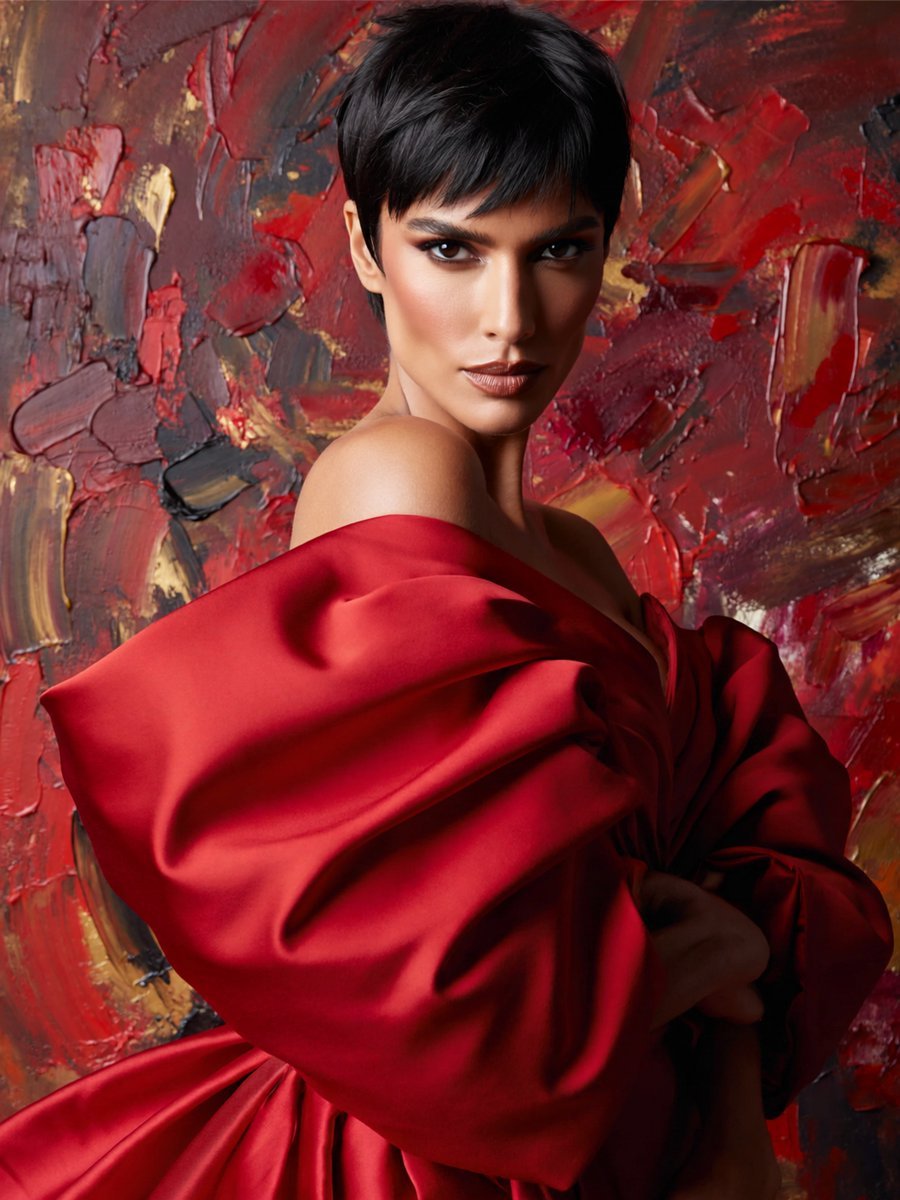
Anonymous Red Couture Portrait
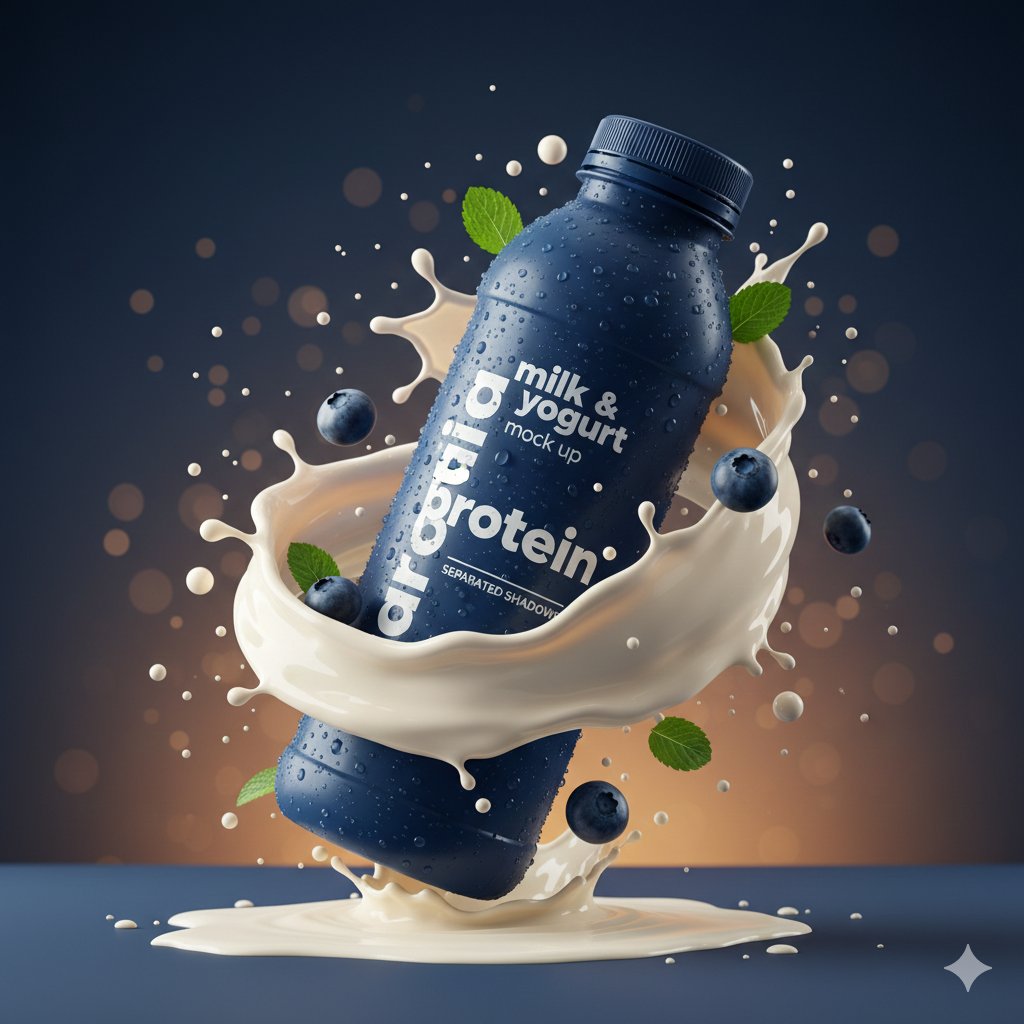
Hyper-realistic Product Photography with Dynamic Splash Effects
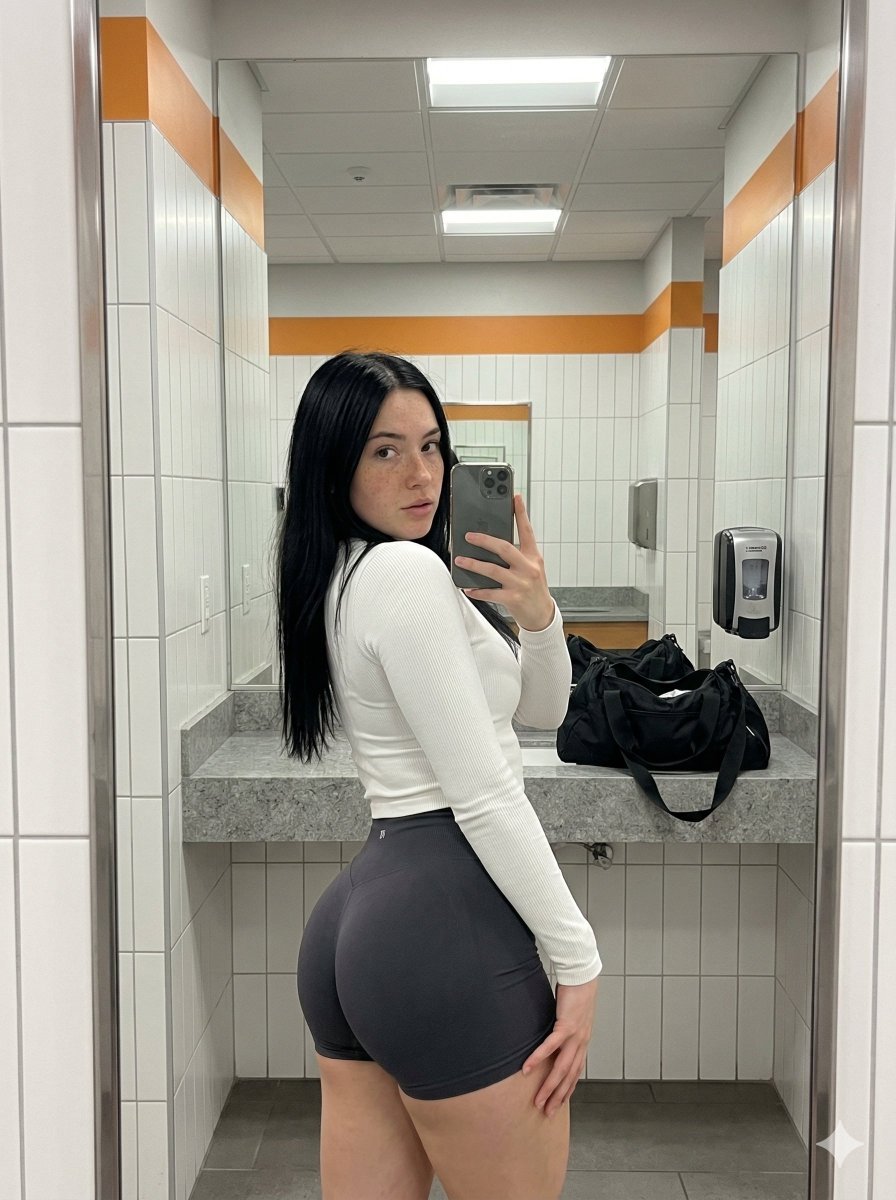
Realistic Gym Mirror Selfie with Exaggerated Proportions
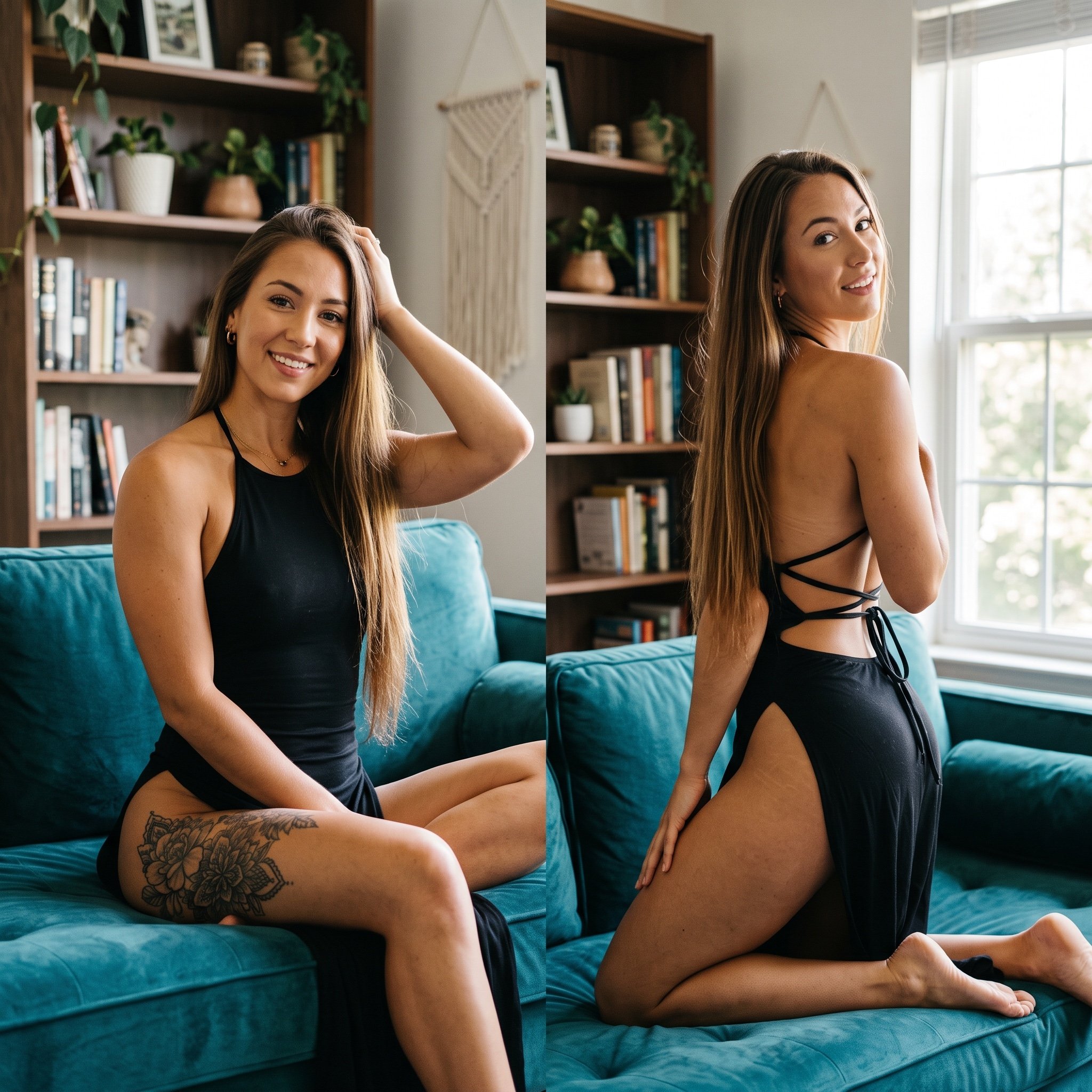
Photorealistic Split-Screen Collage Prompt
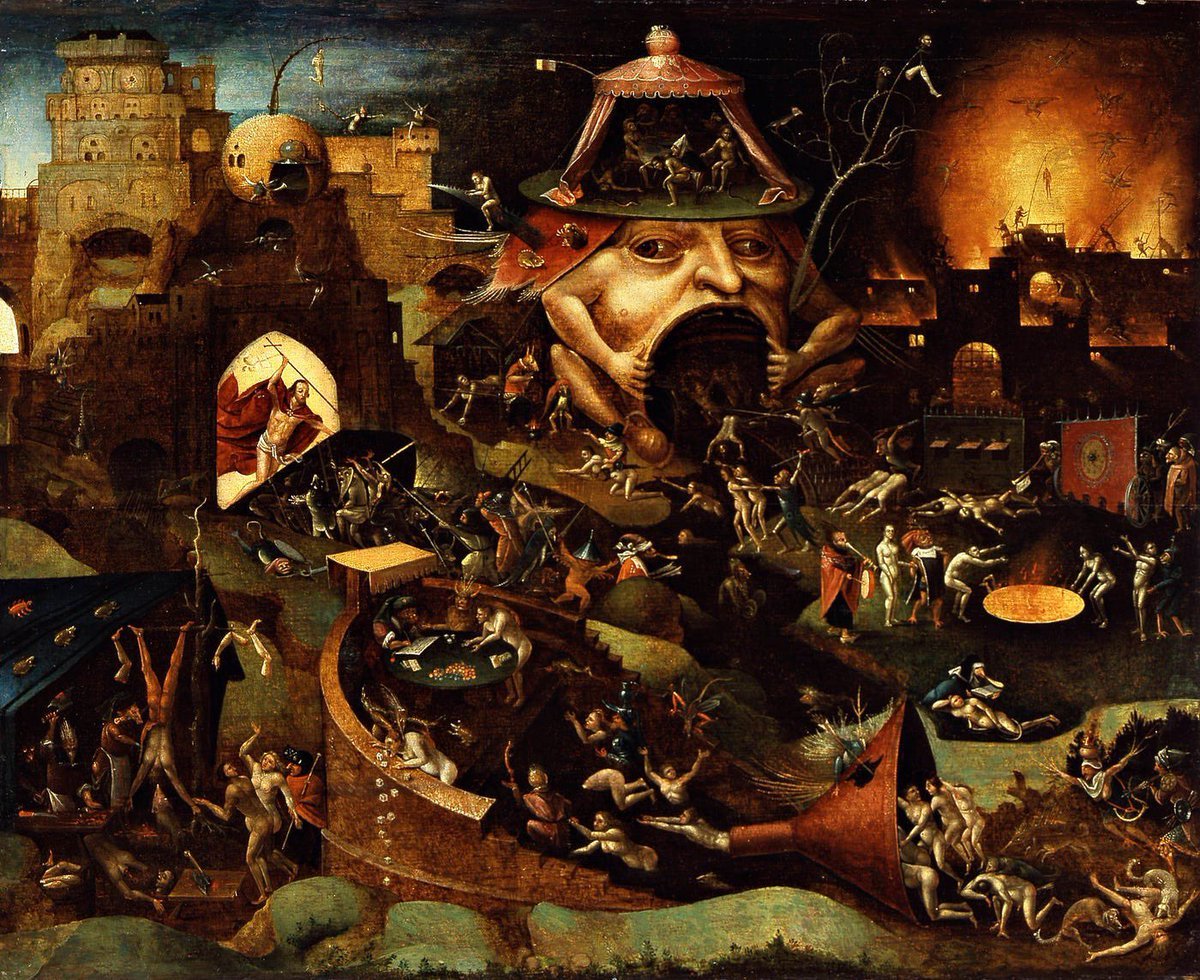
Bosch-inspired Harrowing of Hell follower scene
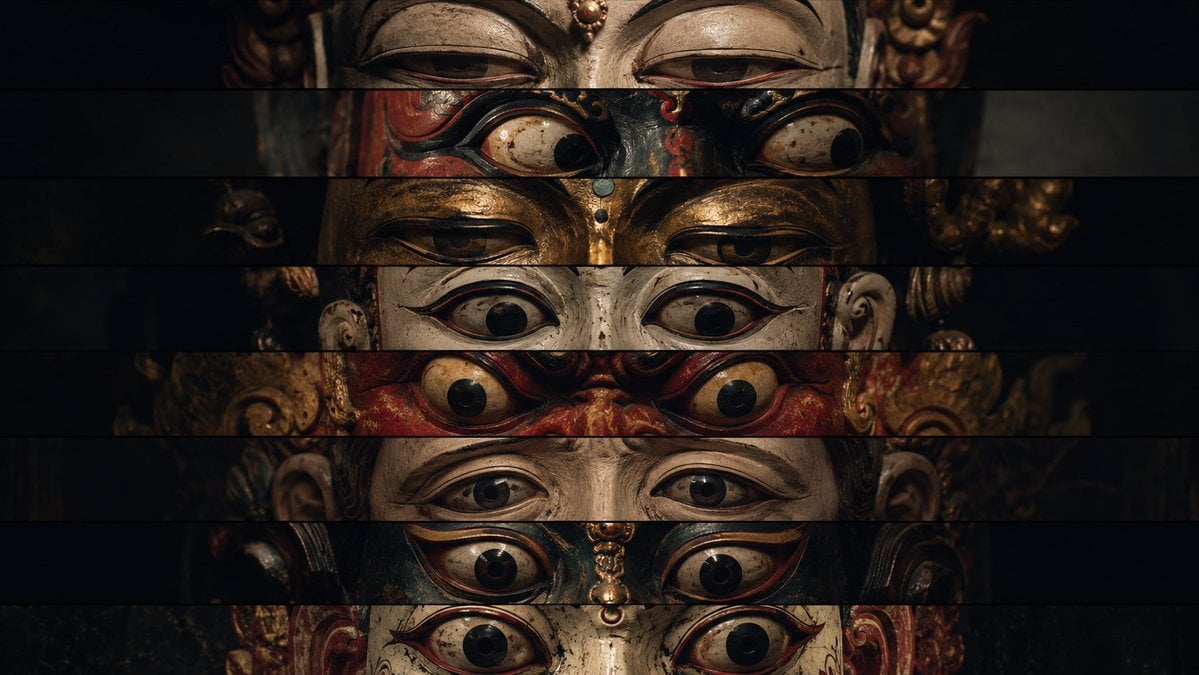
Surreal Theatrical Mask Collage
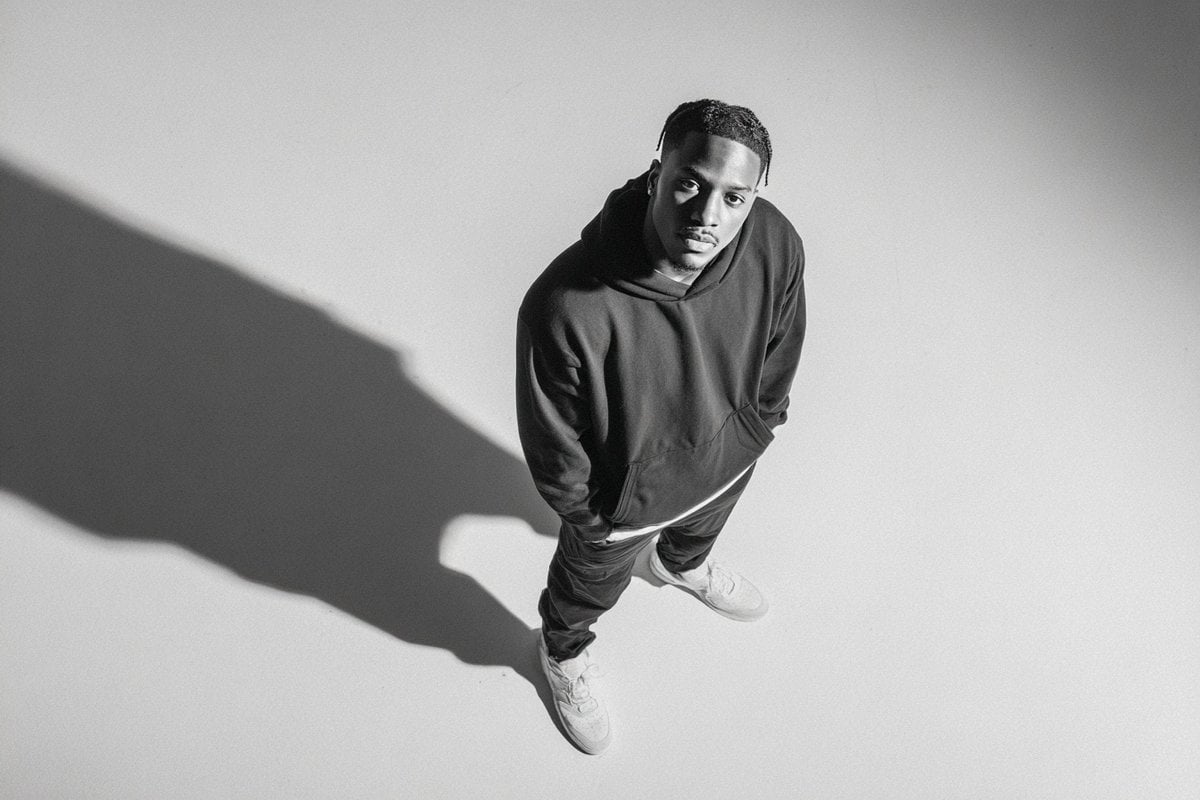
Studio Editorial Fashion Portrait
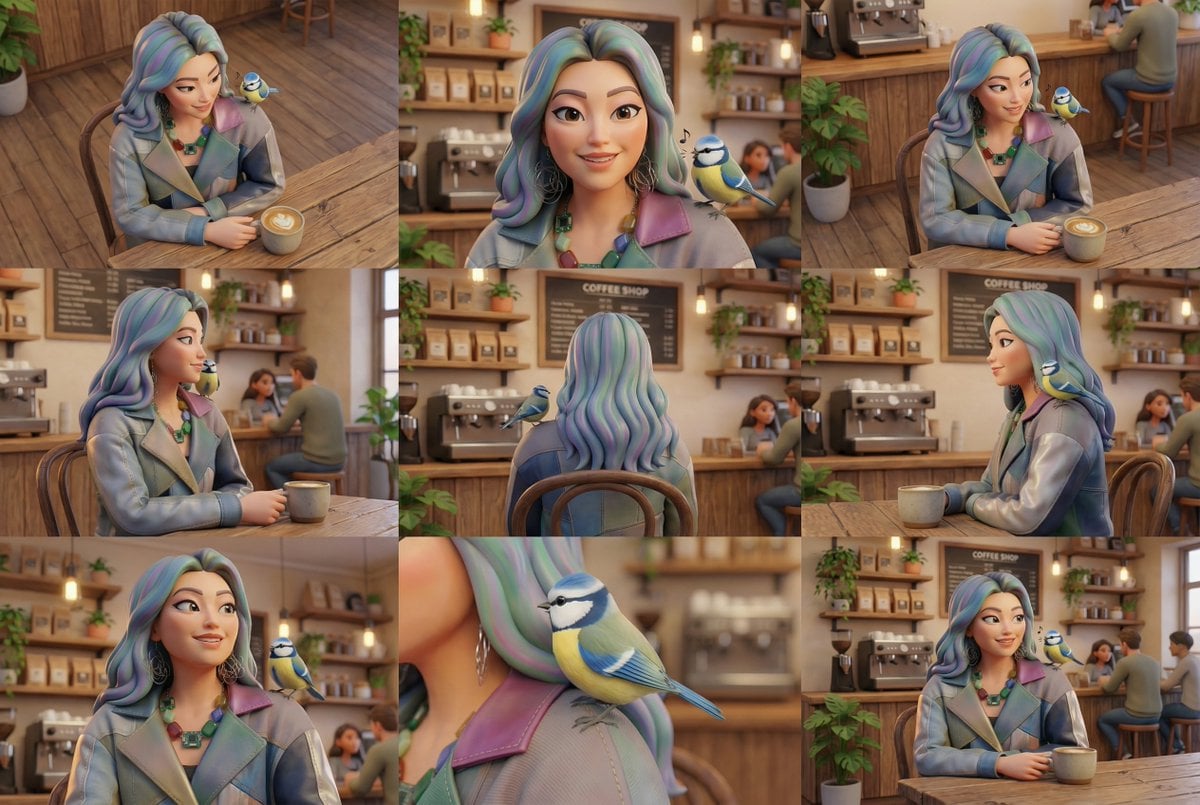
Generate Multiple Angles Grid from Single Image
Browse template categories
Candid Identity Reference Portrait questions
How do I use the Candid Identity Reference Portrait template?
Add your photo if the template asks for one, edit the prompt if you like — the template's model and format are already selected — and press Generate. Your version opens in PicX Studio.
Can I customize the Candid Identity Reference Portrait template?
Yes. You can change the subject, setting, lighting, mood, format, and available model controls before creating your image.
Is the Candid Identity Reference Portrait template free?
Opening and editing this template is free. Generating uses credits, shown on the Generate button when you are signed in.
Which AI model should I use?
Start with GPT Image 2, which is the model associated with this template. You can compare another compatible model for a different finish.
Looking for something else? Browse all templates.

Your photo, any look
Thousands of ready templates for every top image and video model, from one credit balance.