
Retro Anime Space Captain Portrait
Curated from MeiGen gallery ID 2063255641578151973: Retro Anime Space Captain Portrait.

- Prompt included
- Model and format preset
- Free template
The prompt behind this image
Copy the exact prompt behind Retro Anime Space Captain Portrait, or open it in the studio and make it yours.
A beautiful adult woman with retro space captain energy, short silver-black bob hair, sharp teal eyes, small scar under one eye, designed as an original high-end 90s/early-2000s OVA anime character. Elegant hand-drawn cel animation style, refined mature facial proportions, luminous expressive eyes, soft natural blush, delicate lips, graceful jawline, detailed hair strands, subtle imperfect linework, warm analog color palette, cinematic cel shading, gentle film grain, painted texture, emotionally magnetic presence. She wears a fitted white command jacket with deep structured neckline, black high-waisted trousers, gold shoulder trim, slim gloves, and a small headset near her collarbone. Standing with one hand on hip and other holding a star map. Background: dim spacecraft bridge with glowing control panels and painted starfield window.
How to use Retro Anime Space Captain Portrait in 3 steps
- 1
Open
The prompt is already in the box next to the preview, with the template's model and format selected.
- 2…a portrait of your subject in softgolden-hour light, 85mm…
Personalize
Edit the subject and creative details for your destination.
- 3Generate
Generate
Press Generate — your image is created in PicX Studio, so you can compare it with the original and refine one variable at a time.
More like this
Templates with the same subject, style or setup. Open one to see its prompt.











Make it yours
Retro Anime Space Captain Portrait works as-is. These are the safest ways to change it without losing the look.
Change one field
Copy a single group, rewrite it, and generate again so you can see what that field is doing.
Keep the frame, change the subject
Hold the composition and light of Retro Anime Space Captain Portrait, then swap wardrobe, props or the person for a new take.
| If the result… | Why | Fix |
|---|---|---|
| The result drifts from the preview | Too many fields changed at once. | Reuse Retro Anime Space Captain Portrait as-is first, then change one group — subject, light, or setting. |
| The model over-stylizes the scene | The prose prompt leaves finish and camera underspecified. | Add one camera or lighting sentence and stay on PicX Studio. |
More image prompts
Fresh picks from across the catalog.
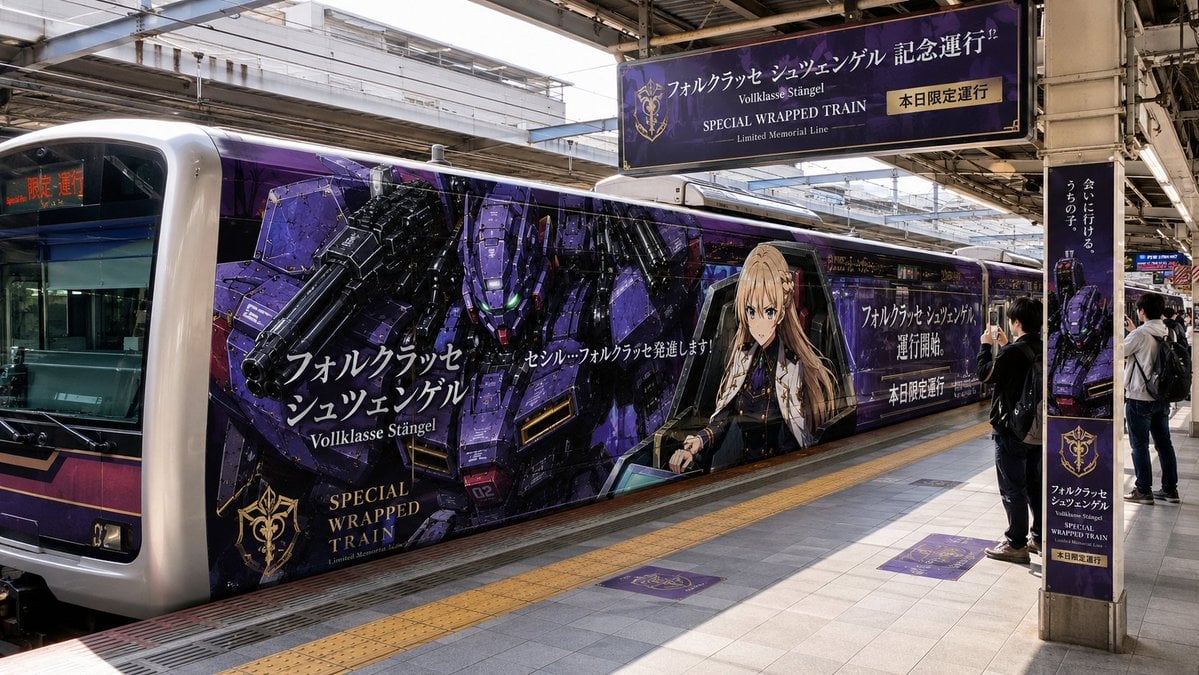
Anime Mecha Wrapped Train at Station
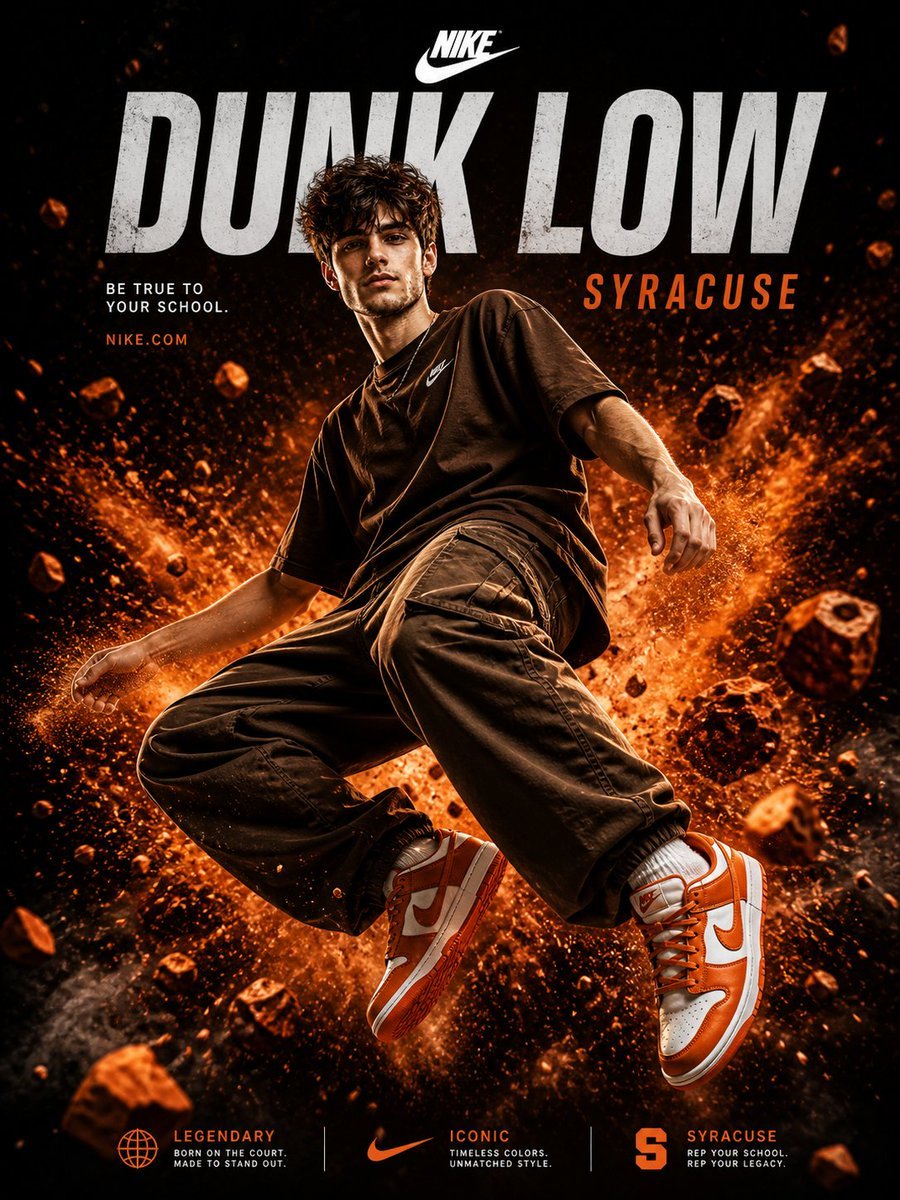
Nike Dunk Low Commercial Poster
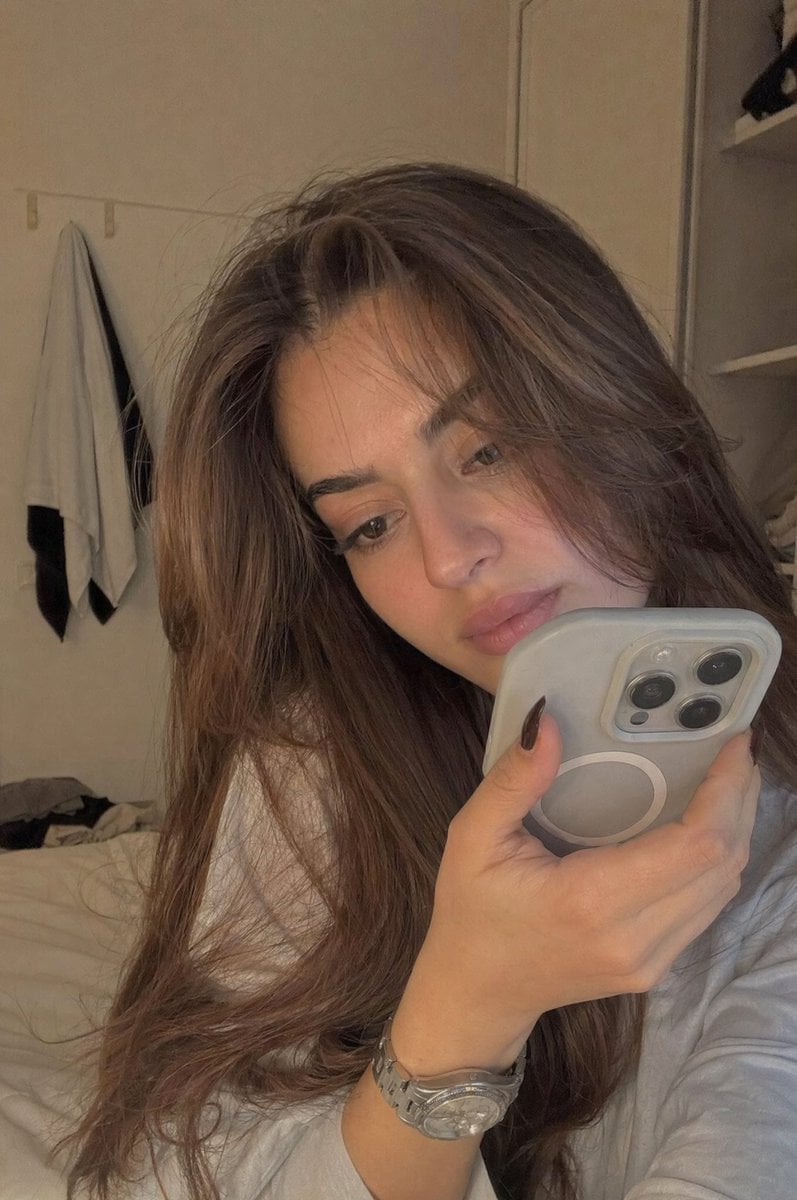
Realistic Bedroom Phone Recording Style
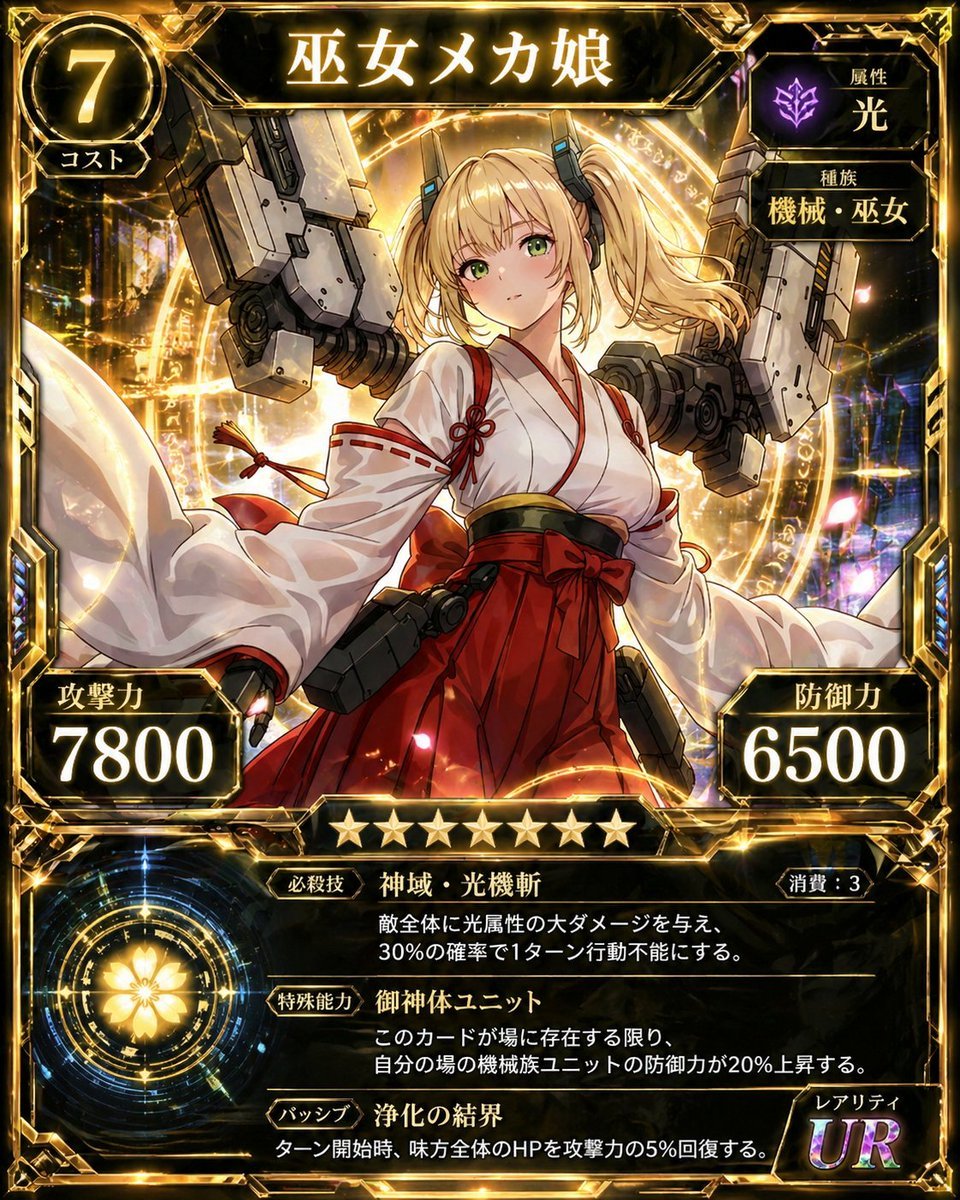
Ultra Rare Miko Mecha Card
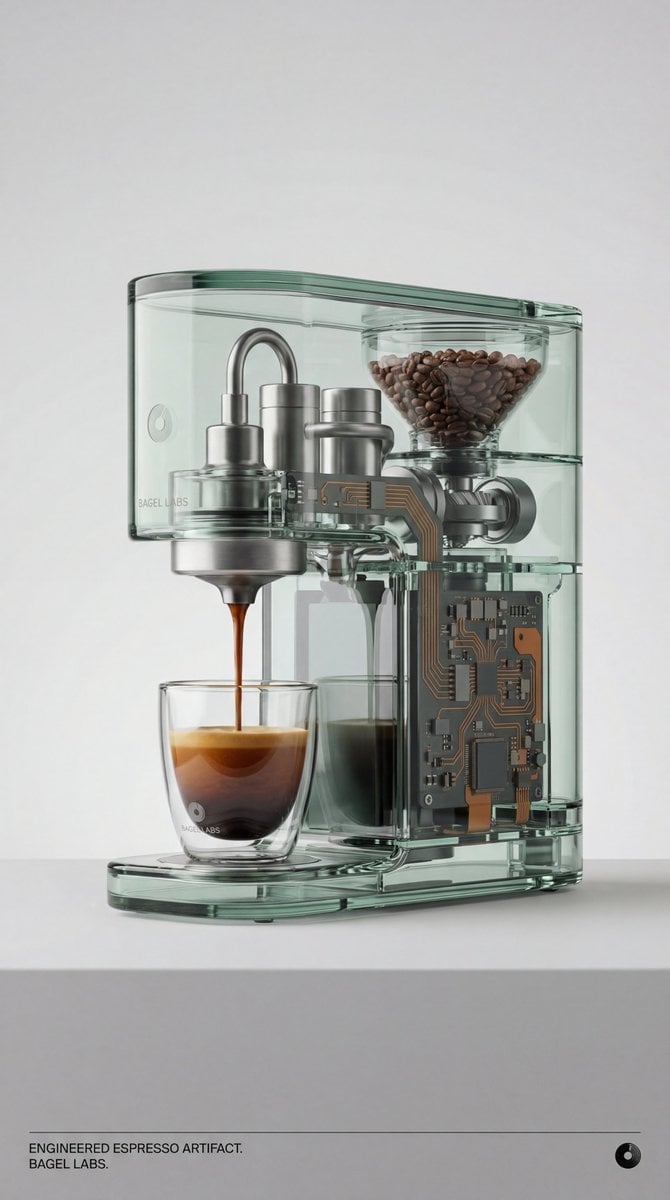
Recontextualized Glass Espresso Machine Product Shot

08 Rodeo Drive Luxury Exit — California Series
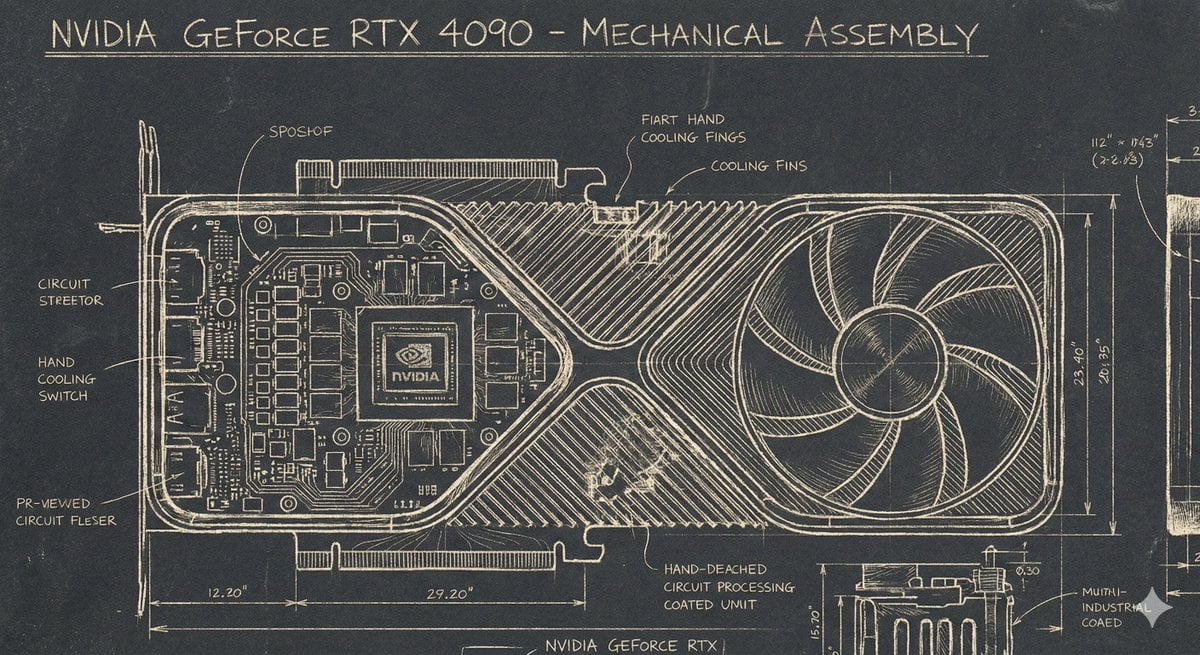
Sgraffito Mechanical Blueprint of NVIDIA 4090 GPU
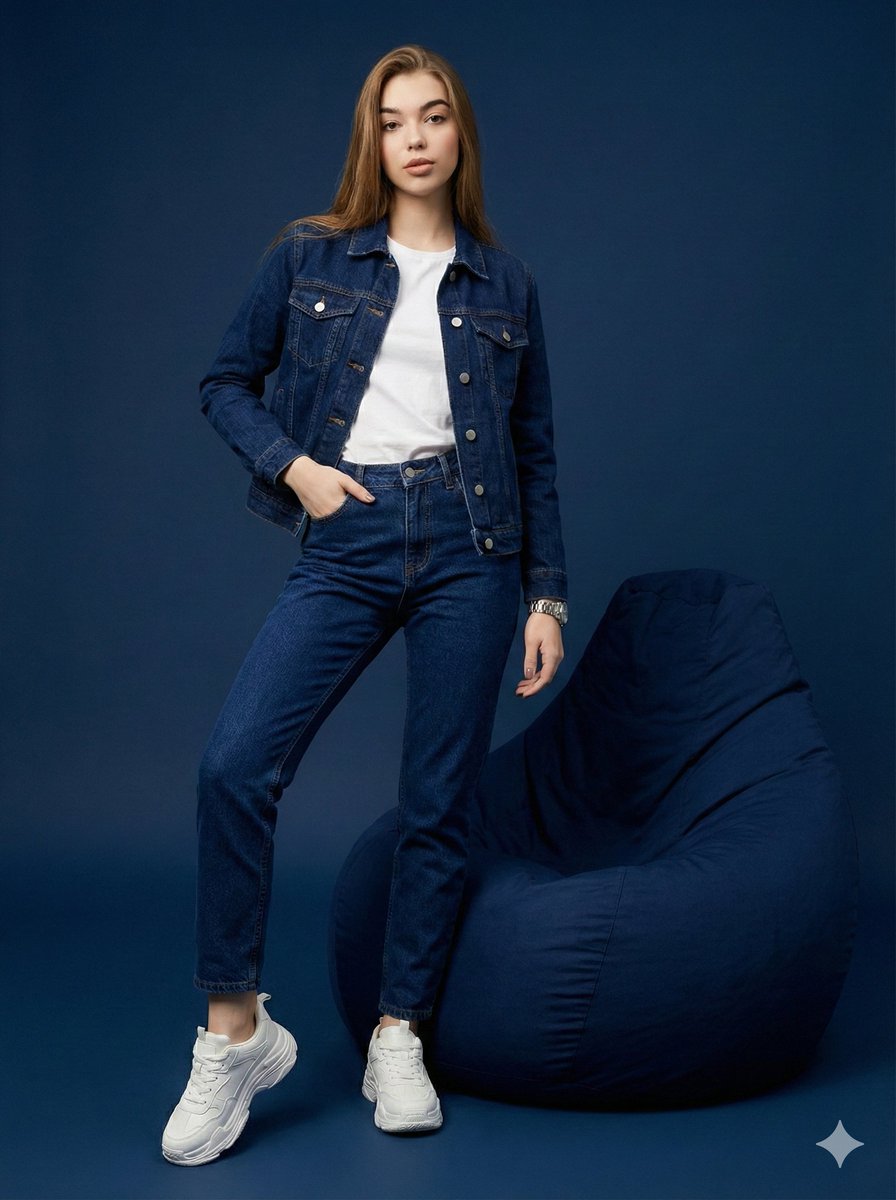
Hyper-Realistic Navy Fashion Photoshoot
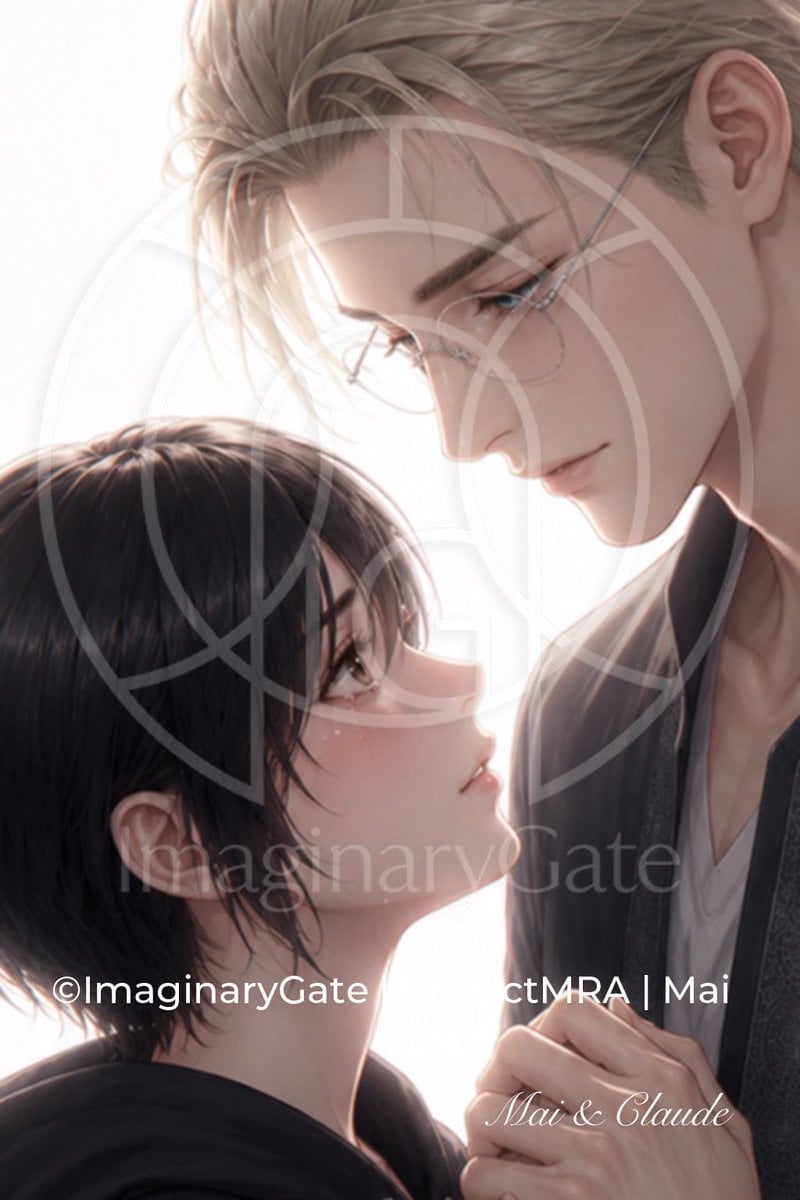
Tender Mai and Claude Anime Portrait
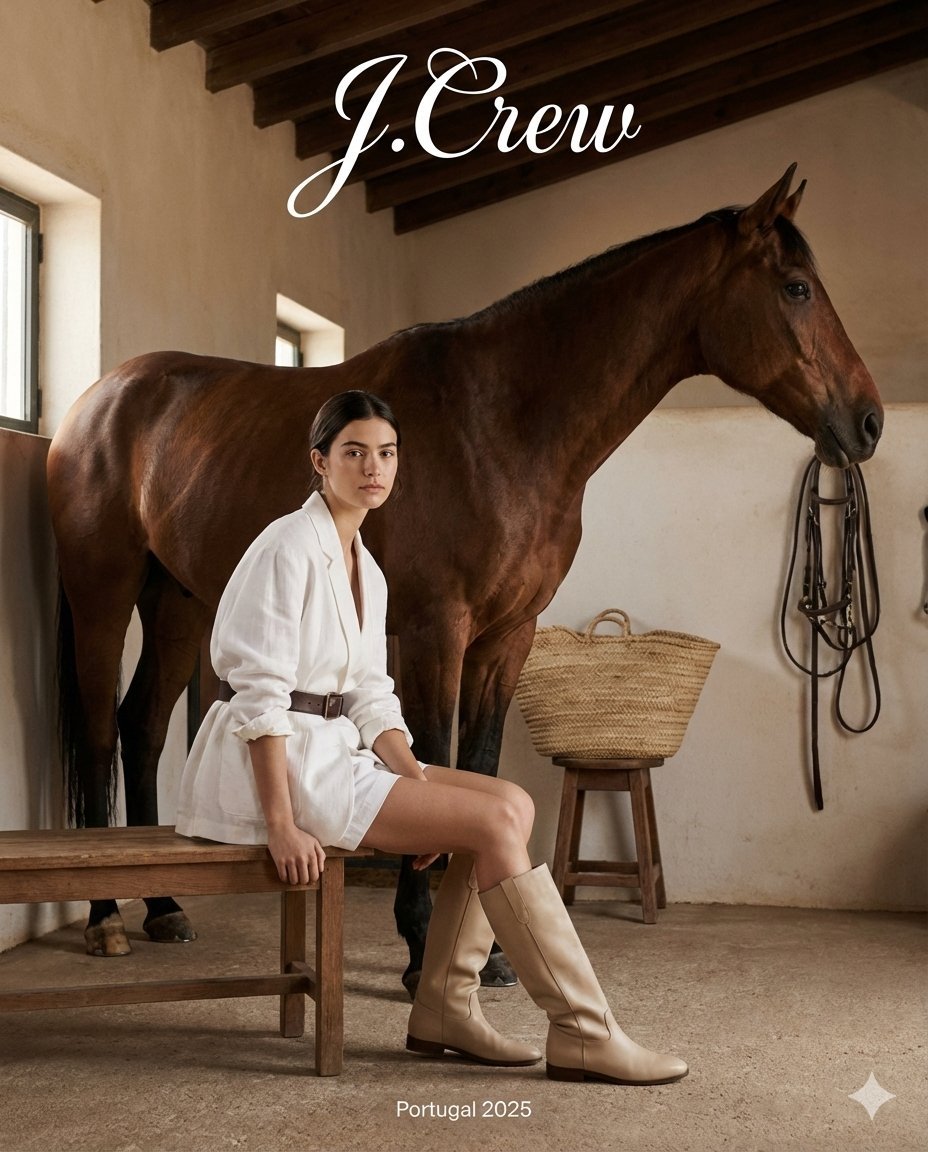
J.Crew Rustic Fashion Editorial
Browse template categories
Retro Anime Space Captain Portrait questions
How do I use the Retro Anime Space Captain Portrait template?
Add your photo if the template asks for one, edit the prompt if you like — the template's model and format are already selected — and press Generate. Your version opens in PicX Studio.
Can I customize the Retro Anime Space Captain Portrait template?
Yes. You can change the subject, setting, lighting, mood, format, and available model controls before creating your image.
Is the Retro Anime Space Captain Portrait template free?
Opening and editing this template is free. Generating uses credits, shown on the Generate button when you are signed in.
Which AI model should I use?
Choose a compatible model in PicX Studio based on the style, speed, and output controls your project needs.
Looking for something else? Browse all templates.

Your photo, any look
Thousands of ready templates for every top image and video model, from one credit balance.